





Page 5 of 6
CONNEX APP
As always for complete control of the QD35 (and to enable LDAC) you will need to use the ConneX app.
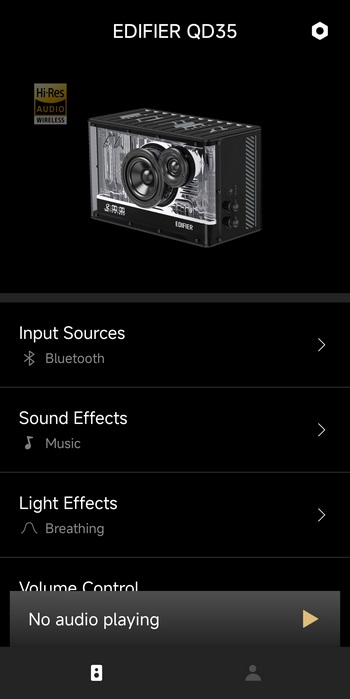
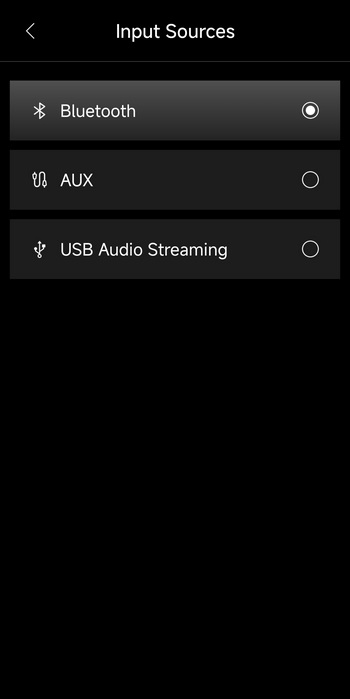
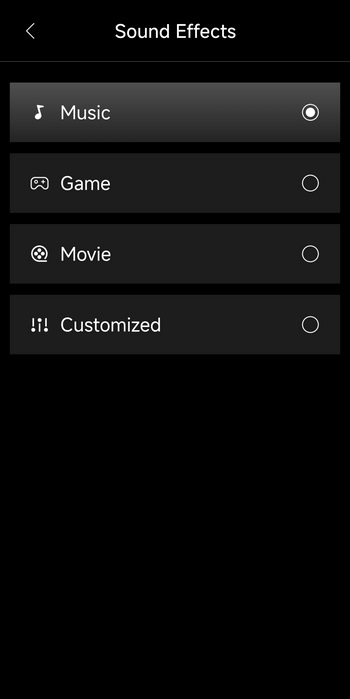
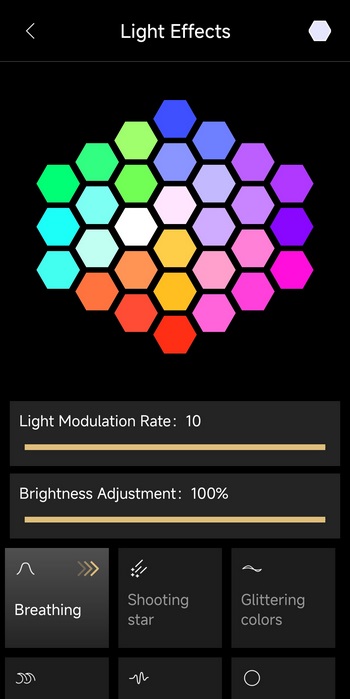
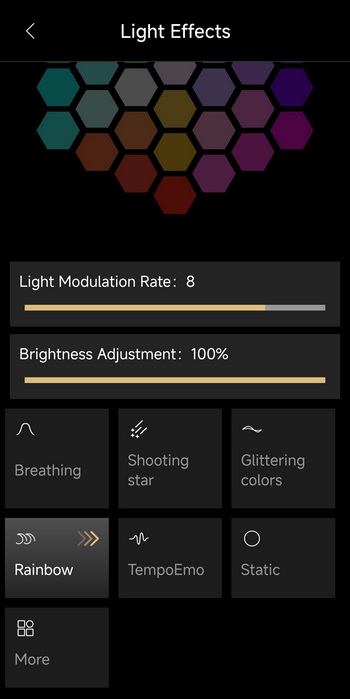
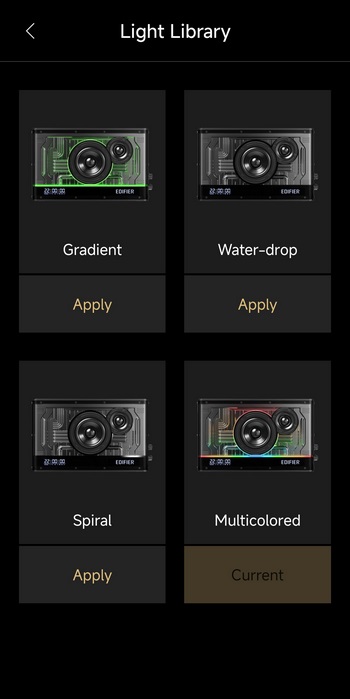
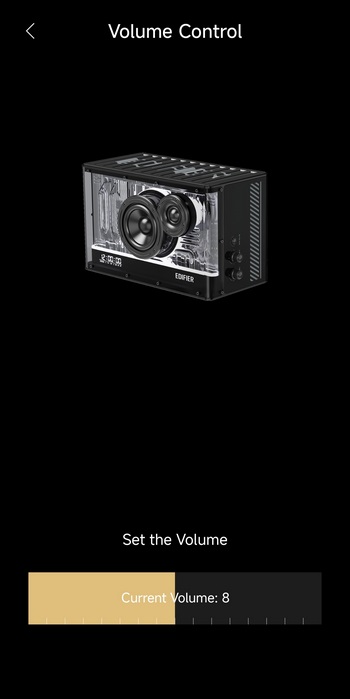
Typically, the main tab of the ConneX app gives you access to the input sources, sound effects, light effects (you have 6 standard and 4 which you can swap - unfortunately can't use all simultaneously, you need to upload the one you want to use onto the QD35) and volume control.
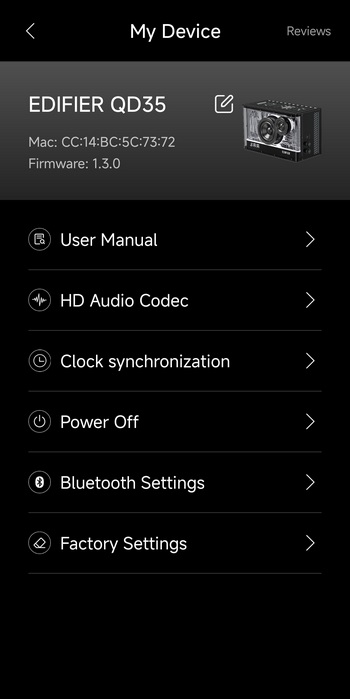
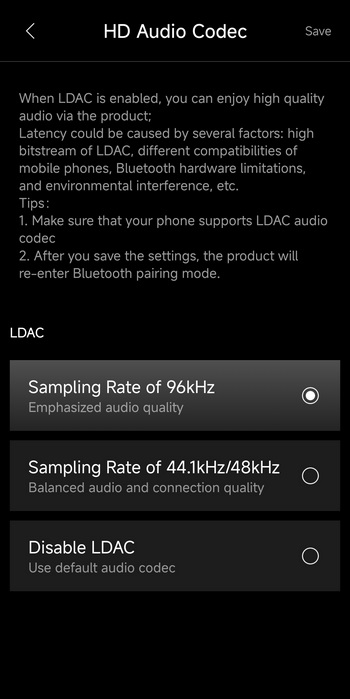
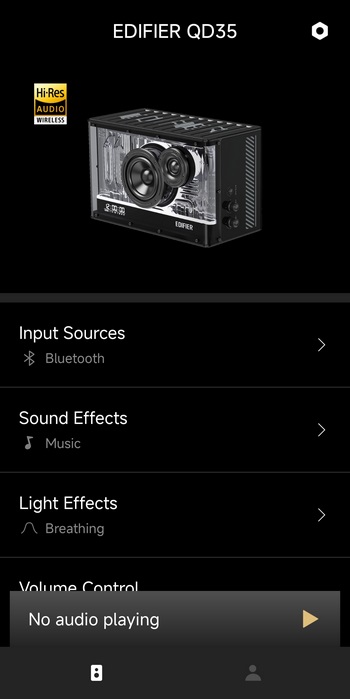
What really matters is the settings tab however from where you can enable the LDAC (Hi-Res) audio codec (once you do that the Hi-Res logo lights up in the main tab).
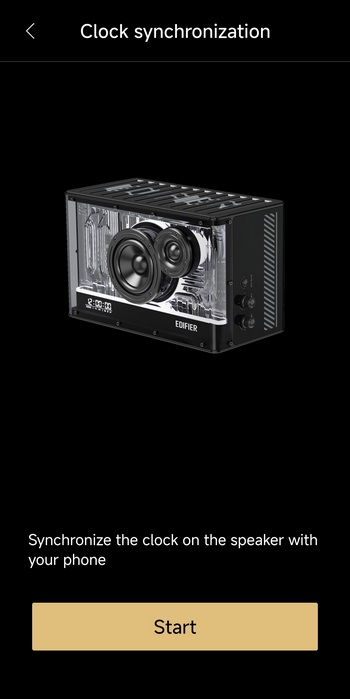
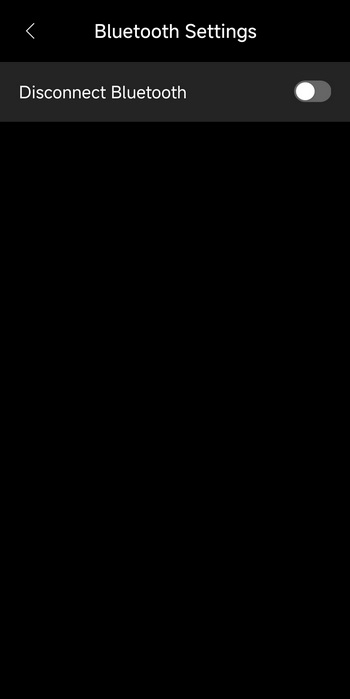
From the settings you can also synchronize the clock at the front of the QD35 with the time of your smartphone and disconnect Bluetooth.





