





CONTROL APP
The control app by FIIO gives you access to the more advanced features of the SA1.
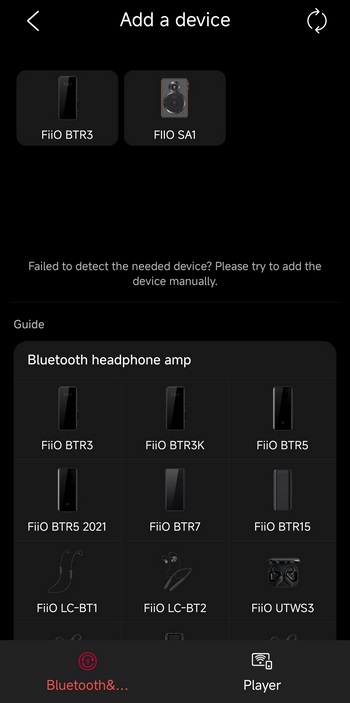
As usual once you launch the app it will look around for available devices (in my case the BTR3 was also near).
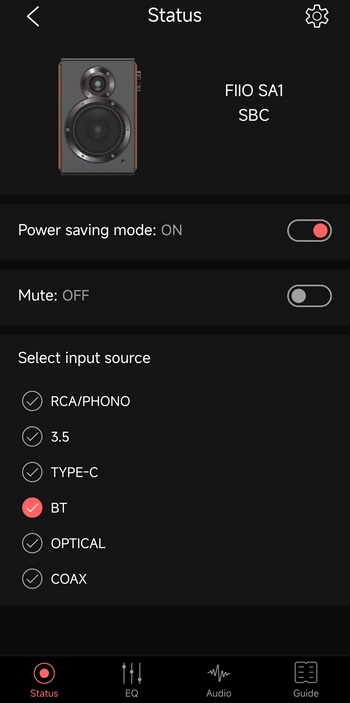
From the main tab you can check the current wireless audio codec (my smartphone for some reason went to SBC although LDAC is also available), enable/disable the power saving mode, mute the speakers and change the input.
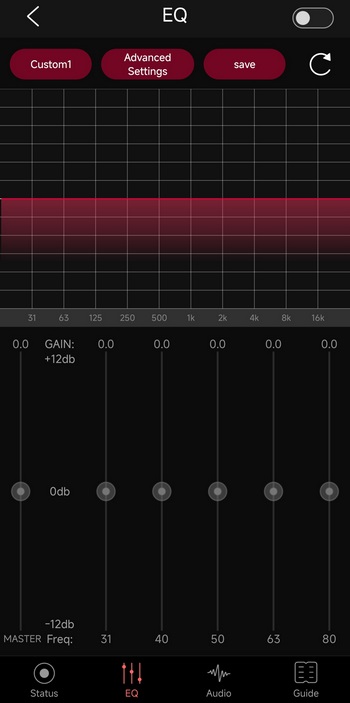
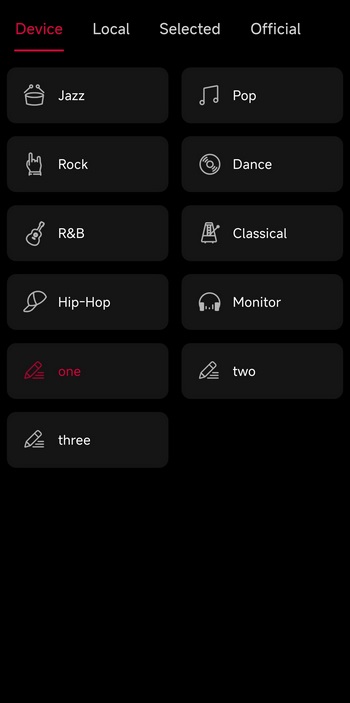
You can access the equalizer with the 11 available presets from the lower end of the app.
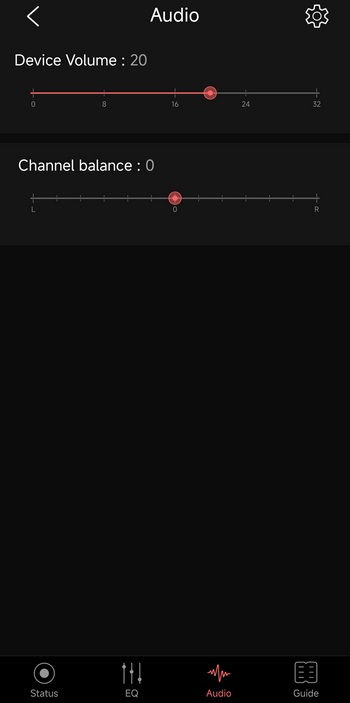
From the lower end of the app you can also access the current volume level and channel balance.
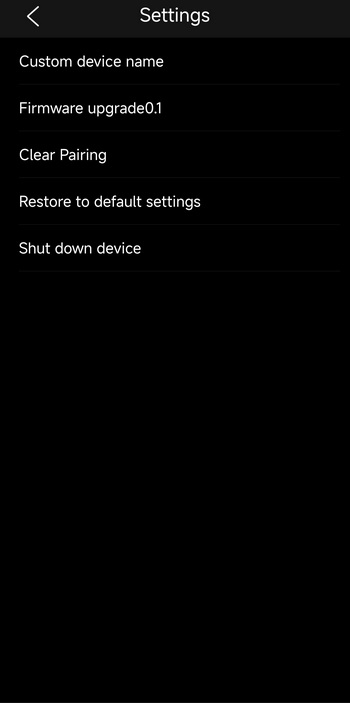
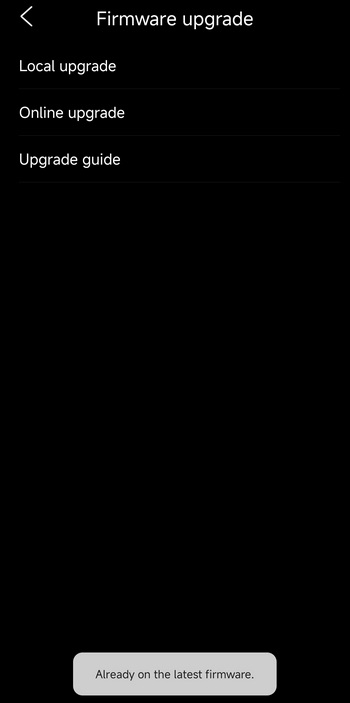
From the settings tab you can change the name of the SA1, check for firmware updates (no new ones at this time, not for my sample), clear pairing, restore the SA1 to its factory settings and shut it down.





