





ENGINE SOFTWARE
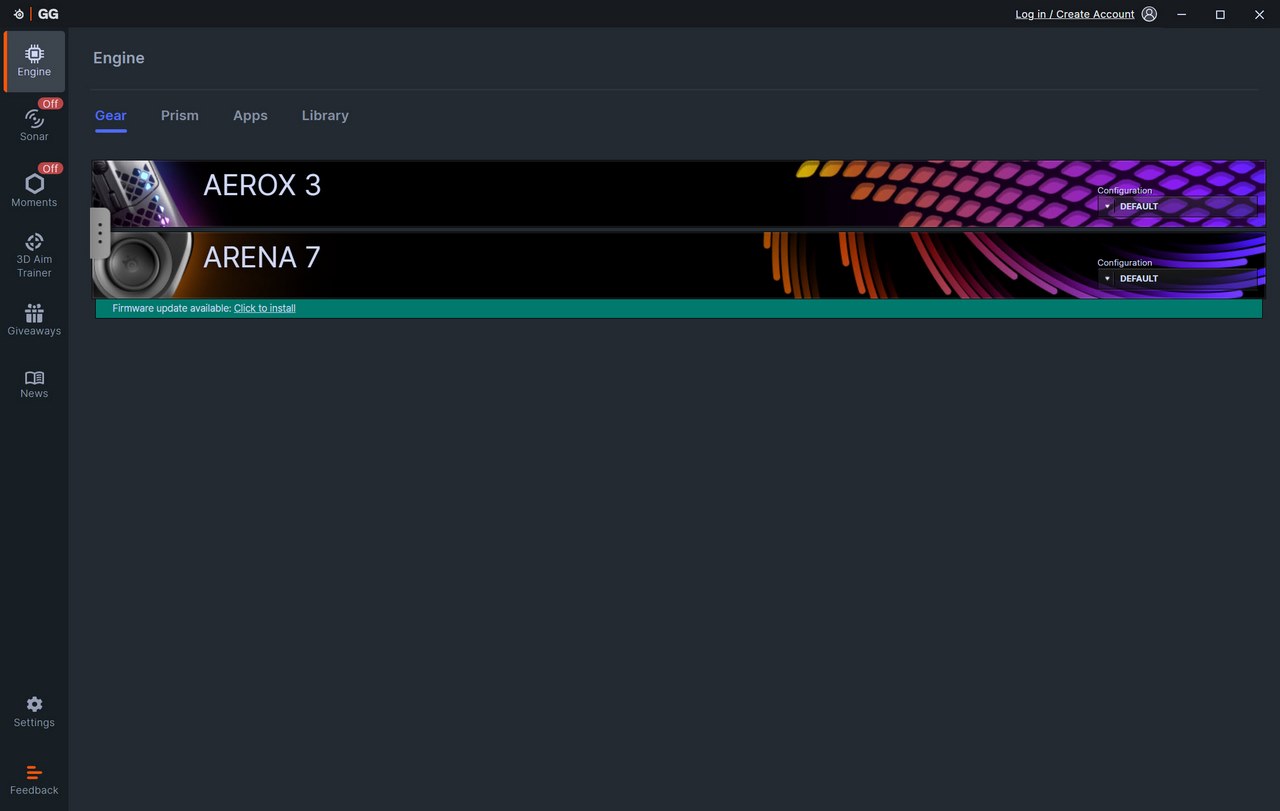
The Engine software detects available devices by SteelSeries (also have the Aerox 3 on this system) and informs you of available firmware updates (there was one for the Arena 7 speakers).
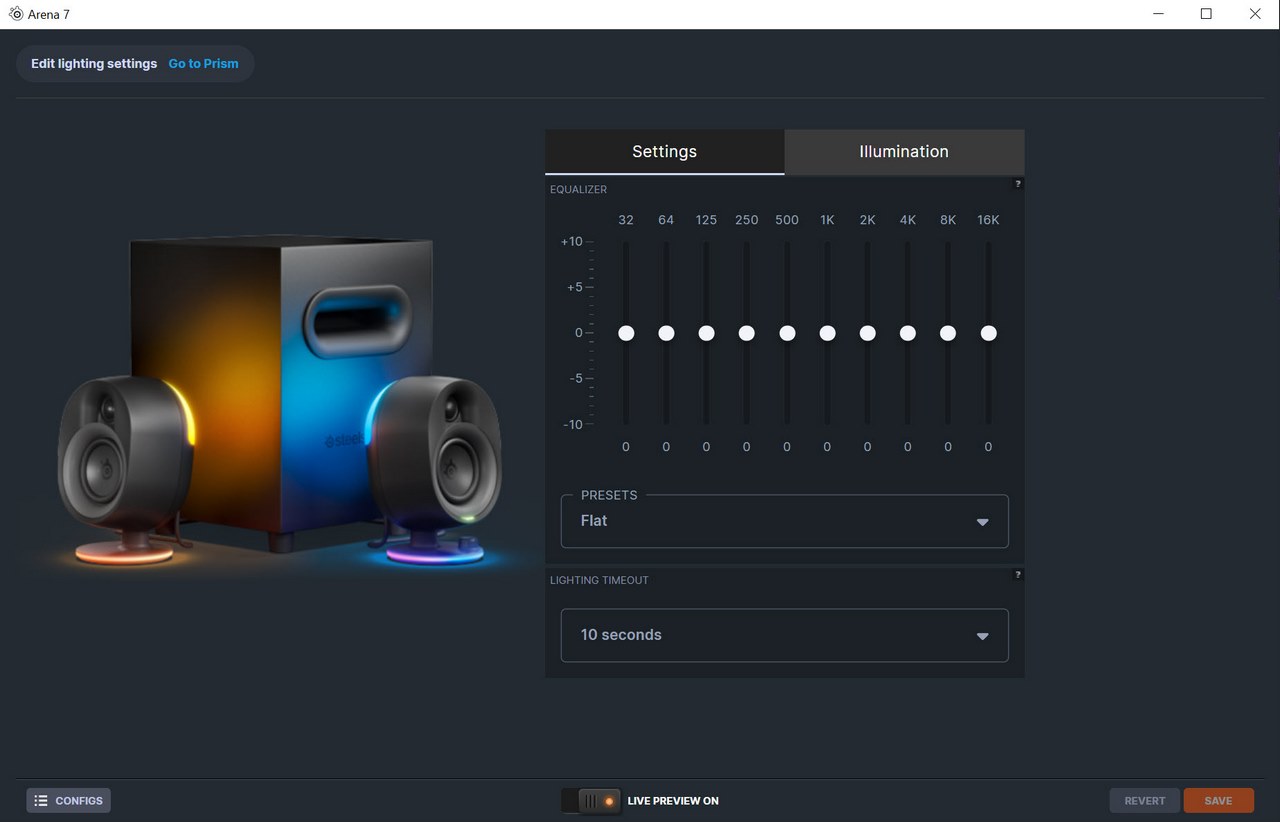
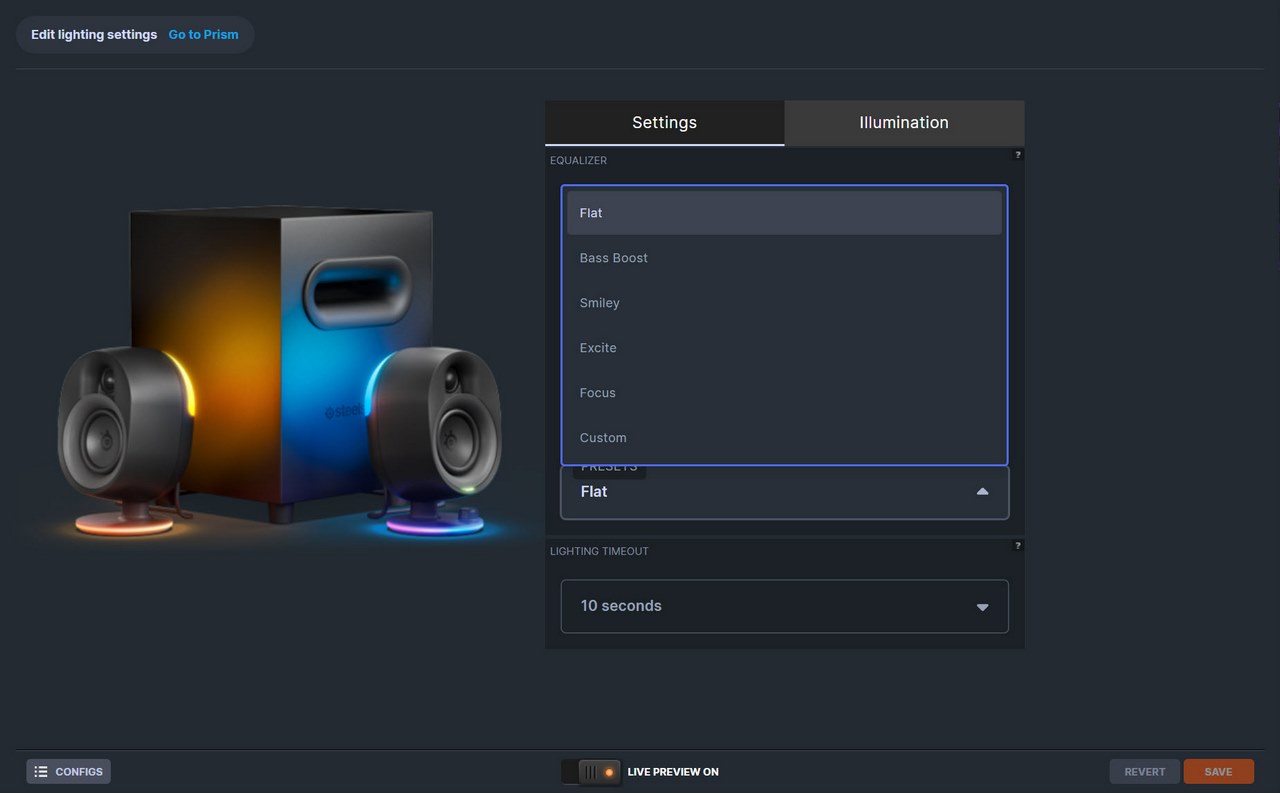
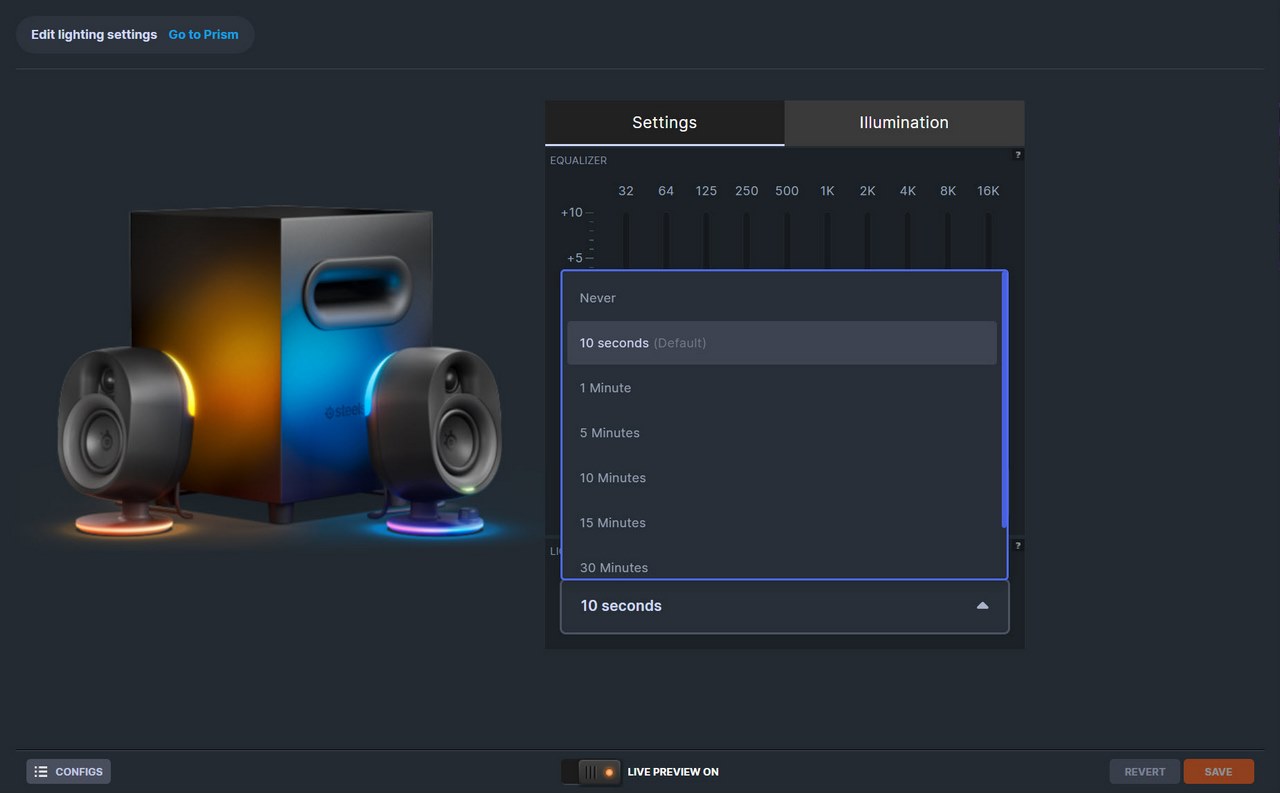
From the initial tab you can tweak the equalizer, load one of the 6 available presets and set the lighting time out.
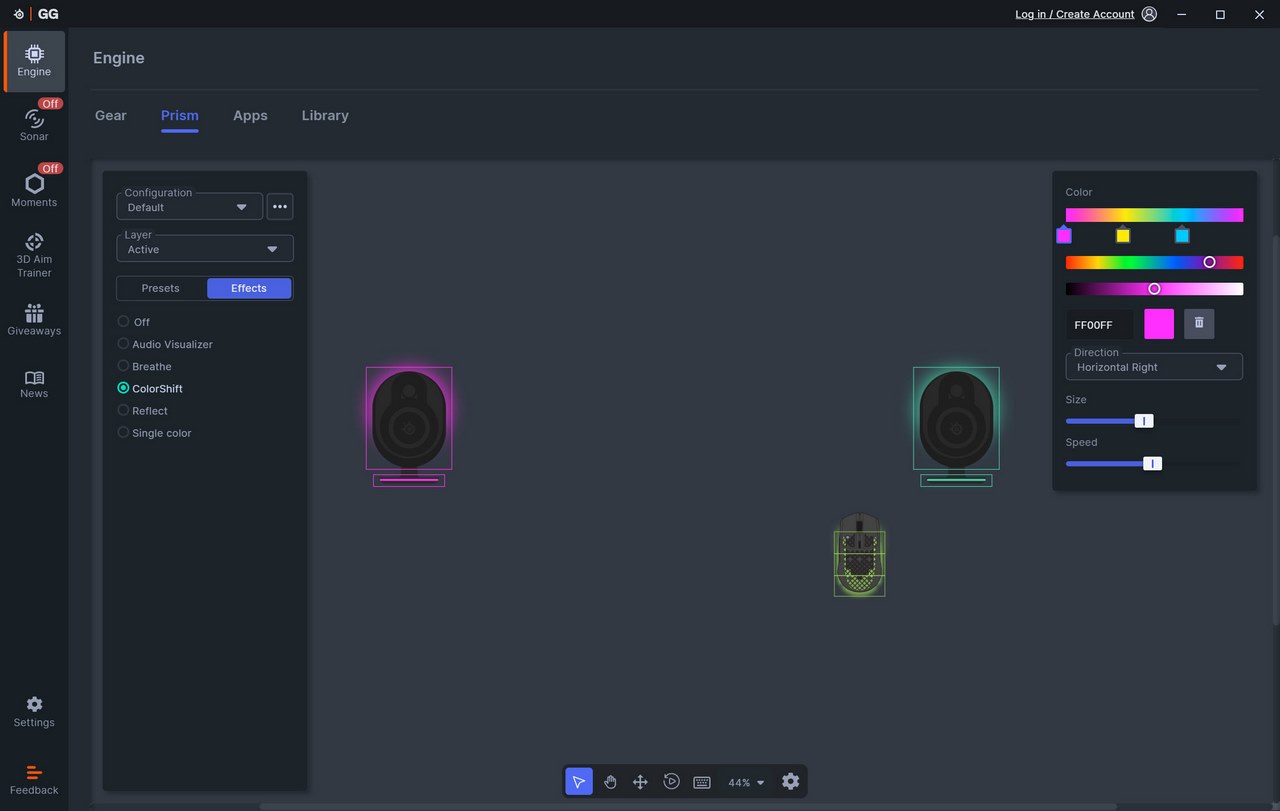
Pressing on the illumination tab takes you to the Prism tab from where you can control all 4-RGB zones (2-zones on each speaker, rear top and base ring) manually or by using one of the 5 available modes.
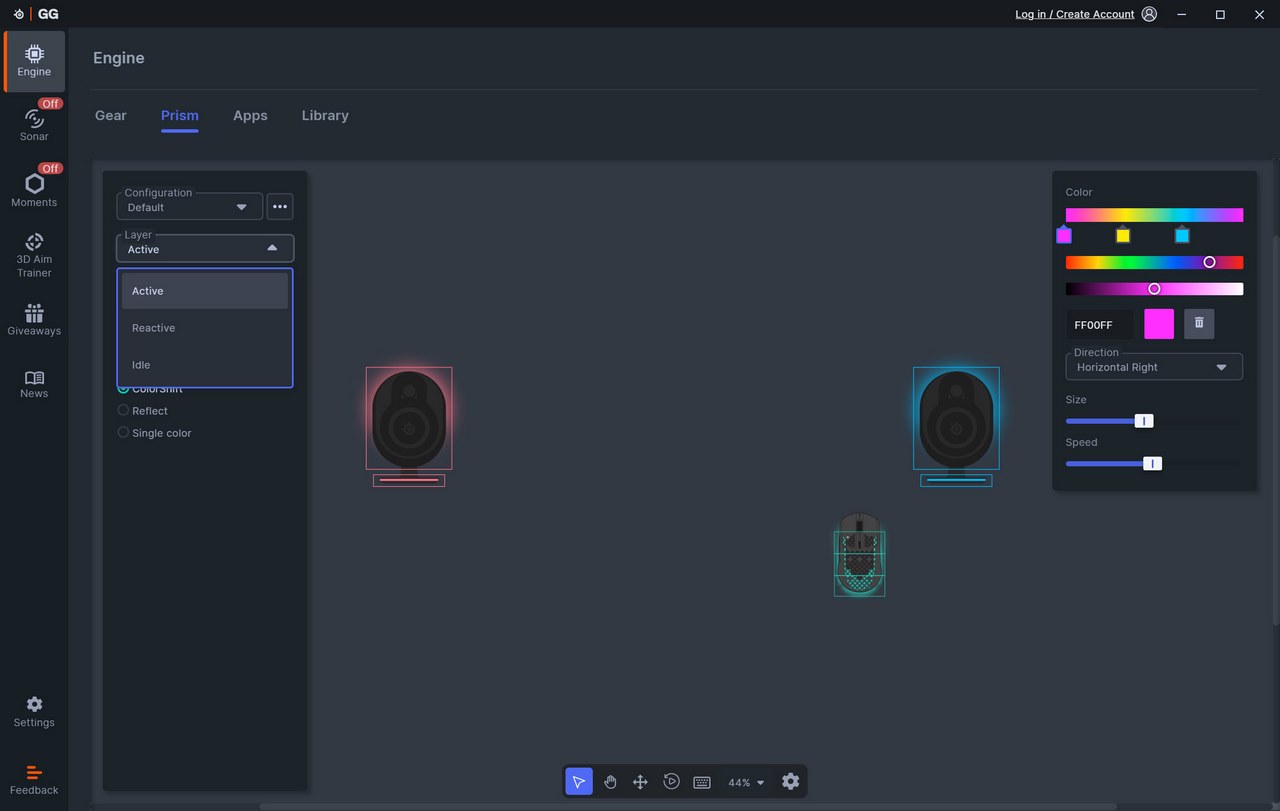
There are three available layers, active (continuous standard effect), reactive (triggered by key presses) and idle (effect when the system has been idle for a set period of time).
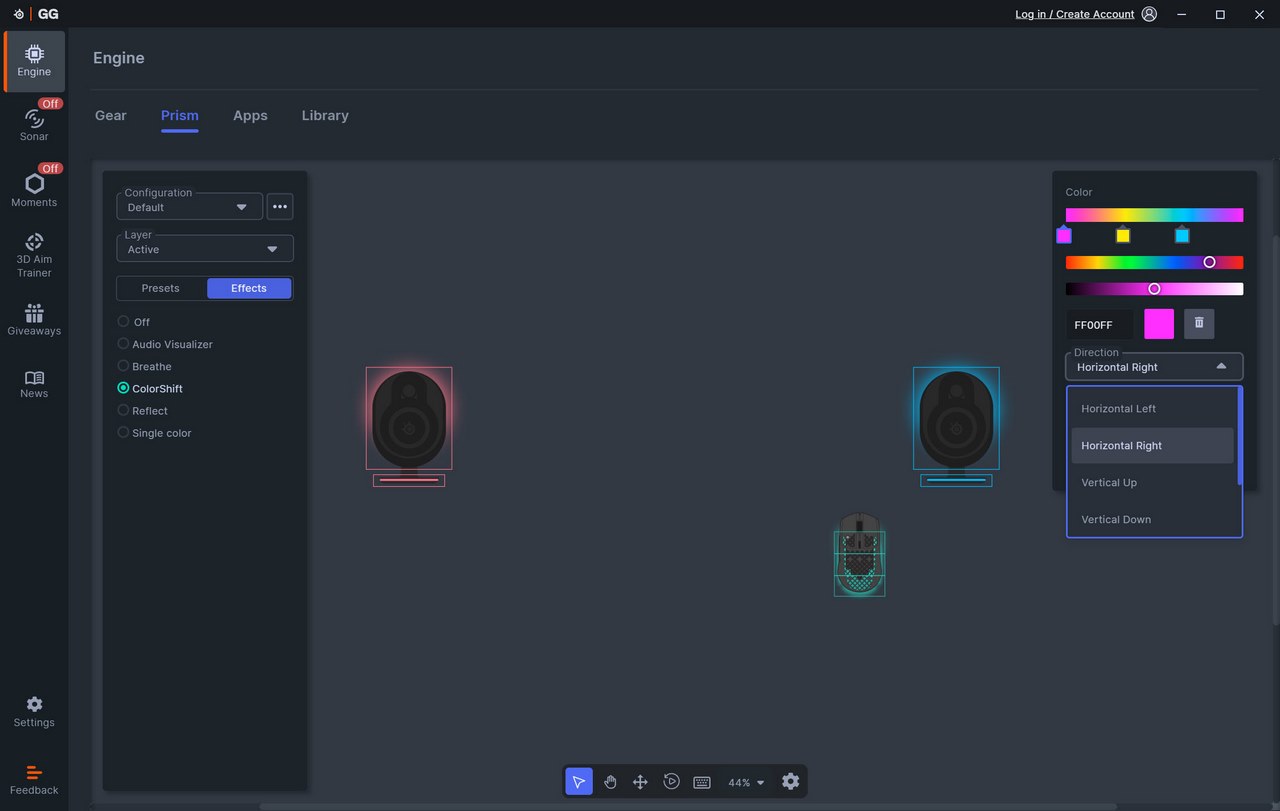
You can also adjust the brightness level, speed, and direction of the effects from the top right corner.
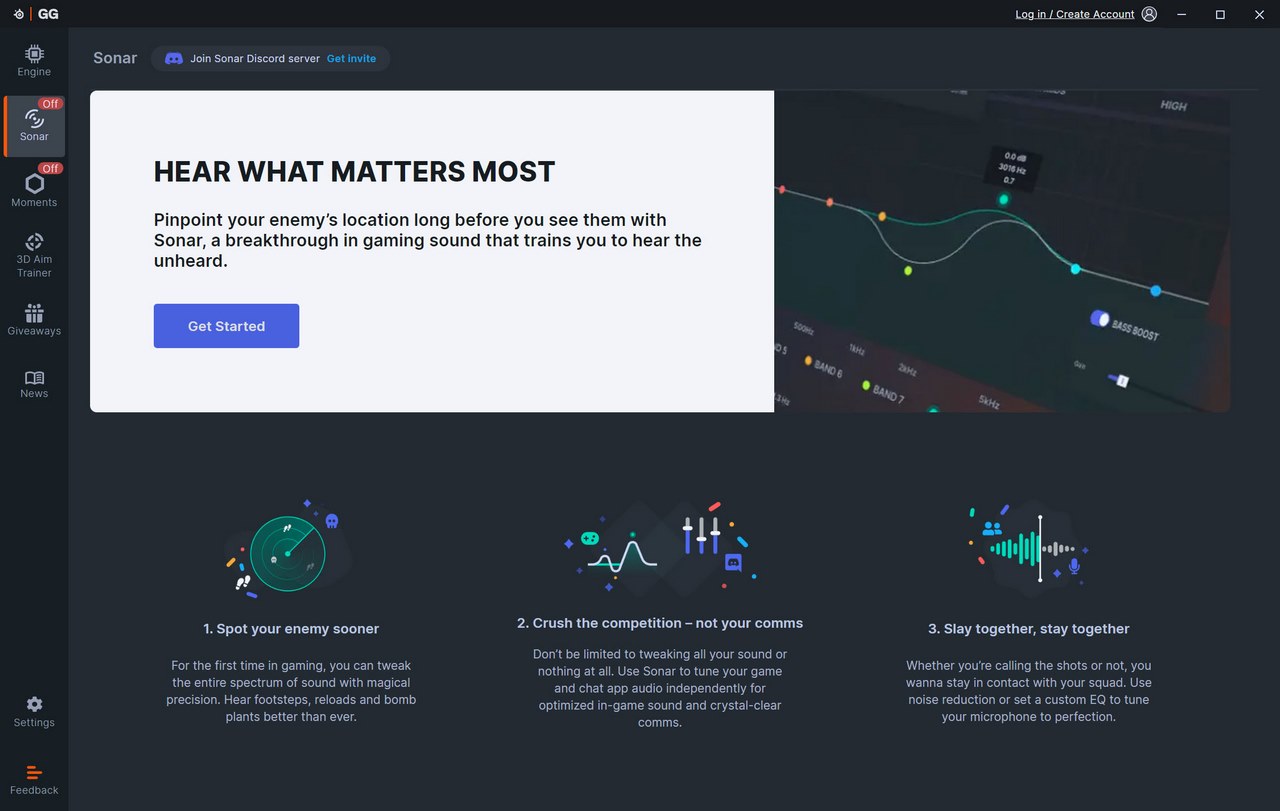
The sonar audio optimization is something I've used in the past with headsets but it's also useful with speakers (regardless of brand, you just need to register a free account with SteelSeries to use it).
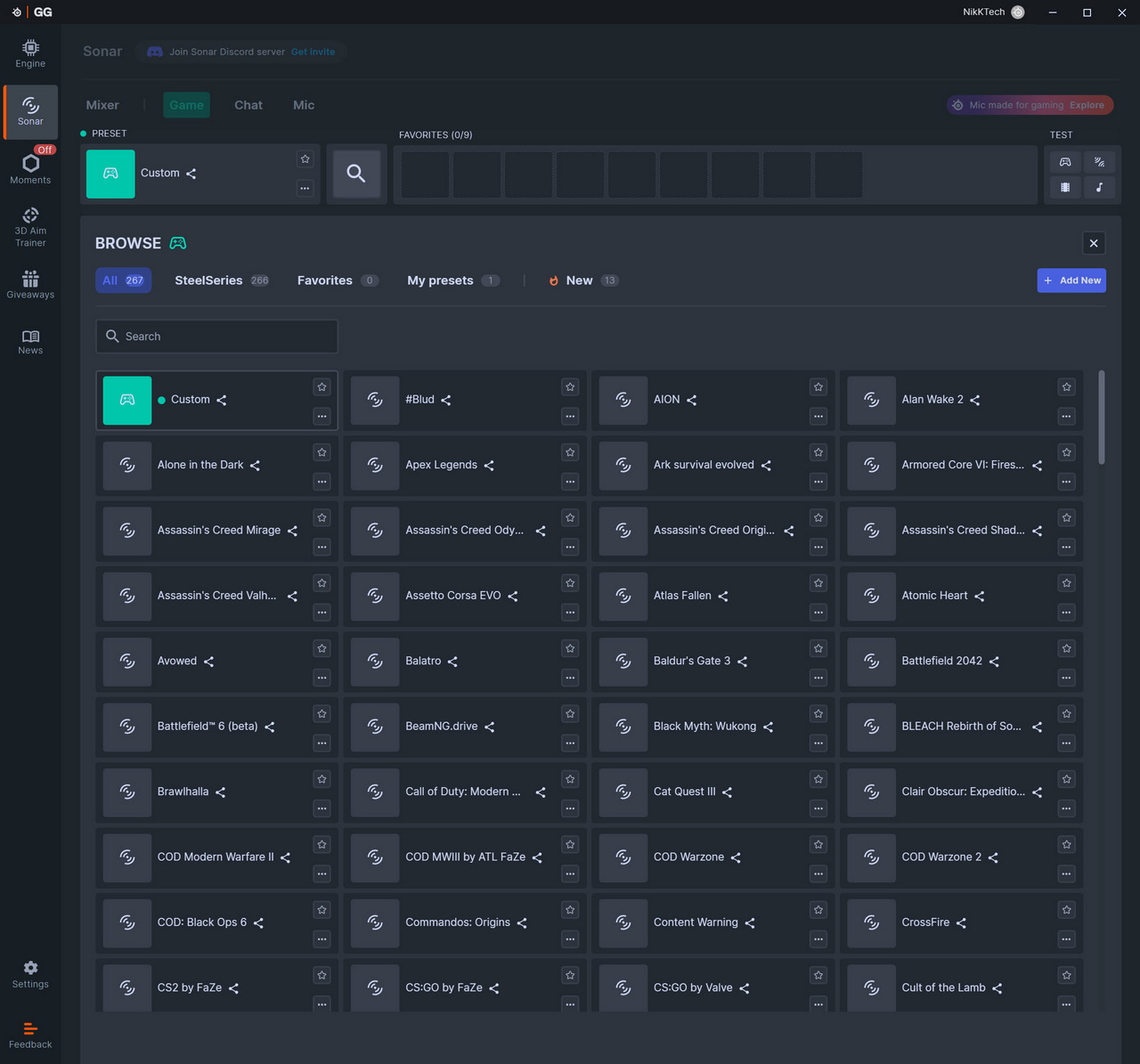
There are 3 main subtabs (plus mixer) inside the Sonar tab the first of which is game and allows you to set the equalizer (can make your own or choose one of the 266 presets), enable spatial audio and use the volume boost and smart modes.
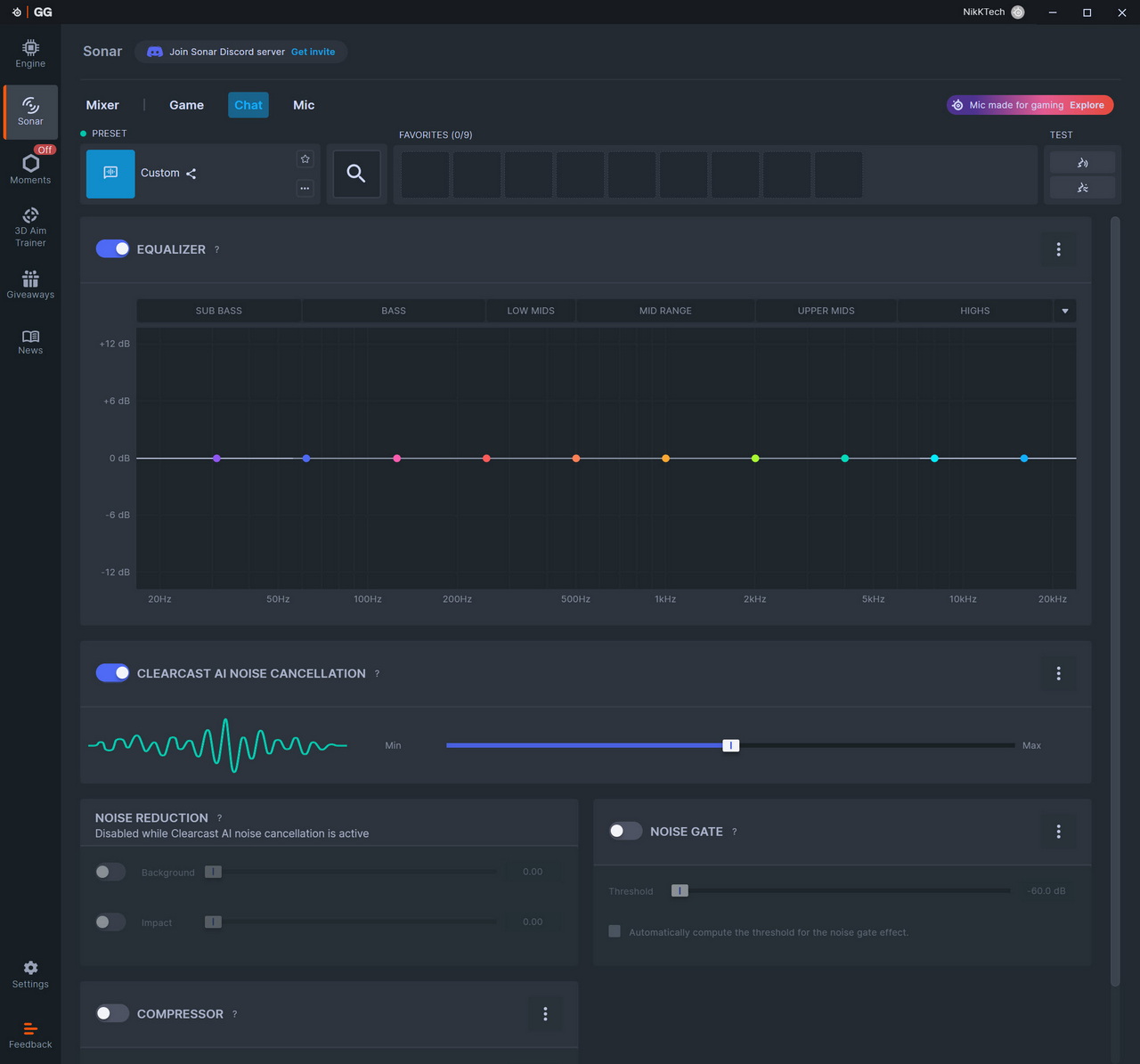
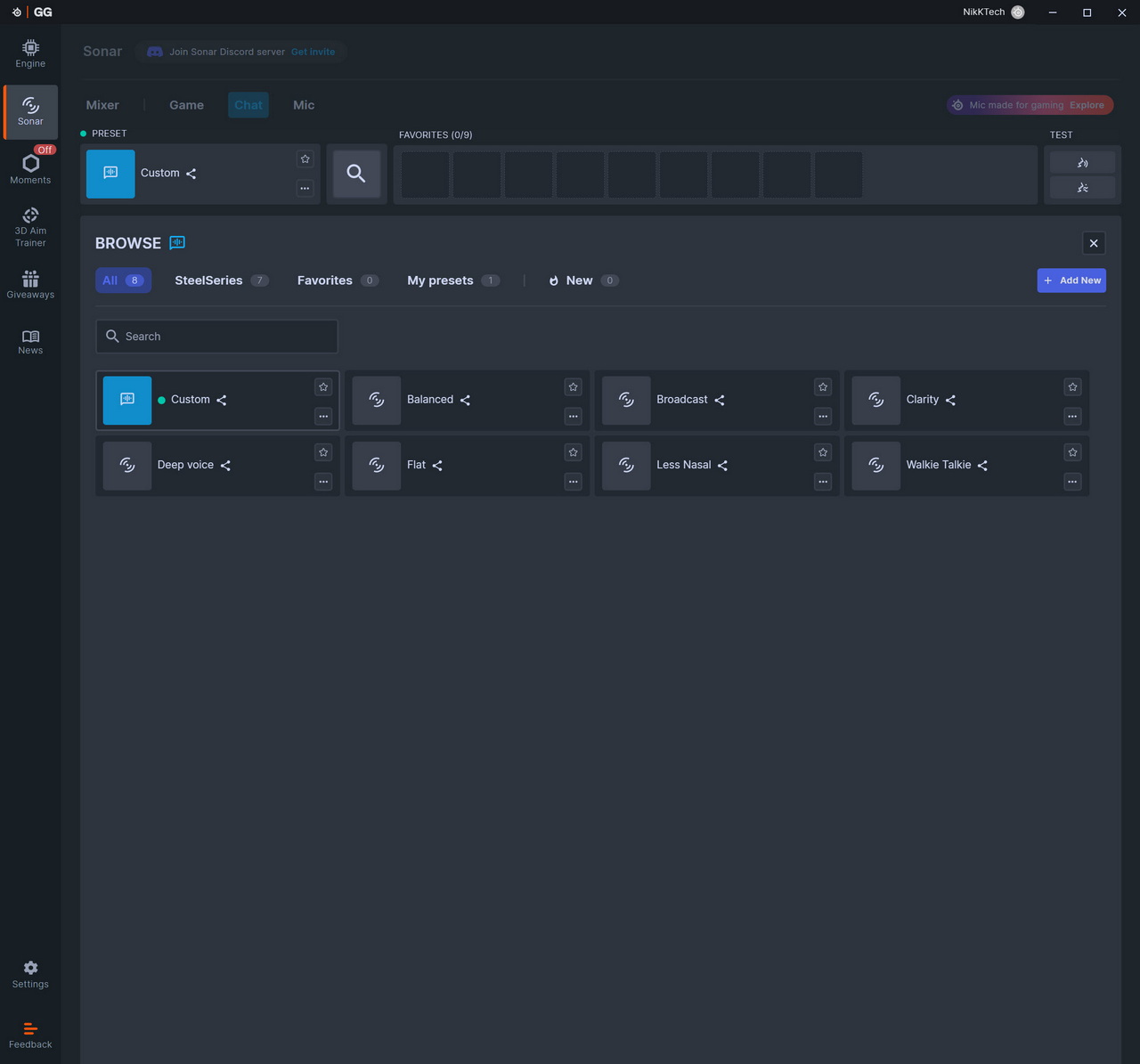
Second tab is the chat tab and as expected in here there are many chat related settings including an equalizer (again, you can either create your very own or use one of the 7 presets), clearcast AI audio cancellation, noise reduction and gate and compressor.
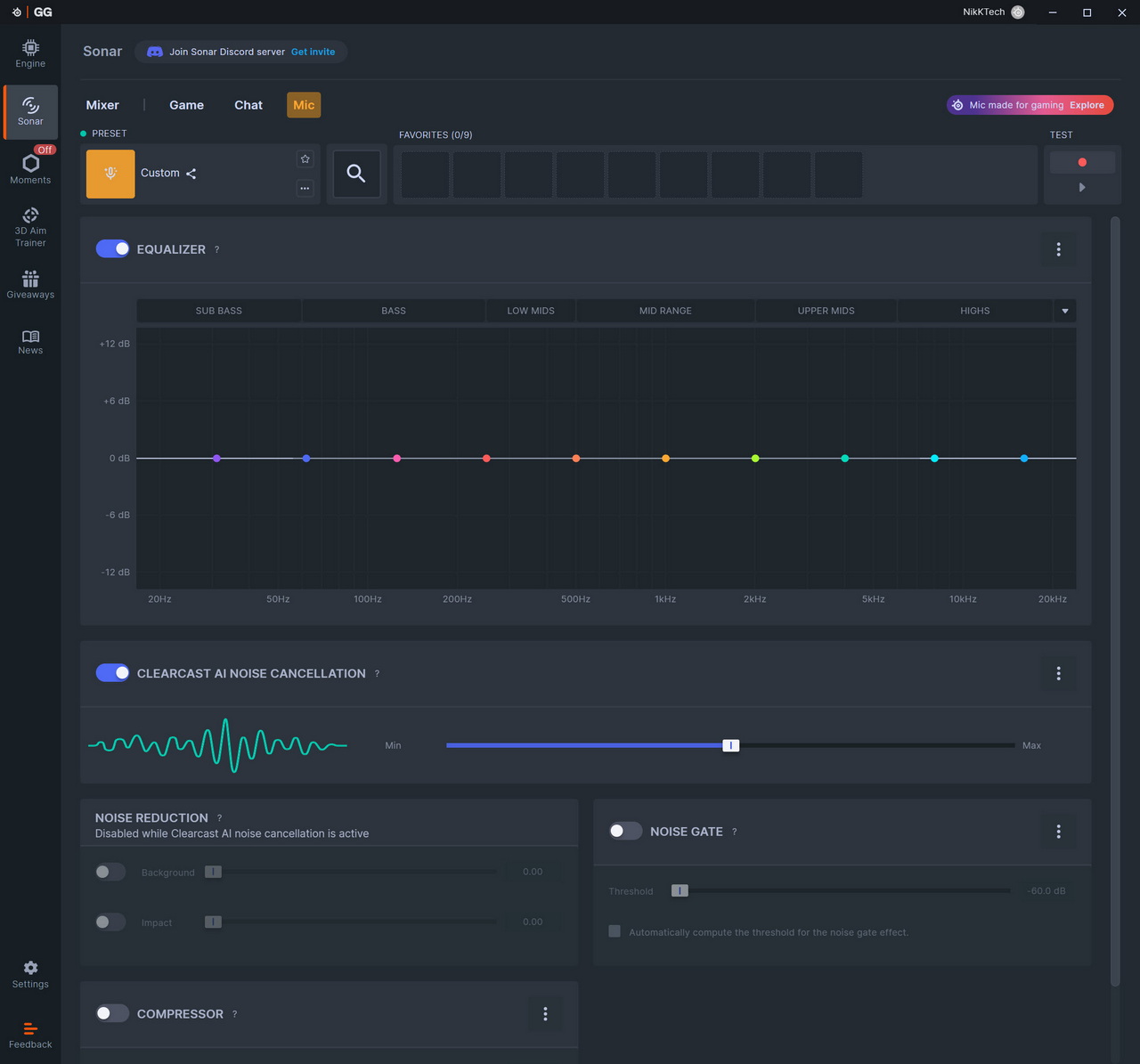
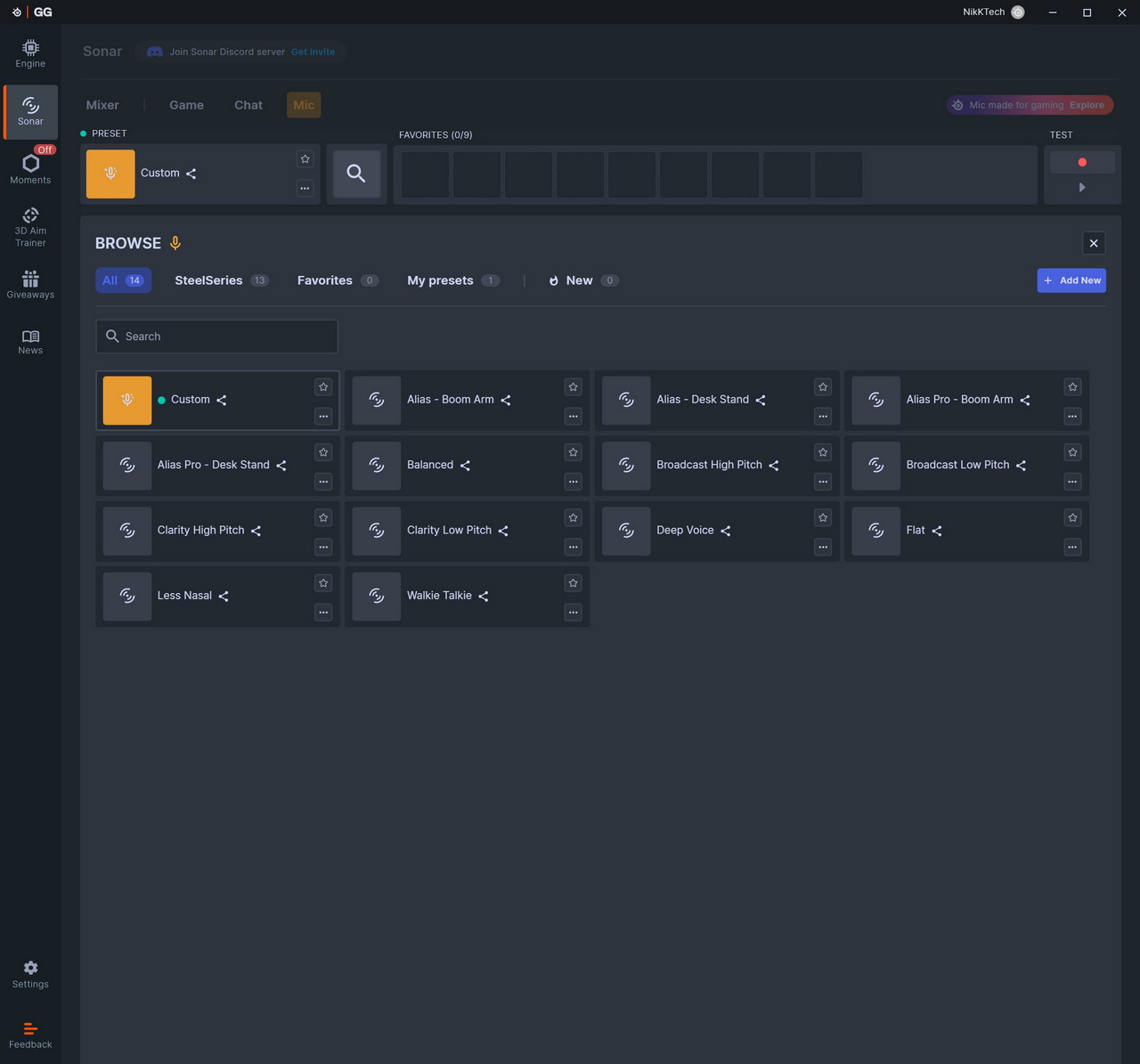
Finally, we have the mic tab which is identical to the chat tab with sole difference the available equalizer presets which are 13 in number (plus your very own).





