





Page 5 of 6
CREATIVE APP
As usual for complete control over your Creative speakers you should install their software/app.
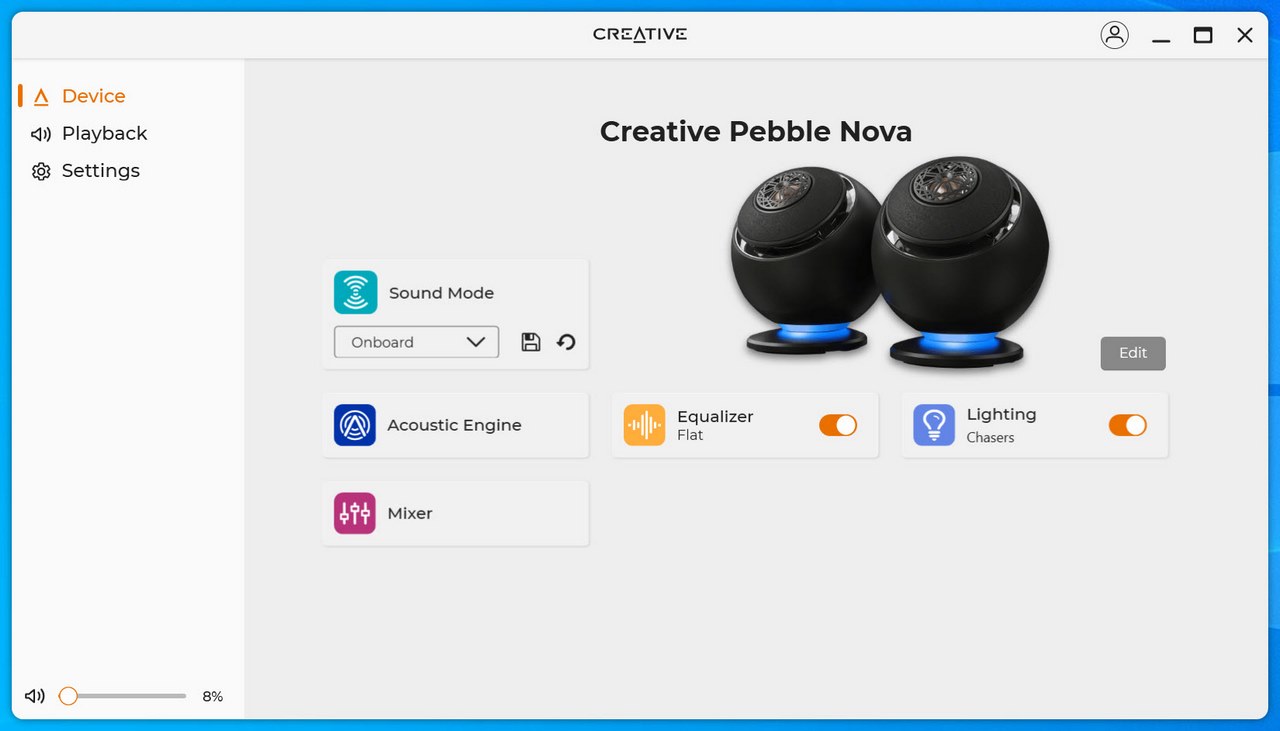
The initial tab contains most available settings and of course a product picture.
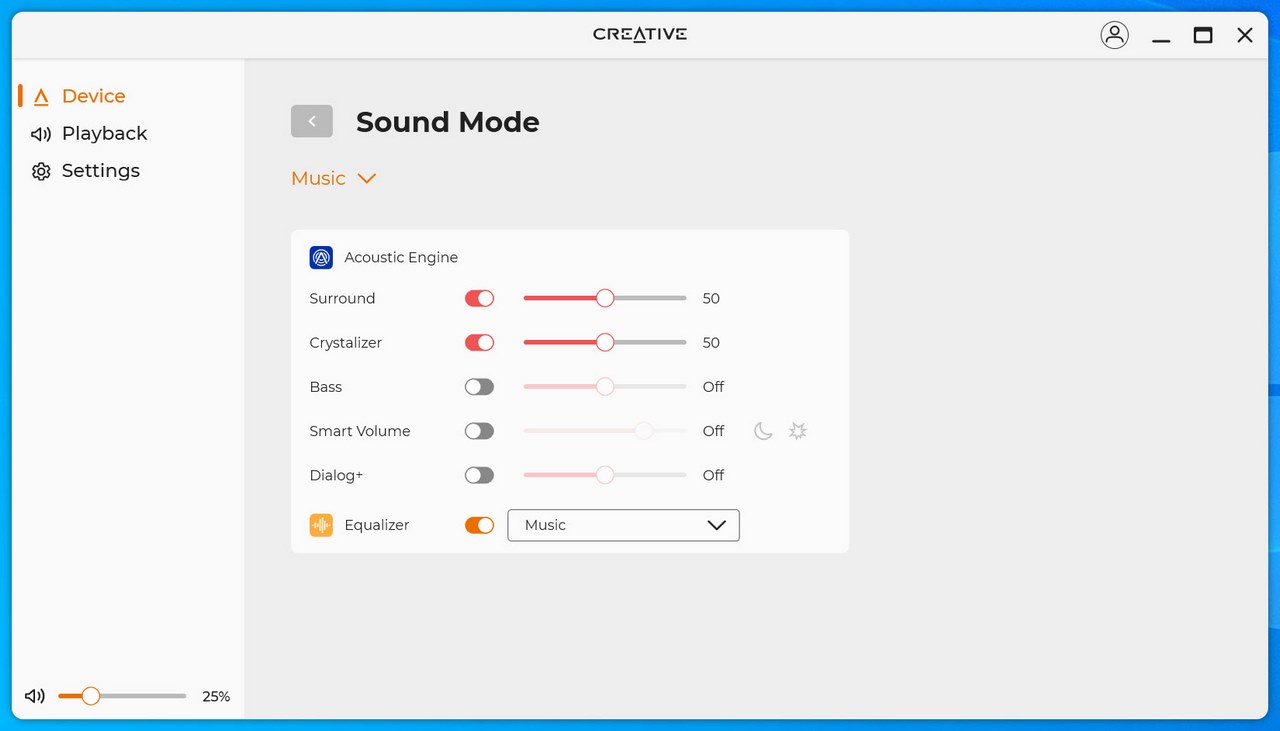
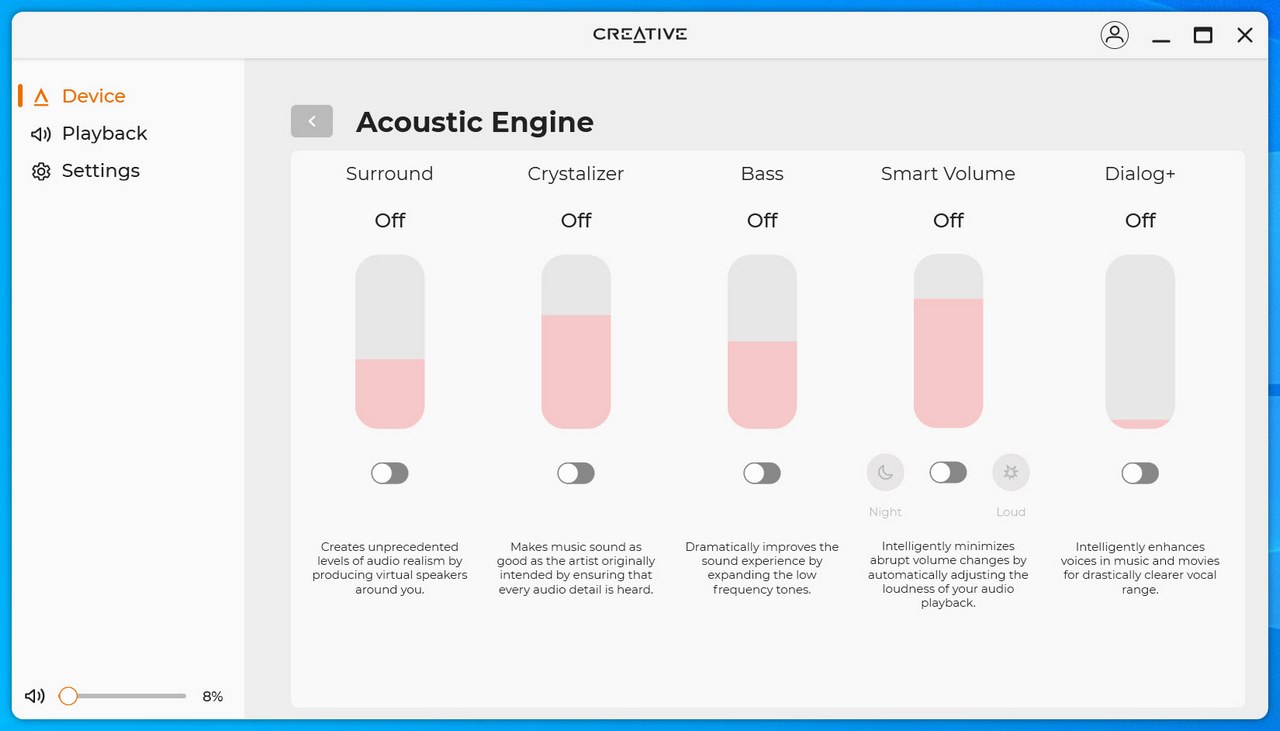
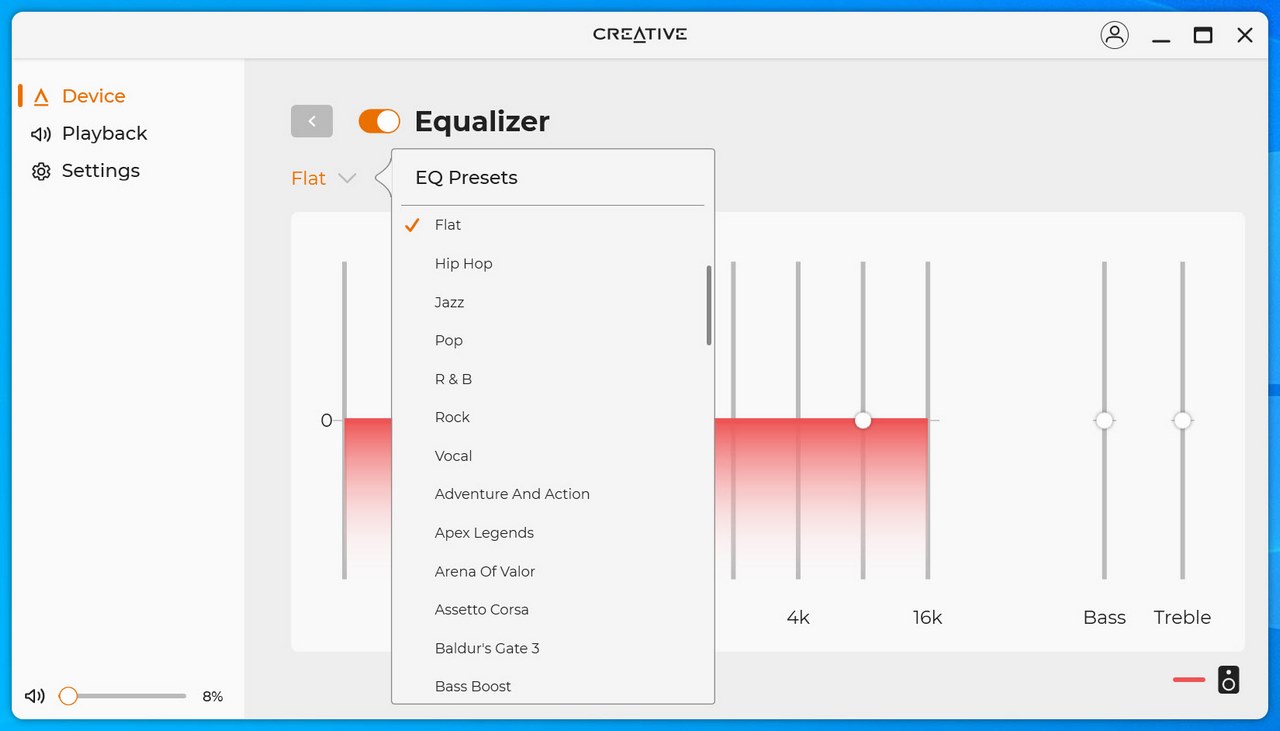
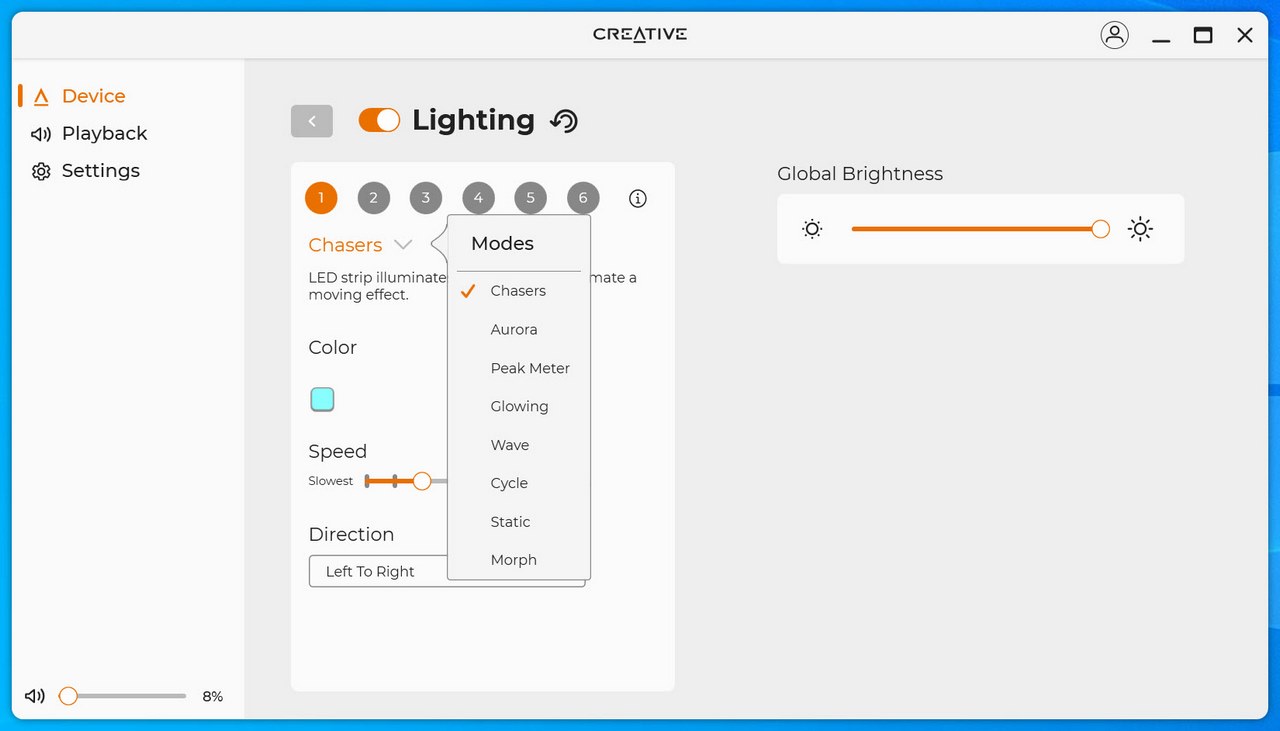
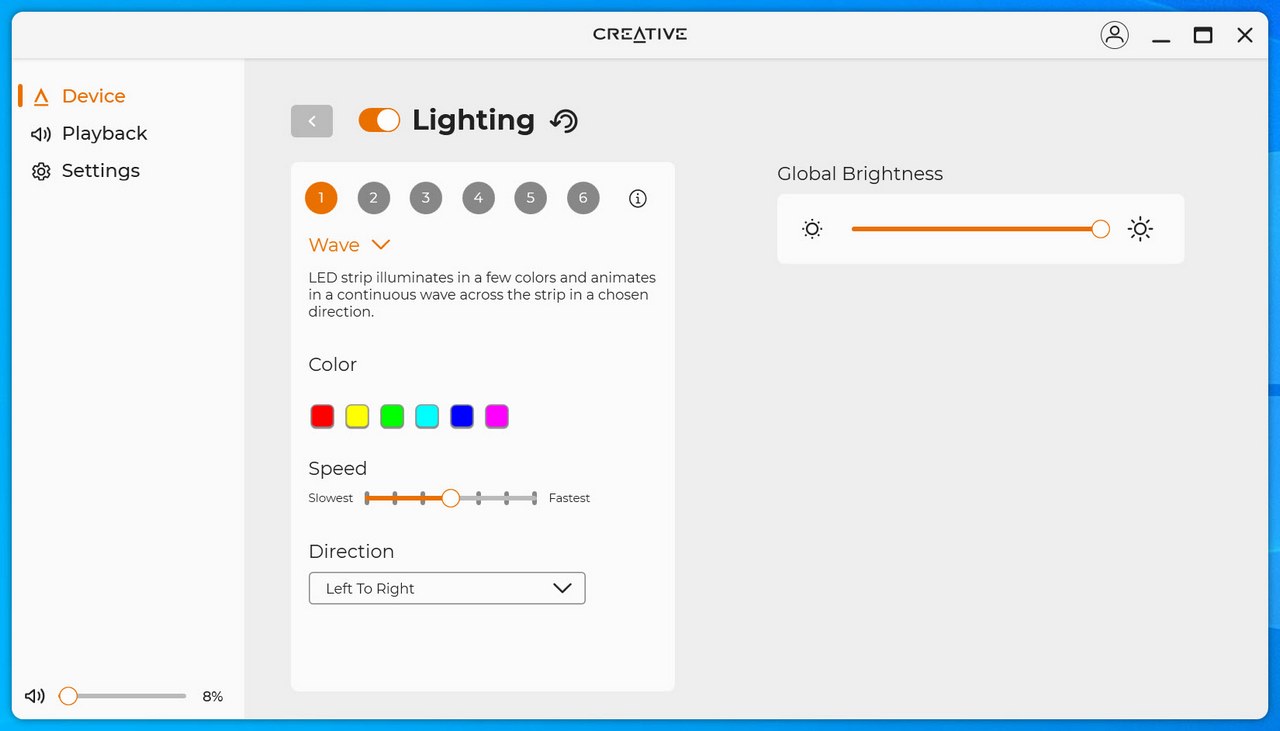
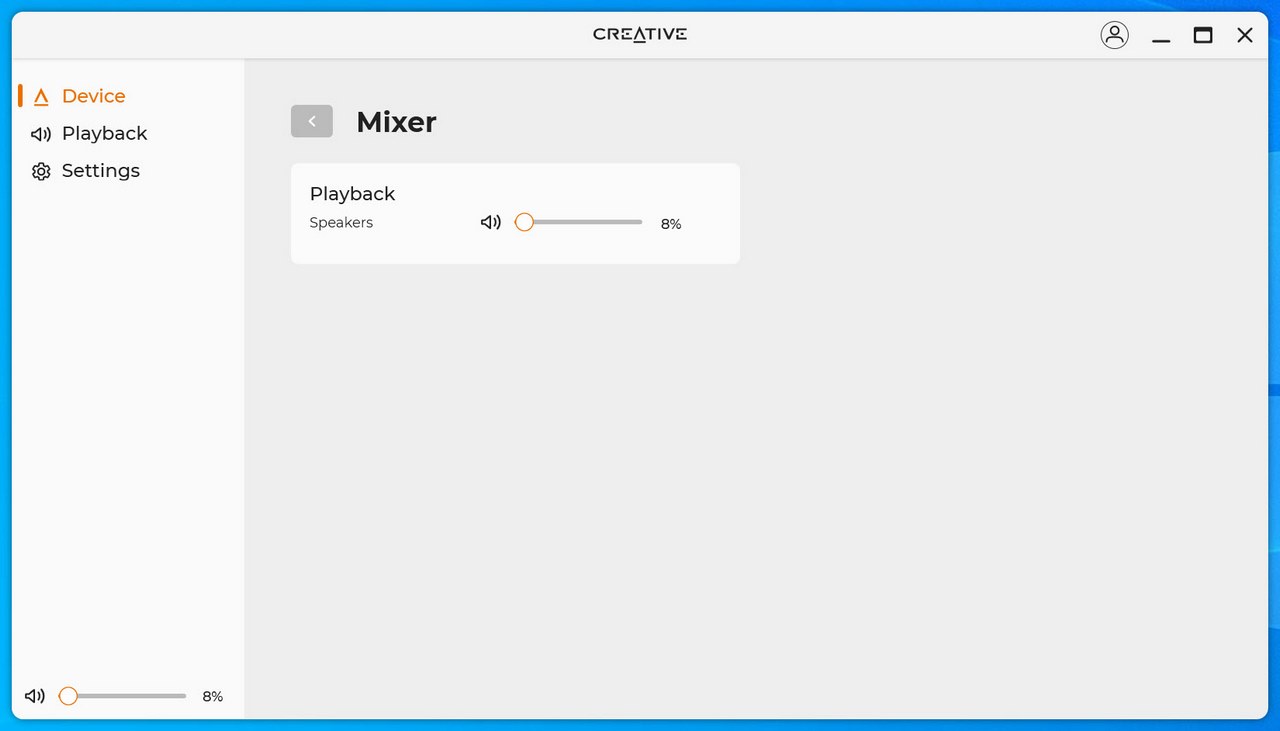
So, from here you can control sound model, adjust the acoustic engine feature, use the equalizer, set the ARGB lighting (8 modes) and use the mixer function.
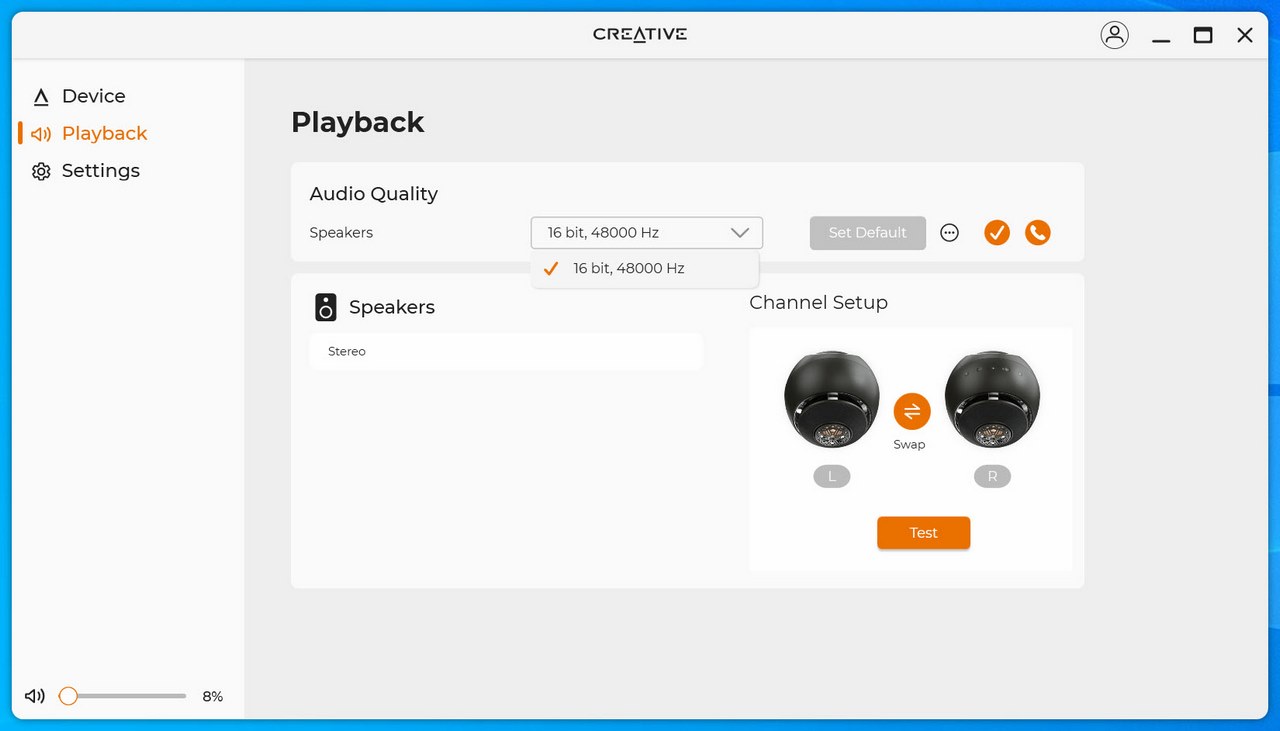
If you decide to use USB-C connectivity (that's only how the Creative App can be used) with the built-in DAC, the maximum audio quality is set at 16-bit/48kHz.
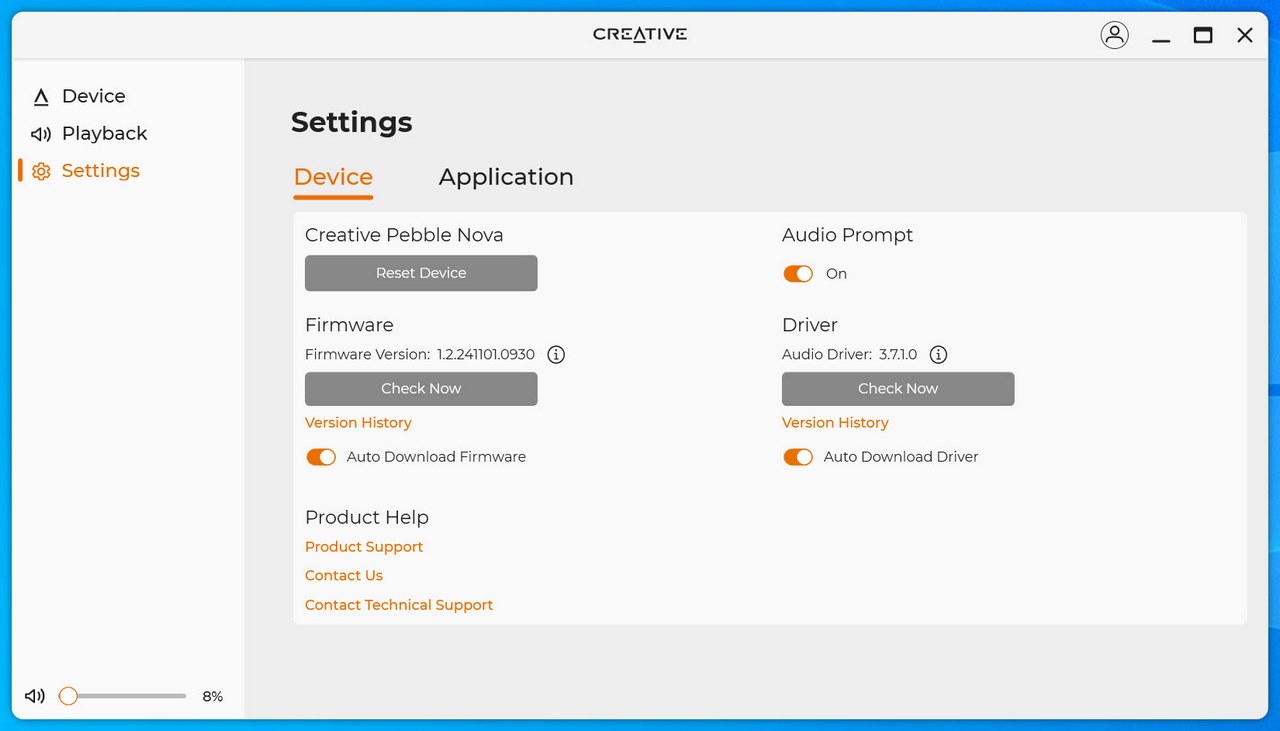
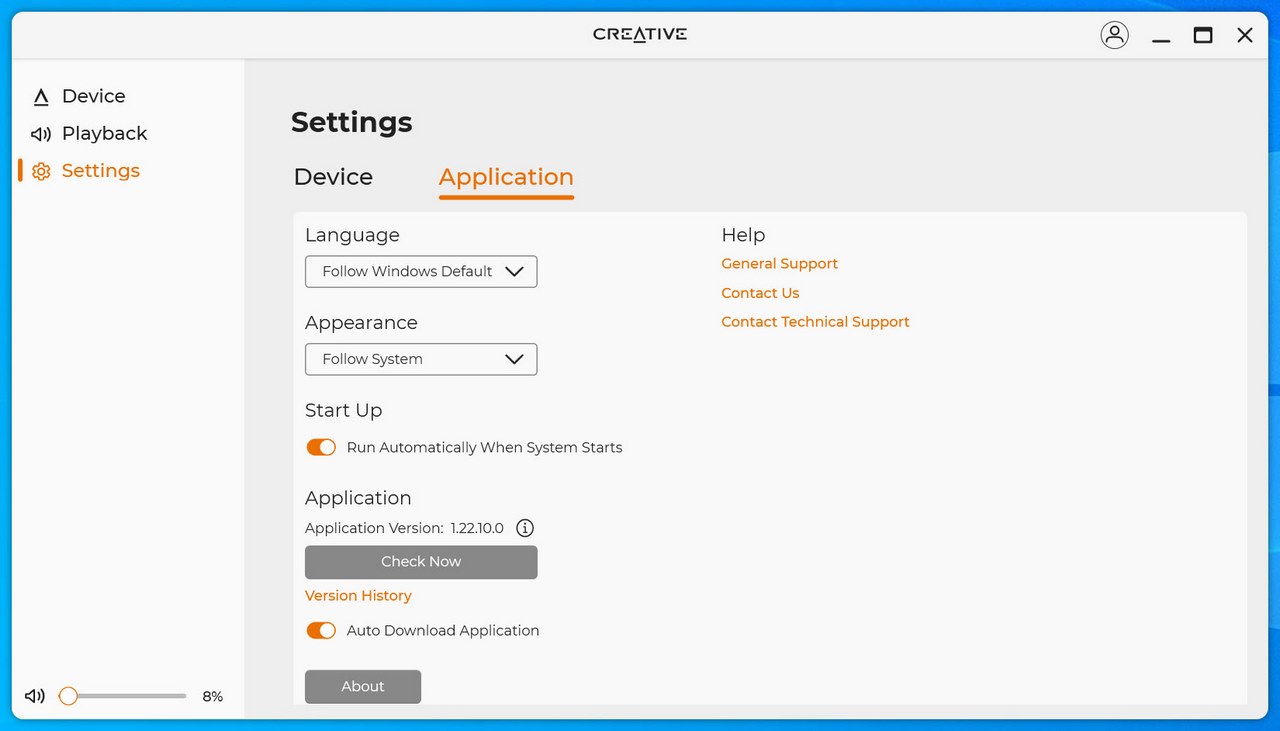
Finally, from the settings tab you can check both for software and firmware updates and enable/disable audio prompts.





