




SMART CONTROL PLUS APP
For complete control over the MOMENTUM 4 wireless, you should download the smart control plus app by Sennheiser.
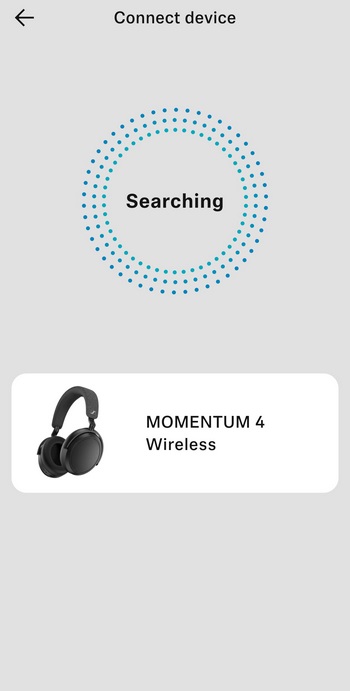
Once you install the app and turn Bluetooth on it will search for nearby Sennheiser devices.
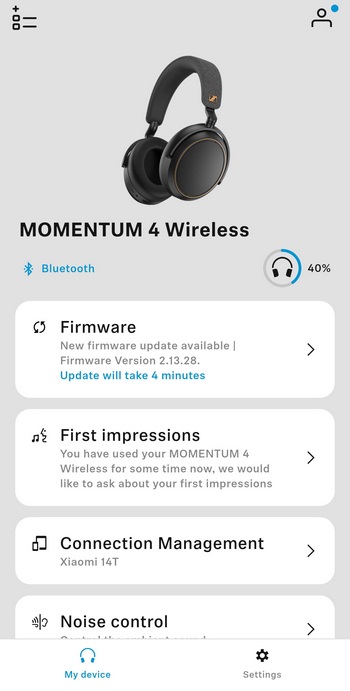
The first thing you'll notice on the main tab is whether or not a new firmware version is available (this review was done with v2.13.28).
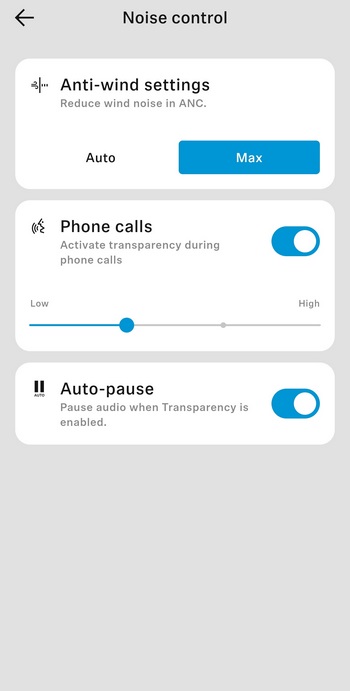
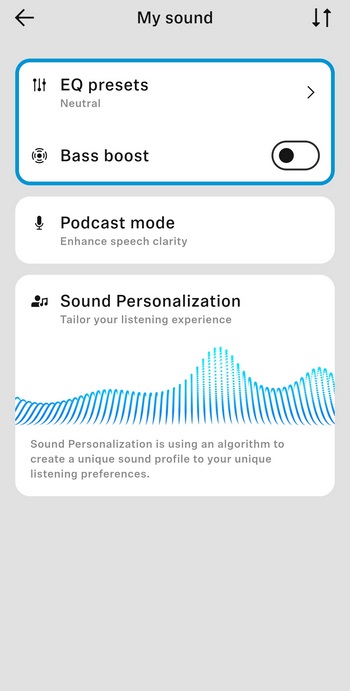
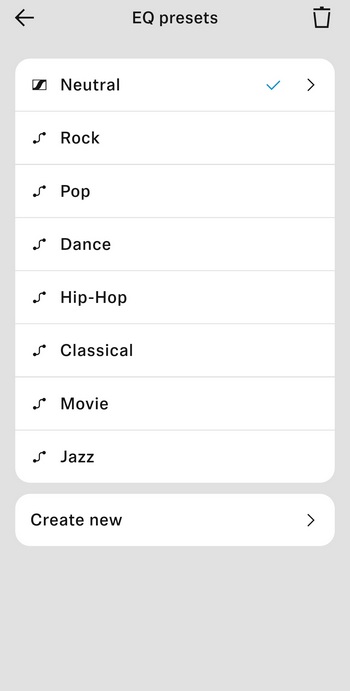
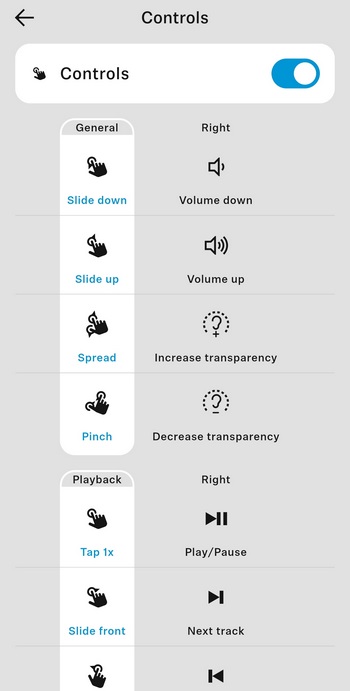
From the main tab you can also adjust the ANC settings, use one of the 8 available EQ modes (or create your very own), enable/disable bass boost and podcast modes, use the personalization feature and change the touch/gesture controls.
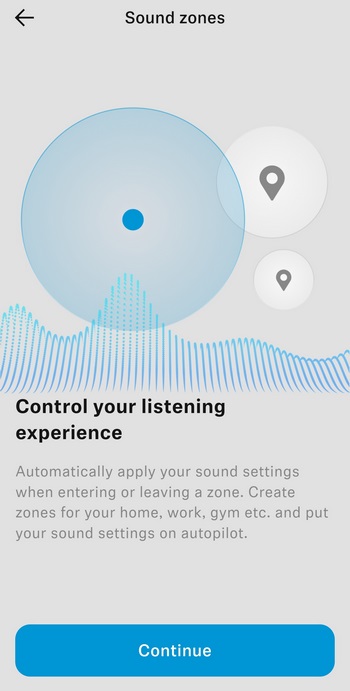
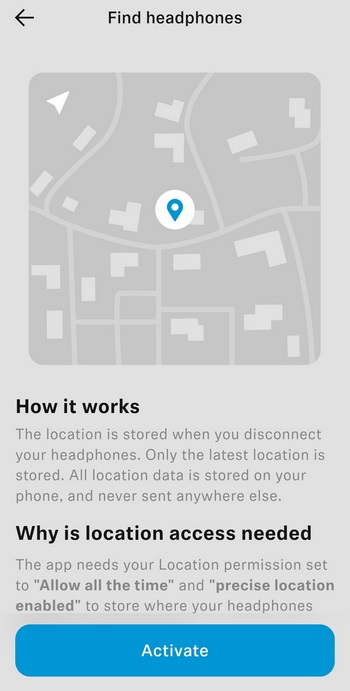
There are also secondary features available like creating sound zones (different settings automatically loaded for each) and find your headphones.
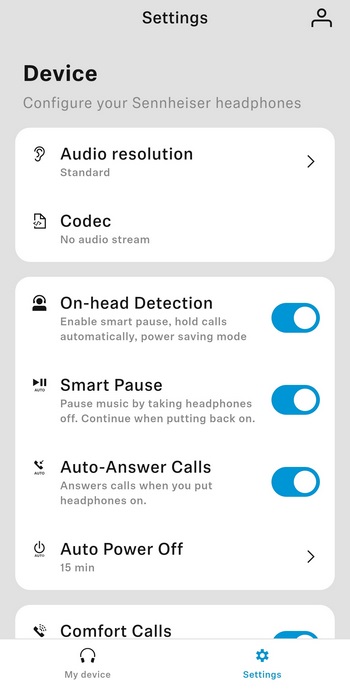
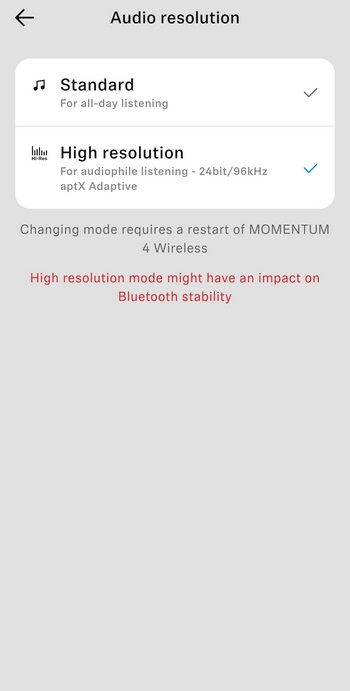
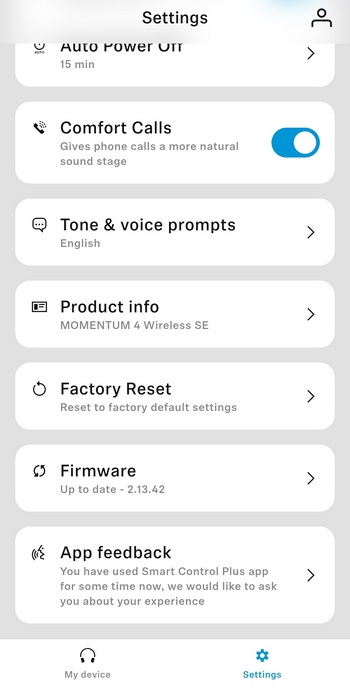
From the settings tab you can enable high-resolution audio (aptX adaptive - off by default), enable/disable on-head detection, smart pause, auto answer calls, auto power off and comfort calls, enable/disable tone and voice prompts, reset the headphones to their factory settings and check/perform firmware updates.
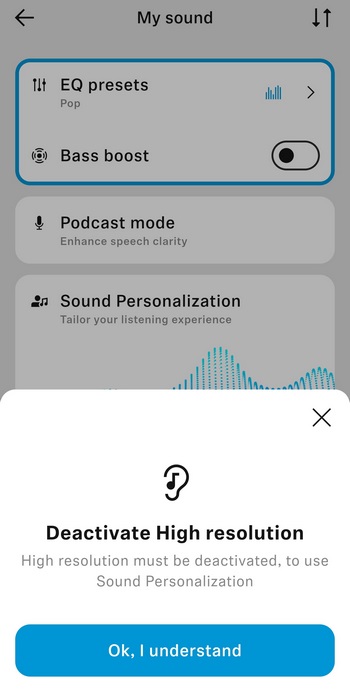
Unfortunately, sound personalization doesn't work when aptX adaptive is enabled.




