





CONNEX APP
As with past Edifier products you should use the ConneX app for more and easier control over the ES850NB.
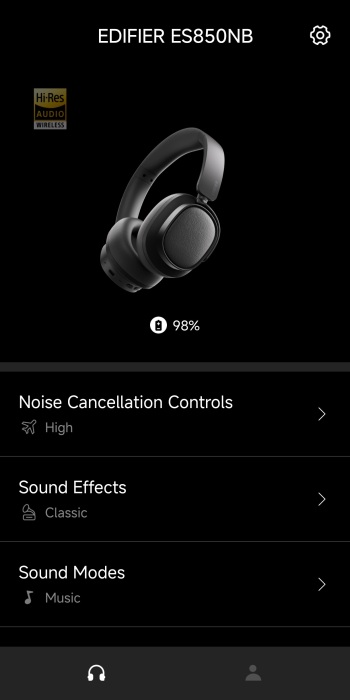
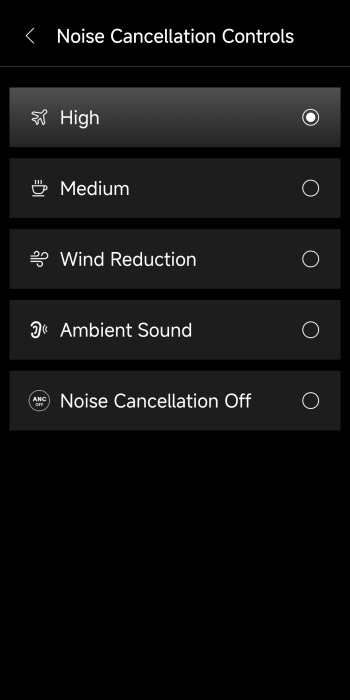
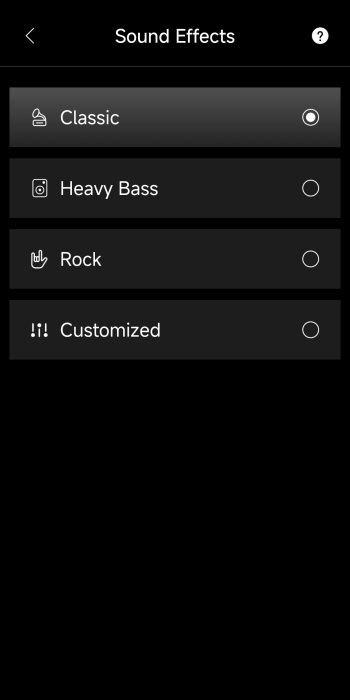
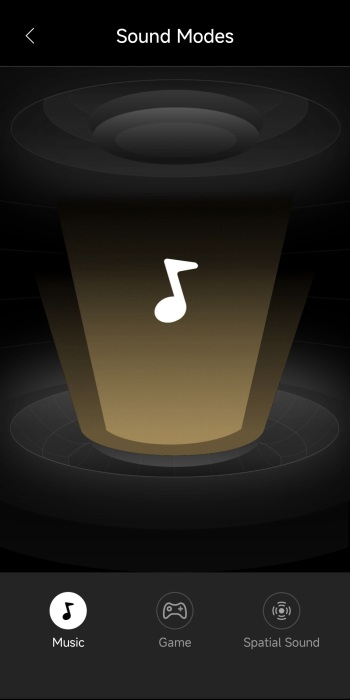
First tab displays remaining battery and allows the end user to adjust noise cancellation (5 modes), sound effects (4 modes) and sound modes (music, game and spatial).
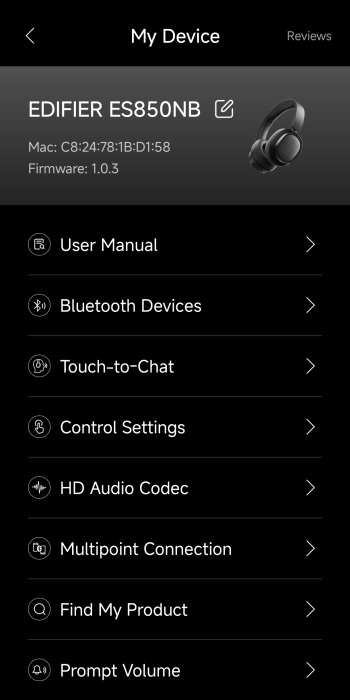
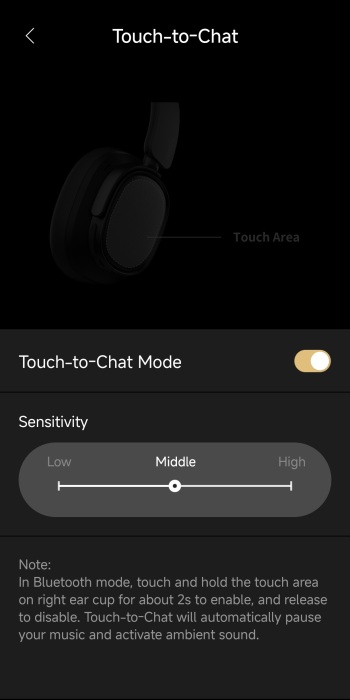
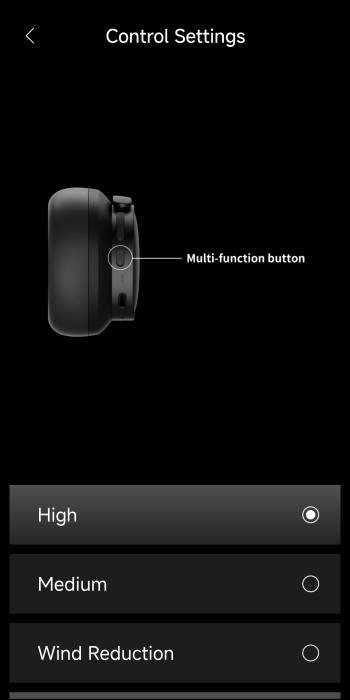
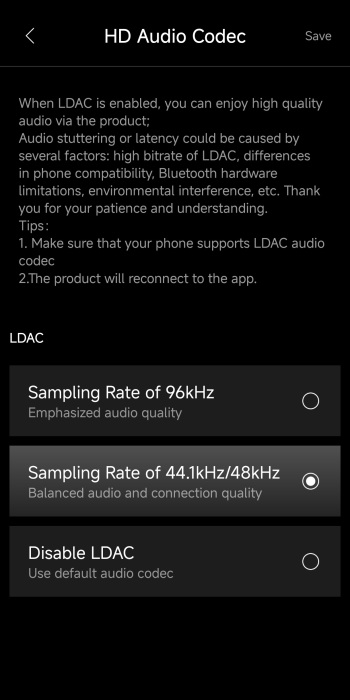
From the top right of the initial tab, you can access the settings menu from where you can read the user manual, check connected devices, adjust touch area sensitivity, adjust the multi-function button, change the audio codec (again, 96kHz is not enabled by default), enable multi-point connectivity, find your headphones and adjust prompt audio volume.
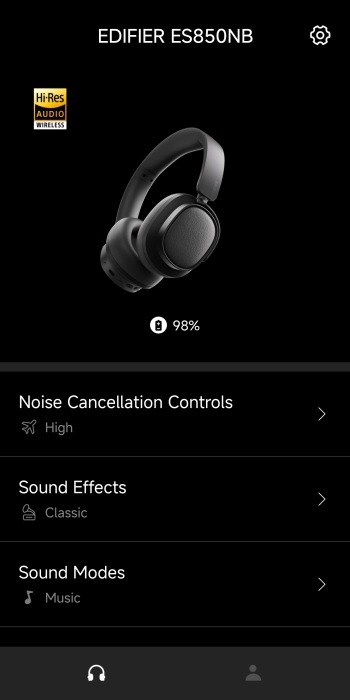
Again, just like with past speakers and headphones by Edifier once you enable 96kHz the Hi-Res logo lights up in the main tab.





