





LIFE APP
For complete control over the Carpet One Cruiser, you should use the Tineco Life App.
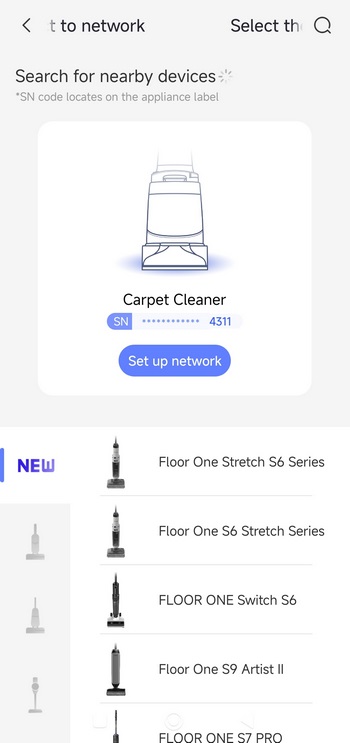
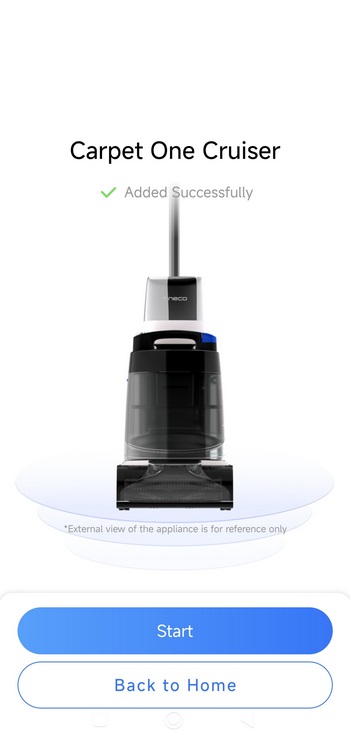
To pair the Carpet One Cruiser, you will need to enable Wi-Fi from the button at the rear of the handle.
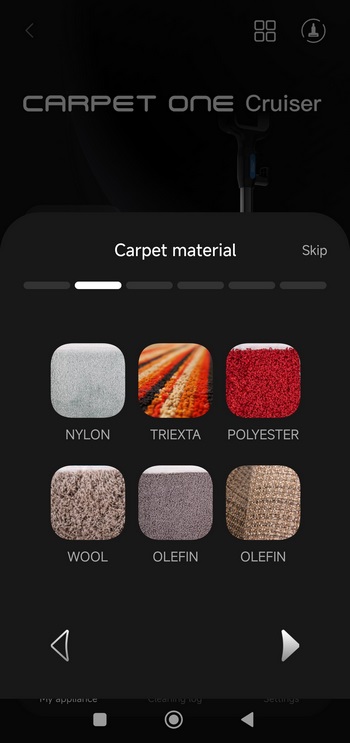
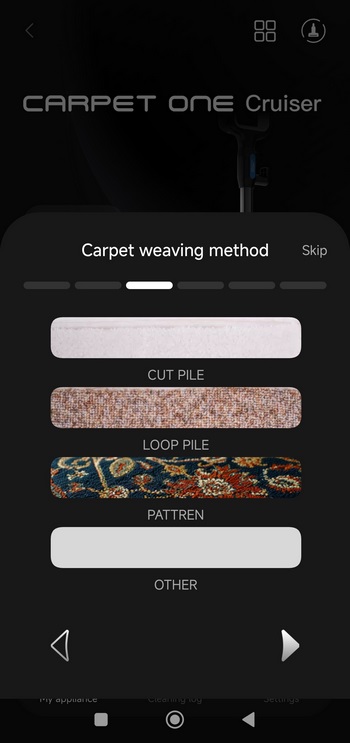
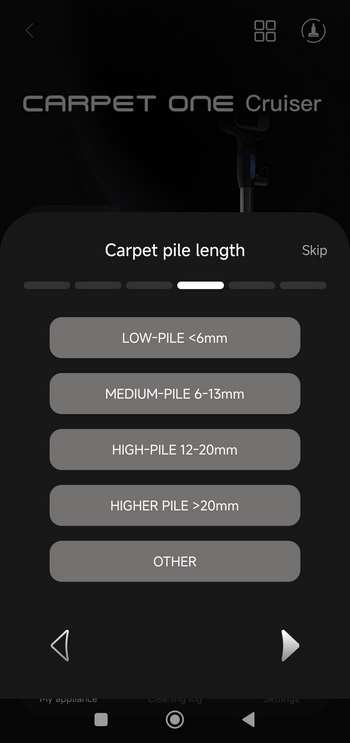
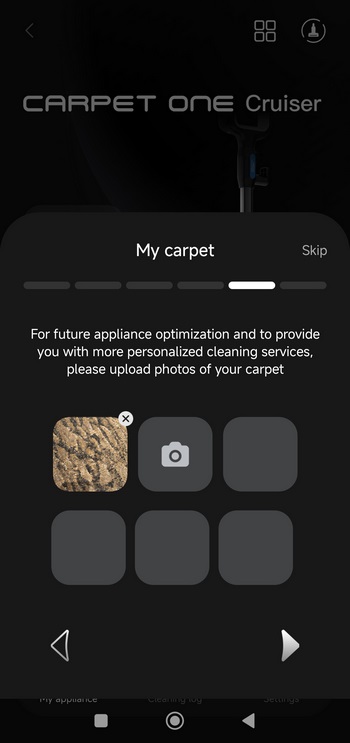
You can also tailor the app and the device itself to better clean your carpets at home.
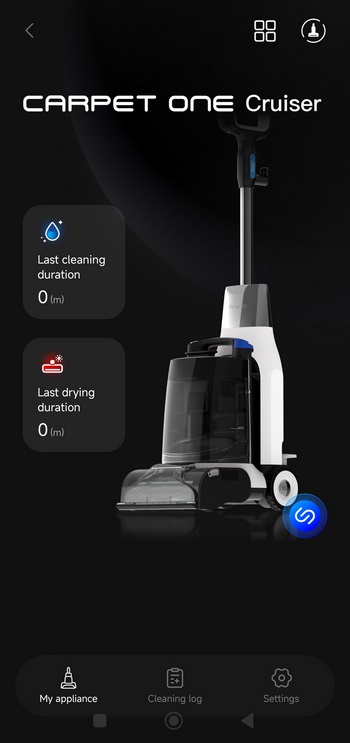
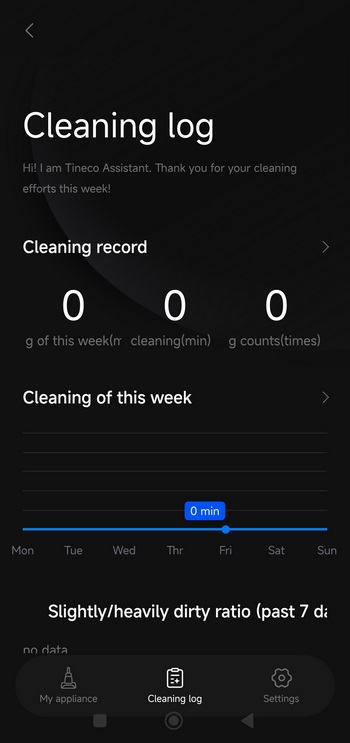
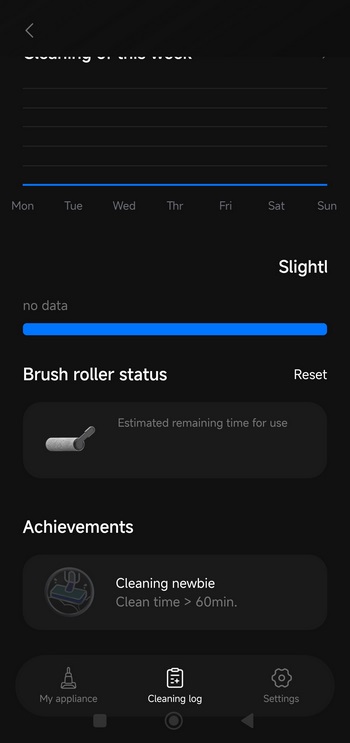
Unfortunately, the app can't detect usage time prior to installing it, something which I didn't expect (installed the app after almost three weeks of using the Carpet One Cruiser - had no idea about the carpet input details in it but it worked as intended even without adjusting them).
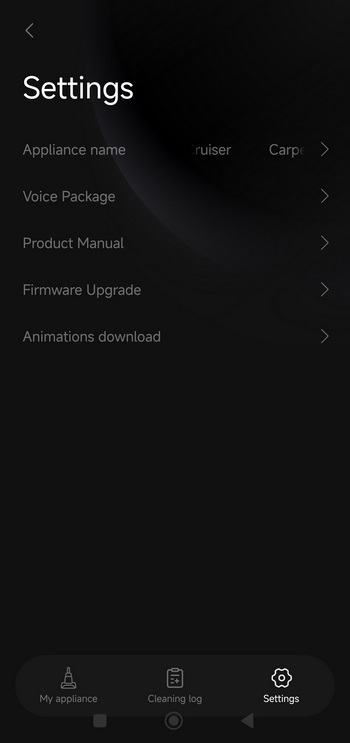
From inside the settings tab, you can change the name of the Carpet One Cruiser, select another voice package (language), read the product manual, check for firmware updates, and download app animations.
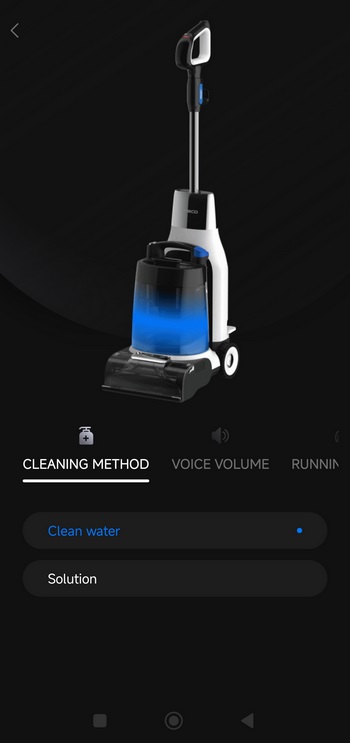
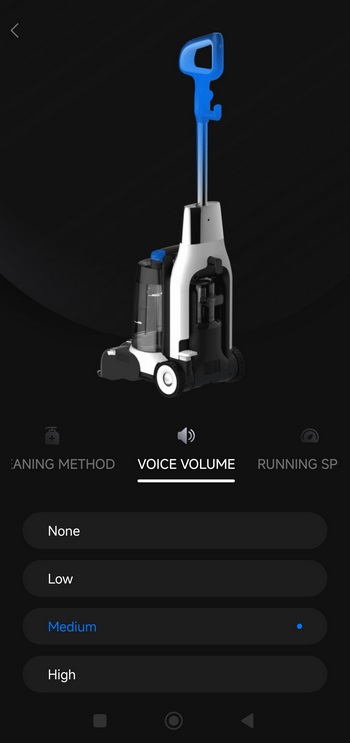
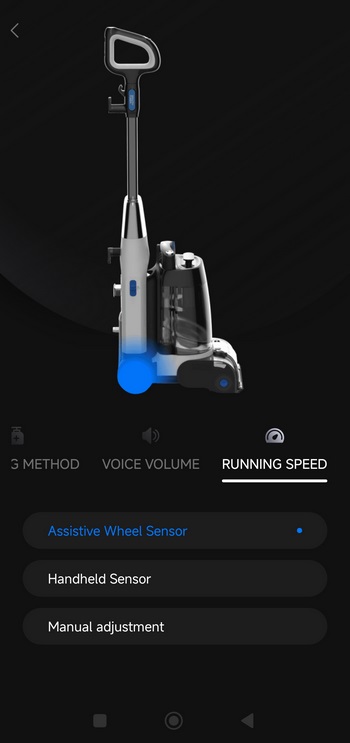
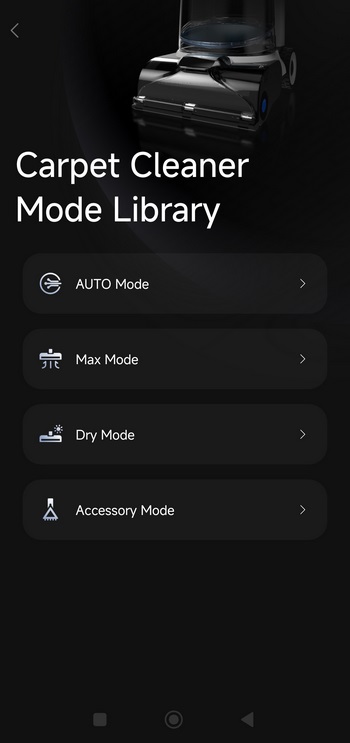
Right next to the settings icon there's a window icon inside which you'll be able to change the cleaning method, set the voice volume, adjust assist power, and dig into the various available modes.





