





INTRODUCTION
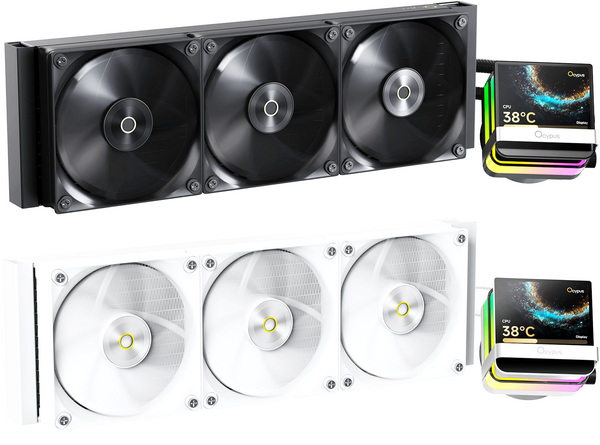
AIO (All in one) liquid CPU coolers have come a long way from their utilitarian roots. Once judged solely by thermal performance, today’s AIOs often double as visual centerpieces, sleek, RGB-laced, and increasingly adorned with LCD screens that blur the line between function and flair. Whether it’s real-time stats, custom logos, or animated loops, these displays have become the new battleground for brand identity and desktop aesthetics. Today’s review takes us to the Sigma L36 Pro AIO by Ocypus, a unit that aims to deliver not just performance, but presence.
Our core mission is to create ideal products for gamers, and this goes beyond distinctive design, it involves meeting the authentic needs of gamers and crafting a more thoughtful user experience.
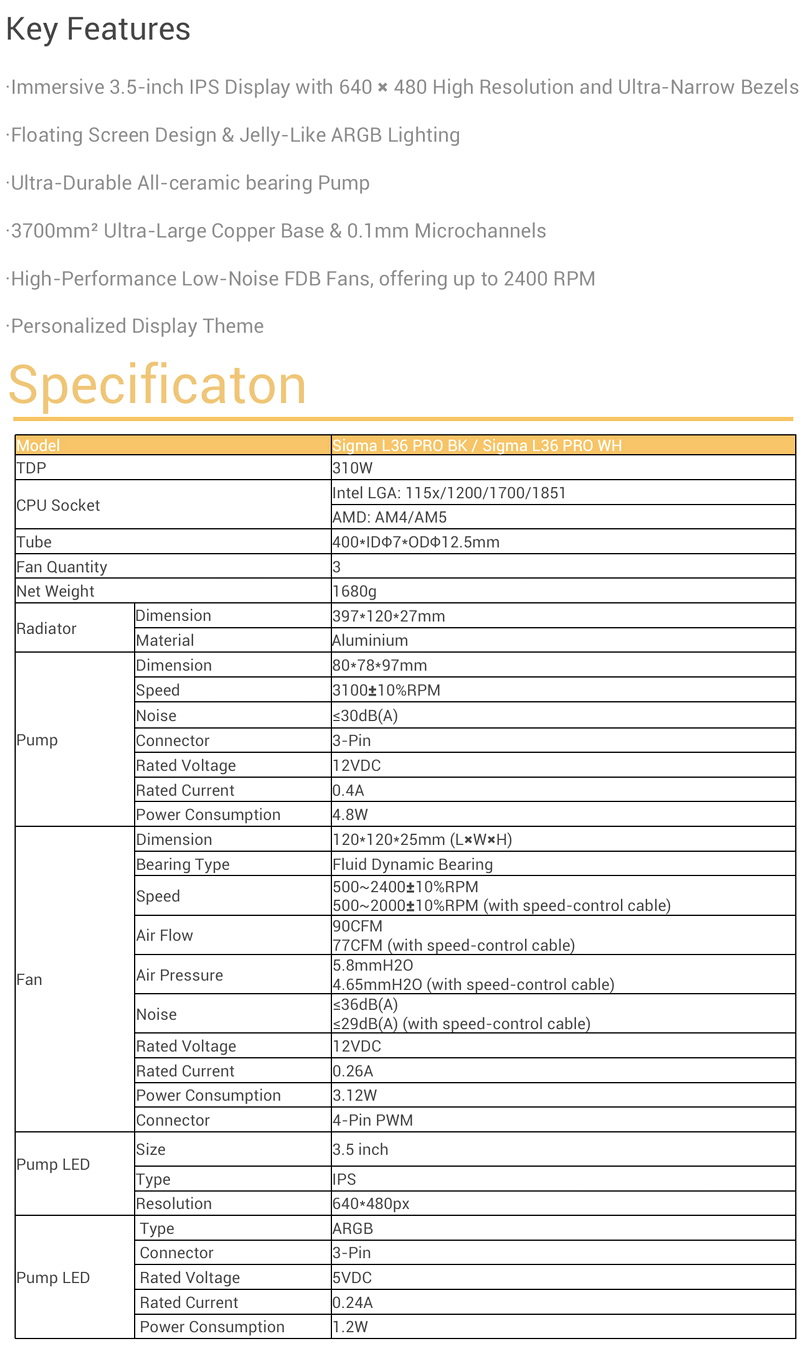
Ocypus’s Sigma L36 Pro is currently available in two colors (black and white) and is a bold entry into the premium AIO space, blending performance with visual sophistication. At its core is a magnetically attached 3.5-inch square IPS screen with a crisp 640x480p resolution and ultra-narrow bezel (complete with an ARGB ring), capable of displaying system stats, videos, images, and GIFs. Cooling performance is anchored by a full 397mm long aluminum radiator, engineered for optimal heat transfer and long-term durability. The radiator is paired with three high-performance PWM fans featuring fluid dynamic bearings capable of reaching speeds of up to 2400 RPM, delivering a maximum airflow of 90CFM and air pressure of 5.8mmH₂O, ensuring efficient heat dissipation even under heavy loads. The pump itself operates at 3100 RPM, has a power consumption of up to 4.8W and uses a ceramic architecture paired with a 0.1mm microchannel and a 3700mm² ultra-large copper base, ensuring efficient heat dissipation. So, time to see just how good the latest Sigma L36 Pro AIO by Ocypus really is.
SPECIFICATIONS AND FEATURES
PACKAGING AND CONTENTS
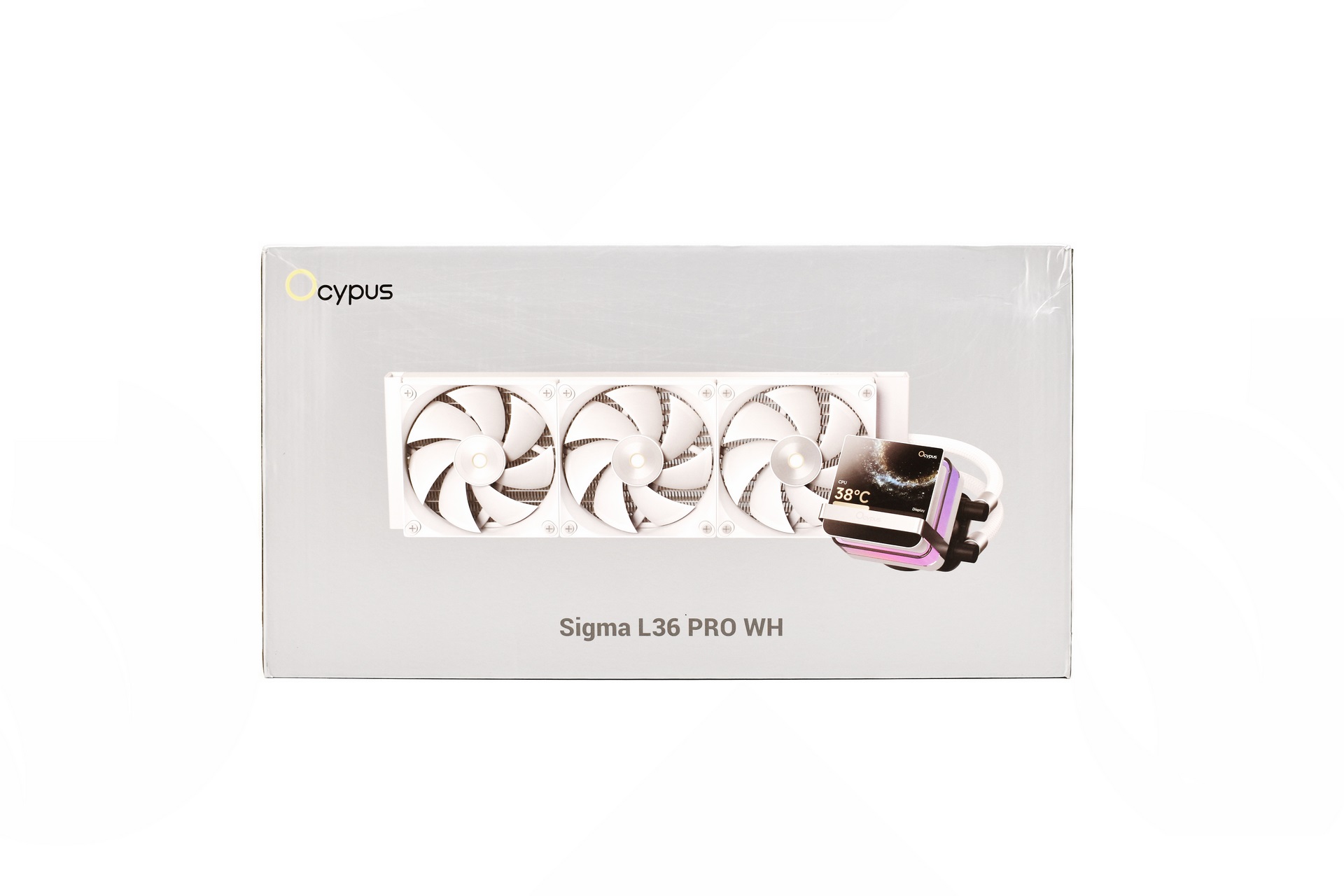
Ocypus ships the Sigma L36 Pro inside a silver box the front of which is taken by a large product picture and their logo.
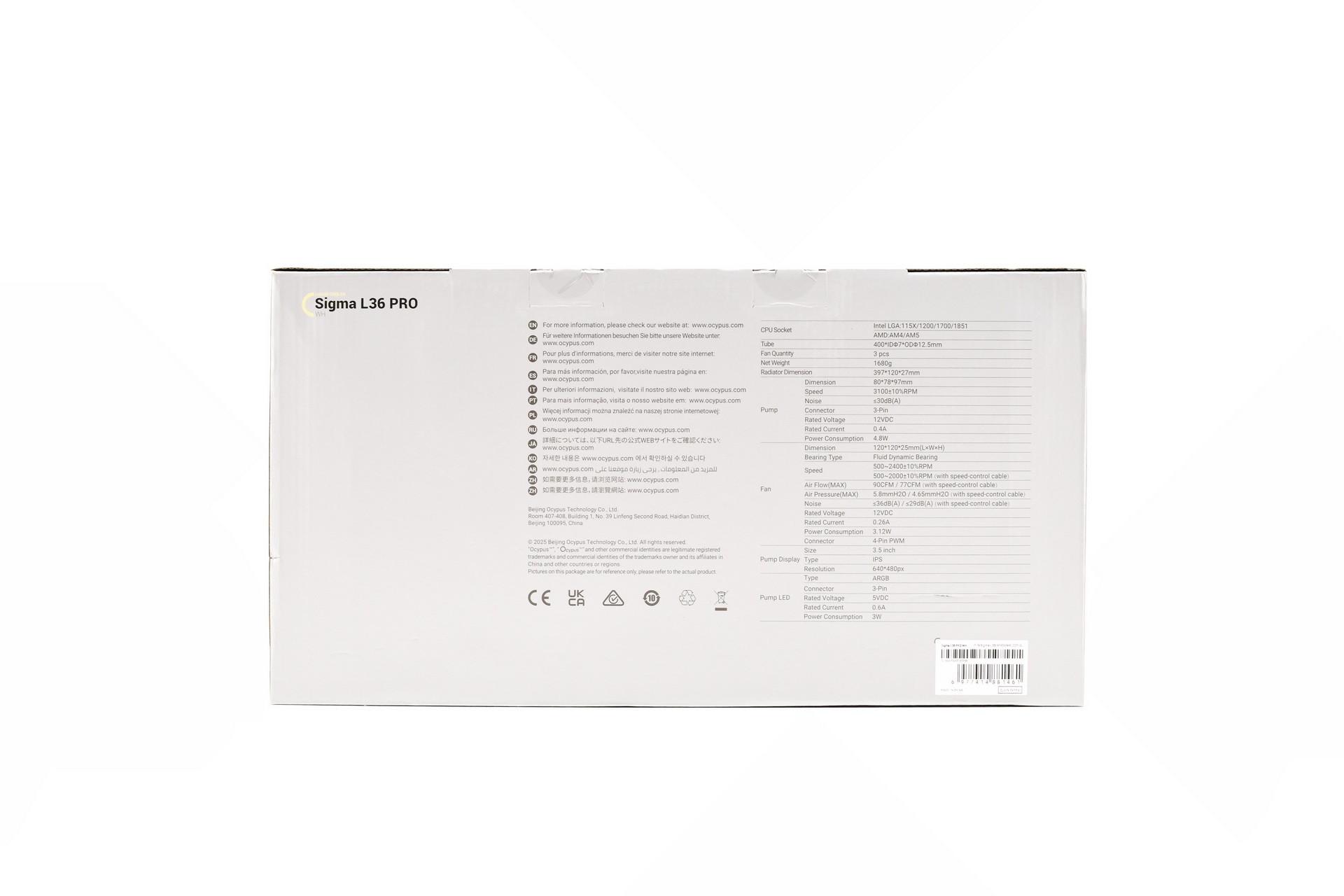
The product specifications are printed at the rear of the box.
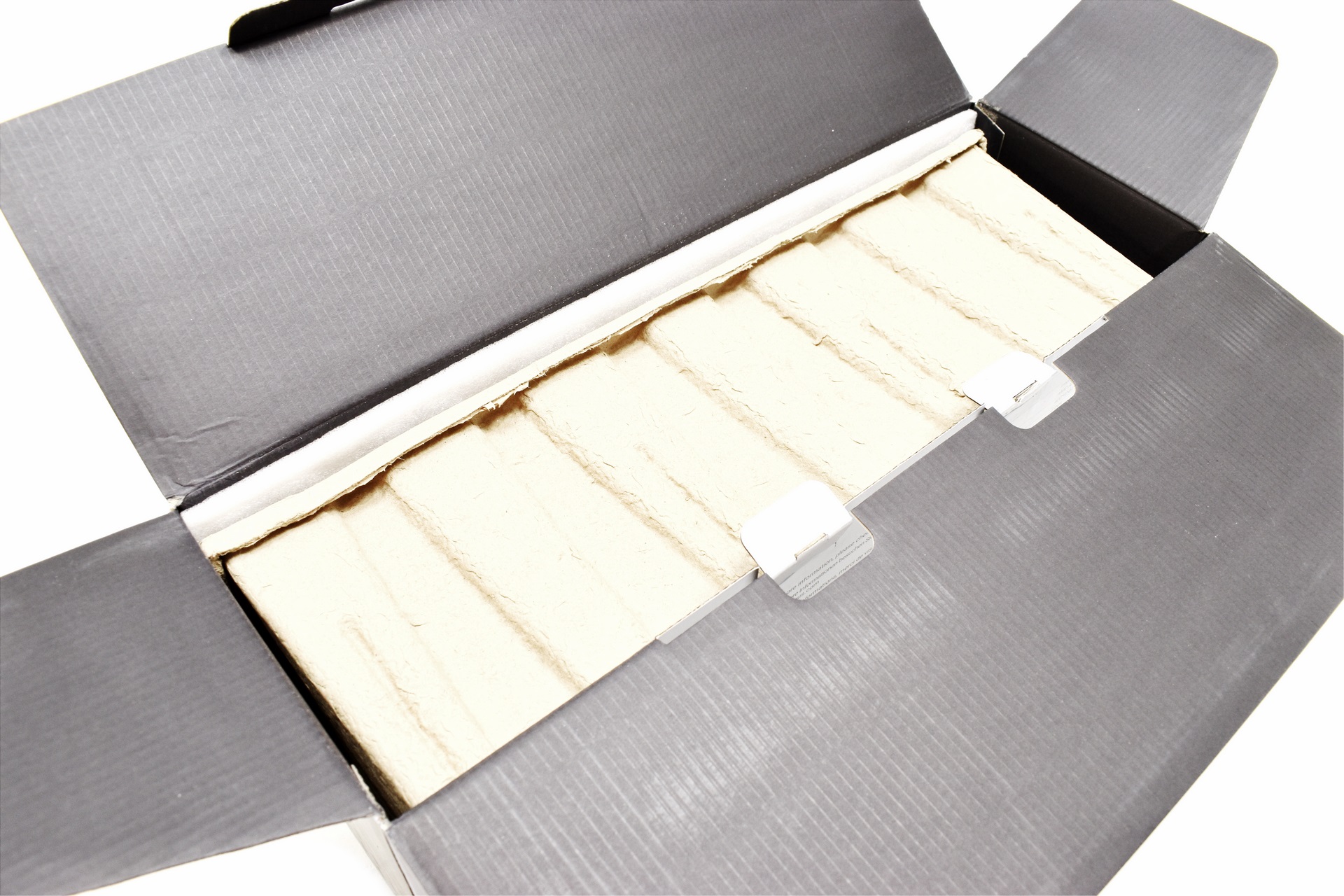
Typically, the AIO is placed inside a formed piece of cardboard.
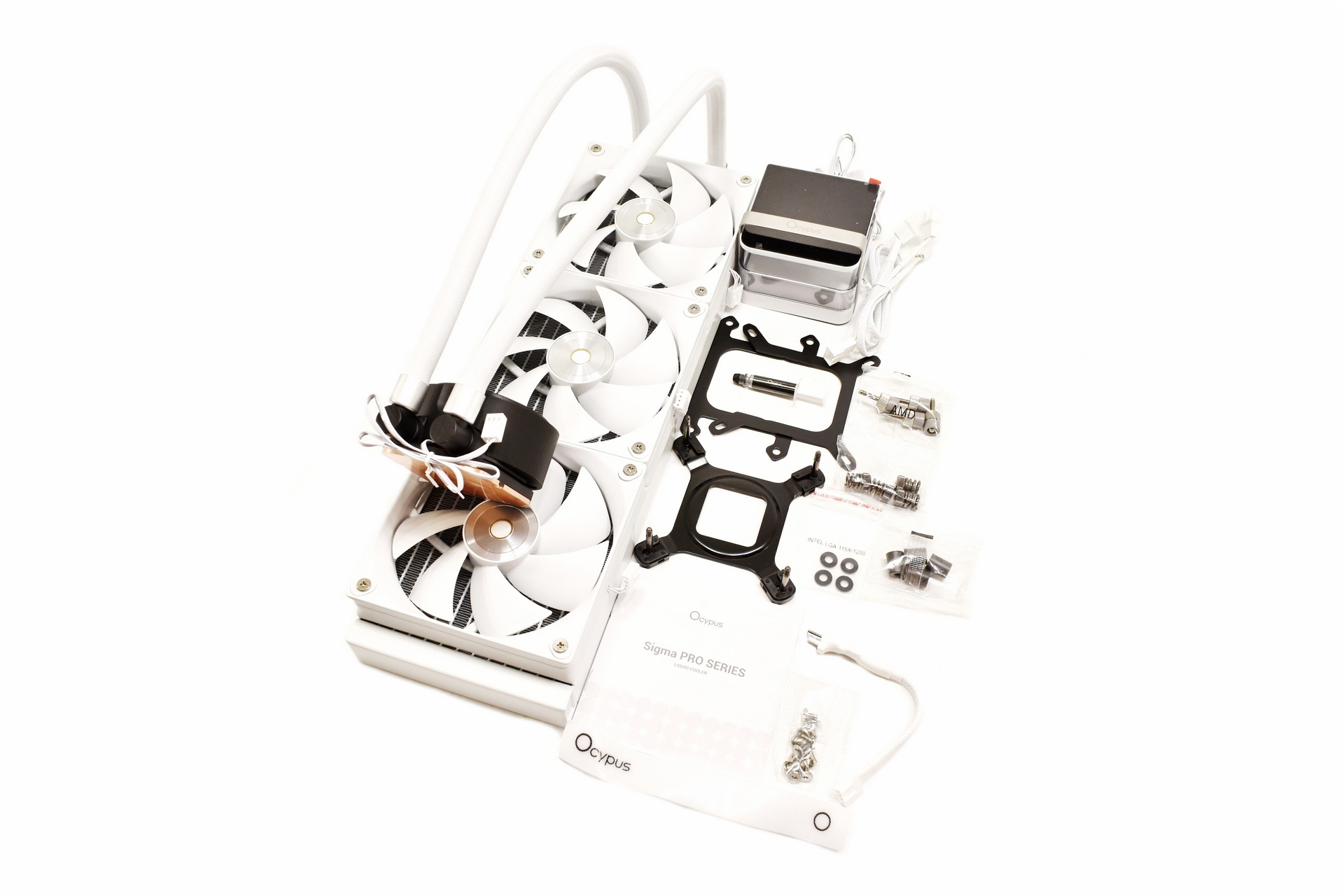
Along with the Sigma L36 Pro and its three 120mm fans (pre-mounted) inside the box you'll also find the magnetically attached IPS display, thermal paste tube, fan connection cable, small 3-pin extension cable, backplate and all the necessary bits to install the AIO onto Intel LGA 1150/1151/1155/1200/1700/1851 and AMD AM4/AM5 motherboards.
THE SIGMA L36 PRO WH
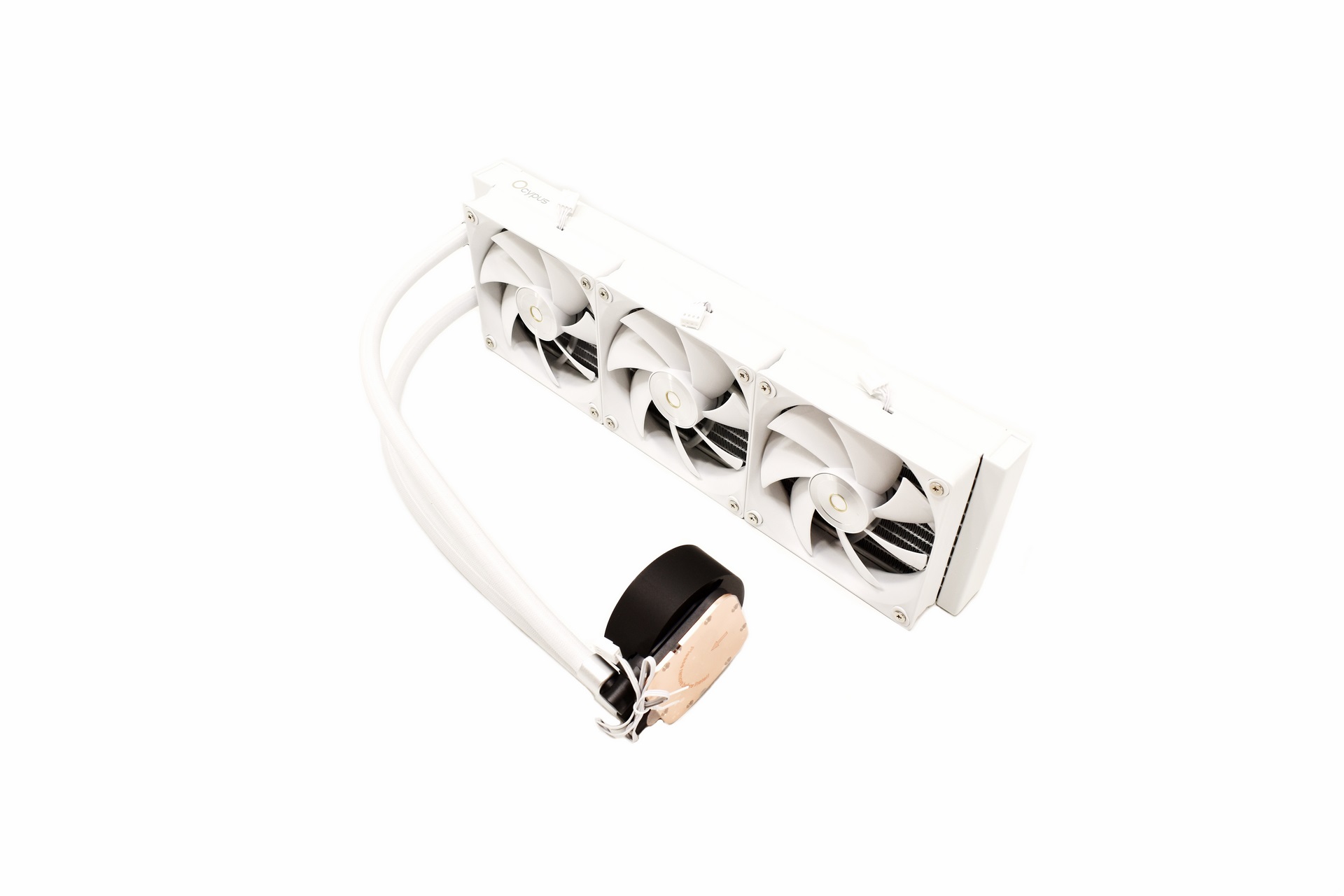
Without the IPS display attached the Sigma L36 Pro doesn't stand out in terms of design, as expected really.
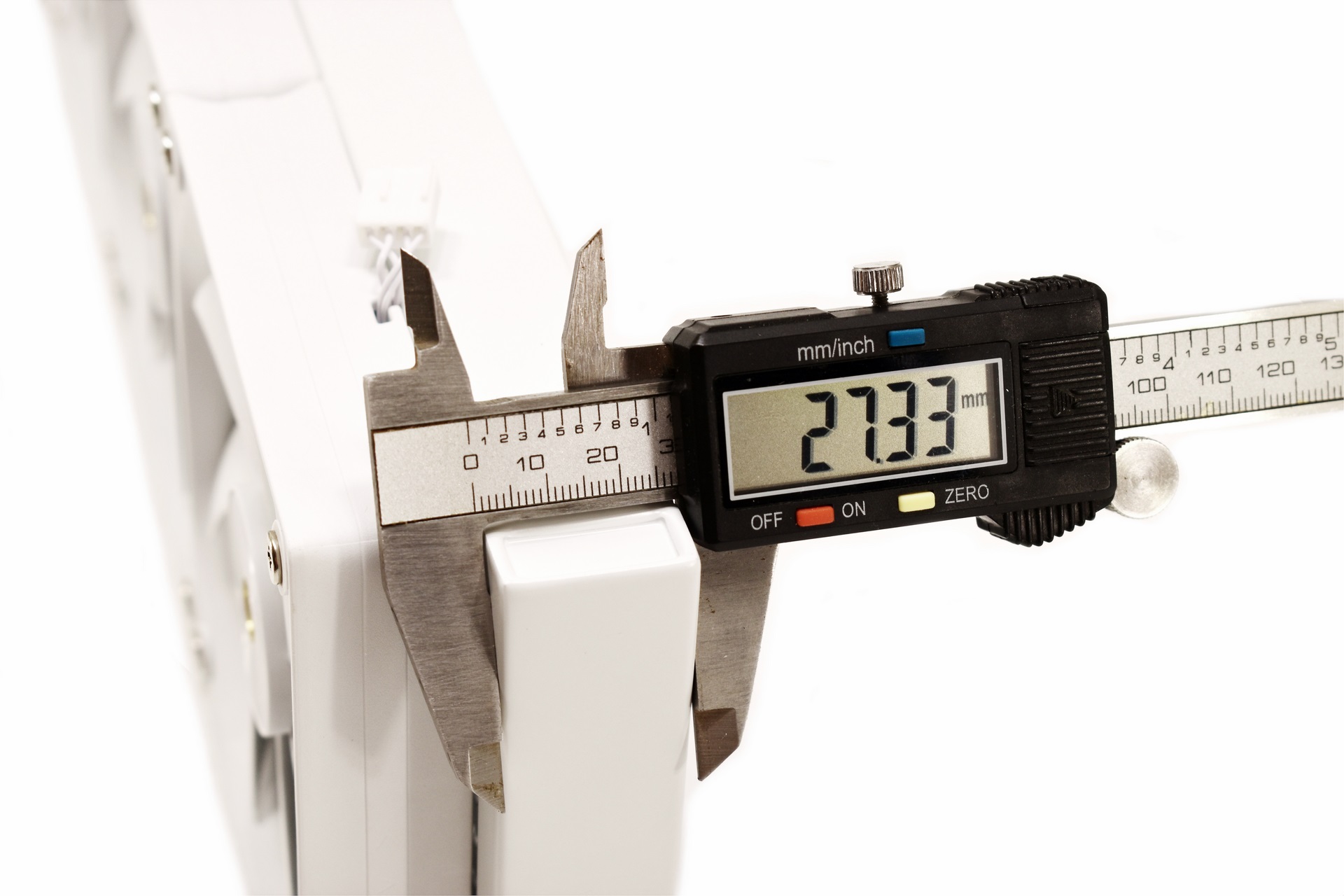
The 397mm long aluminum radiator measures around 27mm in thickness.
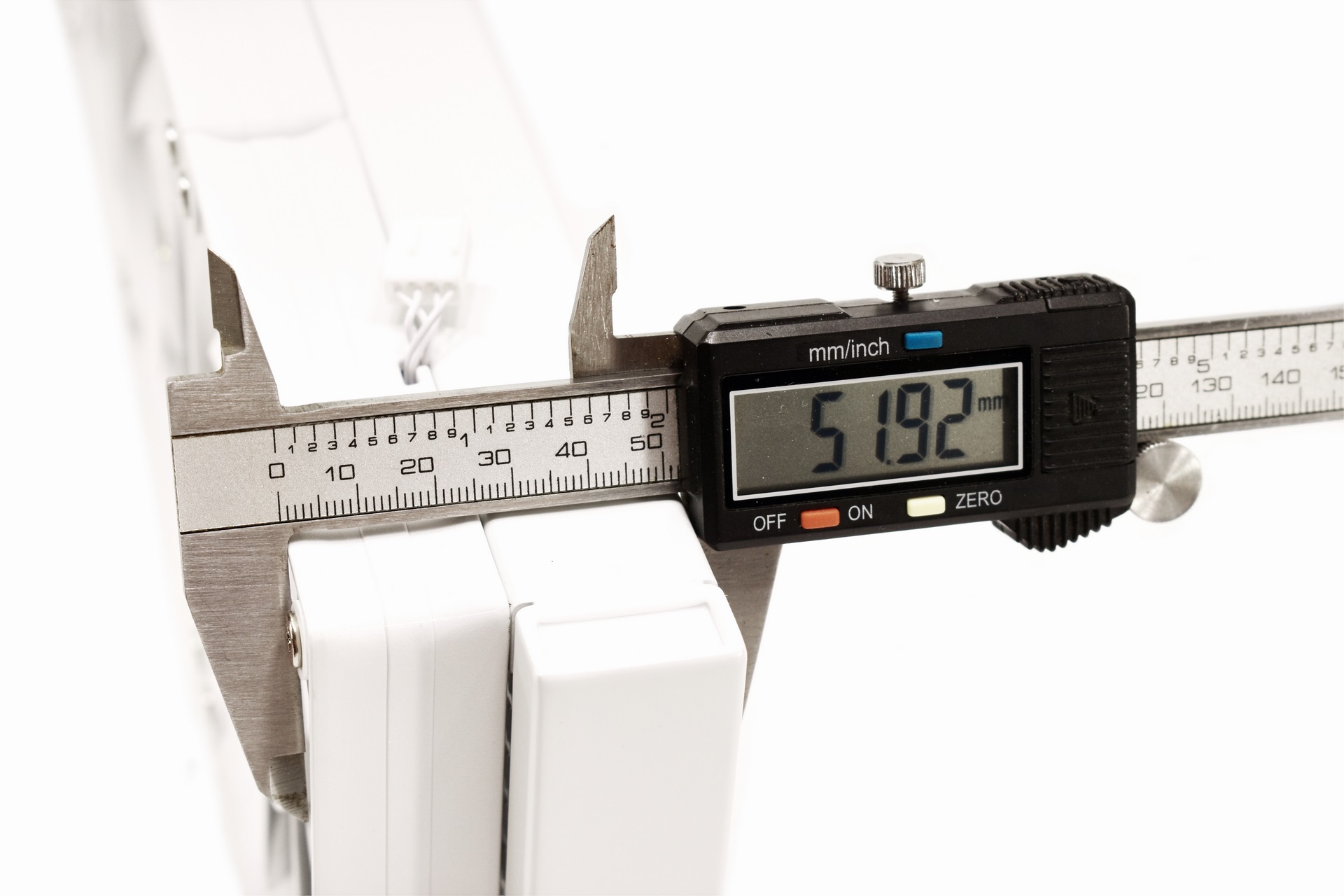
With the 120mm fans mounted thickness is around 52mm.
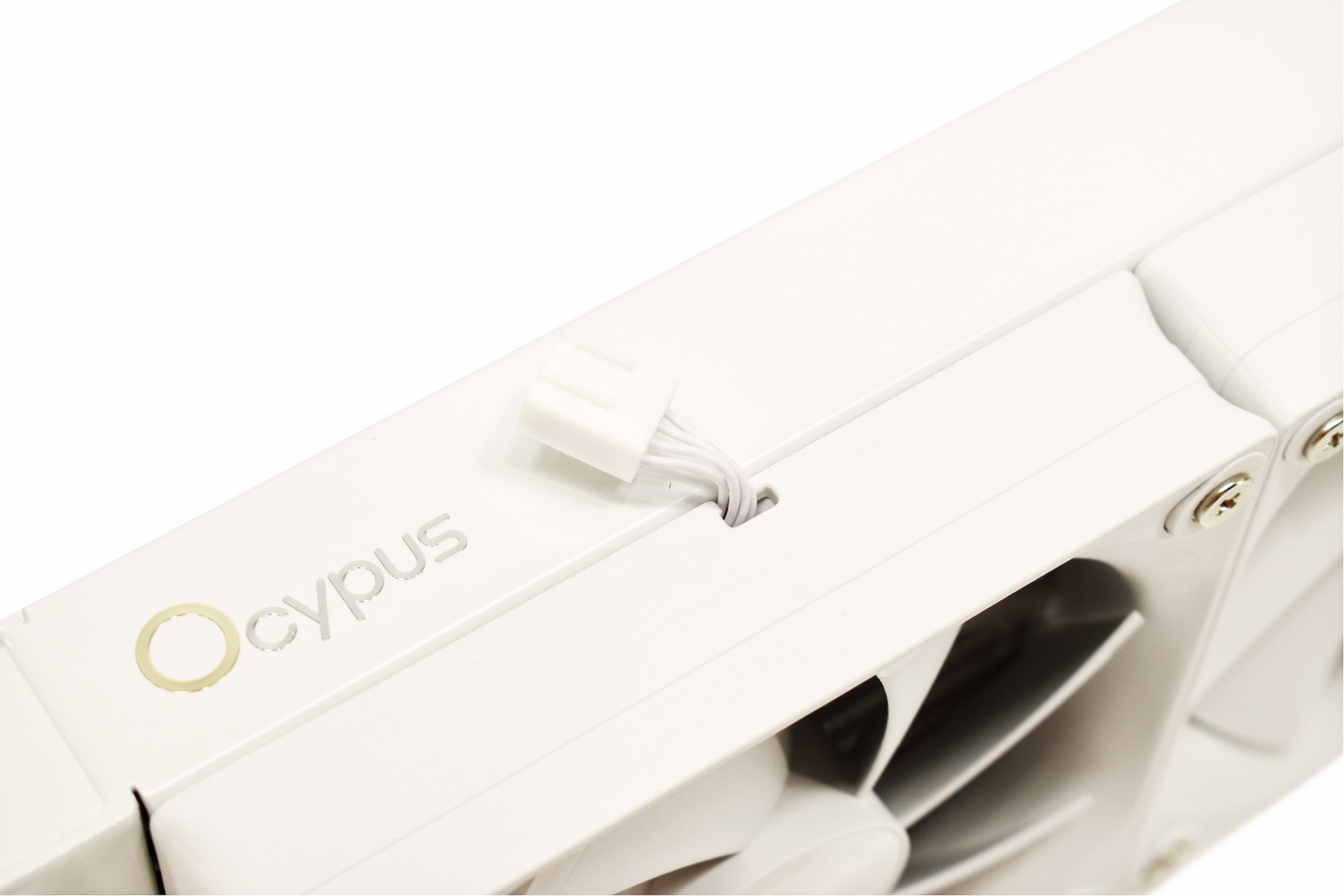
The fans use very short PWM connectors which in turn get plugged into the bundled extension cable.
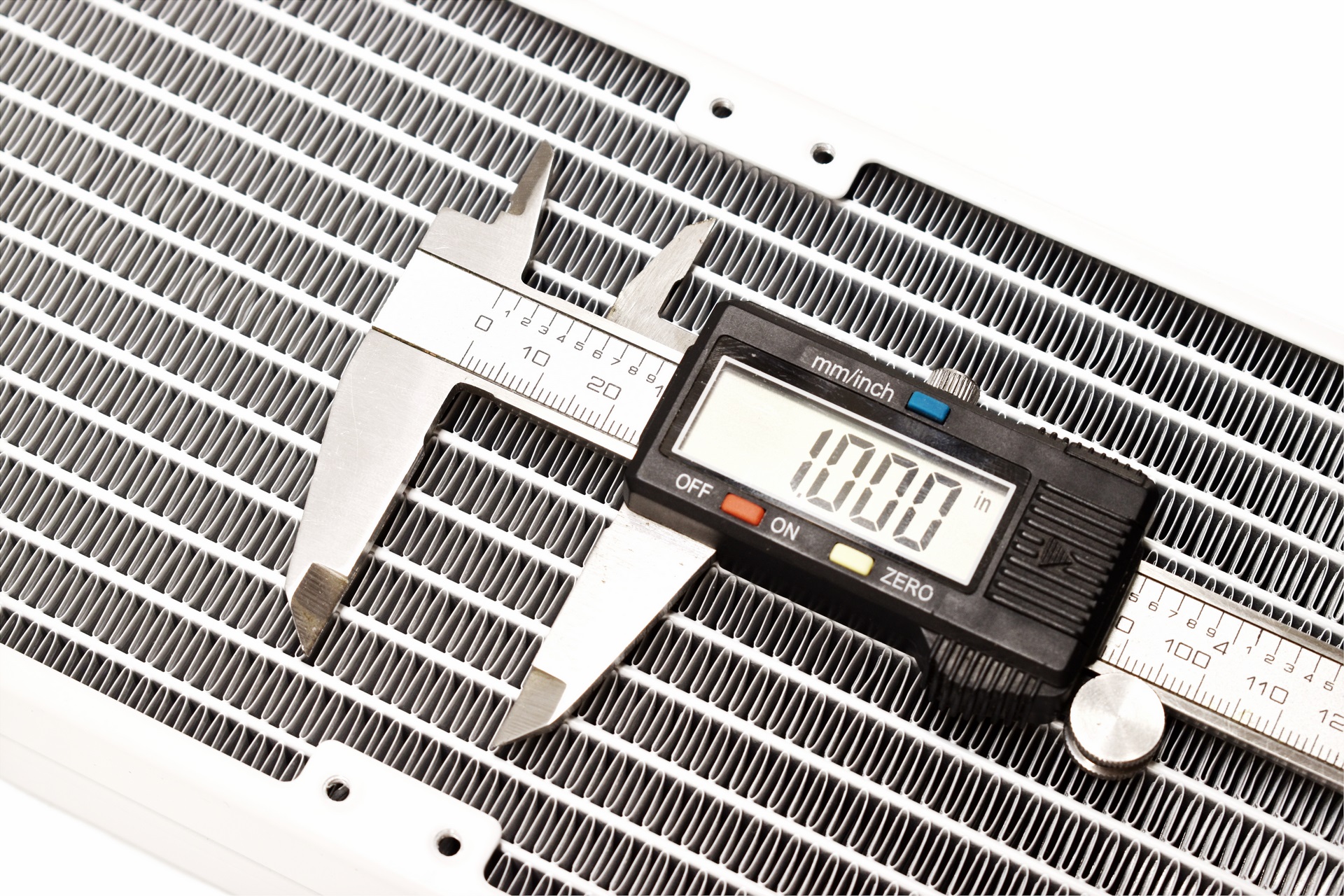
FPI count for the specific radiator is 20.
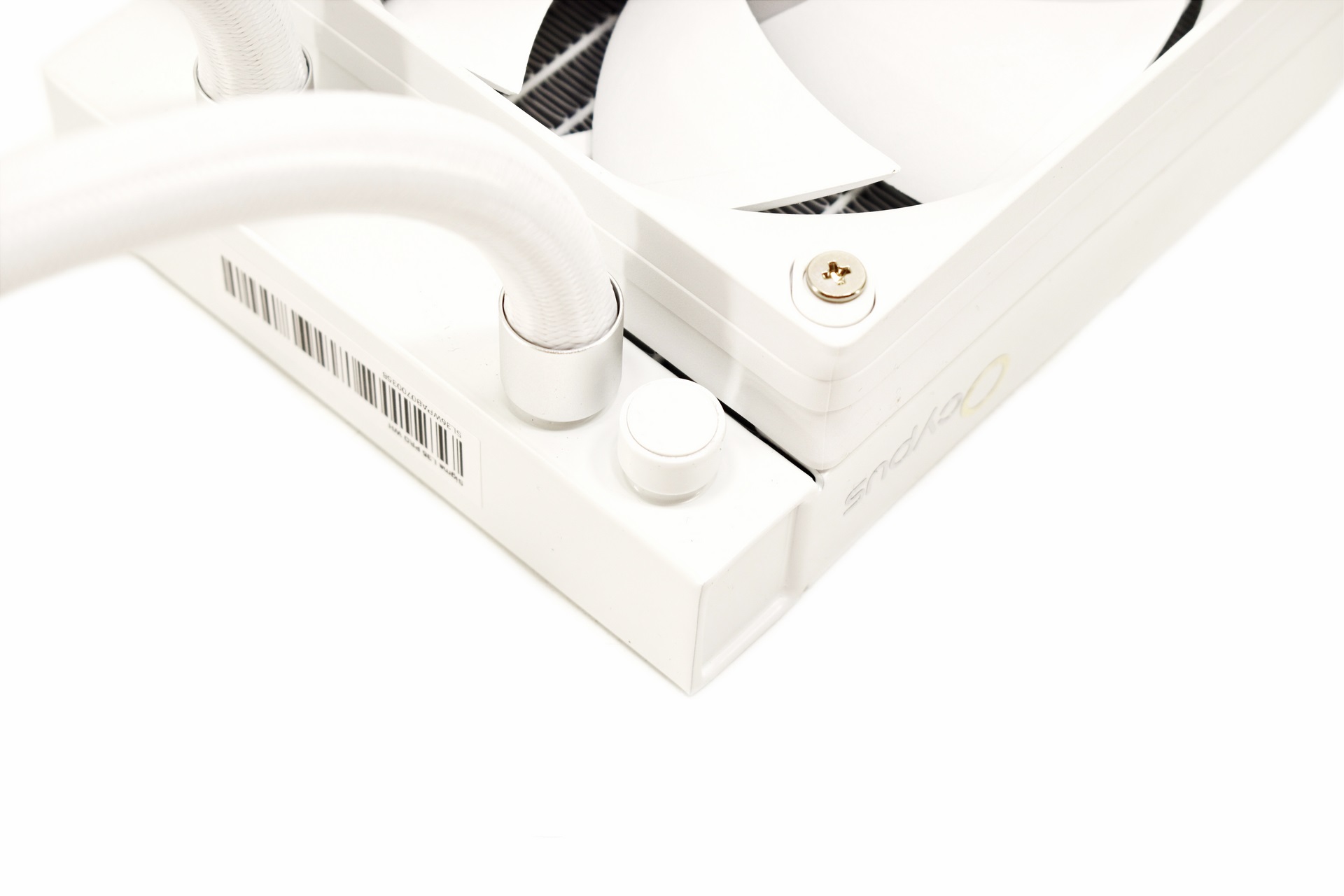
At the rear end of the radiator, we find an sealed fill/empty port.
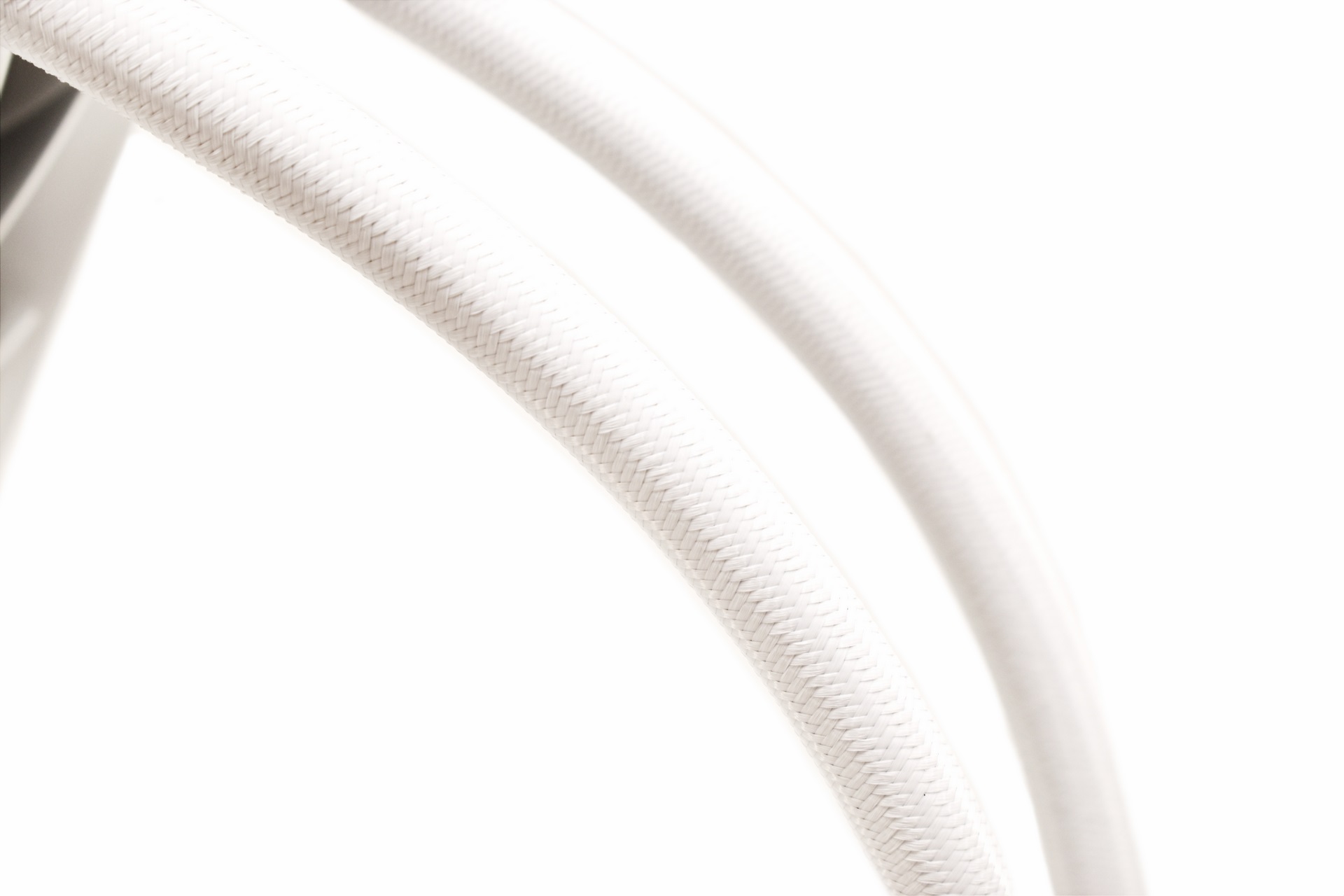
Ocypus has equipped the Sigma L36 Pro with 400mm long tubes which should be enough for most PC cases.
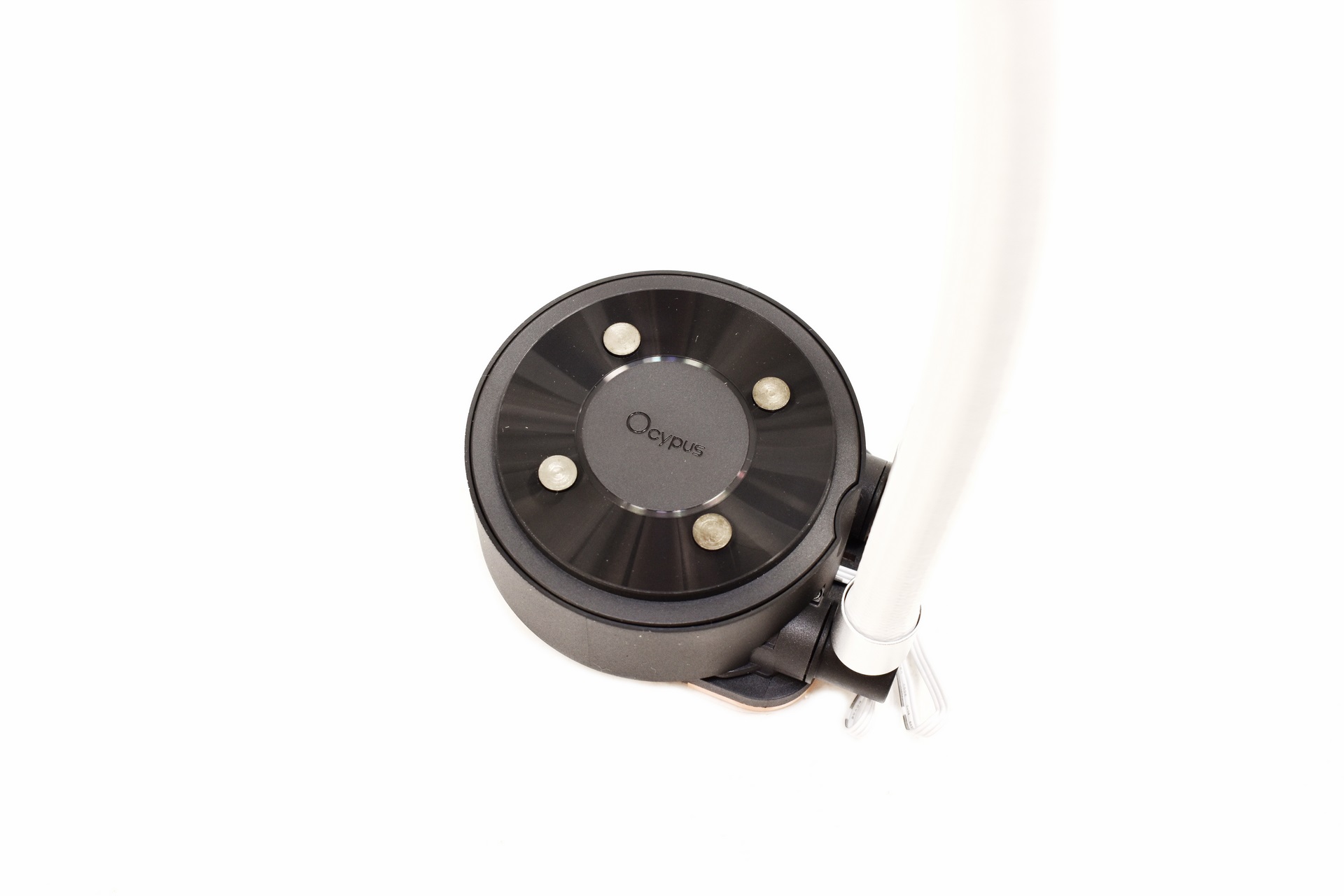
The company name is placed on top of the pump along with 4 round metal pieces.
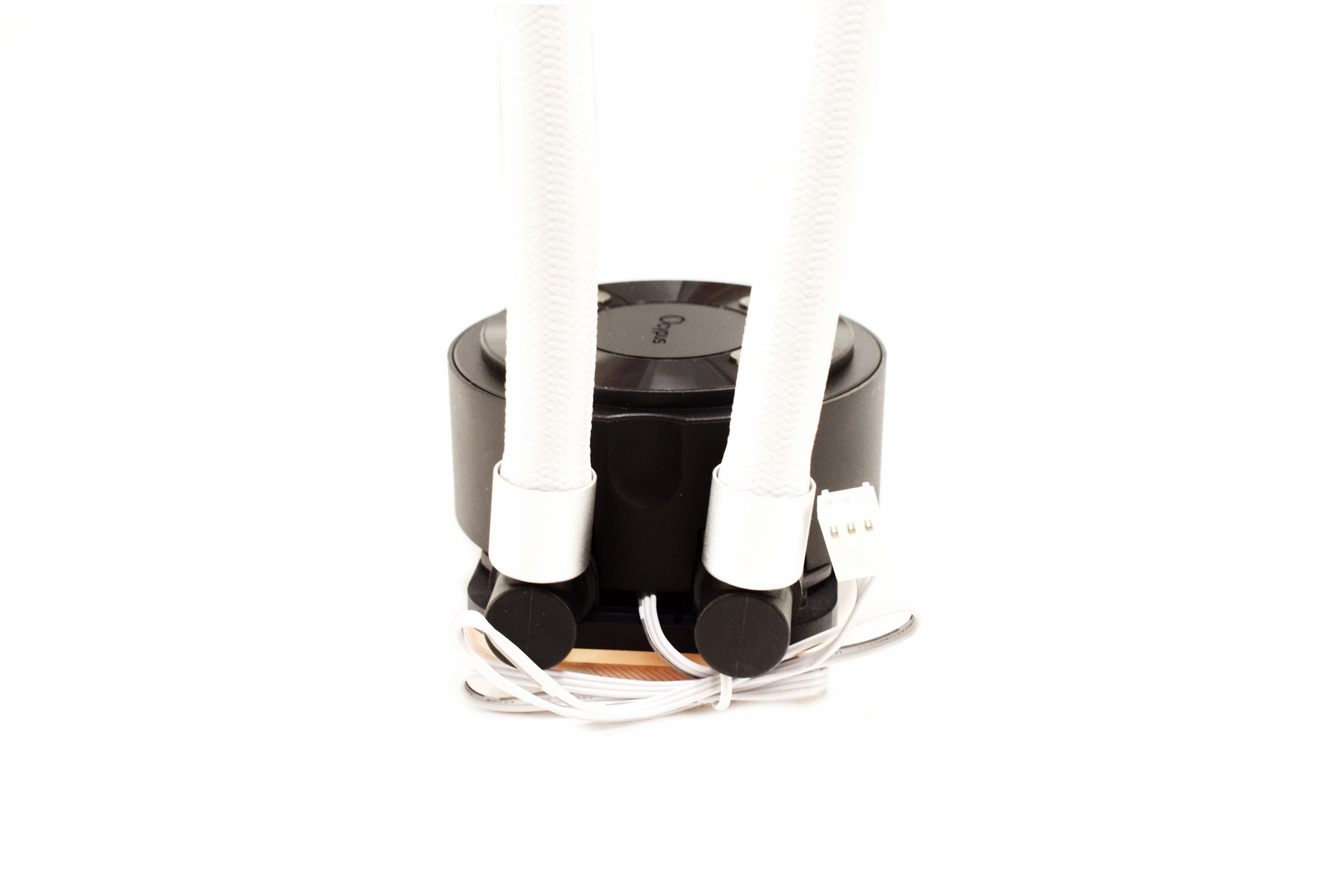
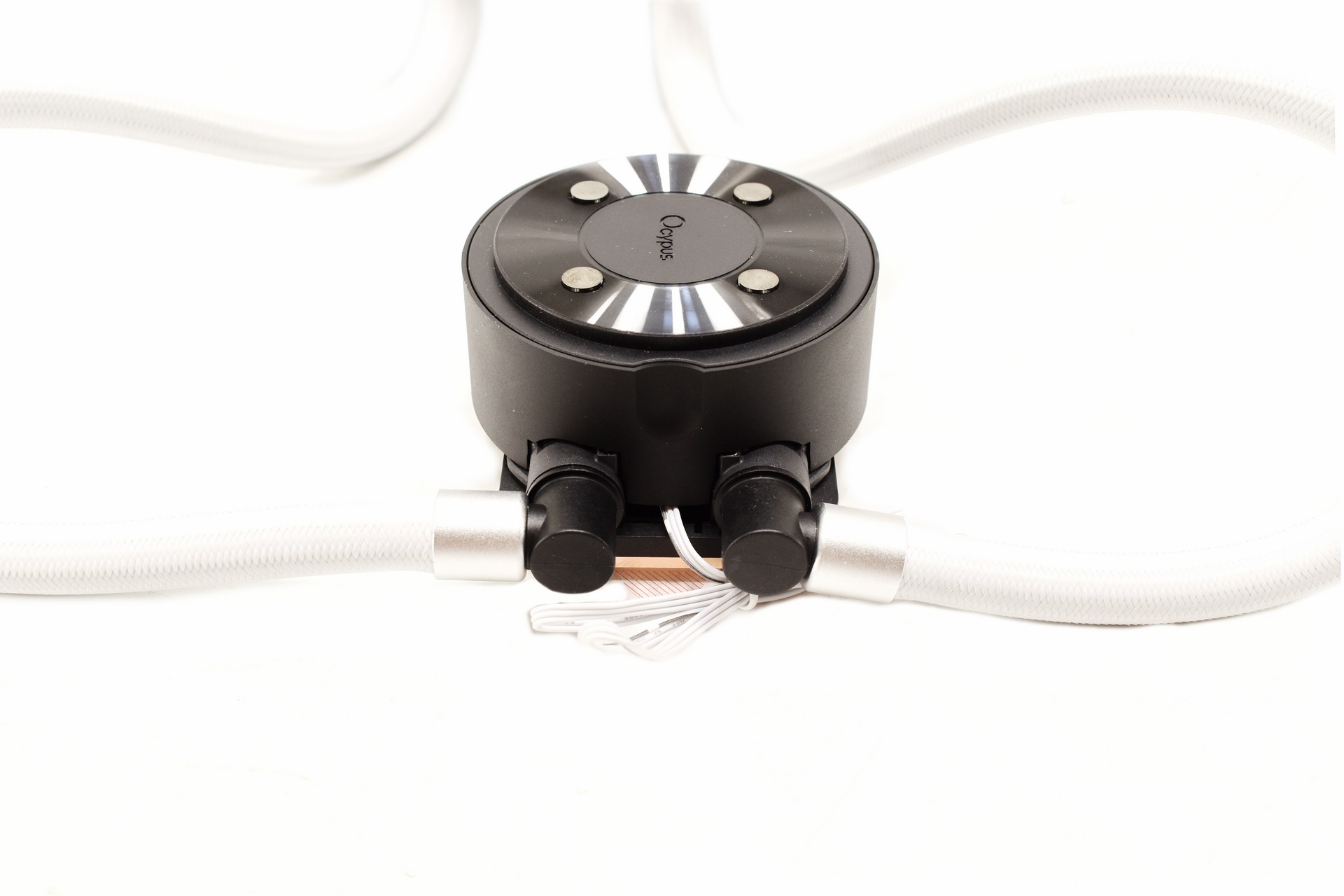 Typically, the tubes can rotate up to slightly over 90 degrees from the base.
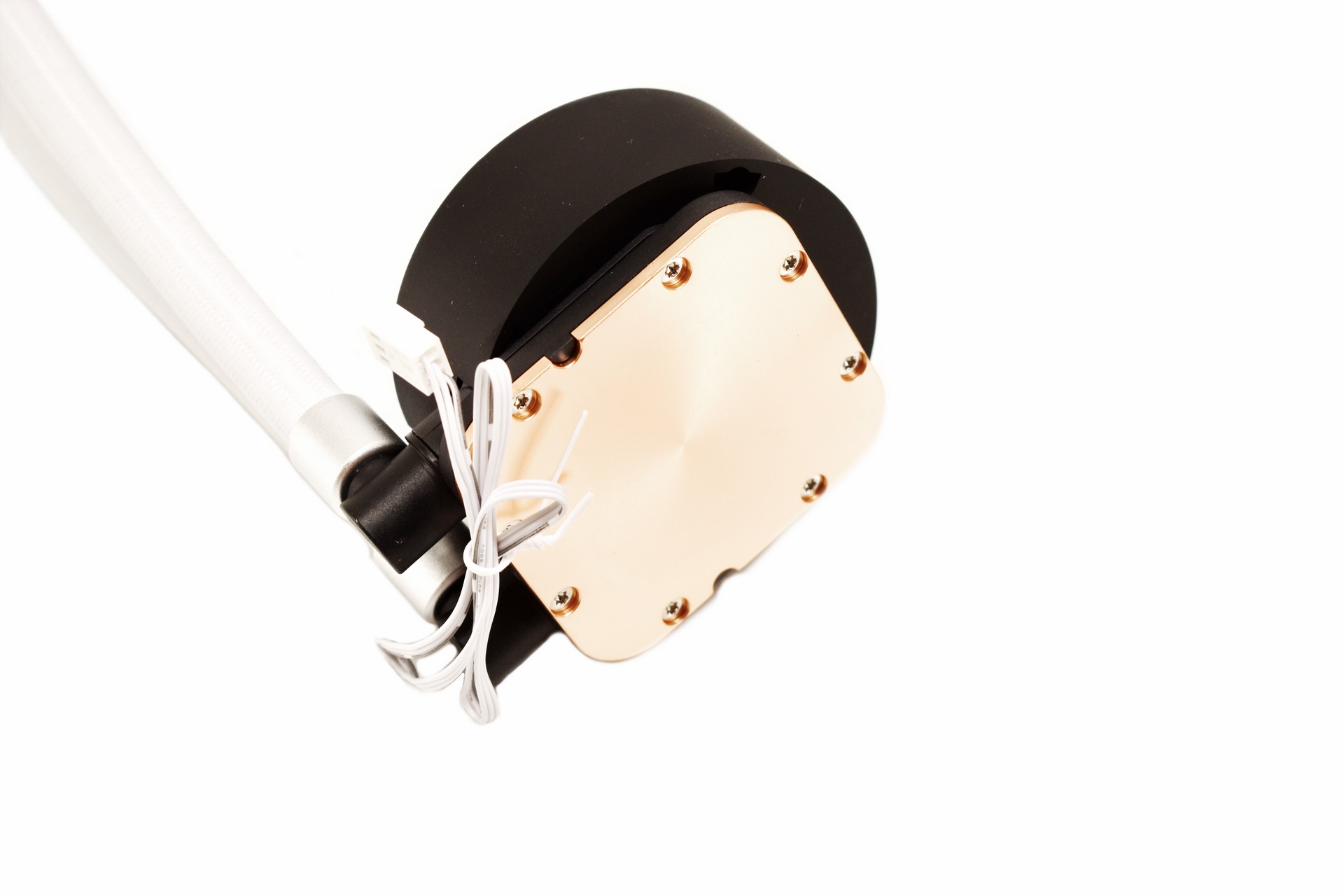
Not many AIO models have such a large copper base and well, depending on the CPU the larger the better.
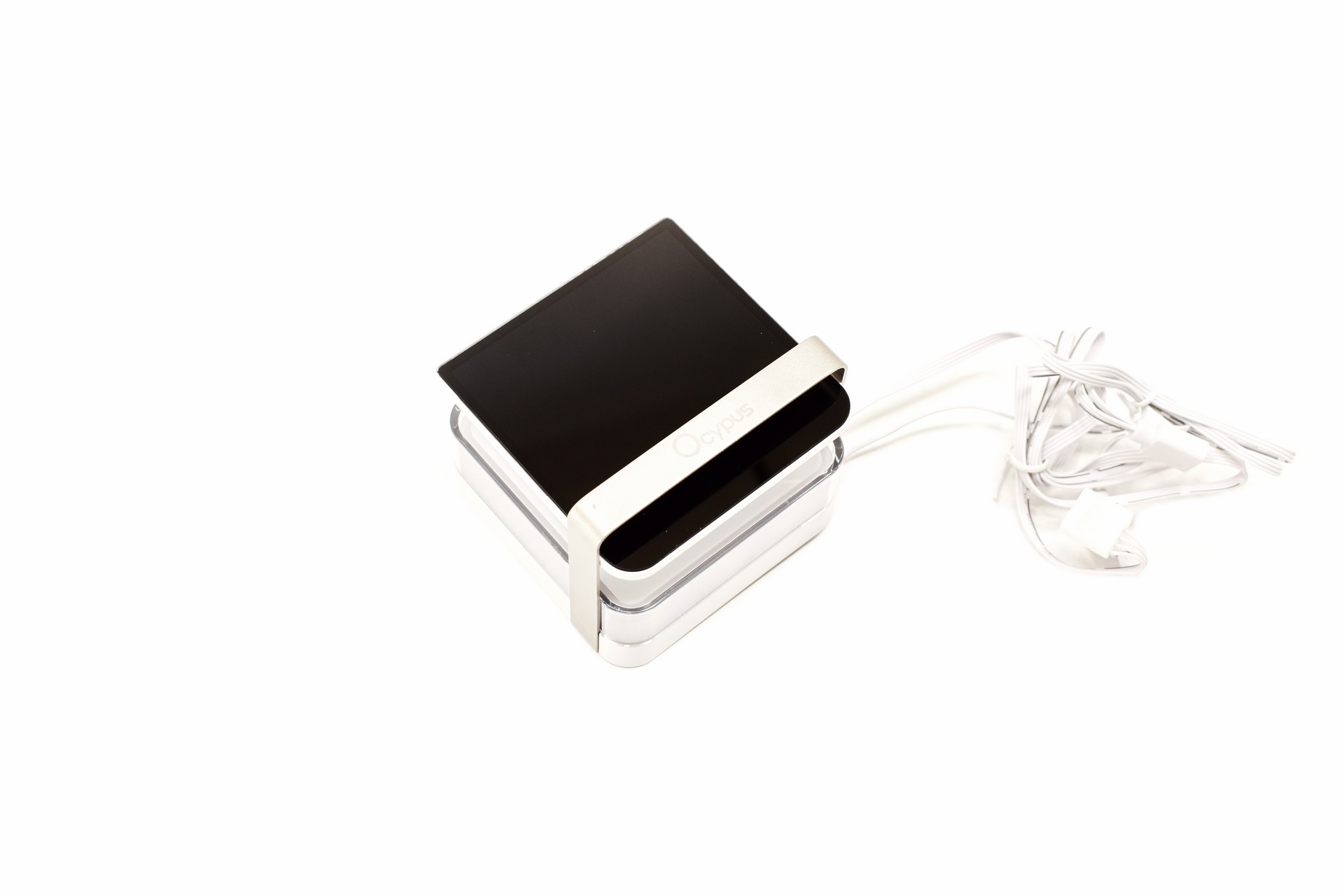
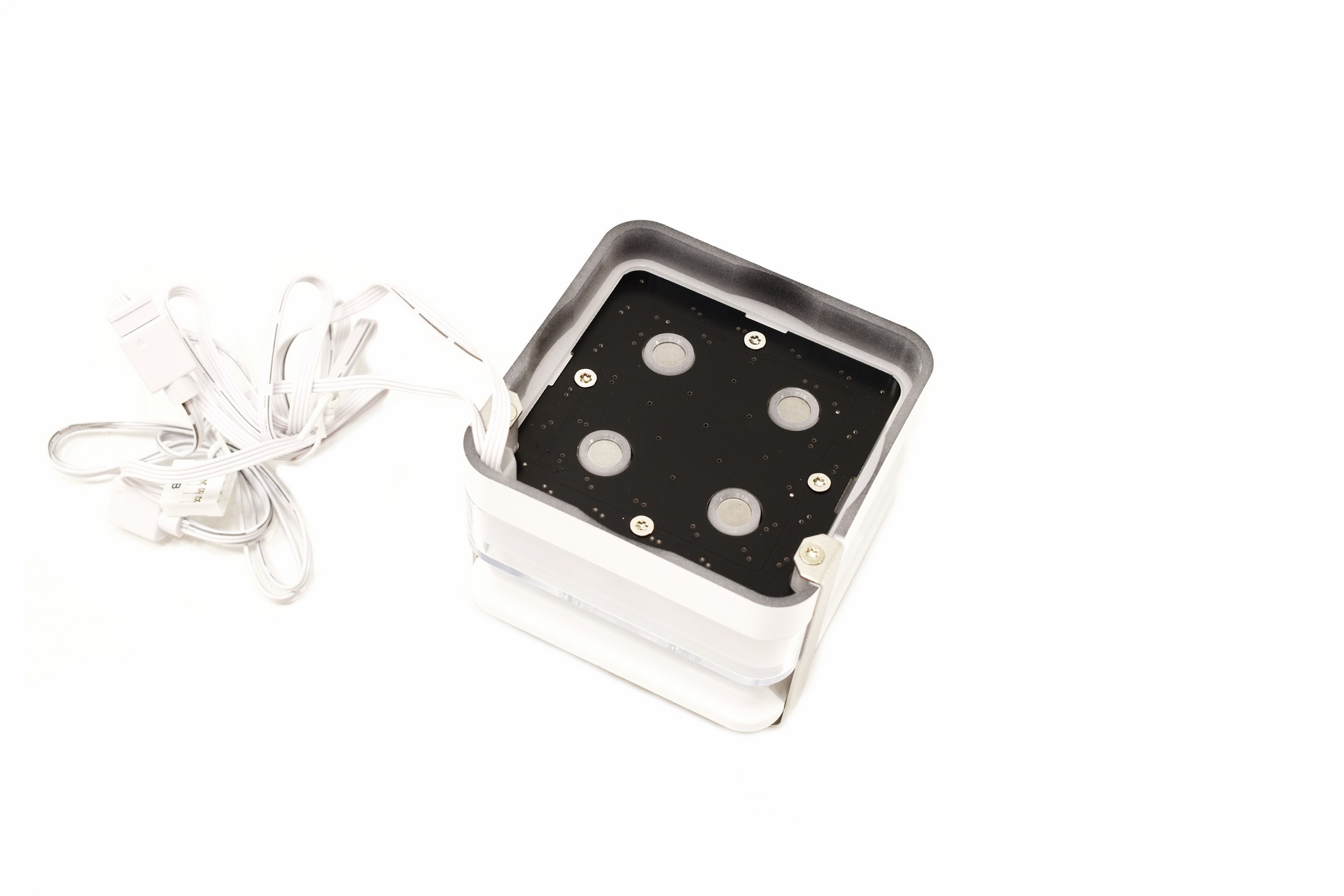
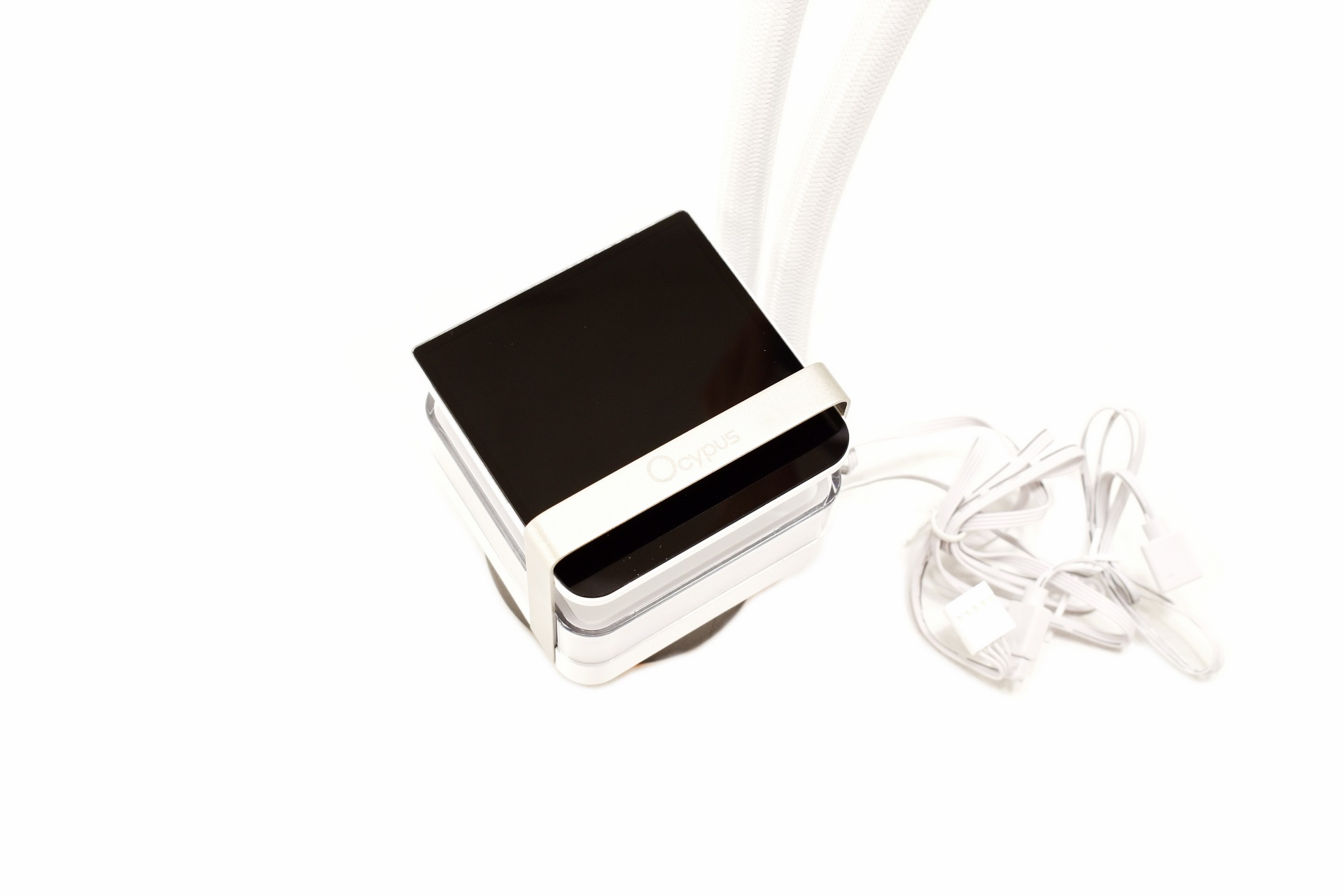 The magnetically attached IPS display is a good touch and yes, you can use the AIO even without attaching it.
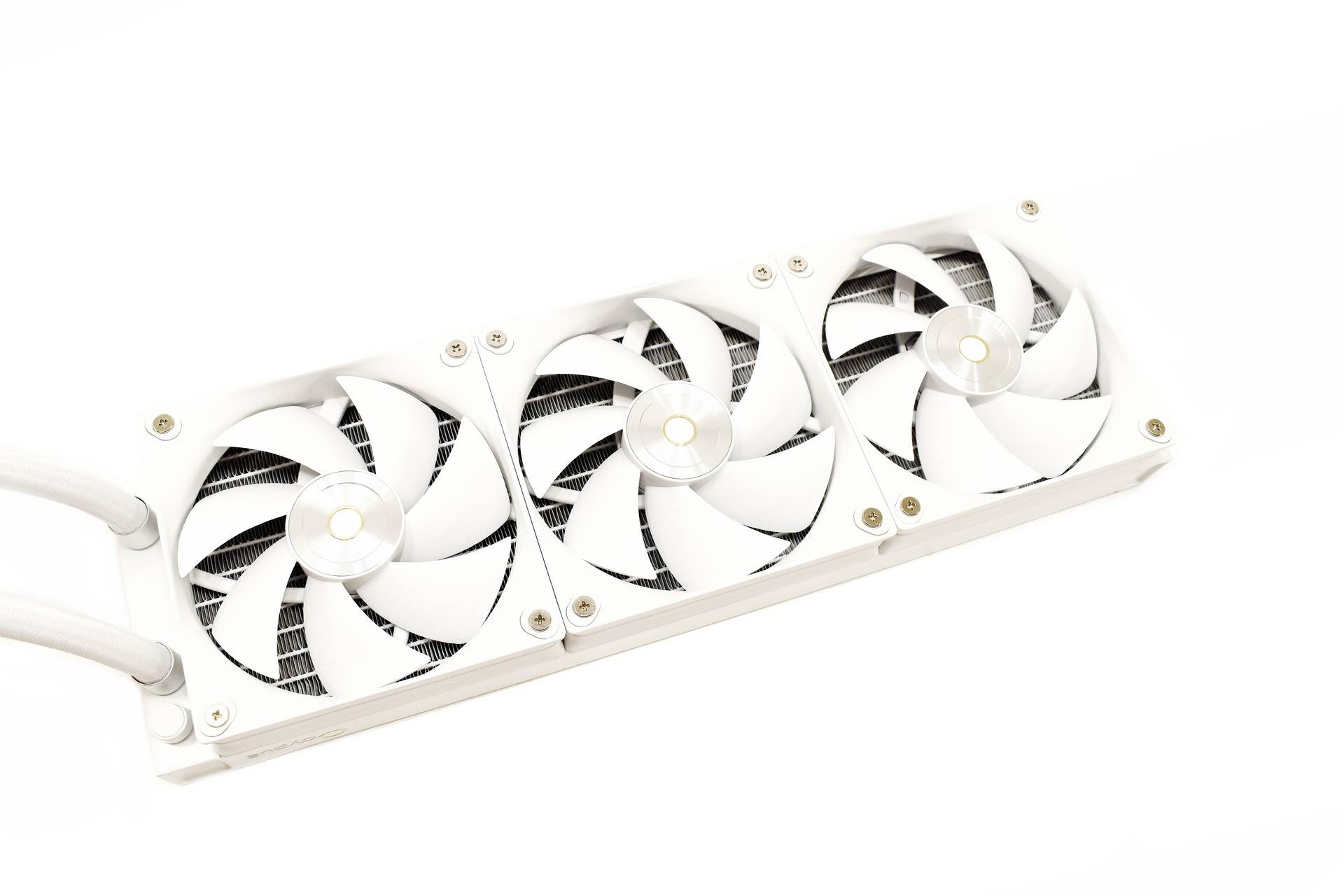
One other thing that stands out with the Sigma L36 Pro is the performance of the 3 pre-mounted fans since they can go up to 2400RPM to produce up to 90CFM of airflow and 5.8mmH2O of air pressure.
INSTALLATION
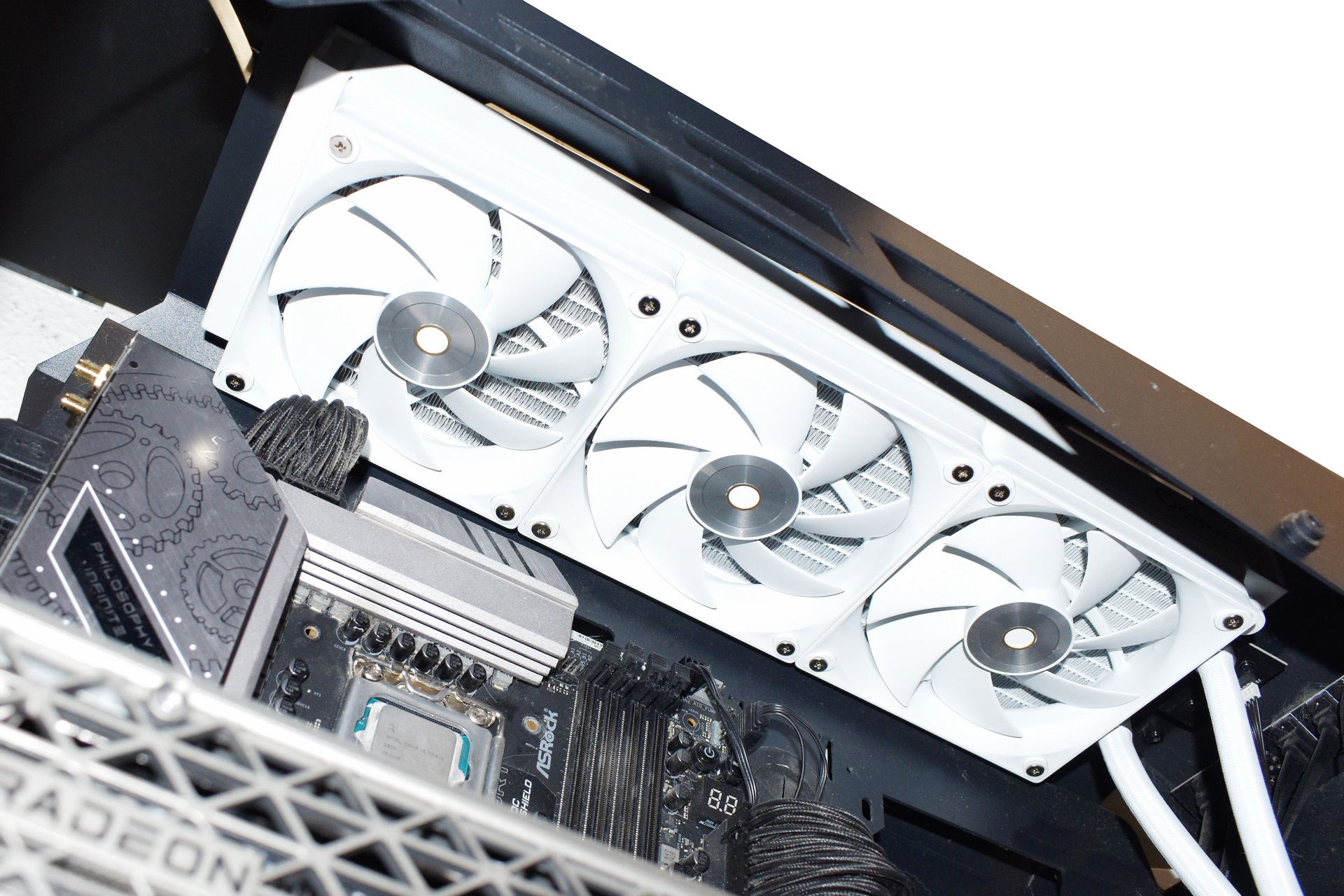
Radiator mounting always comes first for me and this wasn’t an exception.
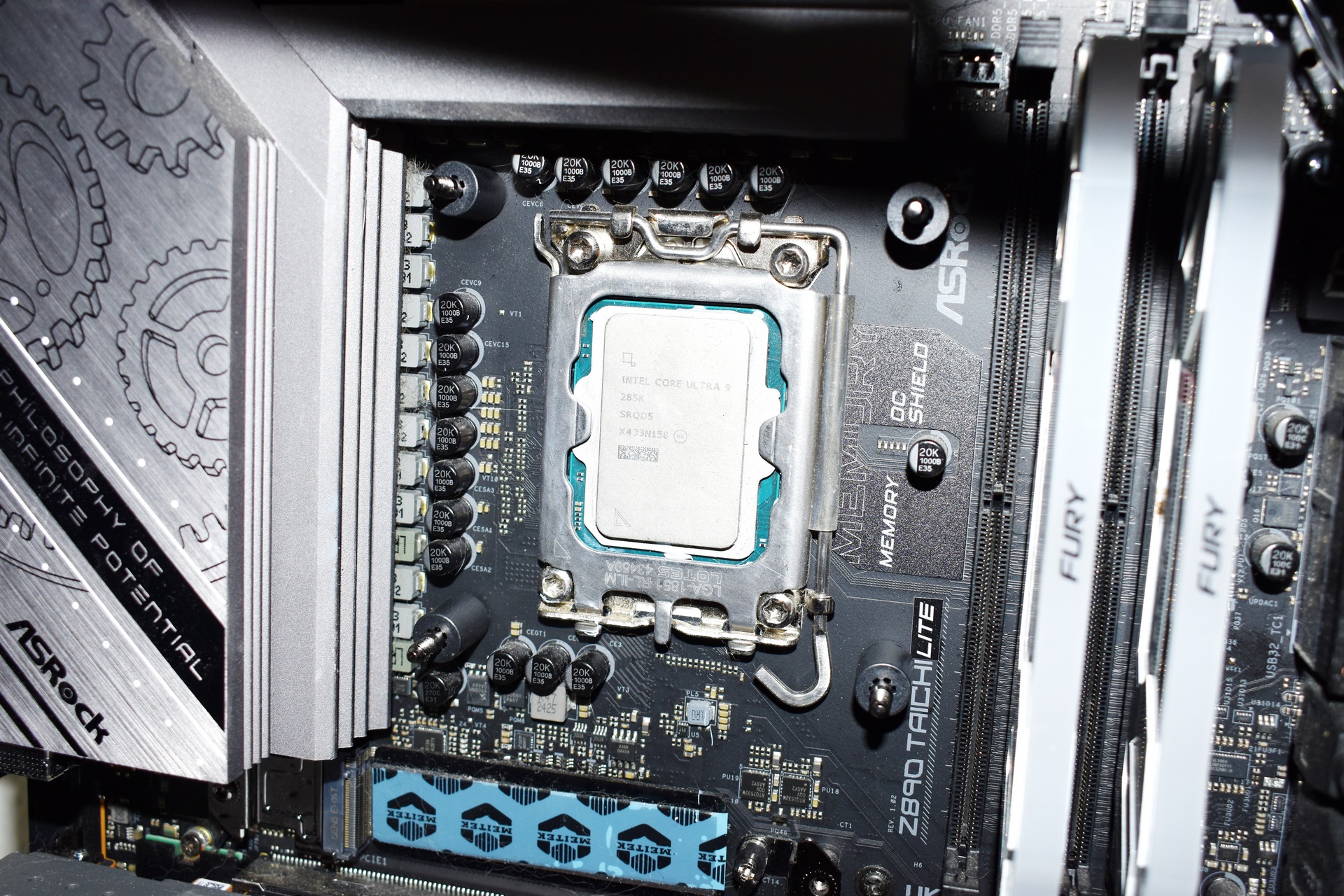
After the radiator you will need to place the backplate at the rear and the plastic standoffs on the inside side as seen above.
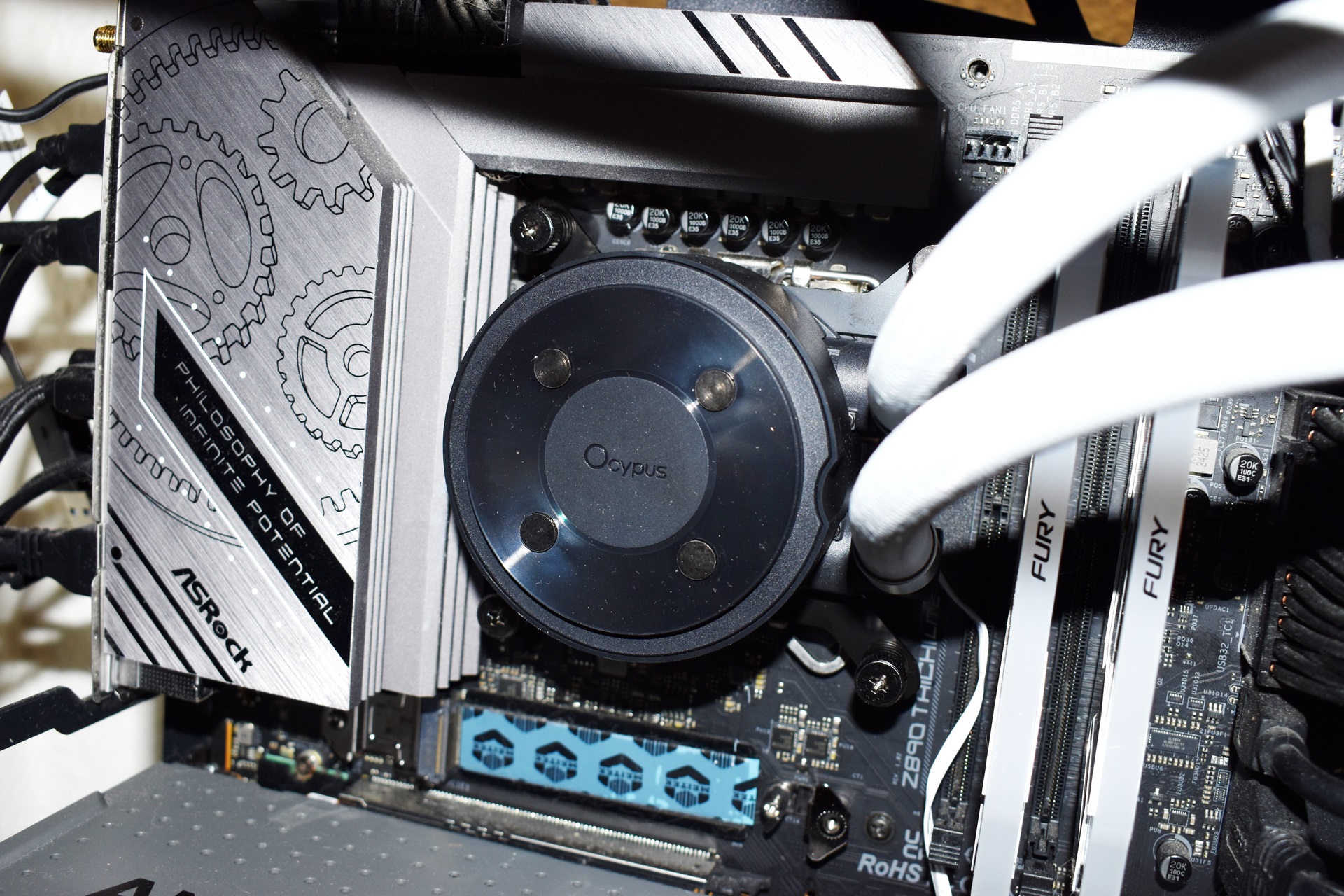
After that just secure the pump/waterblock with the spring thumbscrews.
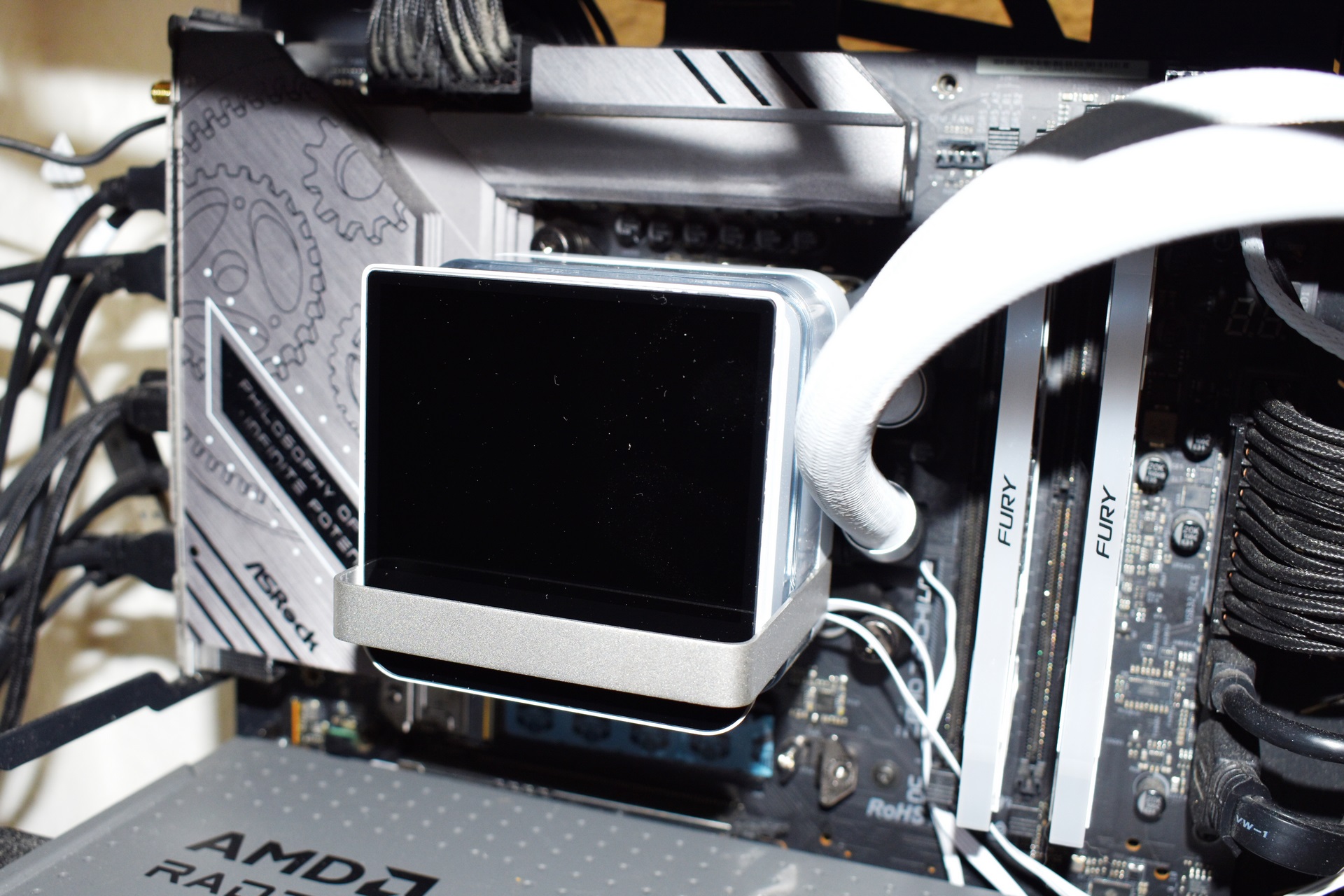
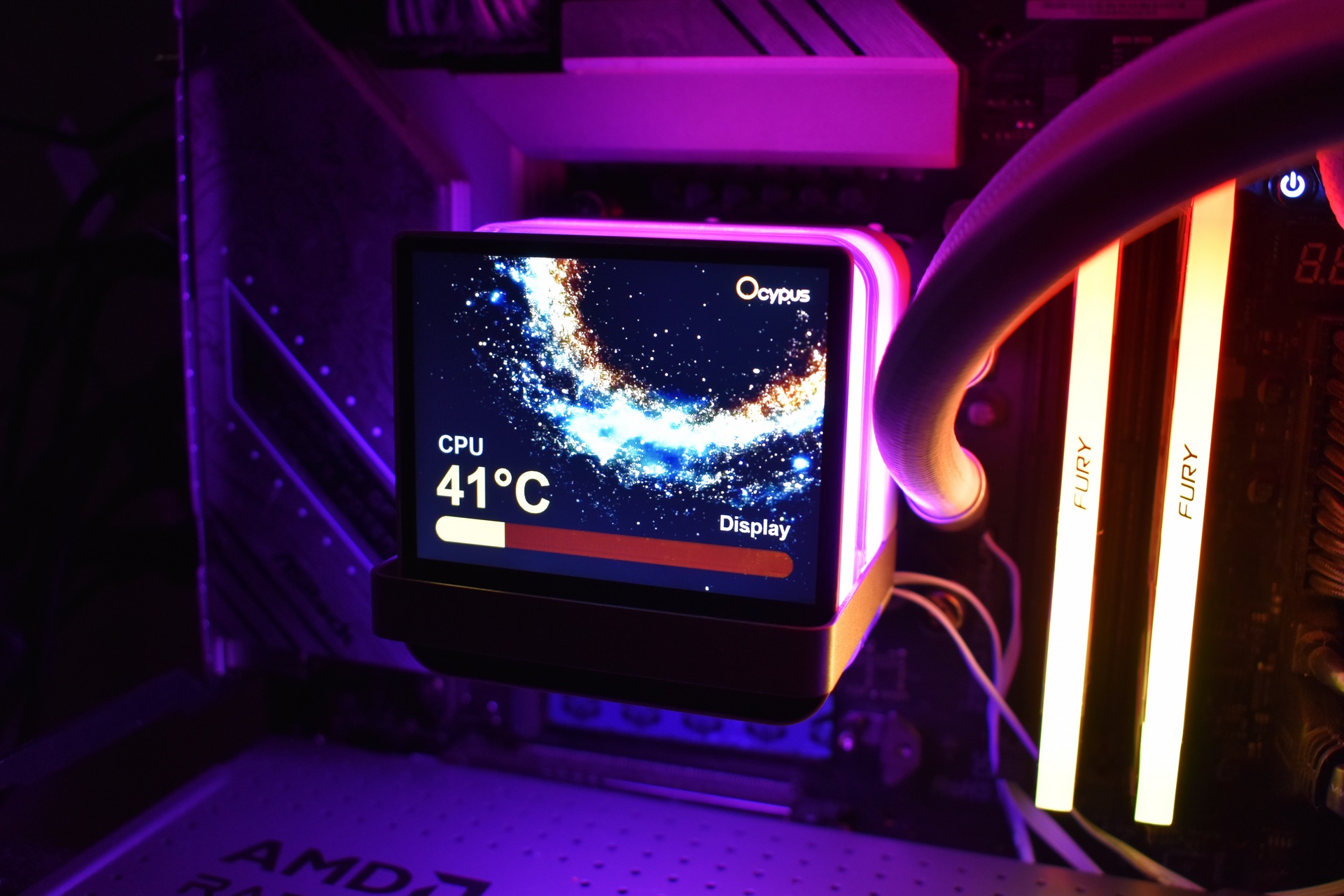
Finally, you just need to attach the IPS display and connect it with a motherboard USB header and a motherboard ARGB header (short clip is available on TikTok and YouTube).
OCYPUS DISPLAY SOFTWARE
You can download and install the Ocypus Display software for control of the screen on the Sigma L36 Pro WH.
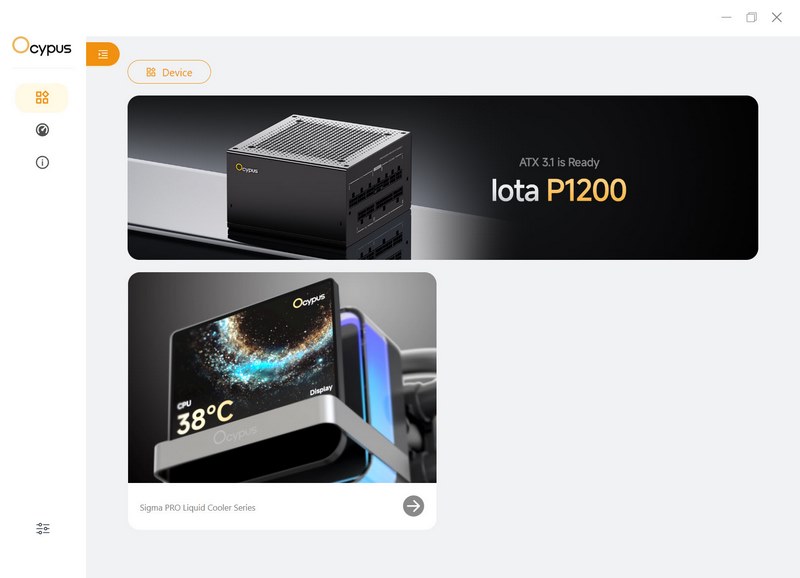
The main tab shows connected devices and advertises the latest PSU model by Ocypus.
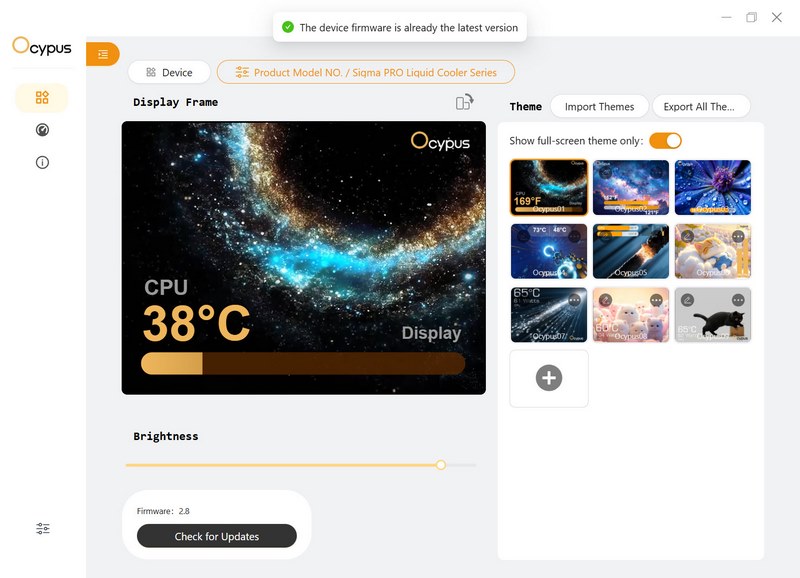
From the device tab you can adjust the brightness level, choose one of the 9 full screen animations and load your very own.
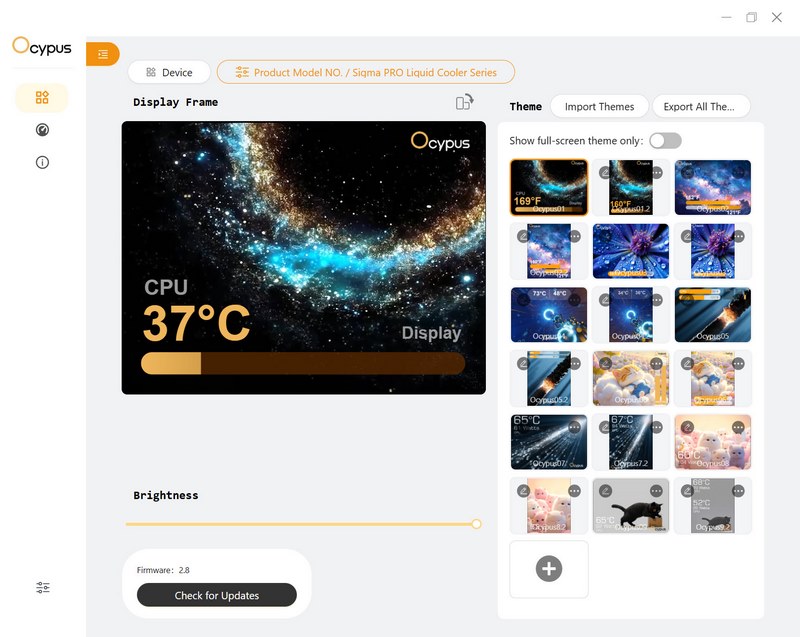
There’s a total of 18 available screens if you choose to also include no-full screen ones.
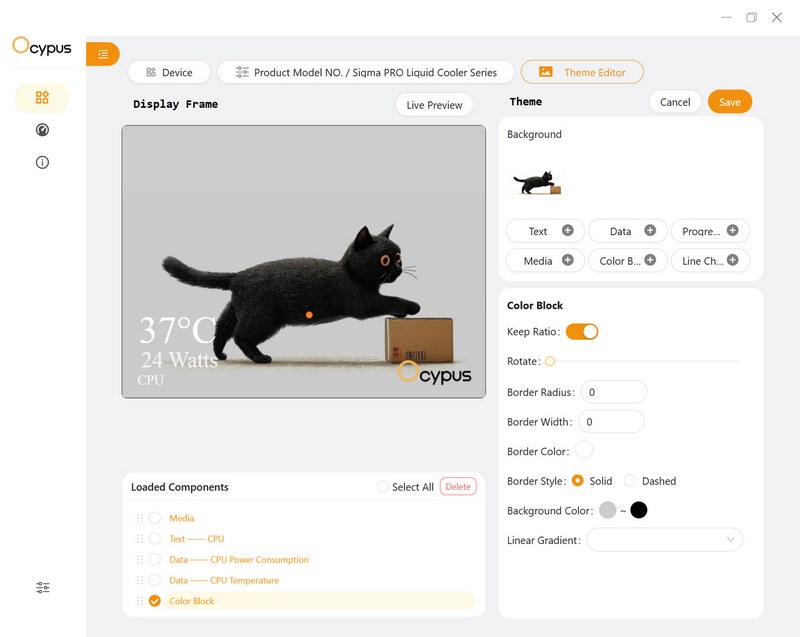
Ocypus also allows the end user to edit the included animations as seen above.
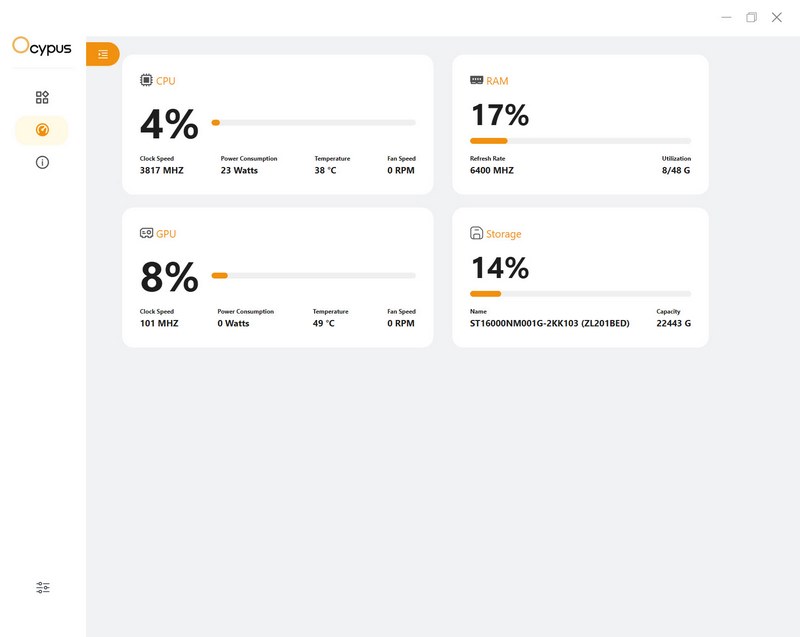
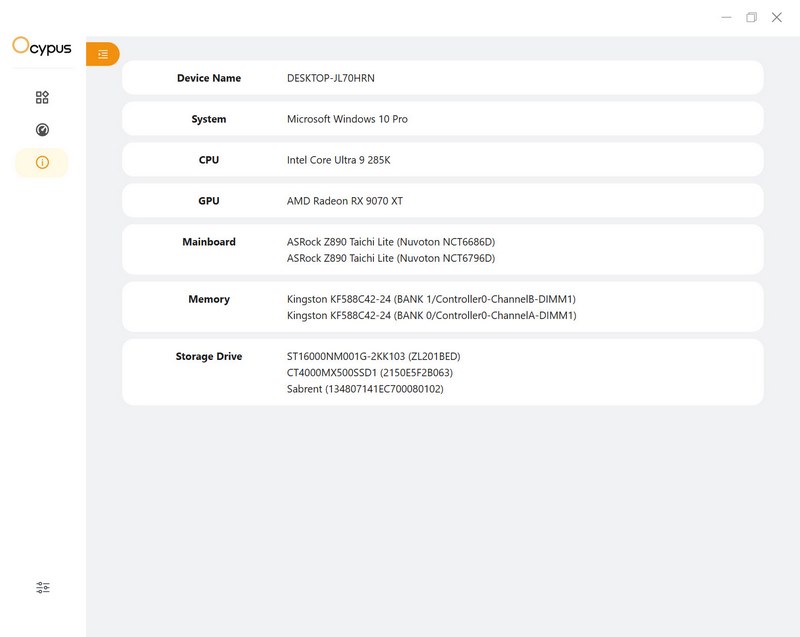
The software also offers system monitor and information tabs.
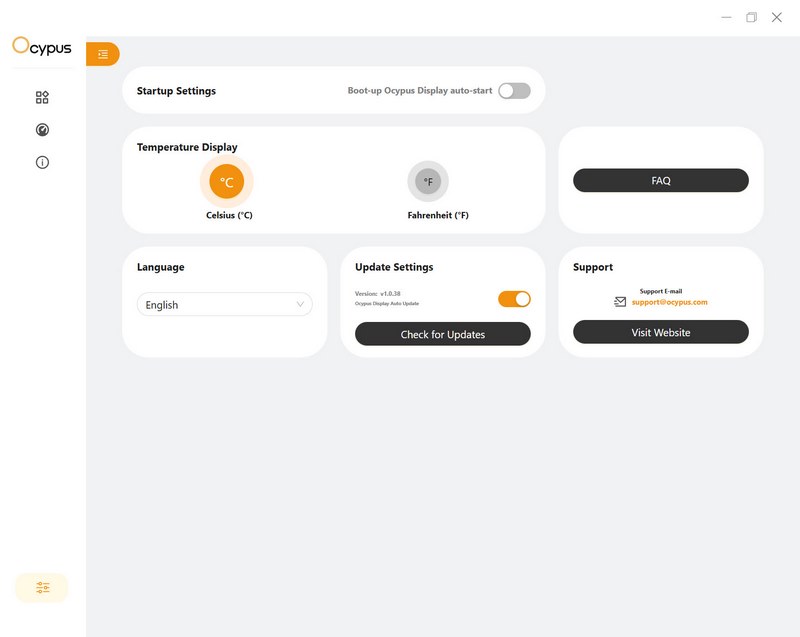
From the settings tab allows the end user to change between Celsius and Fahrenheit, check for updates and have the software load at boot.
TEST BED

TESTING METHODOLOGY
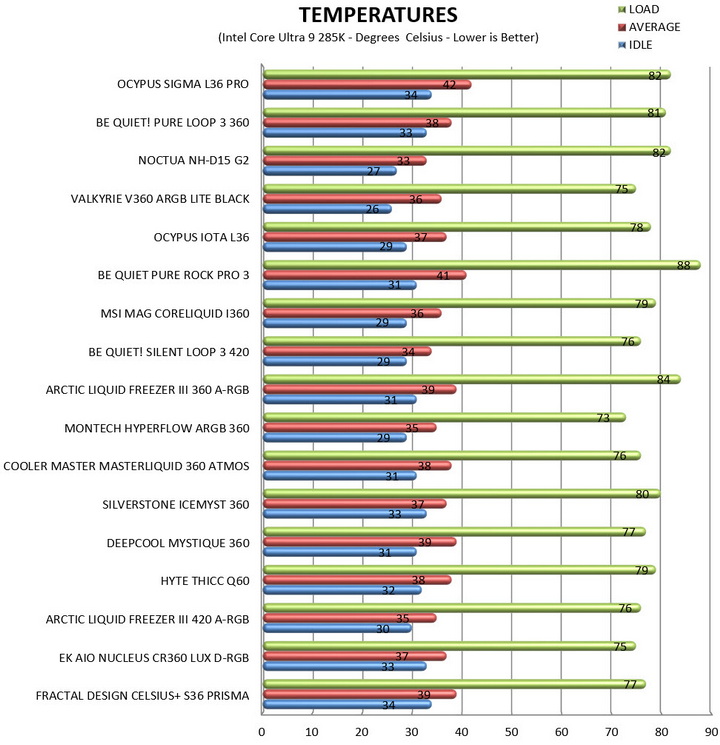
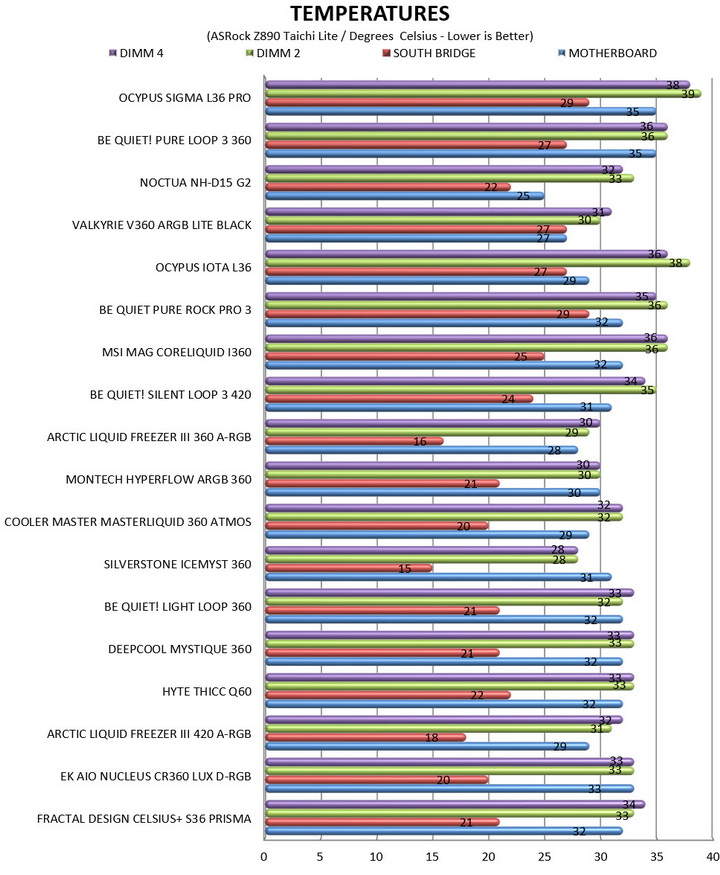
Testing complete water cooling kits or individual radiators is no different than testing CPU Coolers and since we want all of you to be able to compare similar products, we created new and separate charts (you can still cross-compare results however since we are using the same test rig). So once again single (120/140mm) watercooling solutions are tested with the radiator mounted at the rear of our test rig while dual/triple/quad (240/260/280/360/420/480/560mm) solutions with the radiator mounted at the top. For the dBA tests complete water cooling kits or radiators with bundled fans are measured both while on idle mode or with the fan controller in the minimum setting and while on extreme load or with the fan controller all the way to the highest possible setting (PWM fans do that on their own without our intervention). Every single test takes place in a temperature controlled room of 23 degrees Celsius Ambient Temp with the help of two AC units placed diagonally inside the room and as for thermal paste I’m using the NT-H2 by Noctua. Finally, much like when testing CPU Coolers, it's very important to point out that just because a water cooling kit (or a AIO) outperforms another when tested with our test rig (when we test complete water cooling kits) that does not necessarily mean that the same performance differences will apply 100% for other CPU models and in other situations (such as different ambient temps and system configurations).
To successfully record the load temperatures, we use the latest OCCT application for around 6-10 minutes to push the processor to its limits and after that is done and the temperatures are recorded, we wait for about 10-20 minutes for the CPU to cool down and record idle temperatures. This is done to allow time for the thermal conductive material to achieve the optimal performance level. Same procedure is then repeated with the Passmark BurnIn Test as a failsafe just in case the OCCT results are wrong. This procedure takes a lot more time than the usual peltier/thermometer tests, but this way not only can we deliver real world results to our readers based on real CPUs, but we can also triple check the results using a variety of programs. Last but not least the temperatures were recorded using the latest version of AIDA64 while noise level tests (when fans exist in the bundle) are performed using a high precision ExTech HD600 Decibel Meter placed about 10-15cm above the radiator. Still although the same testing procedure applies to all units do take into consideration that unlike the official numbers which are measured in special noise isolated labs with just the fans here, we also have both the rest of the cooler and the rest of the system (although all system fans are turned off when recording noise levels).
* Since some manufacturers have ceased support for the Intel LGA 2011-3 platform, for such coolers, I’ll be using the Ryzen 7900X / ASRock X670E test rig.
** After high demand since September 2024 I’ll be including average temperatures in my AMD Ryzen 9 7900Χ/Χ670Ε charts (under light load such as Internet browsing and Office use).
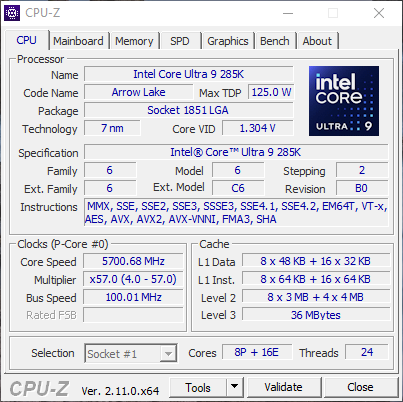
*** Since November 2024 I swapped test systems with the Intel Core Ultra 285K (same methodology as with the AMD Ryzen 9 7900X).
TEST RESULTS
CONCLUSION
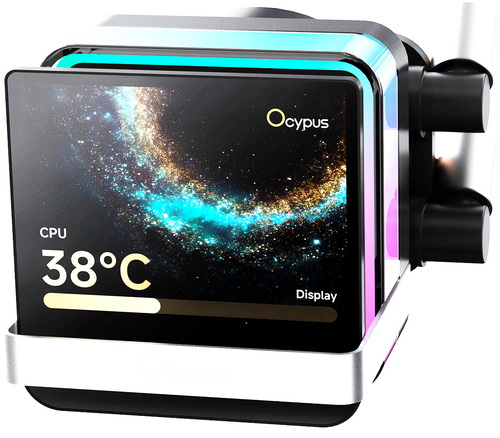
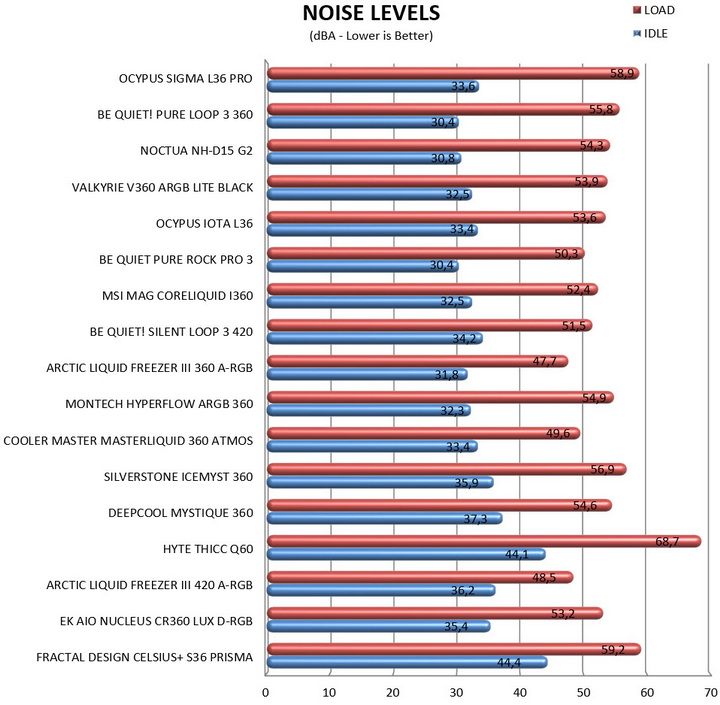
Adding LCD screens on AIO liquid coolers is the new trend and well, at least for me it’s a lot more interesting compared to ARGB lighting. The good news is that most manufacturers offer both with their newest models and so in terms of looks the Sigma L36 Pro WH by Ocypus certainly delivers. Cooling efficiency is also good and on par with many AIO I’ve tested to date, although I must admit that I was expecting slightly more because of its high-performance fans. The high-performance fans are probably the sole issue with the Sigma L36 Pro WH since at full speed they are considerably louder compared to many of the AIO in my charts (at performance mode through BIOS however they are nearly inaudible from 1 meter away).
Right now, the Sigma L36 Pro WH by Ocypus retails for around USD240 inside the USA and for 187.55Euros inside the EU (Amazon.de), a price tag which at least on this side of the Atlantic is balanced. Overall, there’s not much else I can say about the Sigma L36 Pro that hasn’t already been covered in this review, it performs very well and looks even better so the Golden Award is in order.

PROS
- Build Quality
- Good Cooling Efficiency
- 3.5” IPS Display (640x480p)
- ARGB Lighting (Motherboard Sync Compatible)
- Motherboard Compatibility
- Large Coldplate
- Up to Six 120mm Fans in Push & Pull
- Available In Black & White Colors
CONS
- Noise Levels
- Price (USA)





