





Page 5 of 10
SSD UTILITY
As with past KIOXIA portable SSDs you can use the SSD utility for complete control over the Exceria Plus G2.
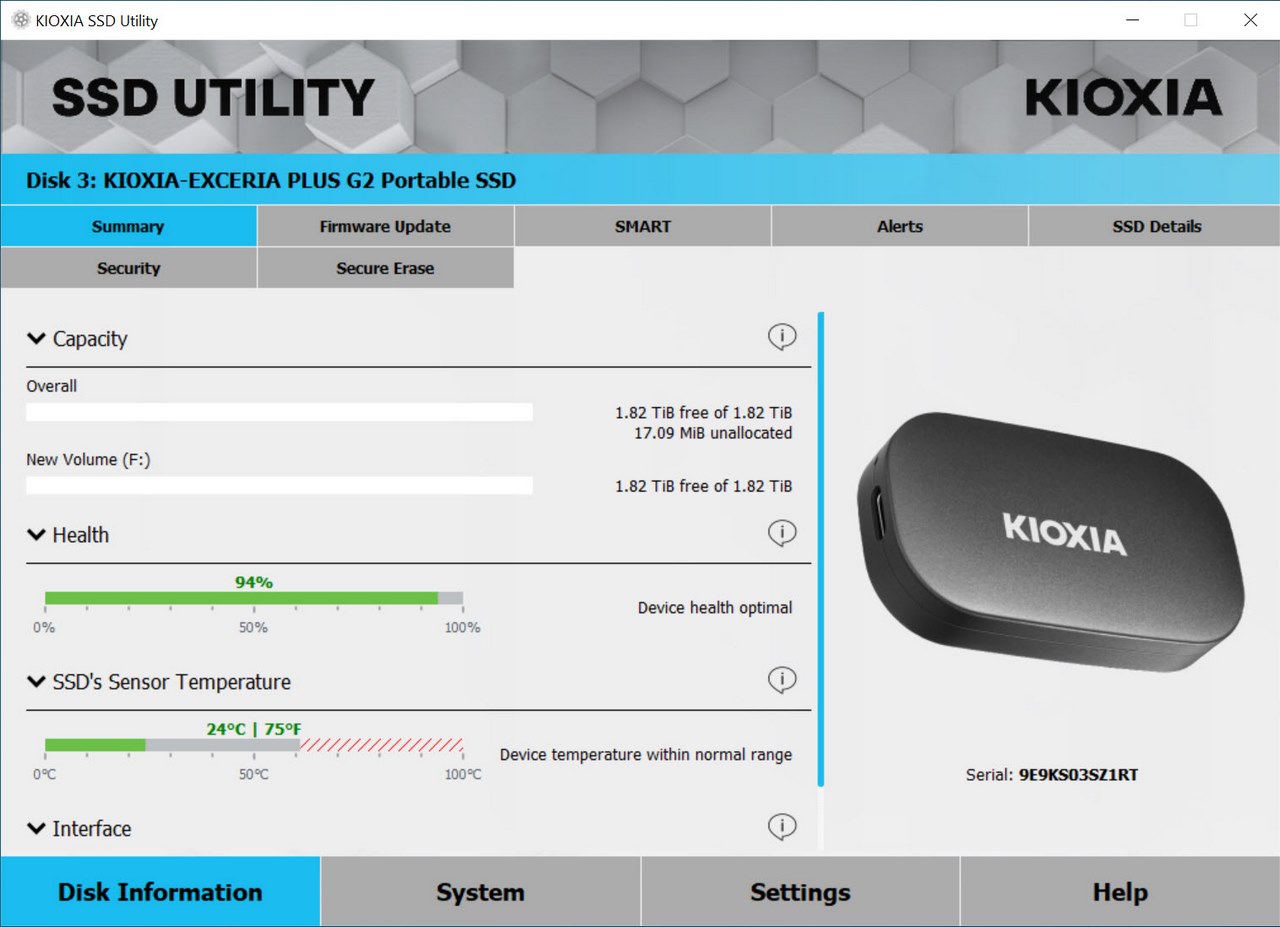
The initial tab of the SSD utility allows you to check the current state of the drive (capacity empty/used, health and temperatures) and the interface of the port it's connected to.
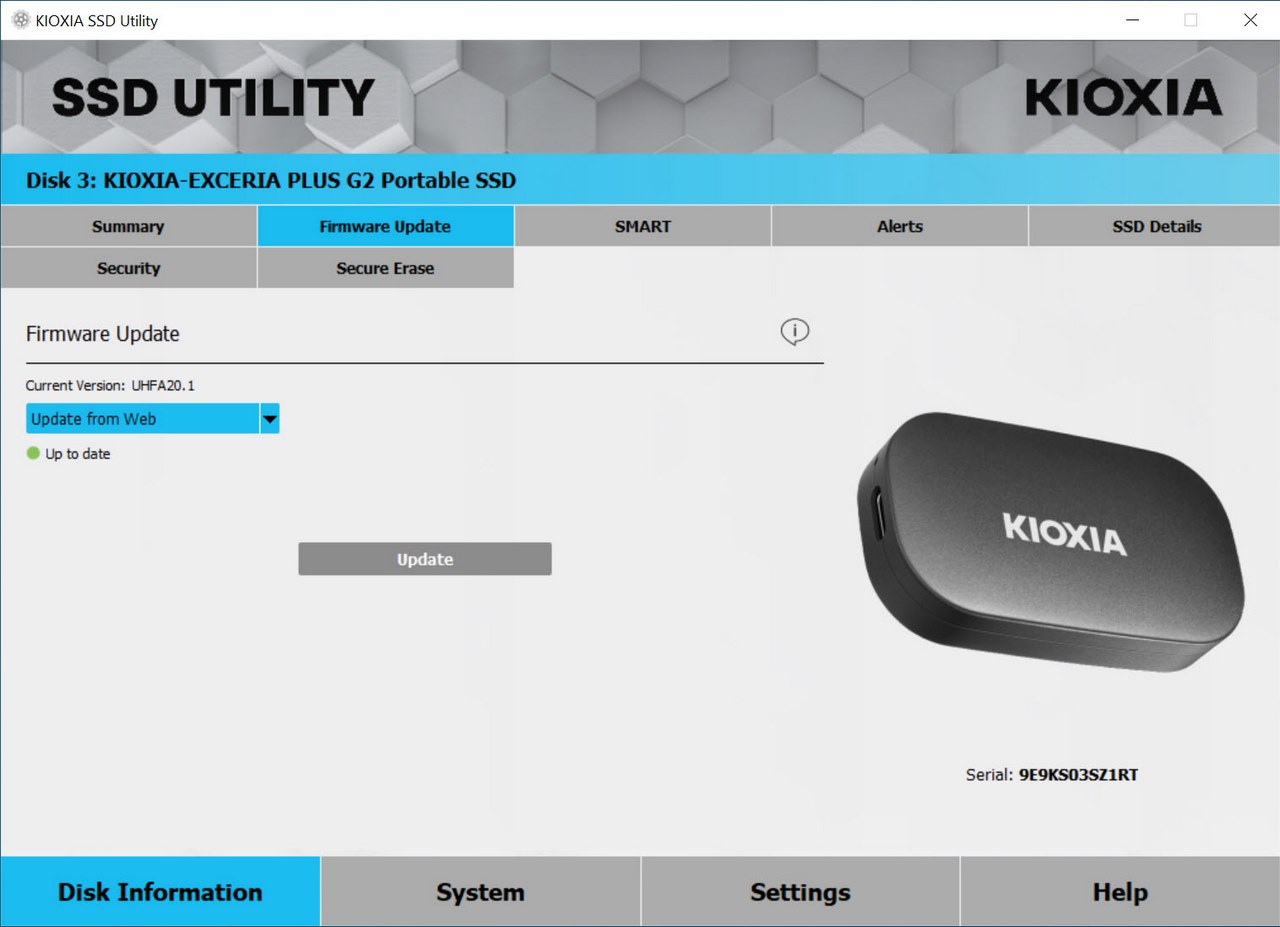
Second tab allows you to check online for possible firmware updates.
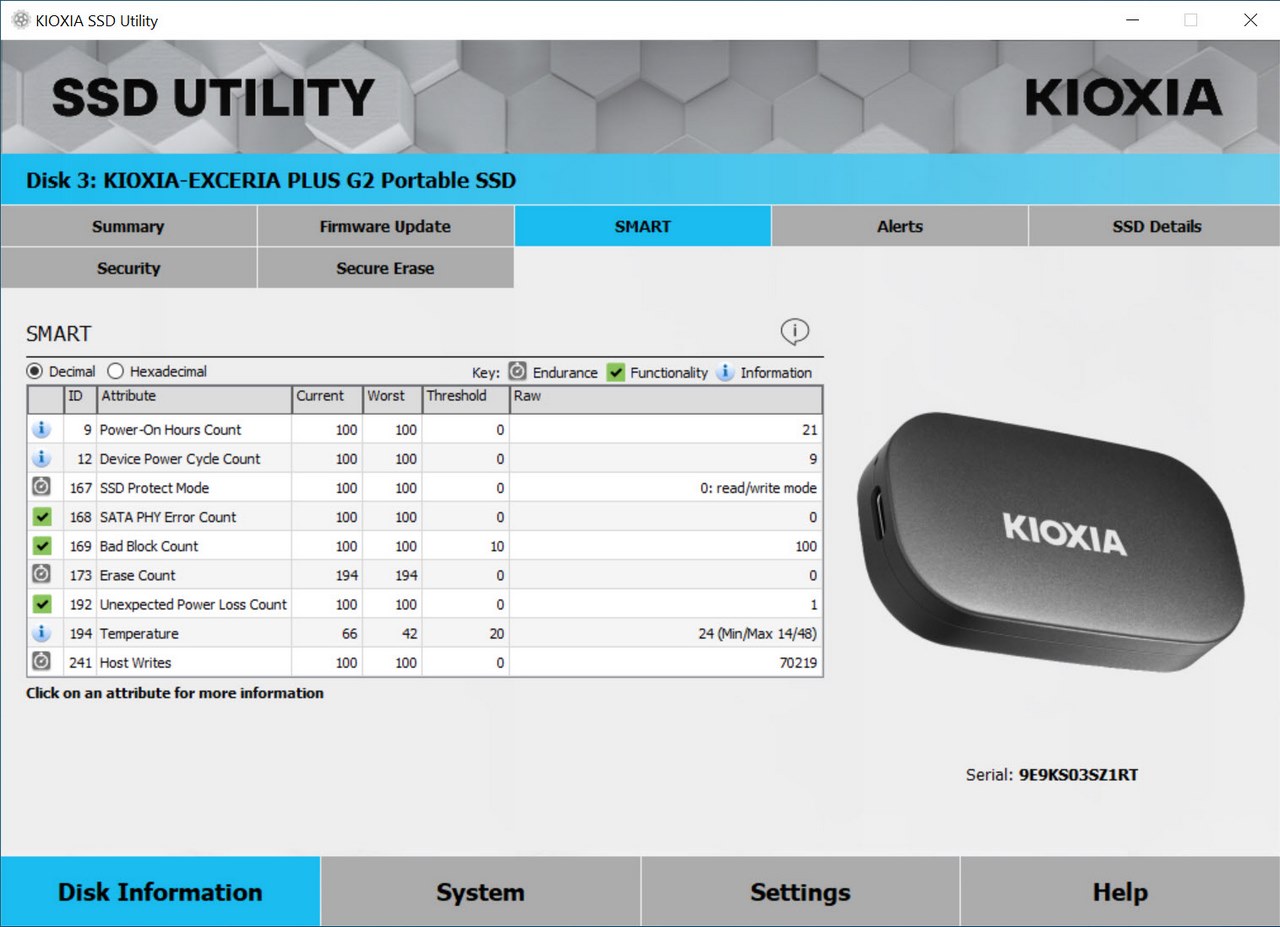
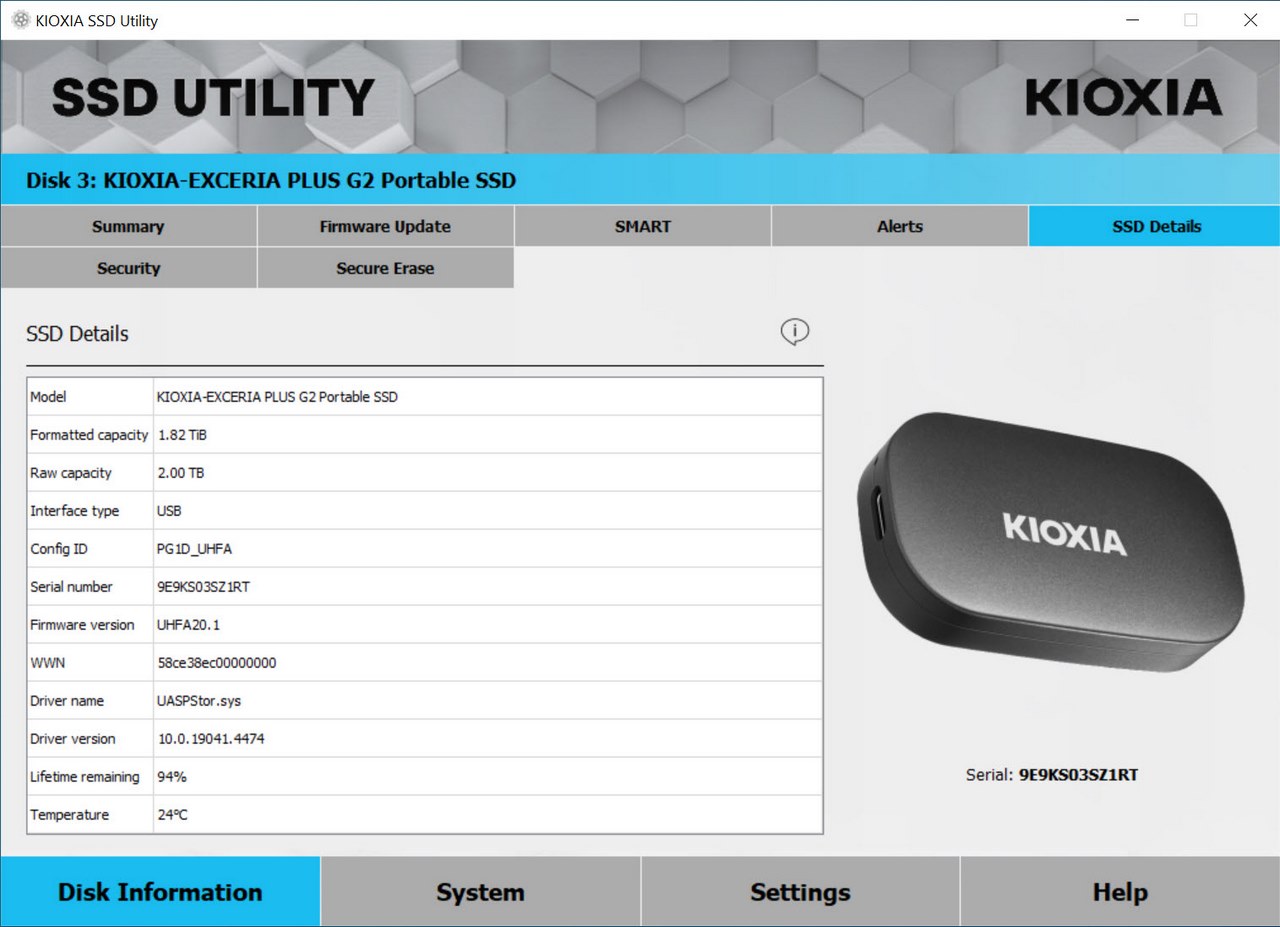
Third tab is the smart reading one so this could come in handy to some people as may the SSD details tab (4th one).
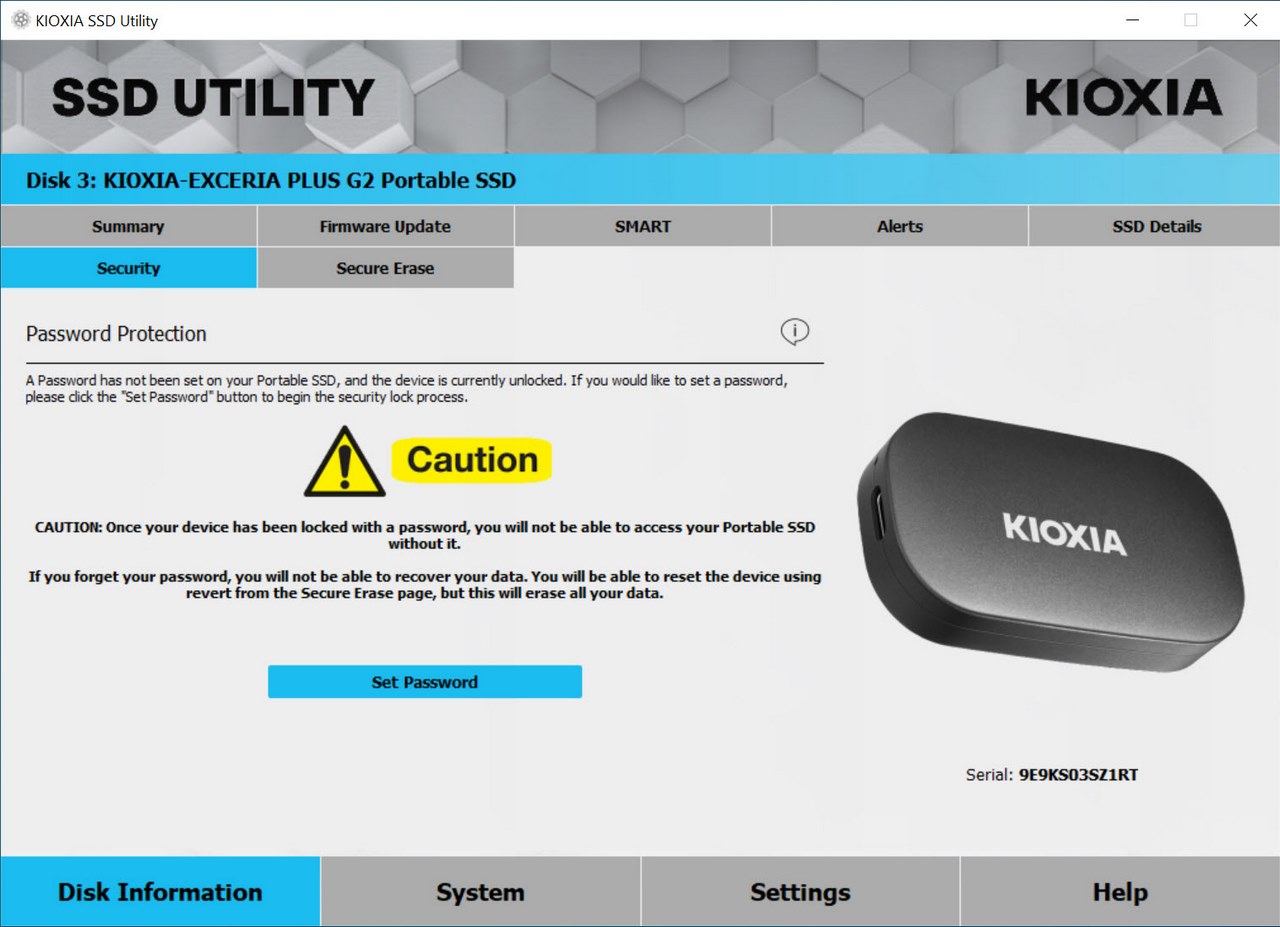
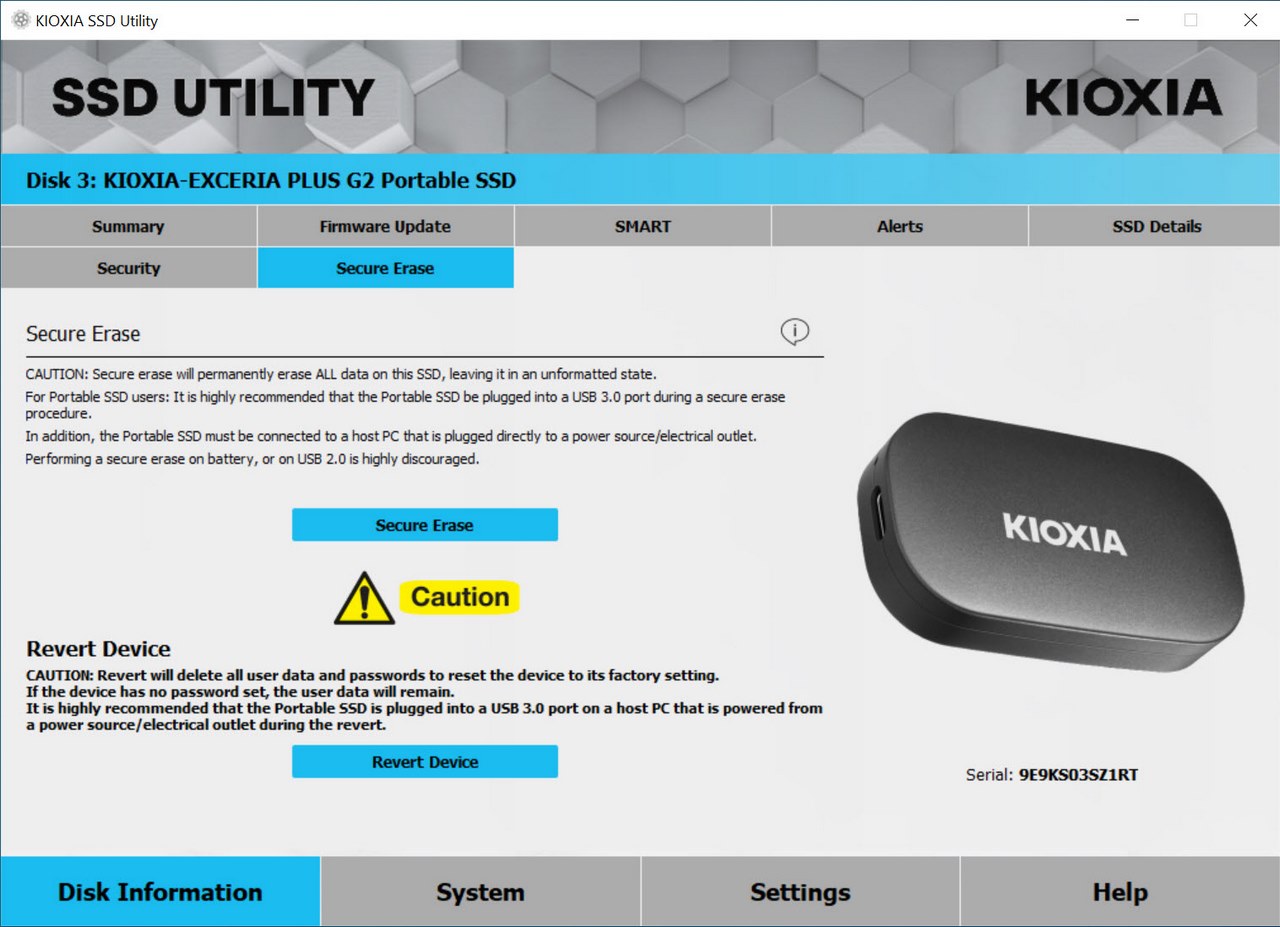
From the security tab you can use a password to protect your sensitive data whereas from the secure erase tab you can scrub all drive contents and/or revert the drive.





