





G HUB
Once again for complete control you should download the G HUB software (and again it detects all compatible Logitech devices connected to your system).
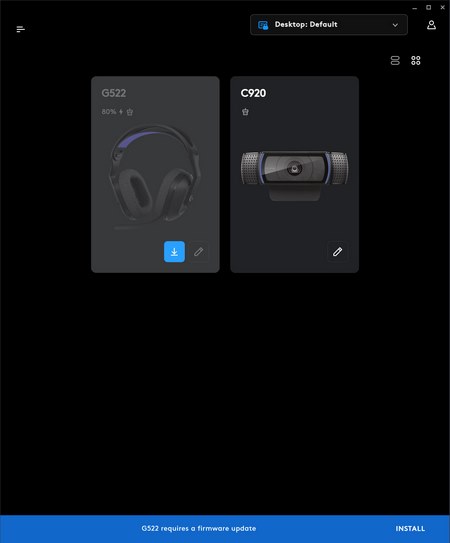
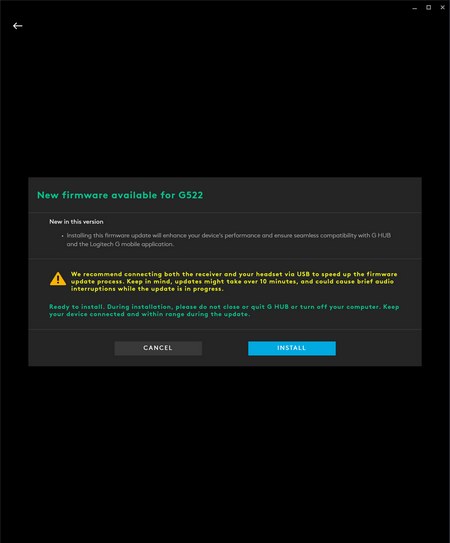
The software alerts you for available firmware updates without even having to enter the product tab.
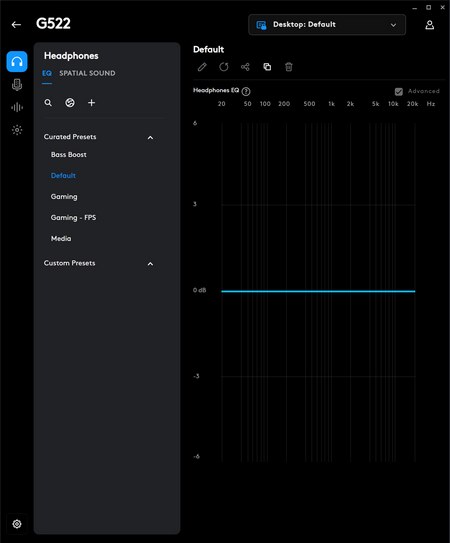
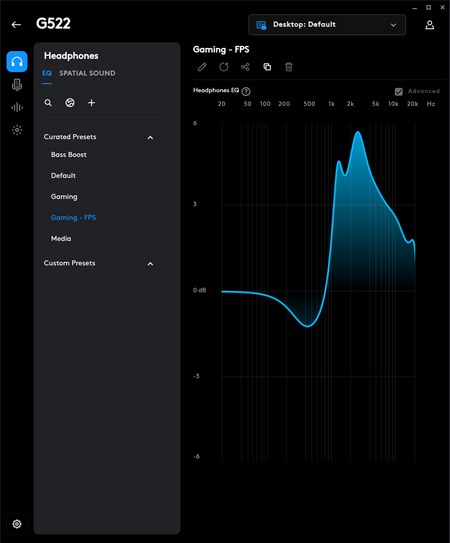
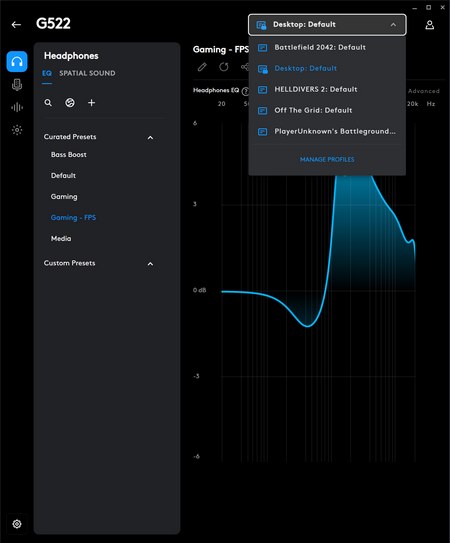
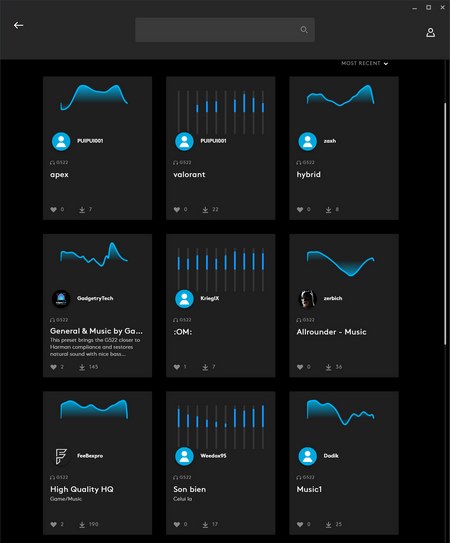
From the very first tab you can either choose one of the available 5 EQ presets, the ones made for games found in your system, create your very own or download one from the public library Logitech has (presets made by other end users).
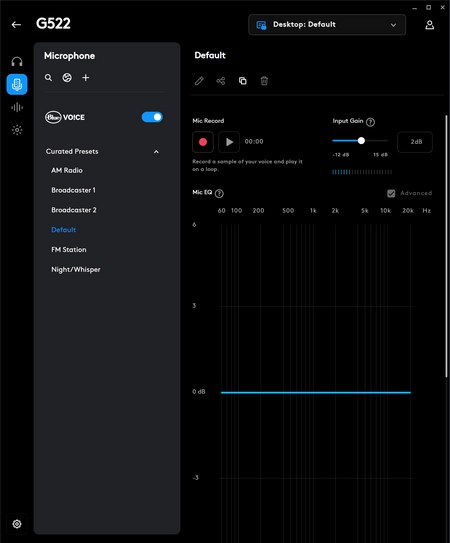
In the microphone tab there are 6 available EQ presets and the BLUE VO!CE feature.
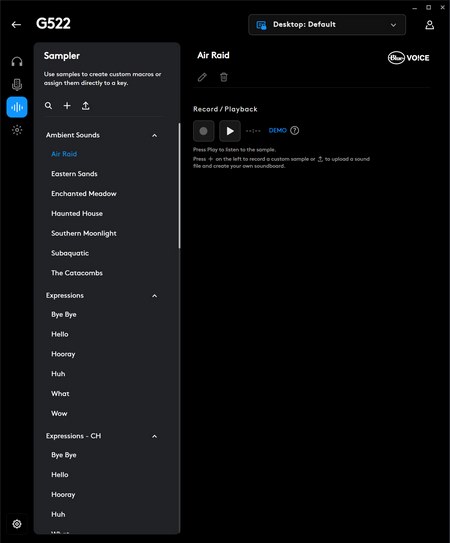
The sampler tab allows you to playback audio files and record yourself with or without BLUE VOICE effects on.
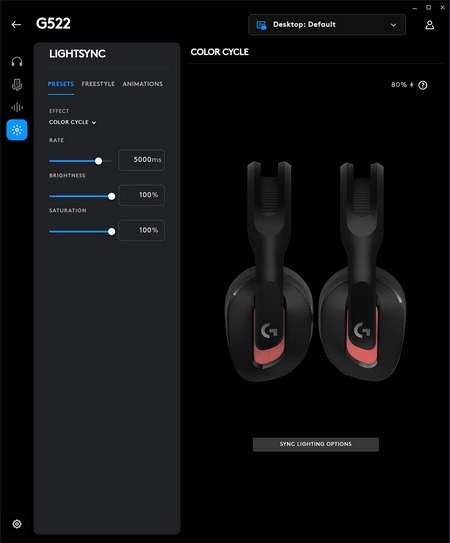
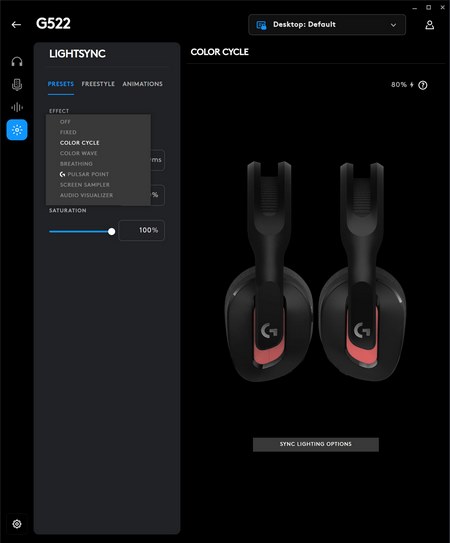
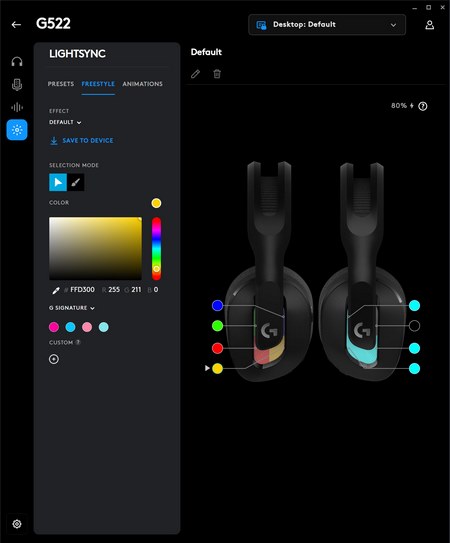
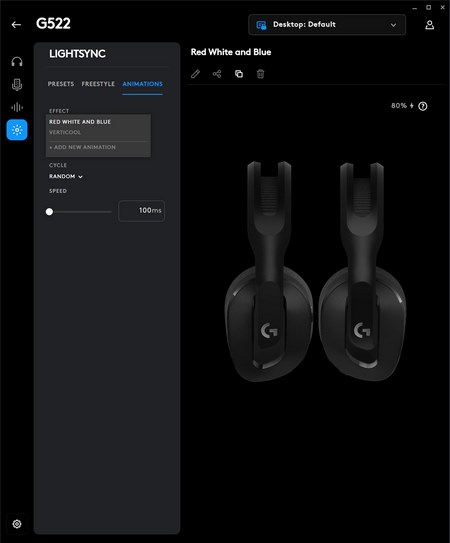
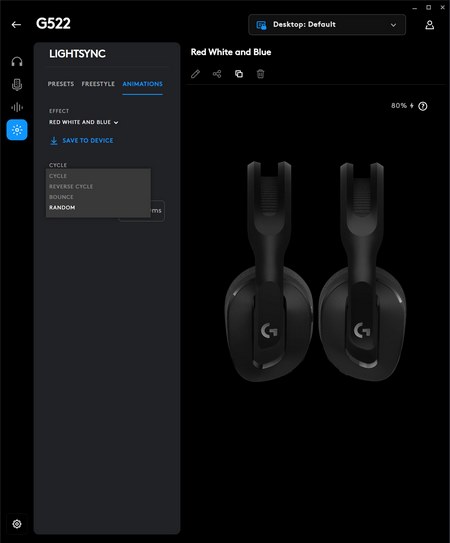
Last is the LIGHTSYNC tab and from here you can adjust rate, brightness, and saturation, choose one of the 12 available effects, or create your very own (battery life is also shown on the right side of the screen).
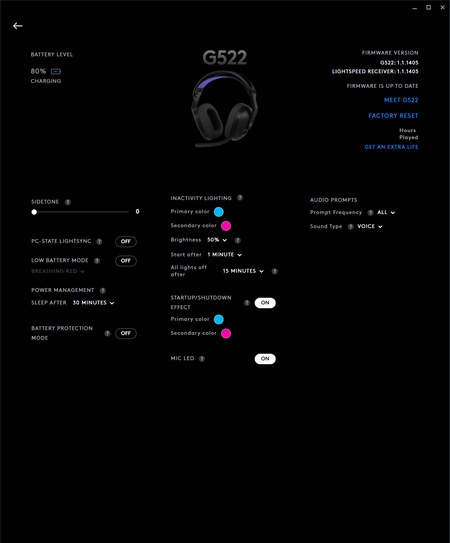
Inside the settings tab you can check the current firmware versions and battery life, enable several features (like sidetone, PC state LIGHTSYNC, low battery mode, battery protection mode and microphone LED), adjust the sleep function, set inactivity, and shut down lighting effects and enable/disable audio prompts.





