





ENGINE SOFTWARE
There are two ways to "control" the Arctis Nova 3P Wireless, either via the Engine software when used with a PC or via the SteelSeries smartphone app for when used with consoles (in my case since I tested it on PCs I used the Engine software).
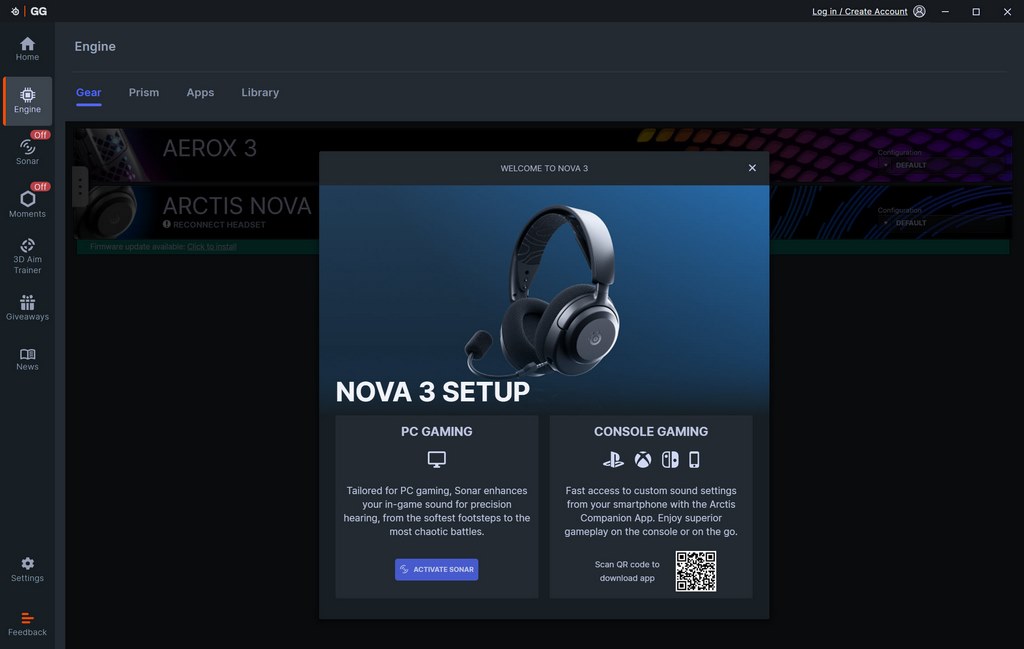
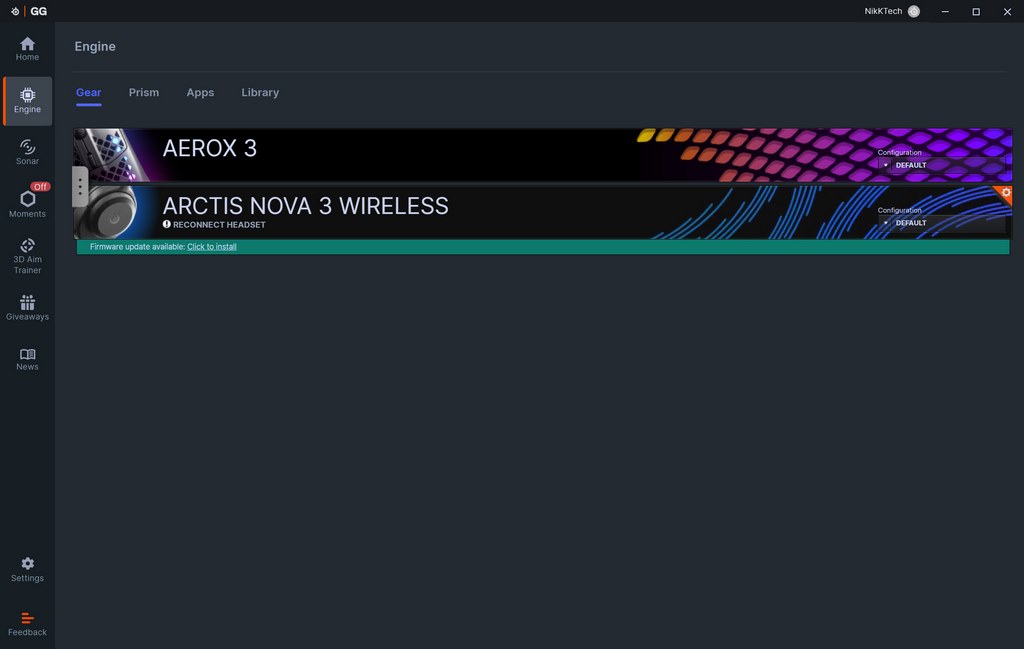
Once again this software detects available devices by SteelSeries and informs you of available firmware updates (there were for both the Arctis Nova 3P and its USB-C dongle).
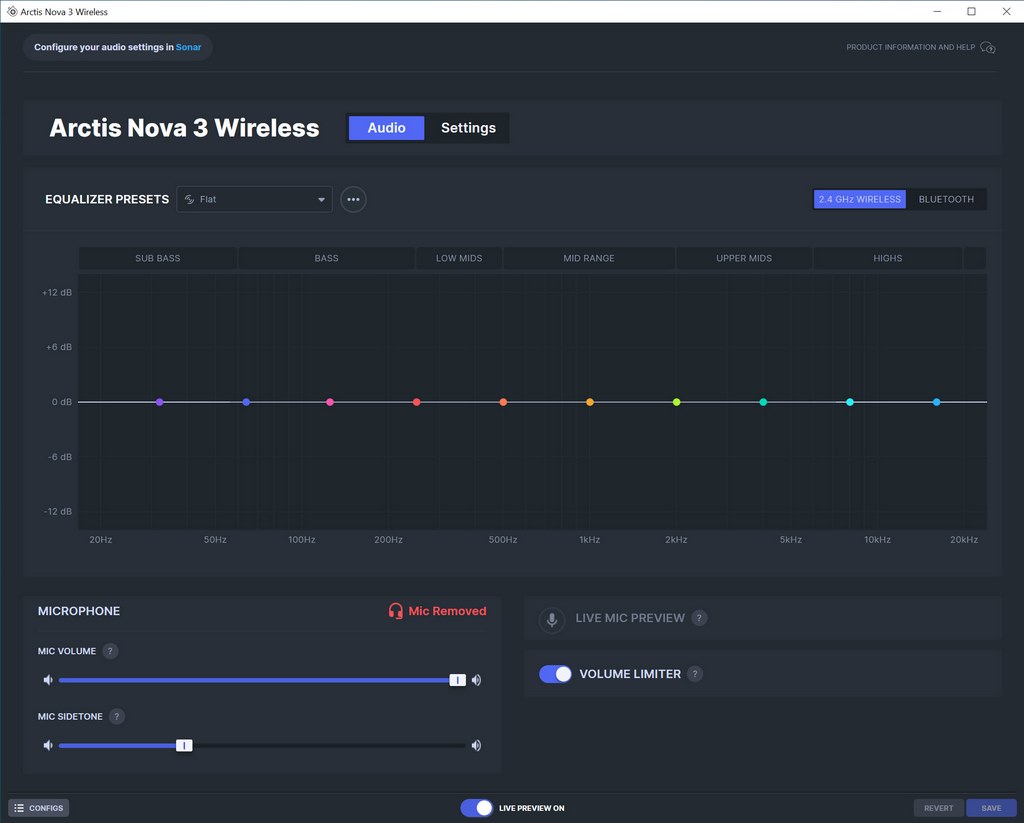
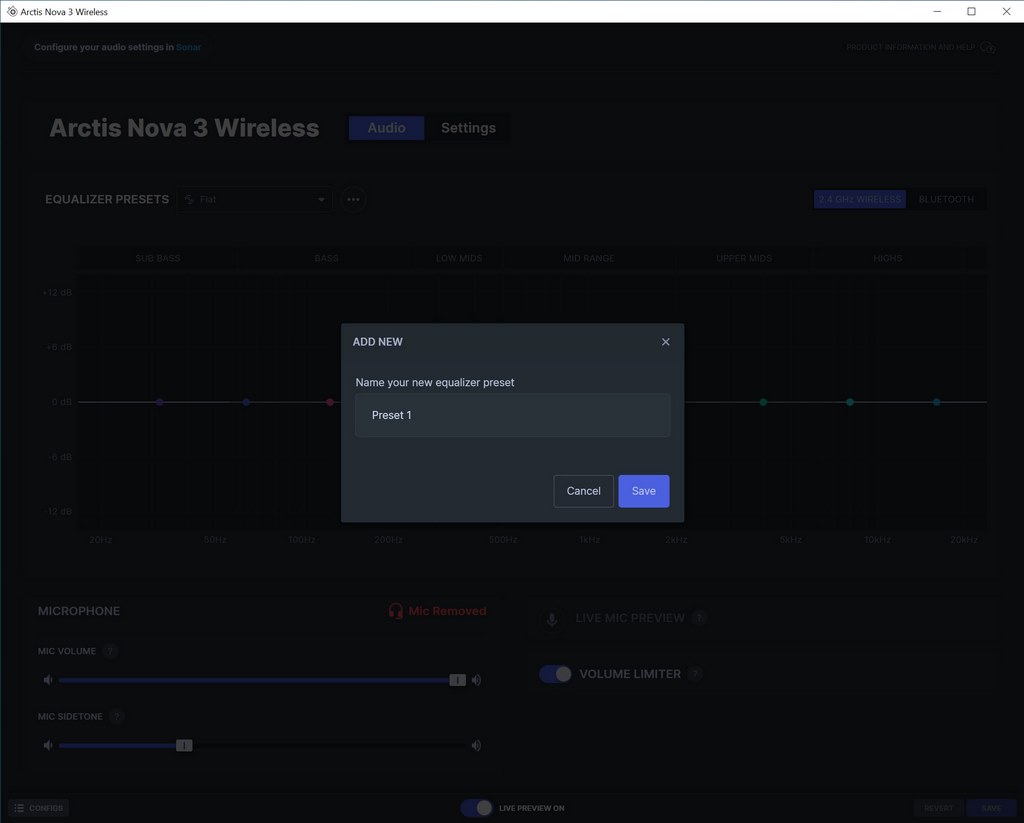
From the initial tab you can tweak the equalizer, load one of the many available presets, create your very own, adjust the microphone volume and sidetone and even enable/disable a volume limiter (normalization).
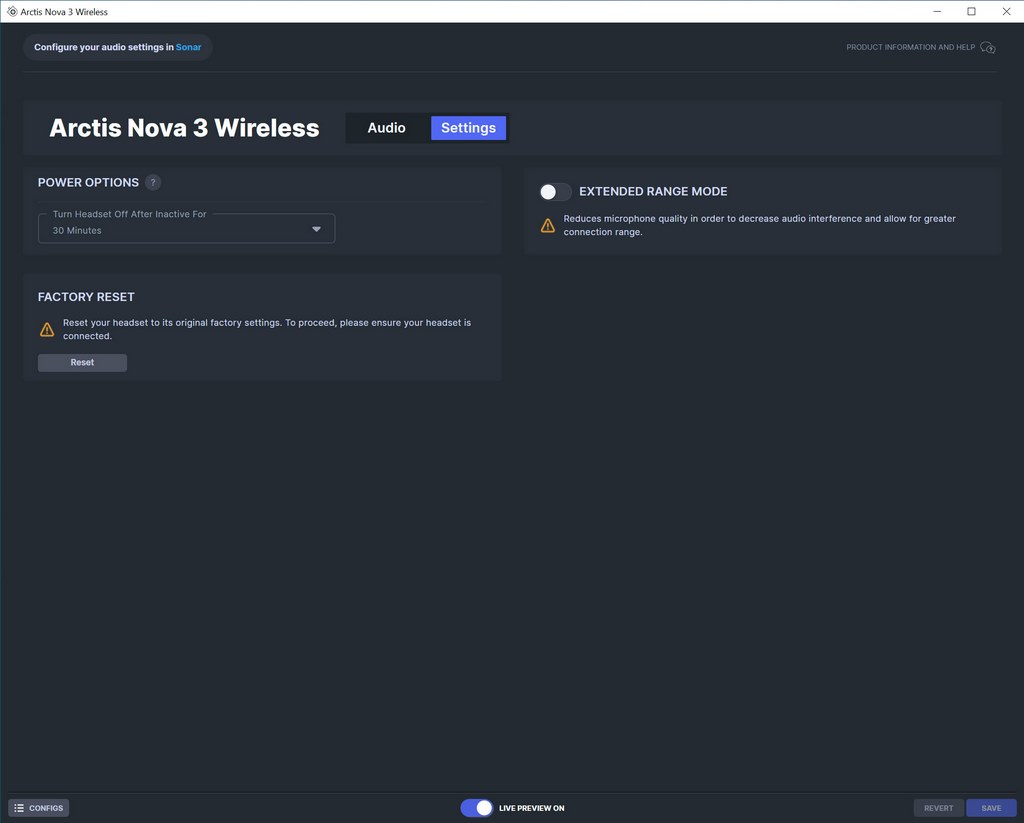
You can also adjust the inactivity turn off timer, enable extended range mode (by reducing microphone quality) and perform a factory reset.
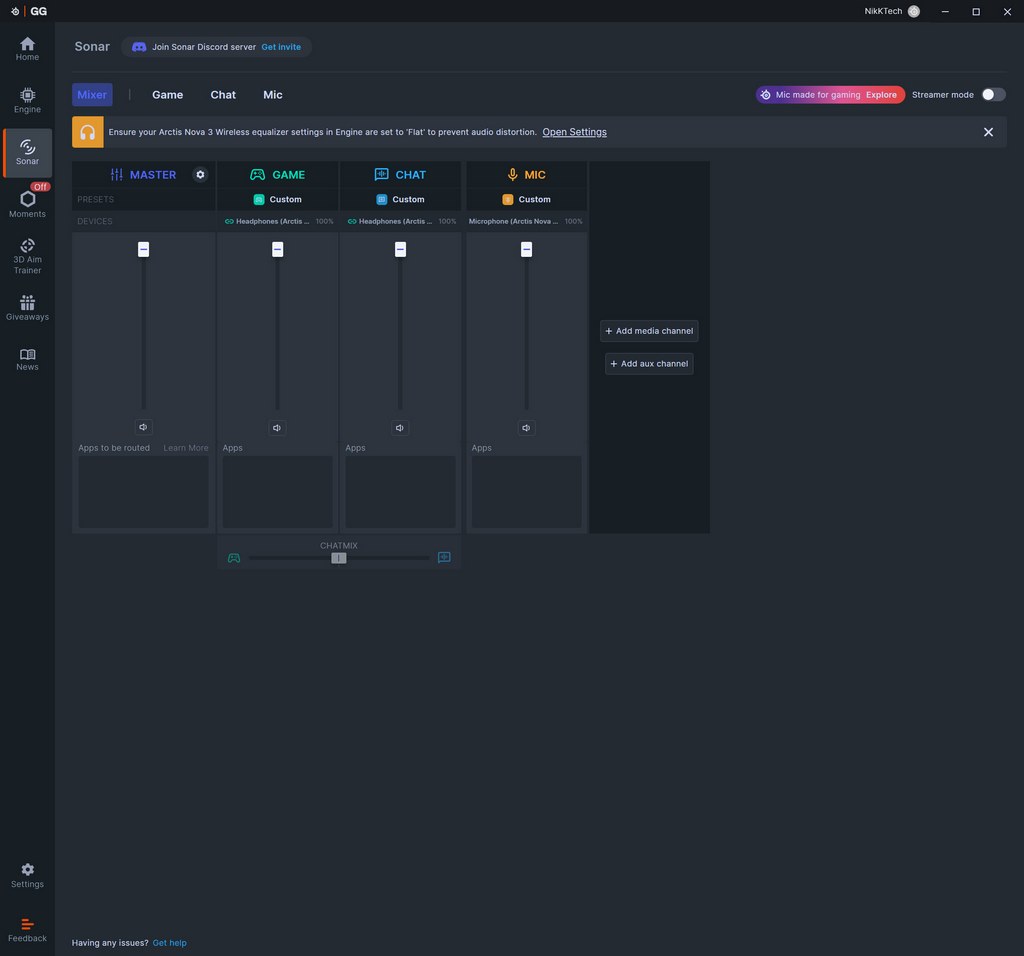
The sonar audio optimization is an important features, however you need to register a free account with SteelSeries to use it. There are 4 main tabs inside the Sonar tab the first of which is mixer which controls the volume across all of them.
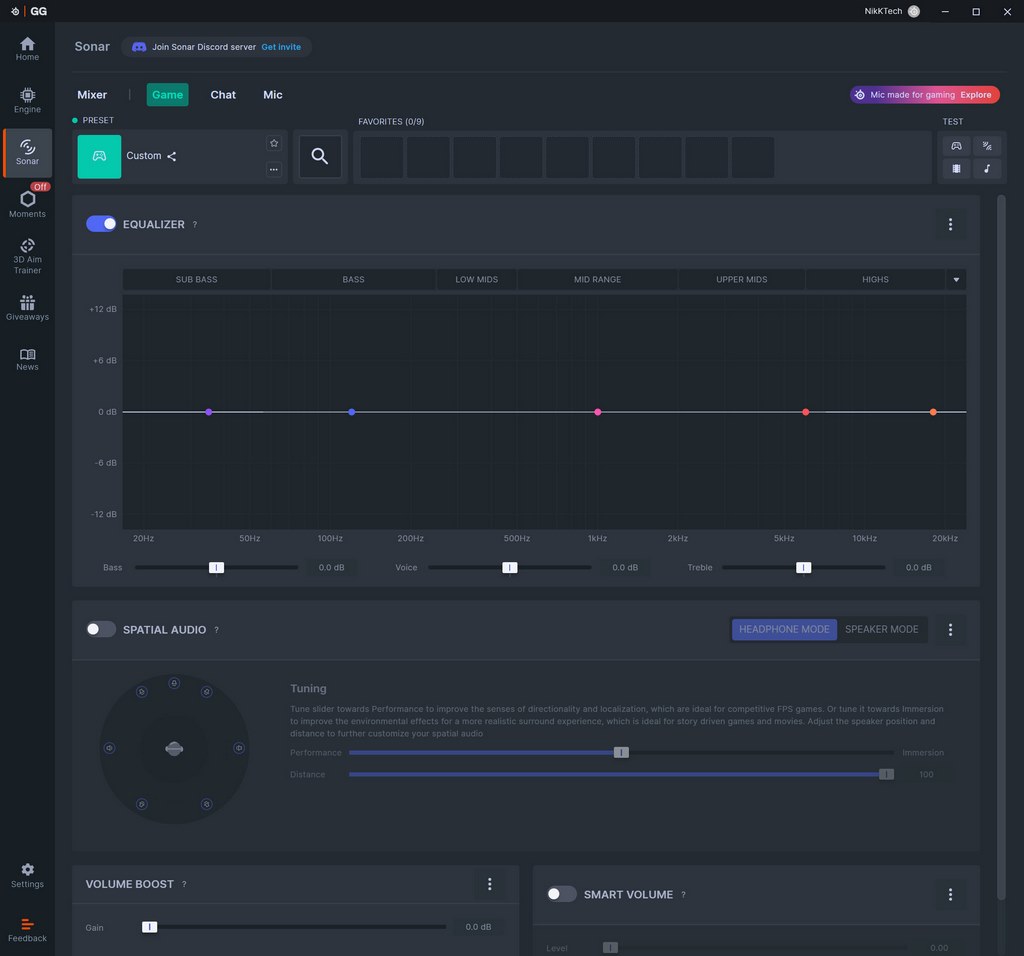
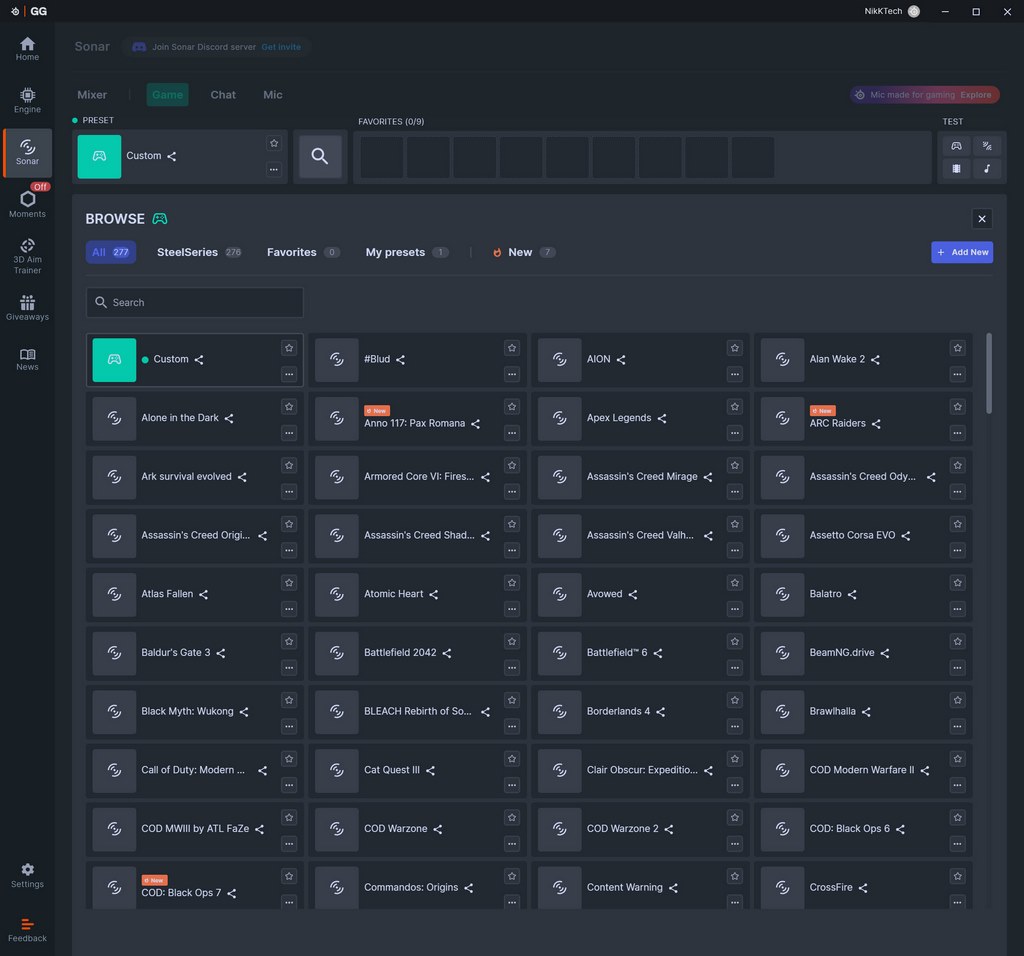
Then we have game which allows you to set the equalizer (can make your own or choose one of the 277 presets), enable/disable spatial audio and the volume boost and smart volume modes.
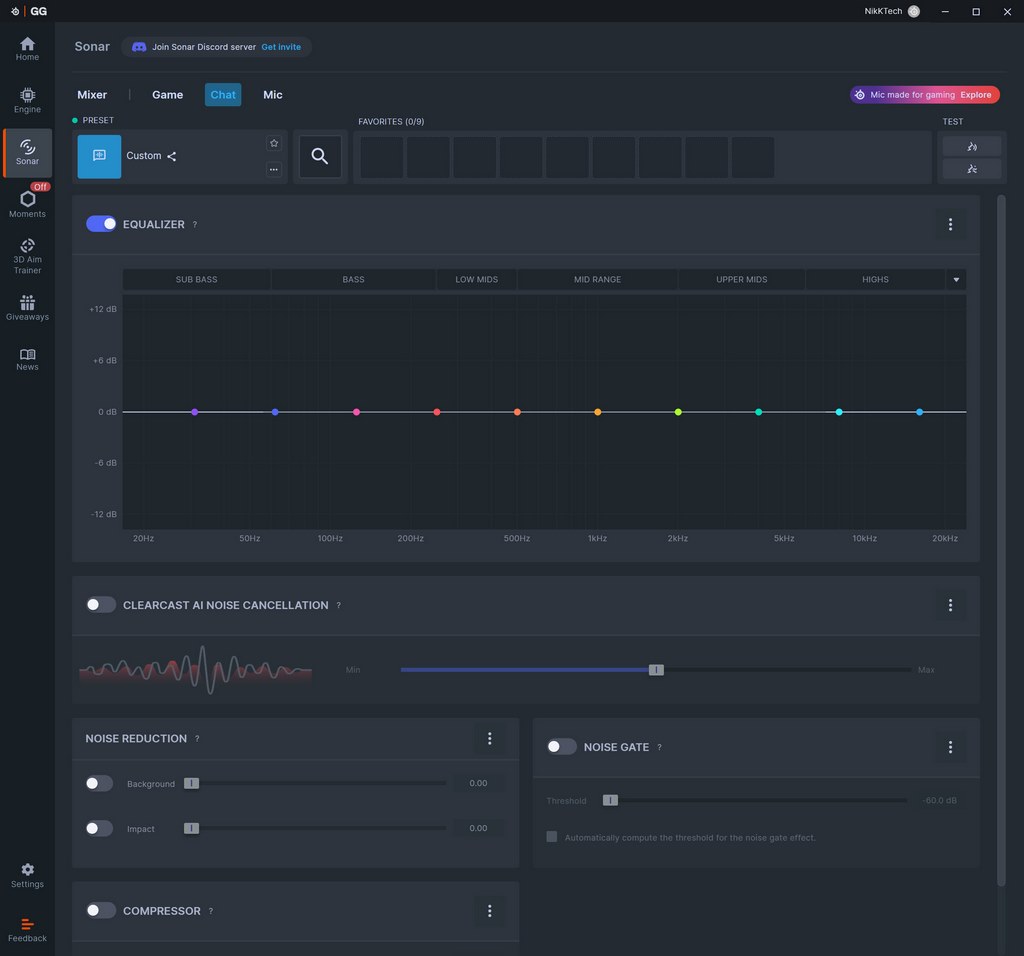
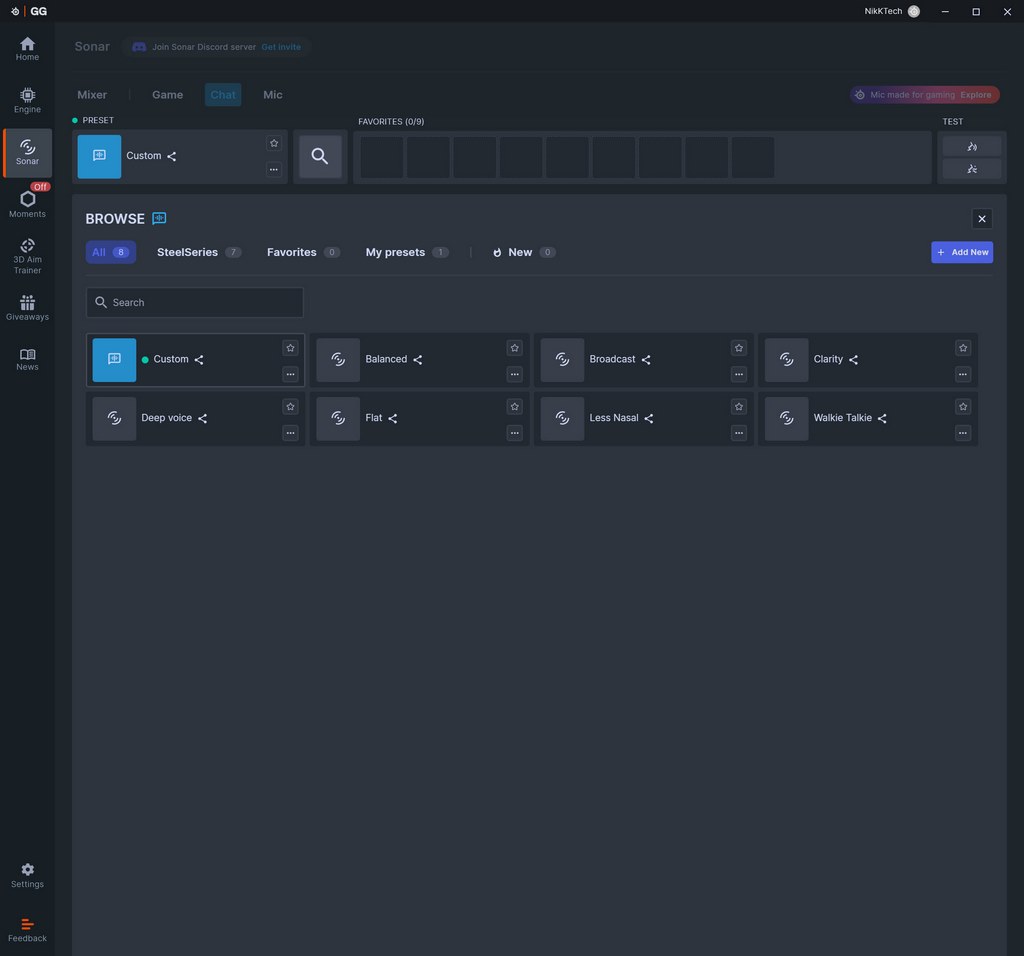
Under the chat tab we find everything related to chat including equalizer (8 presets), noise cancellation, noise reduction, compressor and noise gate.
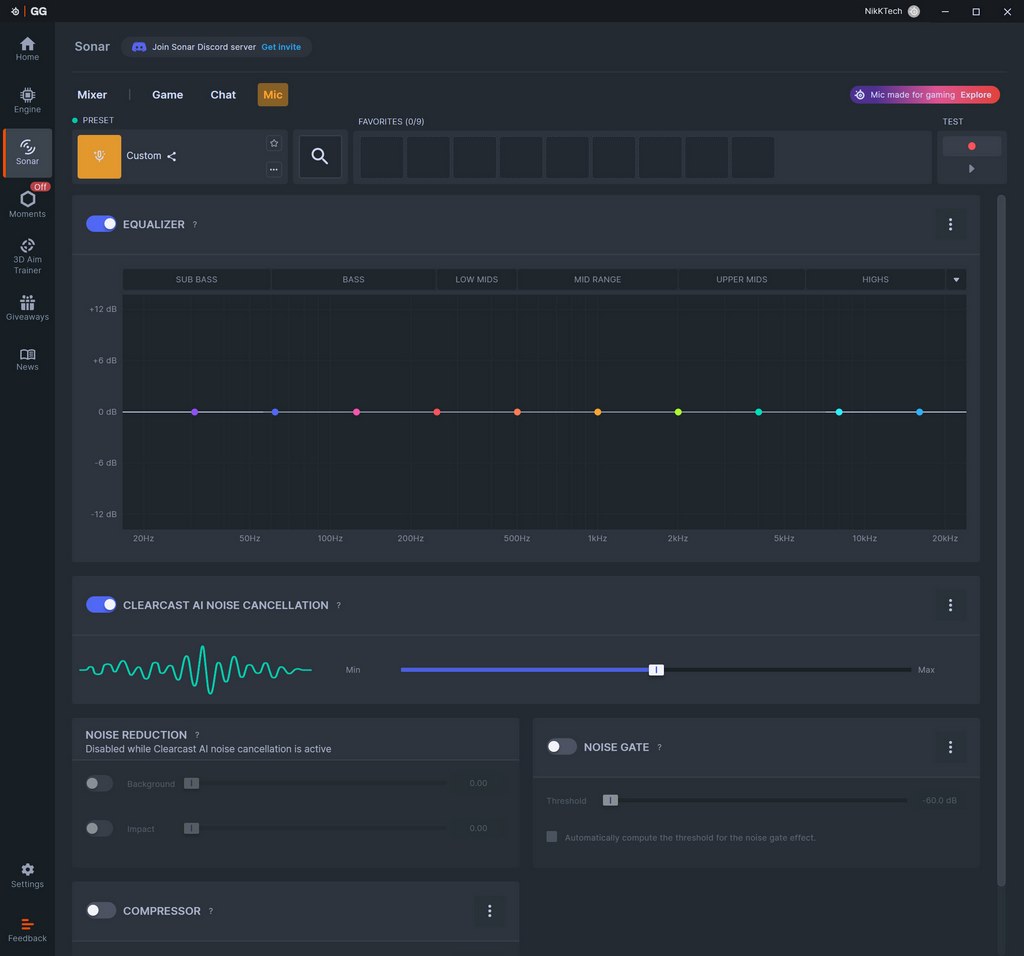
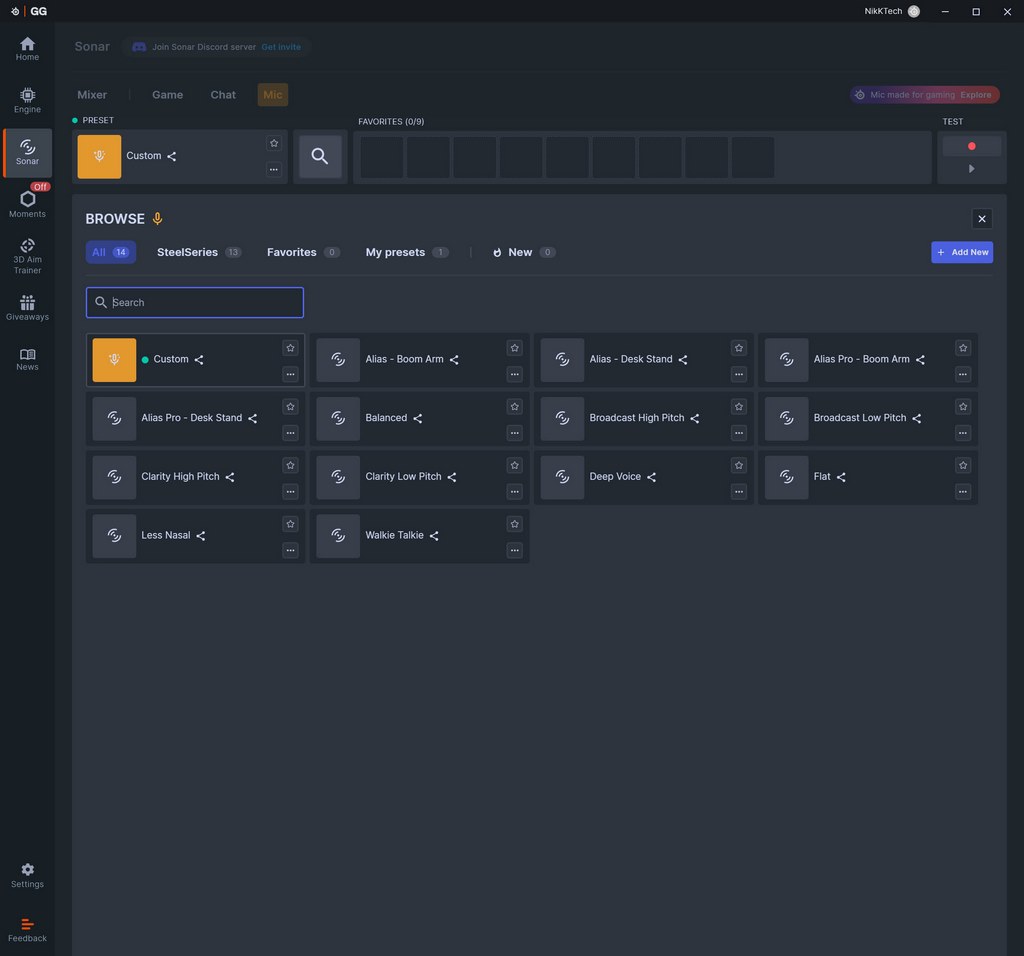
The mic tab is very similar to the chat one so again from here you can access the equalizer function (14 presets), noise cancellation, noise reduction, compressor, and noise gate.





