





IO CENTER SOFTWARE
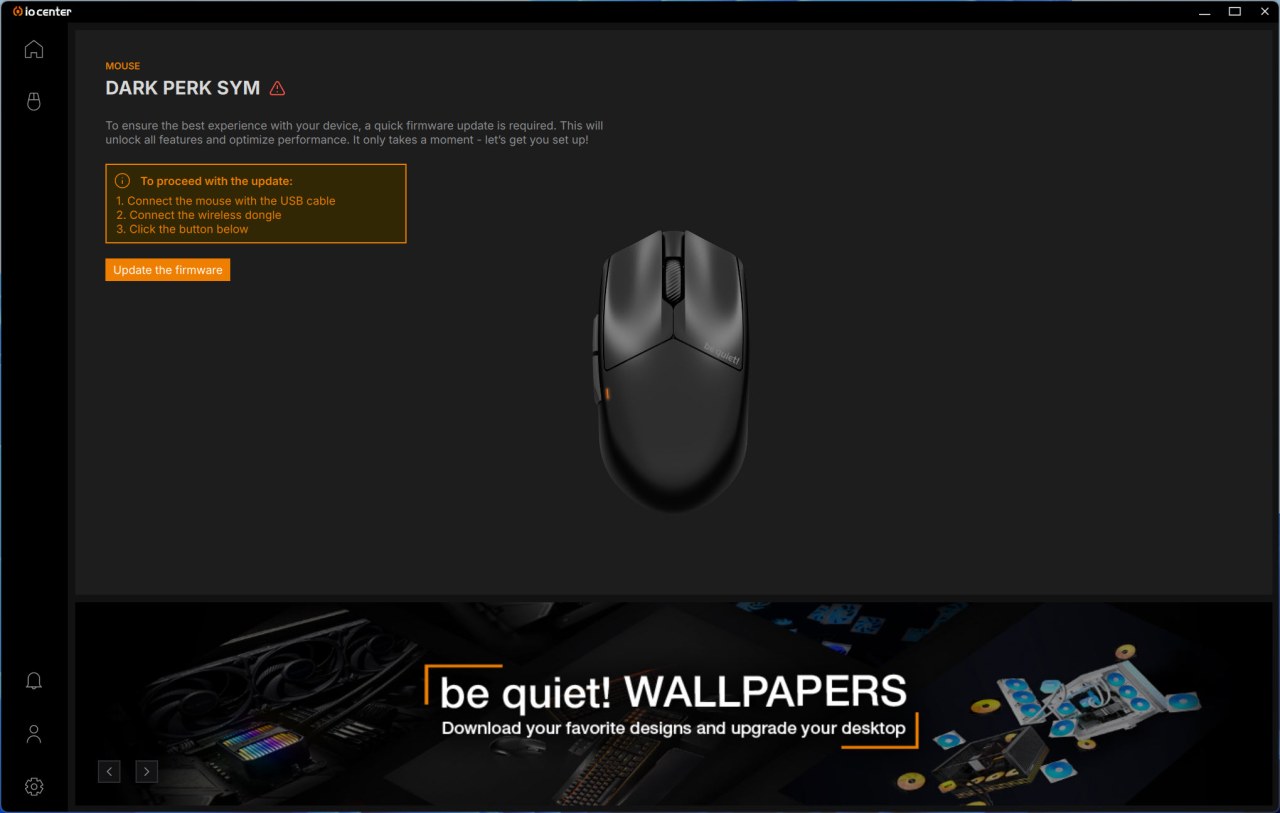
Once you install the software and plug the braided cable with the adapter and the dongle onto your PC it will detect whether not a new firmware is available (if it is you will need to connect the mouse and the dongle with your PC).
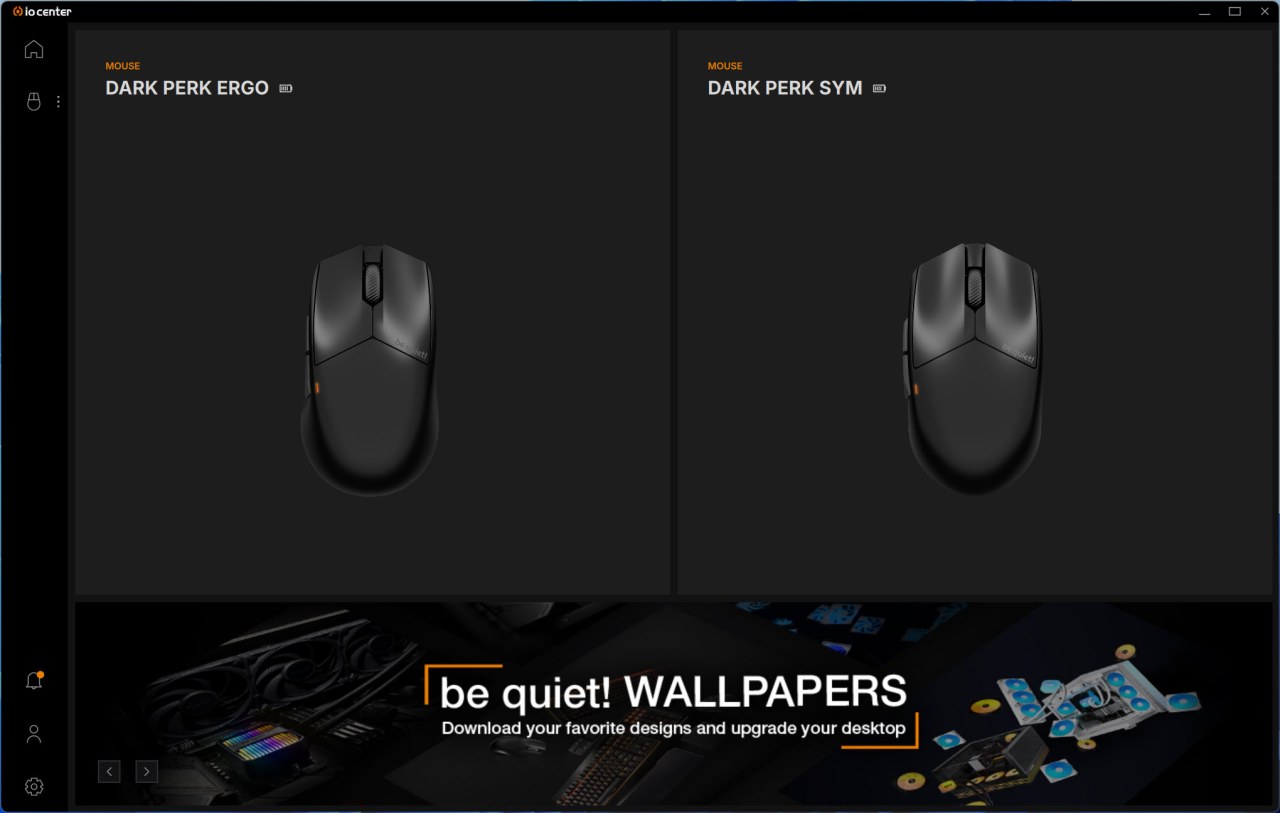
The IO Center software detects and lists compatible devices on the initial tab.
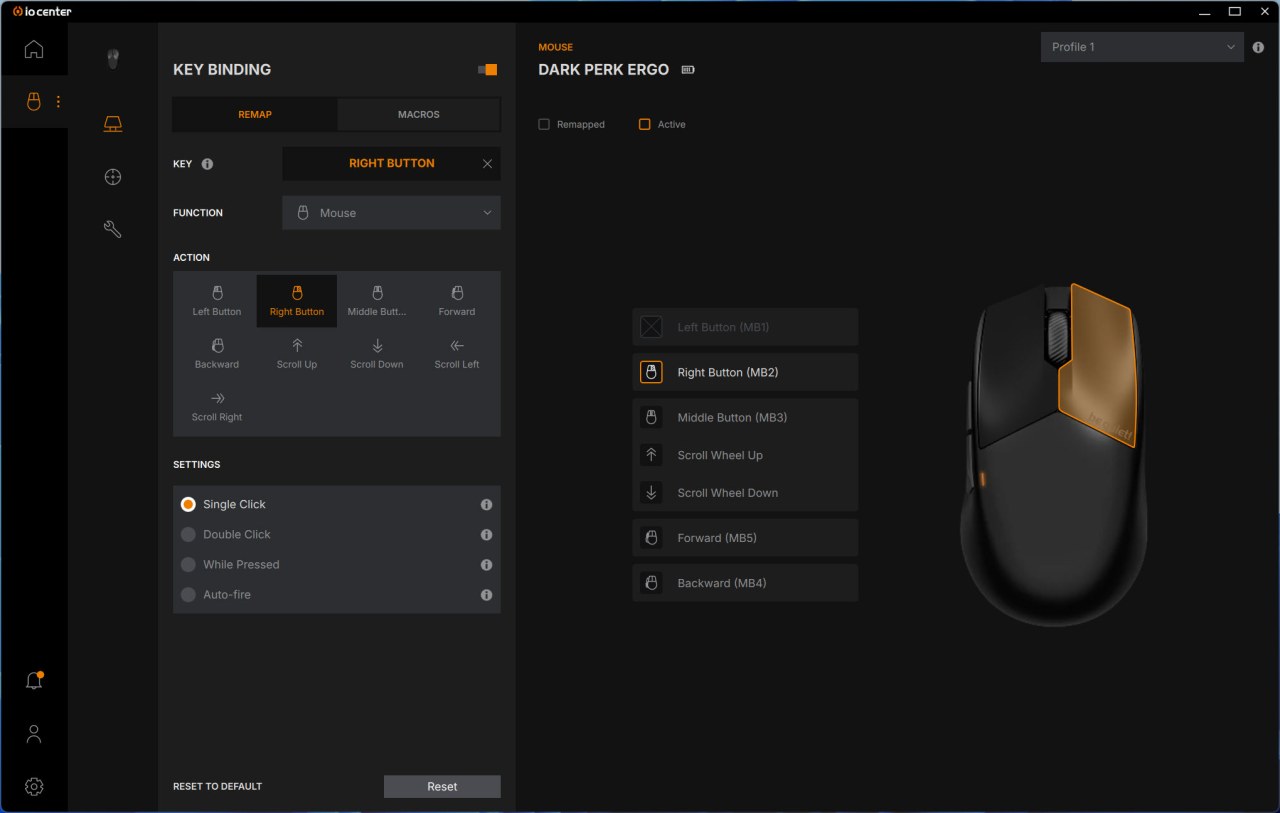
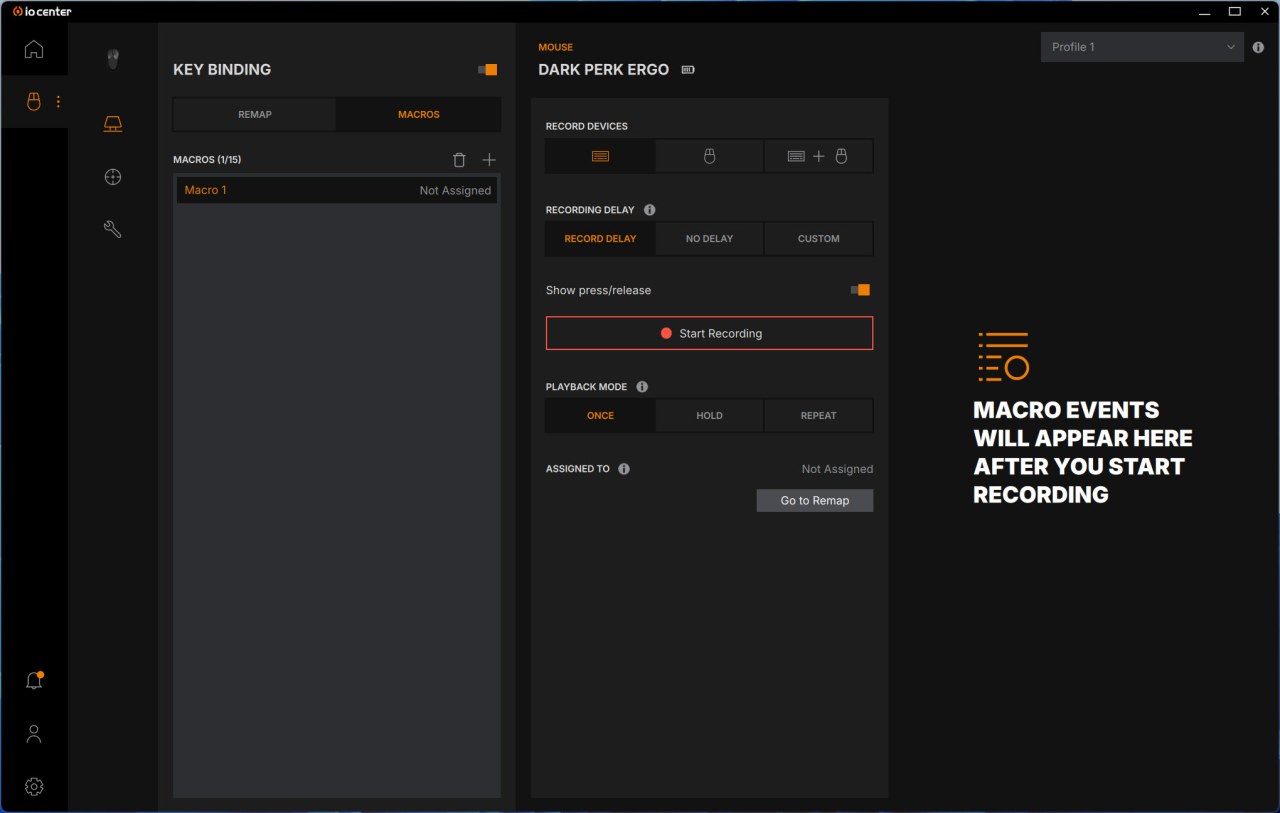
From the first screen of the software you can configure/remap buttons with actions and create macros.
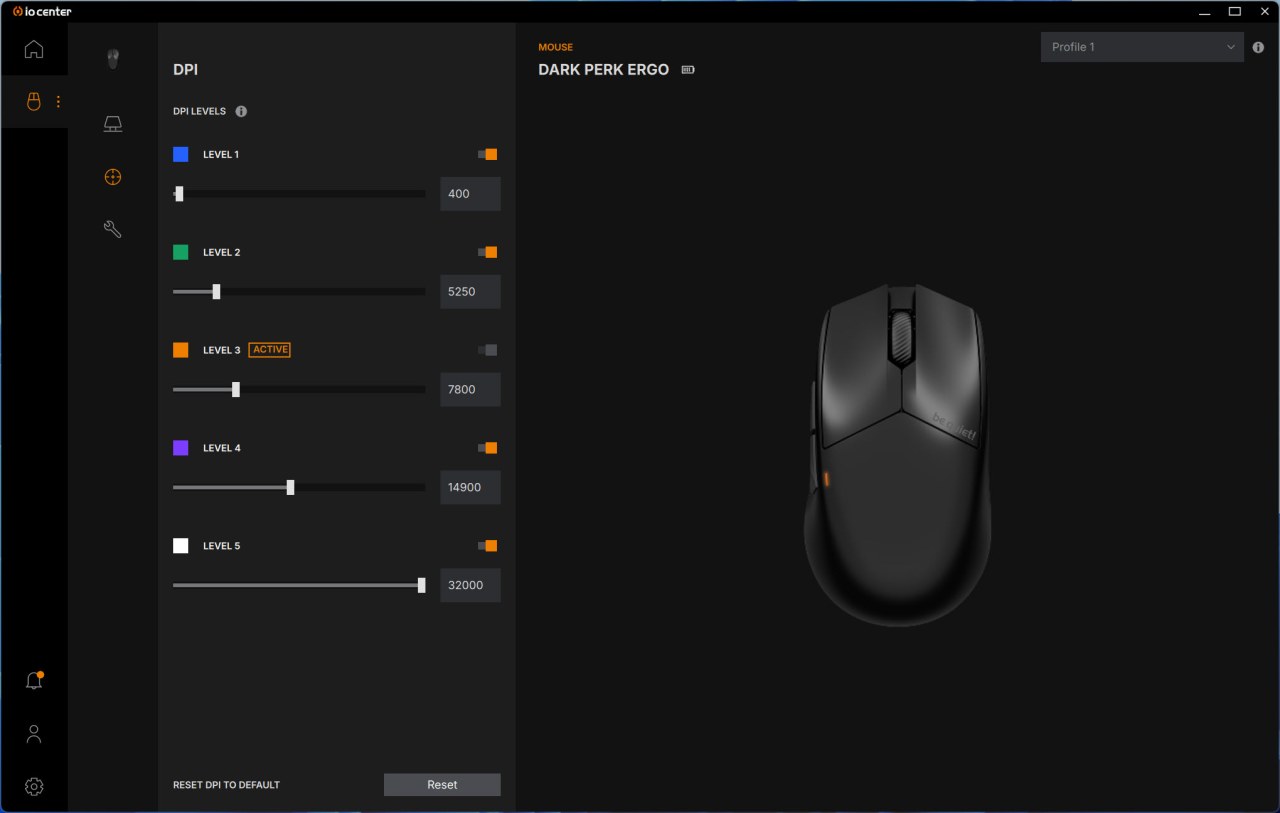
Second screen allows the end user to set the DPI levels for each of the 5 available modes.
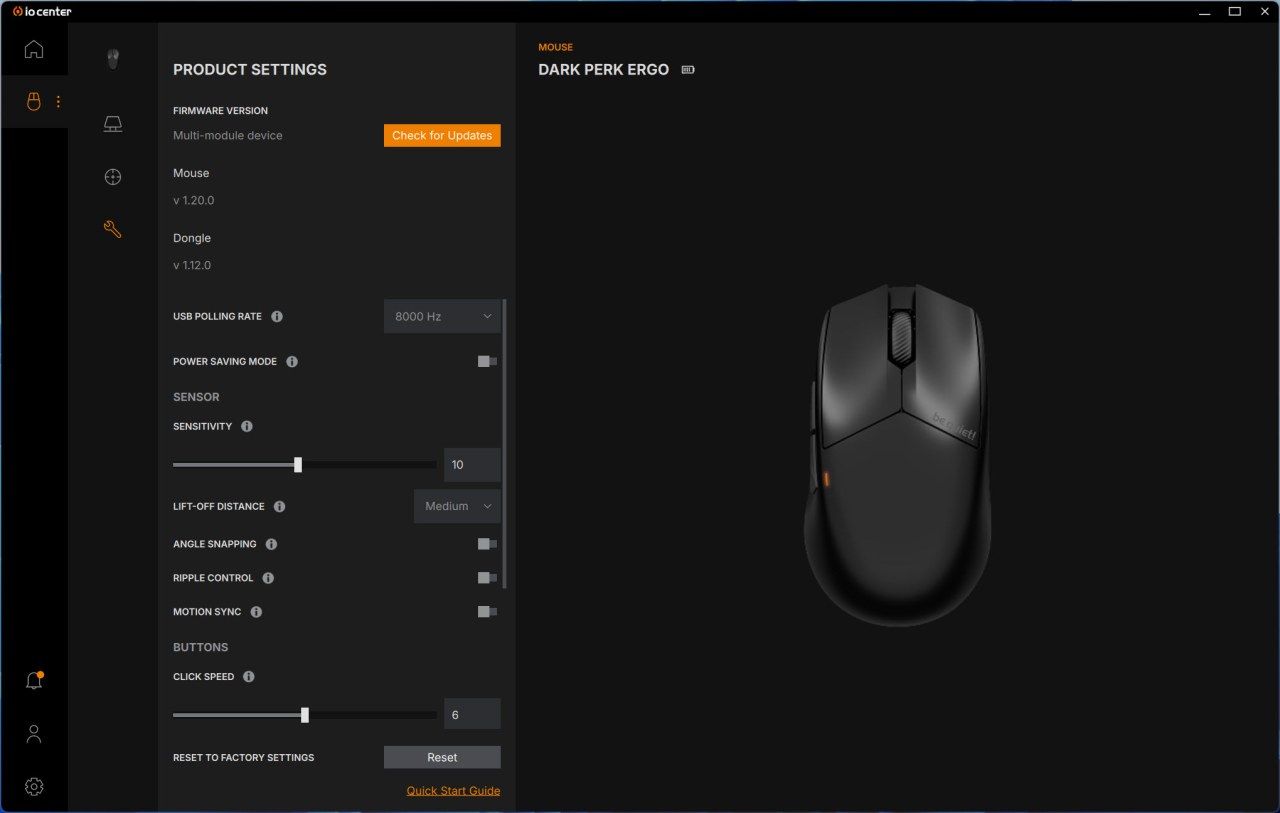
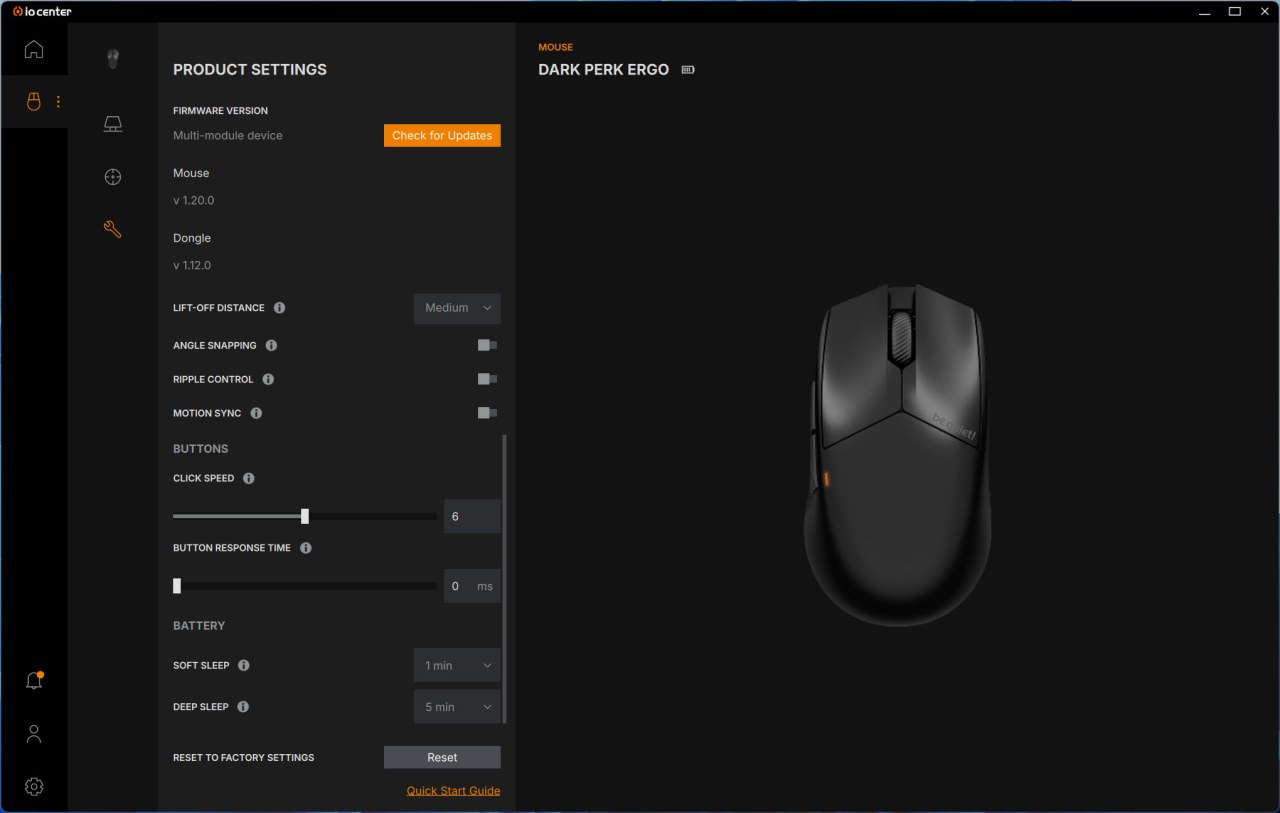
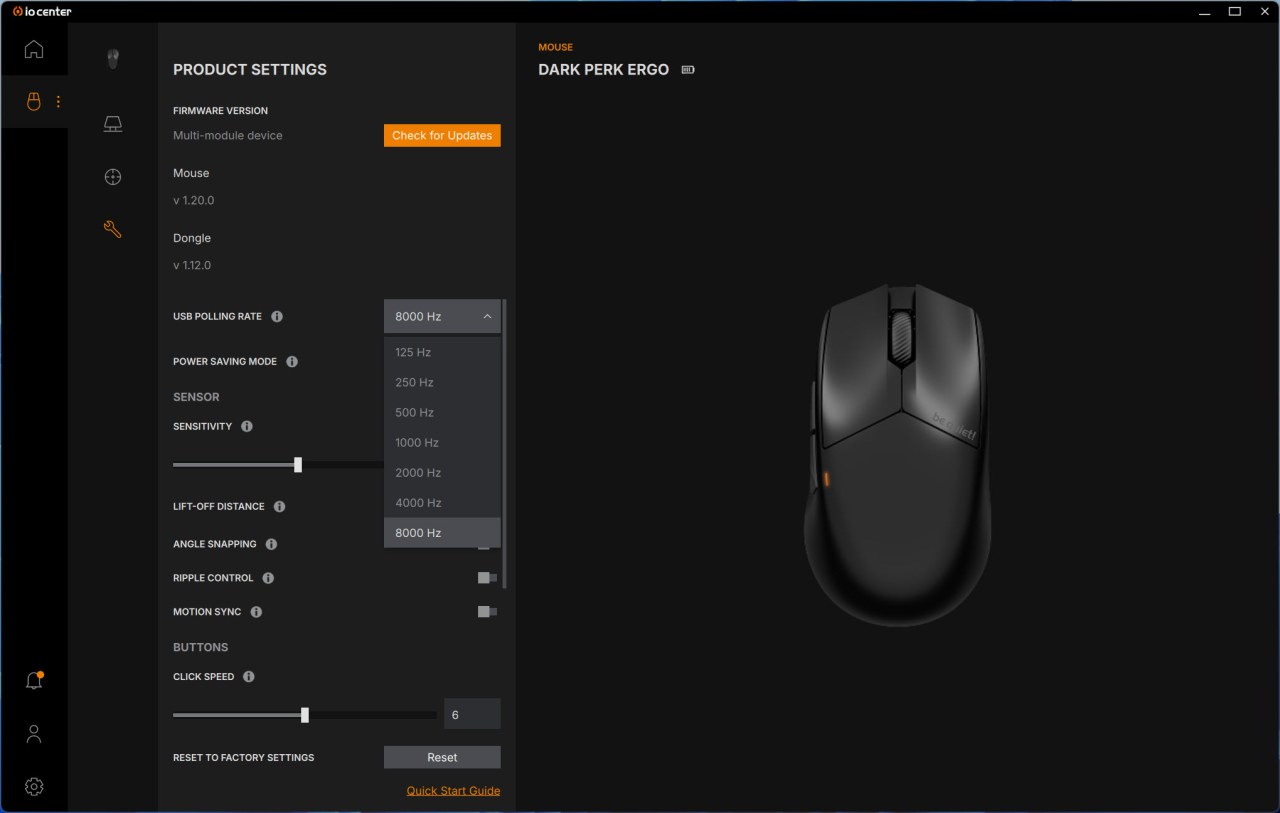
Inside the settings screen you'll be able to manually check for new firmware updates, set the polling rate, enable power saving mode, adjust sensor sensitivity, click speed and button response time, set lift-off distance, enable/disable features like angle snapping, ripple control and motion sync and adjust the time for the sleep function.





