





OBSBOT CENTER
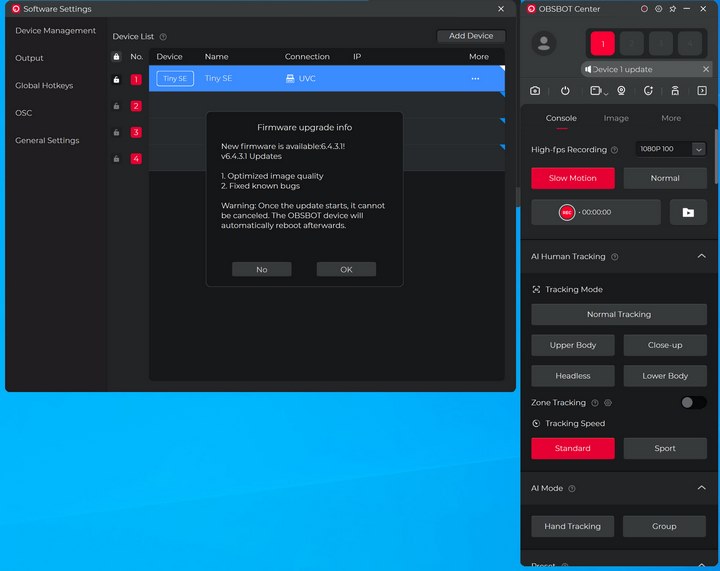
As with past reviews the first thing I checked when I launched the OBSBOT center software was for a firmware from within the settings tab.
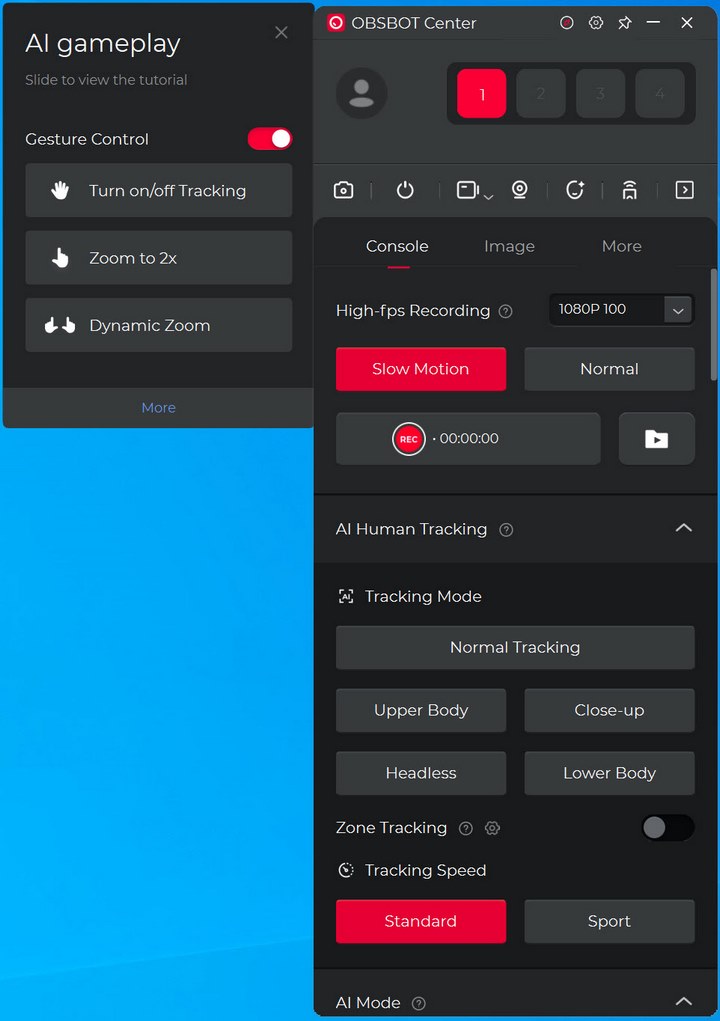
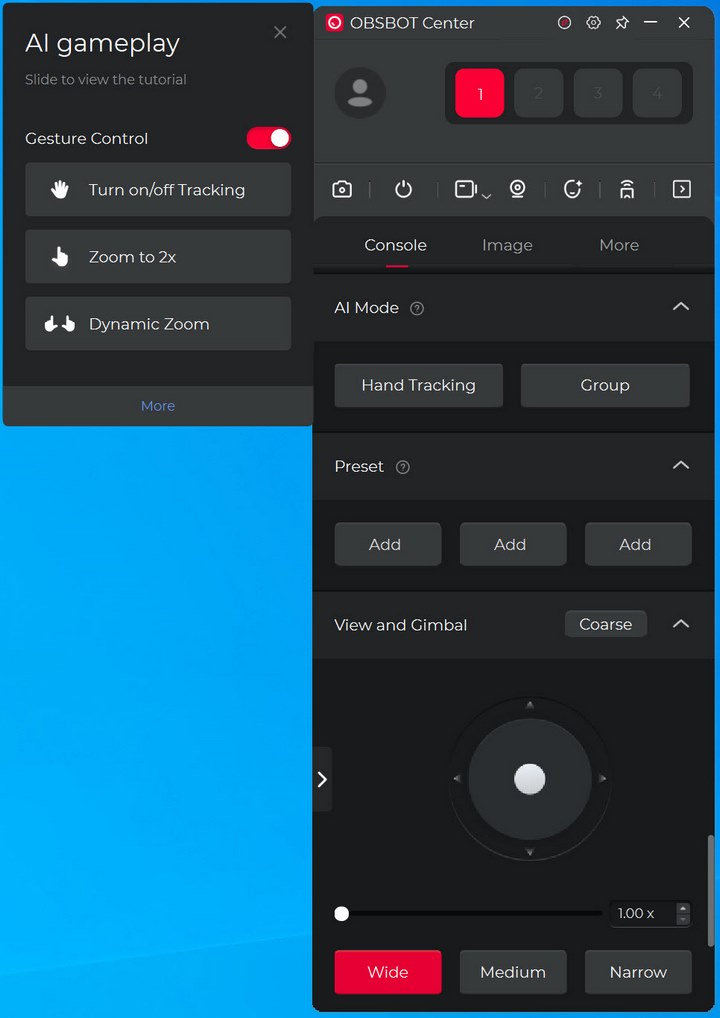
With the latest firmware install one tab I don't recall with past reviews is the A.I gameplay one. That aside the main software tab includes settings like high-fps recording, AI tracking, AI mode and manual PTZ use (also zoom).
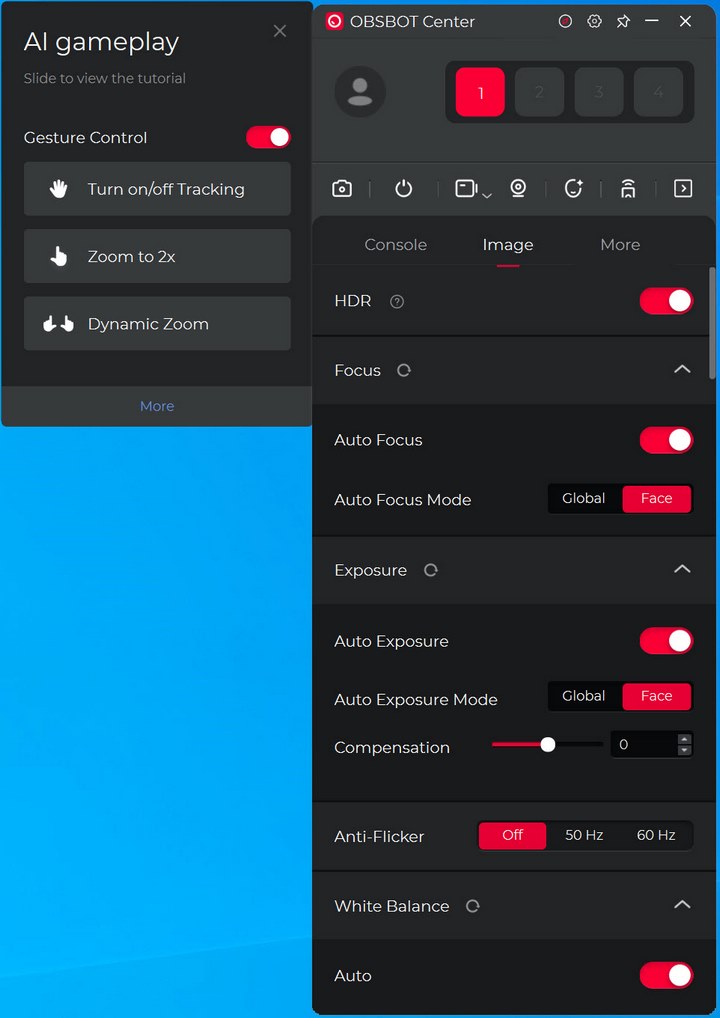
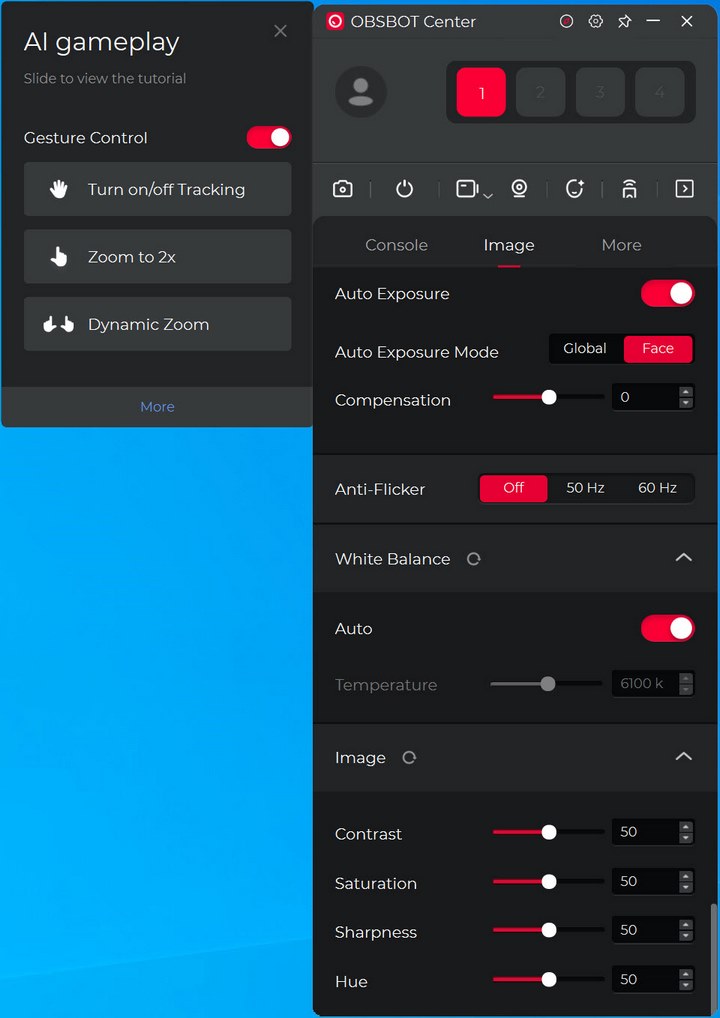
From inside the image tab, you can enable/disable HDR and adjust the focus, exposure, anti-flicker, white balance and image settings.
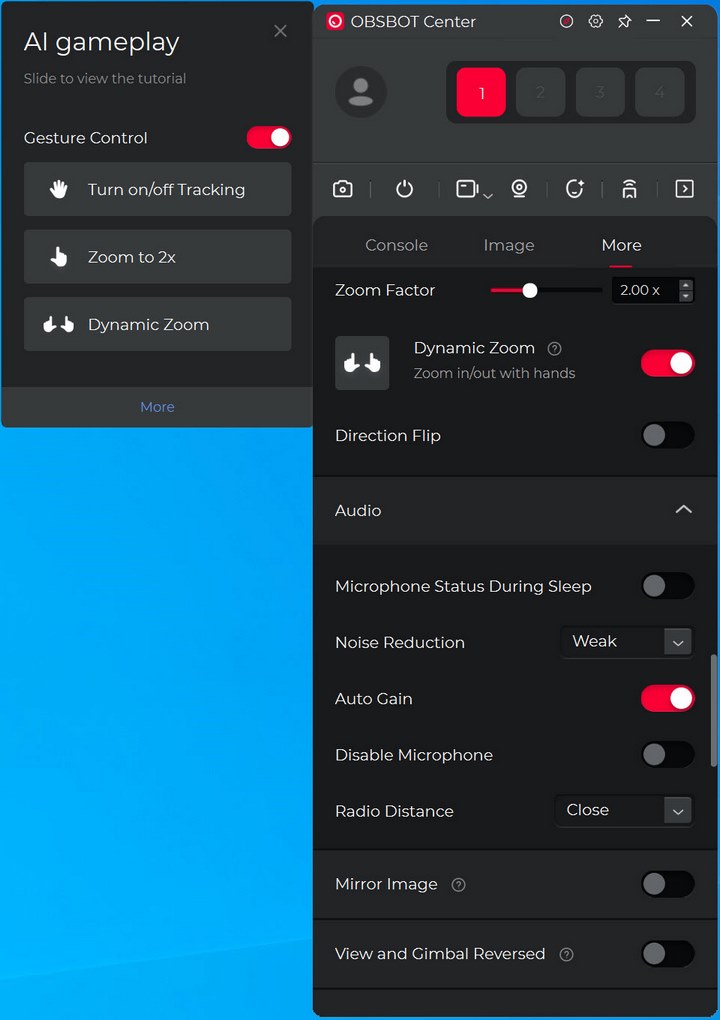
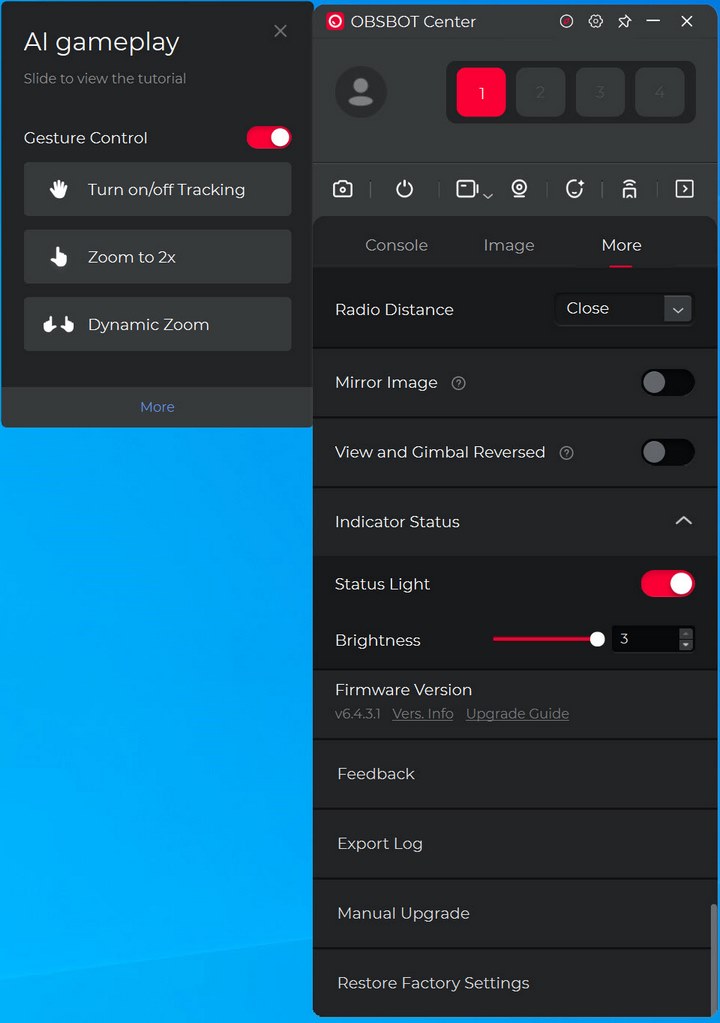
Settings like device initial state (orientation), device sleep, gestures, zoom, direction flip, microphone noise reduction and automatic gain, indicator settings, image flip and reverse view and gimbal are all inside the more tab (firmware upgrades and factory restore as well).
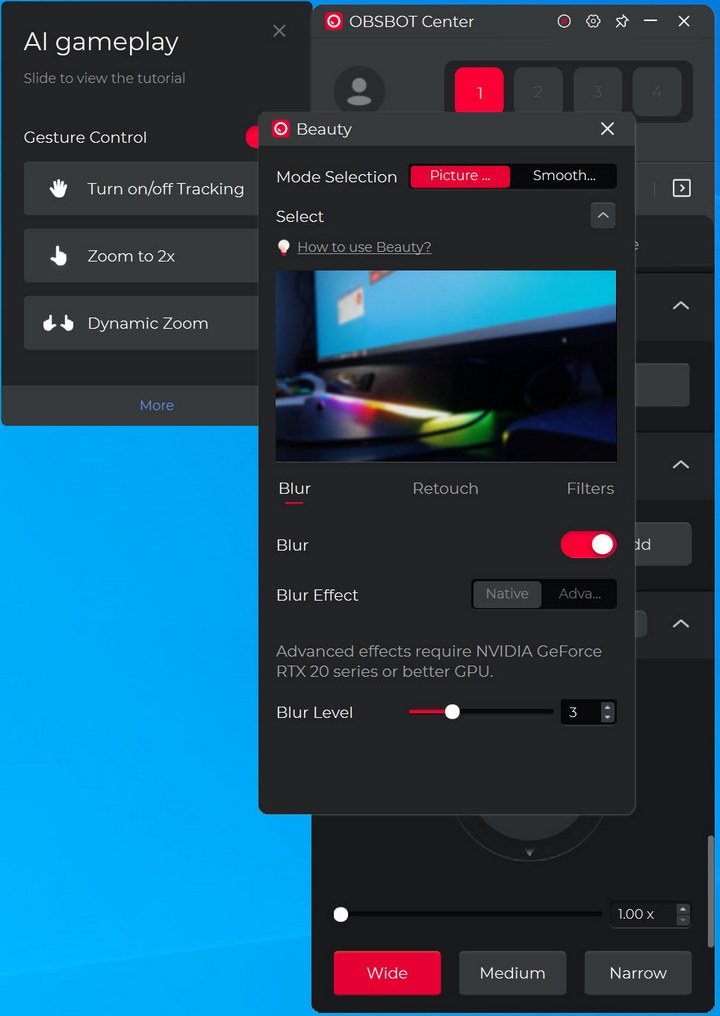
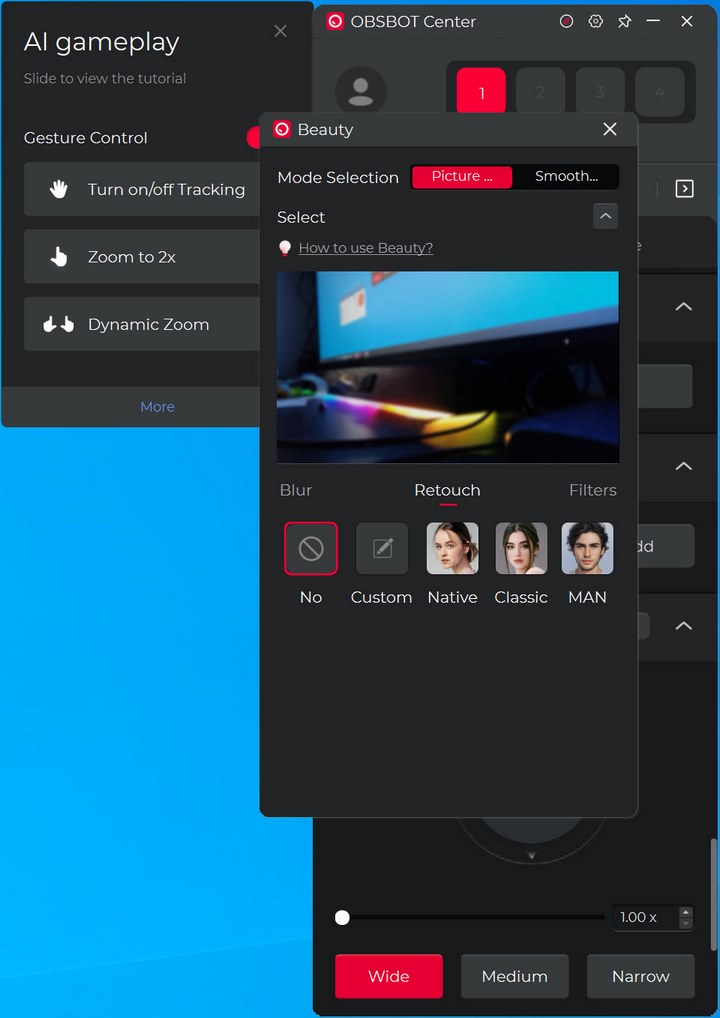
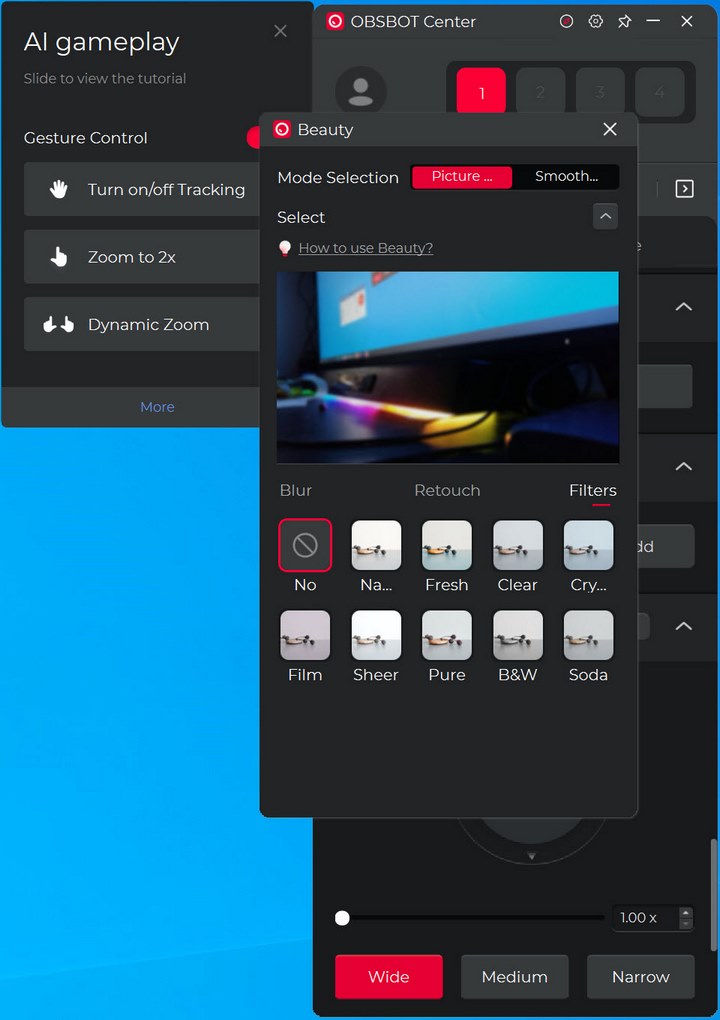
Finally, we have the beauty mode which has been slightly expanded compared to previous software versions.





