





Page 5 of 6
CONNEX APP
Just like with previous products by Edifier you should download the ConneX app for full control over the MR5.
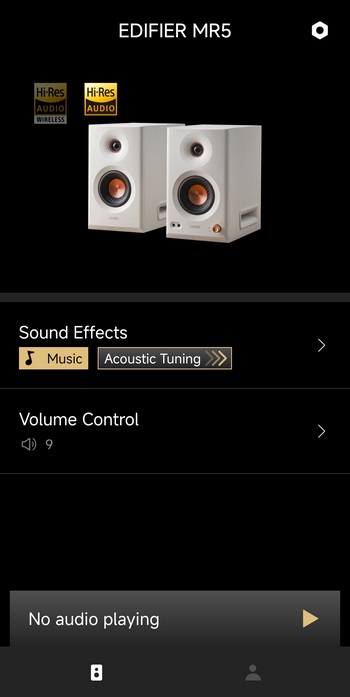
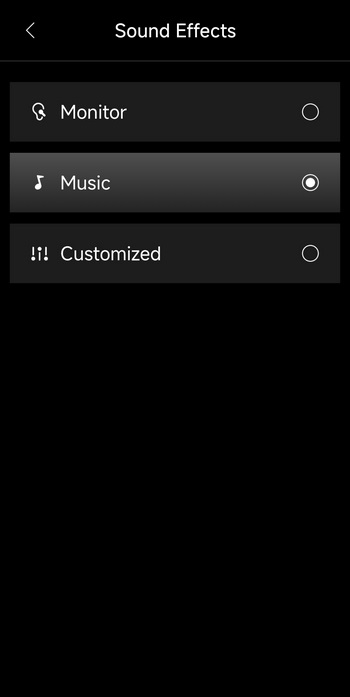
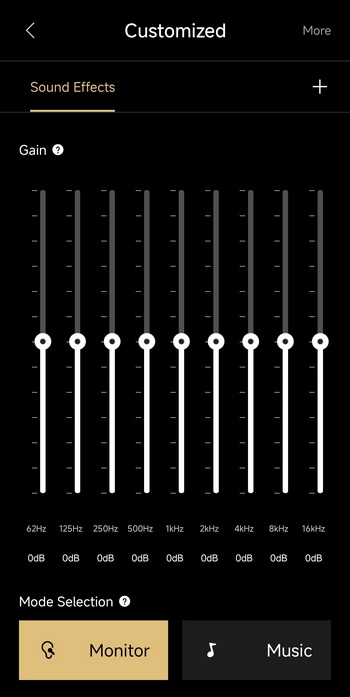
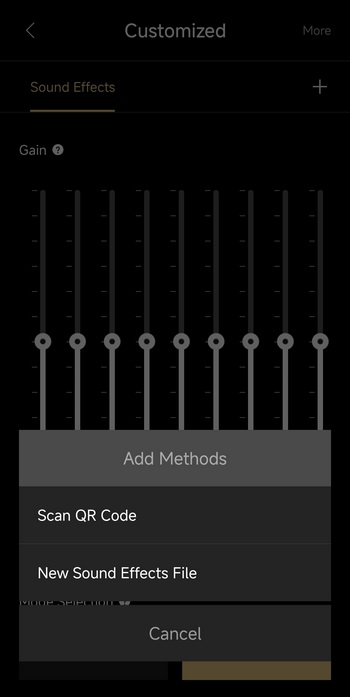
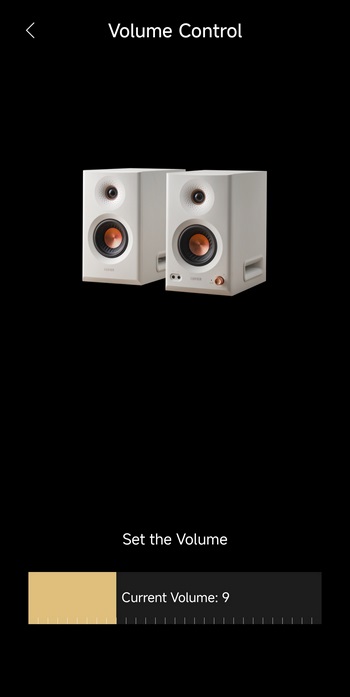
From the main tab this app allows you to use the built-in equalizer (2 effects plus 1 custom - you can also add new effects) and set the volume.
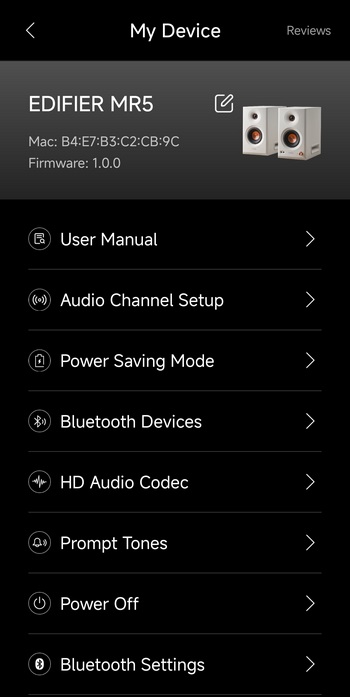
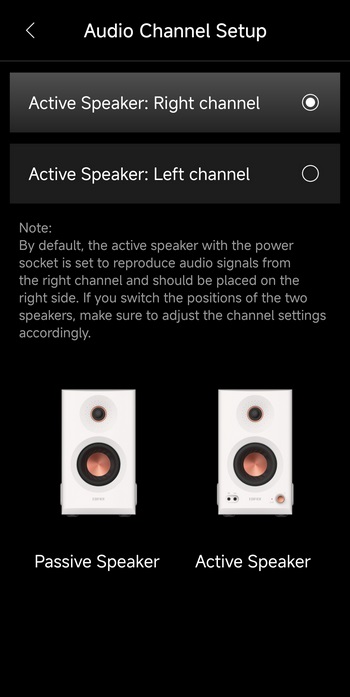
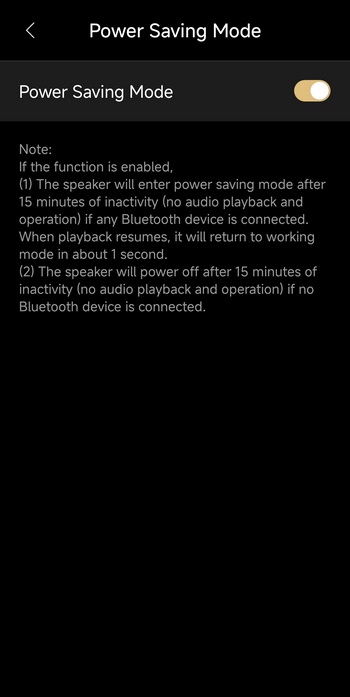
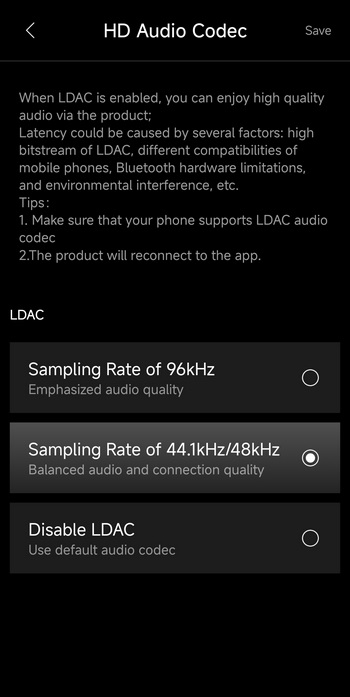
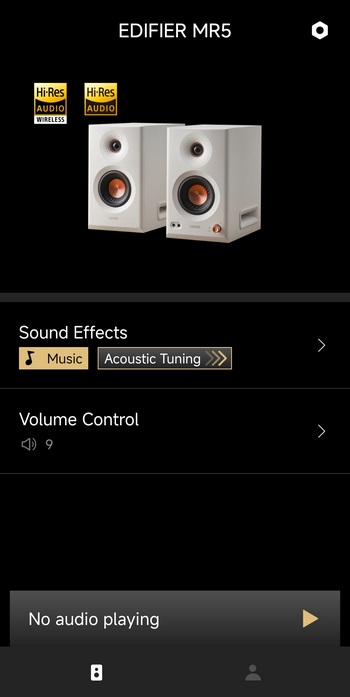



Accessing the settings tab (top right) allows you to read the user manual, change the active speaker from the default right to left, enable/disable power saving mode (recommend disabling this), change the codec to LDAC (disabled by default - once enabled the Hi-Res Wireless logo lights up in the main tab), enable Bluetooth prompt tones, disconnect Bluetooth and power off the speakers.





