

DISPLAY MENUS
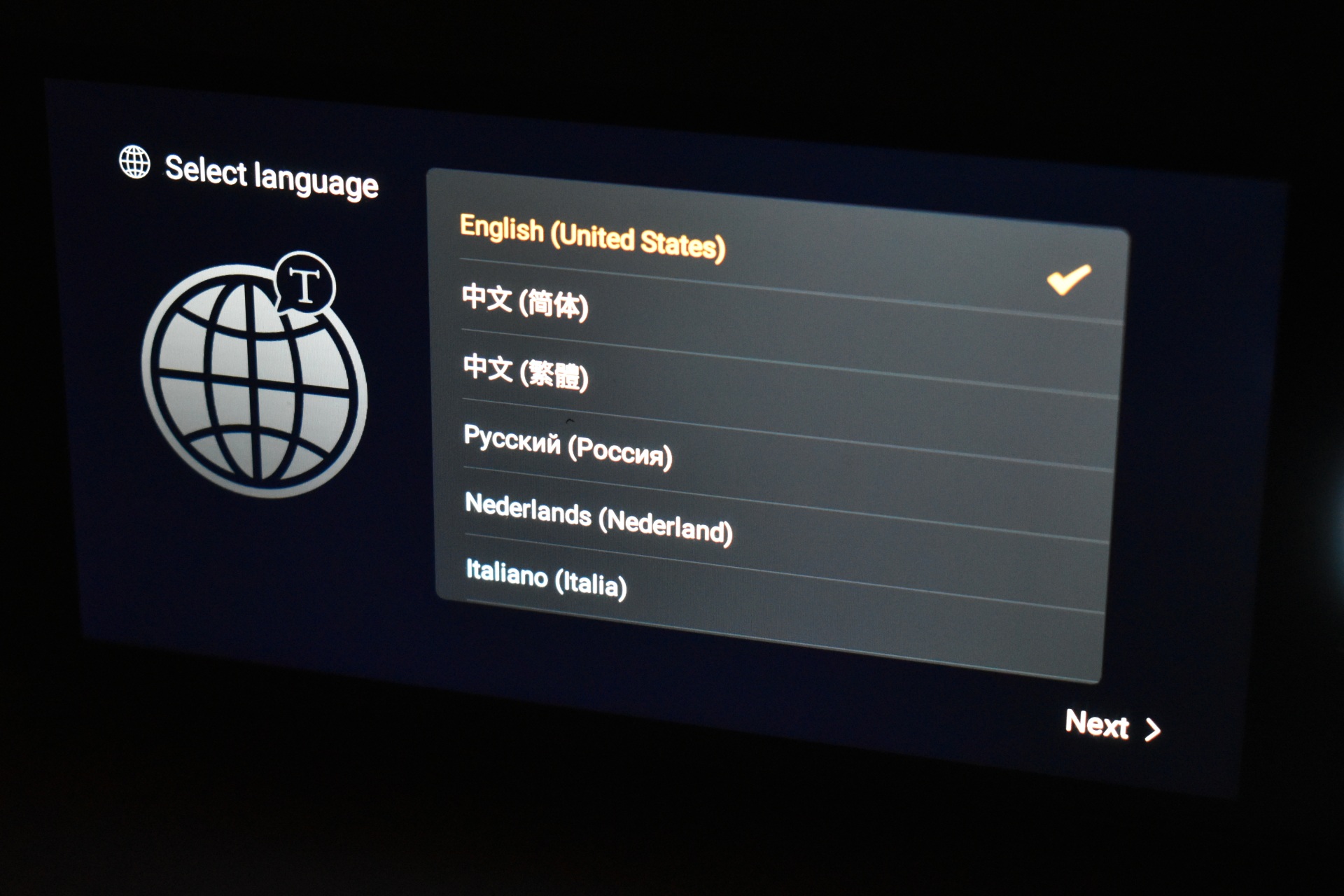
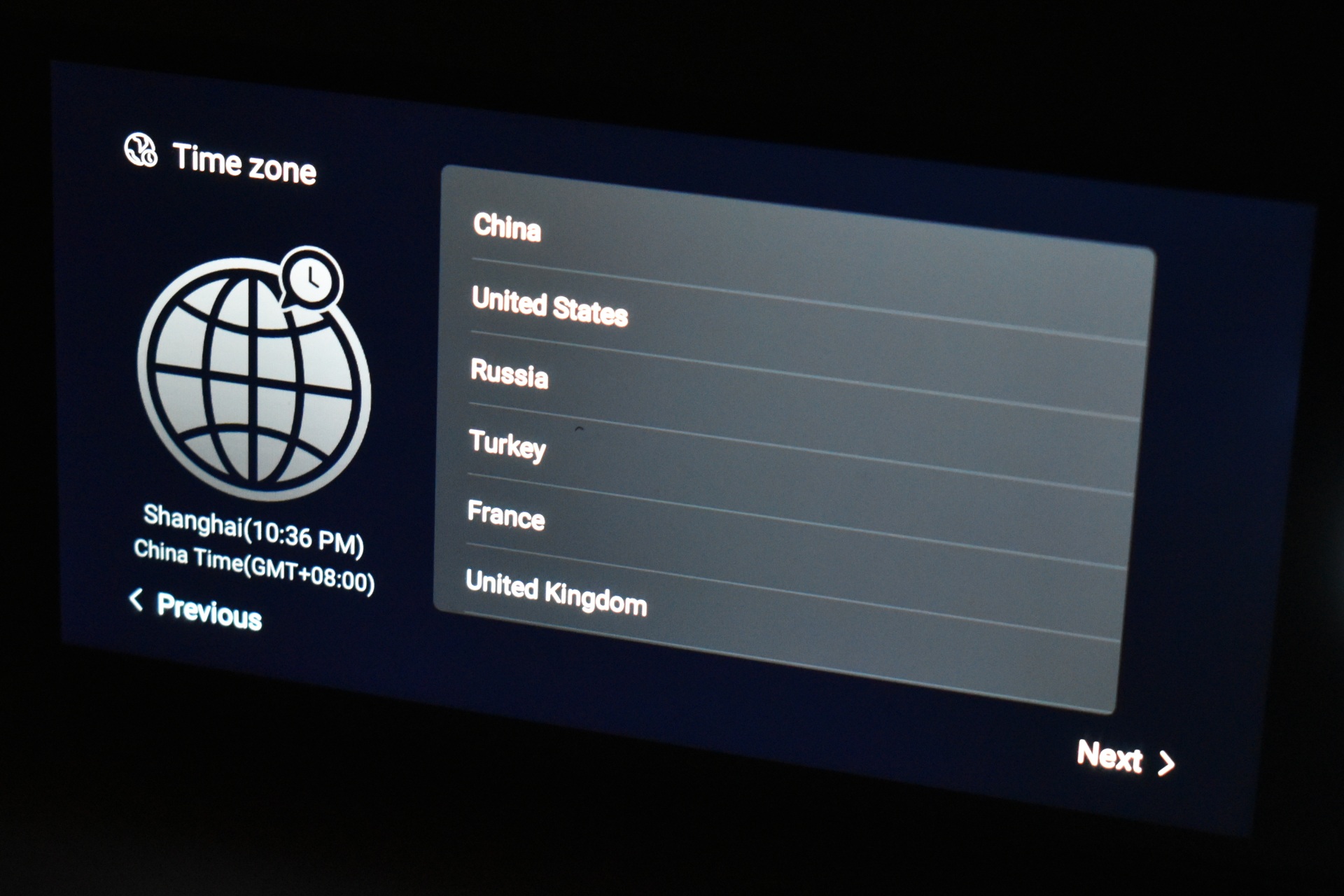
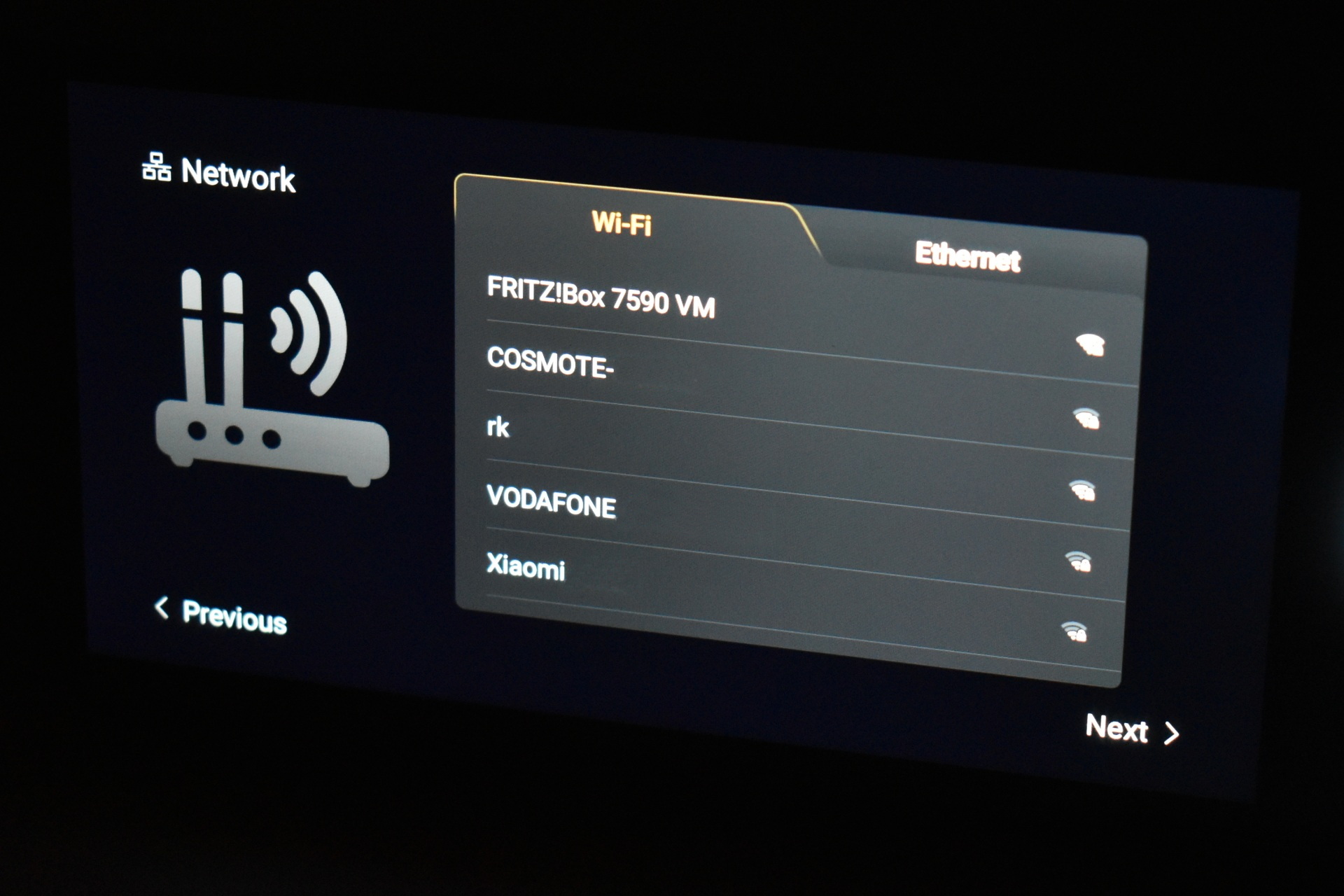
The 5.5-inch color touchscreen is very responsive and easy to use. As expected, once you first turn on the Eversolo Play it will take you through some installation steps.
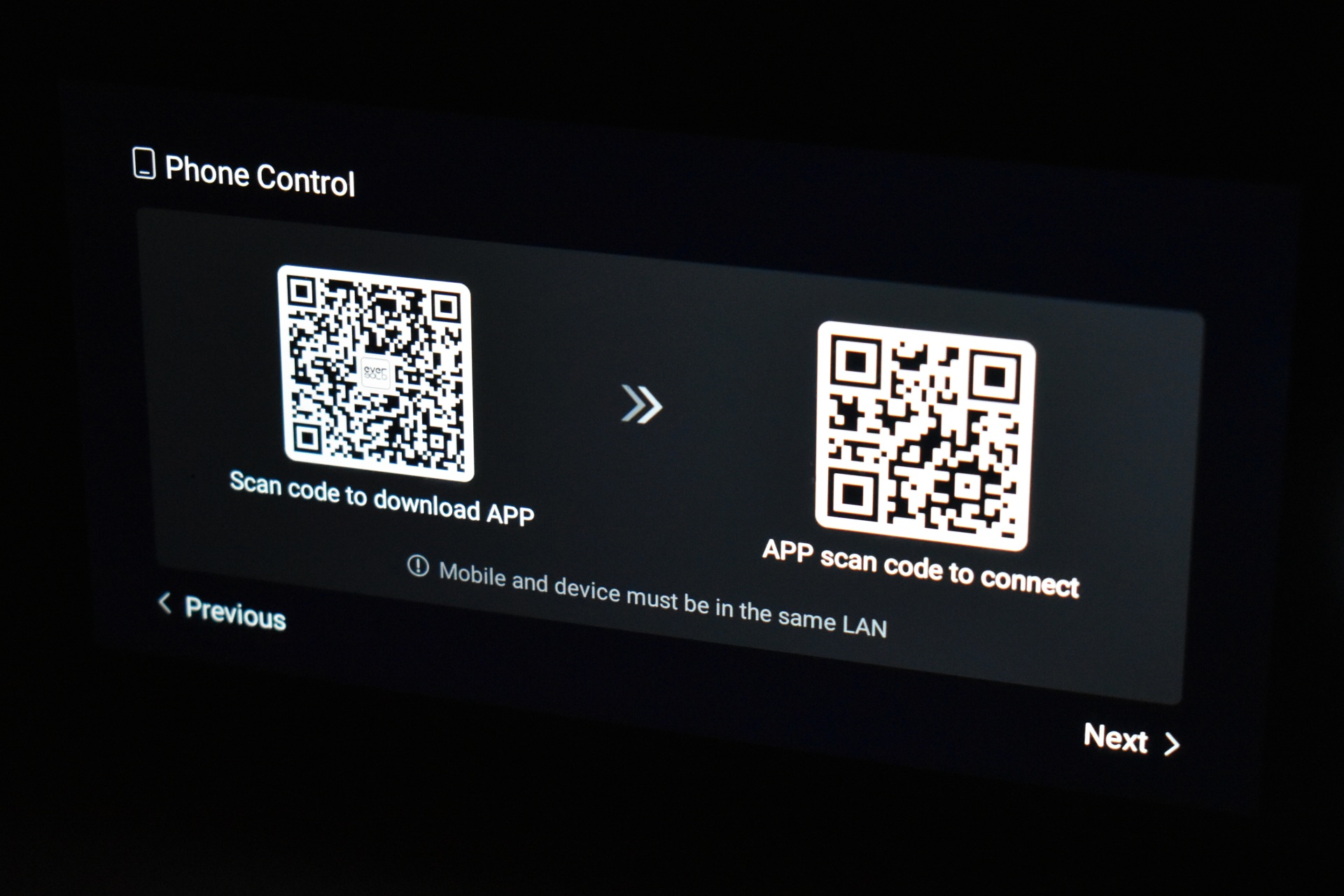
You will also be asked to download the control app.
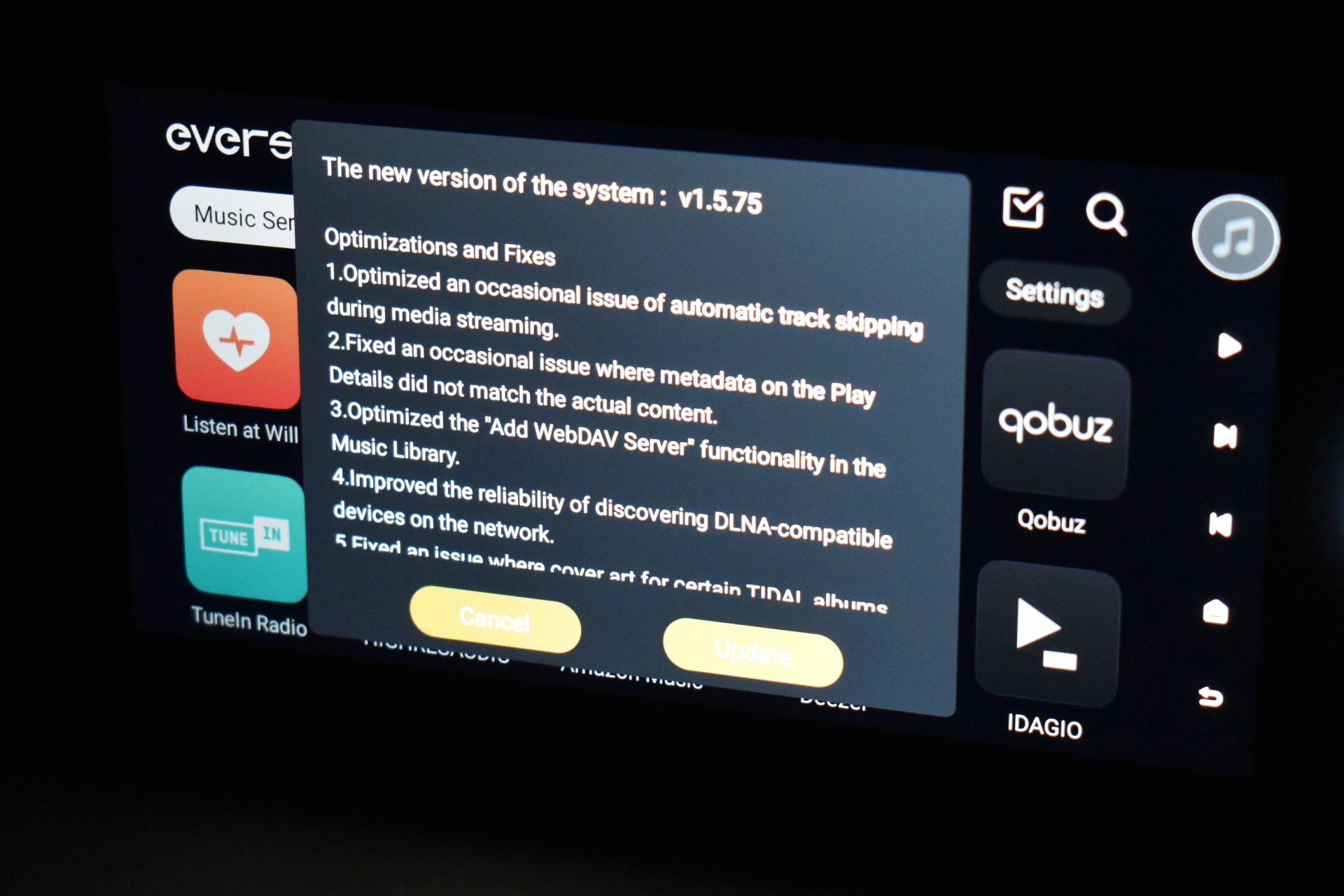
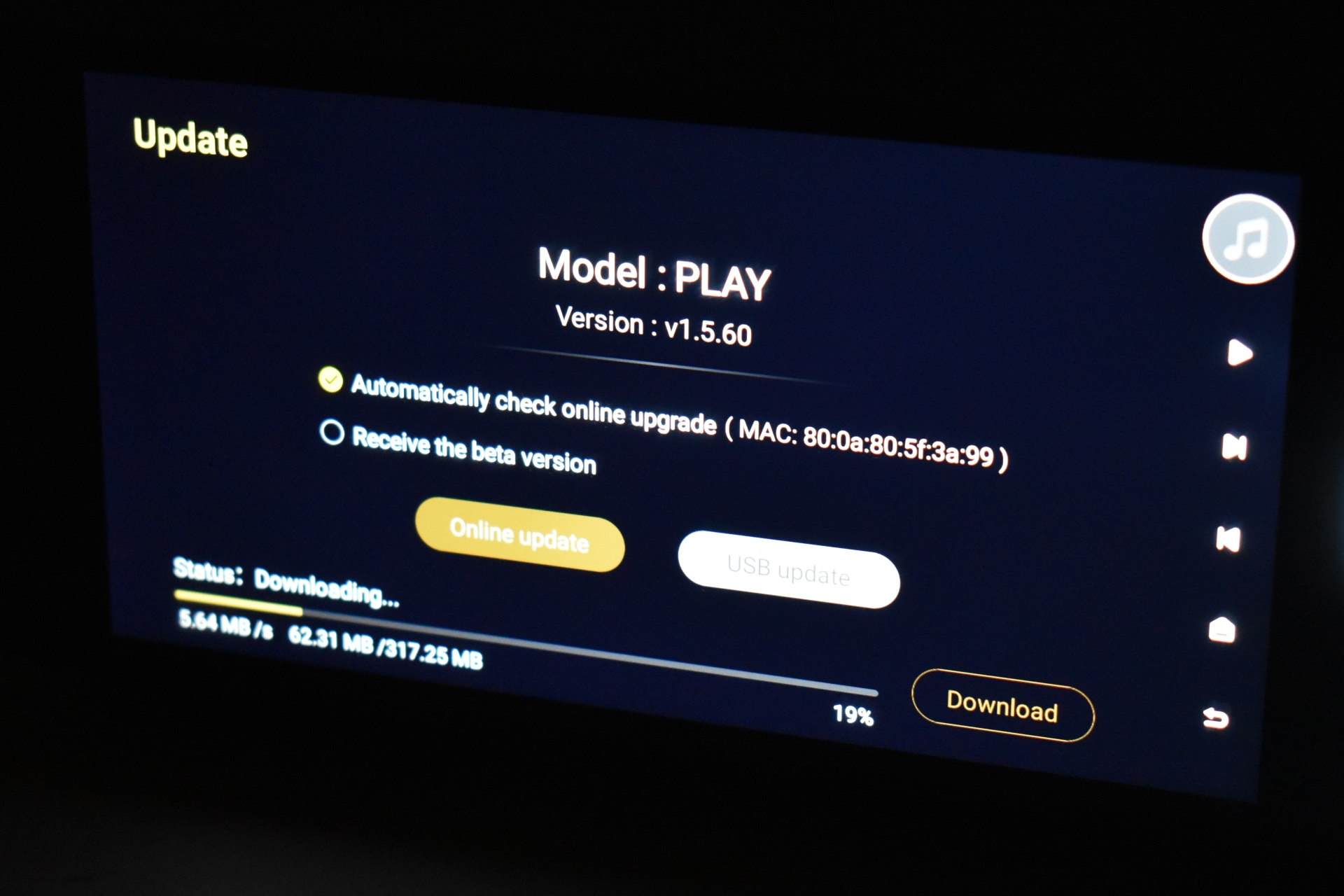
Typically, the moment the device starts it will look for firmware updates.
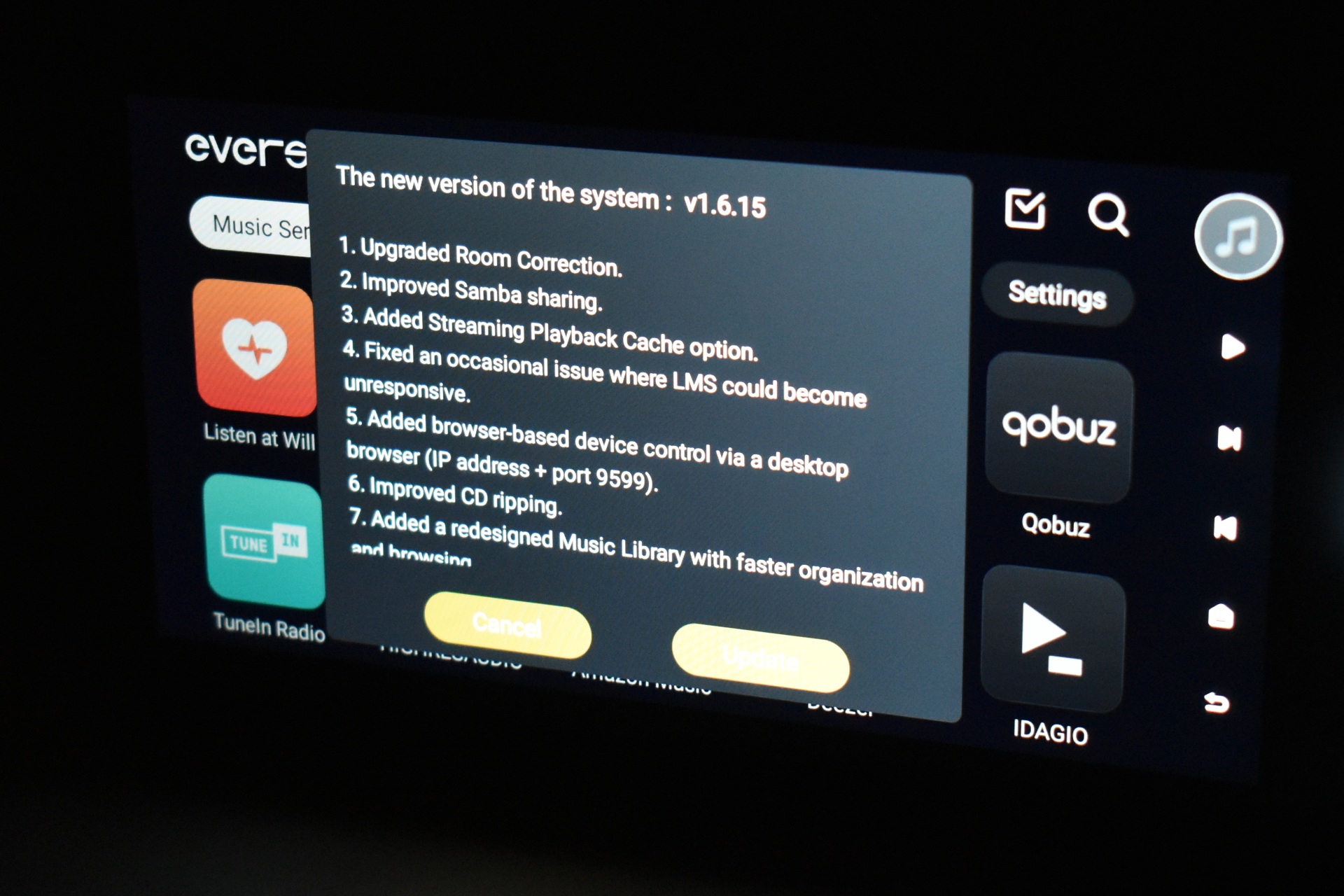
It seems you can’t update to the latest version immediately so in my case this was a two-step process.
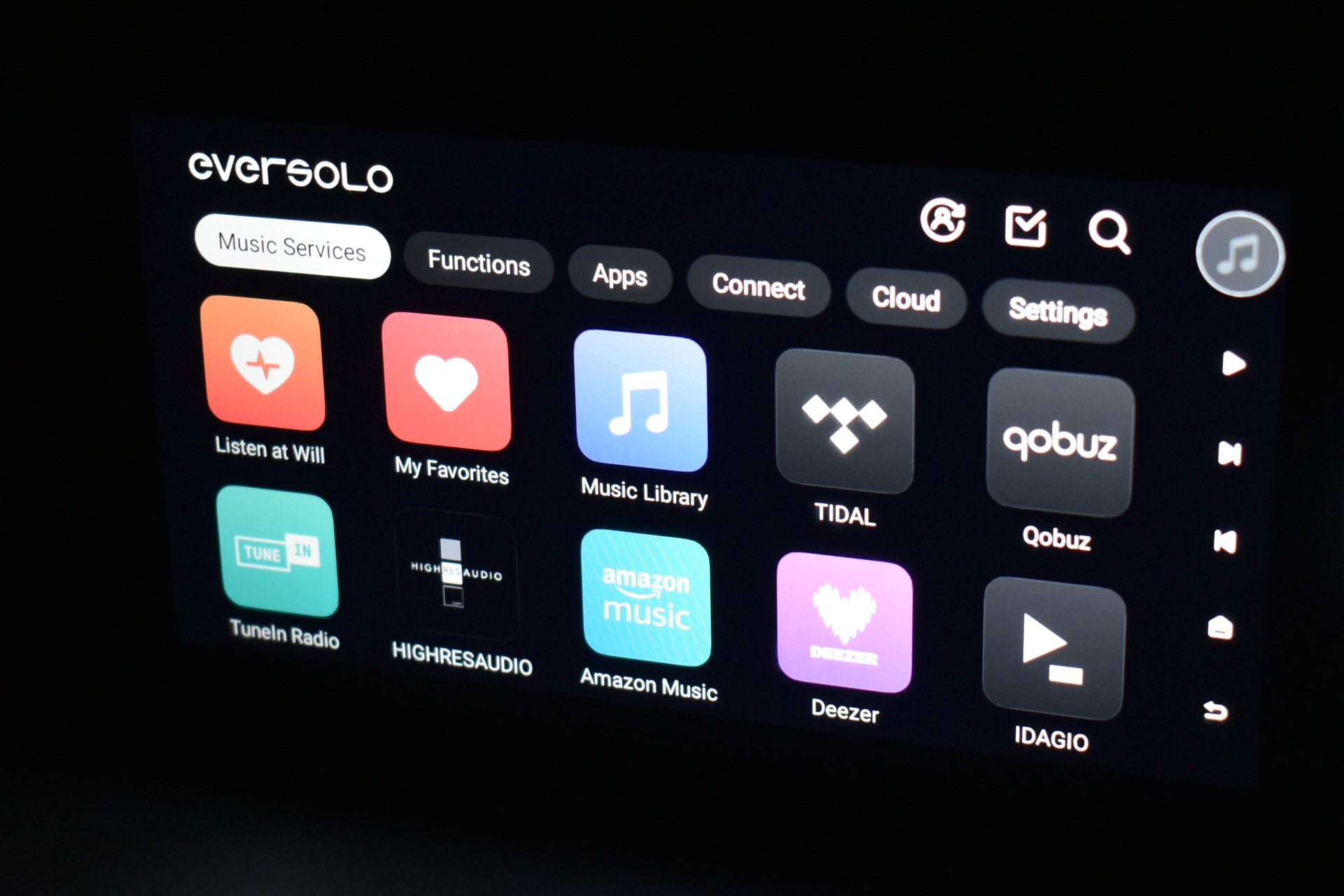
From the initial tab you can access music options and services (23 in number at the time of my review).
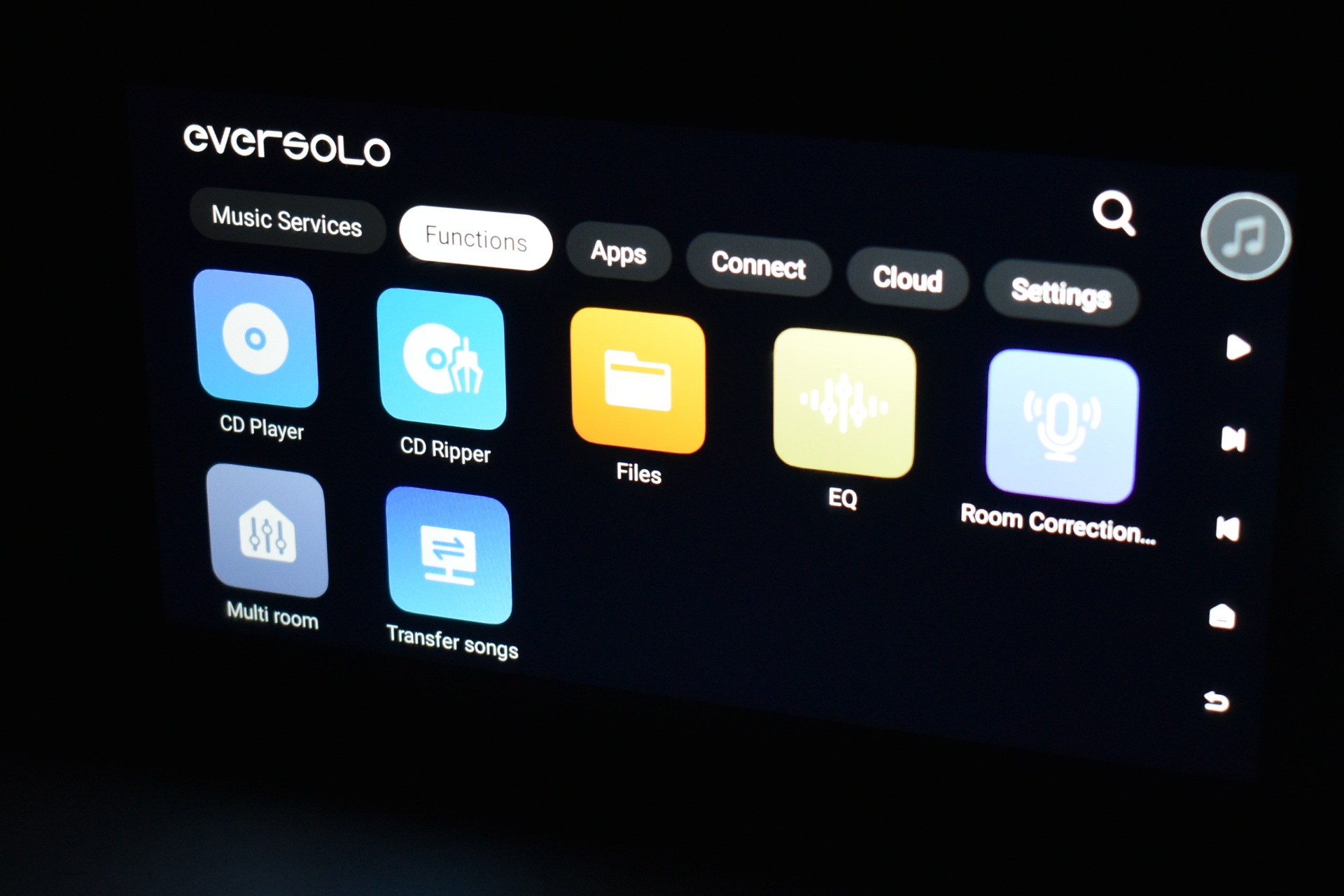
Second tab includes the CD player options (if you have the CD player version or have an external CD player attached), equalizer, room correction, multi-room setup and the file and transfer songs options.
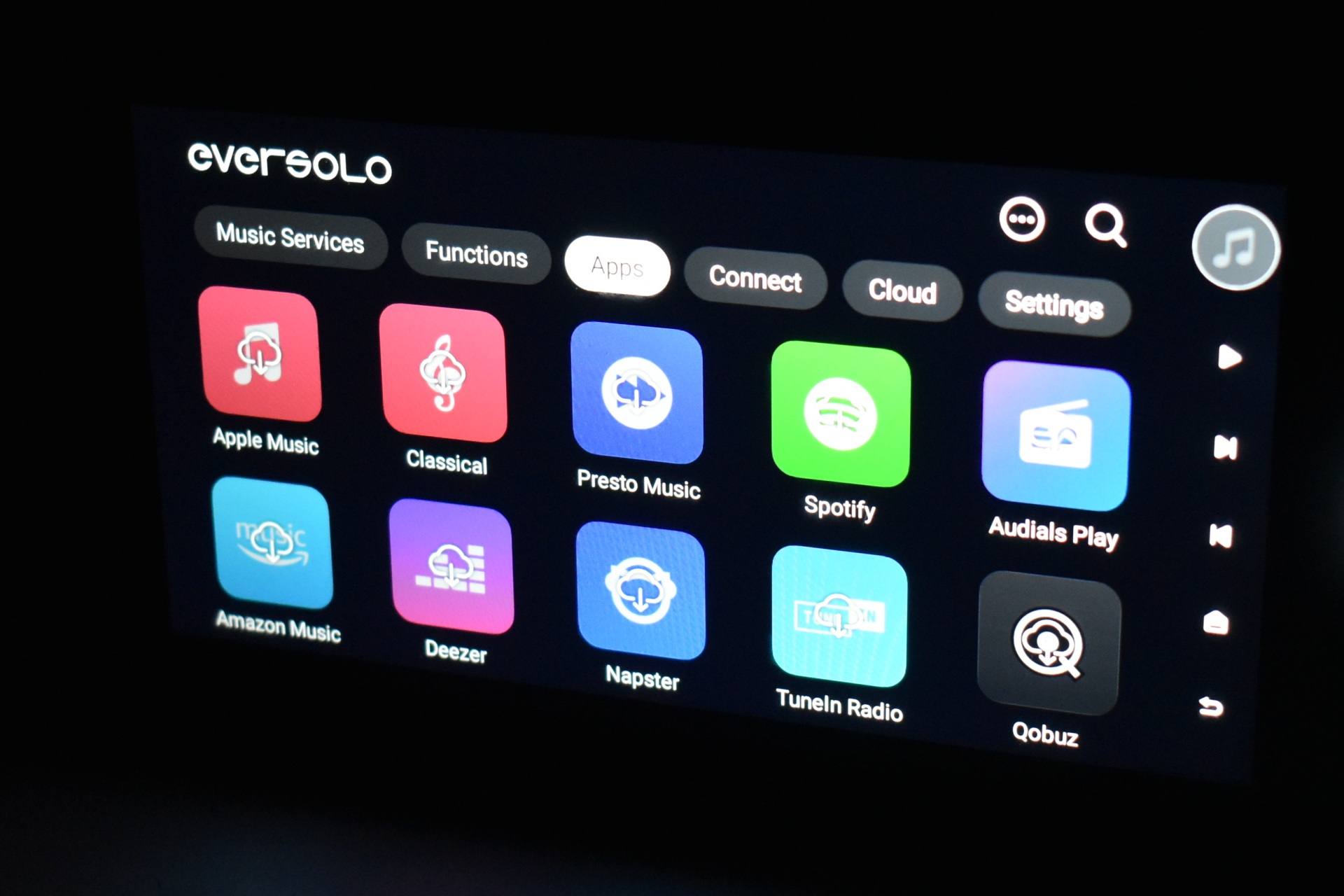
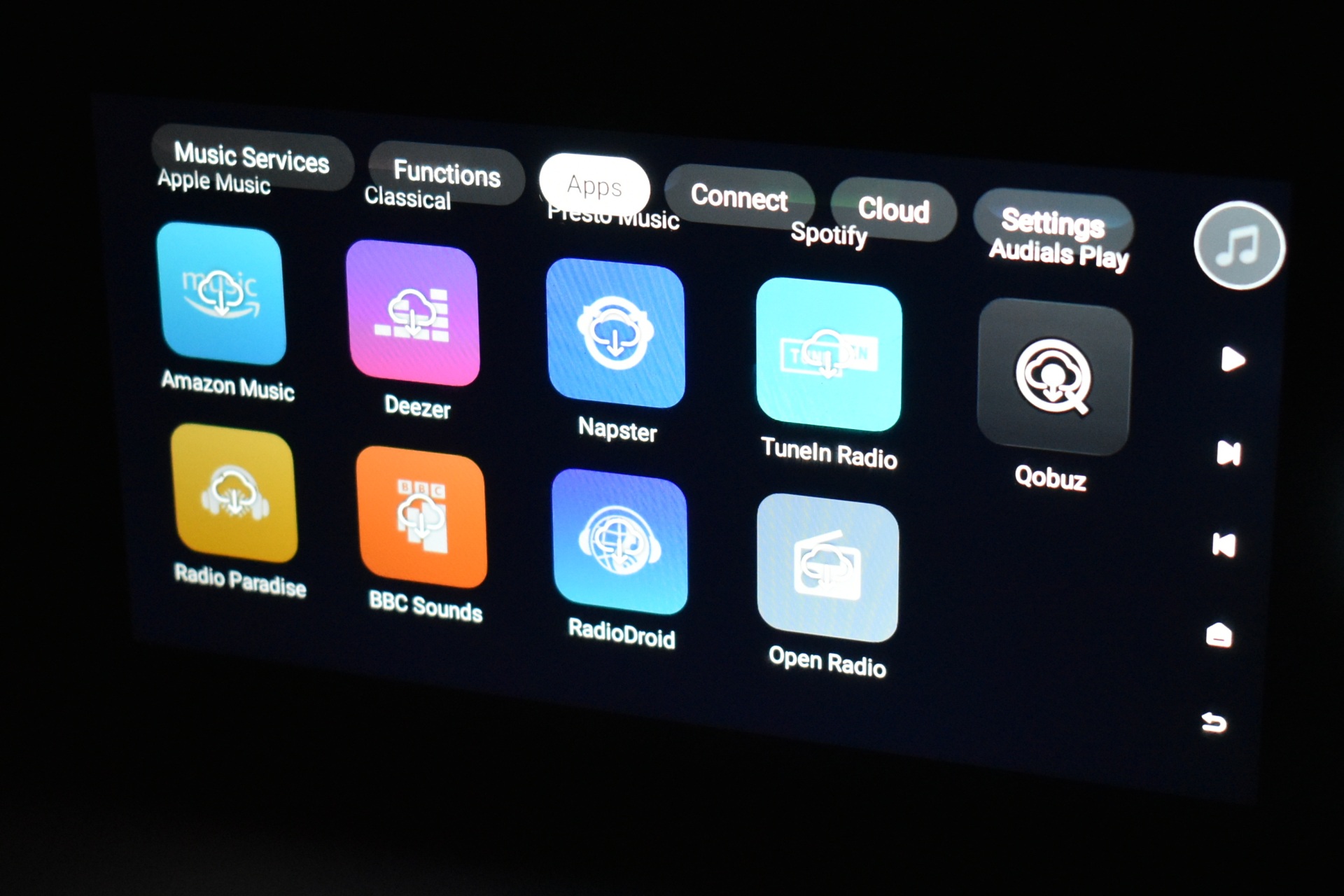
The third tab has the apps (14 in number) most of which are music streaming ones.
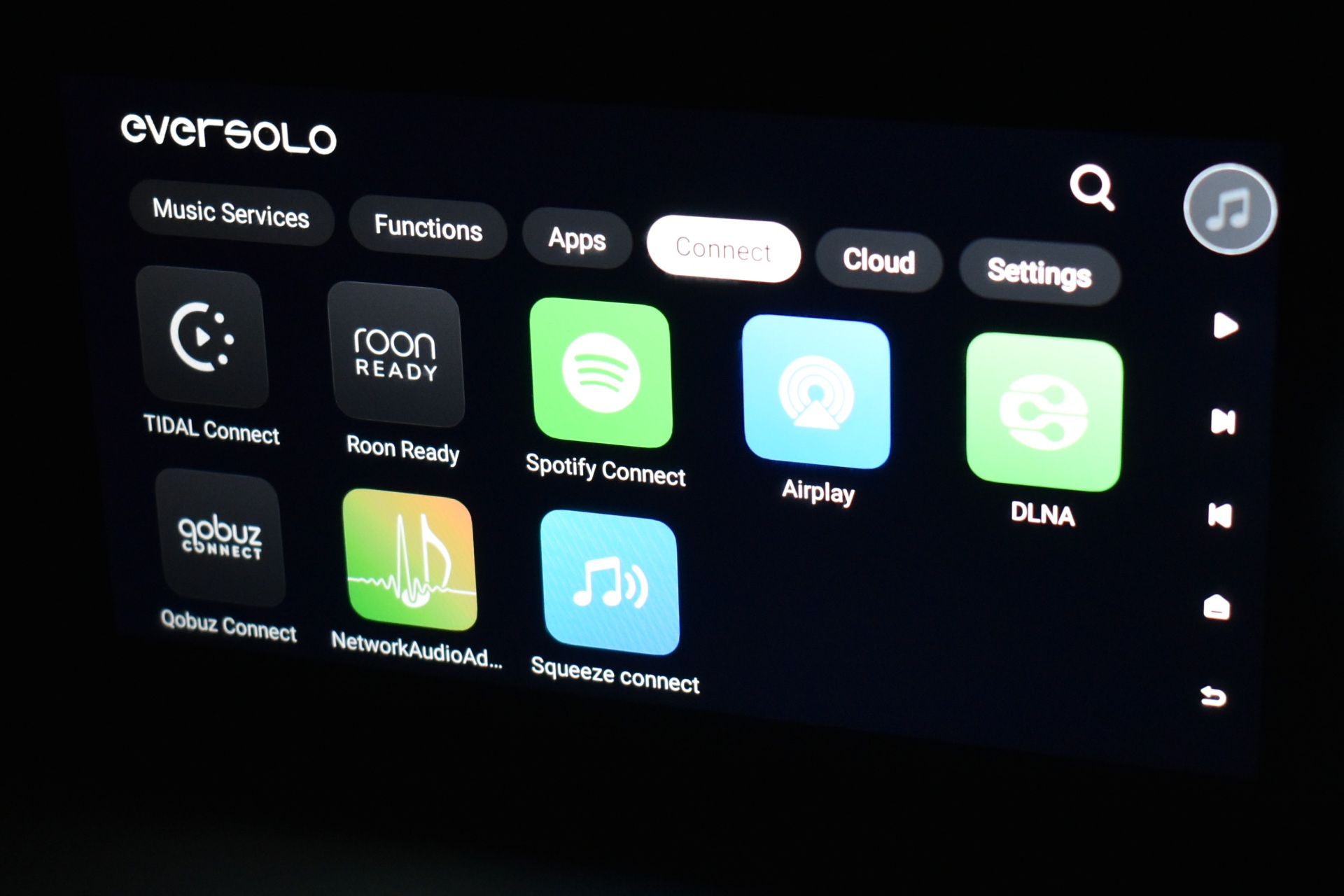
You can use the 4th tab to stream your own music to various music streaming and local services.
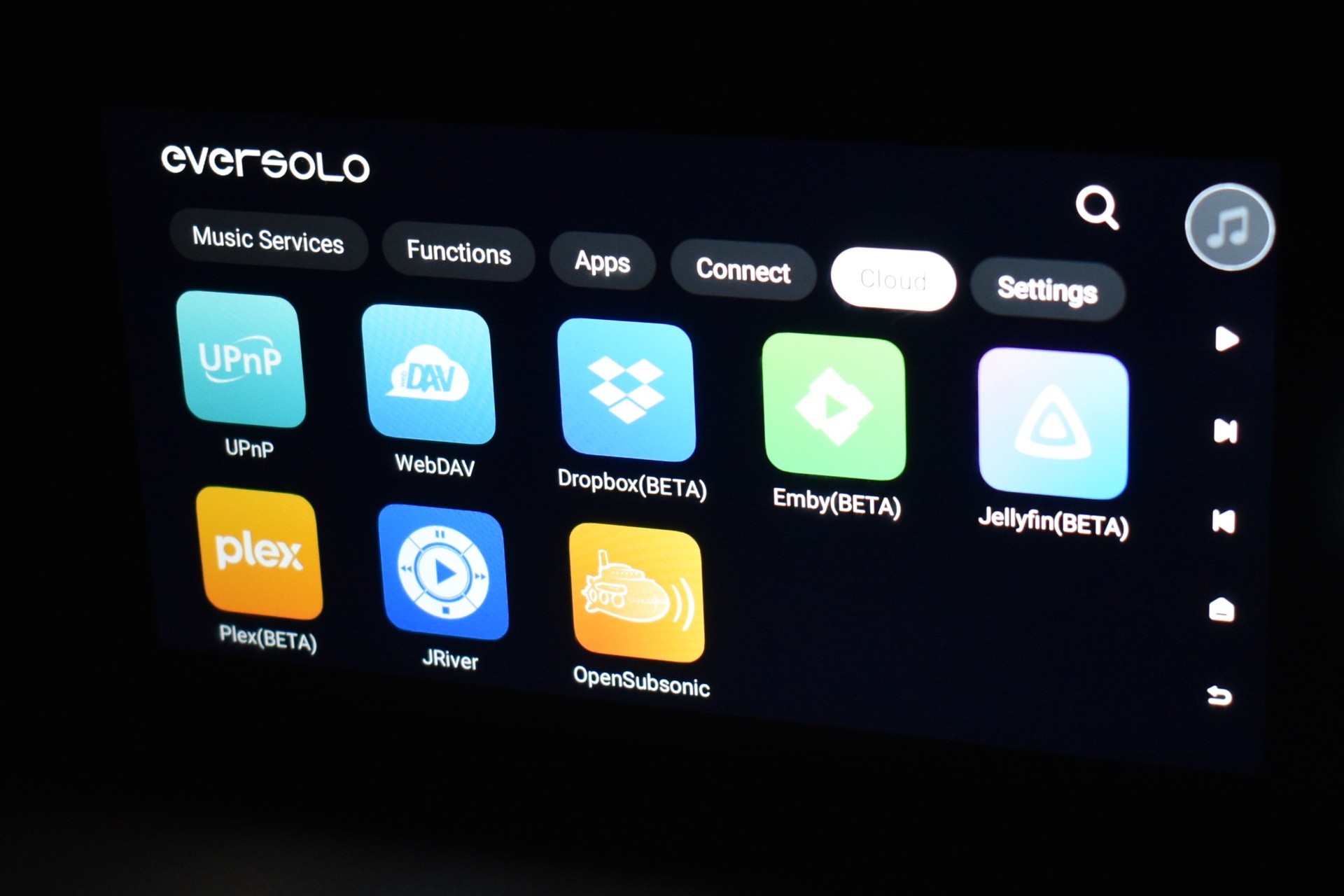
Via the 5th tab you can store your media collection on online cloud services.
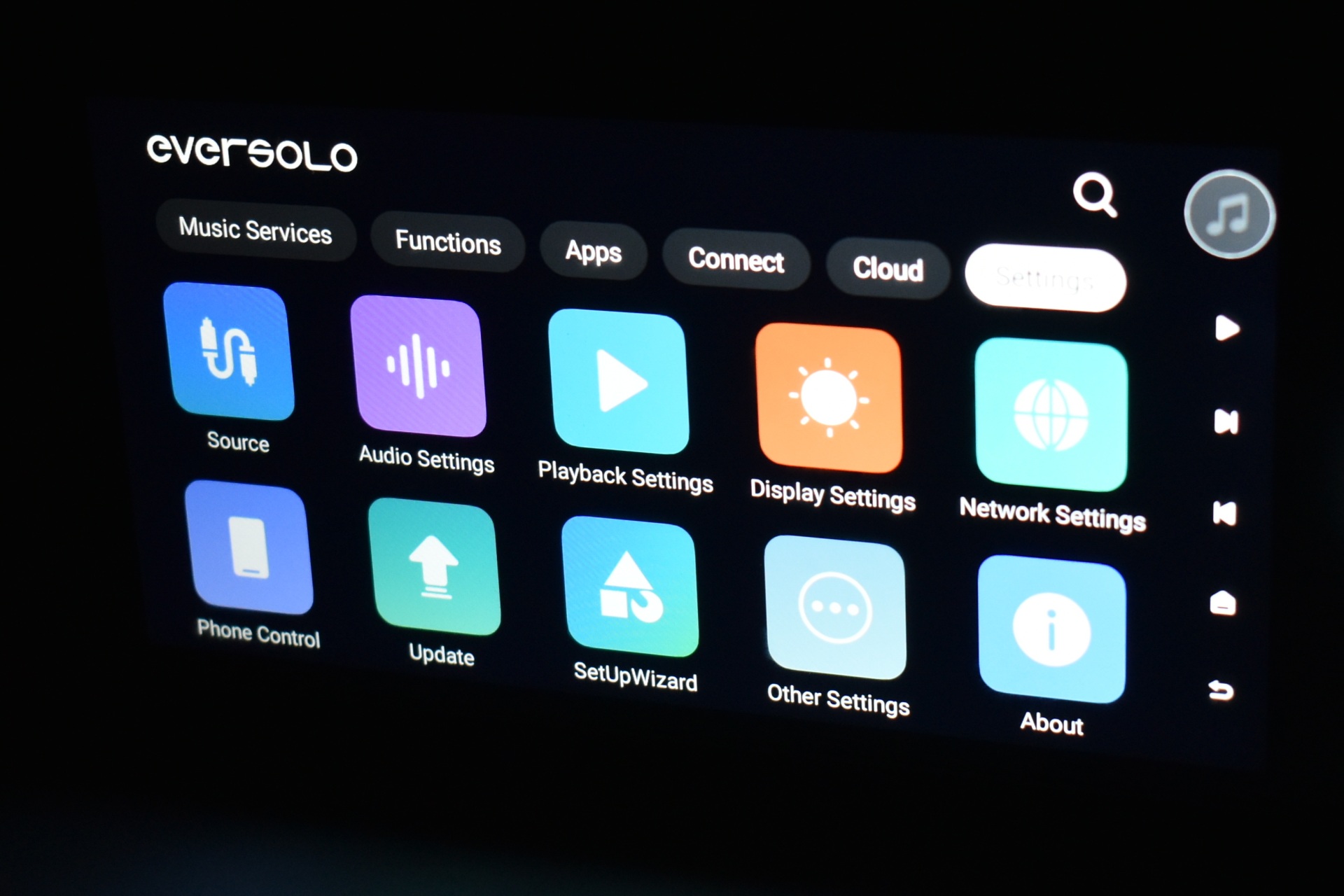
Finally, the 6th tab includes all the system settings.
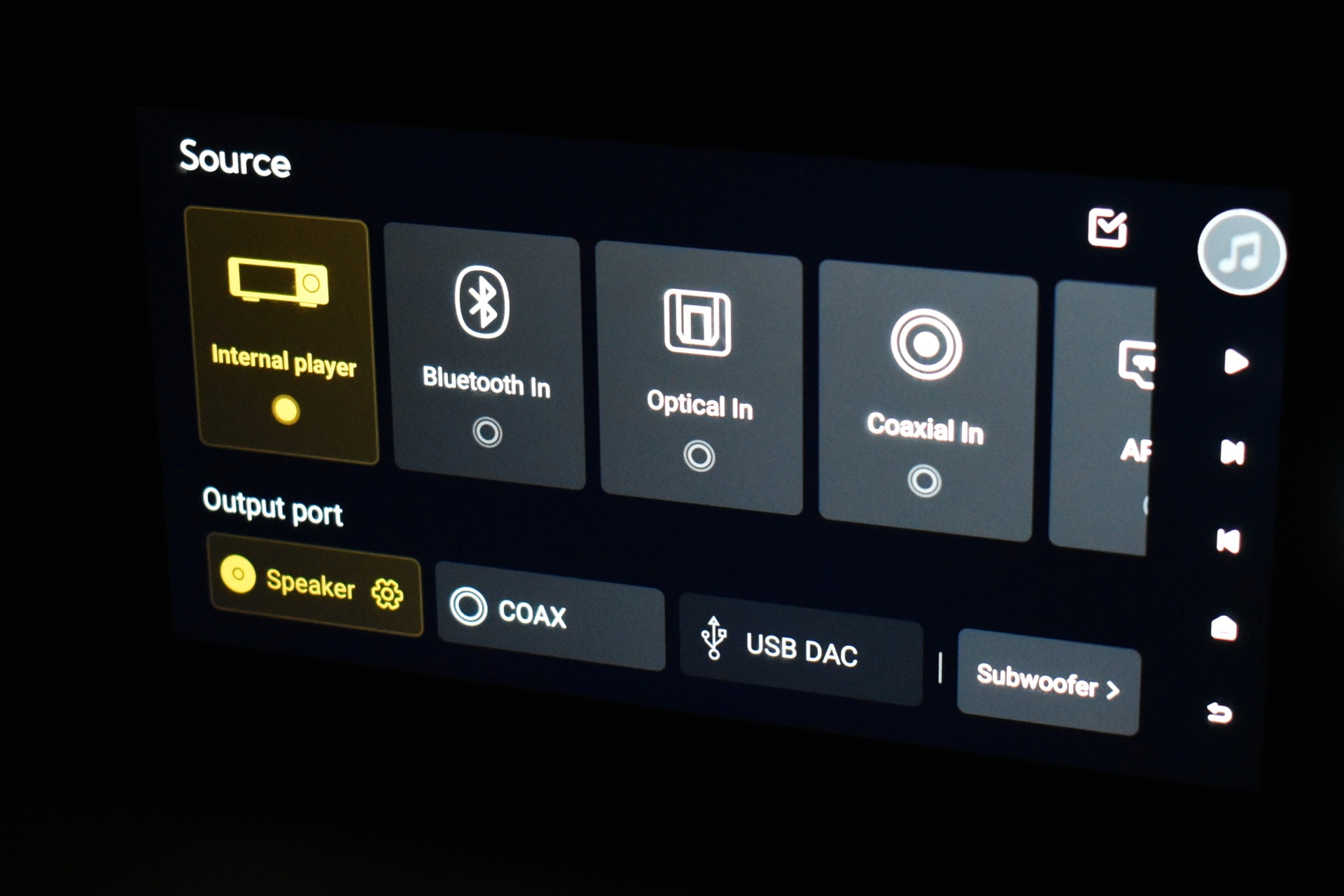
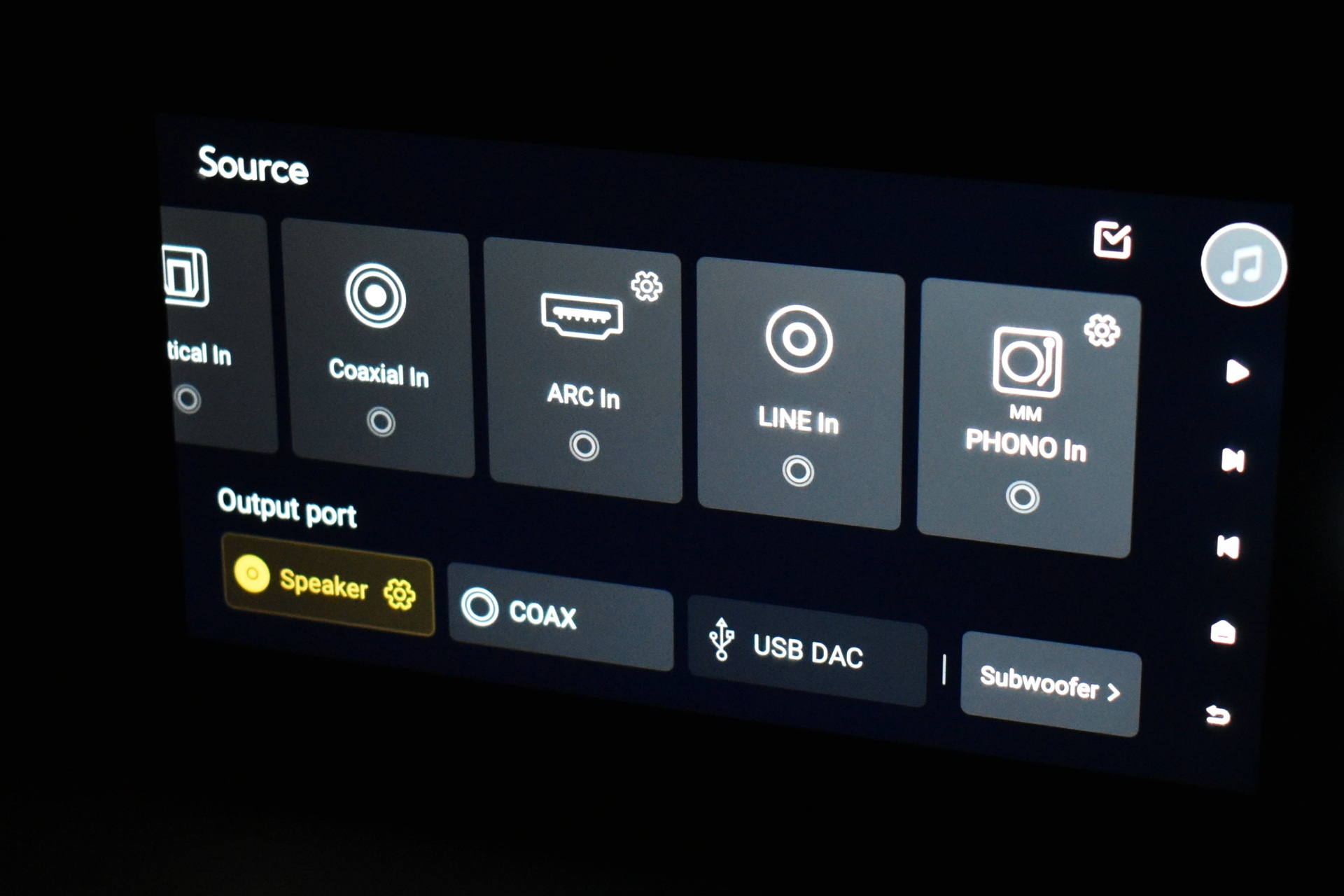
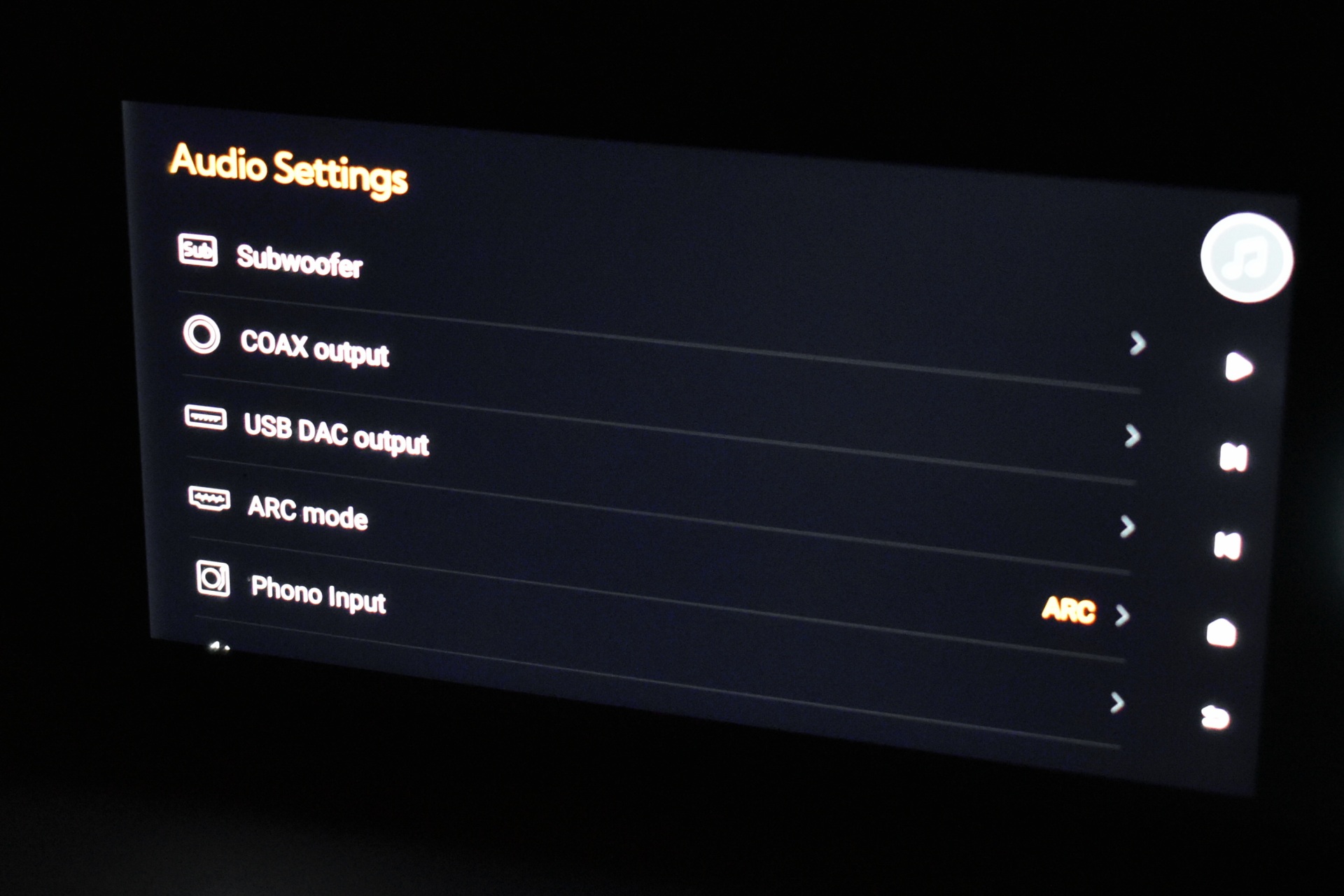
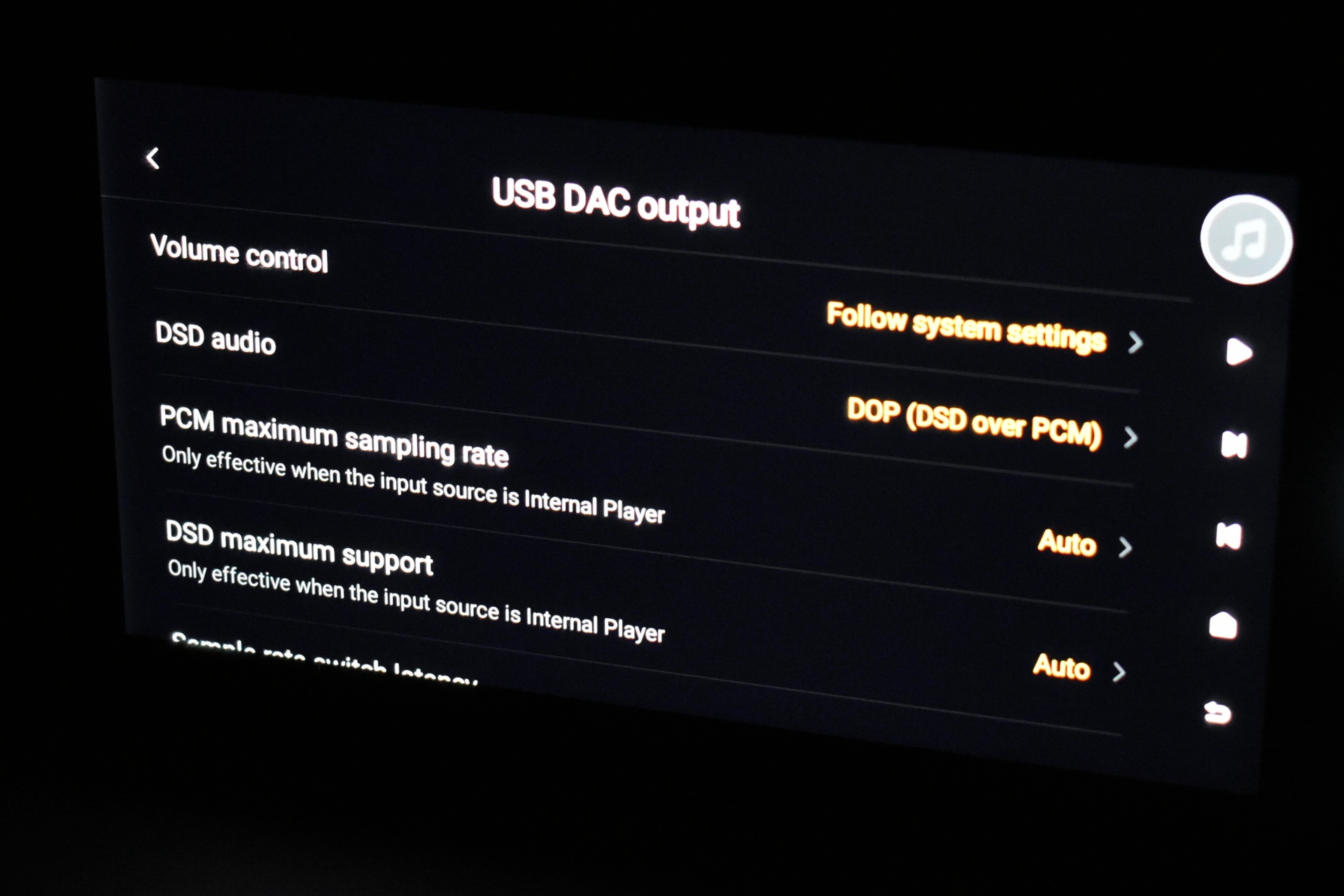
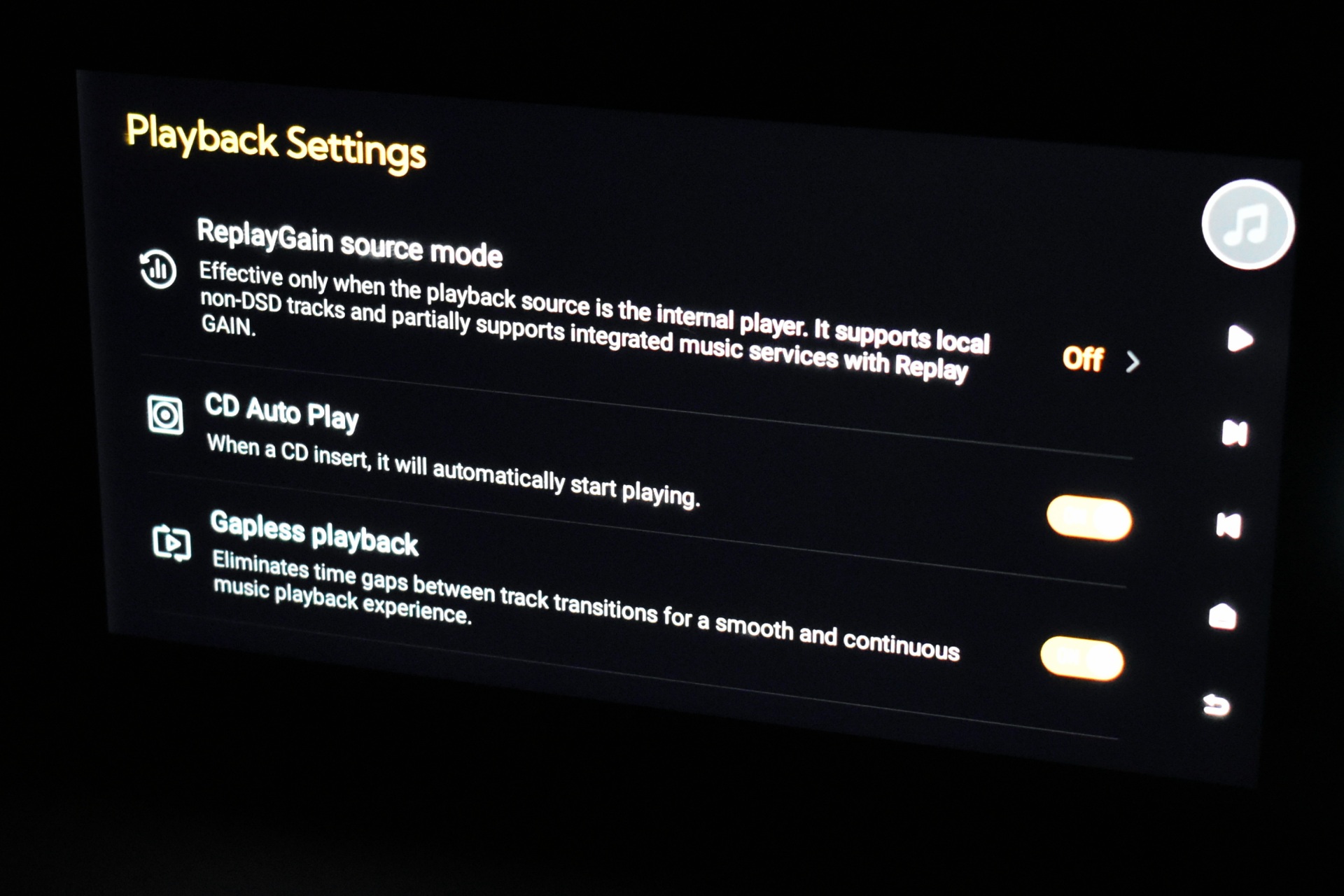
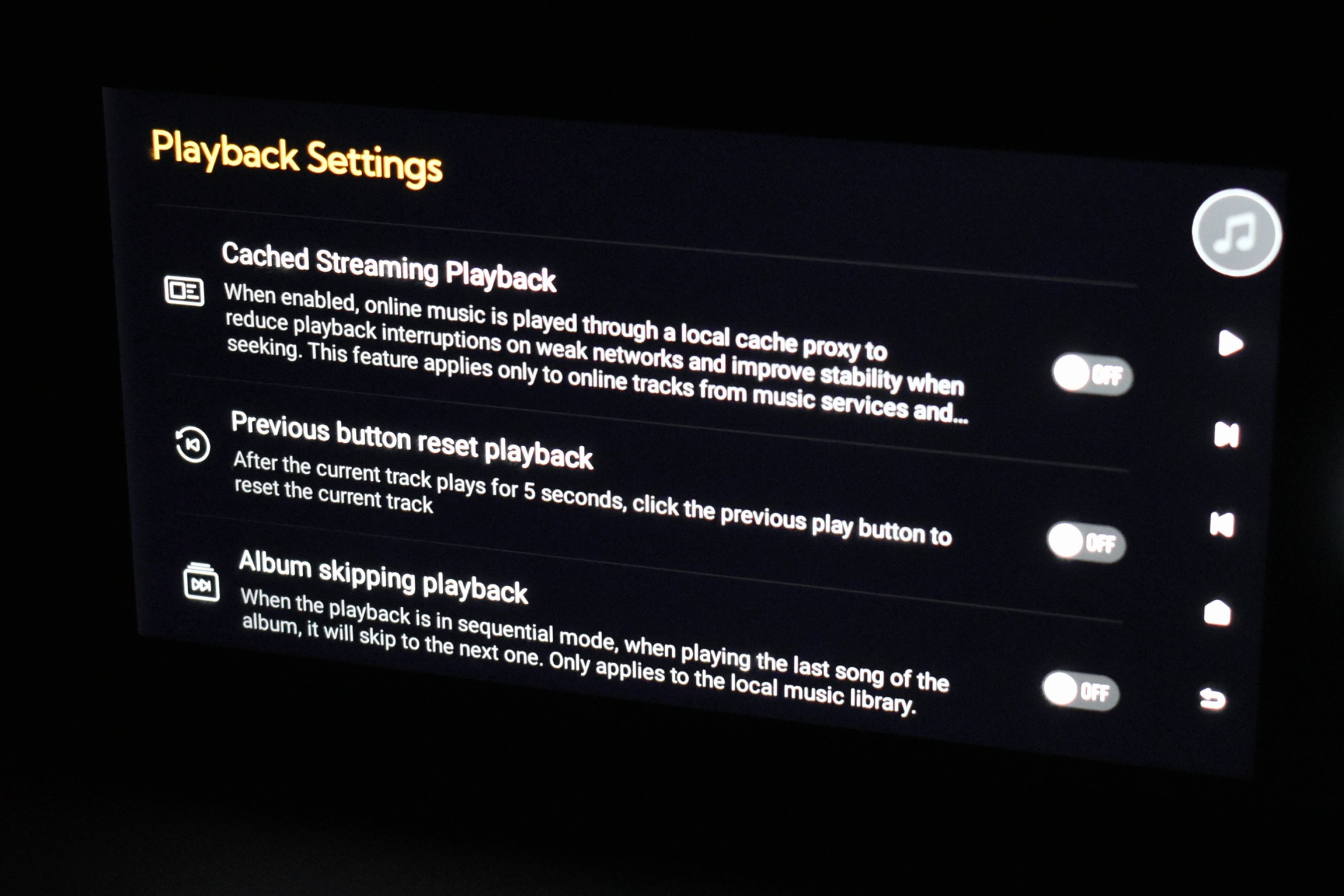
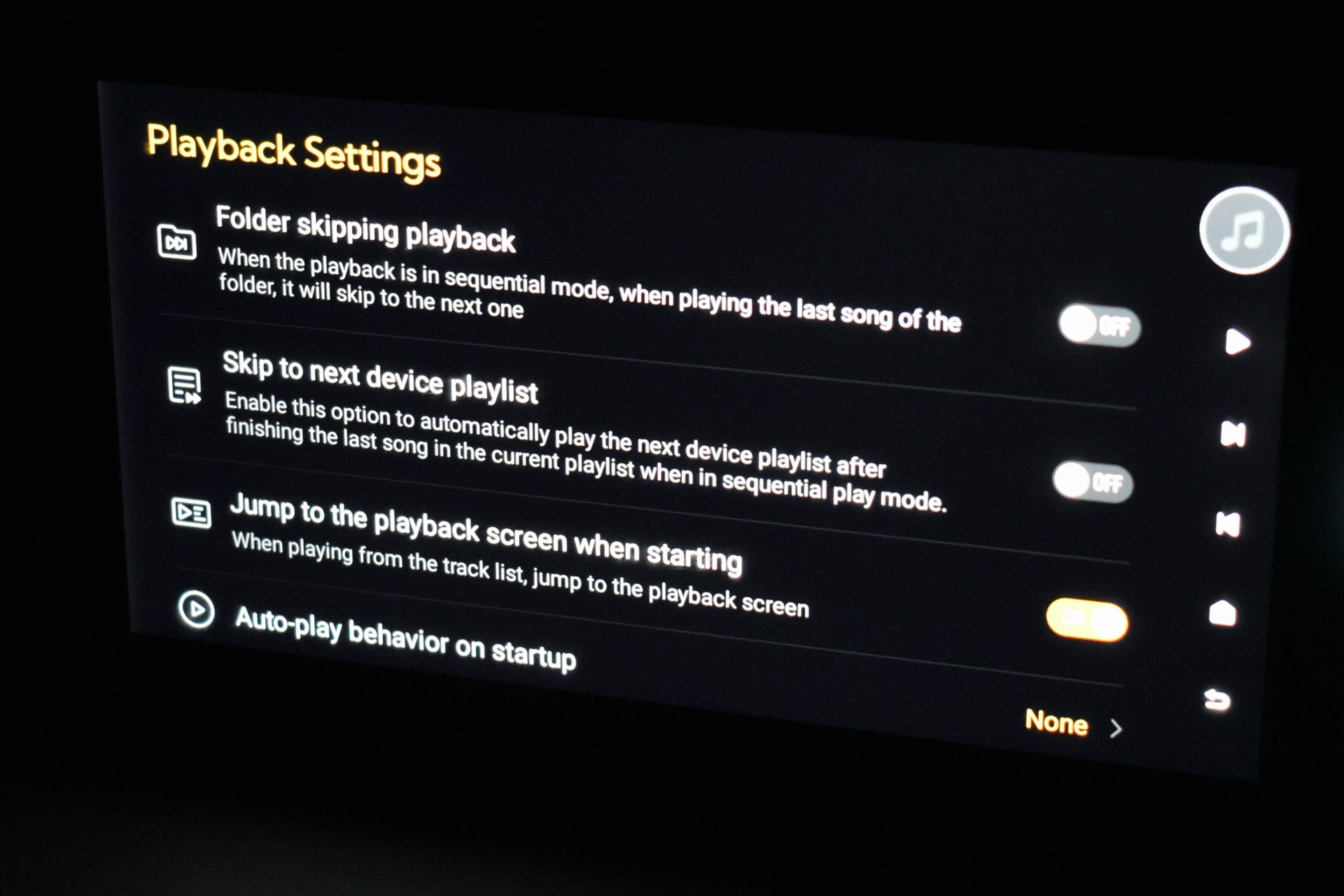
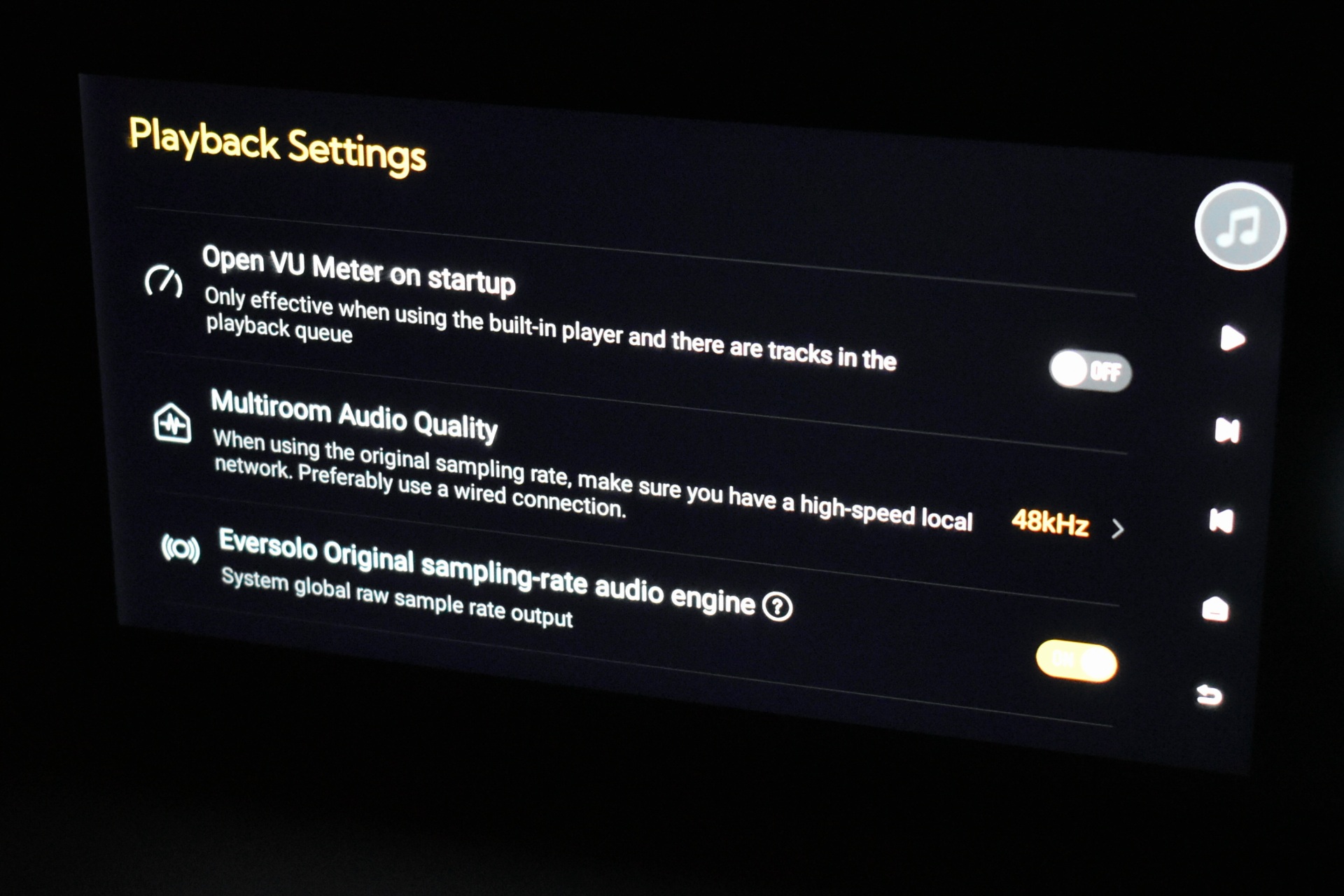
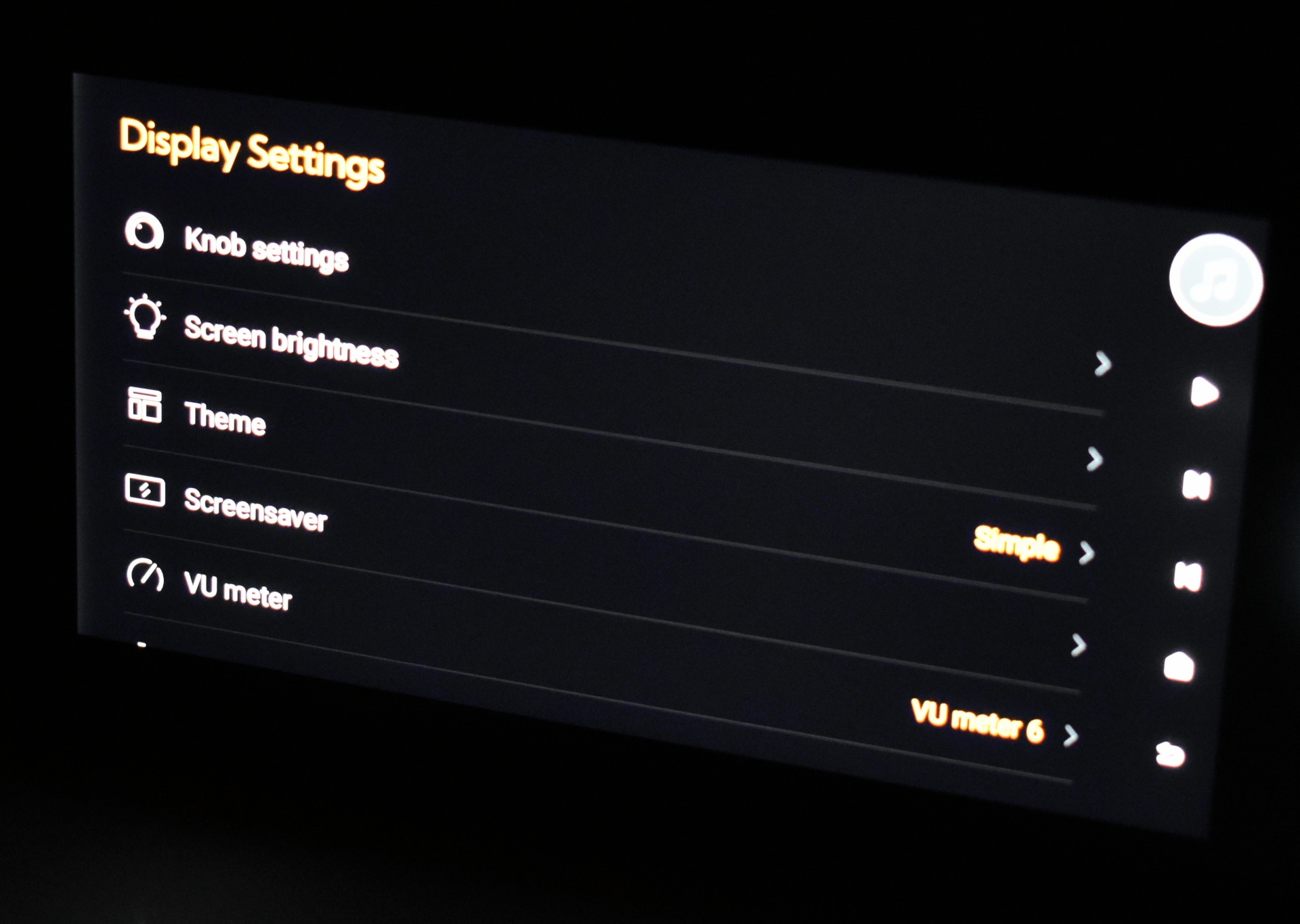
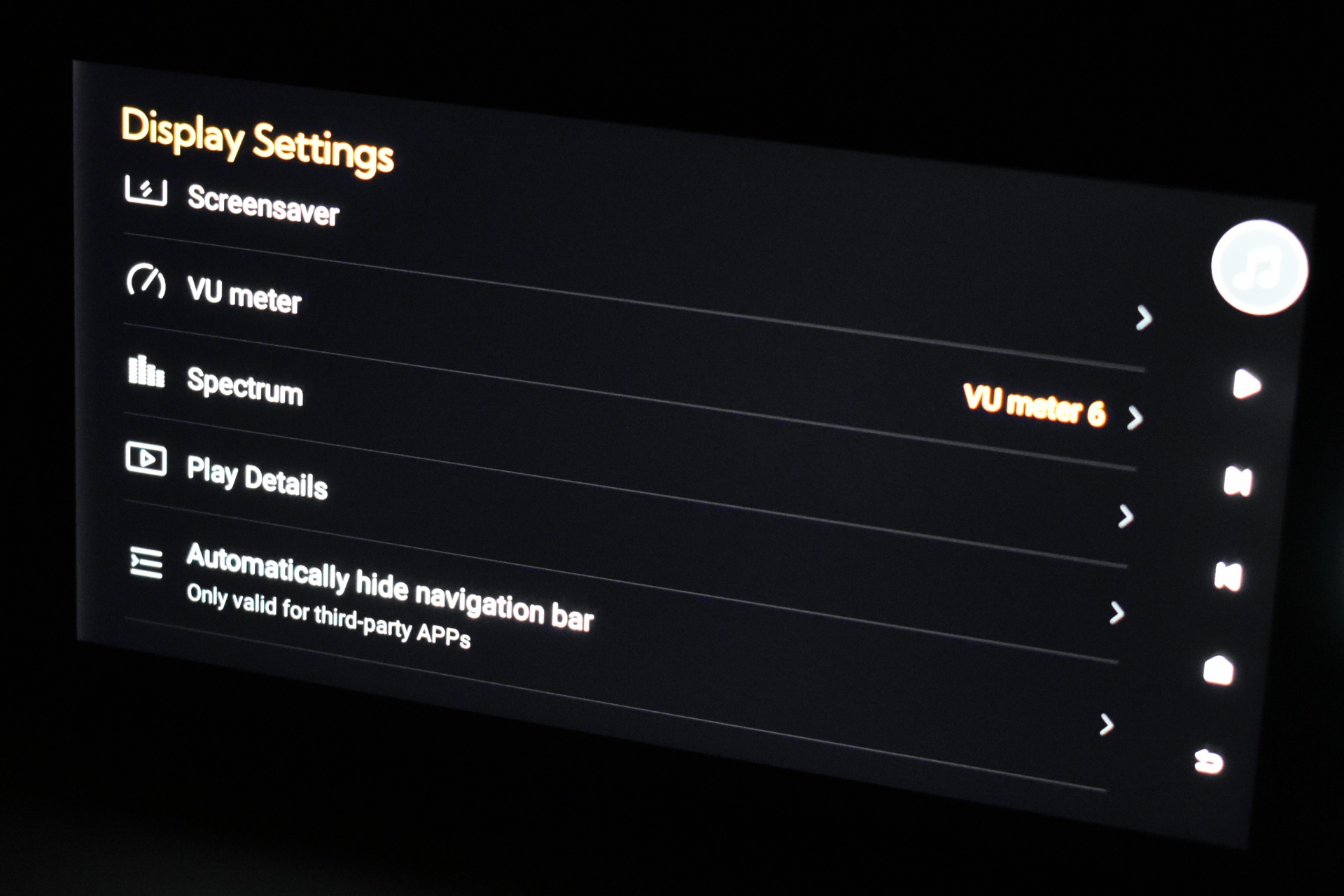
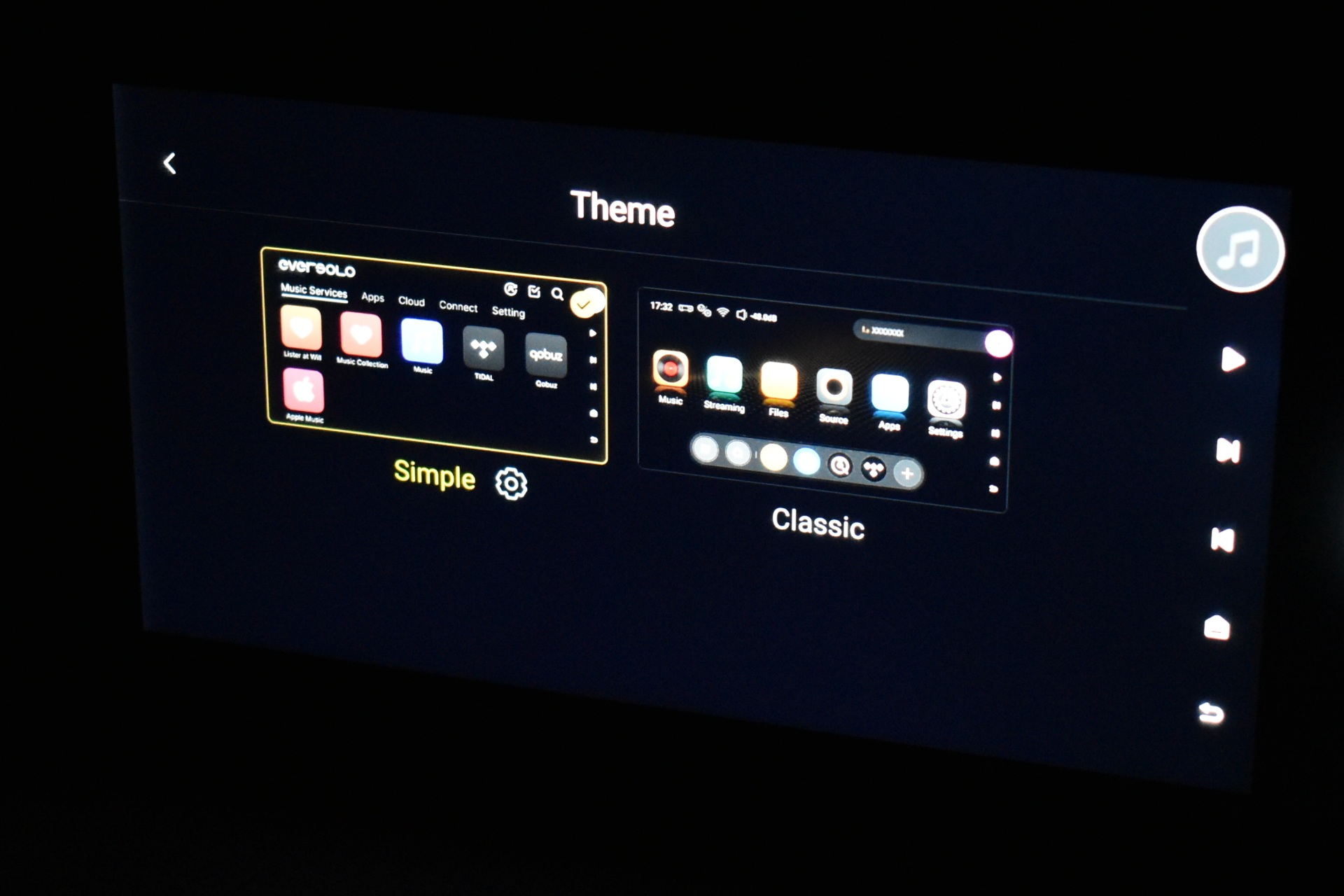
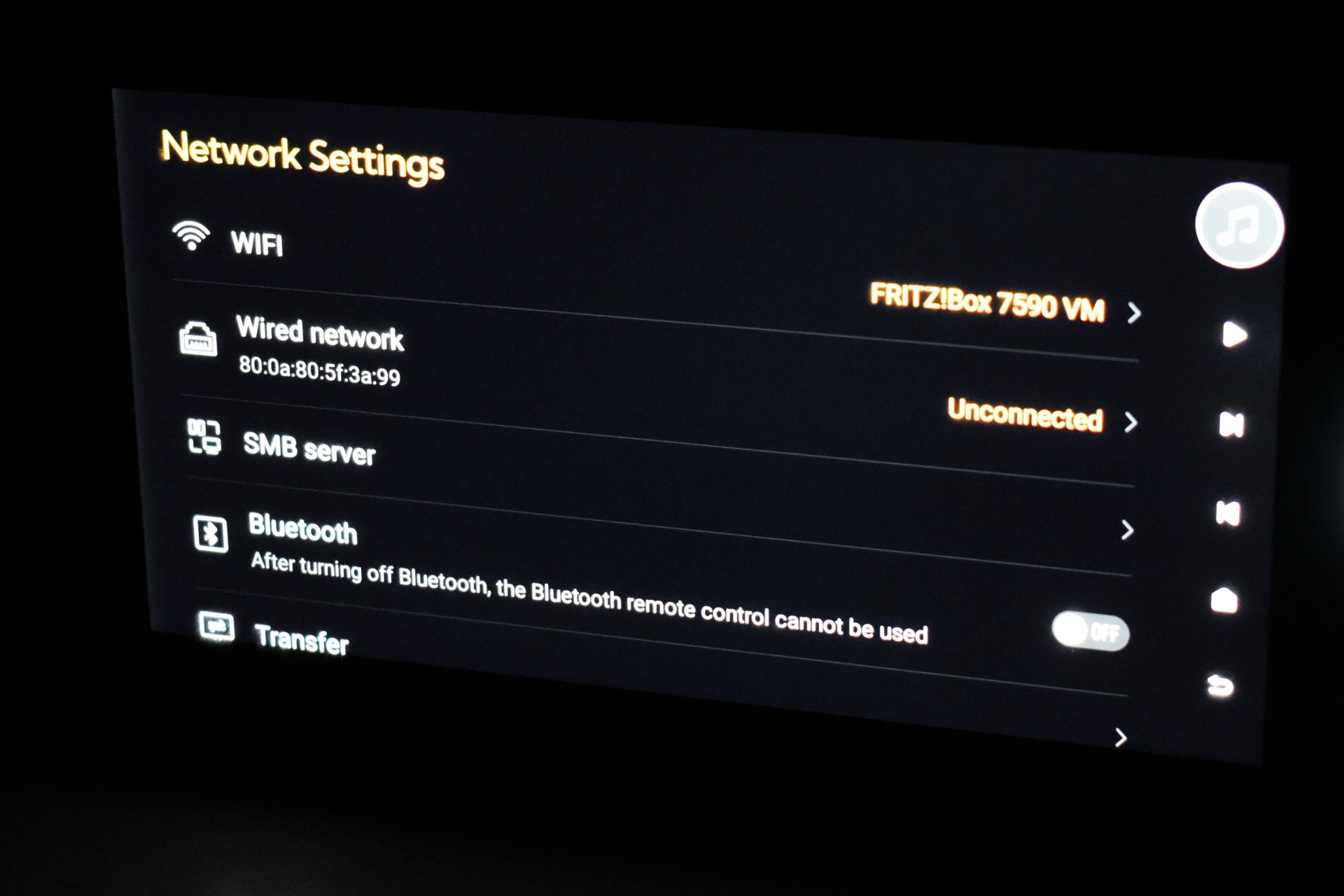
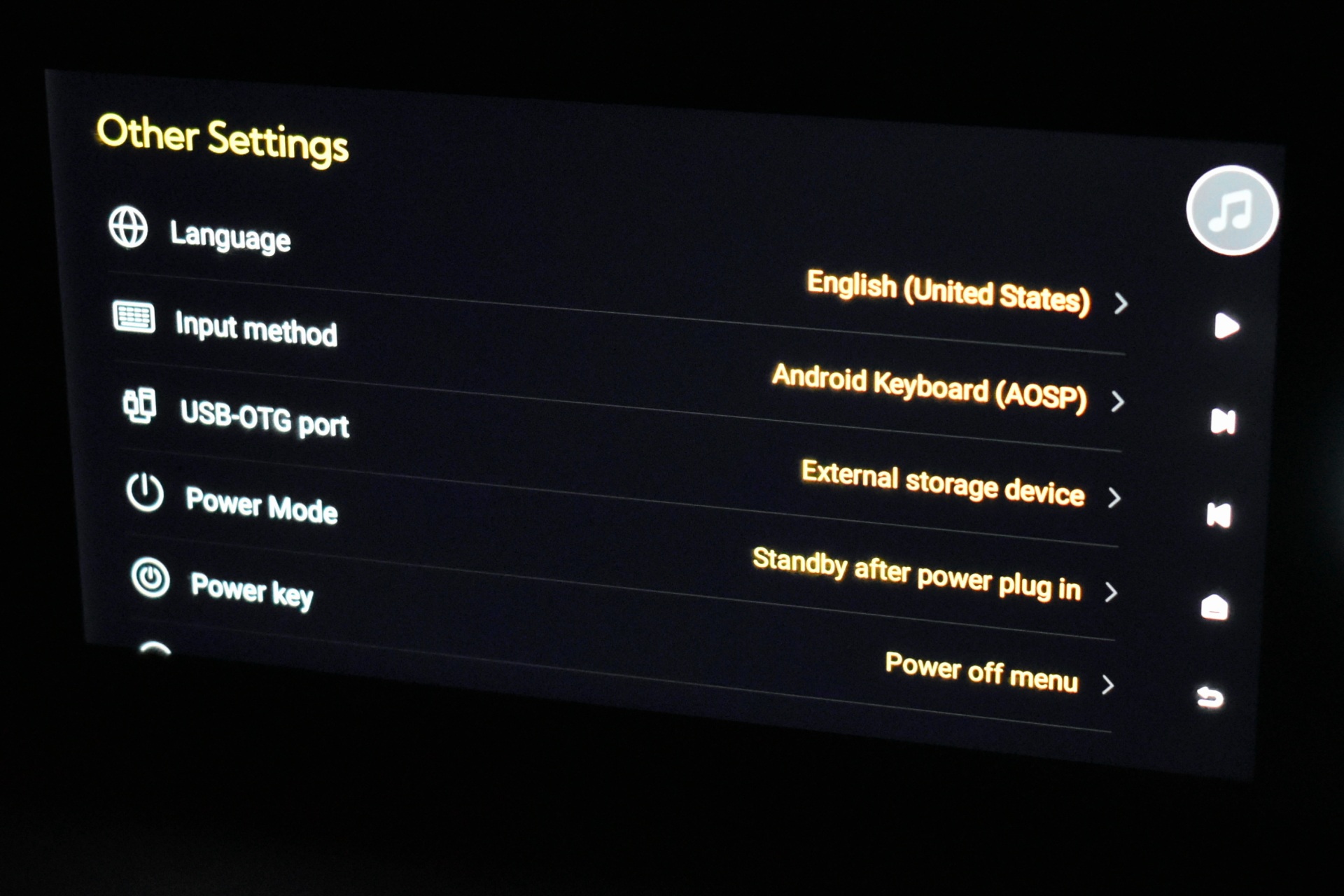
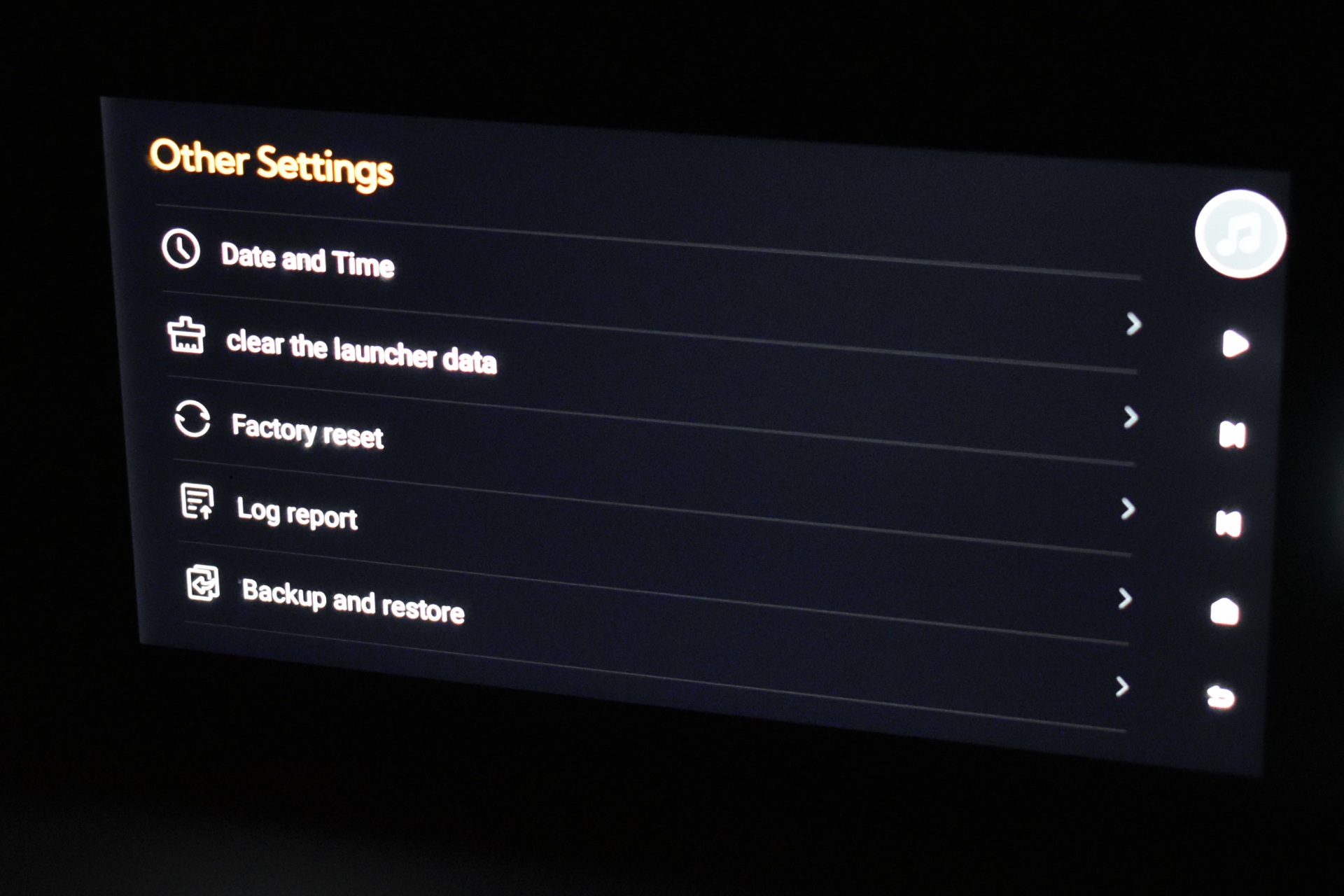
From the system menu you can change the source and output ports, adjust the various port options, setup volume control and sampling settings, enable/disable playback settings, enable the VU meter for the display, set multi-room audio quality, adjust the knob and screen settings, change the theme from simple to classic, adjust network and Bluetooth settings and many more.
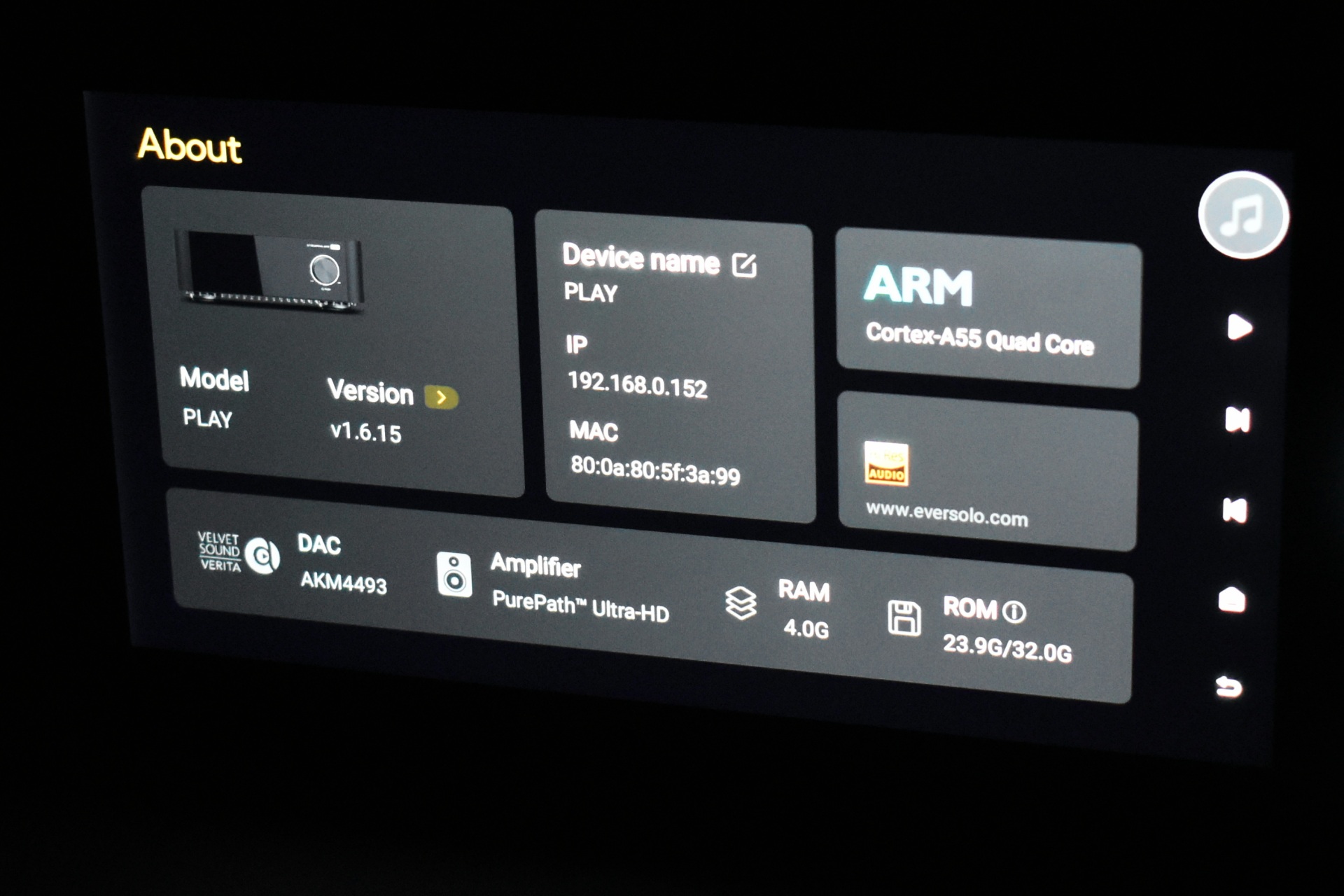
The about page is self-explanatory (here you can also see that the device gets shipped with 23.9GB free out of the 32GB ROM).
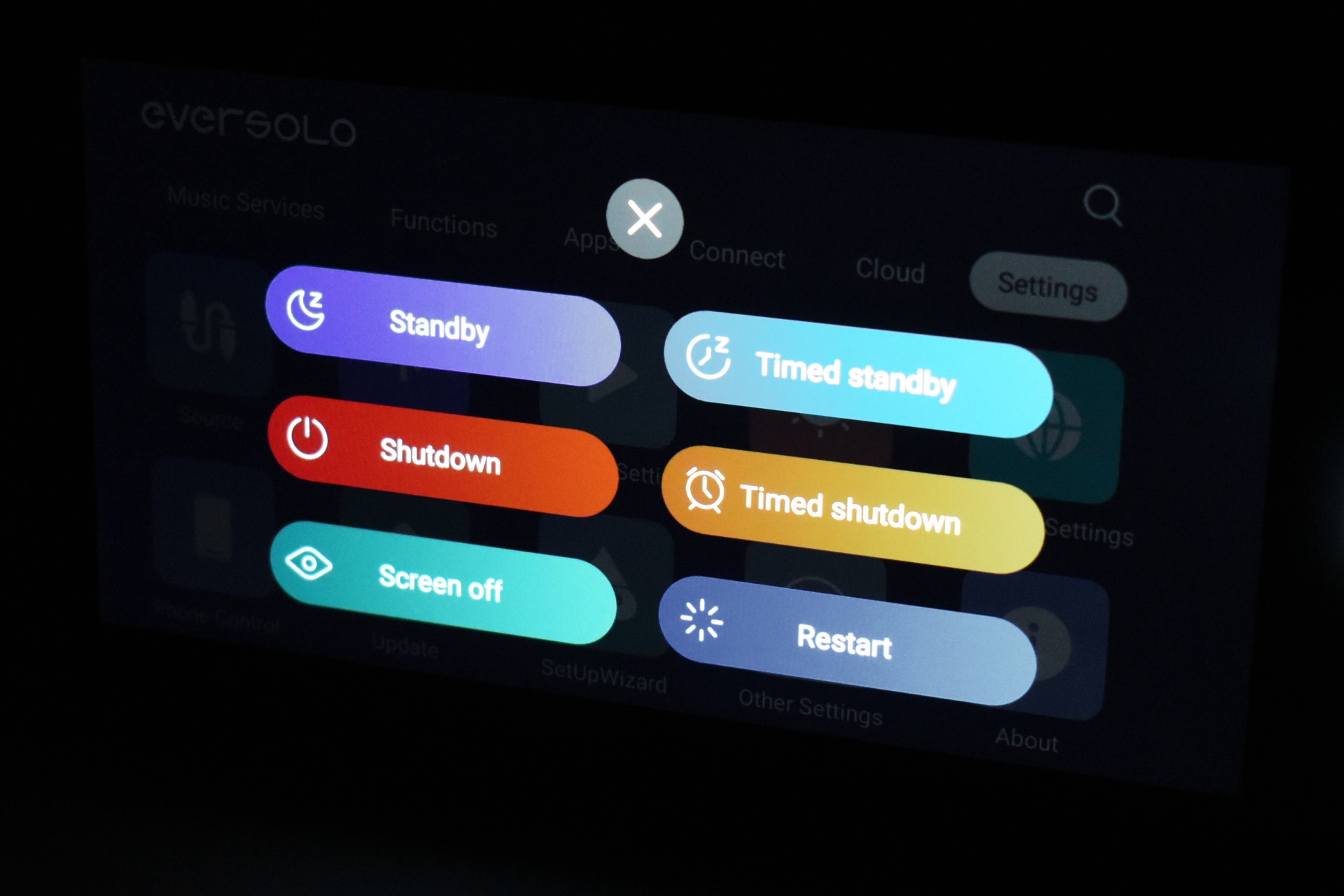
Pressing the knob once gets this quick function popup.