

CONTROL APP
Since the Play doesn’t come with a remote control in the bundle installing the Control App is a must.
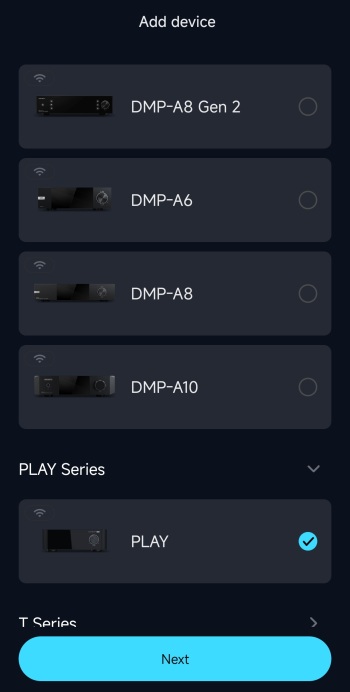
Once you install and start the app it will give you a list of devices to pair it with.
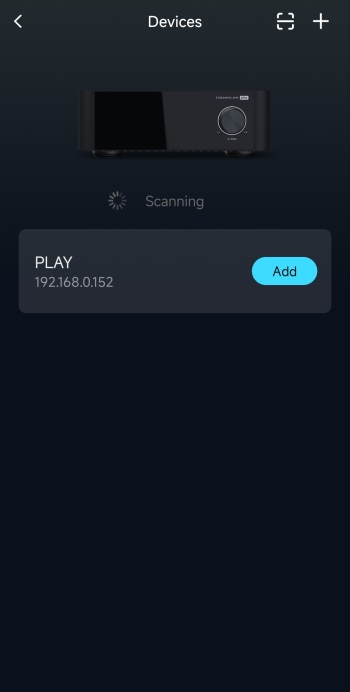
If your device is on the same network it will automatically detect it after that, if not you will need to use the 2D barcode shown in the previous page.
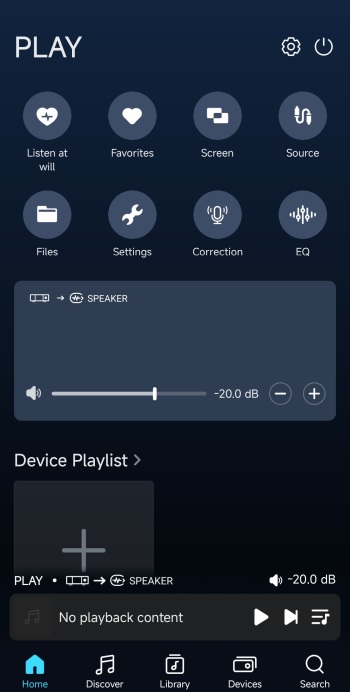
The main tab has several options for the end user to choose from including volume control, playlists and current playback content.
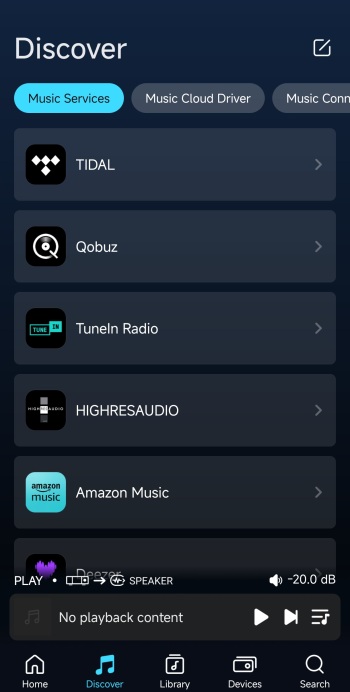
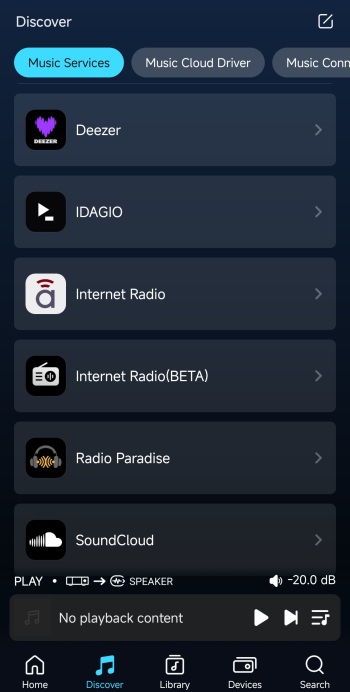
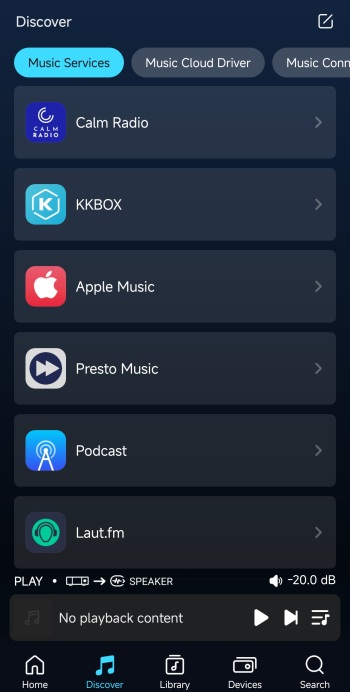
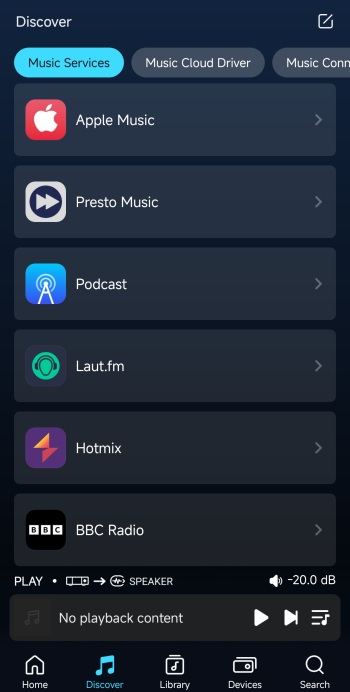
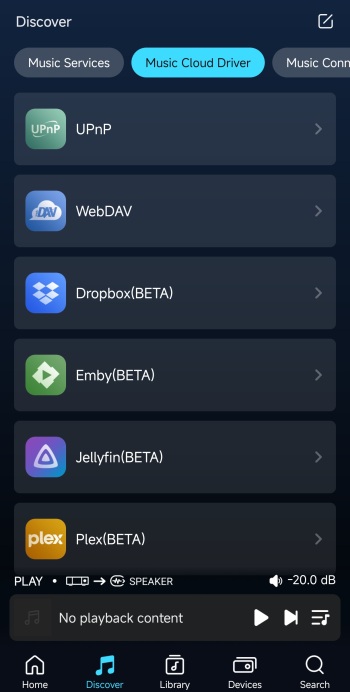
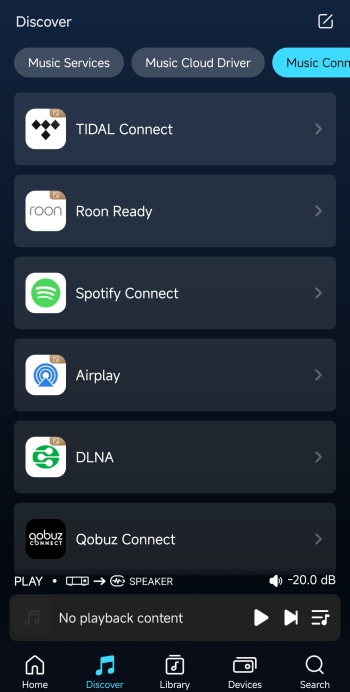
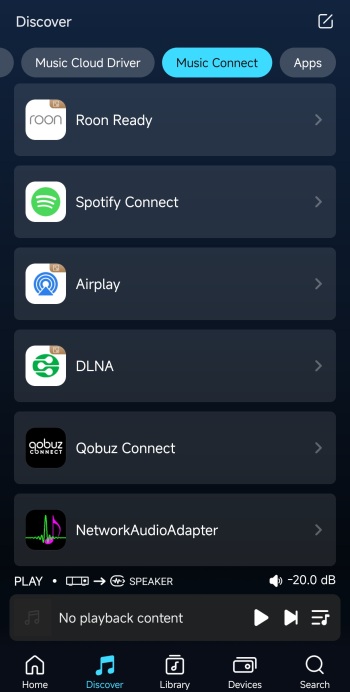
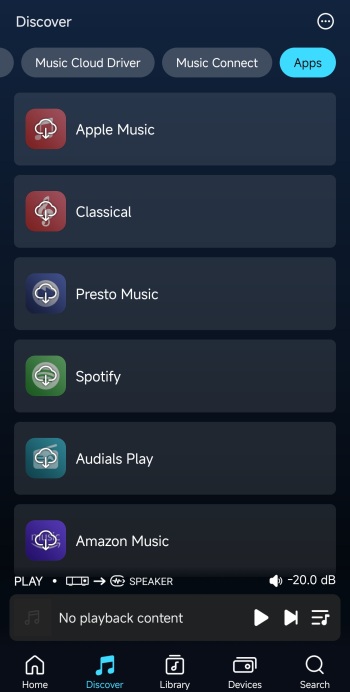
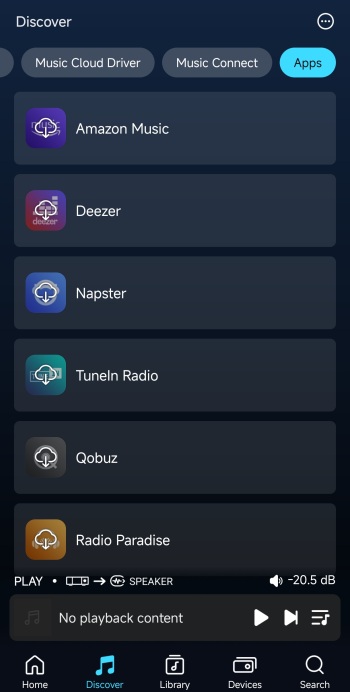
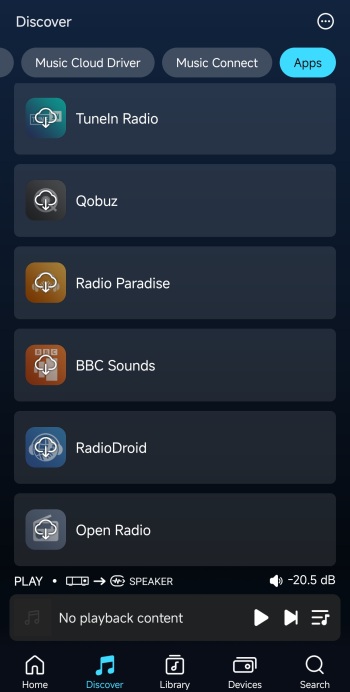
After that you can access the same streaming and local services as from the touchscreen display.
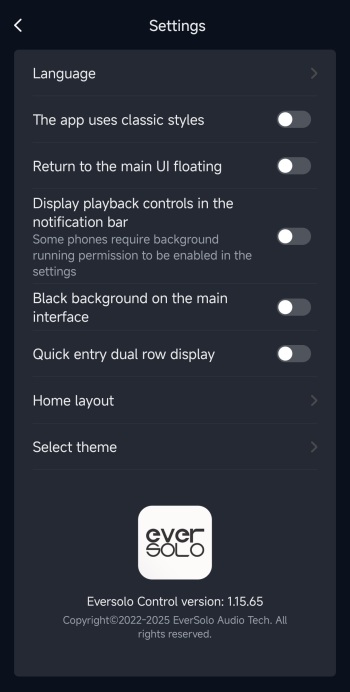
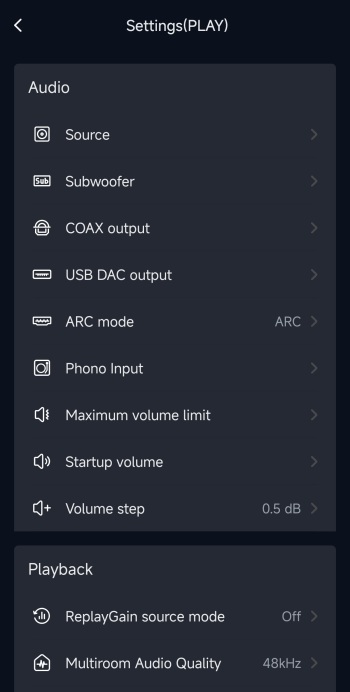
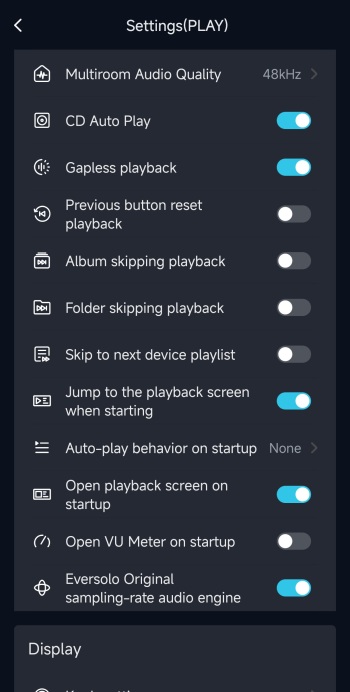
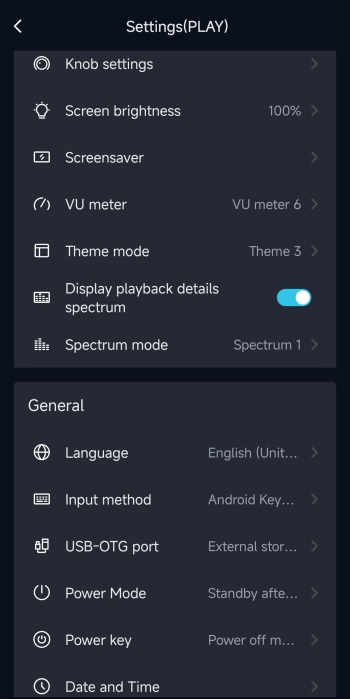
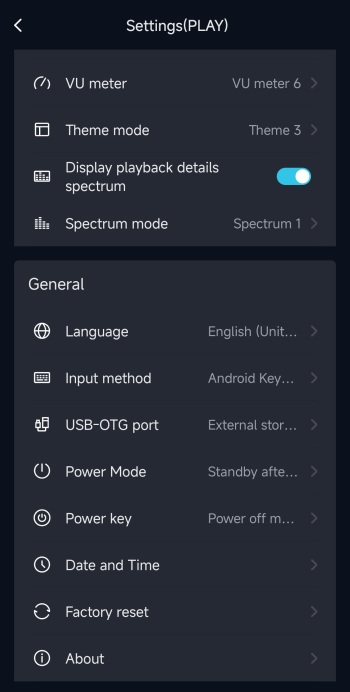
Same thing applies for the settings tab, everything you can access via the touchscreen display you can from the app.
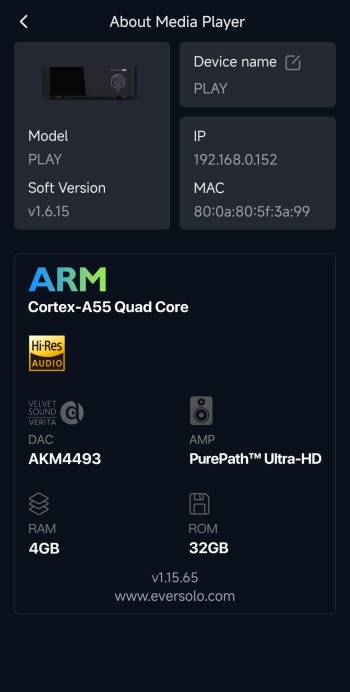
The about page is almost the same as the display, doesn’t however show how much ROM is free.
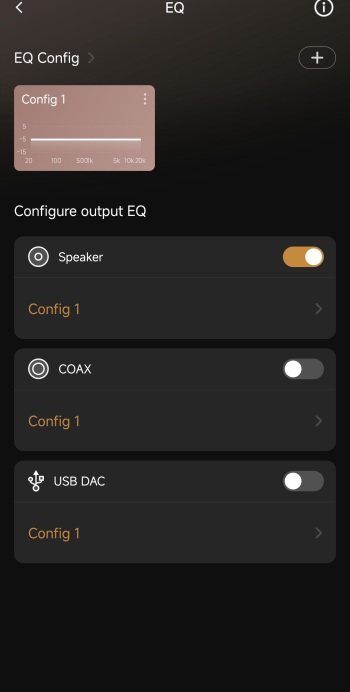
You can also have different equalizer presets for each output.
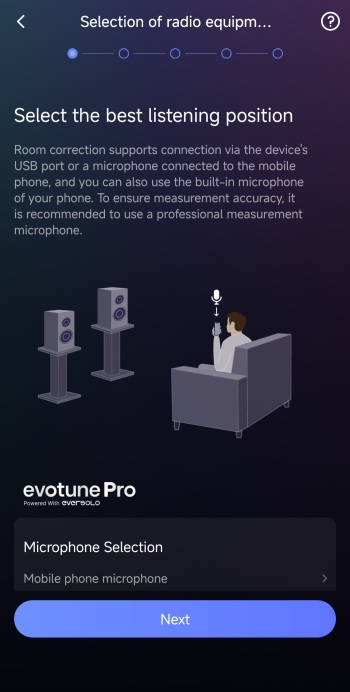
Either via your smartphone or a professional microphone (recommended) you can calibrate the audio/speakers to get the best listening position.
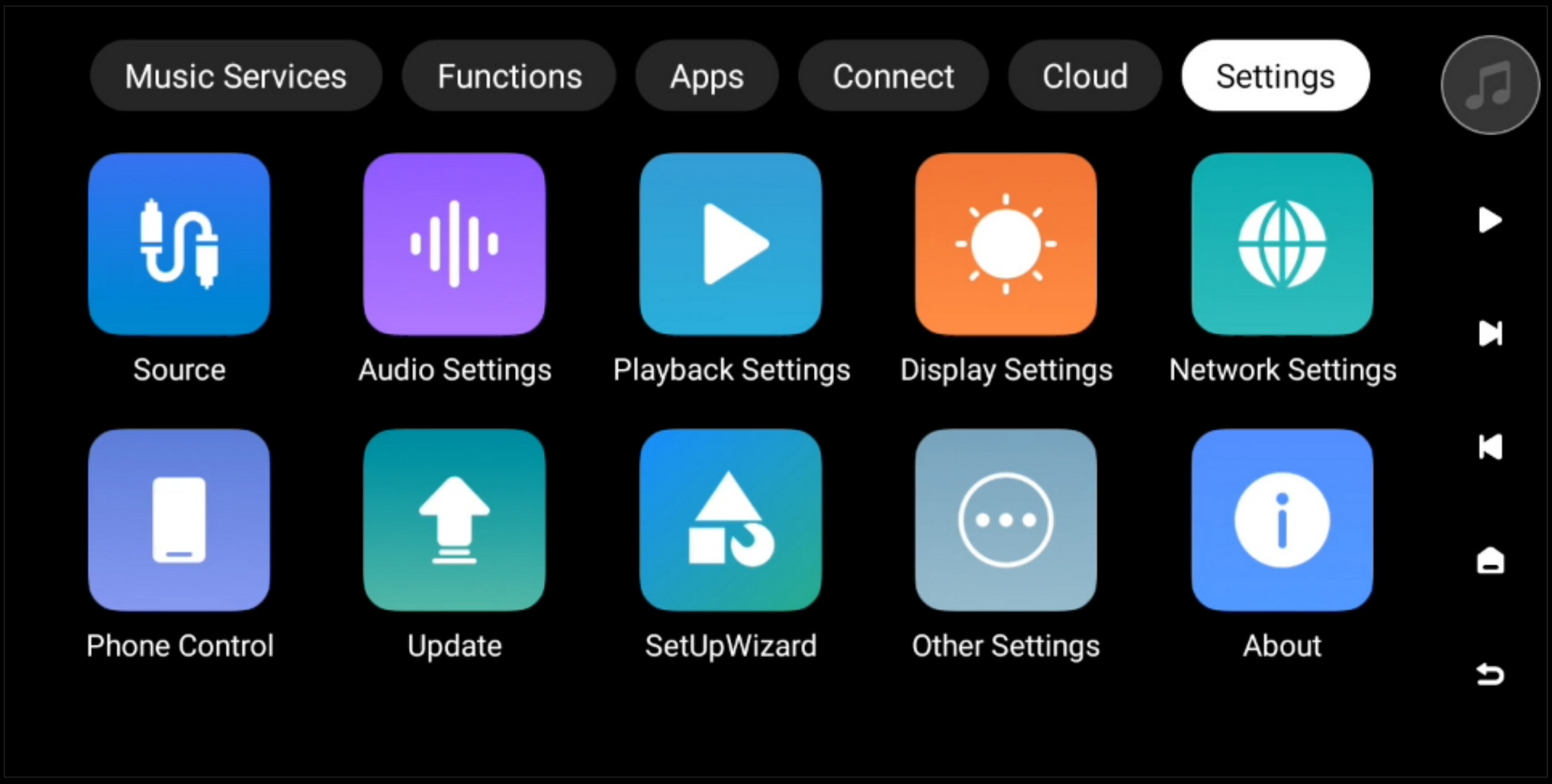
One feature that I really liked is that the app can mirror what’s on the touchscreen.