





Page 5 of 6
HOME APP
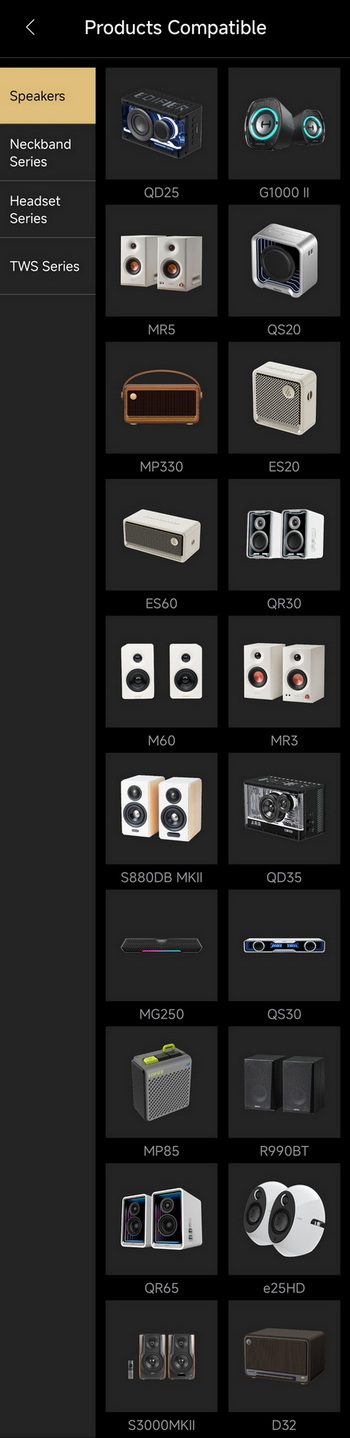
Initially I started by using the Edifier ConneX app but the ES300 is not supported.
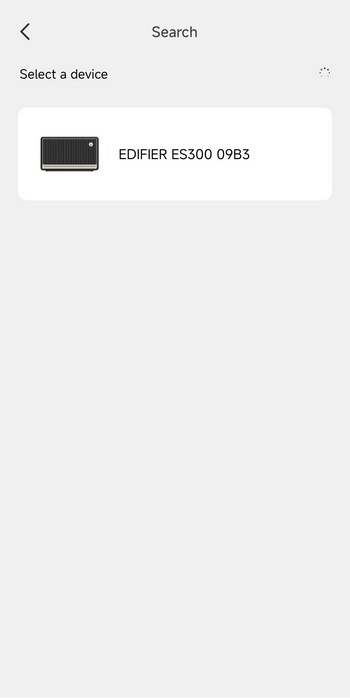
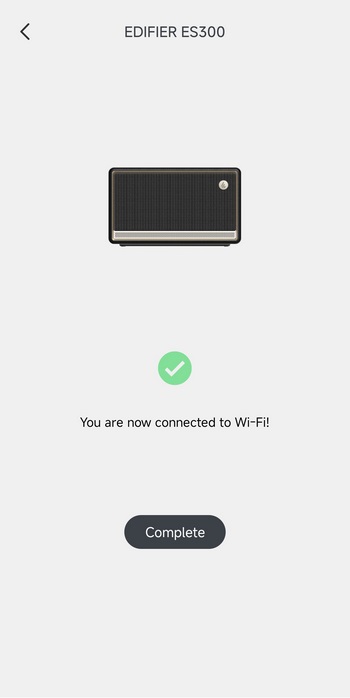
Instead, the ES300 is supported by their Home App as seen above.
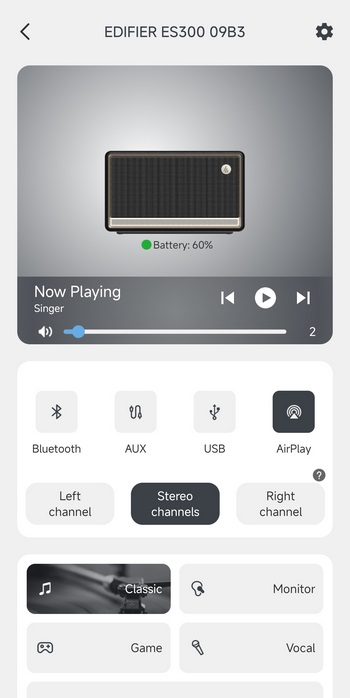
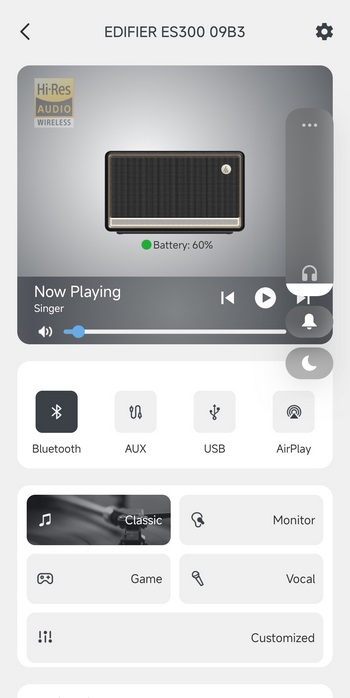
From the app you can check battery life, what the ES300 is currently playing (from your smartphone), select input, select between stereo and mono modes and use one of the 4 available EQ modes.
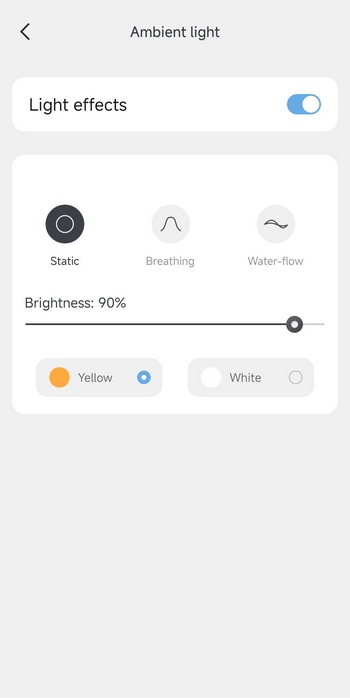
You can also adjust the ambient light bar as seen above (brightness, effect, and color).
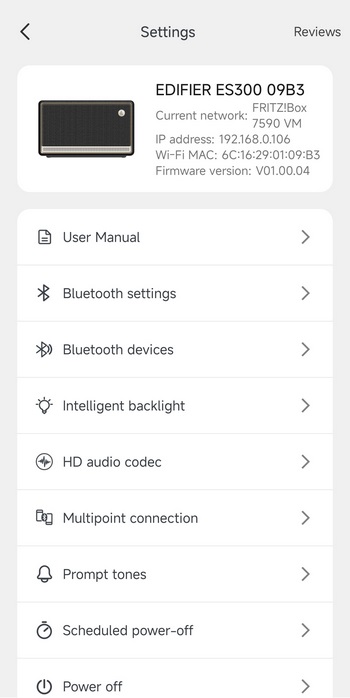
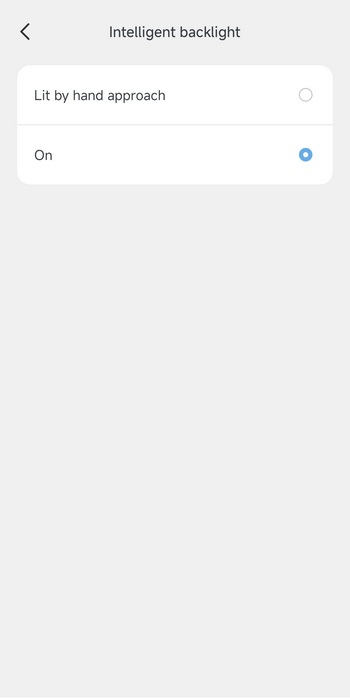
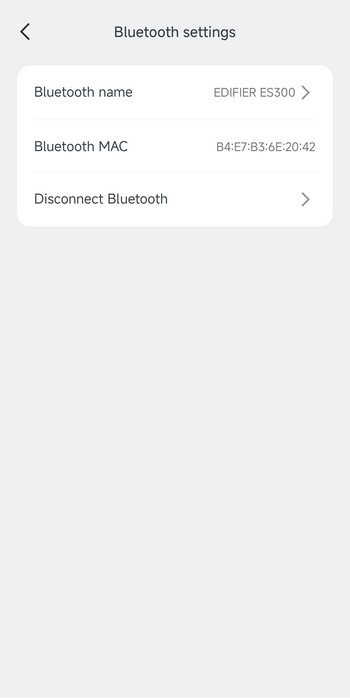
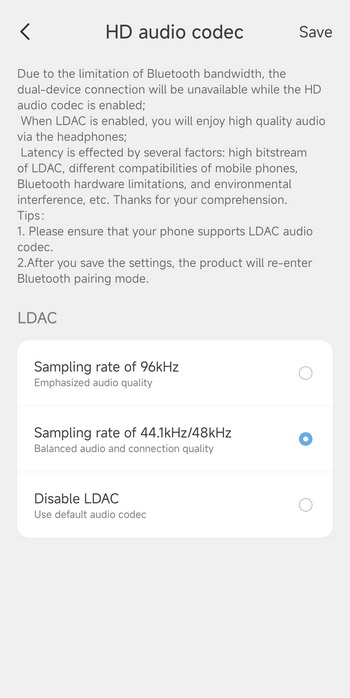
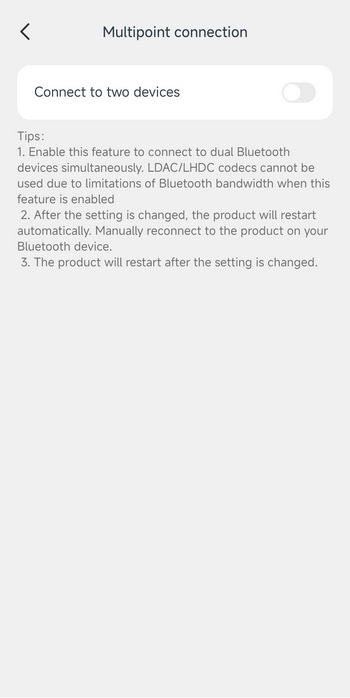
From the settings tab you can adjust the backlight (fixed or lit by hand), set the Bluetooth name (will need to switch to Bluetooth for related settings to be accessible), set the LDAC sampling rate (by default it's up to 48kHz), and enable the multi-point feature.





