





Page 5 of 6
IFI NEXUS APP
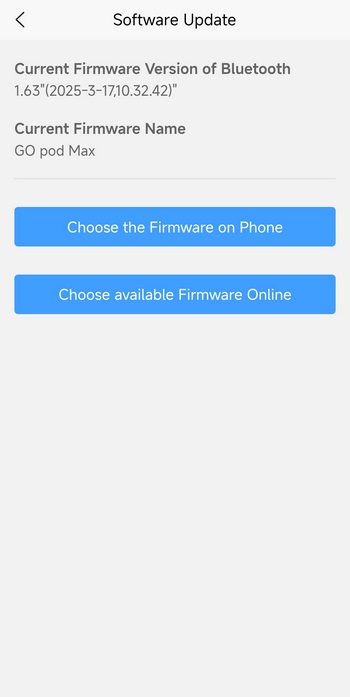
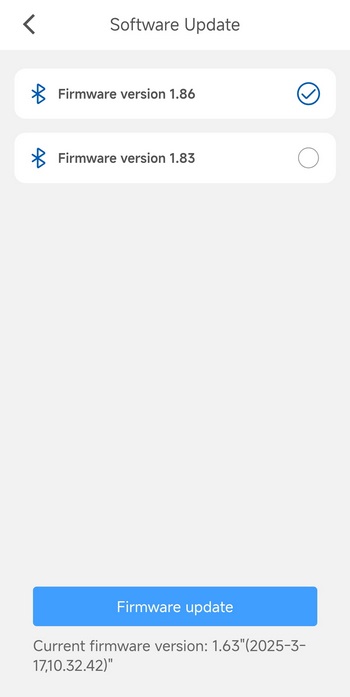
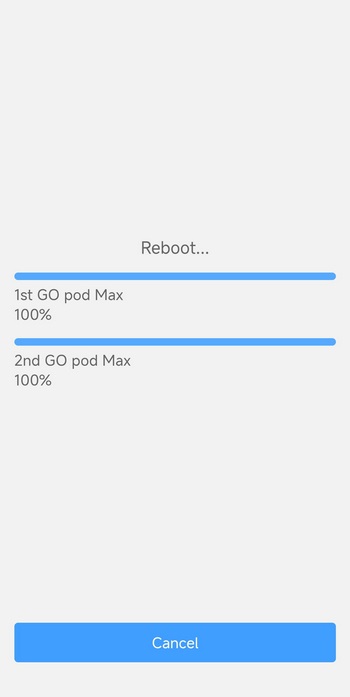
Using the iFi Nexis app from iFi audio is a must, if anything just so that you can update the firmware of the GO pod Max (in my case v1.86 was available, so this is what I used for this review).
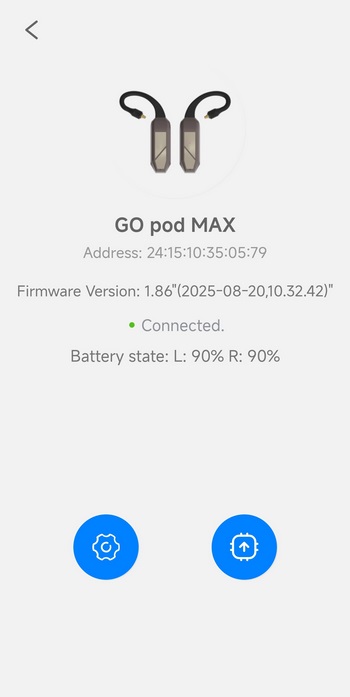
The main tab of the software has a product picture, firmware version, connection status and battery life for the pods.
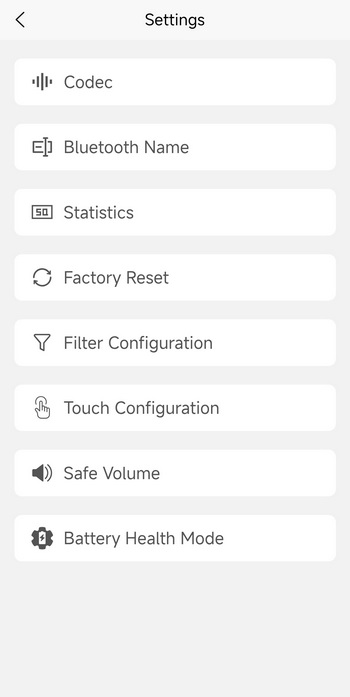
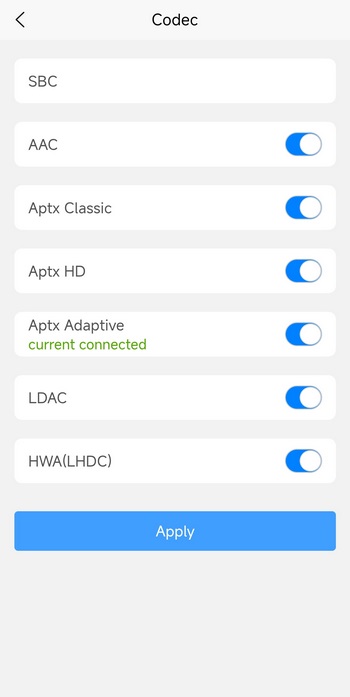
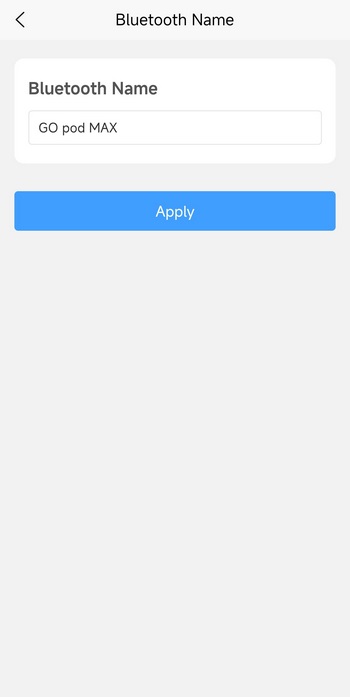
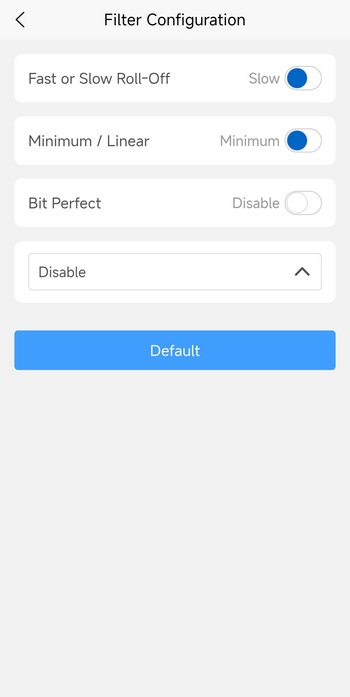
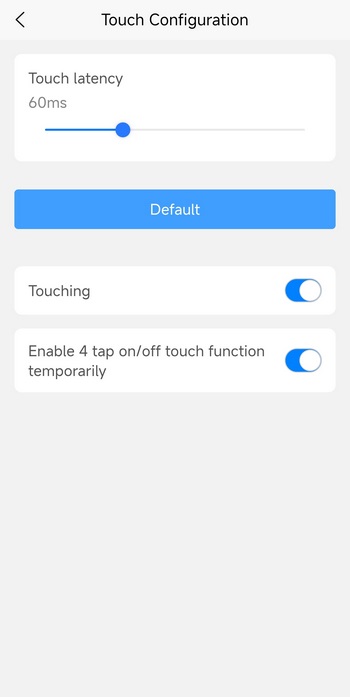
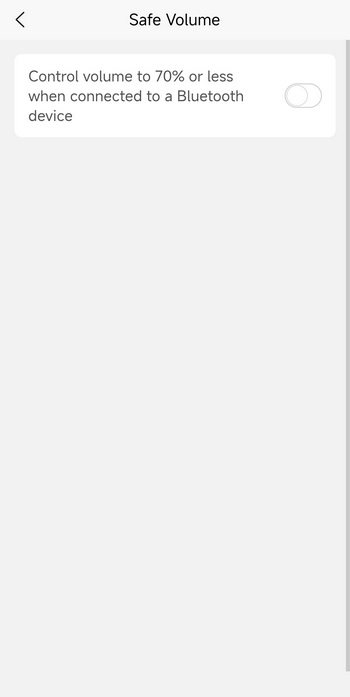
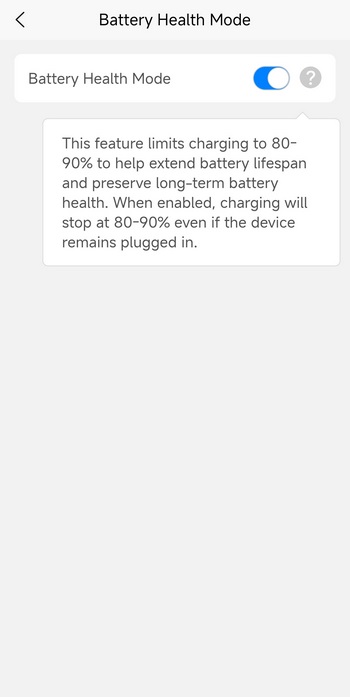
You can head in the settings tab to enable/disable compatible codecs, change the name of the GO pod MAX, adjust the filters, set the touch latency and adjust controls, enable safe volume (limits volume to 70%) and enable/disable battery health mode (limits charging to 80-90% to extend battery lifespan).





