

INTRODUCTION
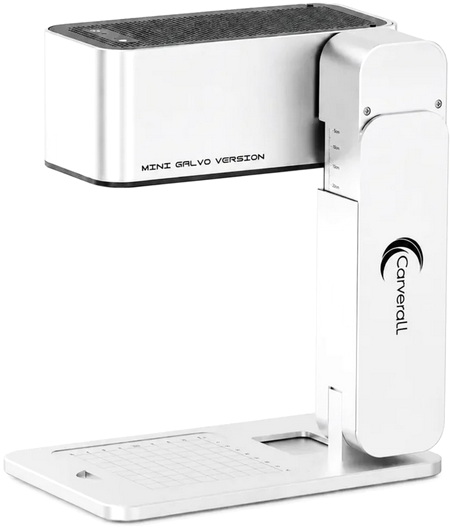
Laser engravers have evolved from specialized industrial tools into versatile machines accessible to hobbyists, makers, small businesses, and professional workshops alike. By using a concentrated beam of light to burn, mark, engrave, or even cut materials, these devices offer a level of precision that traditional manufacturing methods often struggle to match. Whether creating custom signs, personalizing gifts, producing prototypes, engraving serial numbers, or crafting intricate artwork, laser technology has become an essential part of modern digital fabrication. Today's market offers several types of laser engravers, each designed for specific materials and applications. CO₂ lasers remain popular for working with wood, leather, acrylic, paper, and many non-metallic materials, while fiber lasers excel at marking and engraving metals with exceptional speed and accuracy. Diode laser systems, meanwhile, have gained widespread adoption thanks to their affordability, compact size, and growing capabilities. More recently, galvo-based laser engravers have attracted attention for their ability to achieve extremely high engraving speeds by using rapidly moving mirrors rather than physically moving the laser head across the work area. The Carverall Z3 Mini Galvo Laser Engraver belongs to this new generation of compact galvo systems, promising fast engraving performance in a portable form factor aimed at creators, small businesses, and enthusiasts looking for a practical desktop marking solution.
Carverall brings laser engraving and cutting tools to creators, workshops, and growing businesses. From a personalized gift to a new product idea, we help turn creative possibilities into things you can make.
The Carverall Z3 Mini Galvo Laser Engraver is designed around portability and ease of use without sacrificing the speed advantages associated with galvo-based systems. Weighing just 1.9kg and featuring a fully foldable design, the Z3 is aimed at creators who need a compact engraving solution that can easily move between home workshops, craft markets, studios, and on-site jobs. At its heart is a 5W blue diode laser (455nm) with beam compression technology, capable of engraving more than 100 different materials, including wood, leather, paper, cardboard, cork, certain plastics, and even food items such as fruit and marshmallows. The galvo architecture enables engraving speeds of up to 800mm/s, thus making it significantly faster than traditional gantry-style engravers, while a 0.05mm laser spot accuracy helps deliver precise details on small designs and intricate artwork. The machine offers an 80x80mm engraving area, measures 220x130x220mm, consumes less than 60W, and is powered by a 12V/5A supply. Additional convenience features include motorized electric height adjustment, automatic focusing, multi-angle engraving capability, a protective laser shield, and support for an optional rotary roller for engraving cylindrical objects. Software control is handled through the Engraver App on mobile and desktop devices, enabling users to import photographs, create custom text, generate QR codes, and prepare engraving projects with minimal effort. Combined with its claimed 10,000+ hour laser lifespan, beginner-friendly software, and compact galvo design, the Z3 positions itself as an accessible yet feature-rich engraving platform for hobbyists, small businesses, and makers looking for a highly portable laser solution.
SPECIFICATIONS AND FEATURES

PACKAGING AND CONTENTS
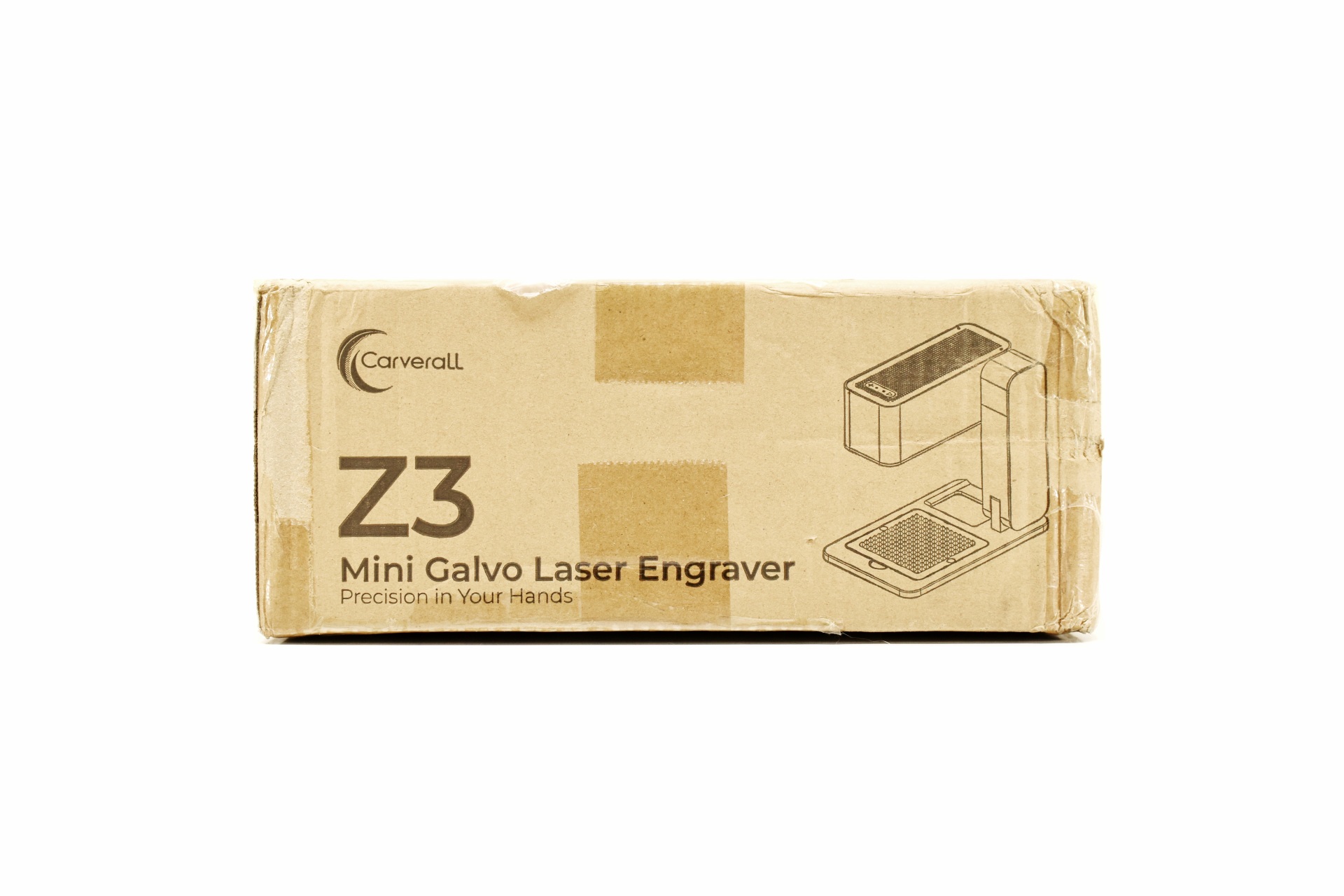
Carverall uses a plain cardboard box to ship the Z3 the front and rear of which have their logo, product name and a product drawing.
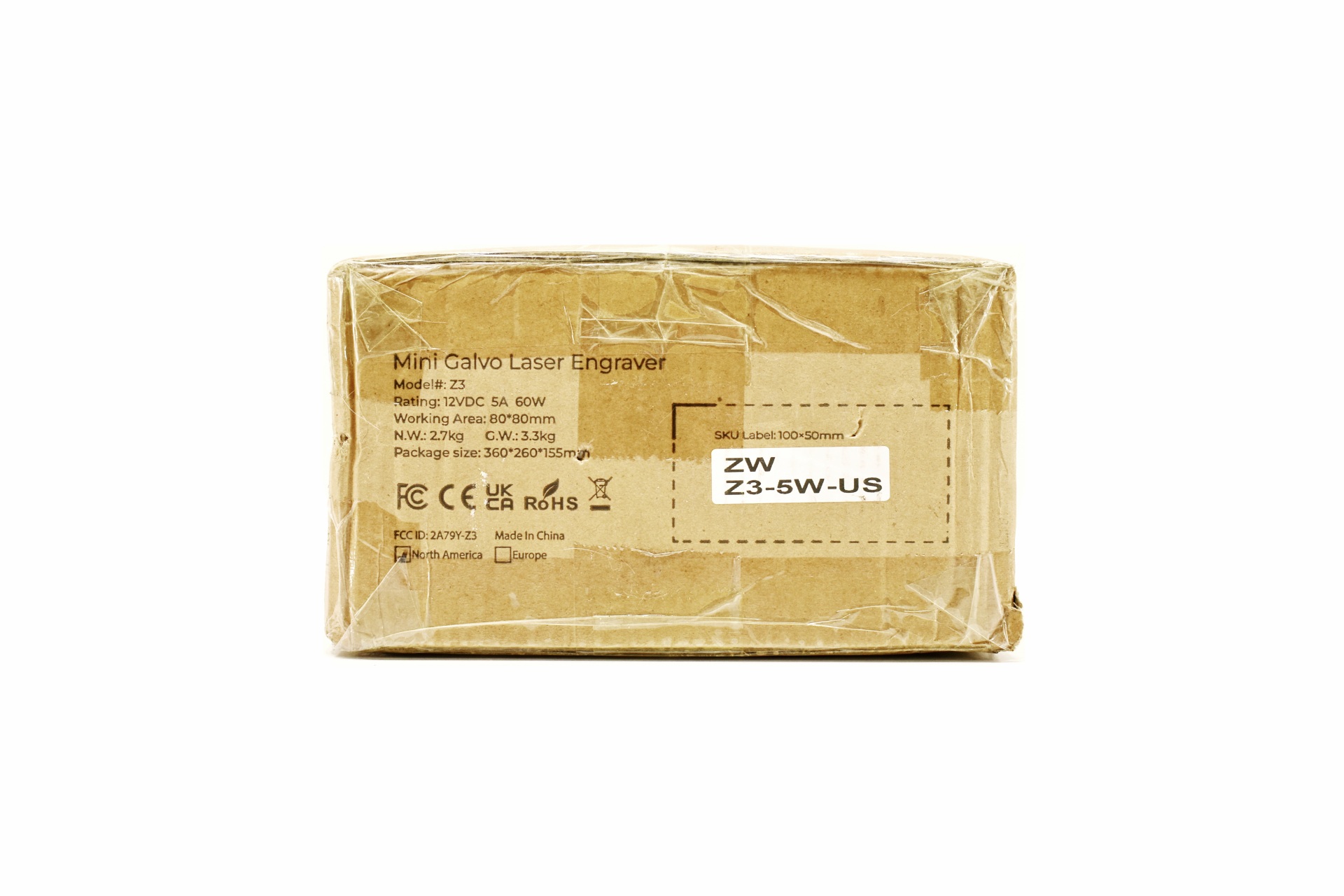
Package size, working area, electrical specifications and the target country (somehow the US version made it to me) are printed on the left.
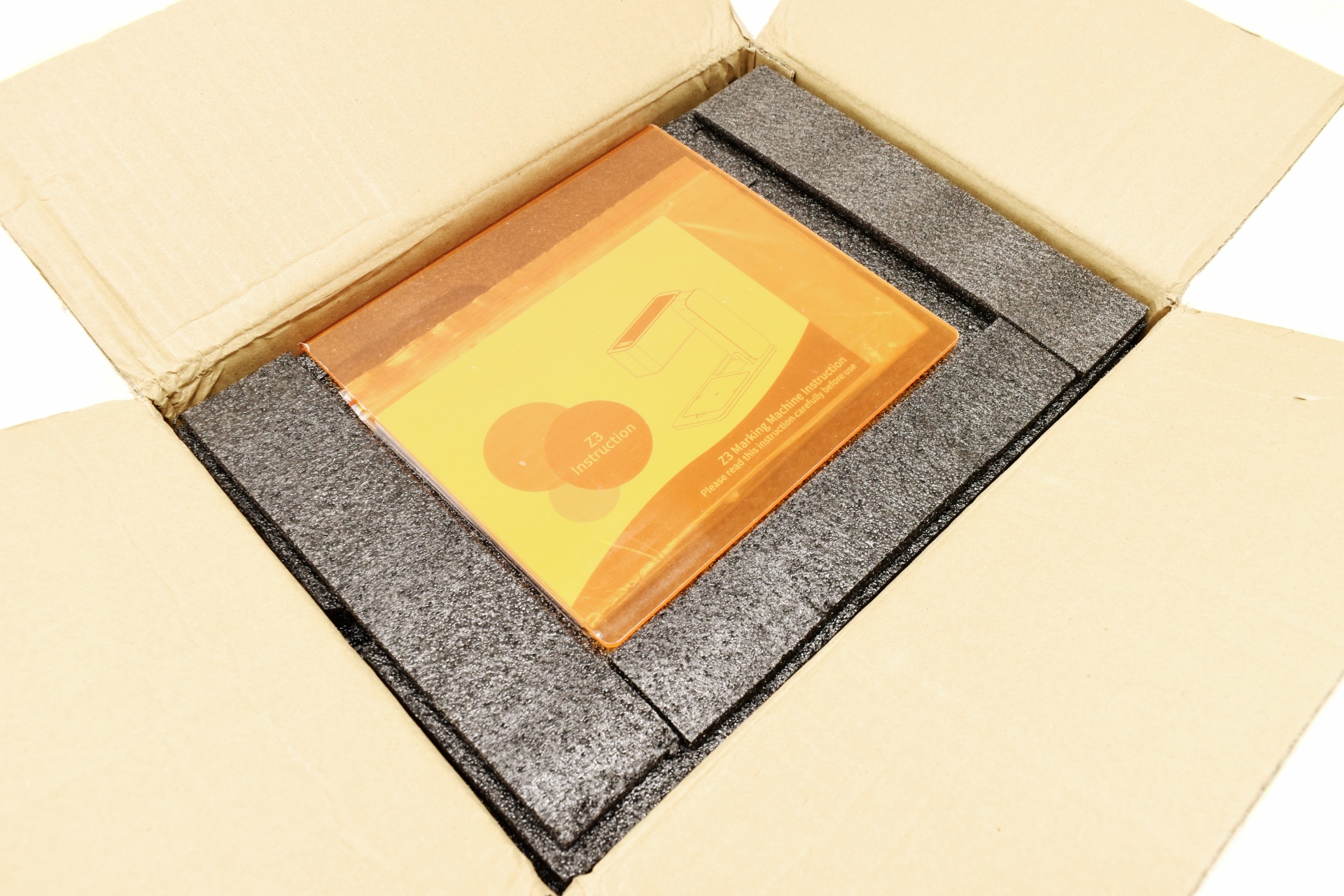
Packaging is typical so the device with its bundle is placed between two pieces of foam (the eye protection shield is placed over them).
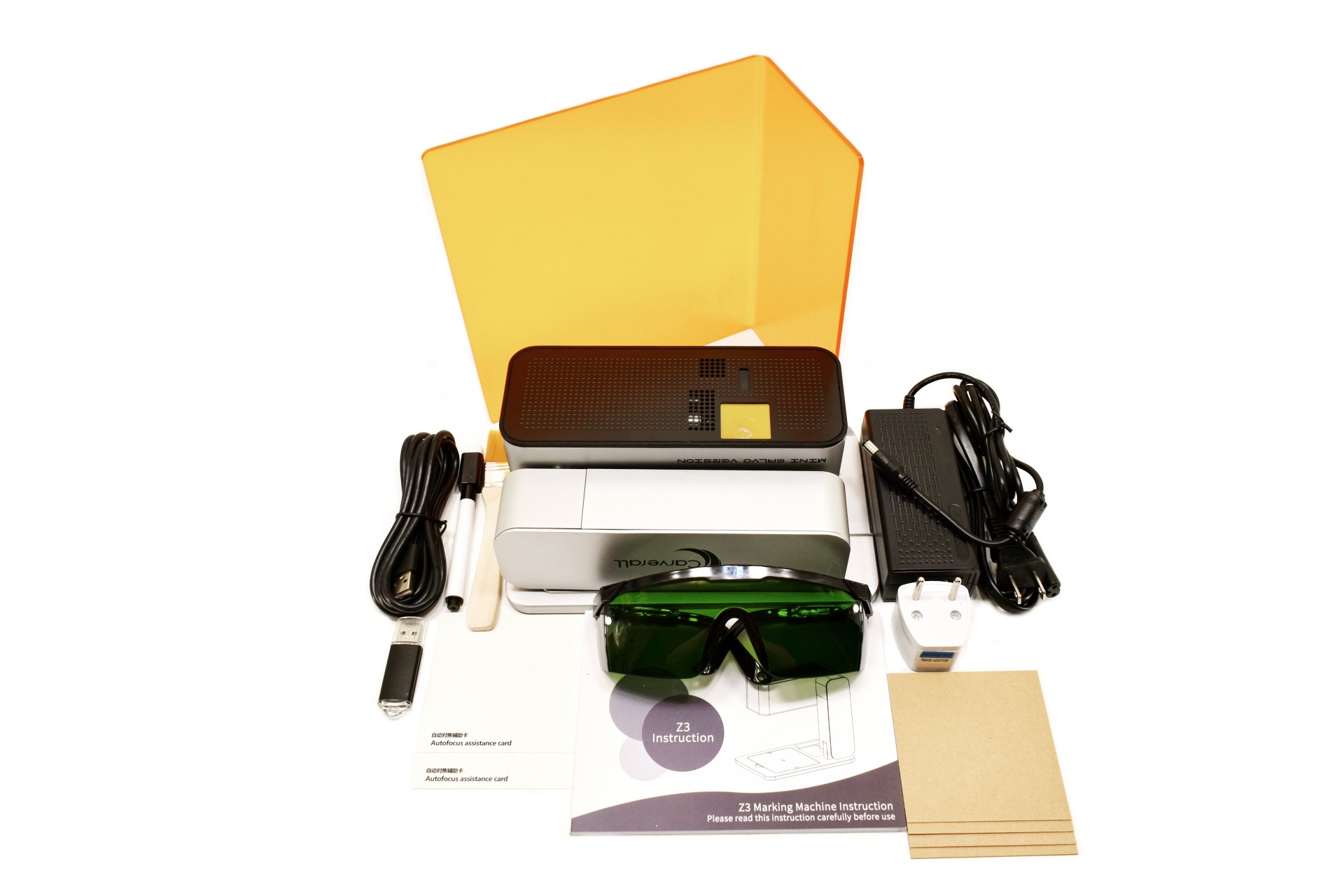
The entire bundle consists by the Z3 mini galvo laser engraver, power adapter with cord and travel adapter, protection shield, protection glasses, USB flash drive, USB cable, cleaning brush, marker, 2 auto-focus assistance cards, 4 pieces of cardboard (kraft paper) and the user manual.
THE Z3
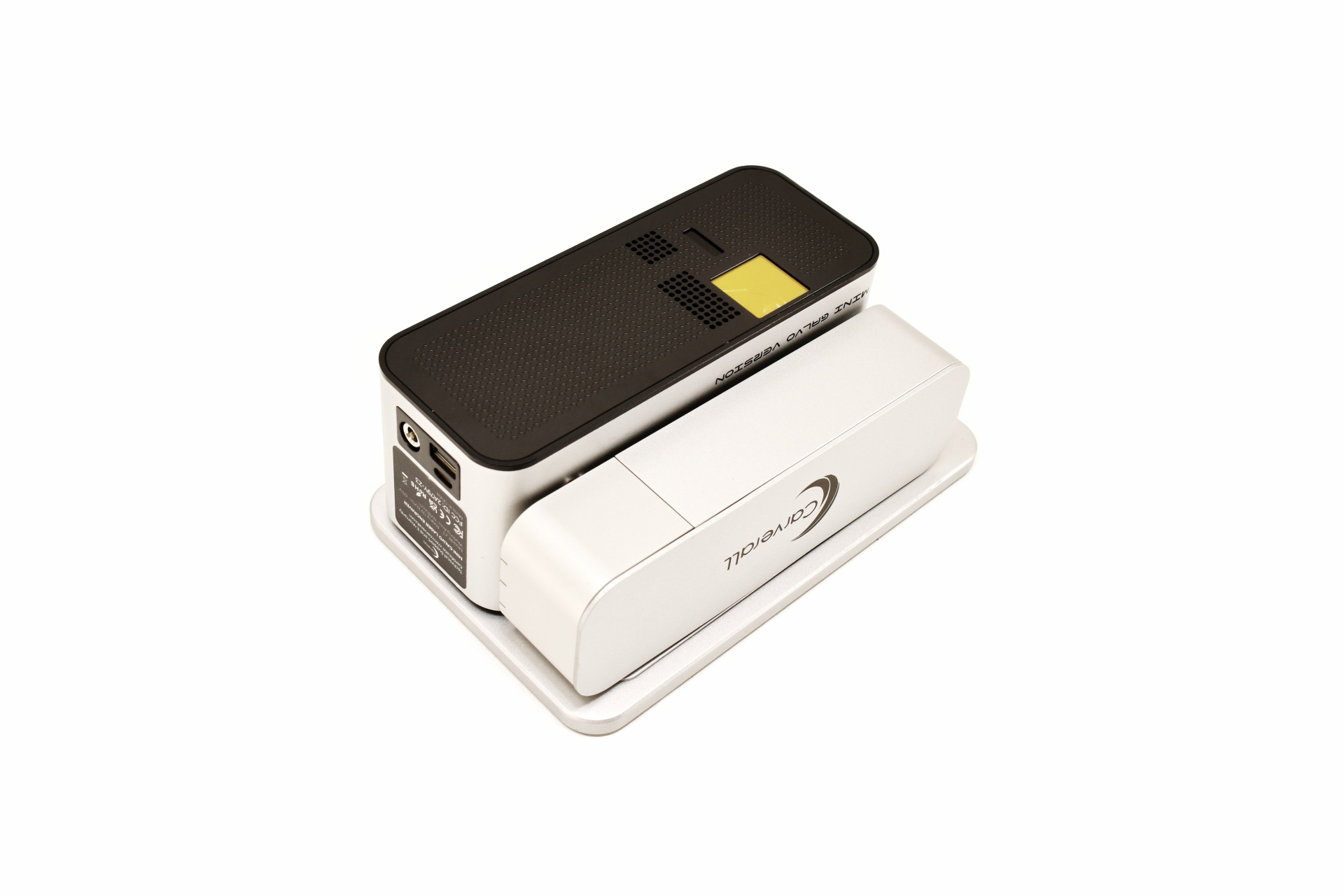
Folded the Z3 measures 210mm in length, 129mm in width and 80mm in thickness/height.
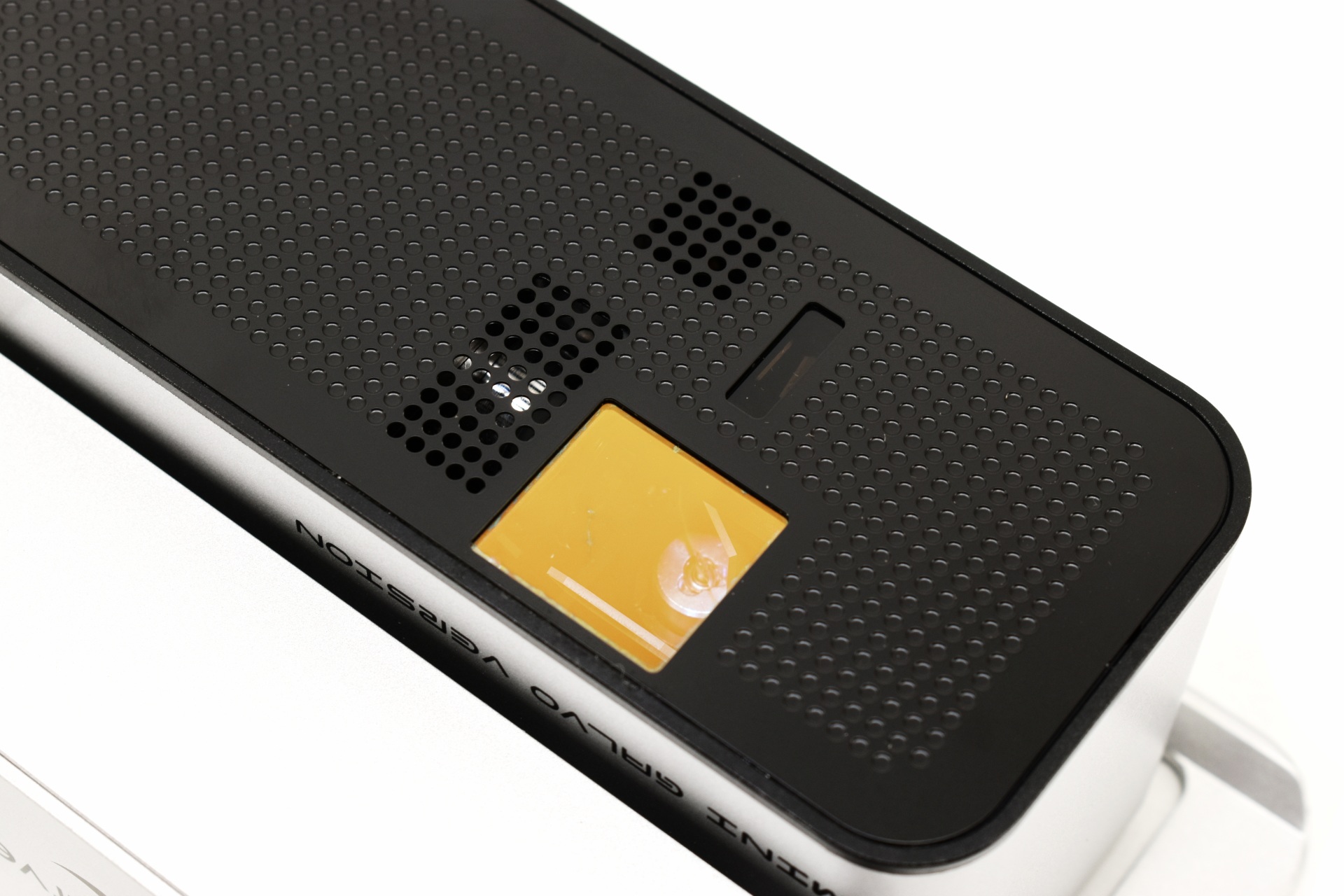
When folded the laser and autofocus sensor are easily visible.
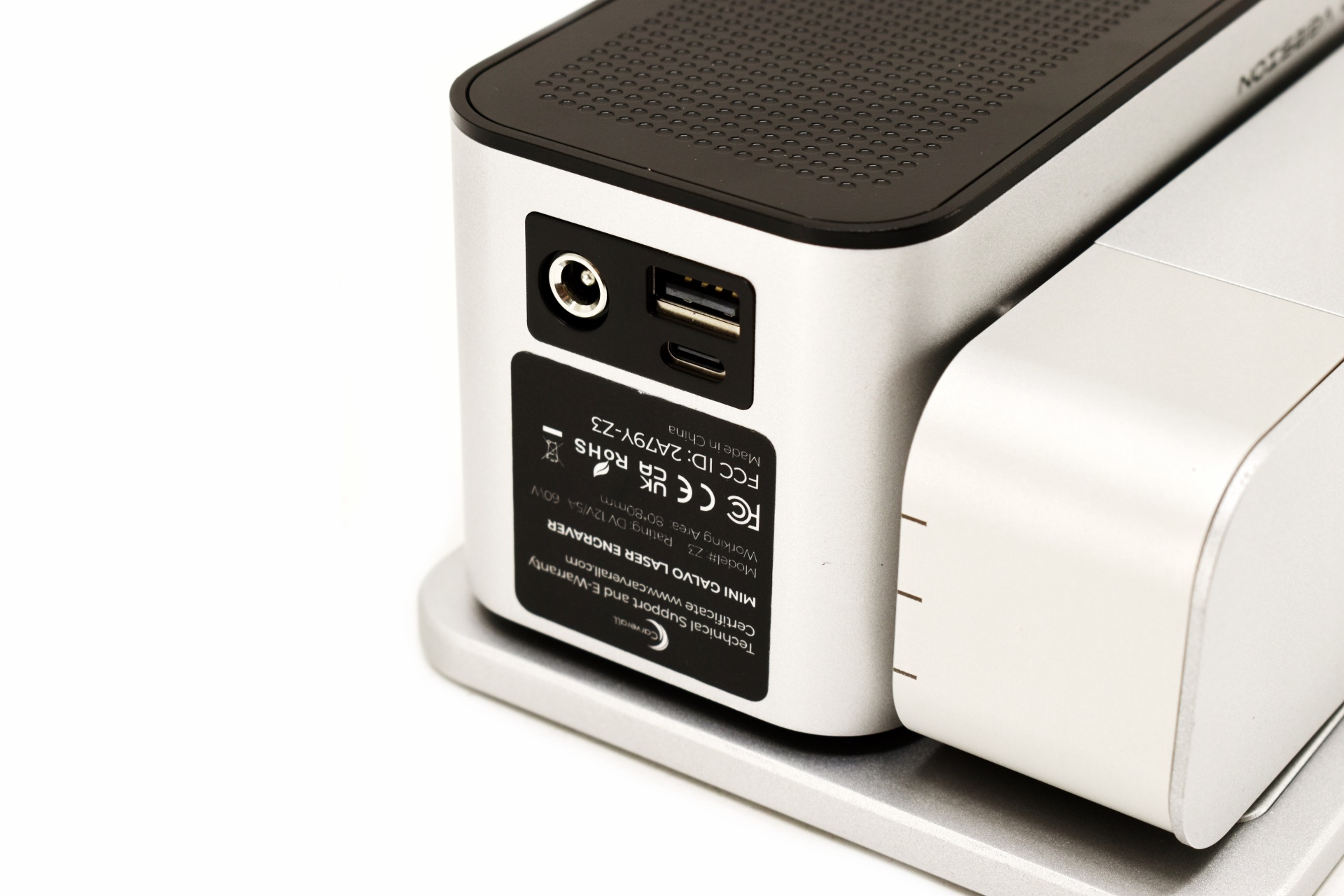
This particular model uses a 12V/5A 60W power supply which is placed right next to the power, USB-C and USB-A (for the rotation module) ports.
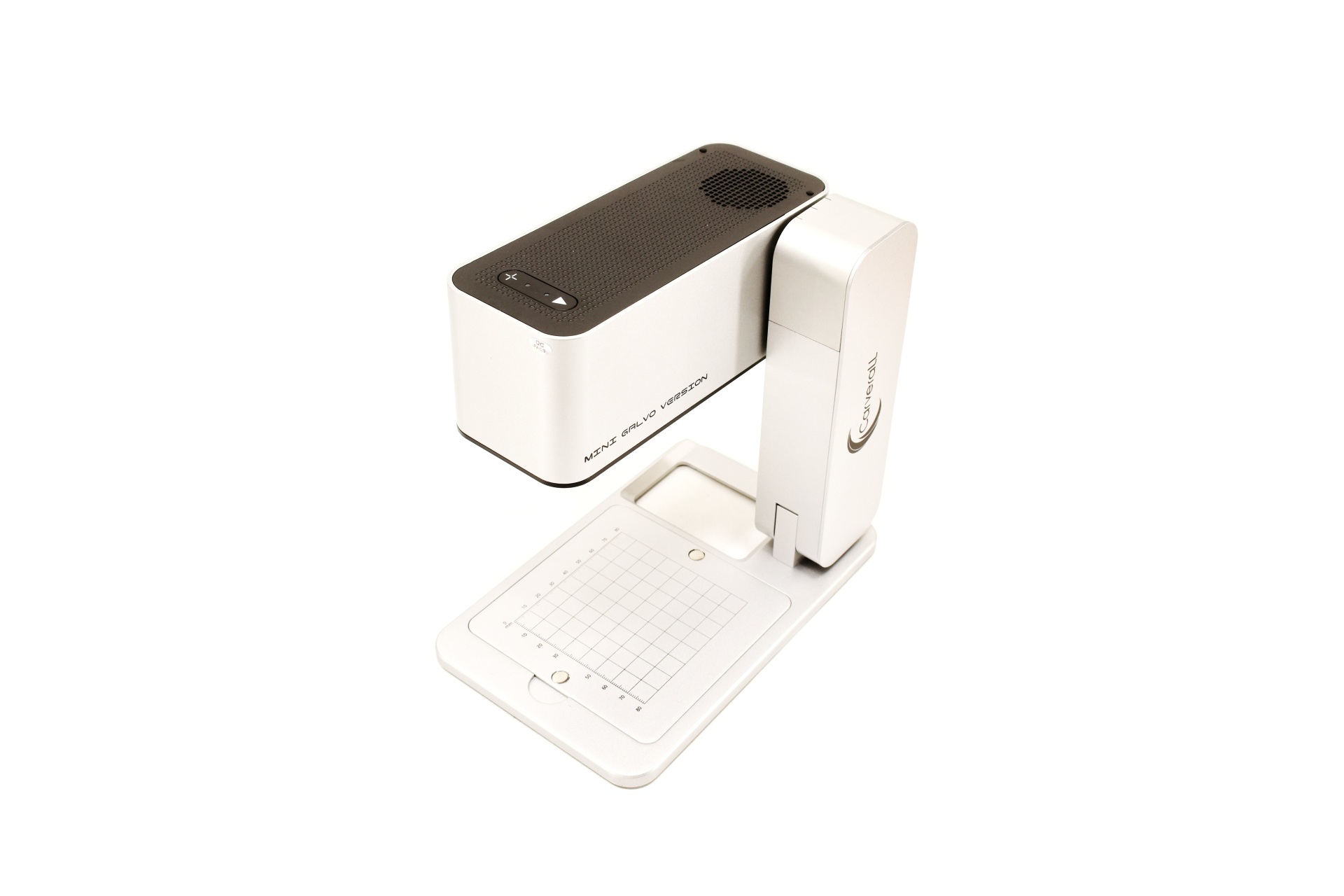
When extended (normally) the Z3 now measures 210mm in length, 129mm in width and 192mm in height (320mm if you turn the top part vertically – the stand also lifts electrical up to 50mm more).
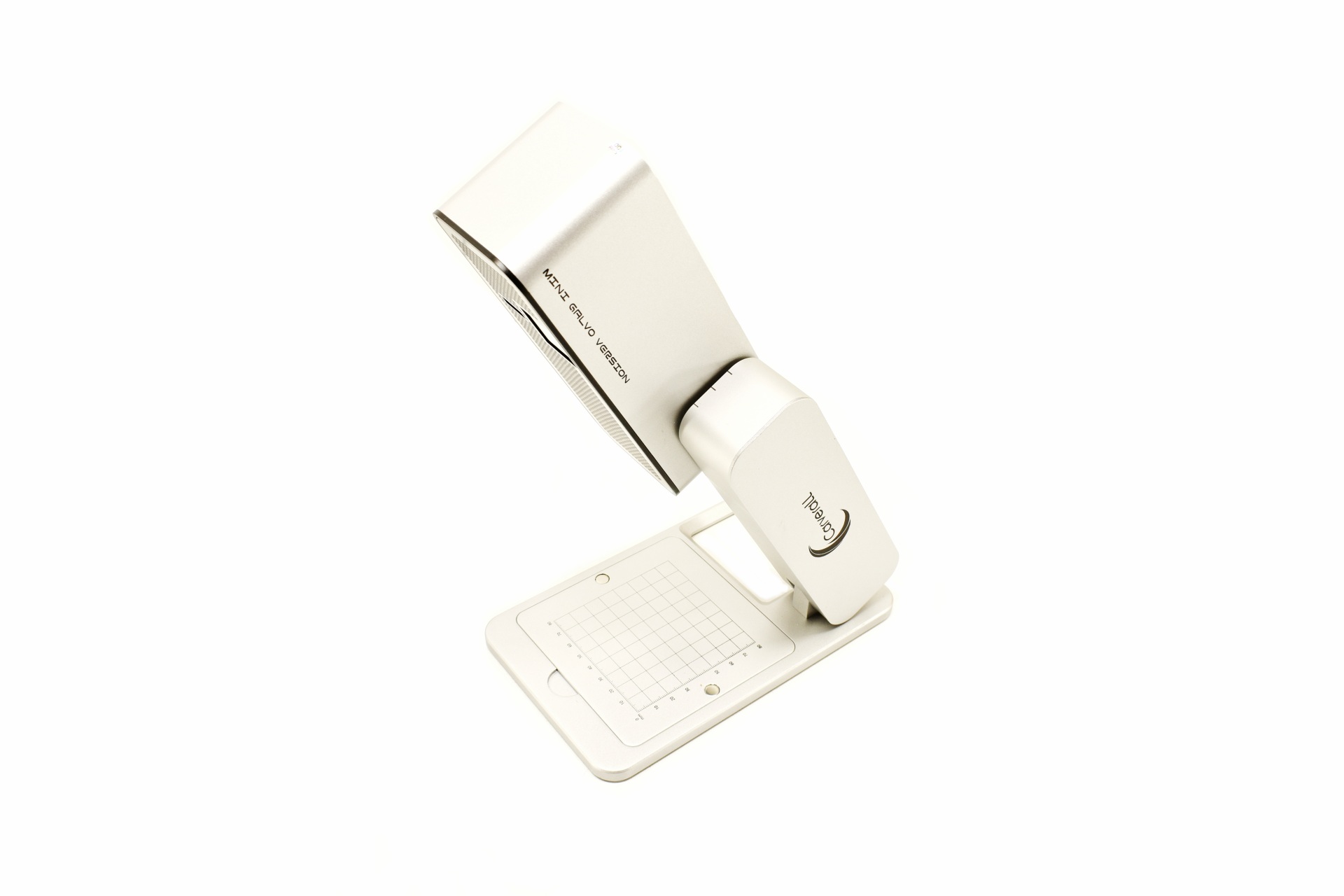
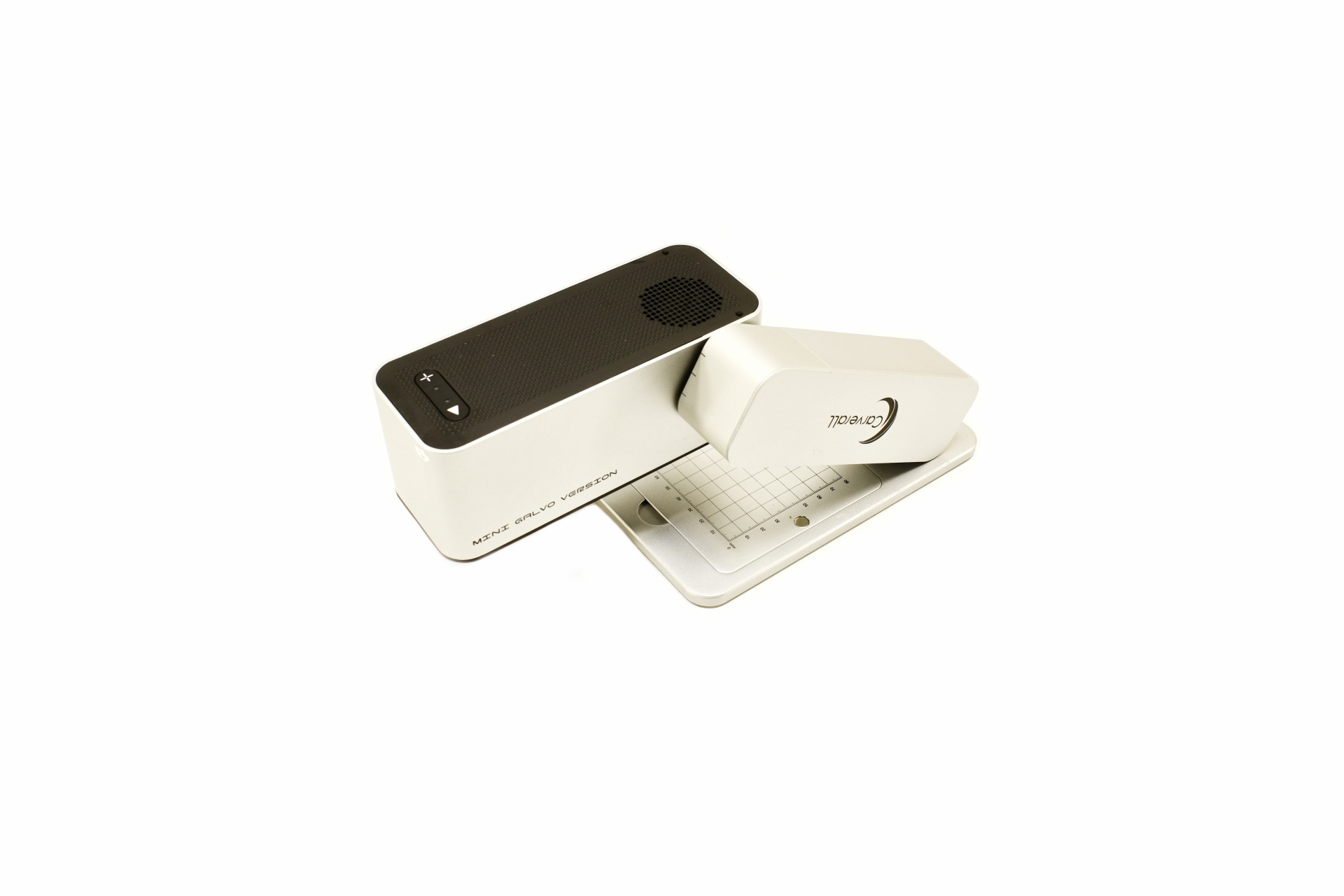 The stand is very adjustable as you can easily see from the above pictures.
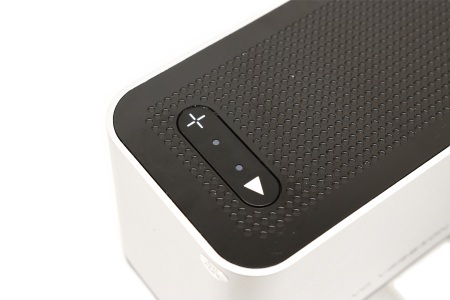
The power and focus touch buttons are placed at the top front.
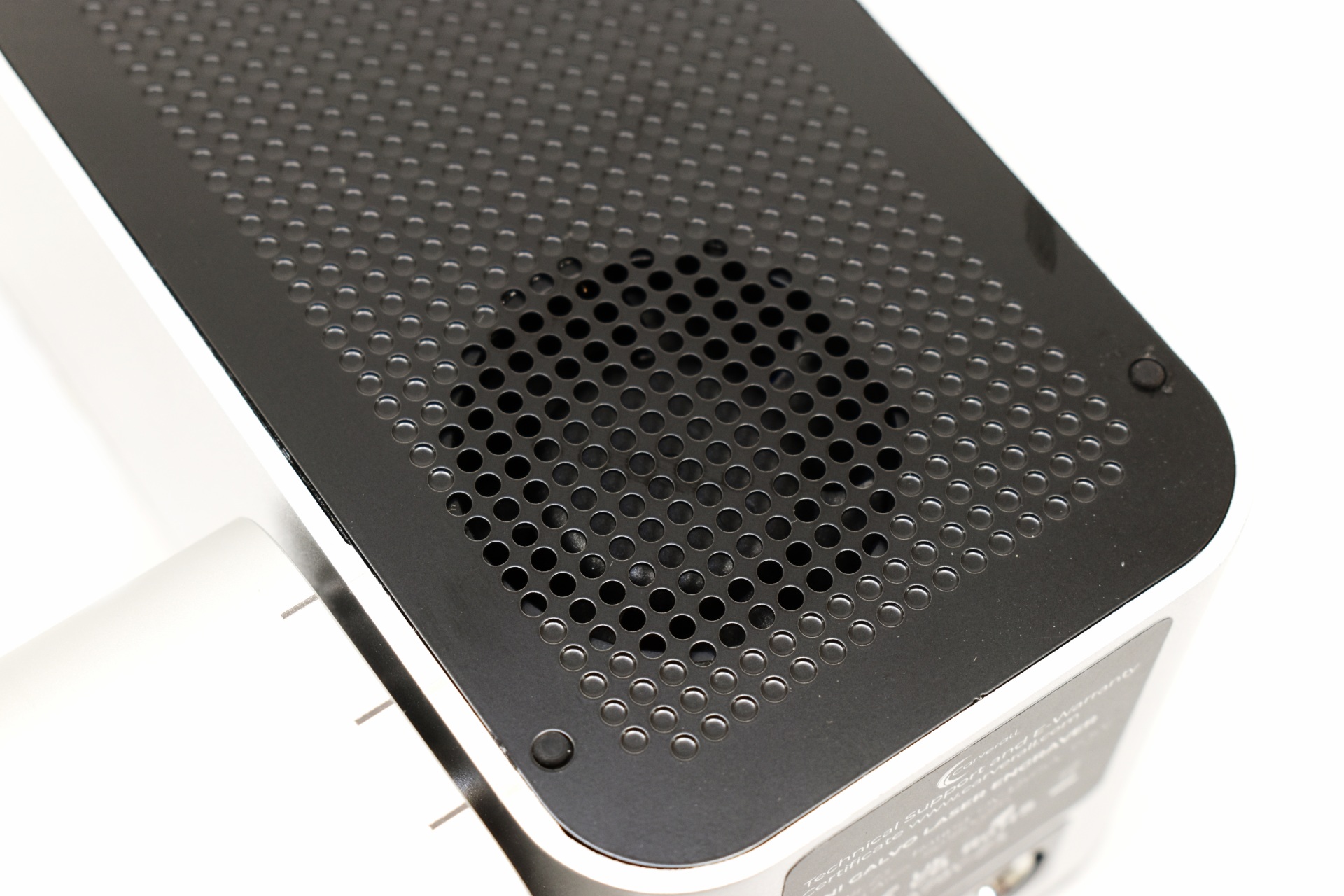
At the rear we find what seems to be an 60mm cooling fan.
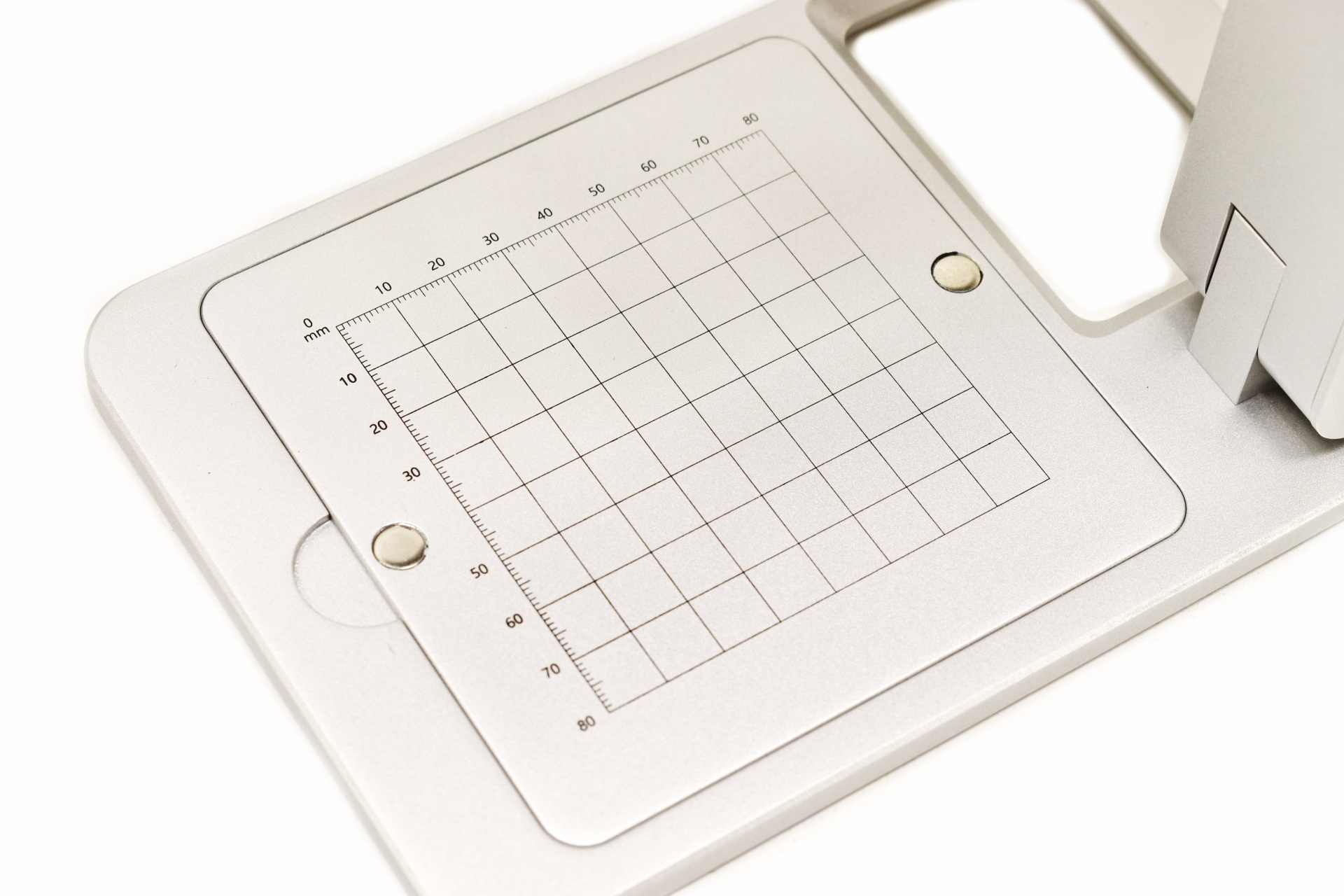
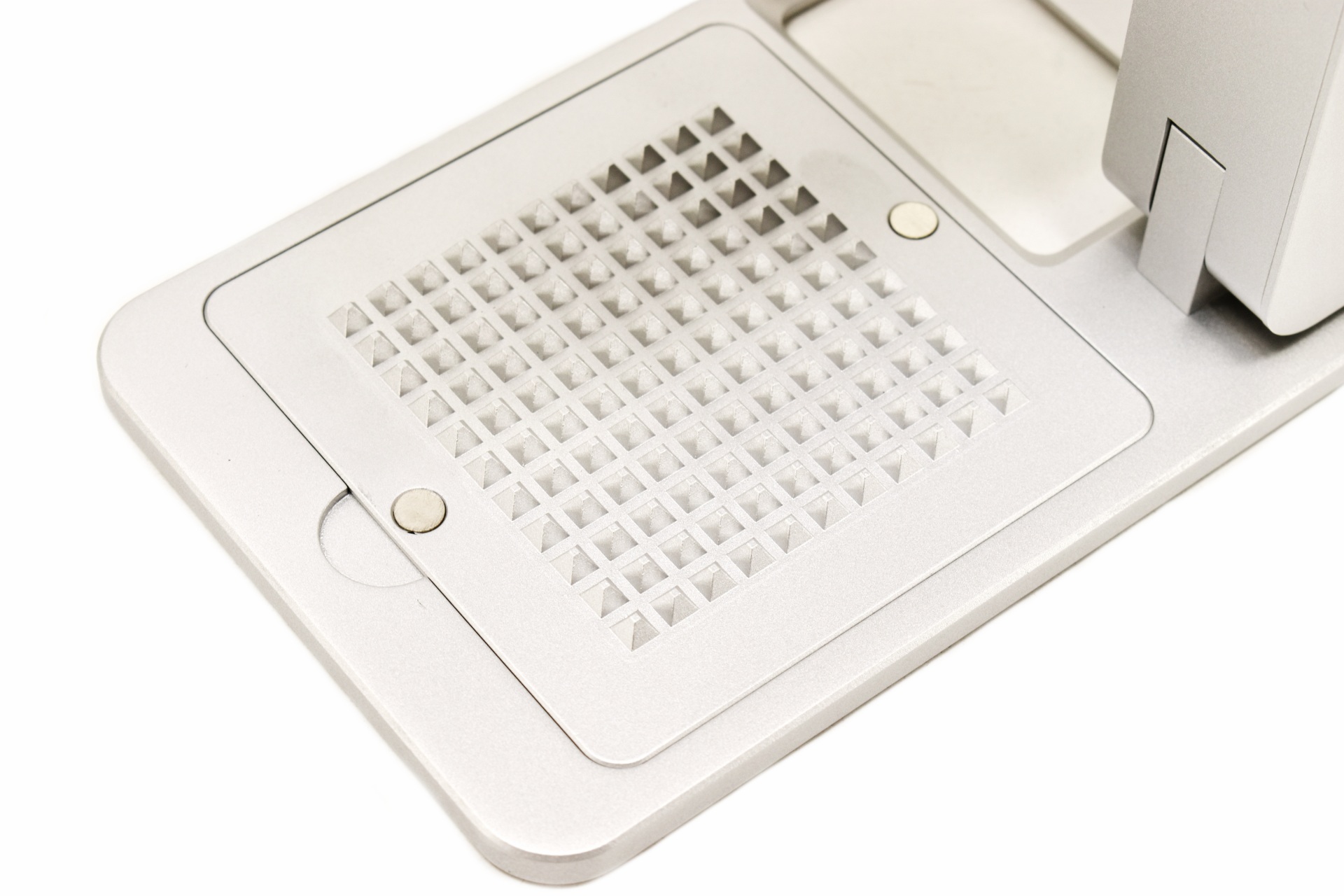
The 80x80 plate has a flat side for carving and a convex side for cutting small size objects.
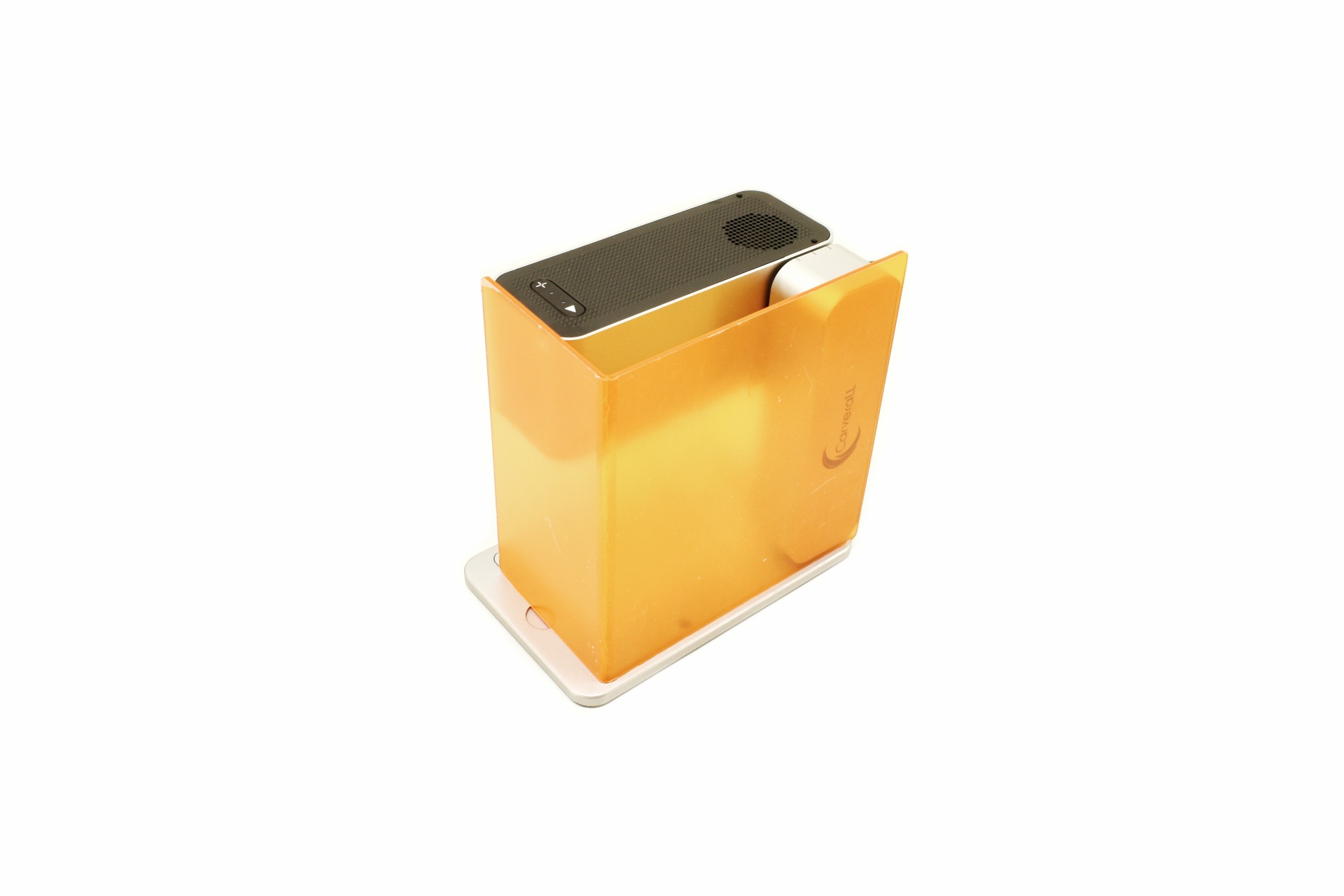
The orange protection shield only covers one side of the engraver (should be plenty for most scenarios however).
ENGRAVER APP
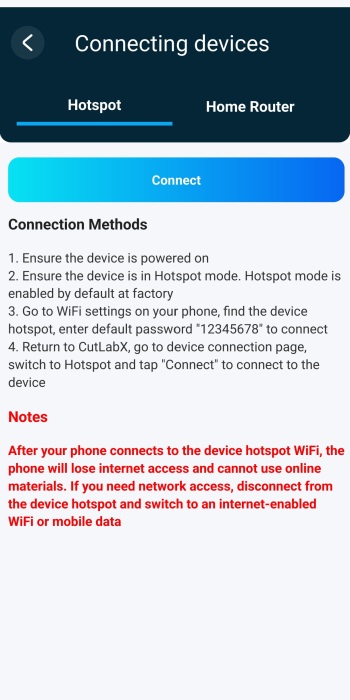
Even though you may read online that the Z3 is compatible with the CutLabX app it’s actually not since this is a Bluetooth model.
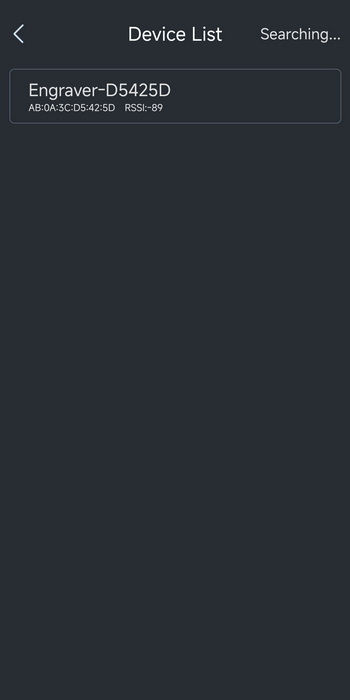
The proper app is the Engraver one with which you can easily detect the Z3 via Bluetooth.
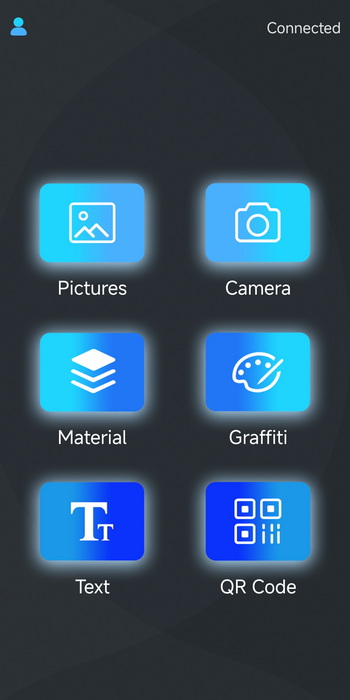
This app allows you to print everything from pictures, photographs you take there and then, ready material/pictures, Graffiti, text and via QR code.
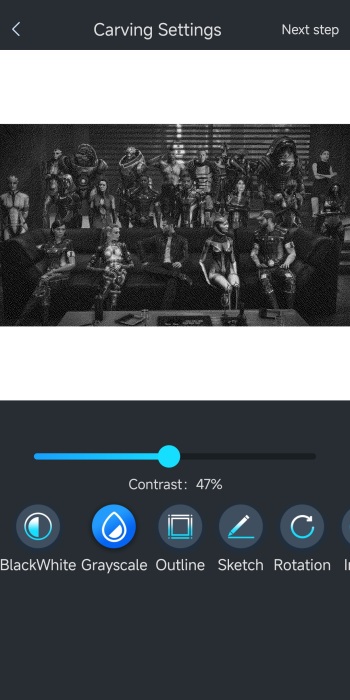
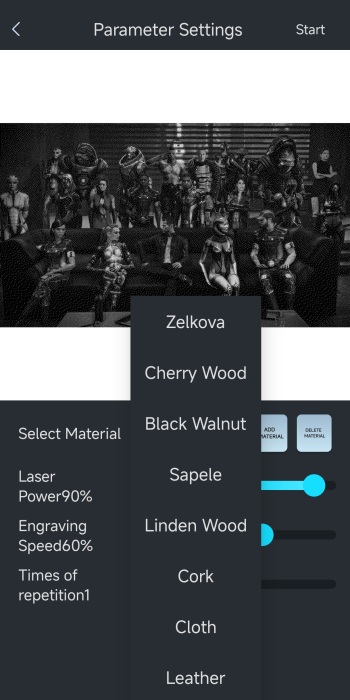
Once you input a picture you need to select printing options, printing area and material type (of course you can adjust laser intensity, and speed on your own).
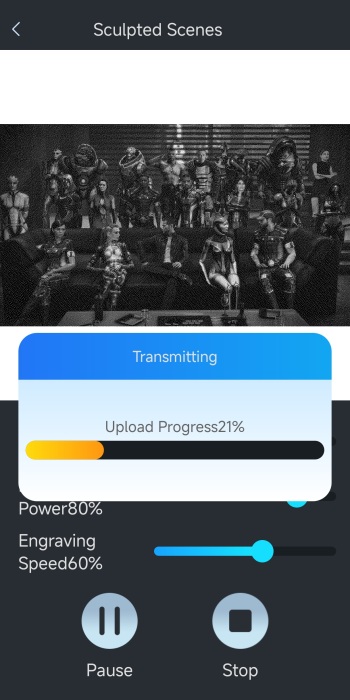
One downside of the app is that it takes quite a bit to transfer pictures to the engraver.
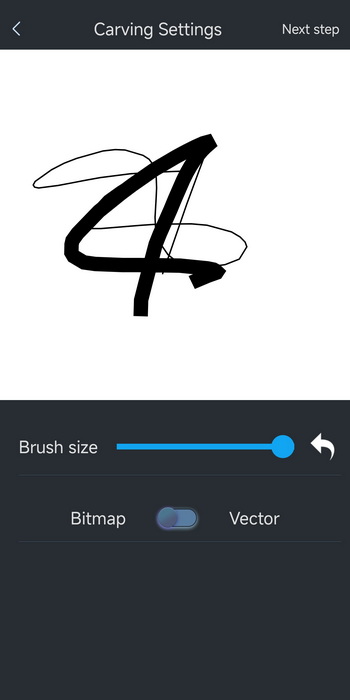
Above you can see the graffiti tab which is very easy to use.
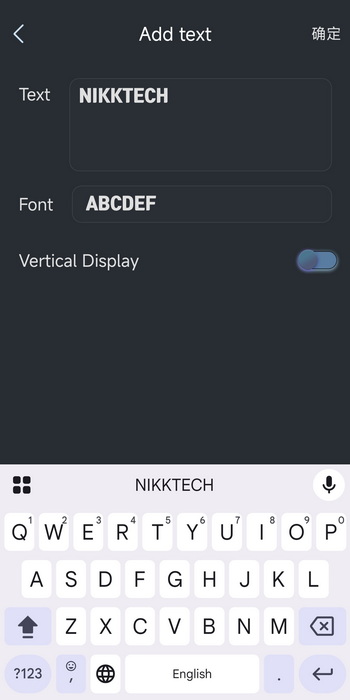
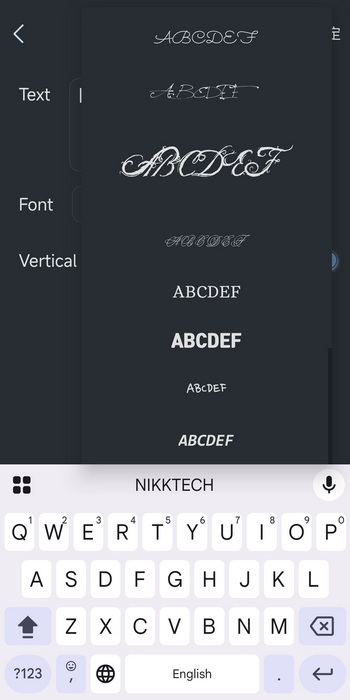
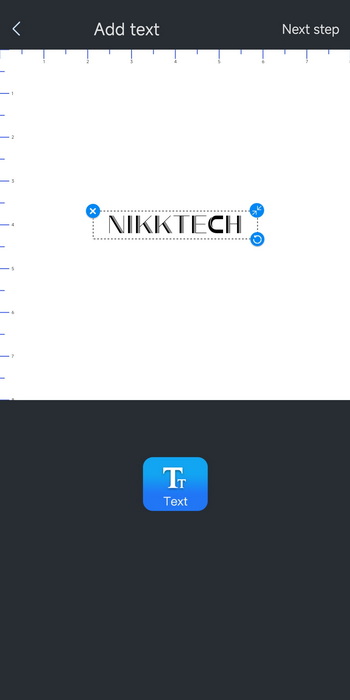
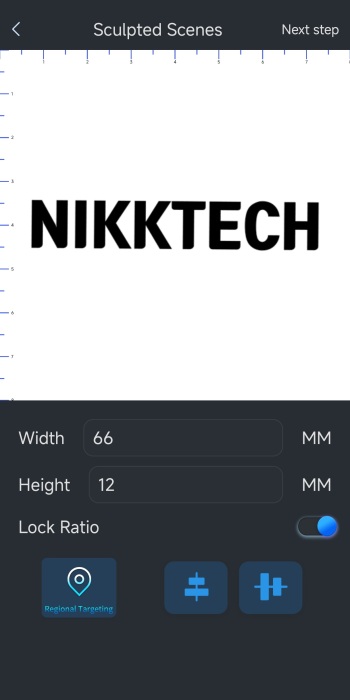
To print a text, you will need to type what it is you’d like to print, choose the font and finally the size.
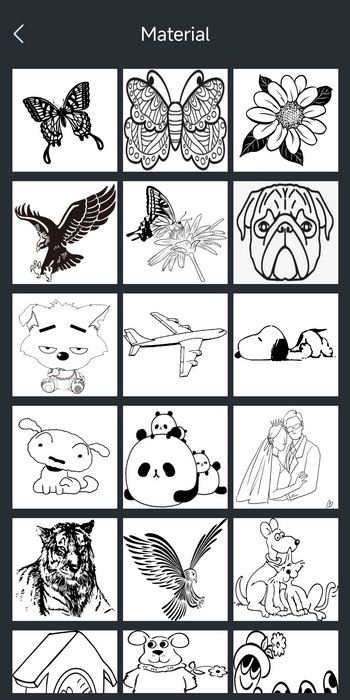
The material tab has several pictures you can print.
TEST RESULTS
It’s been a while since I used a laser engraver so I wanted to test several things with the Carverall Z3. Despite what you may see online for optimal results you will need to time adjusting the settings in the app.
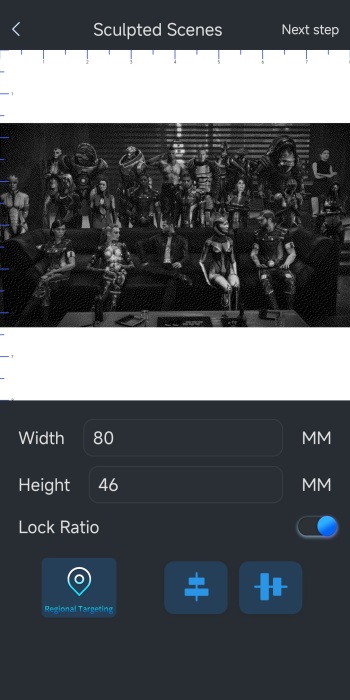
Initially I tried printing the crew picture from Mass Effect 3 Legendary Edition as you can easily tell from the above screenshot.
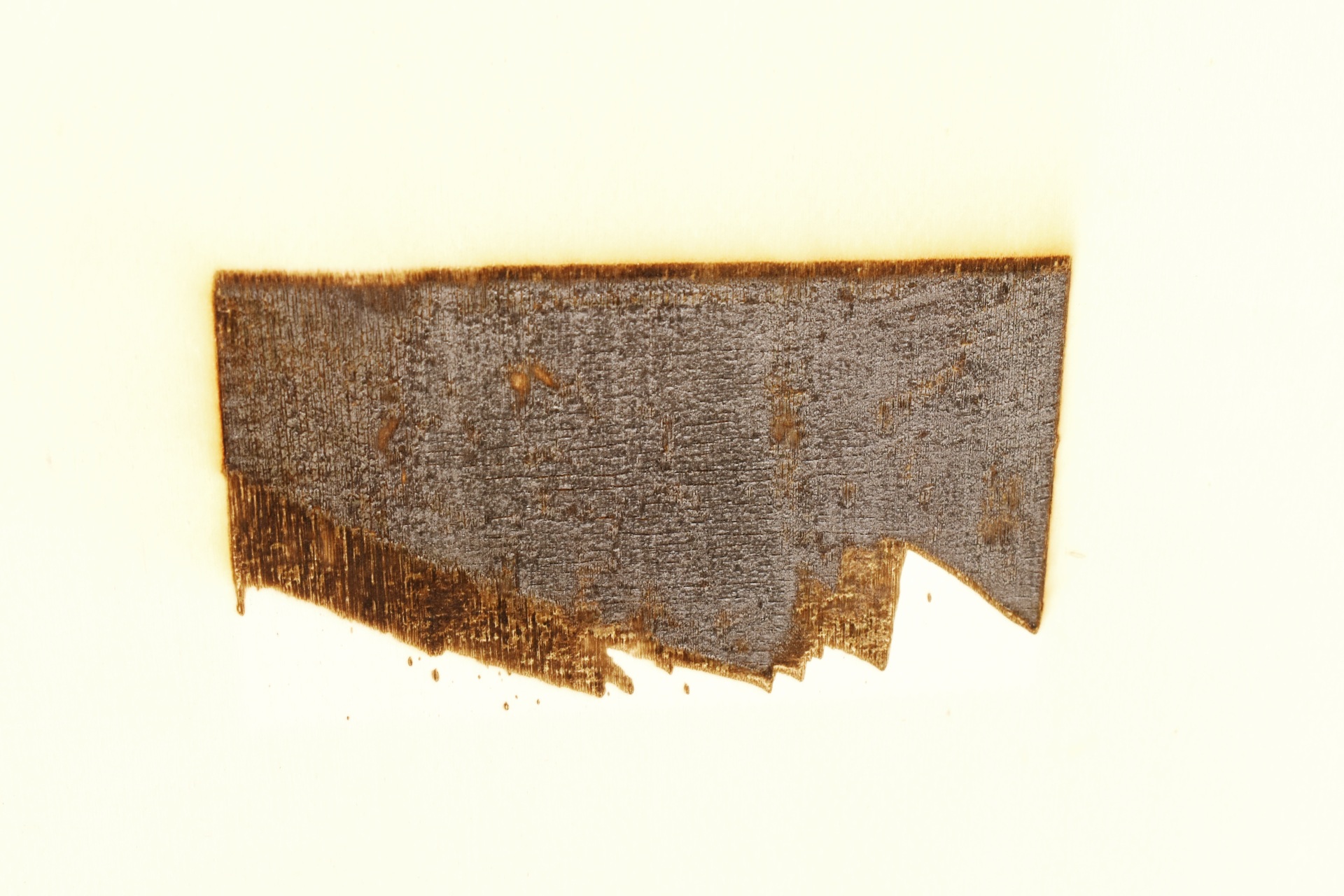
The end result however didn’t turn out well (tried 4 times at 20/30/40/60% speeds, similar results – either due to complexity or total print surface).
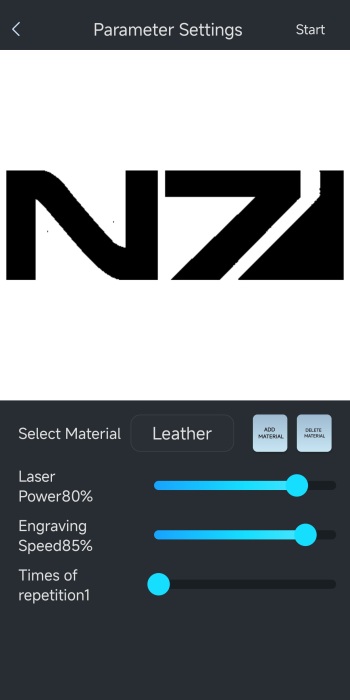
Then I went with the N7 logo, something I've always wanted to engrave on things.
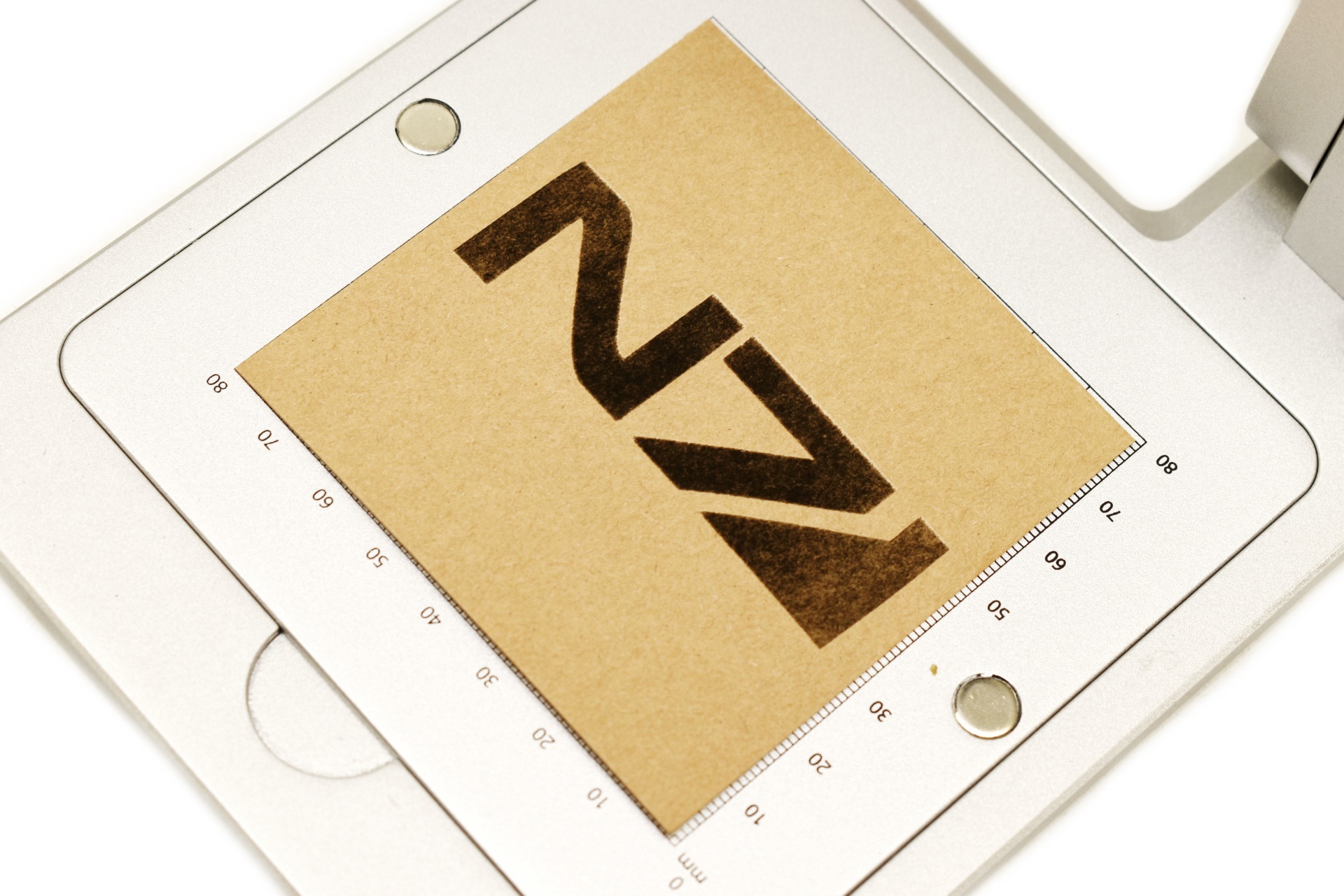
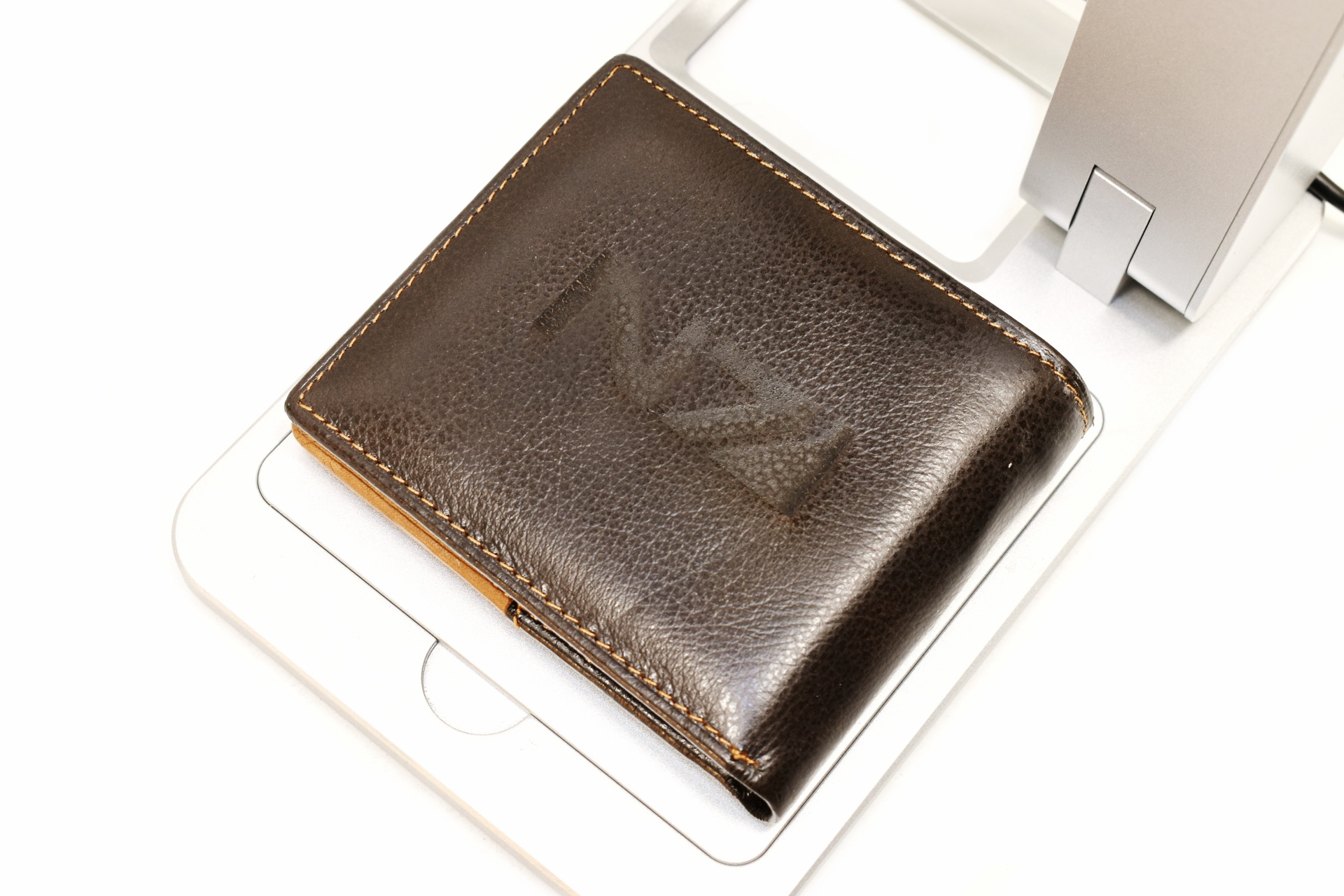
Ended up carving on cardboard, wood and leather (leather I should have used less speed but I was afraid that it would burn the back of my wallet).
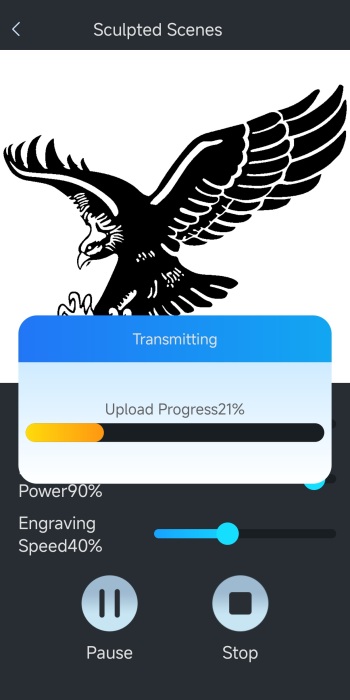
I also printed one of the preloaded pictures in the app on wood.
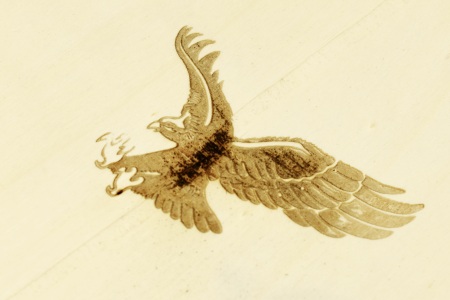
Unfortunately with 60% speed the end result wasn't great.
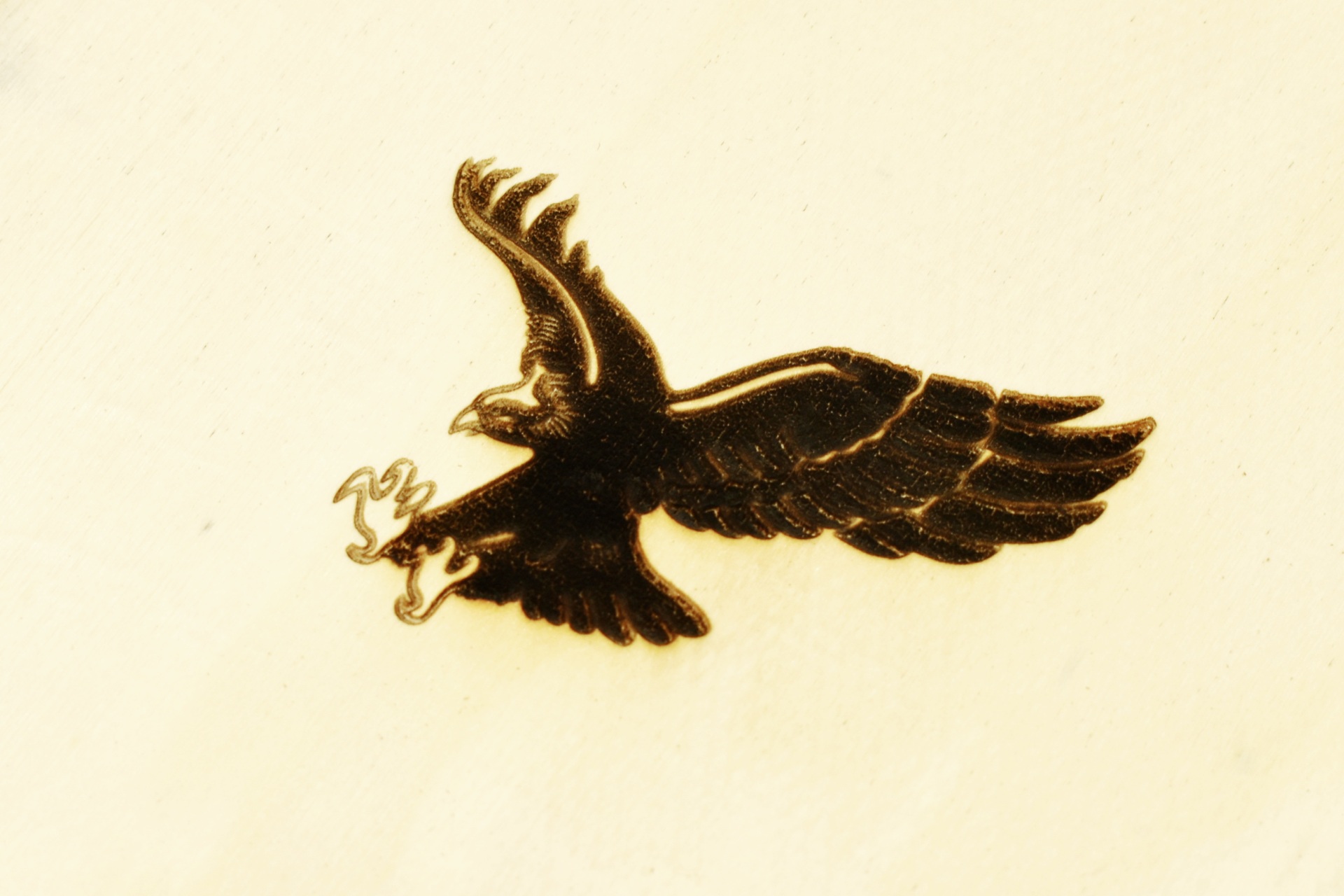
Reducing speed to 40% improved the end result significantly (short video is available both on TikTok and YouTube).
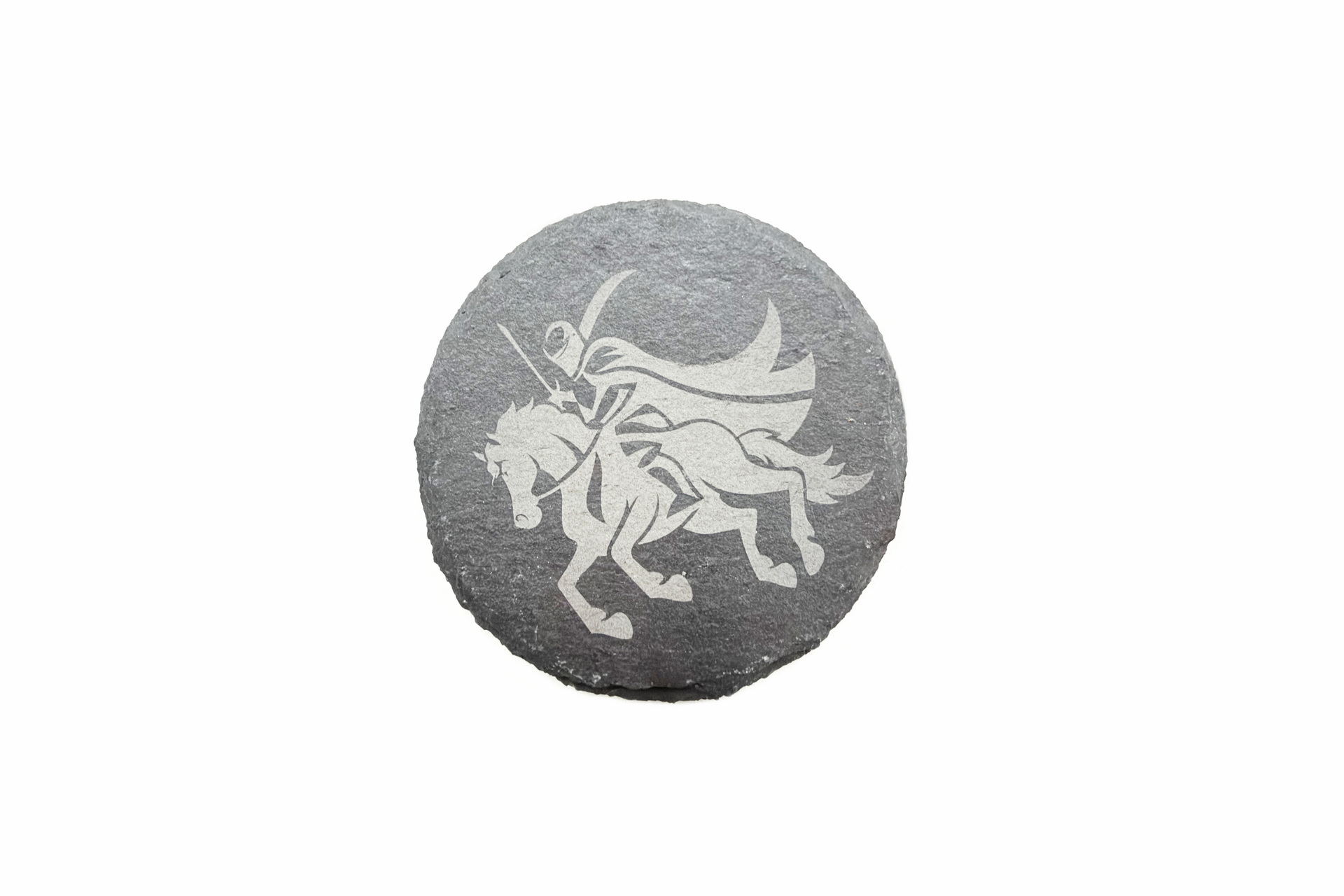
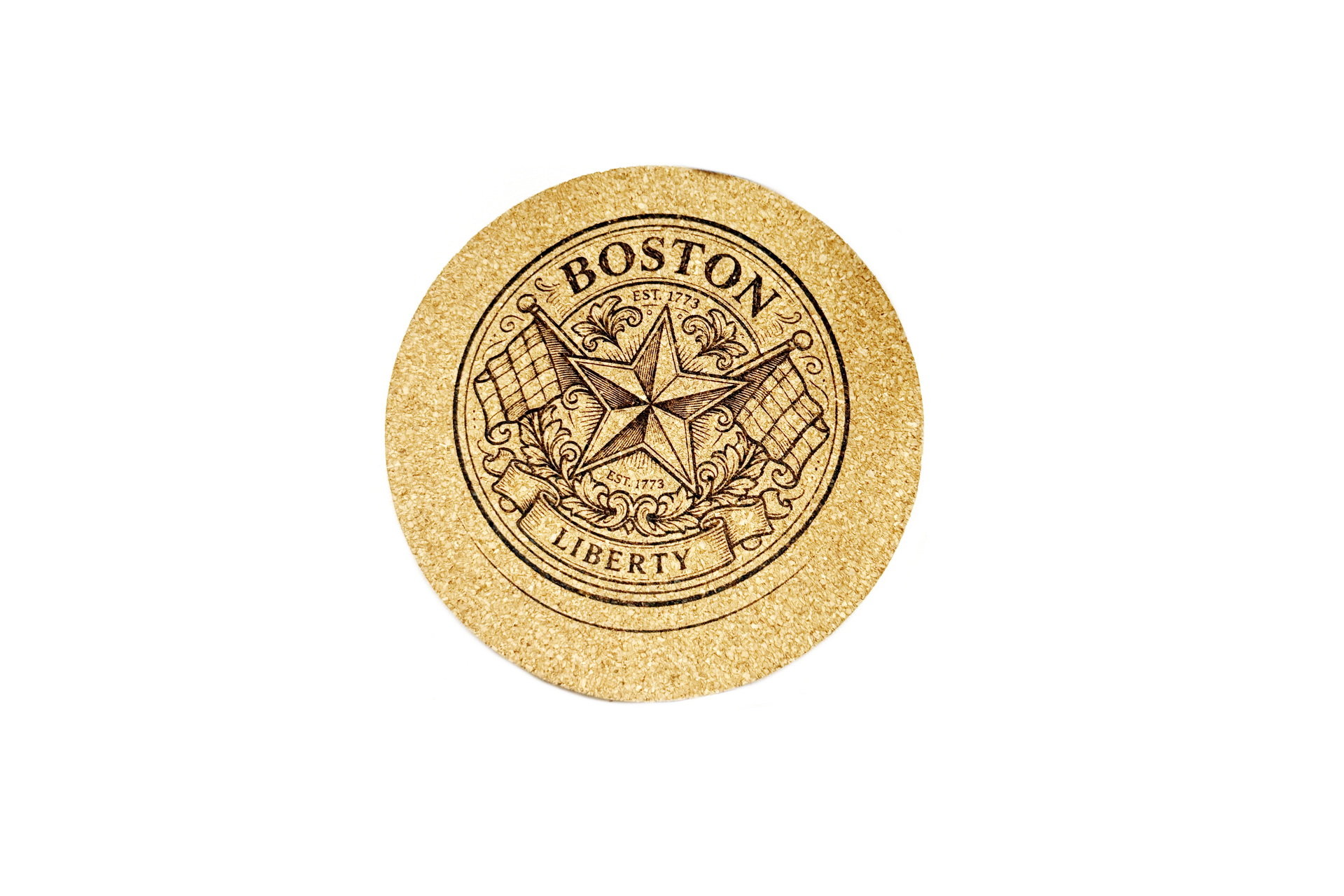
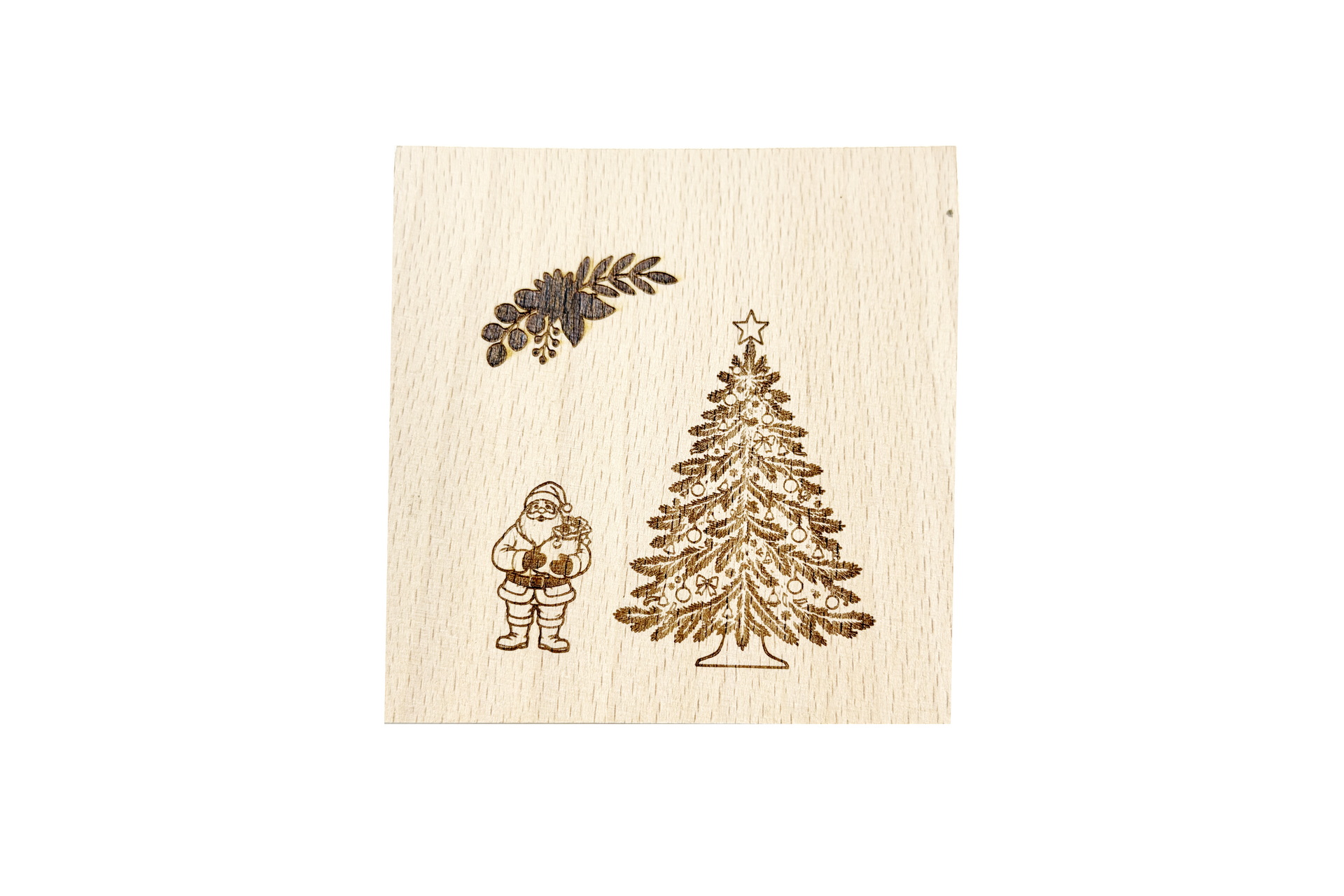
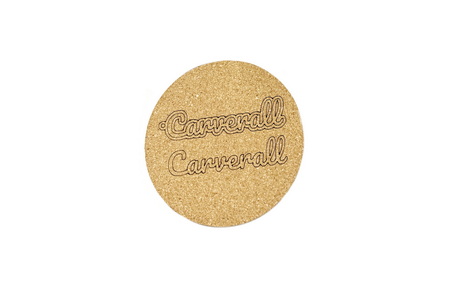
After reaching out to Carverall and tweaking app settings I went ahead and carved a few more things, with far better results than what I had achieved earlier.
CONCLUSION
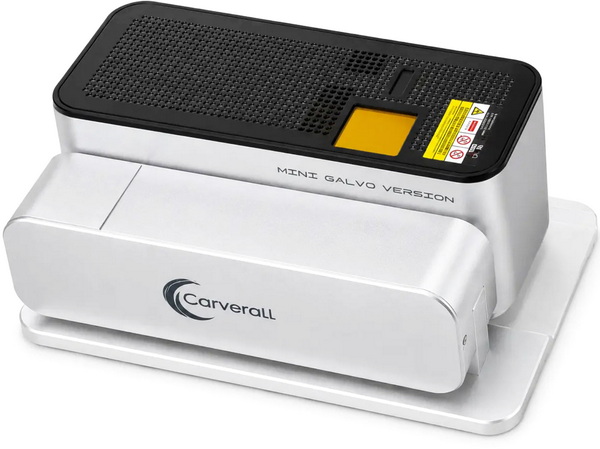
After spending almost 2 weeks with the Carverall Z3 I came away impressed by what this compact galvo engraver manages to achieve within such a small footprint. Its foldable design makes it exceptionally easy to transport and store, while the overall build quality inspires confidence despite its portable nature. The galvo-based system delivers fast engraving performance, the machine supports a wide range of compatible materials, and the Engraver app keeps the learning curve approachable for newcomers. Equally impressive is its modest power consumption, drawing just 26.6W at peak, 22.2W on average, and only 9.3W while idle, making it one of the more energy-efficient creative tools I've tested recently. That said, potential buyers should keep in mind that the 80x80mm engraving area is relatively limited compared to larger desktop engravers, and the 5W diode laser lacks the power required for some more demanding engraving or cutting applications. Noise levels are also noticeable at 54.3dBA measured from half a meter away, which may be worth considering if you plan to use it in quieter environments. Nevertheless, for makers, hobbyists, small businesses, and anyone seeking a highly portable galvo engraver that prioritizes speed, convenience, and ease of use, the Z3 delivers a surprisingly capable and enjoyable engraving experience.
Currently the Z3 Mini Galvo Laser Engraver retails for USD558/518.13Euros directly from Carverall so it’s obviously priced well for what it offers. At the end of the day the strongest selling point of the Z3 is its portable, compact form factor and of course its Galvo Laser so if you’re out in the market for such an engraver you should really consider getting one. As for me, even though its engraving area is too small for projects I’d be interested in doing it does deliver on everything as advertised so it’s clearly good enough for the Golden Award.
PROS
- Build Quality
- Galvo Laser
- Compact & Foldable
- Adjustable Height
- Protection Shield & Glasses
- Engraver App
- Price (For Some)
CONS
- Engraving Area (For Some)
- Noise Levels