

TEST RESULTS
It’s been a while since I used a laser engraver so I wanted to test several things with the Carverall Z3. Despite what you may see online for optimal results you will need to time adjusting the settings in the app.
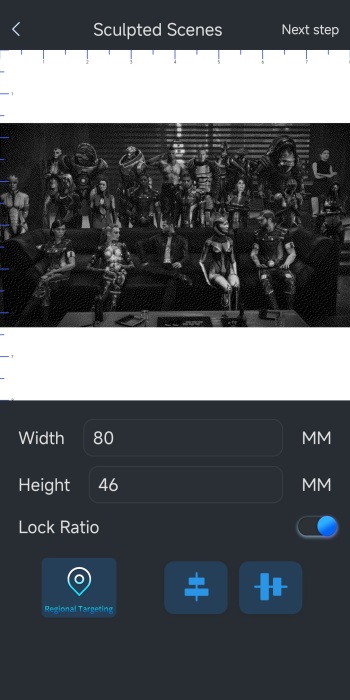
Initially I tried printing the crew picture from Mass Effect 3 Legendary Edition as you can easily tell from the above screenshot.
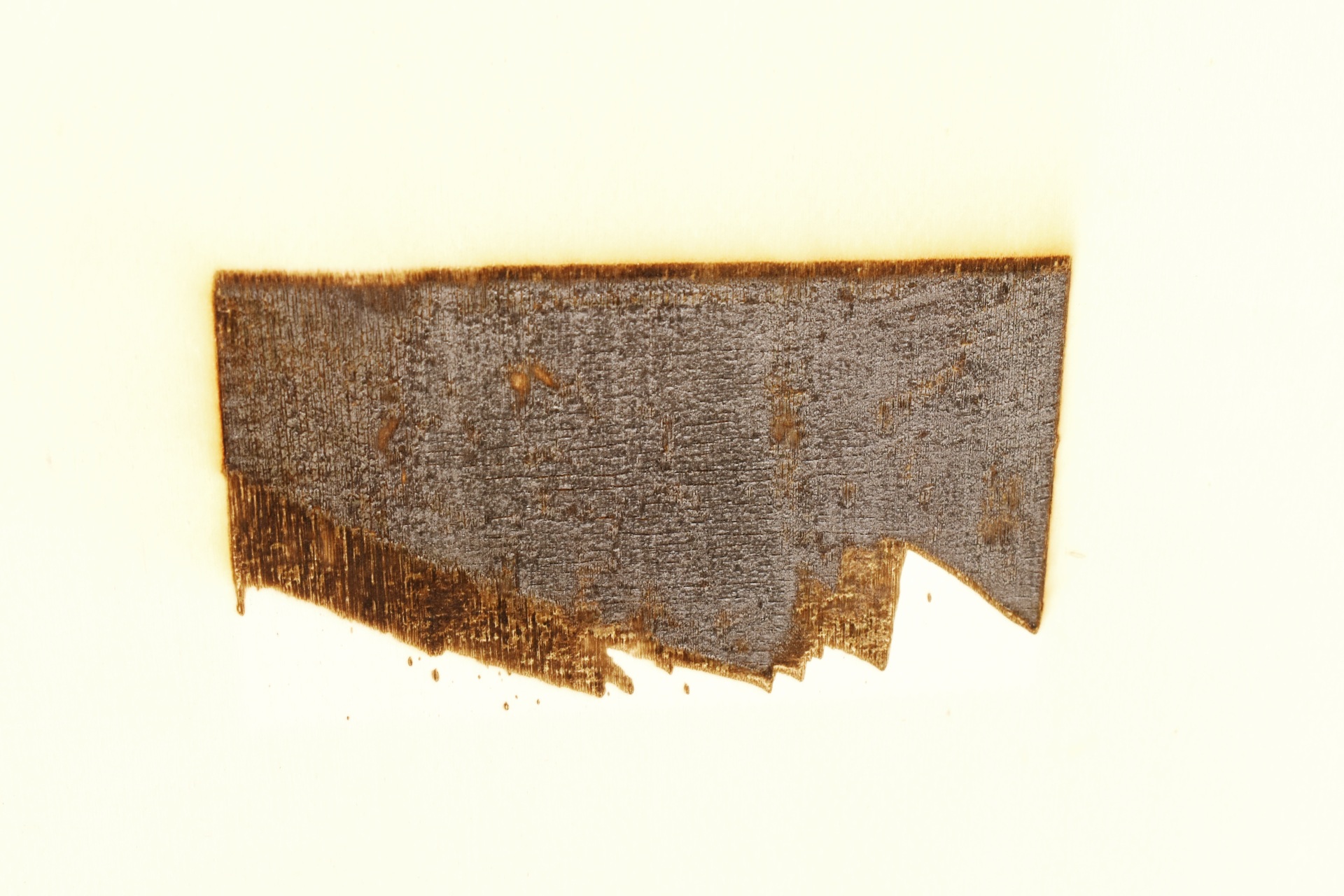
The end result however didn’t turn out well (tried 4 times at 20/30/40/60% speeds, similar results – either due to complexity or total print surface).
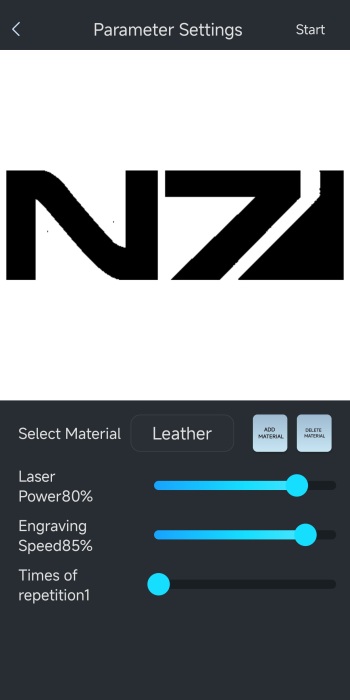
Then I went with the N7 logo, something I've always wanted to engrave on things.
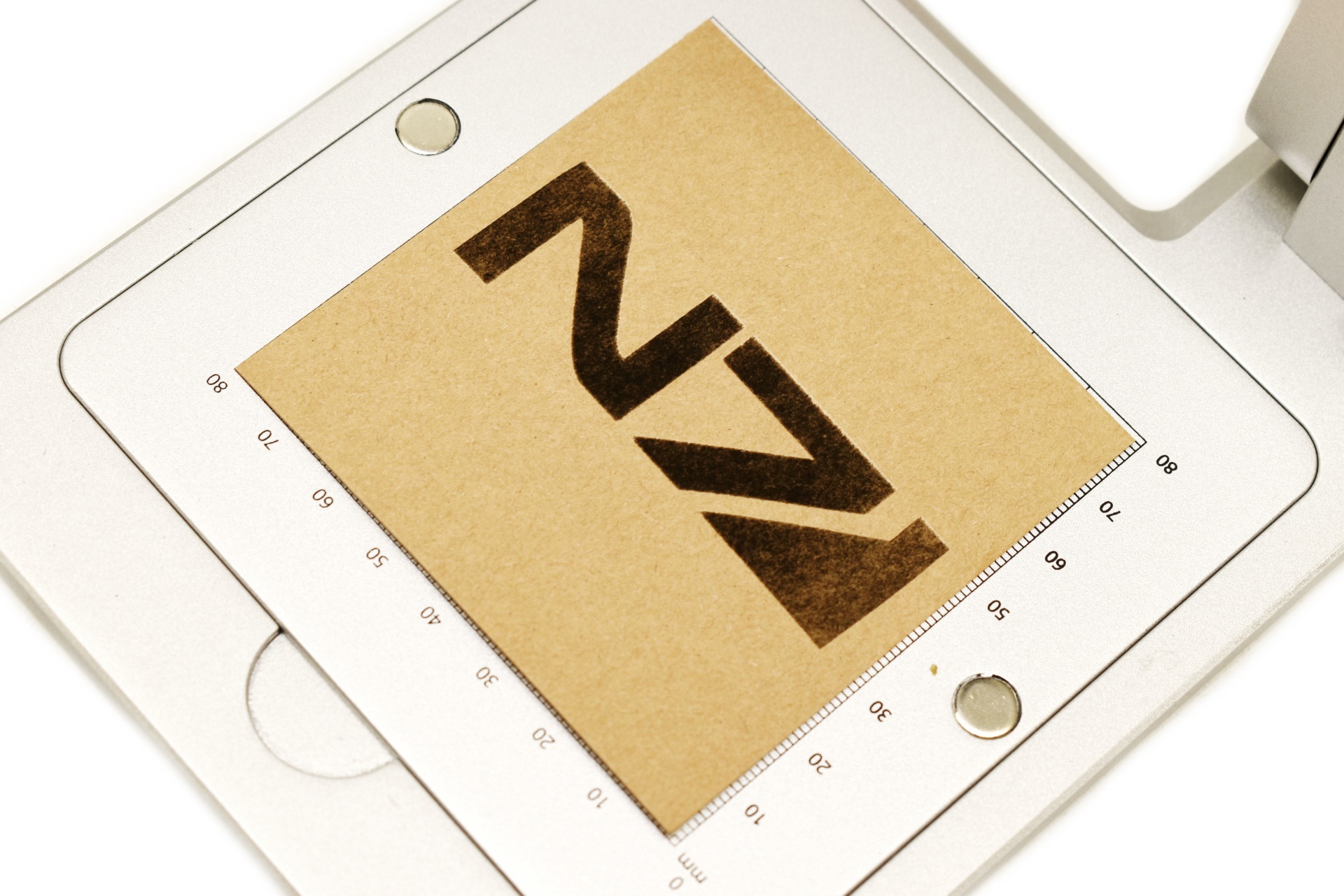
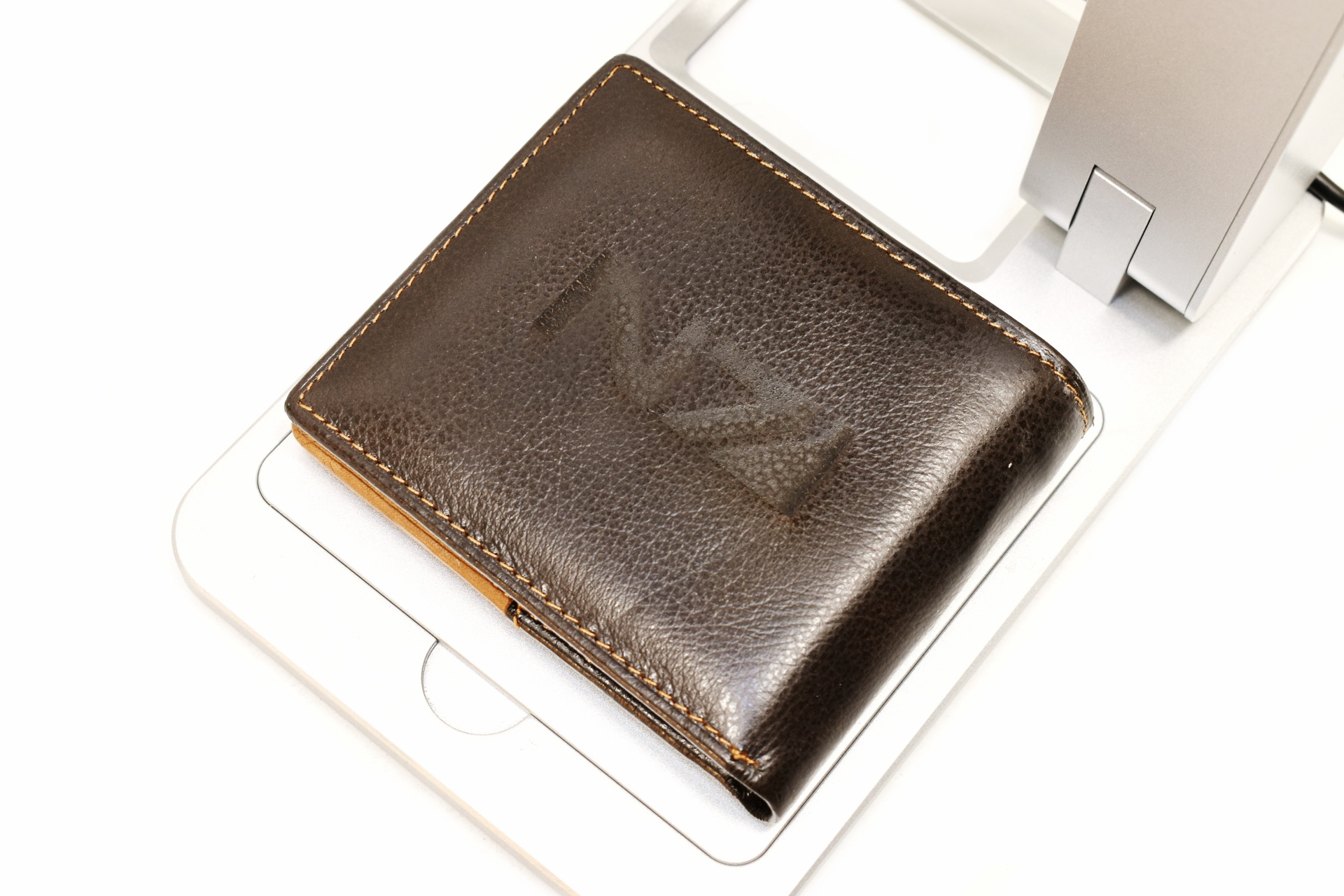
Ended up carving on cardboard, wood and leather (leather I should have used less speed but I was afraid that it would burn the back of my wallet).
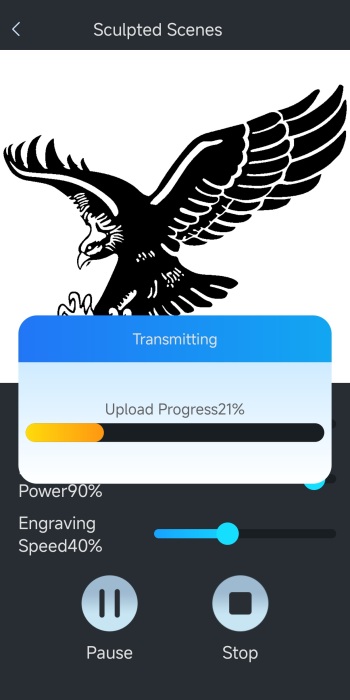
I also printed one of the preloaded pictures in the app on wood.
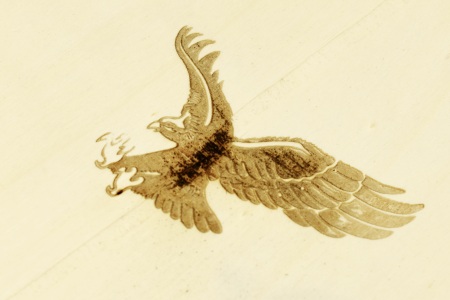
Unfortunately with 60% speed the end result wasn't great.
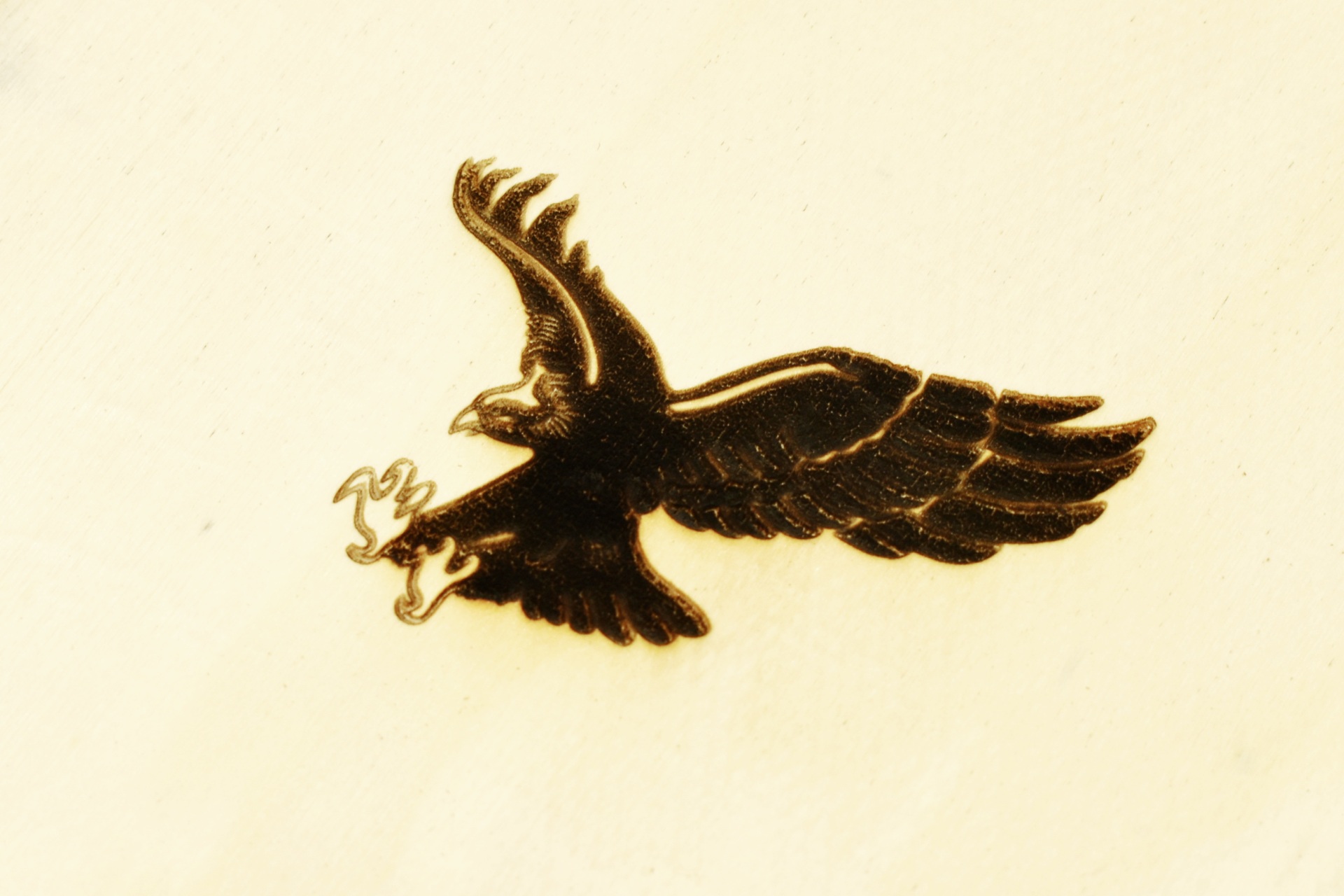
Reducing speed to 40% improved the end result significantly (short video is available both on TikTok and YouTube).
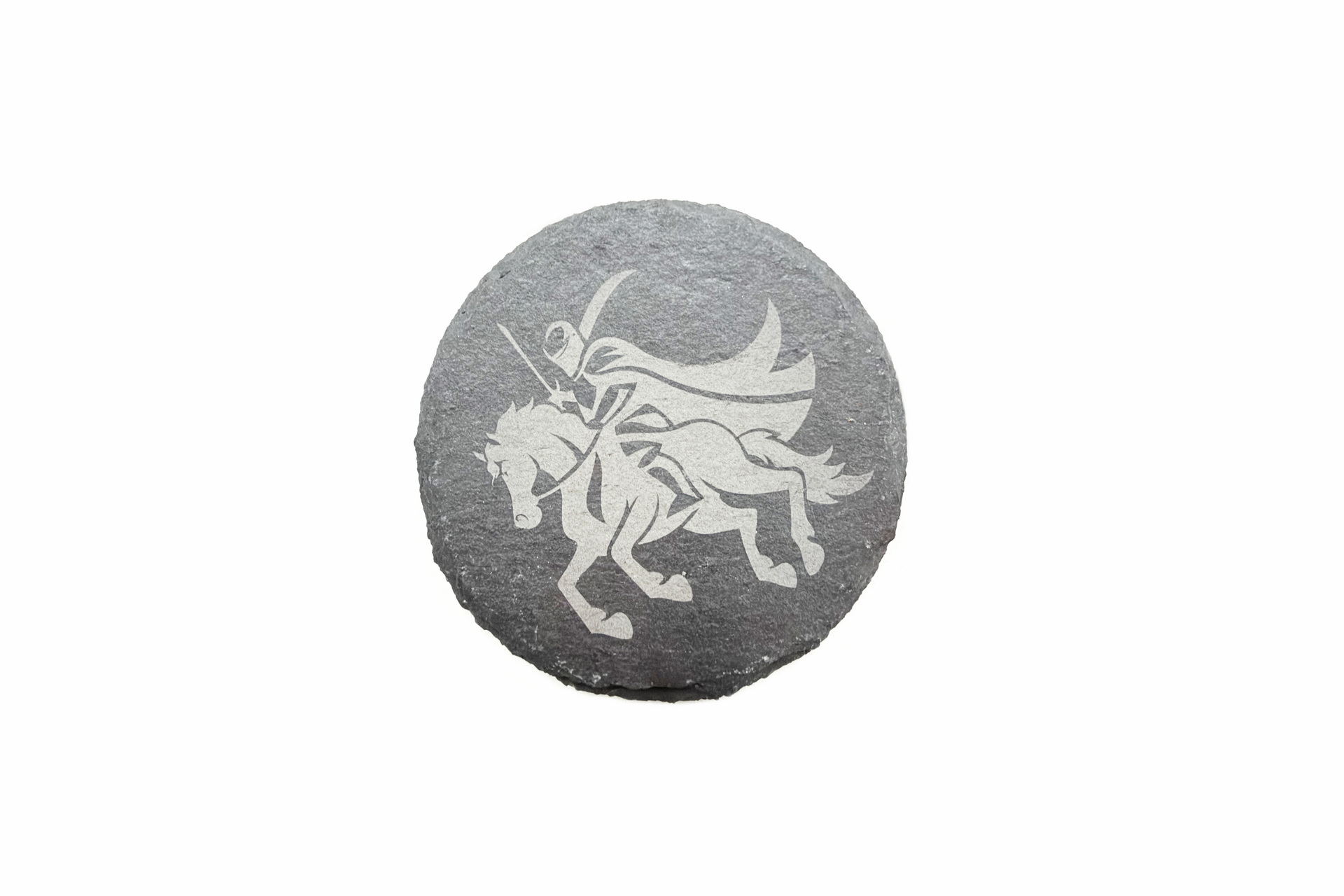
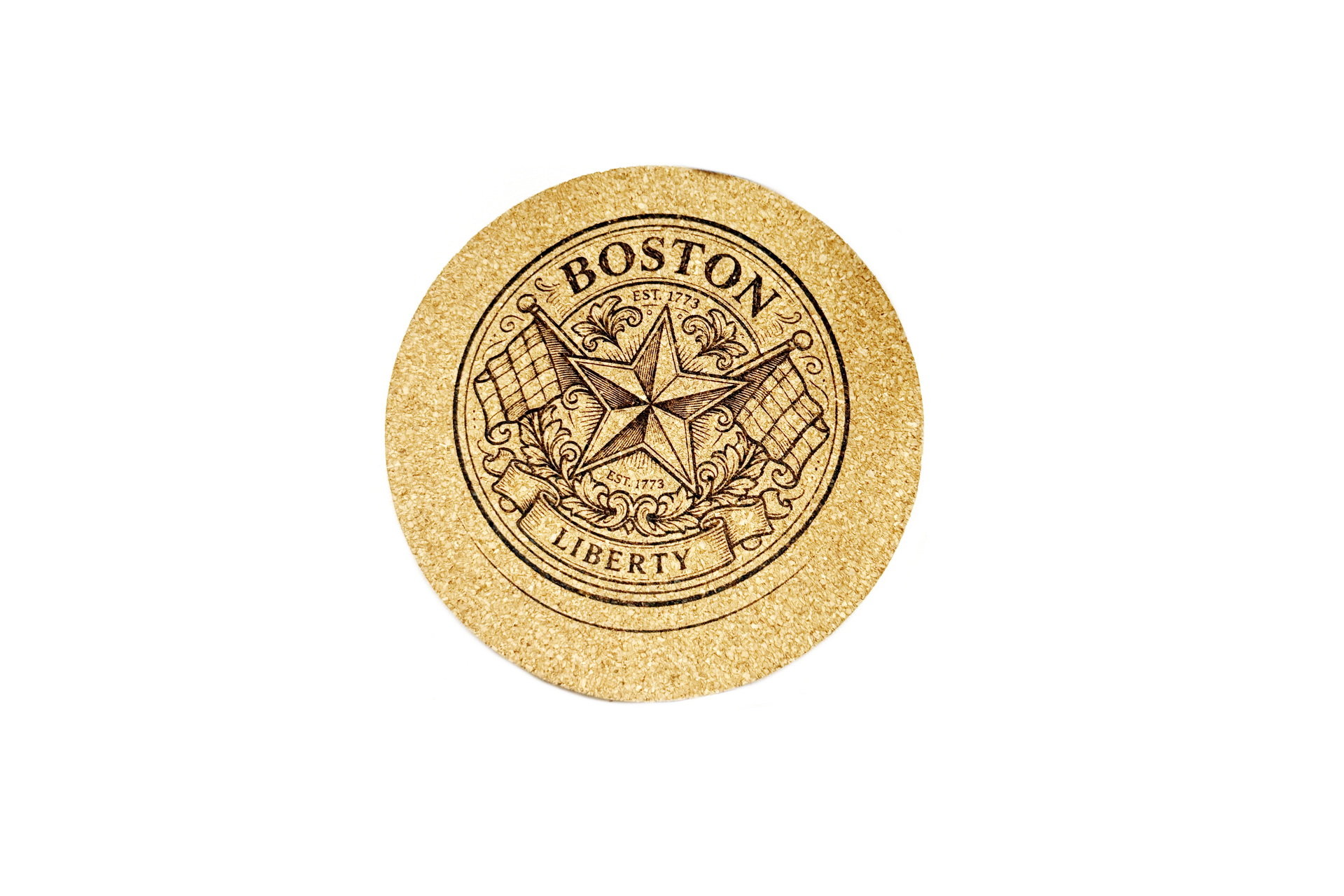
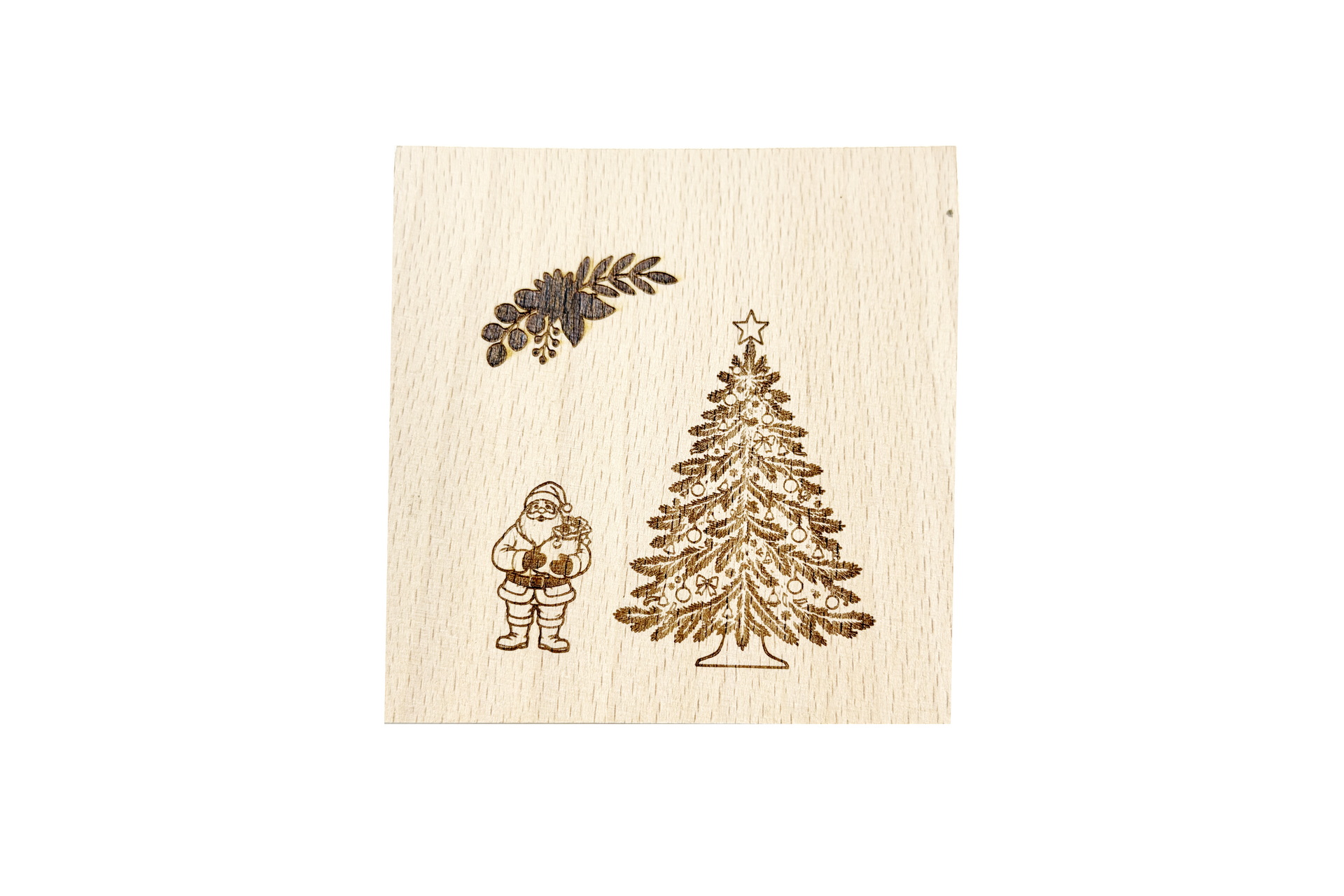
After reaching out to Carverall and tweaking app settings I went ahead and carved a few more things, with far better results than what I had achieved earlier.