





NARWAL APP
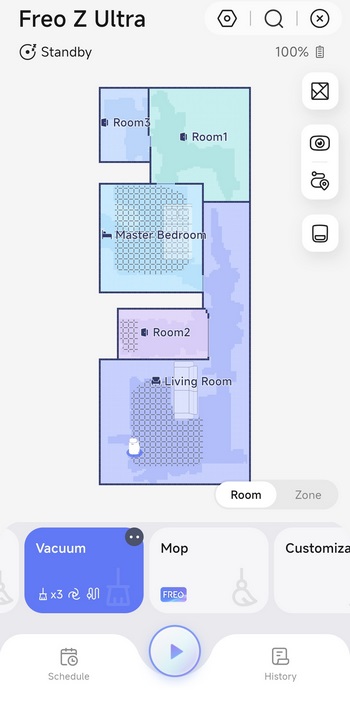
The Narwal app hasn't changed much since I reviewed the Freo model so from the main screen you can check the current map and select a cleaning mode from the lower end.
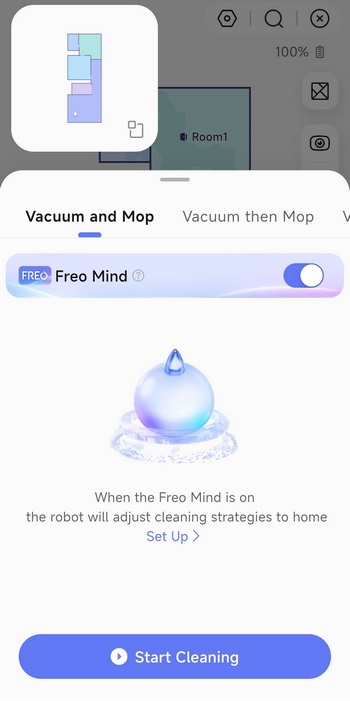
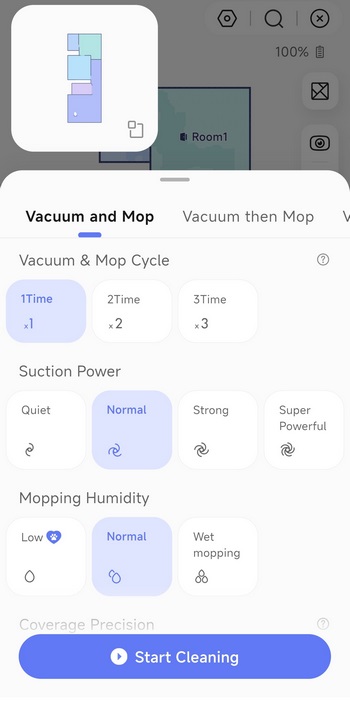
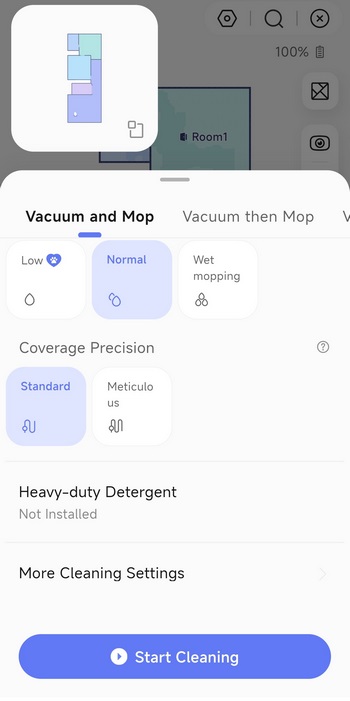 You can either leave everything on auto or manually adjust cleaning parameters.
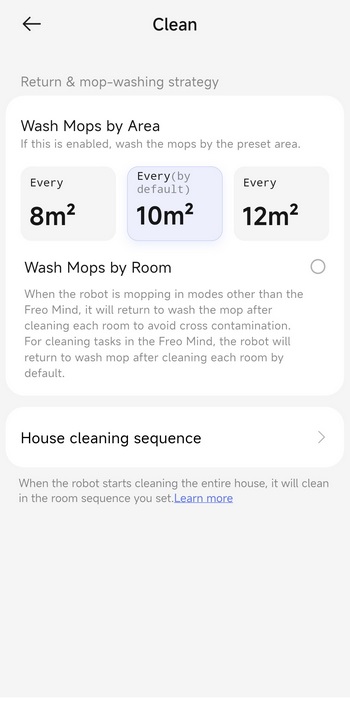
Mop wash intervals is also something you can adjust.
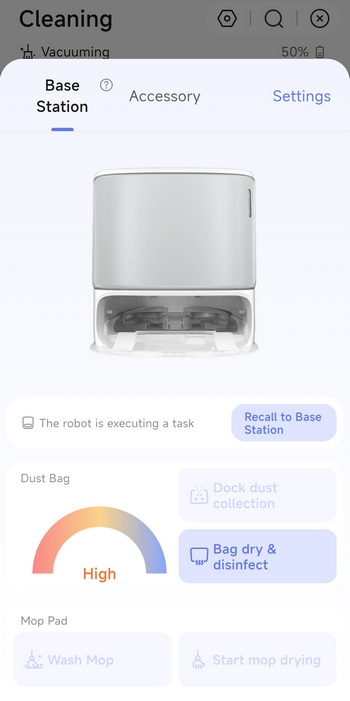
Pressing on the base station drawing allows you to adjust some of its settings.
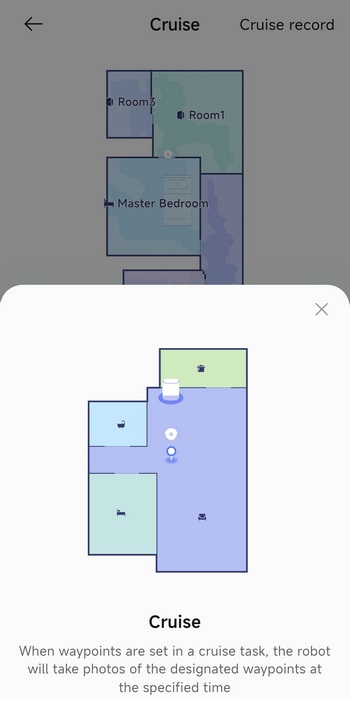
There's also a cruising mode available now which could come in handy when using the built-in video feed.
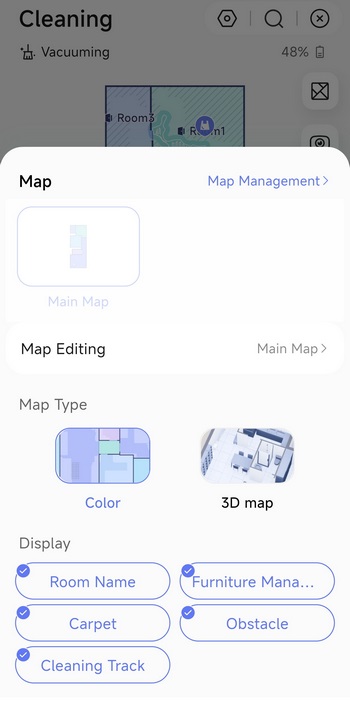
Again, you can edit your maps and switch between 2D and 3D.
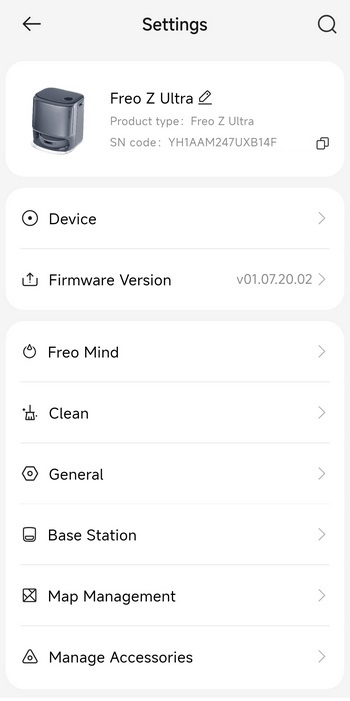
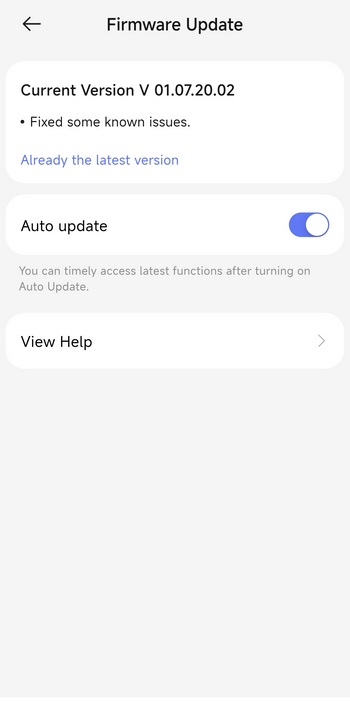
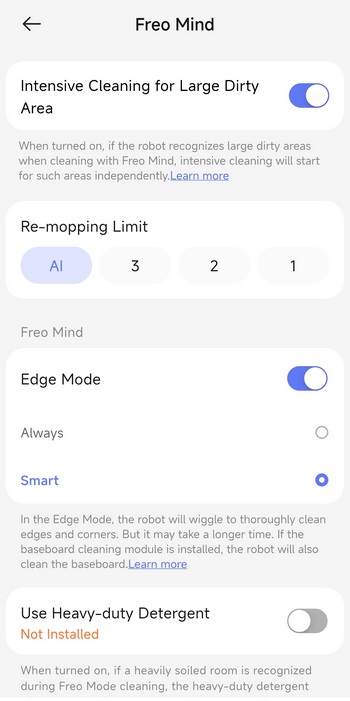
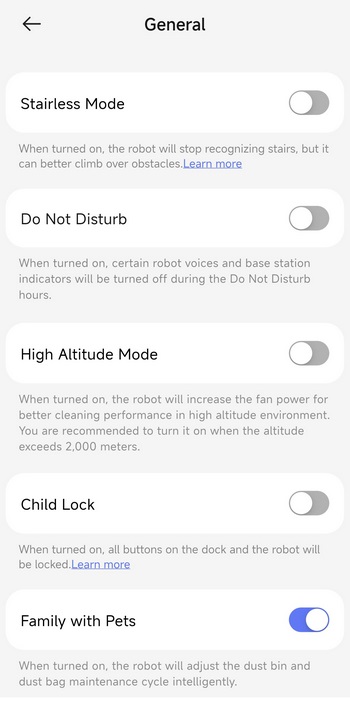
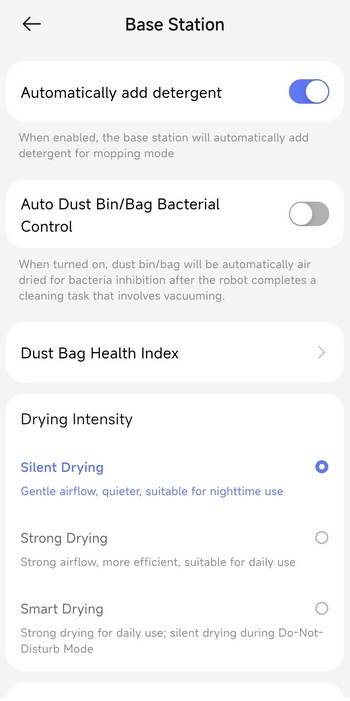
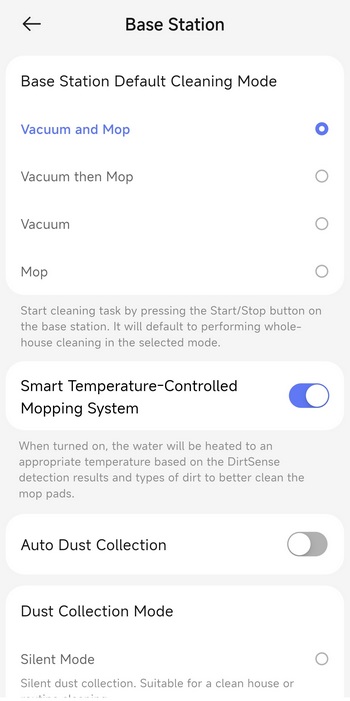
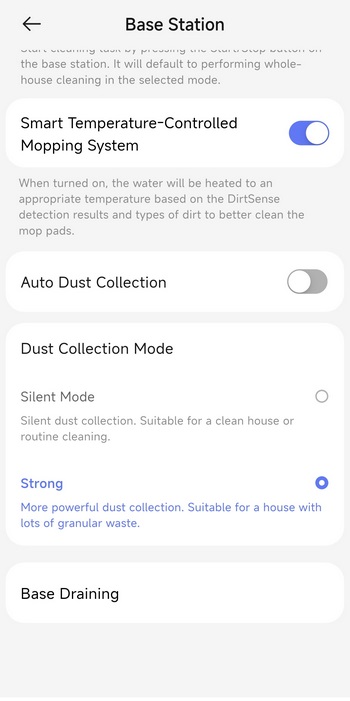
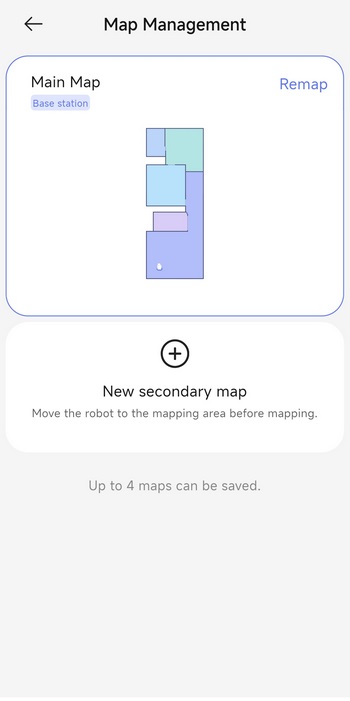
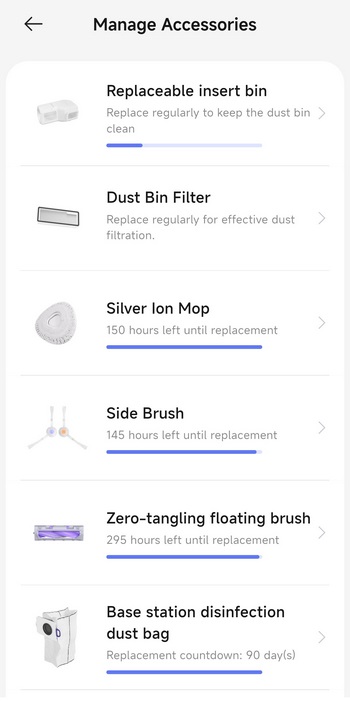
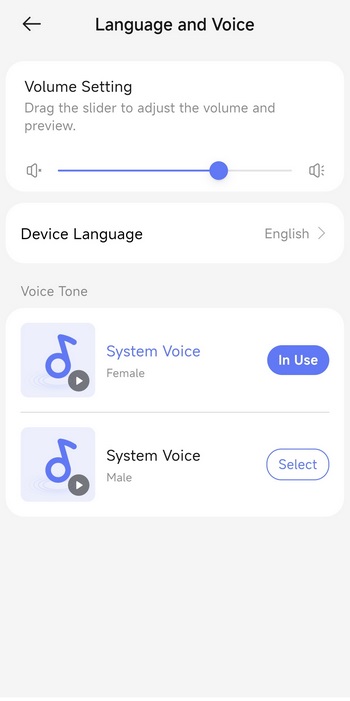
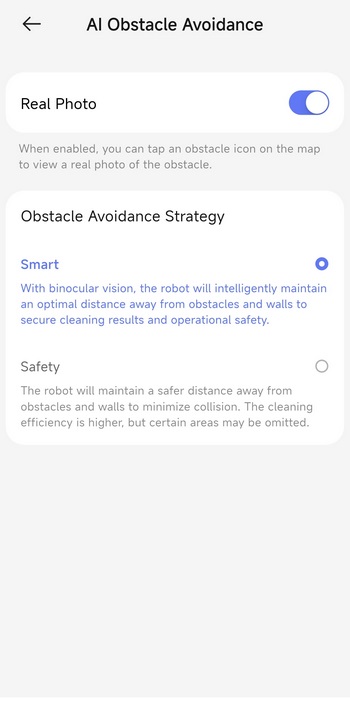
 Via the settings tab you can check for firmware updates, adjust the Freo mind cleaning settings, enable/disable several cleaning modes, adjust base station settings, manage your maps and accessories, change the voice language, enable AI obstacle avoidance with pictures and enable voice control integration with Amazon Alexa and Google Home.
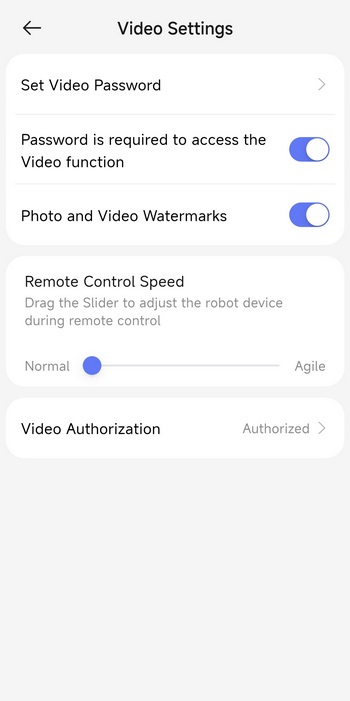
Just like with most similar models you can control the Freo Z Ultra and watch video live from its two 1600x1200p RGB cameras.
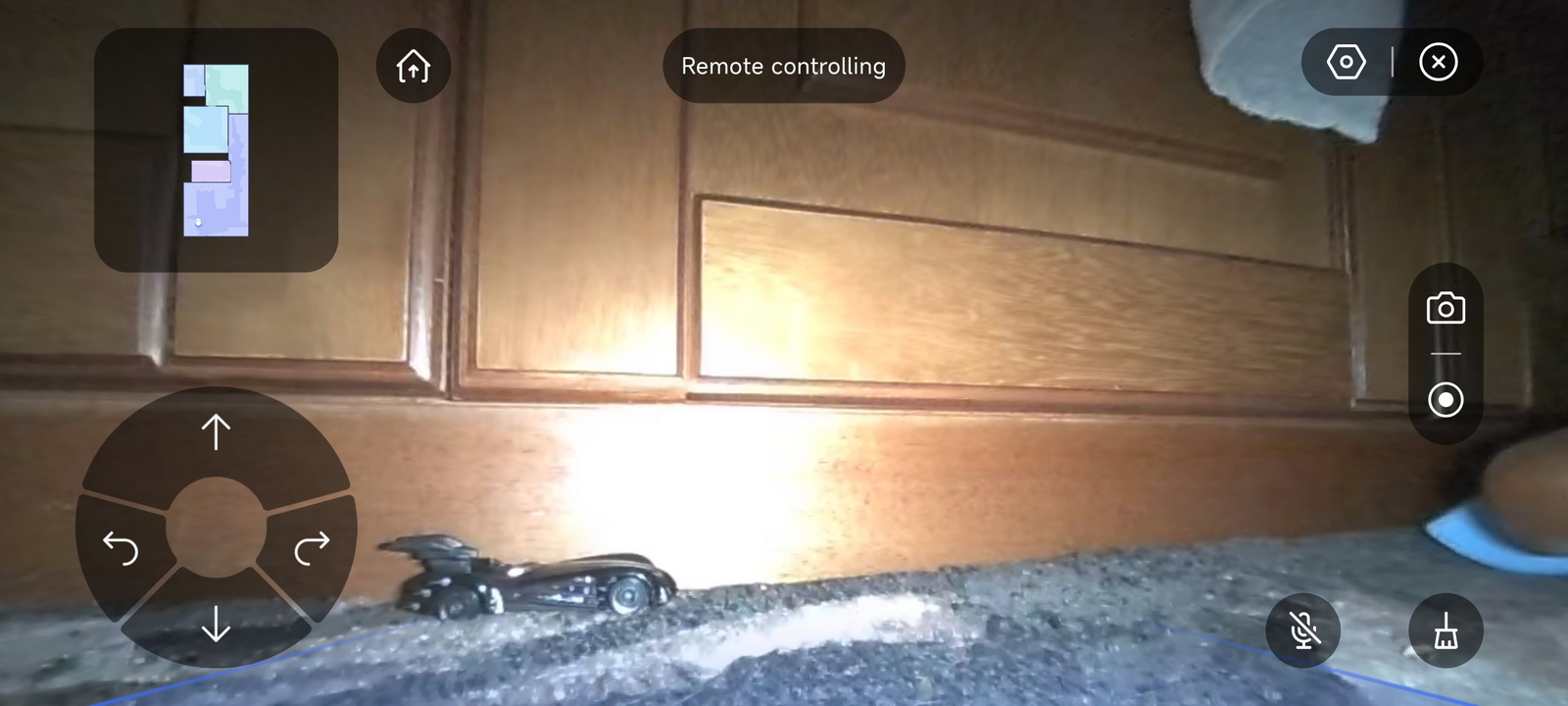
When it comes to video quality it may not impress but it's better compared to everything else I've seen to date.





