





Page 4 of 9
XPG PRIME
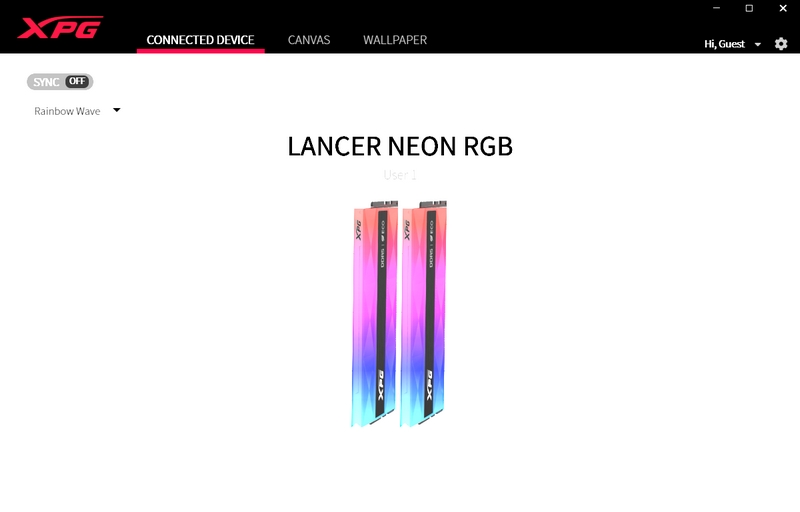
Once you install and launch the XPG prime software it will look for compatible devices.
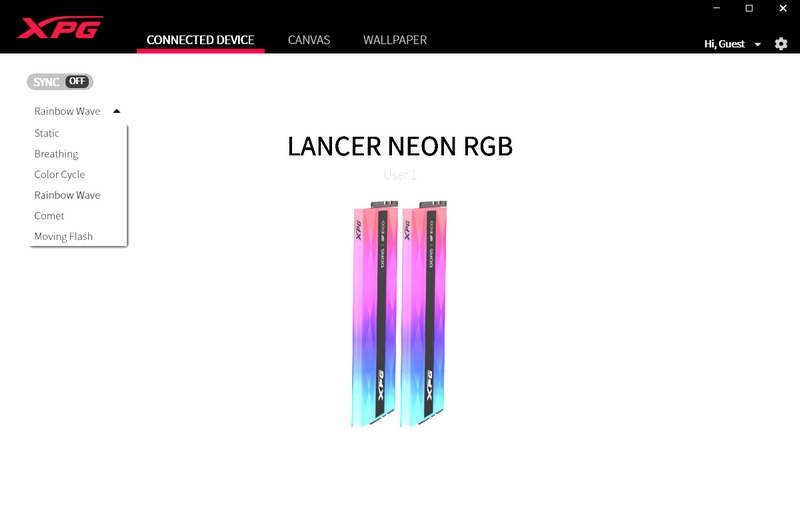
From the initial tab you can use the sync function (both modules) and use one of the 6 available lighting effects.
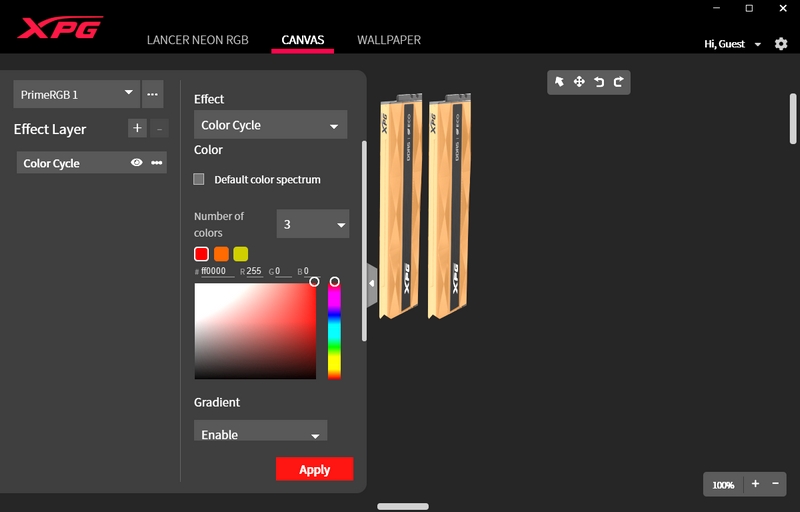
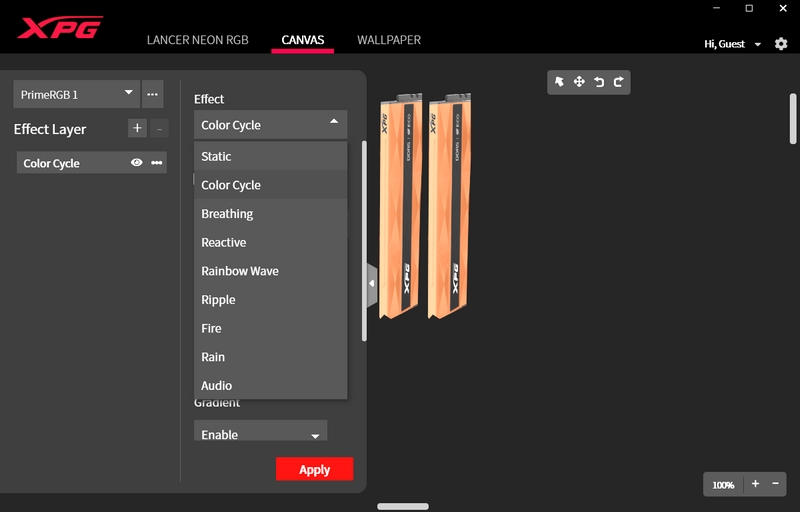
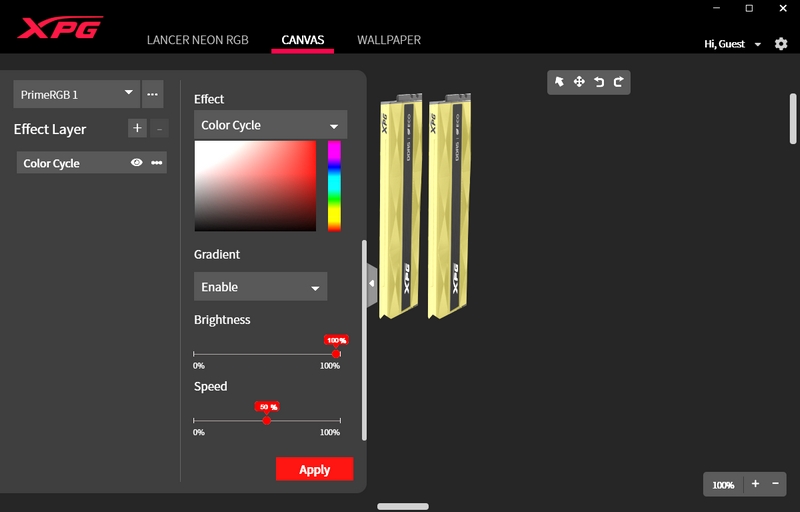
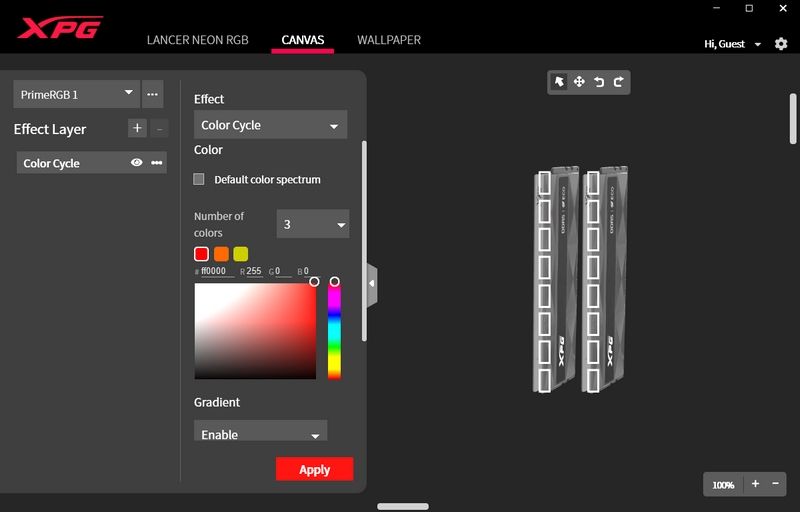
Clicking on the modules brings you to the 2nd tab which not only allows you to choose one of the 9 available lighting effects there but also adjust the brightness, speed, and even adjust each of the 8 RGB LEDs (16 in total) individually.
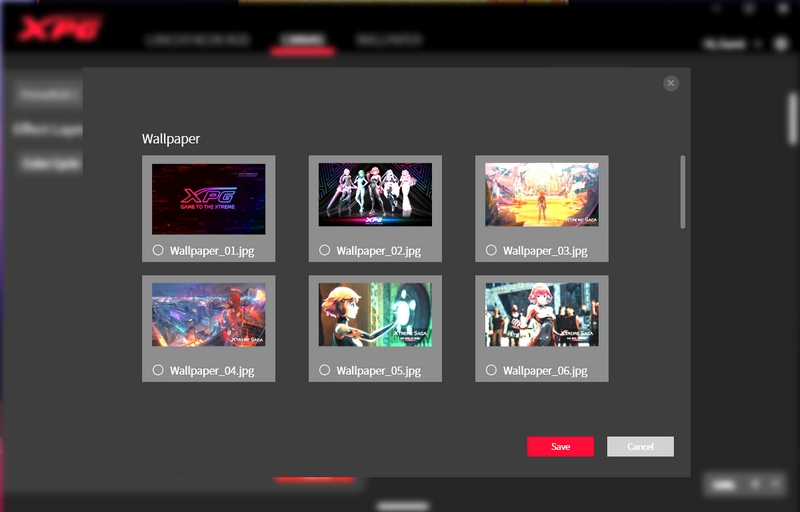
The XPG prime software also has several wallpapers you can use with your system.





