




INTRODUCTION
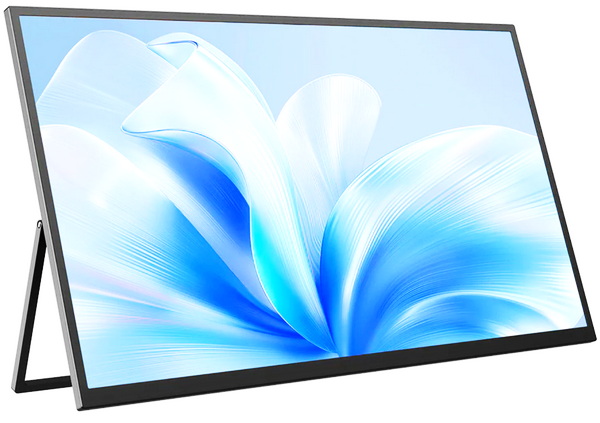
Portable monitors have carved out a niche for those who need flexibility without sacrificing screen real estate, whether you're a digital nomad, a multitasking creative, or just someone who wants a second screen on the go. They’ve evolved from clunky add-ons to sleek, high-resolution companions that rival traditional displays in both clarity and responsiveness. Touch functionality, USB-C convenience, and ever-larger panels are pushing the category into serious productivity territory. Among these contenders, the latest Umax 22 Touch Portable Monitor by UPERFECT stands out with its bold specs and generous size and that's what we'll be looking at today.
UPERFECT was founded in 2017 as a brand based on decades of experience and research along with a sole vision to enlighten people in enhancing their display to 4K and improve their lives through our portable display technology. At UPERFECT MONITOR we understand and are fully committed to solving real-time challenges experienced by people worldwide by the provision of high-quality, individualized modern technological monitors with professionalism, dignity, and respect. We strive to understand the challenges that people are facing today and use our strong technology acumen to find exclusive and unprecedented solutions for them.
The Umax 22 Touch model by UPERFECT sports a 22-inch QLED screen (touch and non-touch versions available, my sample came without) featuring a resolution of 2560x1440p, 8-bit HDR compatibility, 60Hz refresh rate, 16:9 screen ratio, 1000:1 contrast ratio, 20ms response time (gtg), 300 cd/m2 brightness and 178 degrees viewing angles. Other features include a 10-point touchscreen (for the corresponding model - needs to be connected to a compatible device), dual stereo speakers (1W each, 8Ohm impedance), eye protection mode, game modes, FreeSync, 3D sound, aluminum housing, and a built-in stand. As for available connections the Umax 22 Touch packs two USB type C ports, micro USB-B port (OTG), 3.5mm audio output and a single mini-HDMI port.
SPECIFICATIONS AND FEATURES

PACKAGING AND CONTENTS

Typically, UPERFECT uses a white box that just has their company logo at the front.
Several warning labels are printed at the rear along with details about UPERFECT and their local distributor.
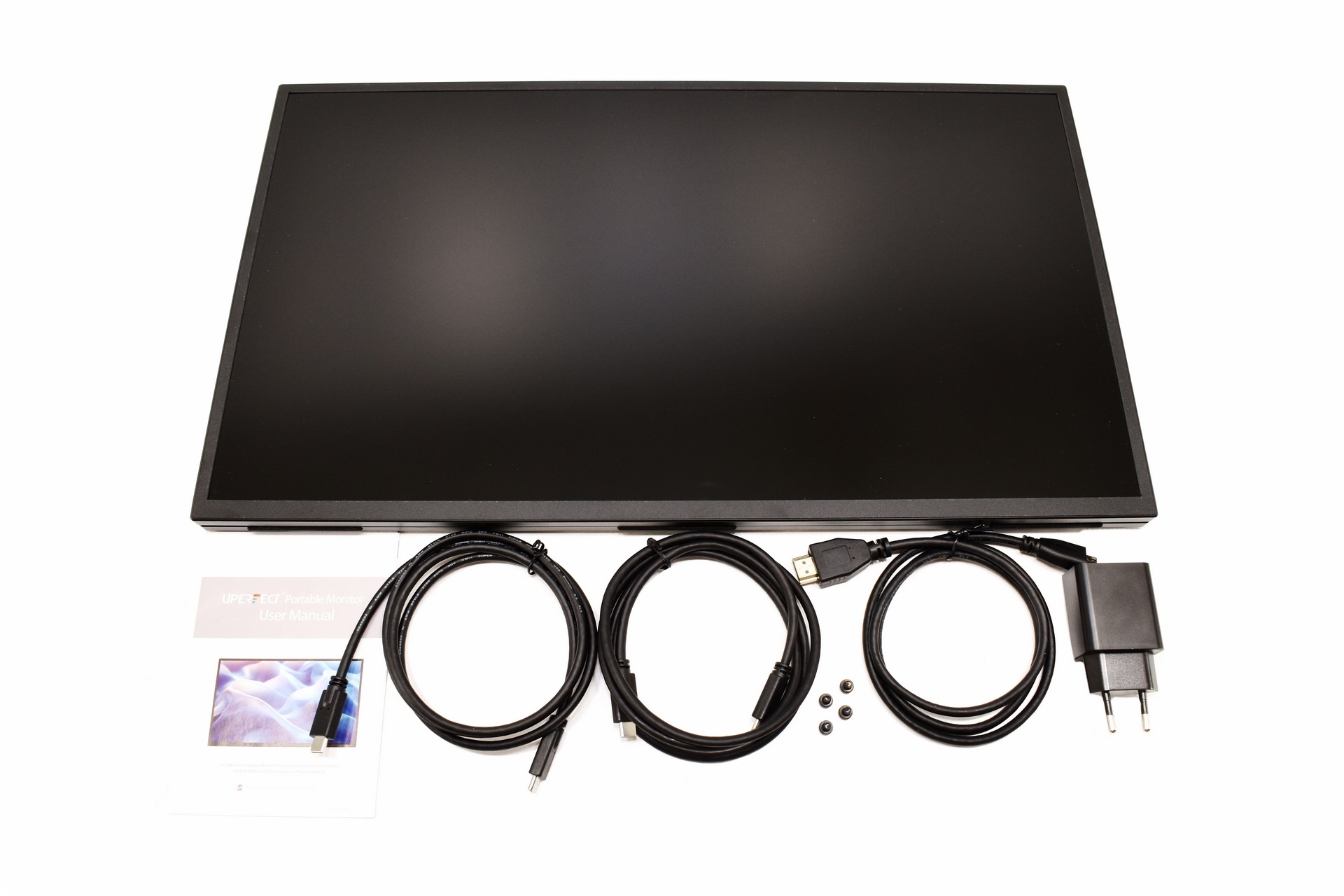
Along with the Umax 22 Touch Portable Monitor inside the box you'll find 2 USB-C cables, HDMI to mini-HDMI cable, wall power adapter, 4 mounting screws (VESA) and the user manual.
THE UMAX 22 TOUCH
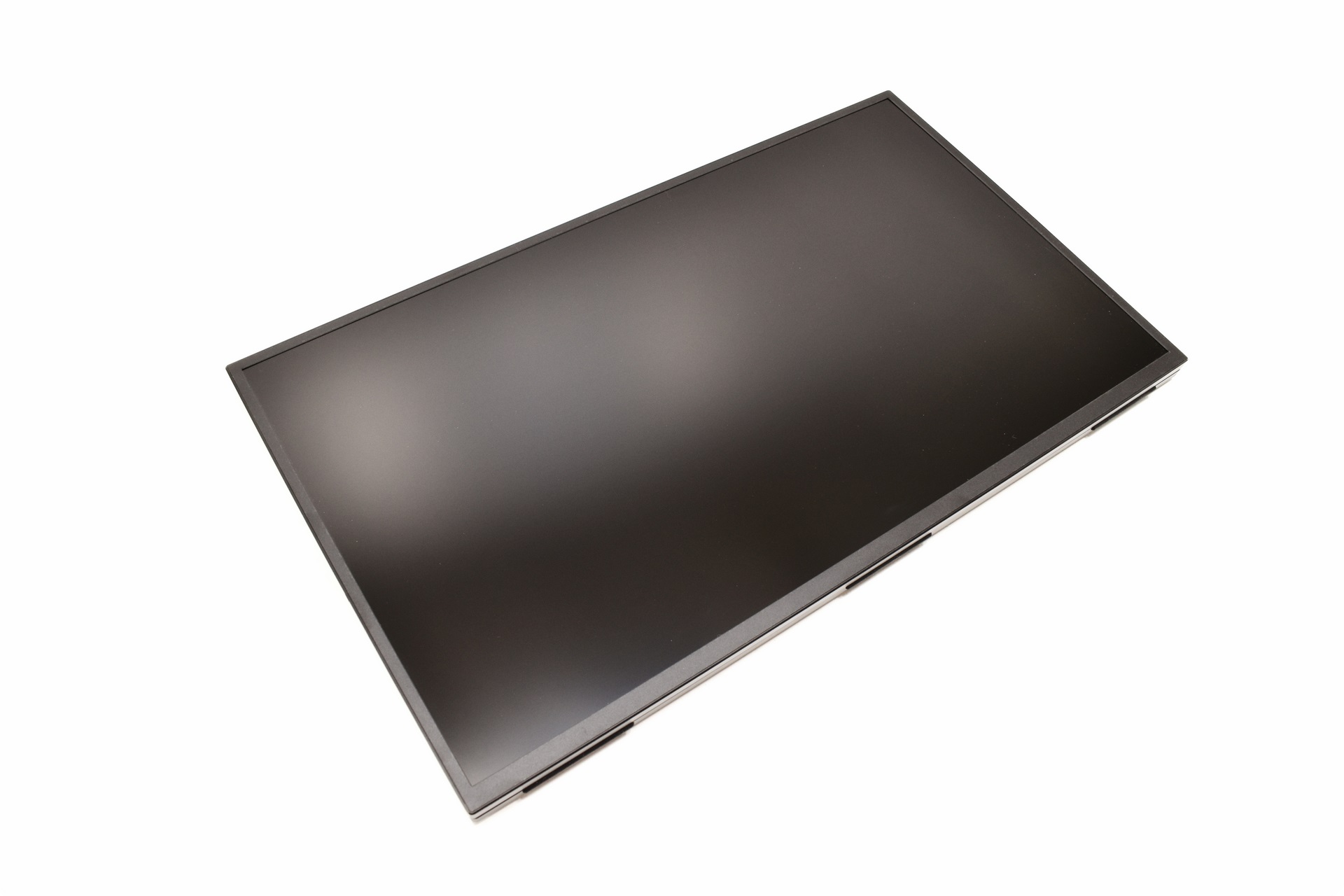
The 1.63Kg heavy Umax 22 Touch measures 491mm in length, 285mm in height and 20mm in thickness.
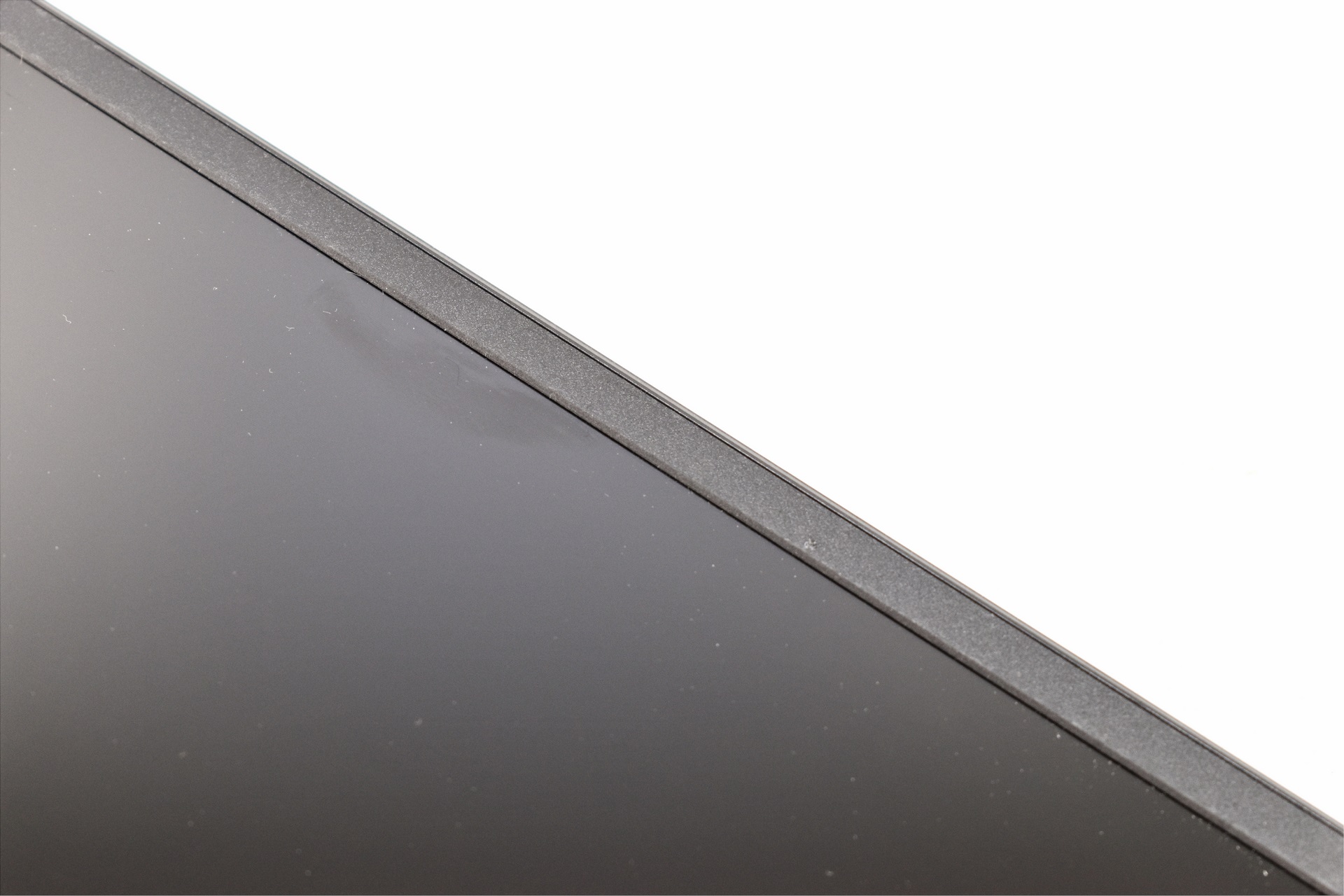
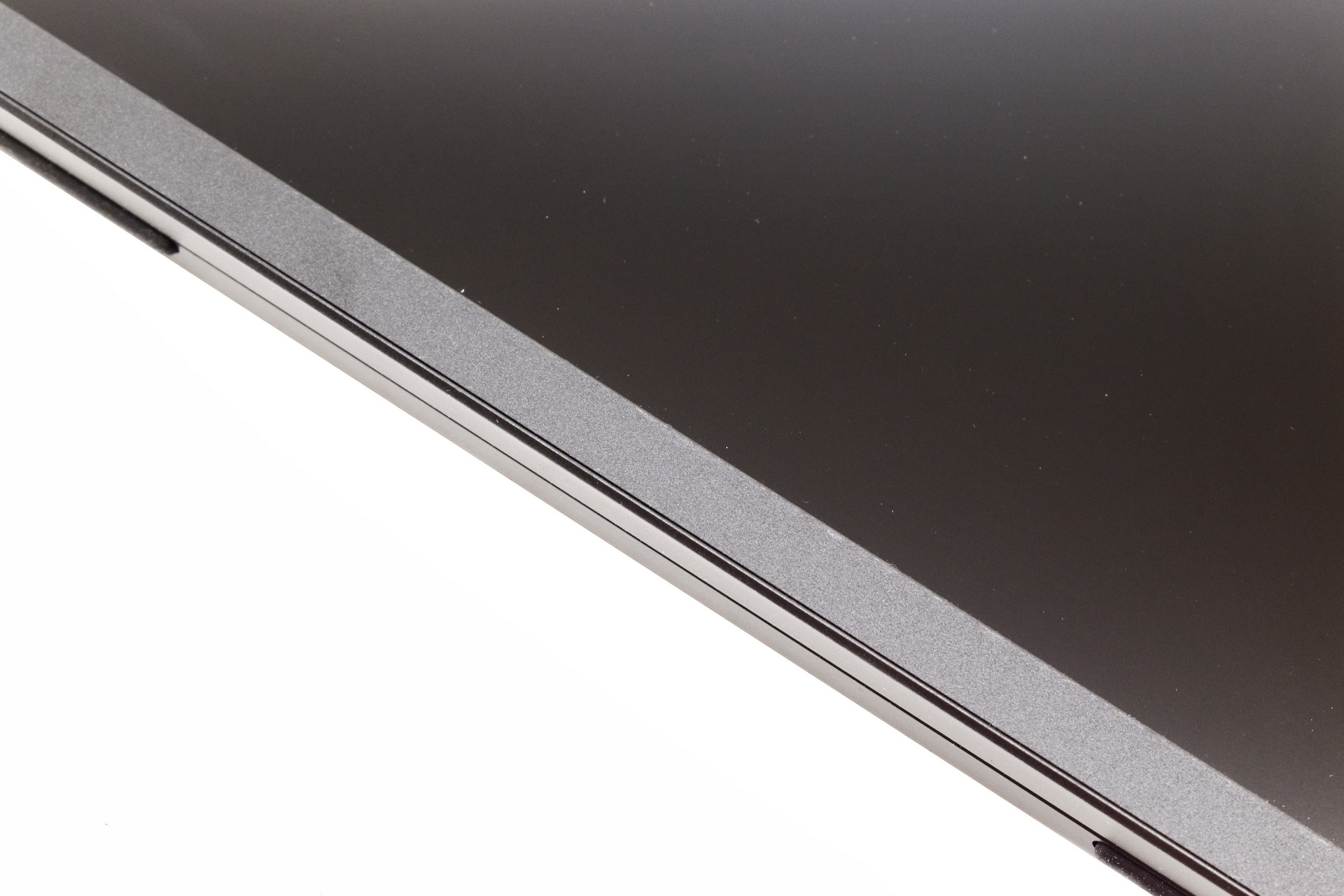
The top left and right bezels measure 7mm whereas the base bezel measures 13mm.
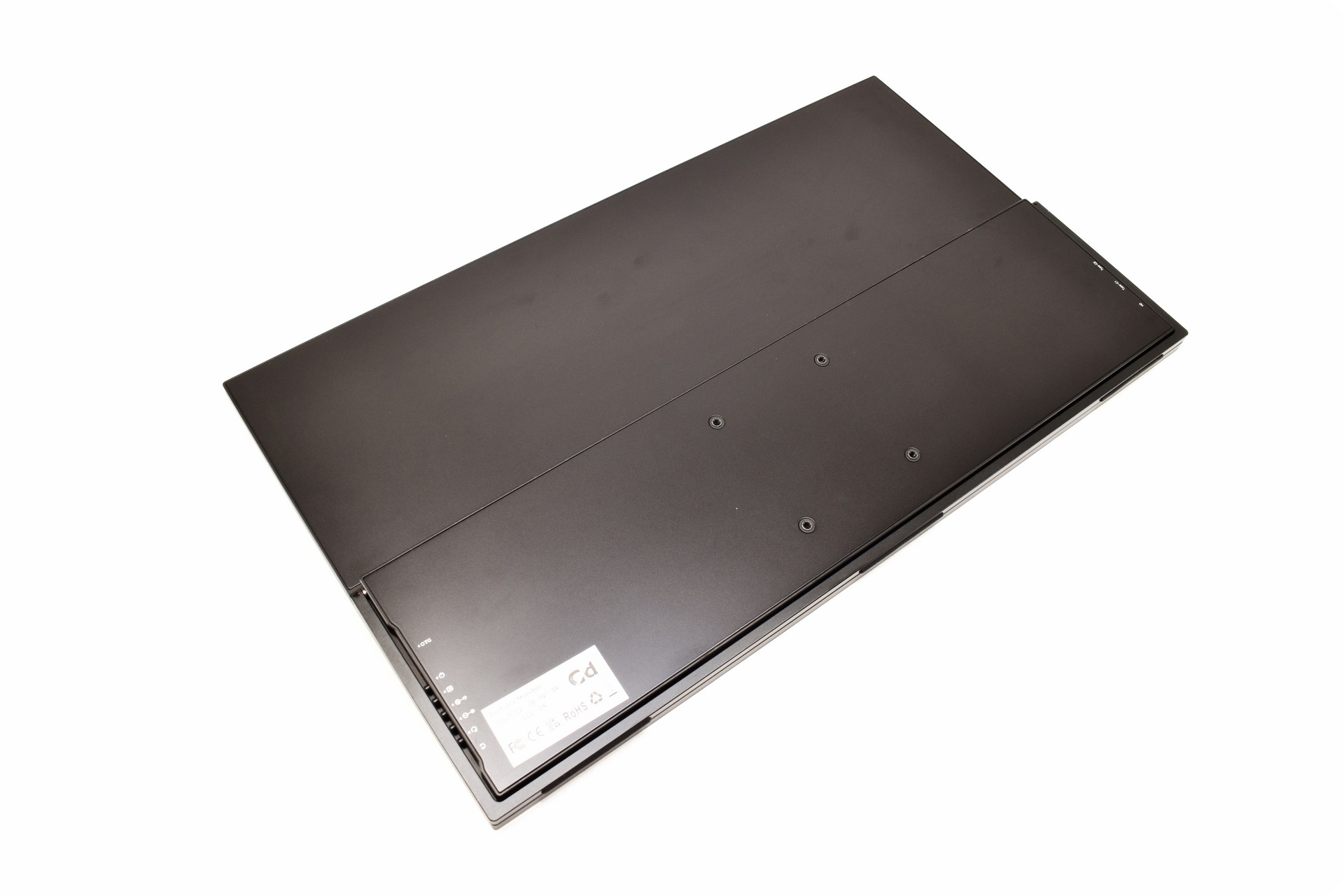
Turning the monitor over what stands most out are the 4 VESA mounting holes (75x75mm).
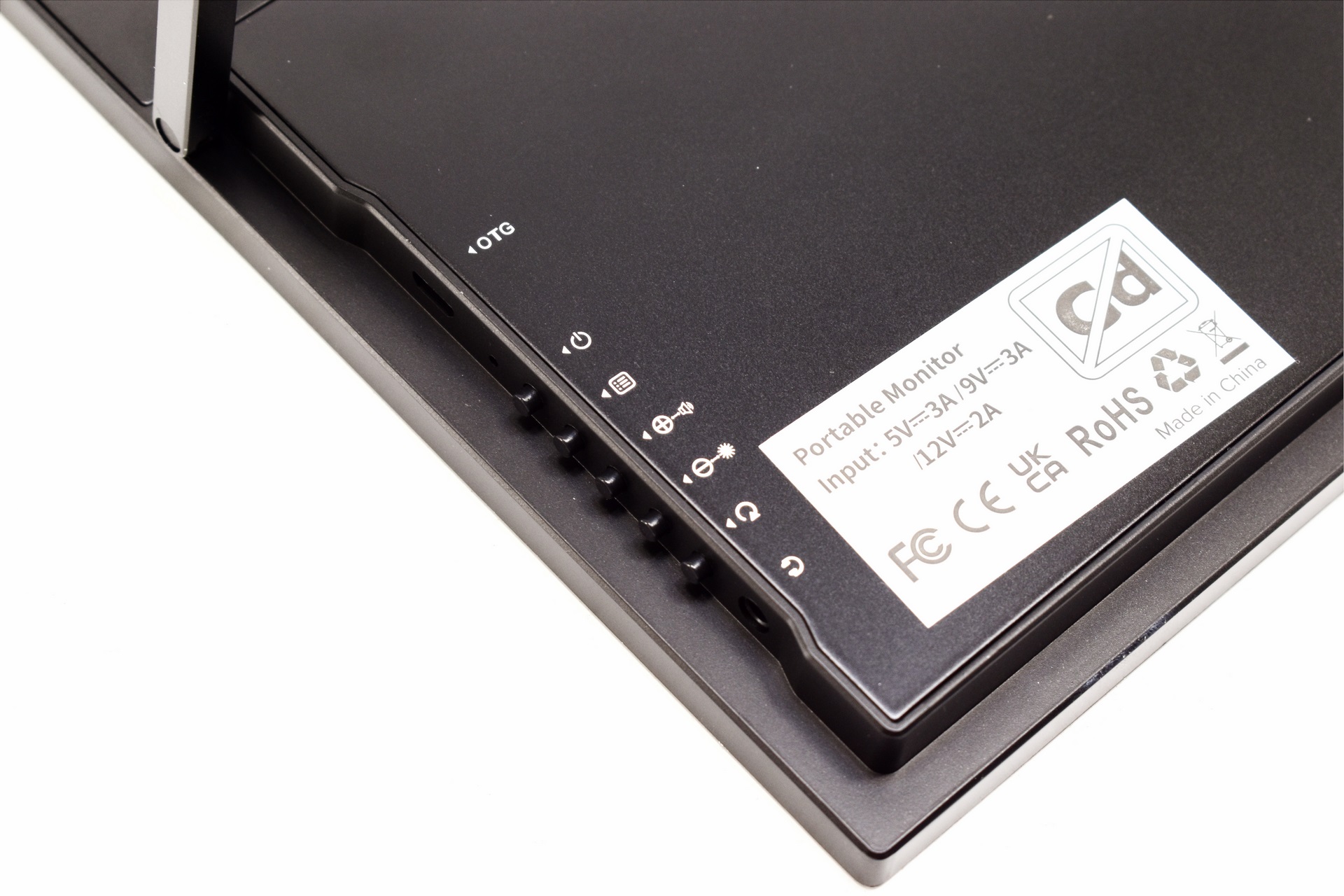
All buttons are located at the right rear of the monitor as seen above (all tagged) right next to the OTG port.
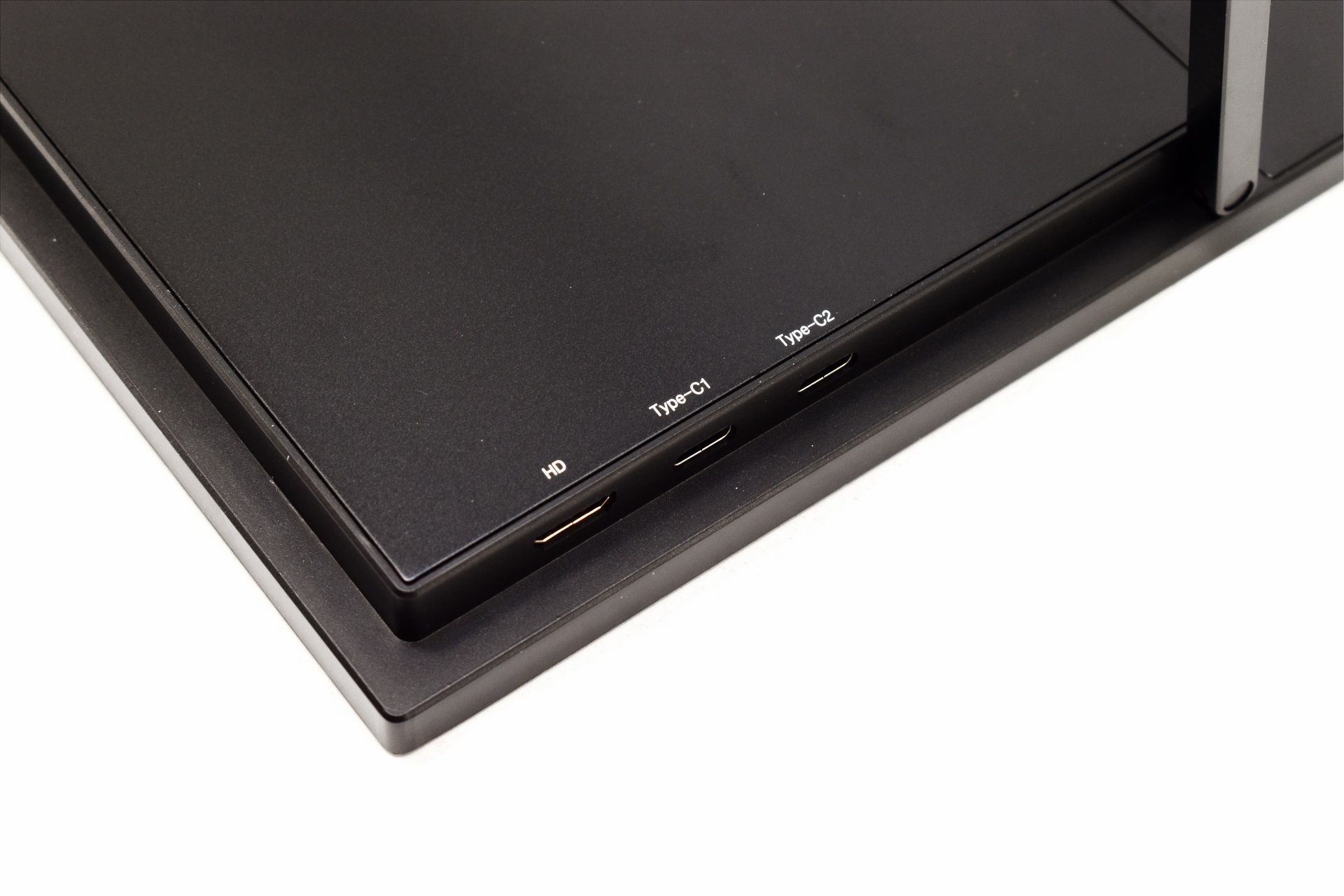
The mini-HDMI port and the two USB-C ports are located at the rear left.
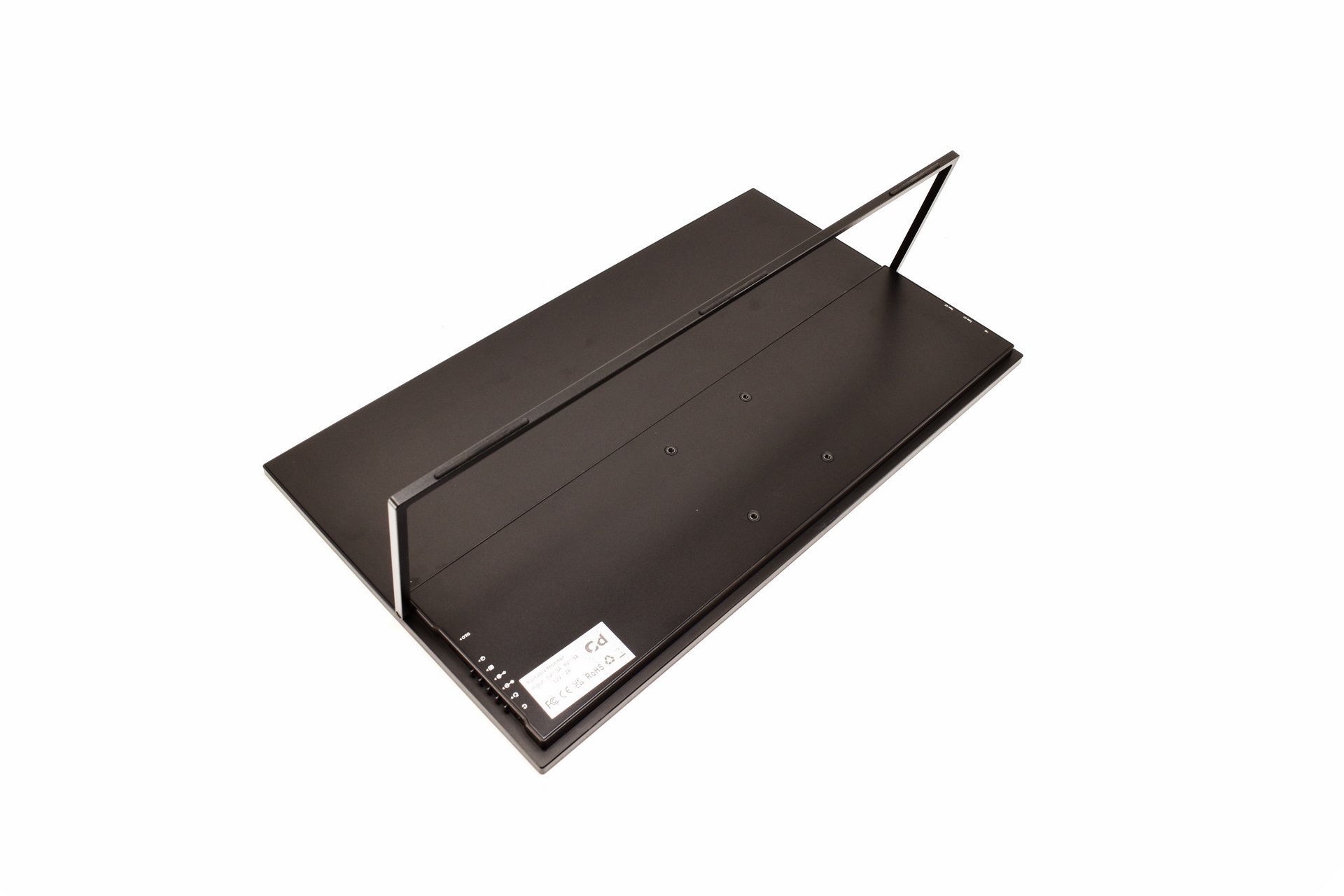
UPERFECT has placed a useful stand at the rear via which you can adjust the angle/height of the monitor.
MENUS
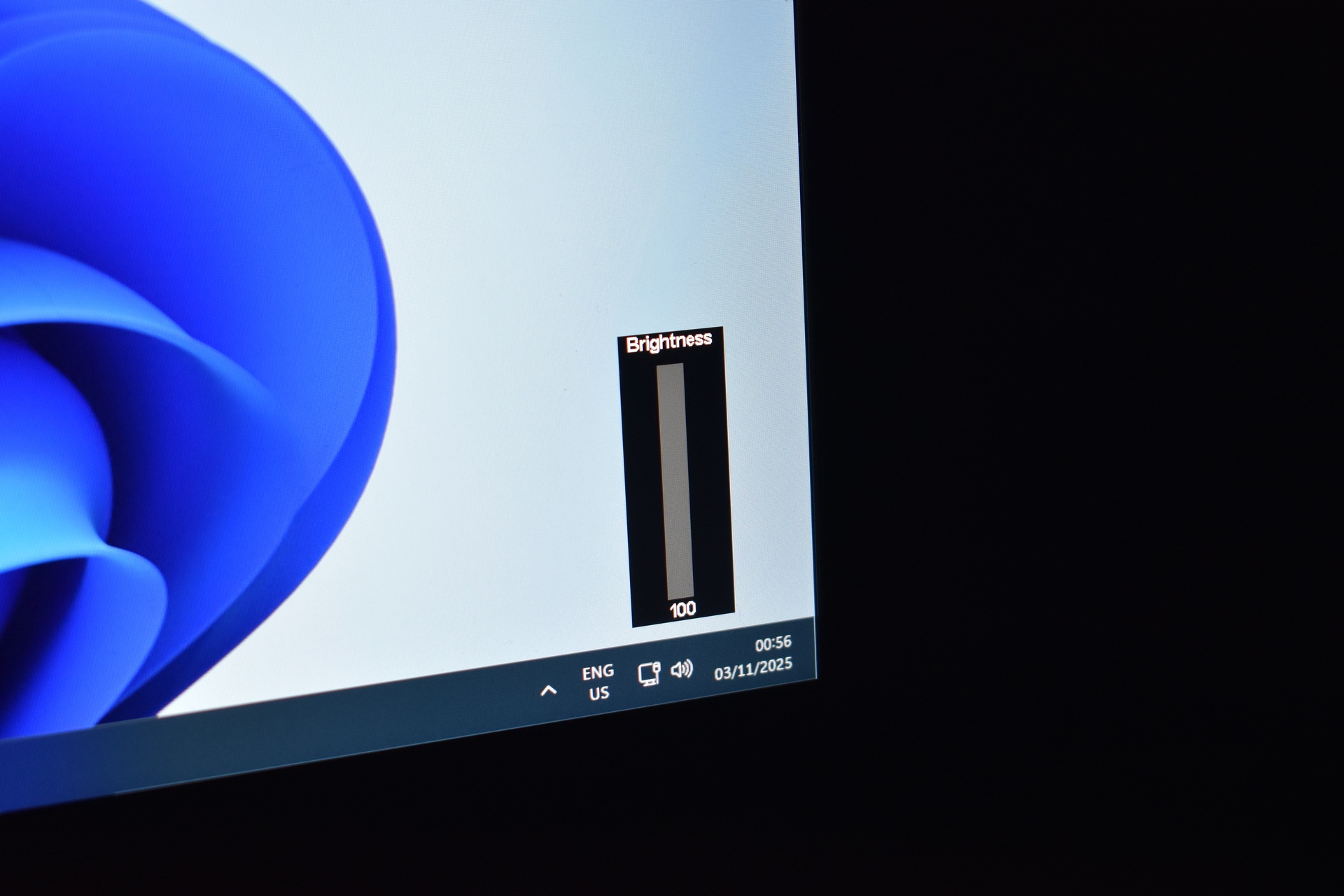
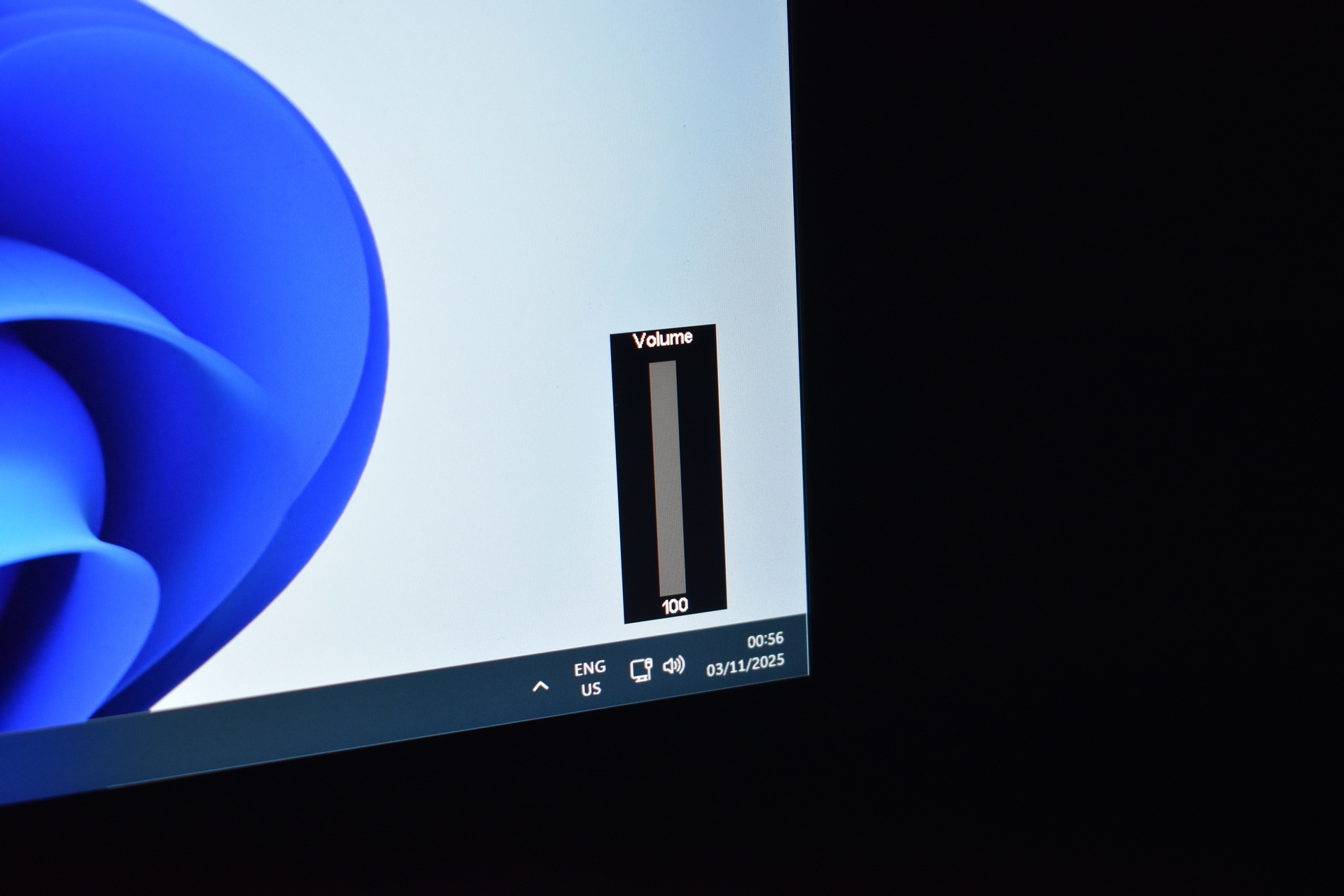
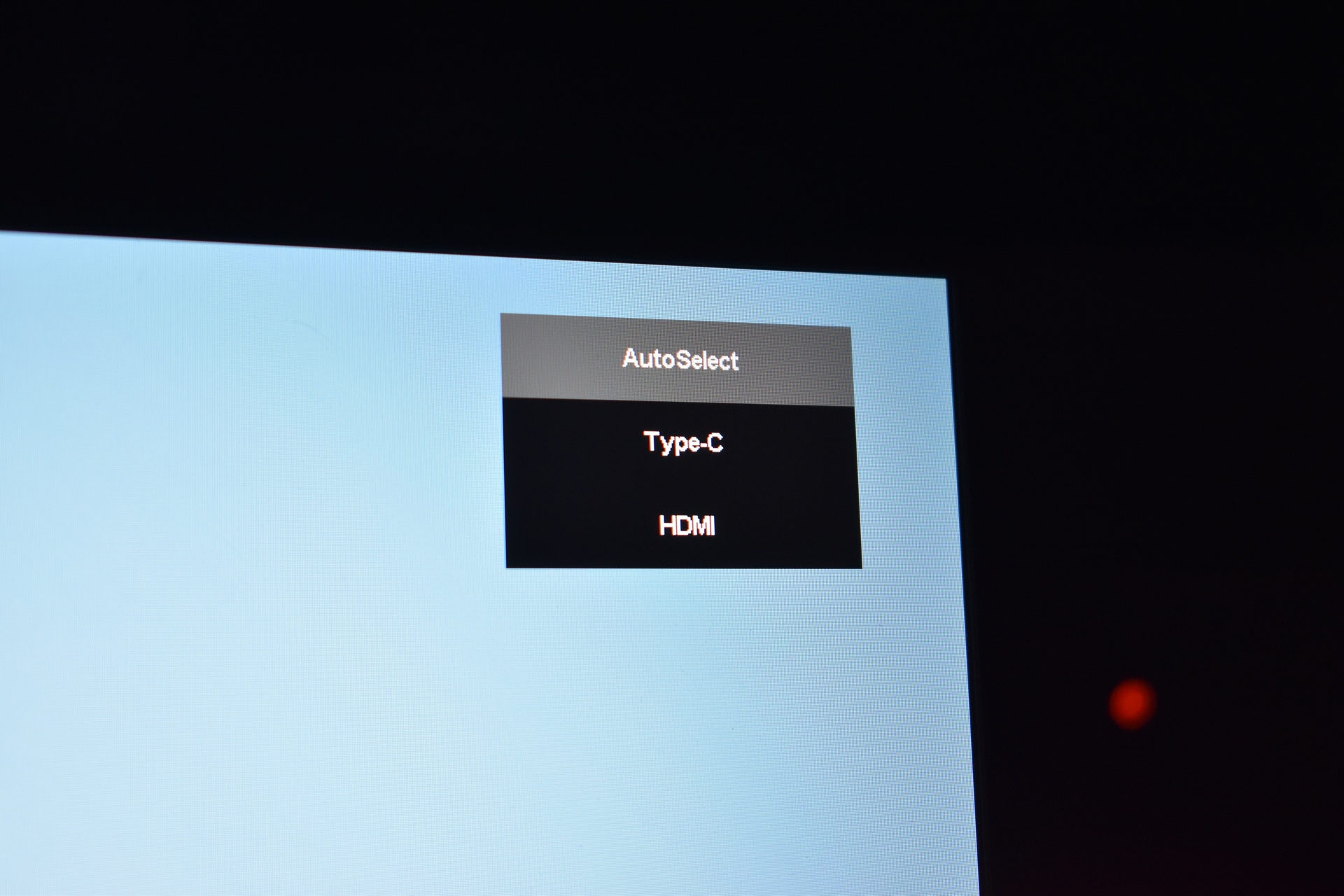
The Umax 22 Touch has several menus which you can access from the right buttons starting from the quick volume and brightness adjusters and input.
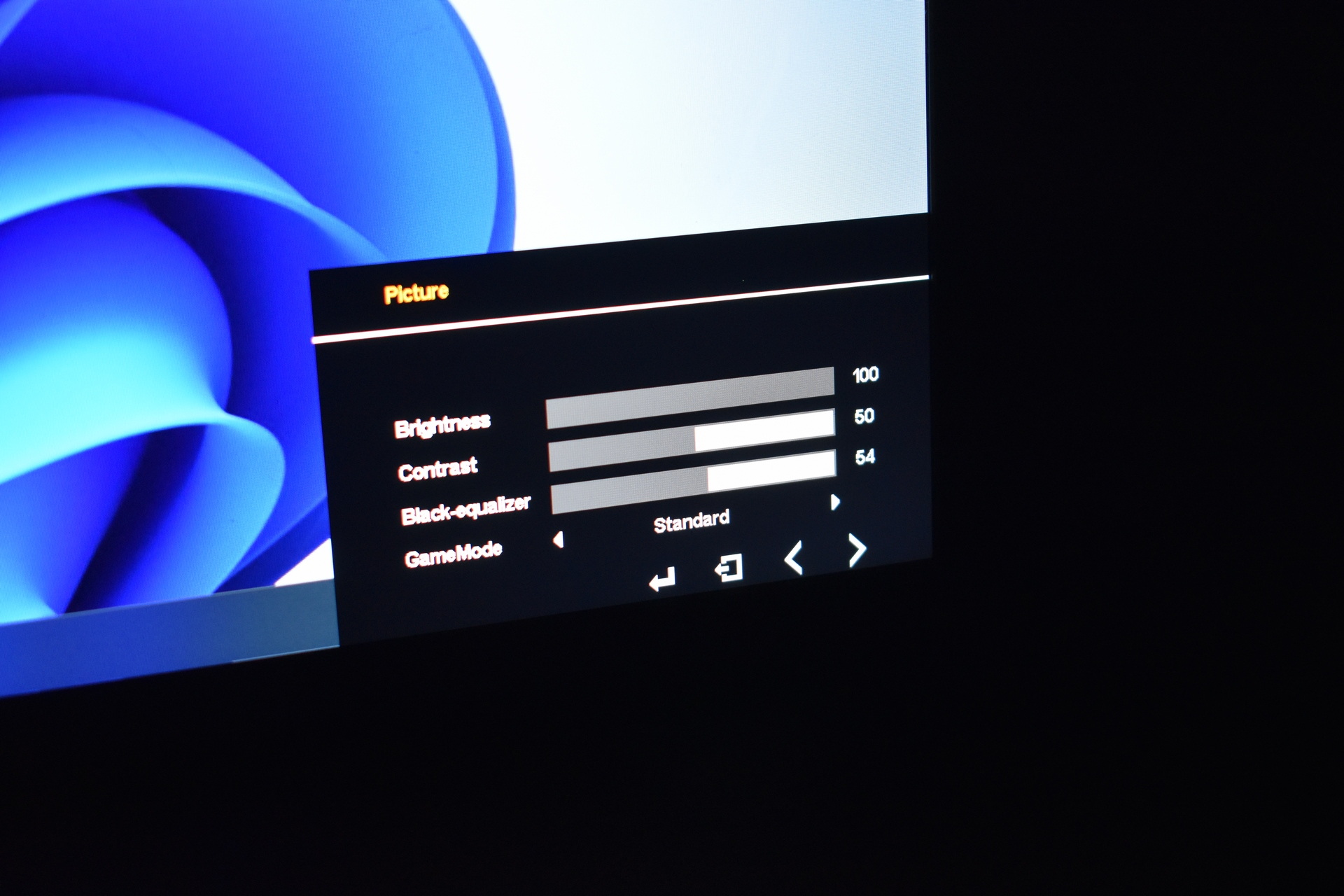
The main tabs contain multiple settings so from the picture tab you can adjust brightness, contrast, black-equalizer and choose one of the available game modes.
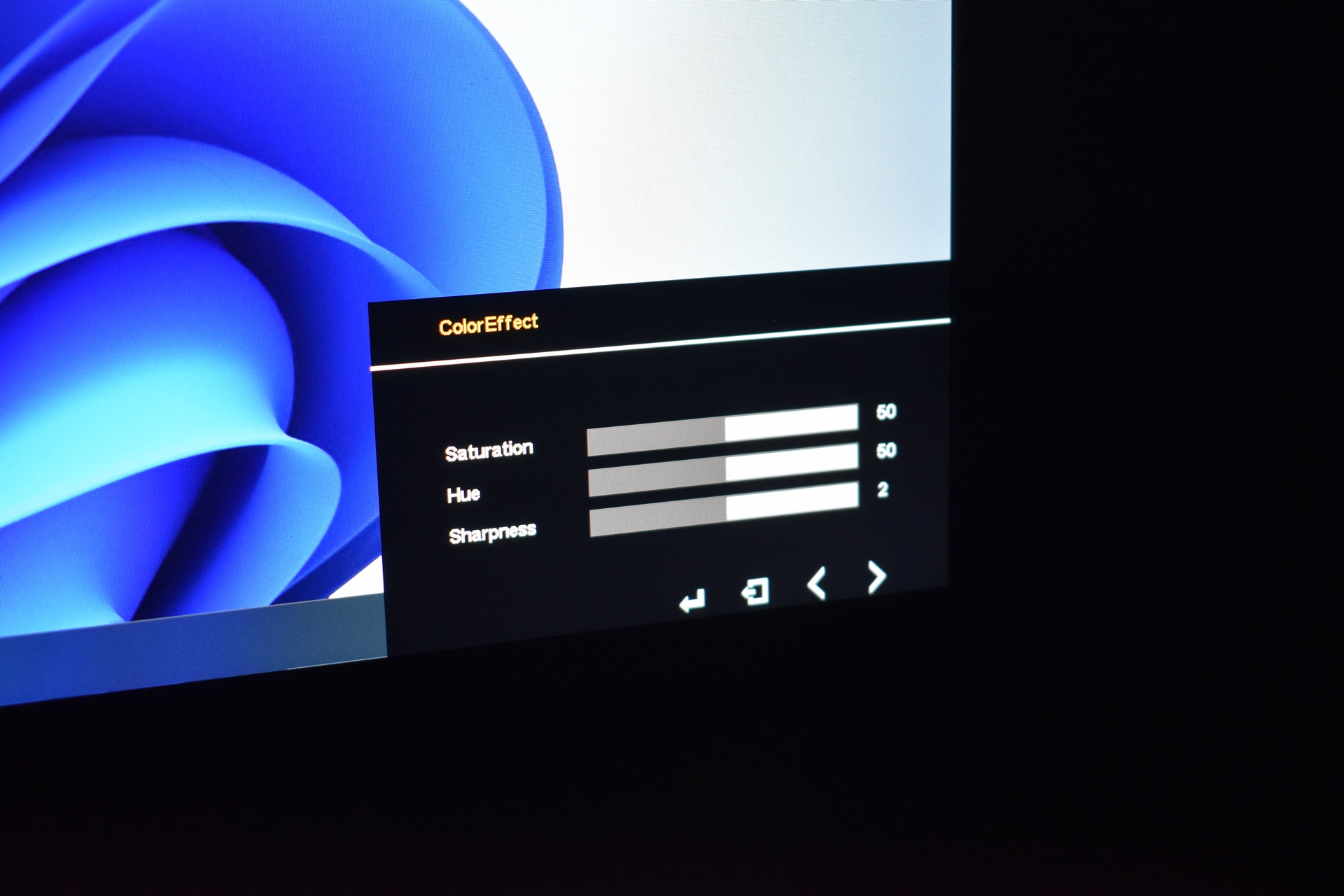
From inside the coloreffect tab you can adjust the saturation, hue and sharpness.
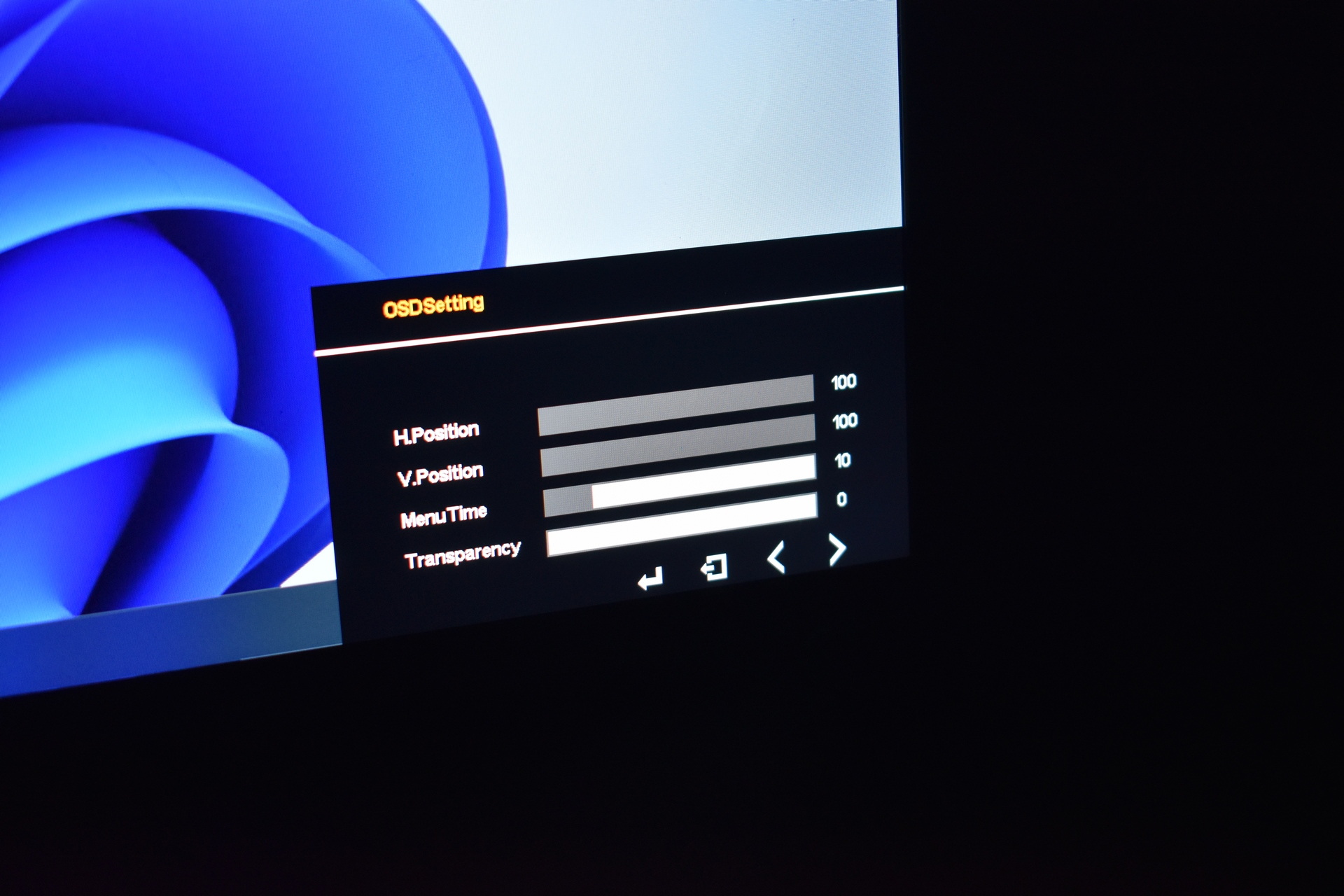
The OSD setting tab allows you to change the position, timeout and transparency of these menus.
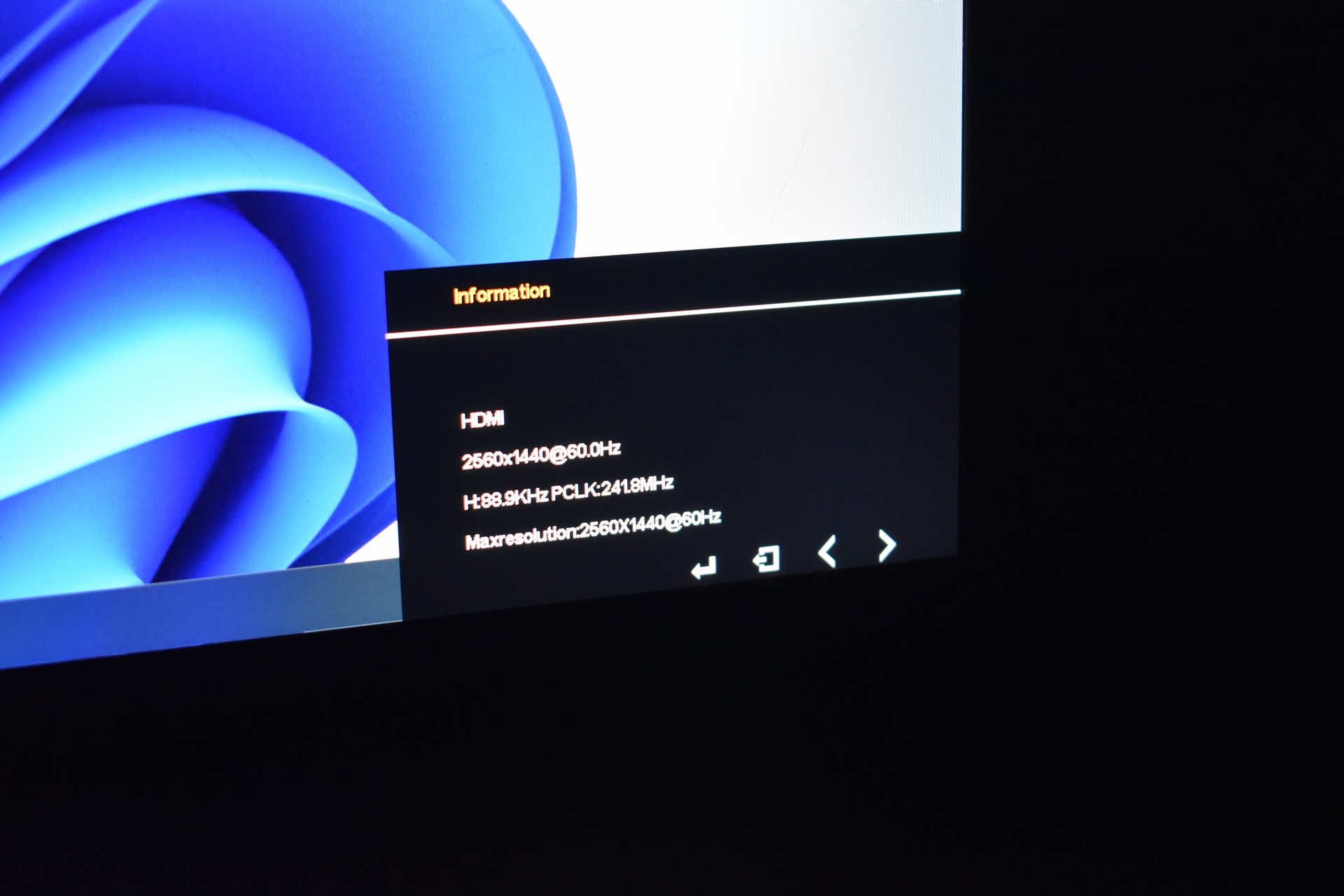
You can check the current input, resolution and refresh rates from the information tab.
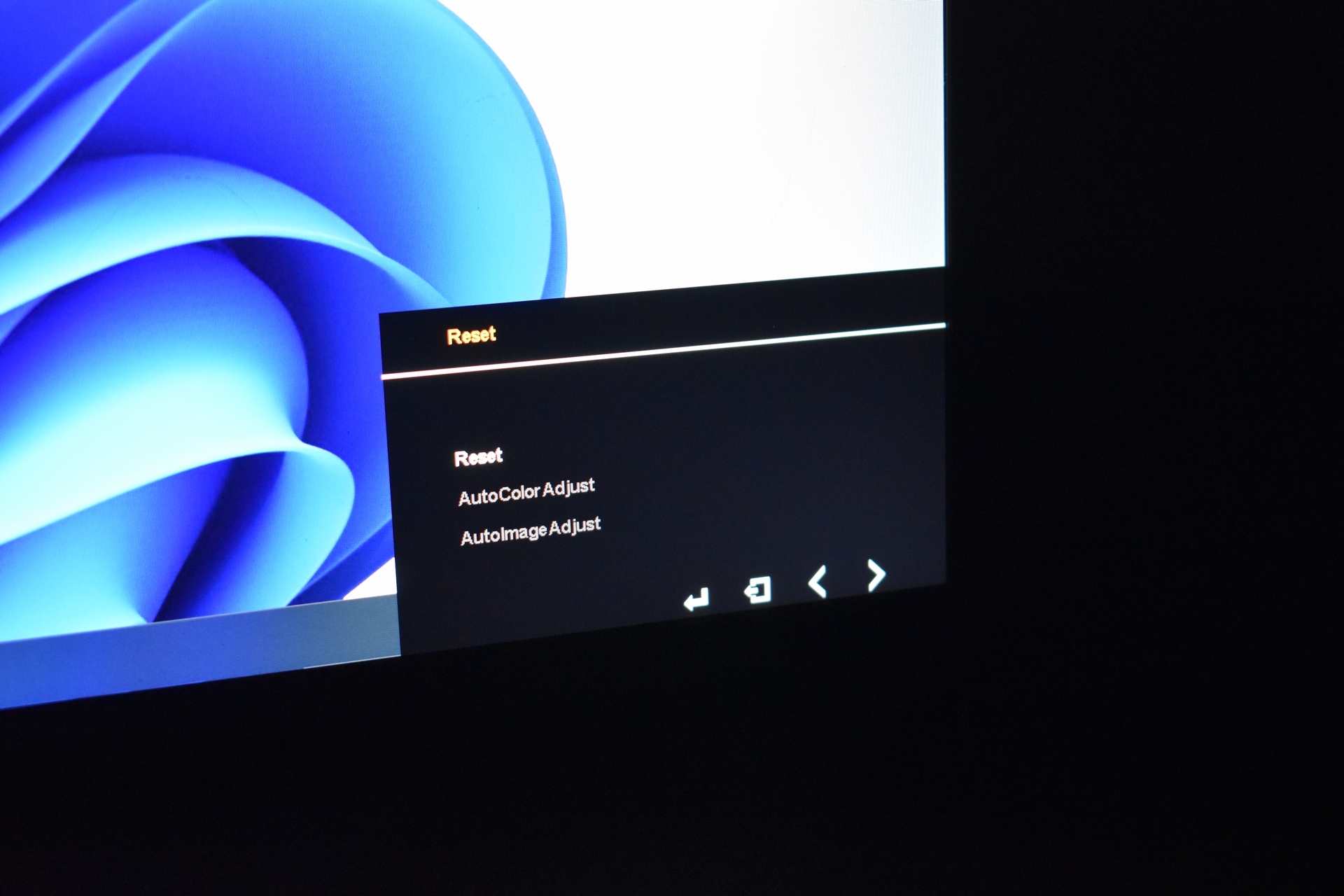
The reset tab does just that but also allows for autoimage and autocolor adjustment.
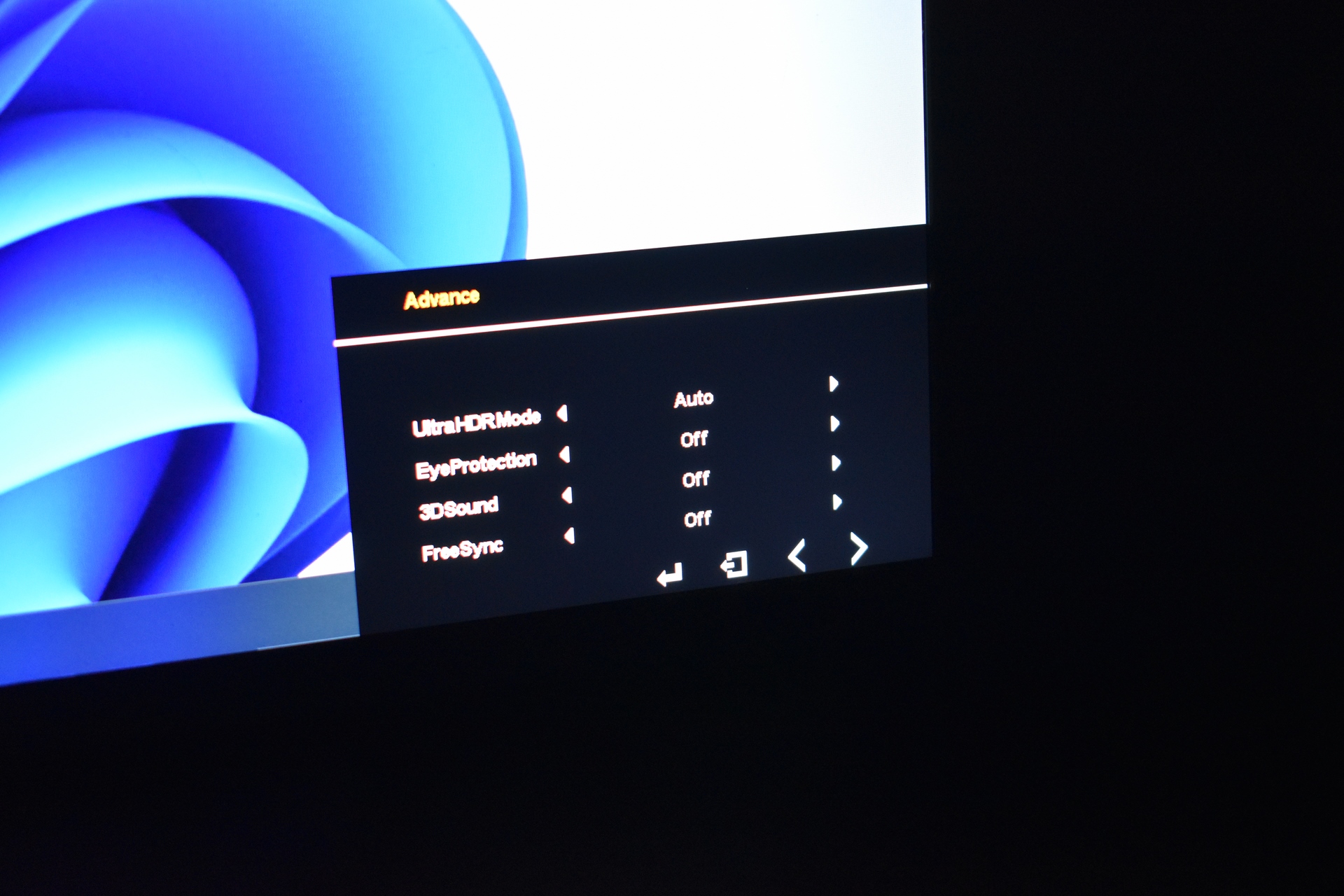
Inside the advanced tab you'll find the HDR, 3D sound, eye protection and FreeSync settings.
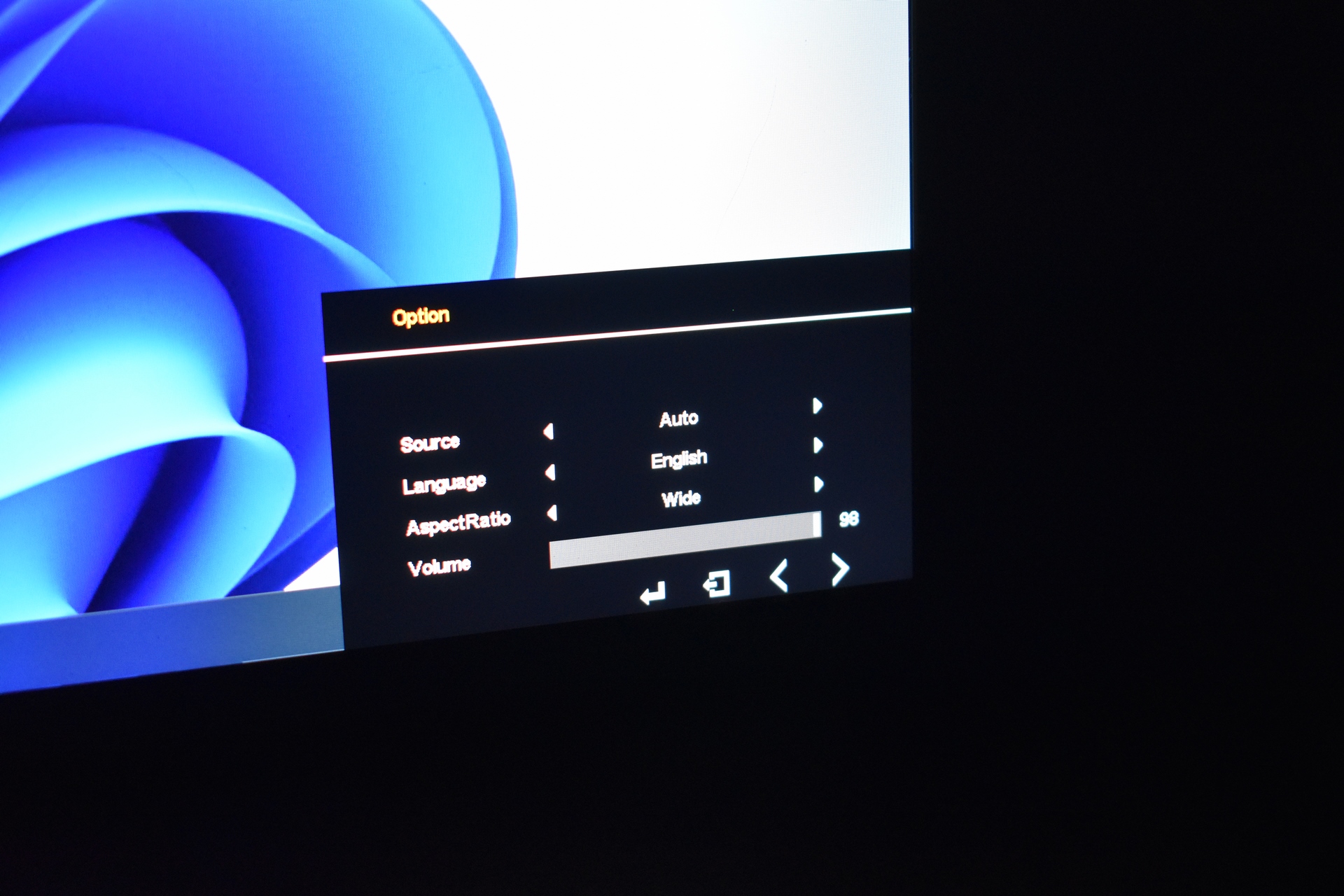
Source, language, aspect ratio and volume level are all placed inside the option tab.
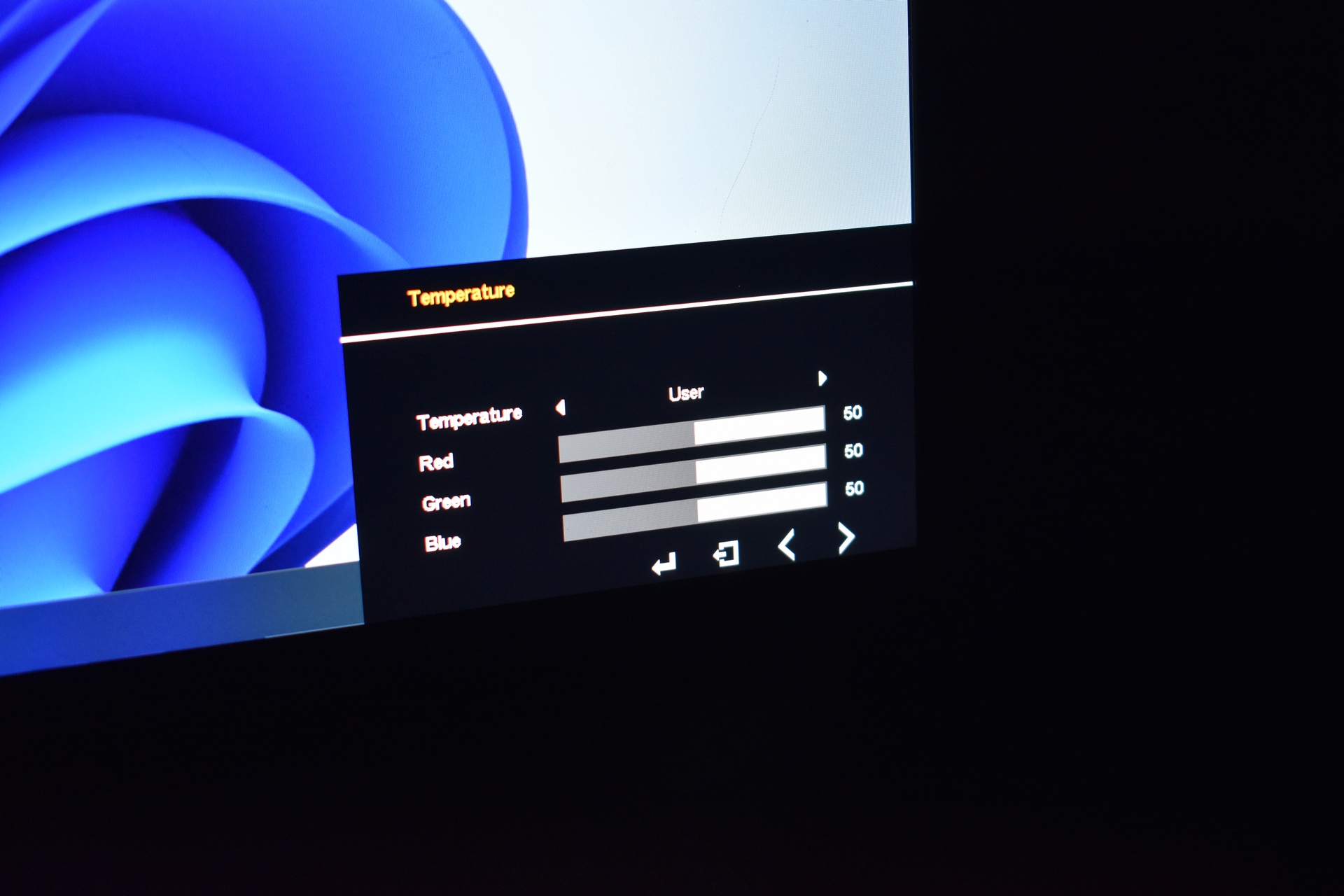
The temperature along with the RGB sliders are all placed in the temperature tab.
VIEWING ANGLES / PICTURE QUALITY



The Umax 22 Touch portable monitor may not be 4K and thus doesn’t produce the same sharpness and image clarity as such models, but it does produce good color accuracy while the 22 inches are certainly not something we’ve seen a lot in this industry (not until just recently that is). With a refresh rate of 60Hz however if you plan on using it for gaming I’d suggest checking one of the other models in the UPERFECT lineup.

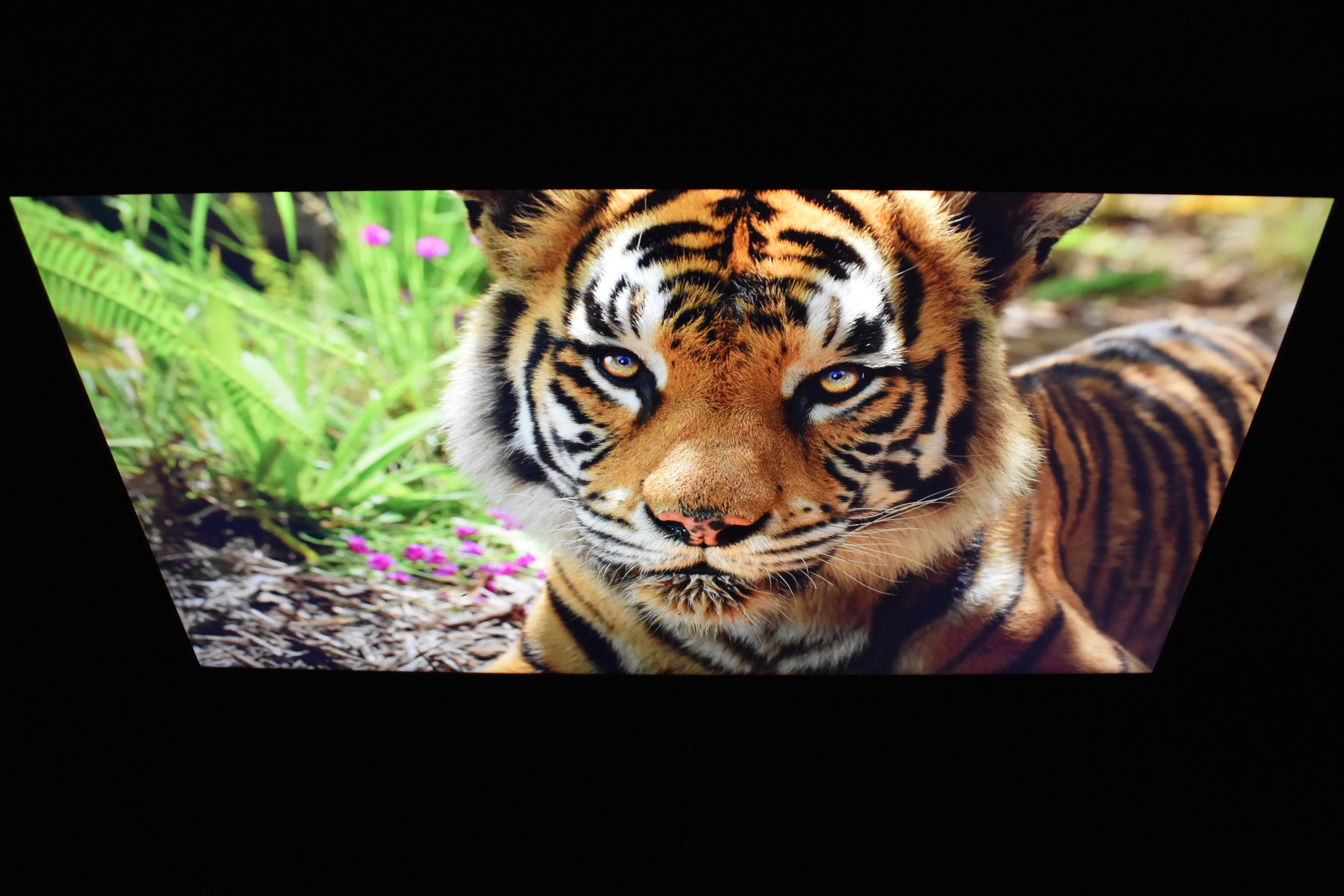
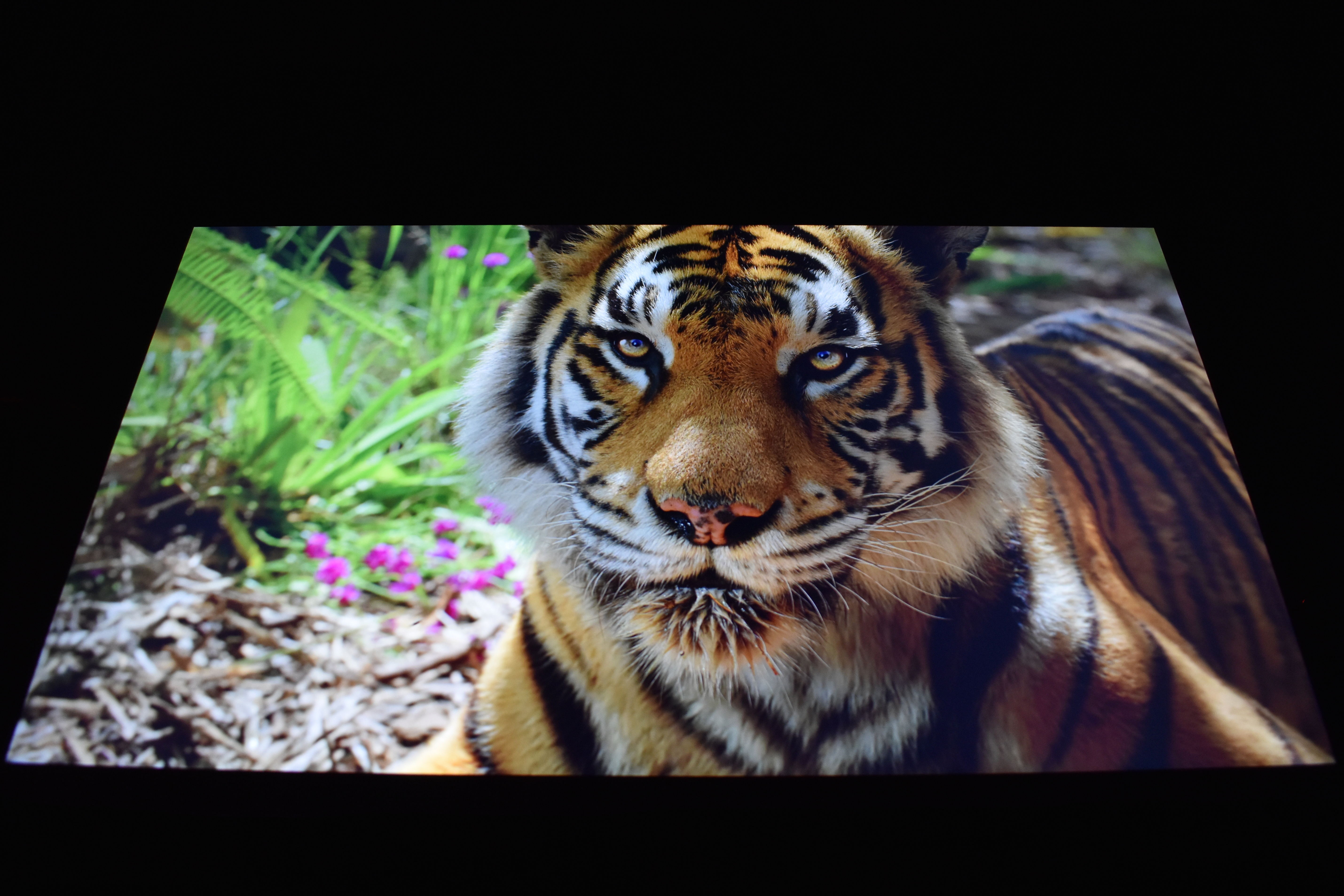
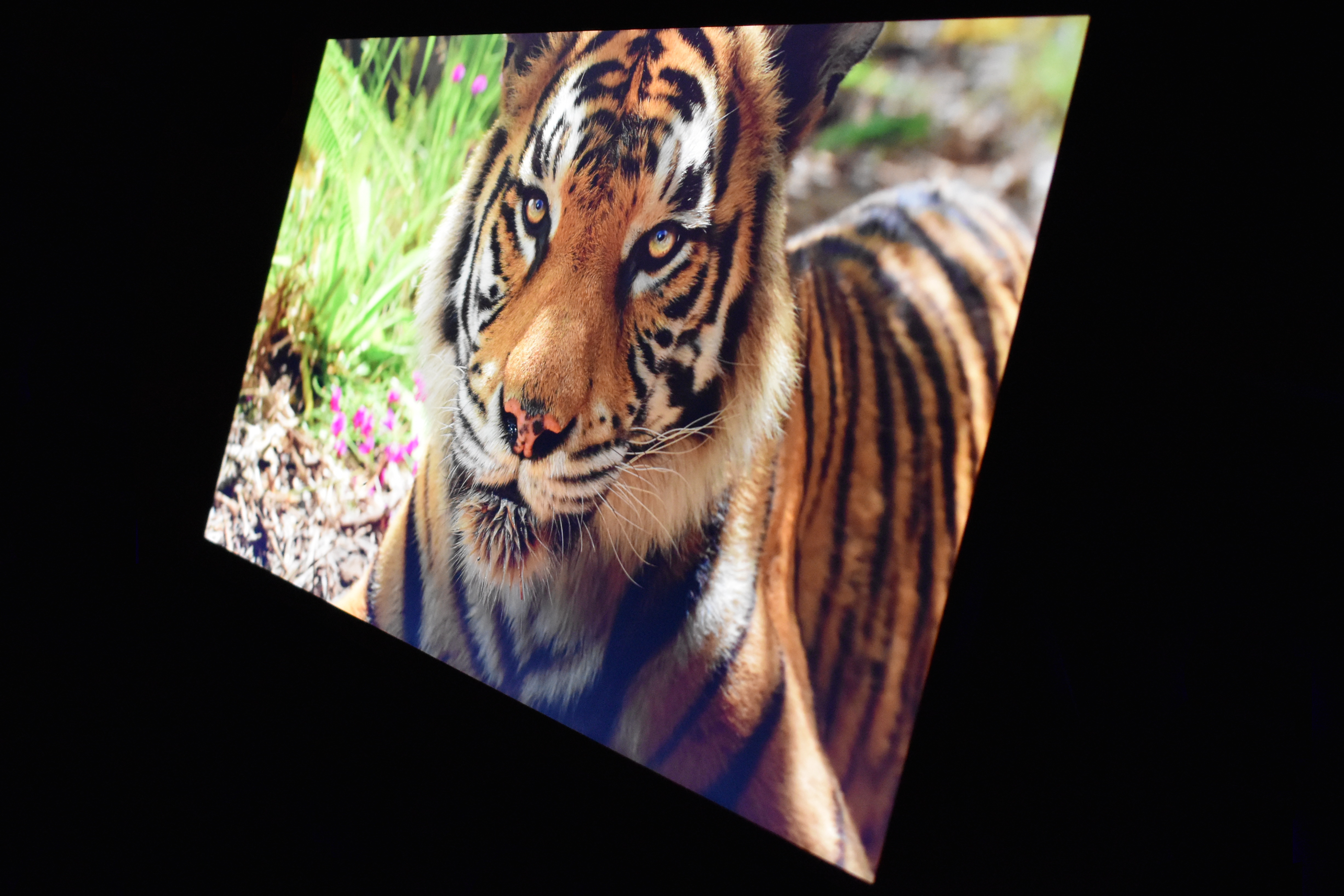
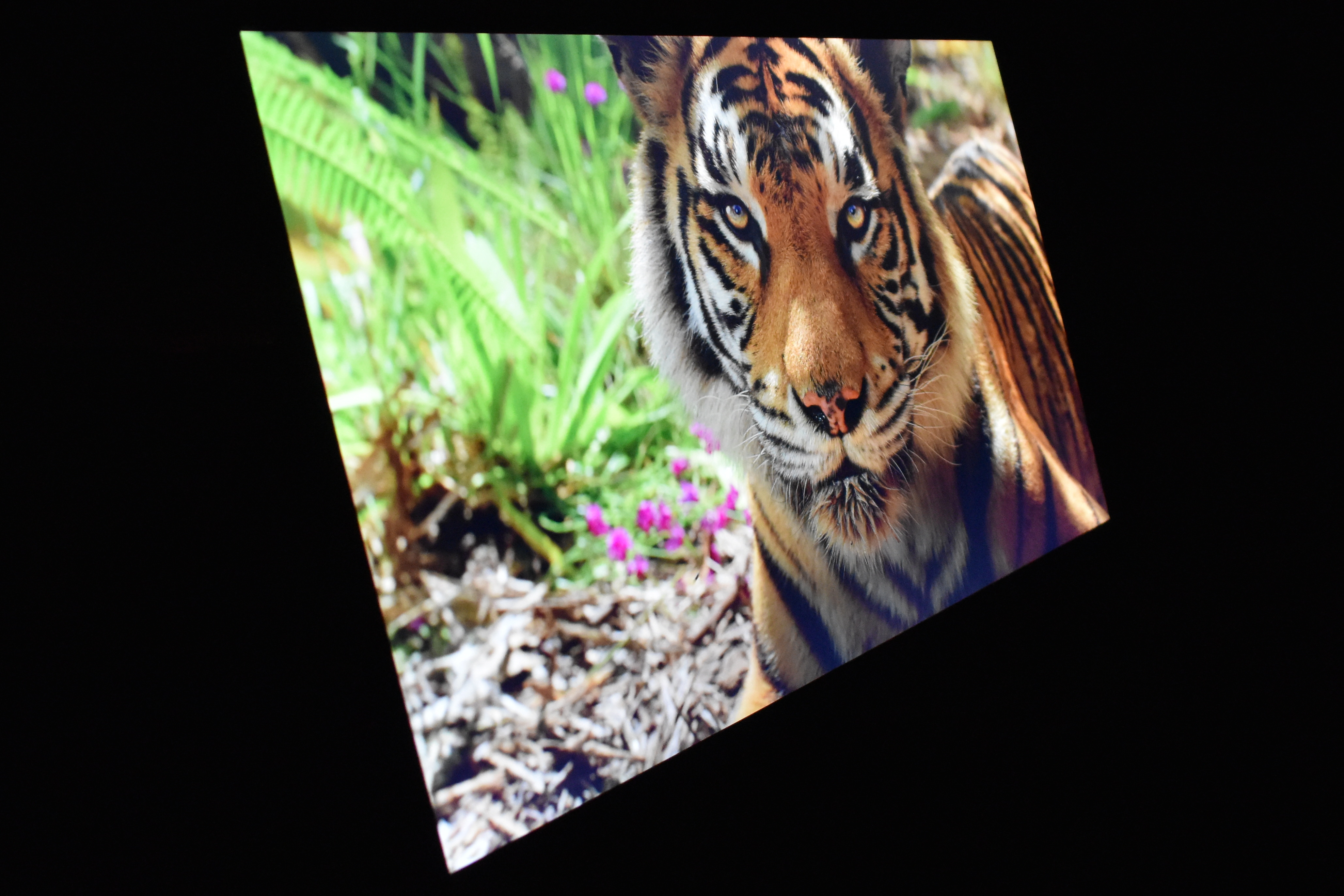
Viewing angles are good overall with sole exception when watching from bellow something which I doubt will be of concern for people reading these lines.
TEST RESULTS
DATACOLOR SPYDER PRO MEASUREMENTS
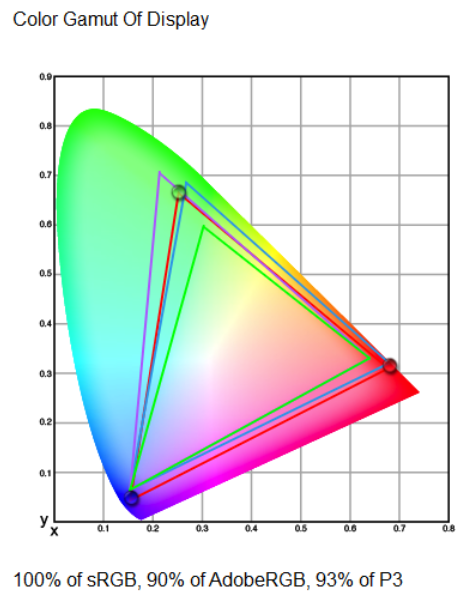
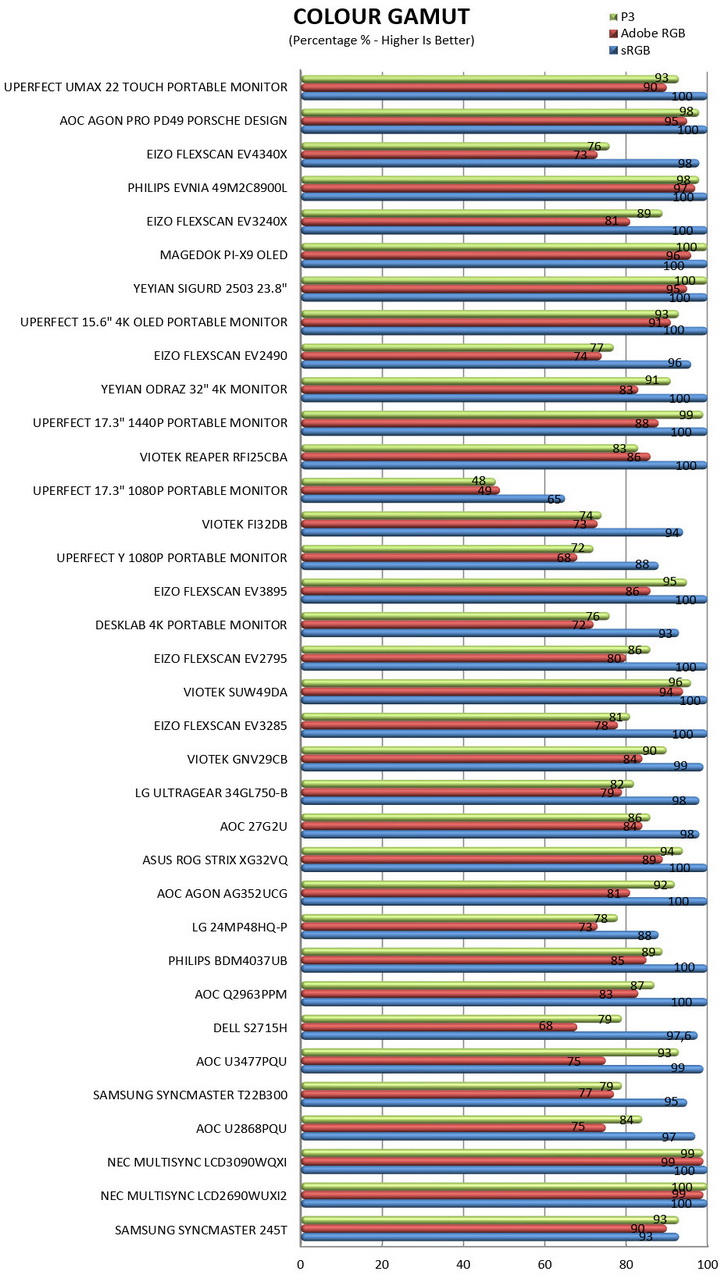
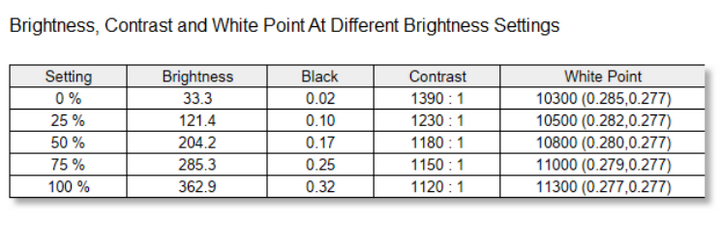
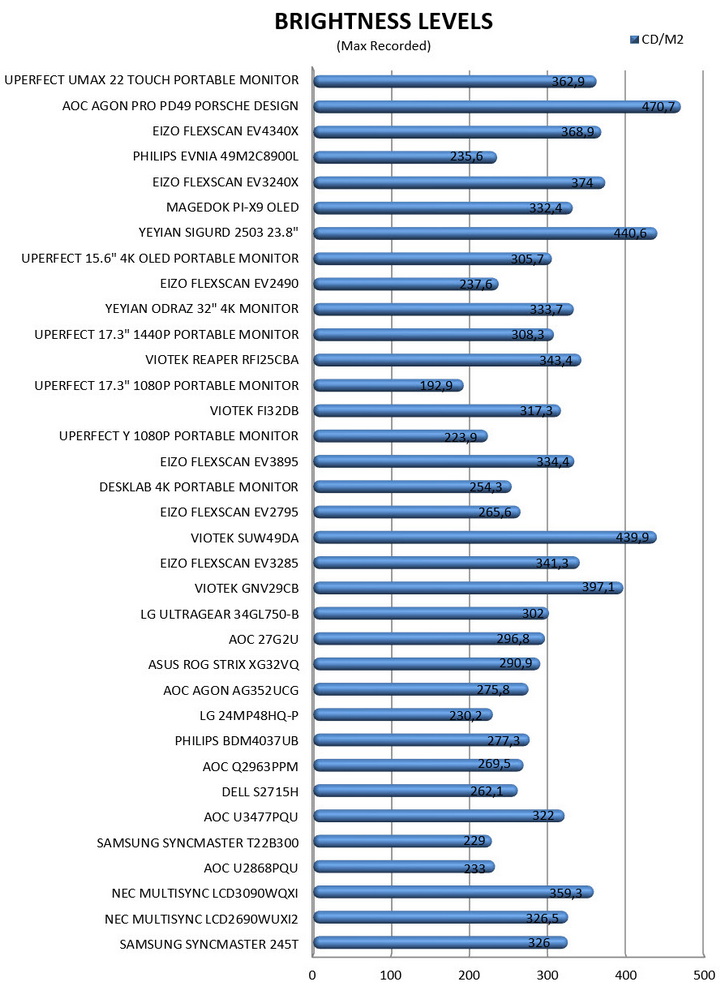 By using the Spyder Pro (2024) Colorimeter by Datacolor I measure both the color gamut (SRGB, AdobeRGB & P3) and the brightness levels of the monitor at hand.

Here you can see results for Color and Luminance Screen Uniformity (instead of just listing results at 100% brightness I’m listing all of them - 50/67/83/100%).
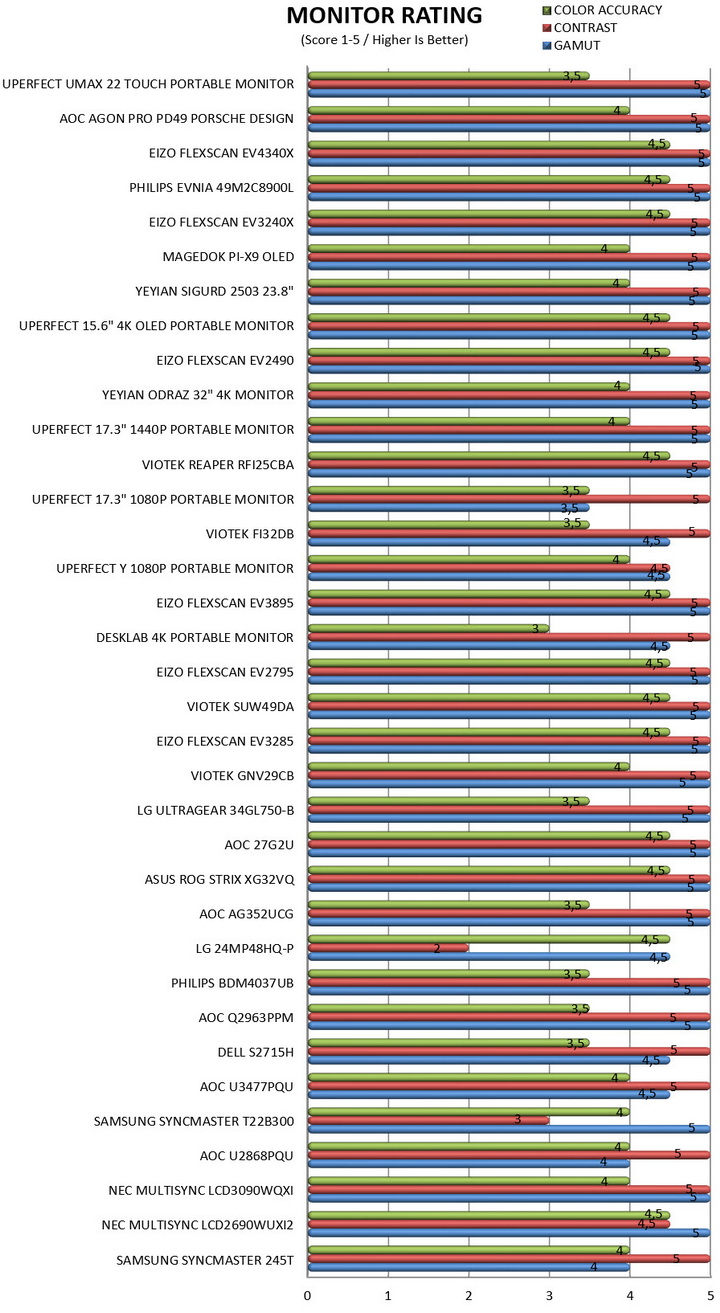
Datacolor rates monitors based on their overall results, so it was decided to include this chart as well.
POWER CONSUMPTION
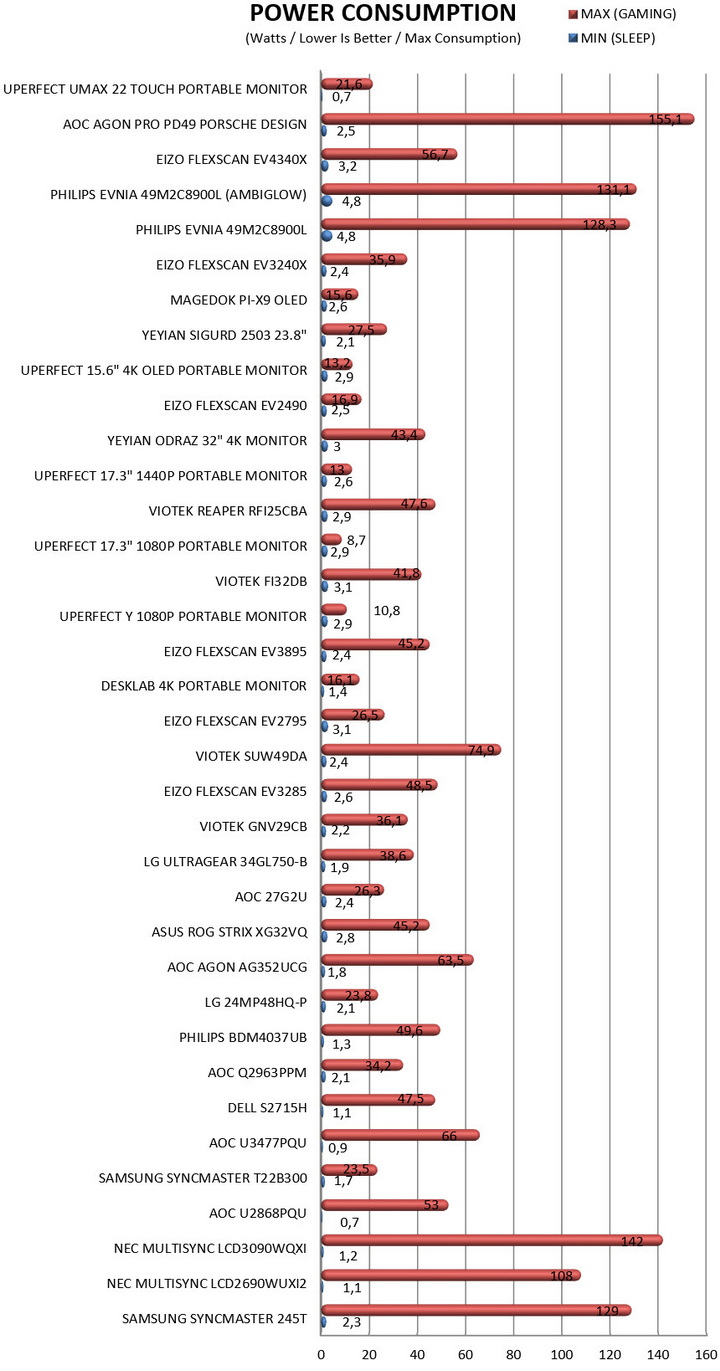
Power consumption may not be what most people look for when out to get a brand new monitor but at the end of the day it's still an important factor, so I do hope this is of interest to some of you.
CONCLUSION
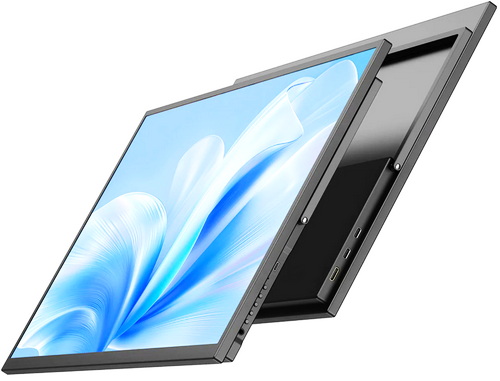
Even though thanks to its color reproduction the QLED panel UPERFECT has used with the Umax 22 Touch is good enough for most uses it does fall back compared to 4K models in terms of sharpness, even more so when those models are based on OLED panels. The good news is that with a 22 inch surface most consumers (non-demanding ones) will feel inclined to ignore everything else and well, if size is the goal I agree with them. One of the things that did surprise me a bit was power consumption. UPERFECT reports 16W whereas during my tests the Umax 22 Touch never dropped under 20W (and the touch version should be even more power hungry). Yes, this isn’t really a serious issue but percentagewise this is quite the difference (around 35-40%) so it’s worth mentioning. The two speakers are nothing to get excited over, but they are good enough I guess for a mid-end portable monitor. What I liked a lot about the Umax 22 Touch was its stand which you can adjust at will to change the height/angle of the screen. I was hoping I could test the touch function of the Umax 22 Touch as well but for some strange reason UPERFECT sent us the non-touch version.
You can grab your very own Umax 22 Touch portable monitor (non-touch version) for just USD259.99/225.70Euros directly from UPERFECT (NikKTech50 for 50$/43Euros off at checkout for purchases over USD300/260Euros - NikKTech60 for 60$/52Euros off purchases over USD400/350Euros). At the end of the day the Umax 22 Touch portable monitor by UPERFECT may not be perfect but thanks to its large screen, very good color reproduction, available connectivity, useful stand and low cost it deserves the Golden Award.

PROS
- Good Build Quality
- 22 Inch QLED HDR Panel
- 2560x1440p
- Good Image Quality
- 10 Point Touchscreen (Touch Model)
- Adjustable Stand
- Available Ports (Mini HDMI /3.5mm Mini Jack / 2xUSB C / OTG)
- Stereo Speakers
- Compatibility (Smartphones/Tablets/Laptops/MacBooks/PCs)
- Price (For Some)
CONS
- 60Hz Refresh Rate (Not For Fast Paced Gaming)
- Power Consumption (For Some)




