




MENUS
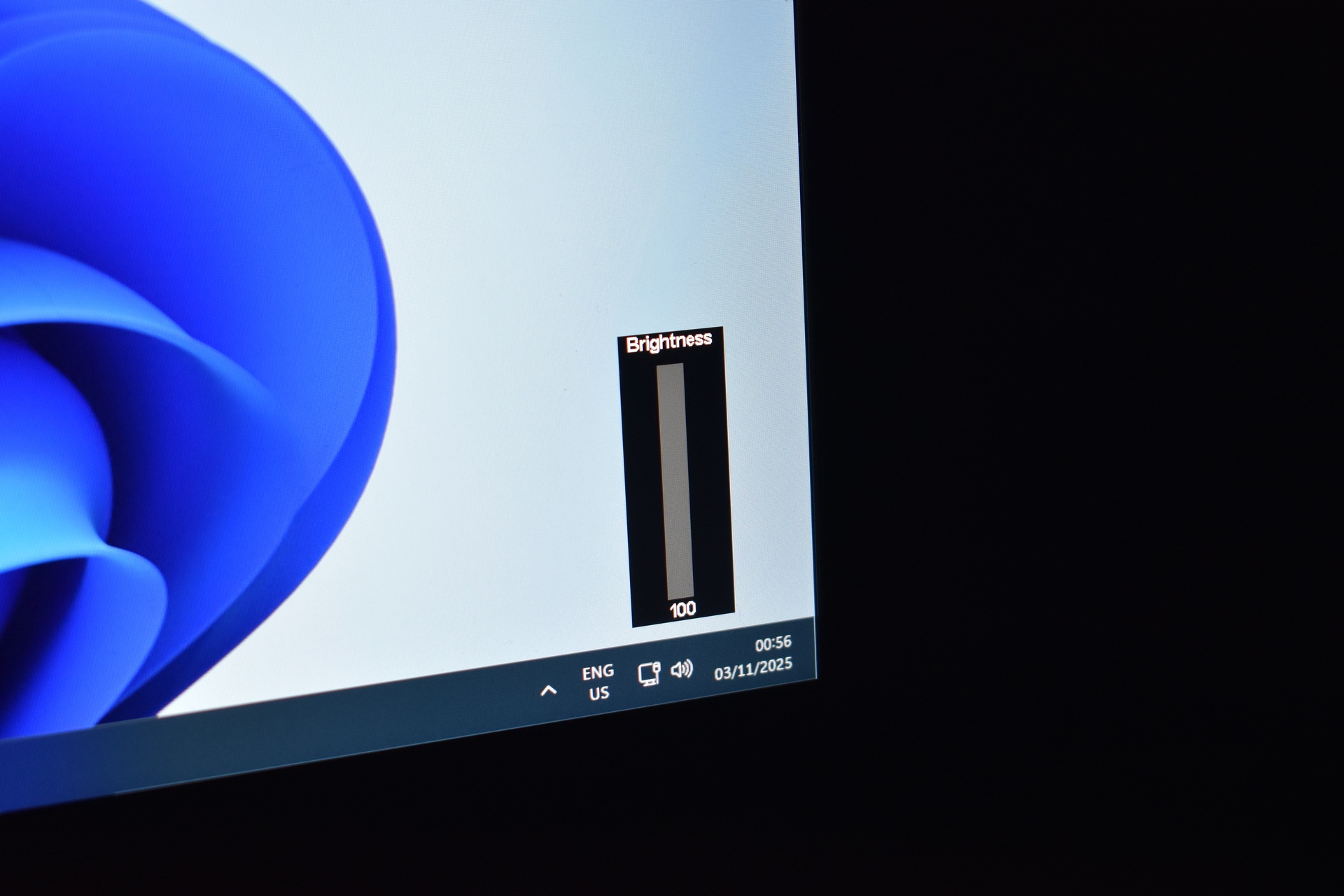
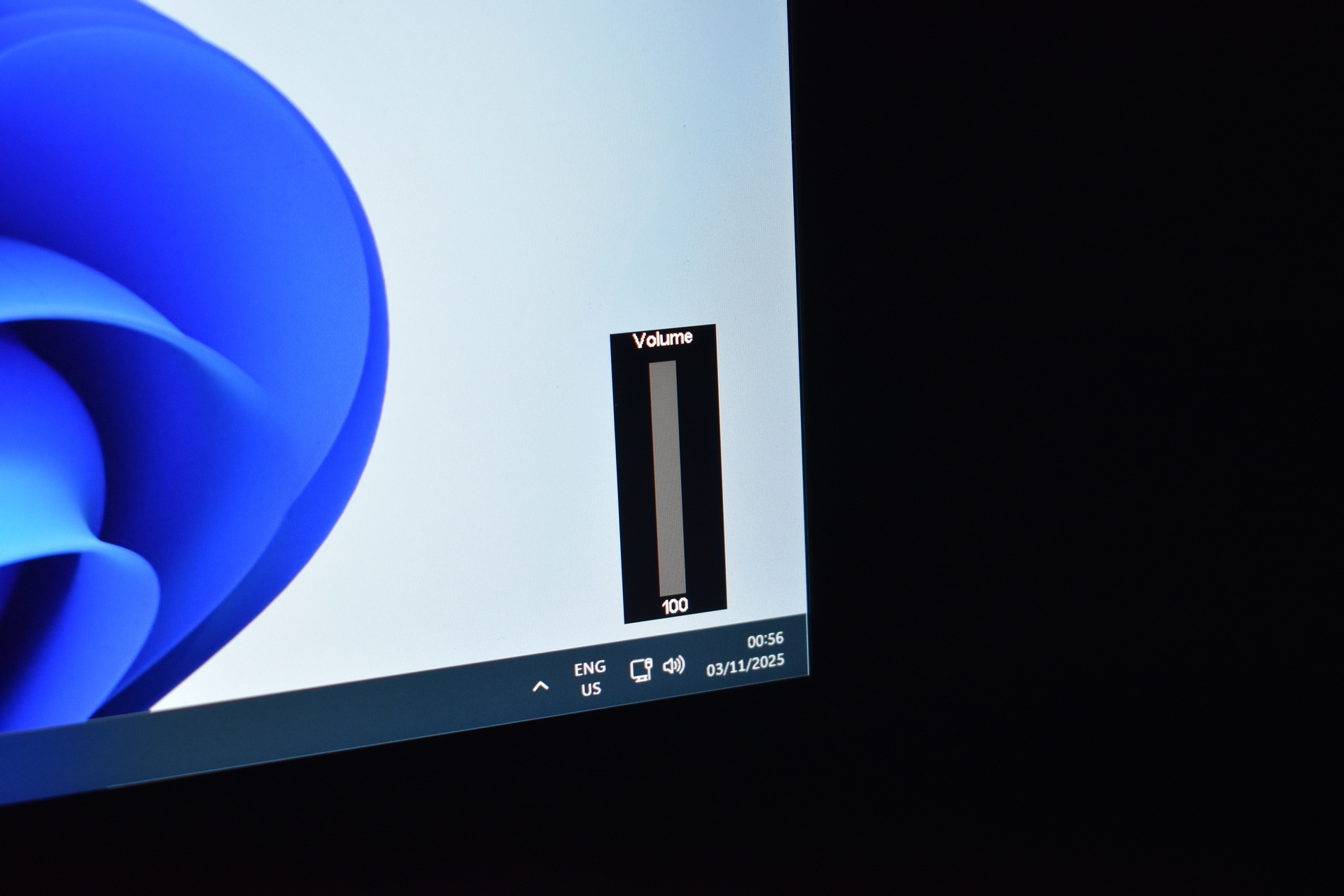
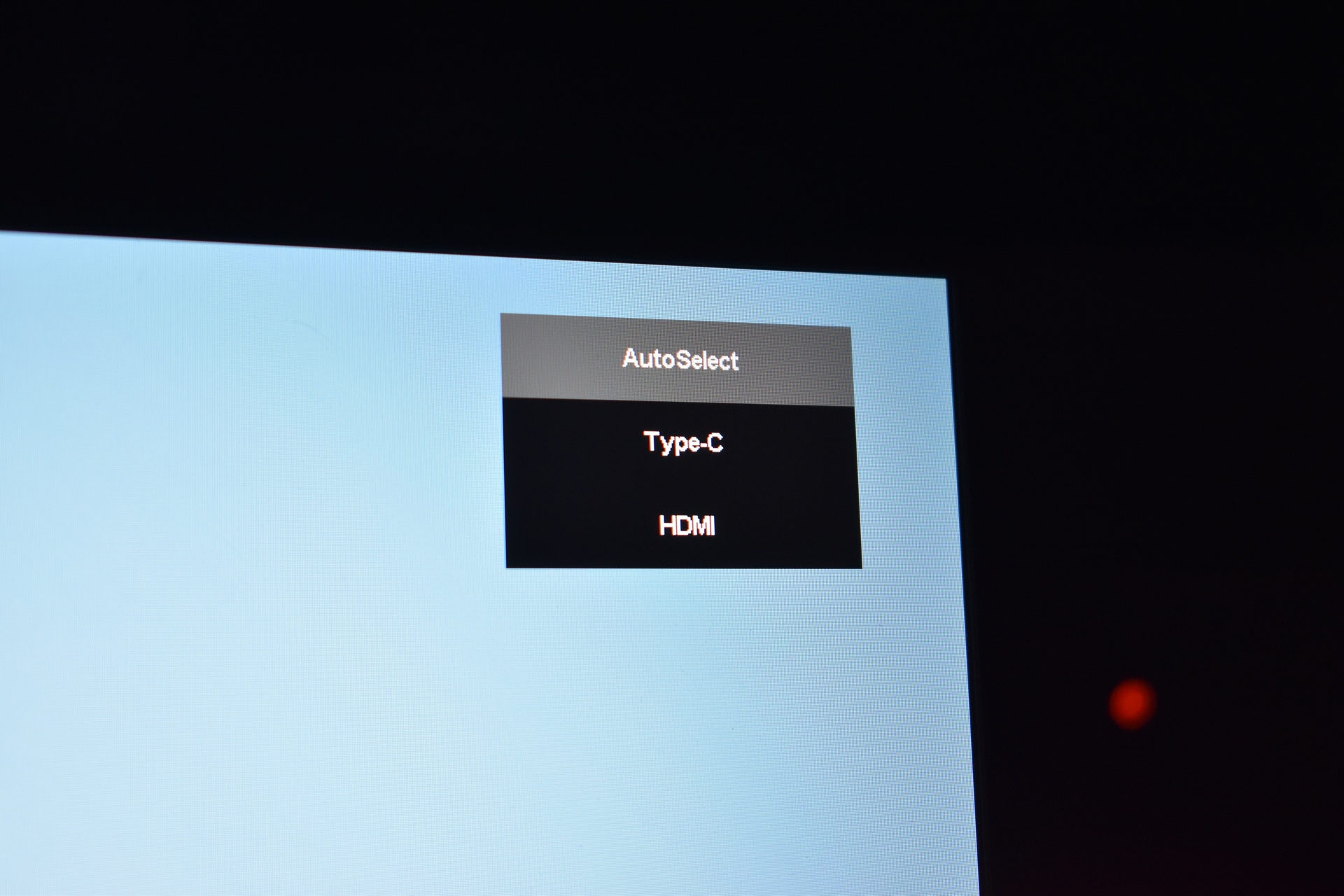
The Umax 22 Touch has several menus which you can access from the right buttons starting from the quick volume and brightness adjusters and input.
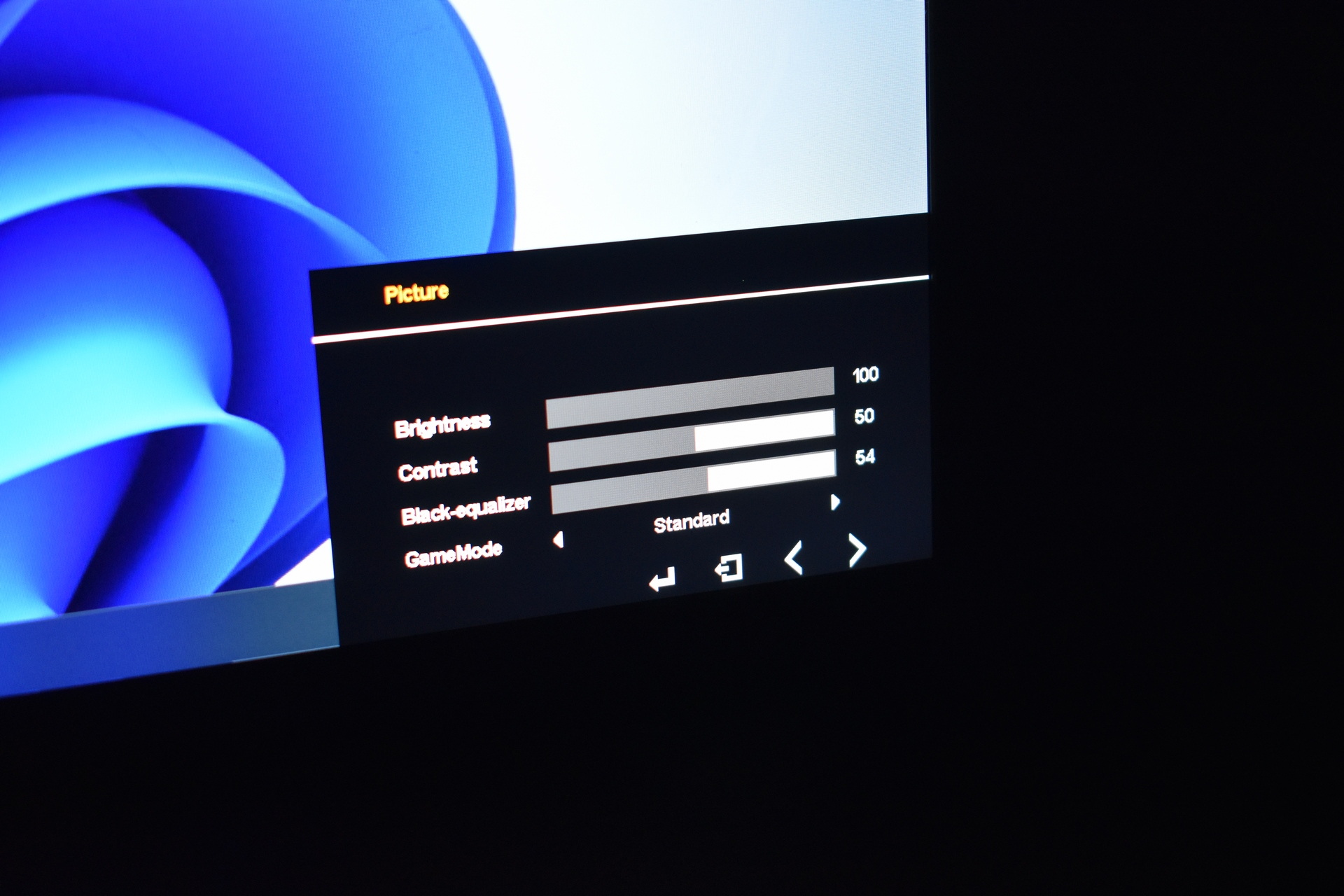
The main tabs contain multiple settings so from the picture tab you can adjust brightness, contrast, black-equalizer and choose one of the available game modes.
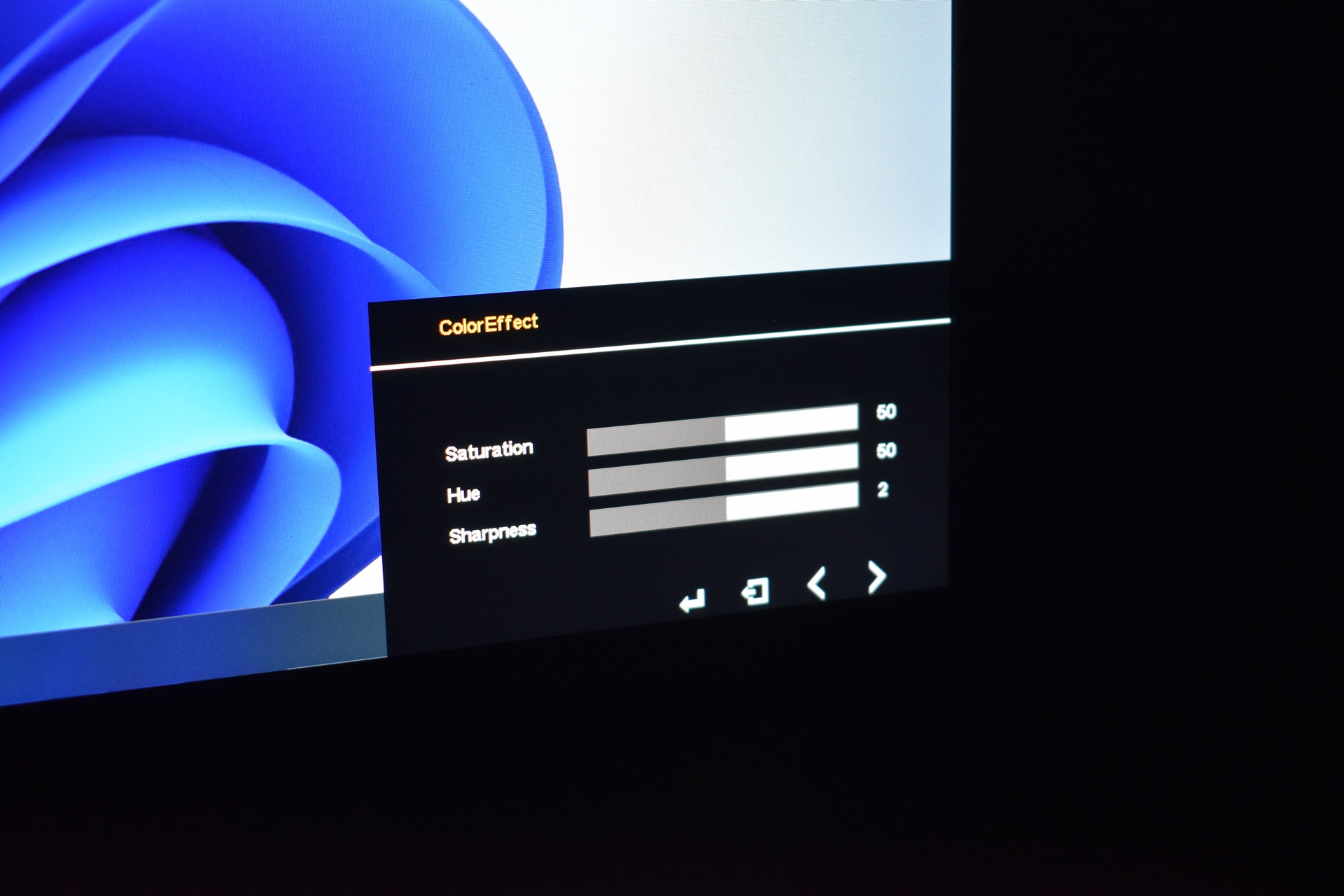
From inside the coloreffect tab you can adjust the saturation, hue and sharpness.
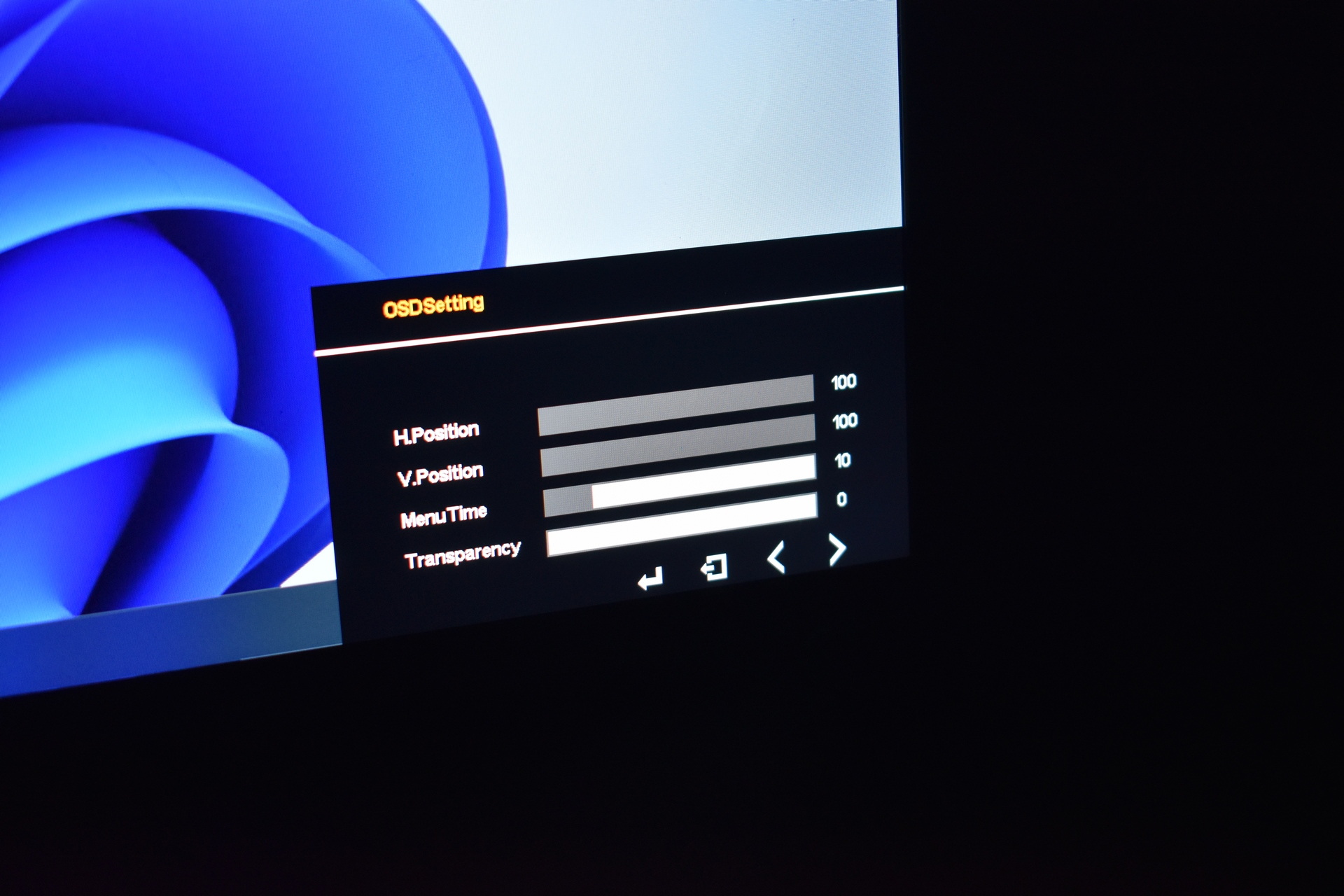
The OSD setting tab allows you to change the position, timeout and transparency of these menus.
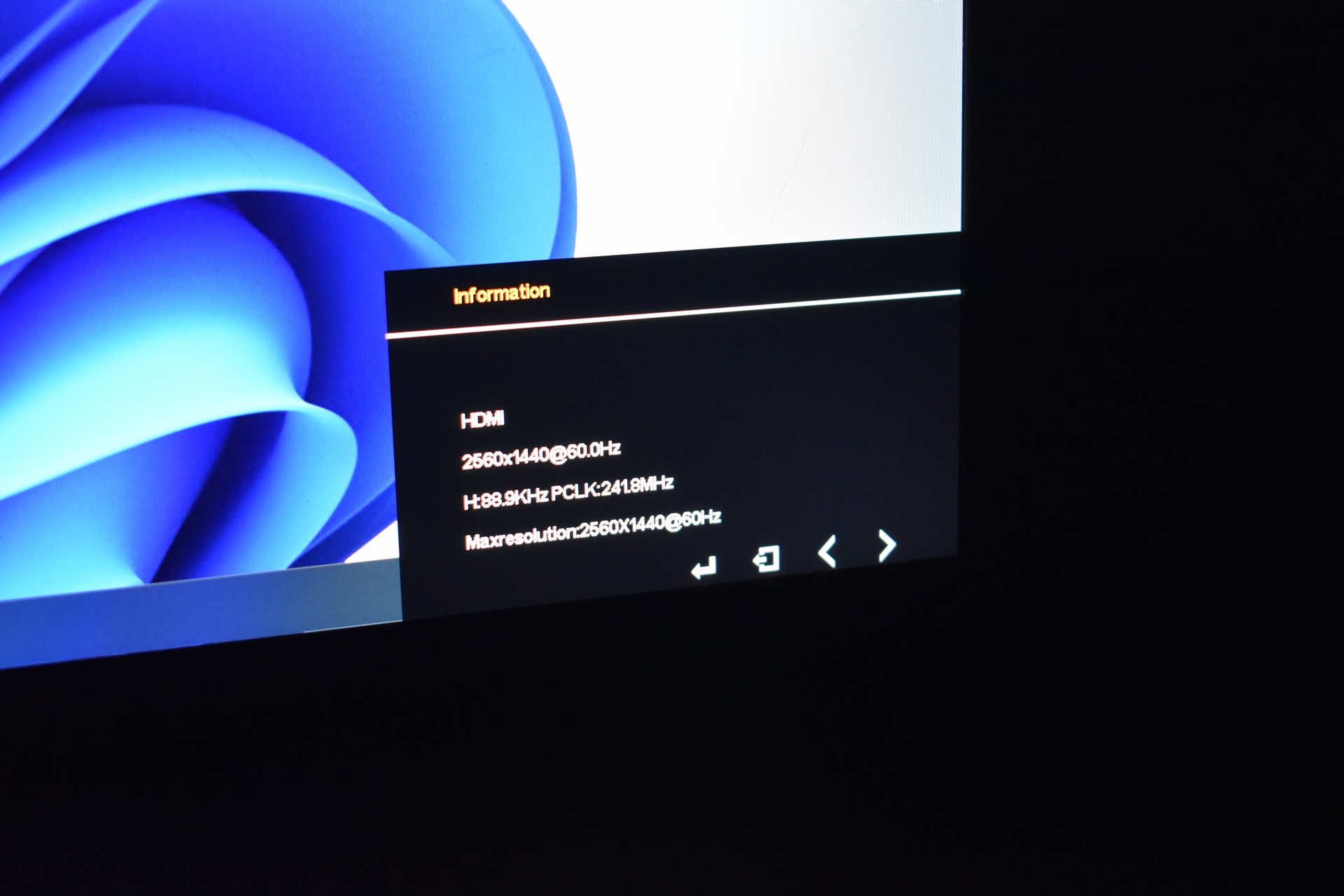
You can check the current input, resolution and refresh rates from the information tab.
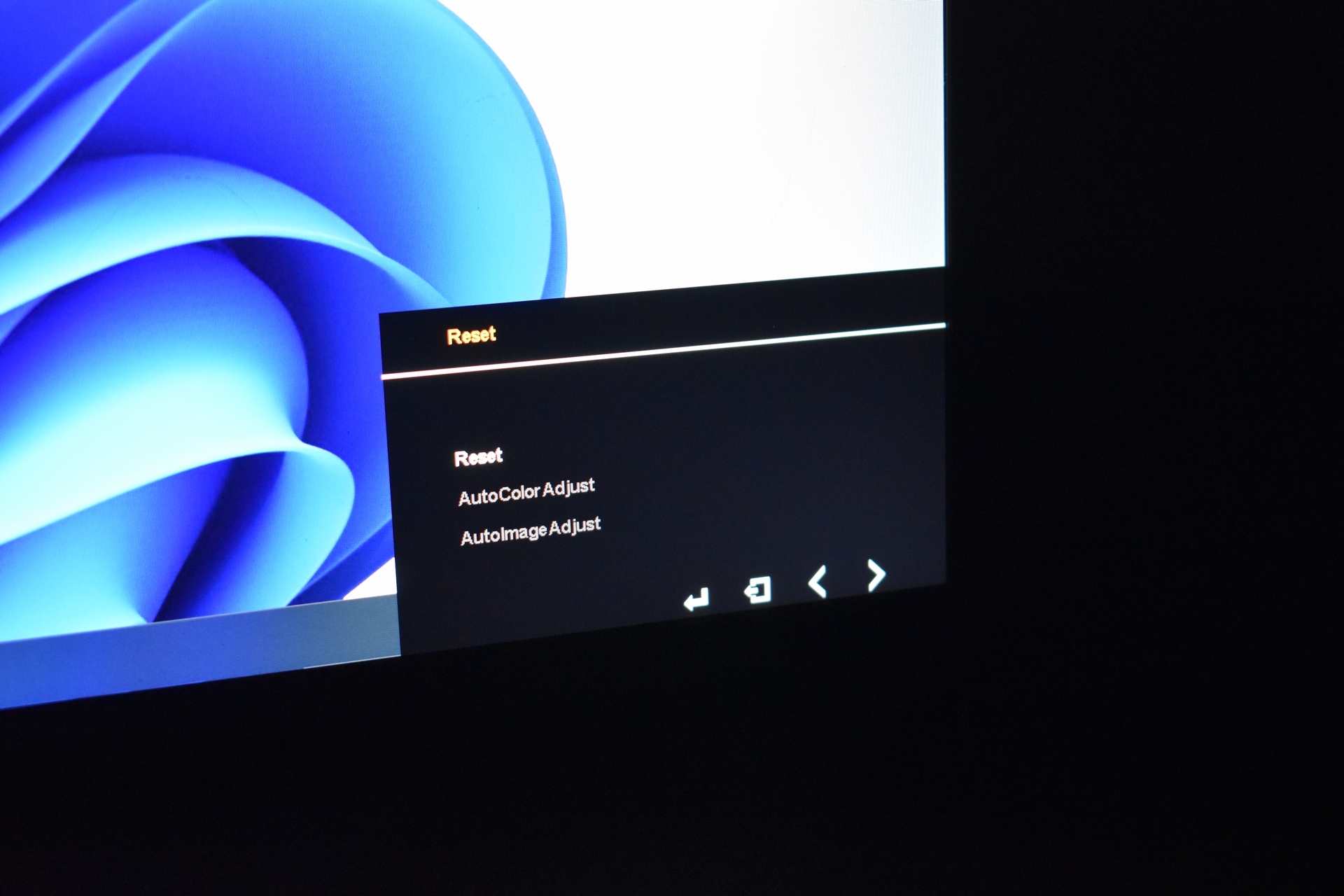
The reset tab does just that but also allows for autoimage and autocolor adjustment.
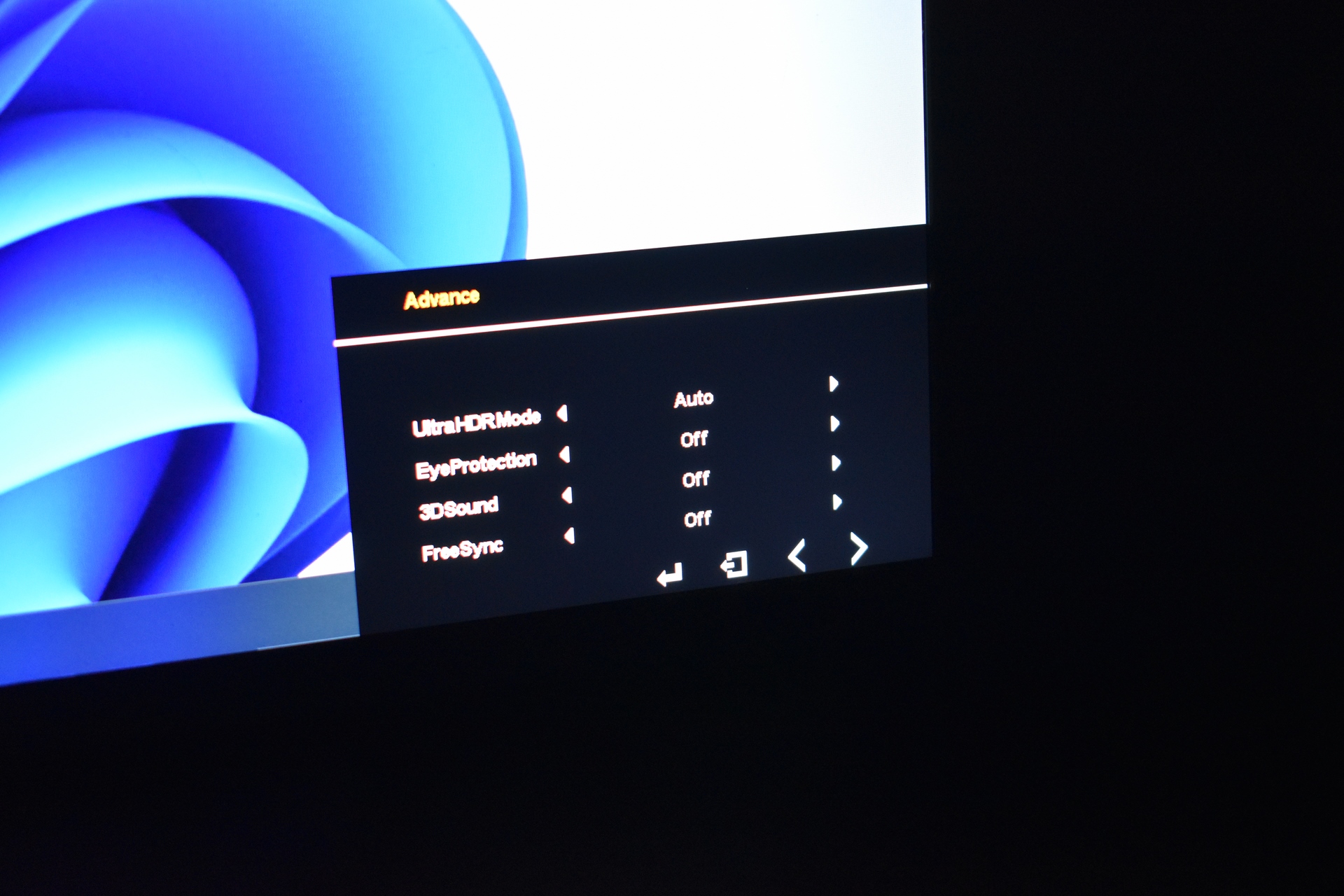
Inside the advanced tab you'll find the HDR, 3D sound, eye protection and FreeSync settings.
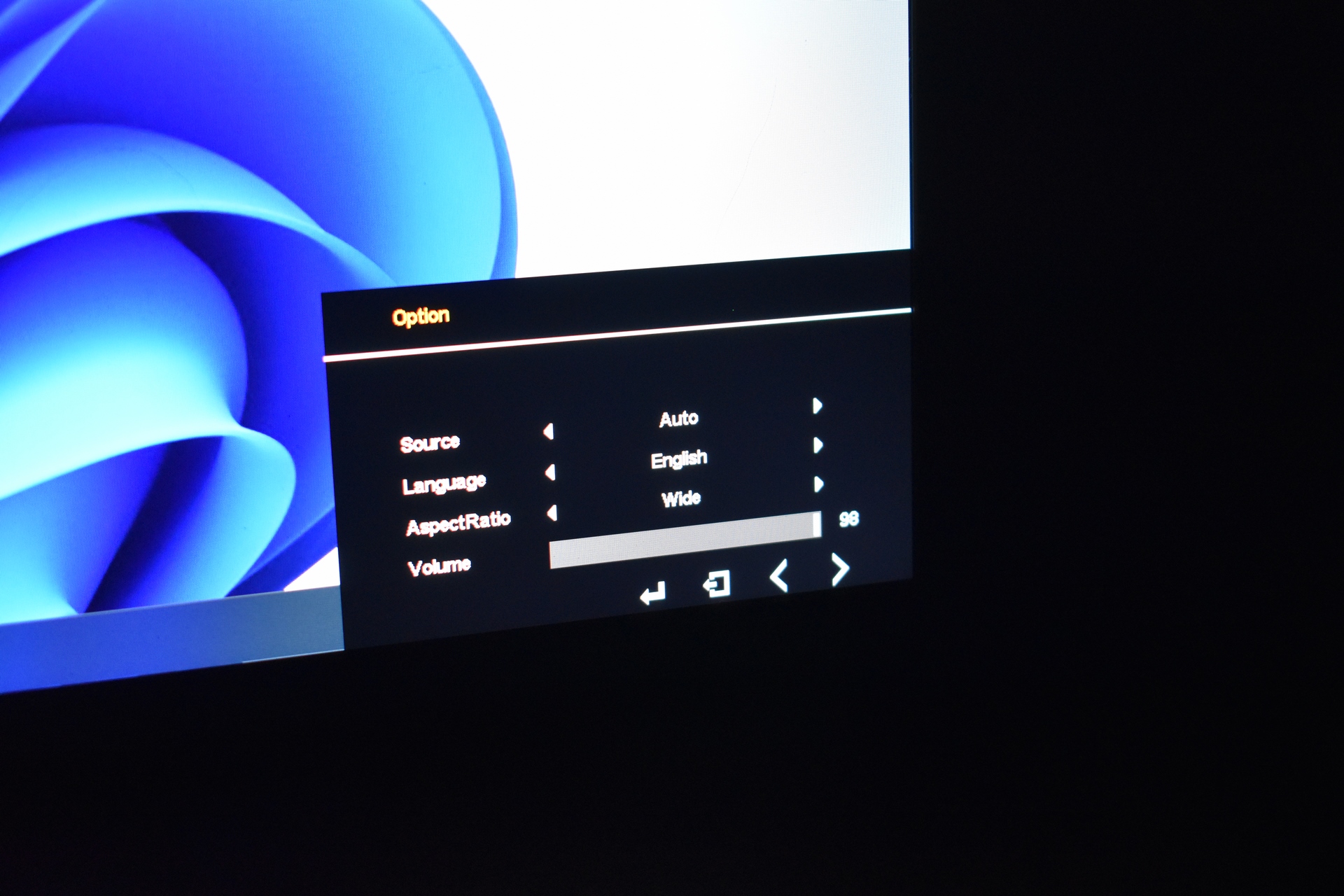
Source, language, aspect ratio and volume level are all placed inside the option tab.
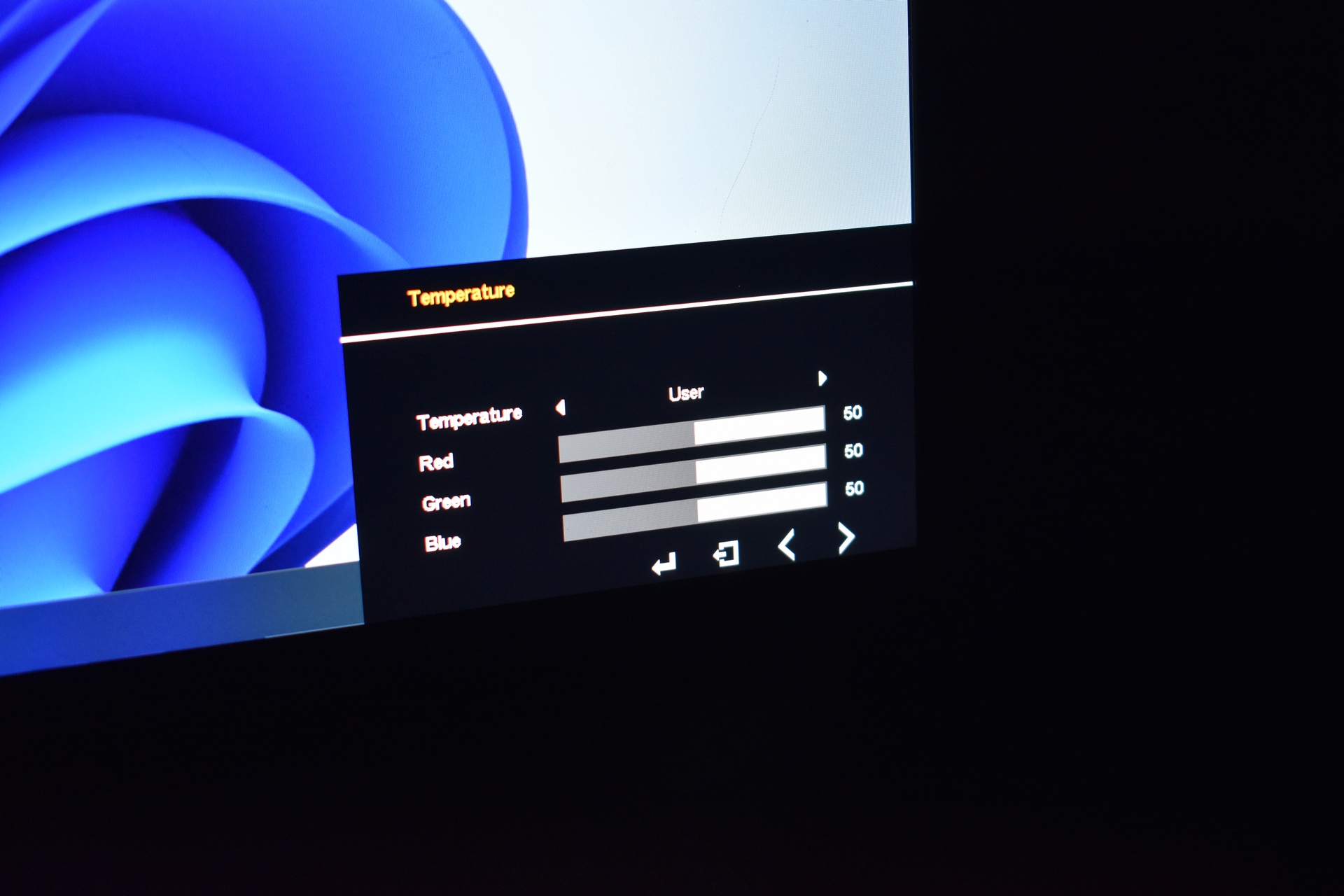
The temperature along with the RGB sliders are all placed in the temperature tab.




