

INTRODUCTION
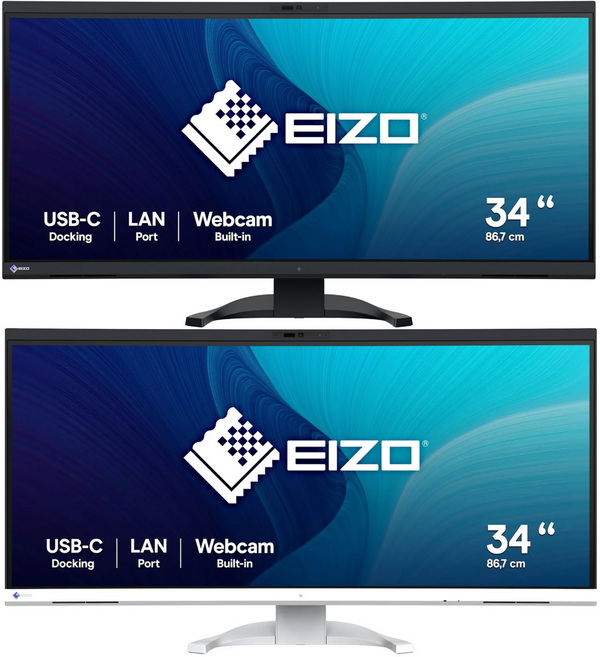
As workspaces continue to evolve, the monitor remains one of the most important tools on any desk. Today's LCD displays offer far higher image quality, efficiency, and functionality than their predecessors, with IPS panels providing the colour consistency and viewing angles demanded by professional users. Curved ultrawide designs further enhance productivity by expanding the available workspace while maintaining a comfortable viewing experience across the entire screen. Known for its focus on ergonomics, image quality, and professional-grade solutions, EIZO brings all of these elements together in the FlexScan EV3450XC, a feature-rich display designed for modern hybrid working environments.
EIZO (TSE: 6737), which means image in Japanese, is a visual technology company that develops and manufactures high-end visual solutions to enrich people in their professional and personal lives. EIZO offers total imaging solutions with a range of monitors, software, video capture, processing, and distribution solutions, cameras, and advanced integrated technologies to meet the specialized needs of customers in business, creative fields, healthcare, air traffic control, maritime, security & surveillance, and more. Headquartered in Hakusan, Japan, EIZO has R&D and manufacturing facilities in Japan, China, Germany, and the United States, and representation in more than 130 countries.
The EIZO FlexScan EV3450XC (available in black and white color) is a feature-packed 34.1-inch ultrawide business monitor built around a curved IPS panel with a UWQHD resolution of 3440x1440p, a 21:9 aspect ratio, 60Hz refresh rate and a gentle 3800R curvature designed to keep the entire screen within a more comfortable viewing distance. The display offers wide 178° viewing angles, a pixel density of 109PPI, up to 300cd/m² brightness, a 1000:1 contrast ratio, a 5ms grey-to-grey response time, and support for 16.7 million colors backed by a 14-bit LUT capable of processing over 1.06 billion color tones. Covering the sRGB color space, the panel prioritizes color consistency and long-term viewing comfort, while EIZO's signature Auto EcoView, EcoView Optimizer and flicker-free technologies work alongside multiple preset modes including sRGB, Paper, Movie and DICOM to adapt the display to different workflows. What truly differentiates the EV3450XC from conventional ultrawide monitors is its integrated collaboration hardware. As EIZO's first monitor to incorporate both a webcam and microphone, it features a built-in 5MP camera with approximately 80° field of view, privacy shutter, status LED and infrared sensor supporting Windows Hello facial authentication. The frame-integrated microphone includes active noise cancellation and echo suppression technology designed to improve conference call clarity, while a pair of discreet 4W stereo speakers complete a fully integrated communication solution without requiring external peripherals. Connectivity is equally comprehensive, transforming the EV3450XC into a complete workstation hub. USB Type-C docking delivers video, audio, data transfer and up to 94W power delivery through a single cable, complemented by DisplayPort, dual HDMI inputs, Gigabit LAN connectivity via RJ-45, two USB 3.2 ports, a downstream USB-C port with 15W charging capability, headphone output, integrated KVM functionality, Picture-by-Picture support and automatic input detection. The expansive ultrawide desktop provides roughly 2.4 times the workspace of a Full HD display while eliminating the bezels associated with dual-monitor setups, making it particularly well suited to multitasking, financial applications, CAD environments, remote collaboration and productivity-focused office deployments. EIZO further enhances the package with extensive ergonomic adjustments for height, swivel and tilt, 5-year warranty and construction that incorporates more than 80% recycled plastic as part of the company's sustainability initiatives.
SPECIFICATIONS AND FEATURES

PACKAGING AND CONTENTS
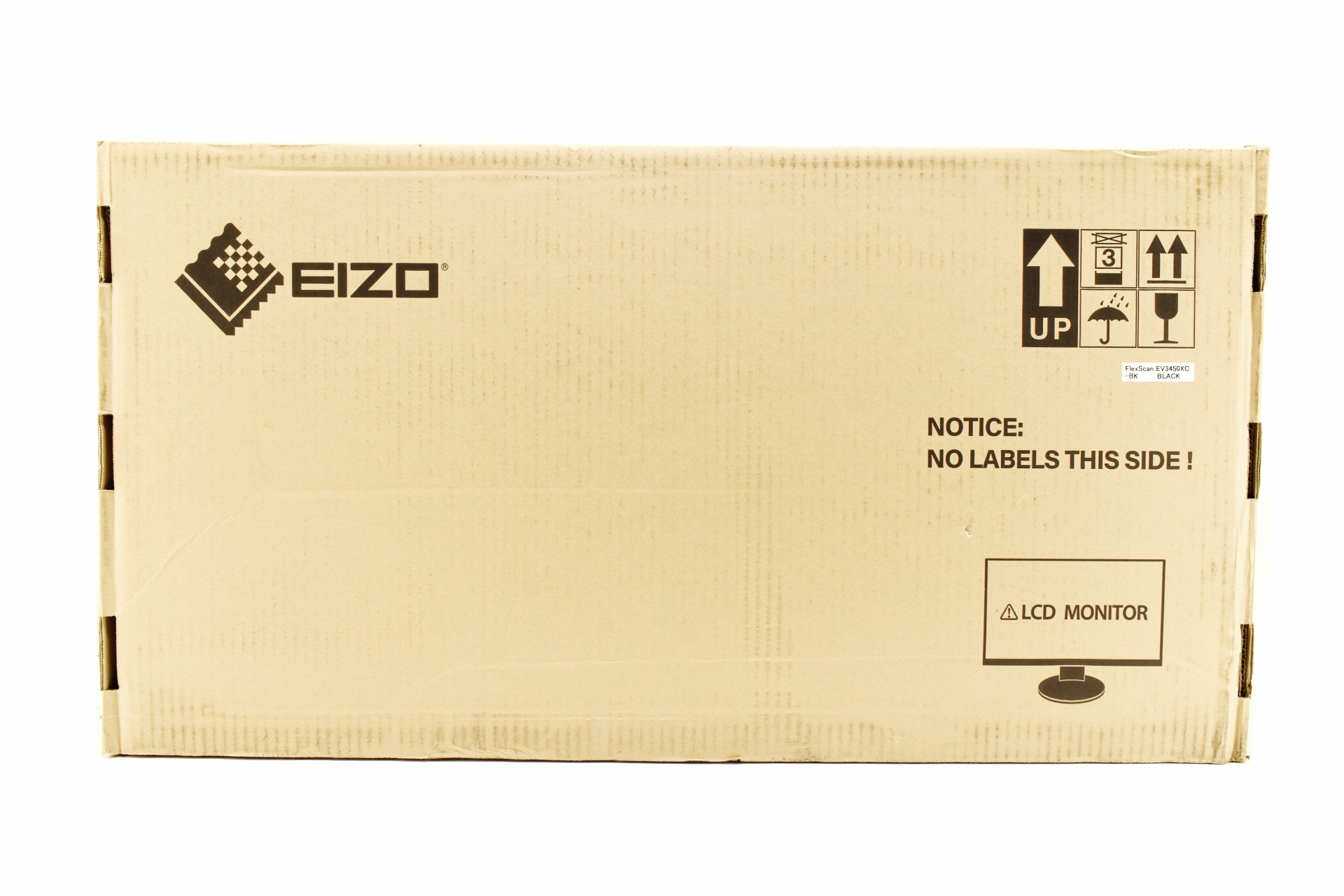
EIZO has once again used their new eco-friendly box (molded pulp) the front and rear of which just has their logo and a sticker with the model name.
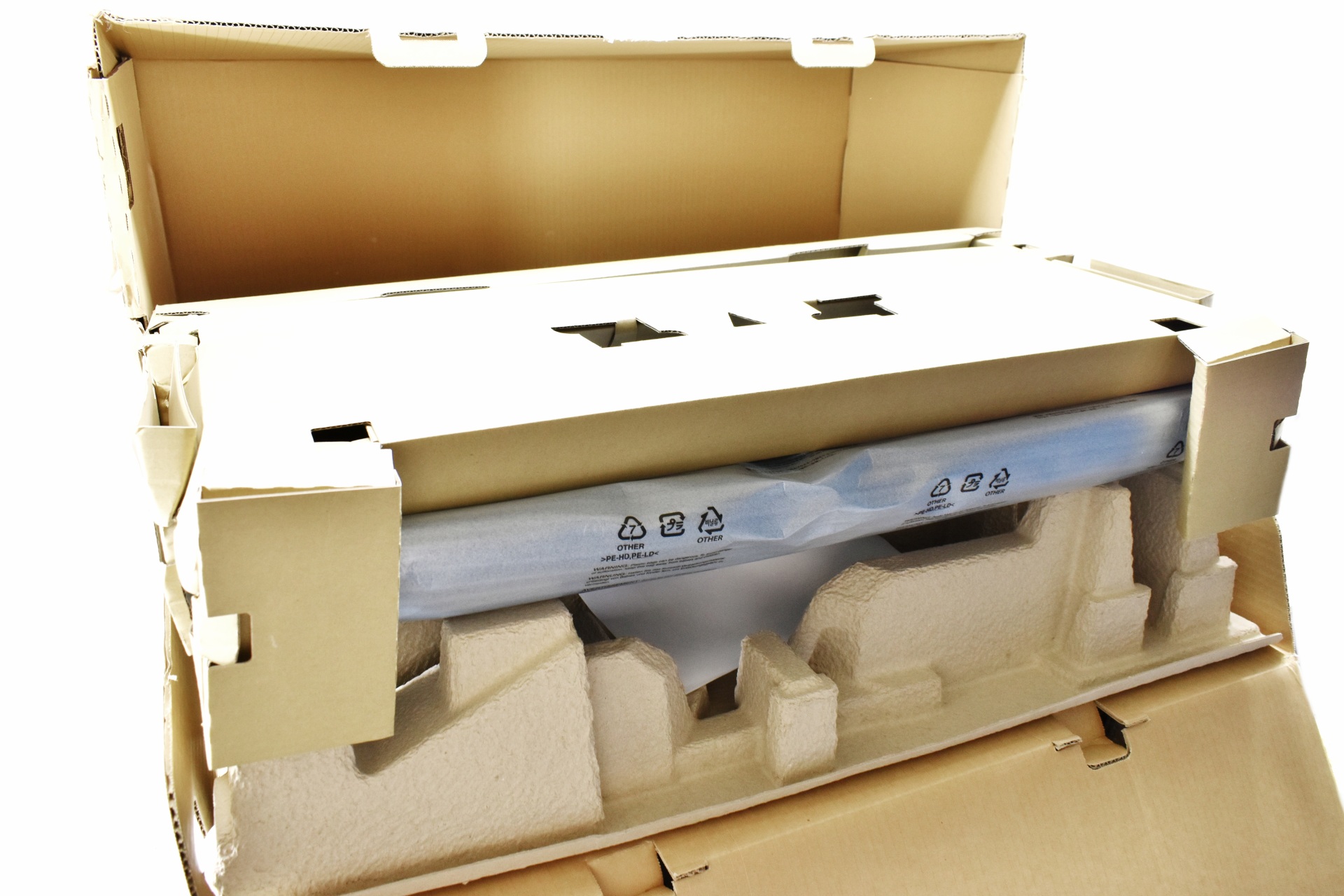
It seems I opened the box from the bottom instead of the top.
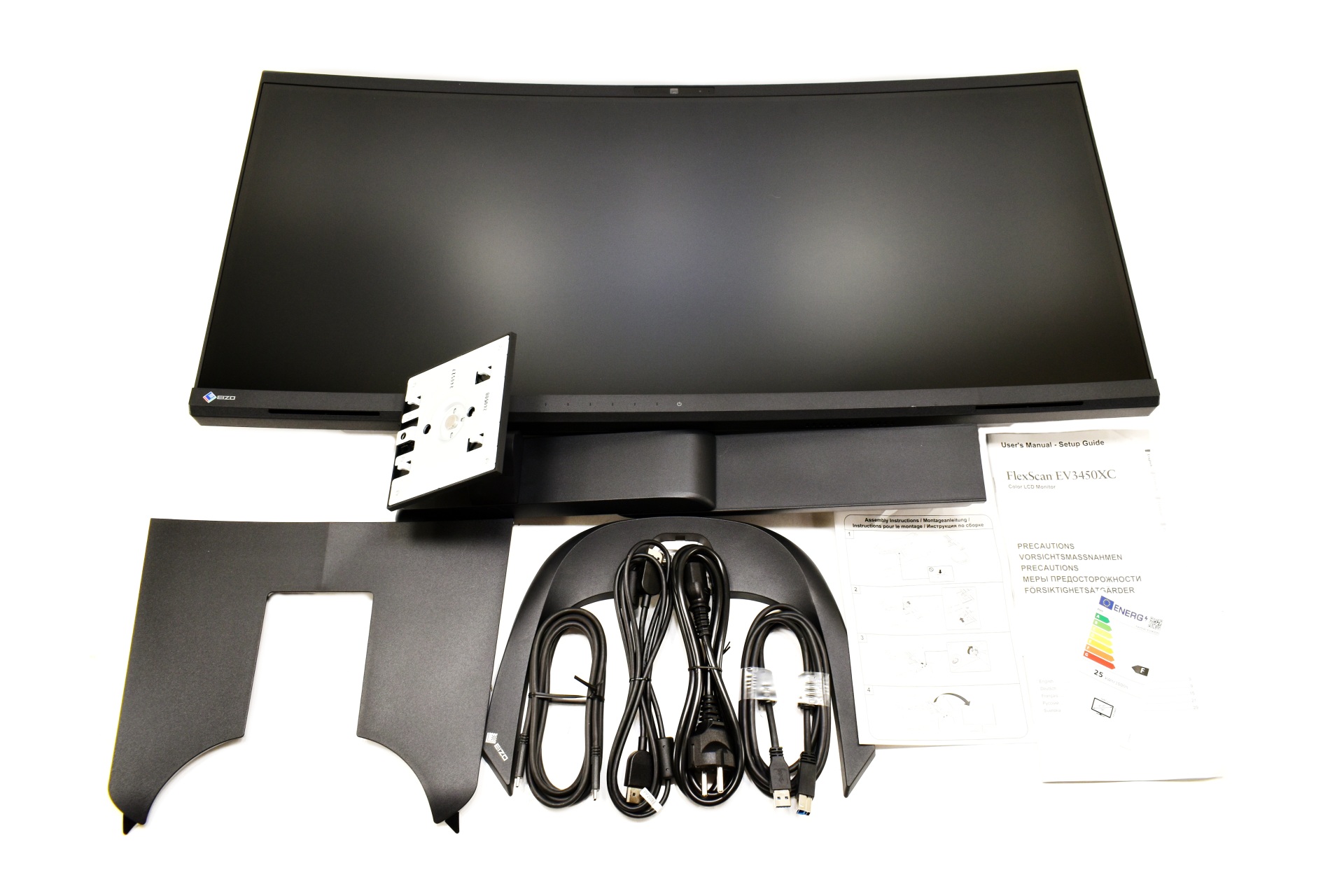
Along with the FlexScan EV3450XC and its two-piece stand/base inside the box you'll also find a rear cover, power cord, DP cable, USB host cable, USB-C cable, energy sticker, assembly instructions, precautions paper and the user's manual.
THE FLEXSCAN EV3450XC
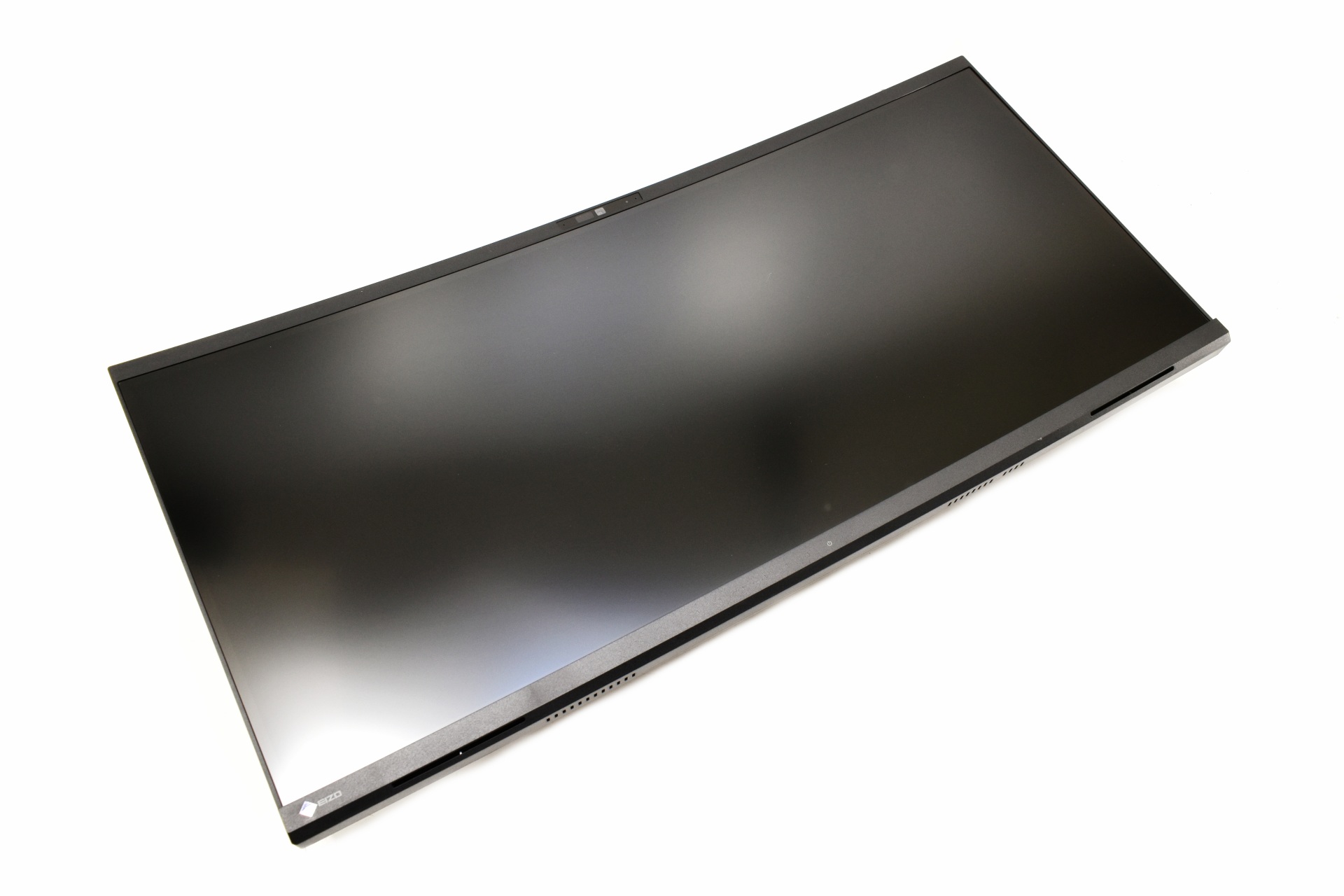
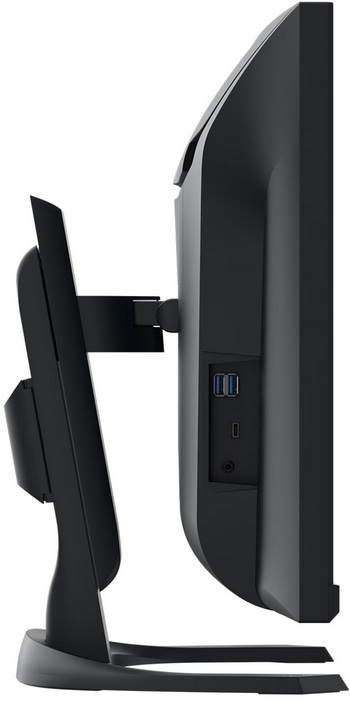
The FlexScan EX3450XC is a 34.1-inch (86.7cm diagonal) IPS LED monitor that follows a partially bezel-less design.
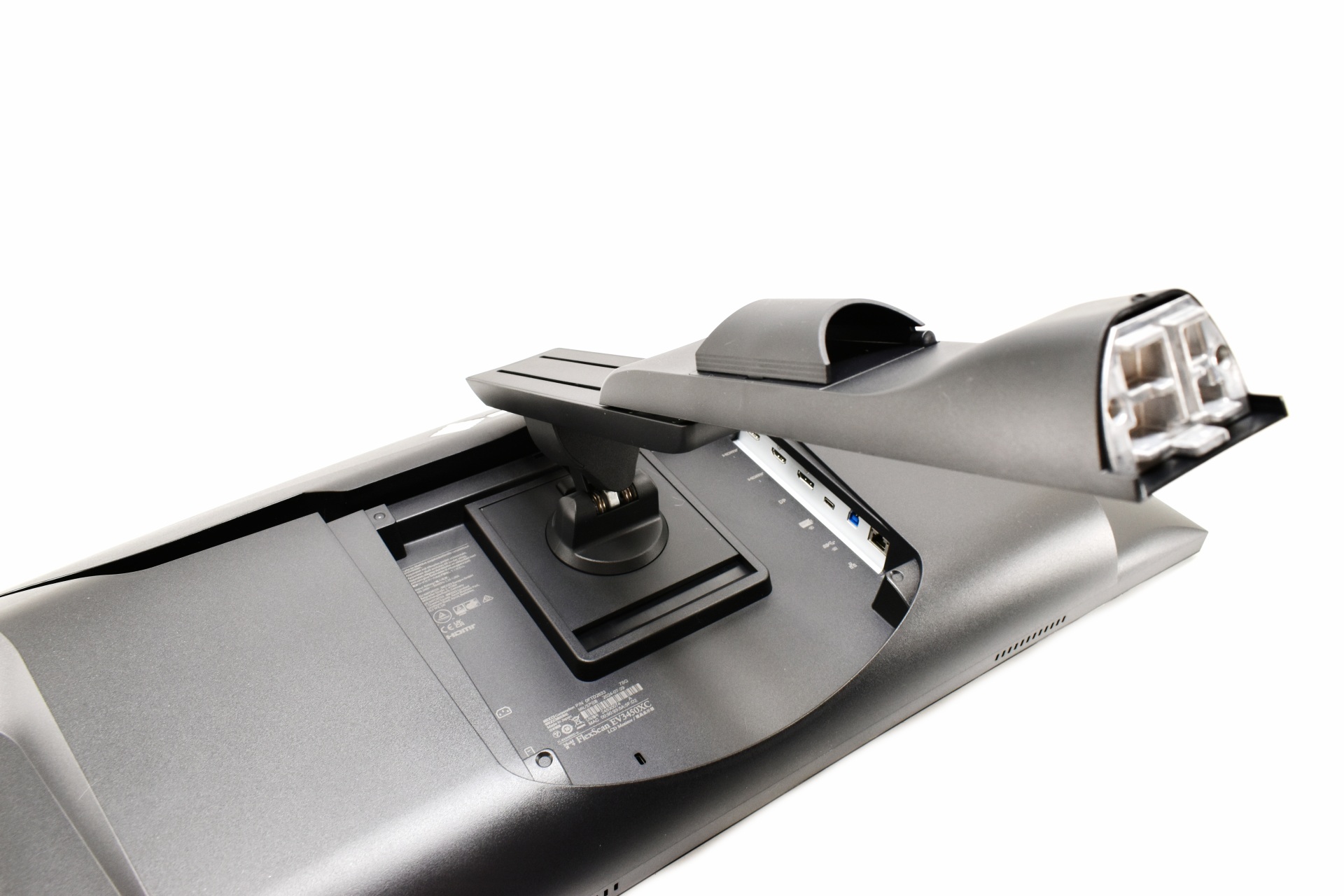
Just like most PC monitors today the EV3450XC features a clip-on system for the stand.
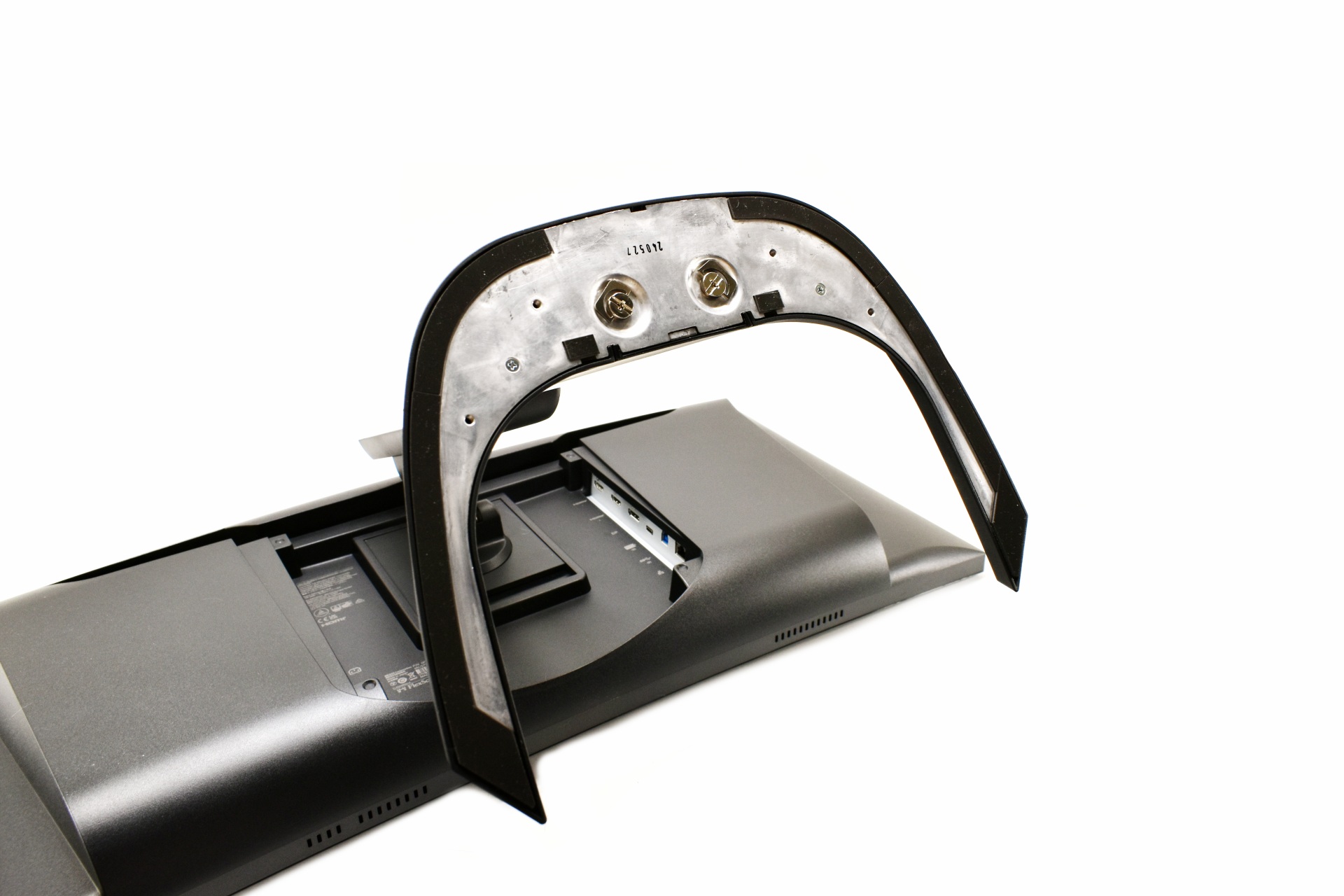
On the other hand, the base secures onto the stand via two thumbscrews as seen above.
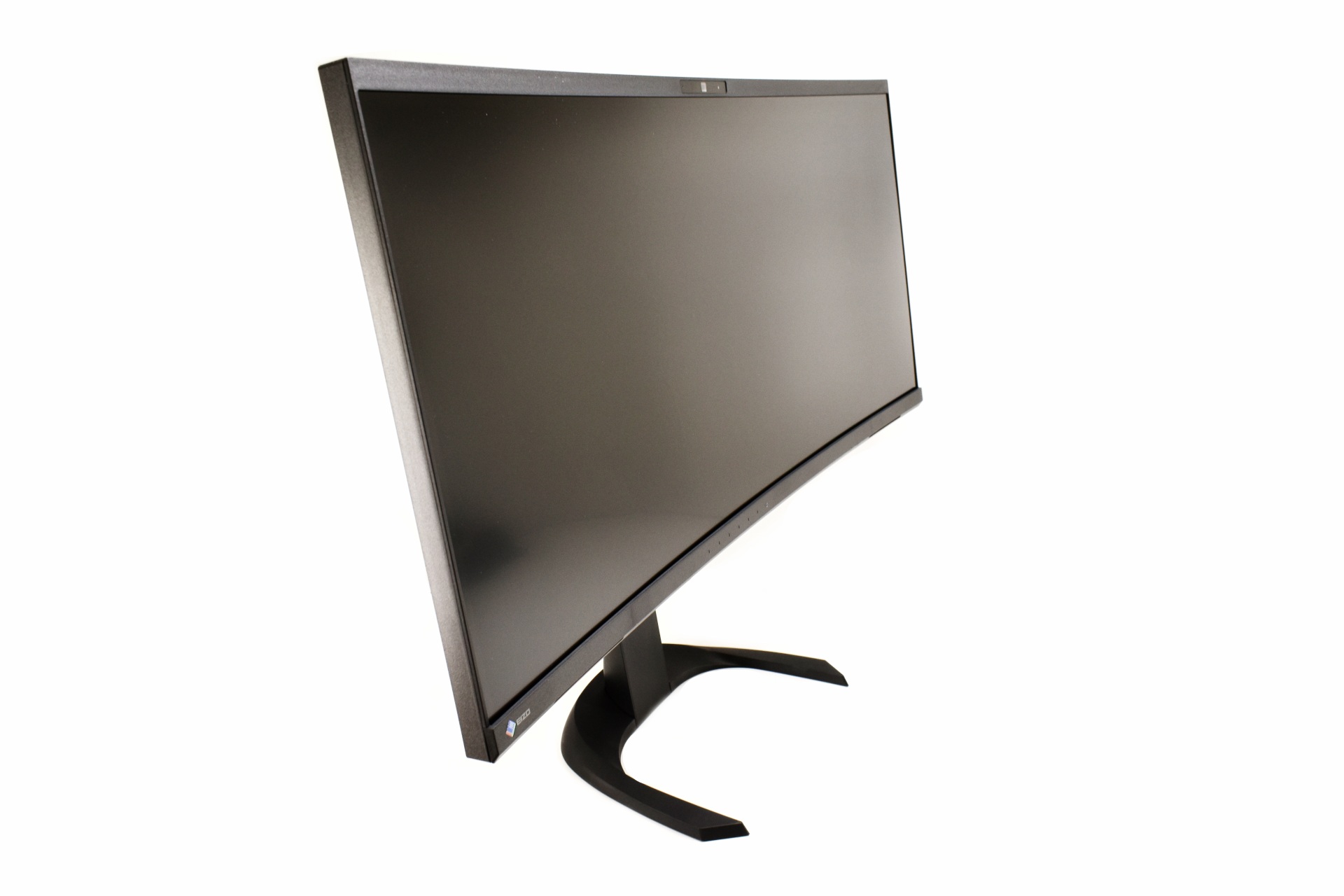
EIZO screens may not impress with their design but their build quality is unsurpassed.
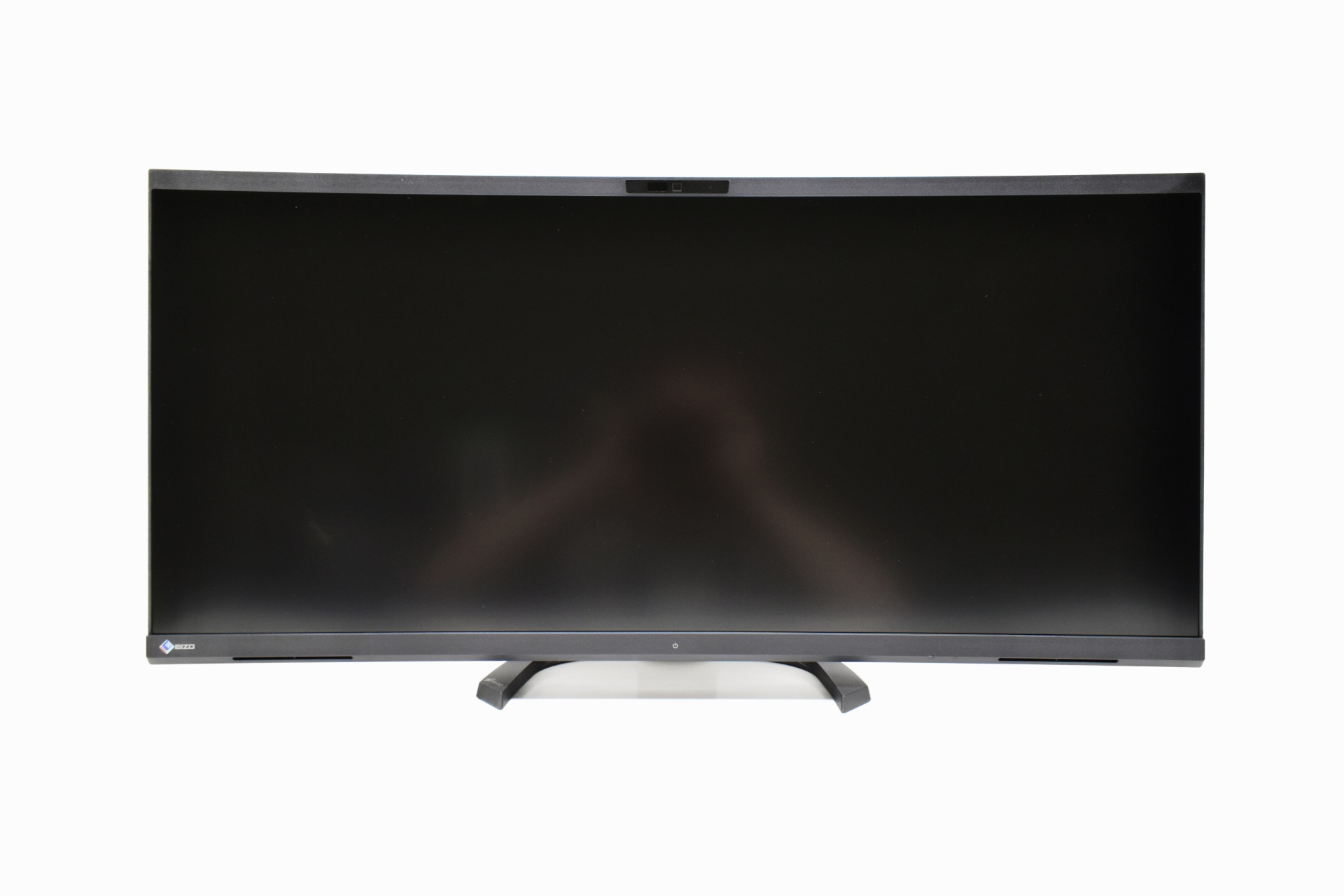
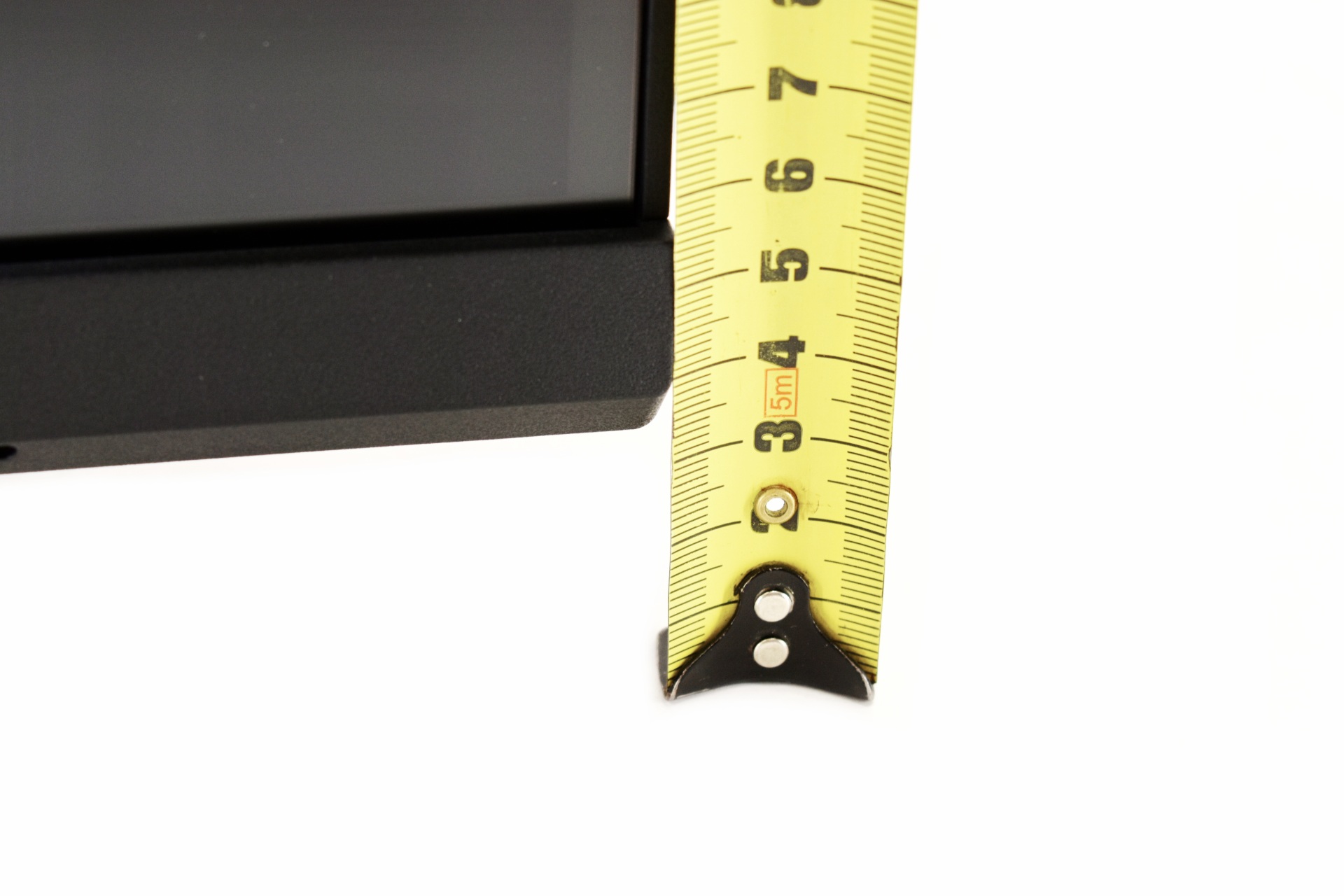
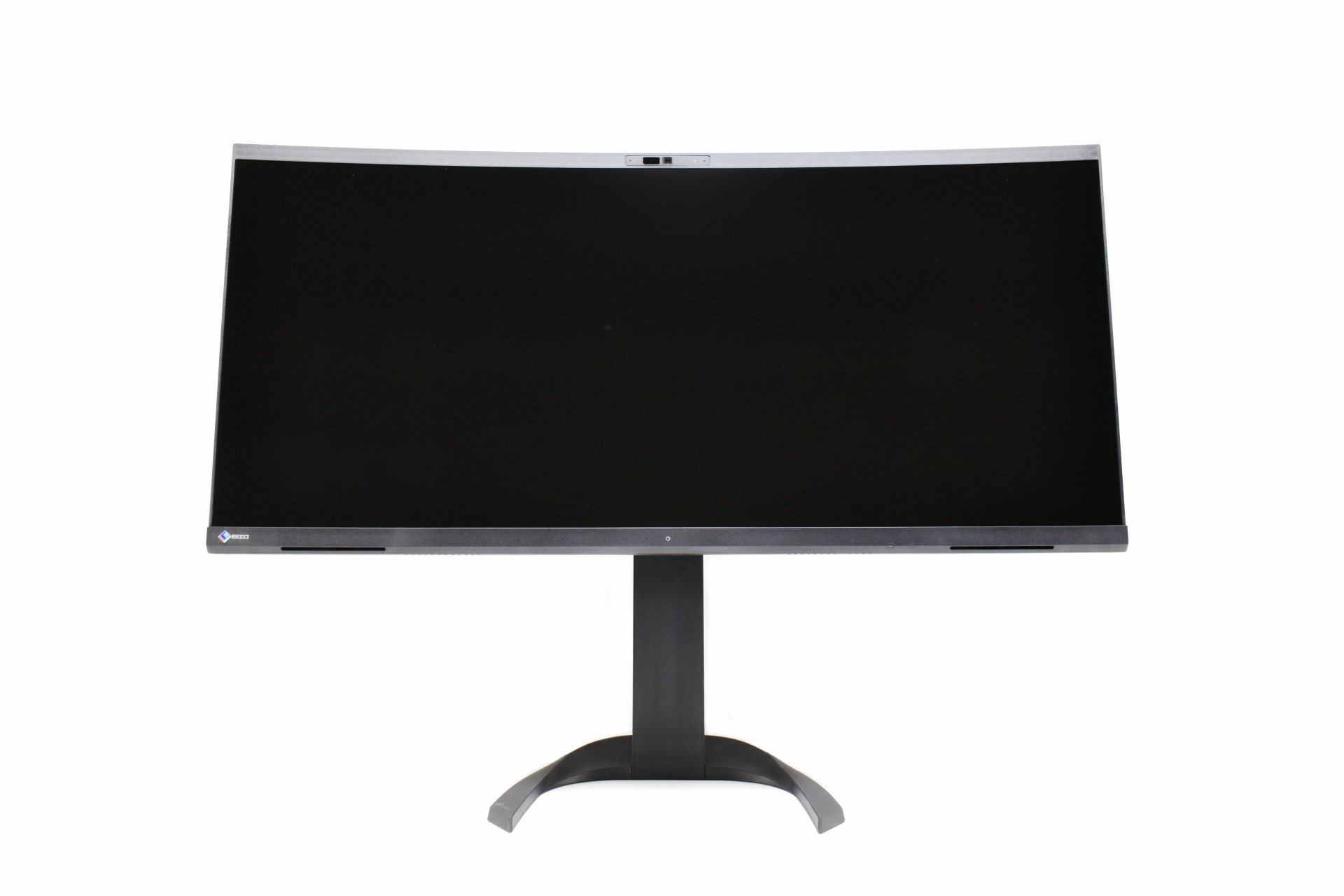
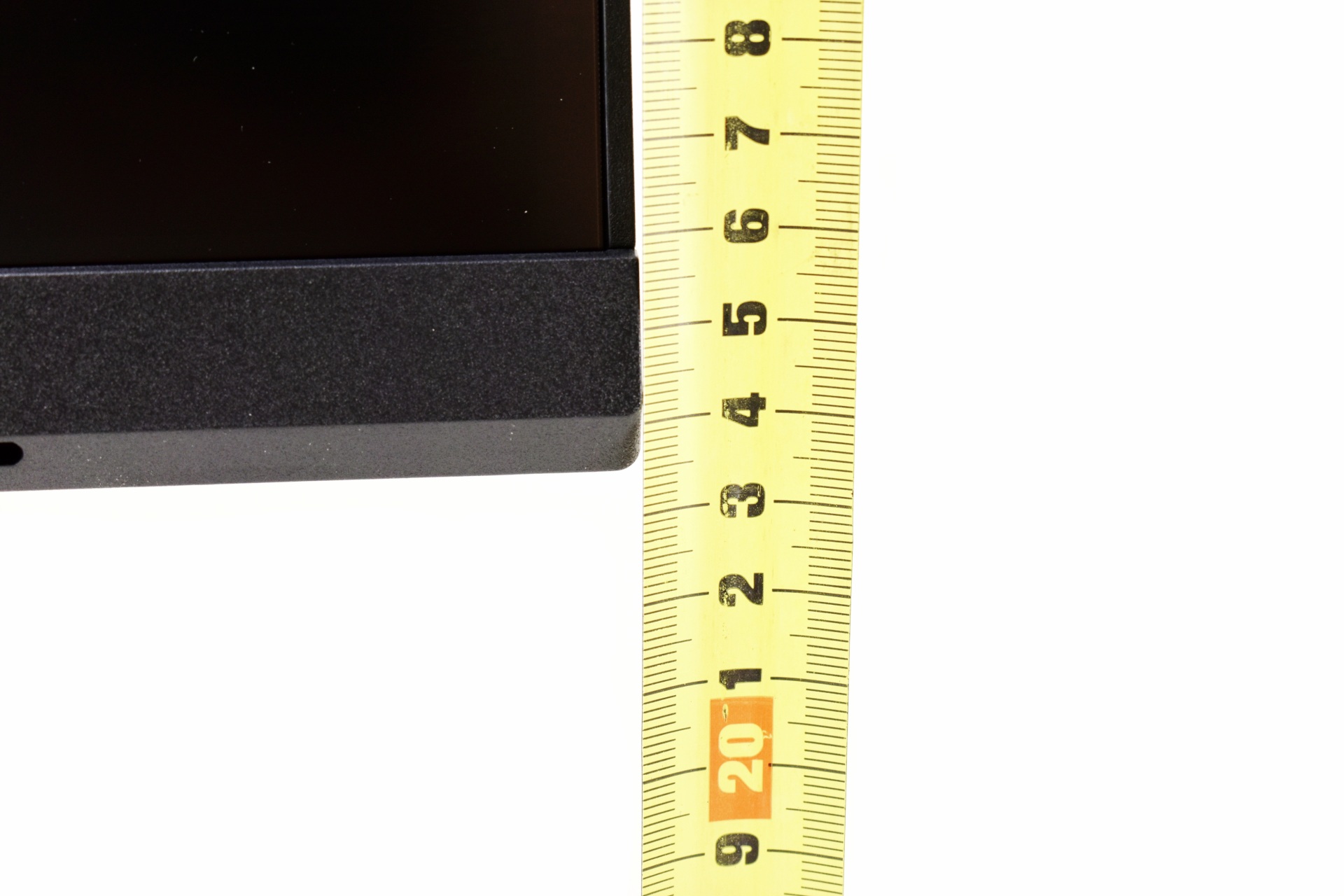
At its lowest the stand keeps the EV3450XC roughly 35mm from your desk while at its highest it can get up to 235mm.
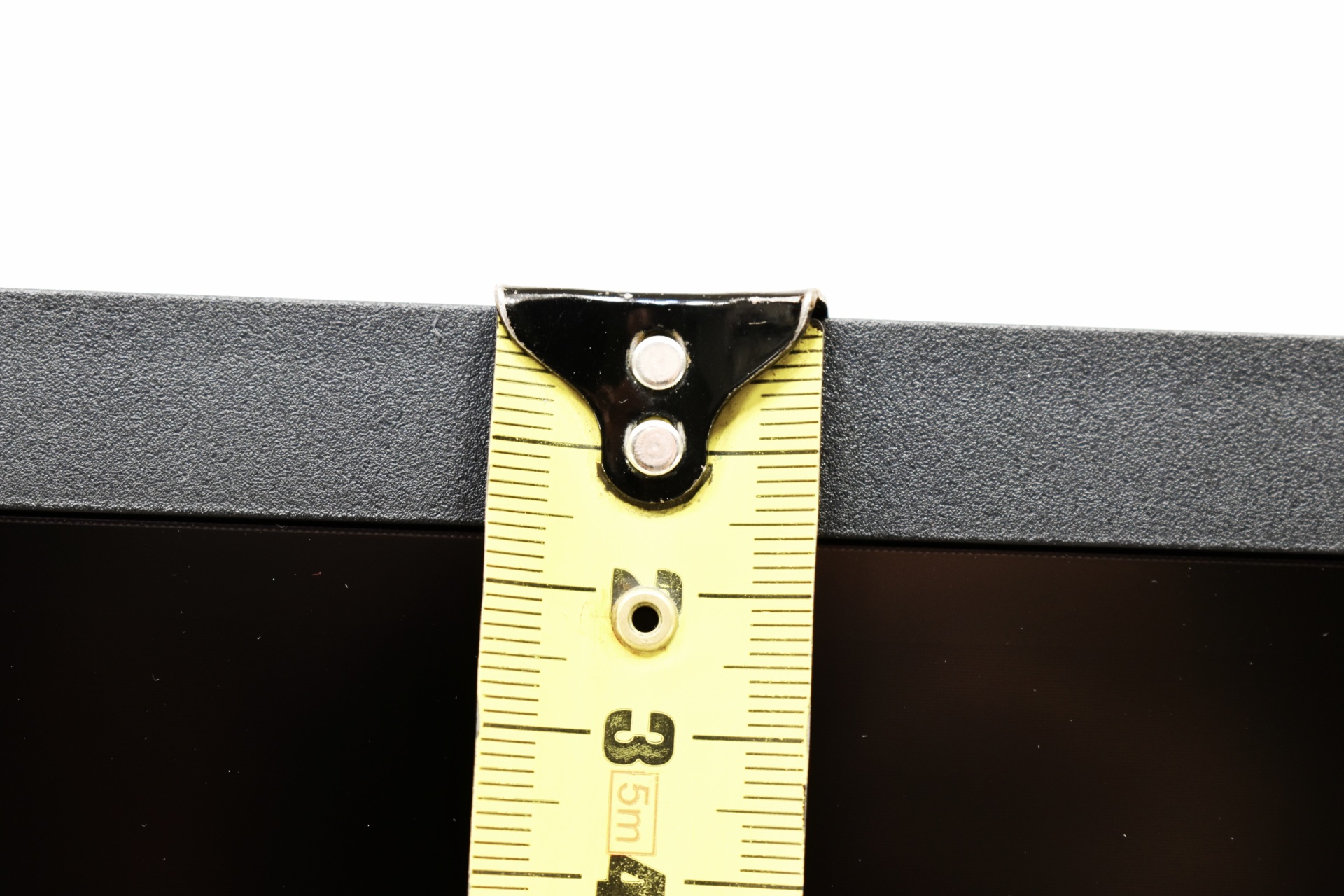
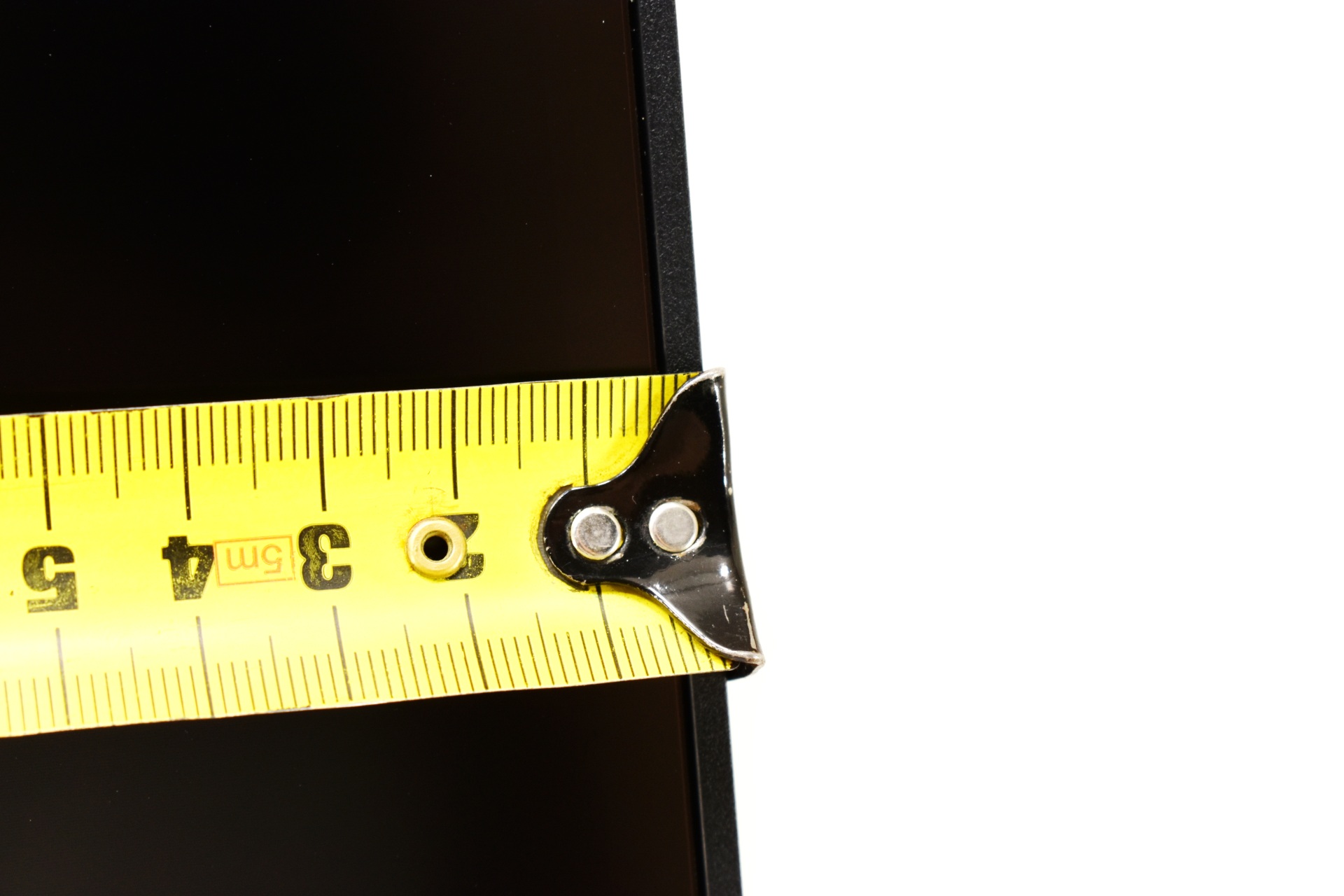
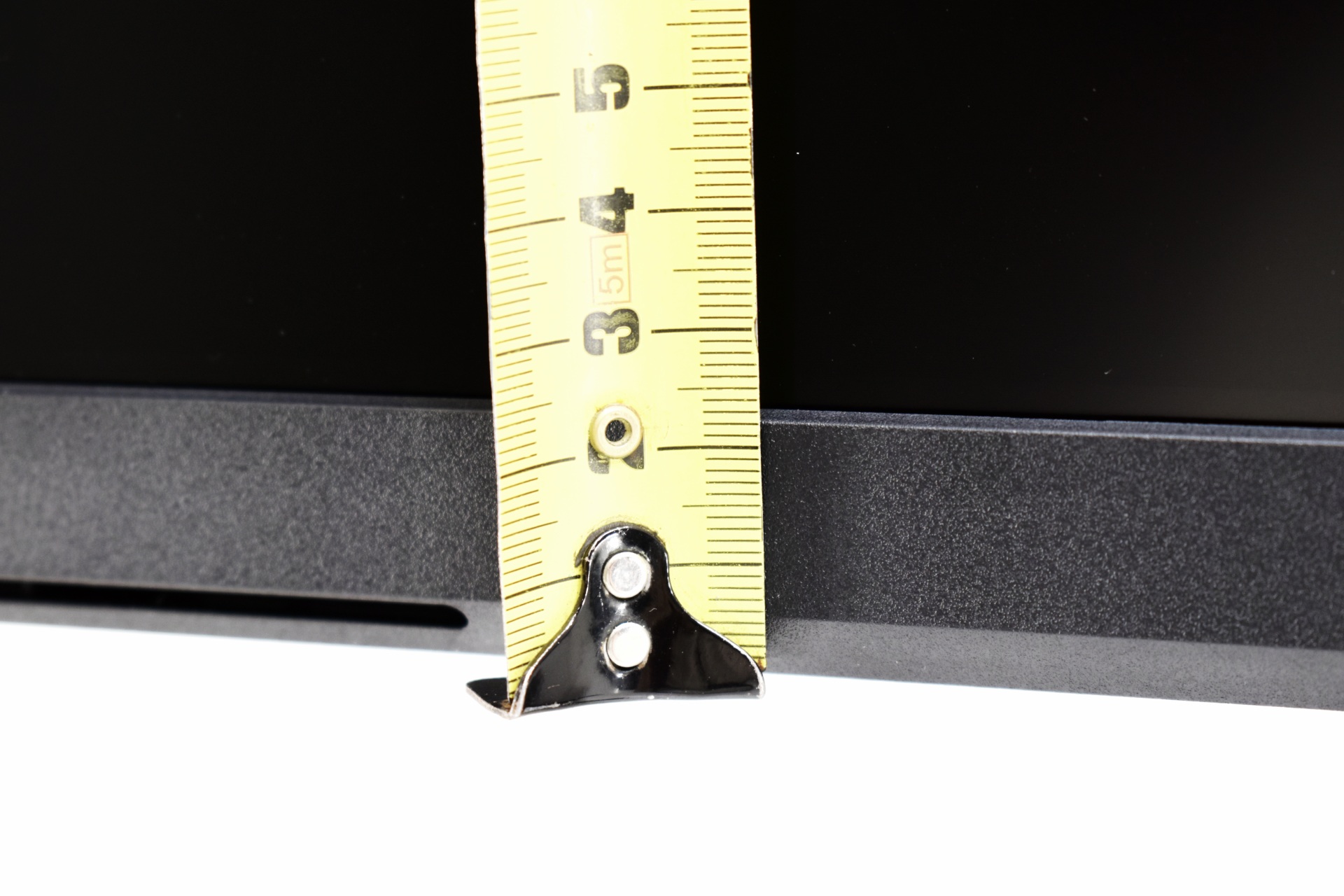 Roughly 16mm, 4mm and 22mm for the top, side and bottom bezels respectively.
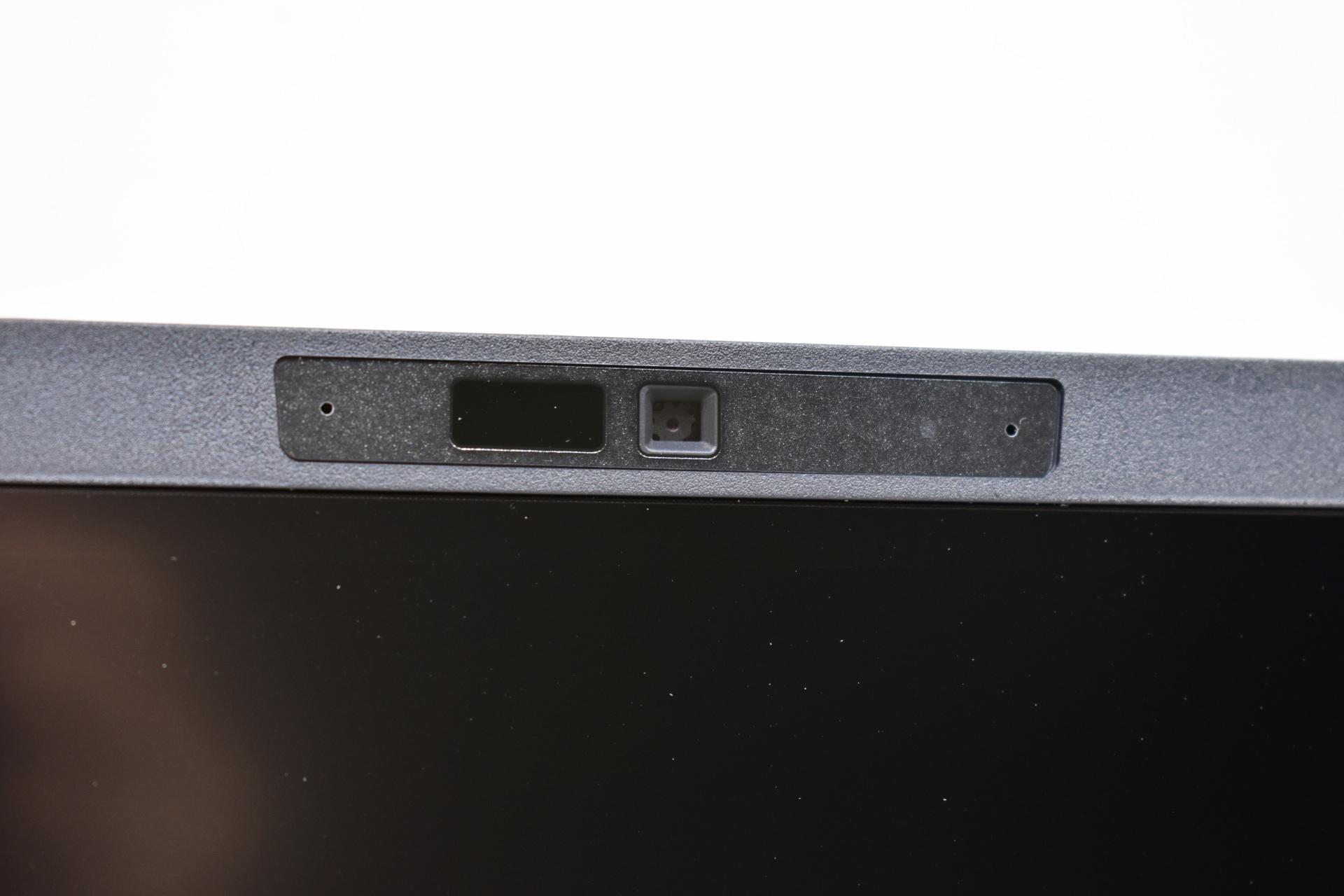
The two microphones and the 5MP webcam are located at the top center of the EV3450XC.
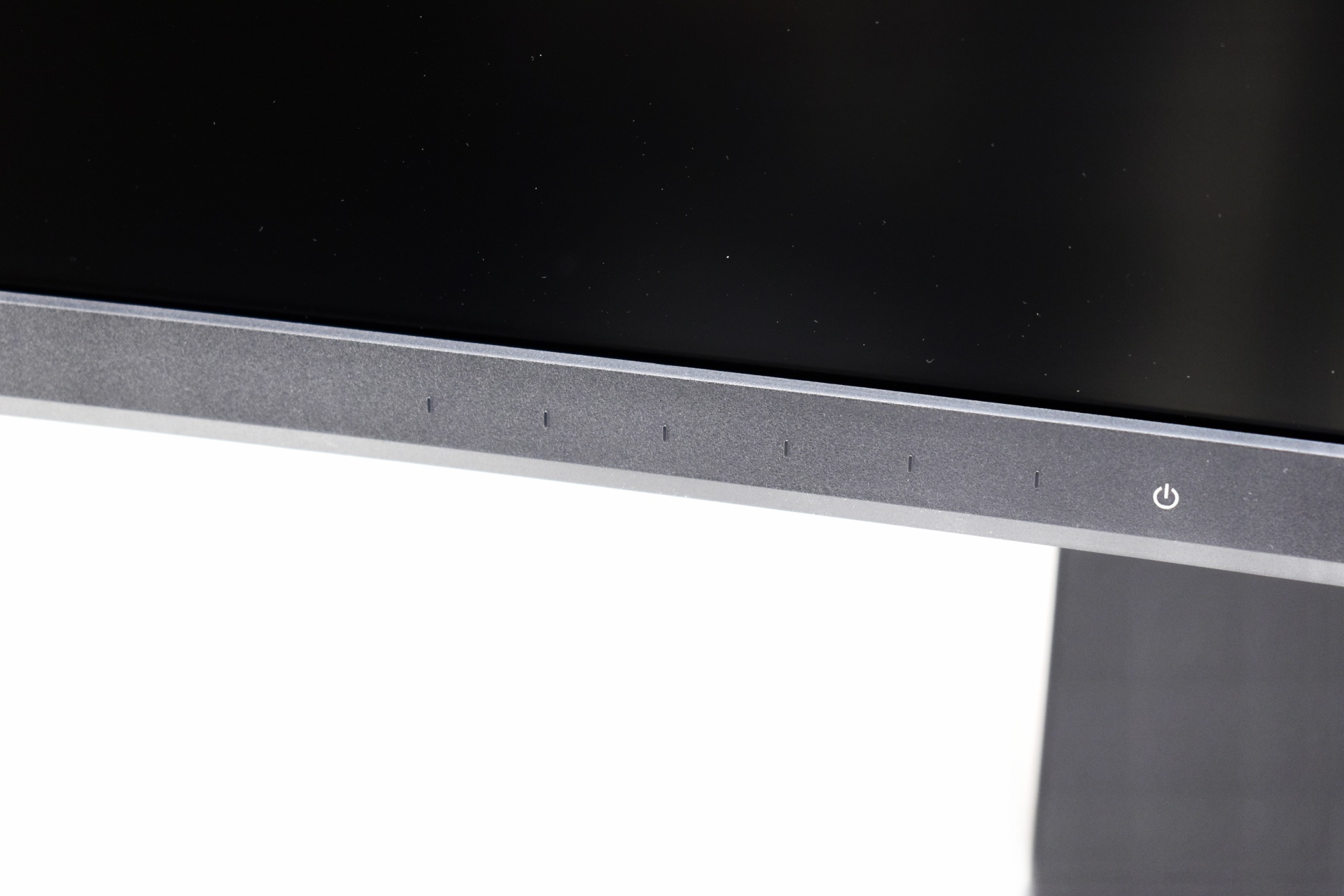
As with past FlexScan models the EV3450XC features 7 touch buttons on the lower bezel.
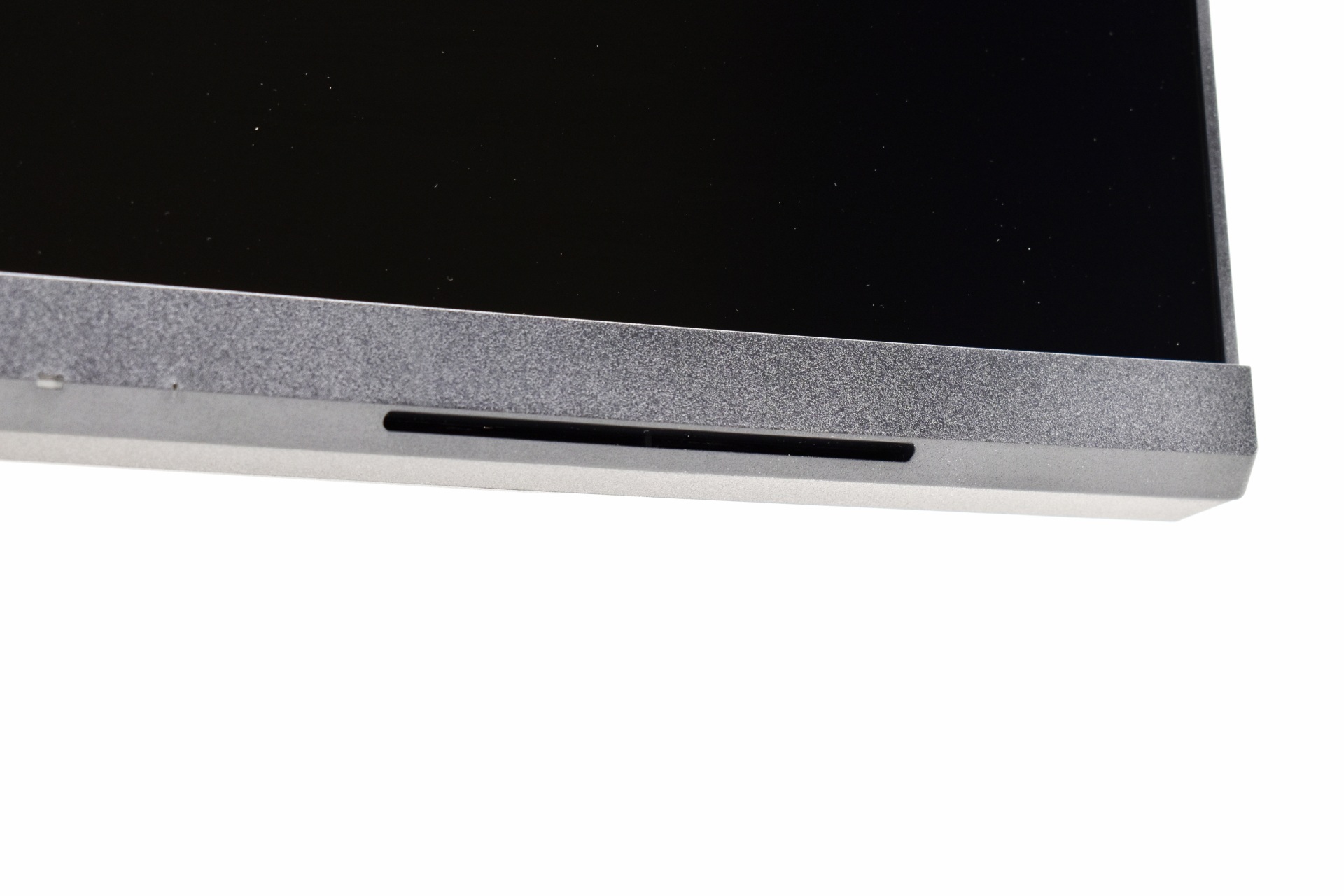
On the sides of the lower bezel, we also find the two 4W (8W total) stereo speakers.
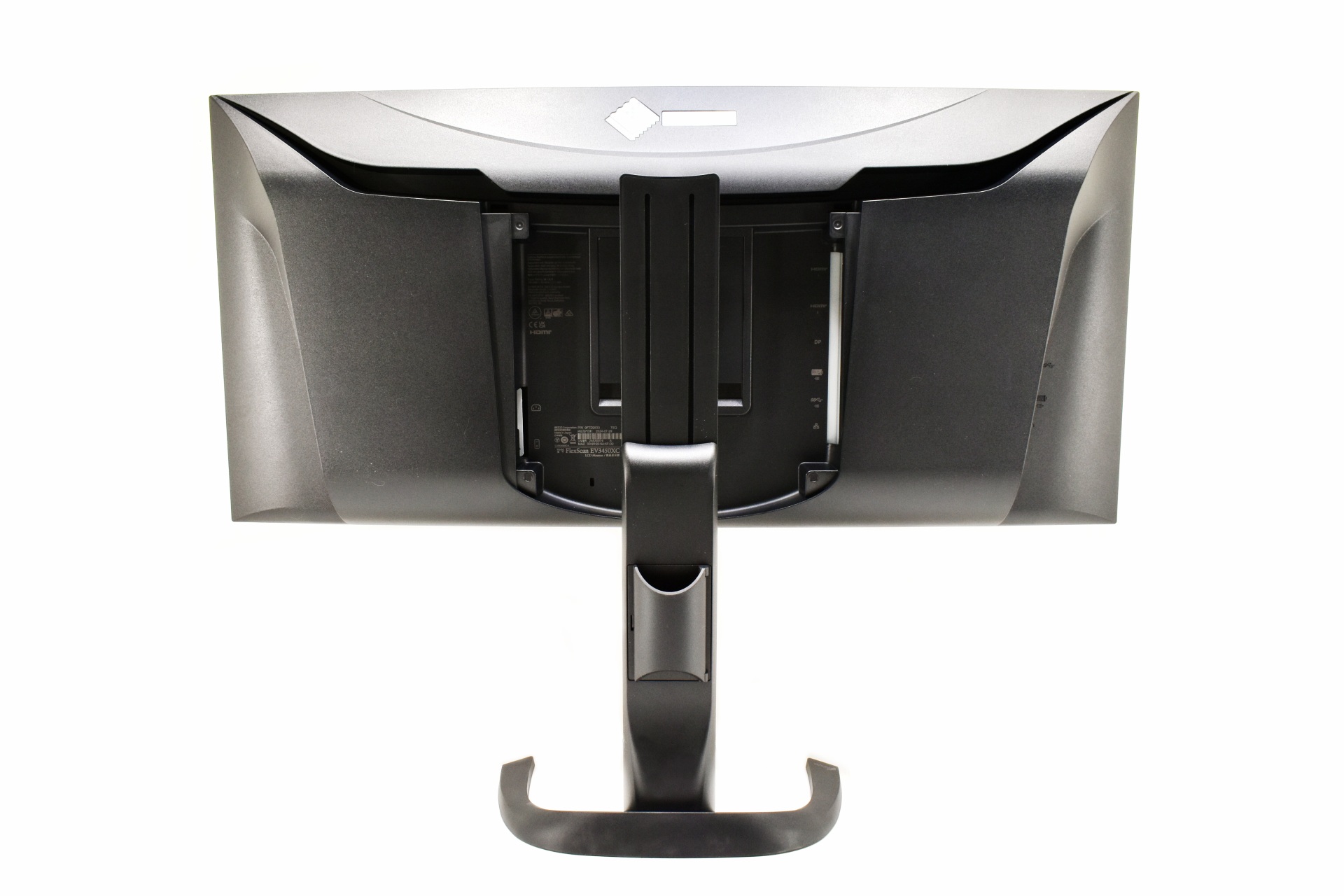
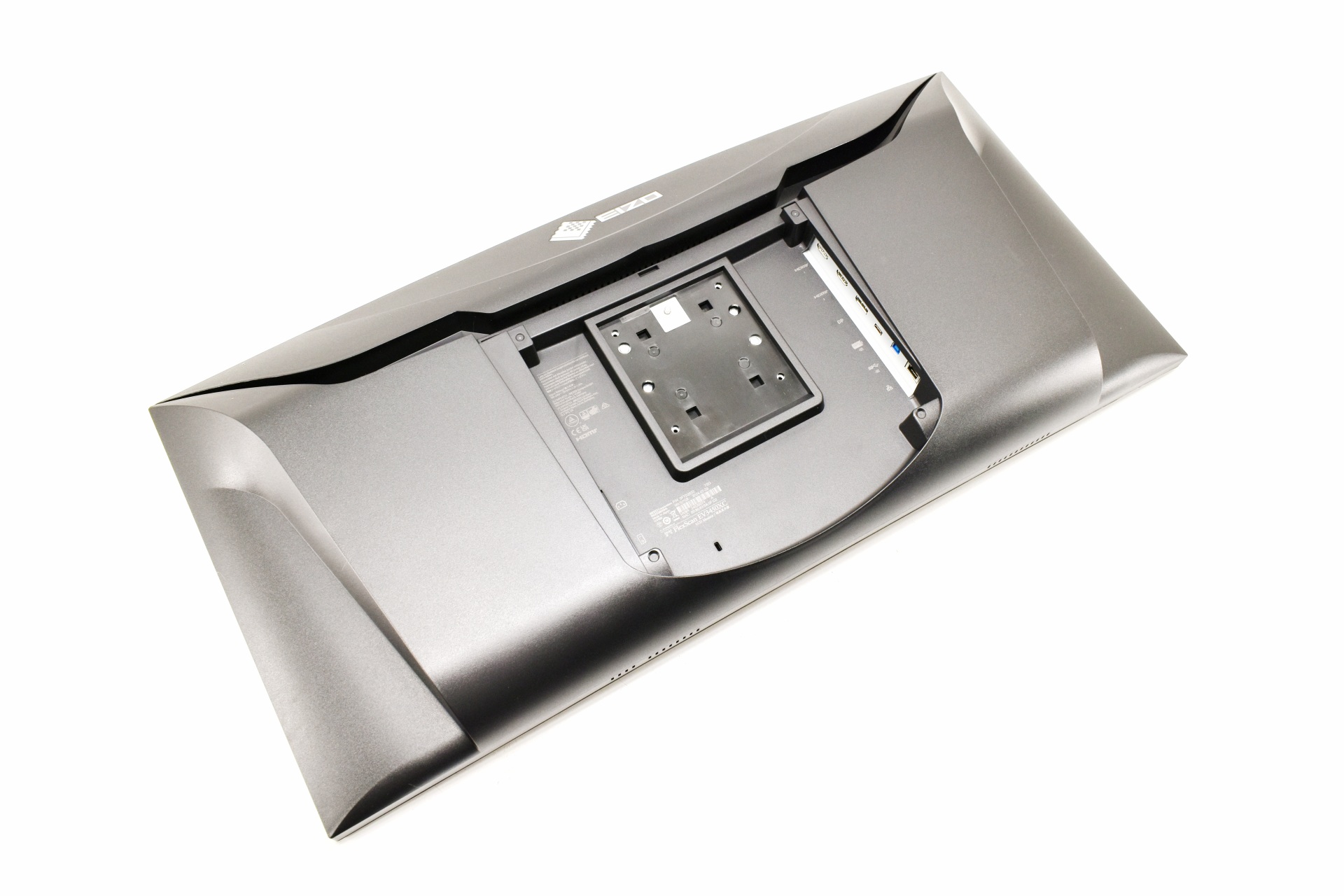
Turning the screen around we find the EIZO logo on top, two openings which you can use as handles and all connectors under them.
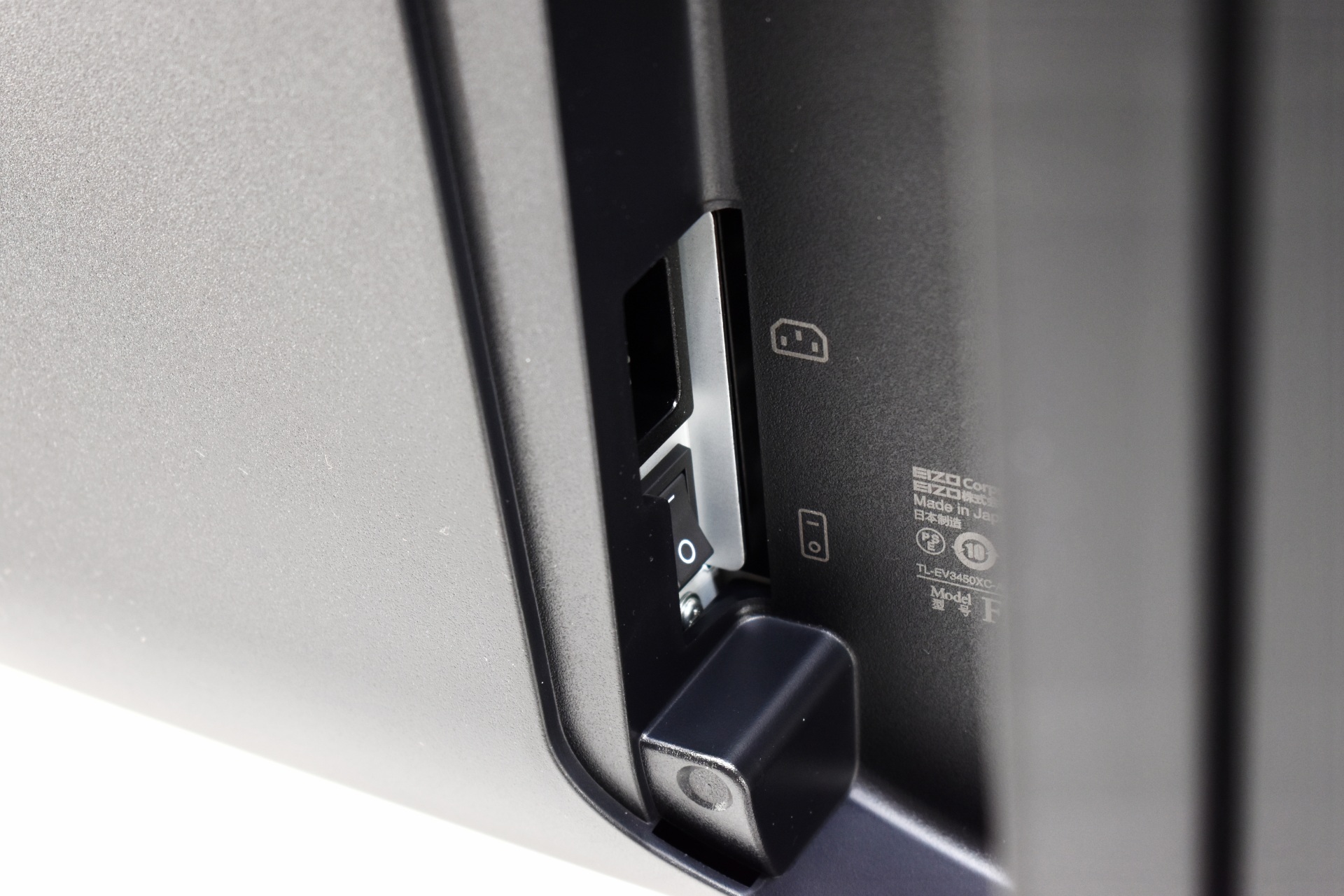
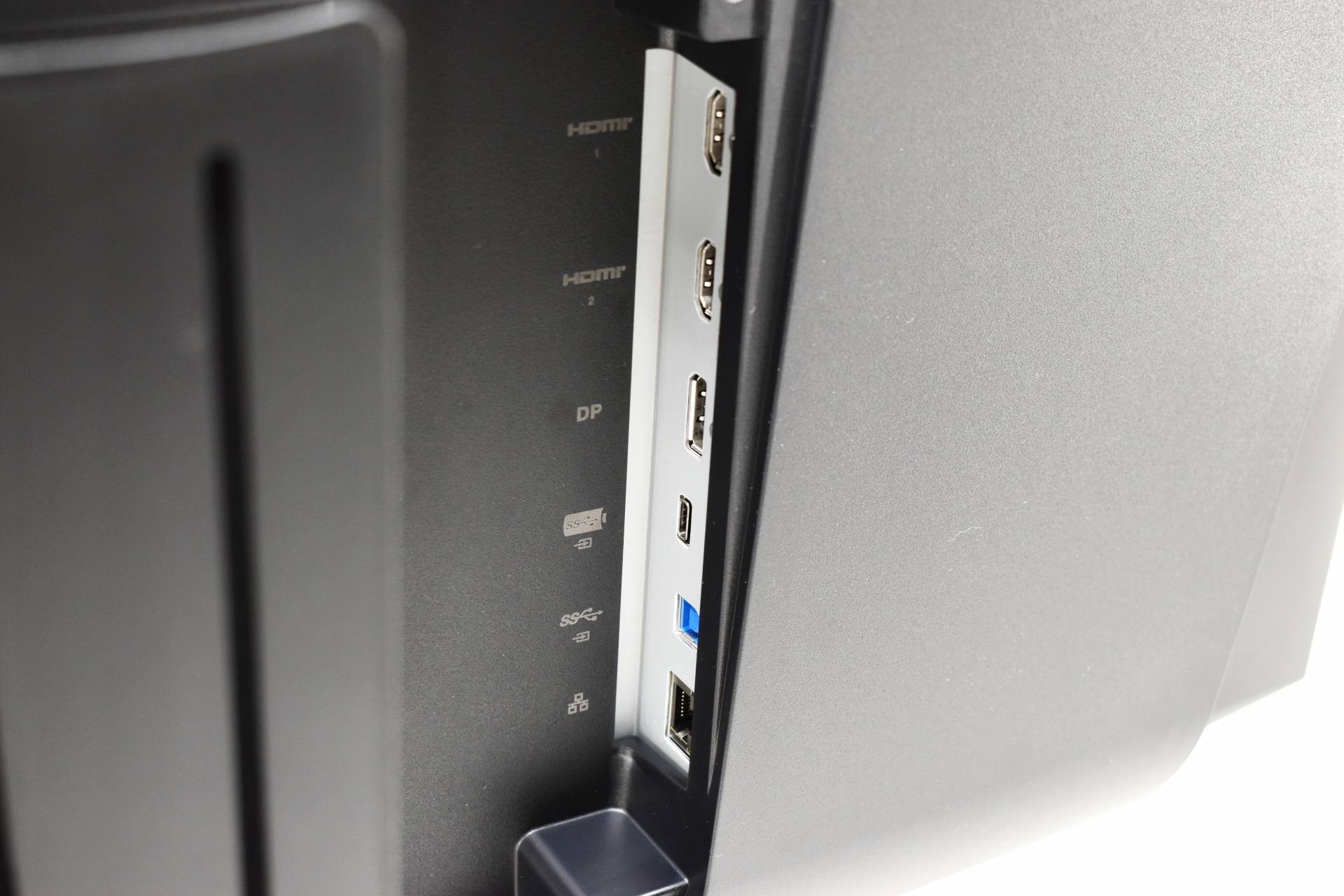
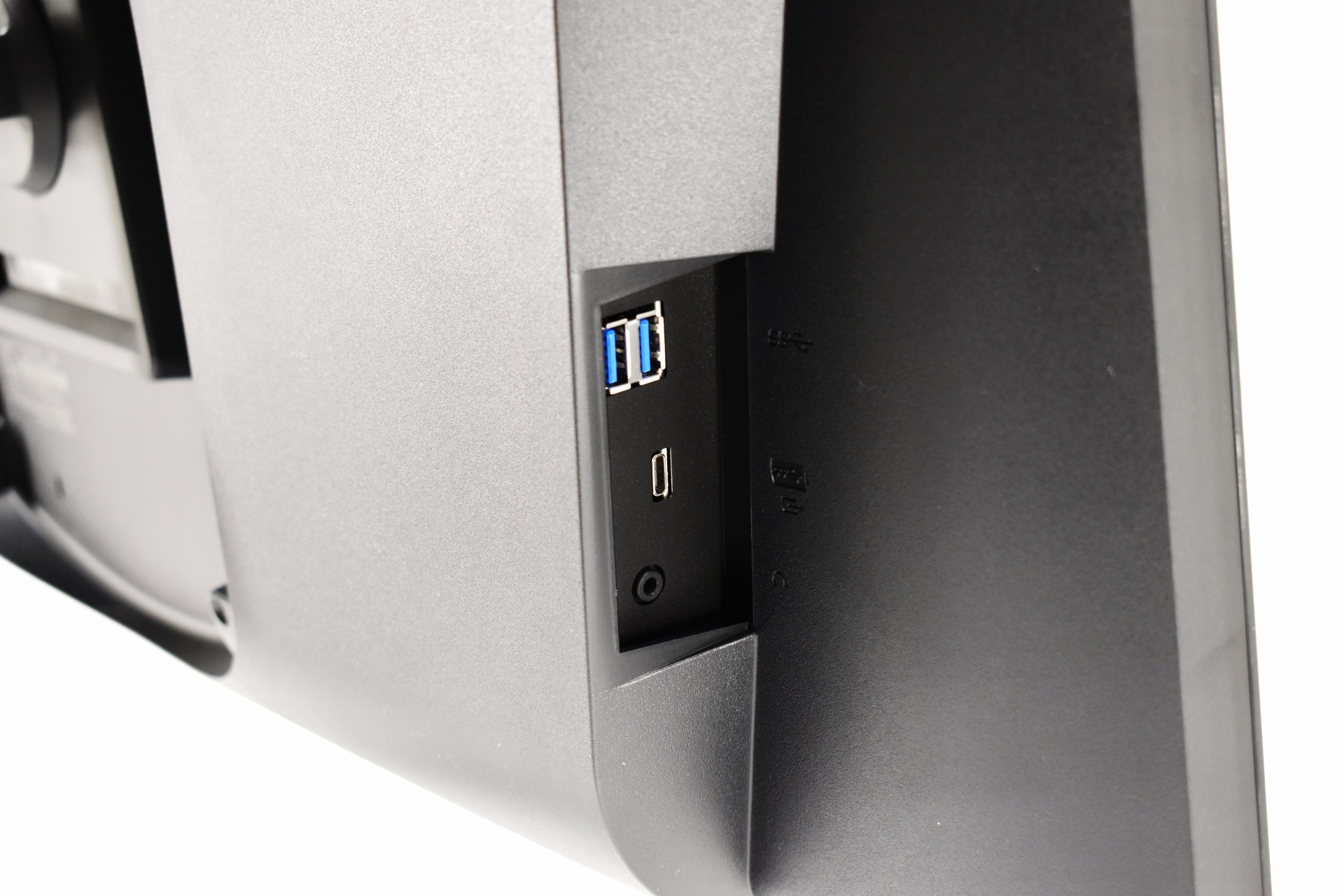
From the left we find the power port, on/off switch, two HDMI v1.4 ports, DisplayPort v1.3, USB-C port, USB host port, RJ45 Gigabit port, two USB 3.2 ports, USB-C port and a 3.5mm headphone out port.
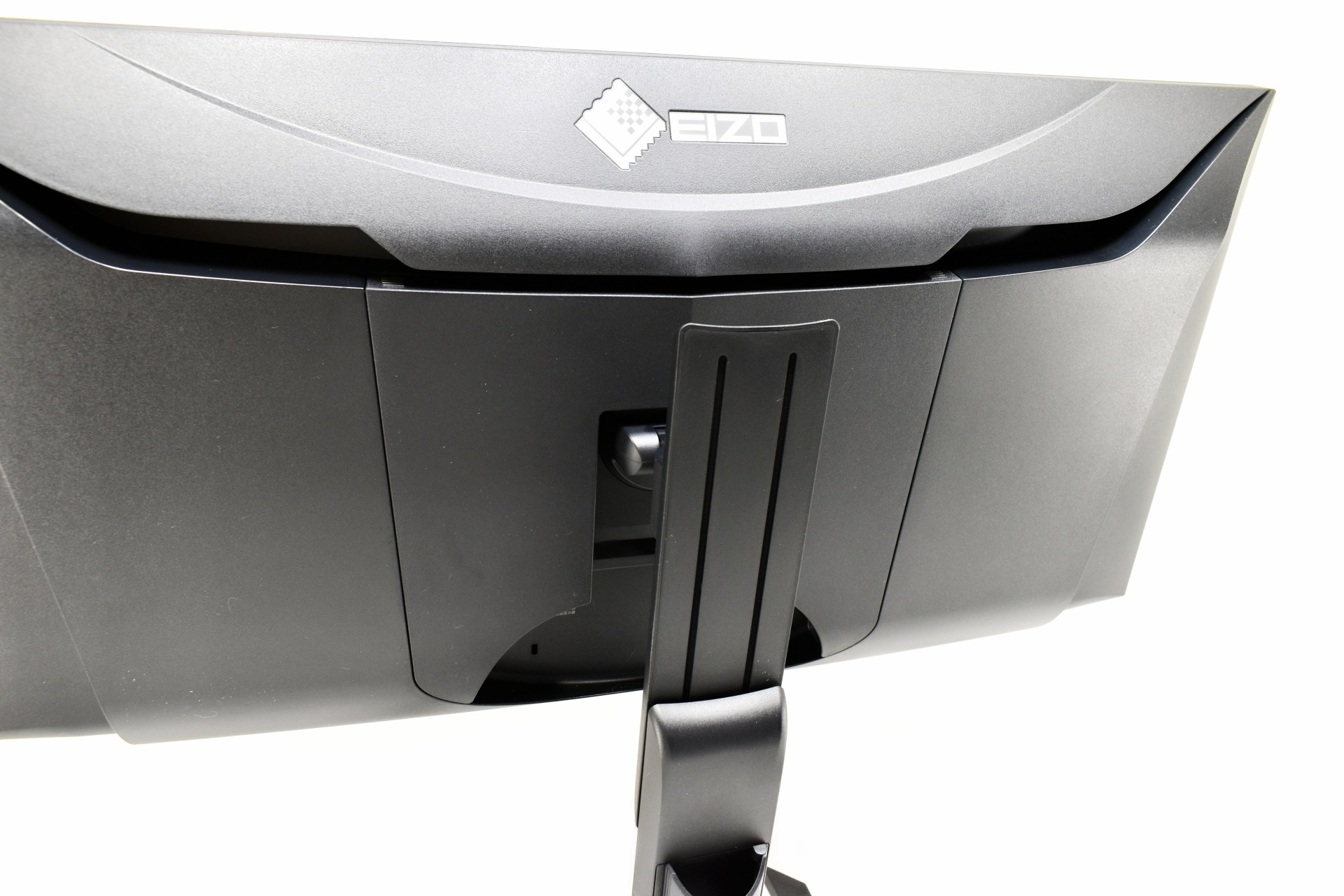
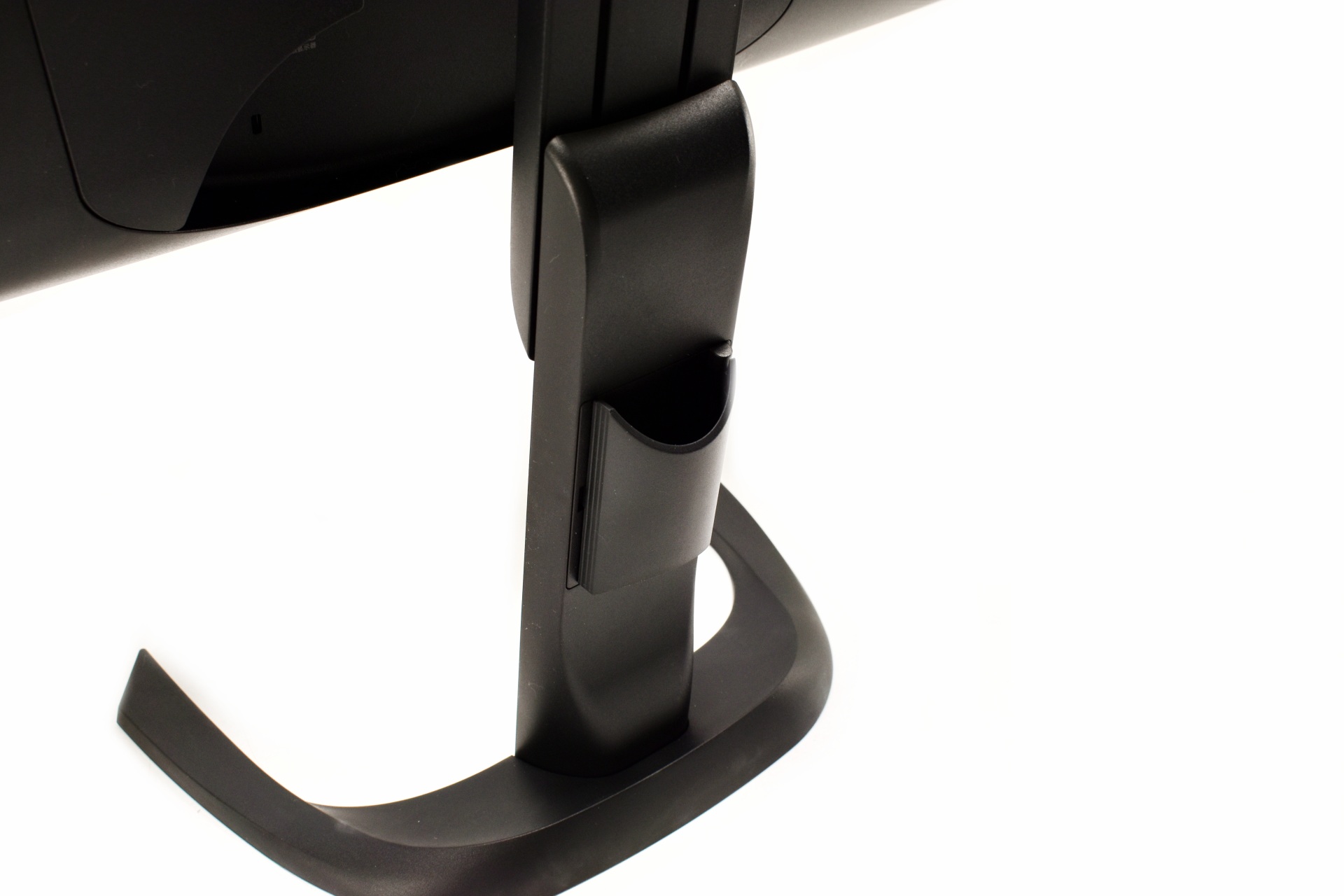
For cable management purposes EIZO provides a rear cover and cable routing on the stand as seen above.
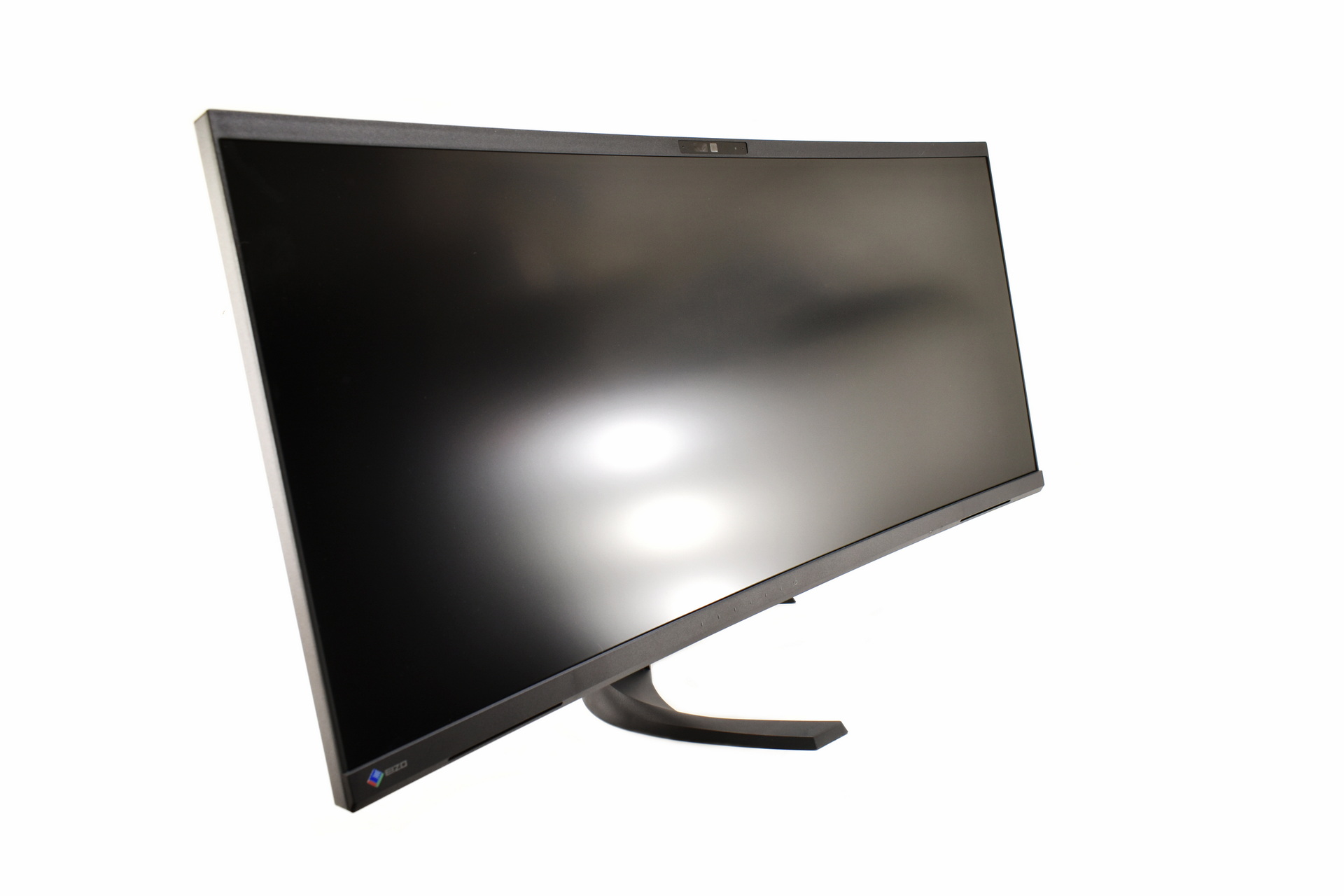
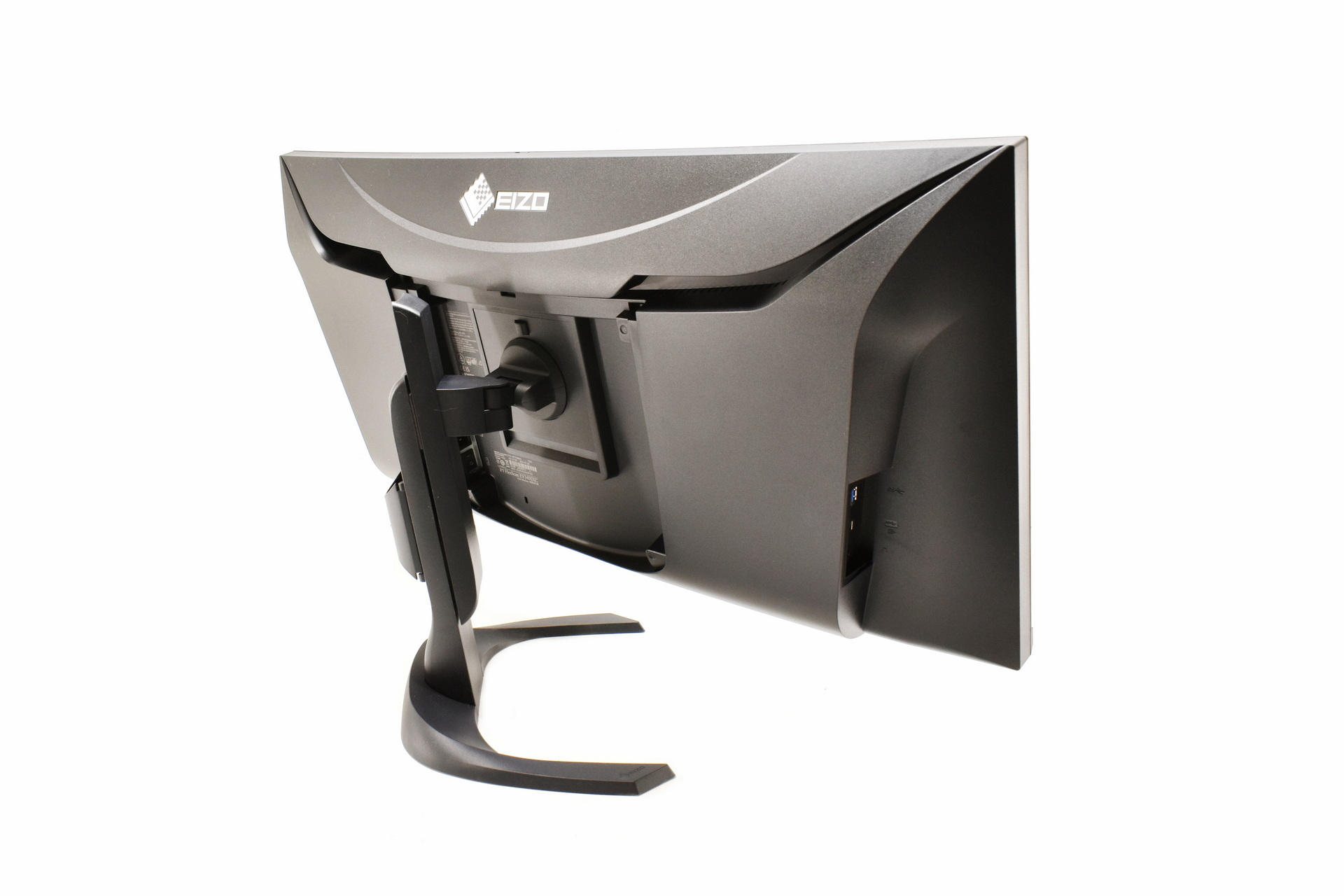
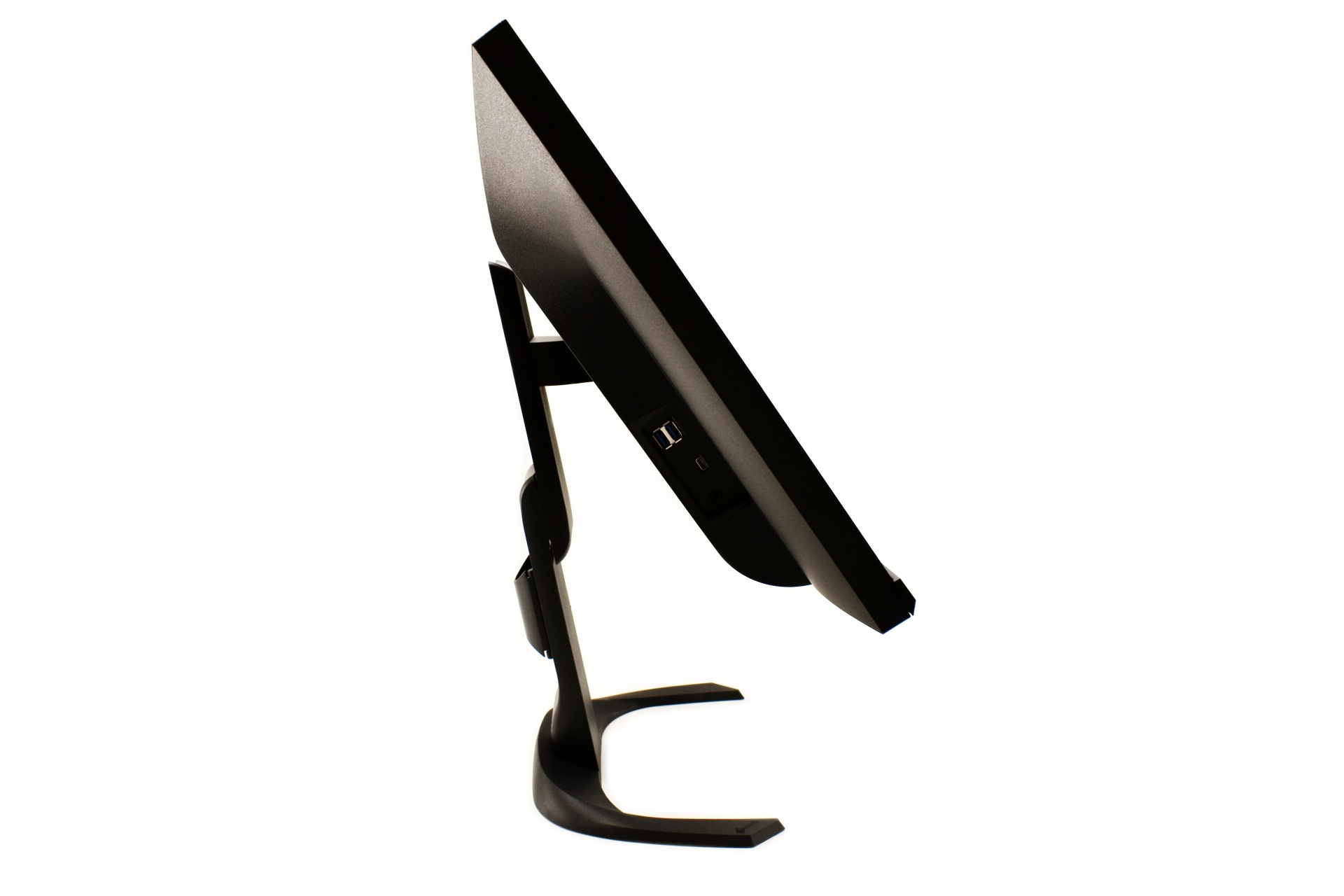
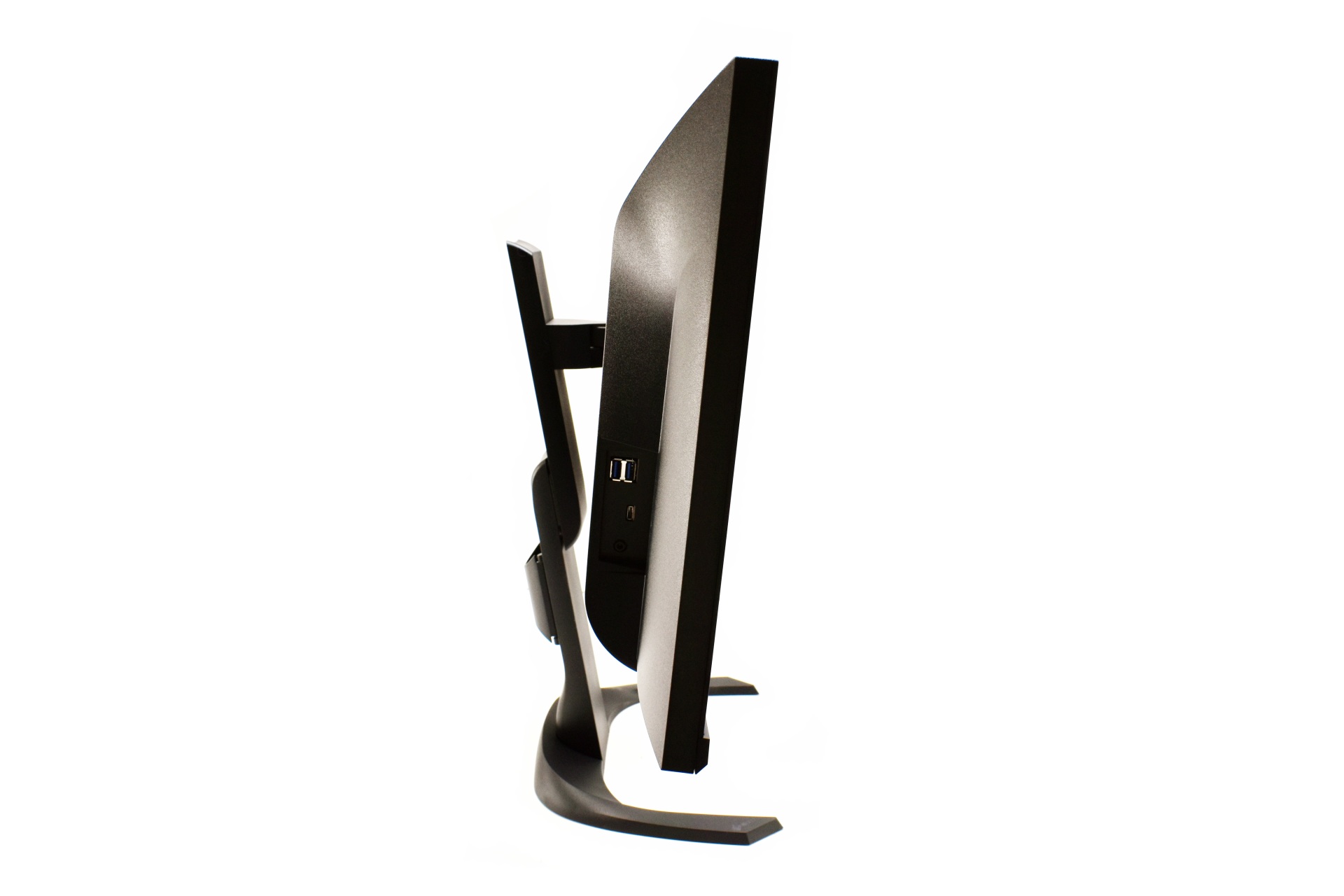
Just like with previous models the stand of the FlexScan EV3450XC swivels up to 45 degrees on either side and tilts 35 degrees up and 5 degrees down.
EV3450XC MENUS
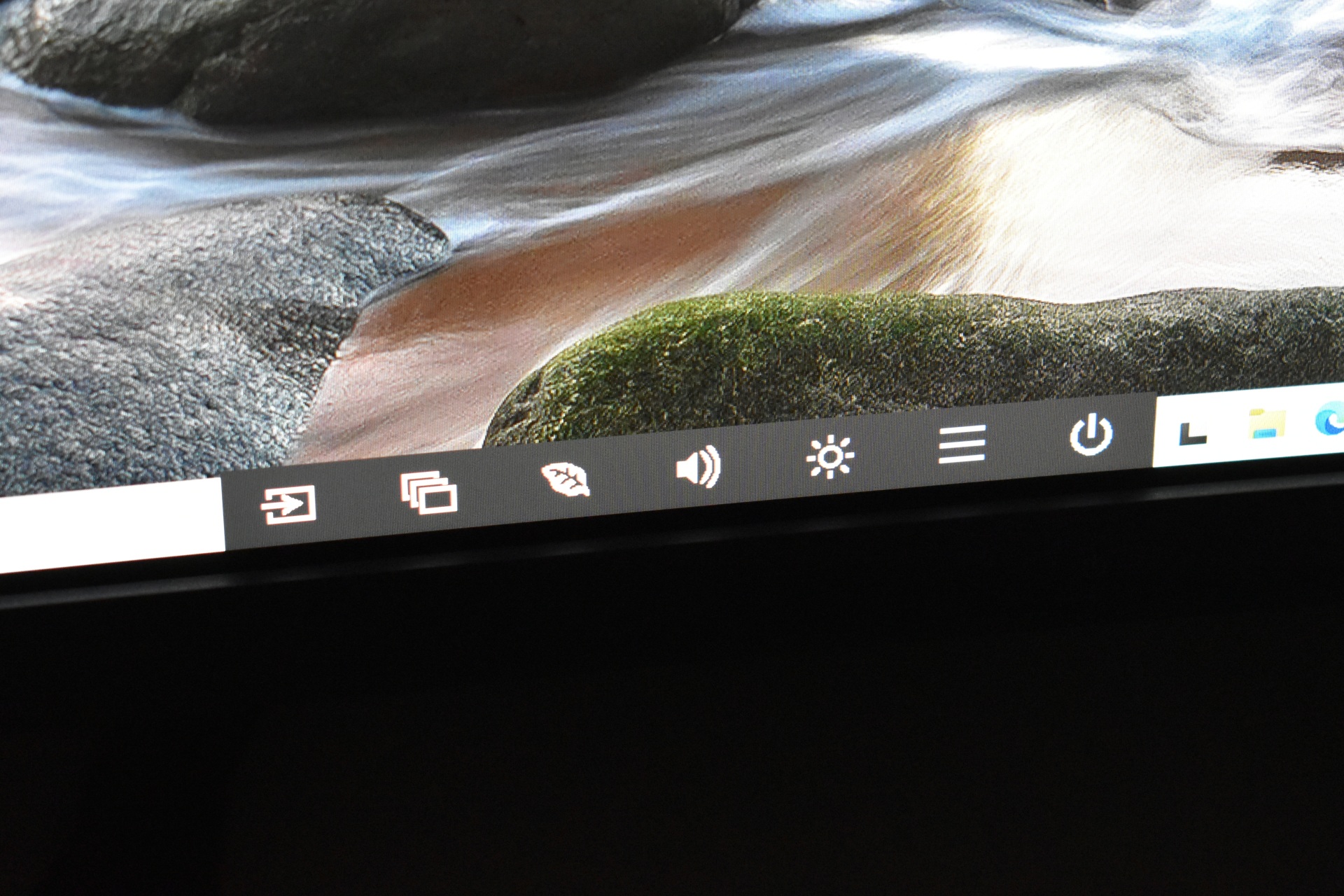
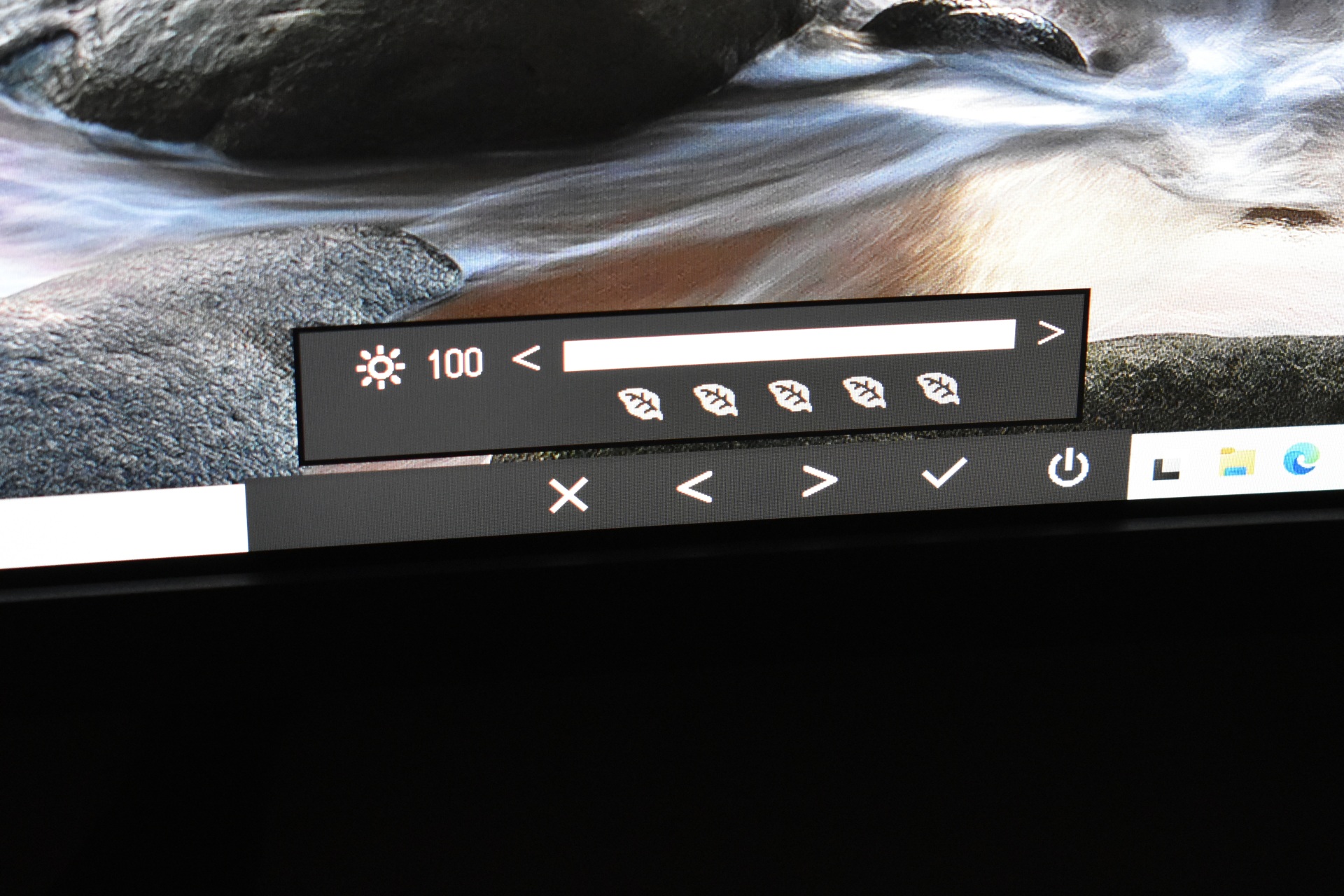
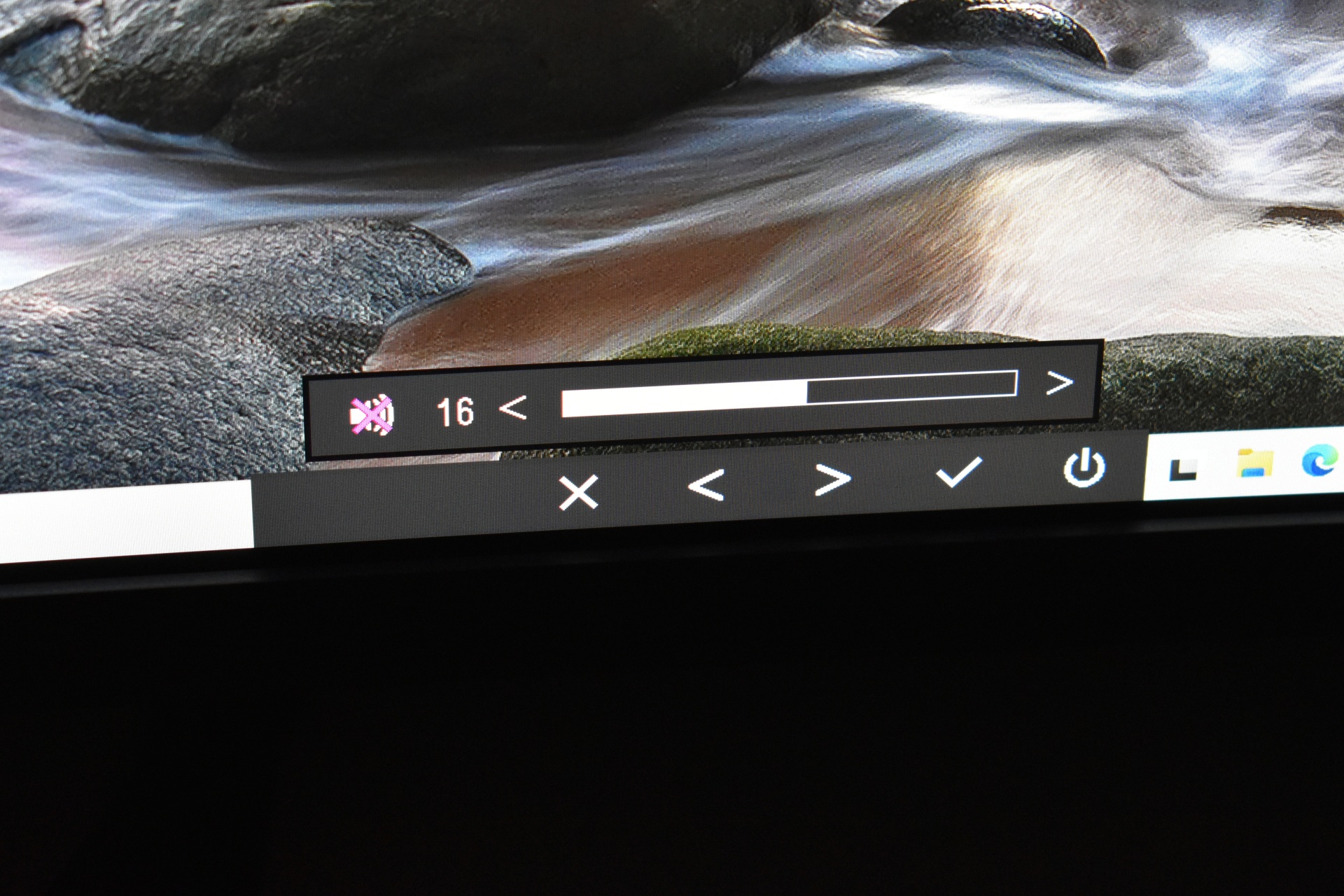
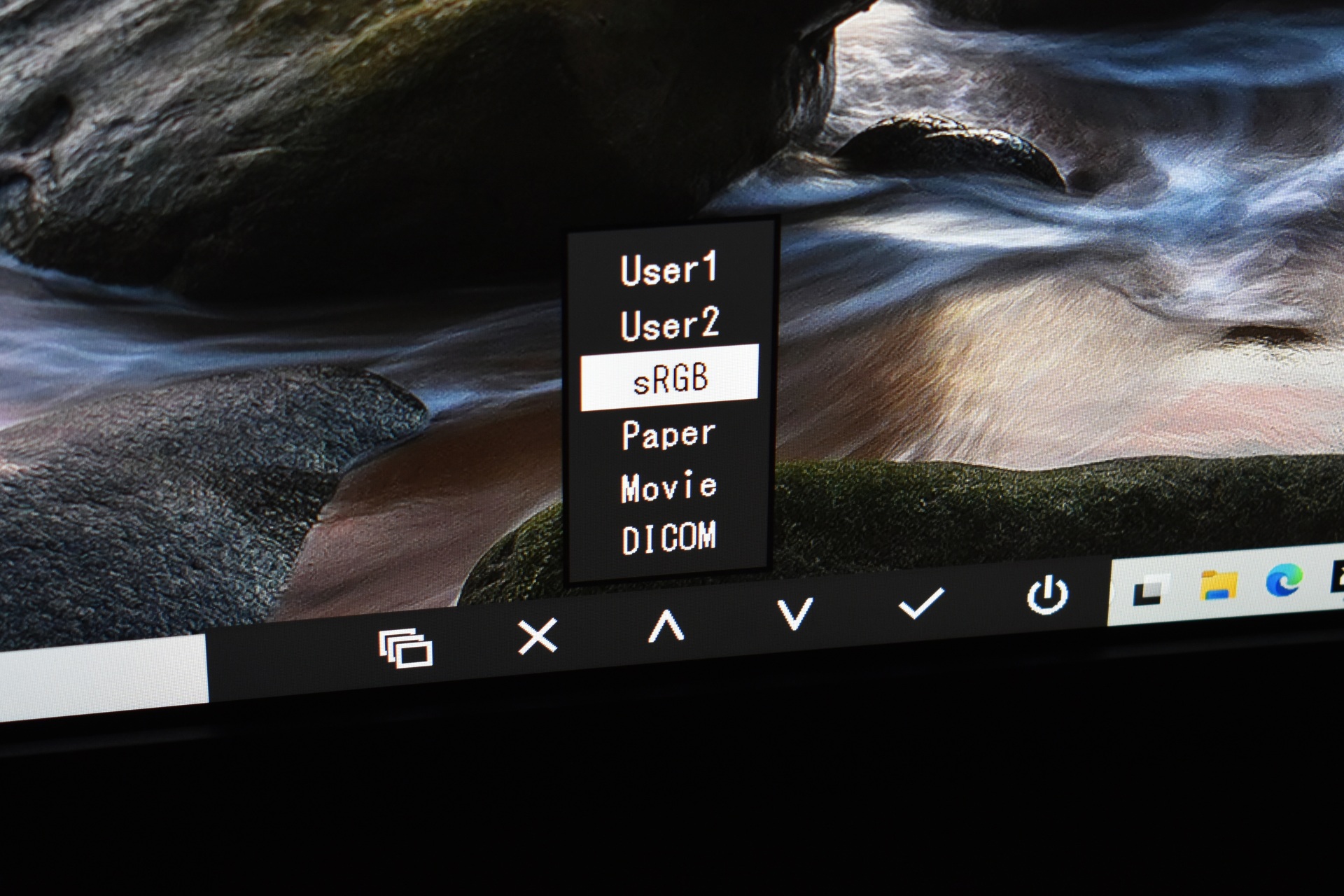
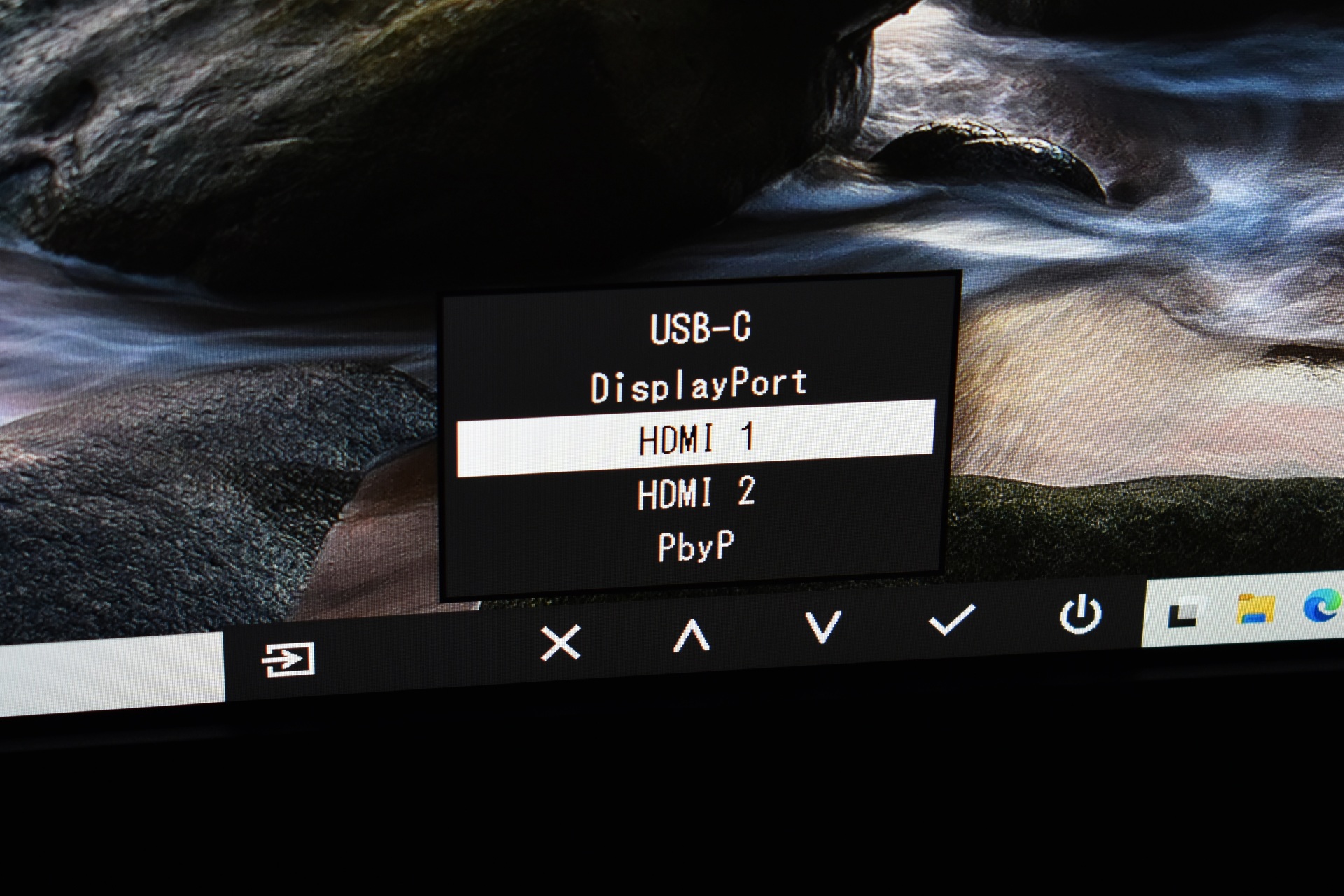
From the touch buttons you can quickly adjust the volume and brightness levels, change between modes and select video input.
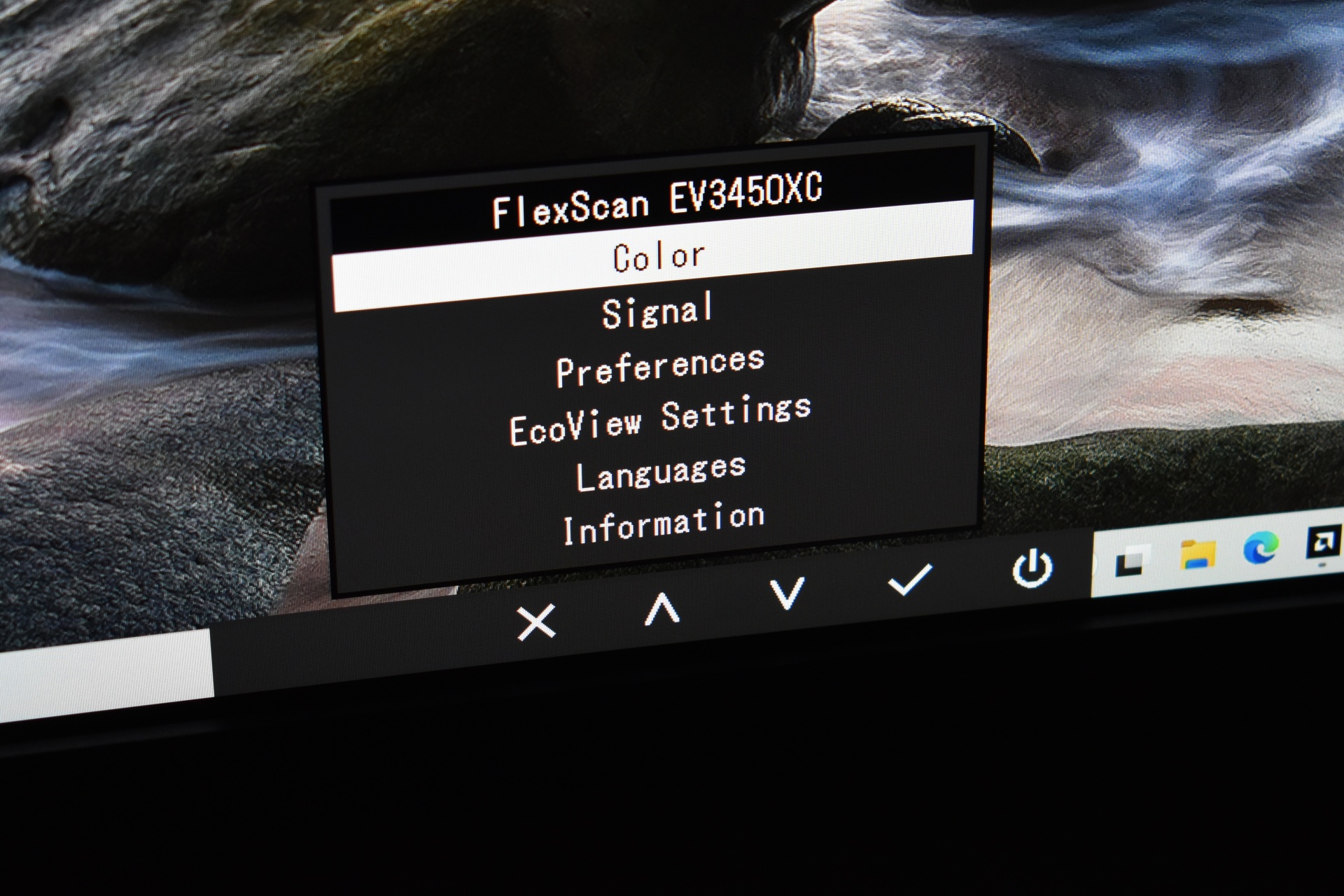
You can also access the main tab and it's sub tabs.
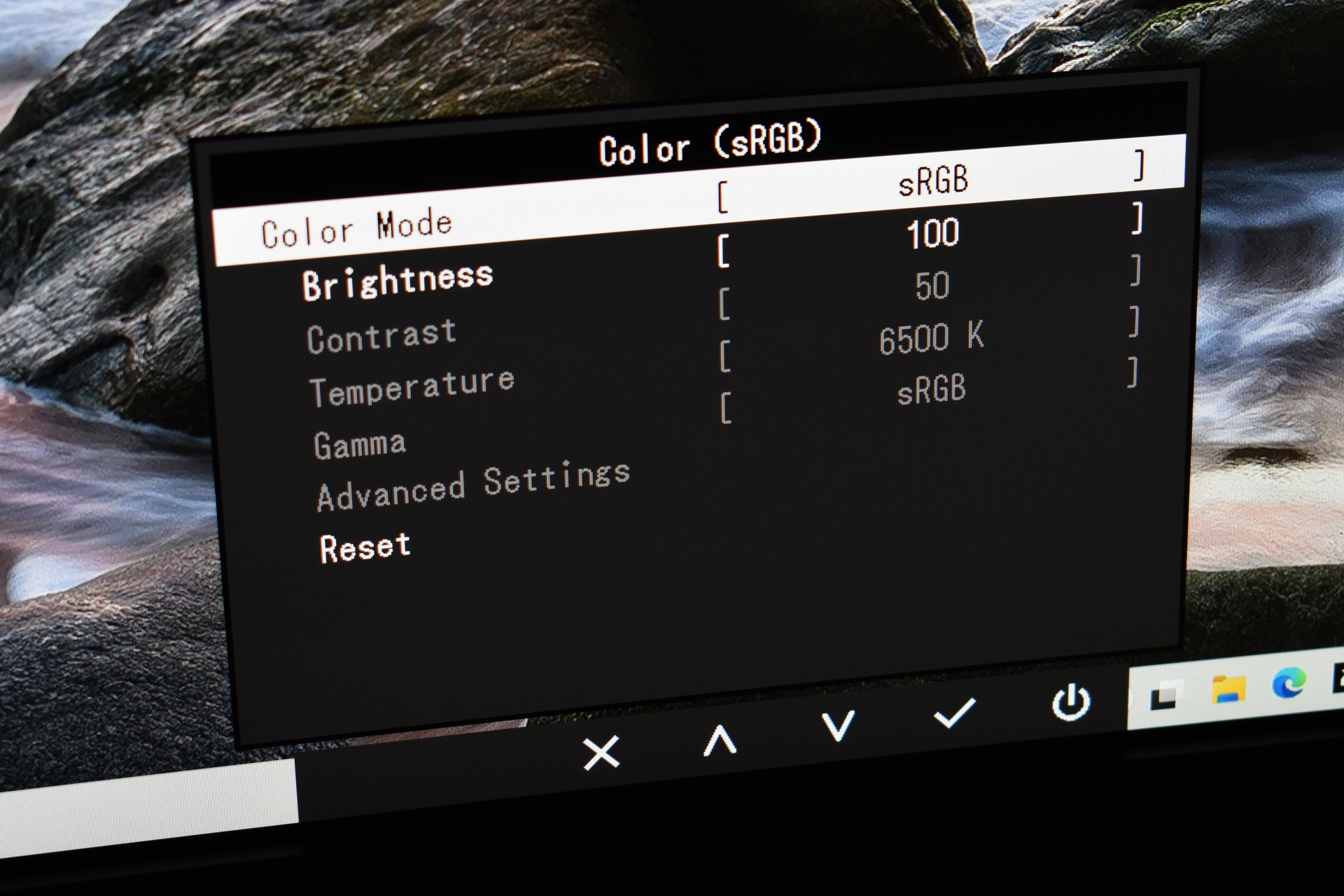
From the color tab you can select the color mode, adjust brightness and contrast levels and set the temperatures and gamma (in user mode).
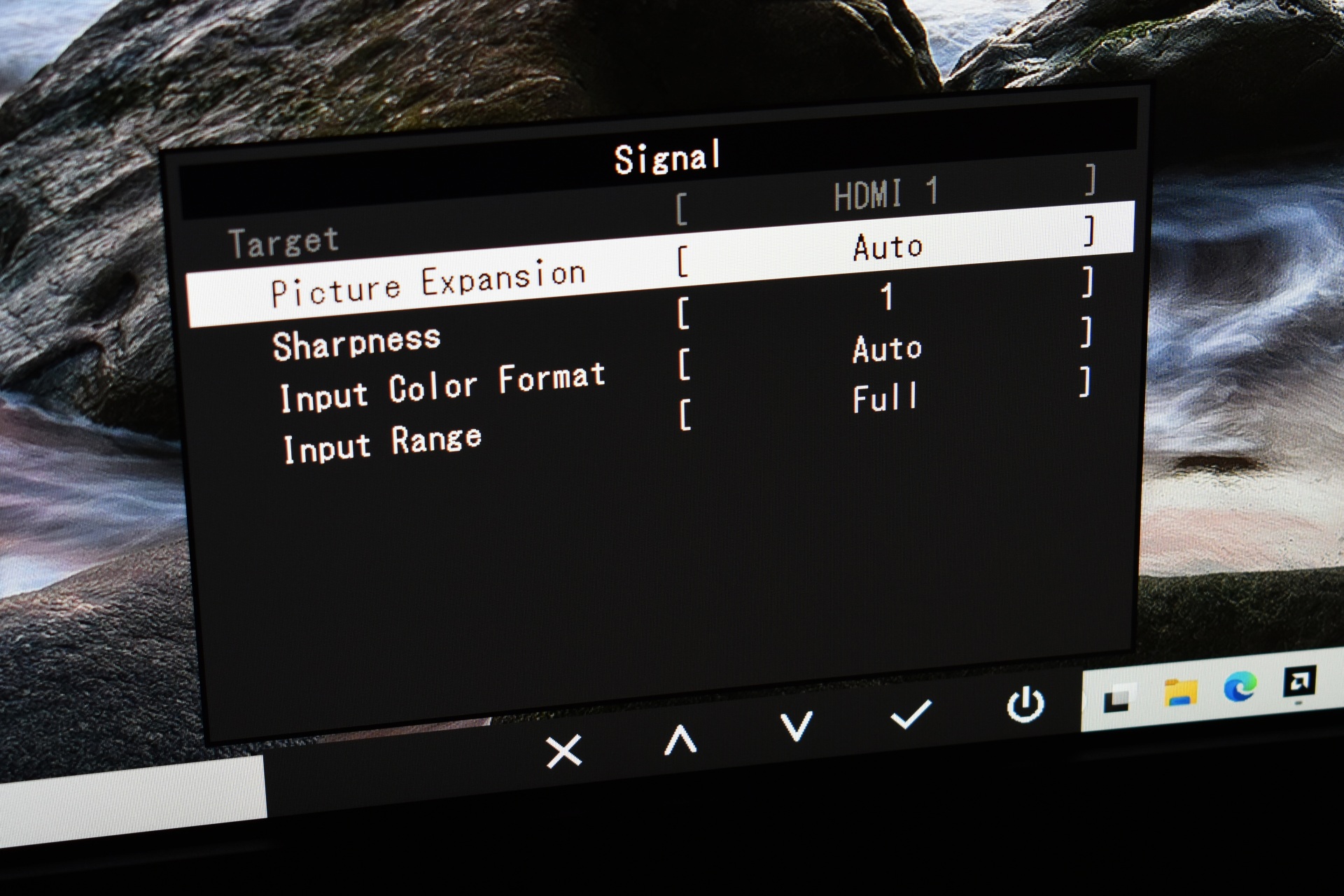
Screen ratio, sharpness, color format and input range are all accessible from within the signal tab.
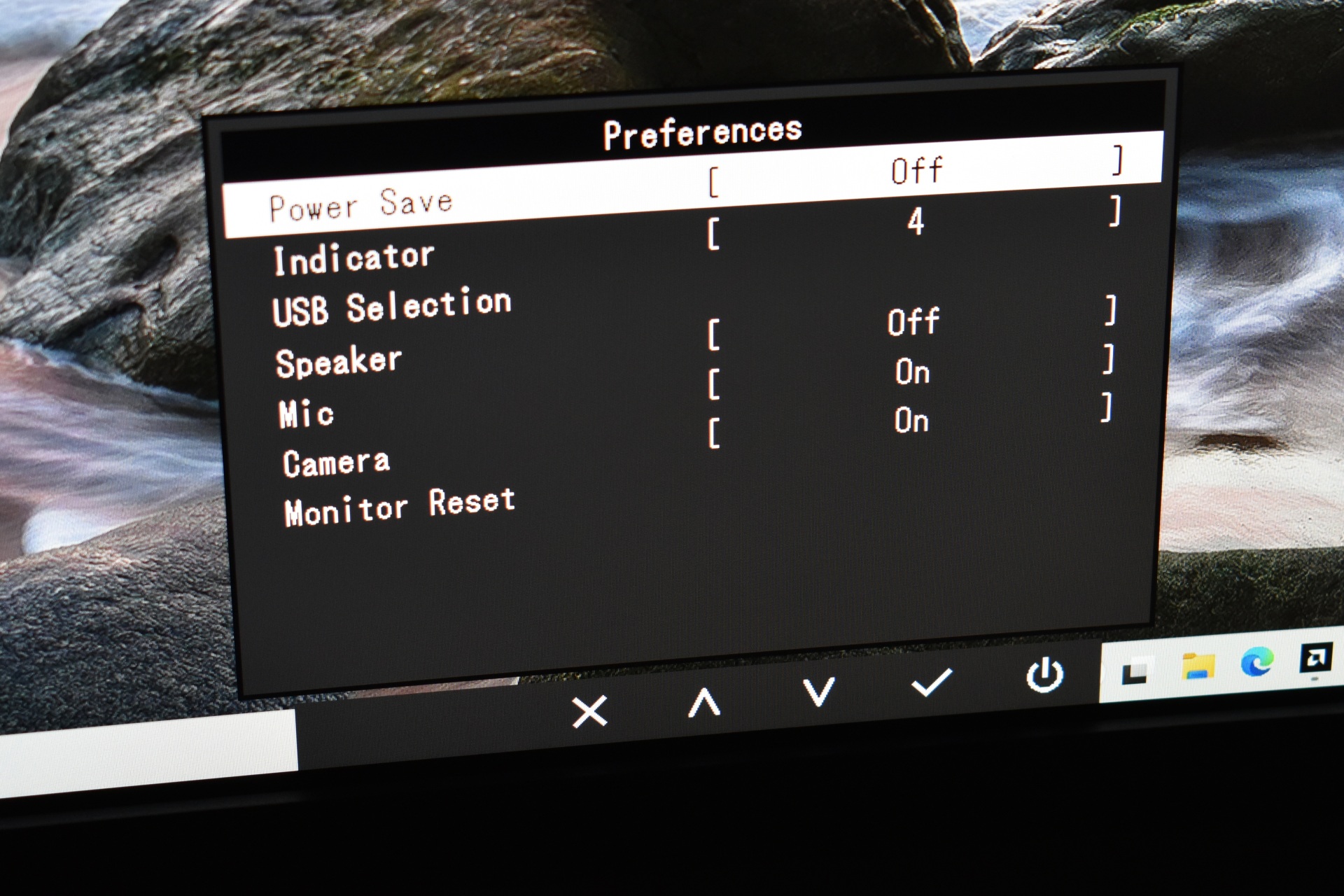
Features for power save, power indicator brightness, USB, microphones, camera and reset can all be accessed from the preferences menu.
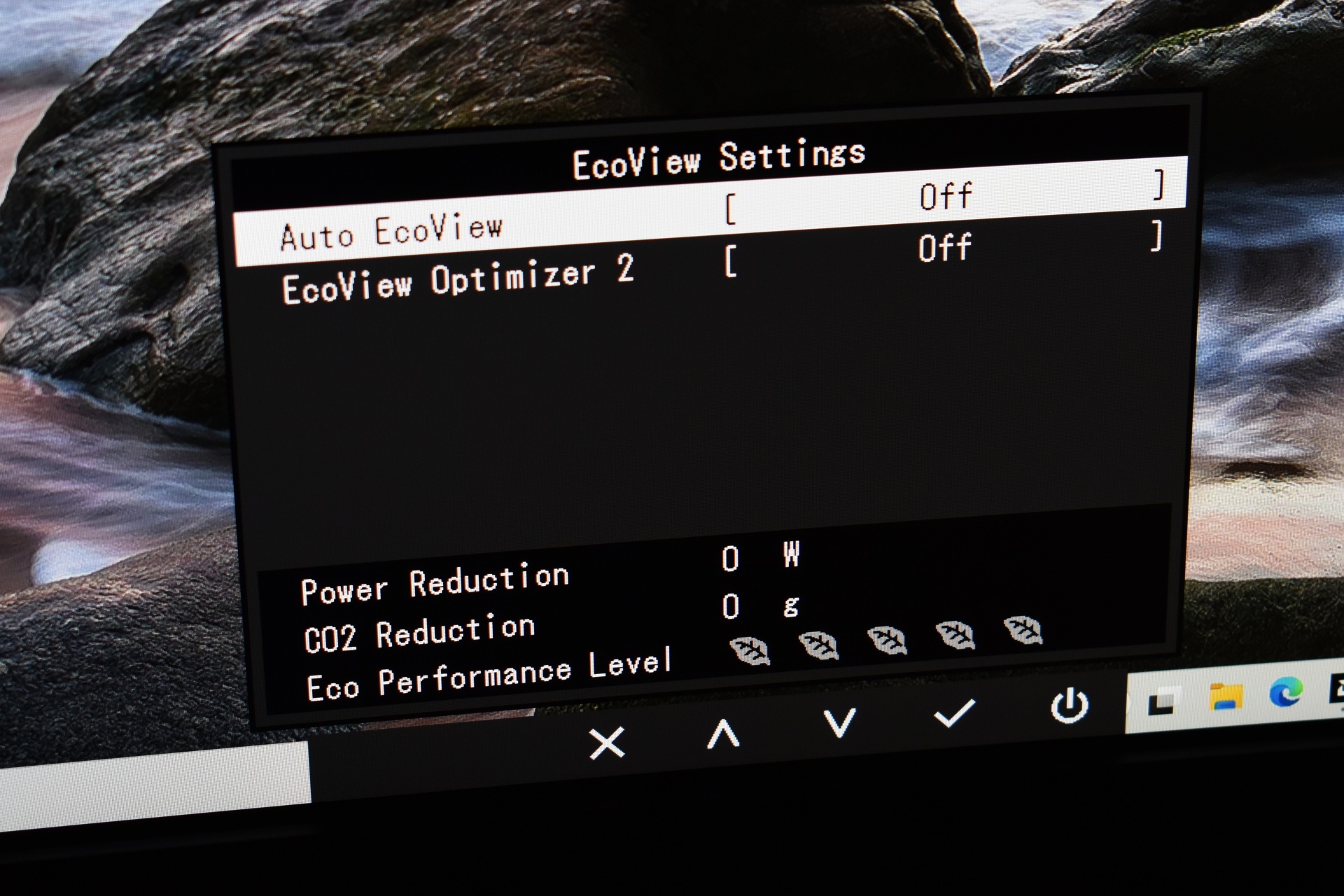
The “green” features are placed inside the EcoView settings tab (once again these are features I don't use during my tests).
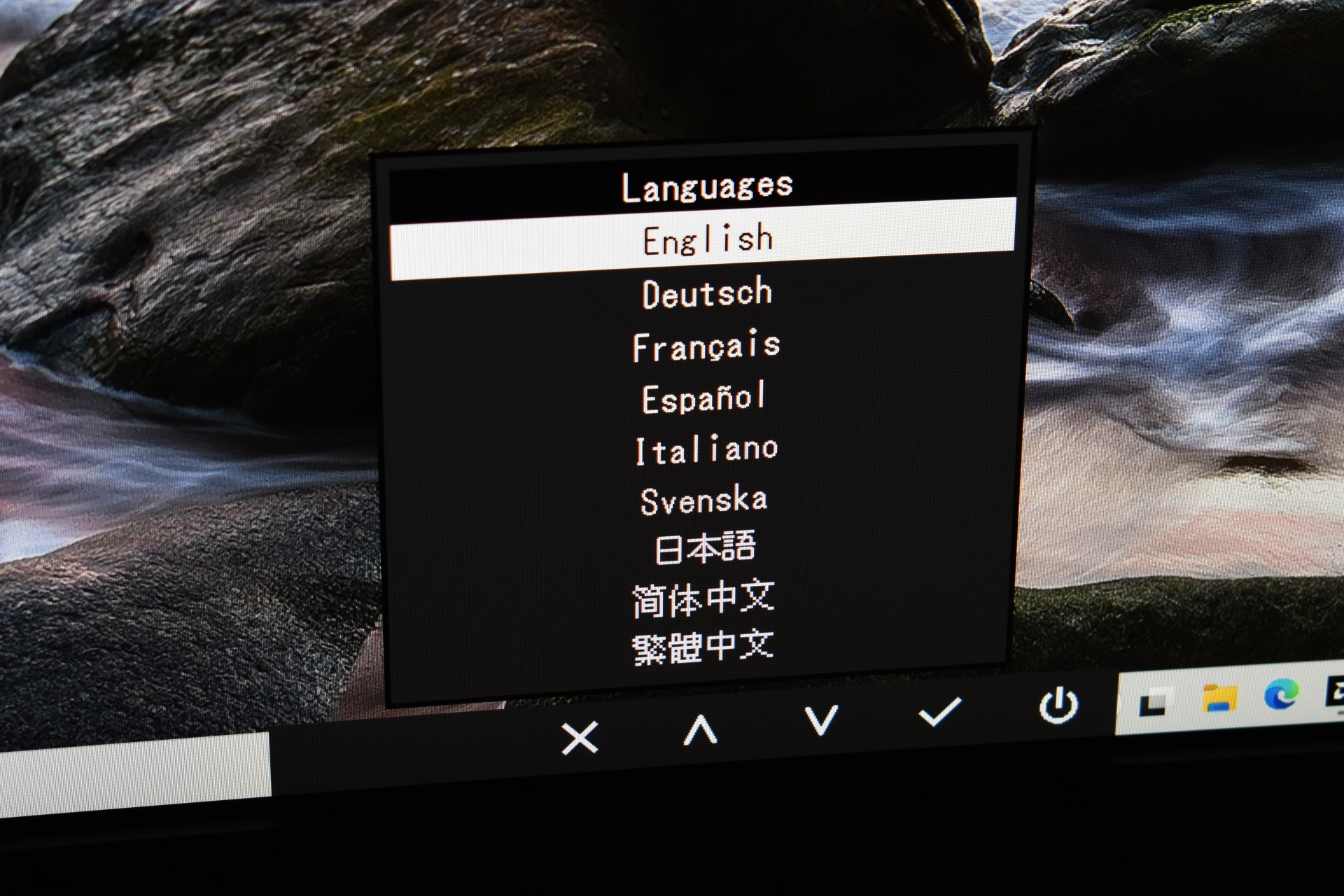
Typically, the OSD is available in 9 different languages.
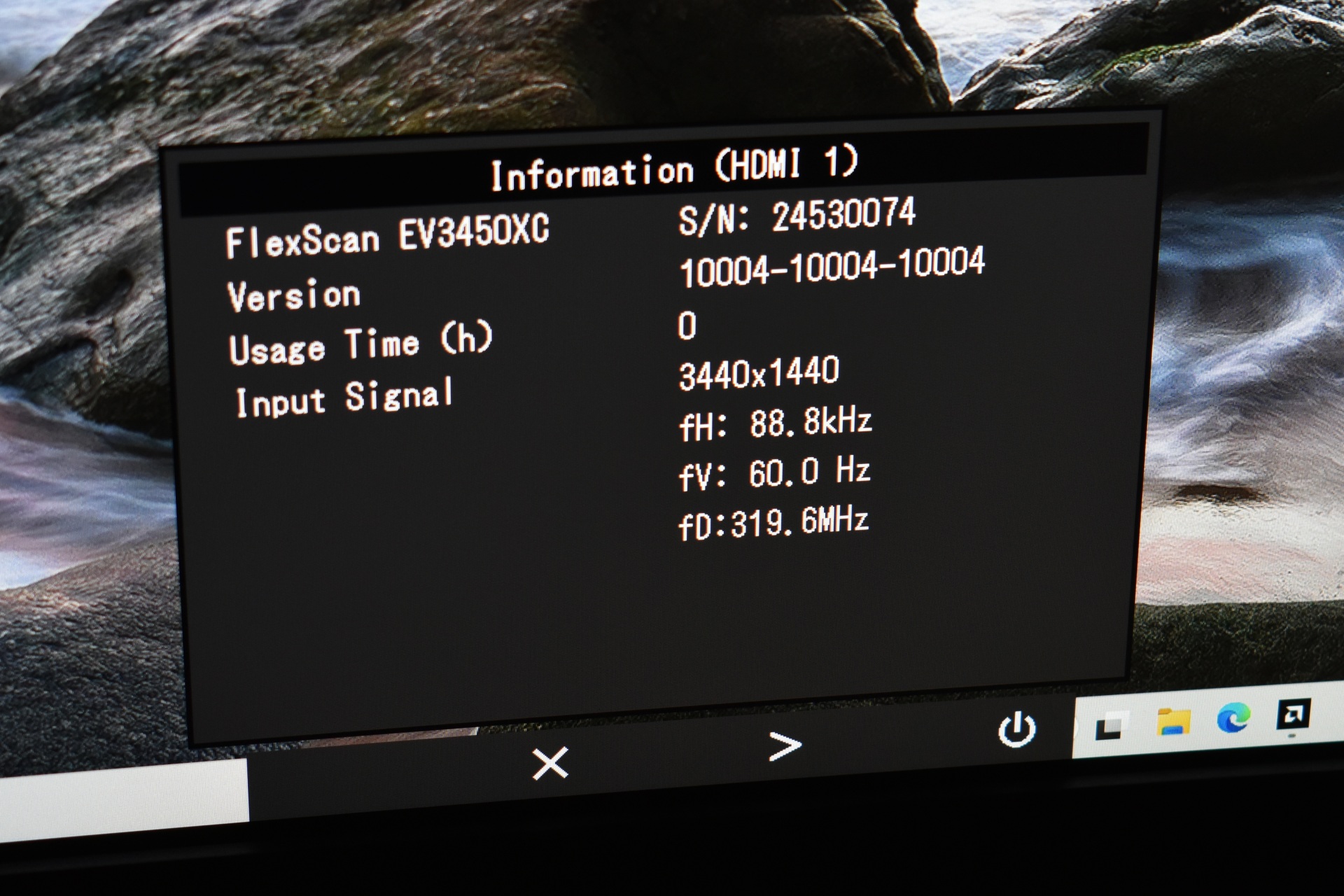
Details about the screen are present inside the information tab (the usage time / power on hours is perhaps the most important one).
SCREEN INSTYLE SOFTWARE
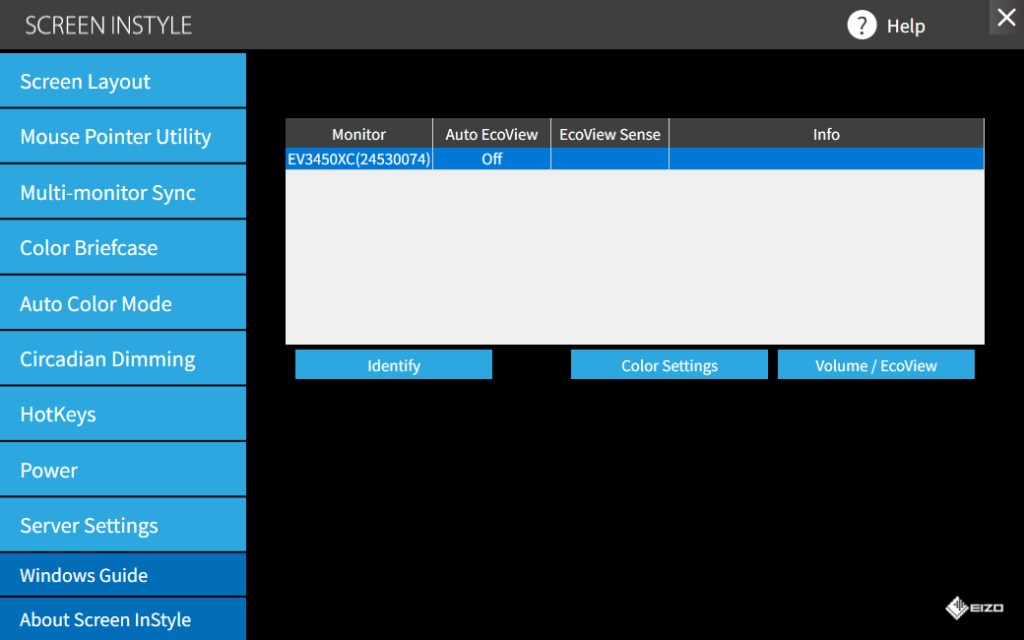
Connecting the FlexScan EV3450XC with your system via either the USB host ports, or the USB-C port allows you to access most of its menu features (and then some) via EIZO's Screen InStyle software.
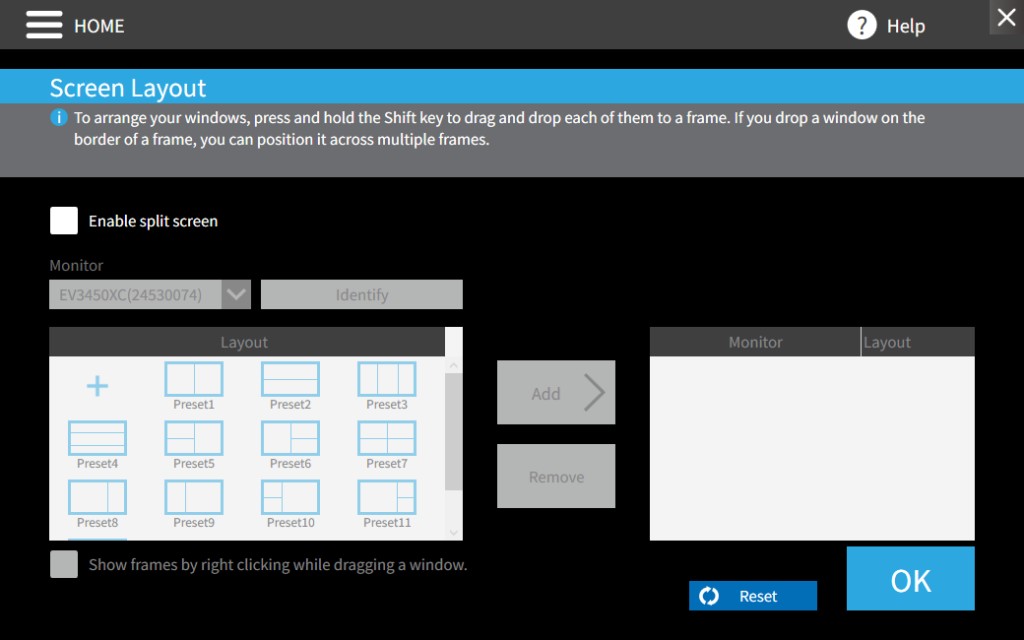
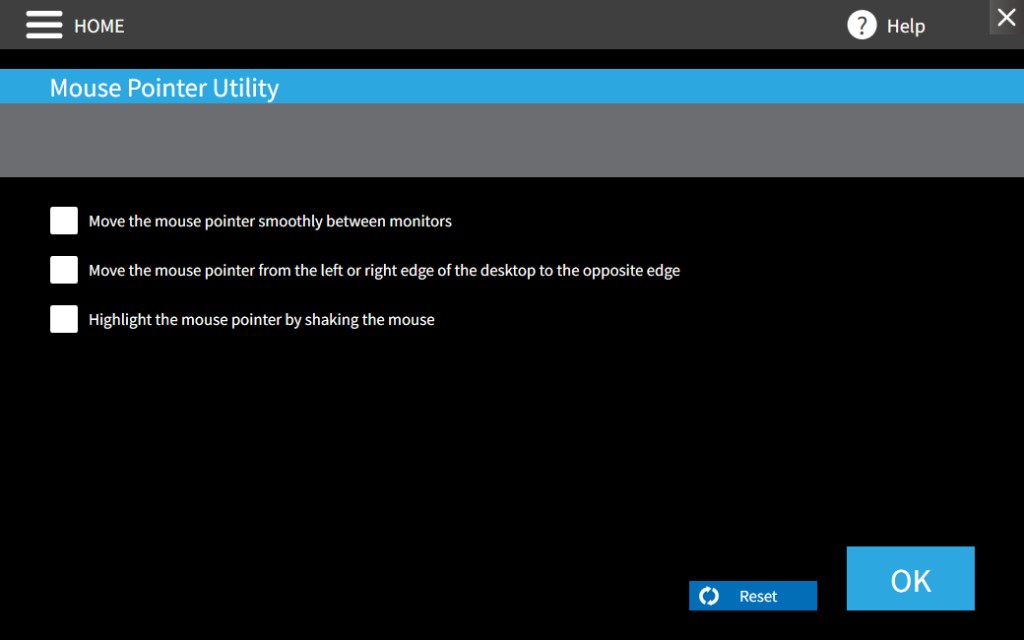
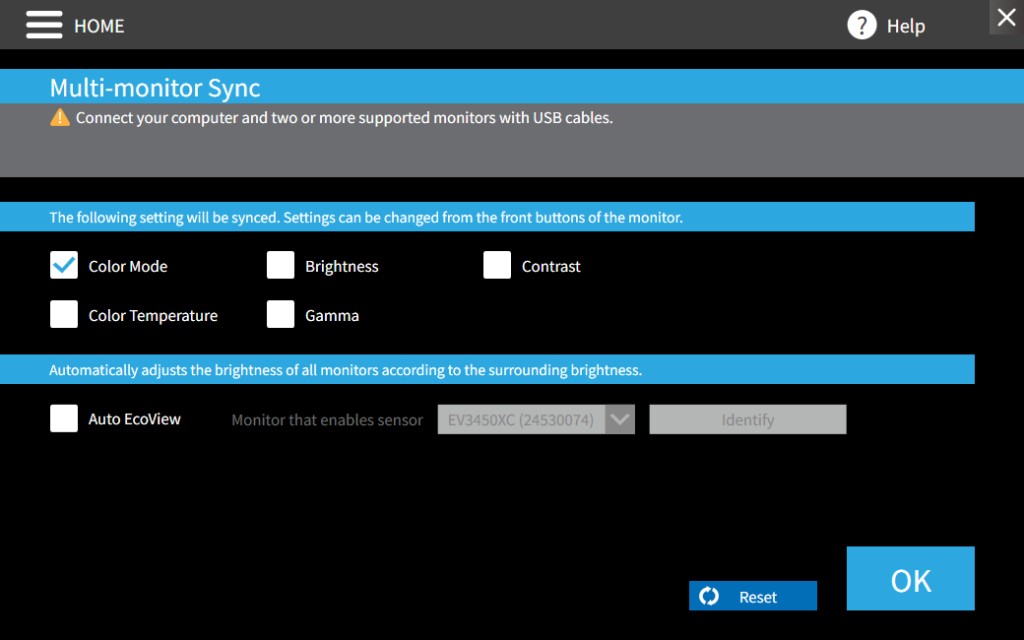
From here you can enable/disable the EcoView settings, configure the layout of the screen for the split screen feature (very useful for people who need different areas for work), access mouse related settings and sync your settings with other EIZO connected screens.
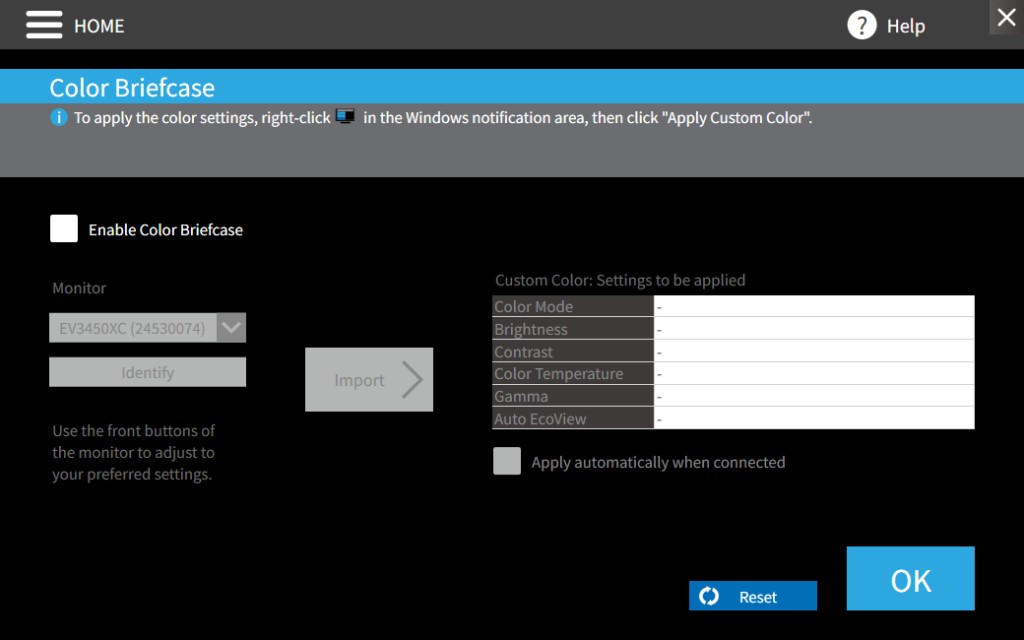
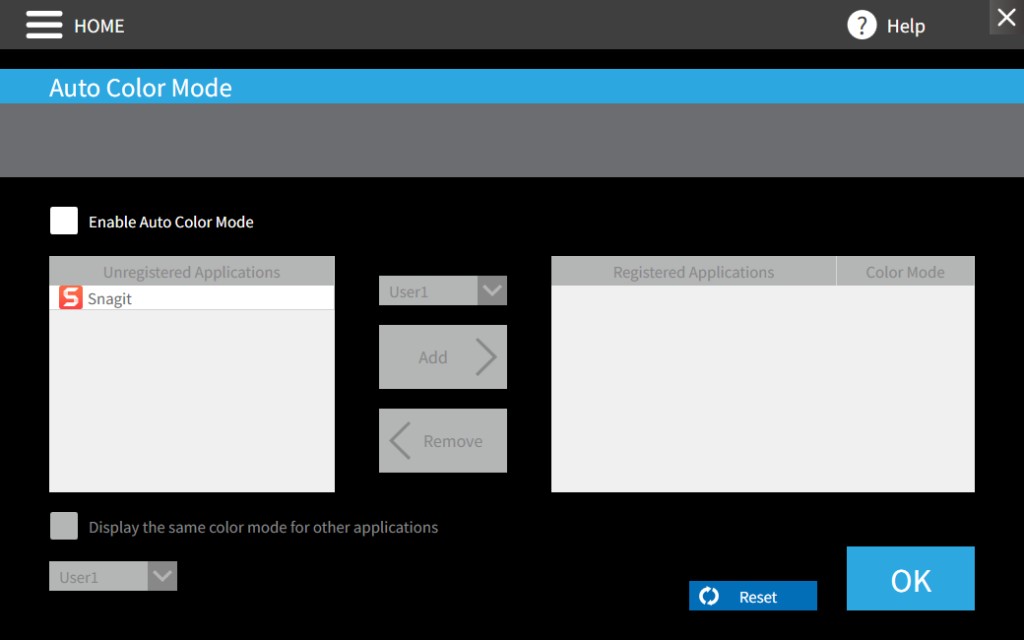
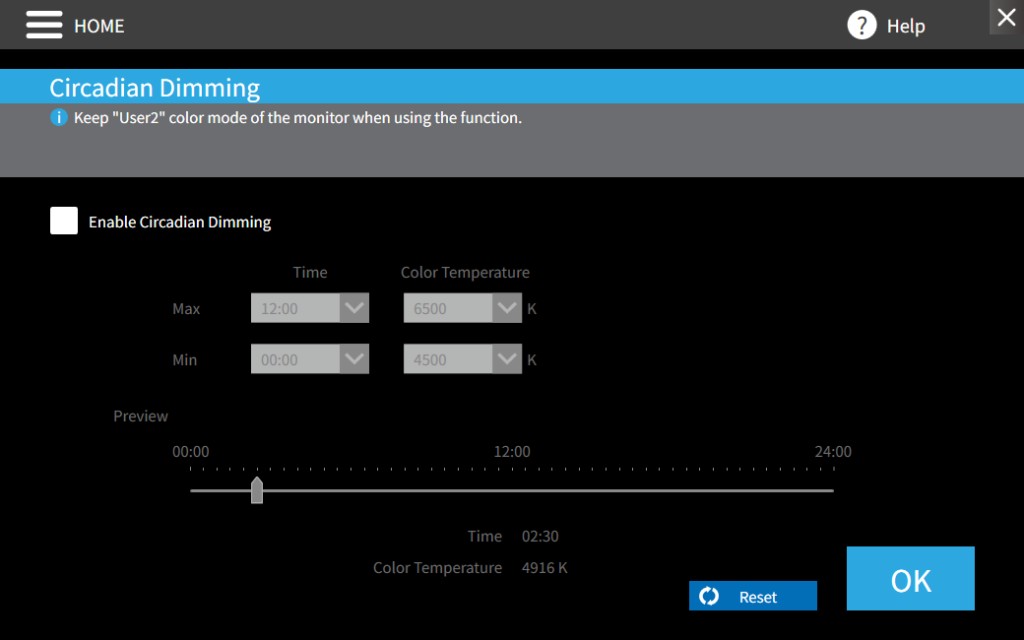
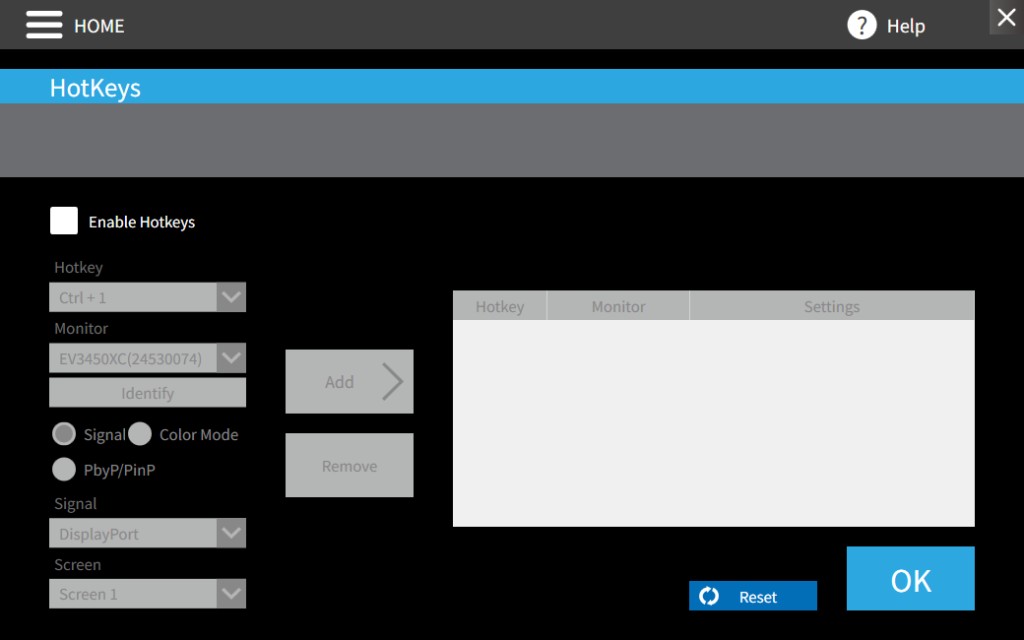
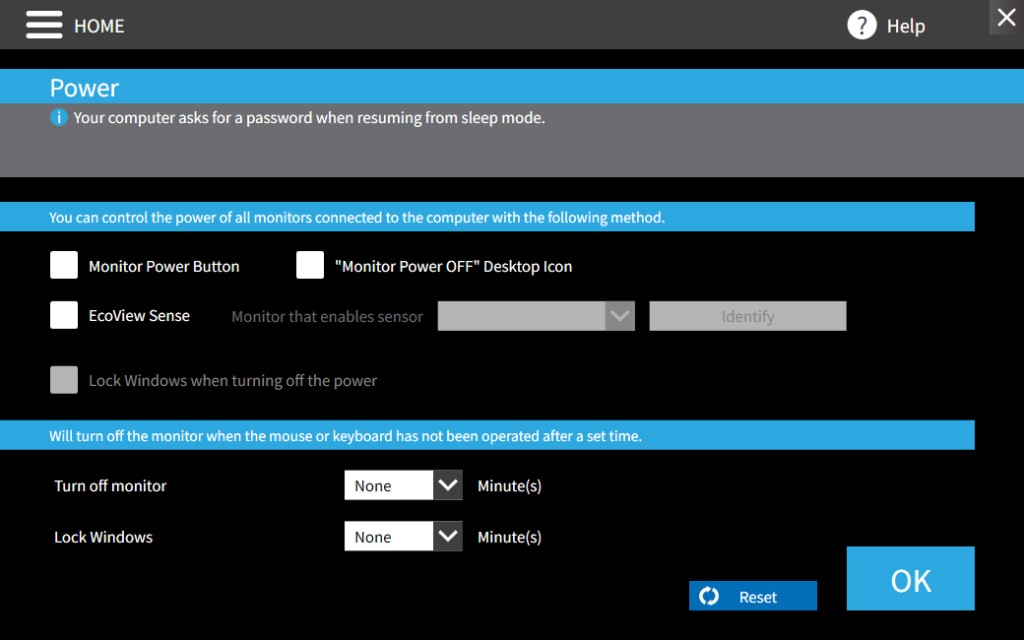
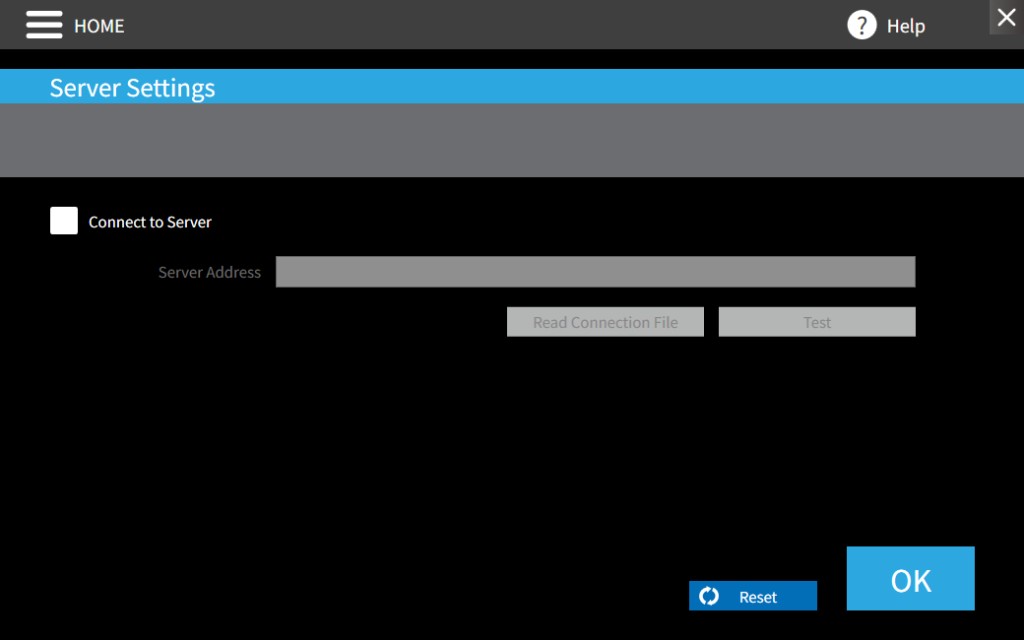
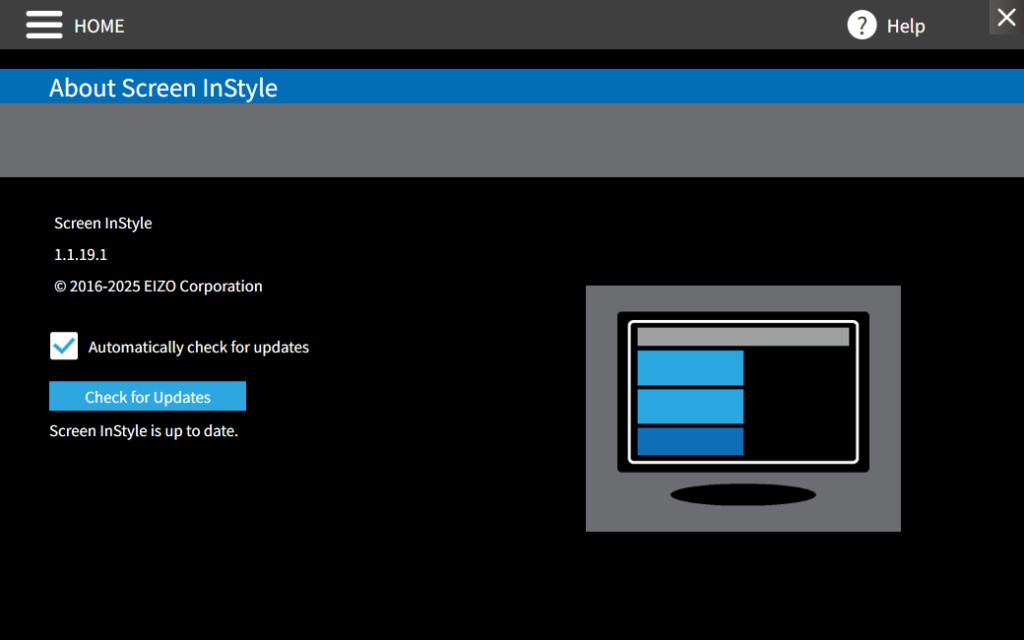
You can also use the color briefcase (import custom color settings), enable/disable auto color mode (ties specific settings to specific applications), enable/disable the circadian dimming schedule, enable hotkeys, access the power management features, and connect to the server version of the InStyle Software (centralized).
VIEWING ANGLES / PICTURE QUALITY
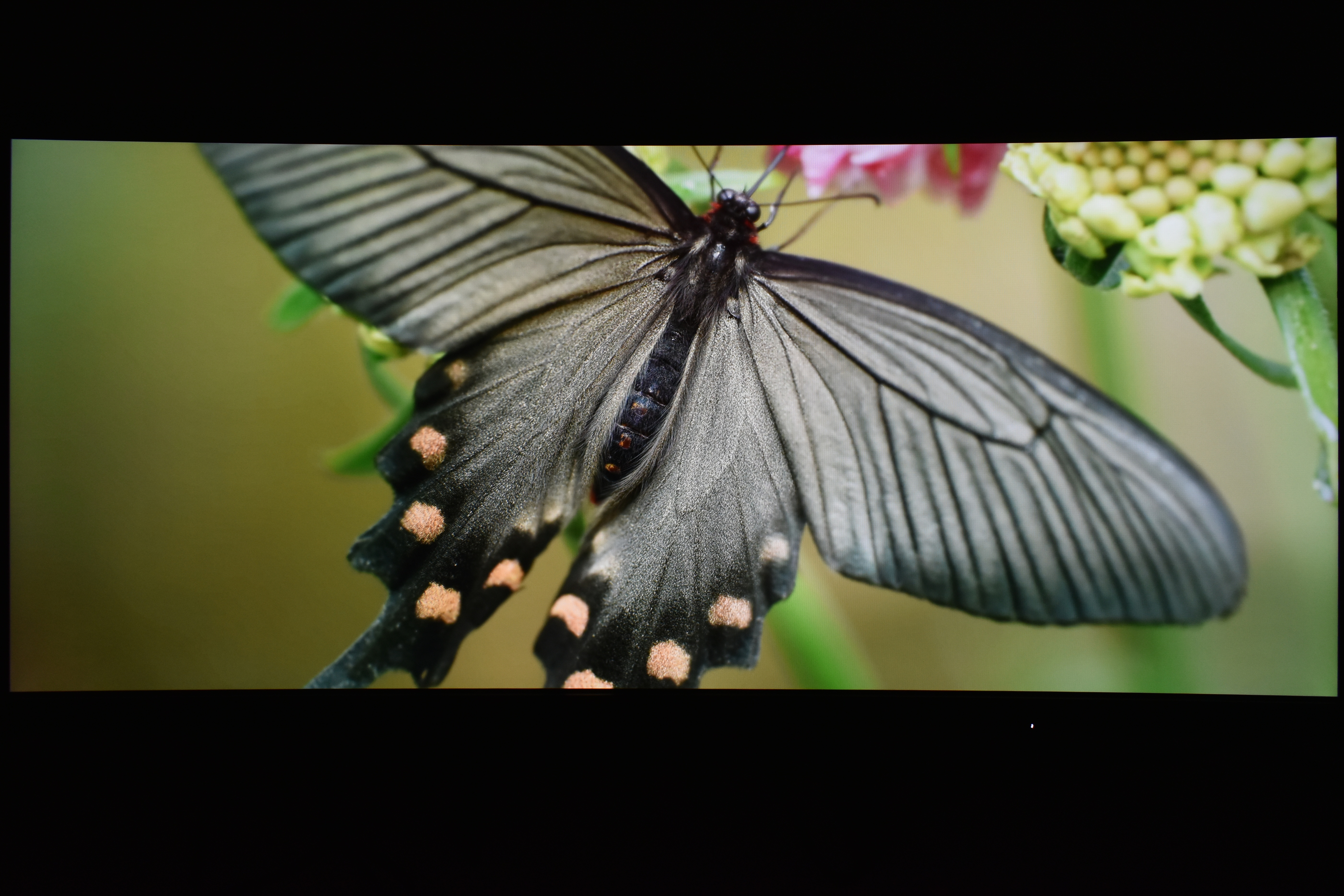
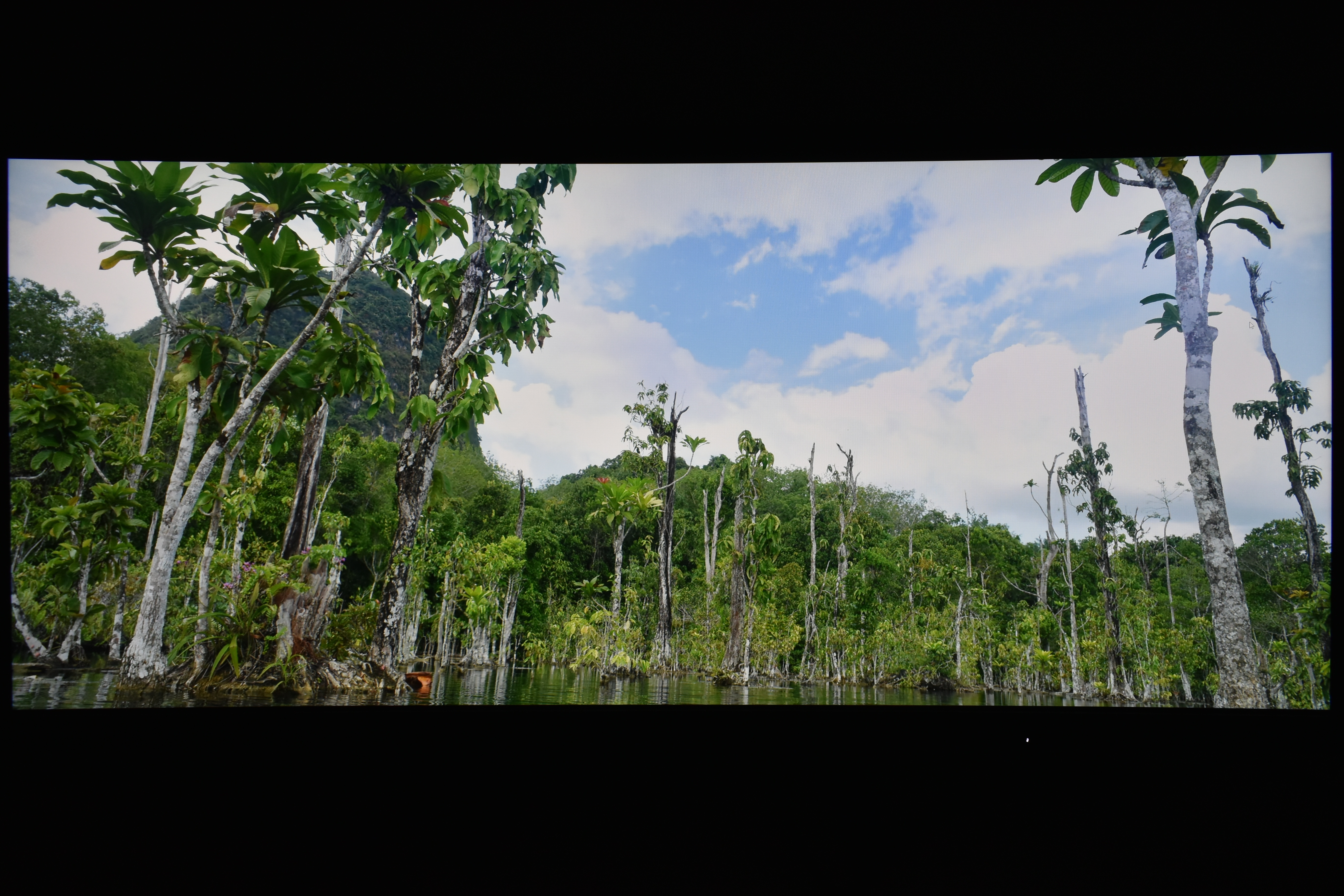
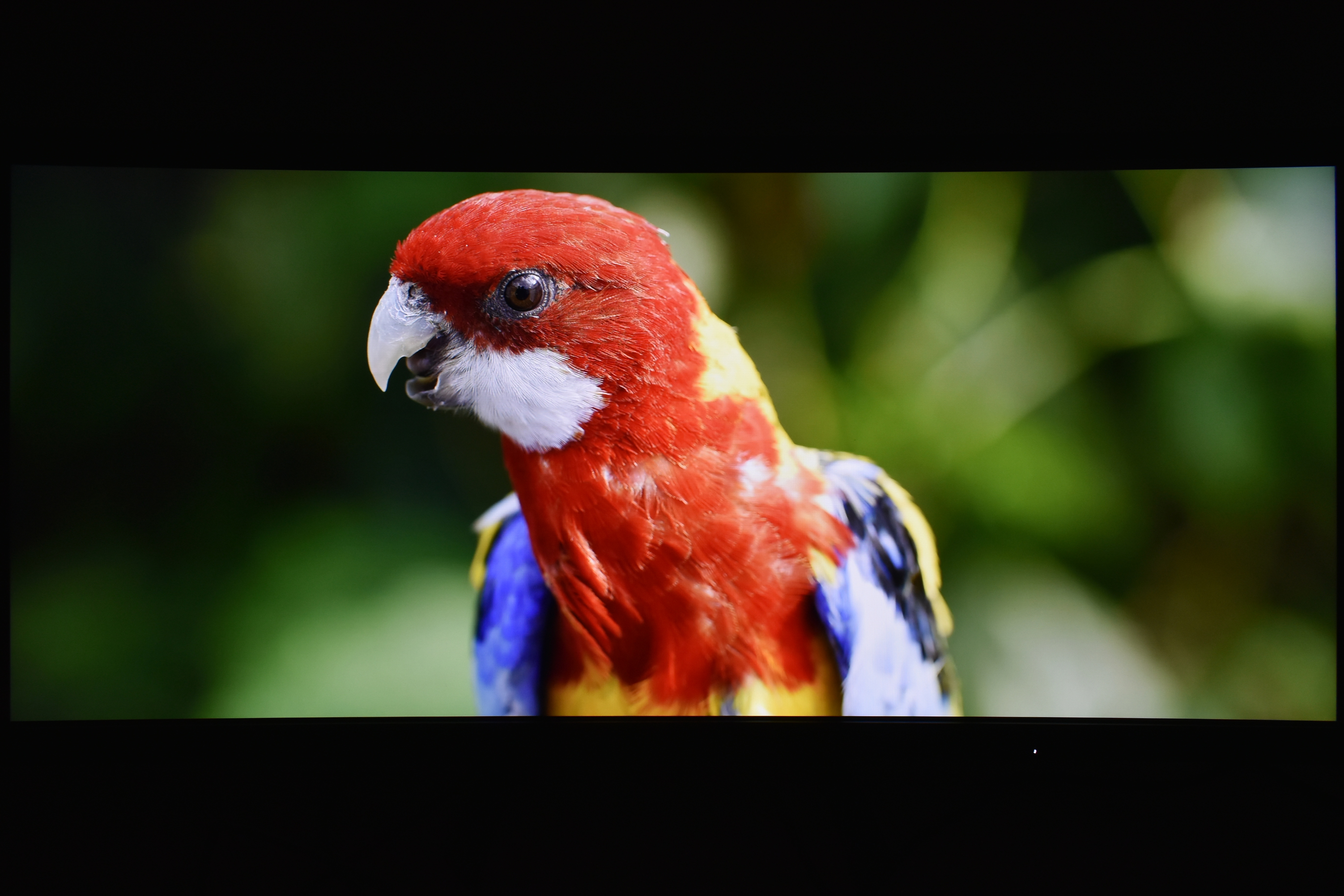

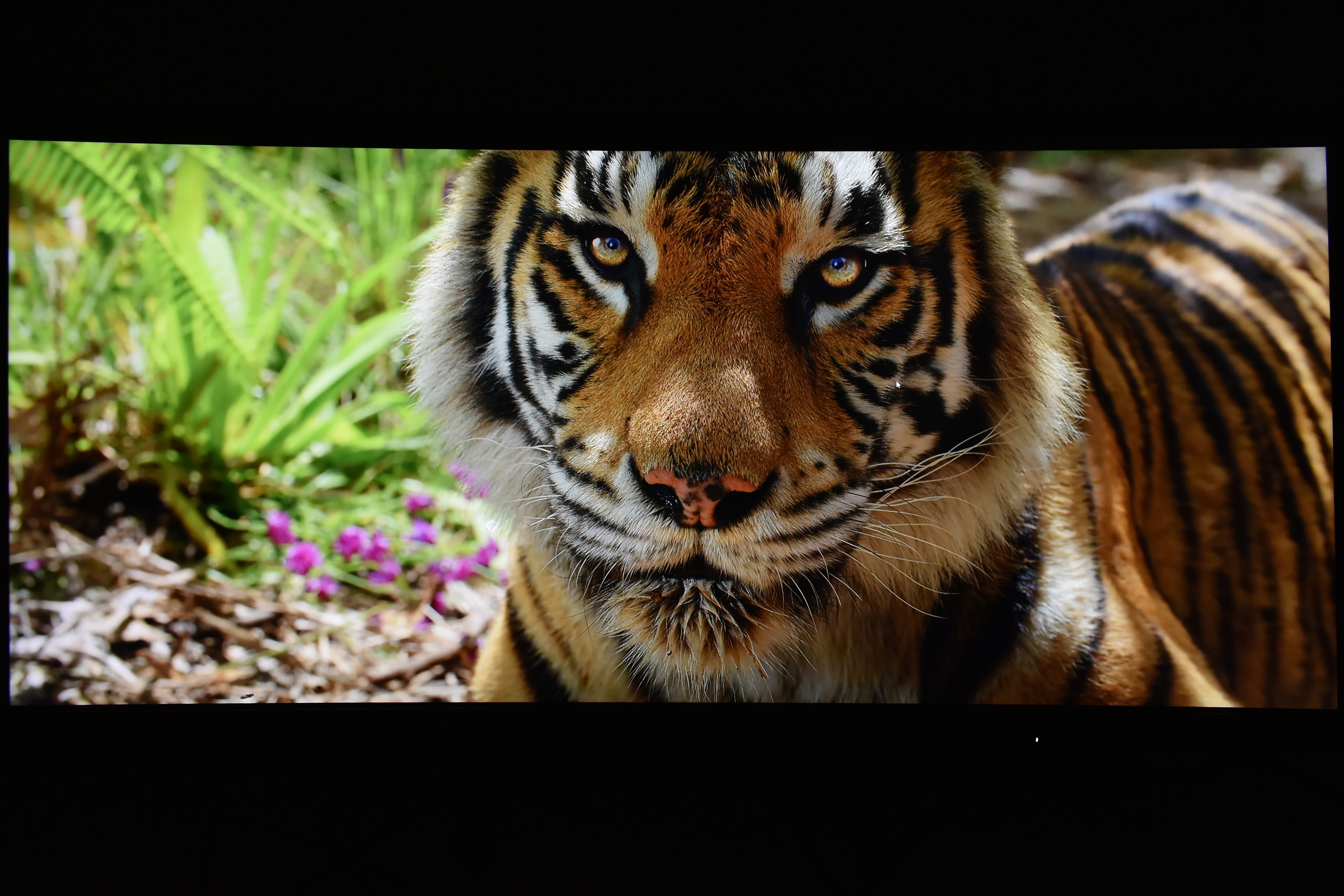
Not only was the FlexScan EV3450XC created for regular office use but its 1440p resolution obviously falls short to 2160p. Even so picture quality both in terms of sharpness and colors is very good as you can easily tell from the above pictures.
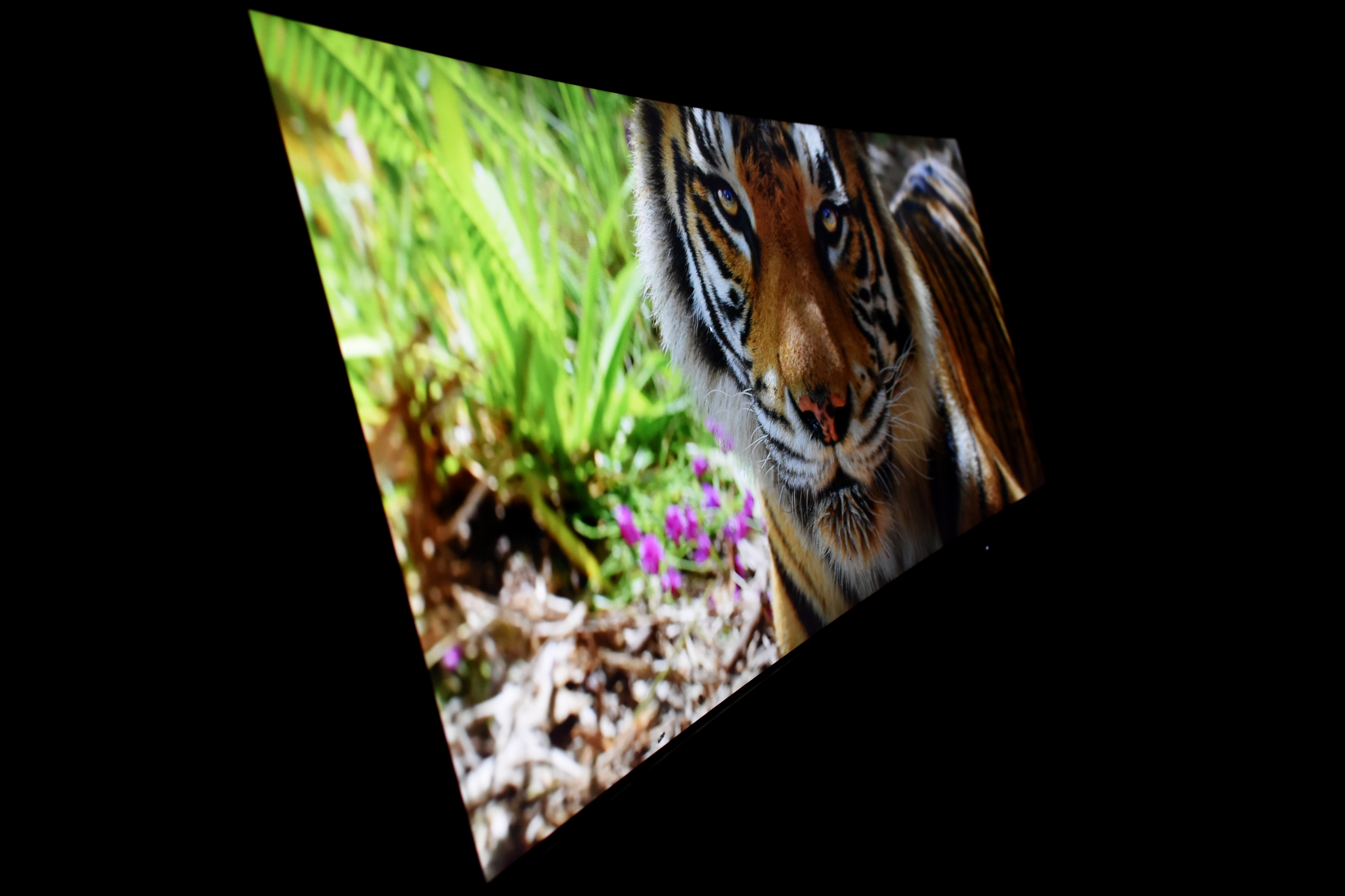
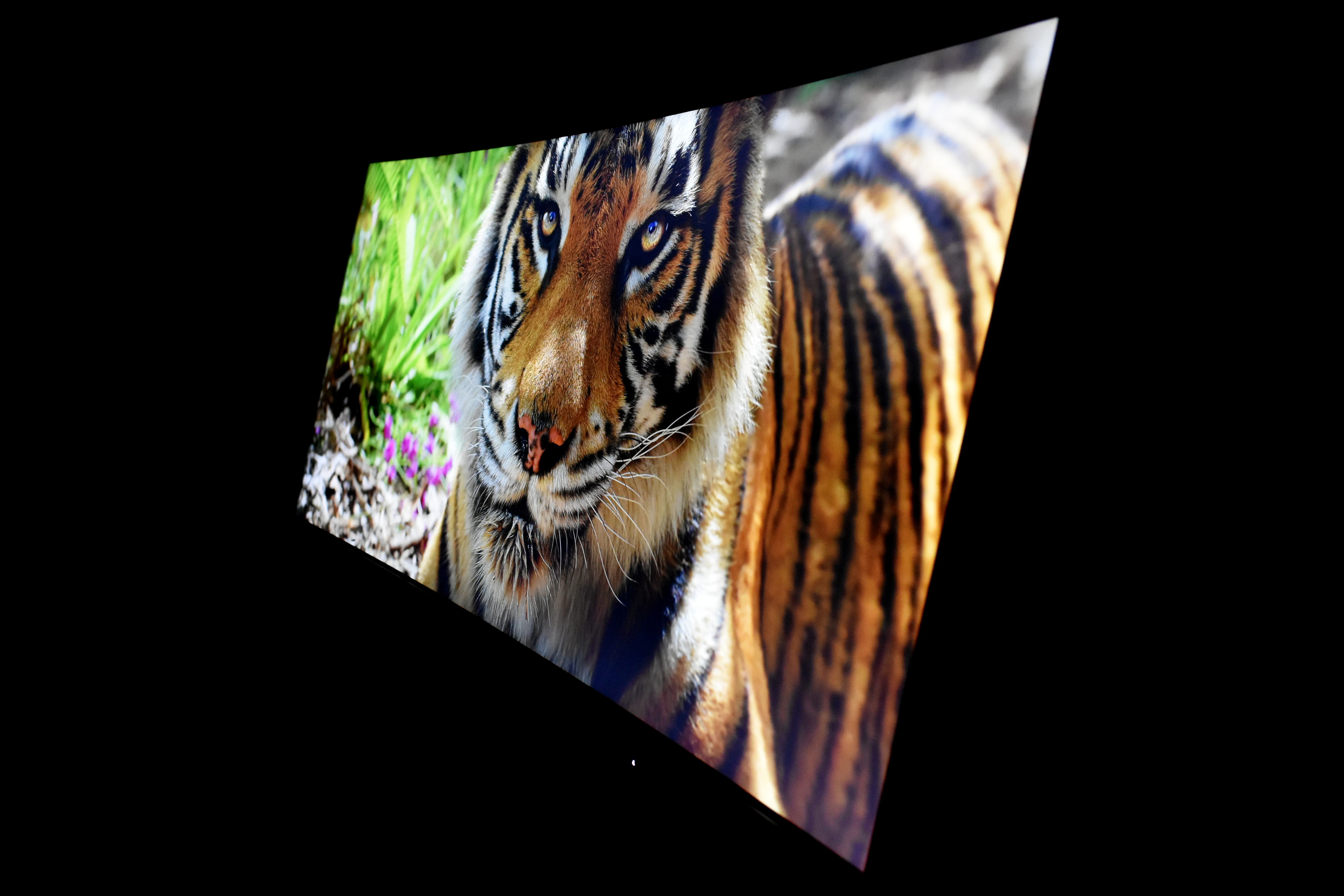
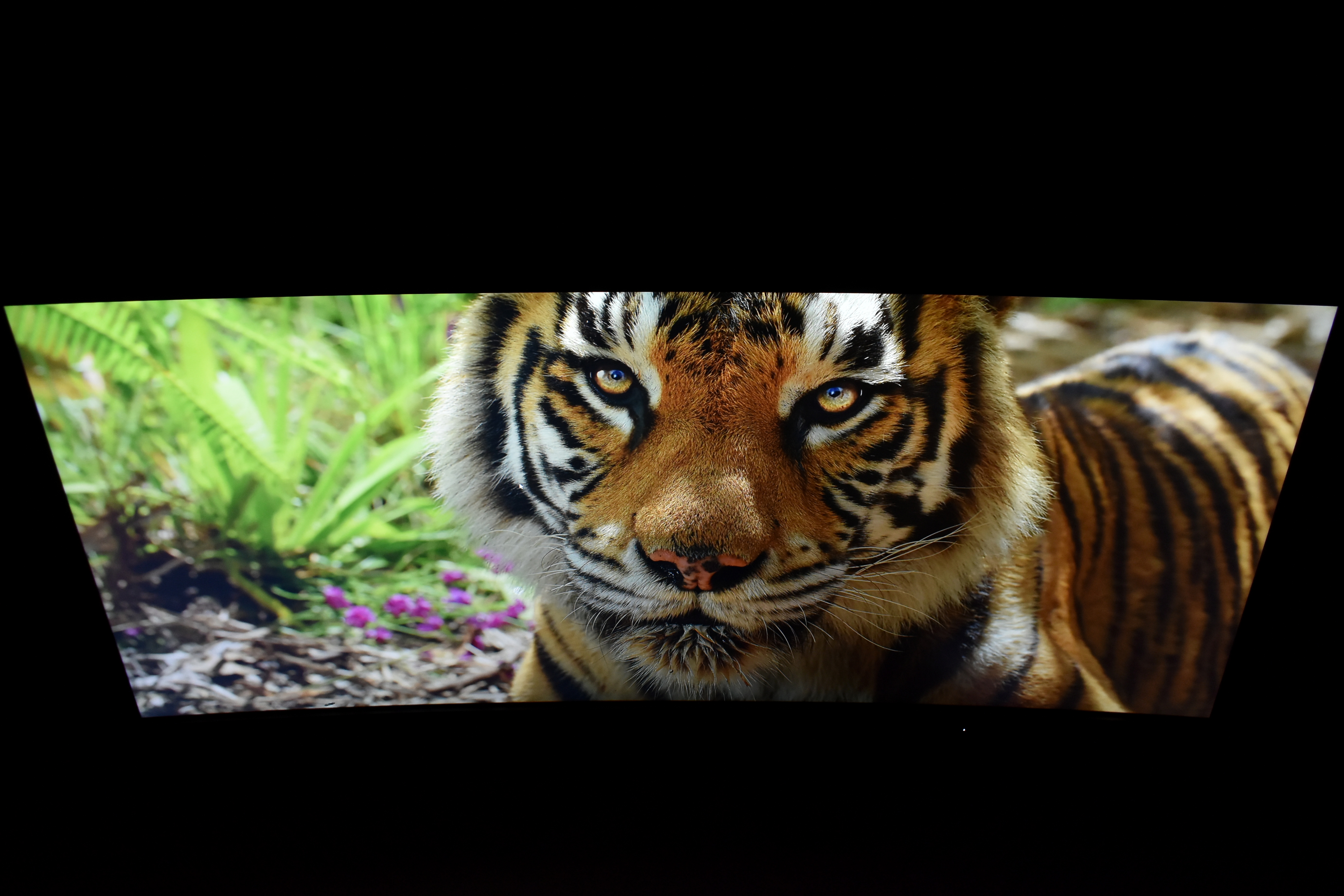
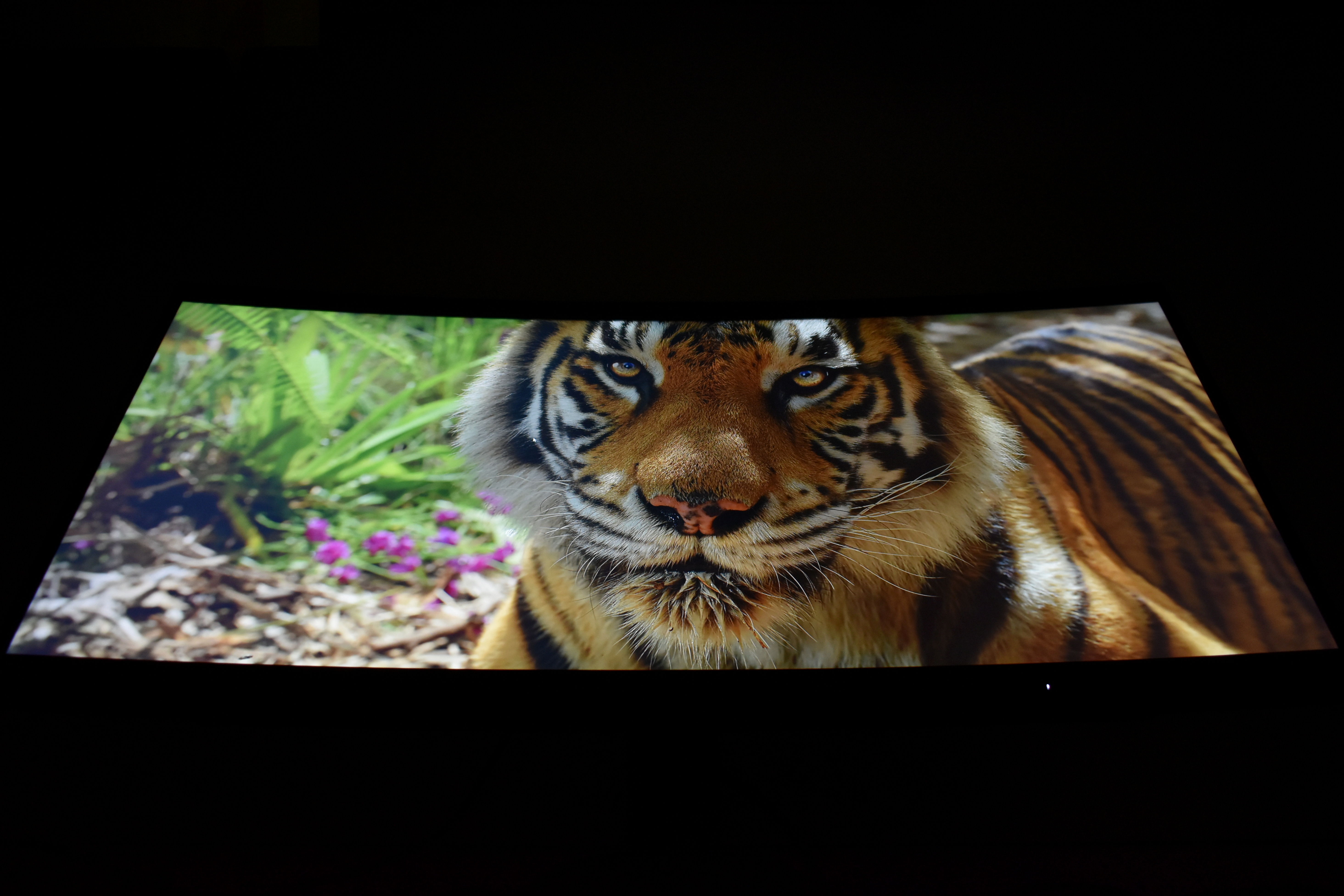
IPS screens have always been the better choice when it comes to viewing angles.
TEST RESULTS
DATACOLOR SPYDER PRO MEASUREMENTS
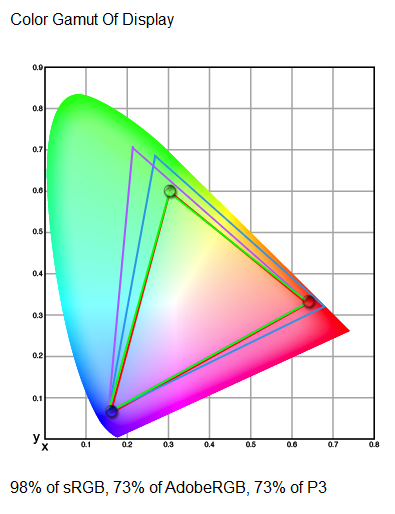
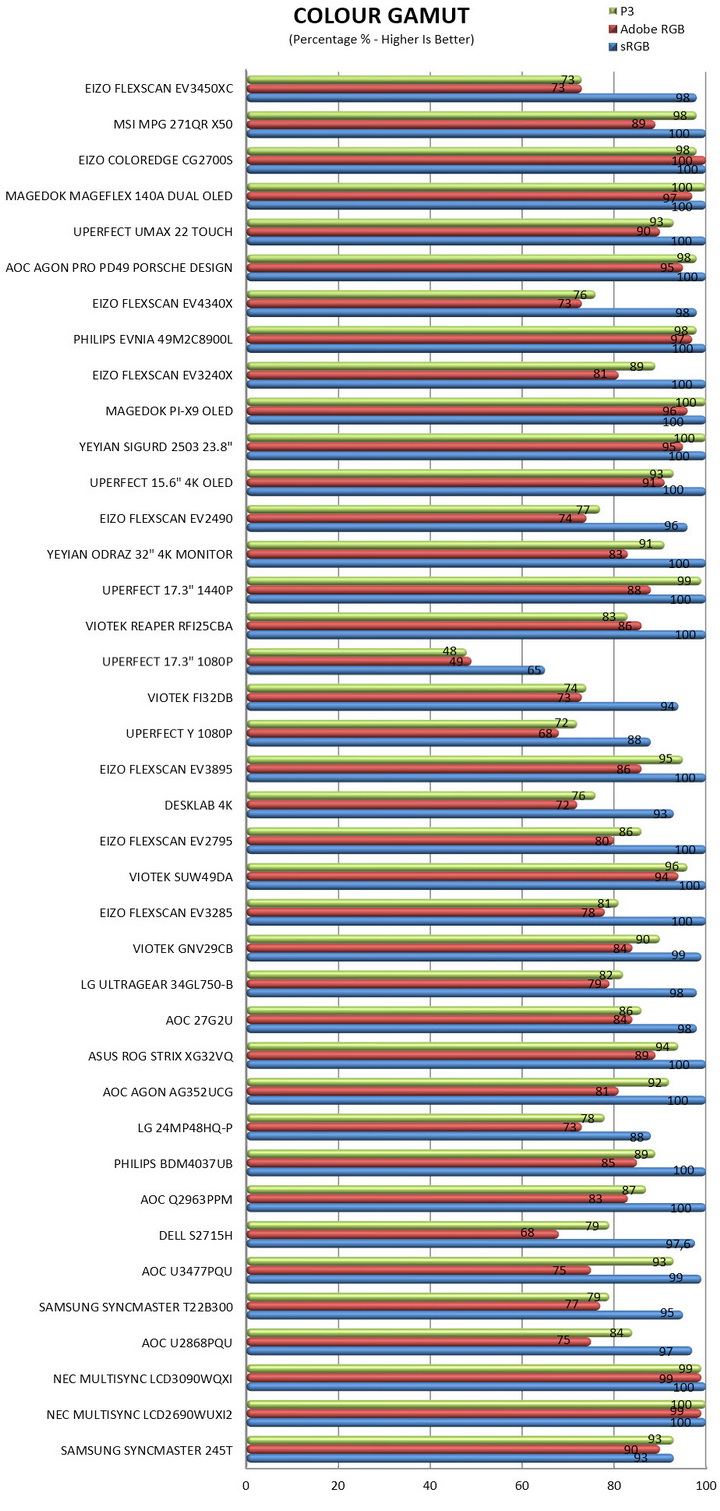
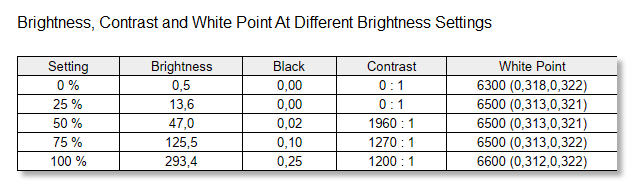
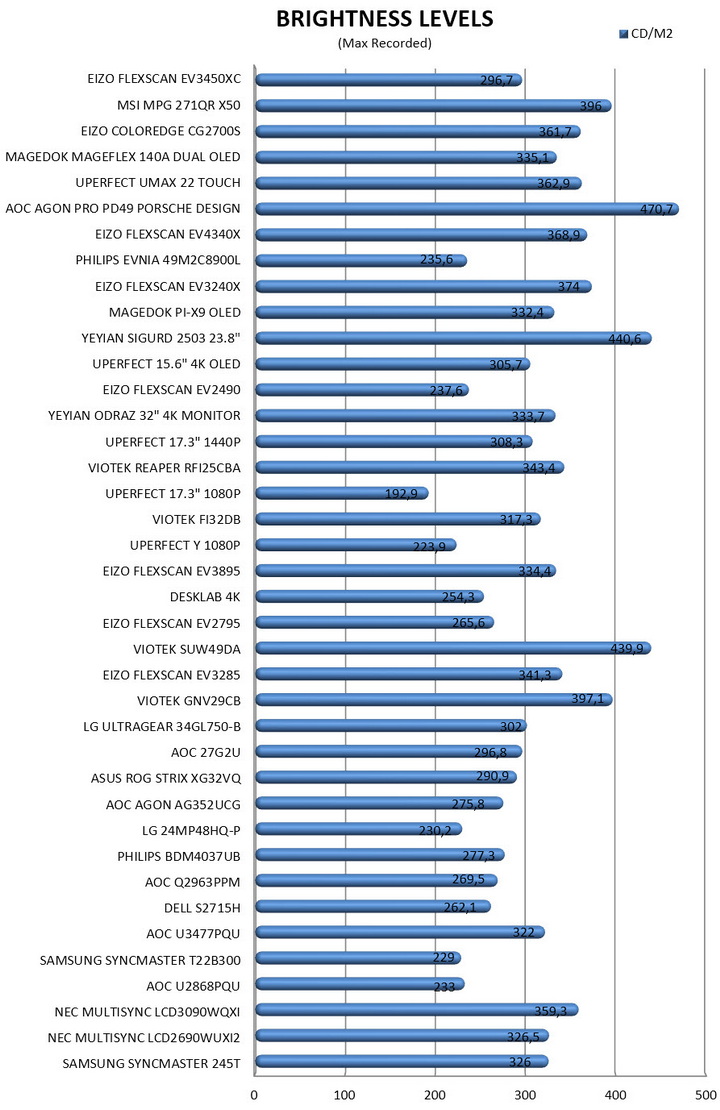
By using the Spyder Pro (2024) Colorimeter by Datacolor i measure both the color gamut (SRGB, Adobe and P3) and the brightness levels of the monitor at hand.

Here you can see results for Color and Luminance Screen Uniformity (instead of just listing results at 100% brightness I’m listing all of them - 50/67/83/100%).
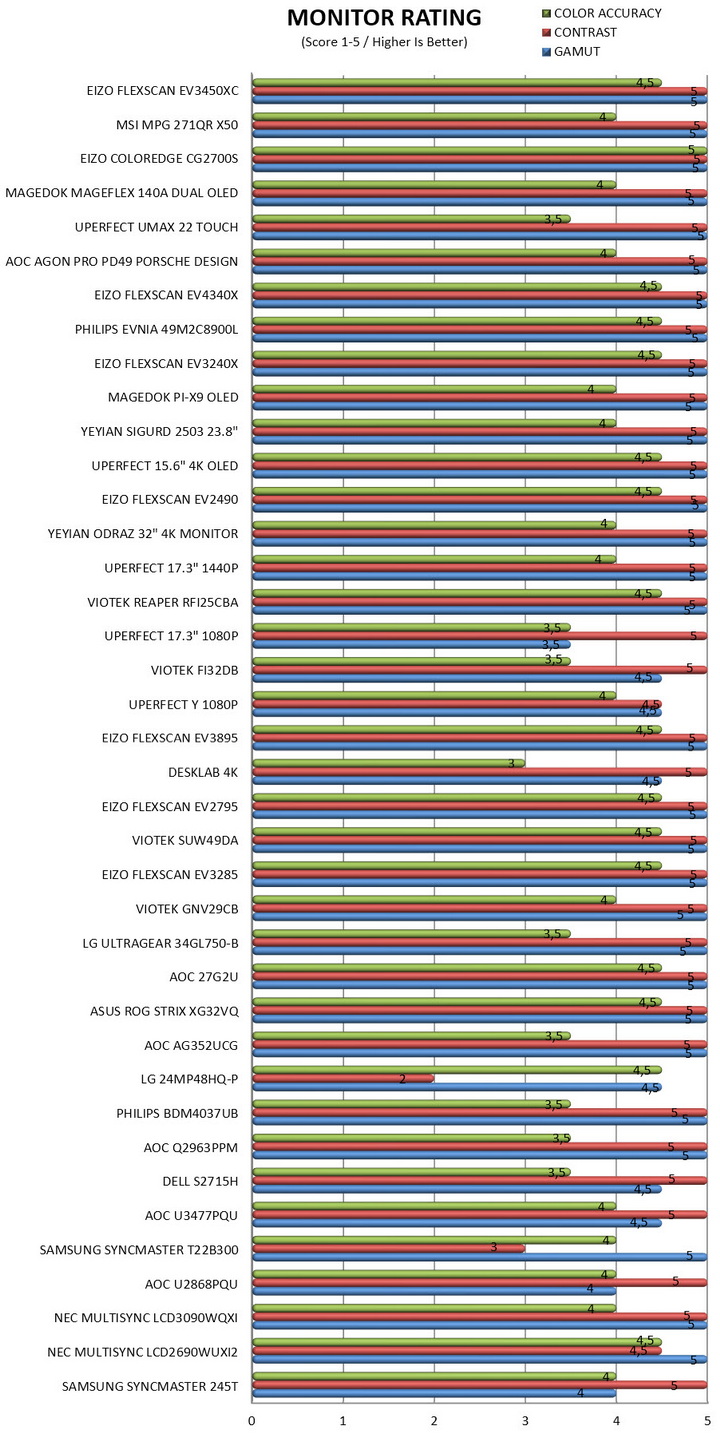
Datacolor rates monitors based on their overall results, so it was decided to include this chart as well.
POWER CONSUMPTION
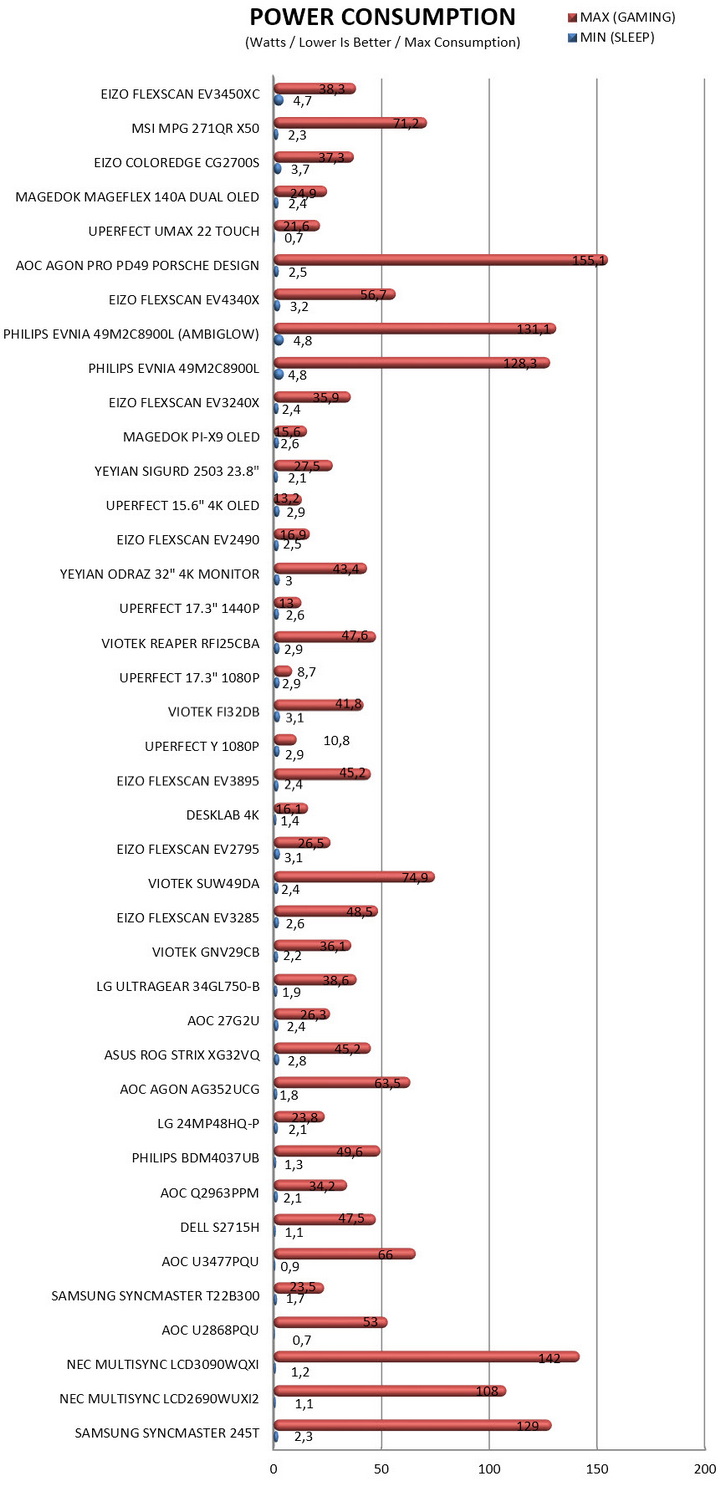
Power consumption may not be what most people look for when out to get a brand-new monitor but at the end of the day it's still an important factor, so I do hope this is of interest to some of you.
CONCLUSION
The EIZO FlexScan EV3450XC is an excellent example of a productivity monitor done right, combining a spacious 34.1-inch curved IPS panel with strong image quality, excellent viewing angles, and a viewing experience that remains comfortable even during extended work sessions. The gentle 3800R curvature enhances immersion without appearing aggressive, while the monitor's extensive connectivity, including USB-C docking, RJ45 Gigabit LAN, DisplayPort, HDMI, and USB hub functionality, allows it to serve as the centerpiece of a modern workstation with minimal cable clutter. The integrated 5MP webcam also deserves recognition, delivering surprisingly good image quality for a built-in solution and making video conferencing far more practical without the need for additional hardware (also looks better and saves space). Add in the integrated microphones and speakers (once again, don't expect miracles, they are just ok for built-in ones), EIZO's renowned build quality, ergonomic height, swivel and tilt adjustments, and the company's outstanding 5-year warranty, and the result is a display built to serve professionals for many years. Its premium price will inevitably limit its appeal, the not-so-great P3 range means the FlexScan EV3450XC wasn’t developed with video professionals in mind and as for the 60Hz refresh rate this clearly means gamers should look elsewhere. Nevertheless, for office users seeking a highly refined ultrawide display with exceptional connectivity, integrated collaboration features, and the long-term reliability that EIZO is known for, the FlexScan EV3450XC is a compelling premium option.
At the time of my review the FlexScan EV3450XC by EIZO retails for around USD1550 inside the USA and for 927.03Euros inside the EU (Amazon.de) so just like past models, this is a product not aimed towards casual consumers. Price aside from picture quality and features to build quality and ergonomics the EIZO FlexScan EV3450XC delivers as advertised and that’s why it gets the Golden Award.

PROS
- Build Quality
- 34.1 Inch WLED IPS Panel
- Very Good Image Quality
- Features (EcoView Mode / Blue Light Filter / Sharpness / PbyP / Light Sensor)
- 5ms GTG Response Time
- 2 USB 3.2 Ports / 2 USB-C Ports (94W / 15W)
- 5MP Webcam, Dual Microphones & Stereo Speakers (4W Each)
- Available Connectors (2xHDMI v1.4 / DisplayPort v1.3 / RJ45 Gigabit Port / 3.5mm Mini Jack)
- Adjustable Stand (Height, Swivel & Tilt)
- On / Off Power Switch
- Available In Black & White Colors
- Power Consumption
- 5 Year Limited Warranty / 6 Month Zero Pixel Warranty
CONS
- Price (For Some)
- Not The Ideal Screen For Gaming (60Hz)