



EV3450XC MENUS
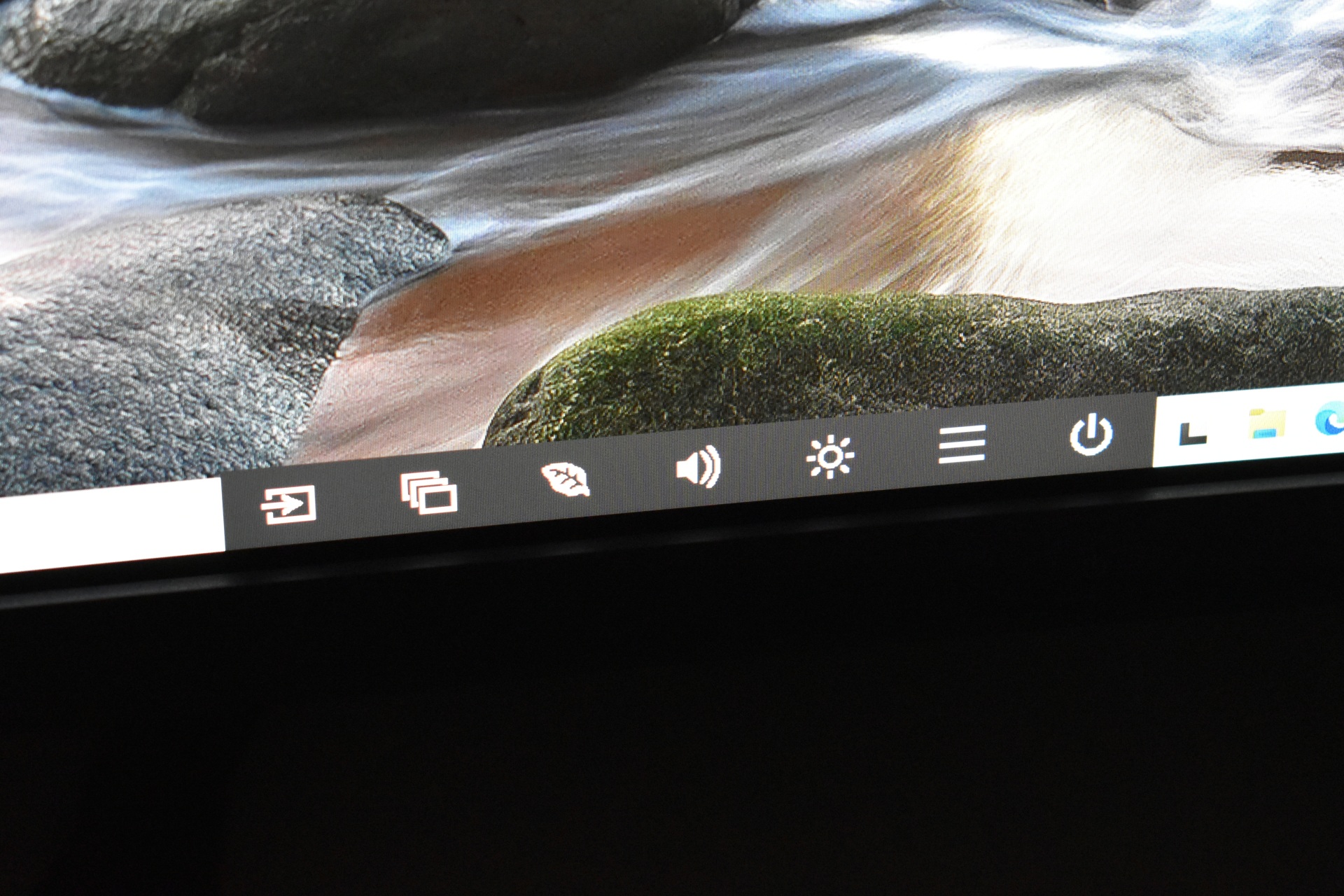
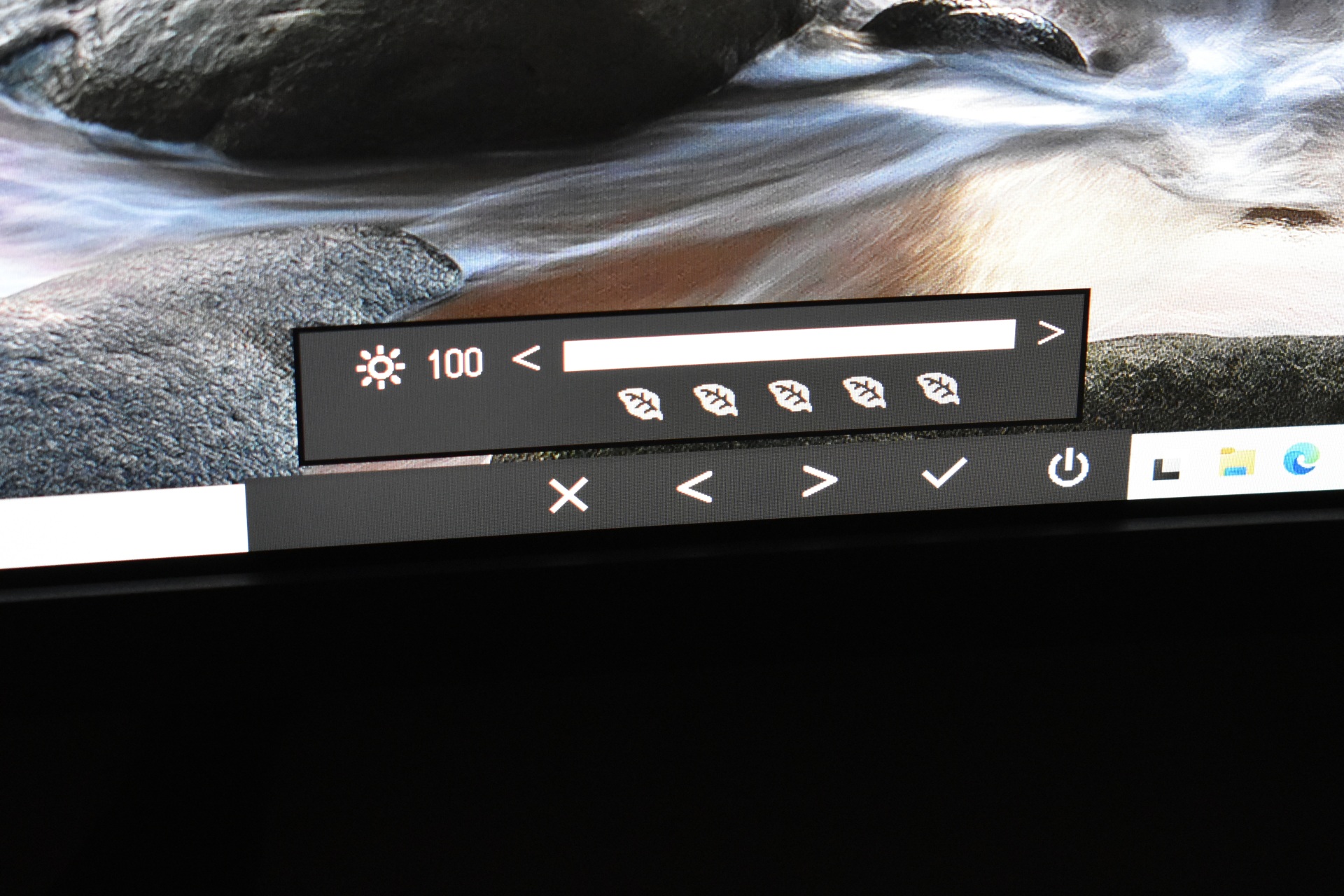
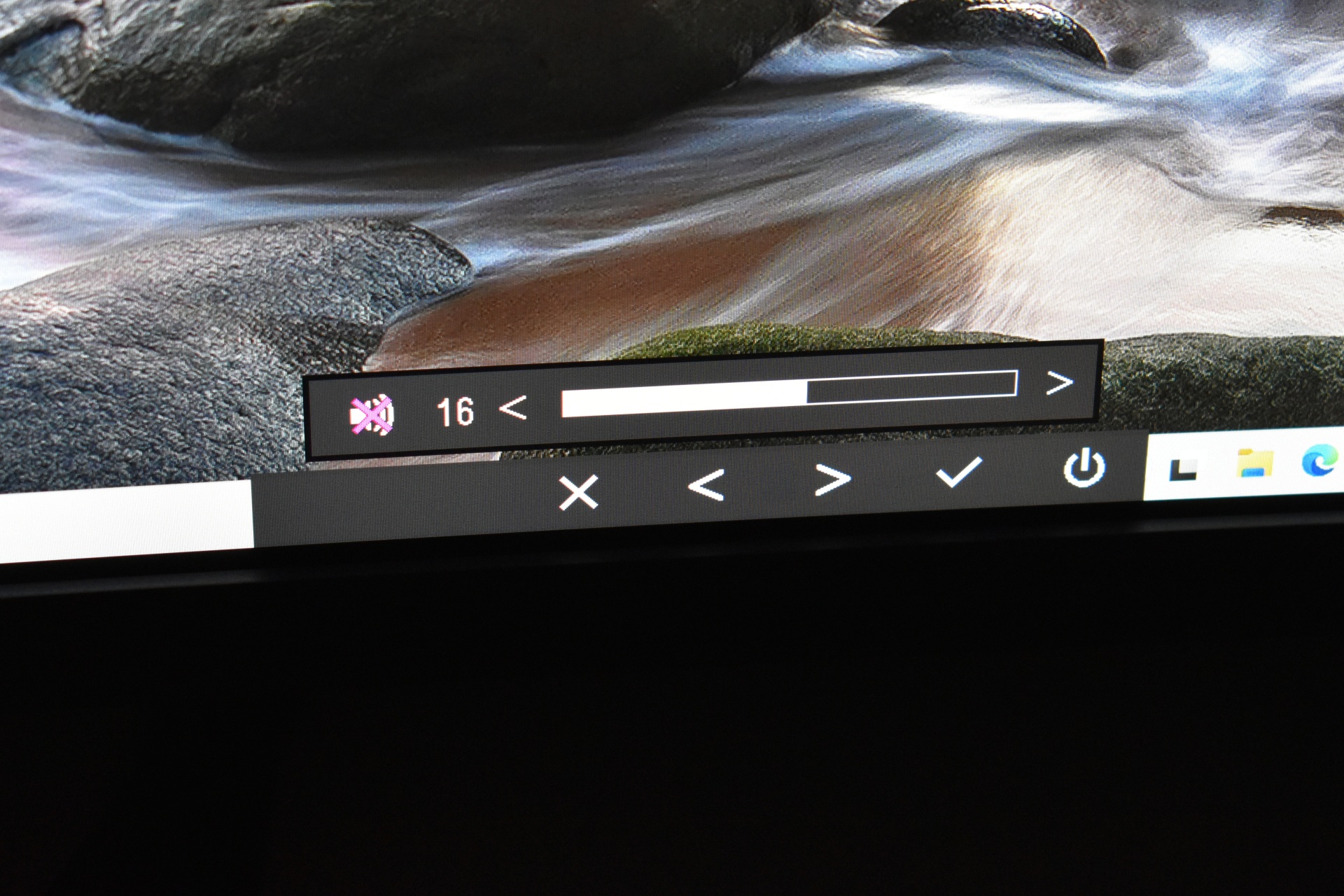
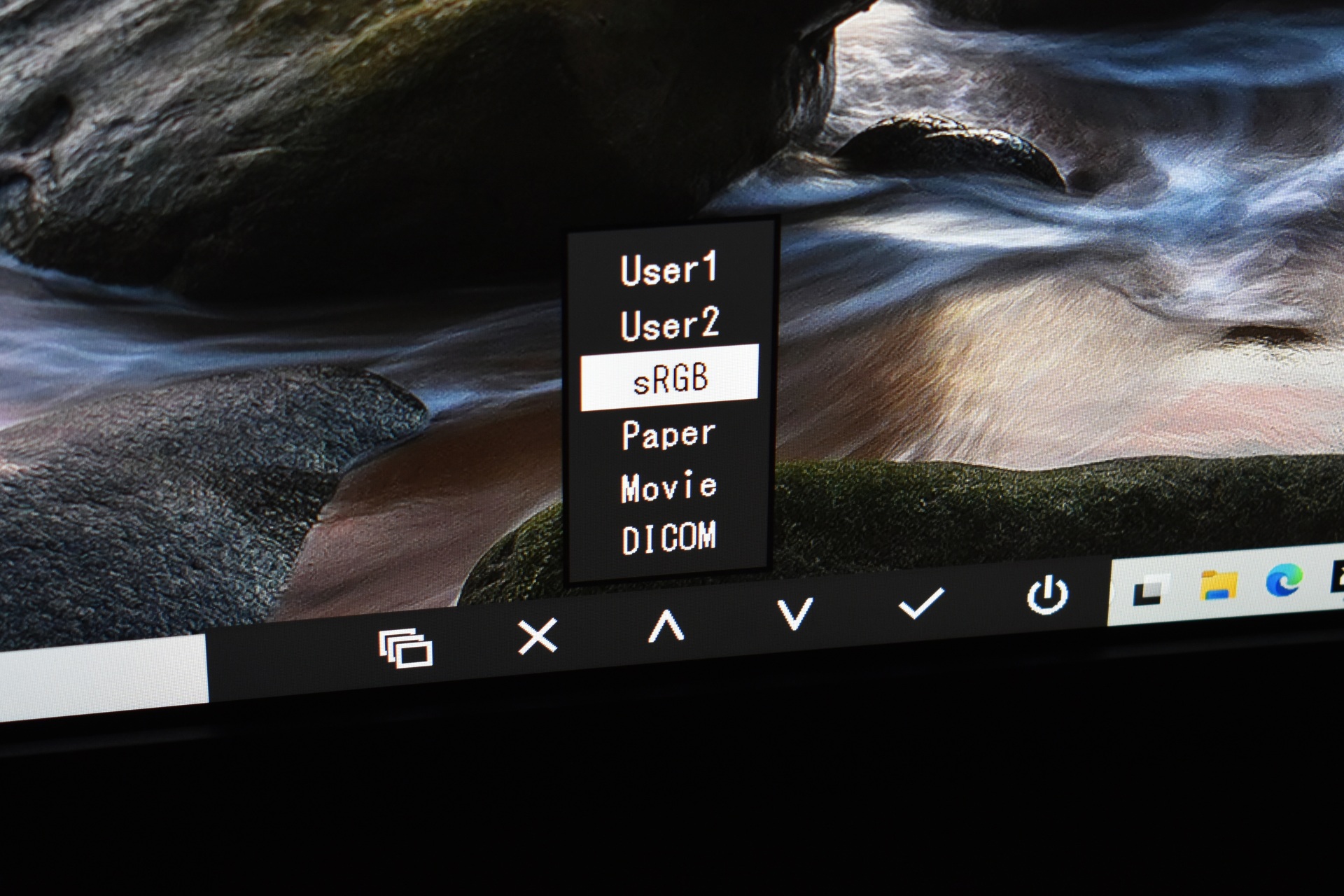
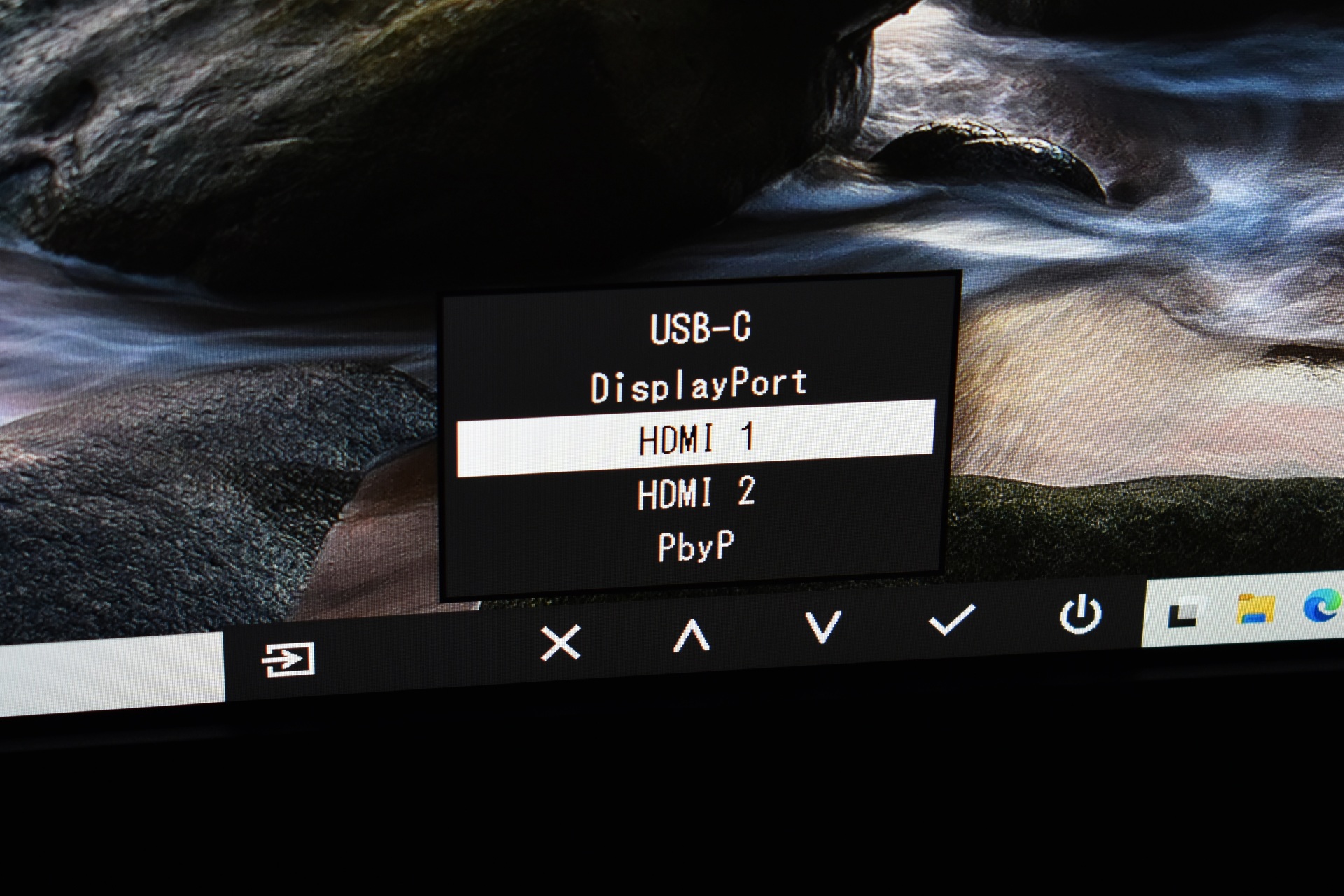
From the touch buttons you can quickly adjust the volume and brightness levels, change between modes and select video input.
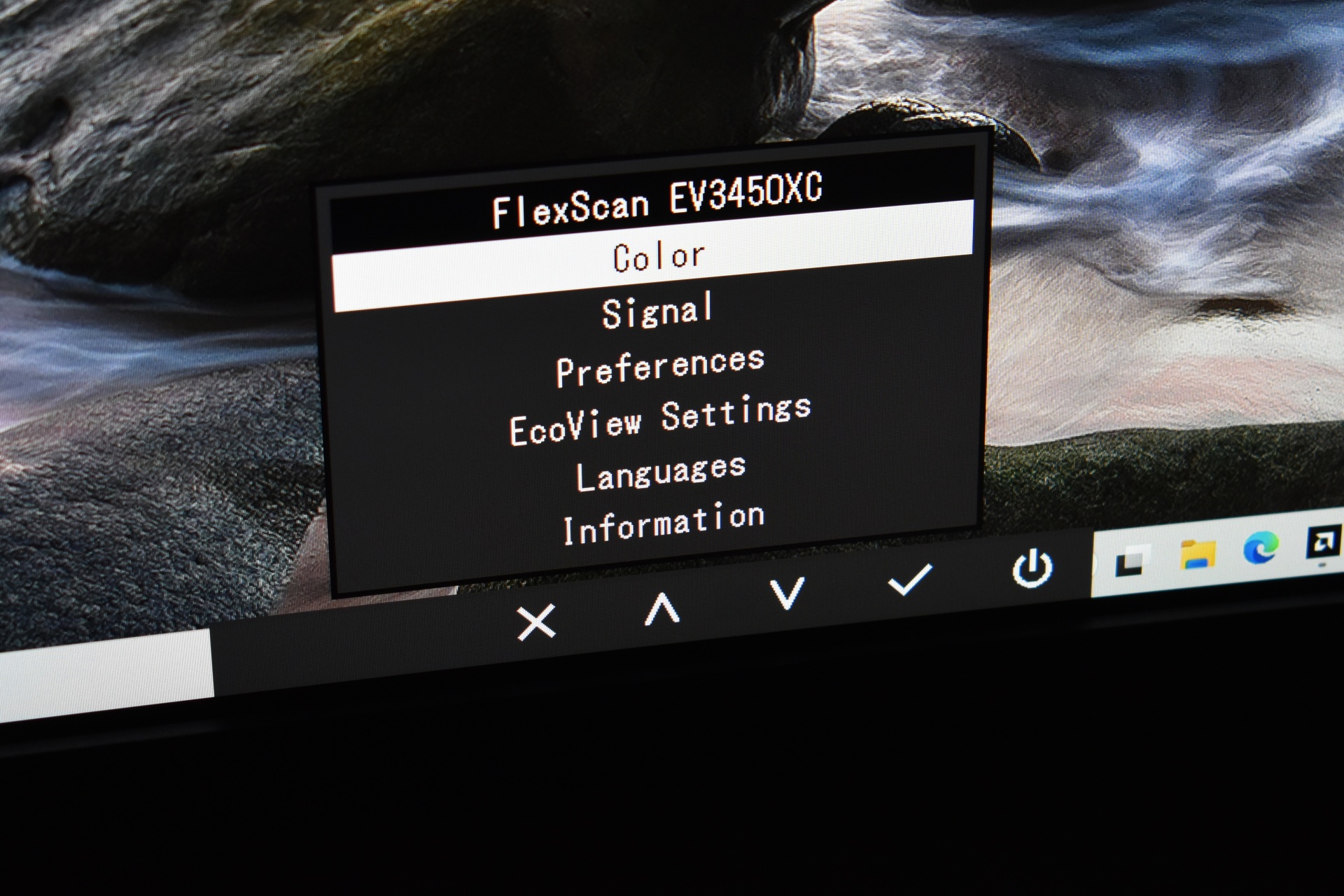
You can also access the main tab and it's sub tabs.
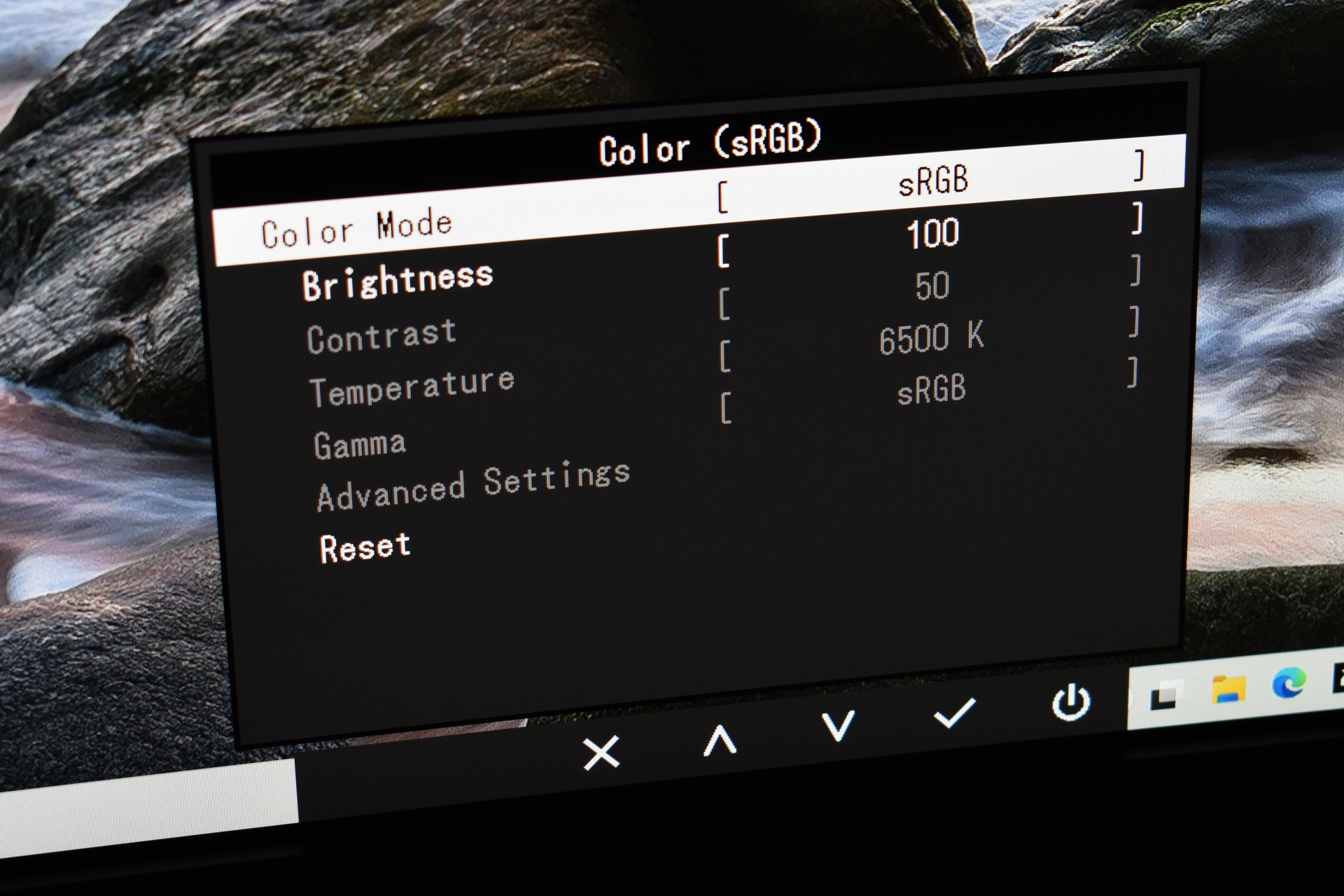
From the color tab you can select the color mode, adjust brightness and contrast levels and set the temperatures and gamma (in user mode).
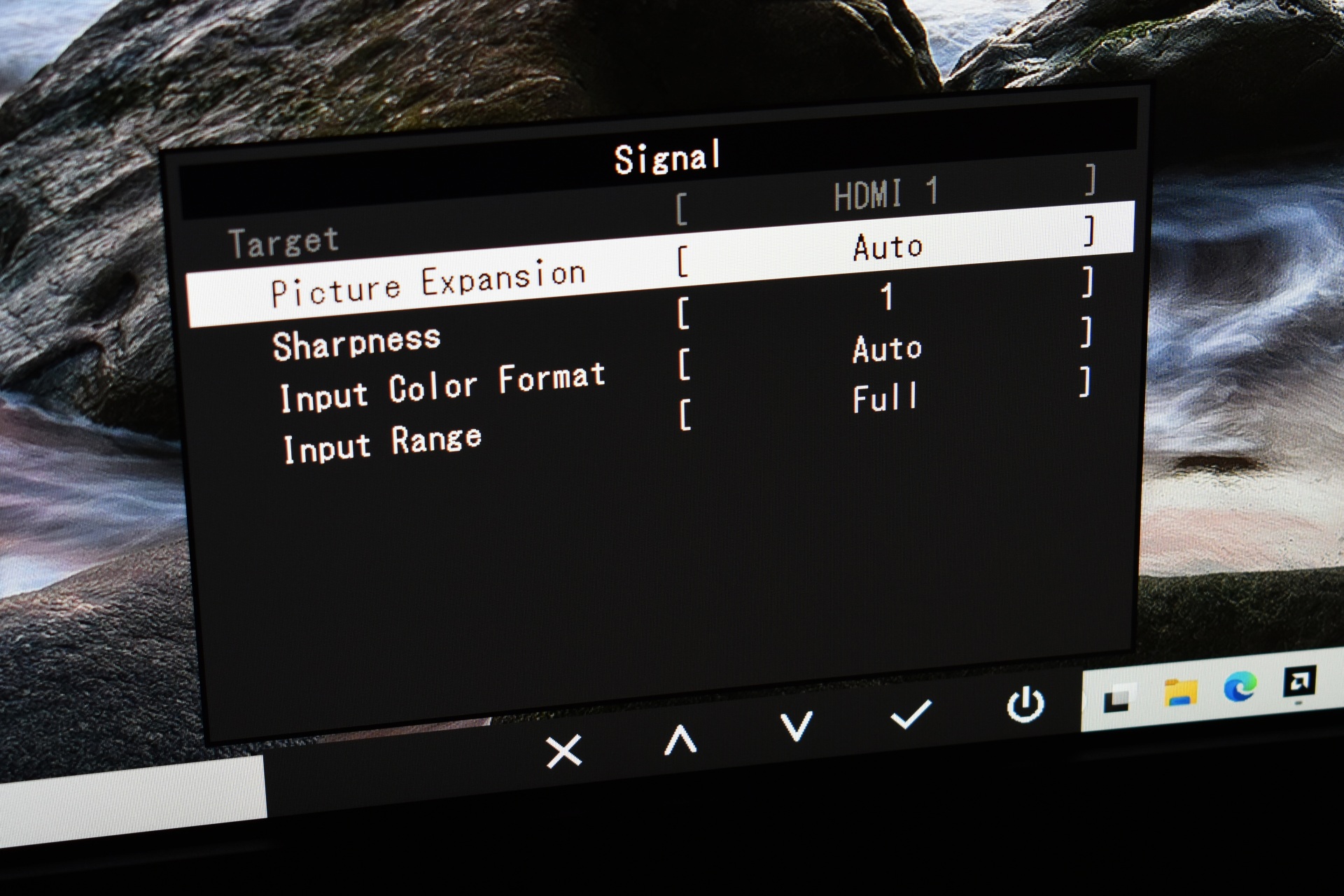
Screen ratio, sharpness, color format and input range are all accessible from within the signal tab.
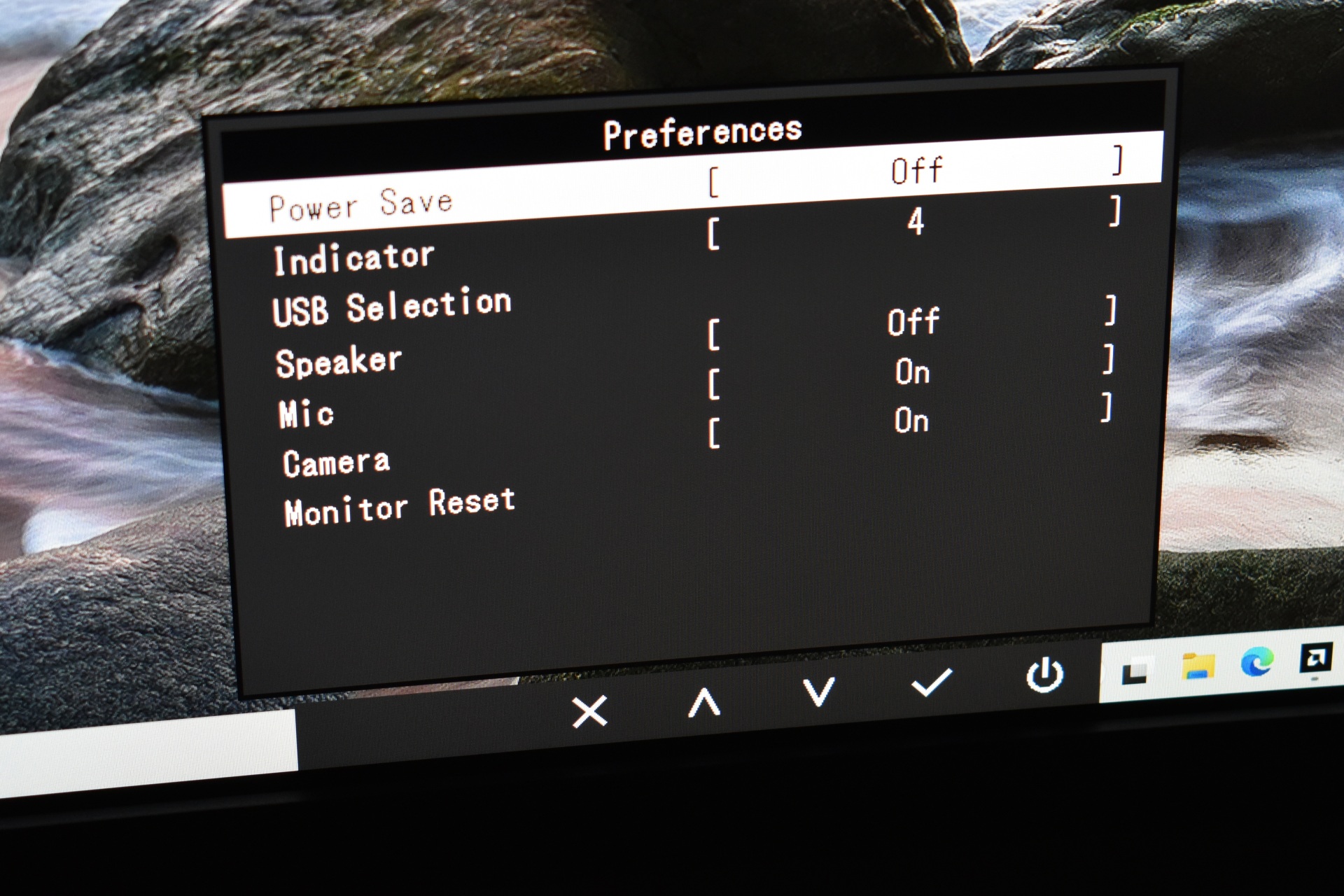
Features for power save, power indicator brightness, USB, microphones, camera and reset can all be accessed from the preferences menu.
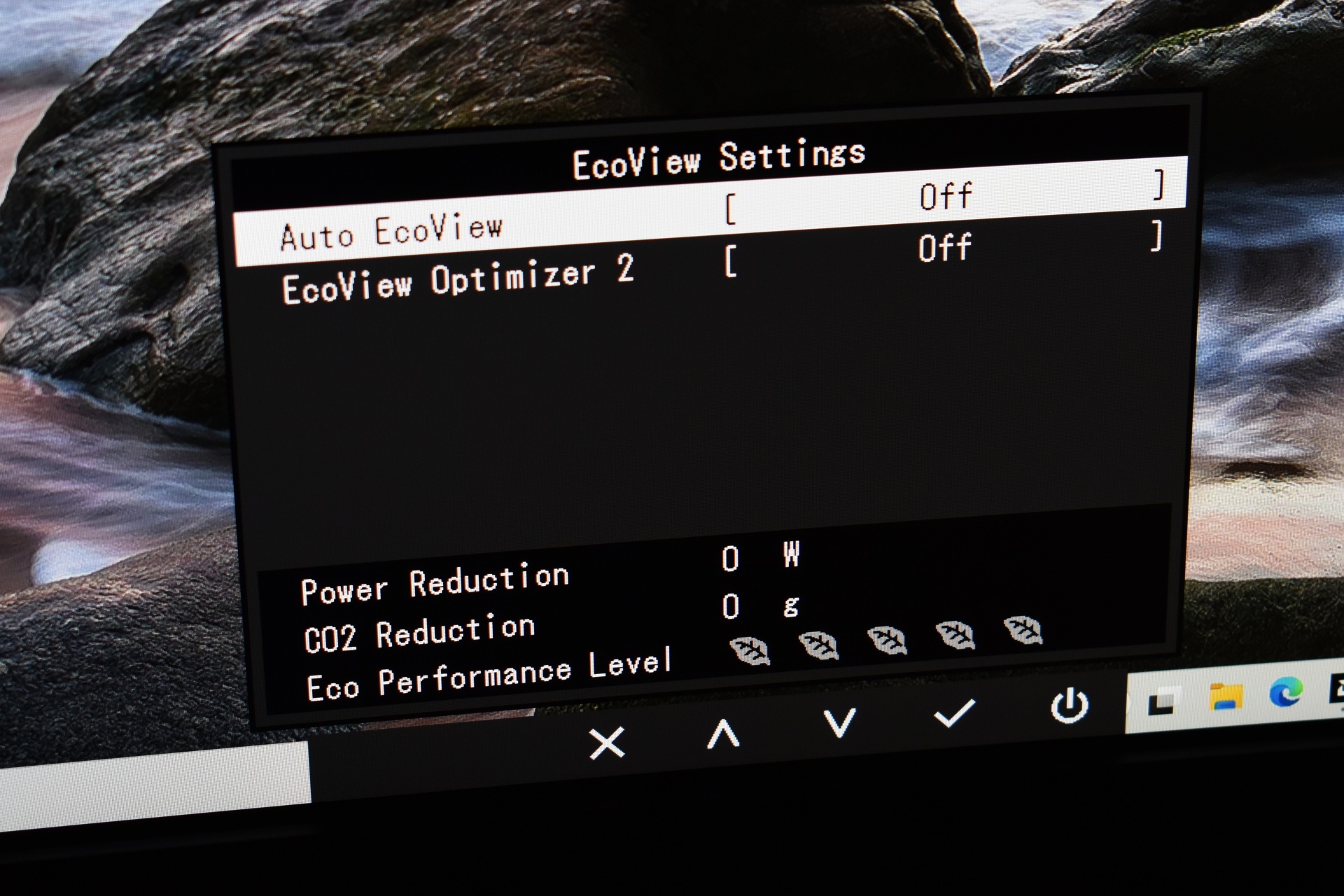
The “green” features are placed inside the EcoView settings tab (once again these are features I don't use during my tests).
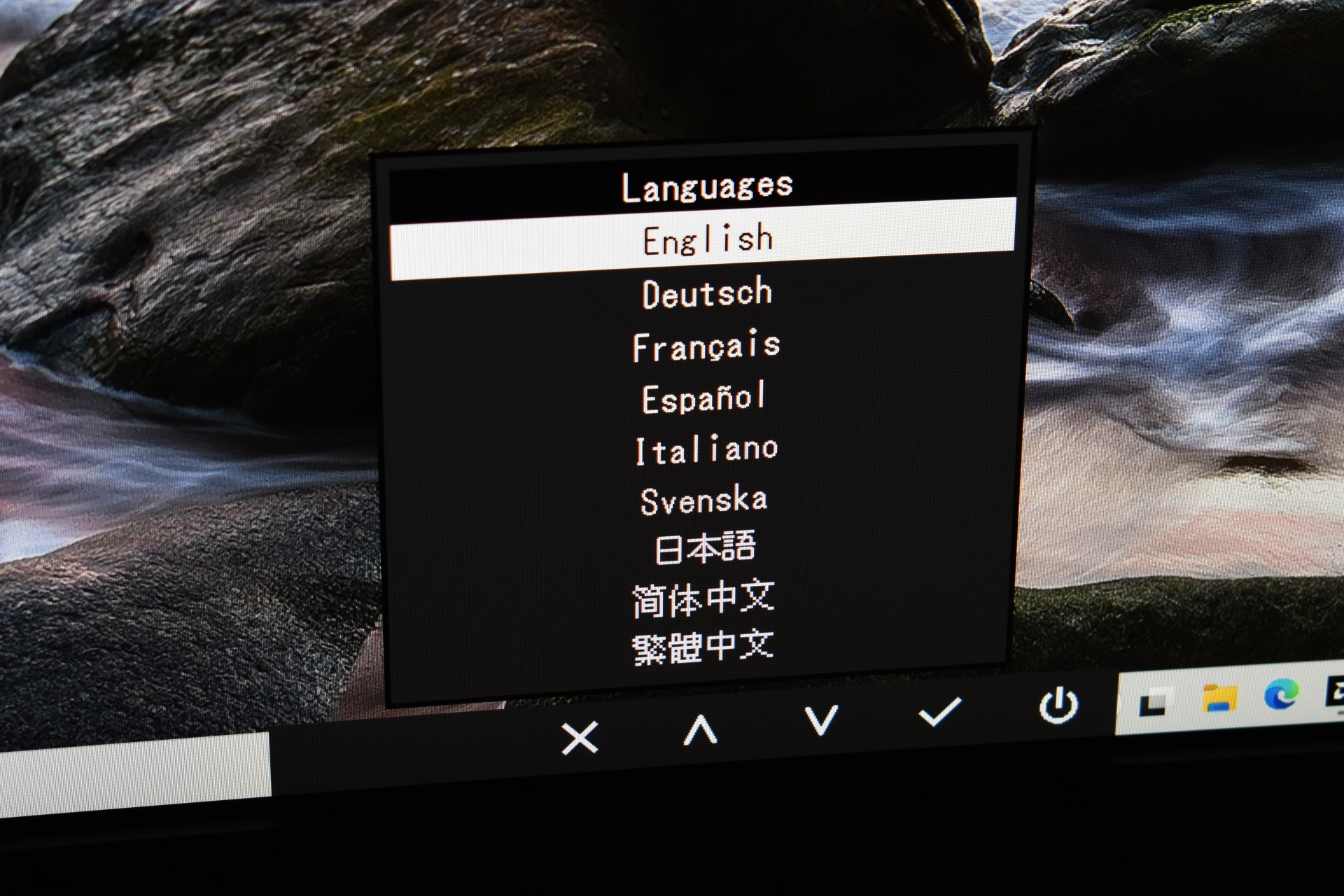
Typically, the OSD is available in 9 different languages.
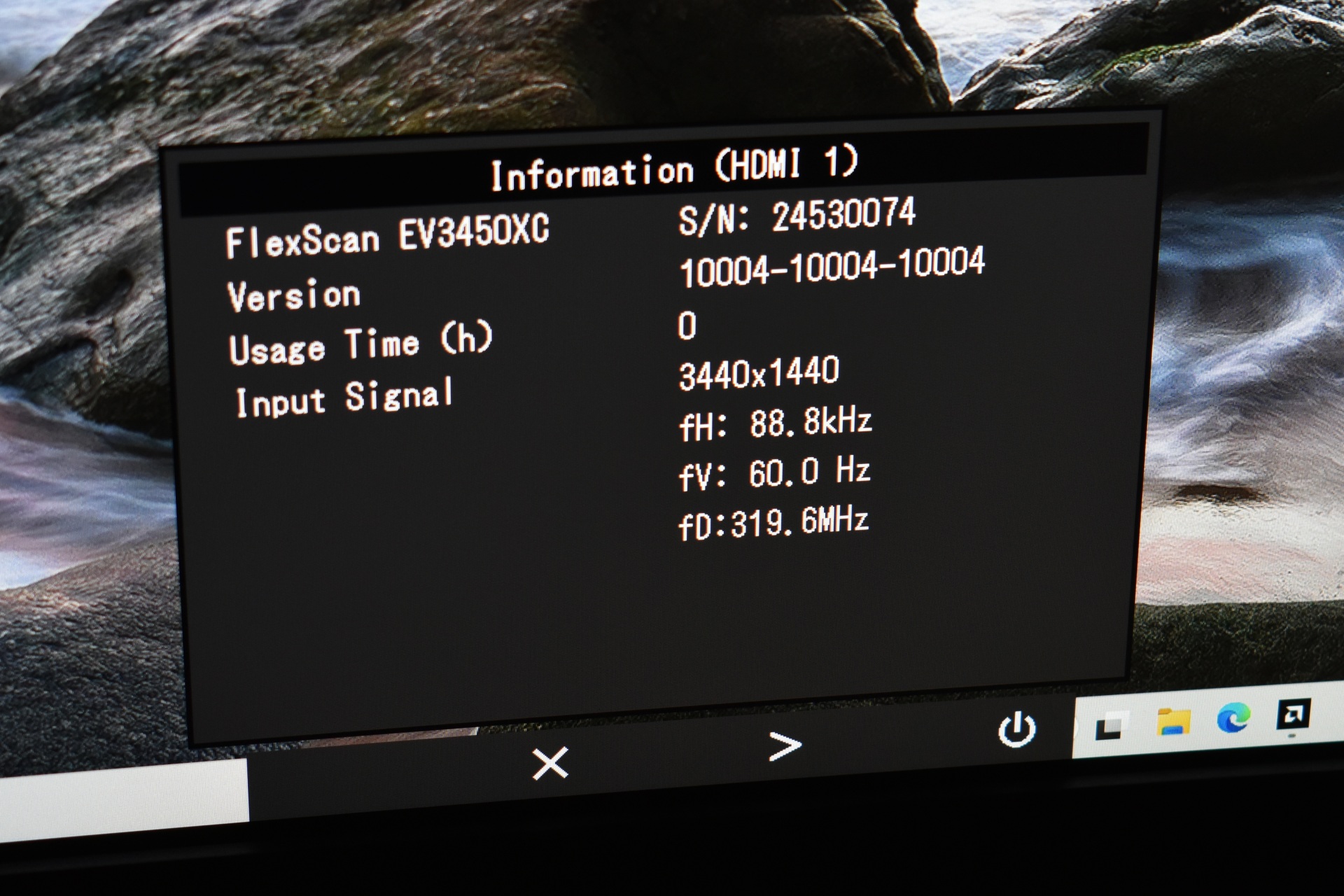
Details about the screen are present inside the information tab (the usage time / power on hours is perhaps the most important one).