





Page 7 of 10
CREALITY CLOUD
For extra control over your K2 Pro/Combo you should download the Creality Cloud app.
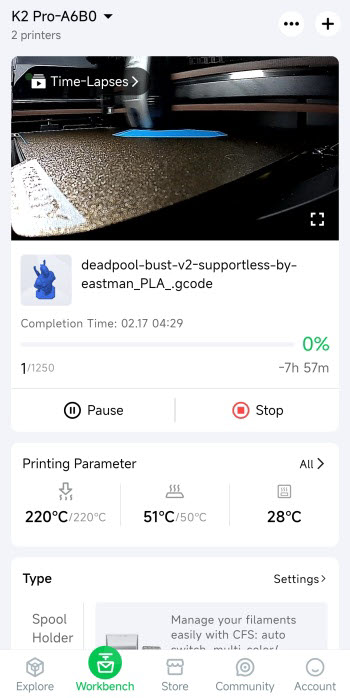
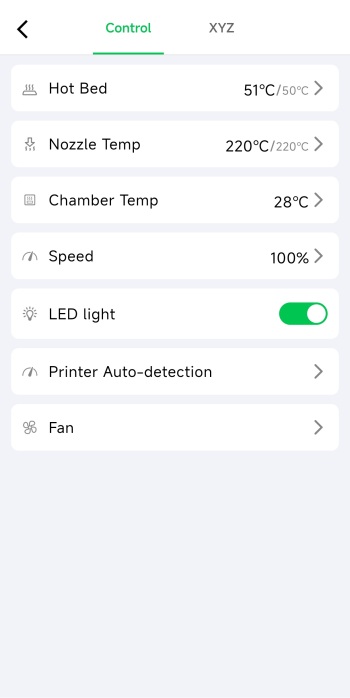
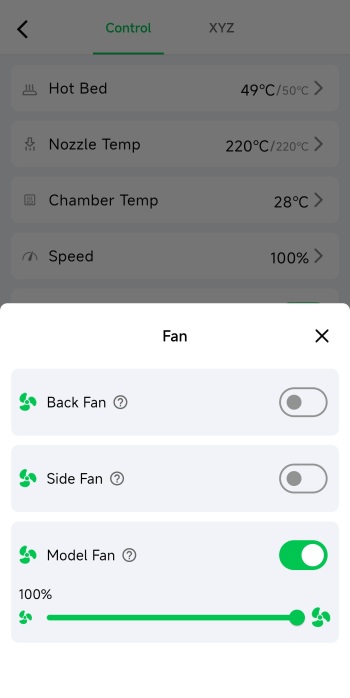
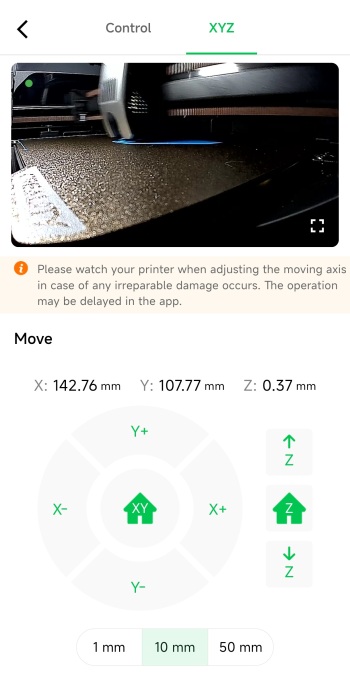
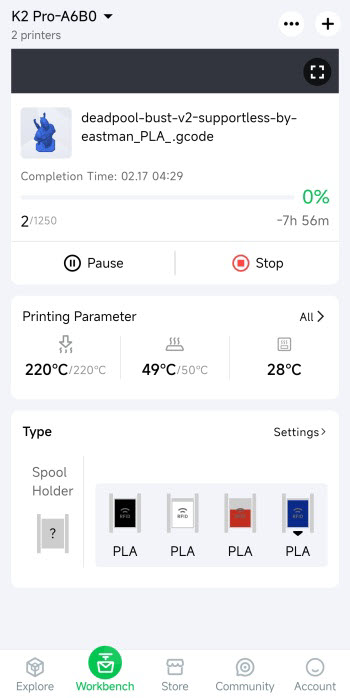
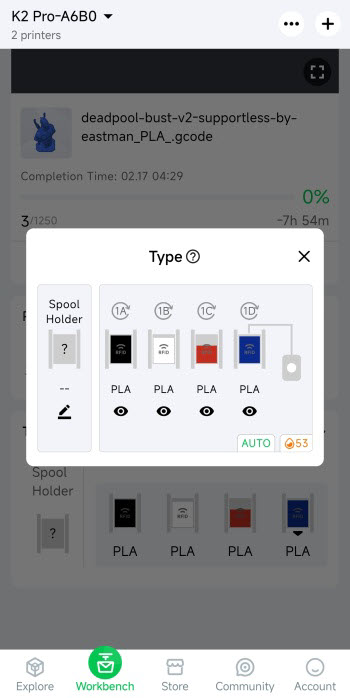
From inside the app you can watch what is being printed live, check the timelapse (once complete), control the printer (stop/pause), check temperatures, adjust speed, enable/disable the LED, adjust fan speeds, control the axis and the bed and check the status of the installed filaments.
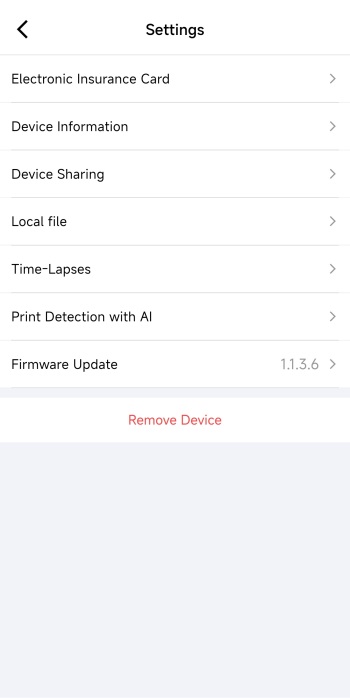
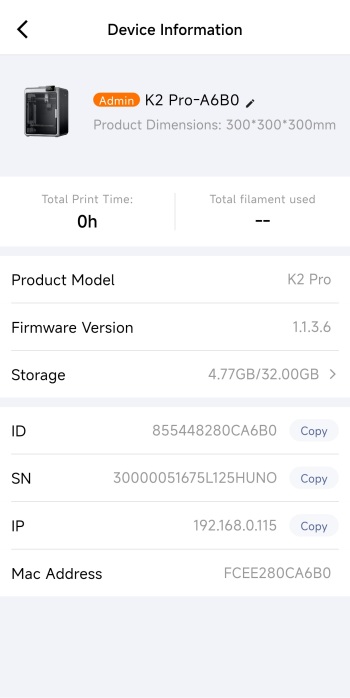
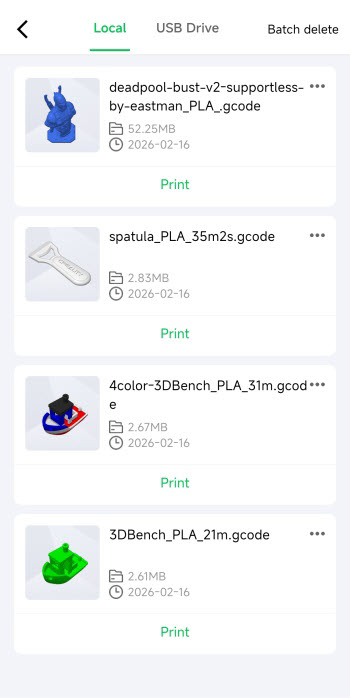
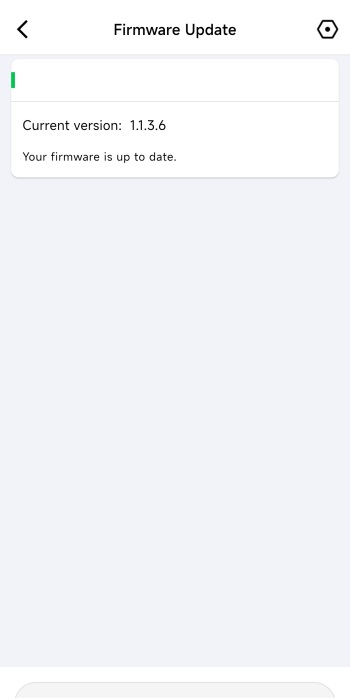
The settings tab contains your electronic insurance card and allows you to access information of the printer, share the printer with others, check local files and time lapses and check for firmware updates.





