





VANTRUE APP
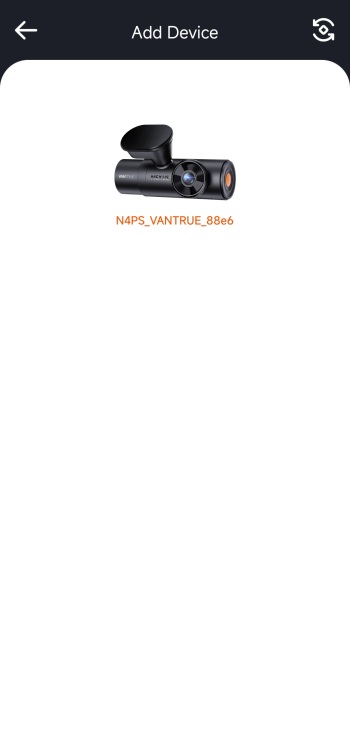
The Vantrue app connects to the N4 Pro S via 2.4/5GHz Wi-Fi.
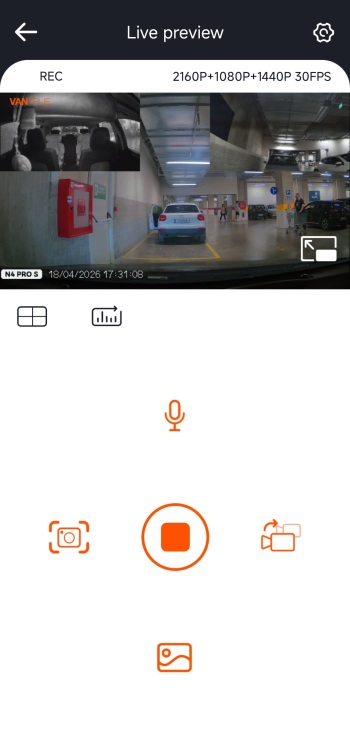
As in most cases the main tab gives you a feed of all available cameras and allows you to mute audio, take snapshots, change the main camera feed and access your pictures.
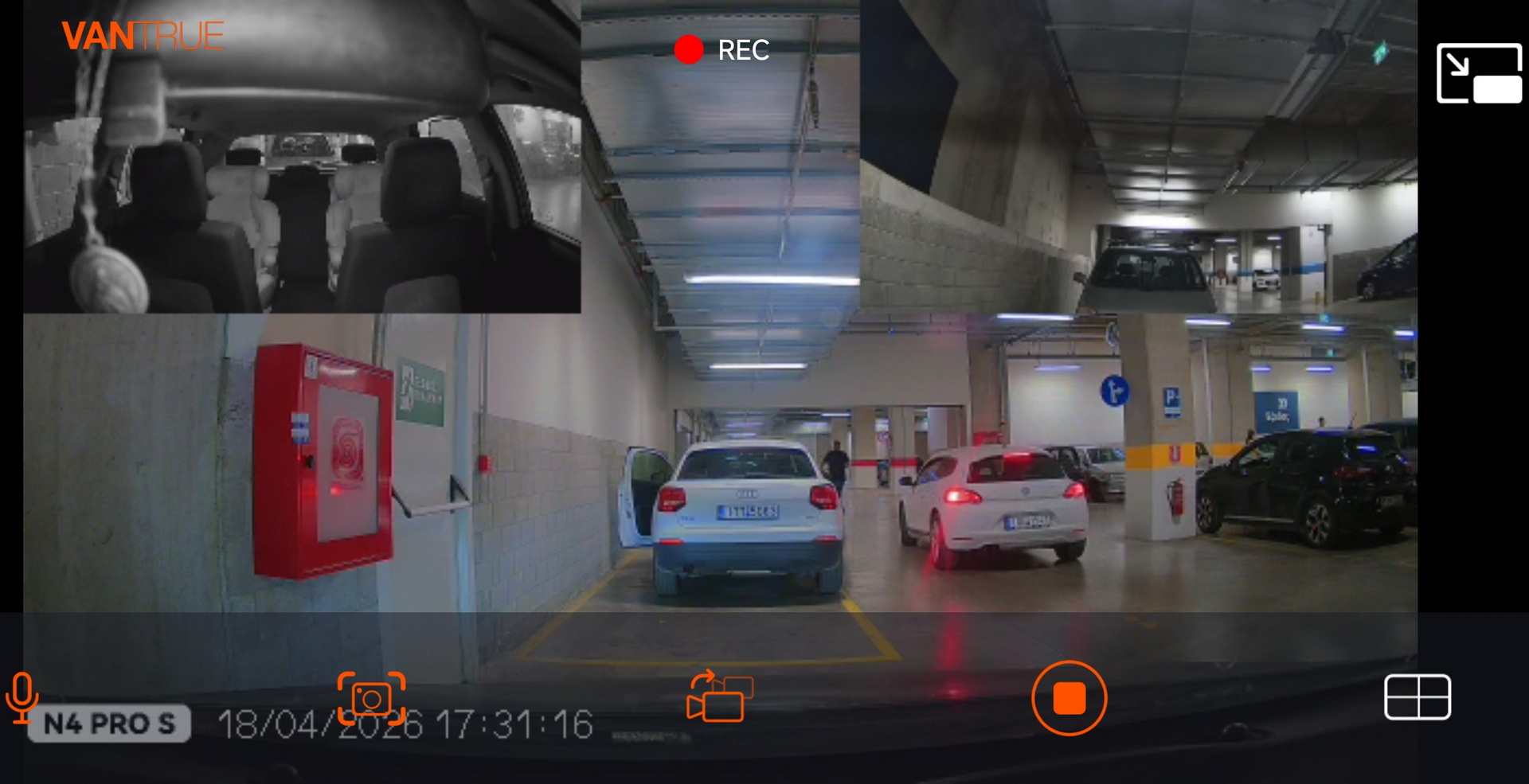
You can obviously extend the feed on the entire screen of your smartphone.
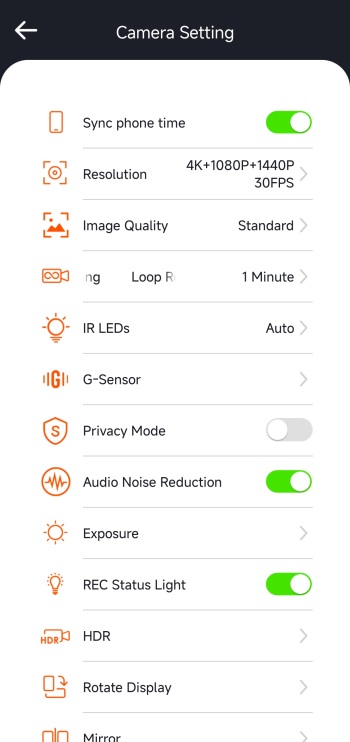
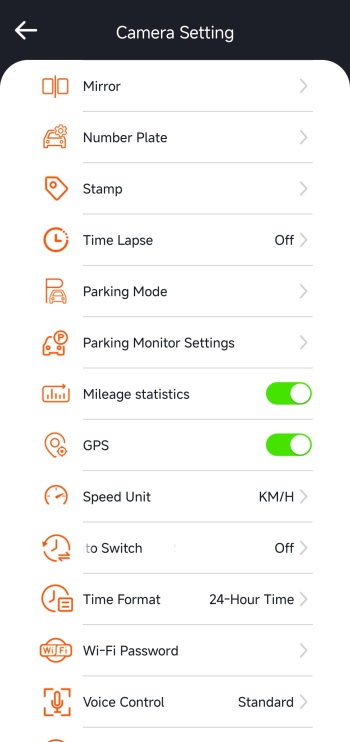
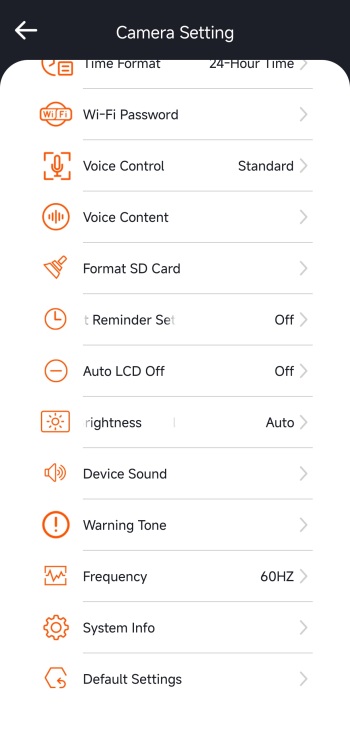
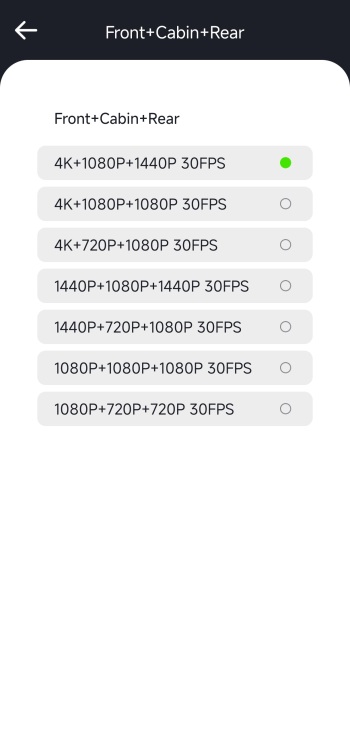
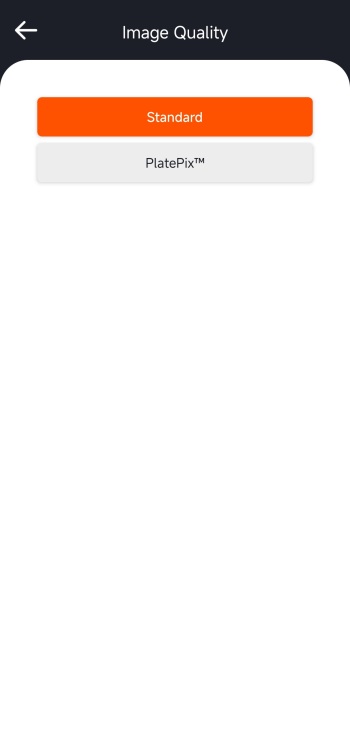
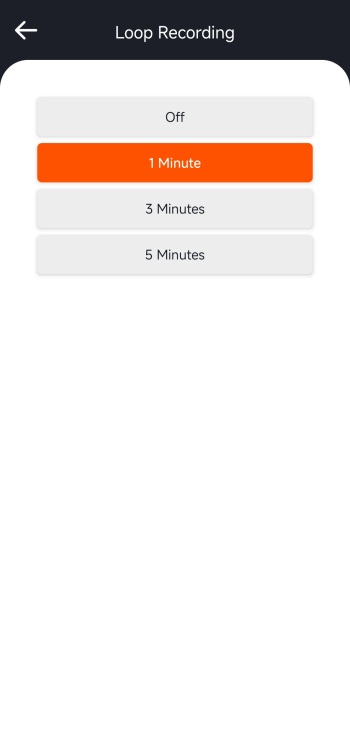
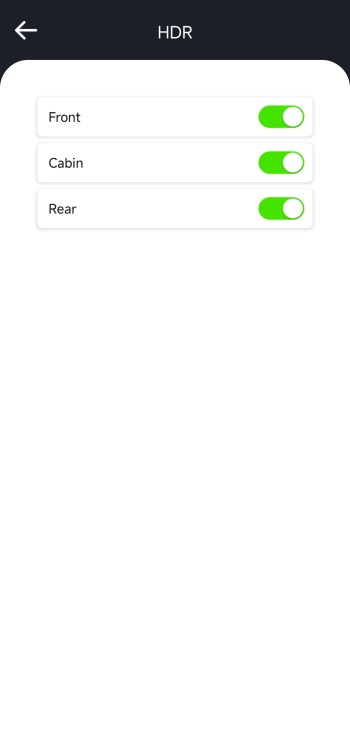
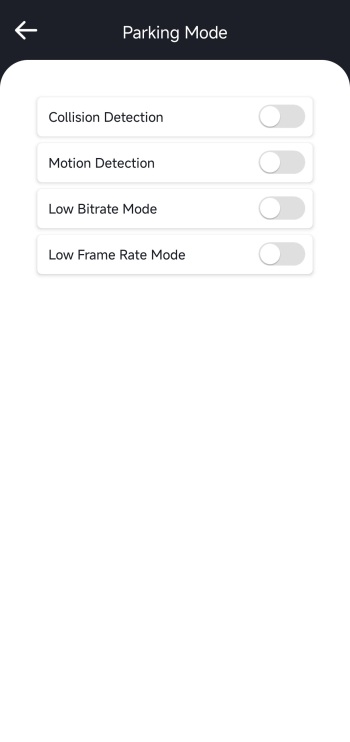
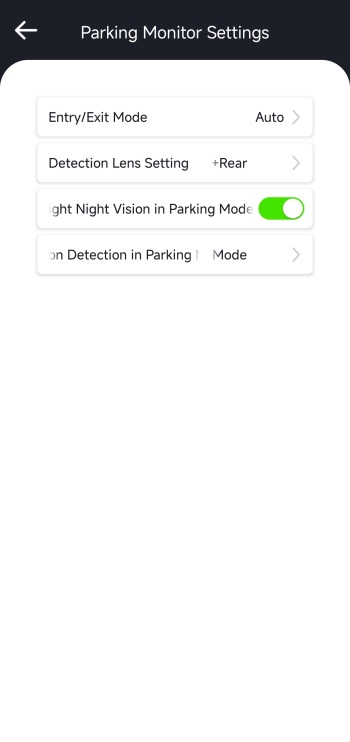 Inside the camera settings tab you can sync phone time to the N4 Pro S, change resolution for all 3 cameras, switch image quality between standard and PlatePix, adjust loop recording length, adjust the IR LEDs and G-Sensor, enable/disable privacy mode and audio noise reduction, set exposure, enable/disable HDR (enabled by default), rotate and mirror the display, enable/disable timelapse and parking mode, set parking mode settings, enable/disable mileage statistics and GPS, set the speed unit, change the Wi-Fi password, adjust voice features, format the microSD card, adjust brightness, set the frequency and more.
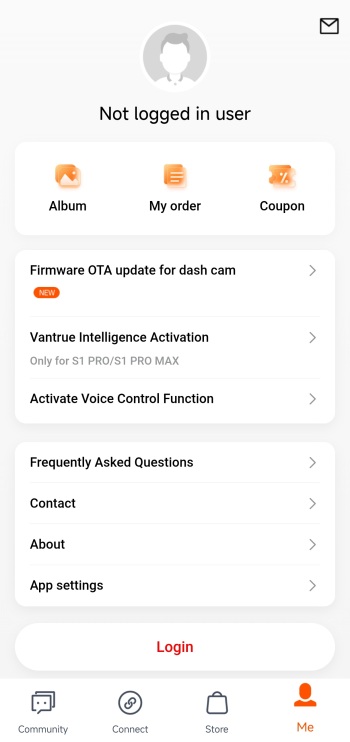
For anyone wondering the OTA firmware update option is located inside the Me tab as seen above.





