





PECRON SMART APP
For full control over the E2400LFP I suggest downloading the PECRON smart app.
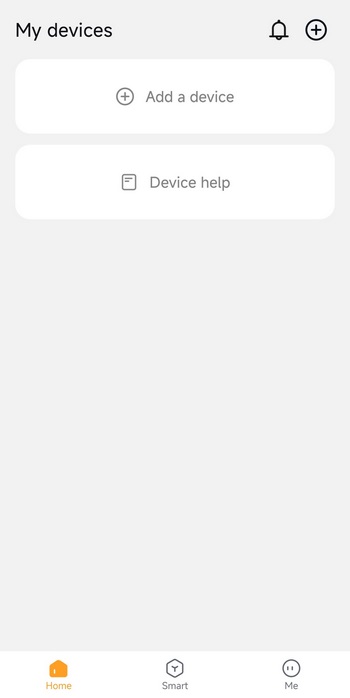
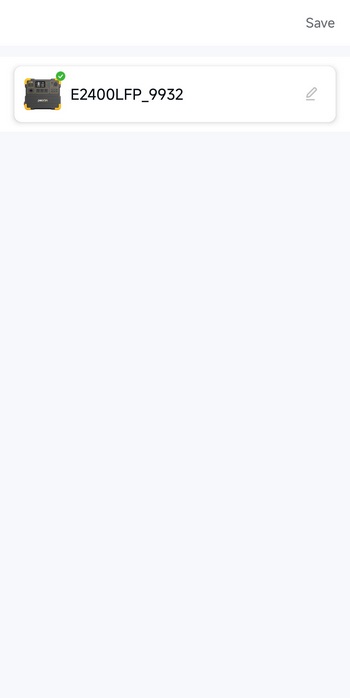
Adding the device is easy, just follow the instructions (this will either happen automatically or you may need to reset the device by pressing the AC and DC buttons for 3 seconds).
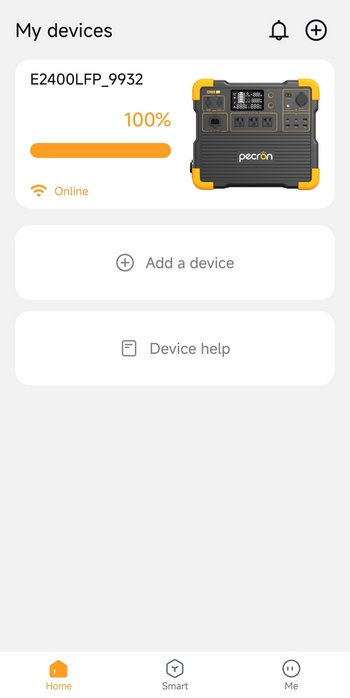
Once you add the E2400LFP it will show in the main tab.
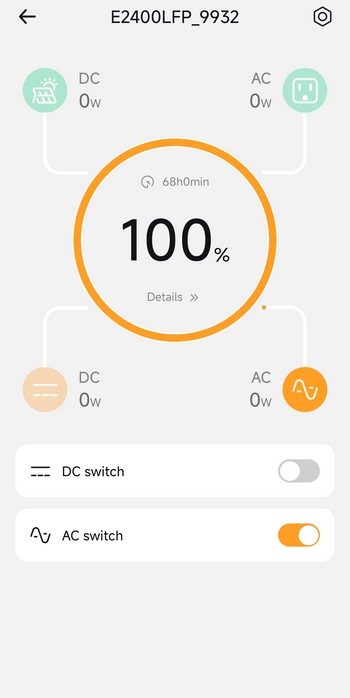
In the battery tab you can see everything from remaining battery life to the current wattage of both inputs and outputs (you can also switch AC/DC on/off).
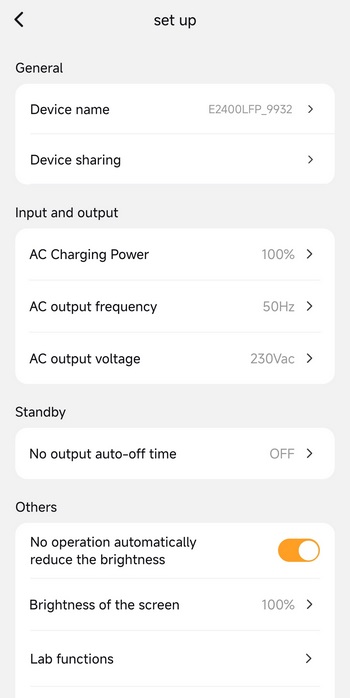
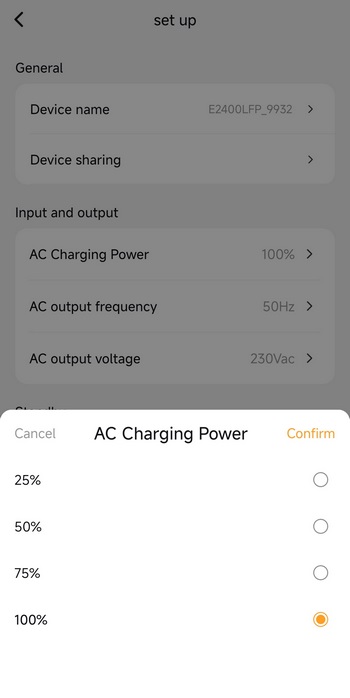
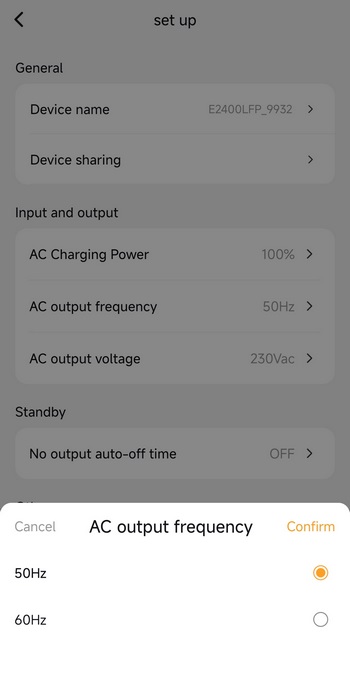
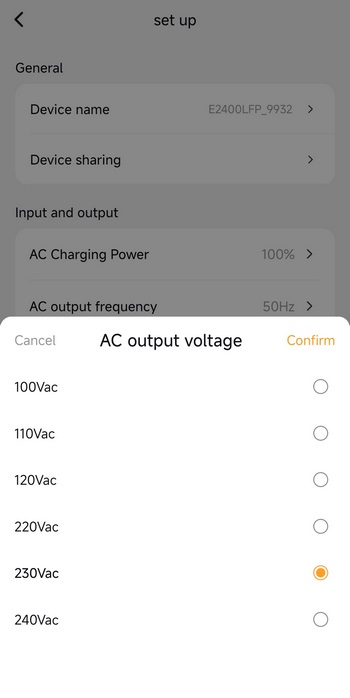
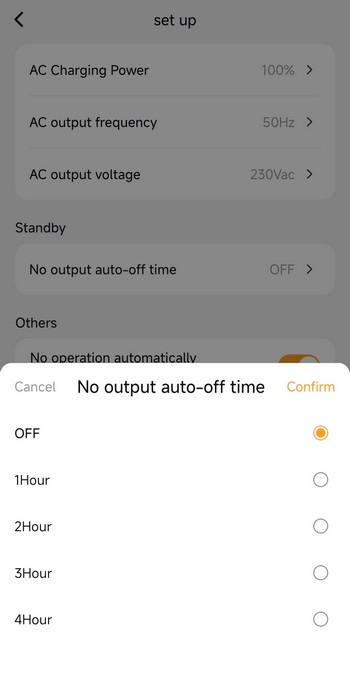
In many ways the settings tab (upper right corner) is where the really useful things really are since from here you can share the device with others, adjust the AC charging rate (this could help the batteries keep more of their health/capacity over time), output frequency and voltage and set the auto-off time.





