





INTRODUCTION
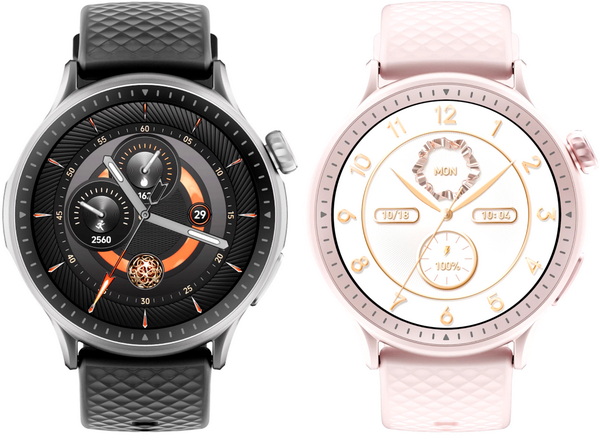
In a world where our wrists have become hubs for health tracking, communication, and personal style, smartwatches have grown into far more than step counters. With vibrant touch sensitive displays, intuitive interfaces, and seamless phone integration, they now serve as compact companions for both fitness and productivity. Whether you're monitoring your heart rate mid-run or screening calls during a meeting, the modern smartwatch blends utility with design. Today, we’re diving into one such device, the latest GTR3 by Runmefit.
Founded in 2015, Runmefit is a global smartwatch and activity tracker brand that helps people lead healthier, more connected lives. With a focus on personalization, simplicity, and innovation, our products are designed to support every step of your journey—from daily fitness to long-term wellness goals.
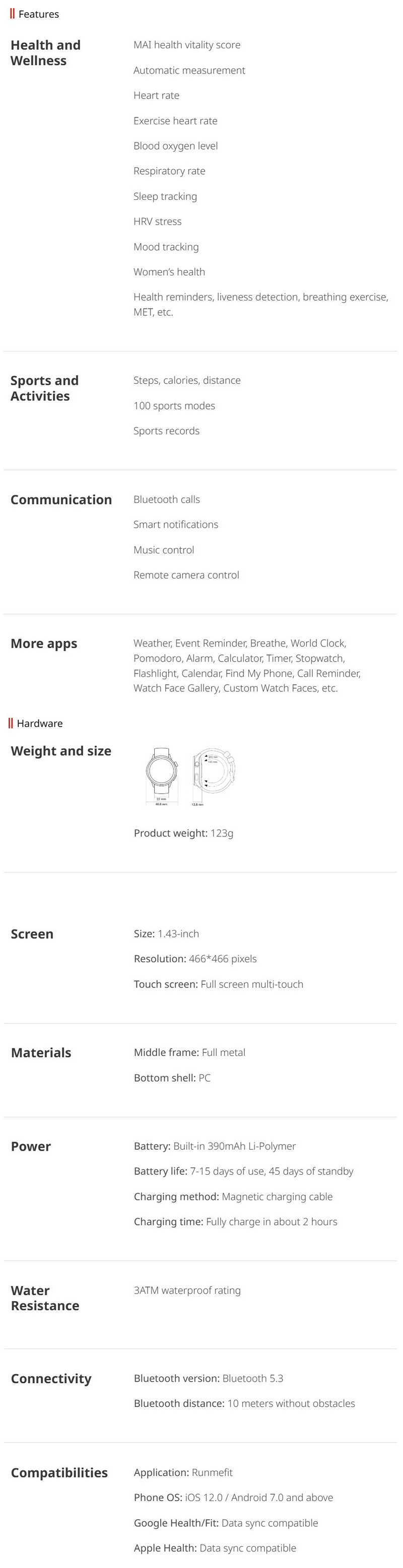
The Runmefit GTR3 is a feature-rich smartwatch (available in black, navy blue, space silver and blossom pink colors currently) designed to support both your fitness goals and daily routine. It features a 1.43" HD AMOLED multi-touch display (466x466p) that delivers sharp visuals in a sleek round design while inside the 3ATM water-resistant full-metal housing Runmefit has packed an 390mAh lithium-ion battery pack (up to 15 days per charge) and a suite of high-precision sensors, including an optical heart rate sensor, SpO₂ (blood oxygen) sensor, and stress monitoring sensor, all working together to provide 24/7 health tracking (sleep, mood and HRV stress monitoring included). The GTR3 also supports Bluetooth calling (v5.3), smart notifications, remote smartphone camera and music control, auto detection for walking, running, and cycling (via smartphone connection), and 100+ sports modes making it a responsive companion for active users.
SPECIFICATIONS AND FEATURES
PACKAGING AND CONTENTS
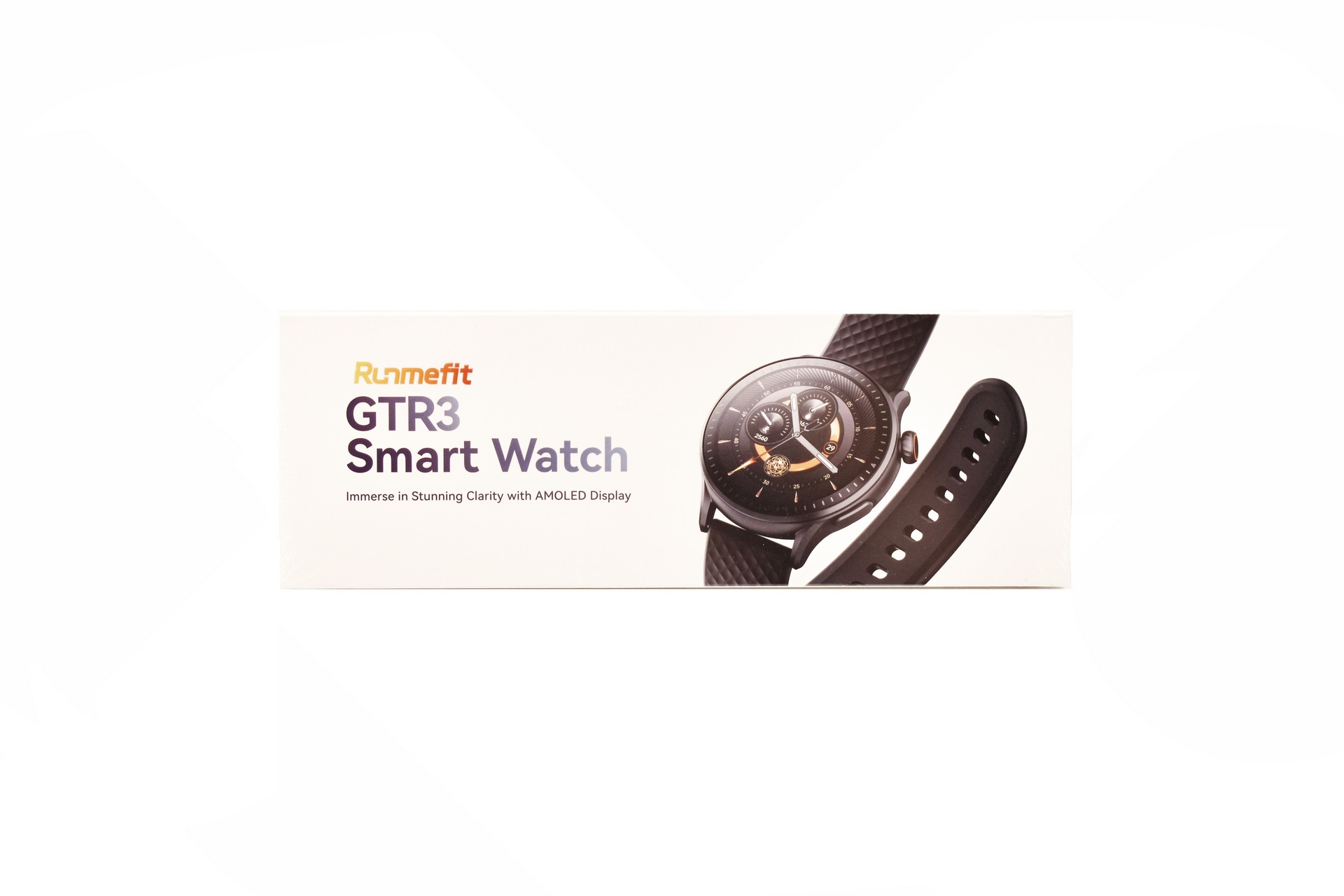
Runmefit uses a white box the front of which is taken by their logo, product name and a product picture.
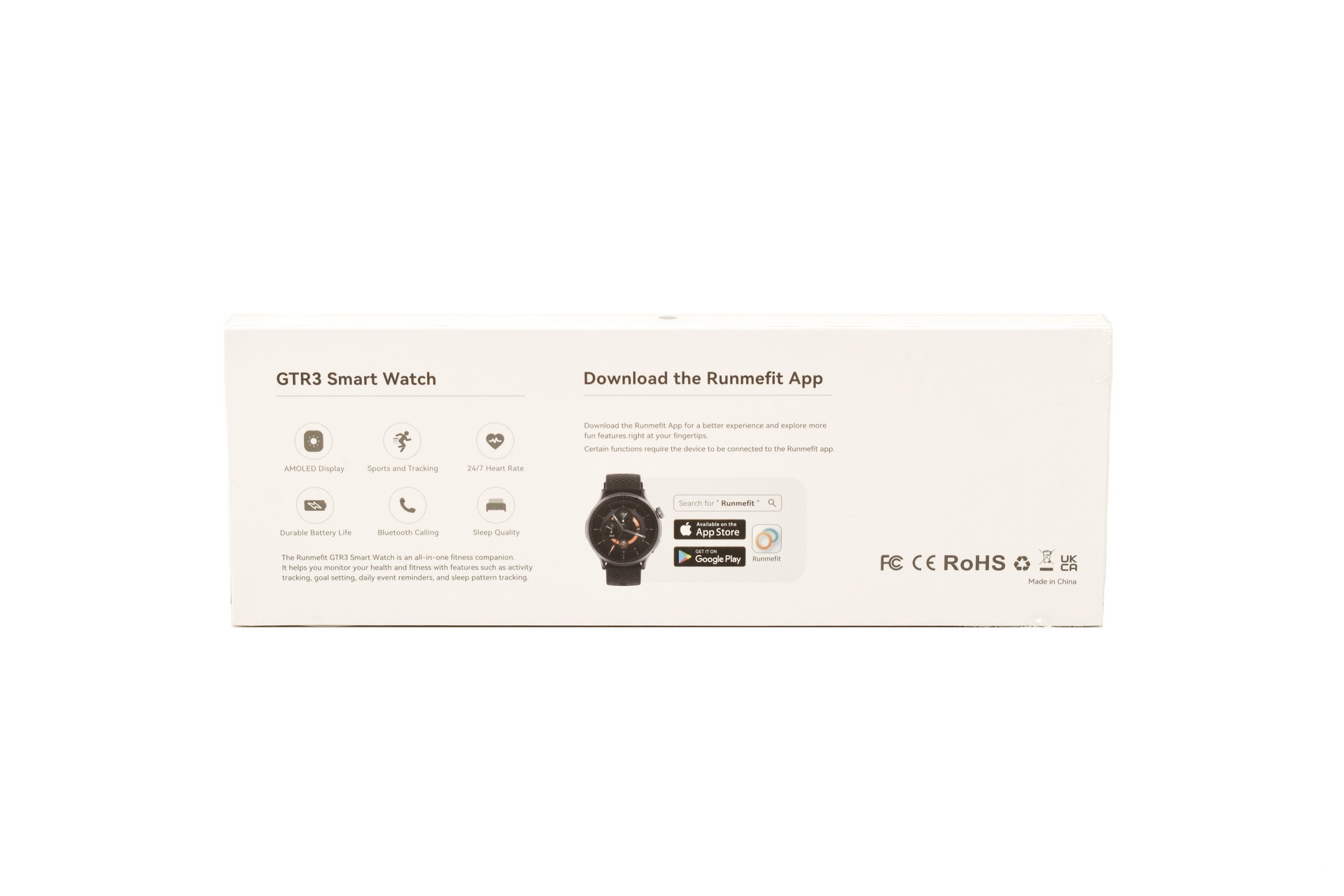
The main product features are printed at the rear of the box right next to yet another product picture and the Runmefit app.
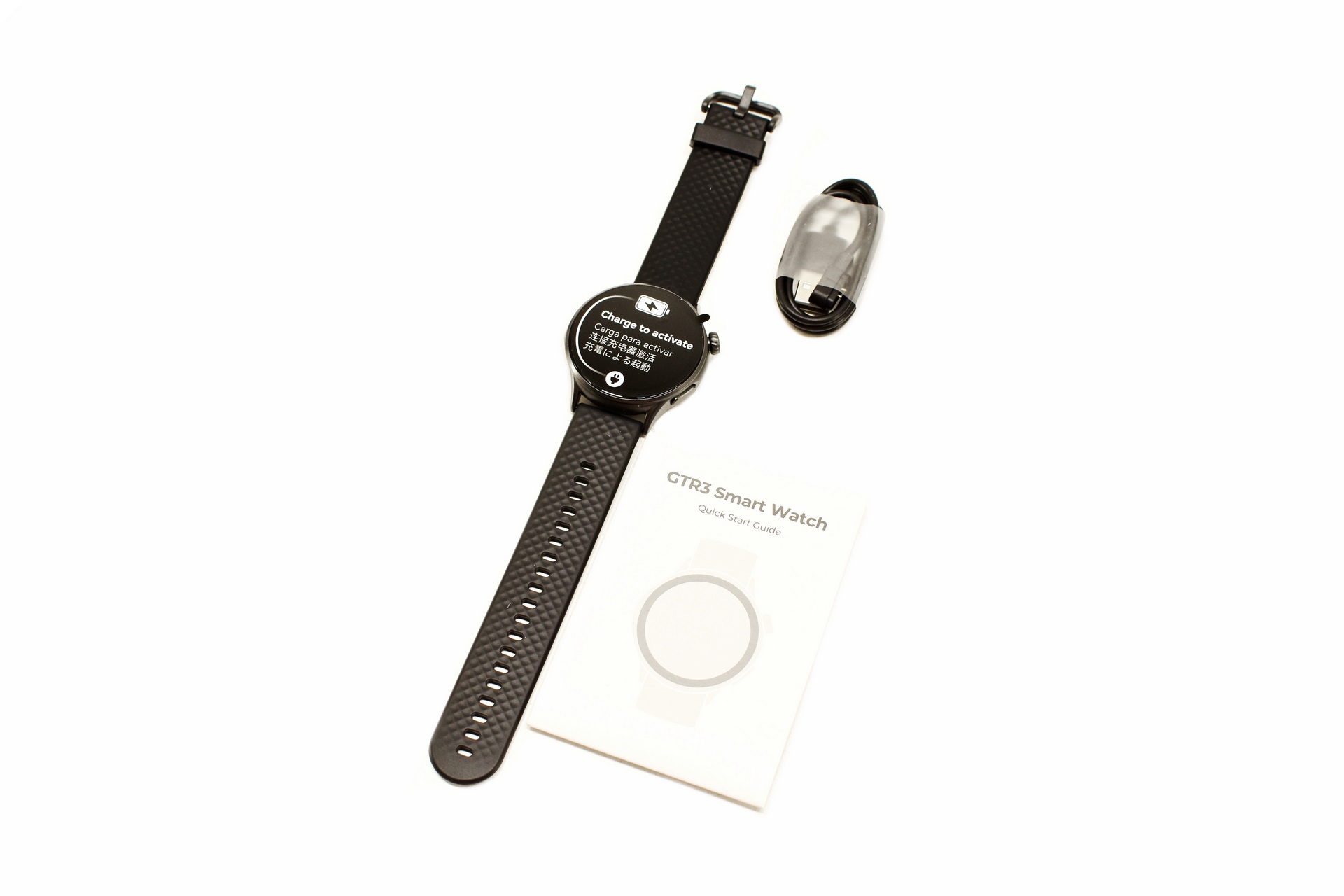
Not much in terms of bundle so aside the GTR3 and its charging cable you're only getting a quick start guide.
THE GTR3
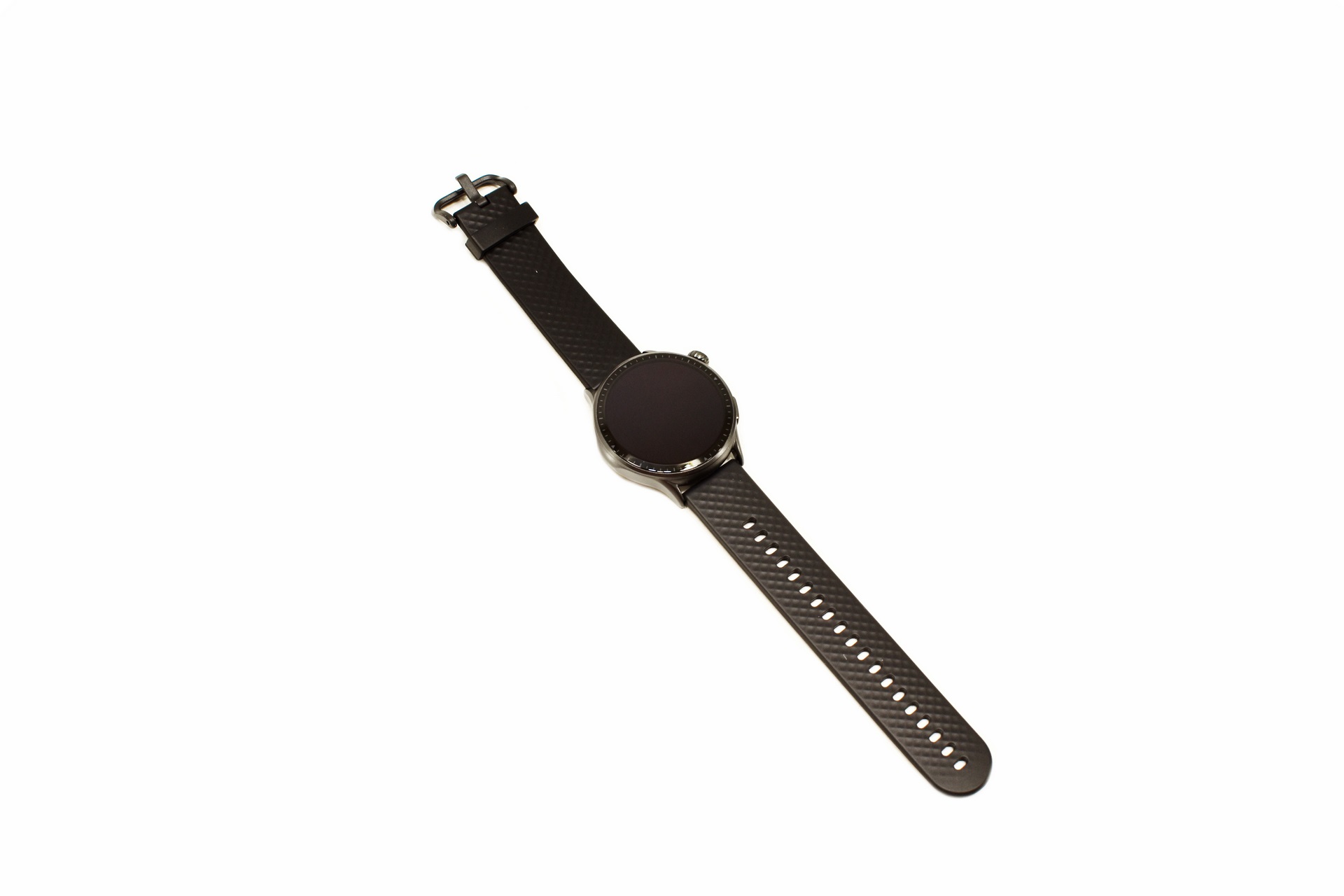
The GTR3 smartwatch weighs 123g and with its strap measures 262mm.
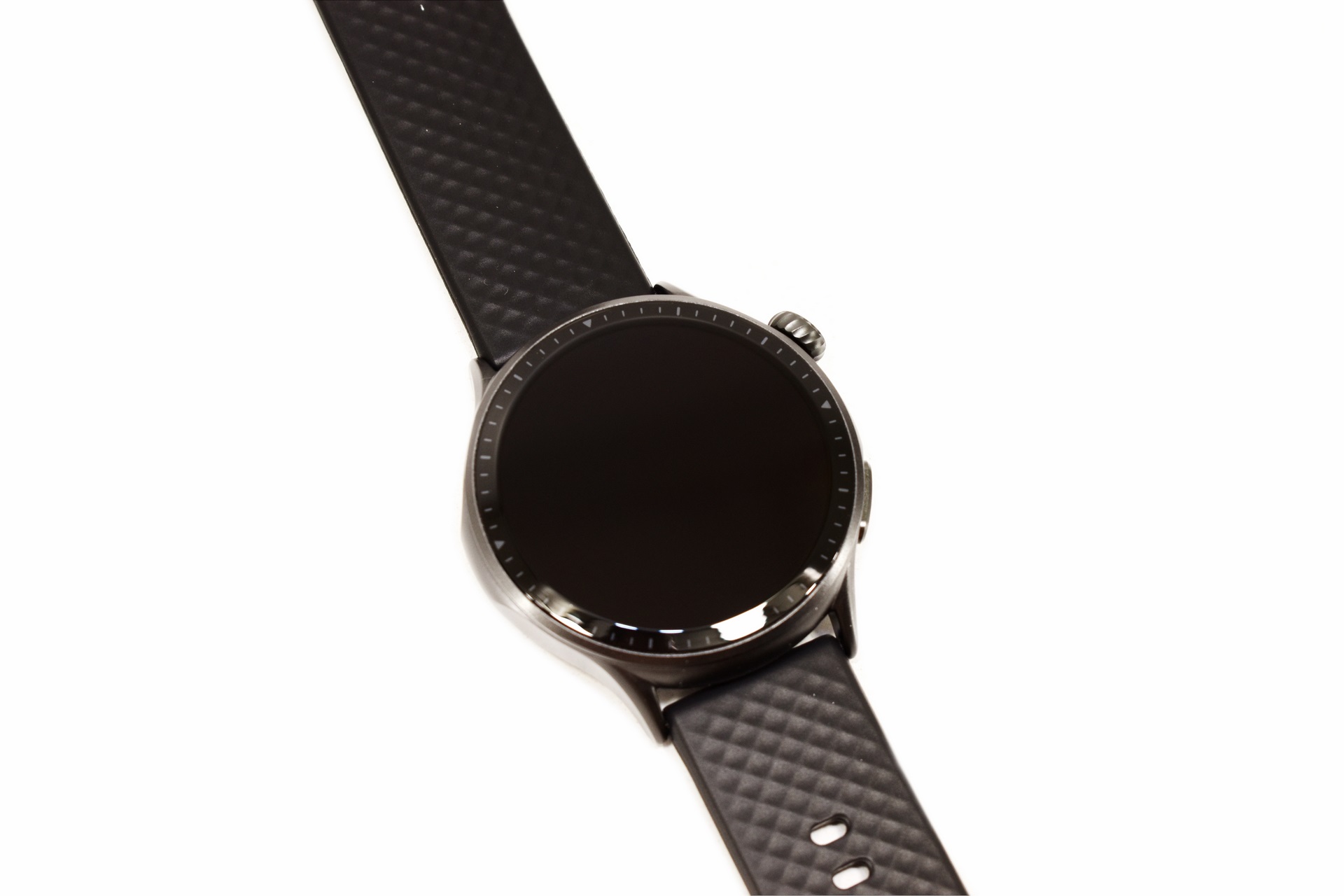
Runmefit has given the GTR3 a 45mm case with a 1.43" HD AMOLED multi-touch display in it which may not be the largest but should be find for most people.
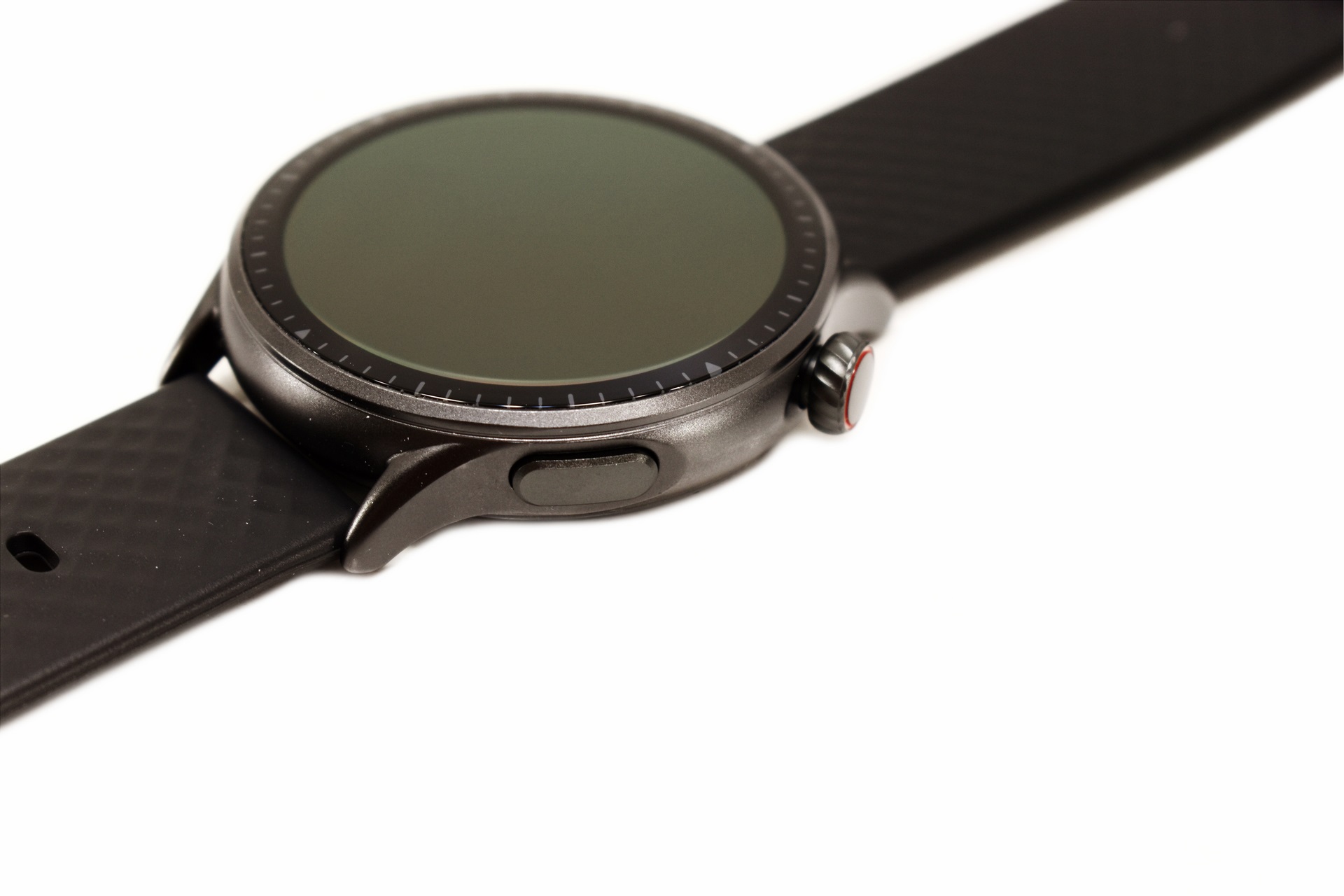
The 10mm thick housing is made out of metal and the two sole buttons are located on the right side.
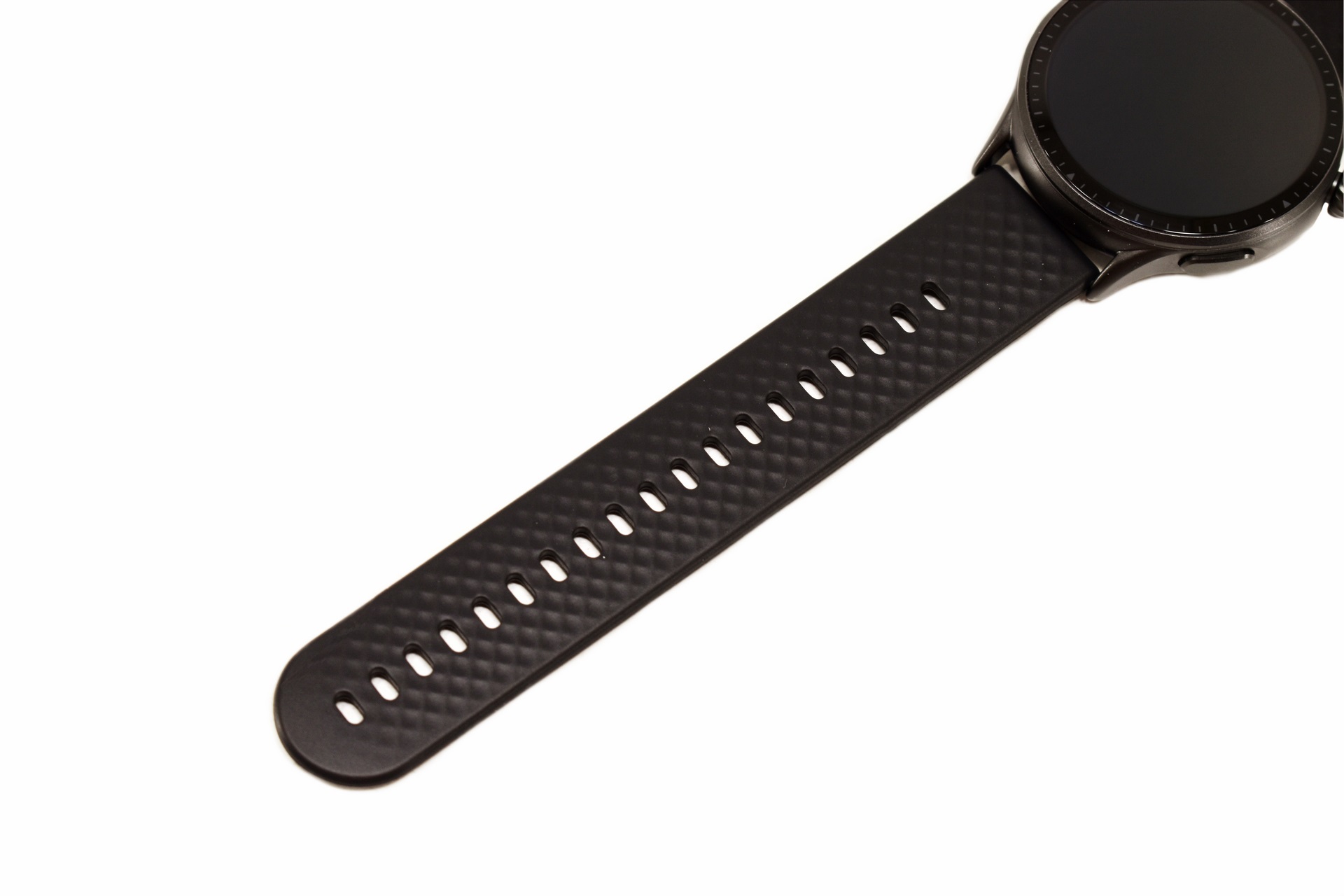
By default, Runmefit equips the GTR3 with an 21mm wide silicon strap but they have more models online.
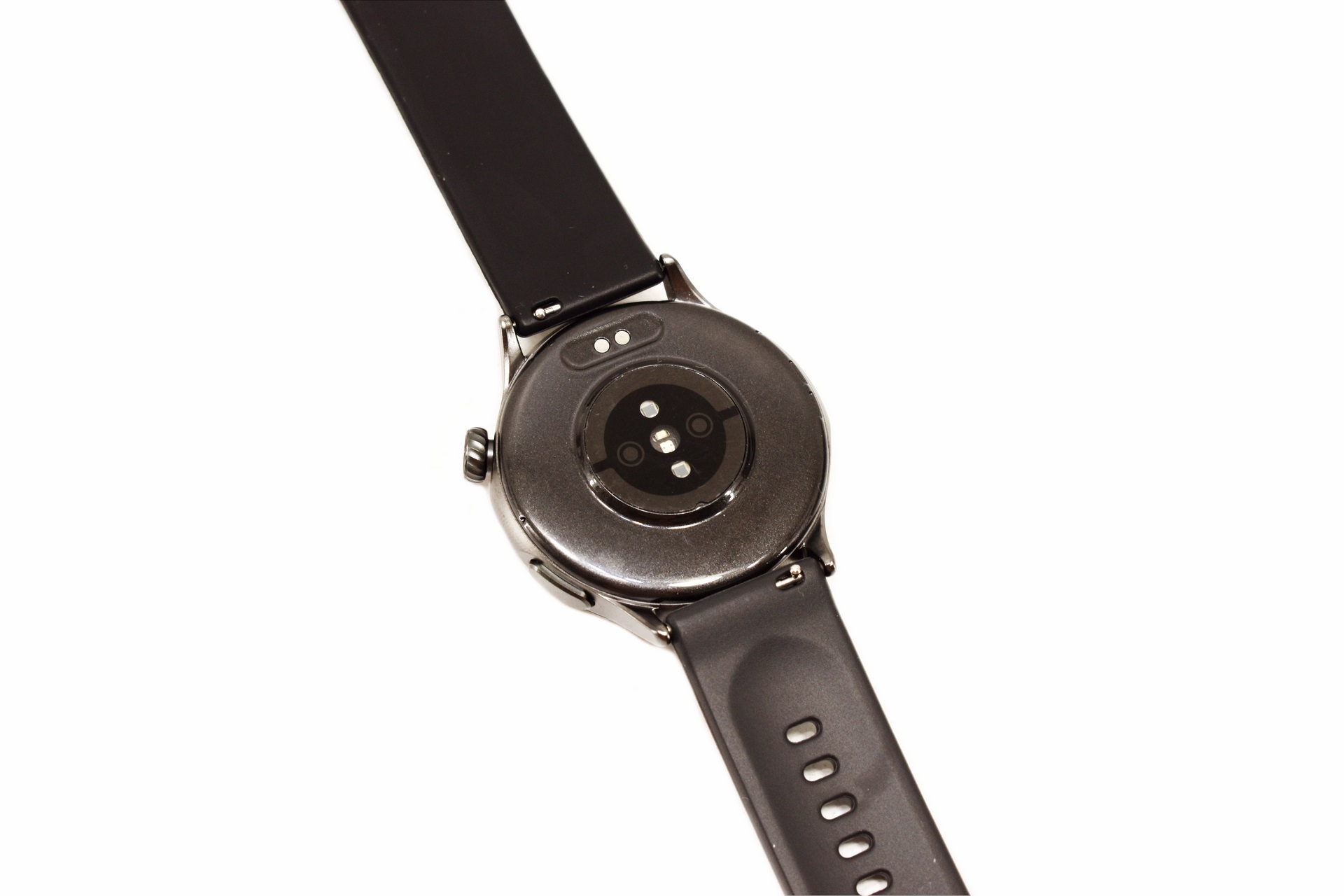
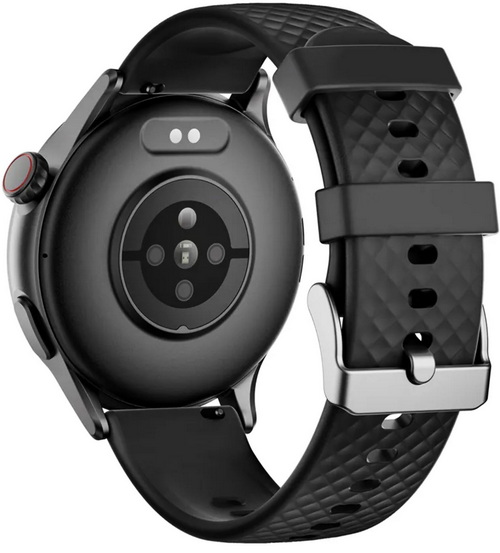
Typically, all of the sensors are located at the rear of the smartwatch along with two charging contacts.
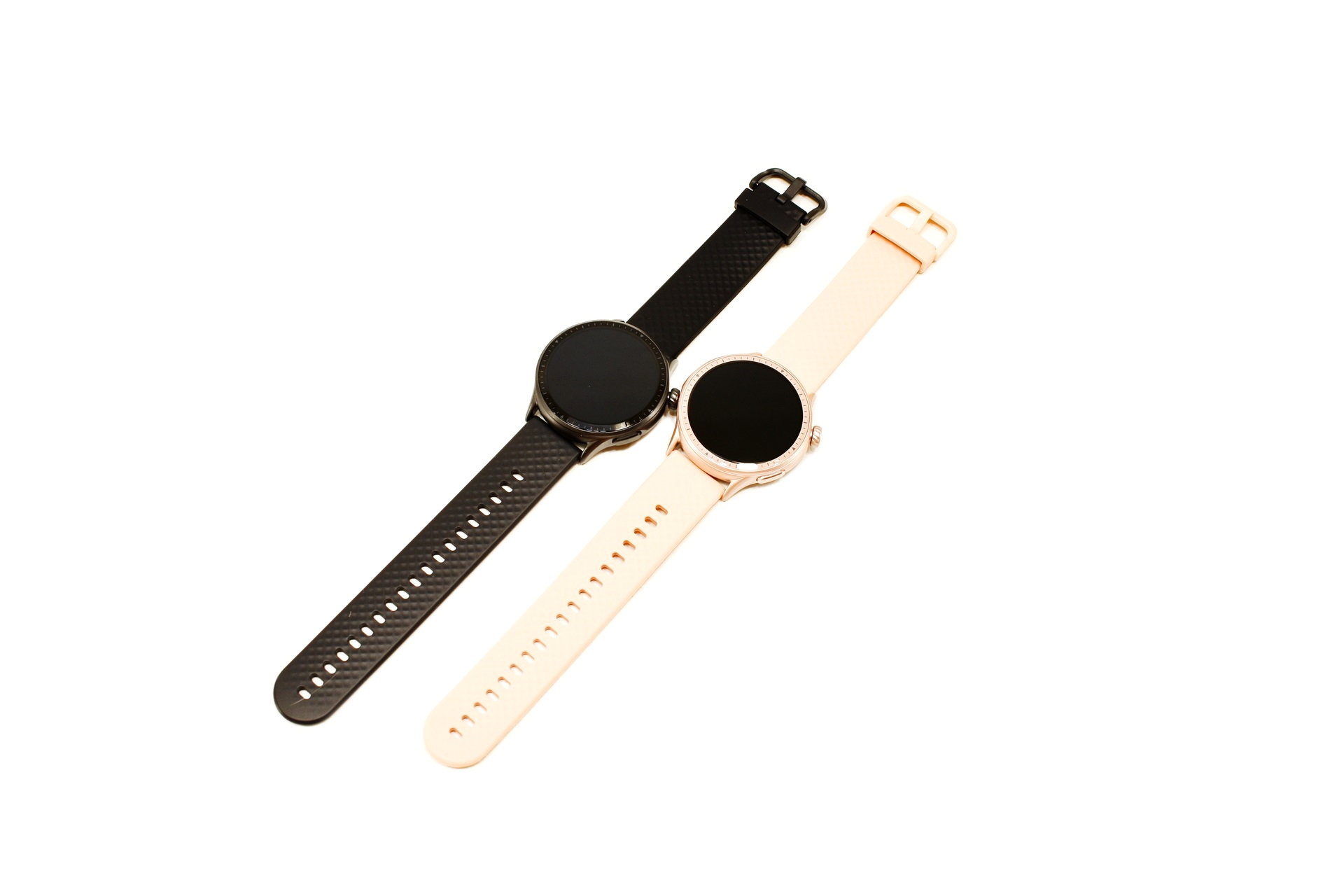
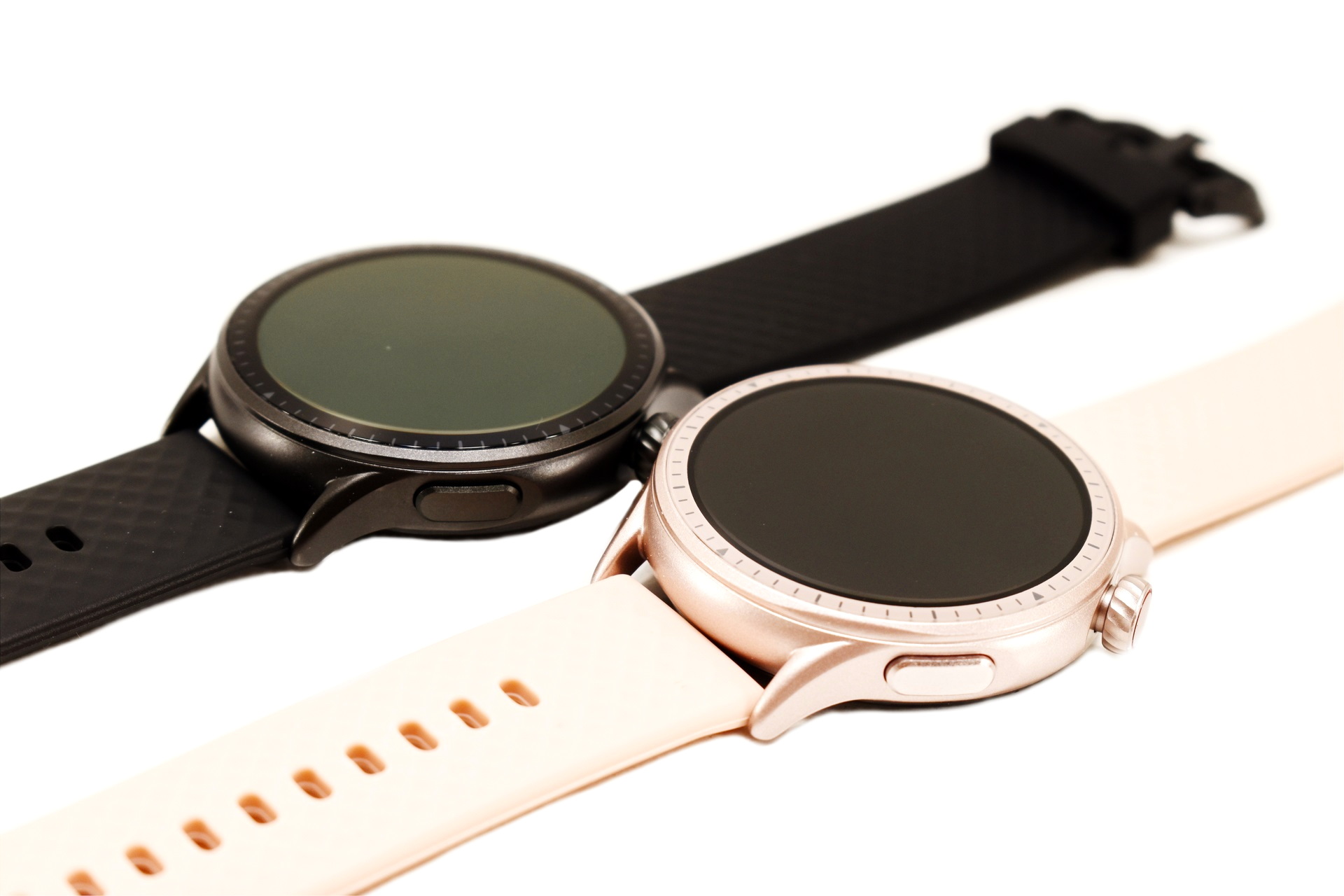
I was sent both the black and blossom pink colors of the GTR3 and well, I think that for girls and women the pink version looks great.
USING THE GTR3
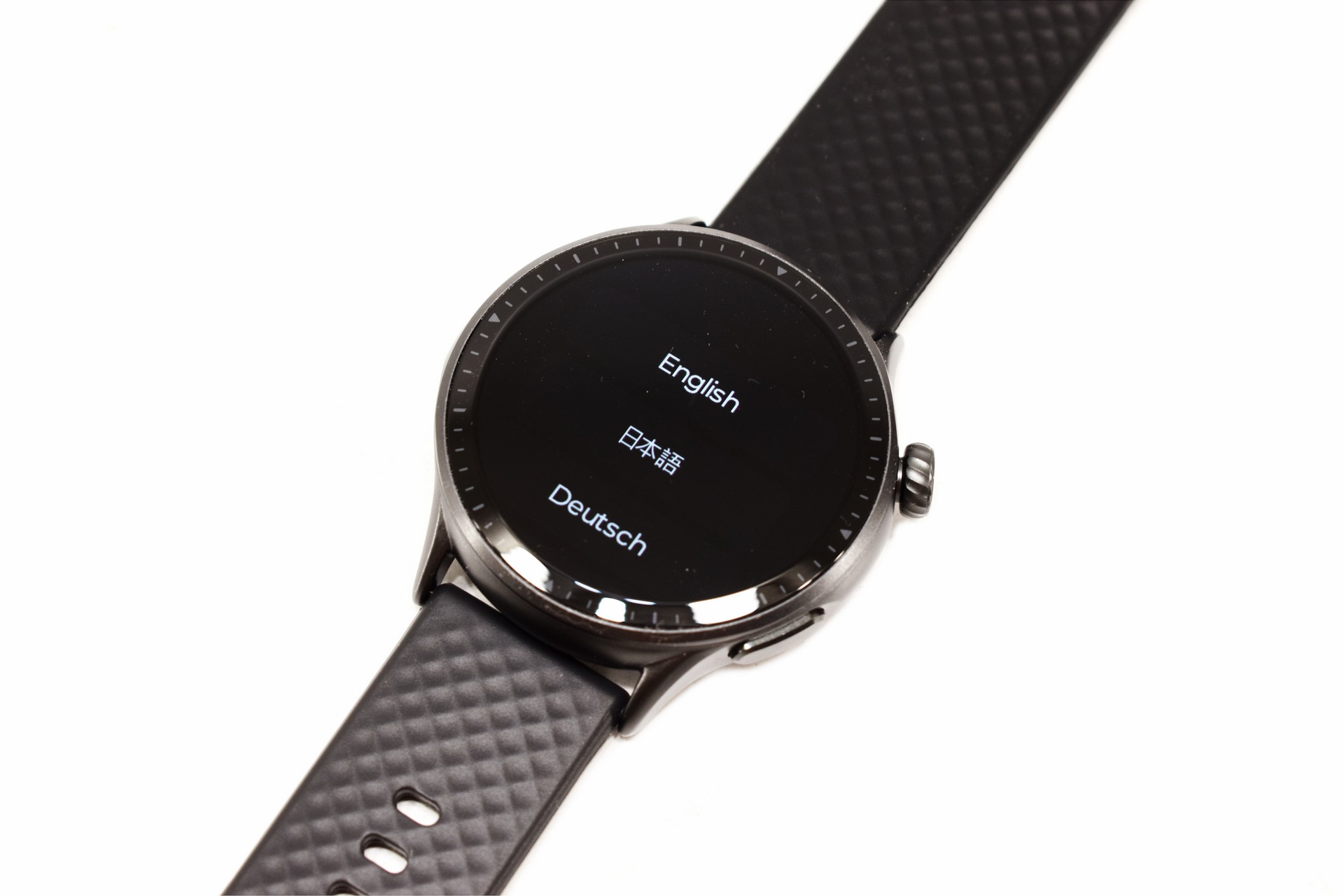
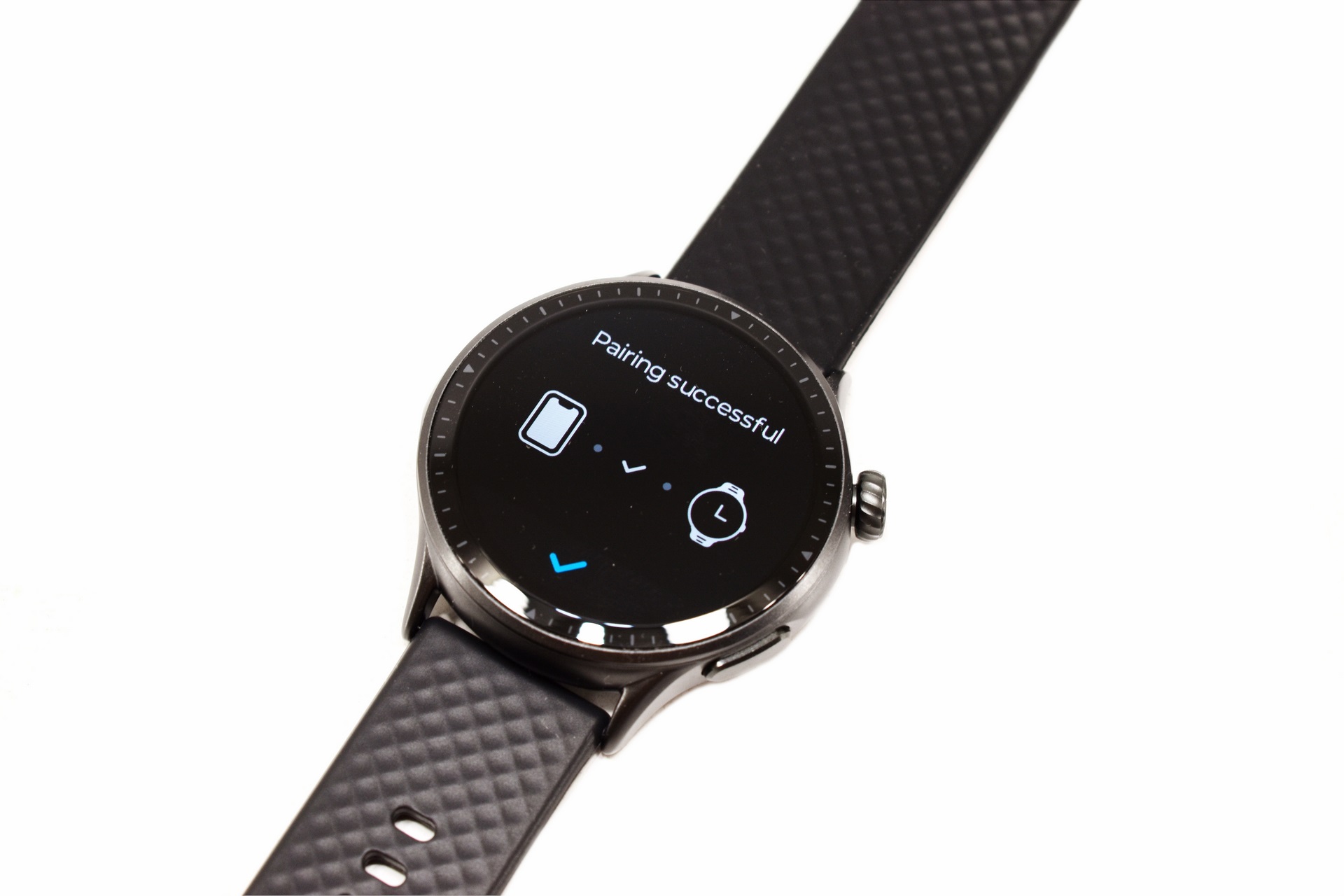
The first time you'll turn the GTR3 on you'll need to choose the language and pair it with your smartphone (via the Runmefit app).
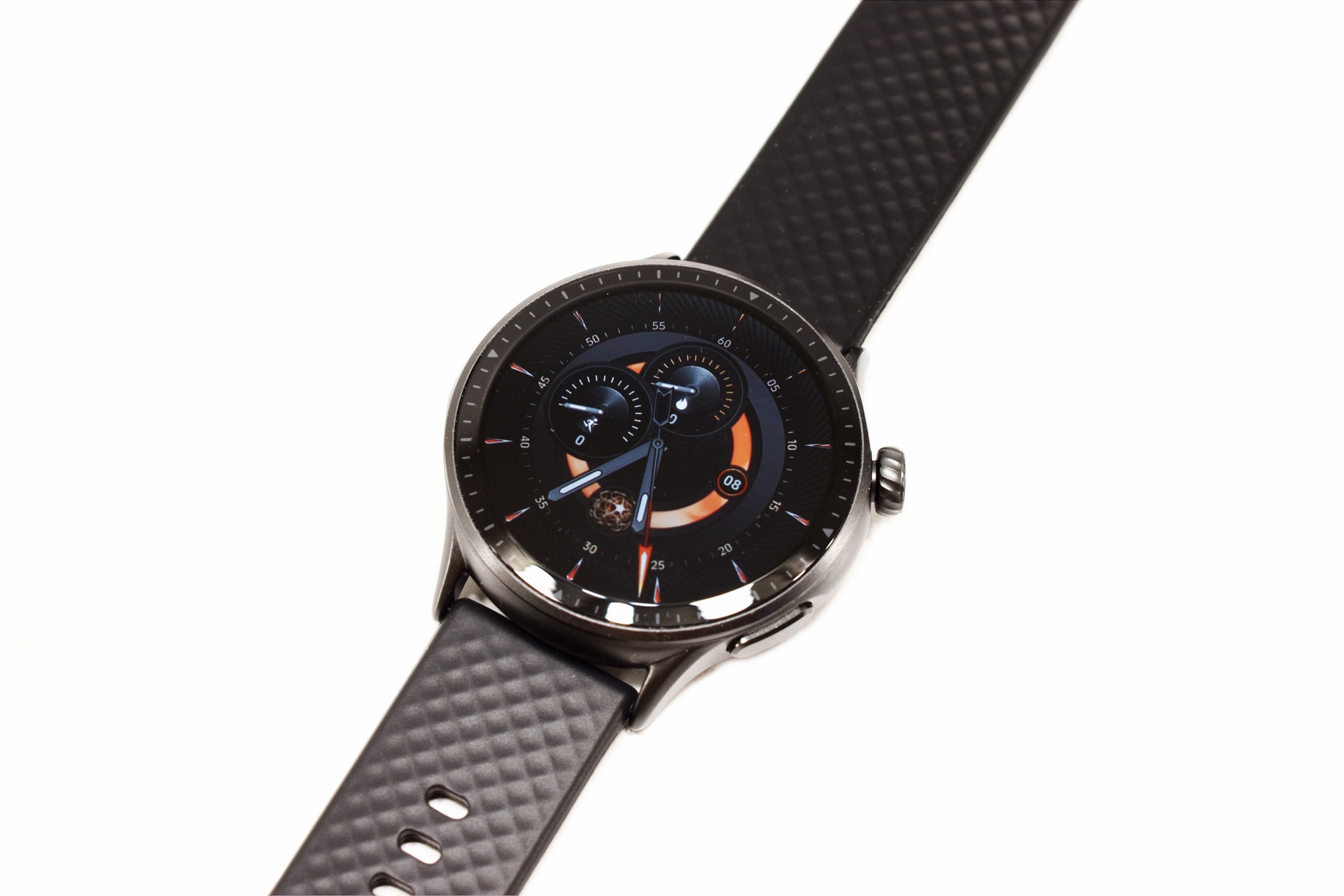
After that you'll see the initial/default screen which for me is among the top this smartwatch has to offer currently.
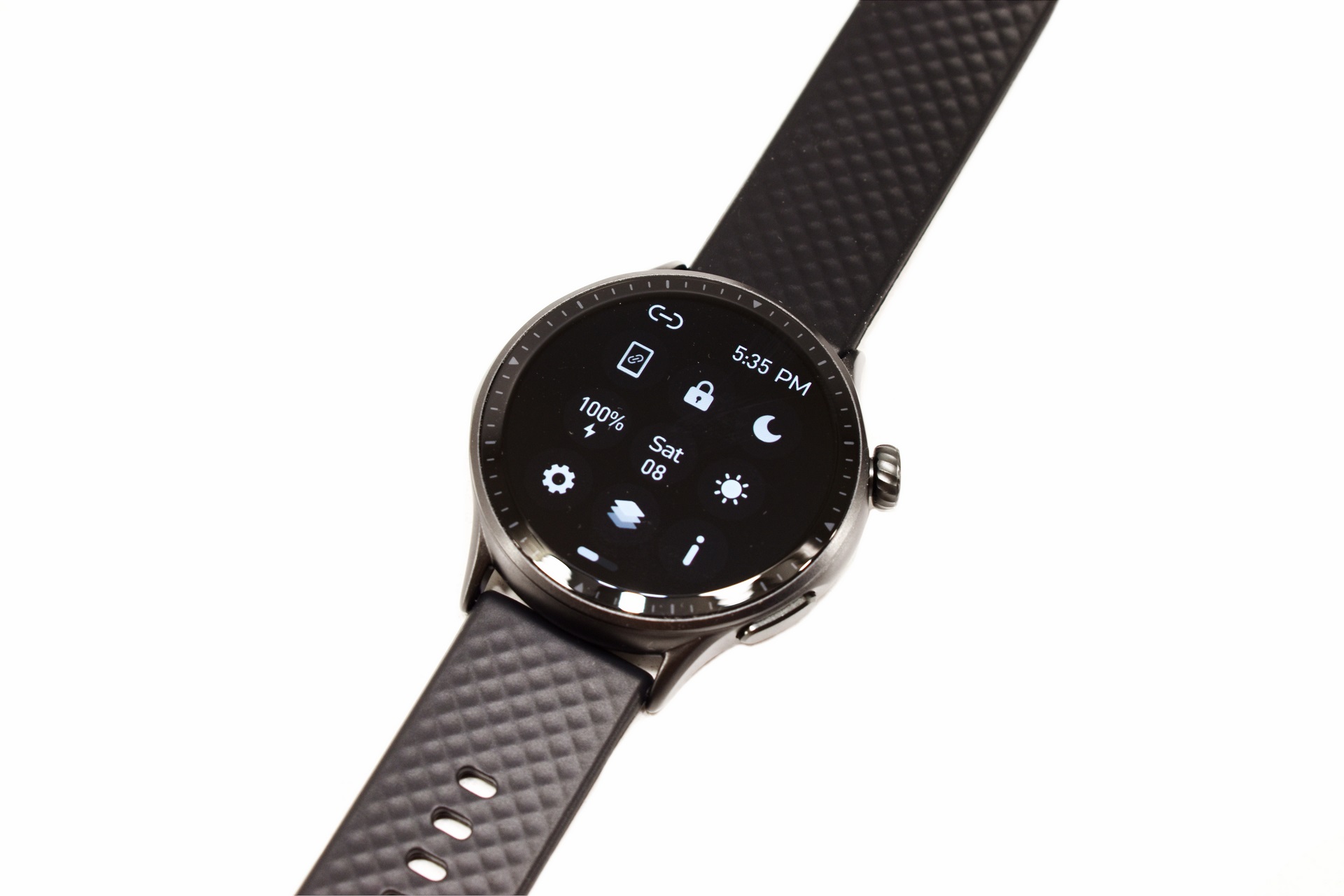
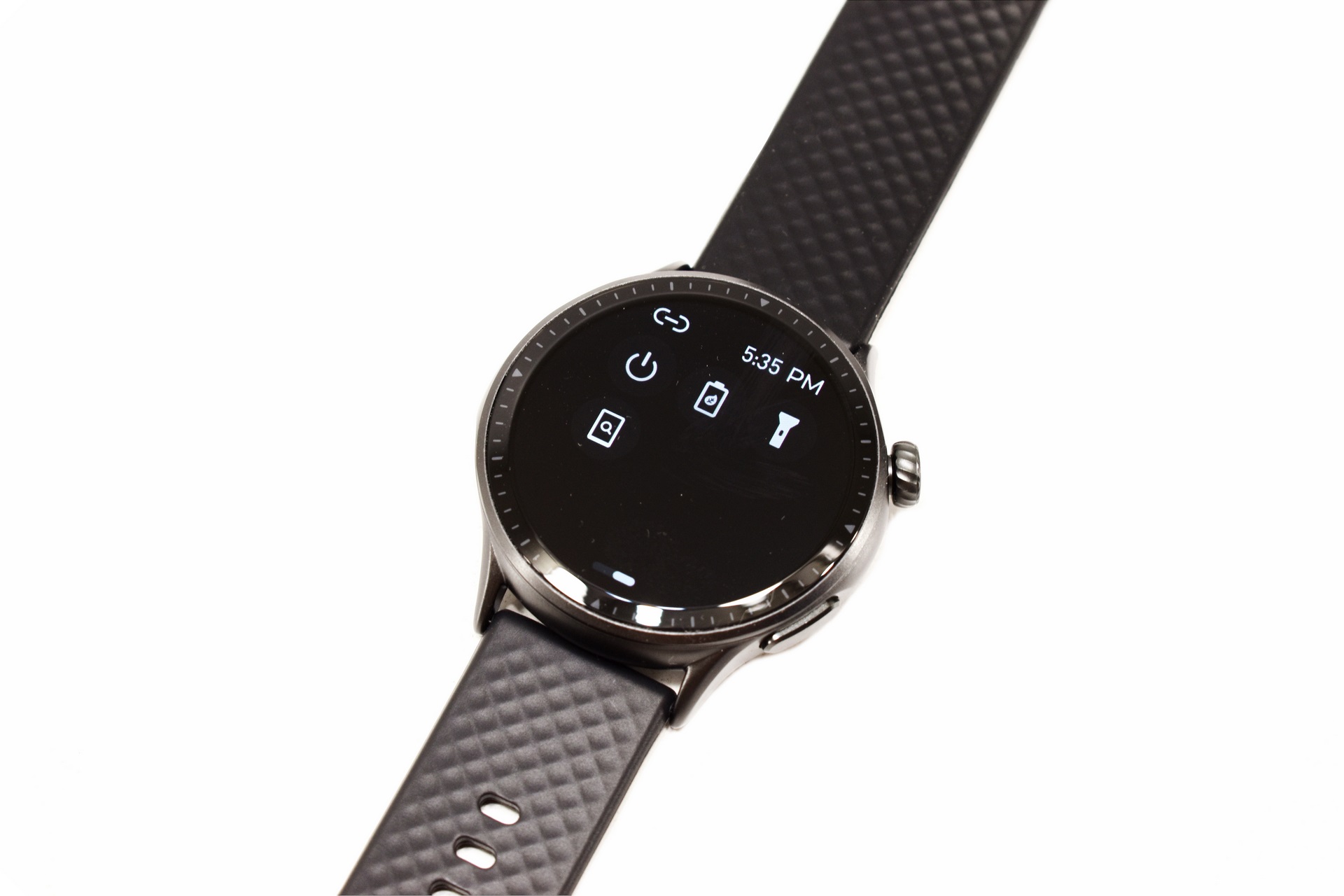
Pulling down the screen reveals all the quick settings such as phone pairing, lock, do not disturb mode, battery life, date, brightness, settings, menu view, about page, on/off, power save mode, flashlight mode and phone disconnection.
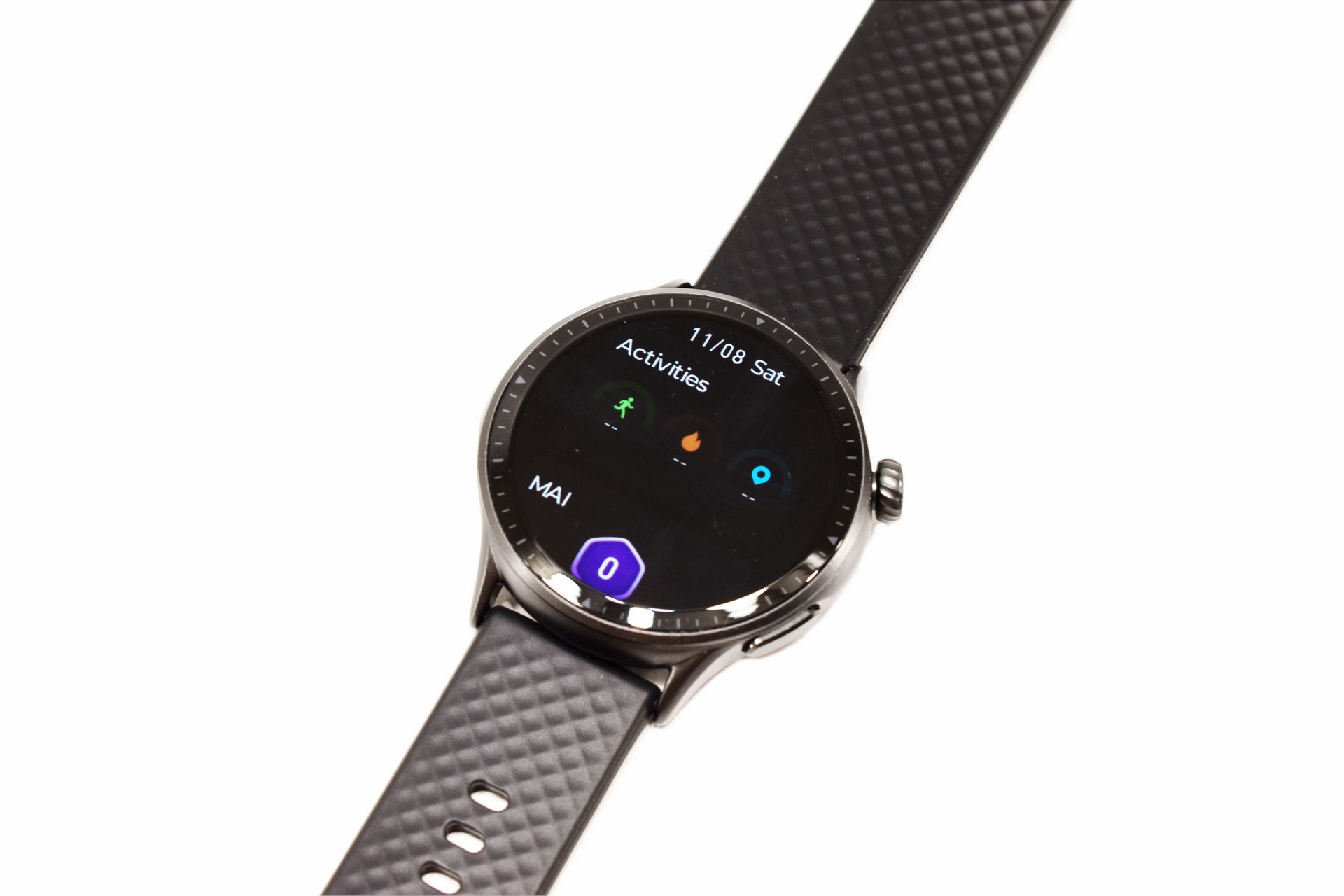
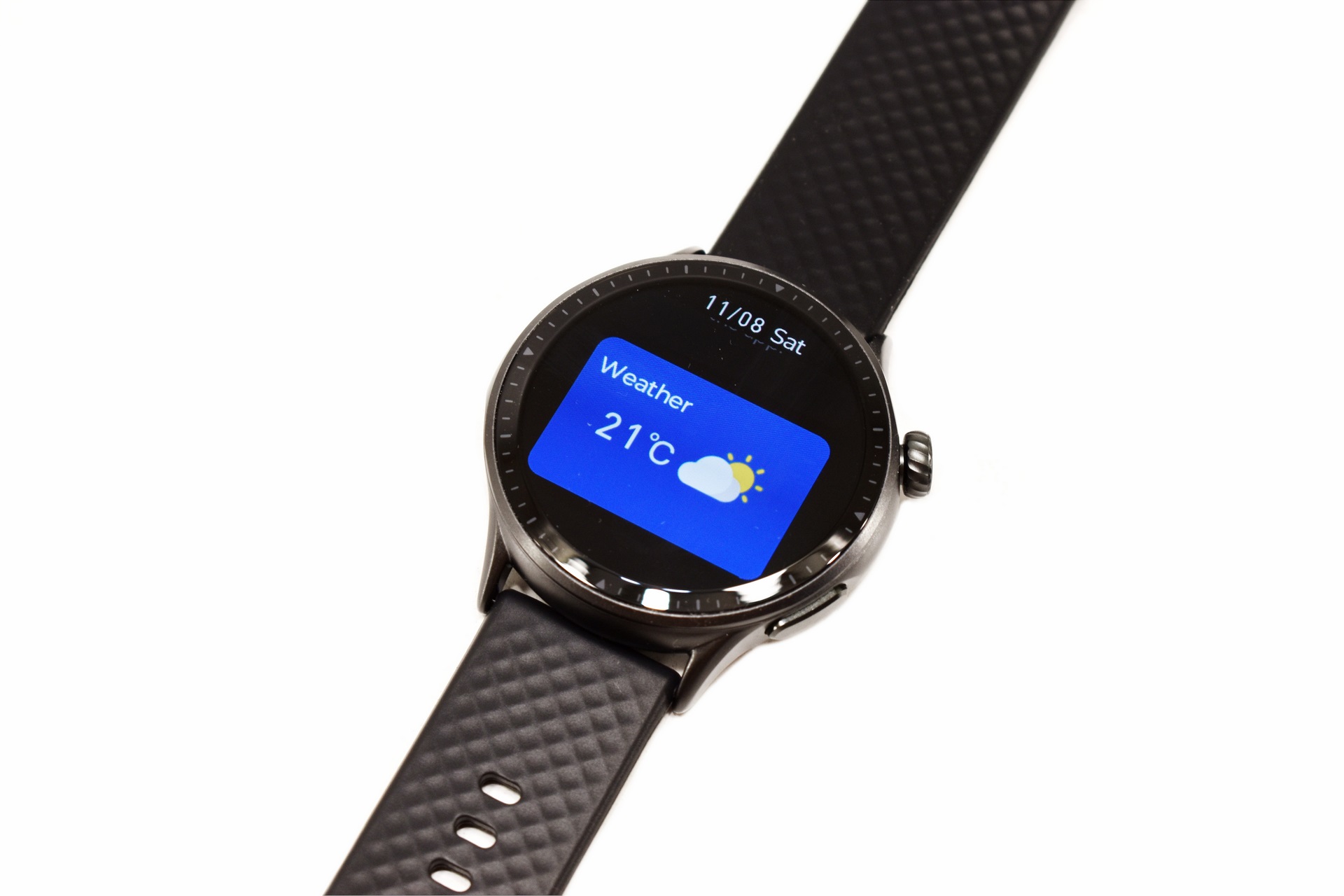
Dragging the left side allows you to access your activity and MAI stats, check the weather, listen to music and enable the sleep track function.
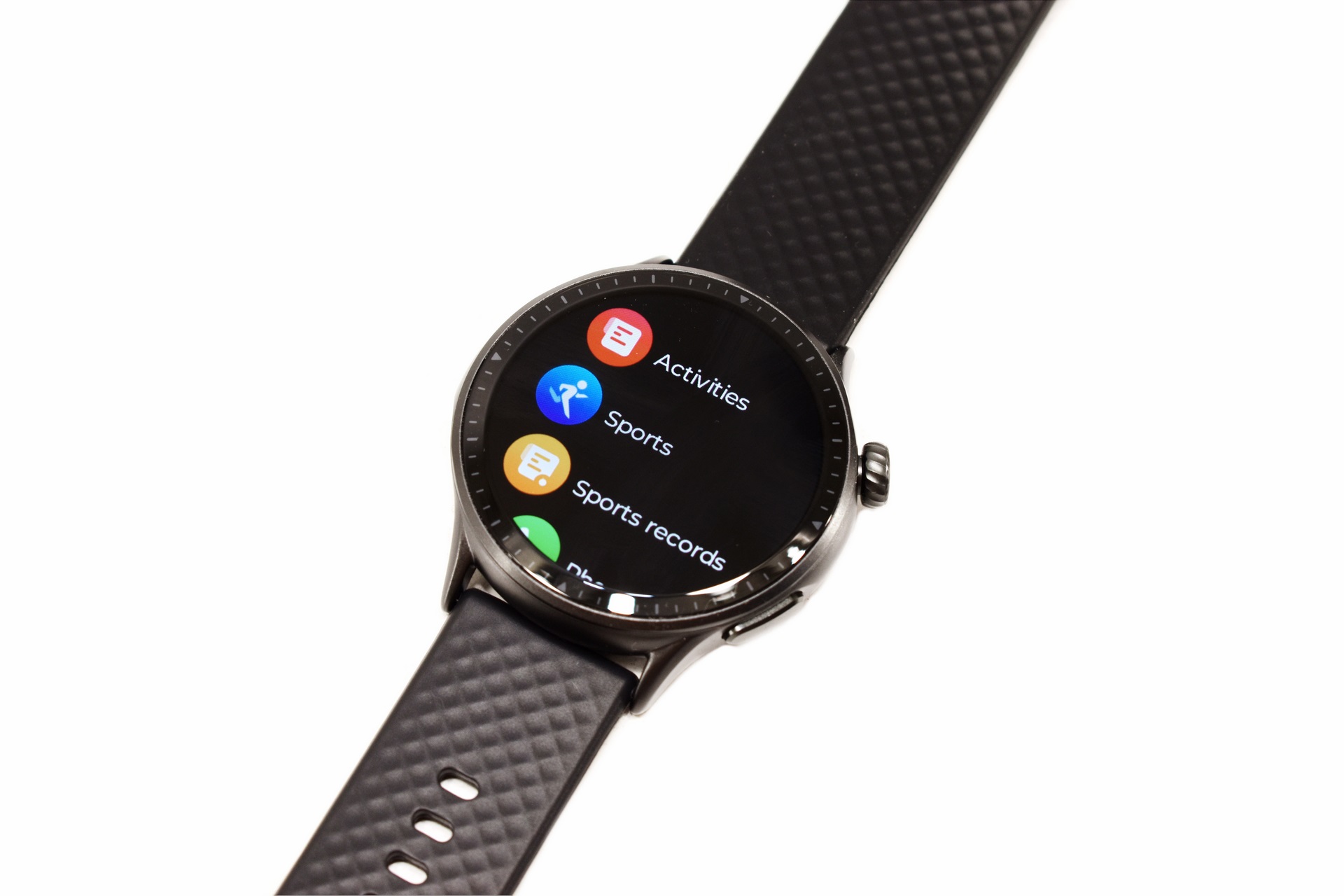
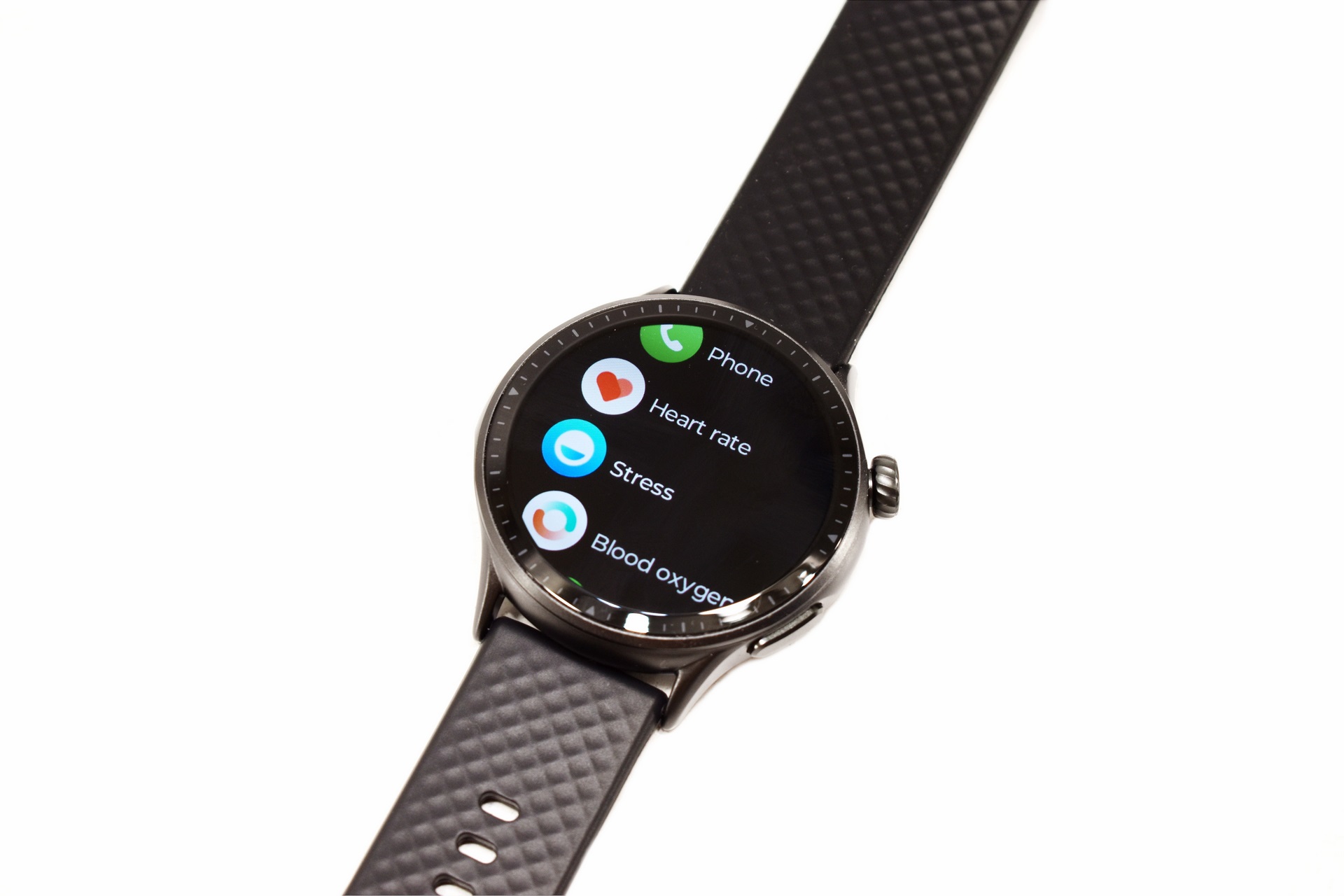
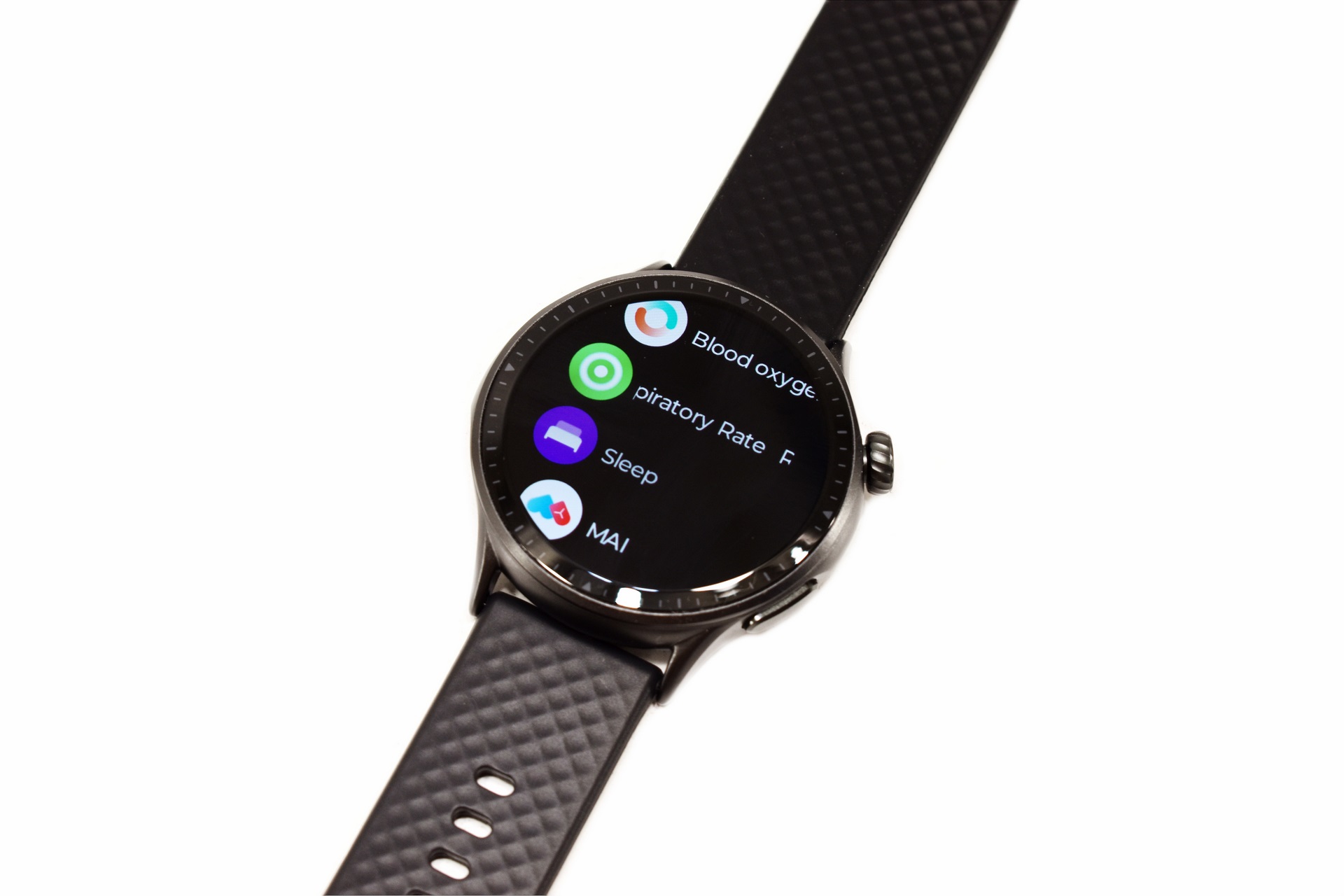
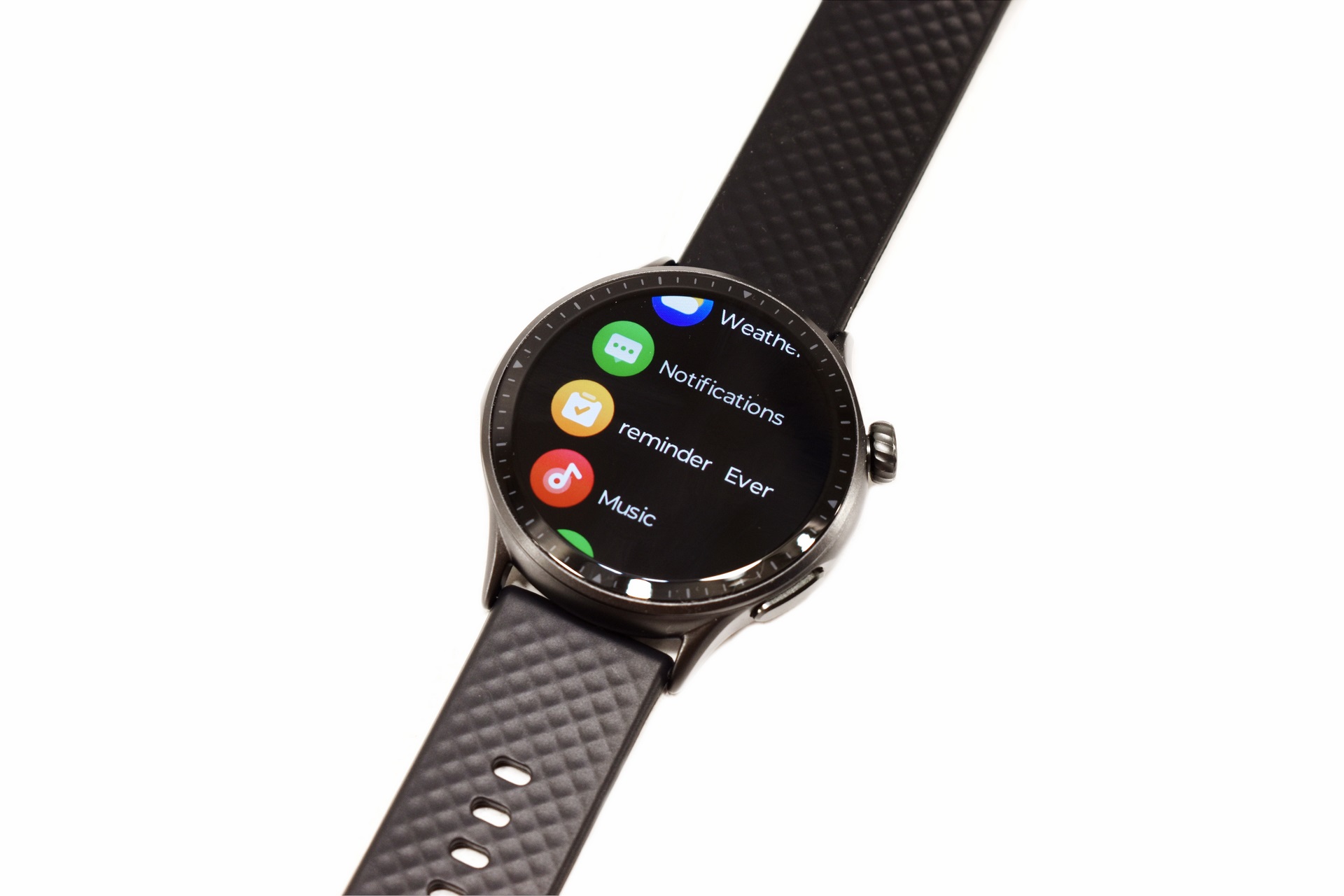
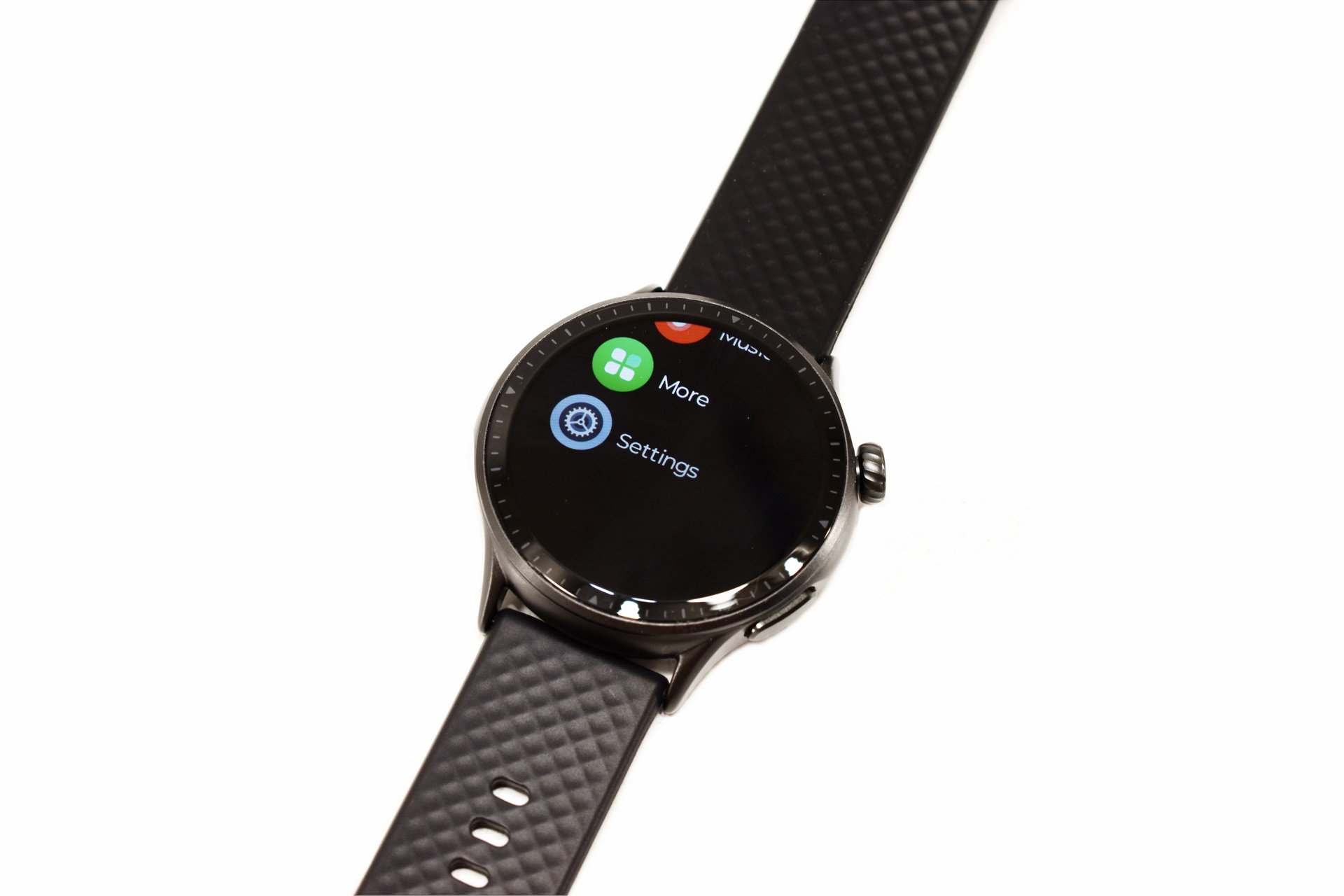
Pressing the top button launches the main tab from where you can choose all functions from sports, activities, phone calls, heart rate, oxygen, stress and respiratory measurement to weather, listening to music and accessing the settings tab.
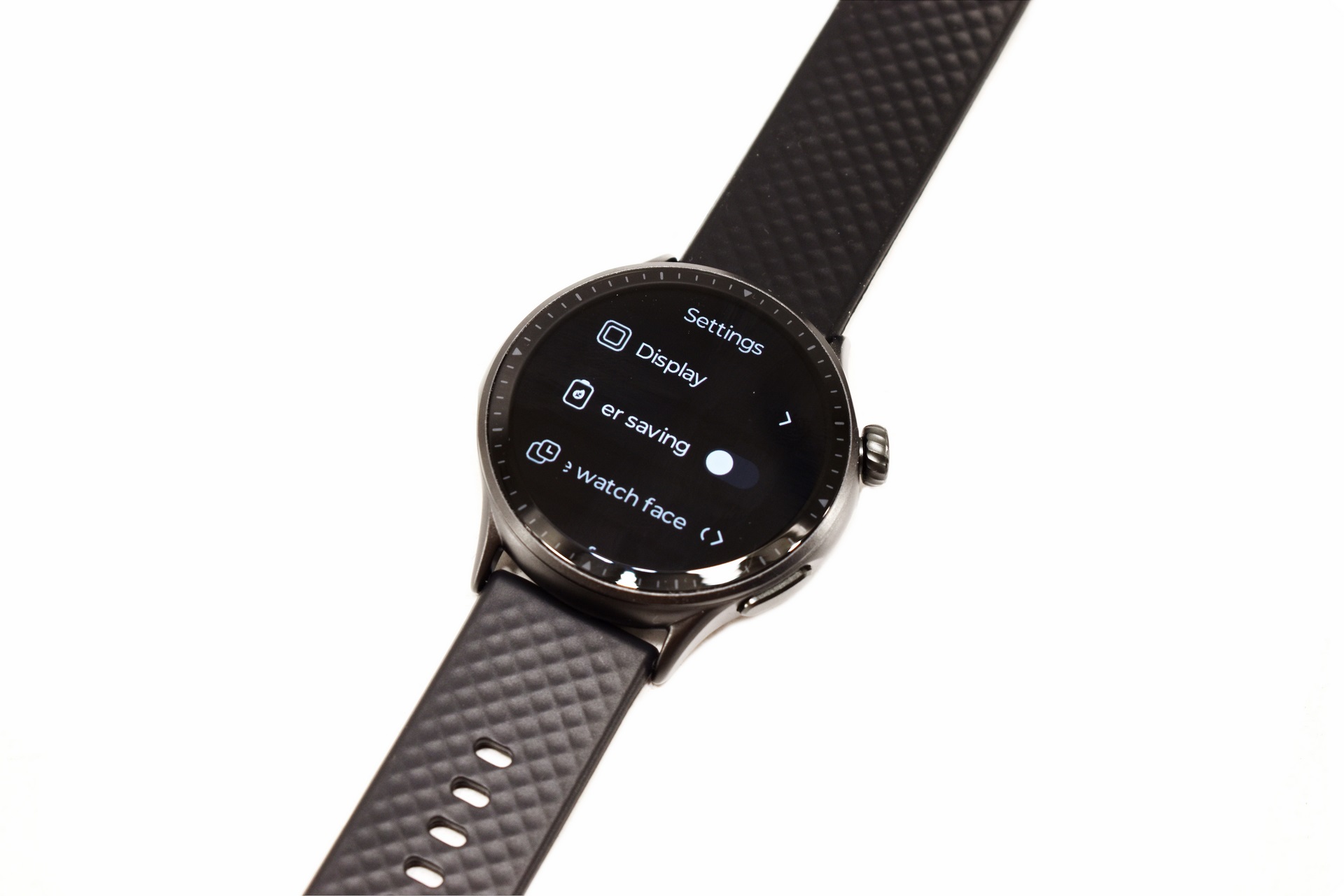
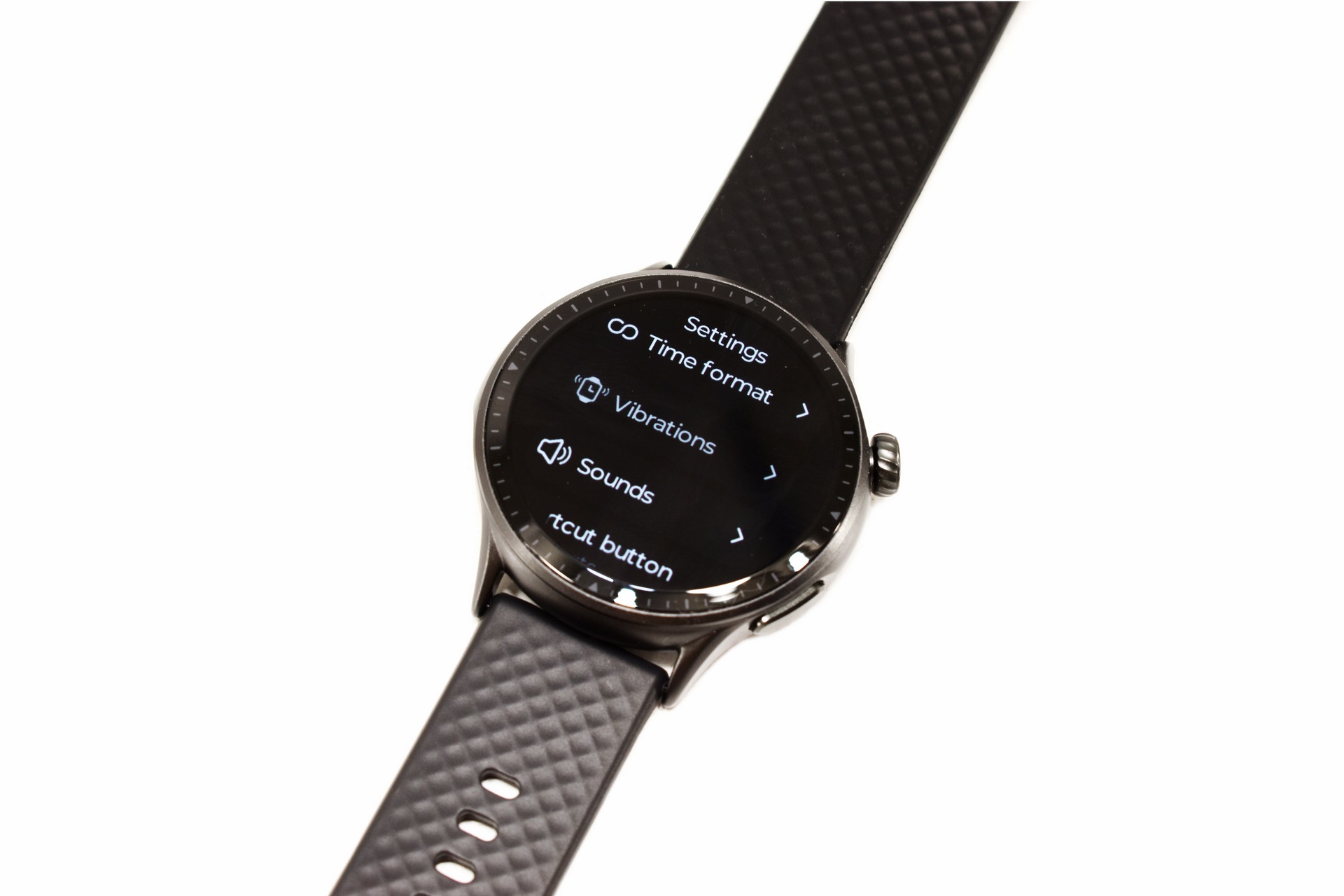
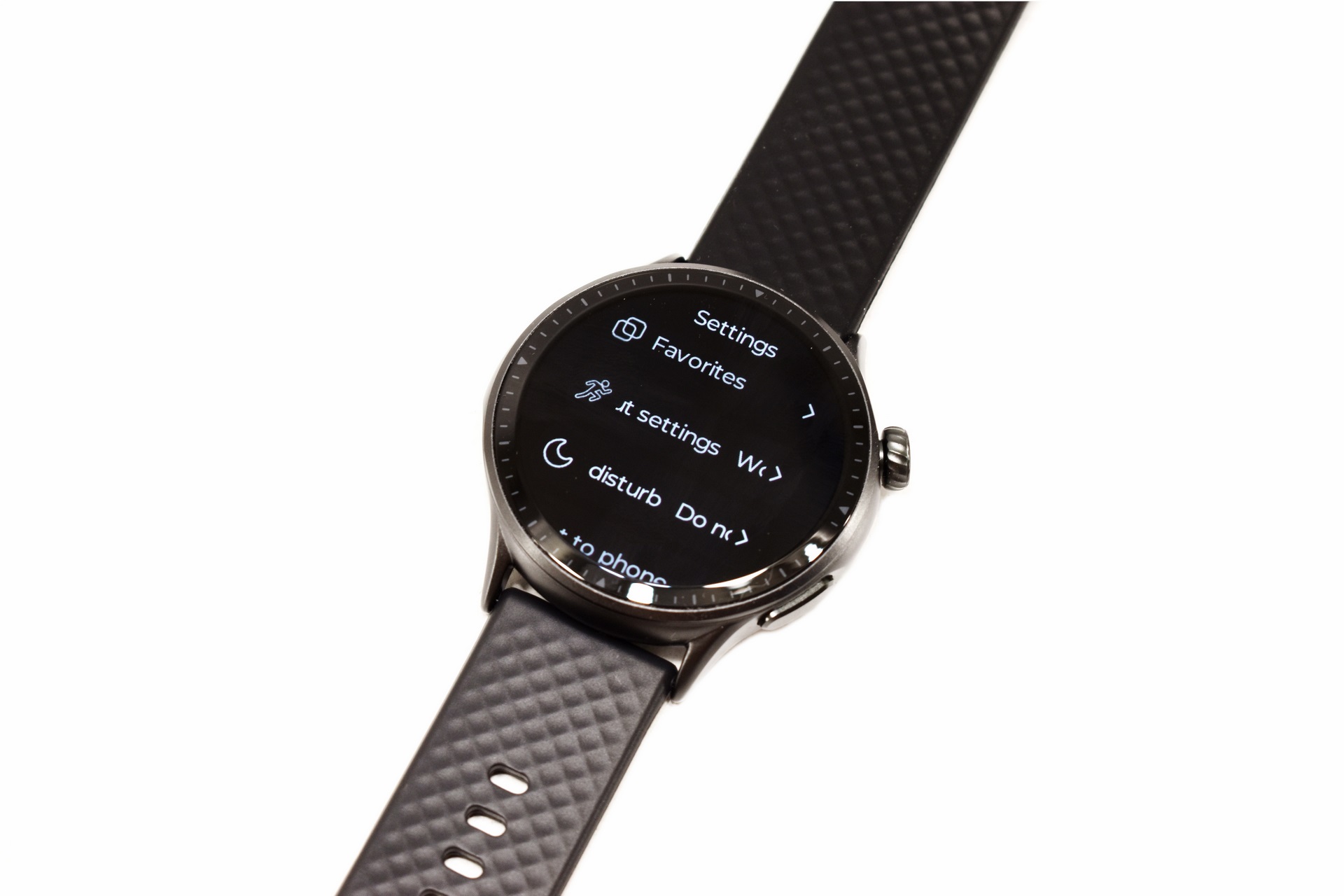
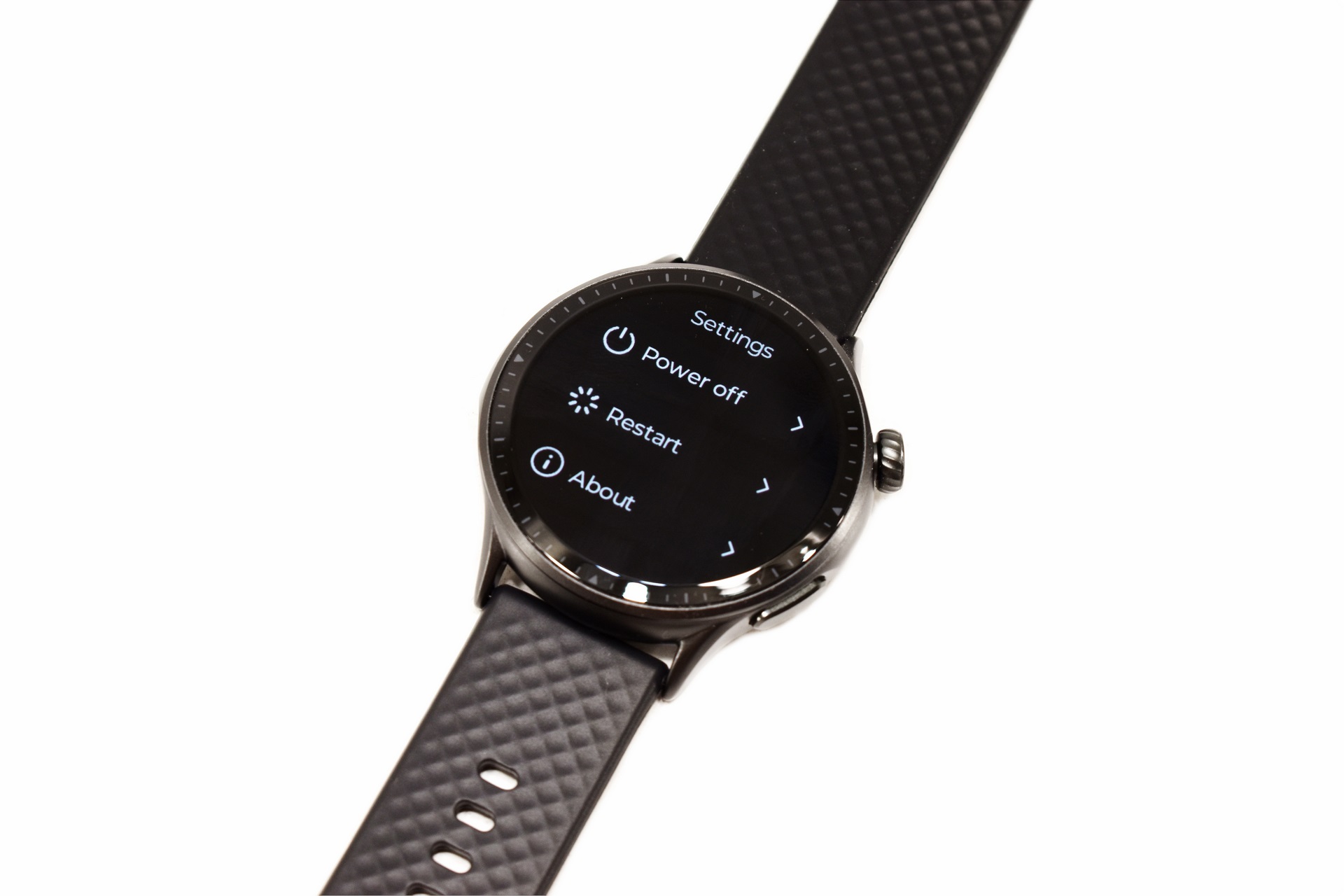
Inside the settings tab you'll be able to adjust the display settings, enable/disable power save, change the watch face, set the time format, adjust feedback (vibrations and/or sounds), enable do not disturb and turn off or restart the smartwatch.
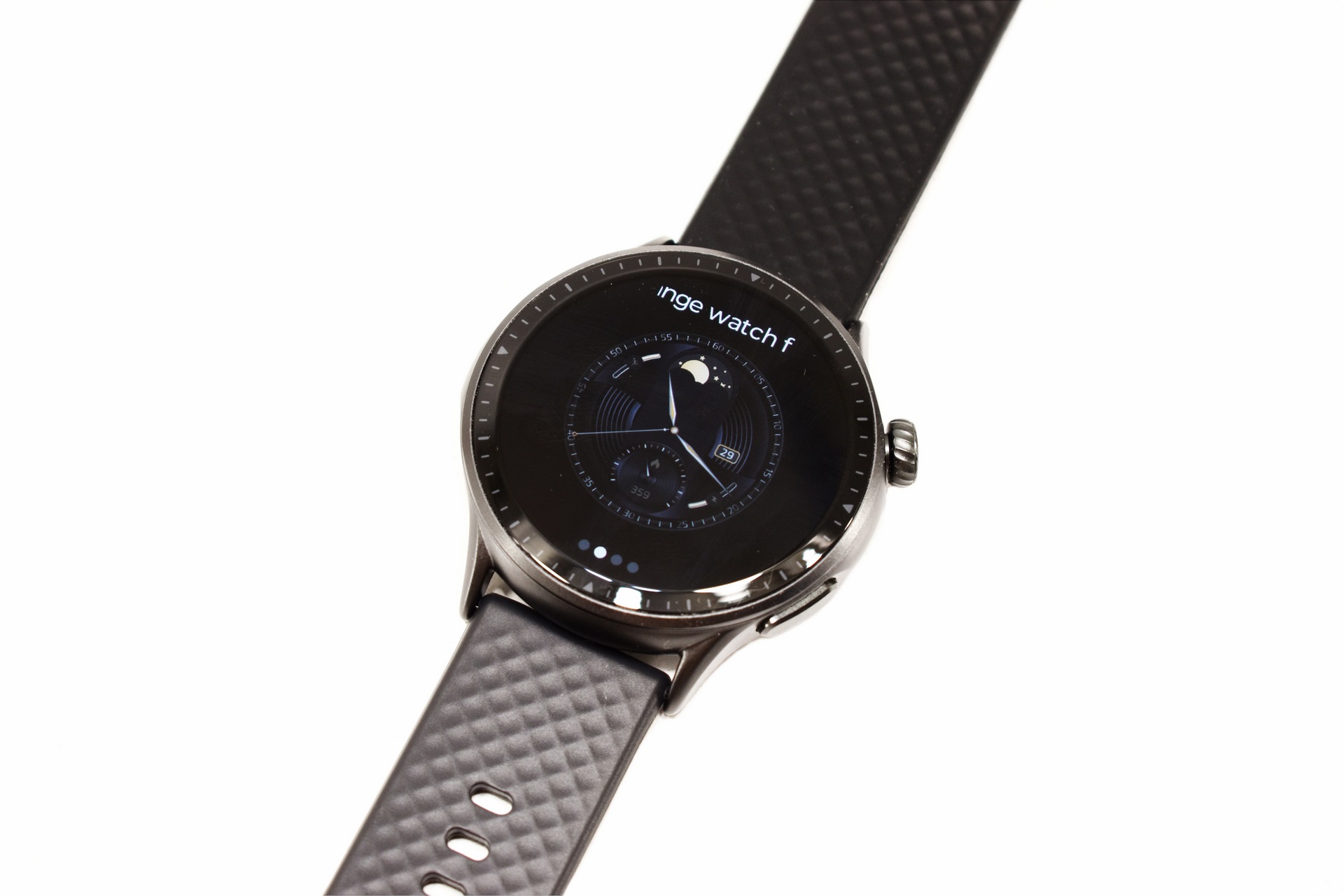
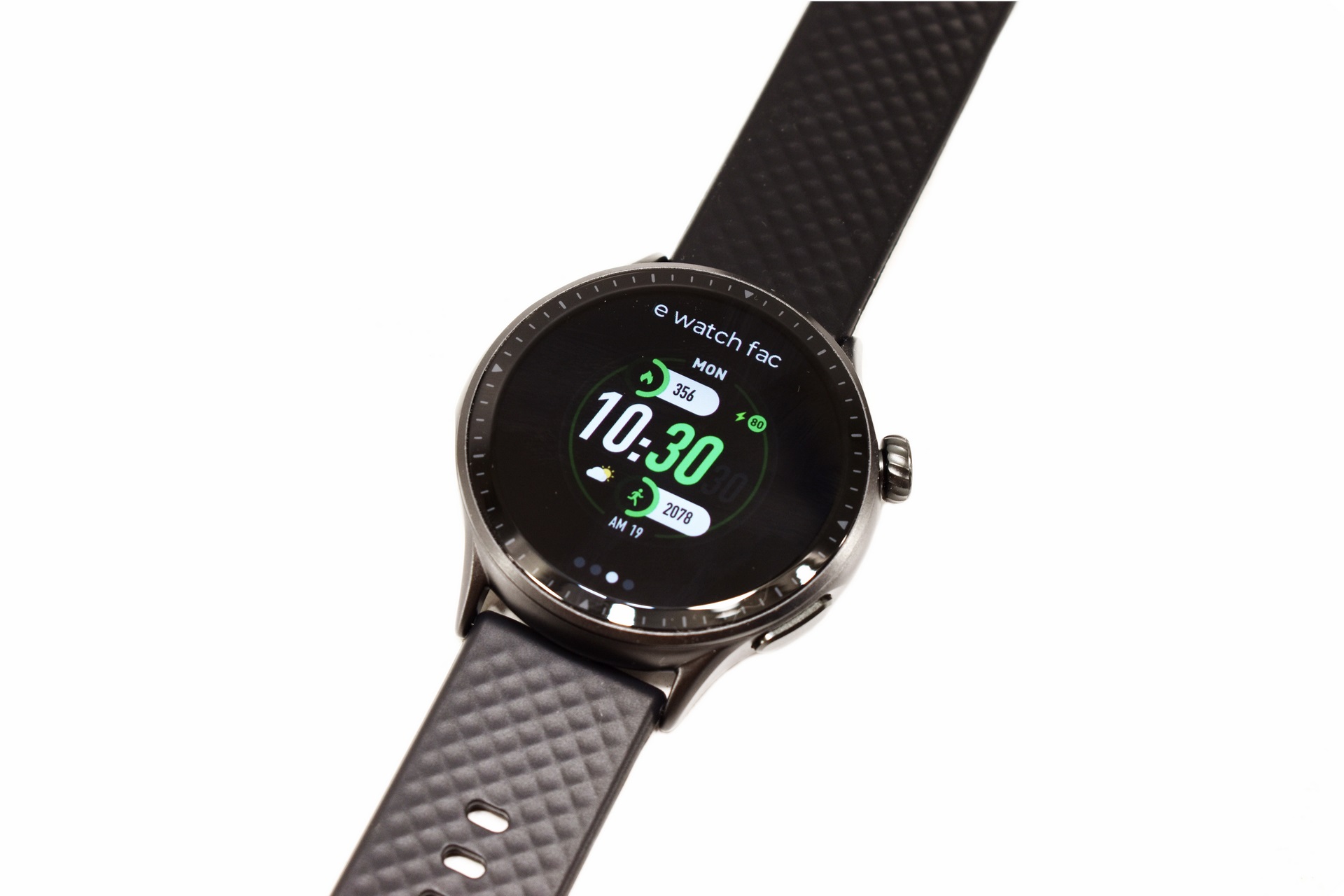
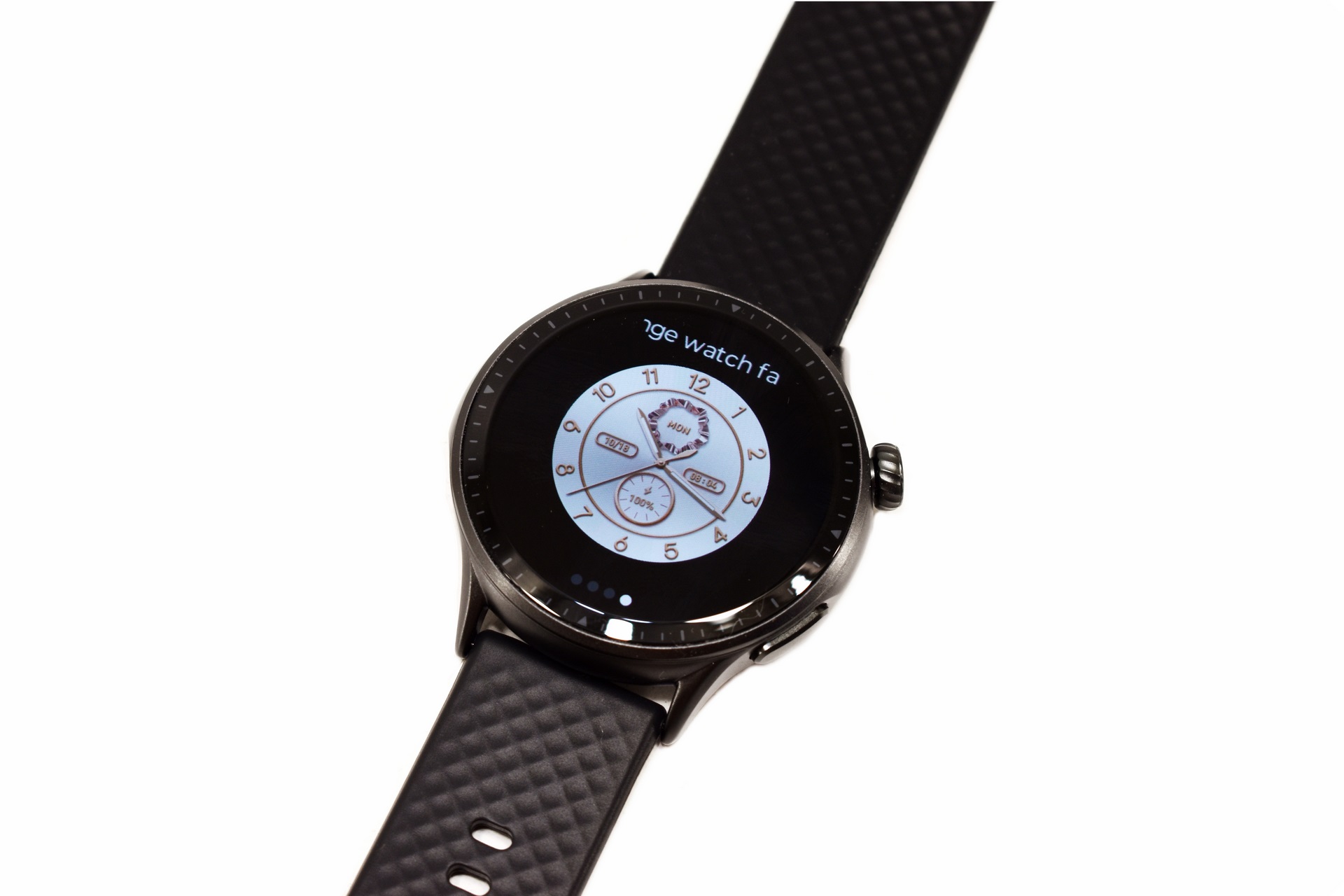
Above you can see 3 more watch faces of the GTR3 (short video available on TikTok and YouTube).
RUNMEFIT APP
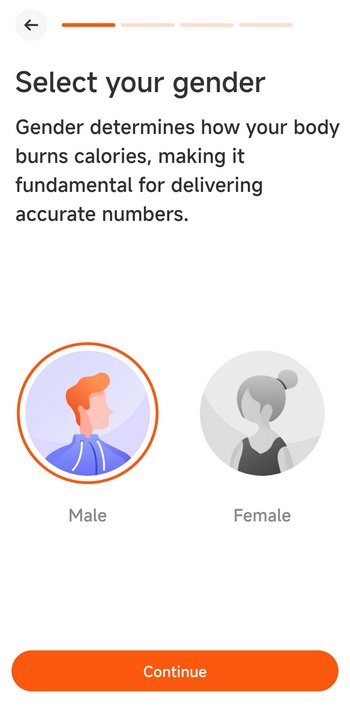
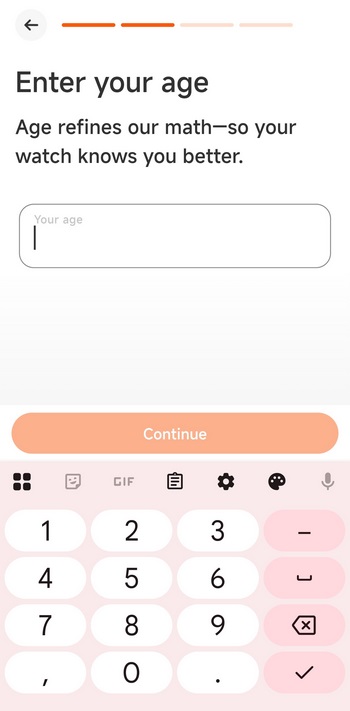
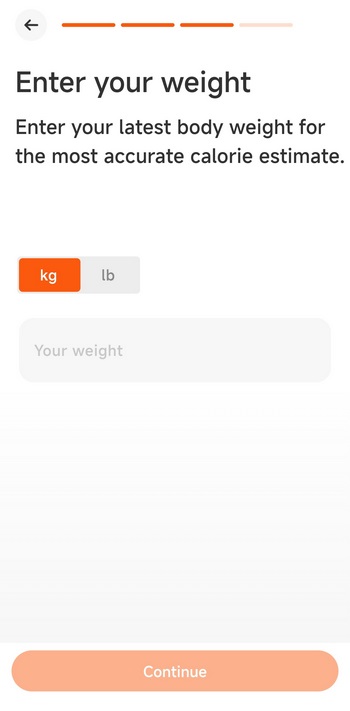
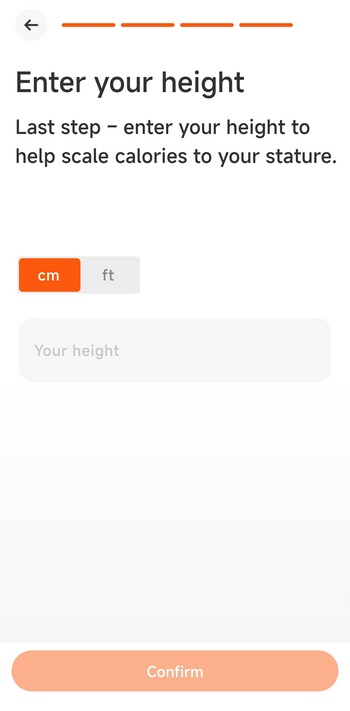
Once you install and run the Runmefit app you'll be asked to fill out 4 things, gender, age, weight and height.
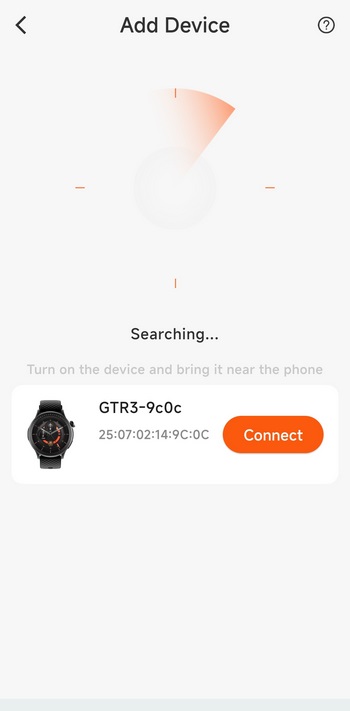
After that the app will search for available Runmefit devices (Bluetooth needs to be enabled).
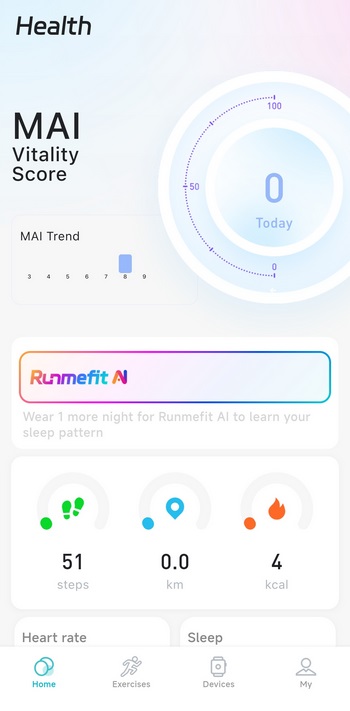
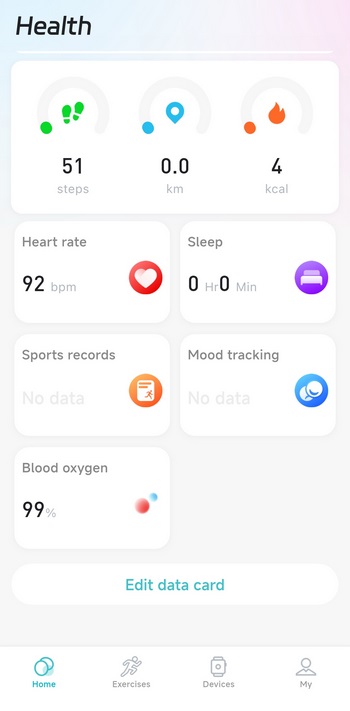
The home tab displays steps, distance walked, calories burned, heart rate, blood oxygen, mood tracking and sleep tracking results (light, deep, REM).
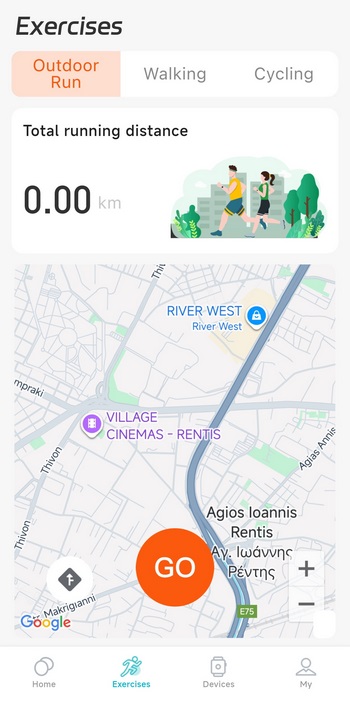
From the exercises tab you can see the distances you've completed on a map of the area.
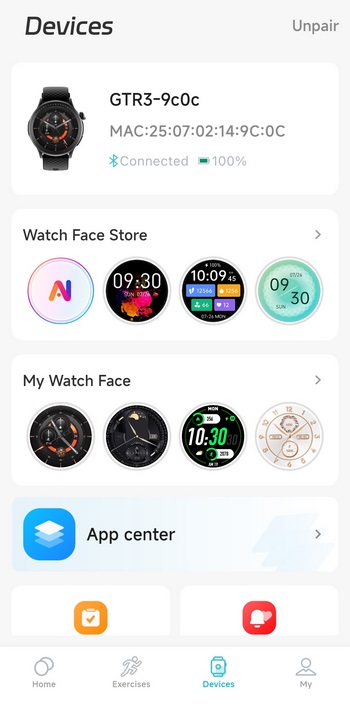
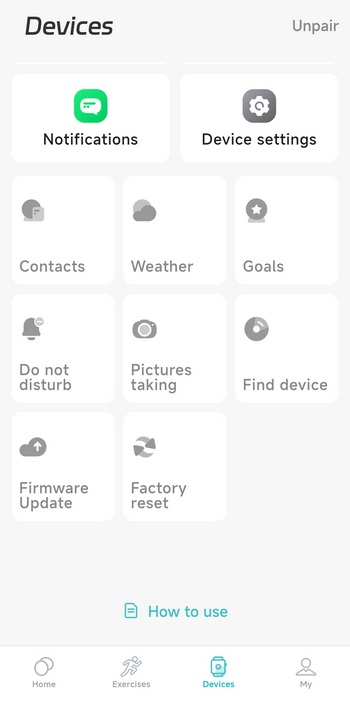
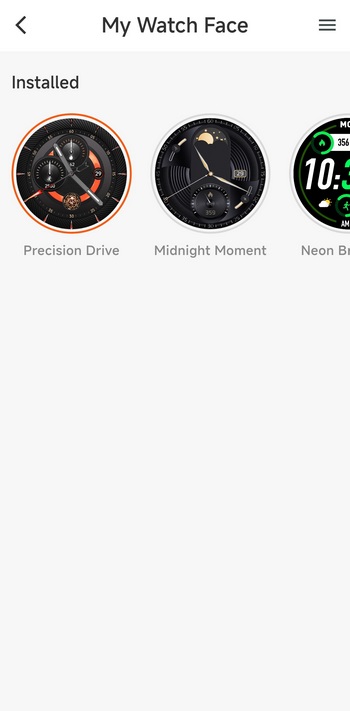
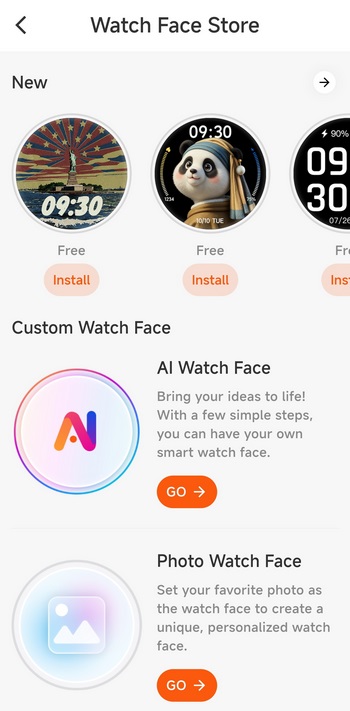
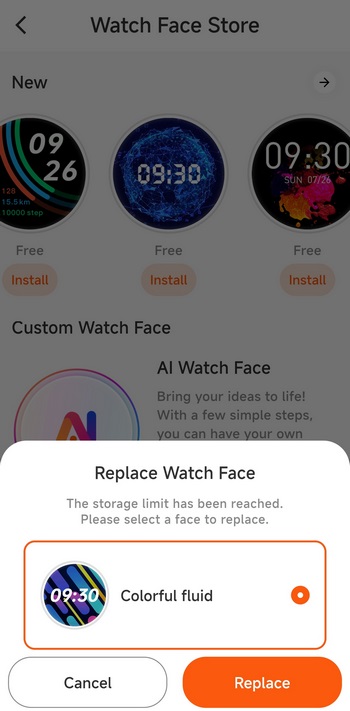
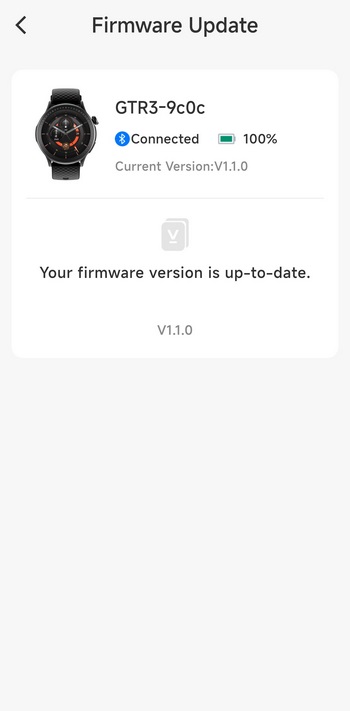
The devices tab allows the end user to change watch faces, download more (although you can only use 1 new at a time), check the weather, set goals, enable DND, take pictures from your smartphone using the GTR3 as remote, find your smartwatch, check for firmware updates and perform a factory reset.
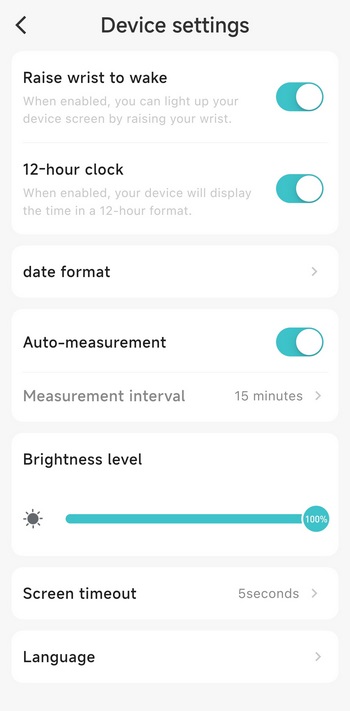
From the device settings page you can enable/disable the raise your wrist to wake feature, enable/disable 12-hour mode, change date format, enable/disable auto measurements, set the brightness levels of the AMOLED screen, adjust screen timeout, and change the language.
CONCLUSION
It’s been a while since I’ve received a smartwatch to review and well, the GTR3 by Runmefit arrived at a time when I wanted something different to test. So, did I like the Runmefit GTR3? For starters the 1.43” AMOLED screen looks nice and is very responsive, although I wouldn’t mind if it were a bit larger (I like large case watches). The sensors packed inside the GTR3 are quite accurate although once again, I wouldn’t mind if there was also a built-in GPS capable of tracking my steps and exercises without the need for a smartphone (a camera would also be nice, but not really needed). Build quality is surprisingly good (the housing is made of metal and not stainless steel and there’s no gorilla glass over the AMOLED screen, but we can’t have it all) and the same goes for battery life since I needed to charge the GTR3 after 12 days of use (brightness set at 100%). Having the ability to choose one of 4 available colors is also a good thing for consumers and that doesn’t apply with every smartwatch out there. What stood out to me was that end users can only use a single downloadable watch face each time, so to use another you need to replace the one you downloaded before. Yes, this isn’t a huge deal but 2026 is just around the corner, we should be able to fit many watch faces inside any smartwatch, regardless of cost.
The GTR3 smartwatch currently retails for just USD66/57Euros directly from Runmefit (to receive these prices, use code NIKKTECH for a 18% discount at checkout) so it’s priced well. Yes, it lacks several features I’ve seen with more expensive models but that’s just it, I can’t “demand” them from a low-cost smartwatch and that’s fine. Quality, size, colors, battery life, overall performance and of course low cost, all of these are why the Runmefit GTR3 gets the Golden Award.

PROS
- Build Quality (Metal Body)
- 1.43 Inch AMOLED Screen (466x466p)
- Battery Life (Up To 45 Days Standby)
- Waterproof (Up To 3 AMT / 30 Meters)
- Bluetooth v5.3
- 100 Sports Modes
- Built In Sensors (heart rate optical sensor / blood oxygen sensor)
- Available Colors (Black, Navy Blue, Space Silver & Blossom Pink)
- Smartphone Camera Remote
- Price (For Some)
CONS
- Limited Sensors (GPS/Air Pressure)
- Can Only Store Up To 1 Downloadable Watch Faces
- Can’t Install Extra Apps





