





RUNMEFIT APP
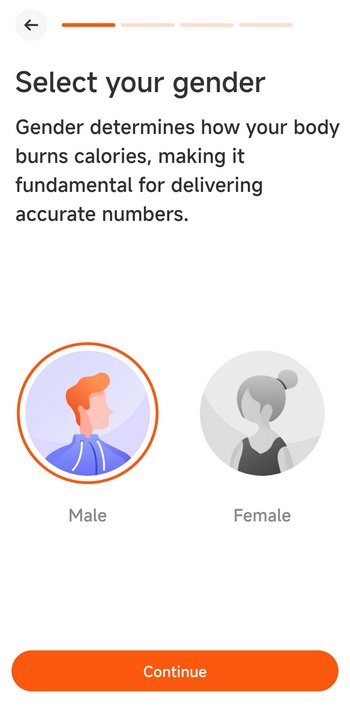
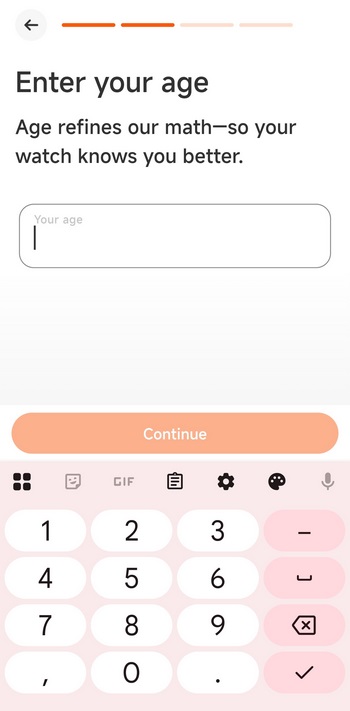
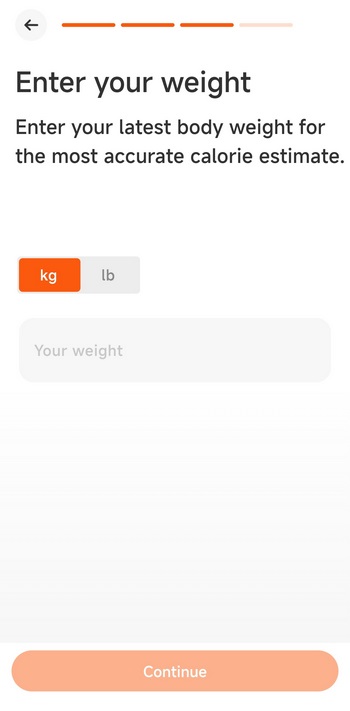
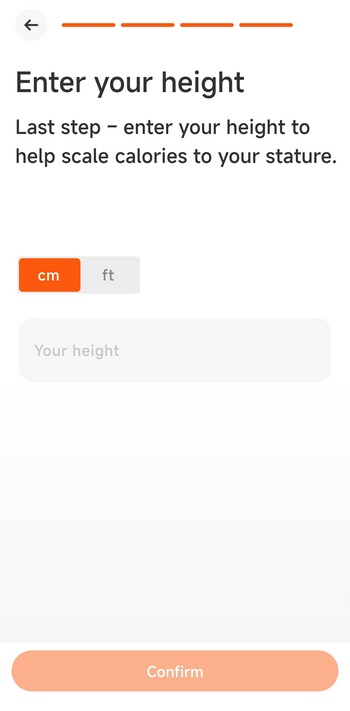
Once you install and run the Runmefit app you'll be asked to fill out 4 things, gender, age, weight and height.
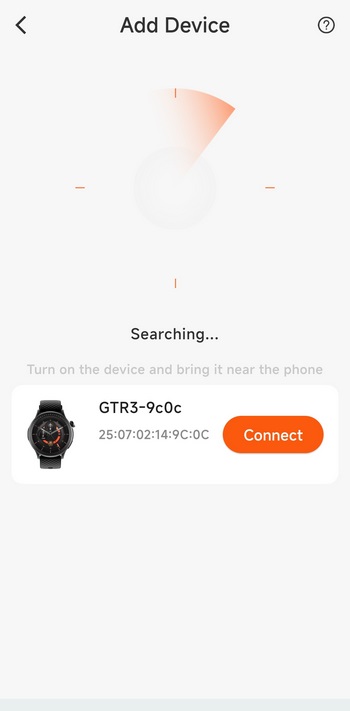
After that the app will search for available Runmefit devices (Bluetooth needs to be enabled).
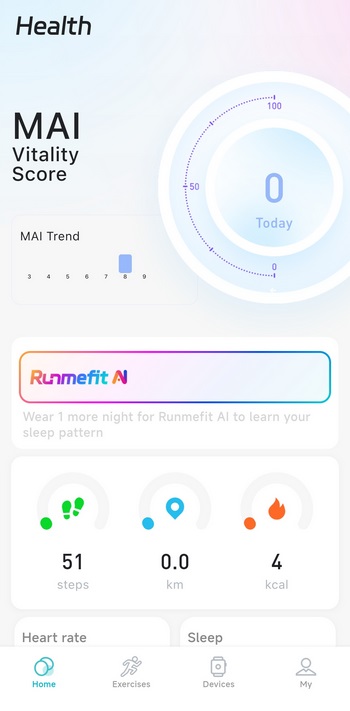
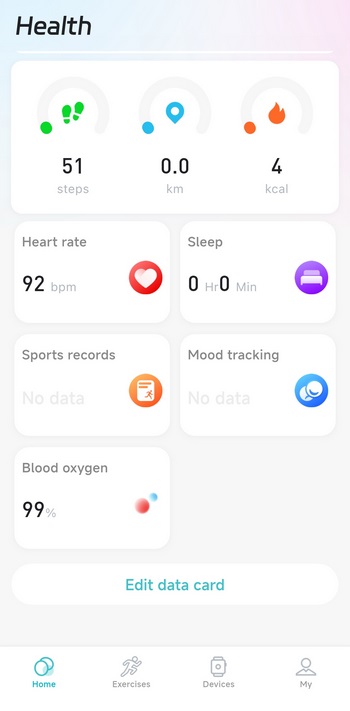
The home tab displays steps, distance walked, calories burned, heart rate, blood oxygen, mood tracking and sleep tracking results (light, deep, REM).
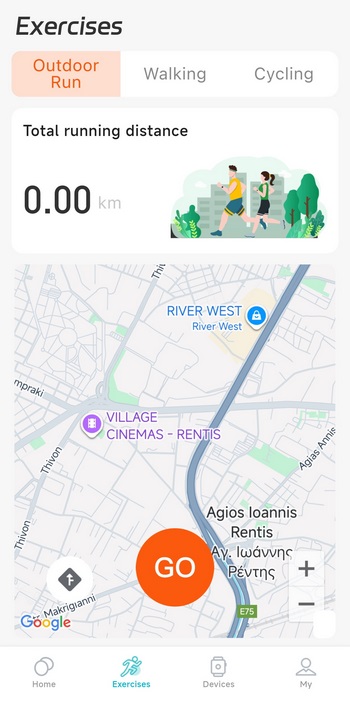
From the exercises tab you can see the distances you've completed on a map of the area.
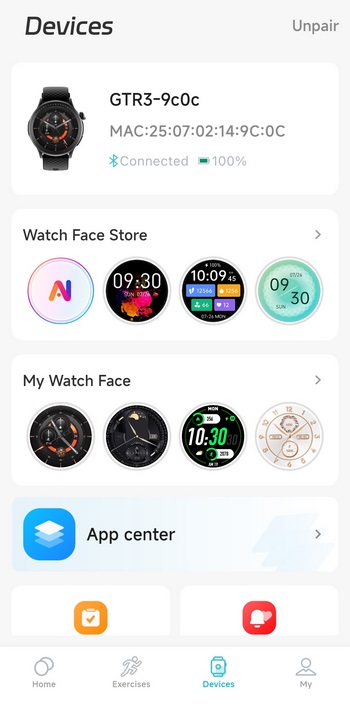
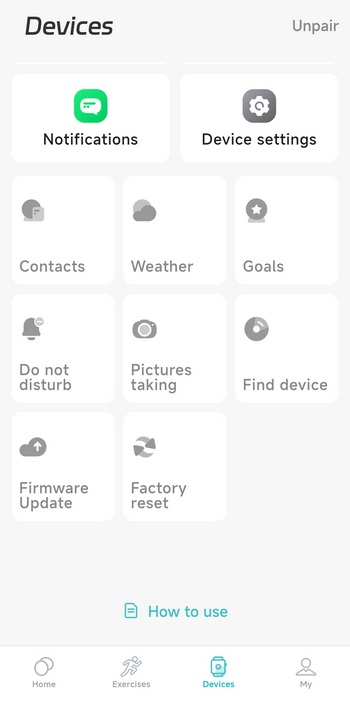
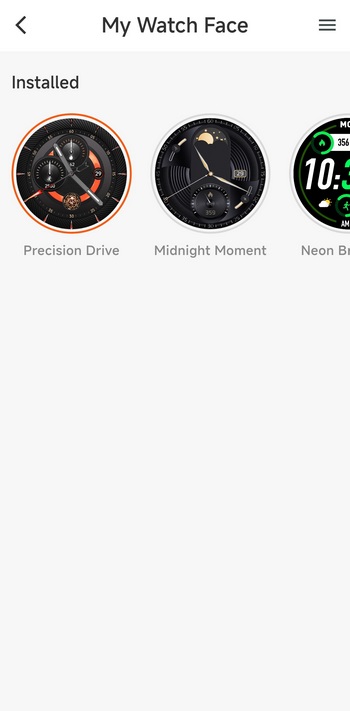
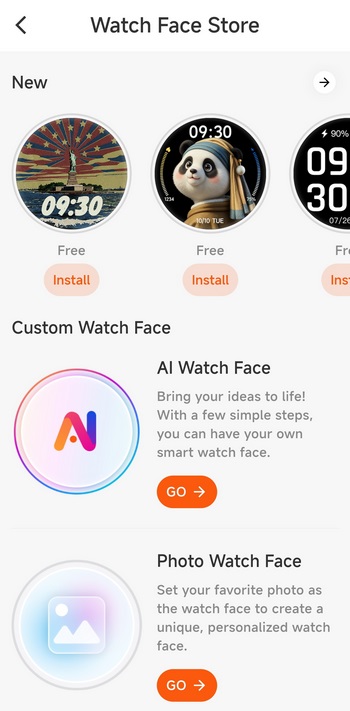
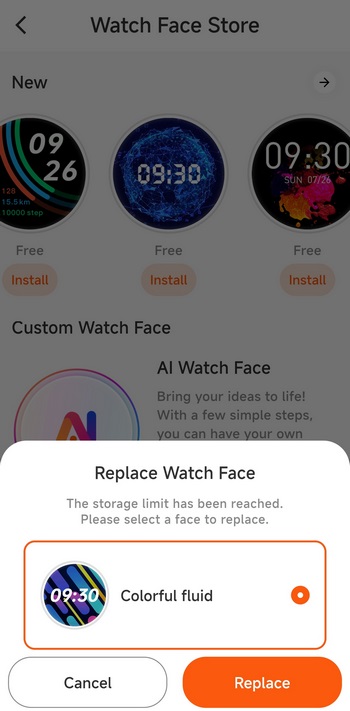
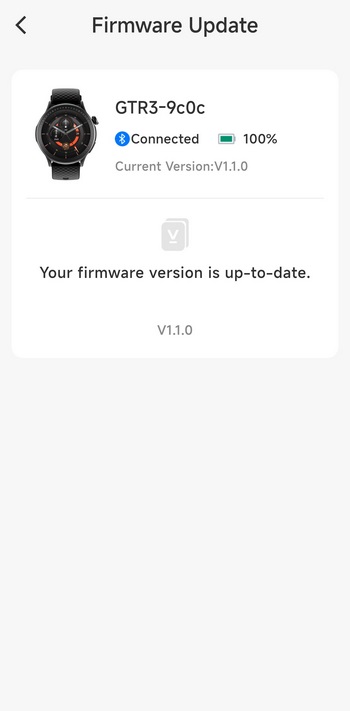
The devices tab allows the end user to change watch faces, download more (although you can only use 1 new at a time), check the weather, set goals, enable DND, take pictures from your smartphone using the GTR3 as remote, find your smartwatch, check for firmware updates and perform a factory reset.
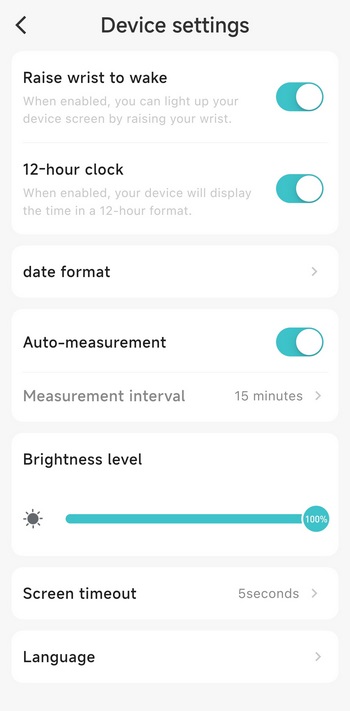
From the device settings page you can enable/disable the raise your wrist to wake feature, enable/disable 12-hour mode, change date format, enable/disable auto measurements, set the brightness levels of the AMOLED screen, adjust screen timeout, and change the language.





