





INTRODUCTION
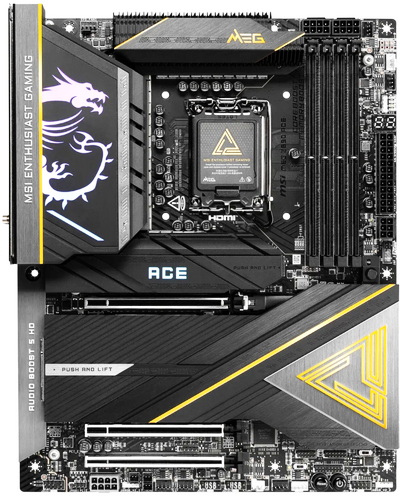
The motherboard remains the central component that defines a system’s capabilities, from CPU compatibility and memory topology to PCIe lane distribution and high‑speed storage support. Stability, power delivery, and thermal performance all hinge on the board’s underlying design. While many options cover the basics, some platforms are engineered with enthusiast‑level headroom in mind. In short, a motherboard isn’t just another PC hardware part, it’s the architecture that everything else depends on. And with all that in mind, today’s review focuses on the MSI MEG Z890 ACE, a board built for users who want a strong platform for high‑end Intel systems.
MSI is a leading provider of hardware solutions for gaming, content creation, and business productivity. Known for its innovation and reliability, MSI develops products that enhance user experience and improve efficiency across a wide range of applications.
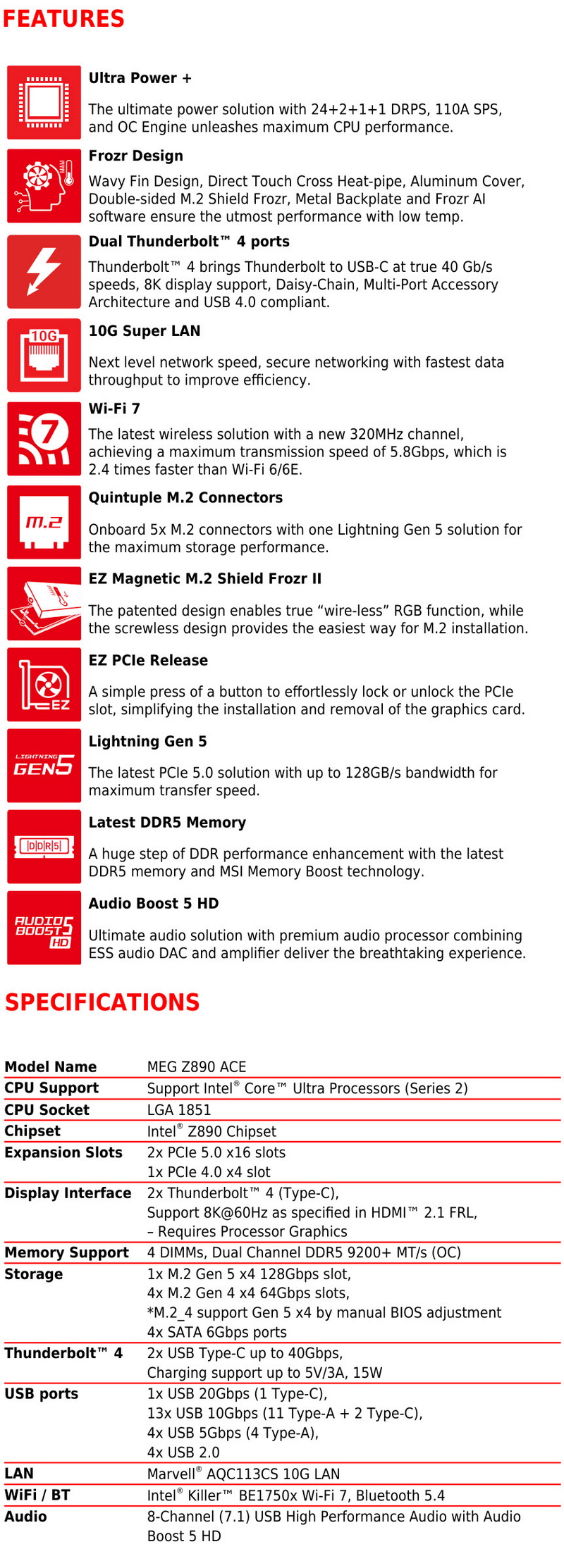
MSI’s MEG Z890 ACE stands as a flagship ATX motherboard for Intel’s LGA 1851 platform, built around the Z890 chipset and engineered for extreme overclocking, bandwidth‑heavy workflows, and next‑gen AI‑accelerated systems. It supports Intel Core Ultra 200‑series CPUs with a strong 24‑phase (24+2+1+1) 110A SPS VRM design for stable high‑end performance and four DDR5 DIMMs up to 256 GB, reaching 9200MT/s OC. Expansion is robust with three PCIe x16 slots (2xPCIe5/1xPCIe4) and five M.2 slots (1xGen5/4xGen4), plus four SATA 6Gb/s ports. Connectivity is extremely rich and includes a 10GbE RJ45 LAN via Marvell AQC113, Wi‑Fi 7 + Bluetooth 5.4 via Intel Killer BE200, and rear I/O featuring dual Thunderbolt 4 Type‑C, HDMI 2.1 out, dual USB‑C 10Gbps, and eleven USB‑A 10Gbps ports. Audio is powered by the Realtek ALC4082 codec paired with an ESS ES9219Q DAC, delivering high‑resolution output. Internally, it offers USB‑C 20G with 60W PD, multiple ARGB/RGB headers, and extensive fan/pump headers. Heavy VRM and M.2 heatsinks ensure stability under sustained overclocks, rounding out a board built for creators, enthusiasts, and high‑performance AI rigs.
SPECIFICATIONS AND FEATURES
PACKAGING AND CONTENTS

Typically, the board comes inside a box that has a product picture at the front, company logo and CPU compatibility.

Several product pictures placed at the rear of the box and right over the specifications table are used to showcase its main features.

As usual the motherboard is wrapped inside a static-free bag while the bundle is placed in a different compartment right under it.

Contained inside the box (aside the motherboard itself) are a 2-piece antenna, several ARGB header cables, 4 SATA cables, USB flash drive, front connector extension cable, key-like screwdriver, M.2 screws, motherboard standoff, stickers, sweepstakes paper, and a quick installation guide.
THE MEG Z890 ACE
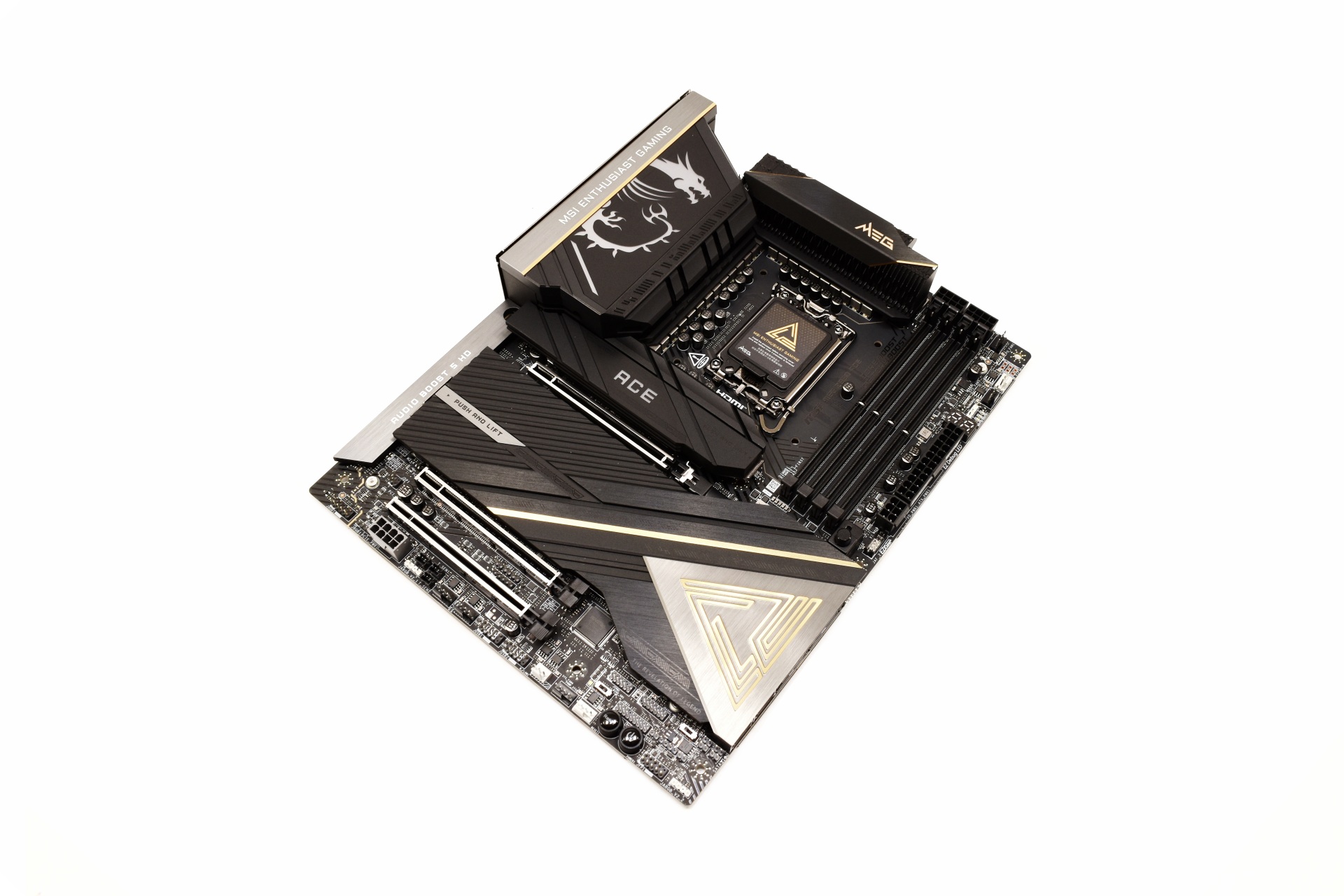
For the MEG Z890 ACE MSI has used a black, grey and gold color combination which works well.
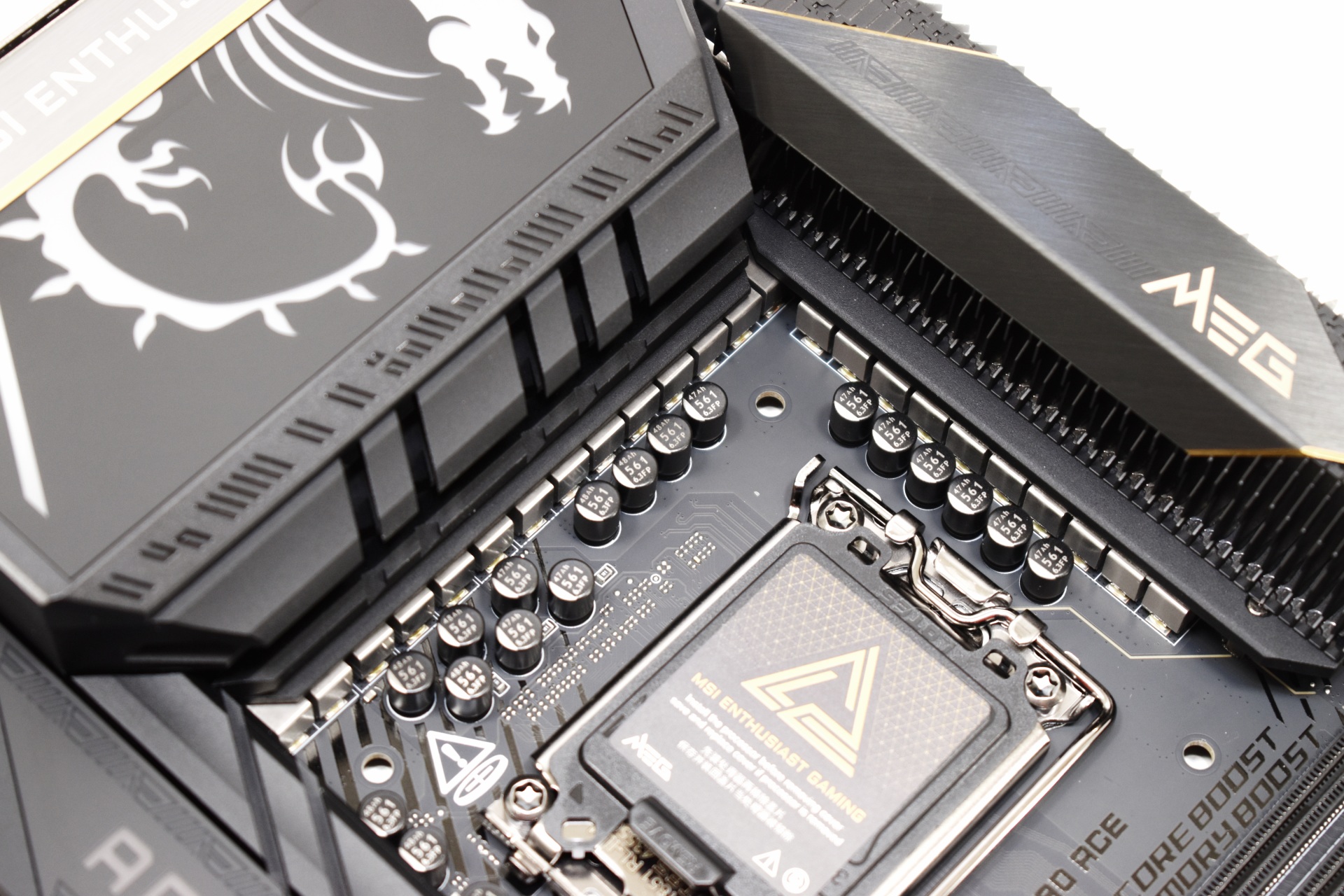
The 24‑phase (24+2+1+1) 110A SPS VRM design may not be the best out there but it’s still better or as good as all the Z890 boards I’ve used to date.
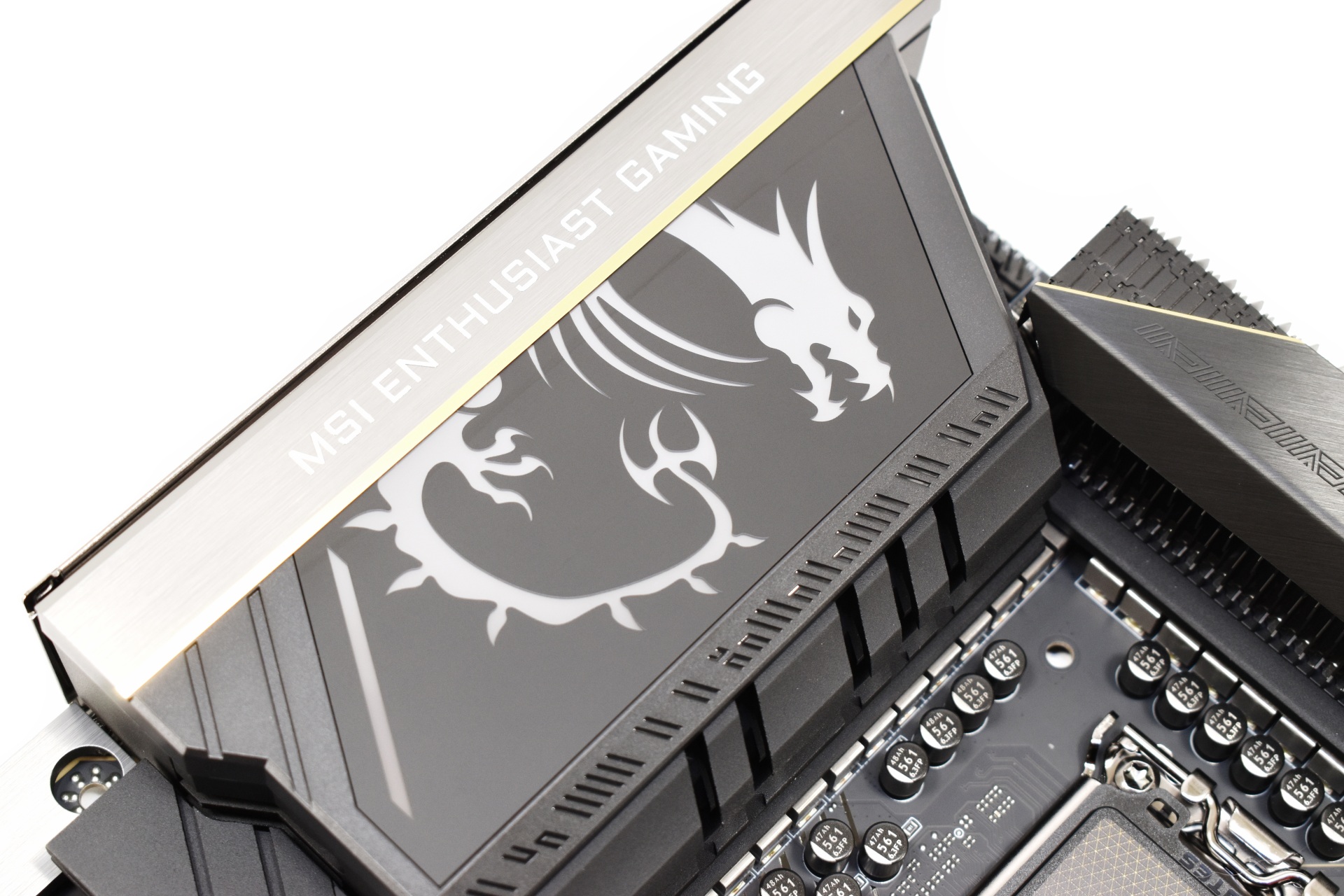
The dragon drawing on the rear I/O top cover is part of the ARGB illumination of the board.
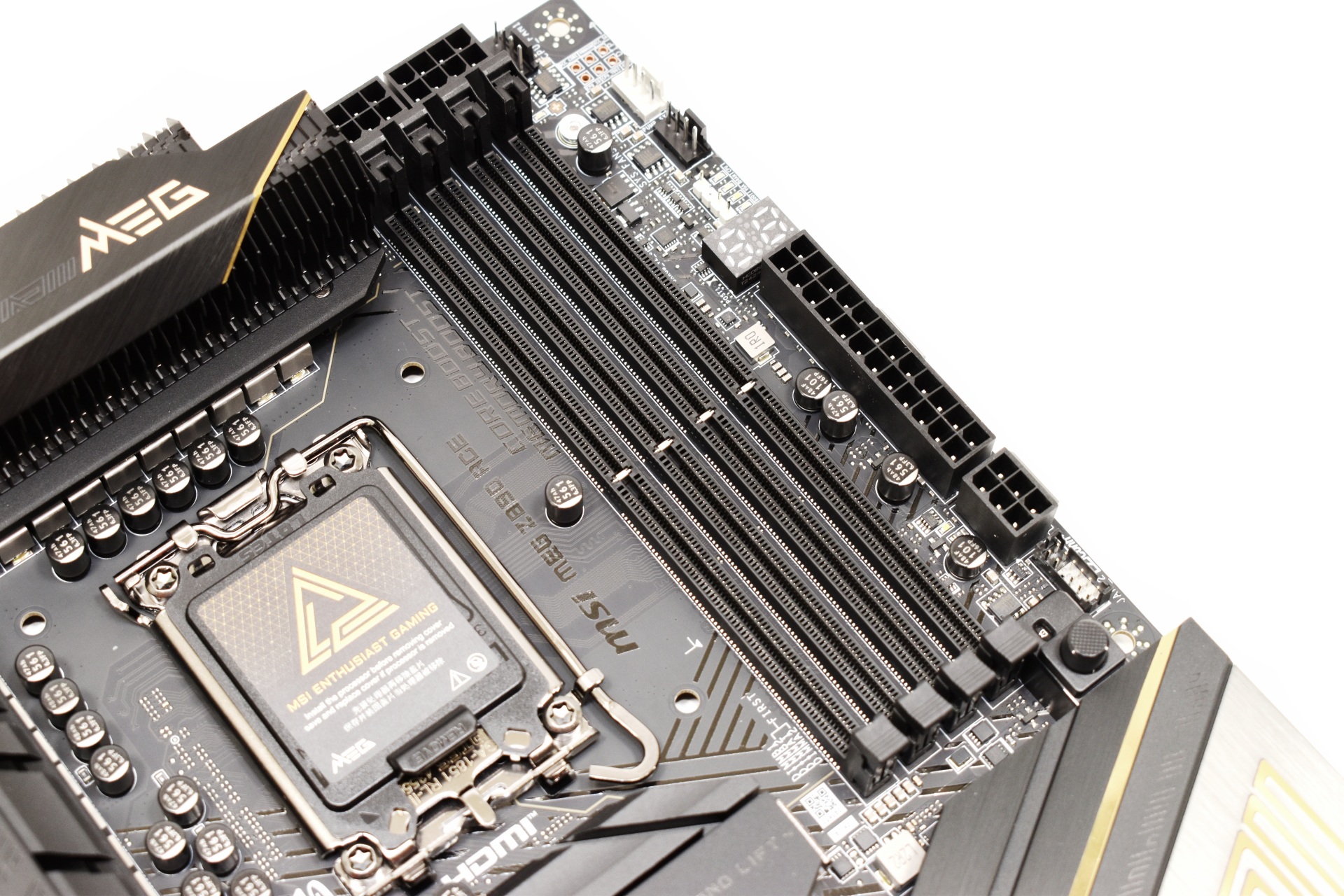
MSI has placed a total of 4 DIMM slots onto the MEG Z890 ACE which can support up to 256GB with speeds up to 9200Mt/s OC (and probably even higher with BIOS updates).
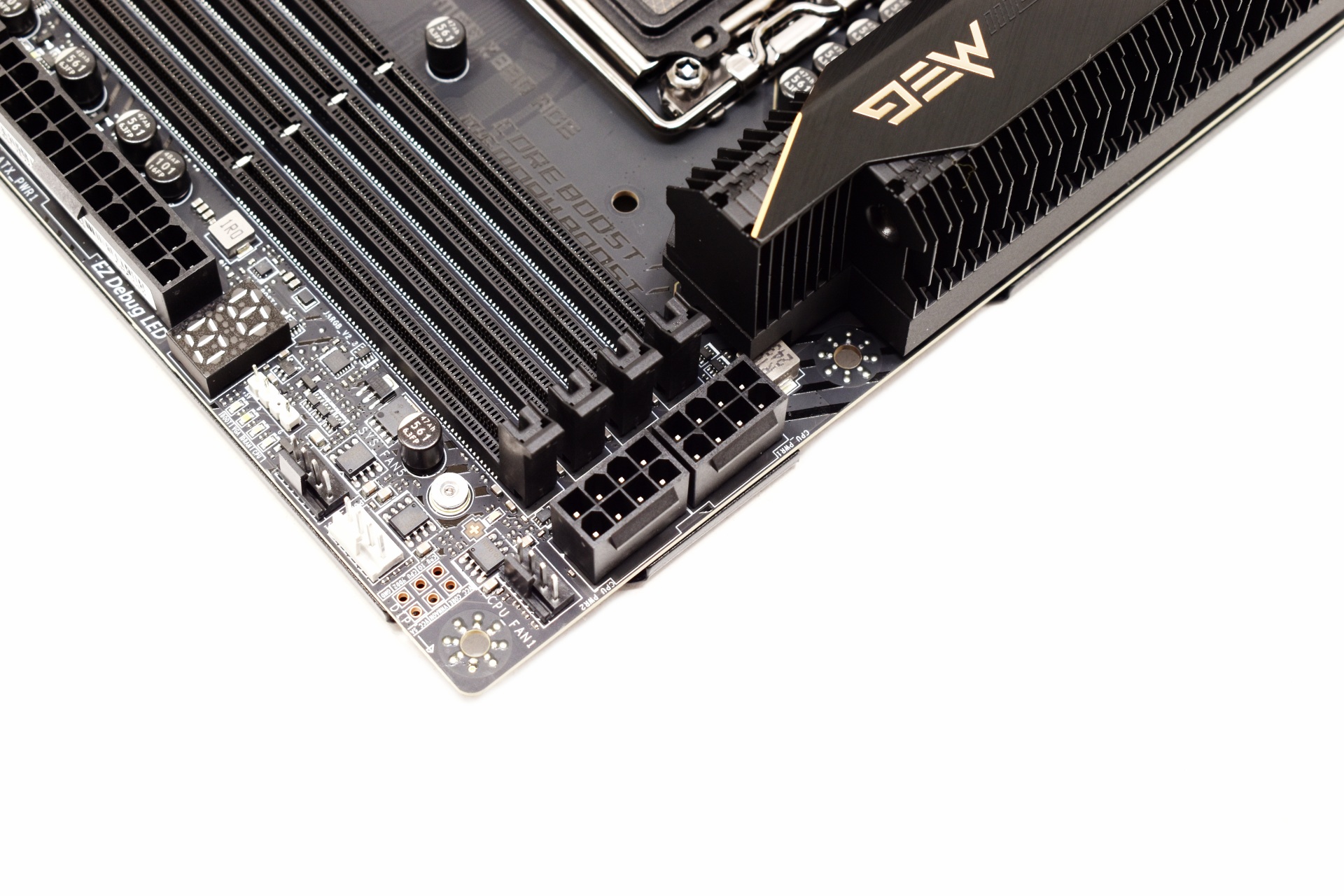
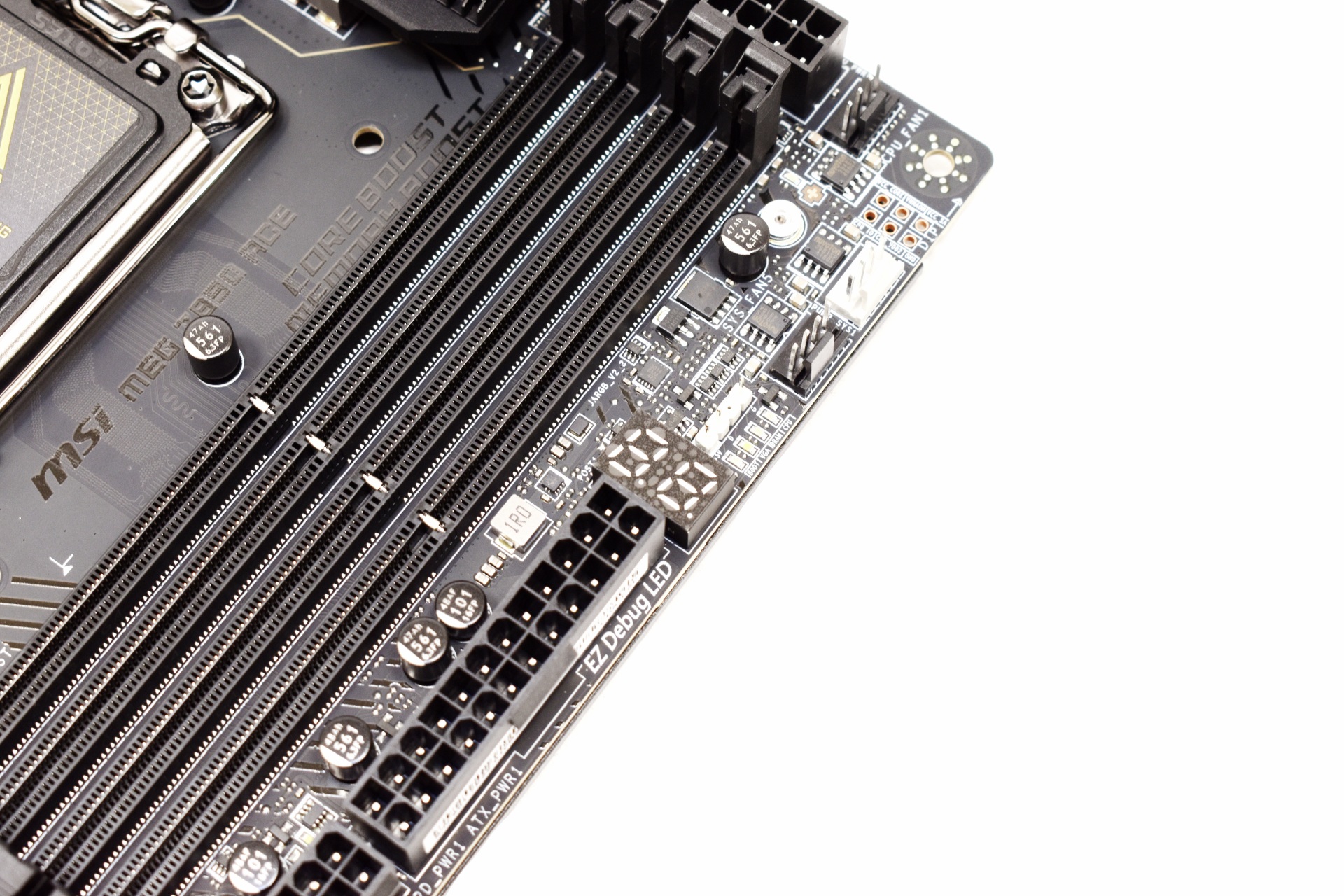
The board uses two 8-pin CPU connectors located on the top right just over a debug display.
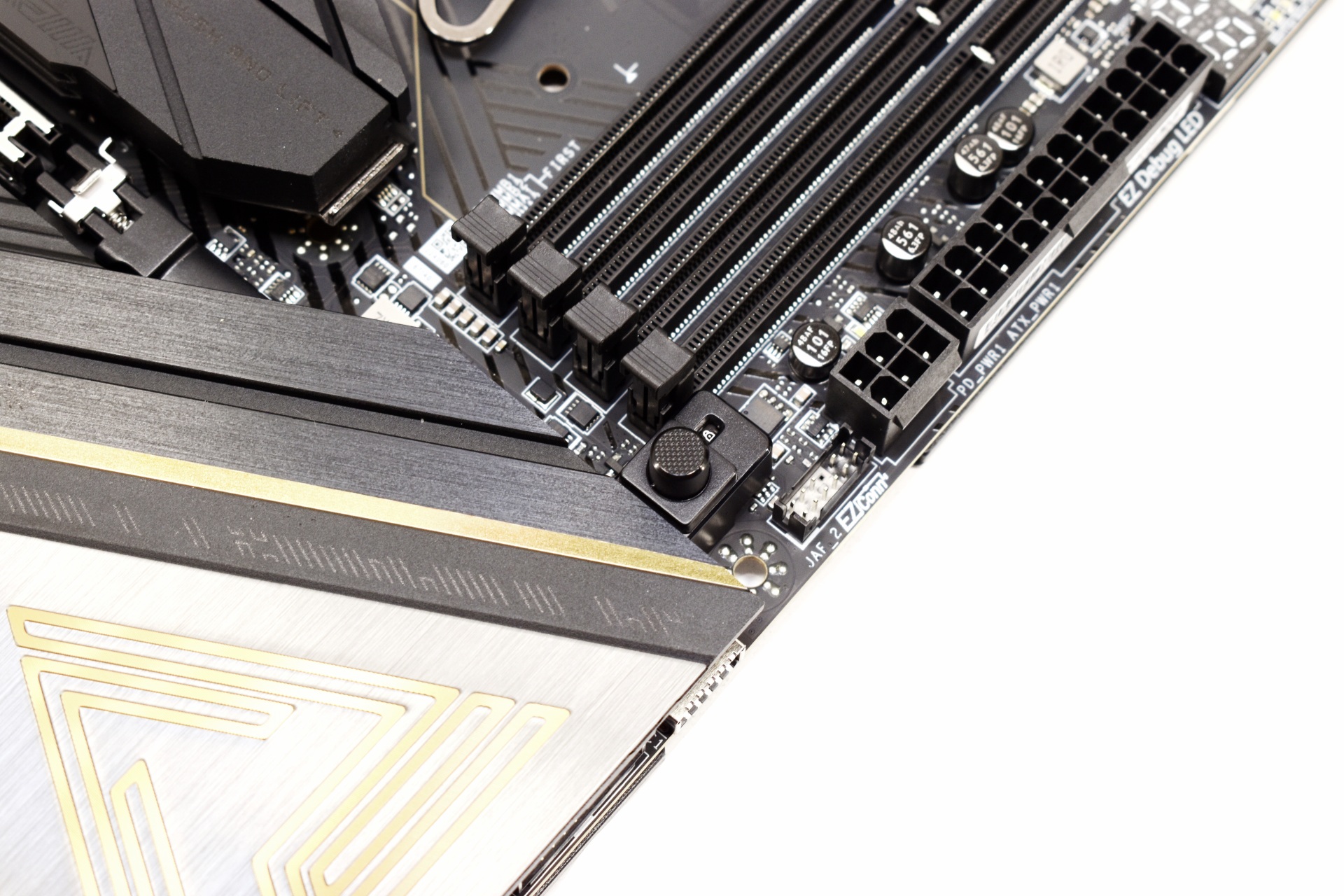
Just like with most high-end boards the MEG Z890 ACE has a quick release button for the primary PCIe slot.
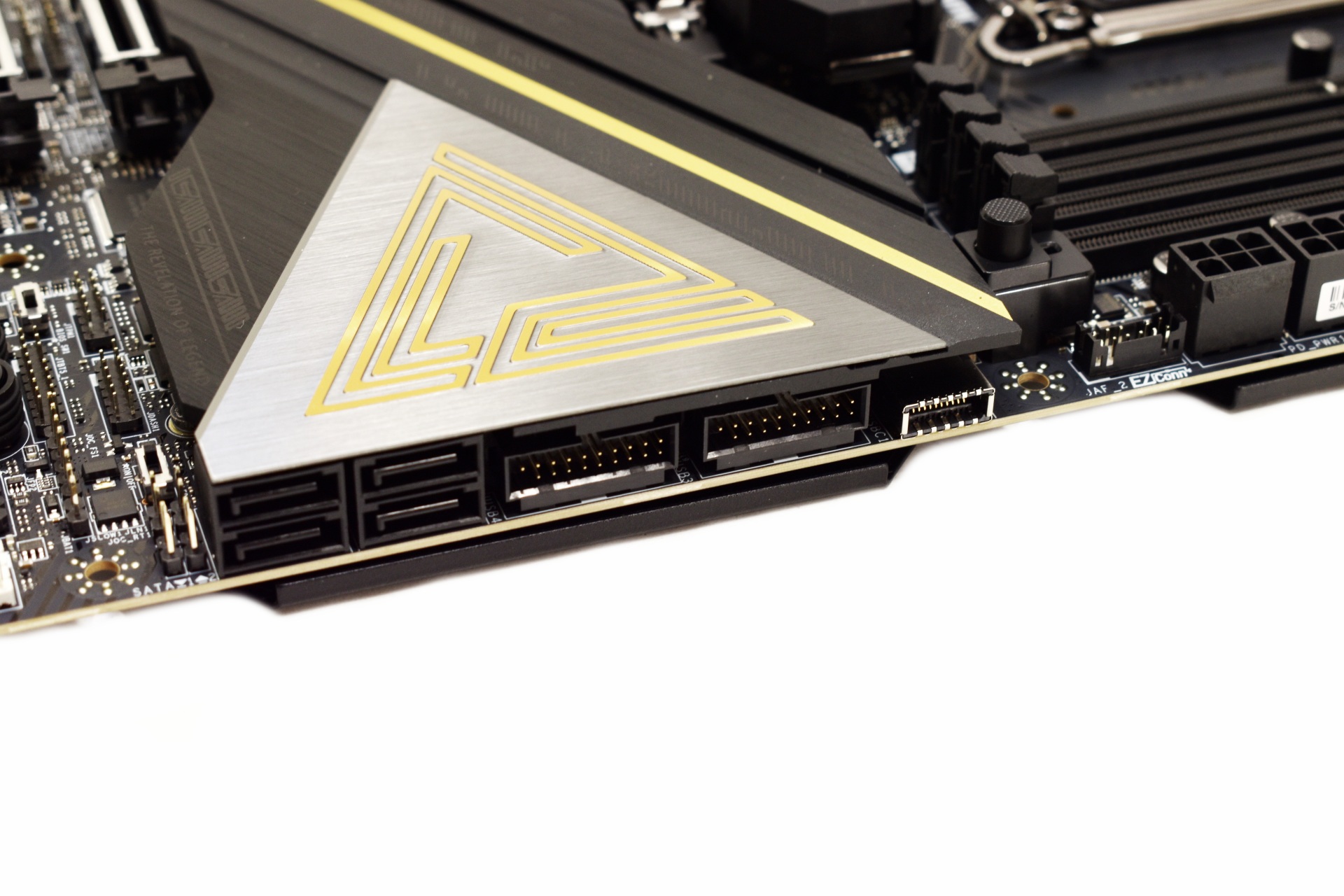
USB and SATA ports are angled to the side as seen above.
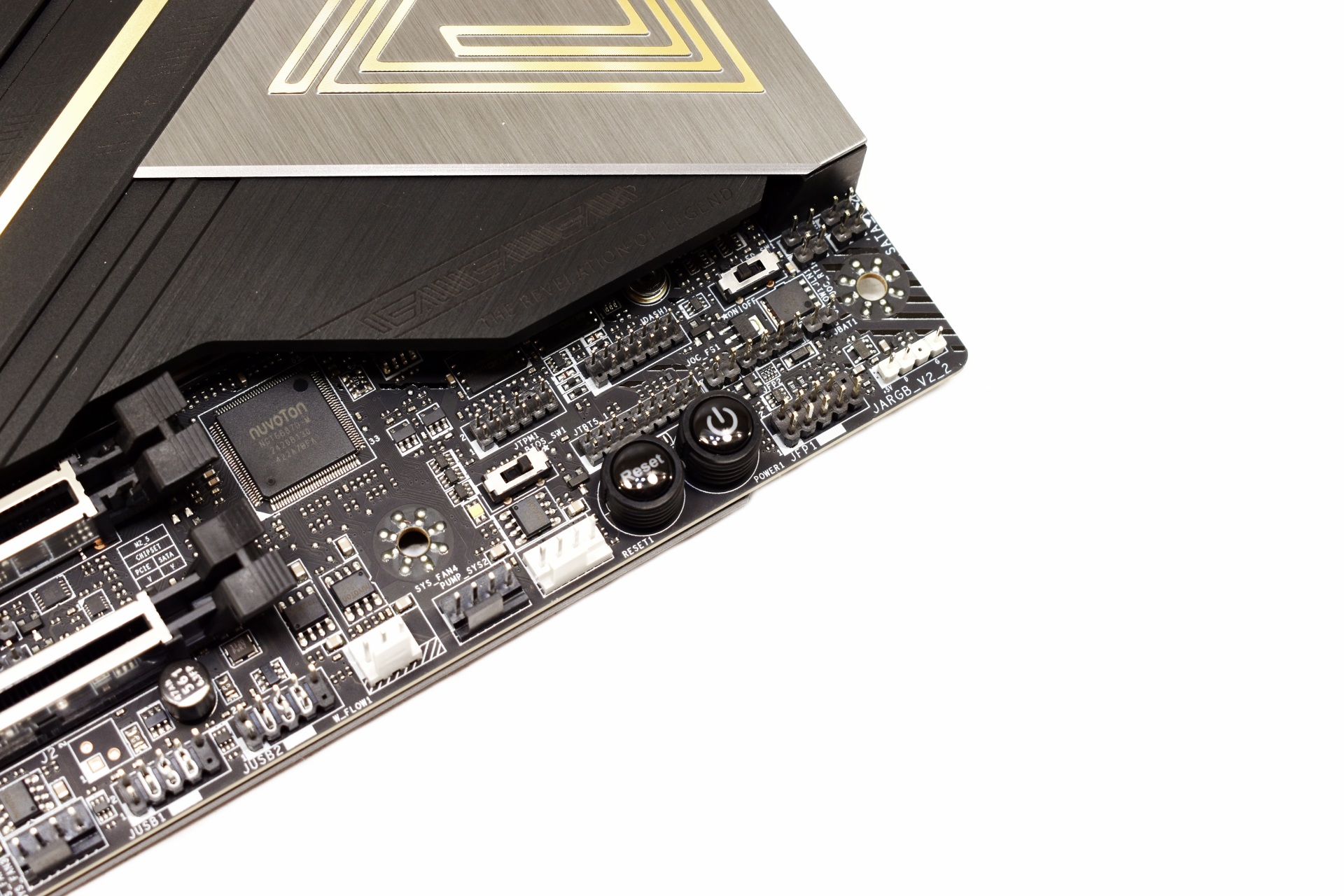
On the lower right corner, we find BIOS and LED switches and the reset and power buttons.
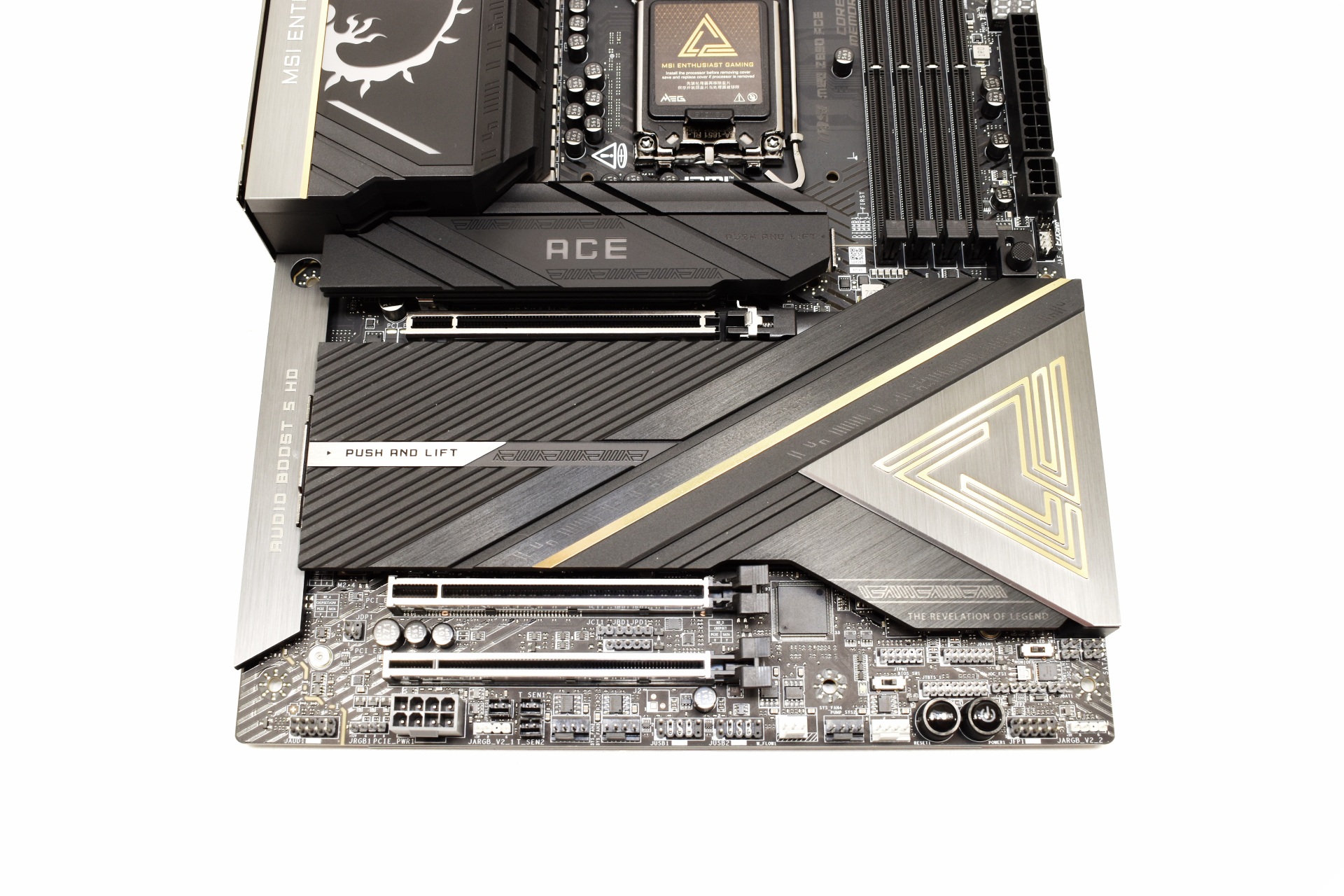
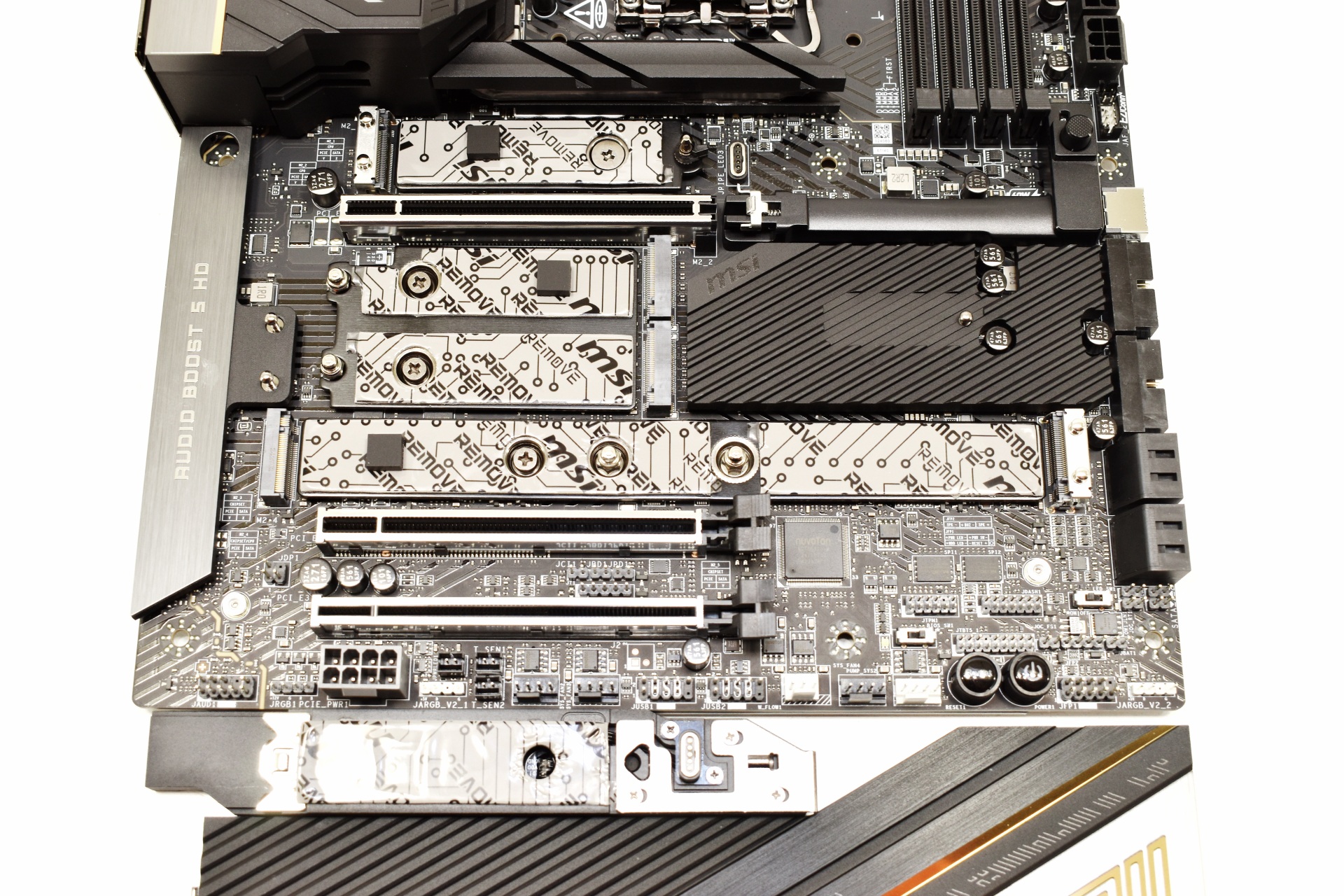
All three PCIe slots are reinforced and as for the five M.2 slots, they are all located under heat spreaders with quick release mechanisms.

The rear I/O is extremely rich and includes 11 USB-A 10G ports, HDMI 2.1 port, two USB-C Thunderbolt 4 ports, two USB-C 10G ports, flash BIOS, clear CMOS and smart buttons, RJ45 10G port, two Wi-Fi 7 antennas, and the audio ports (S/PDIF, 3.5mm microphone in, audio out).
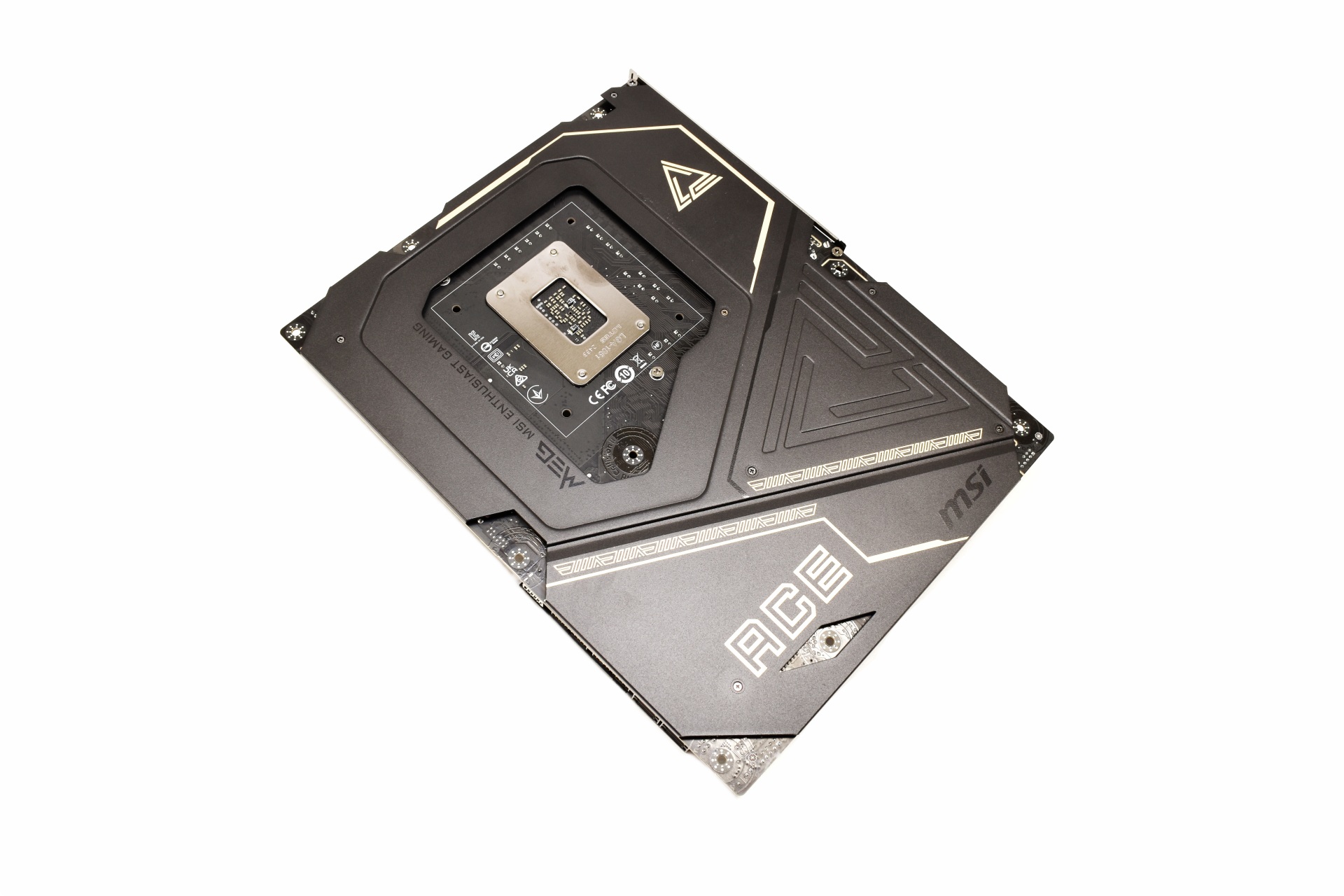
Most of the board’s underside features a metal plate for improved protection and rigidity.
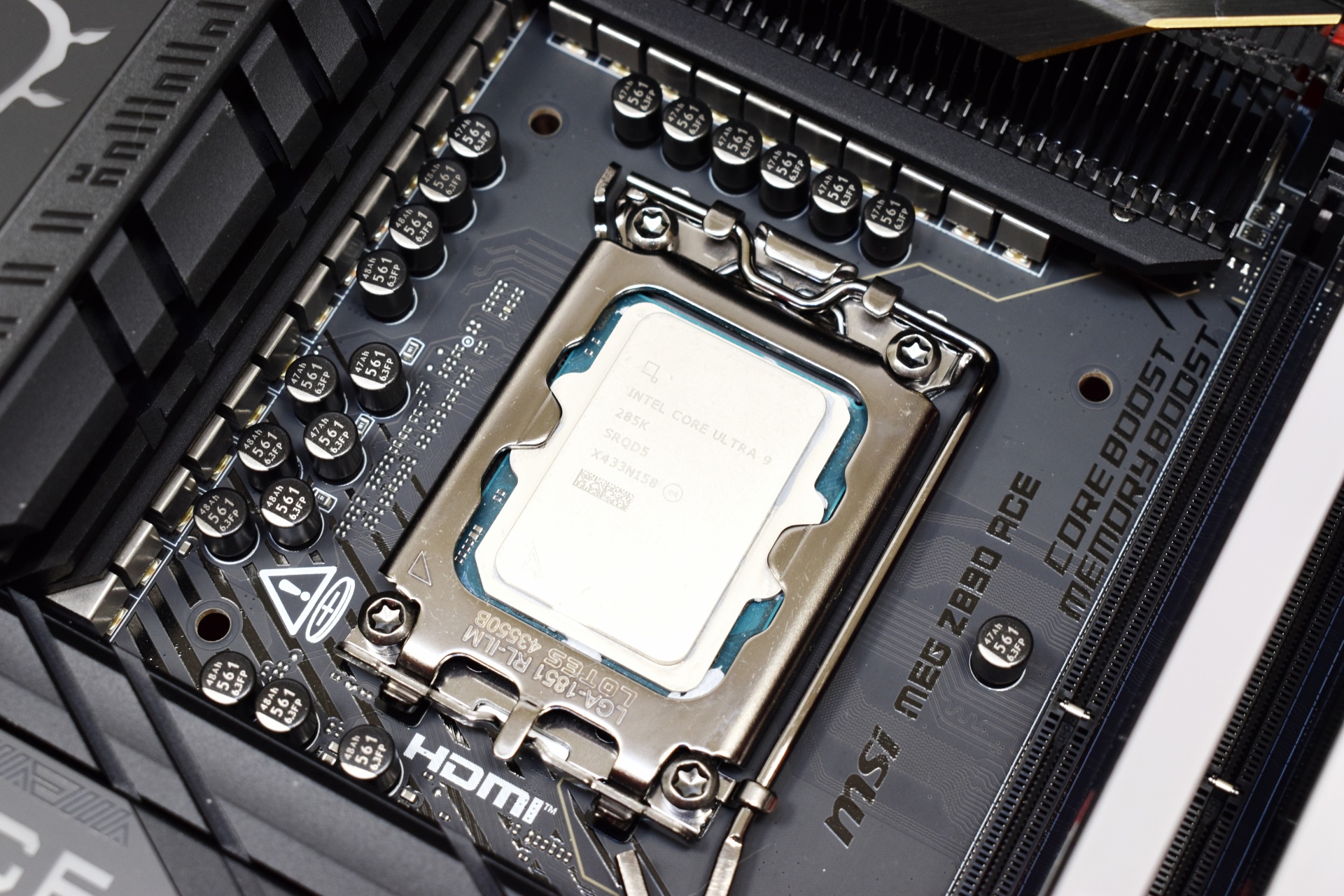
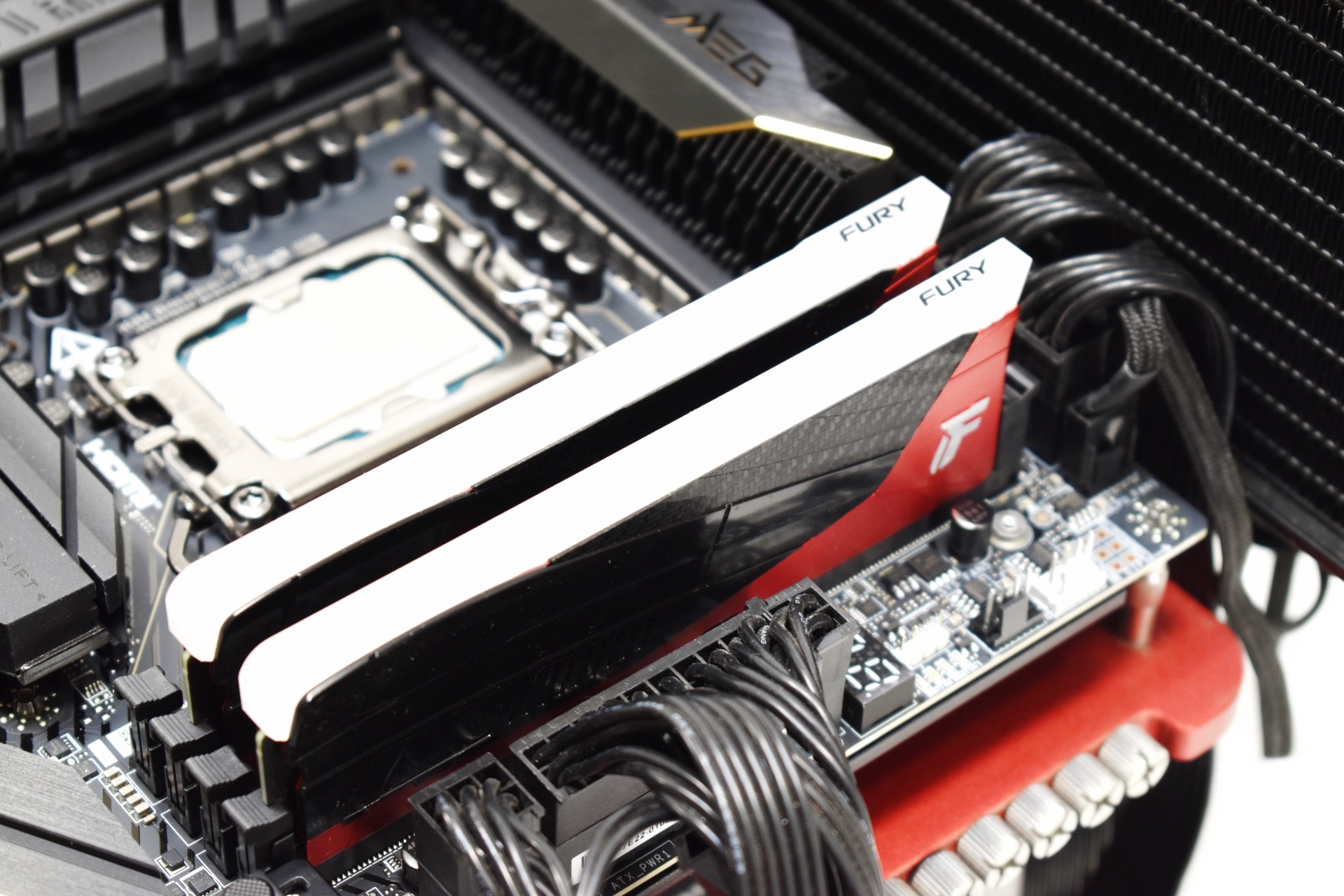
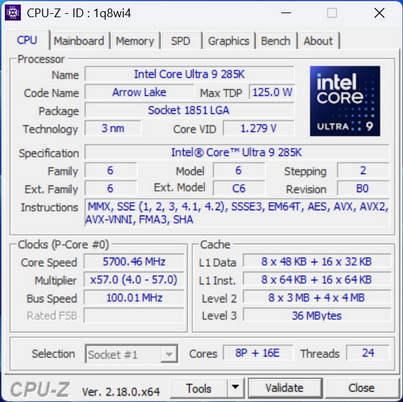
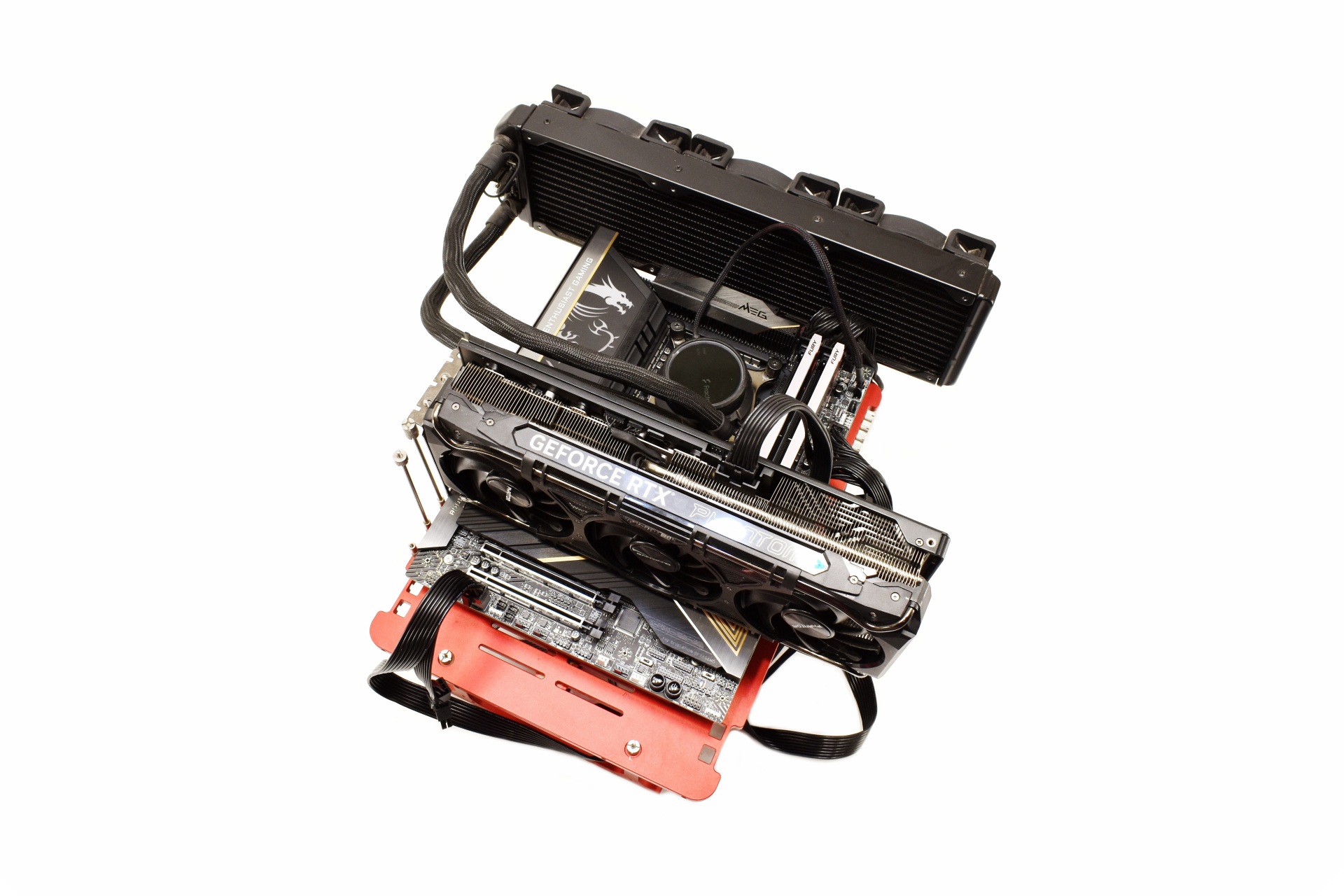 As with past reviews for this test I’ll be using the Intel Core Ultra 9 285K with the Kingston Renegade RGB LE 48GB 8000MT/s kit (short clip is available both on TikTok and YouTube).
BIOS V1A70
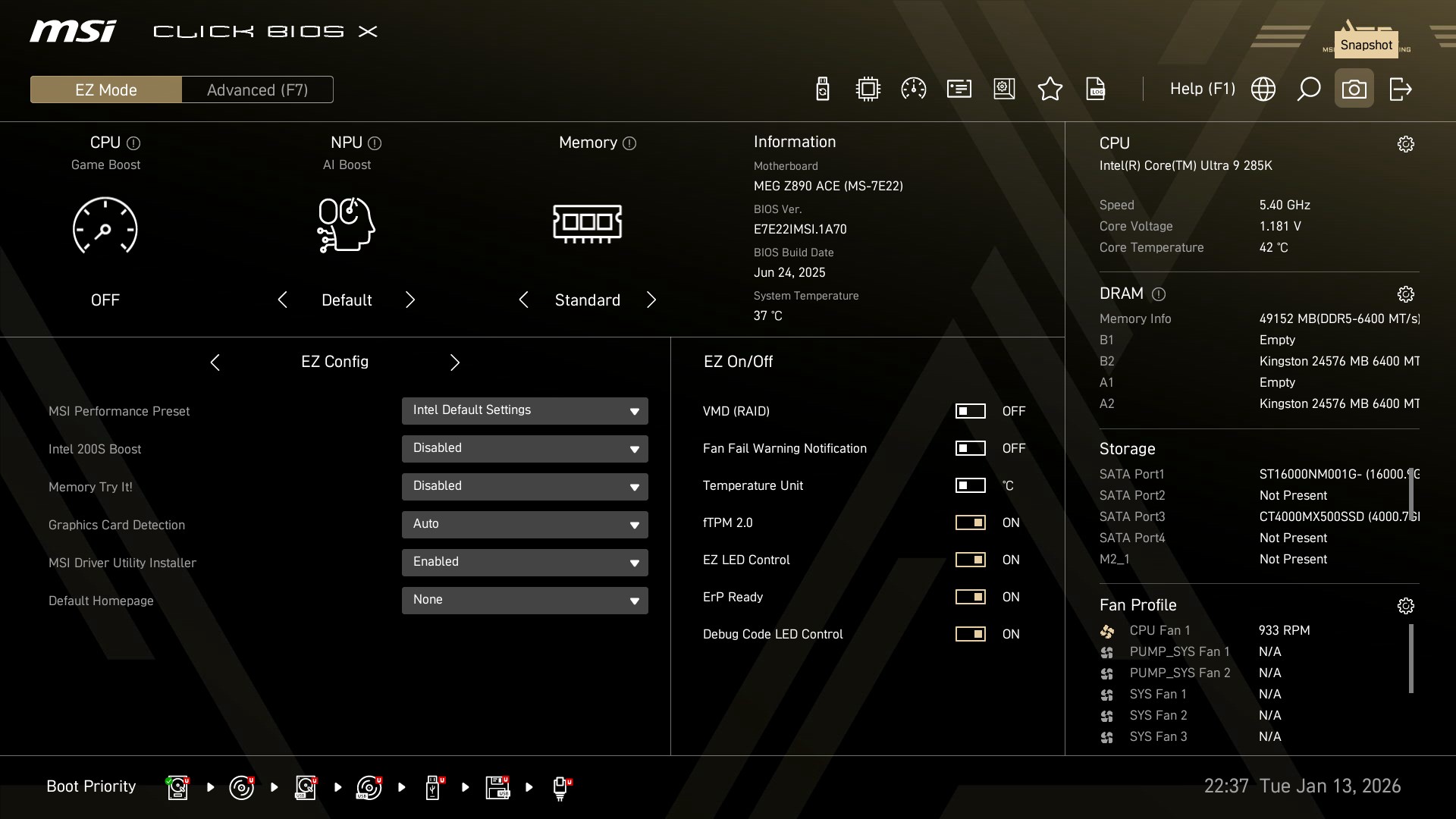
As with all current motherboards the MEG Z890 ACE has EZ and advanced modes in the BIOS.
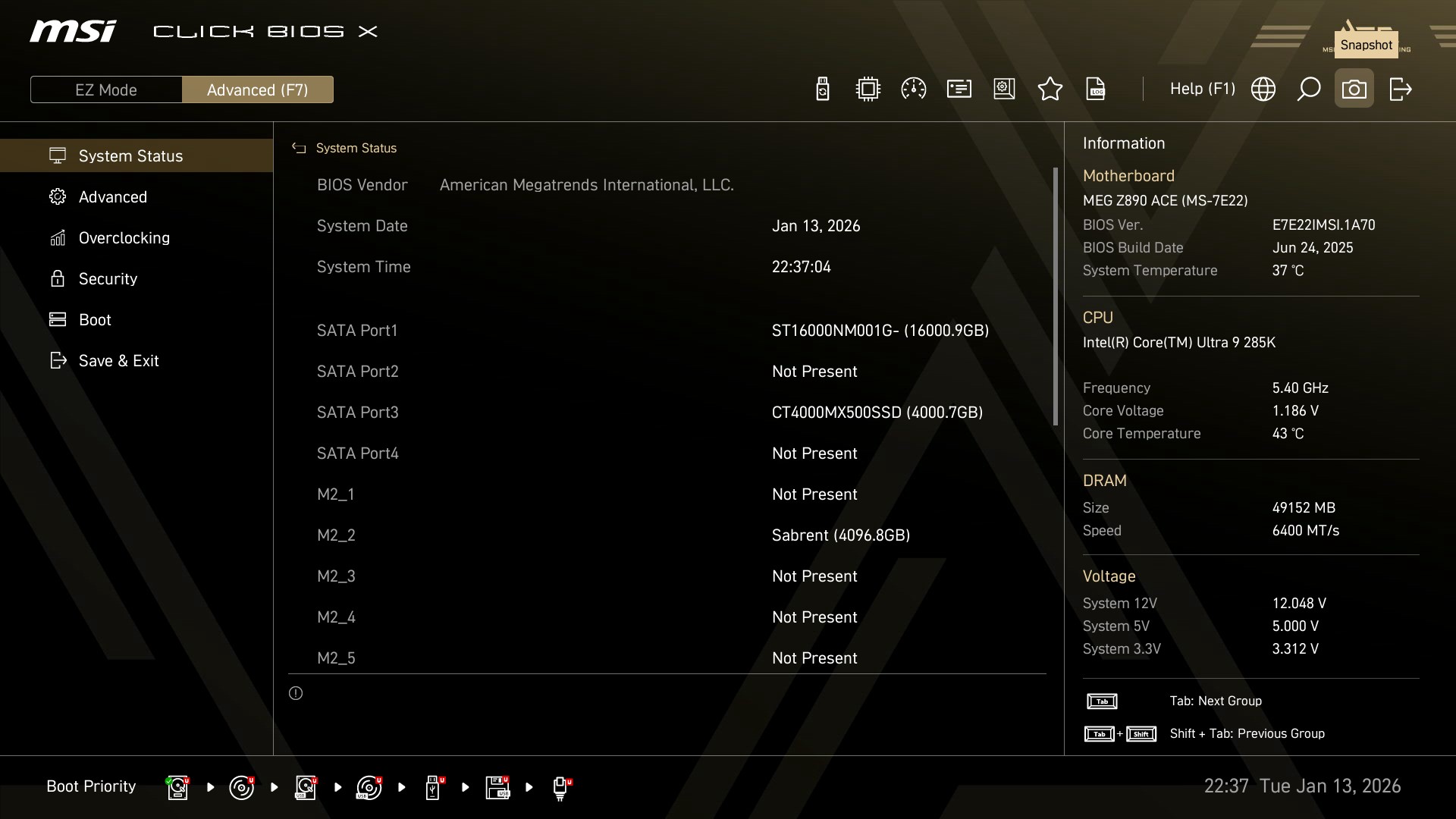
As the name suggests the system status tab includes information on your system.
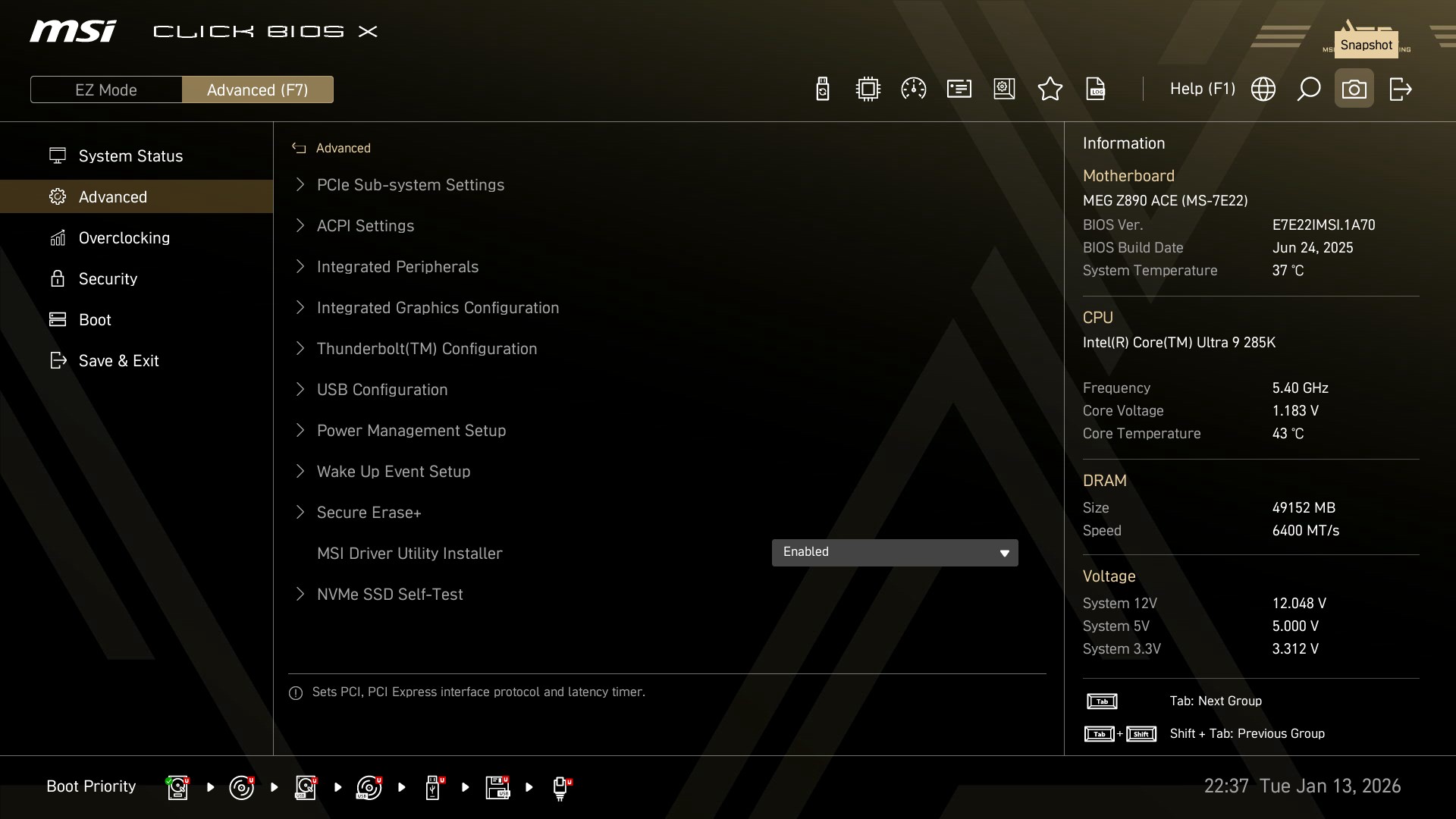
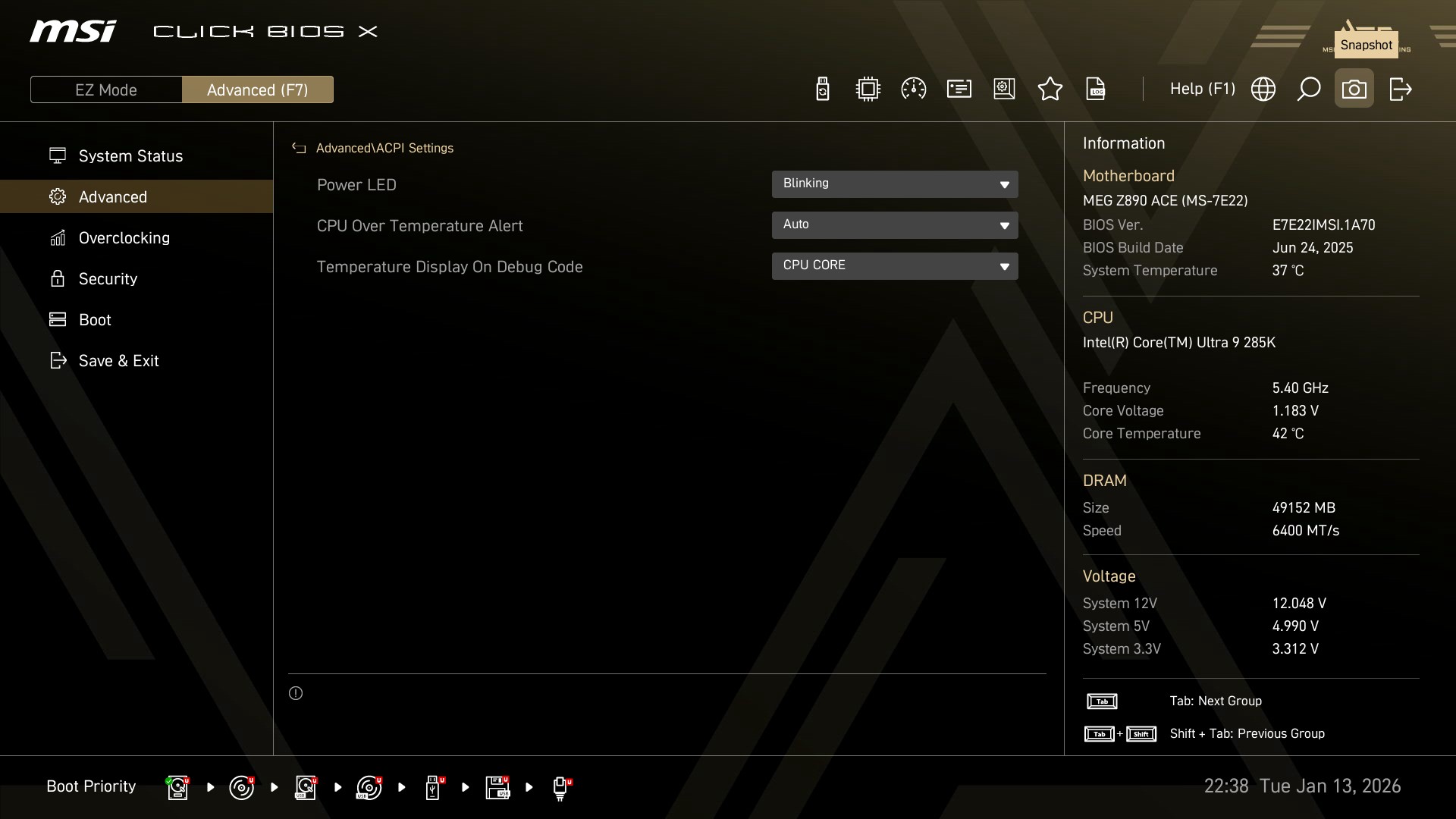
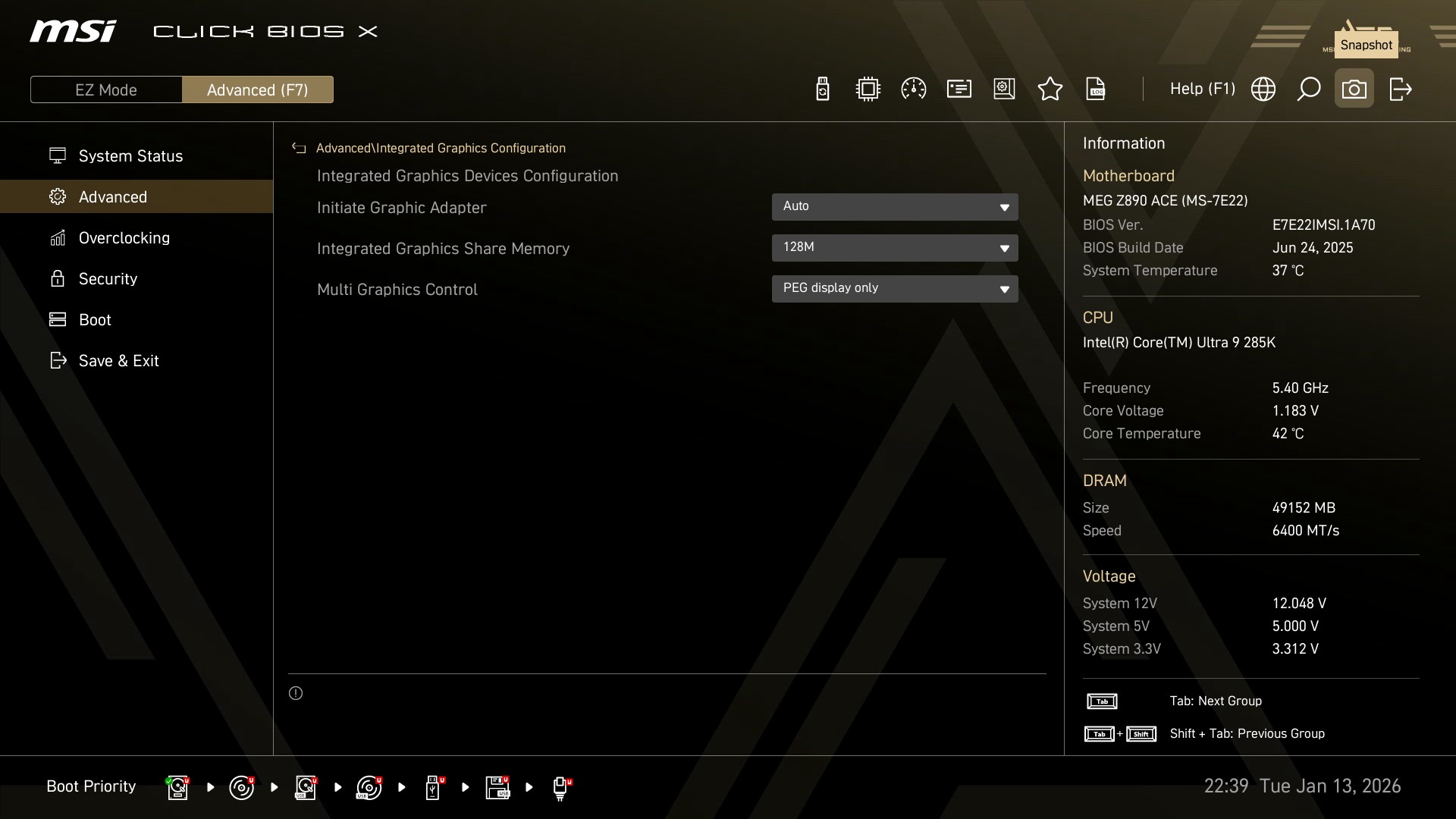
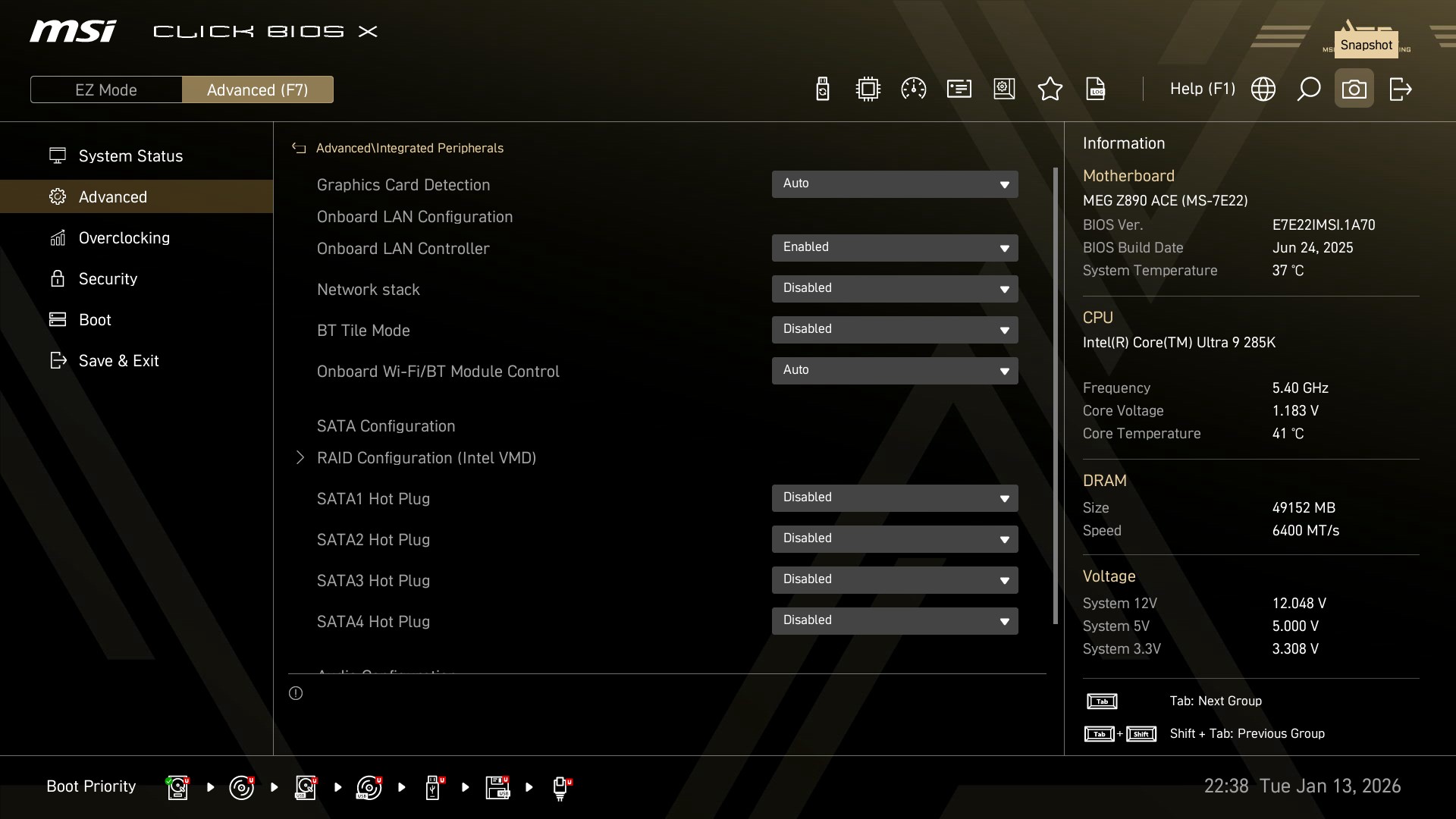
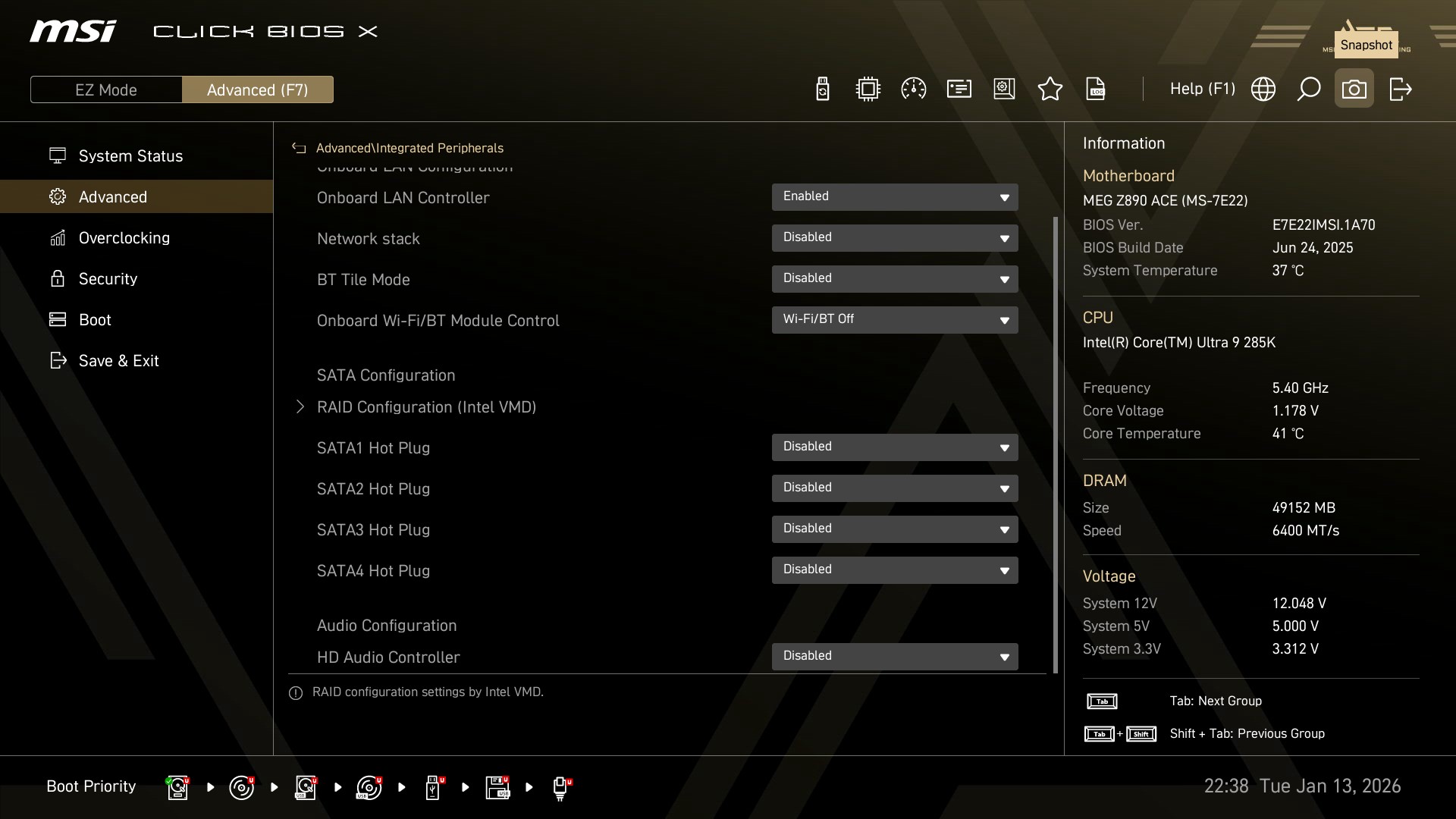
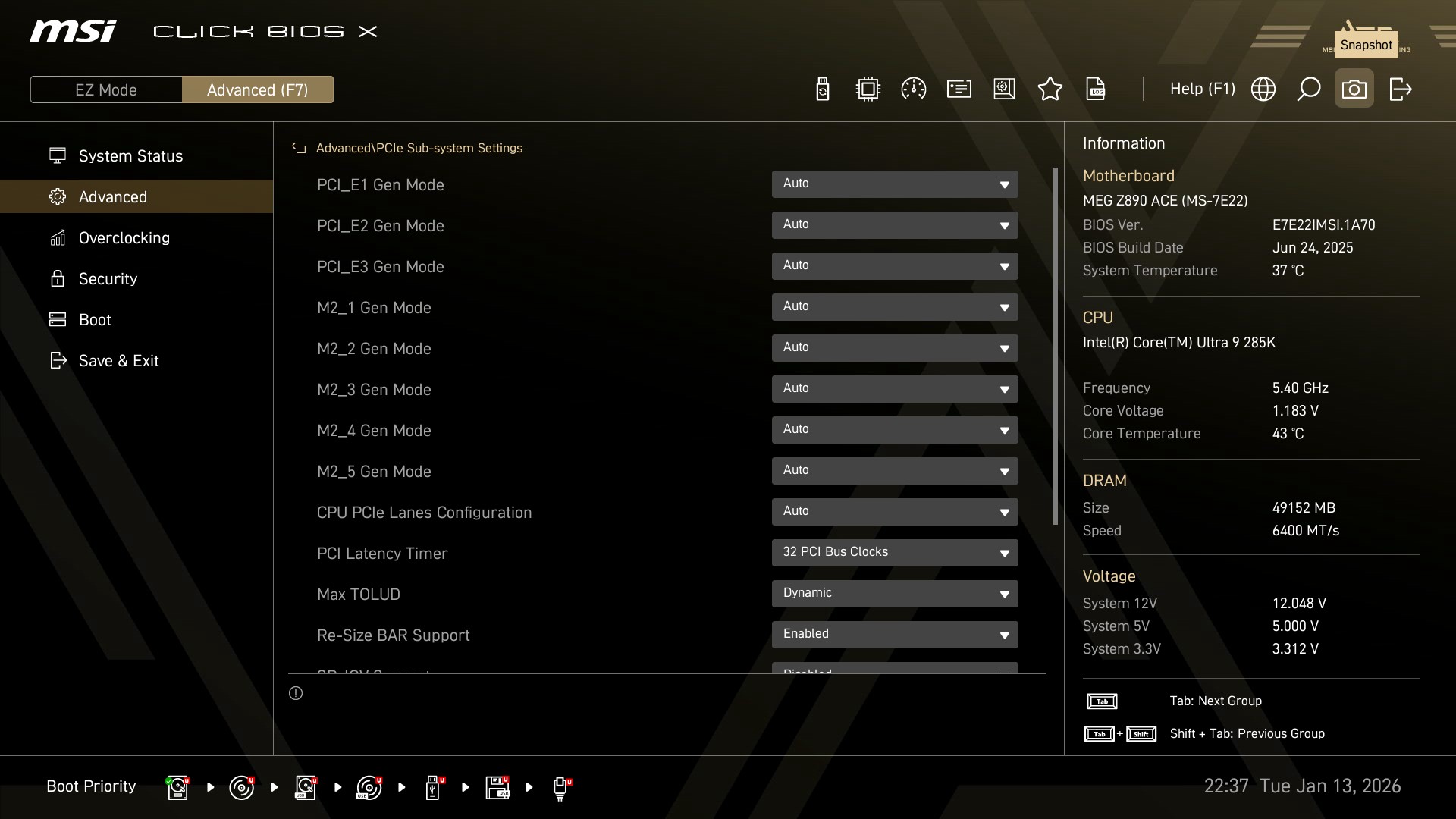
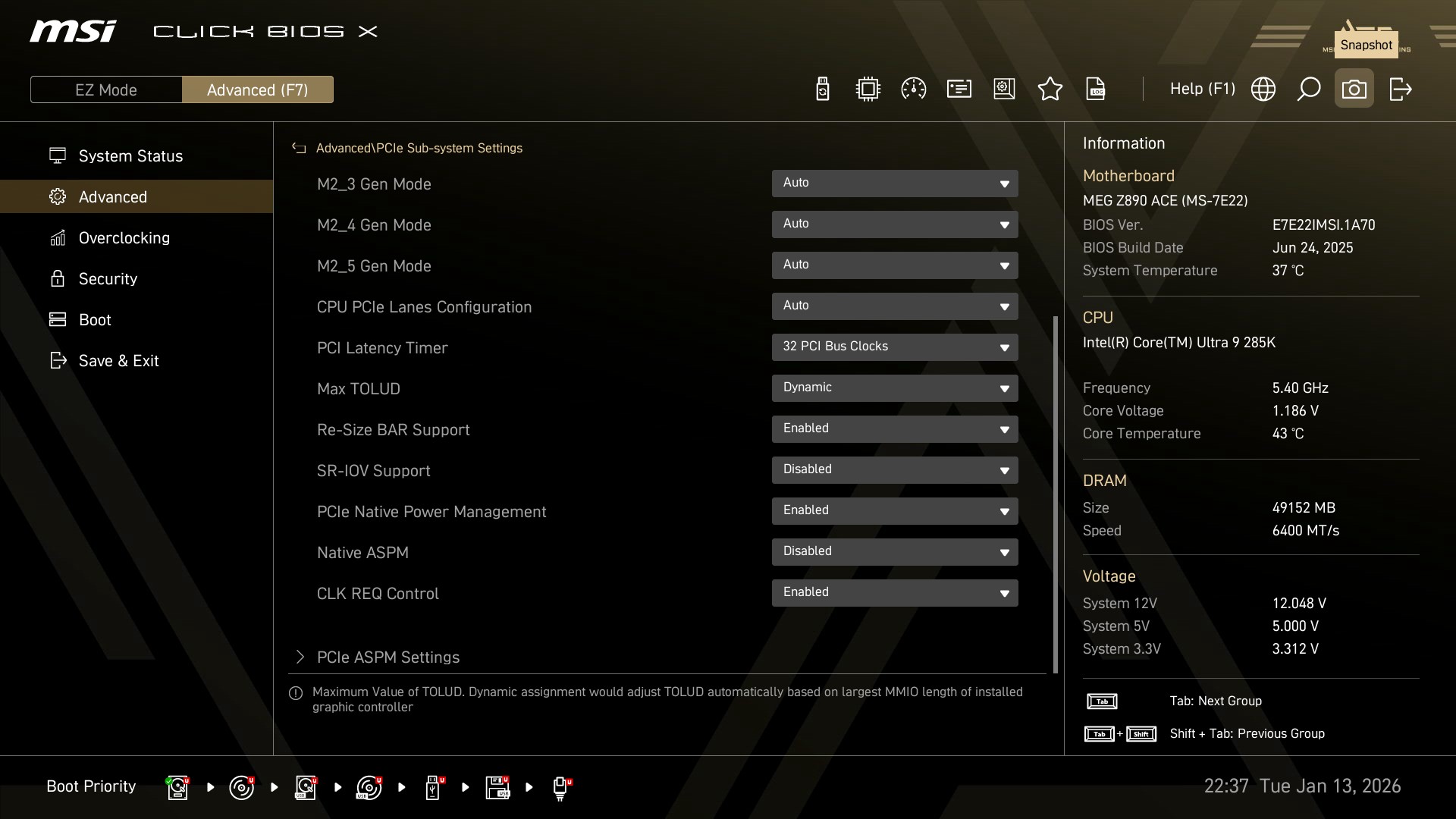
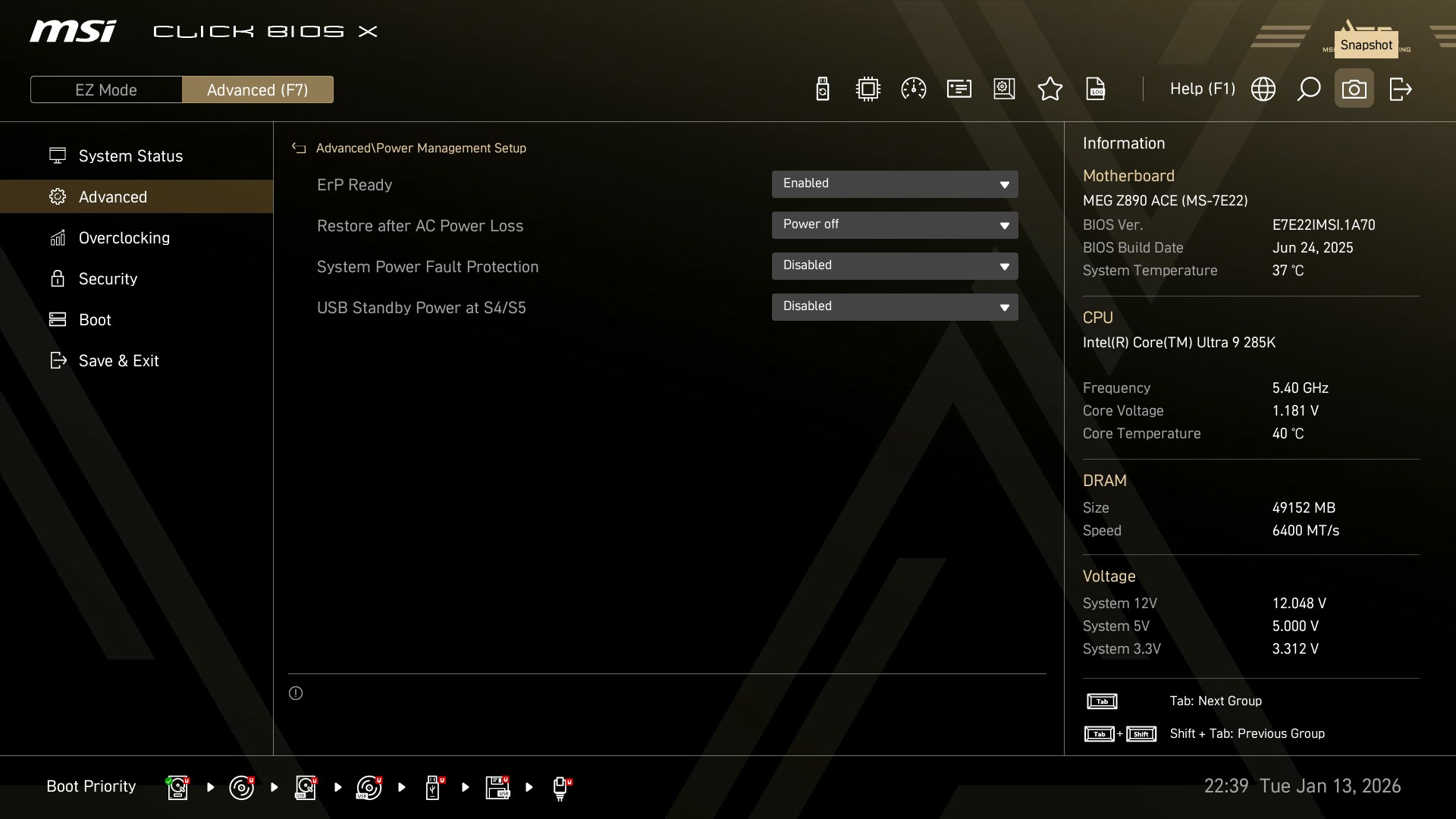
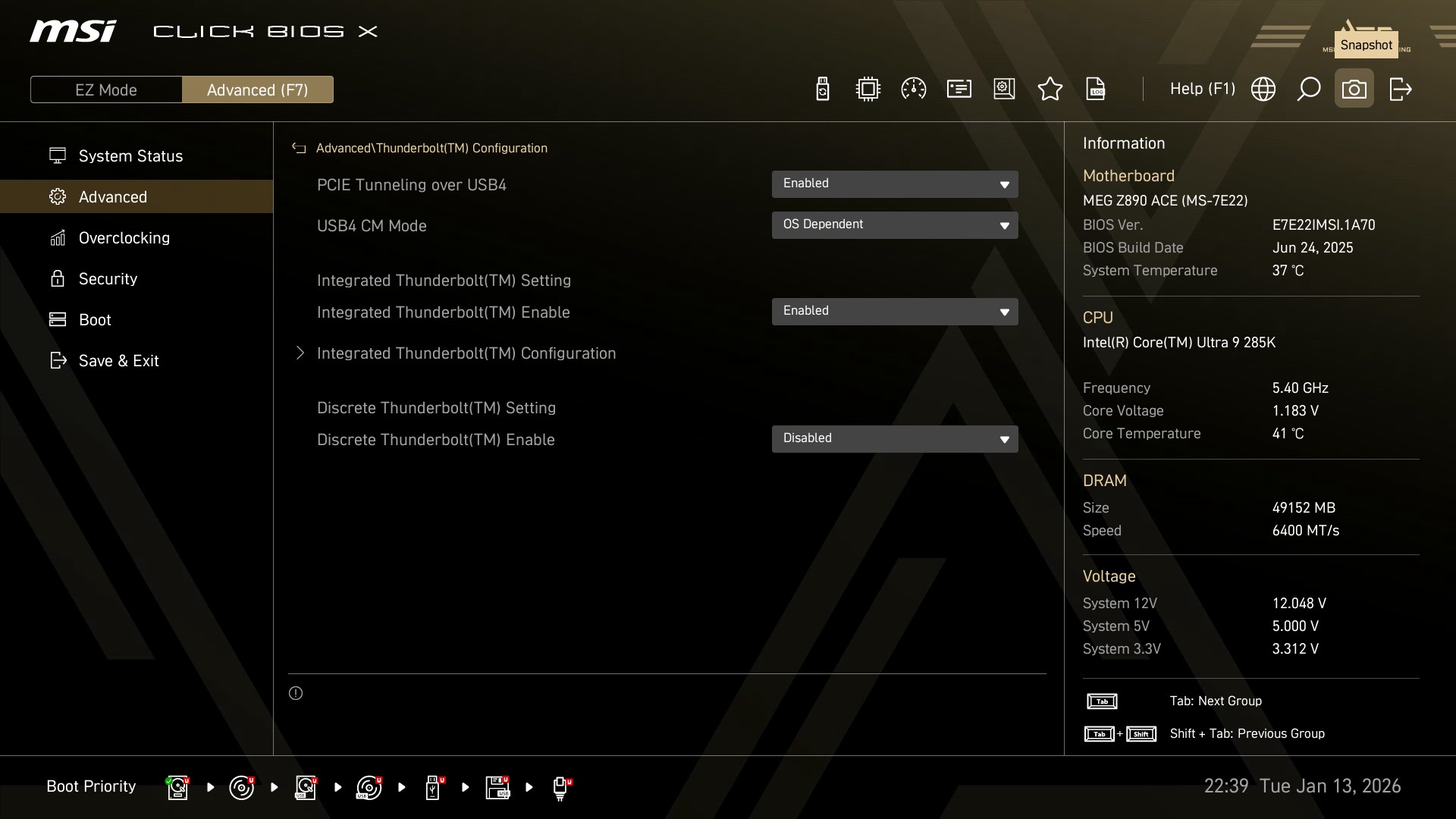
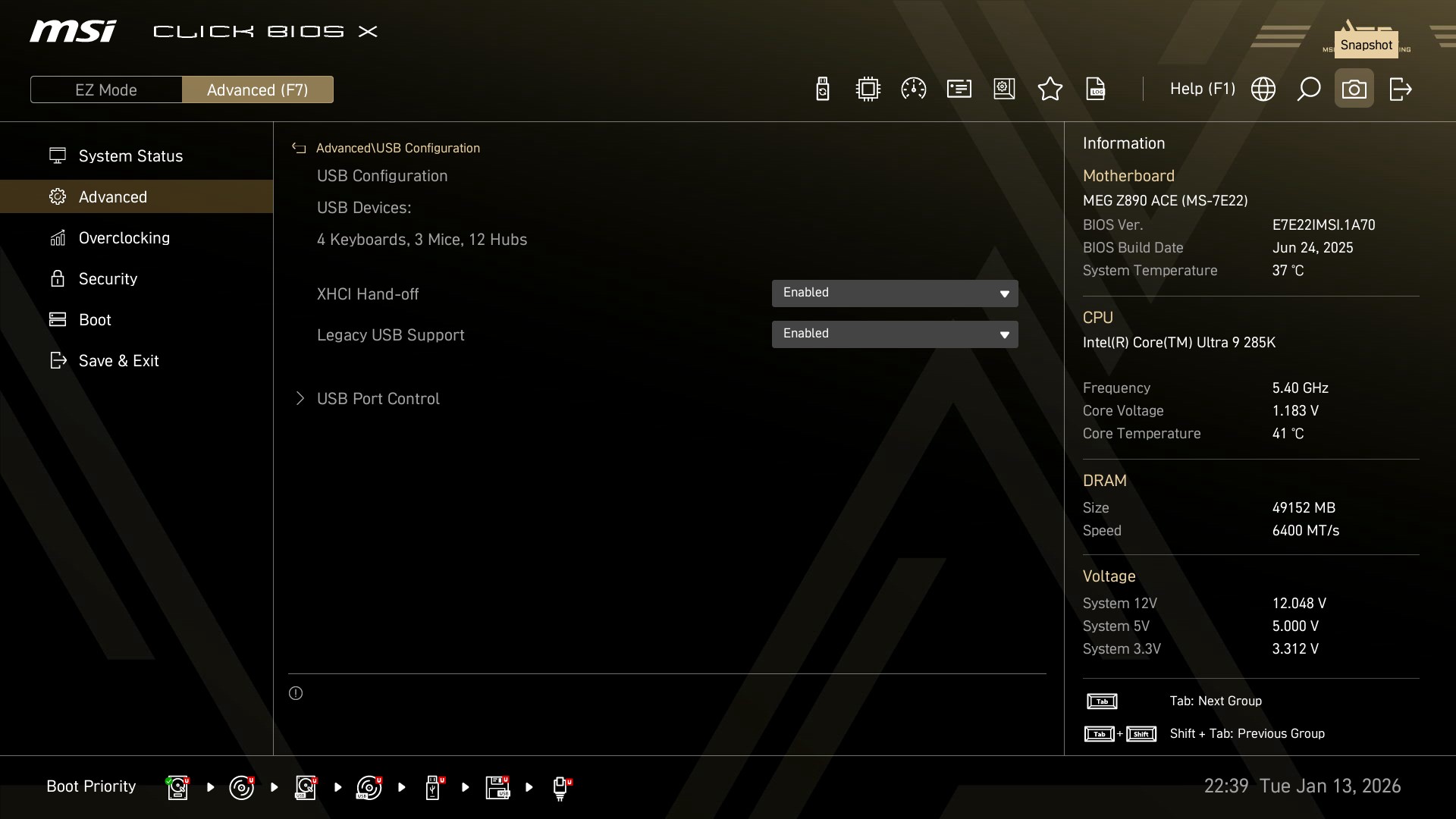
Typically, everything related to the motherboard and its peripherals is placed inside the advanced tab.
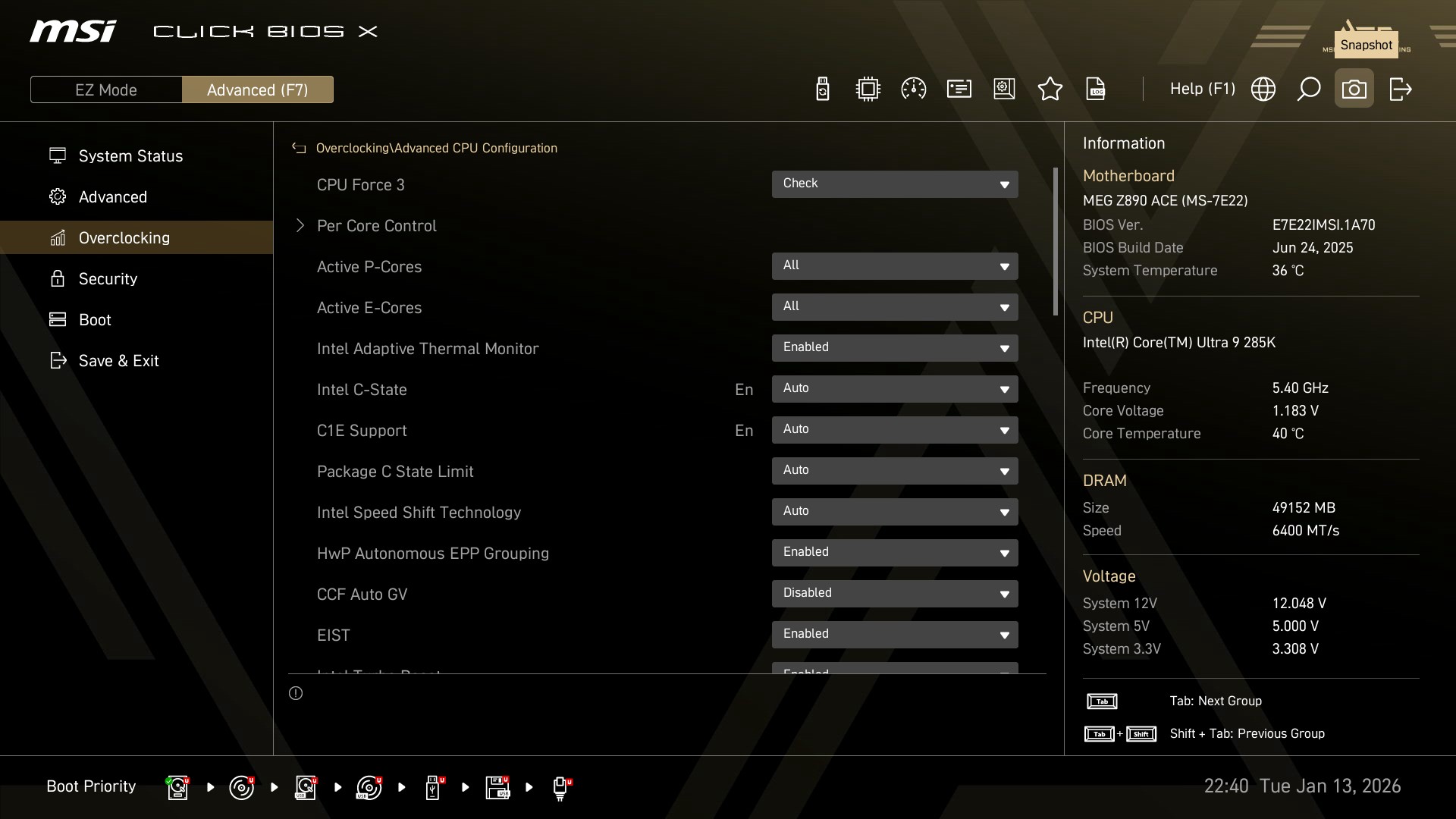
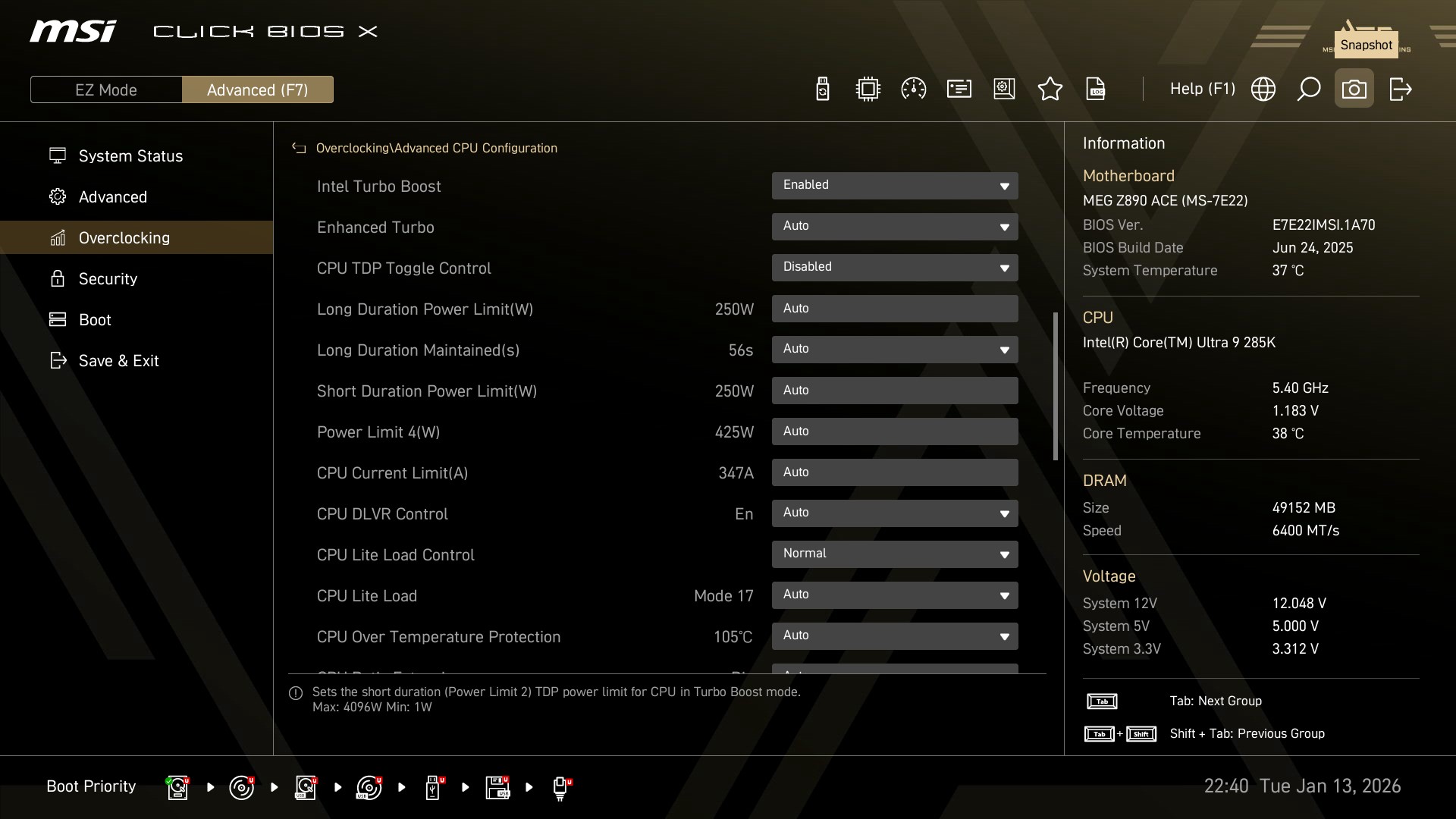
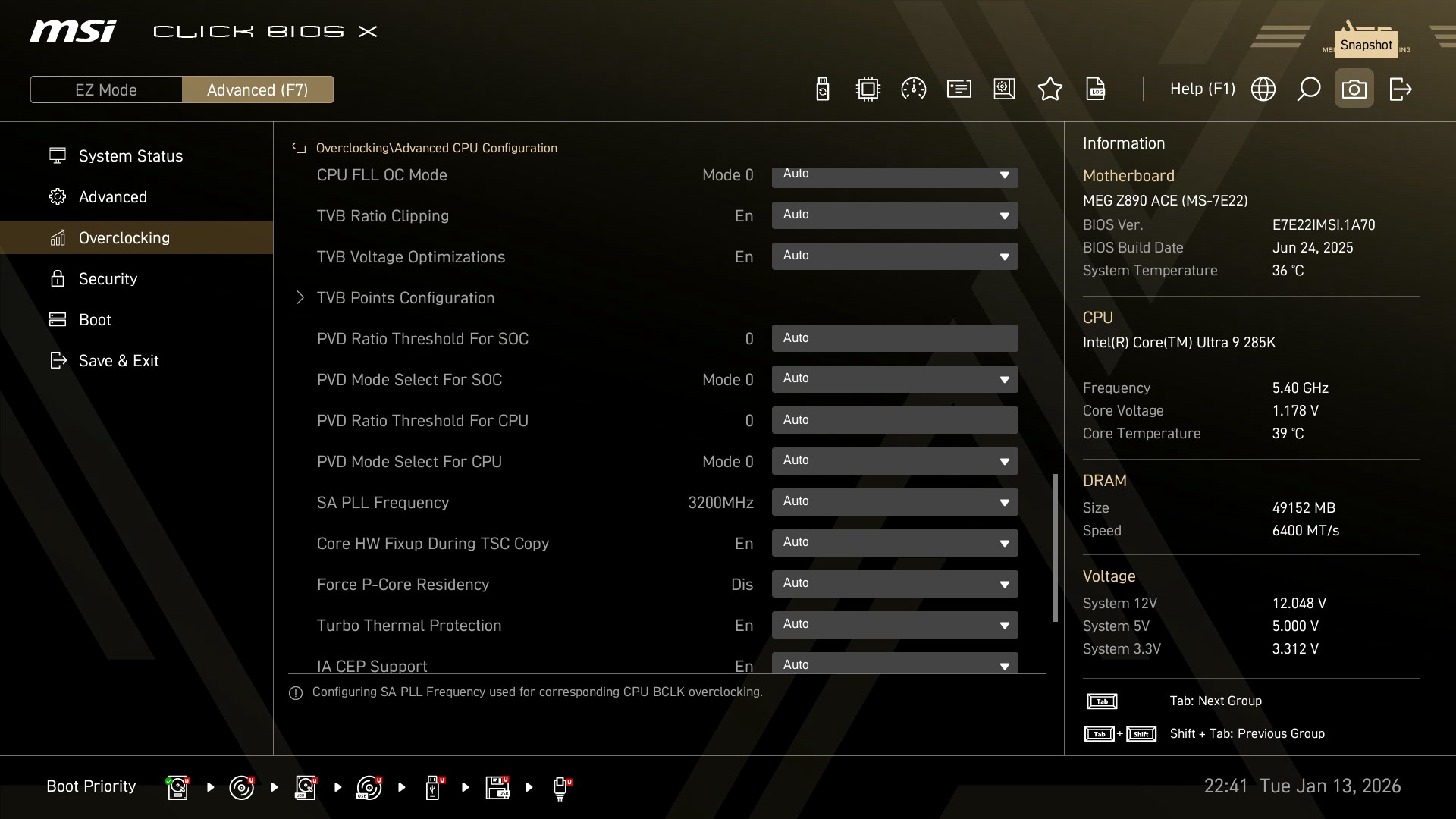
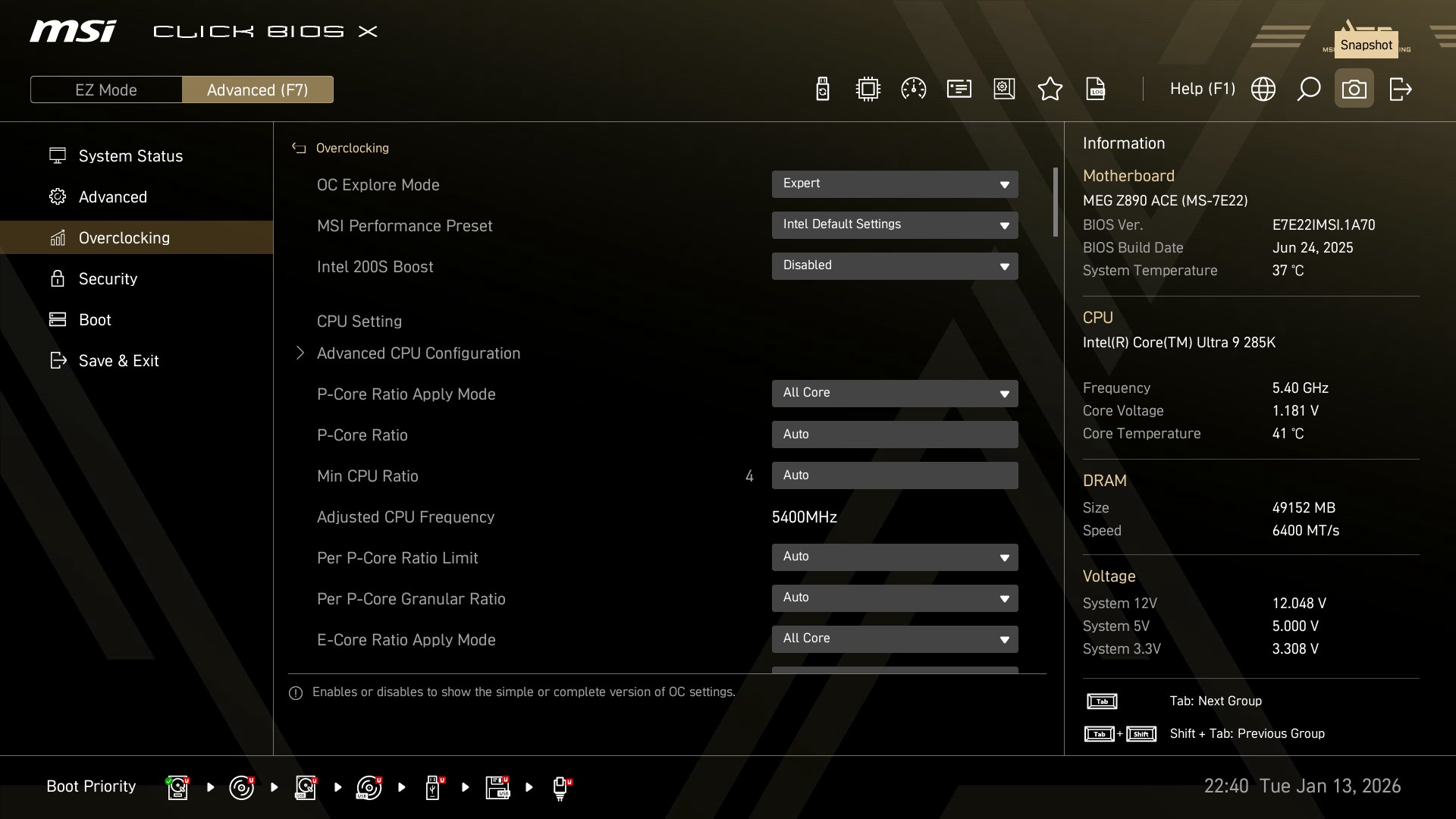
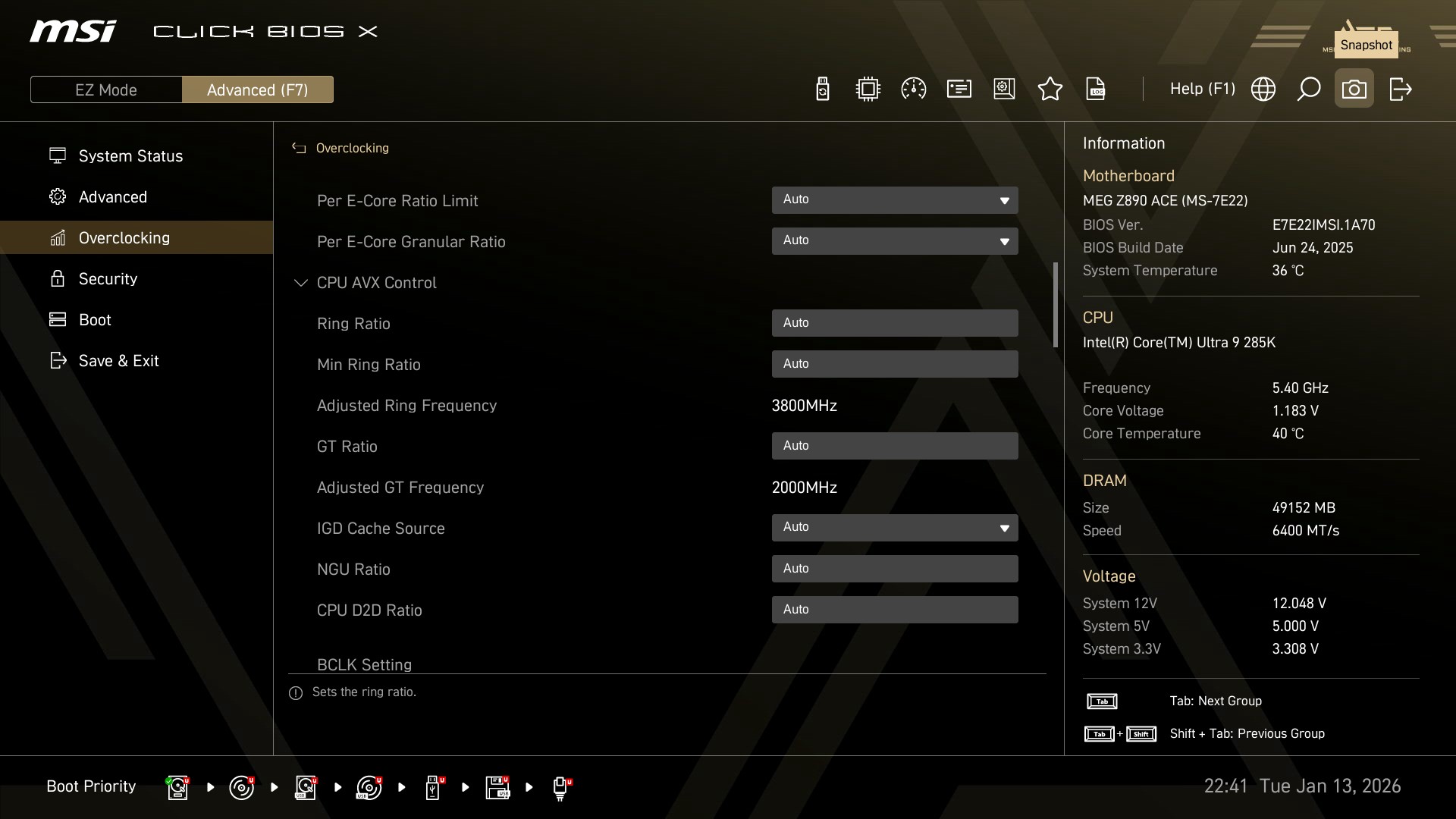
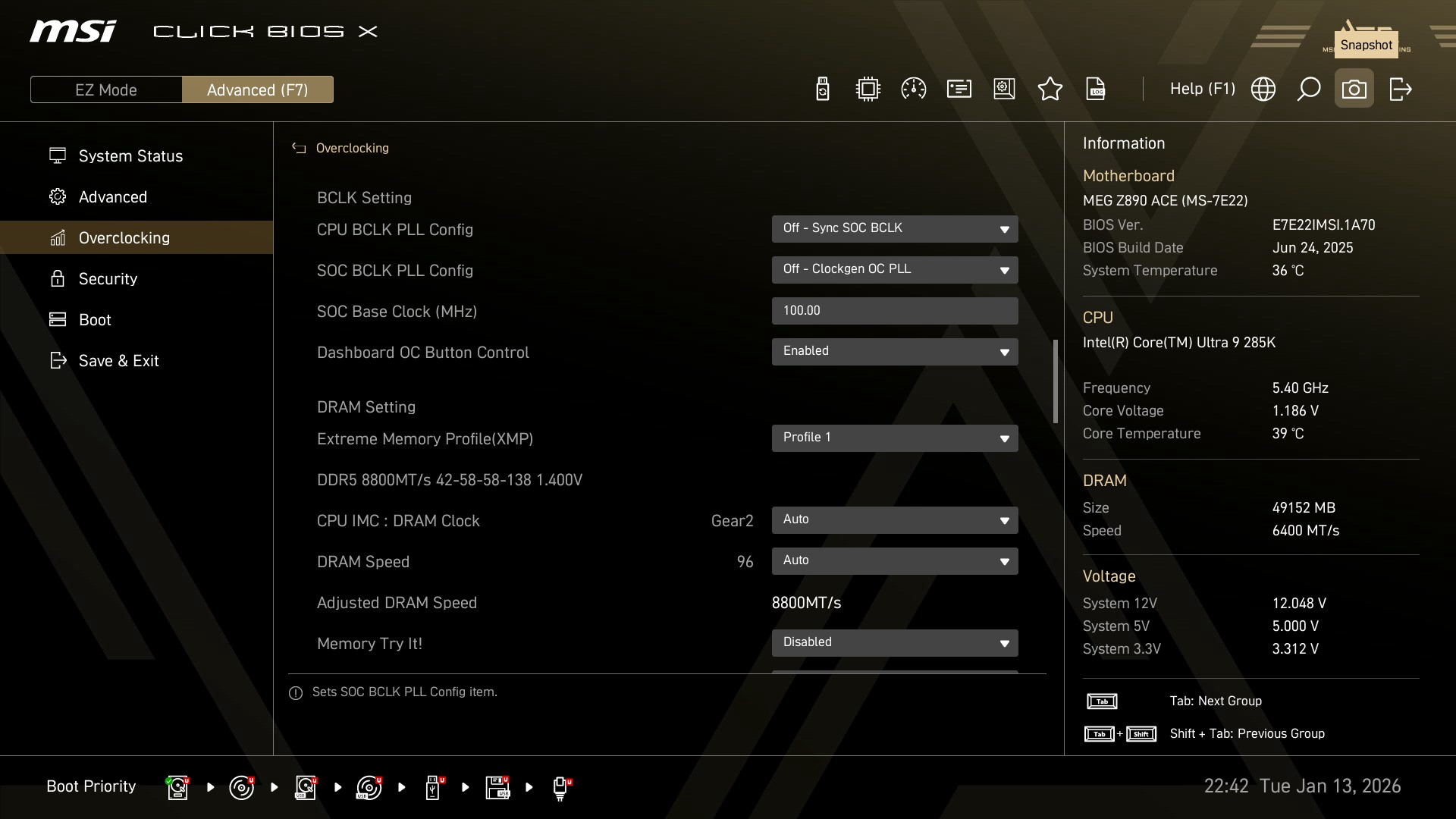
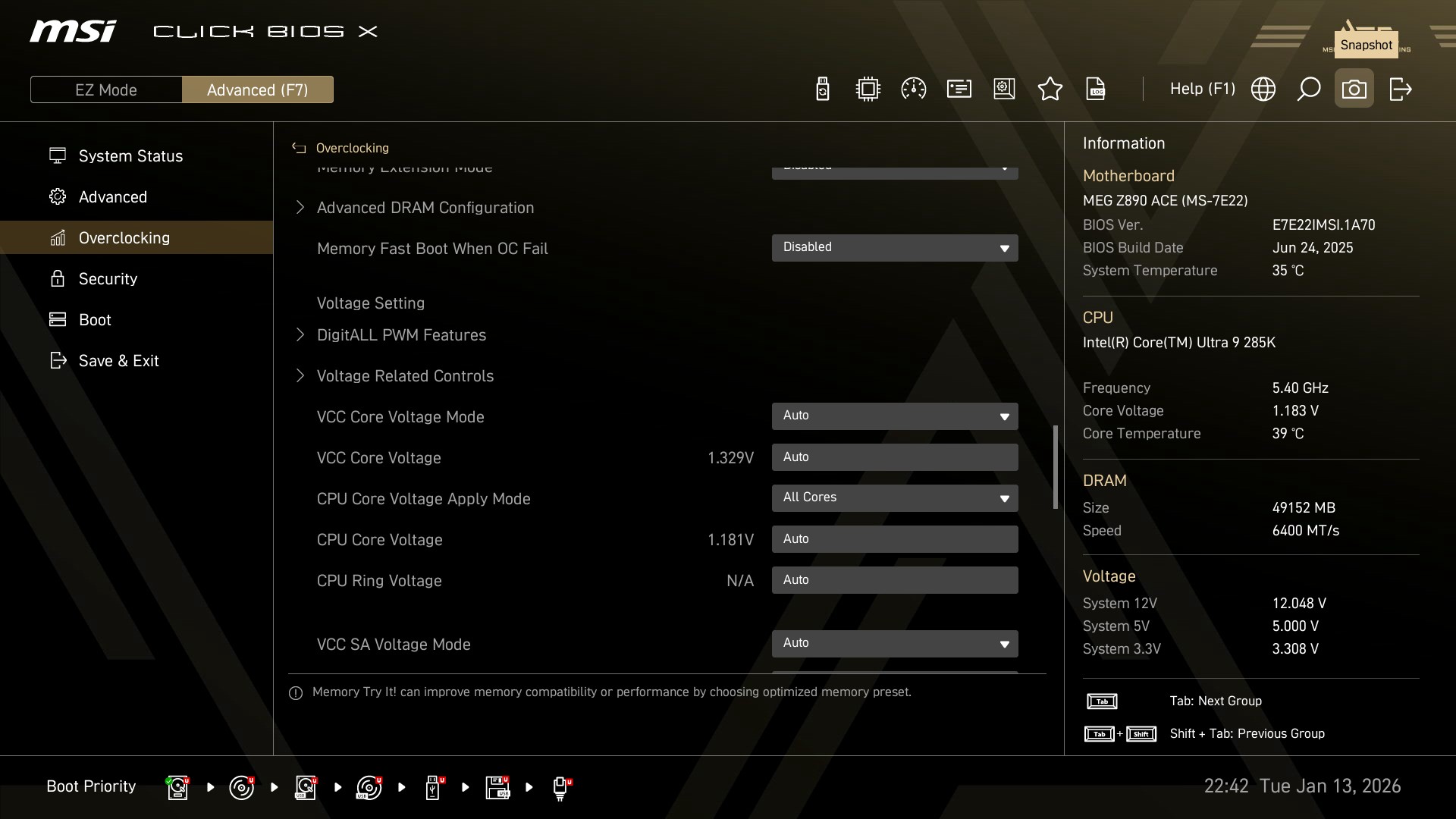
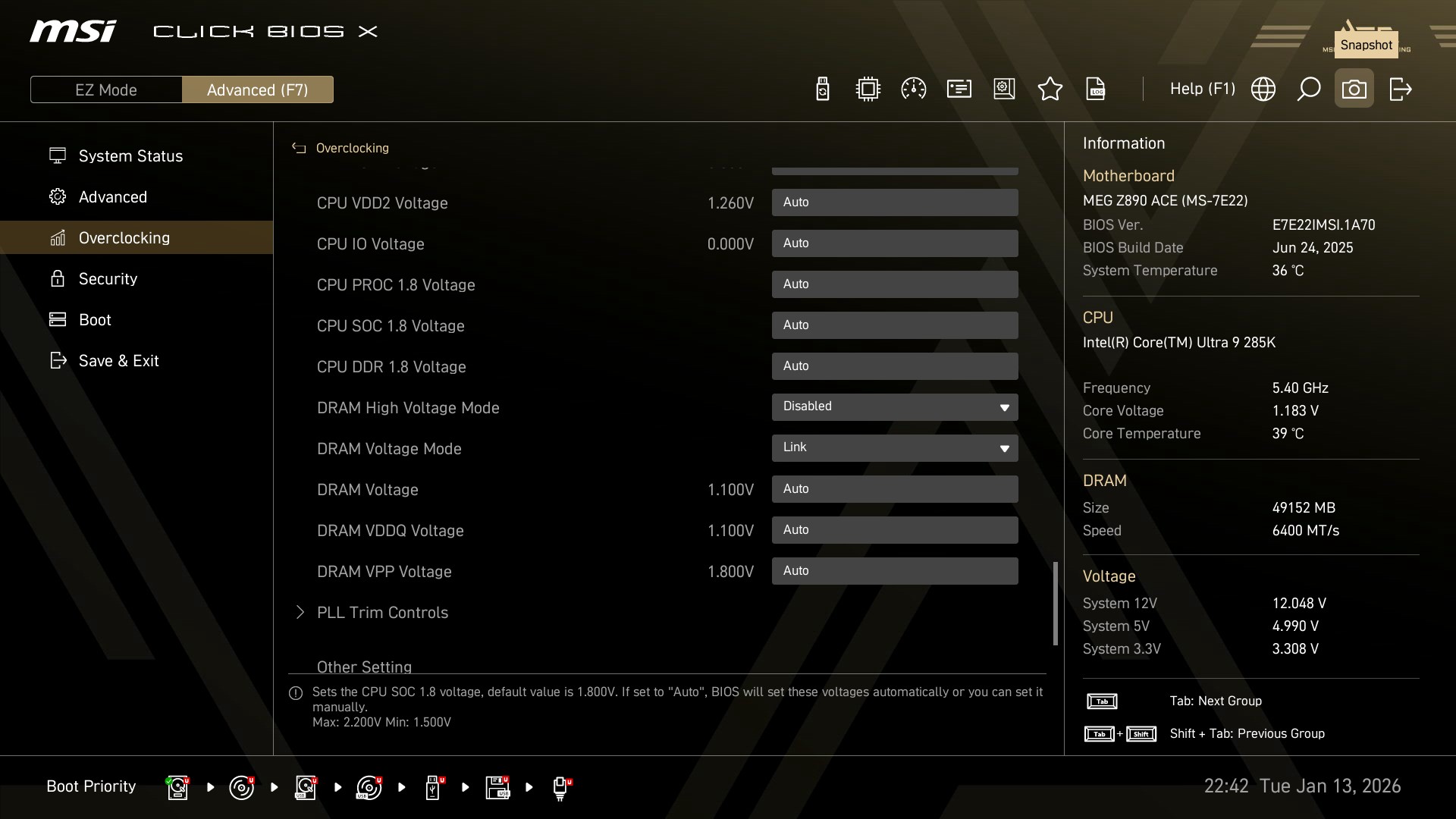
The overclocking tab contains everything needed for you to overclock your CPU and RAM (or just choose your RAM XMP profile) and then some.
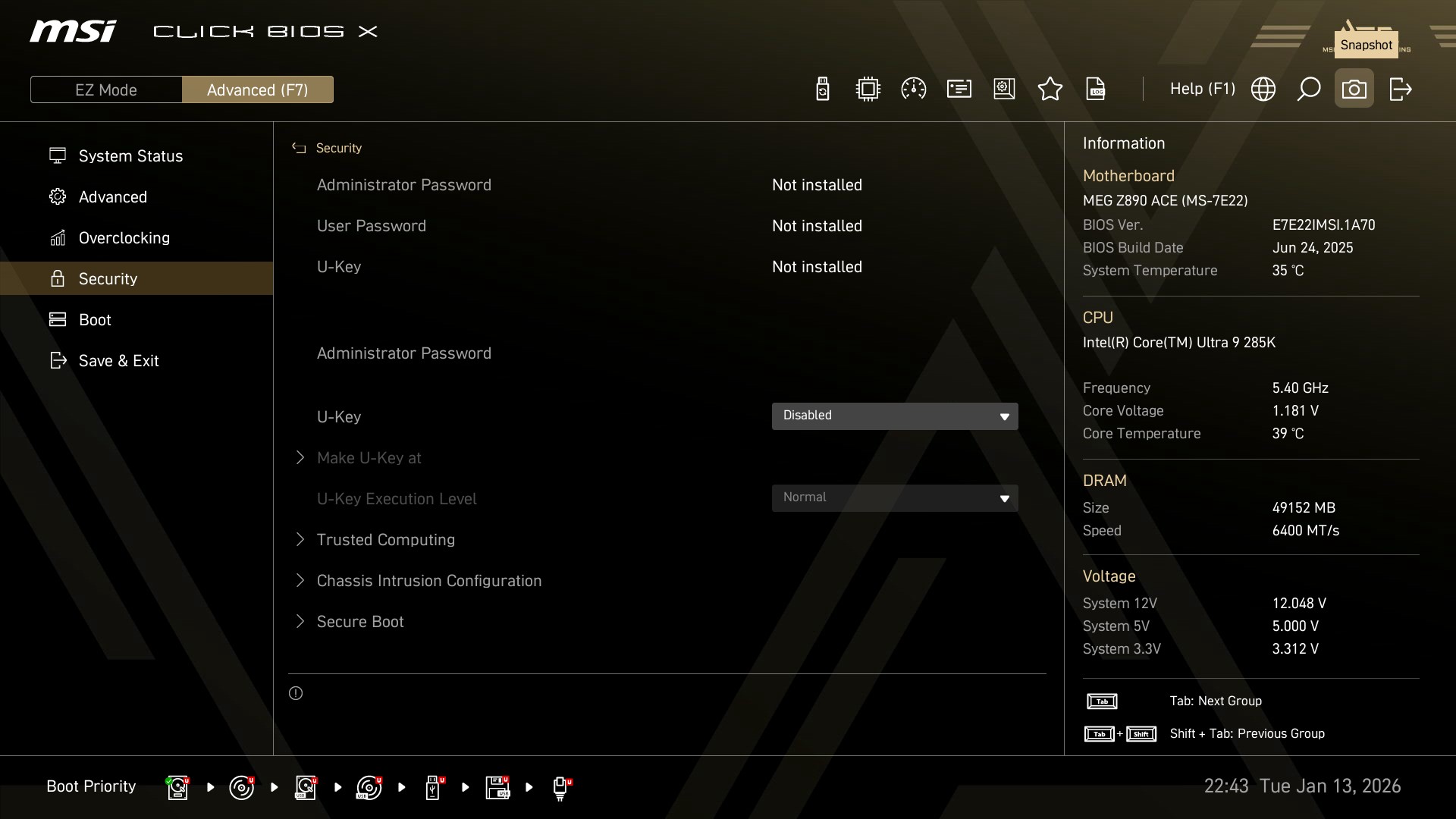
The password and secure boot options are as always placed inside the security tab.
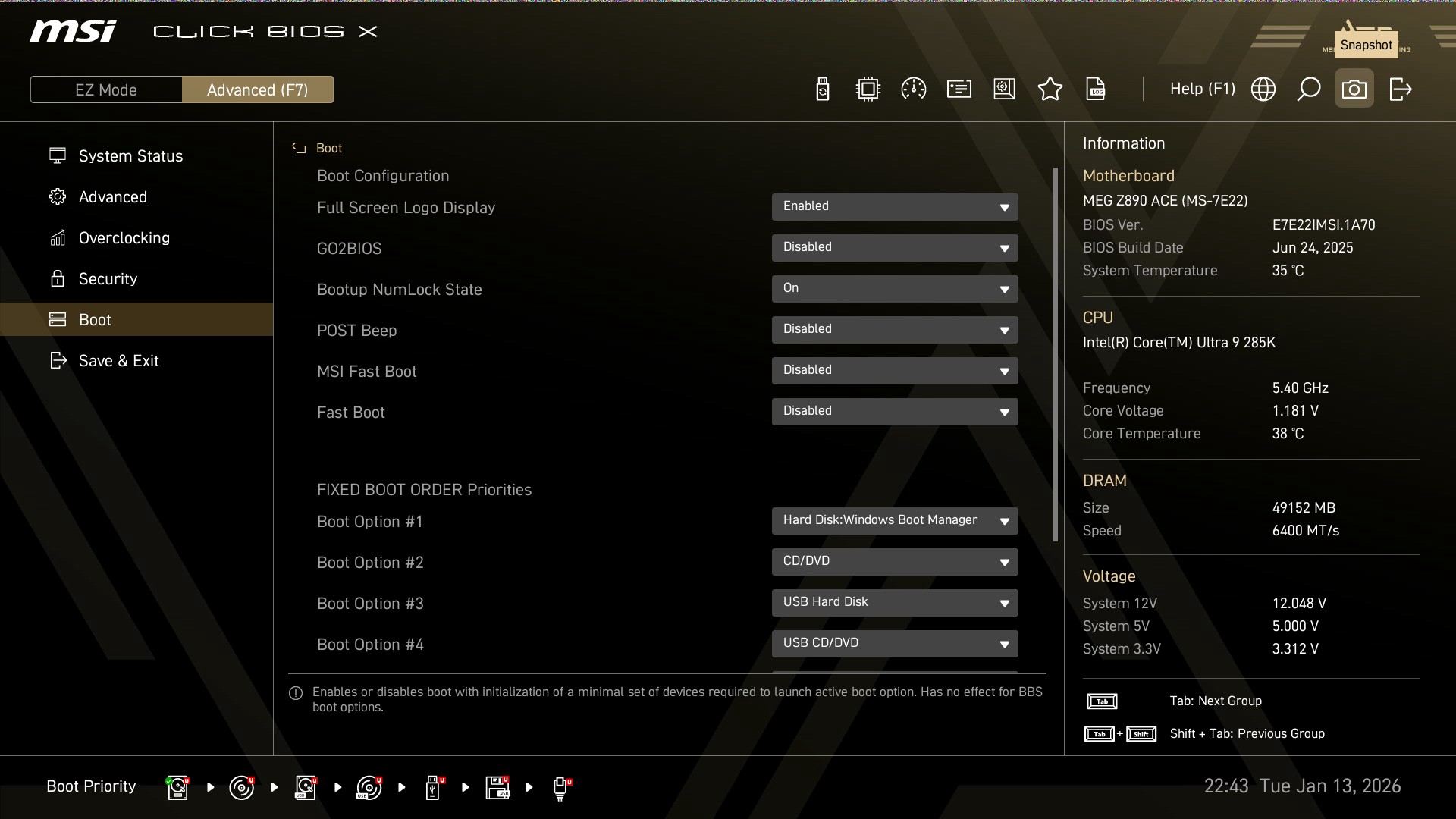
Finally, everything related to boot (like fast boot and full screen logo) are placed in the final boot tab.
MSI CENTER
For more control over the board, you can install the MSI center software.
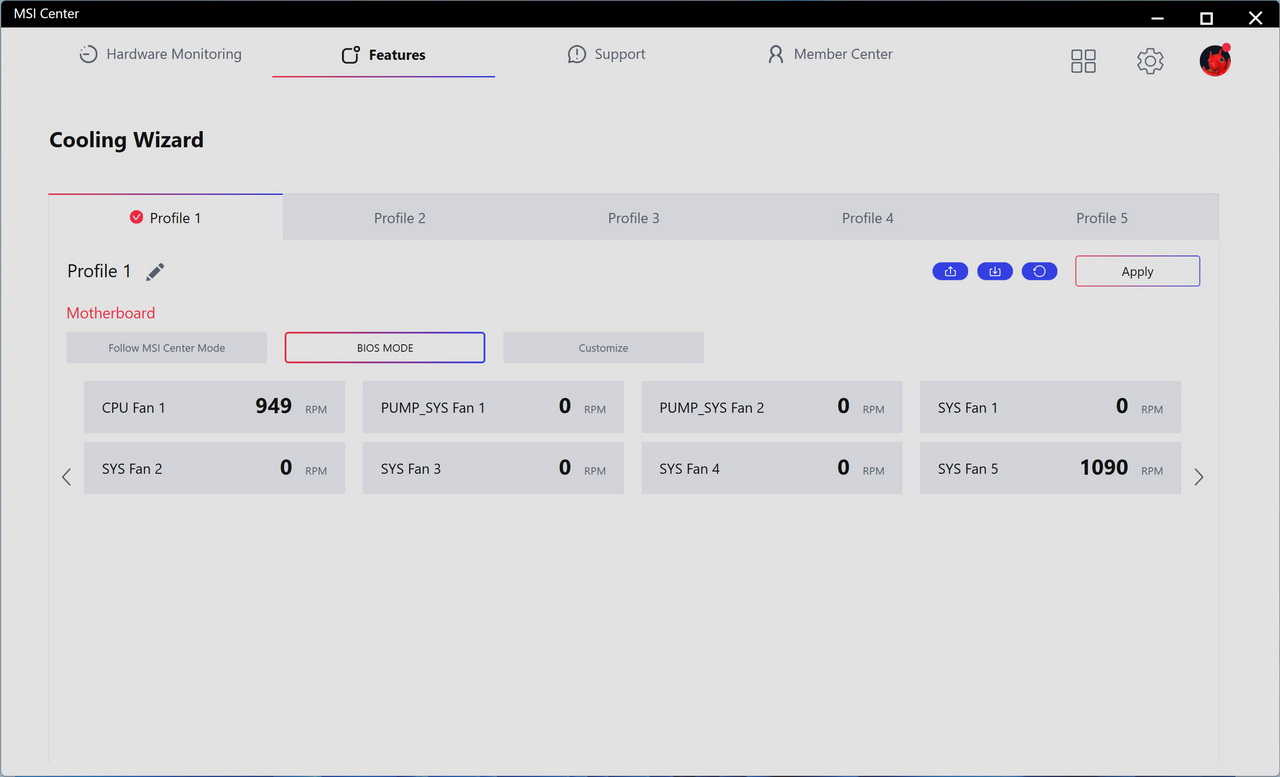
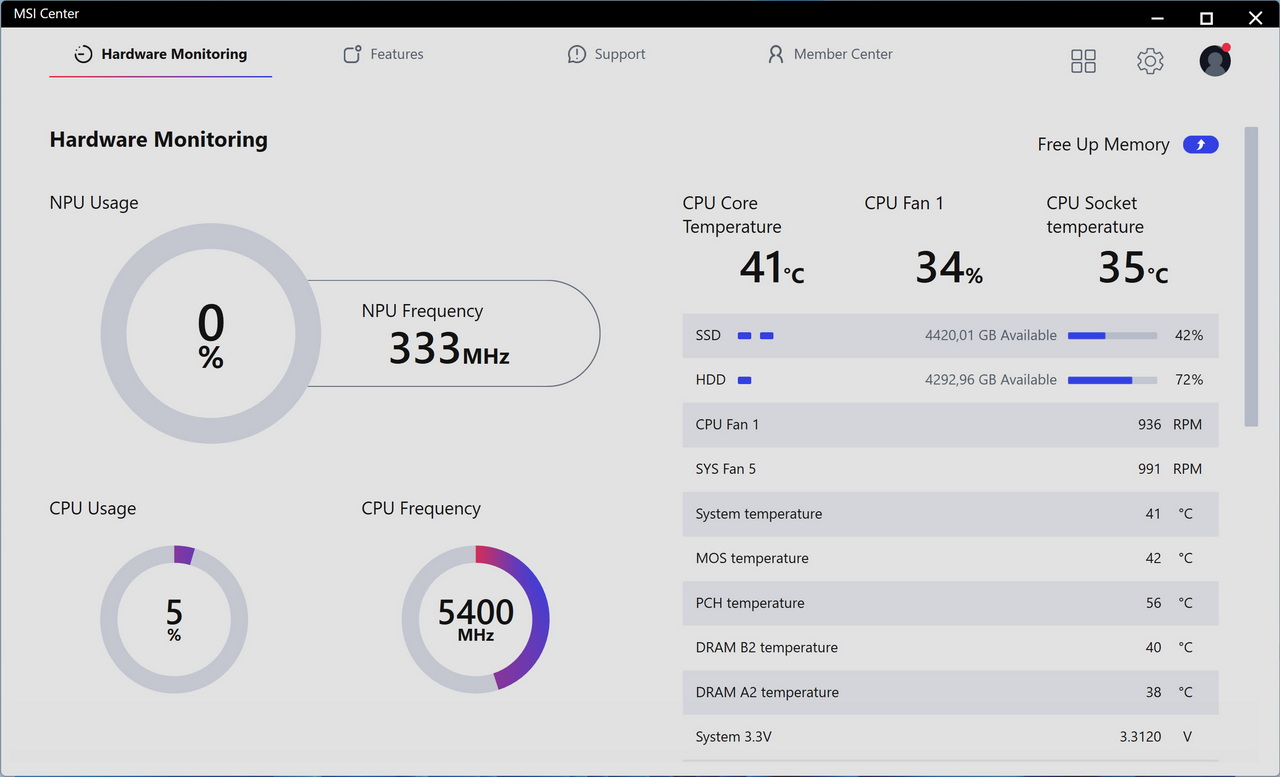
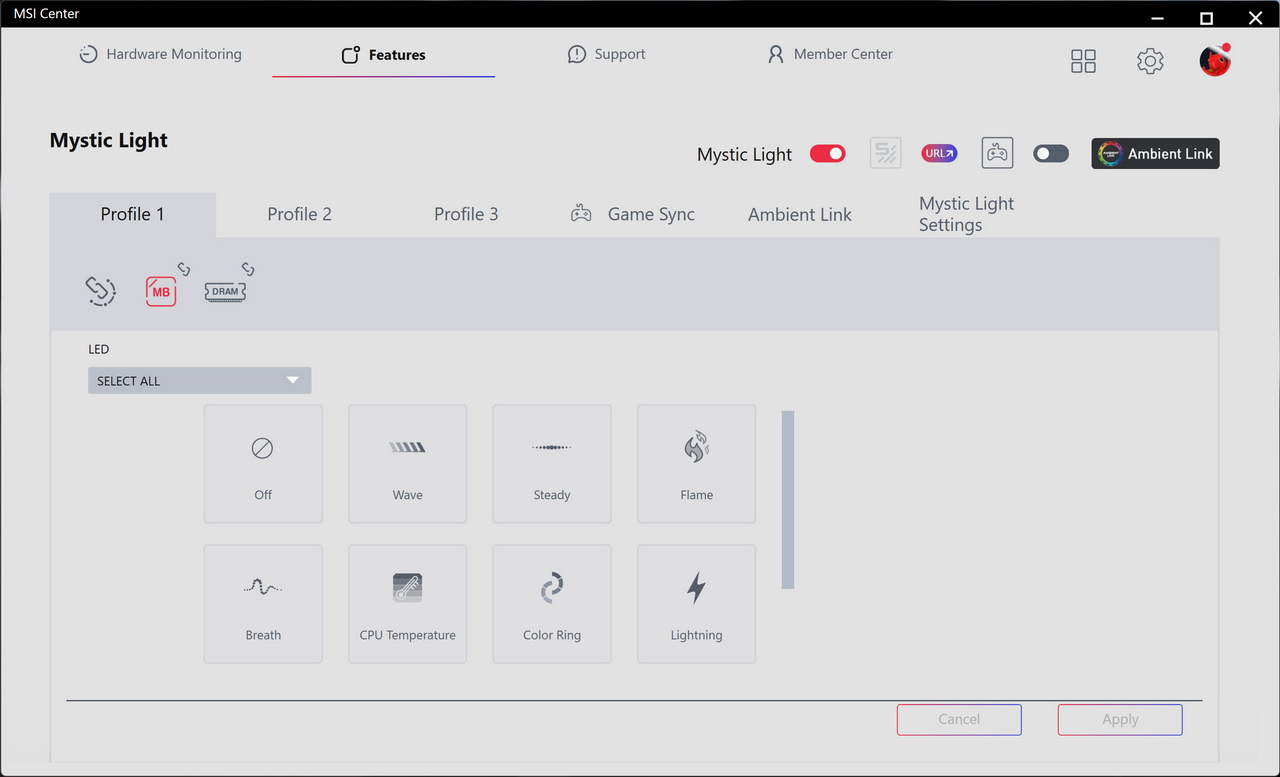
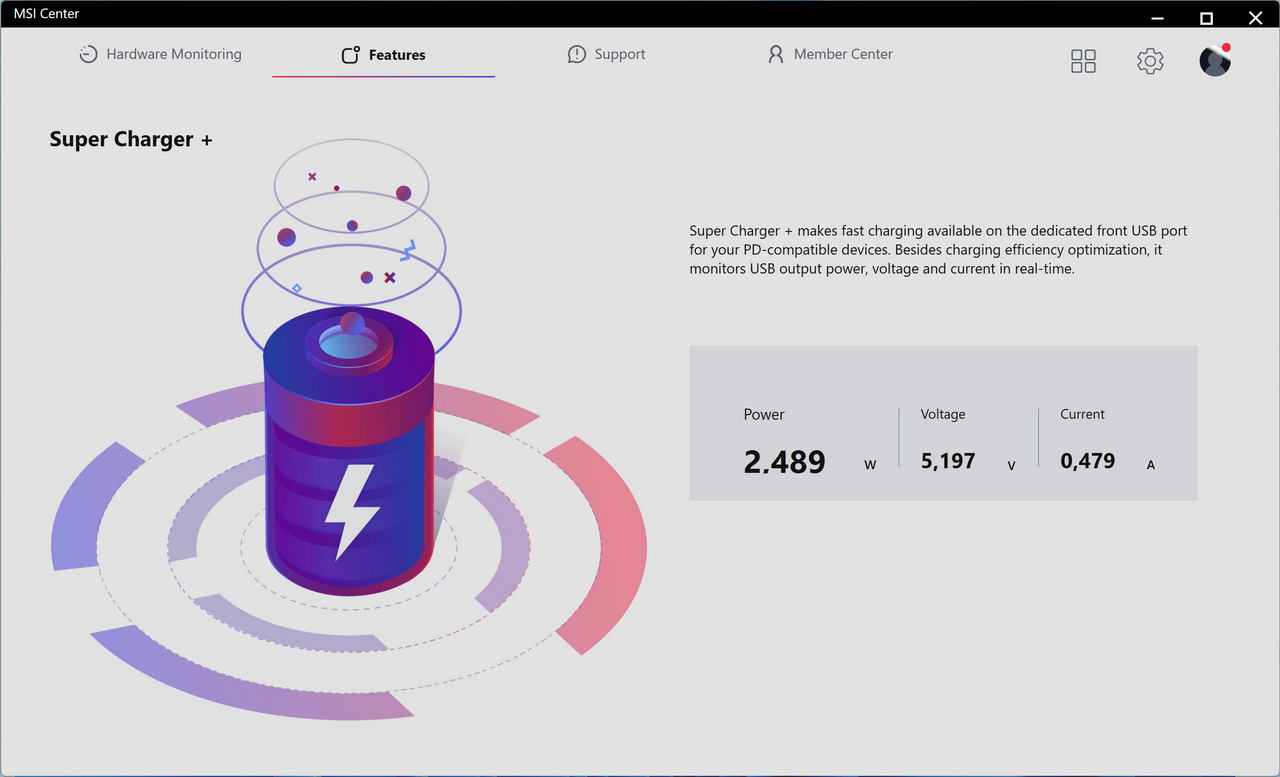
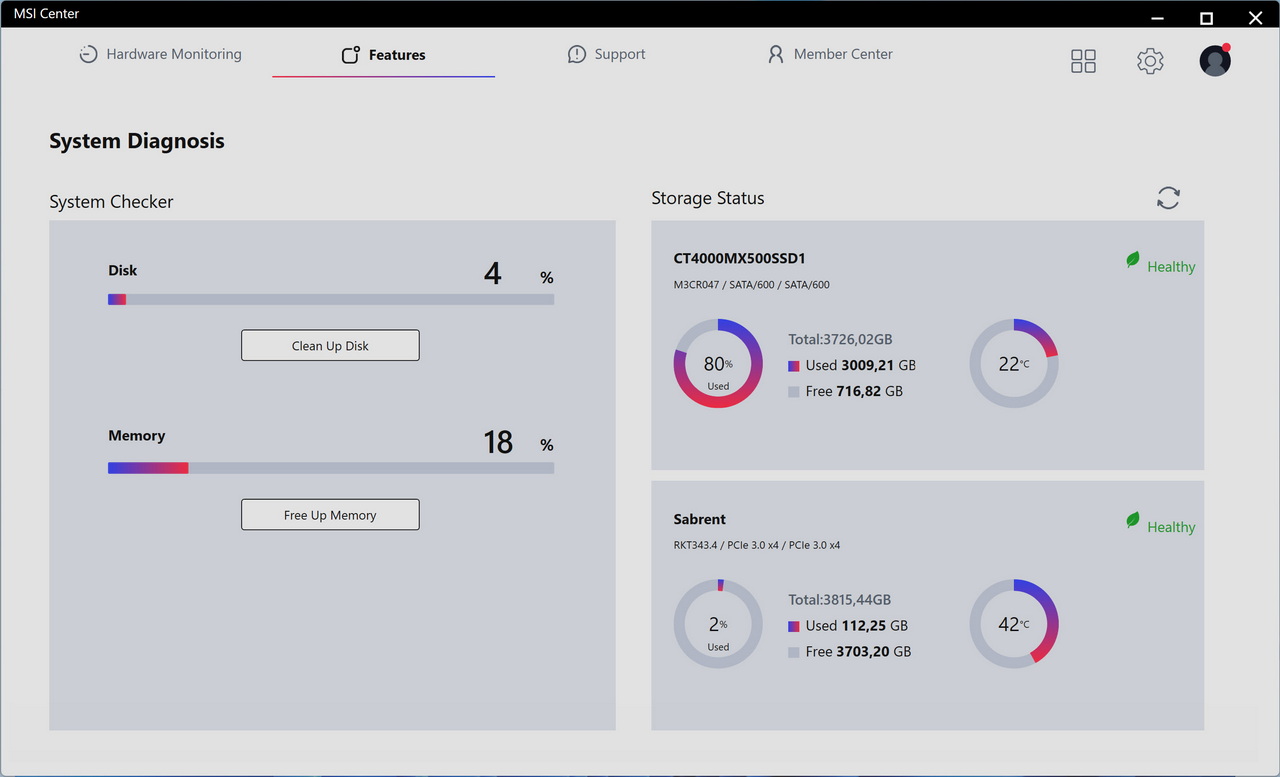
MSI Center has many apps in it which you can install but the ones that stand out are the cooling wizard, hardware monitor, mystic light, super charger and system diagnostics.
TEST BED
TESTING METHODOLOGY
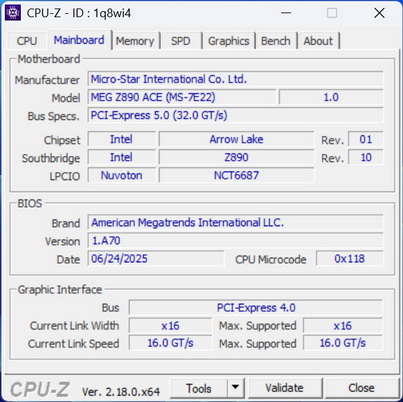
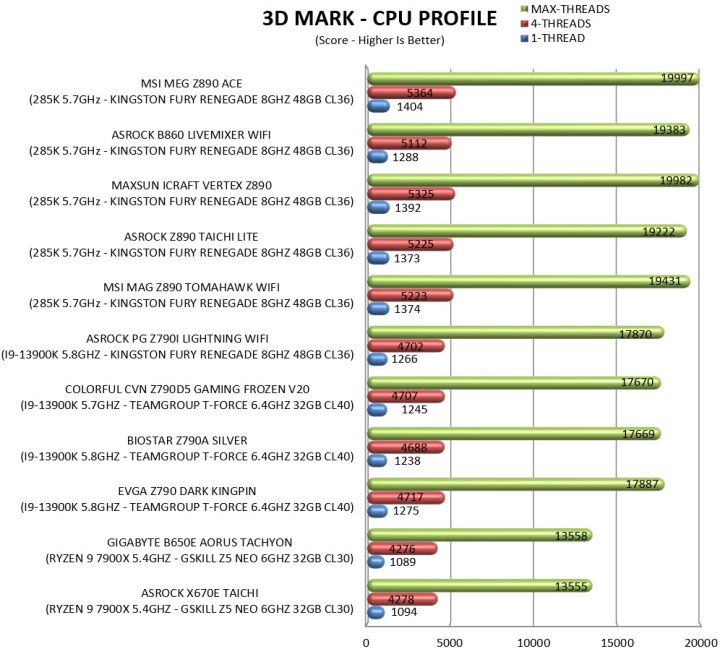
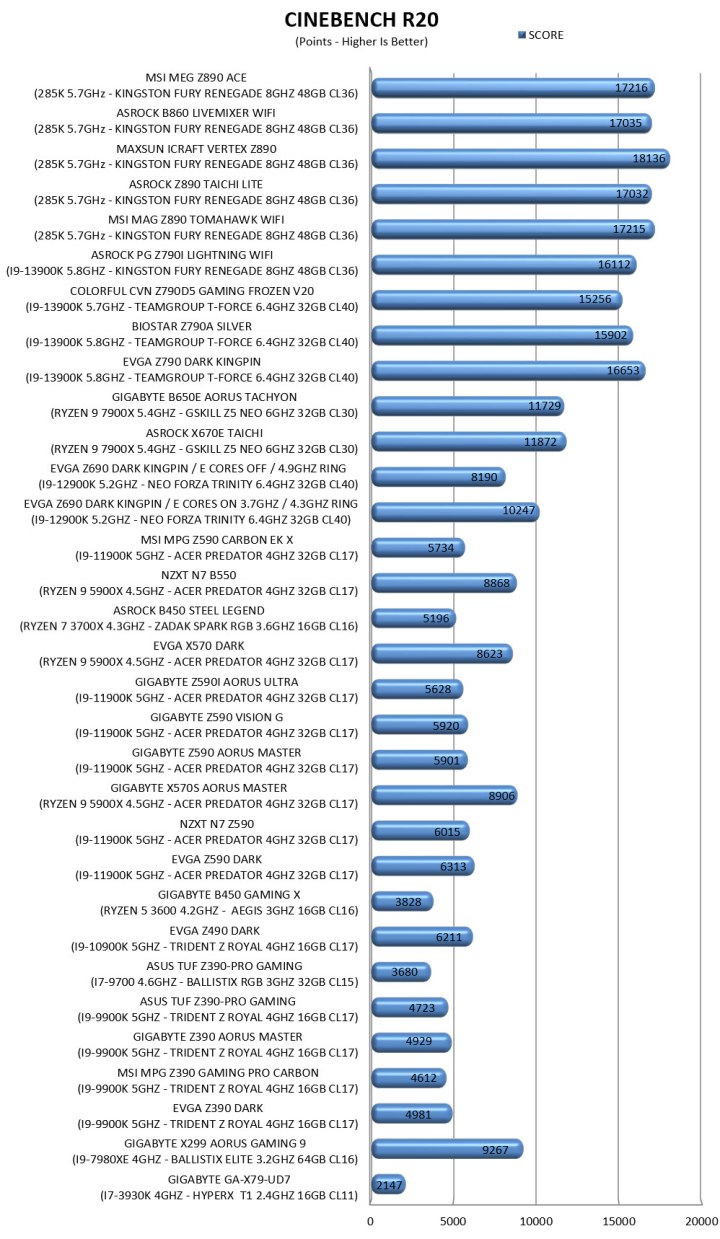
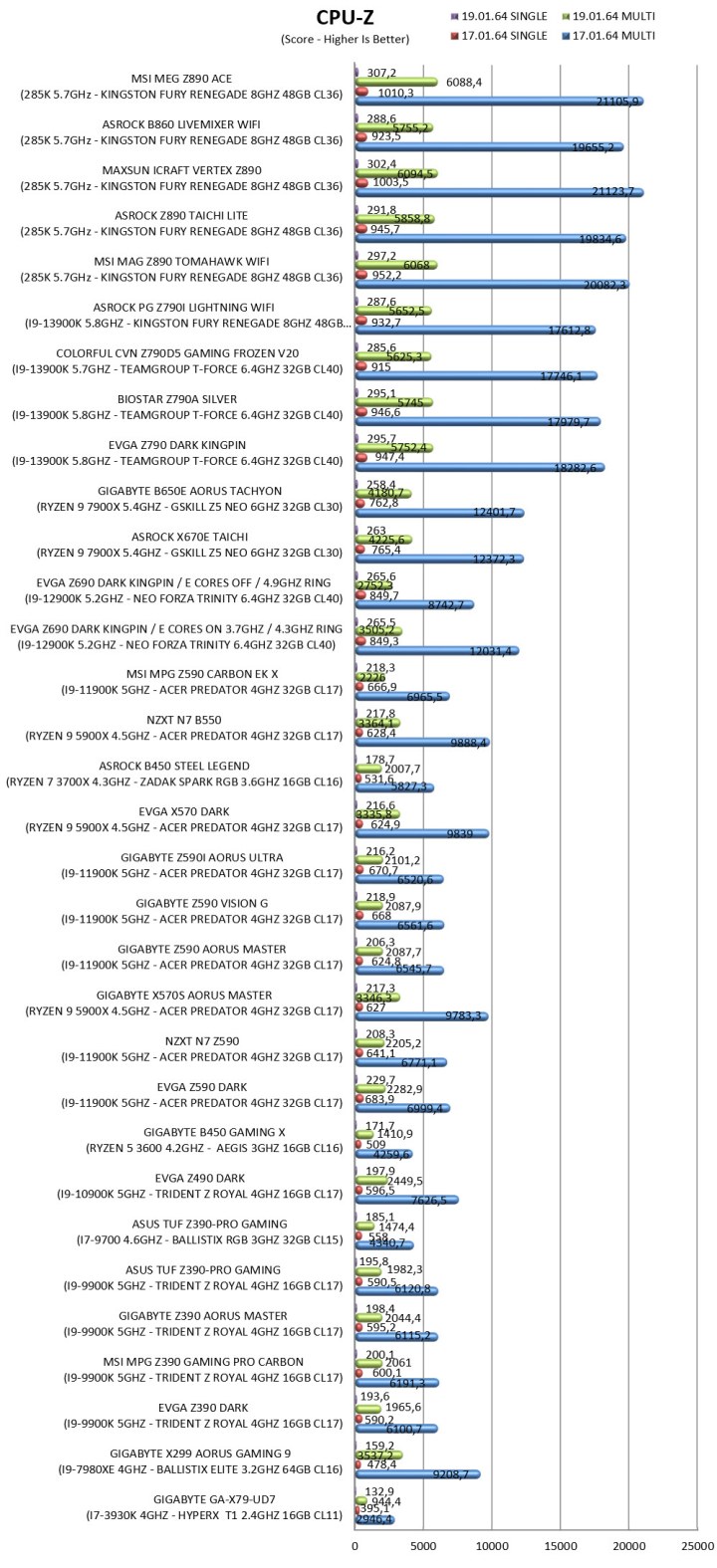
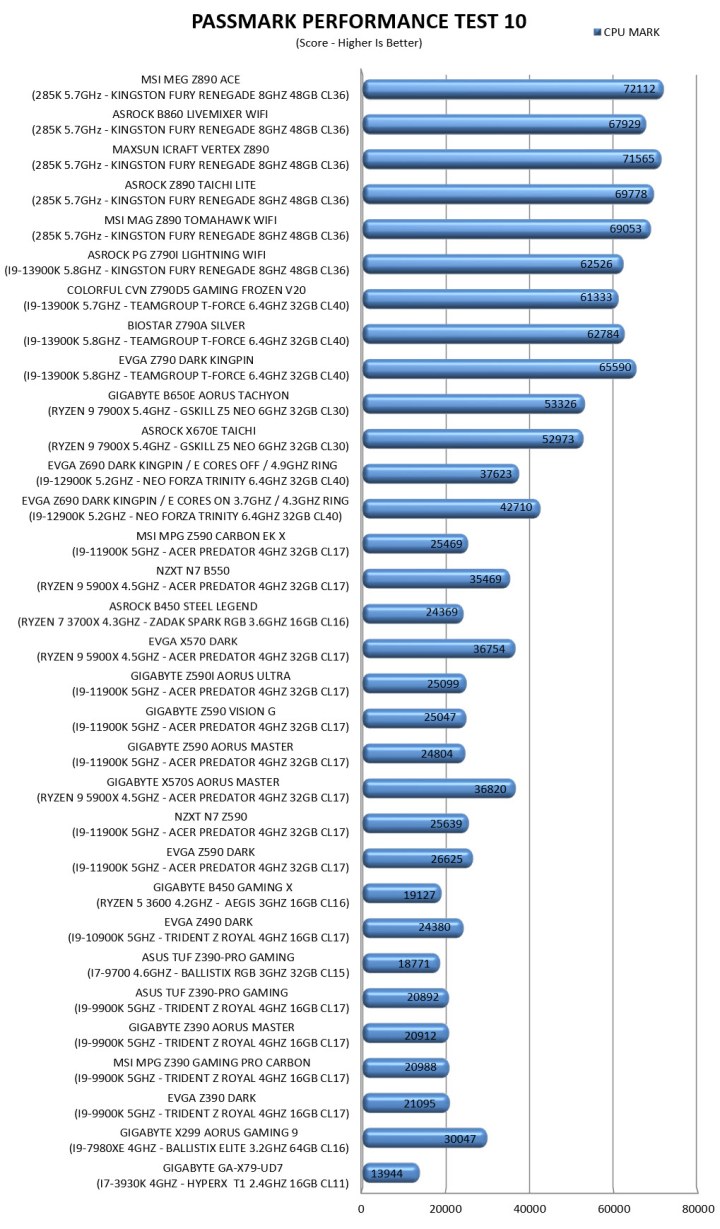
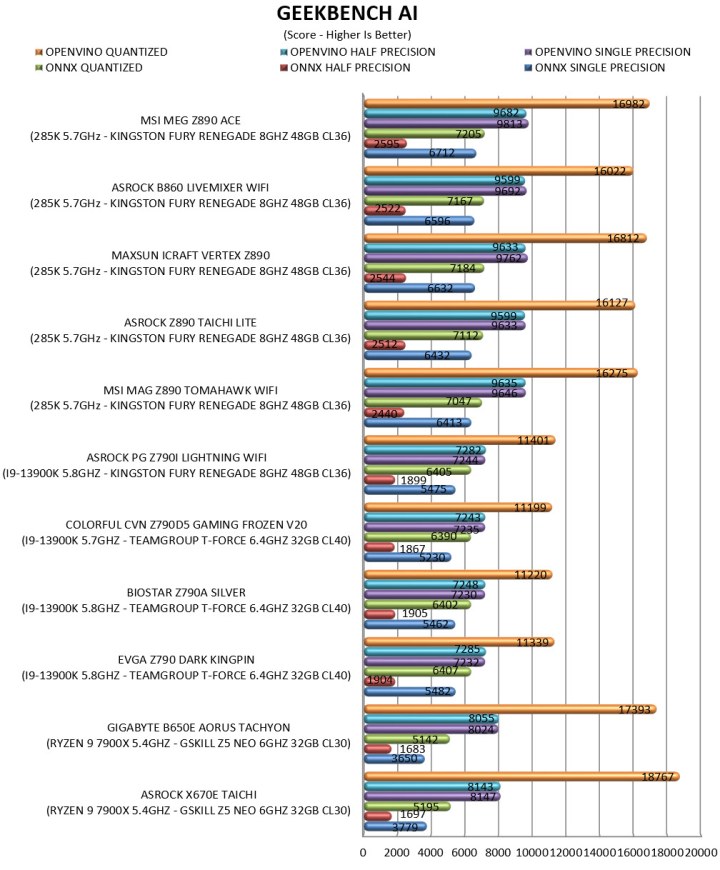
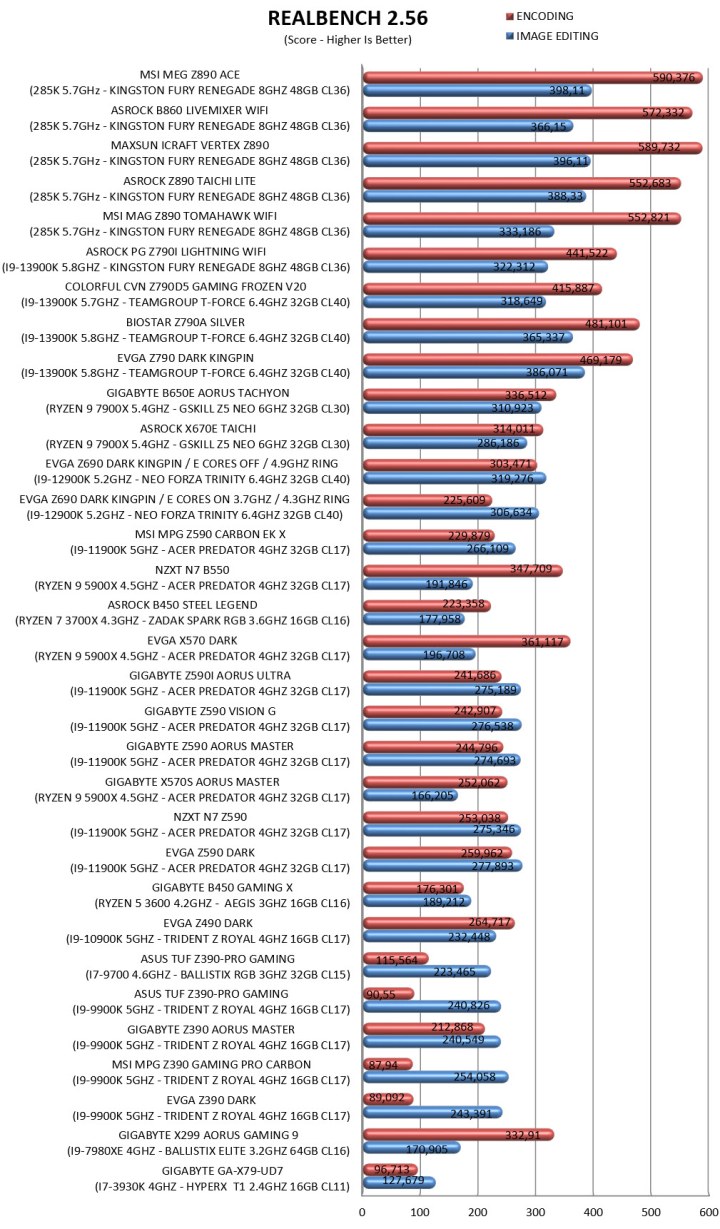
Exactly like used to do in the past each mainboard to arrive in the lab will get mounted on an open-air test bench and will be used for no less than two full weeks (daily tasks and gaming) with a fresh Windows 10 Pro installation. All motherboards arriving here will be tested with the top CPU of that line available to me at the time of each review (I9-9900K for Z390/I9-10900K for Z490/I9-11900K for Z590/I9-12900K for the Z690/Ryzen 9 5900X for X570 and B550/Ryzen 9 7900X for X670E and B650E/i9-13900K for Z790/Core Ultra 9 285K for Z890) together with 32/48GB of RAM (different models for different motherboards/CPUs). Needless to say, I’ll be clocking CPUs at the same speeds between same chipset models (unless a motherboard is not capable of getting the same speeds) for a more accurate performance comparison.
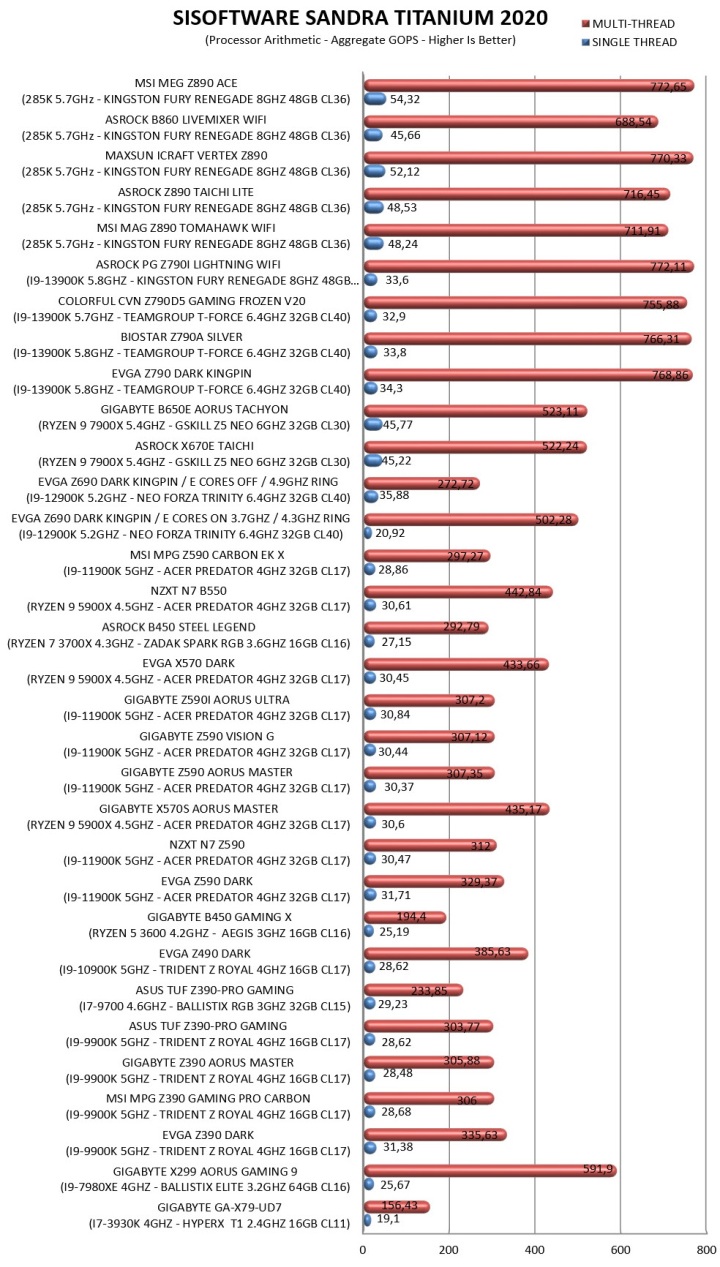
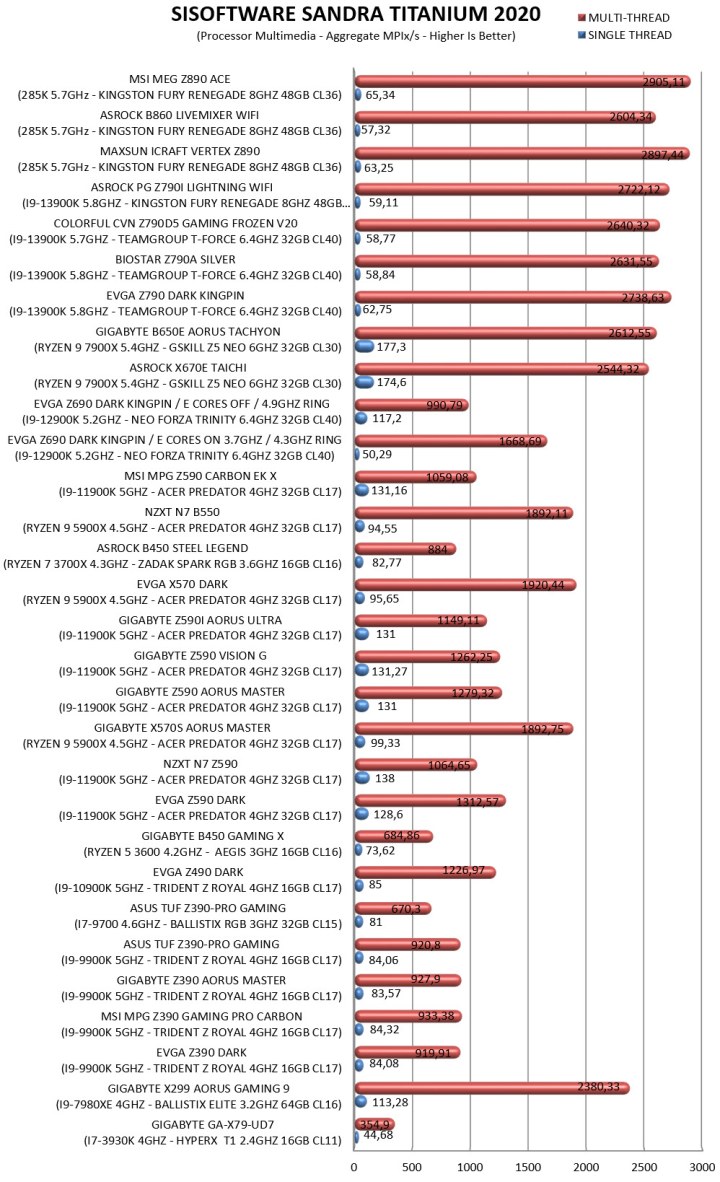
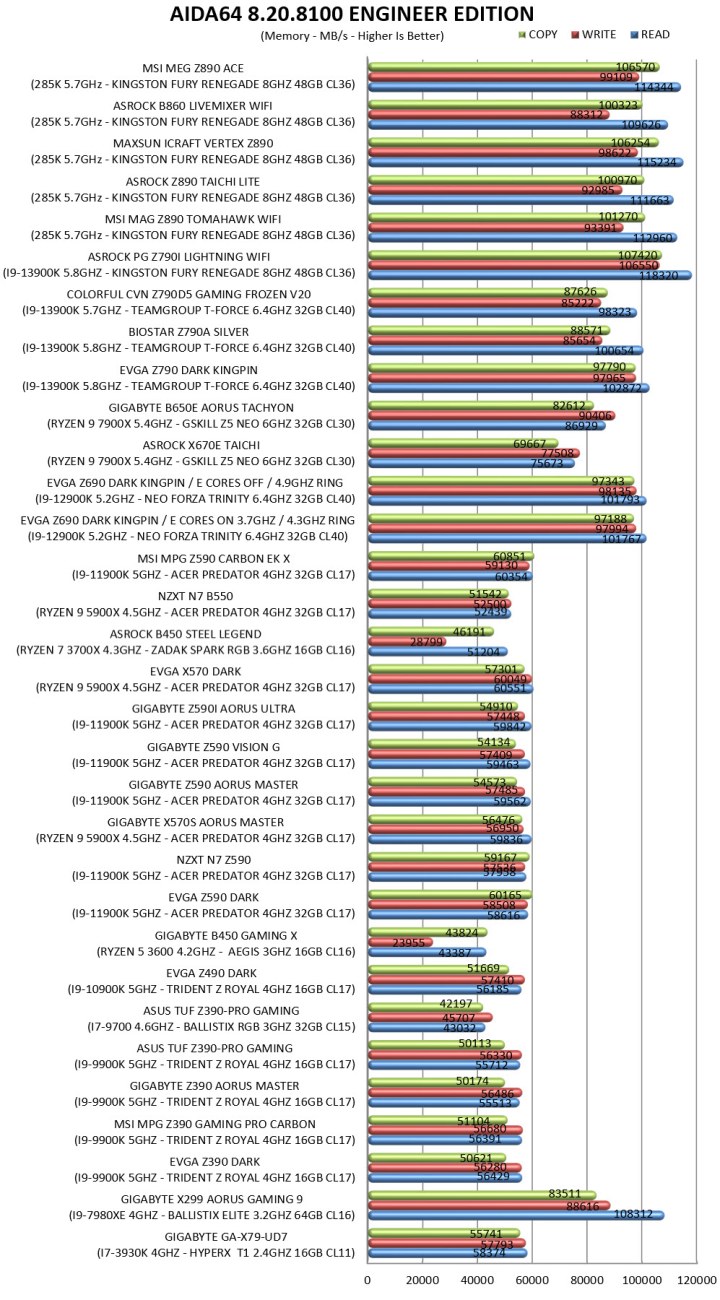
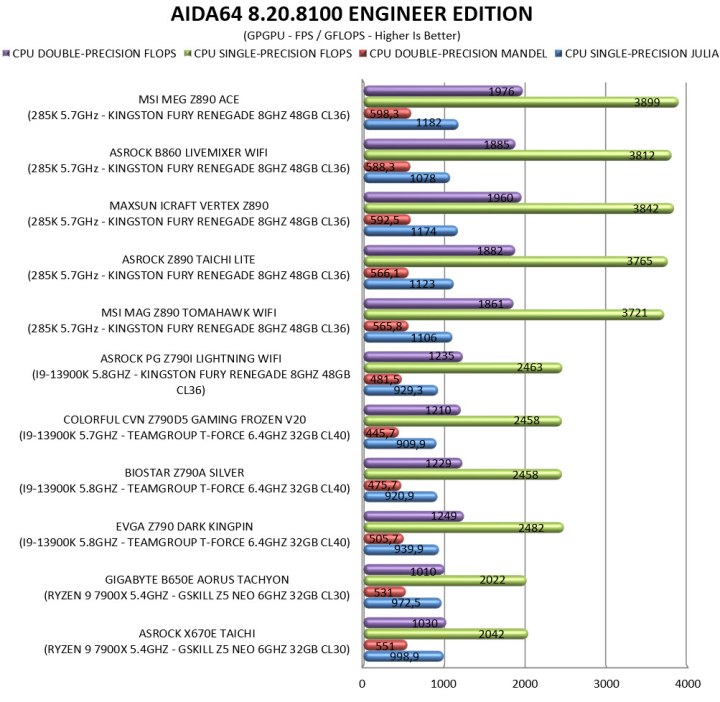
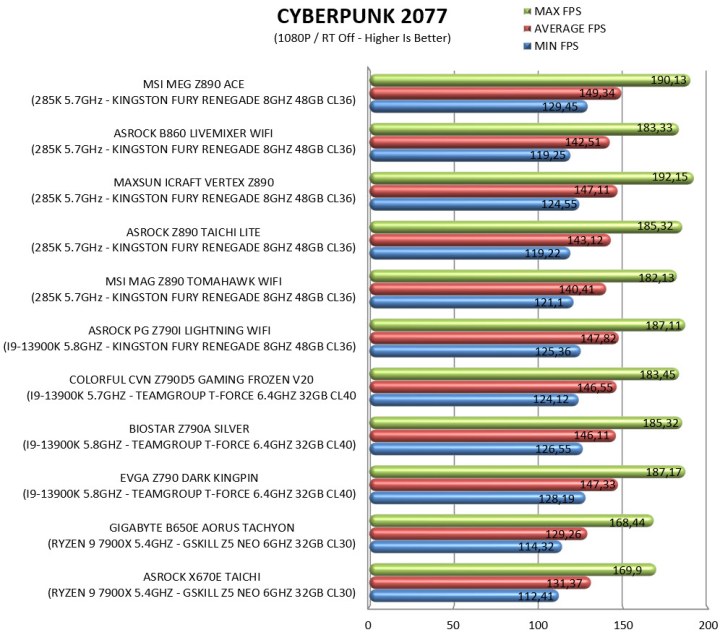
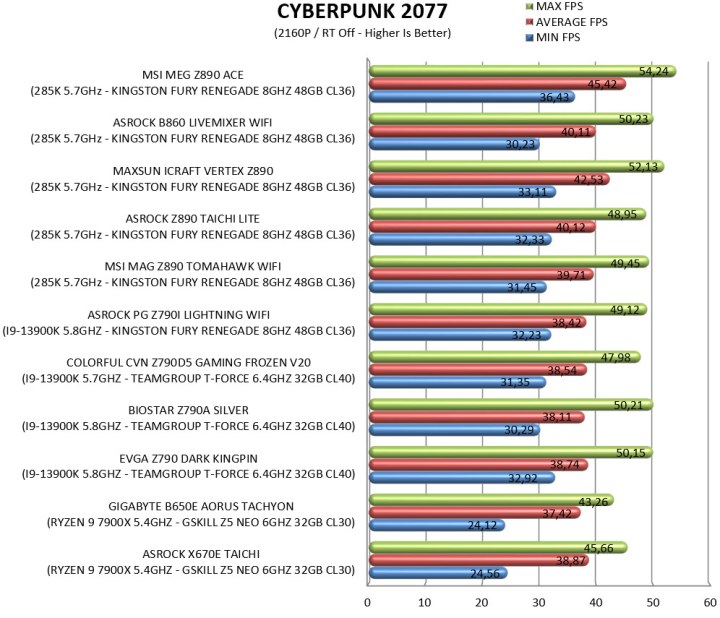
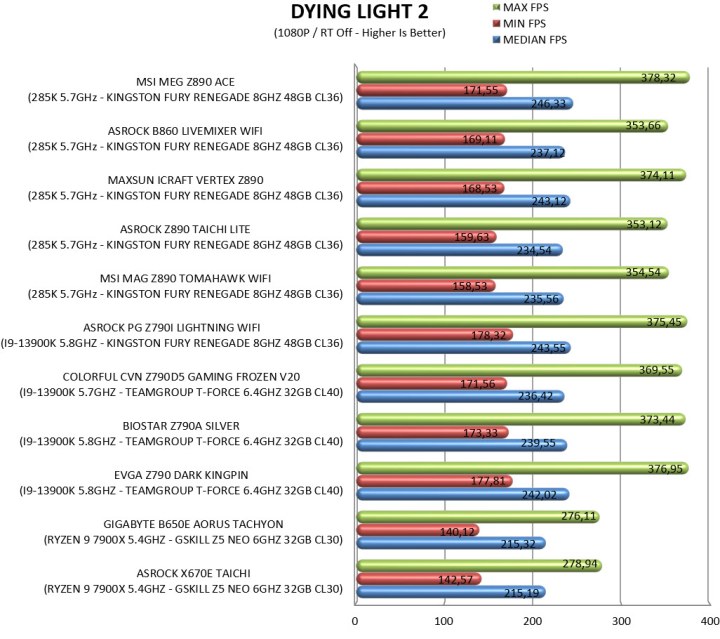
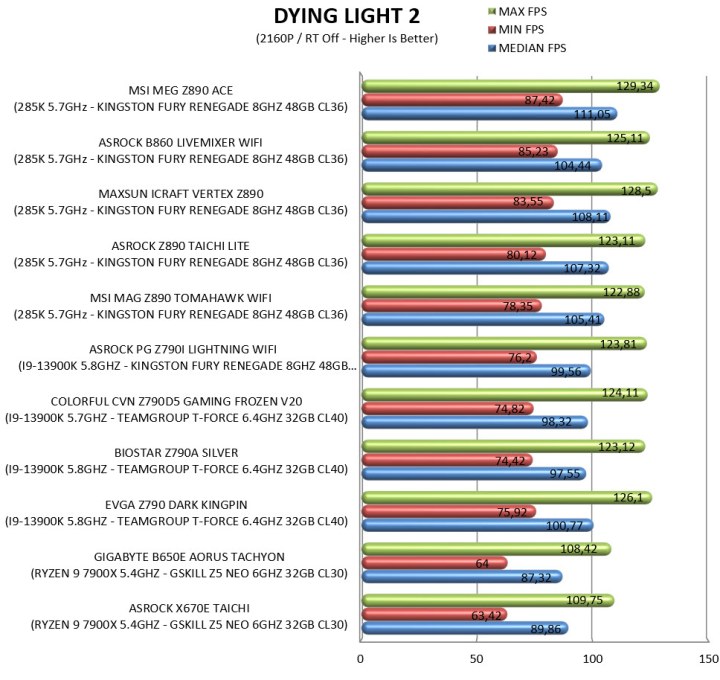
To measure performance, I’ll be using several benchmarking programs (6 repeats after which the average numbers will get recorded in the charts) like AIDA64, CINEBENCH R20, CPUZ, Passmark Performance Test, RealBench, 3Dmark, GeekBench AI and the Sisoftware Sandra Titanium version. Games like Cyberpunk 2077 (Phantom Liberty), Dying Light 2 and Forza Horizon 5 were also added for people who care about FPS*.
* Since October 2024 I added more benchmarking suites and even game titles.
TEST RESULTS – 3DMARK / CINEBENCH R20
TEST RESULTS - CPUZ / PASSMARK PERFORMANCE TEST / GEEKBENCH AI
TEST RESULTS - REALBENCH / SISOFTWARE SANDRA TITANIUM / AIDA64
TEST RESULTS - CYBERPUNK 2077 / DYING LIGHT 2 / FORZA HORIZON 5
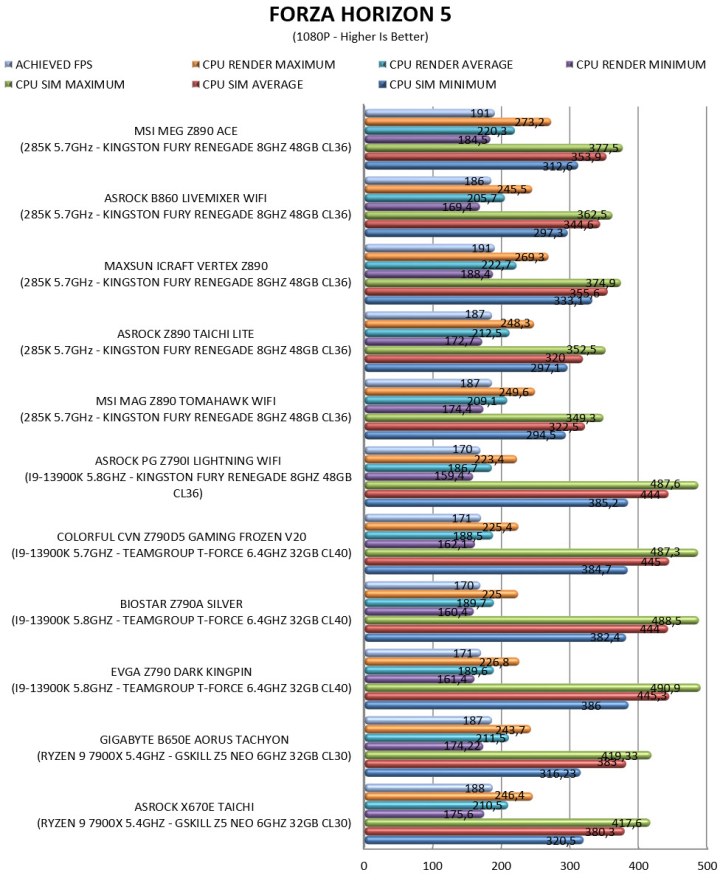
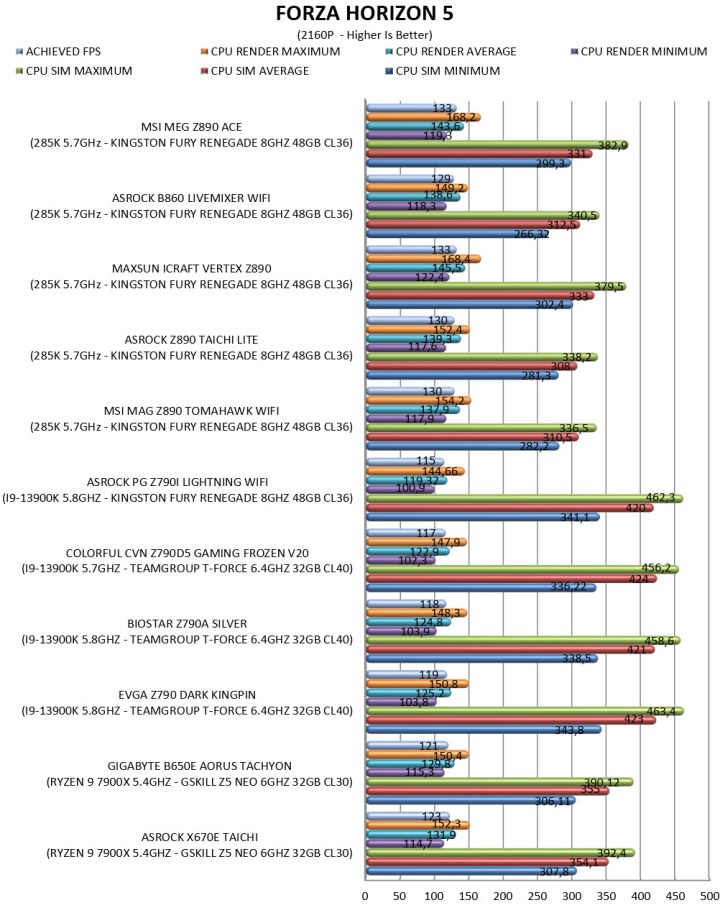
CONCLUSION
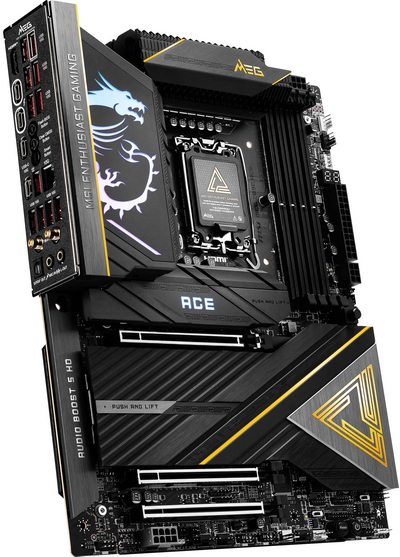
From speed and stability to wealth of available connectors and features the MEG Z890 ACE by MSI is clearly the best Z890 motherboard to arrive in the lab, to date. As a matter of fact, some issues I had with other Z890 chipset-based models I don’t with the MEG Z890 ACE which is why I will be using for all Z890 related reviews from this point forward. That being said since I do enjoy nitpicking, I have a couple of complaints about it, first the lack of an LCD screen instead of the dragon logo (more and more models have that) and second the design of the MSI Center software which just doesn’t look as good as I’d expect (for older models this was fine, it’s 2026 however now). Again, these aren’t really drawbacks but for some consumers they may play a role in their decision.
At the moment of my review the MEG Z890 ACE motherboard by MSI retails for USD638.99 inside the USA (Amazon.com) and for 636.04Euros inside the EU (Amazon.de) so it’s not exactly affordable like some of their other models. At the end of the day however what matters for many people is performance, stability, connectivity and features and since the MEG Z890 ACE delivers on all of them the Platinum Award is in order.

PROS
- Very Good OC Potential (24+2+1+1 Phase Digital VRM)
- Three Reinforced & EMI Shielded PCIe x16 Slots (1xGen5/2xGen4)
- 4 DIMM DDR5 Slots (Up To 9200MHz+ / 256GB Total / CUDIMM Support)
- 5 M.2 PCIe Slots (1x5.0 / 4x4.0)
- Rear Connectivity (2xTB4 / 11xUSB A / 2xUSB C / HDMI v2.1)
- 10GbE RJ45 Port
- WiFi 7 / Bluetooth v5.4
- Available BIOS Settings
CONS
- Price (For Some)
- MSI Center Design





