





THE MEG Z890 ACE
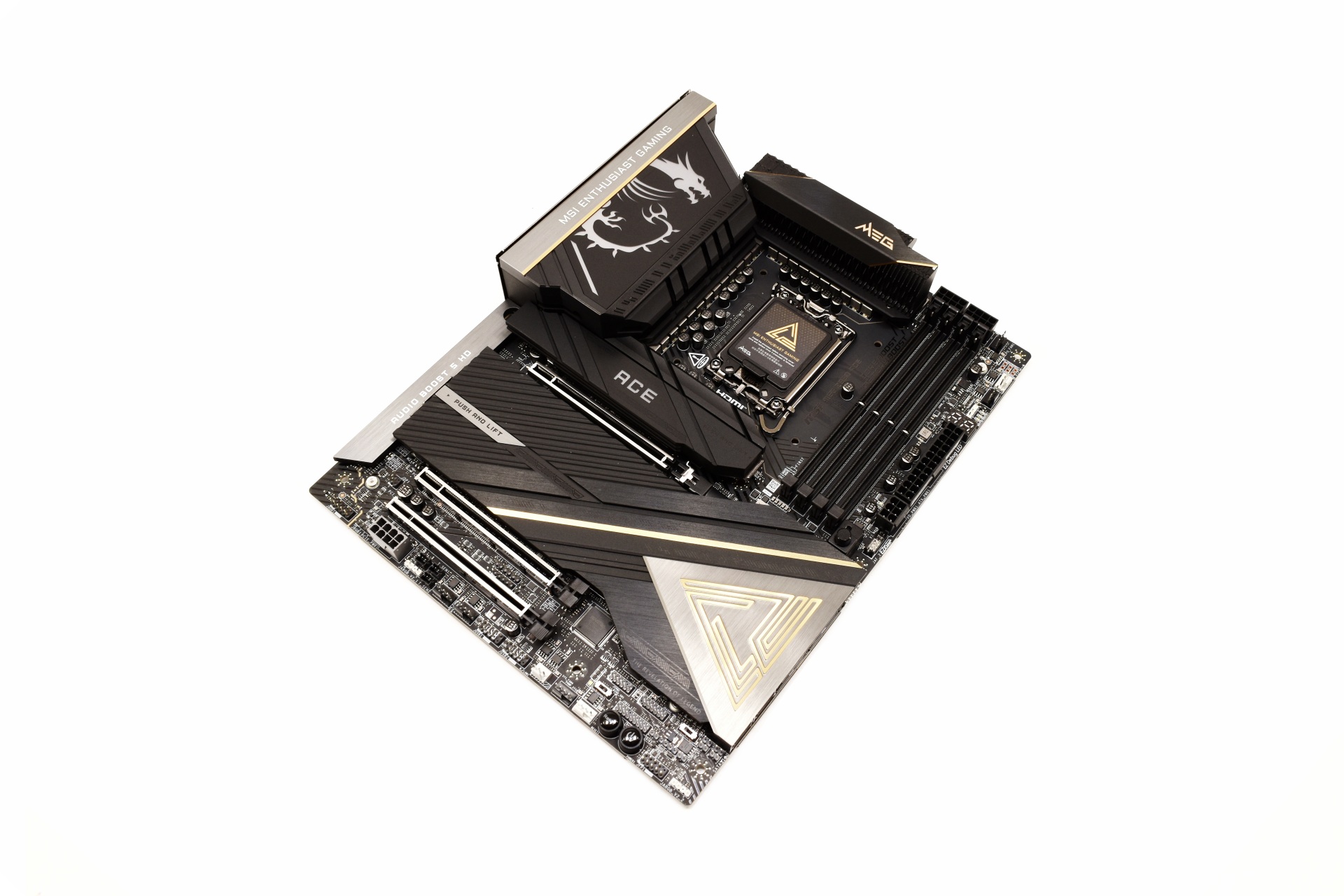
For the MEG Z890 ACE MSI has used a black, grey and gold color combination which works well.
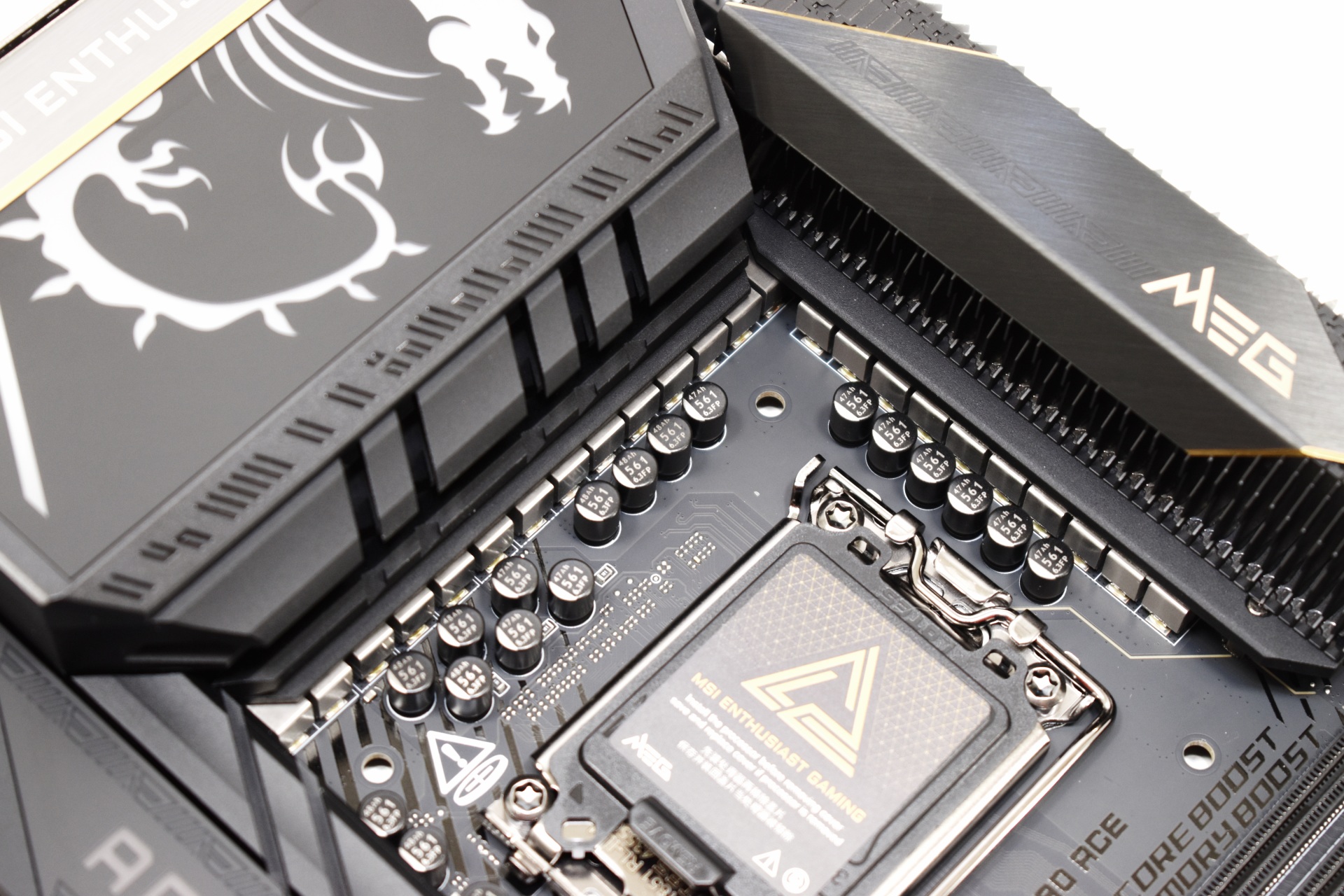
The 24‑phase (24+2+1+1) 110A SPS VRM design may not be the best out there but it’s still better or as good as all the Z890 boards I’ve used to date.
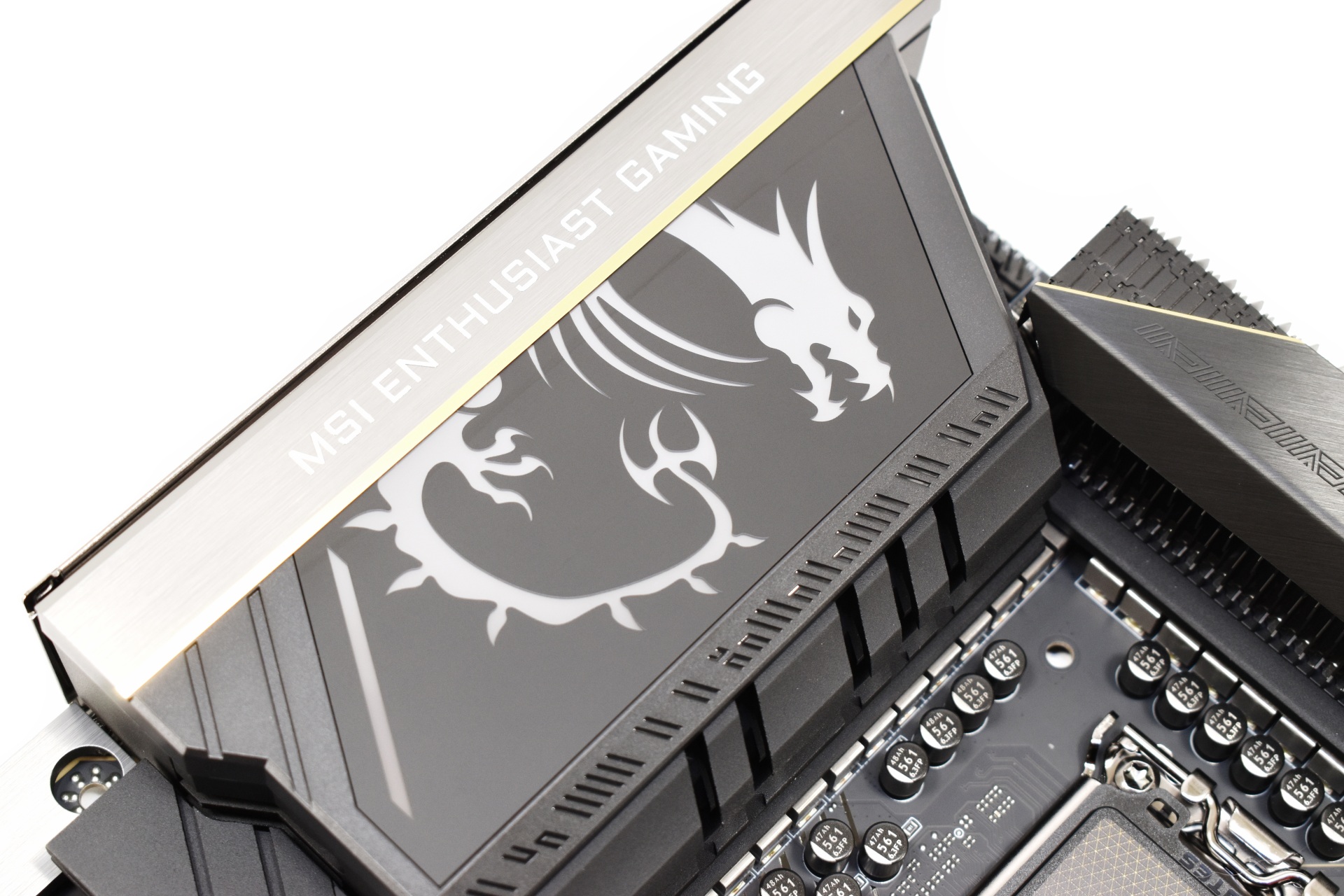
The dragon drawing on the rear I/O top cover is part of the ARGB illumination of the board.
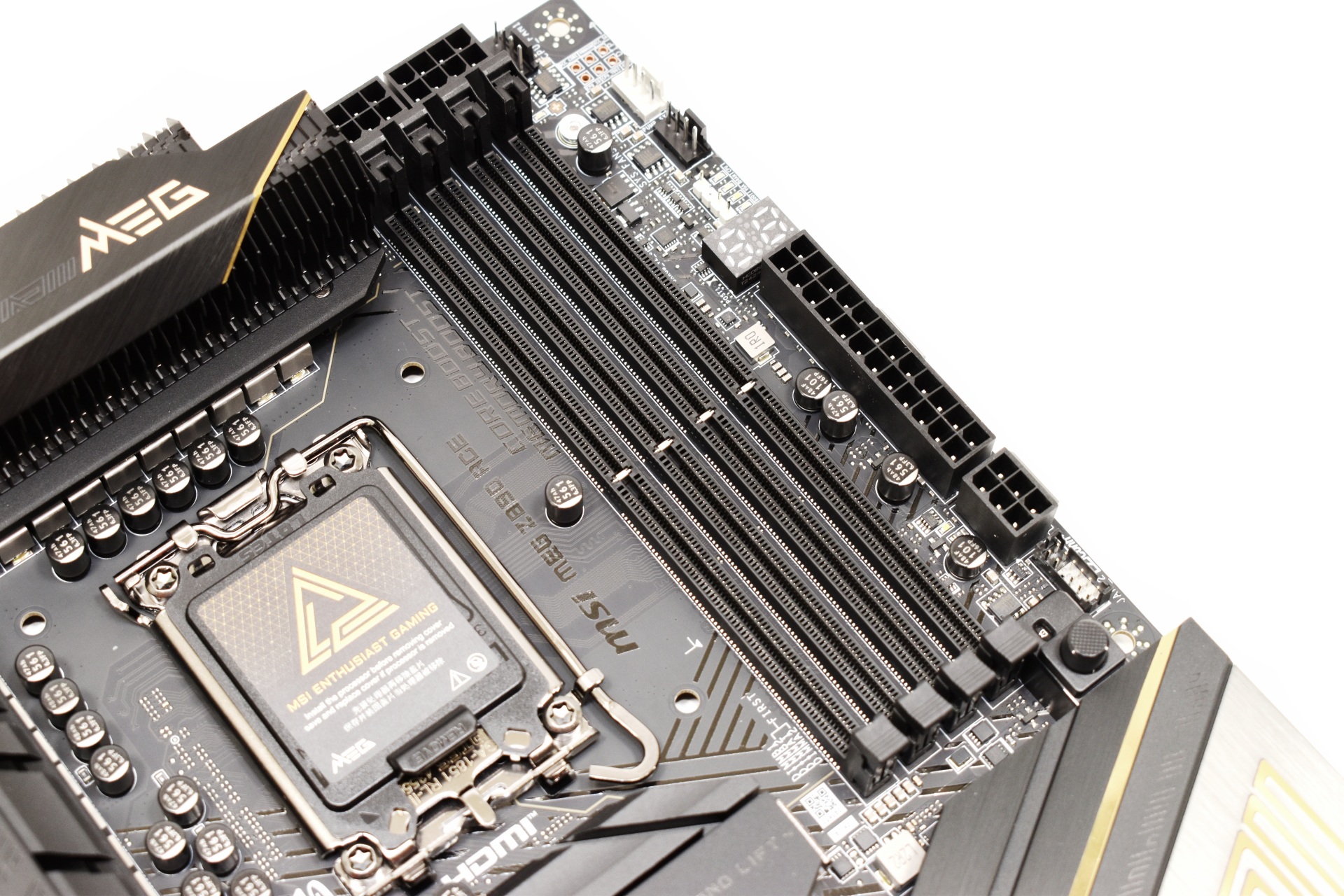
MSI has placed a total of 4 DIMM slots onto the MEG Z890 ACE which can support up to 256GB with speeds up to 9200Mt/s OC (and probably even higher with BIOS updates).
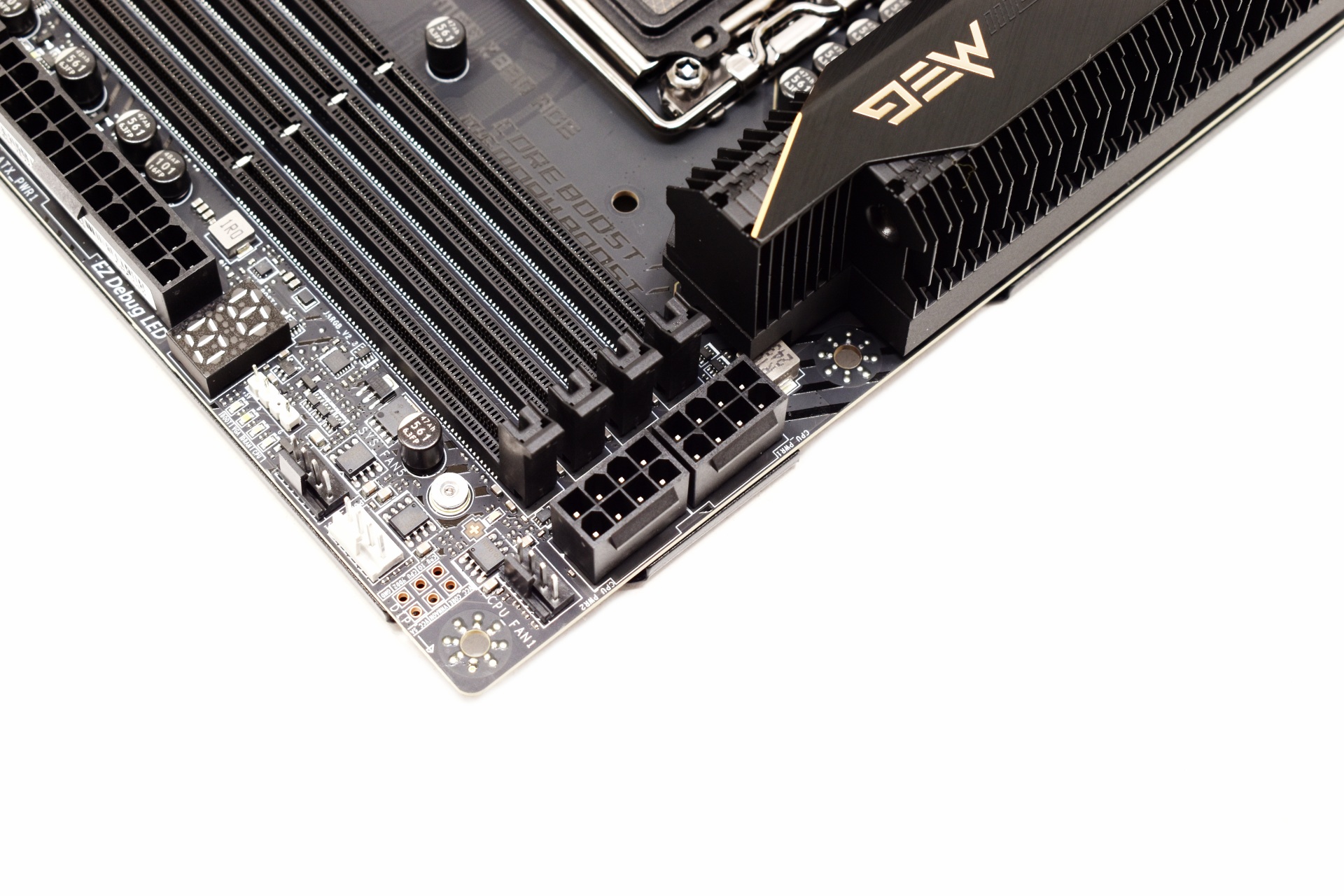
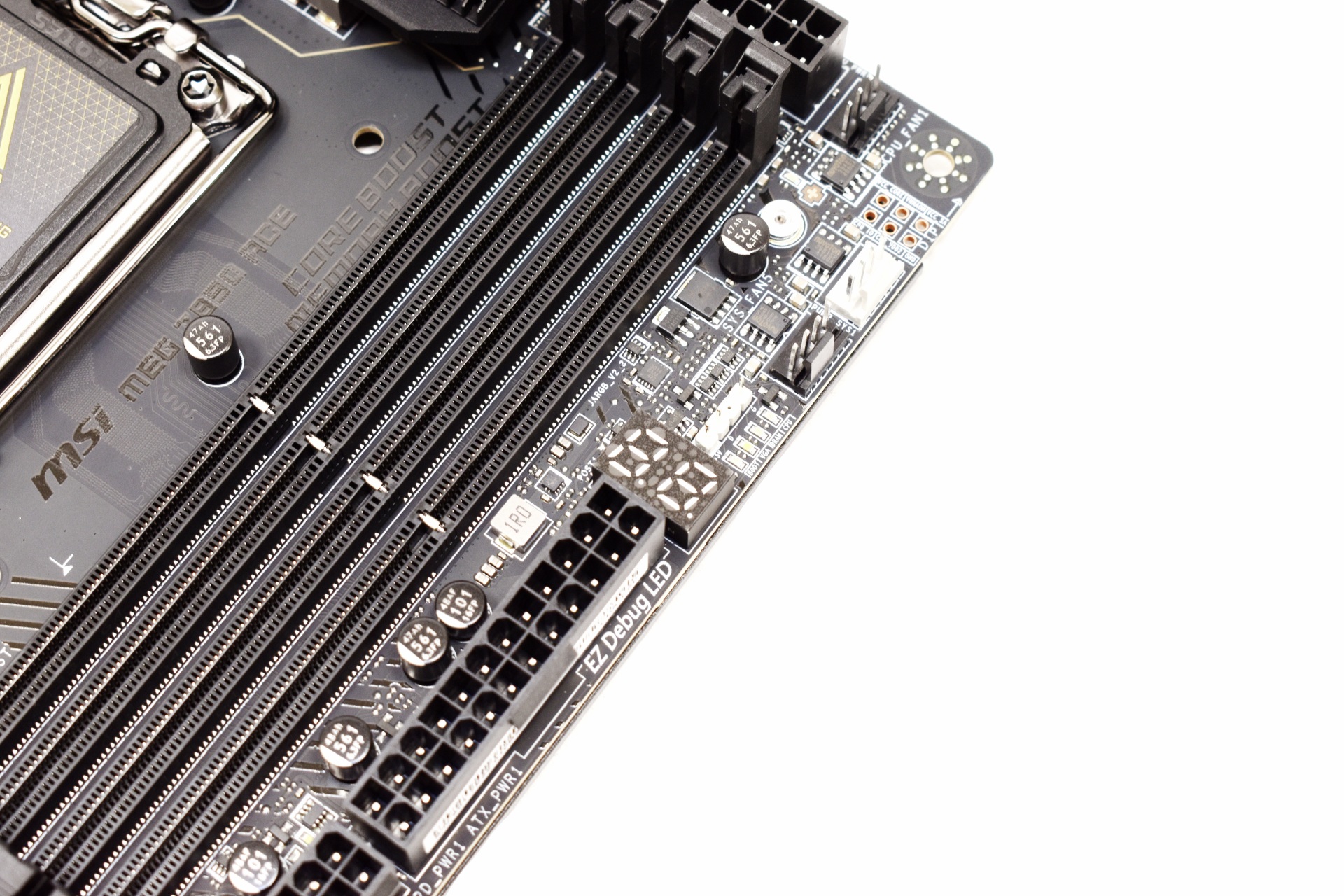
The board uses two 8-pin CPU connectors located on the top right just over a debug display.
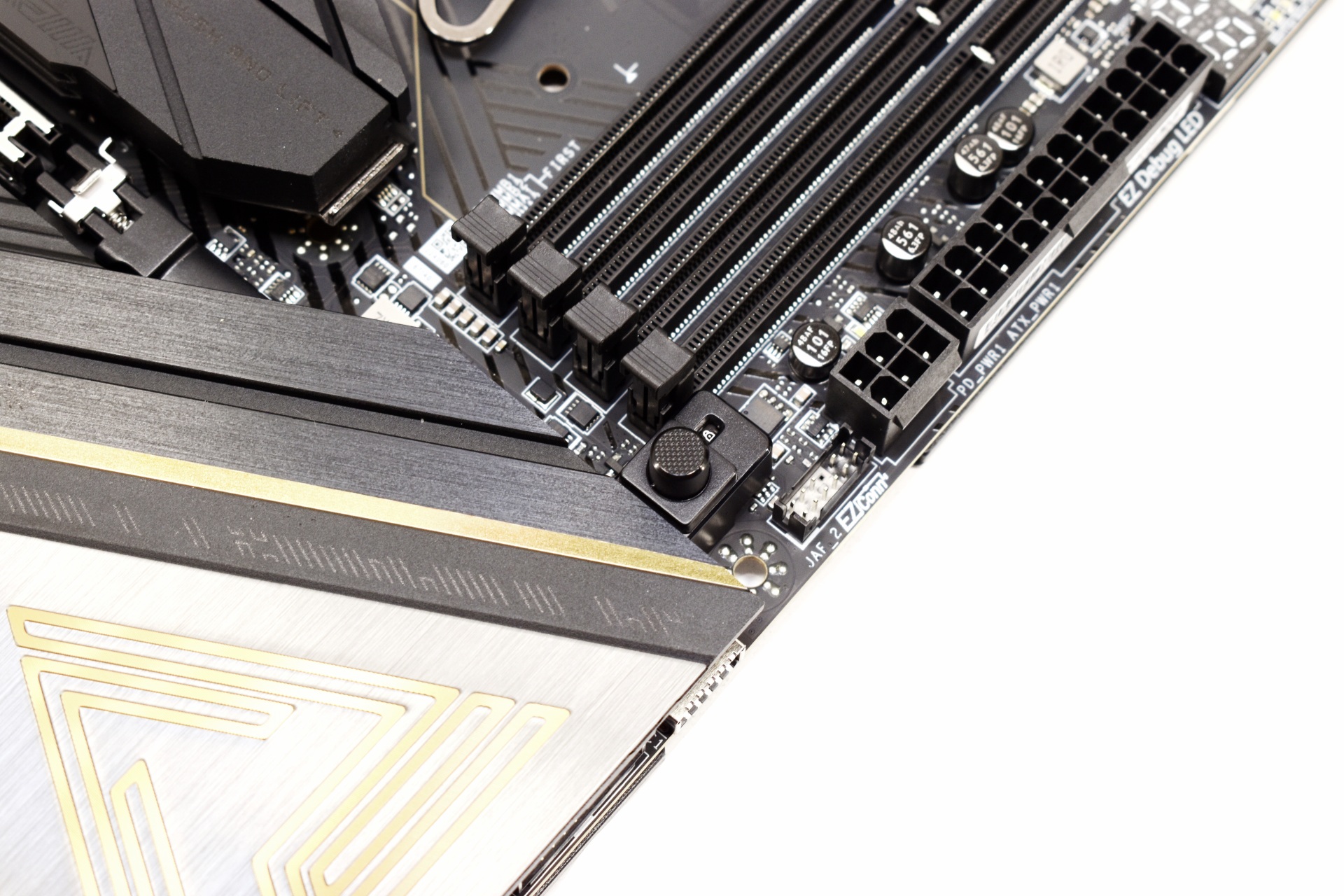
Just like with most high-end boards the MEG Z890 ACE has a quick release button for the primary PCIe slot.
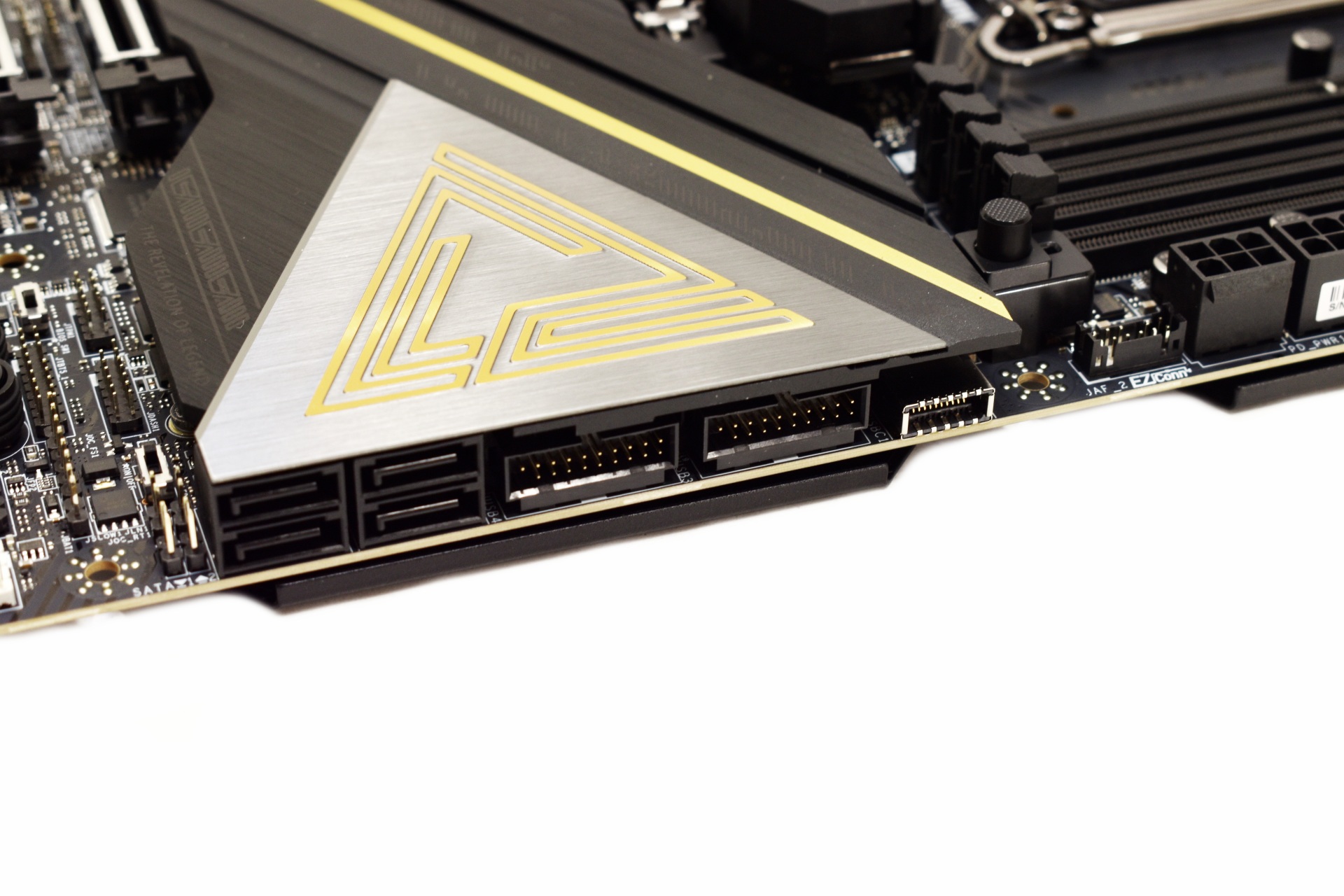
USB and SATA ports are angled to the side as seen above.
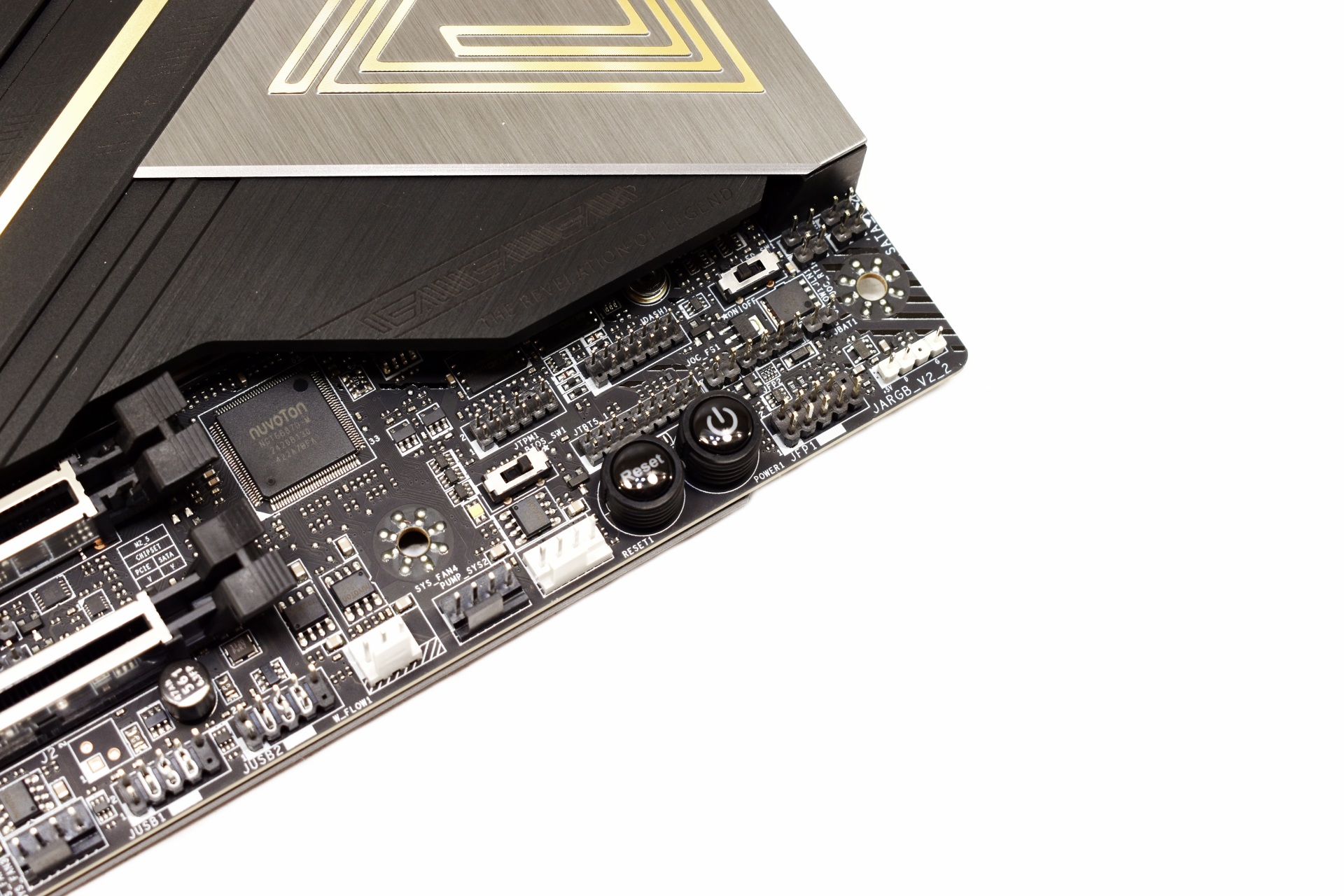
On the lower right corner, we find BIOS and LED switches and the reset and power buttons.
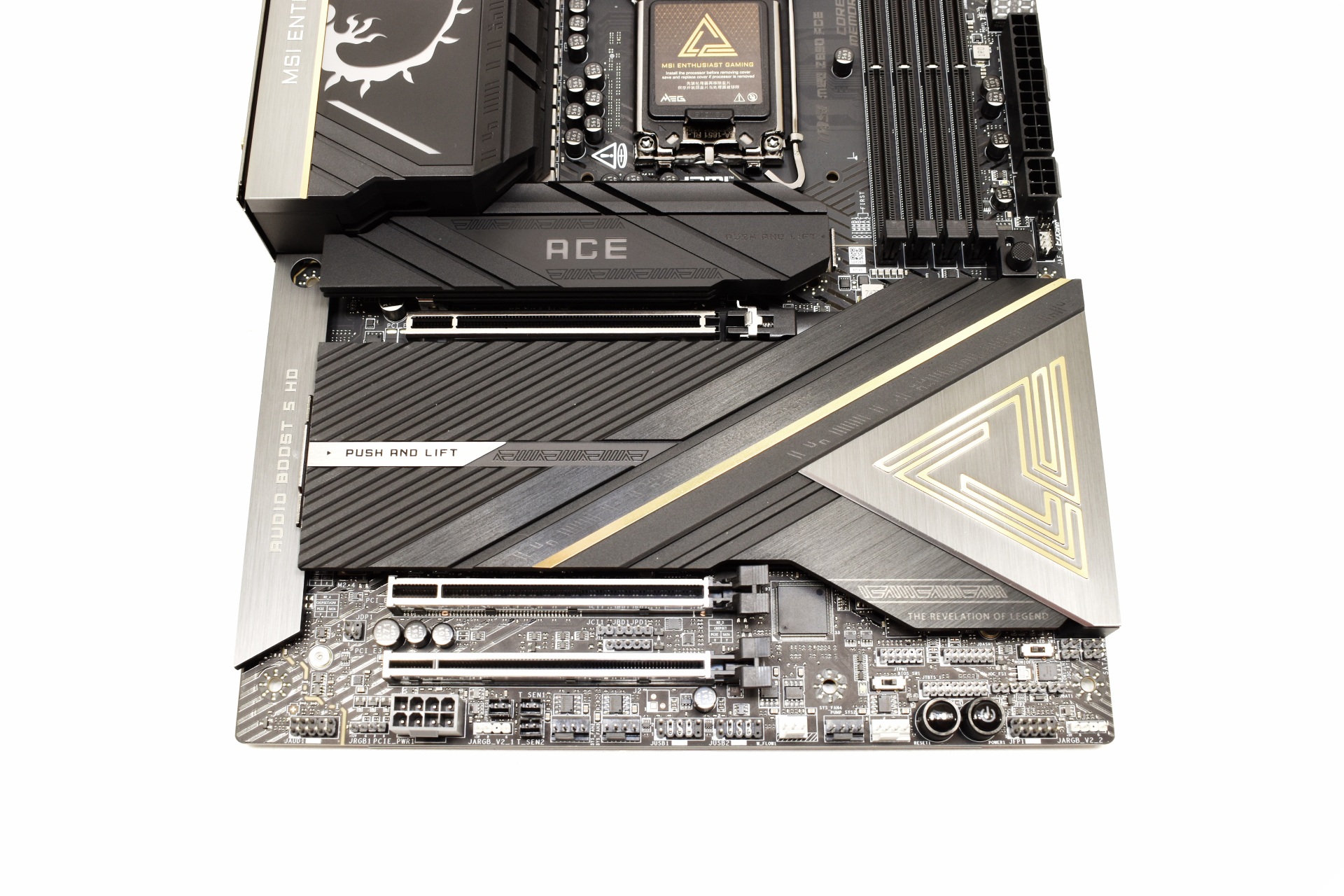
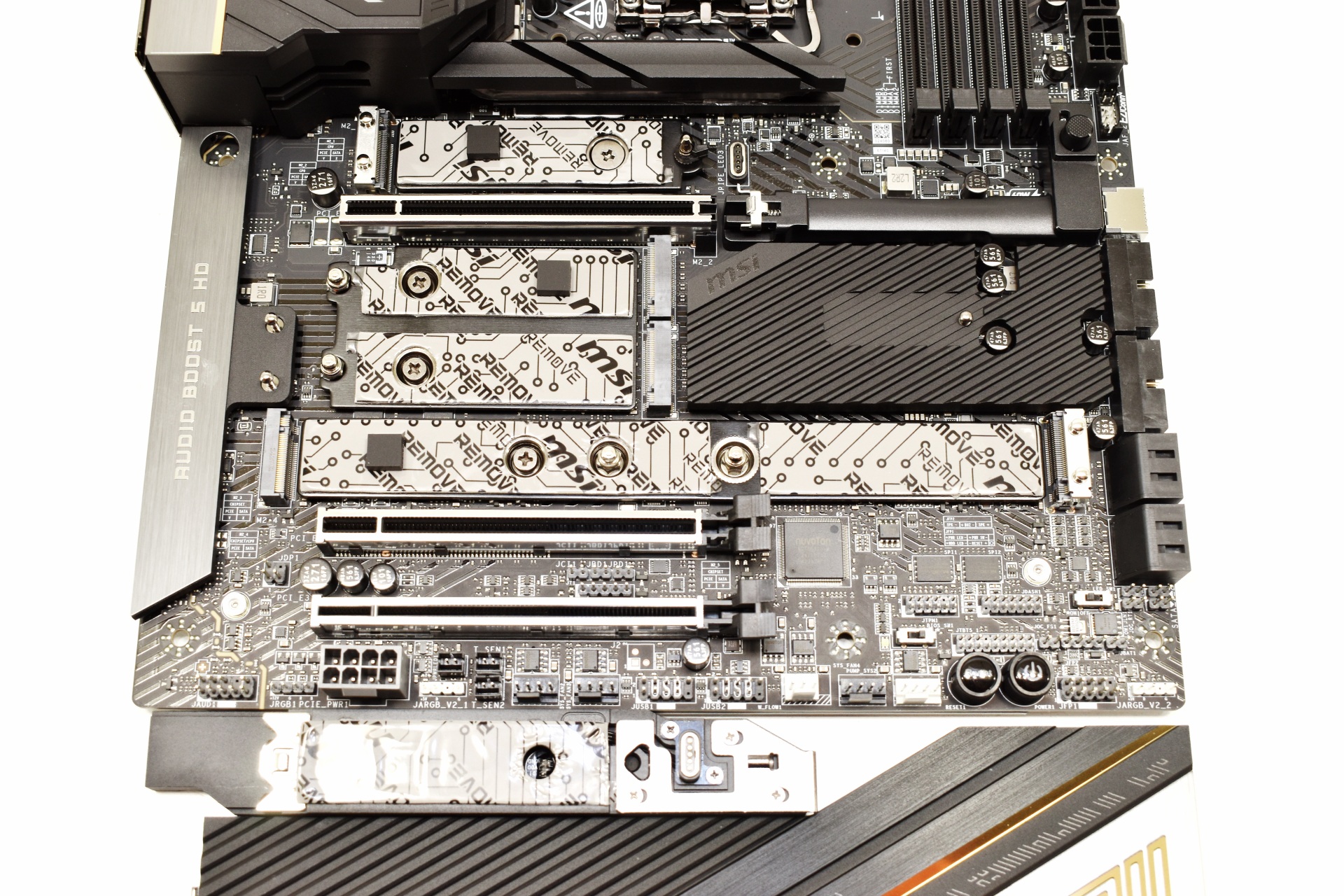
All three PCIe slots are reinforced and as for the five M.2 slots, they are all located under heat spreaders with quick release mechanisms.

The rear I/O is extremely rich and includes 11 USB-A 10G ports, HDMI 2.1 port, two USB-C Thunderbolt 4 ports, two USB-C 10G ports, flash BIOS, clear CMOS and smart buttons, RJ45 10G port, two Wi-Fi 7 antennas, and the audio ports (S/PDIF, 3.5mm microphone in, audio out).
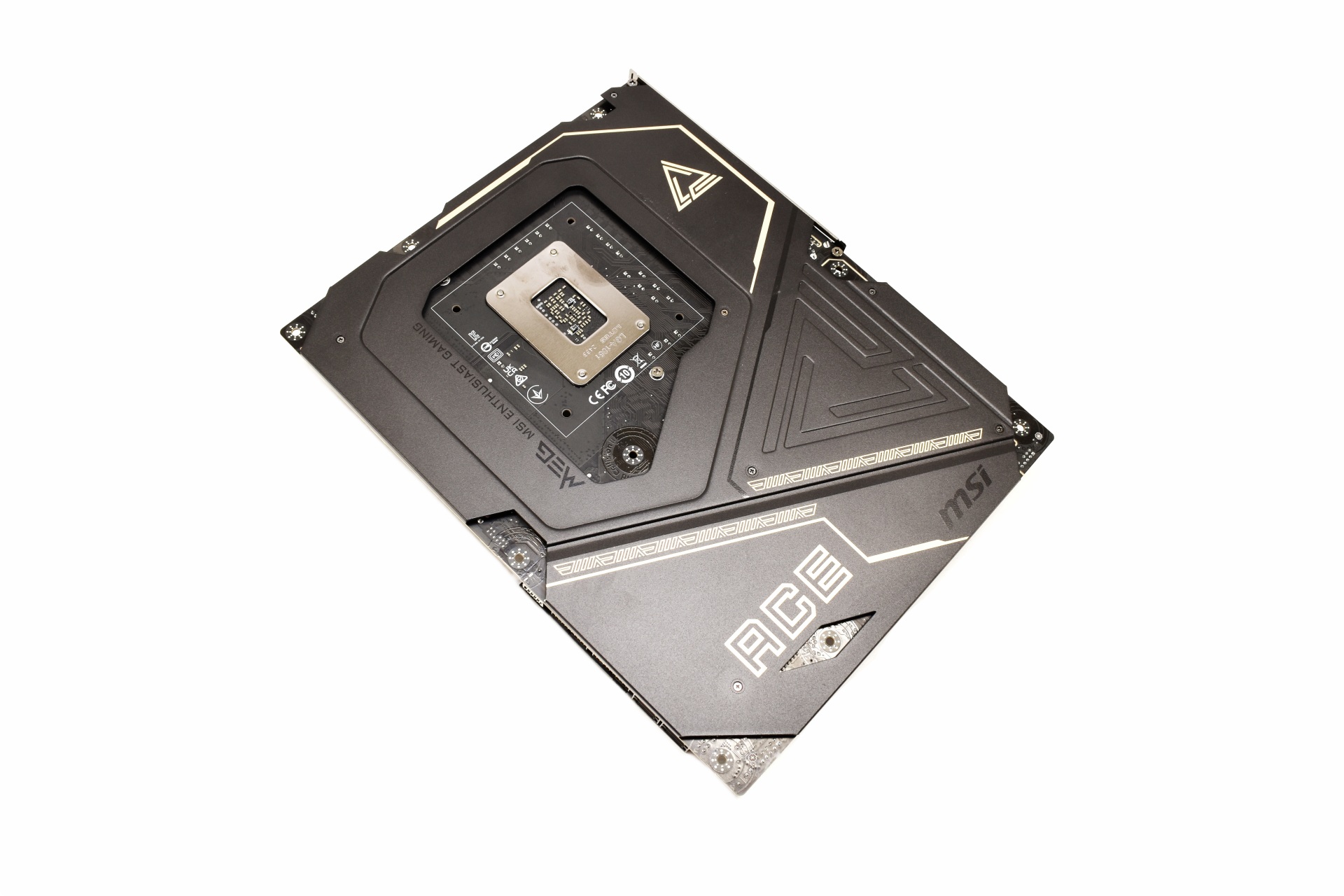
Most of the board’s underside features a metal plate for improved protection and rigidity.
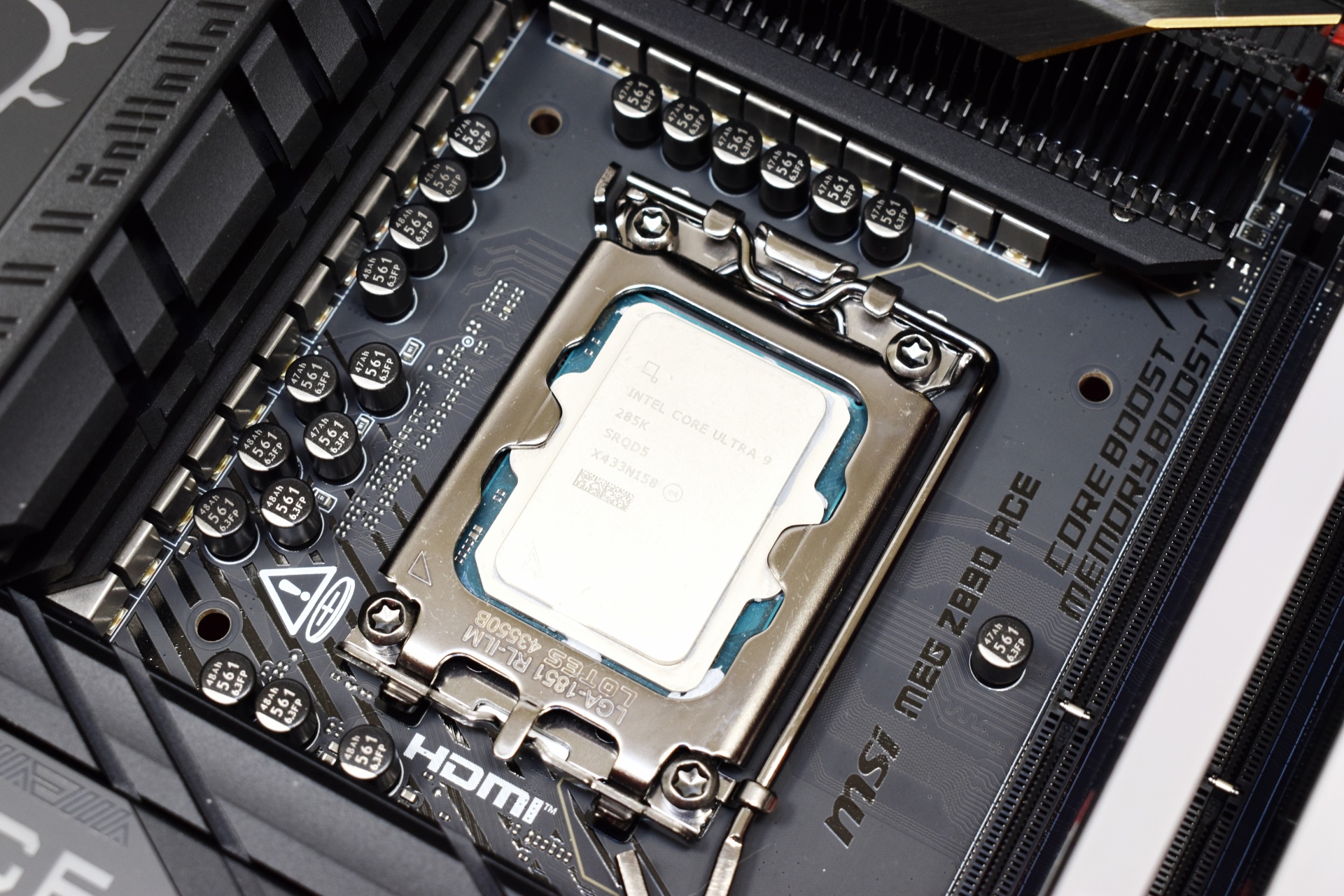
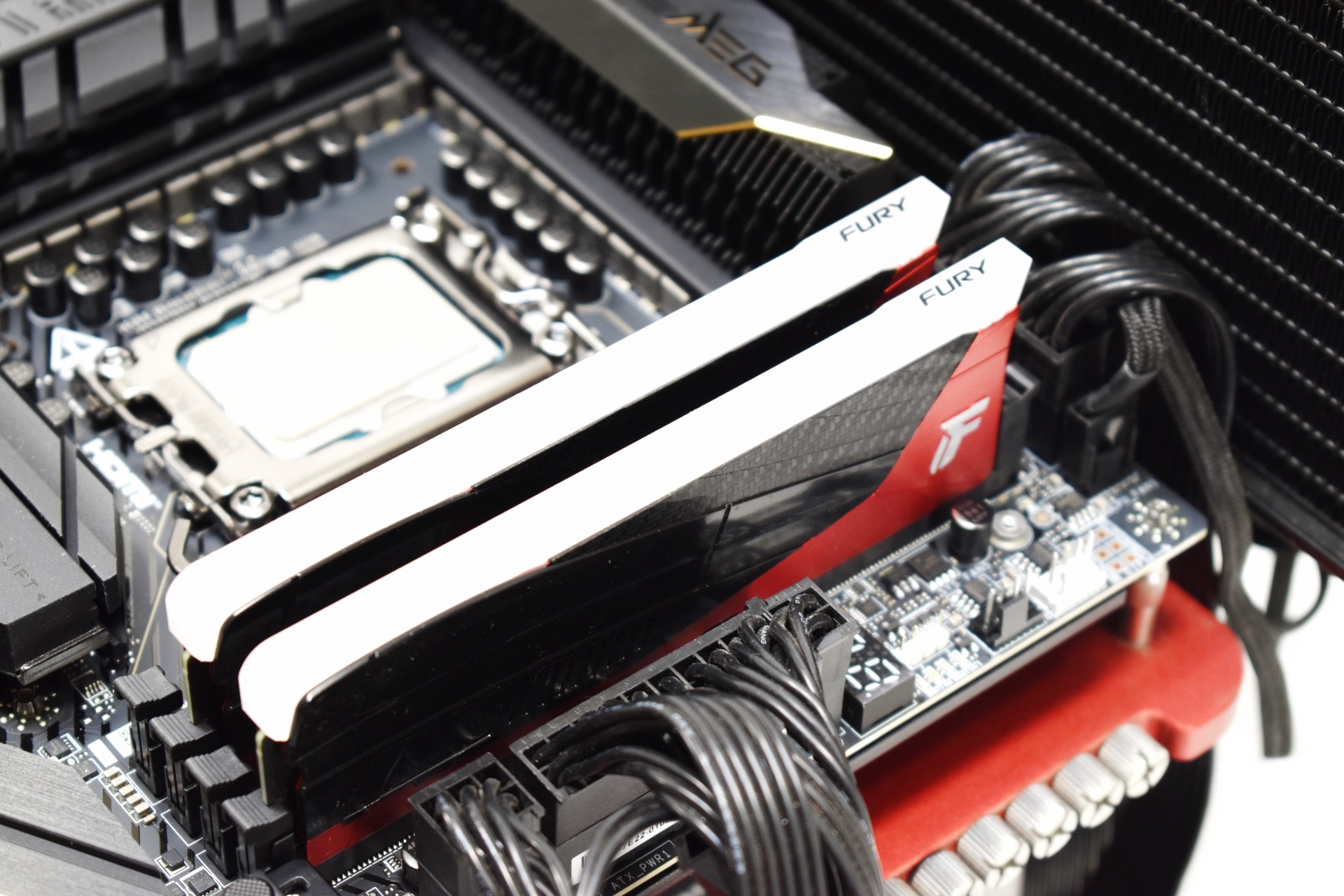
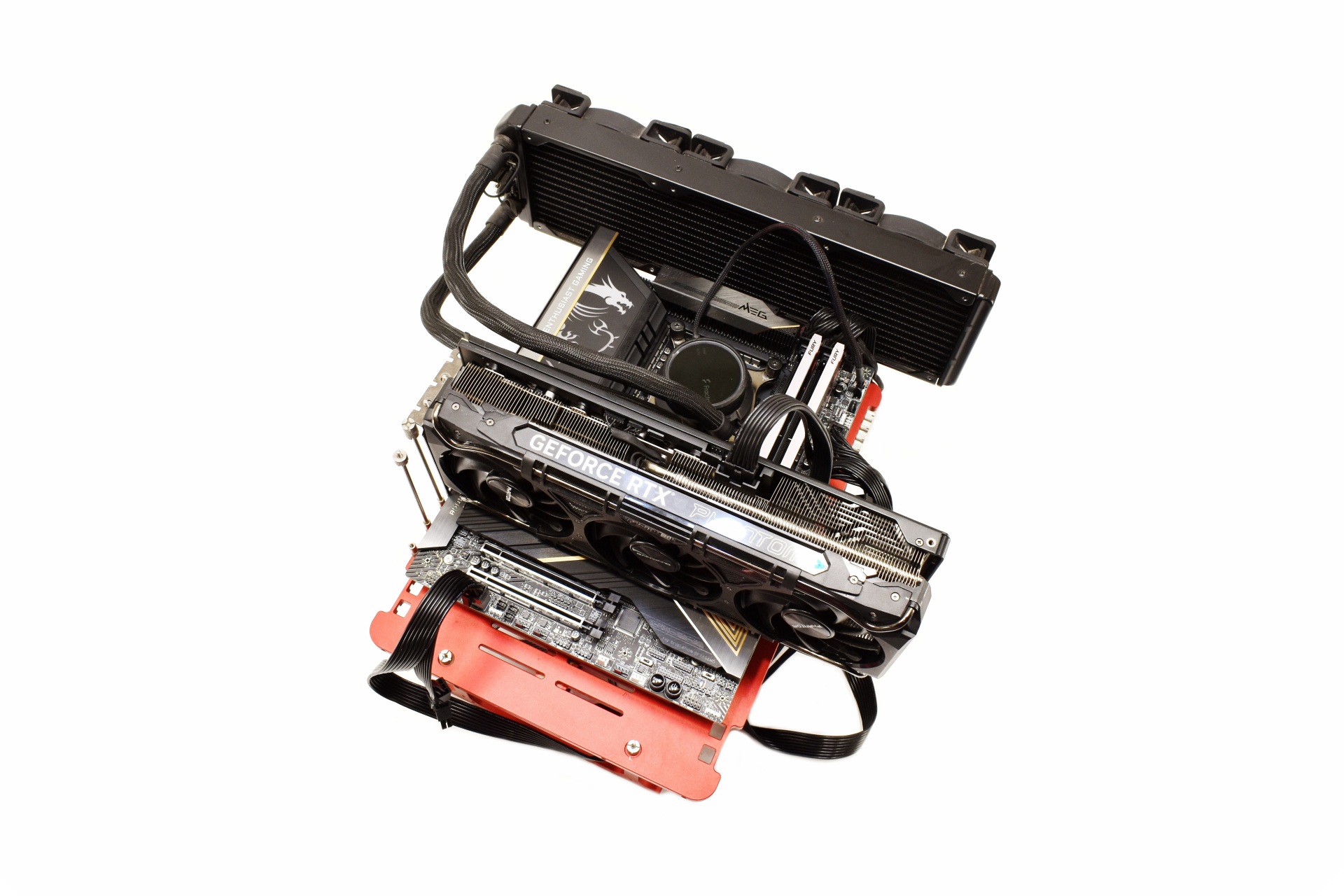 As with past reviews for this test I’ll be using the Intel Core Ultra 9 285K with the Kingston Renegade RGB LE 48GB 8000MT/s kit (short clip is available both on TikTok and YouTube).





