





THE G915 X LIGHTSPEED
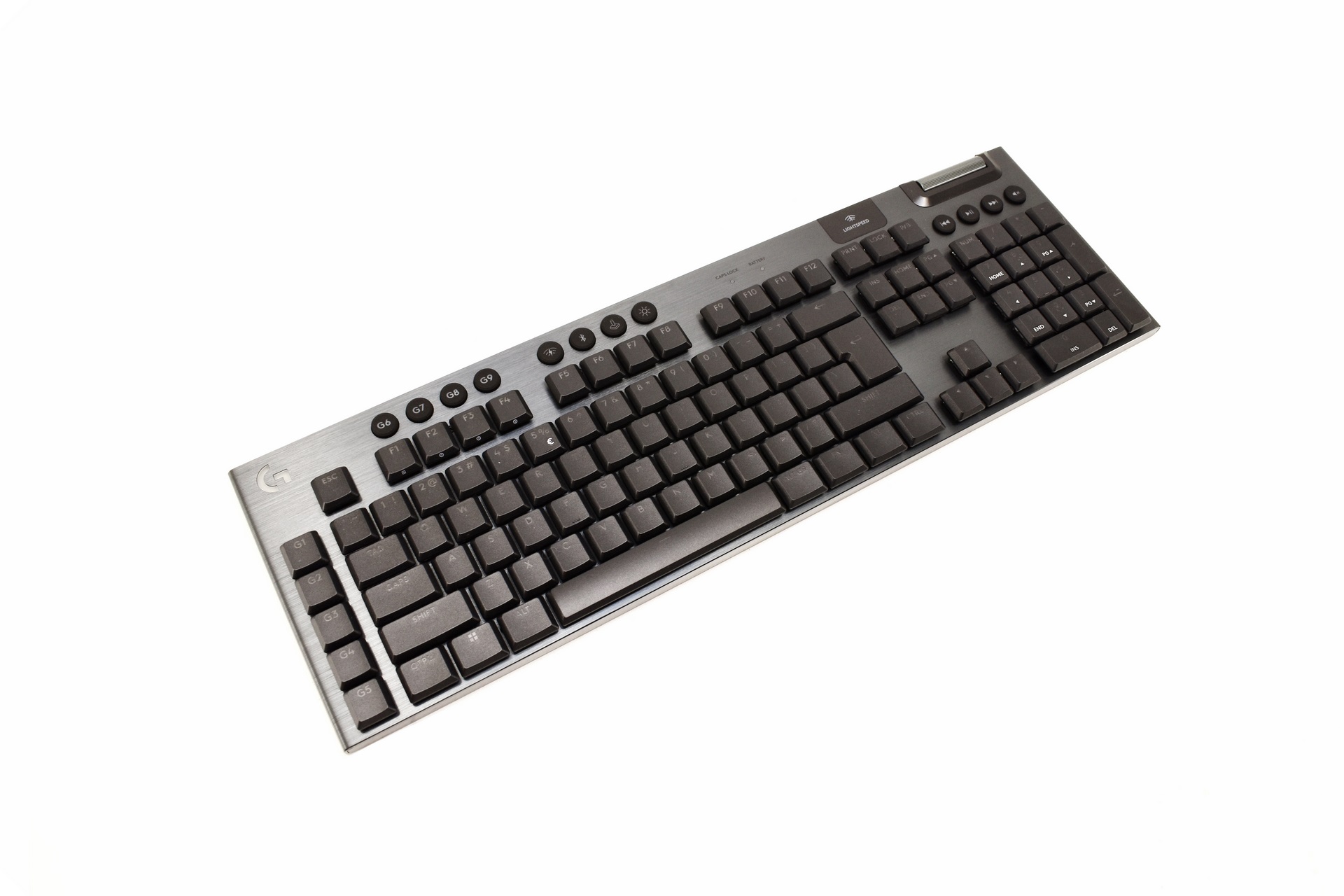
Measuring 475mm in length, 150mm in width and just 22.6mm in height the 1040g heavy G915 X Lightspeed with its brushed aluminum top plate looks nice.
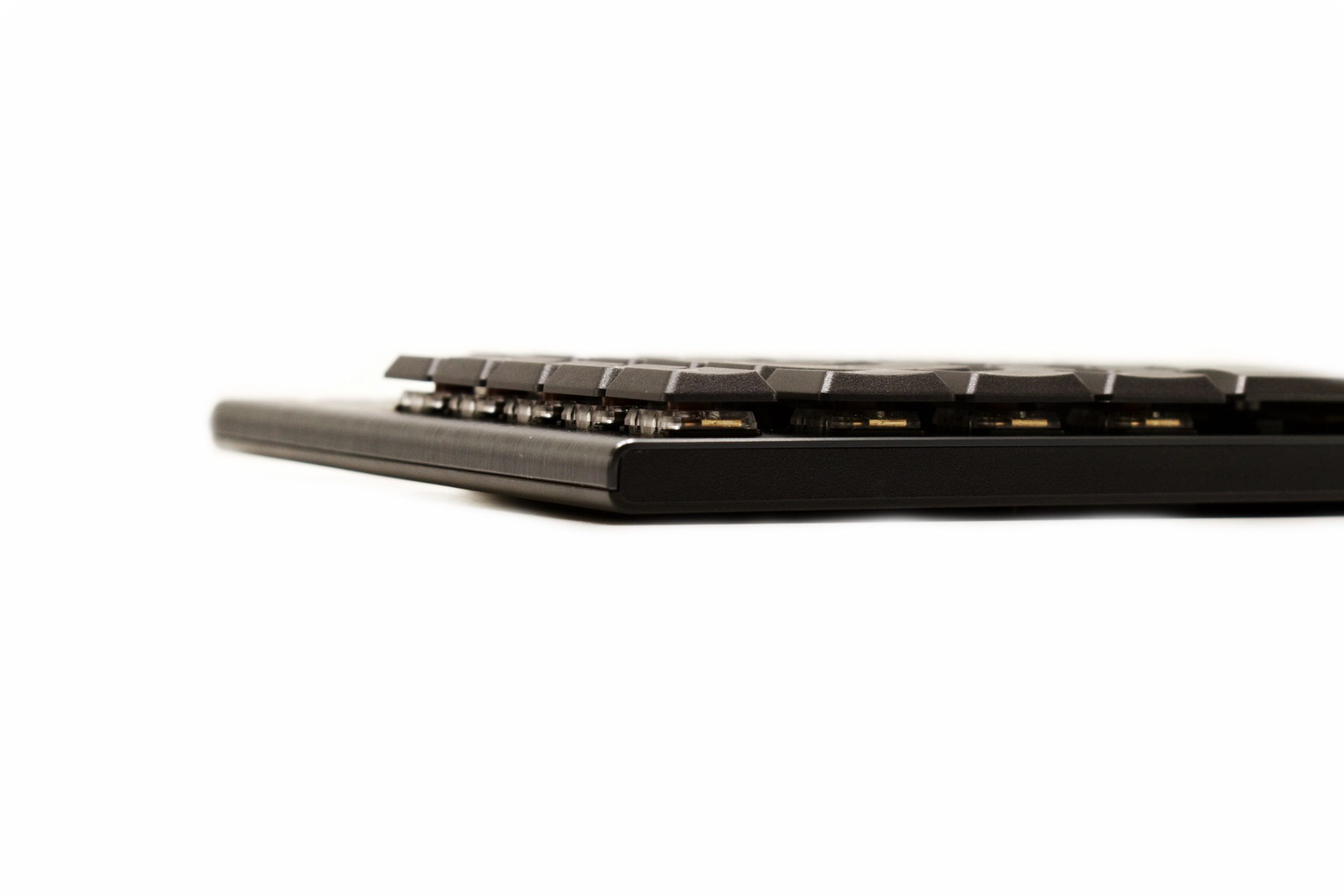
The floating keys are actually almost as tall/thick as the housing of this keyboard.
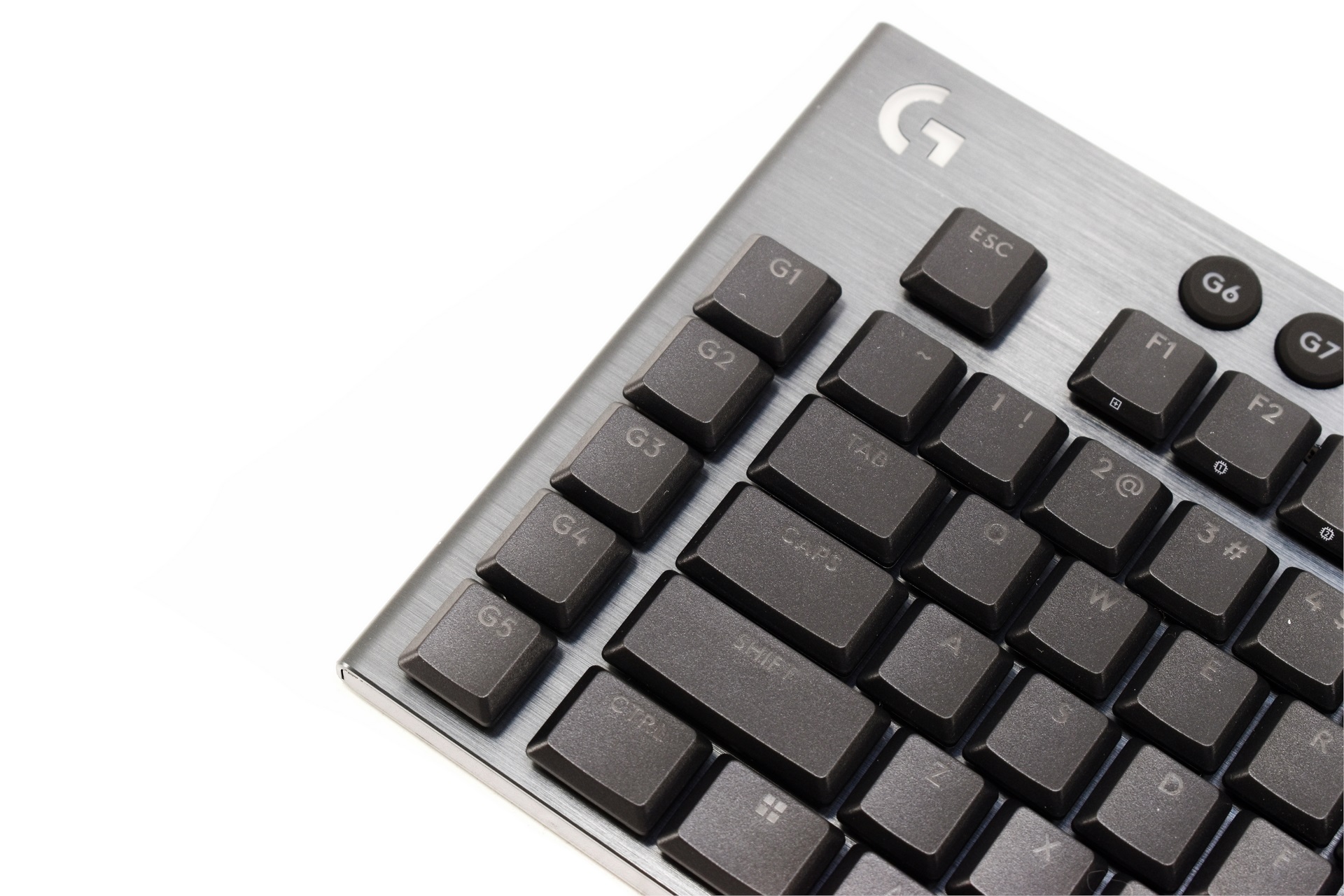
5 G-keys are located on the far left of the keyboard and as usual can be adjusted at will.
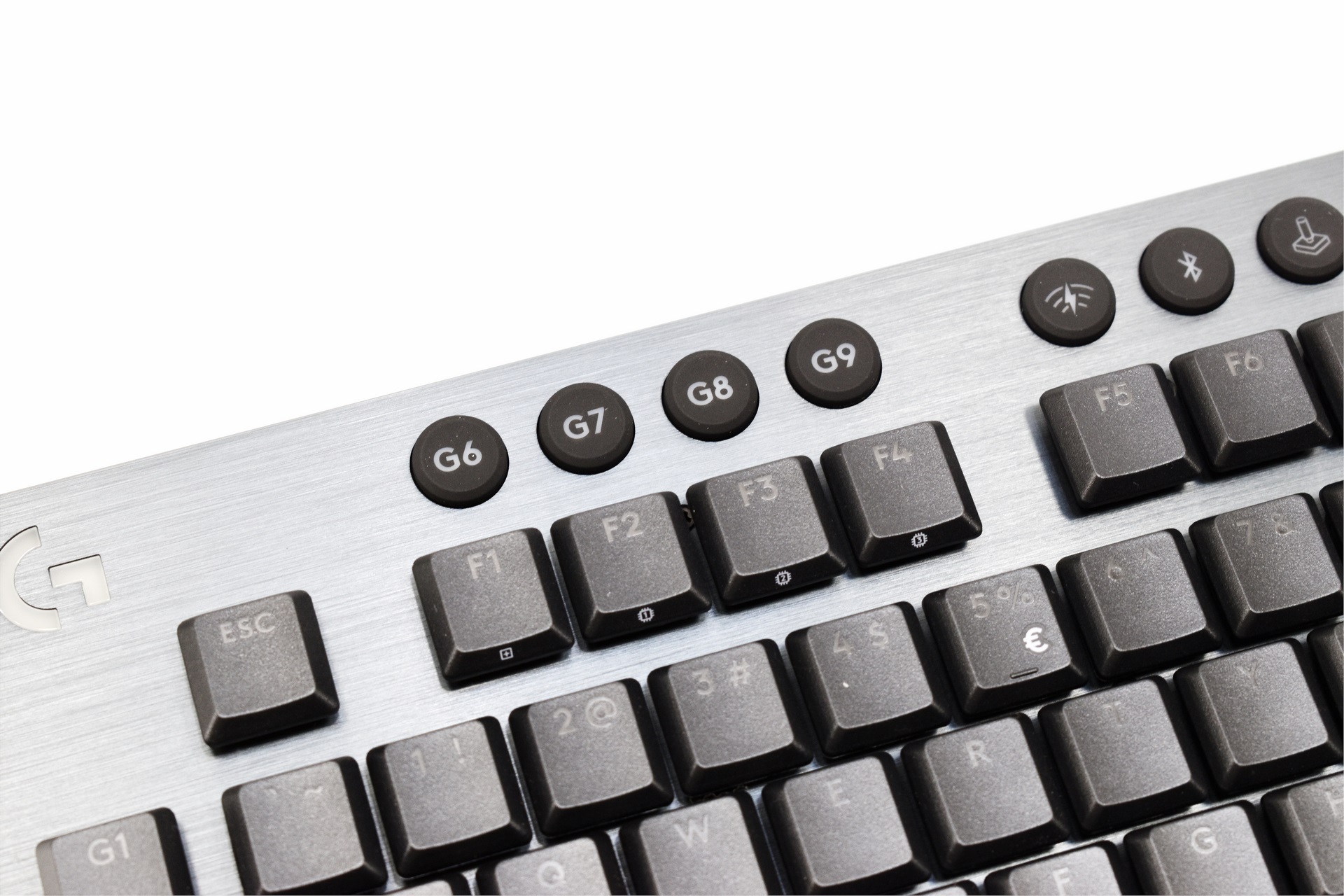
For more G-key/buttons are uplaced on top. You also can control the lighting effects and brightness levels by the round brightness button (next picture) and 1-9 plus -/+ buttons while the F1 key can be used to cycle between default and customized layout, F2 to F4 keys can be used to load onboard profiles.
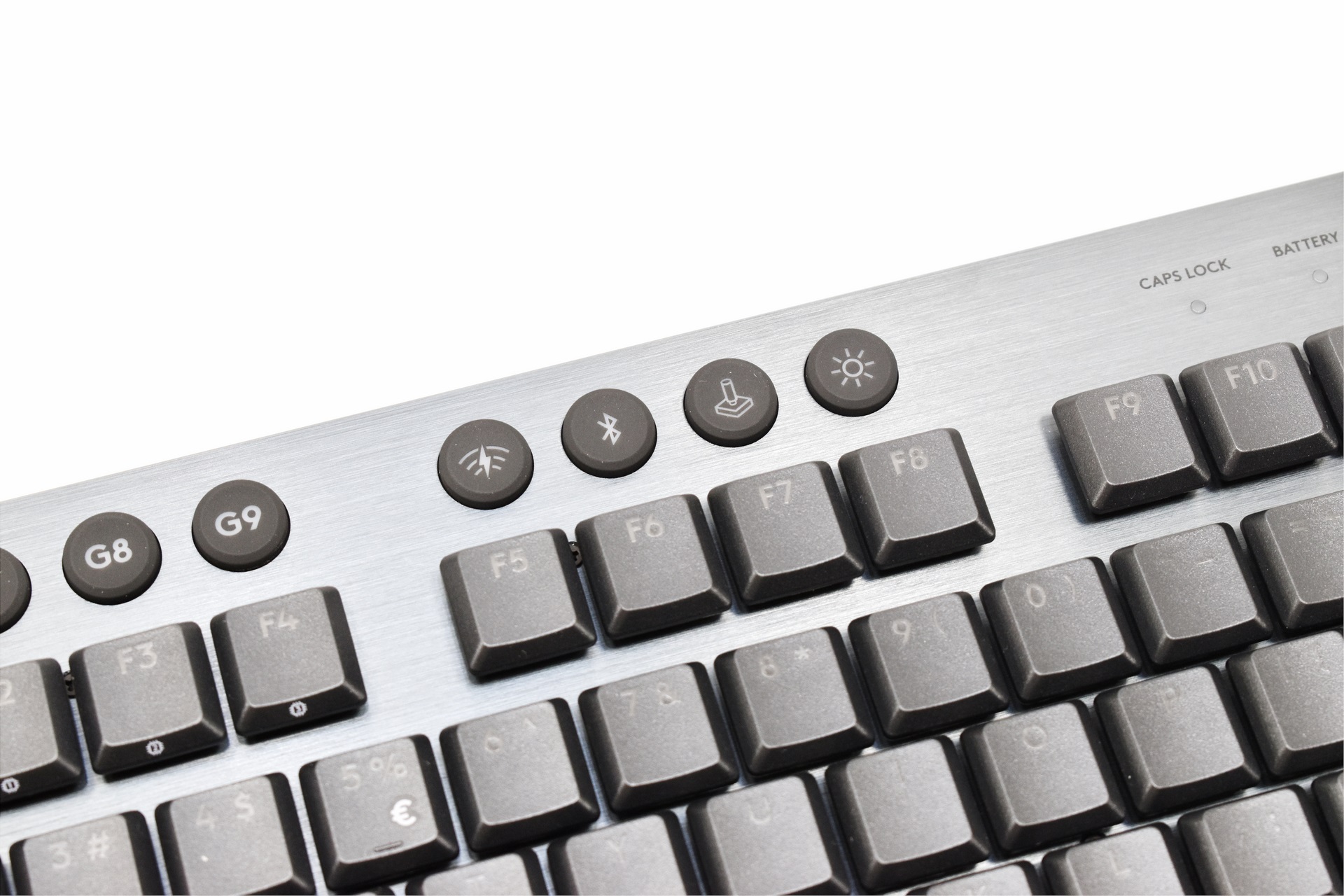
The 4 round buttons just over the F5-F8 can be used to turn on/off wireless connectivity, enable/disable gaming mode and set the brightness.
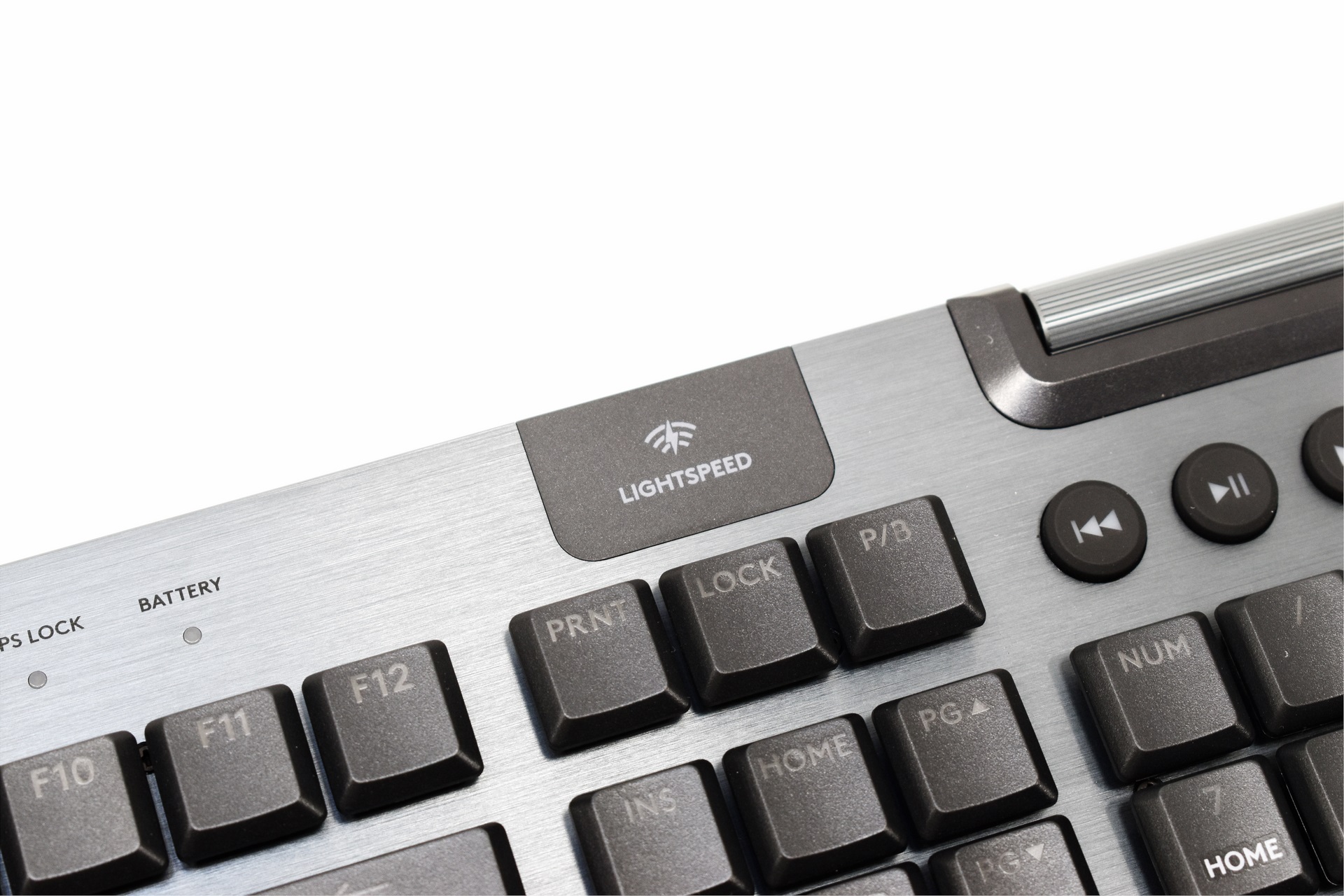
A lightspeed logo is placed just over the lock key (could also be where the transmitter is located).
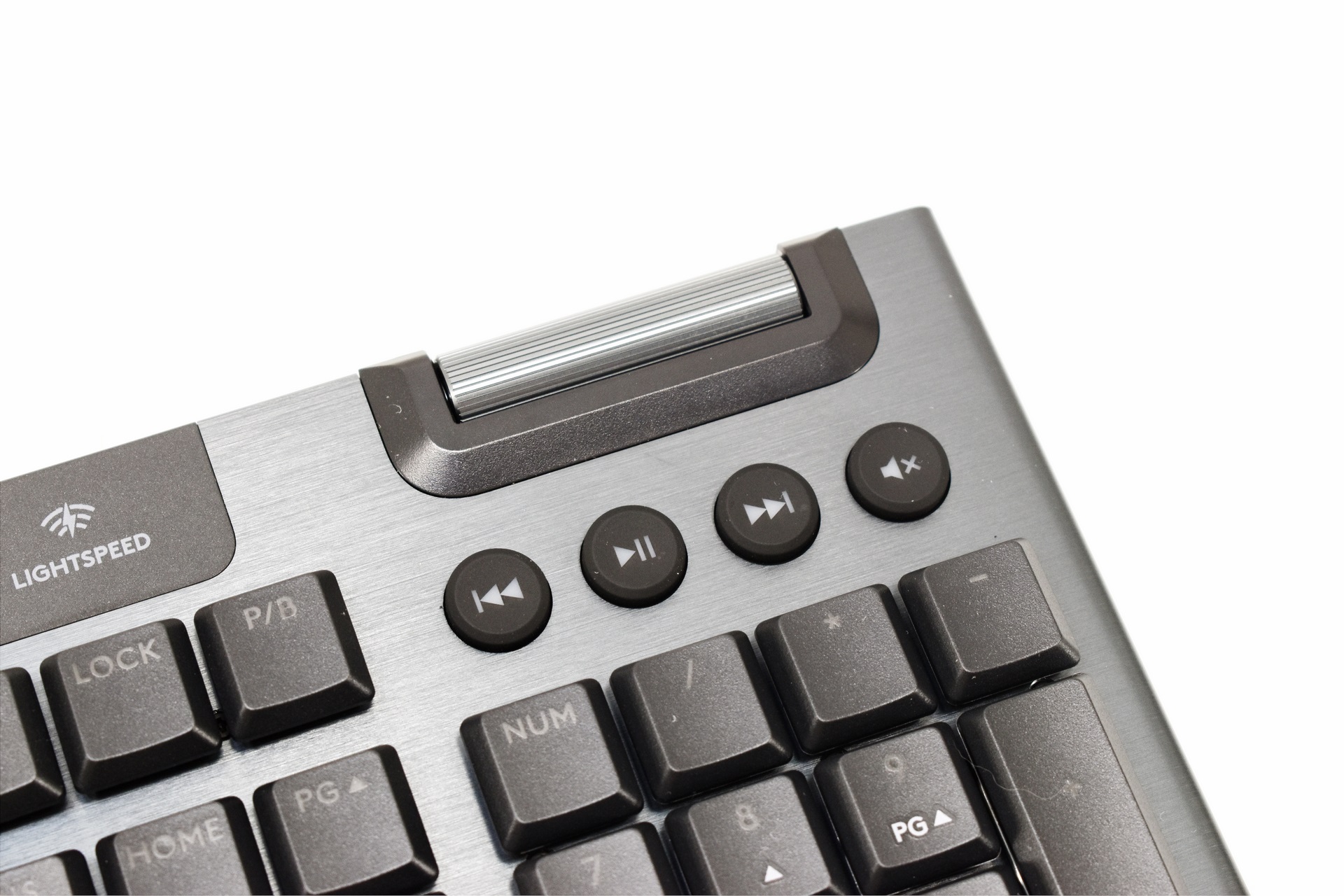
The dedicated media controls with the aluminum volume wheel are placed on the right top corner.
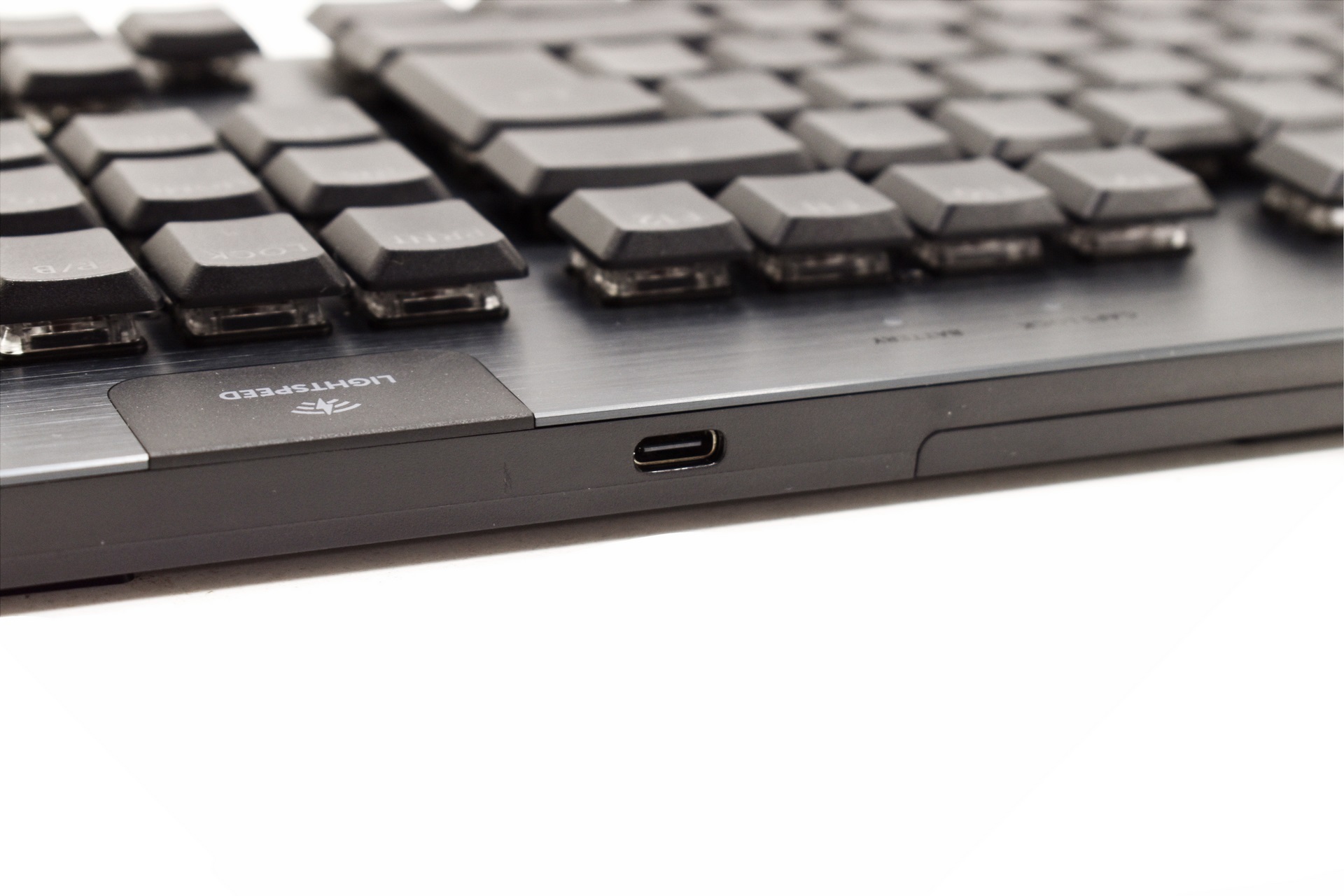
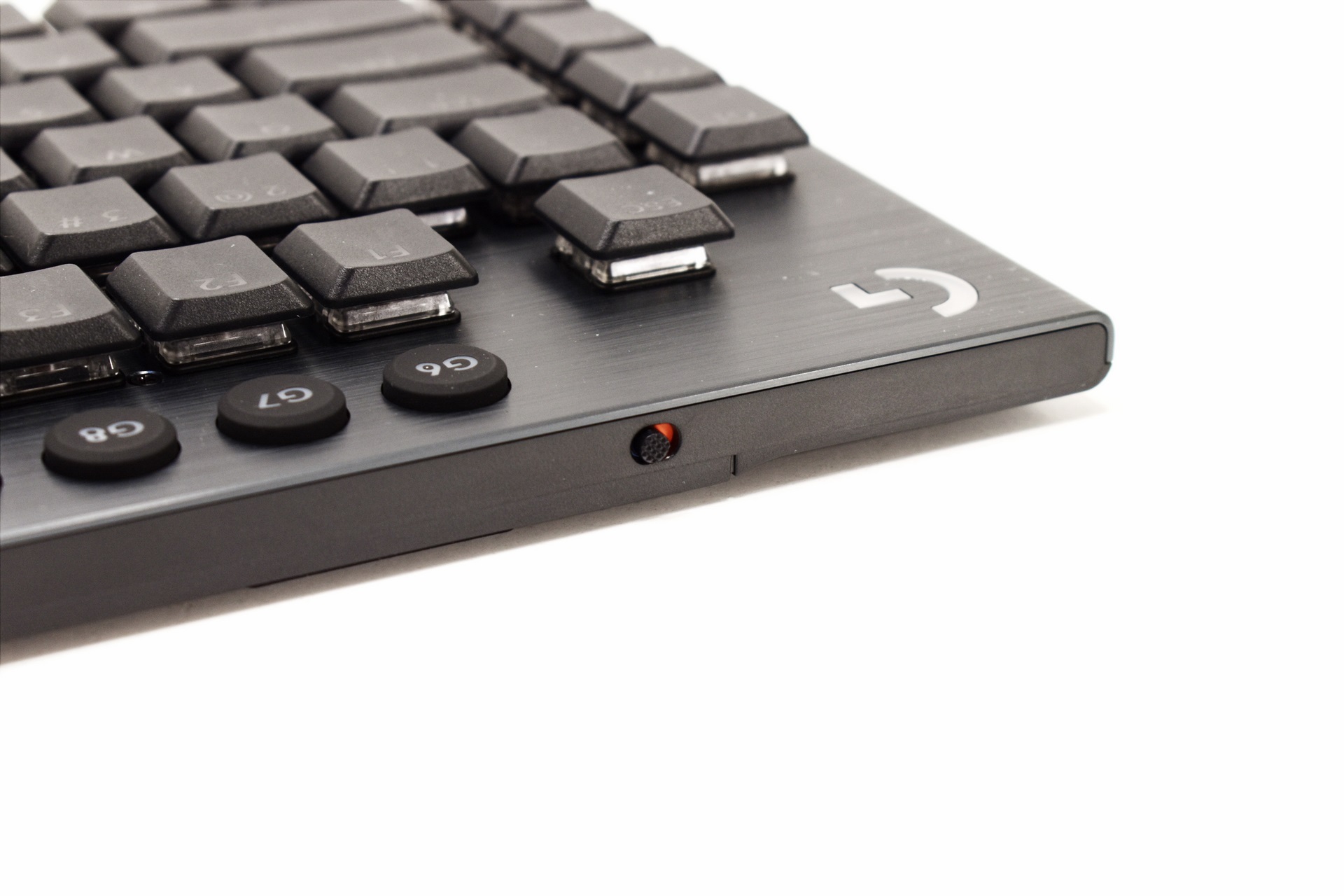 A USB-C port and an on/off power button are both placed at the front of the keyboard as seen above.
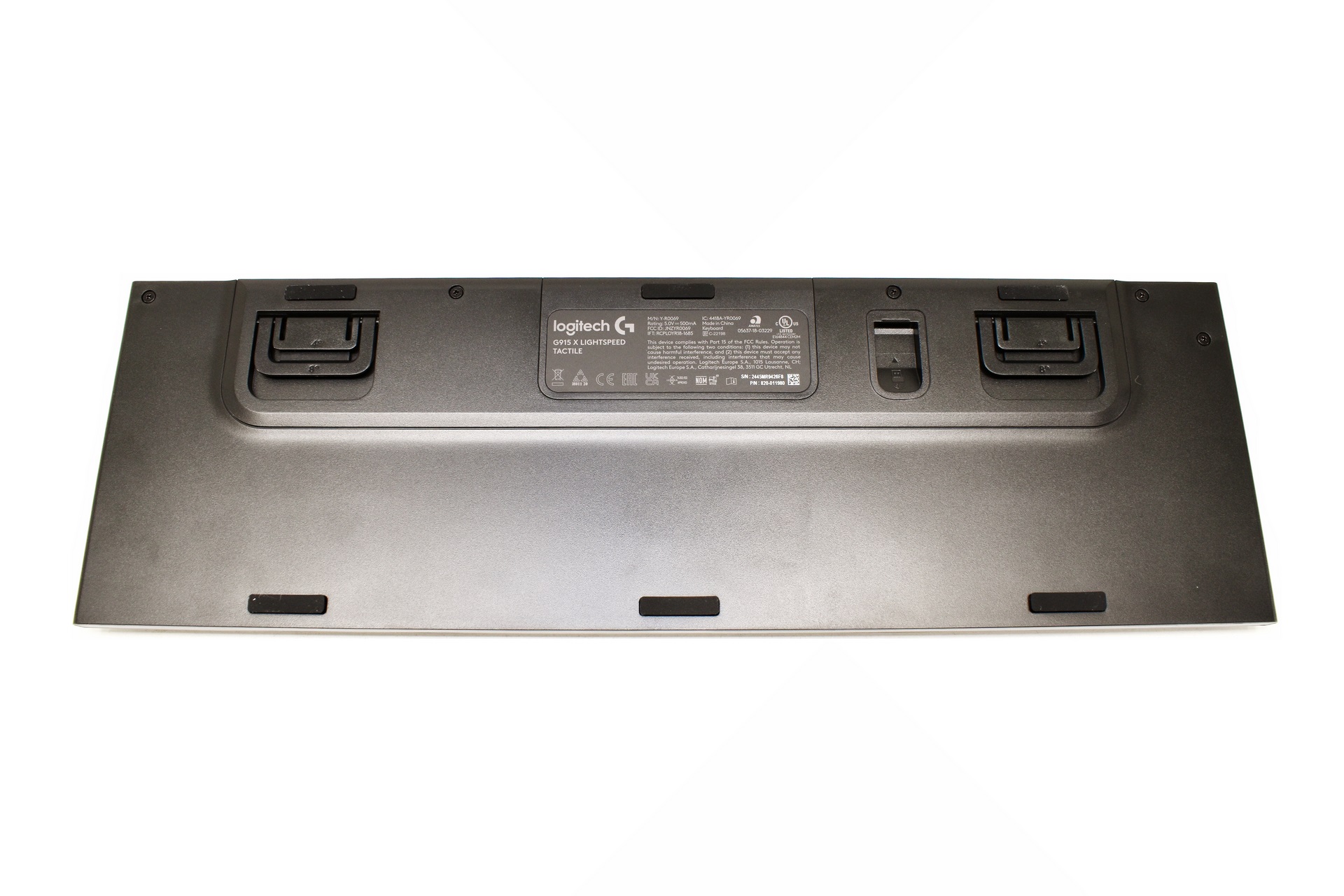
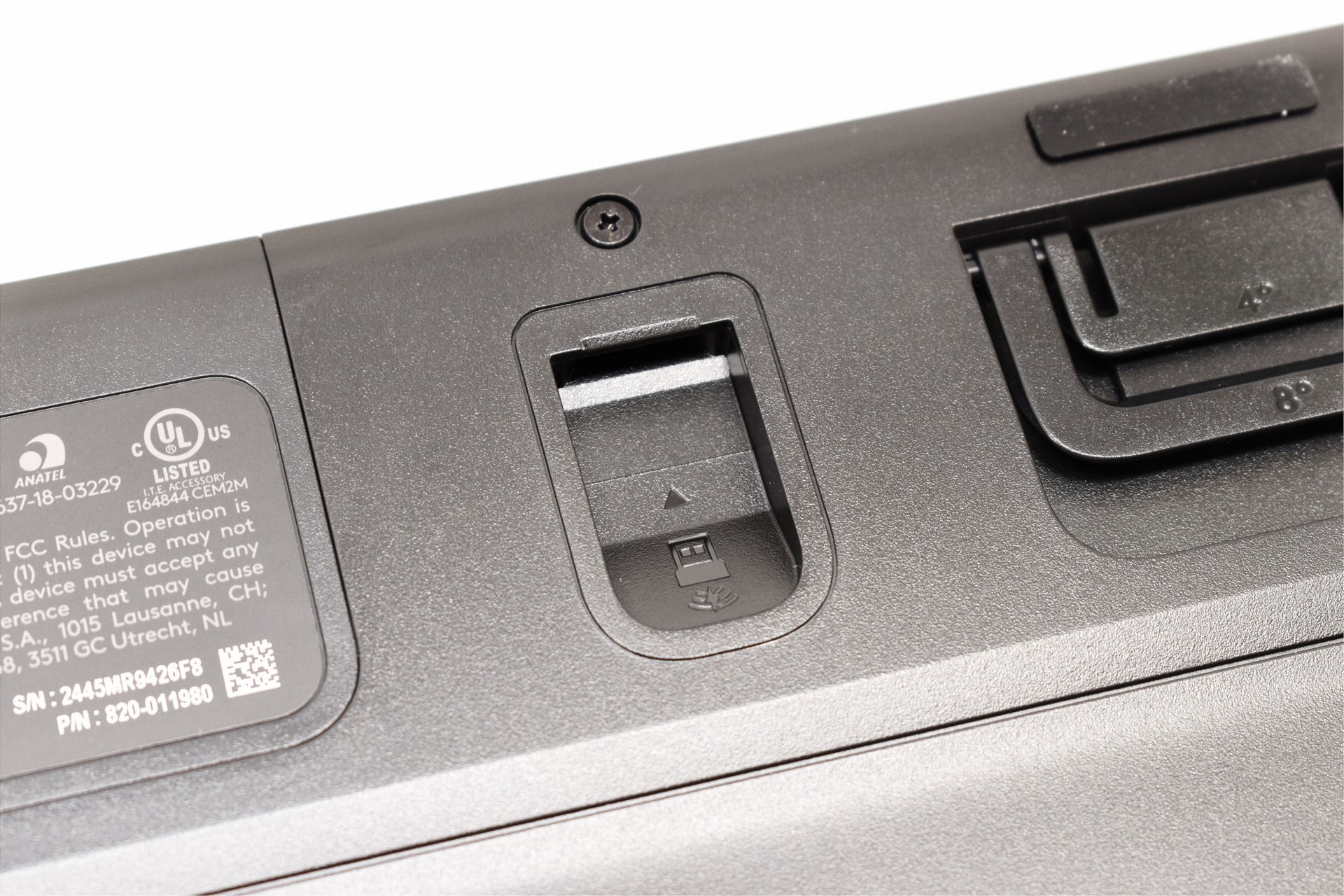
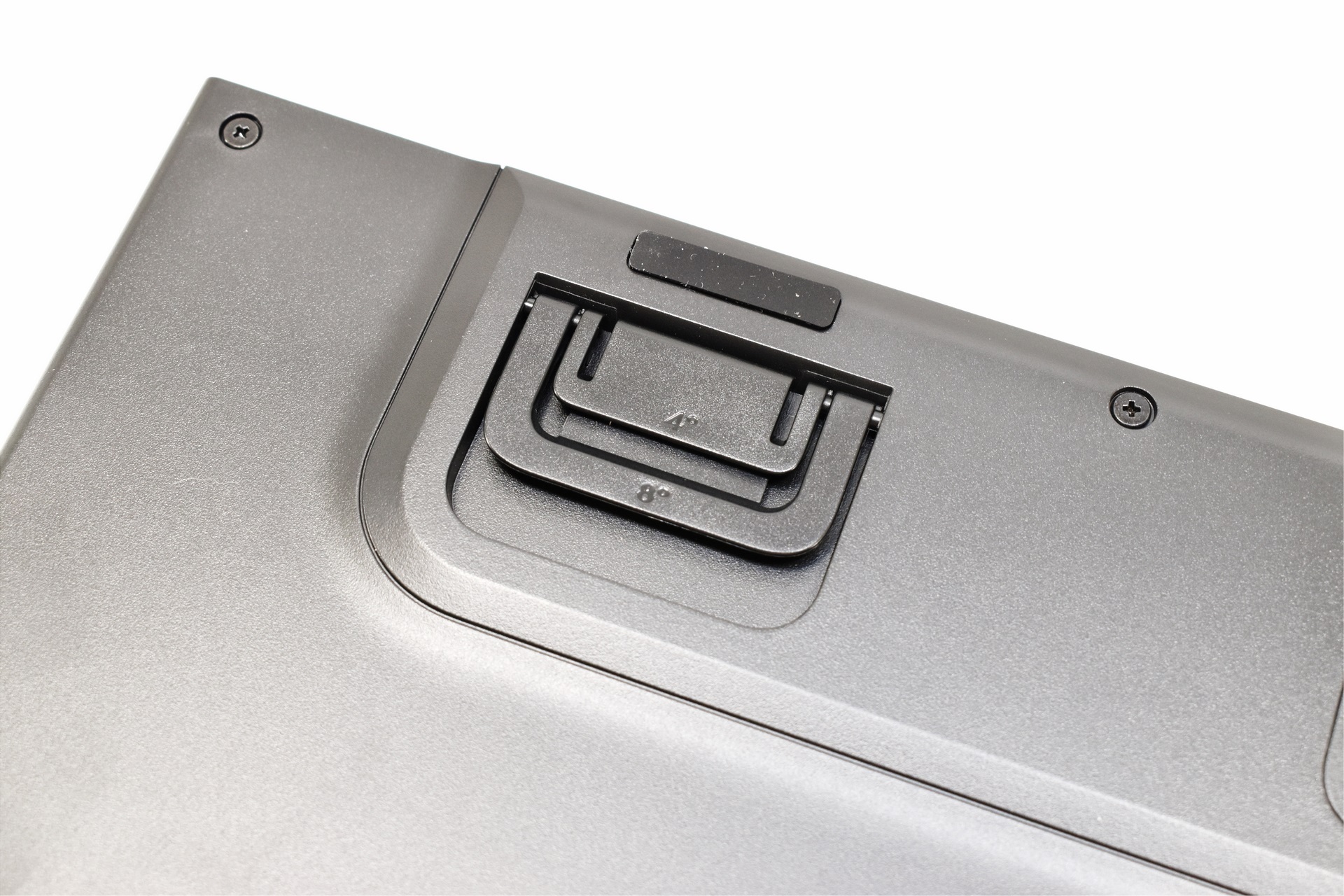
The keyboard sits on 4 rubber feet and has both a spot for the USB-A dongle and two dual height adjusters (5mm for the first, 11mm for the second).
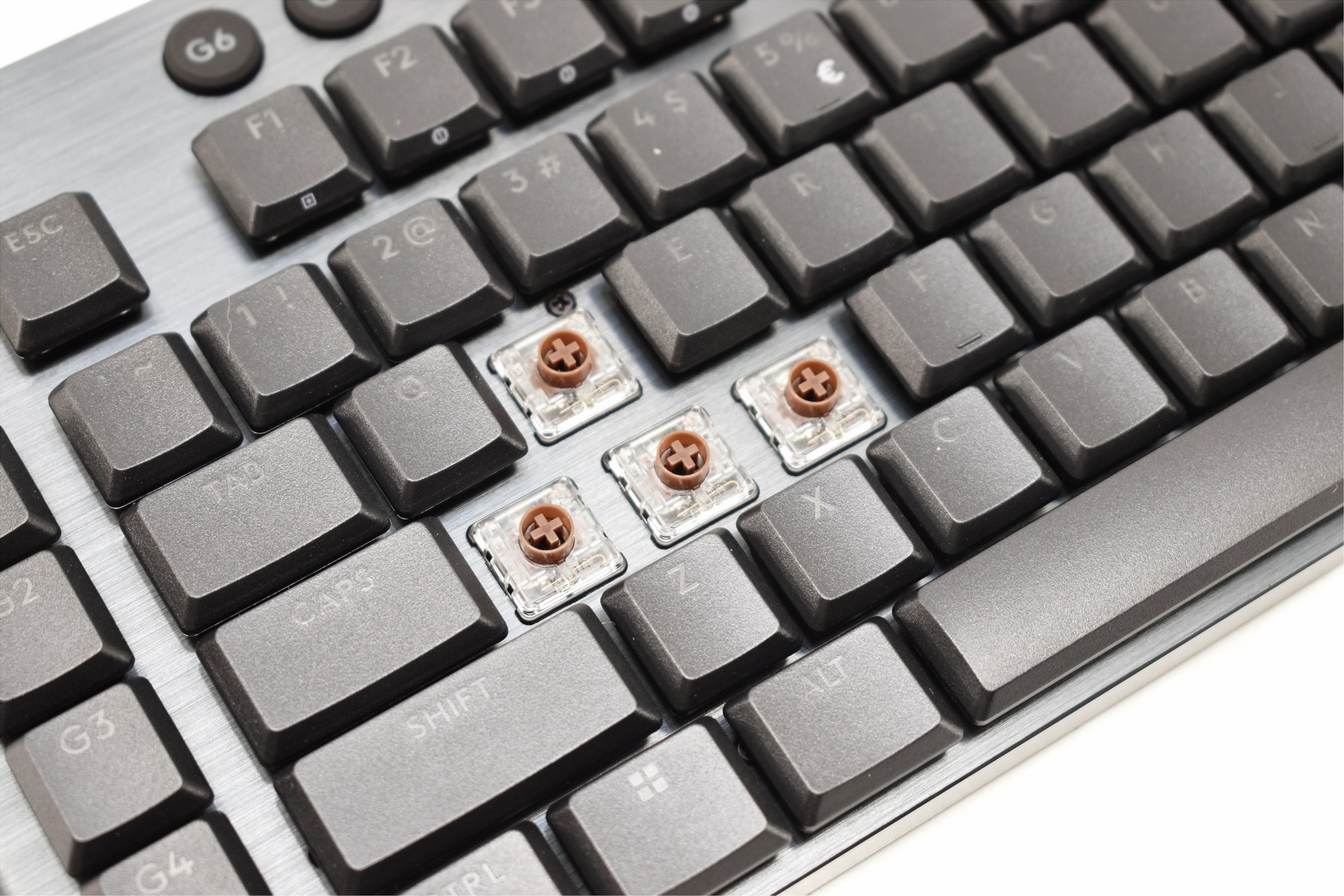
Here you can see the tactile brown switches the G915 X Lightspeed comes with (or to be more accurate, also comes with).
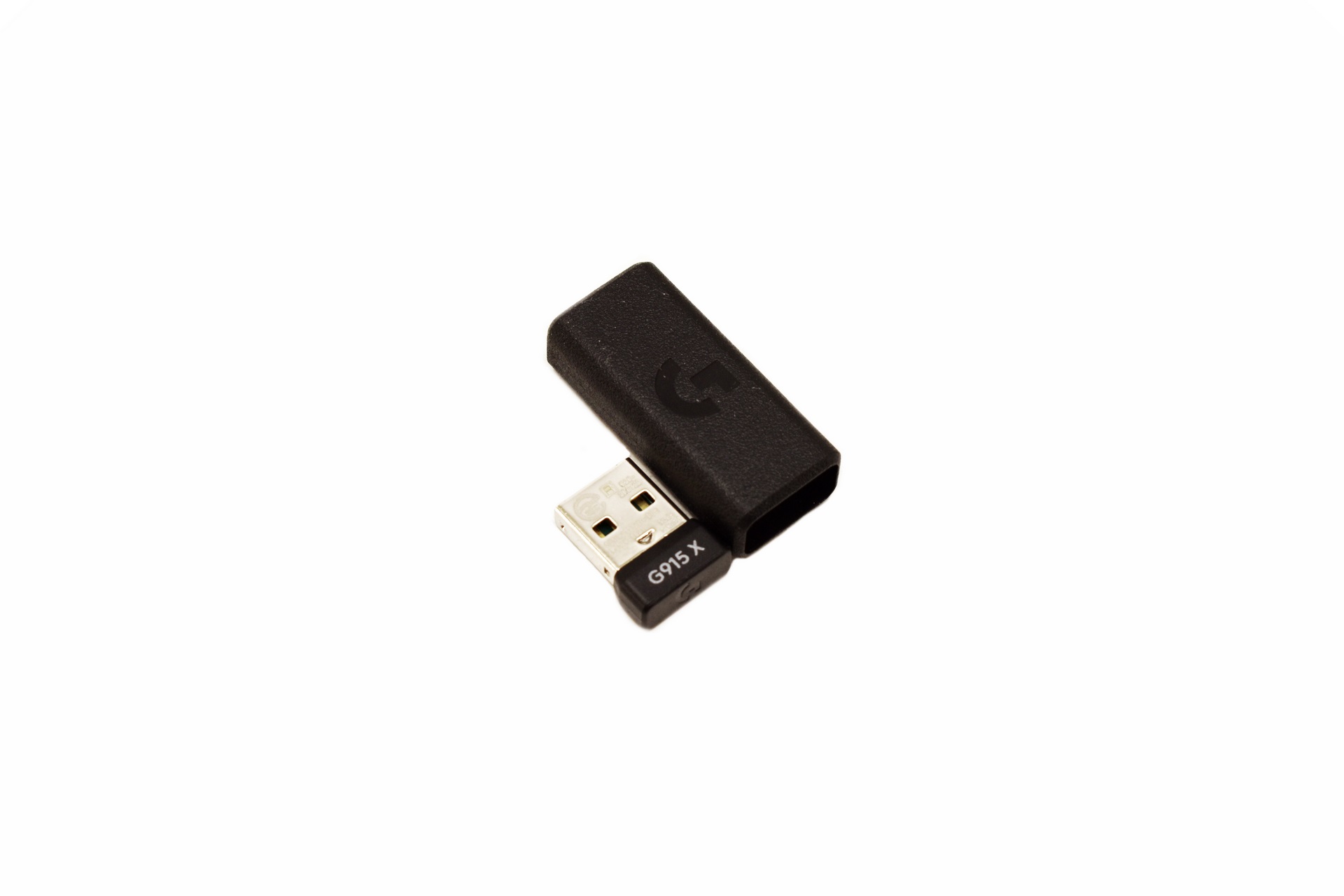
The tiny 2.4GHz dongle is nothing new, we've seen similar models used in the past, even by Logitech.
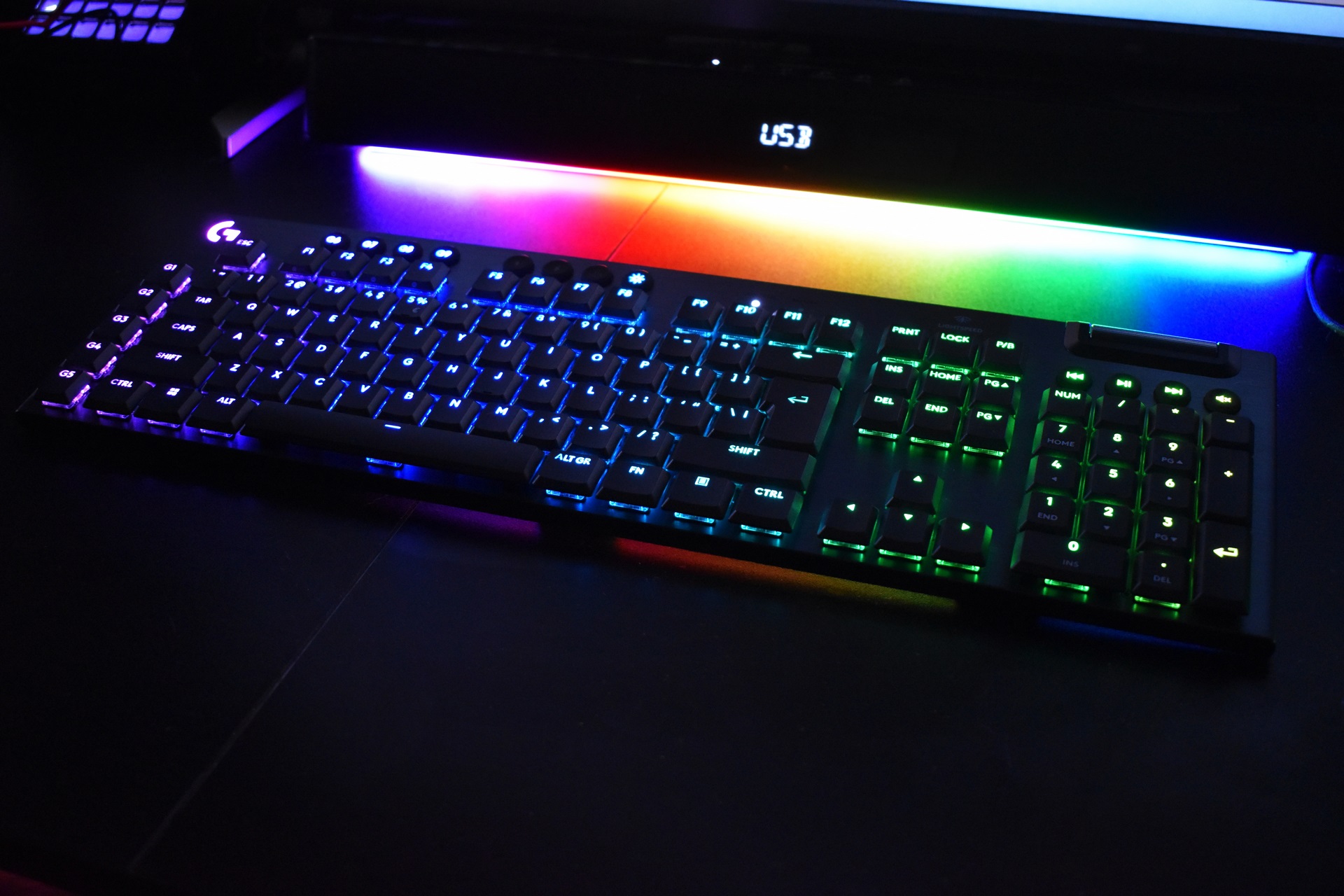
At full brightness the keys of the G915 X Lightspeed really stand out (short video is available both on YouTube and TikTok).





