





INTRODUCTION
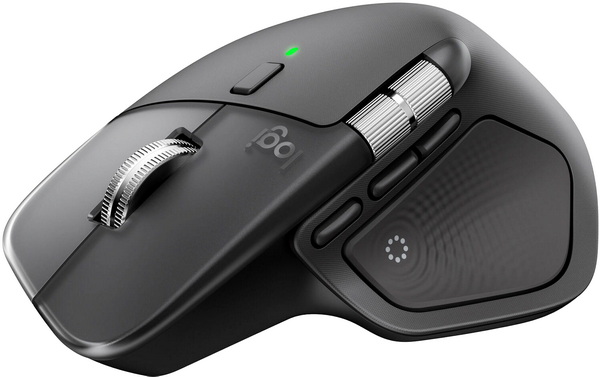
I've always used two types of mice, wired gaming ones with my desktop systems since those are the ones I play games on to test various peripherals and hardware components and wireless ones with my laptops. For example, with one of my laptops I've been using the MX Master 2S Bluetooth Edition mouse by Logitech ever since I got one back in January of 2018 (just a few months after its debut in 2017). Since I really liked the MX Master 2S (and it's still working well) I never did look to get my hands on the MX Master 3S (don't think Logitech had reached out to me back then) but it's now been a while and so when Logitech asked me to review their latest MX Master 4 I was very curious to see how much further they've taken things.
Logitech designs software-enabled hardware solutions that help businesses thrive and unite people when working, creating, gaming, and streaming. As the point of connection between people and the digital world, our mission is to extend human potential in work and play, in a way that is good for people and the planet. Founded in 1981, Logitech International is a Swiss public company listed on the SIX Swiss Exchange (LOGN) and the Nasdaq Global Select Market (LOGI). Find Logitech and its other brands, including Logitech G, at www.logitech.com
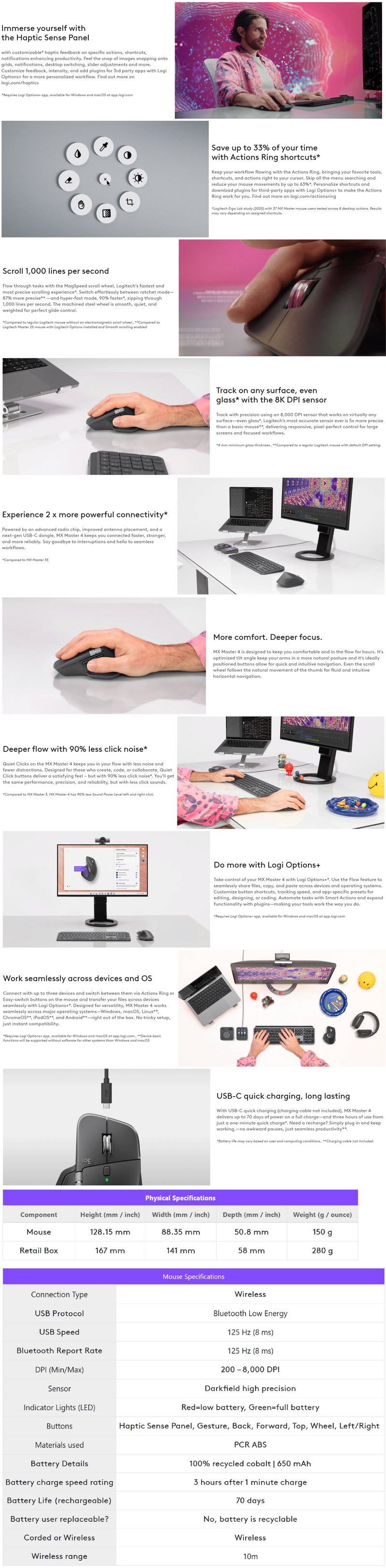
The MX Master 4 (currently available in graphite and pale gray colors) is the latest wireless ergonomic mouse by Logitech which as expected follows closely the design of its predecessors. Inside the enclosure (which is not coated this time over) Logitech has placed an 8000DPI Darkfield sensor (compatible with most surfaces available, including glass - can be set in increments of 50 DPI), quiet primary keys, bluetooth 5.1 connectivity (low power - can be used with/without the bundled dongle), haptic sensor and and an user replaceable 650mAh rechargeable Lithium-Ion battery (up to 70 days - up to 3 hours with 1 minute of fast charge). Just like with its predecessors the MX Master 4 is a feature-rich model and so this time over it comes ready with a haptic sense left side panel (feedback via vibrations) which can also be used by loading program plugins from the Logi Options+ software, gesture controls, actions ring which allows the end user to access various shortcuts/commands, magspeed clickable scroll wheel for very fast and precise scrolling (up to 1000 lines per second) and a Logi Bolt USB-C wireless dongle (low power, BLE). So, let's see just how good the latest MX Master 4 really is.
SPECIFICATIONS AND FEATURES
PACKAGING AND CONTENTS
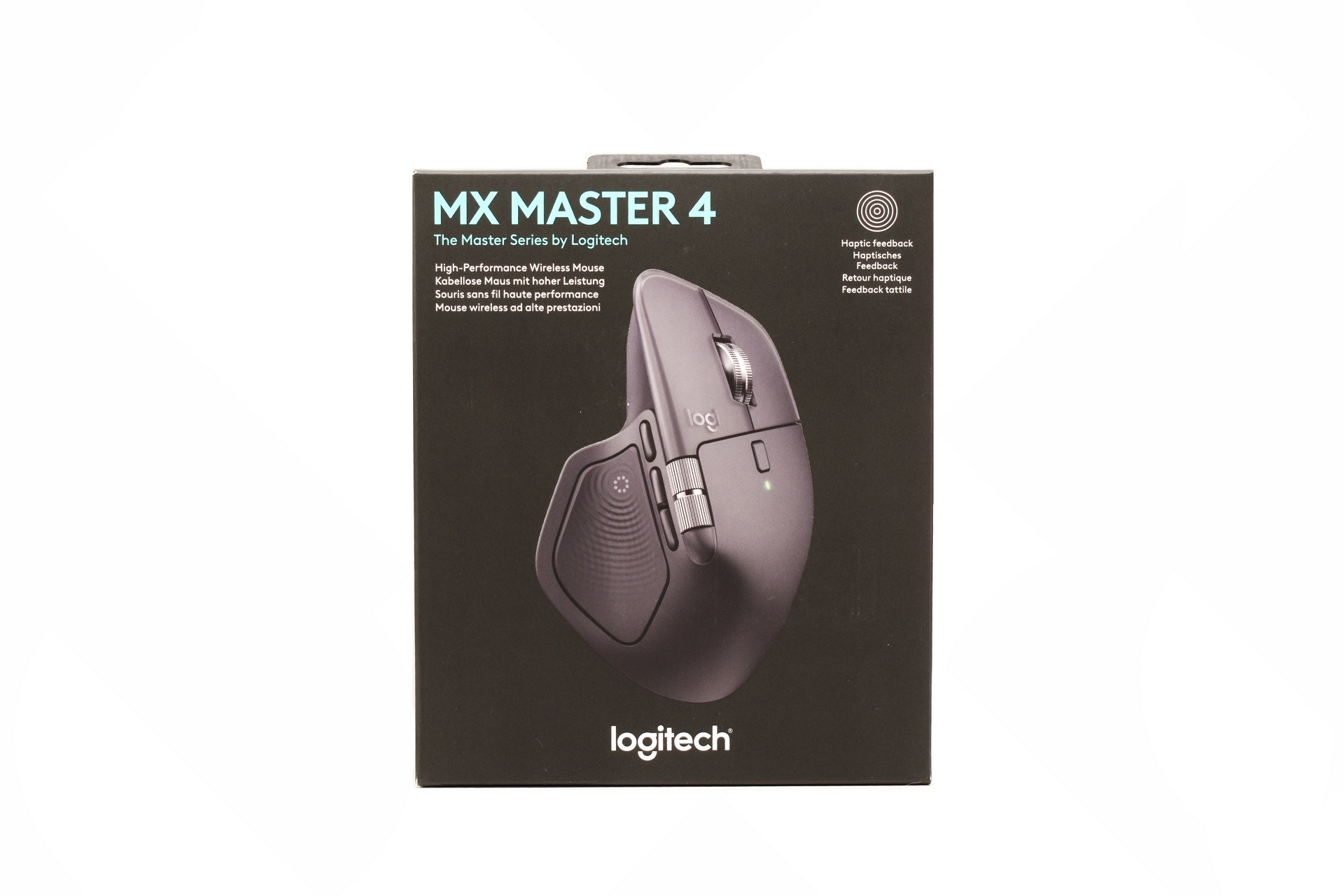
Just like with past products Logitech uses a black box the front of which is taken by a product picture, company logo and the main features.
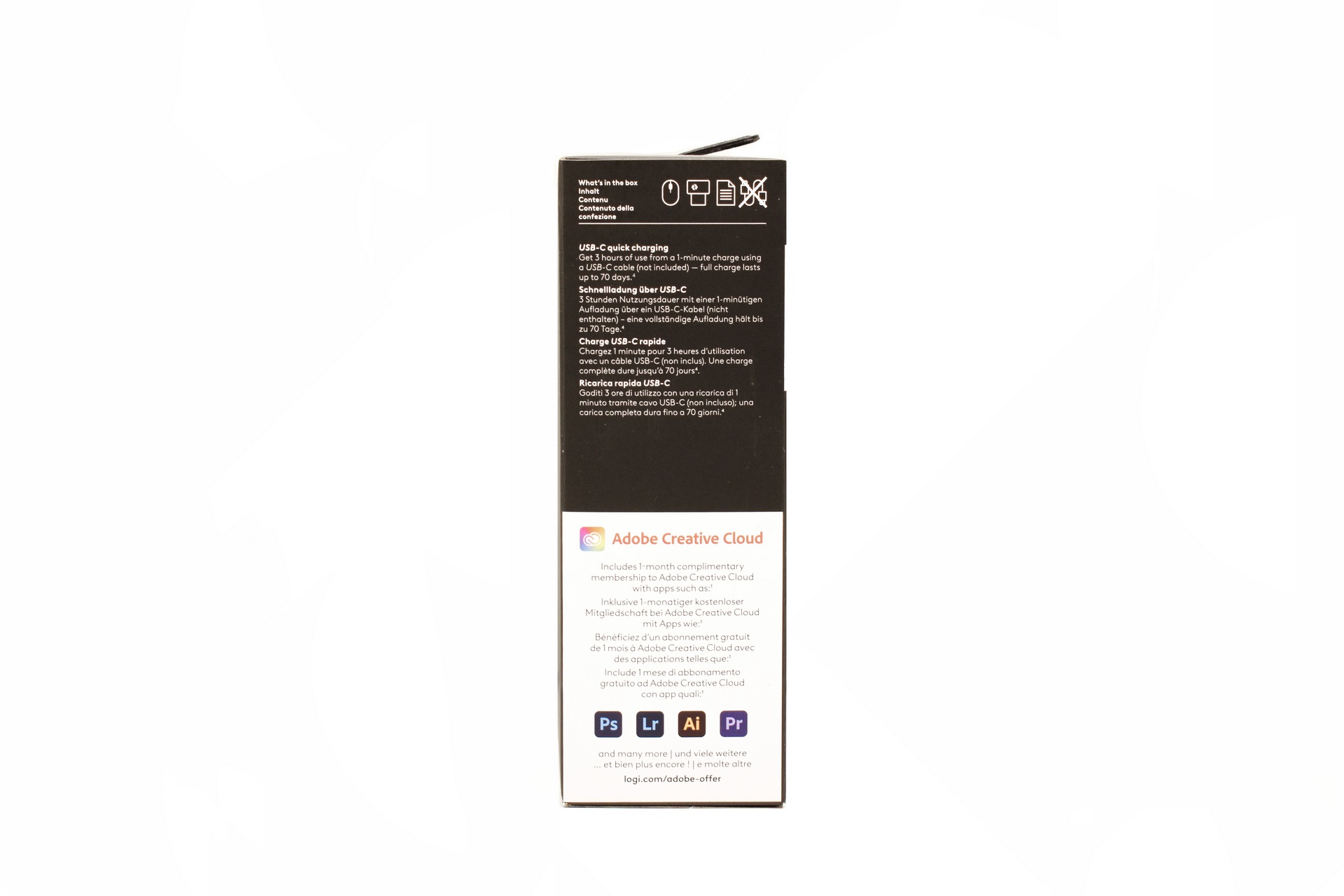
On the right side Logitech speaks about the battery of the MX Master 4 and also has a sticker which informs the end user that they are providing a free month of Adobe's Creative Cloud.
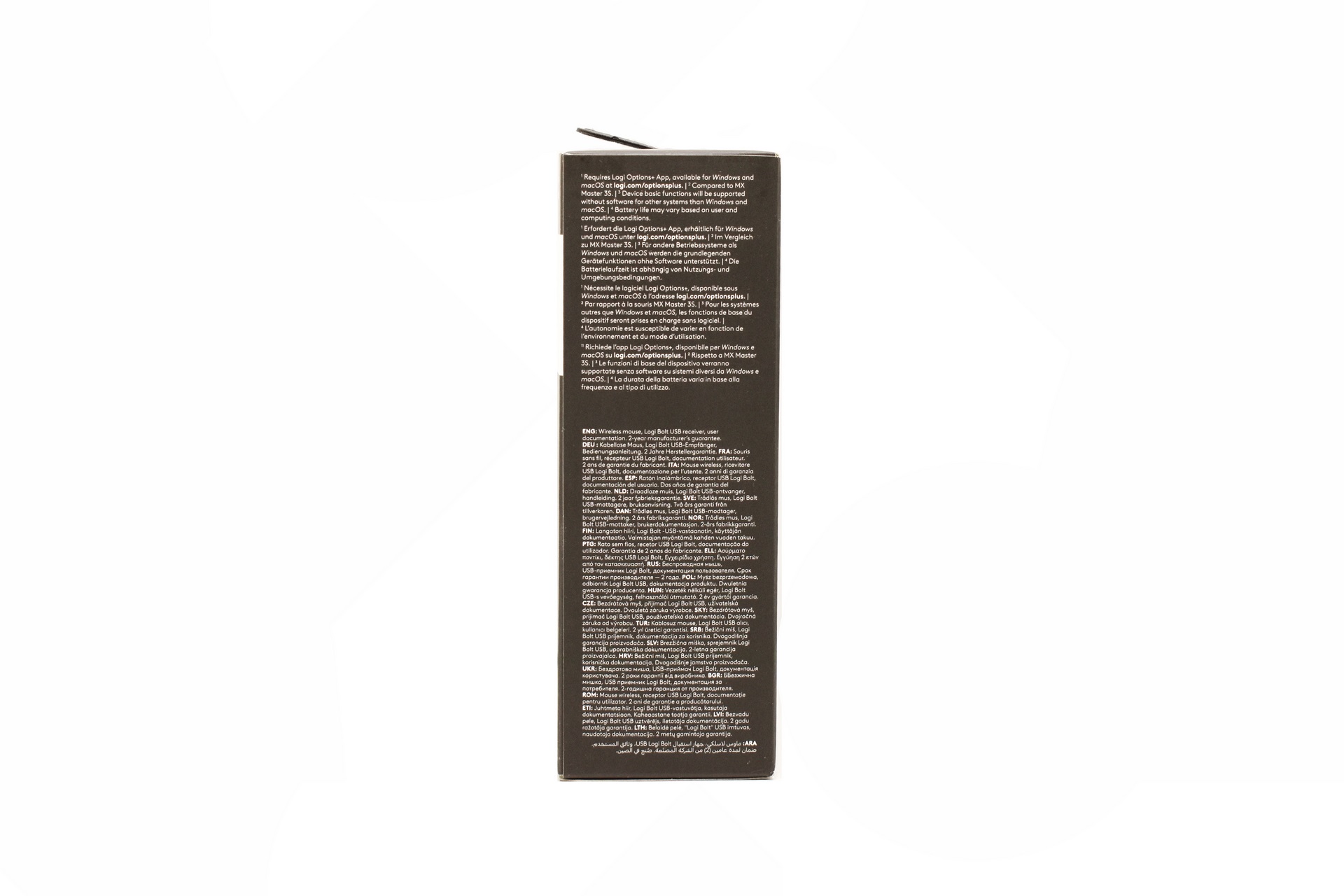
The system requirements and bundle contents are printed on the left side in multiple languages.
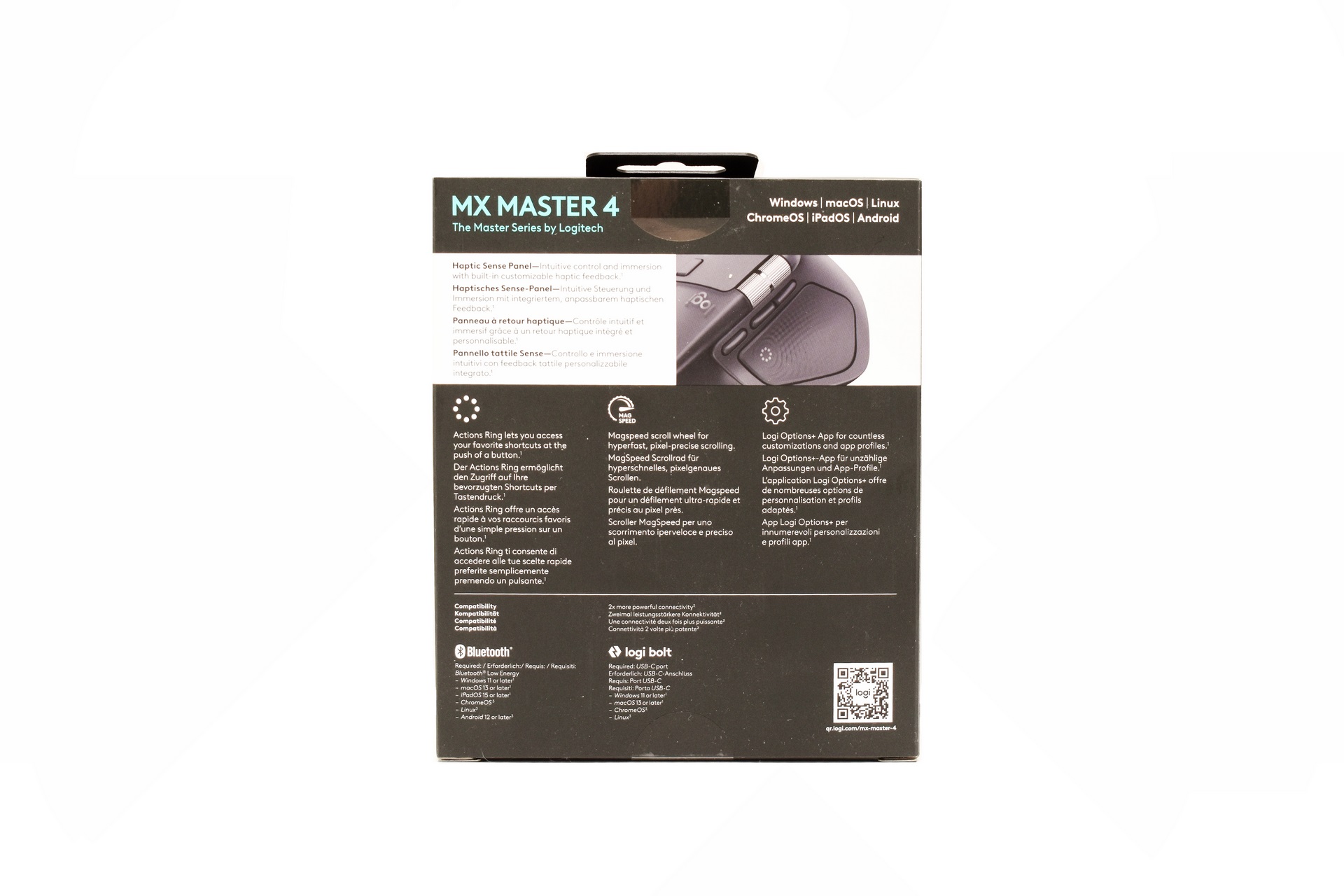
At the rear of the box Logitech showcases the 3 primary features of the MX Master 4.
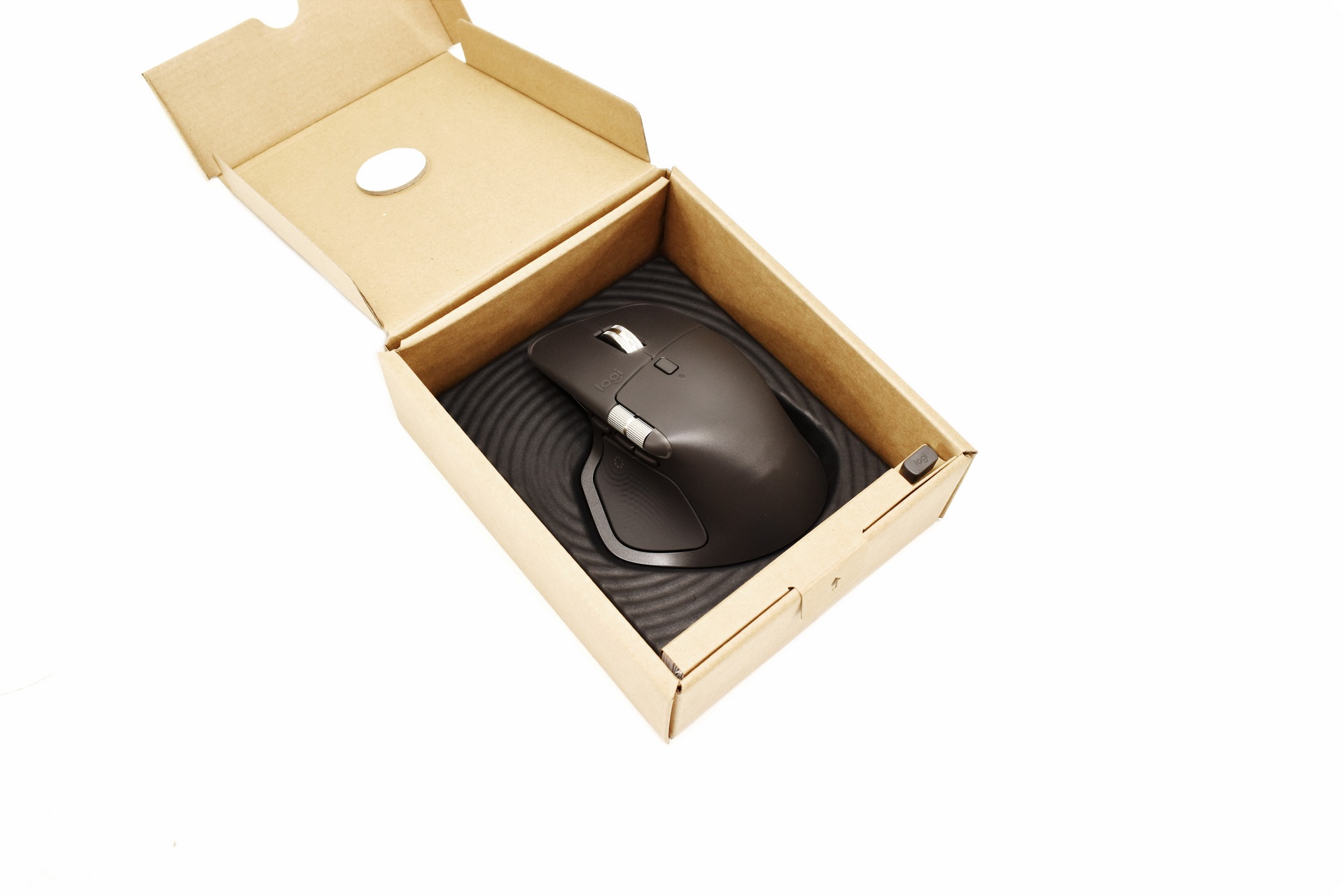
The MX Master 4 sits inside a formed piece of plastic.
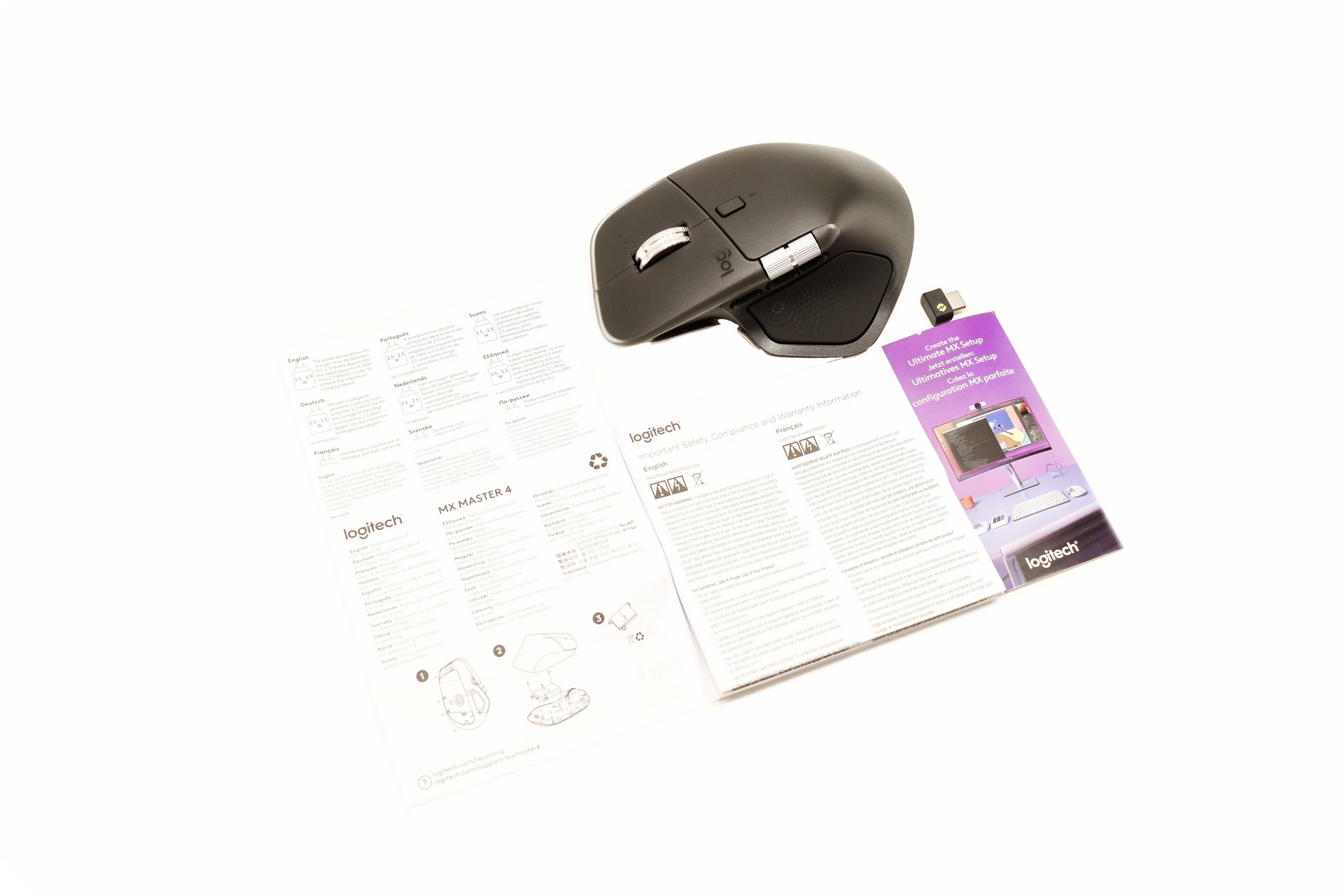
Inside the box you will find the MX Master 4, Logi Bolt dongle, safety and warranty information paper, papers that showcase the proper wall adapters and how to replace the lithium-ion battery, and a paper with links to various setup/configuration files.
THE MX MASTER 4
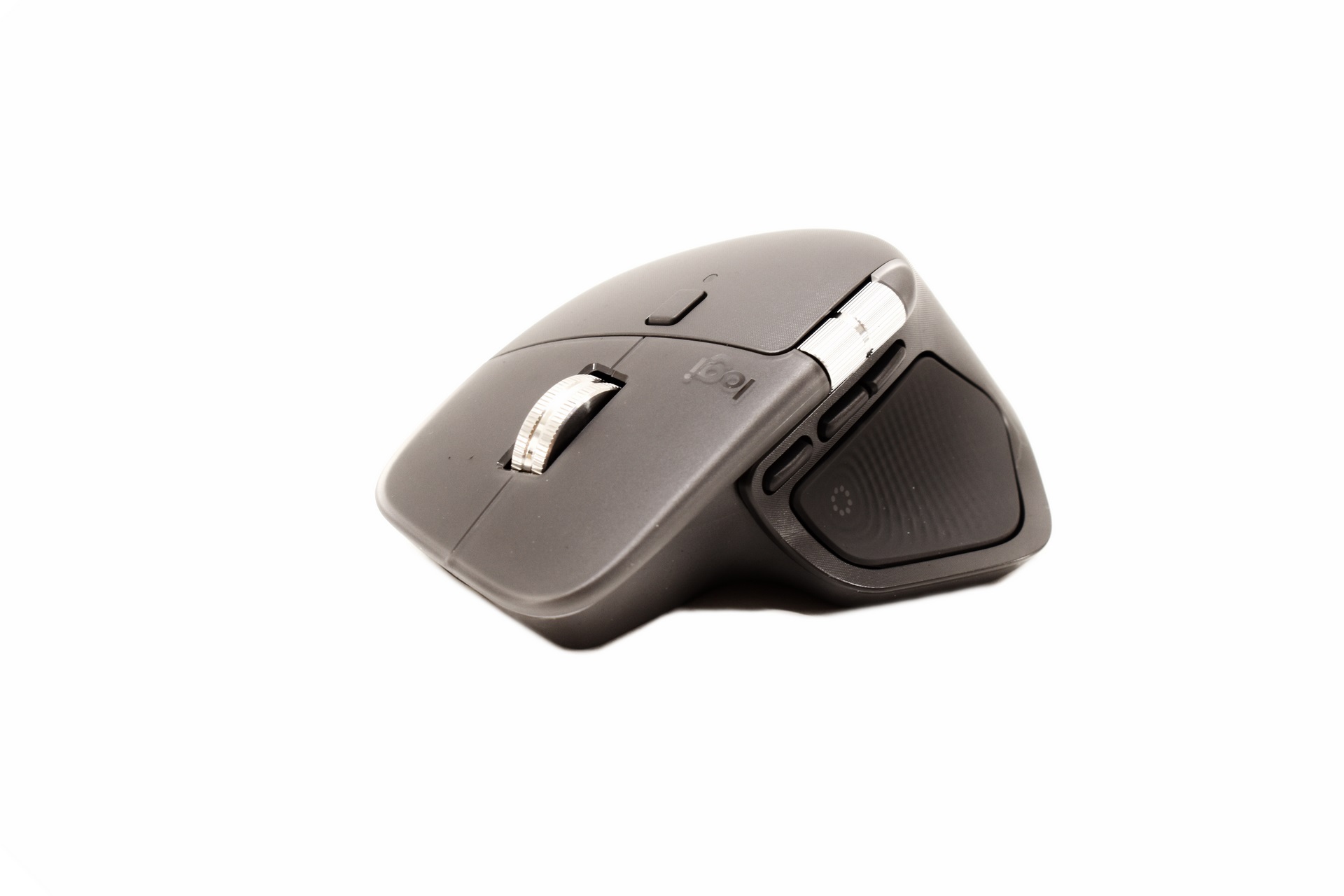
The MX Master 4 is a large mouse weighing 150g and measures 128.15mm in length, 88.35mm in width and 50.8mm in height.
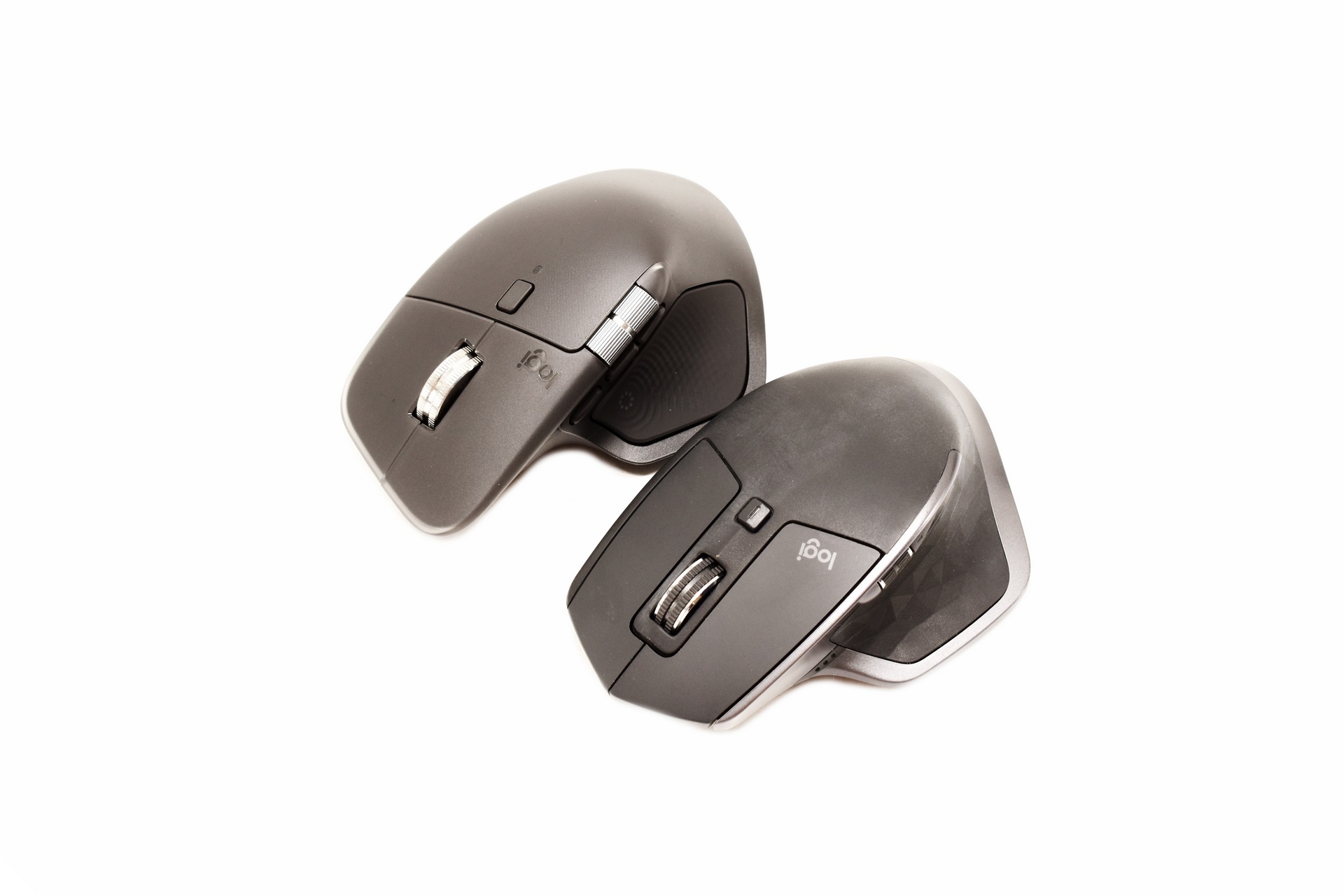
I placed the MX Master 2S right next to the MX Master 4 to showcase their similarities.
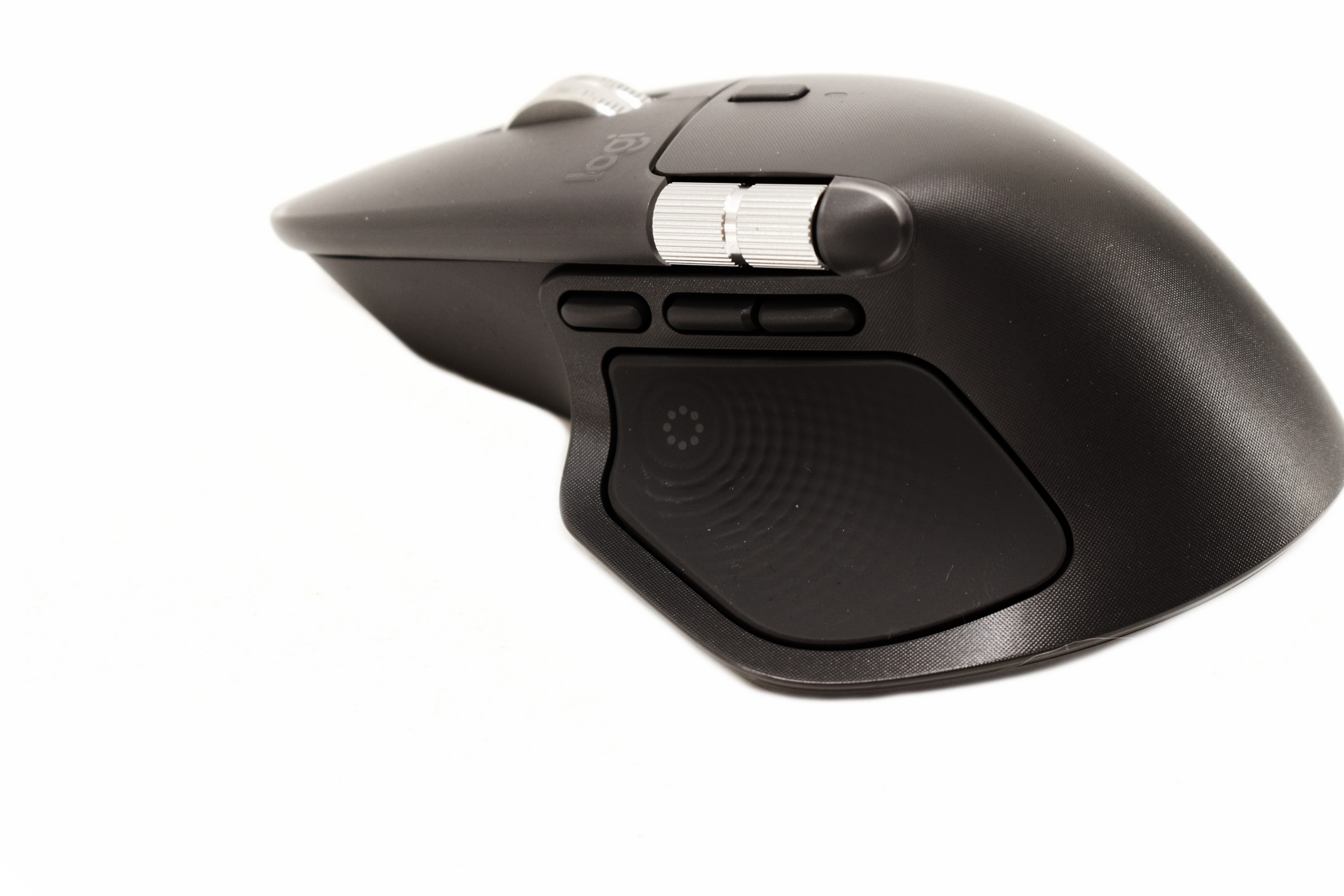
On the left side of the MX Master 4 we find the gestures button (top left), two thumb buttons, horizontal scroll wheel and the thumb rest with the haptic sense feedback that also has the actions ring on it.
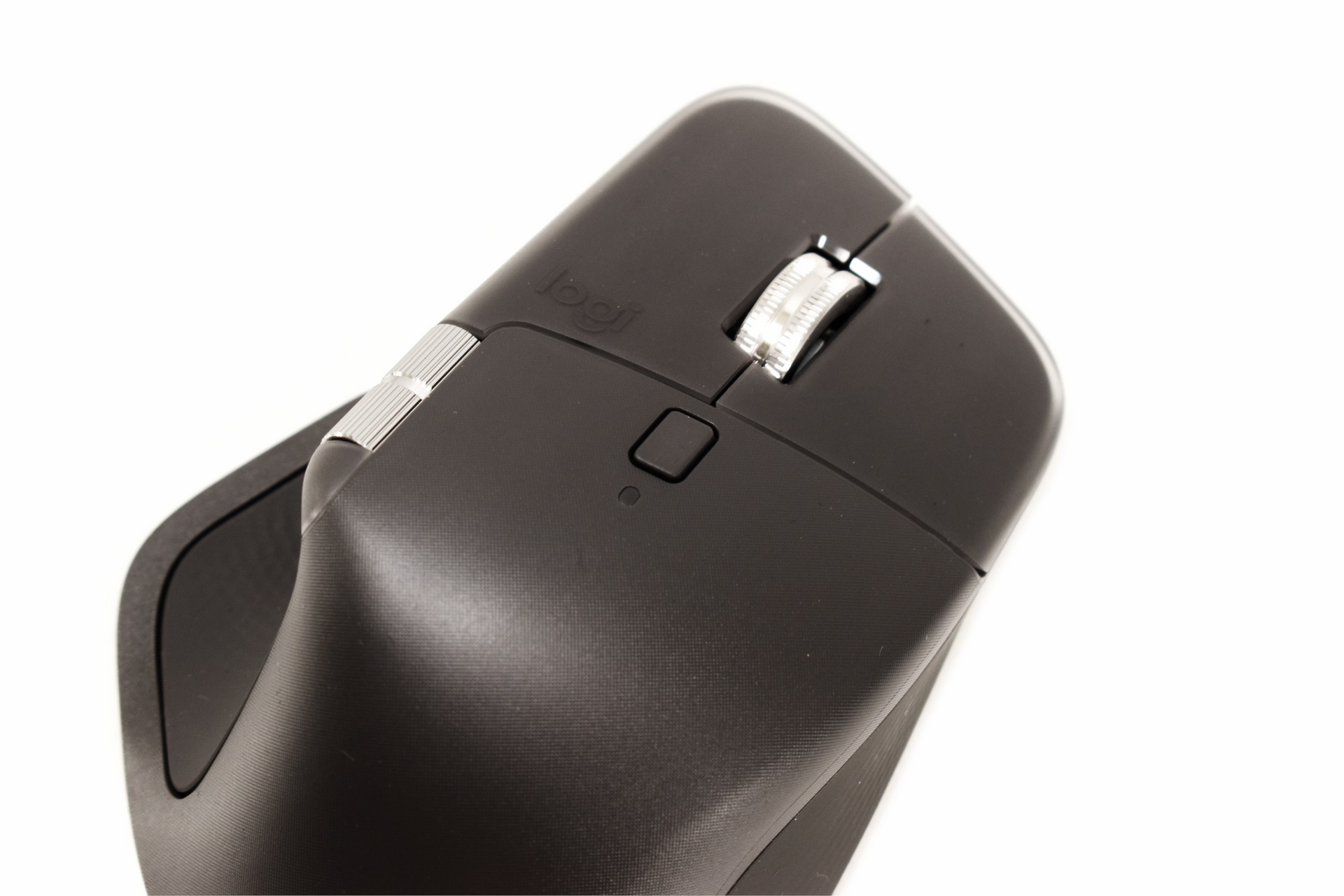
As always at the top we find a mode shift button which as its name suggests is used to change modes.
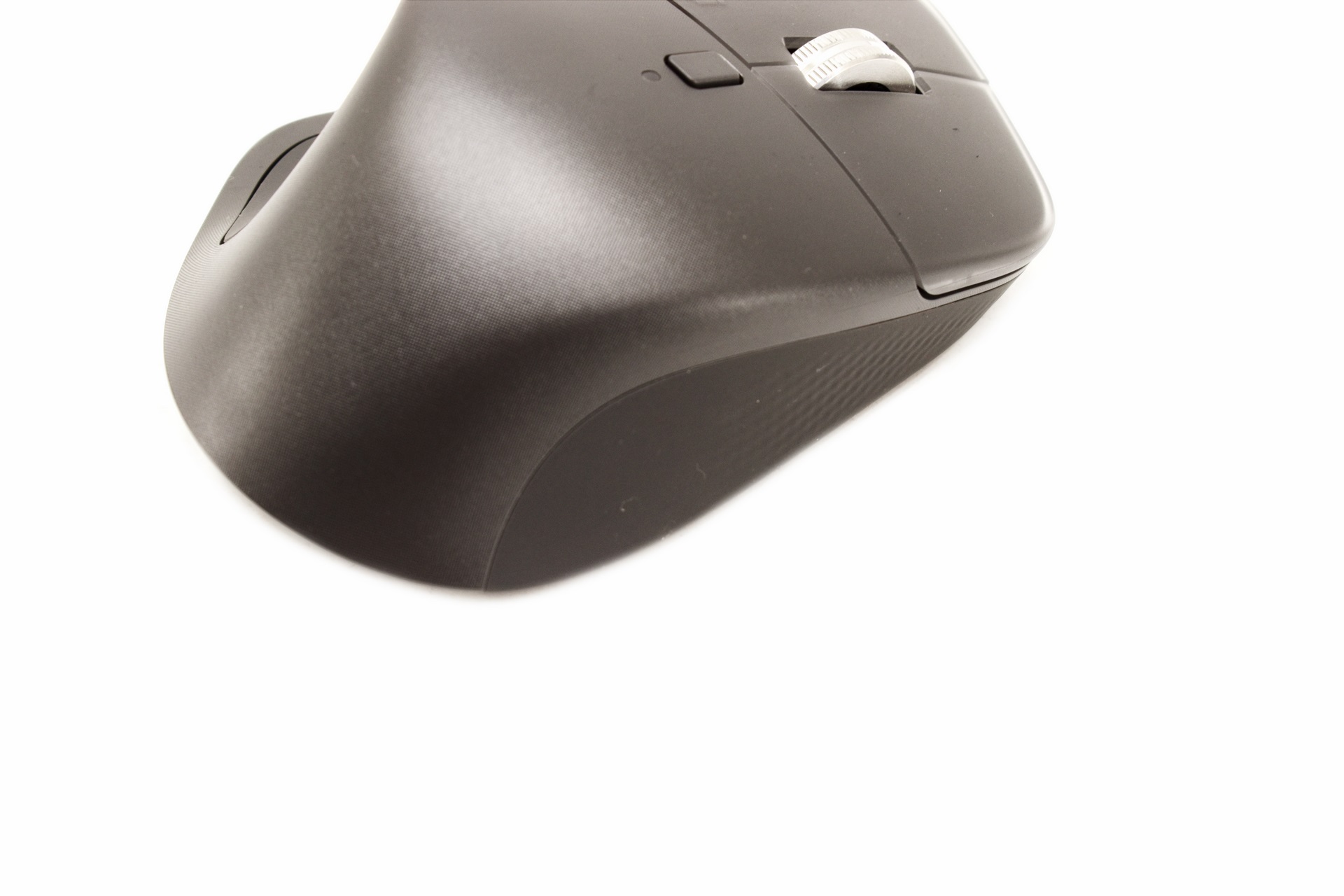
Once again there's no pinky rest area on the left but there's plenty of space there to provide good grip.
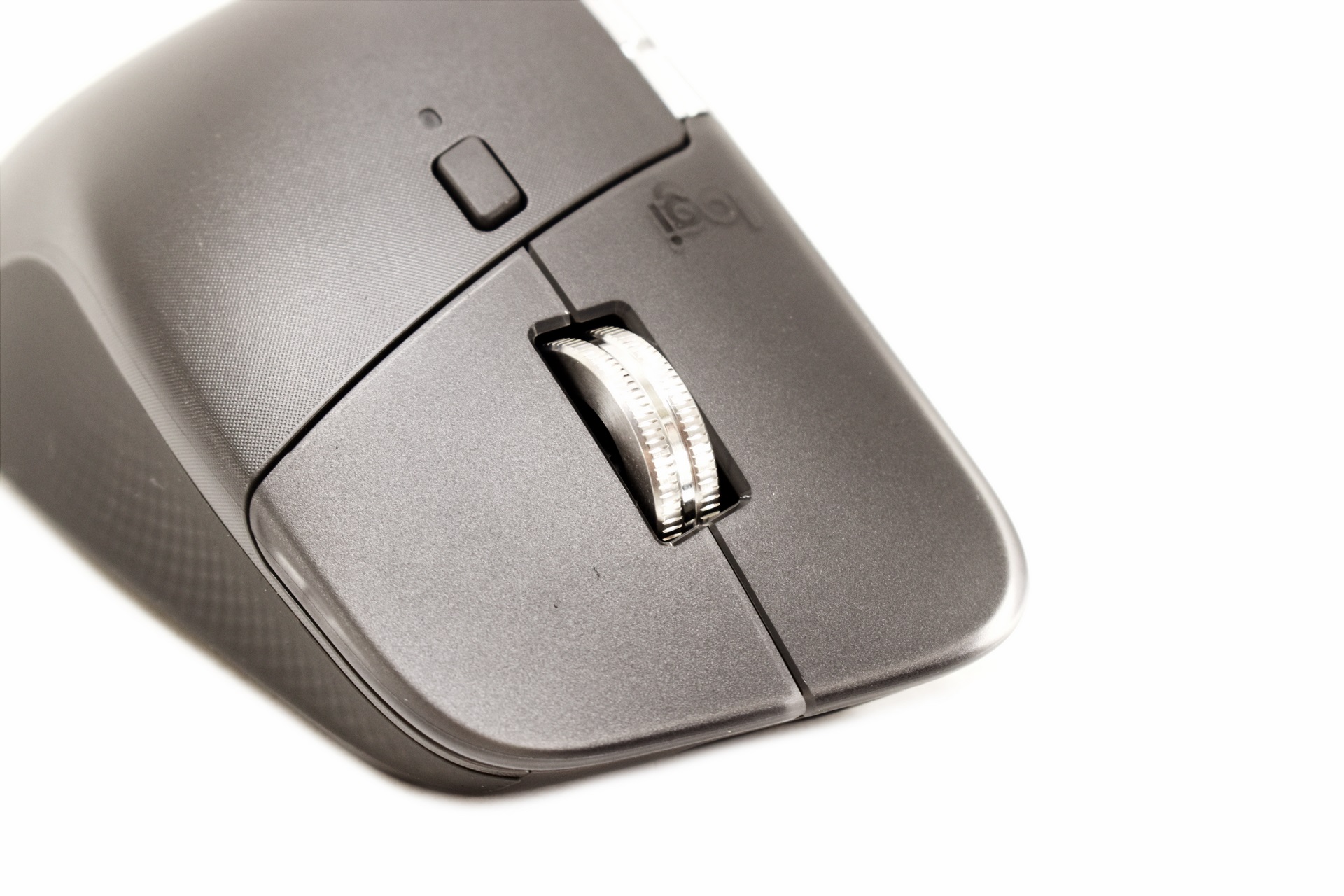
At the front we find the magspeed clickable scroll wheel which is made of machined steel.
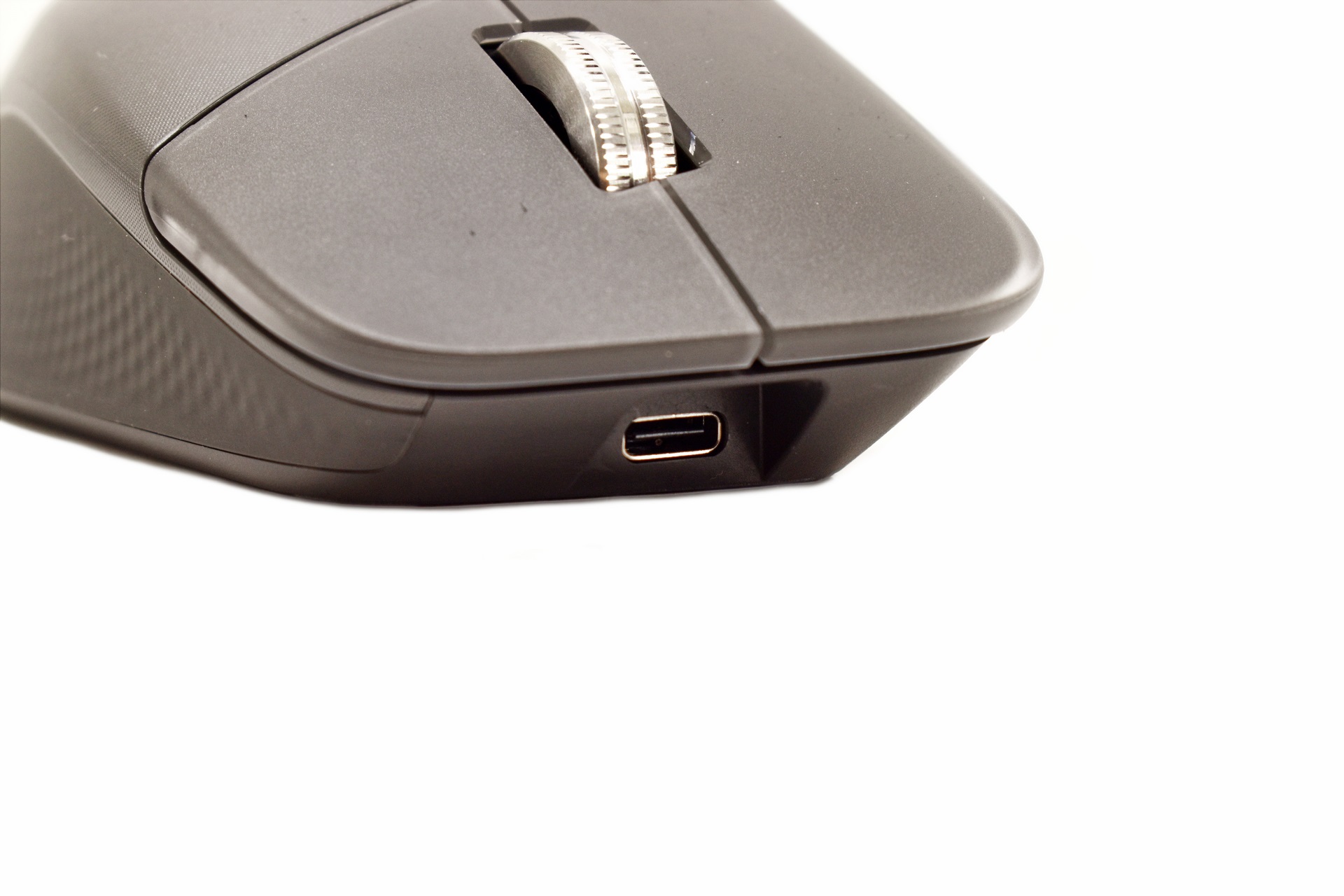
Typically, the USB-C charging port is placed right under the primary buttons.
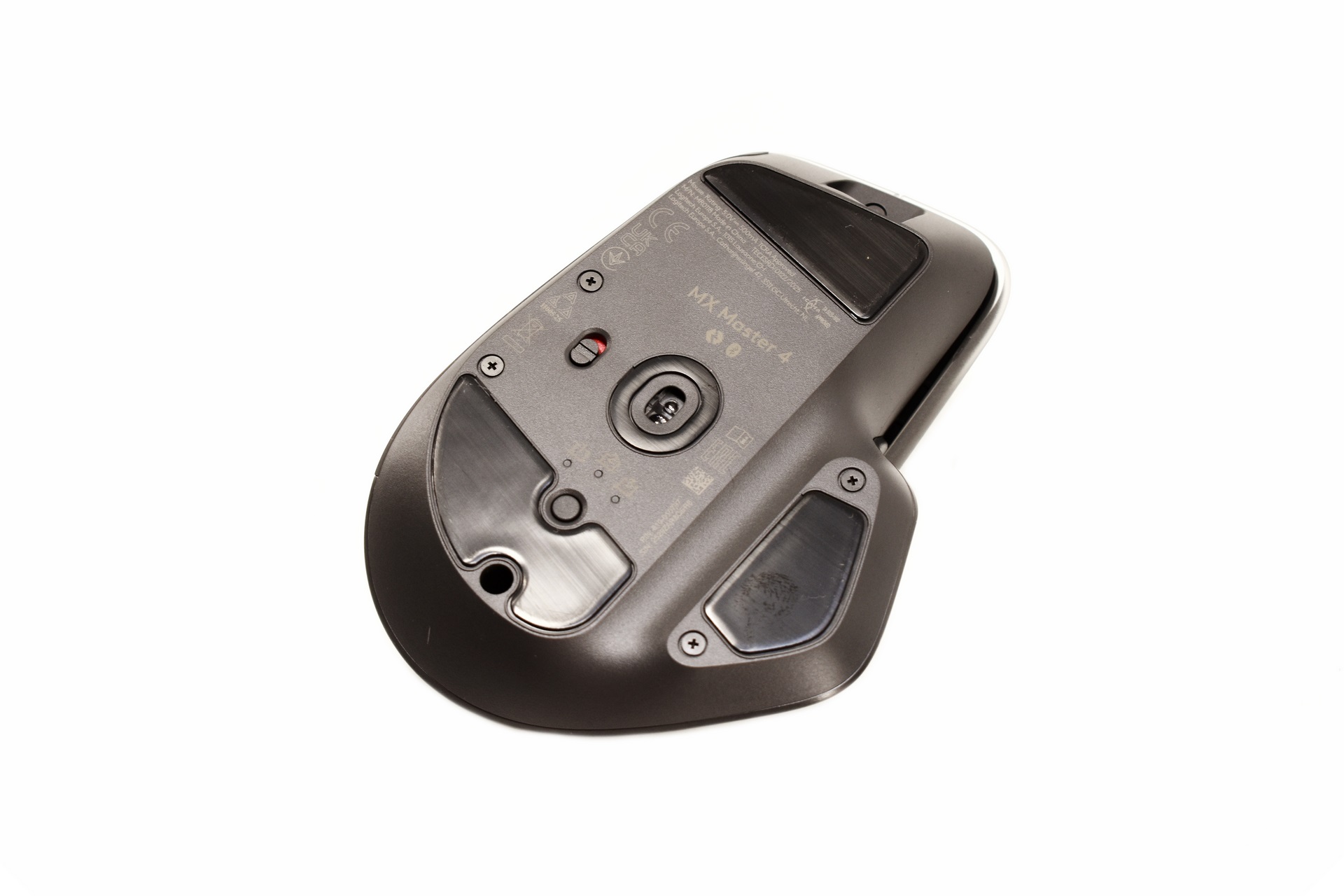
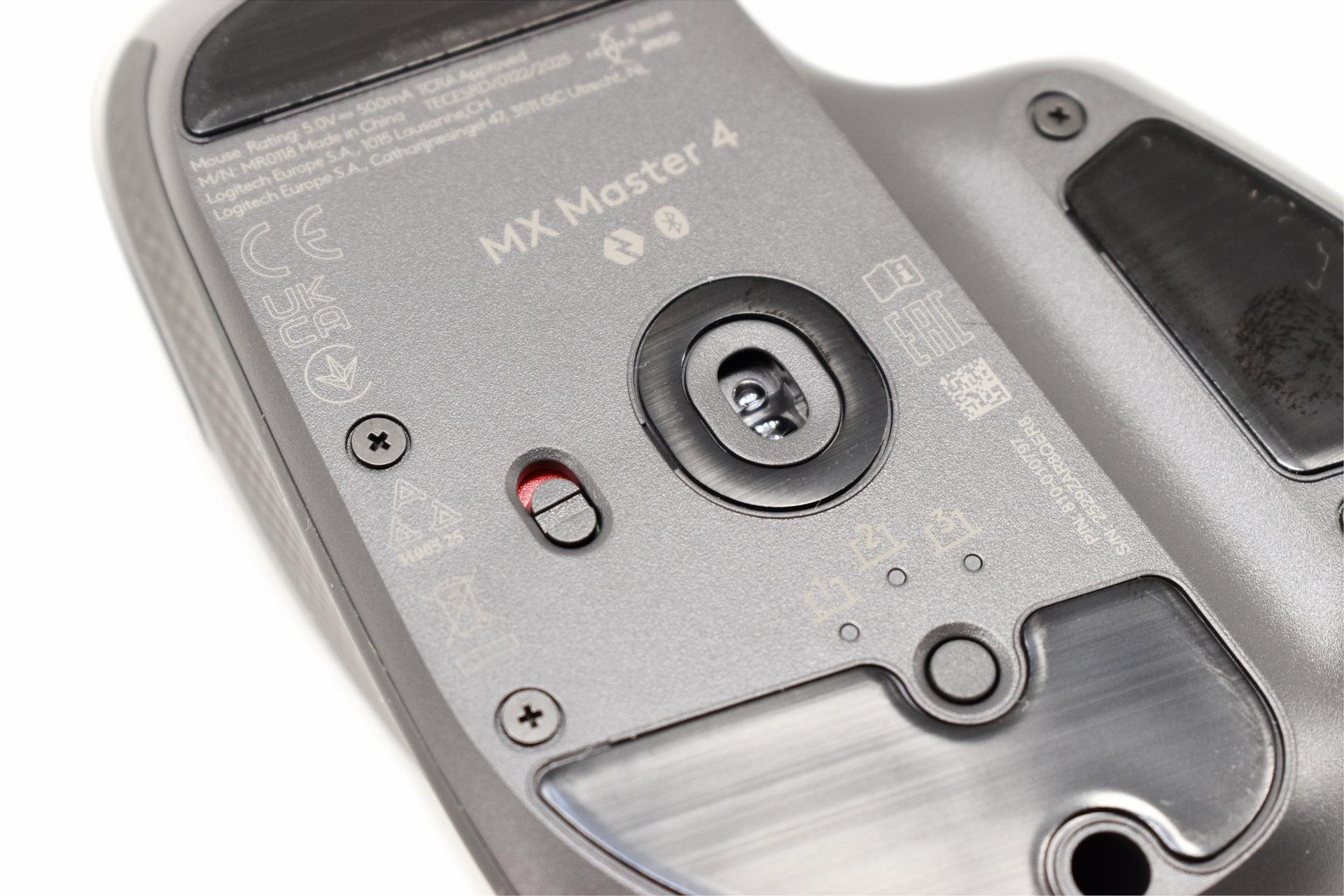
Turning the MX Master 4 over we find 4 large PTFE feet, the 8K DPI Darkfield sensor, Easy-Switch & connect button (allows the mouse to be connected with up to three different computers) and the on/off switch.
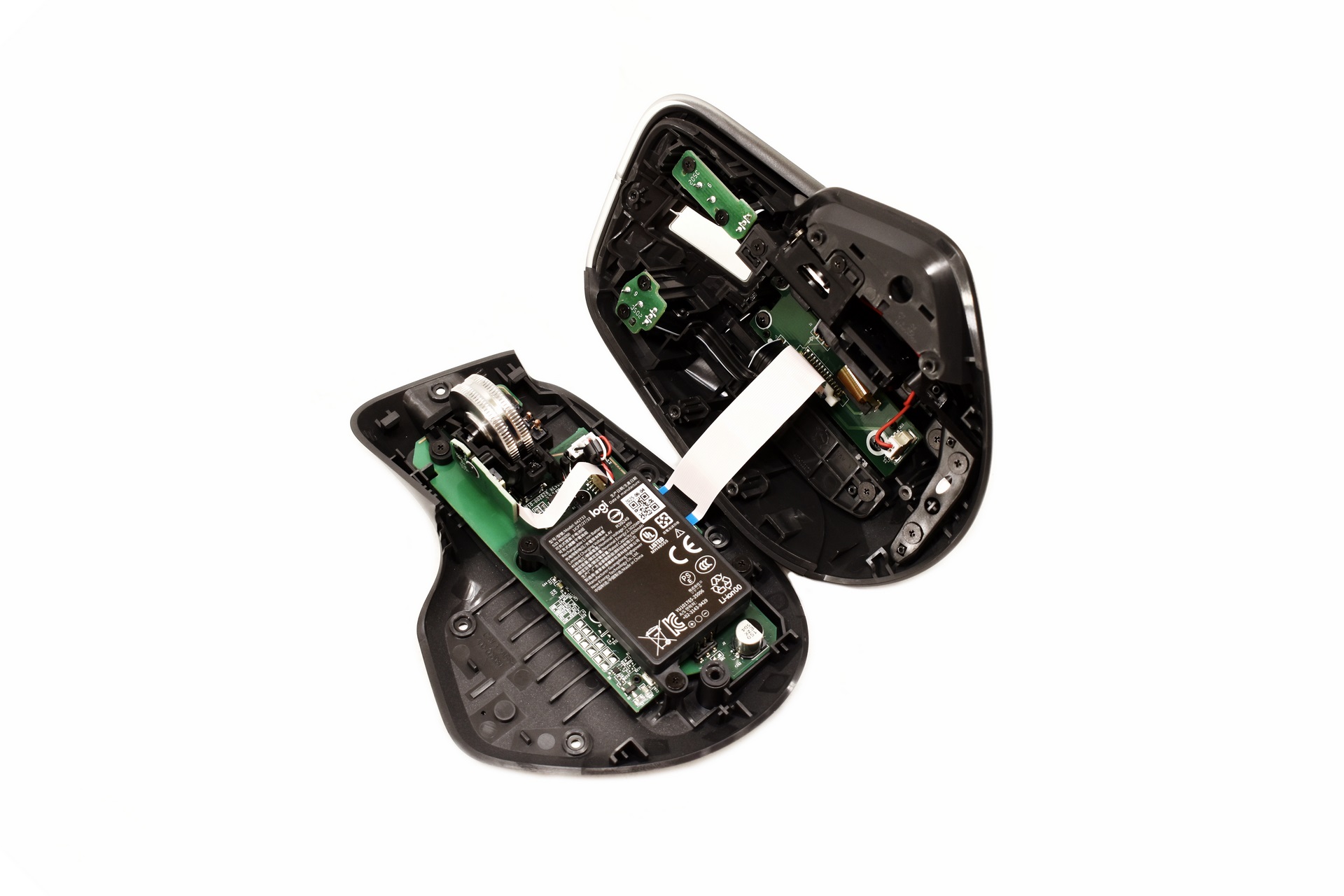
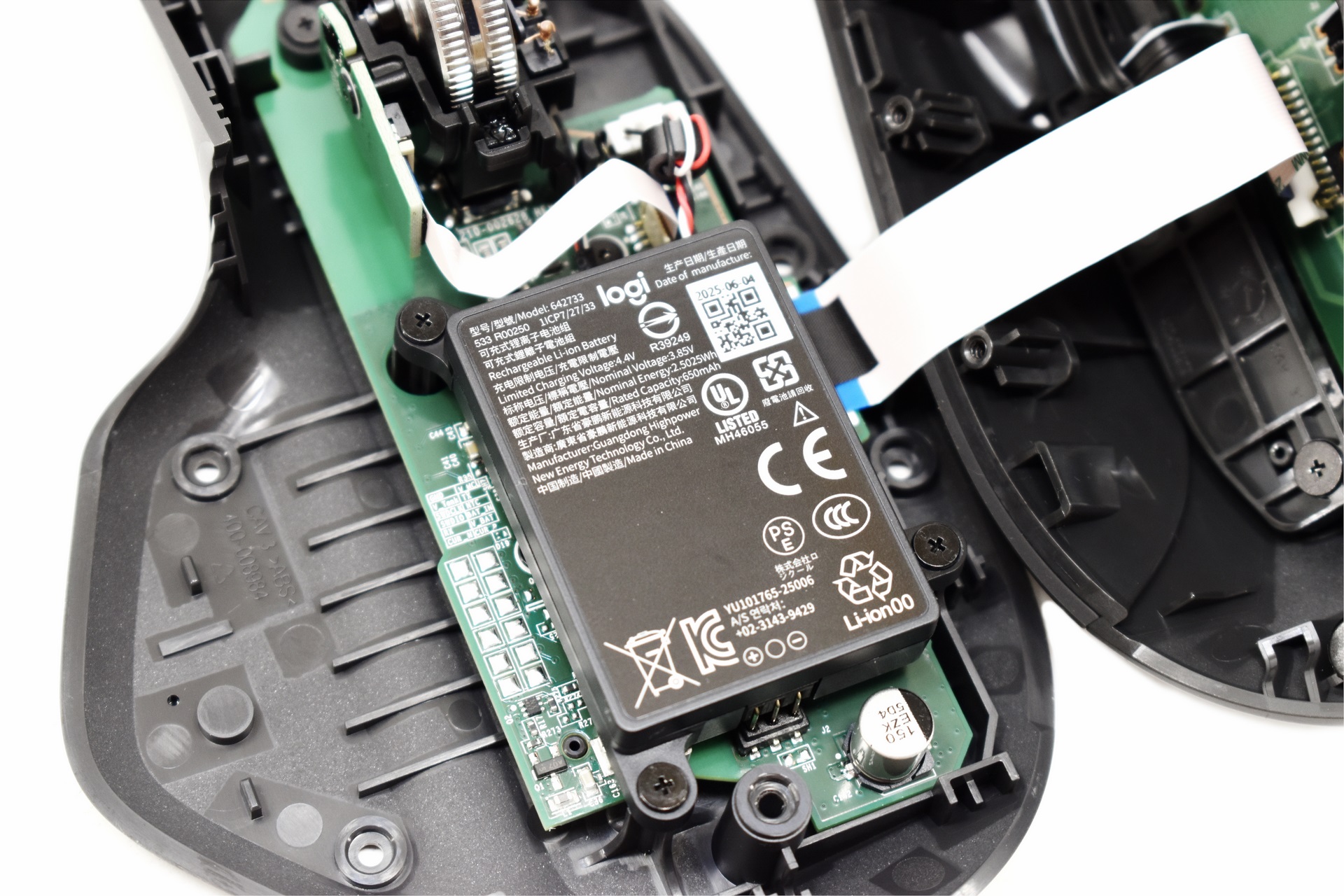
As Logitech points out you can remove the 650mAh lithium-ion battery on your own so opening the housing is very easy.
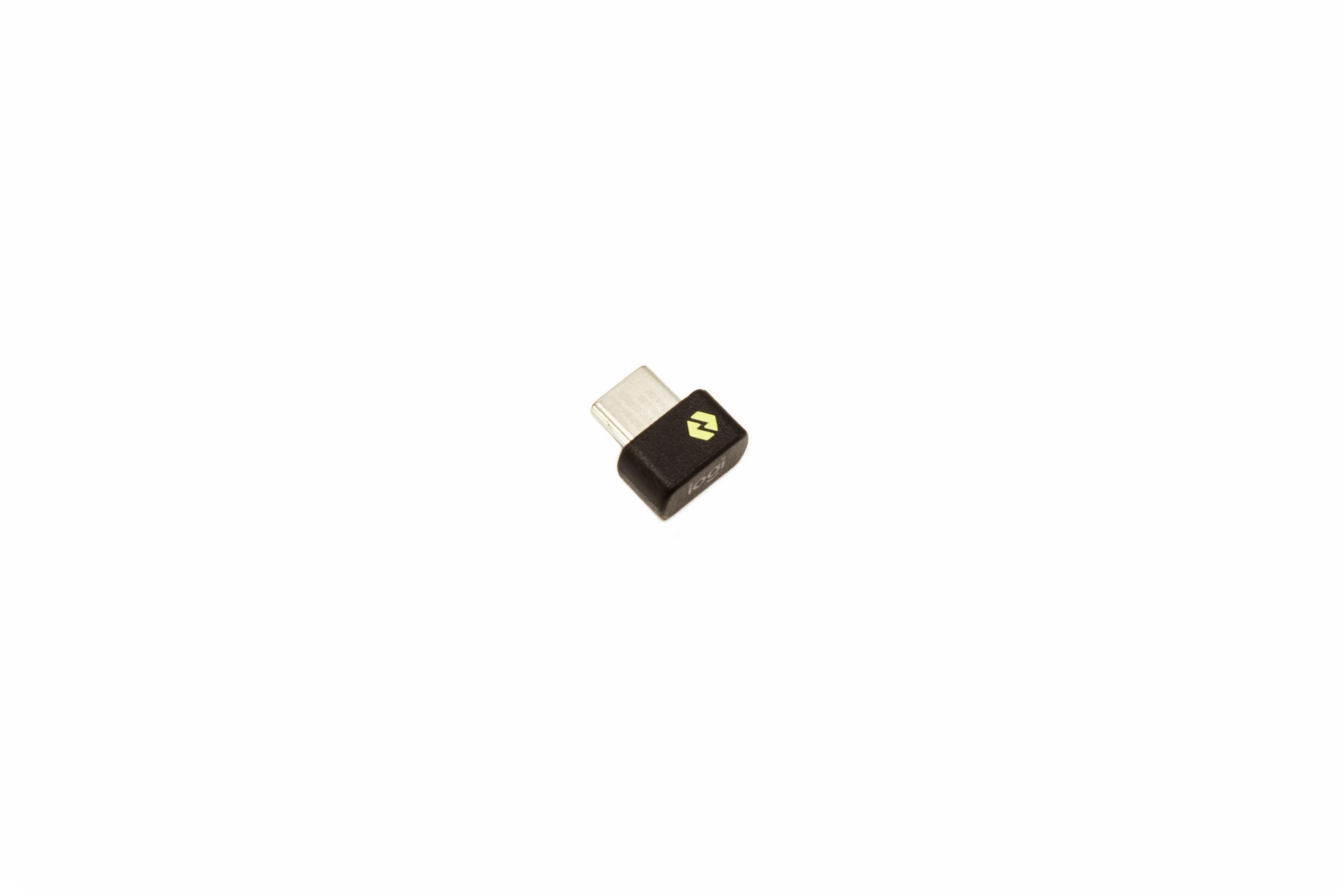
The Logi Bolt USB-C dongle is tiny.
LOGI OPTIONS+
To have complete control over the MX Master 4 you will need to install the Logi Options+ software.
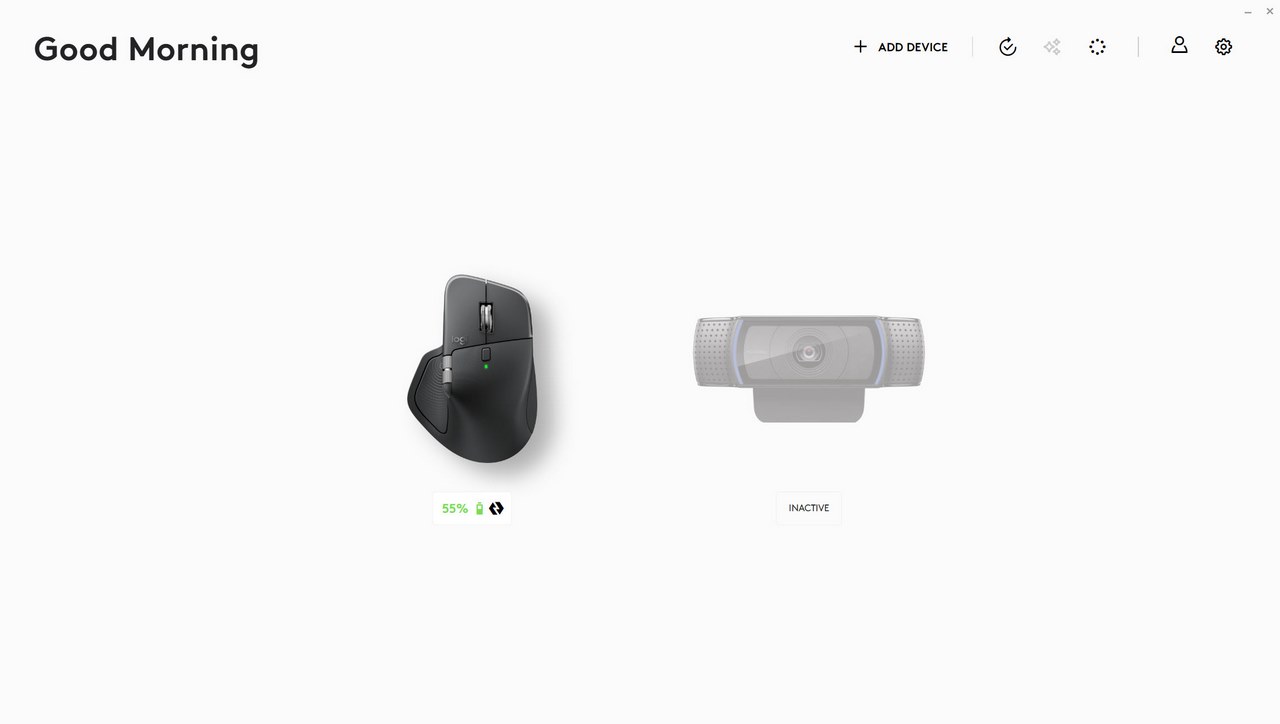
The initial screen of the Logi Options+ displays Logitech connected devices.
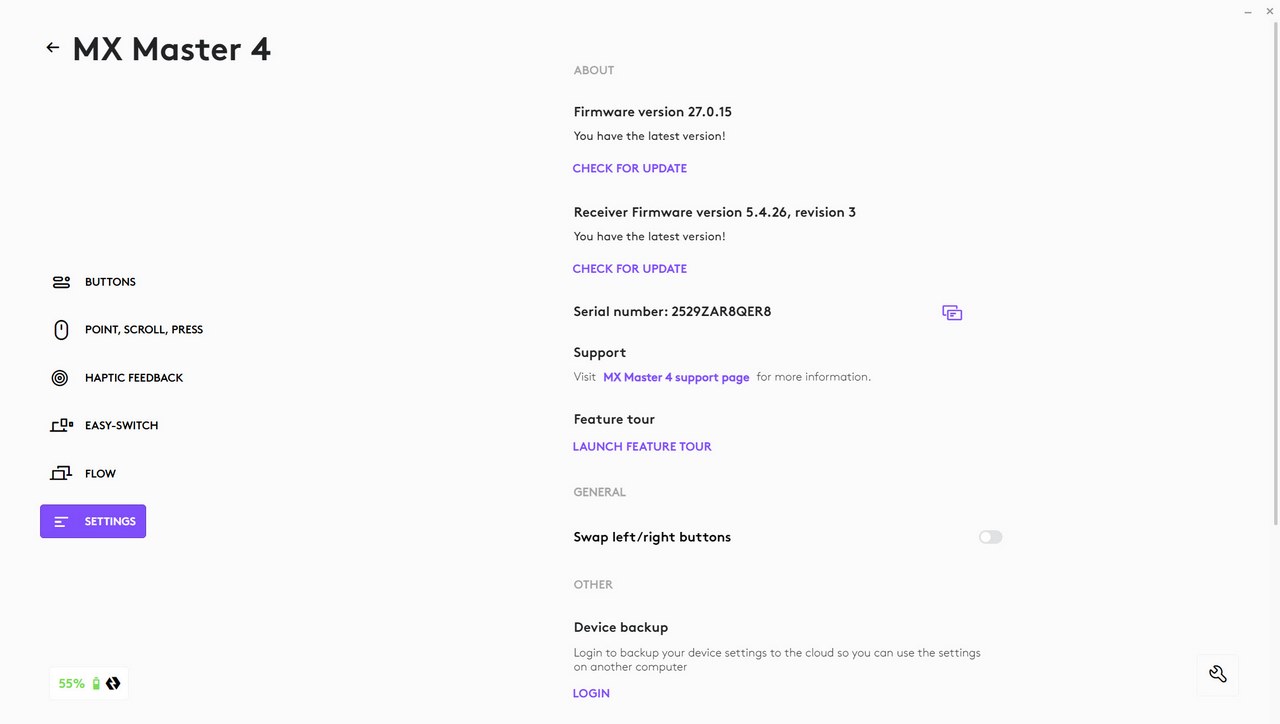
As always, I suggest heading into the settings page first to check for any firmware/software updates.
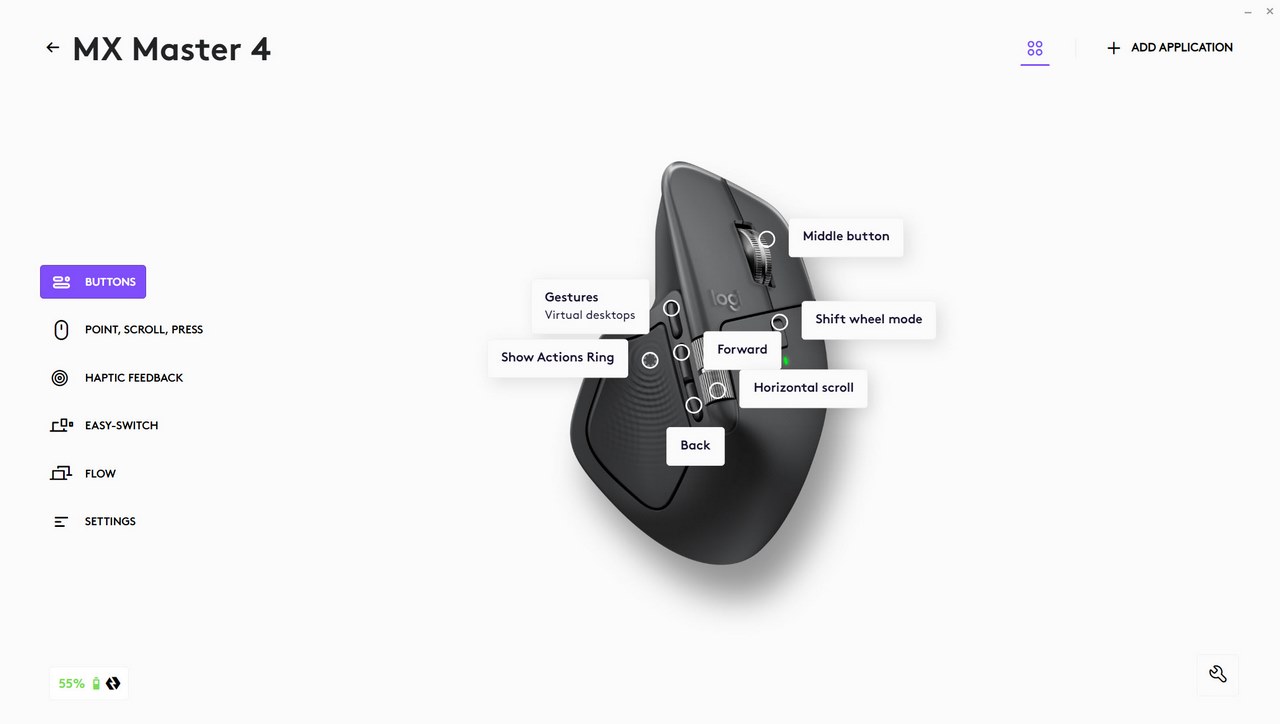
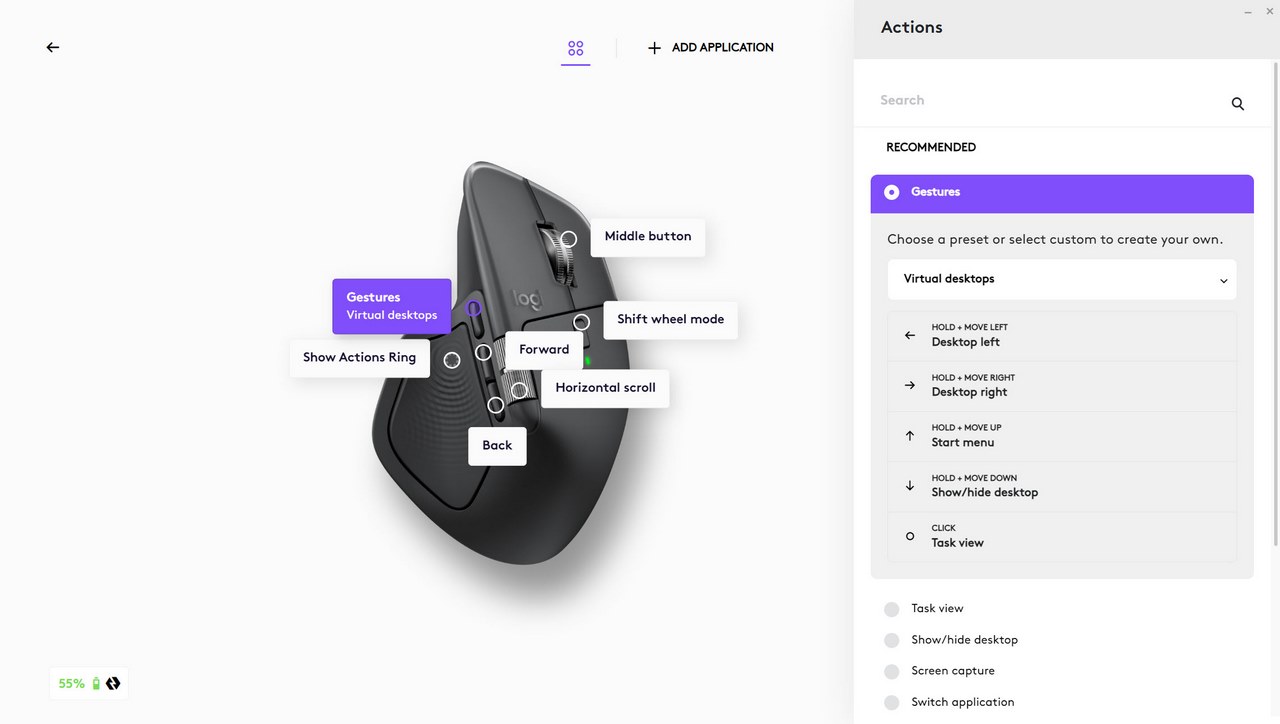
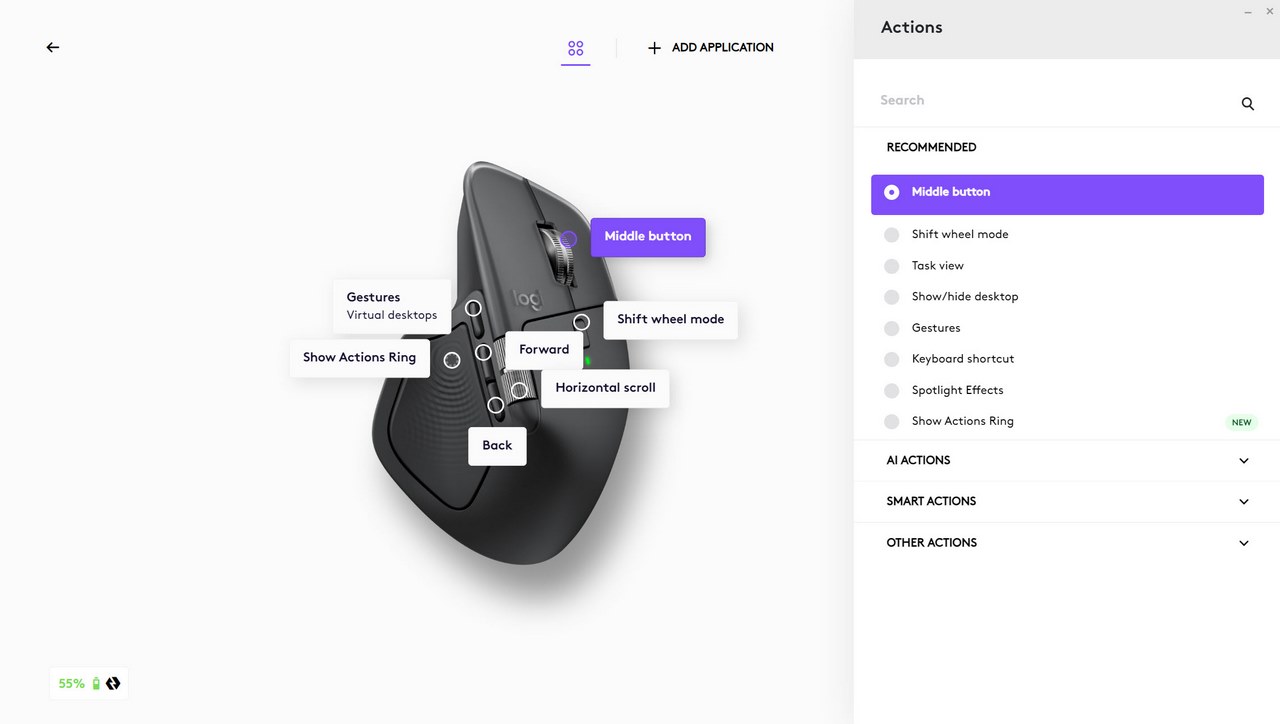
The buttons tab allows you to remap all buttons on the MX Master 4 with various actions as seen above.
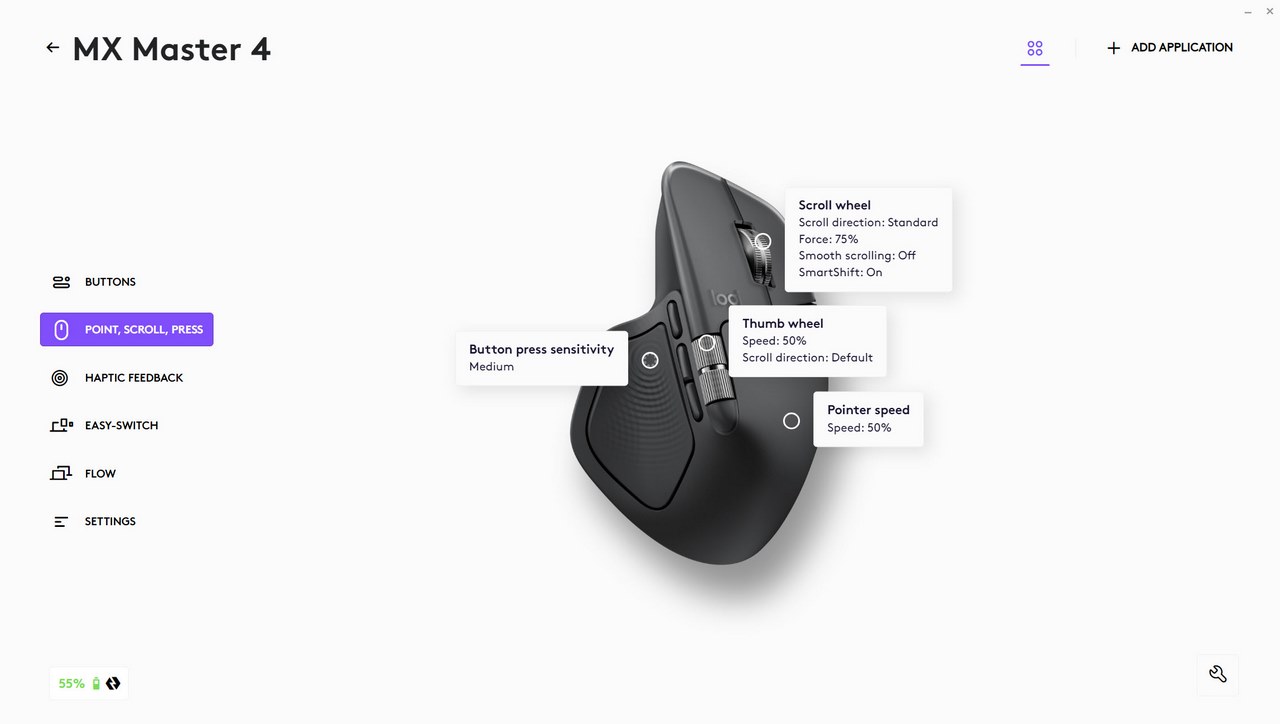
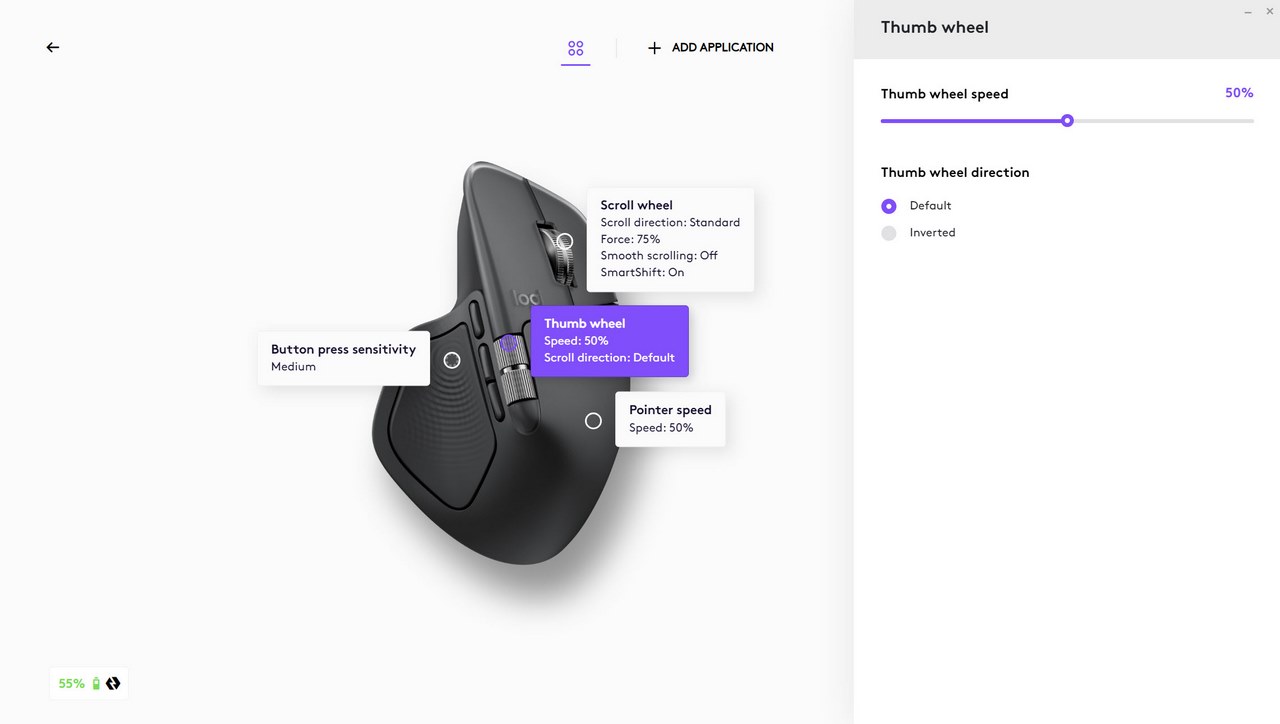
Scrolling speed and button sensitivity can be adjusted from the point, scroll press tab.
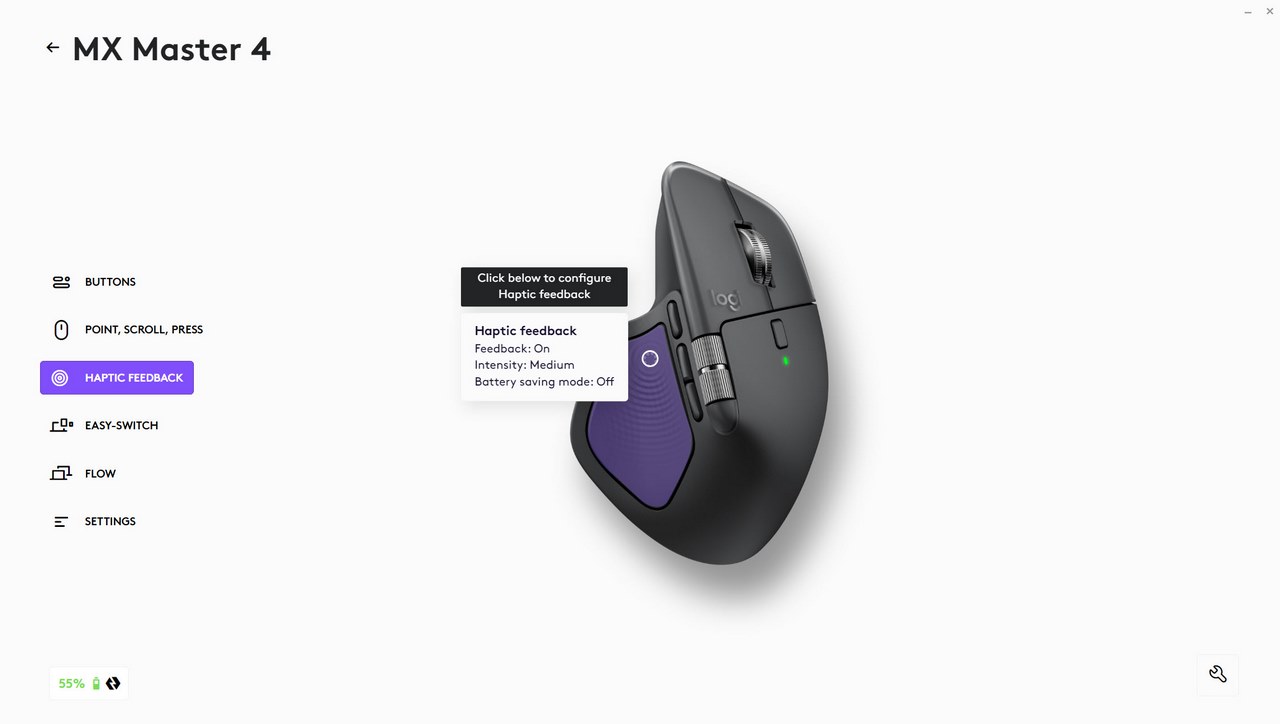
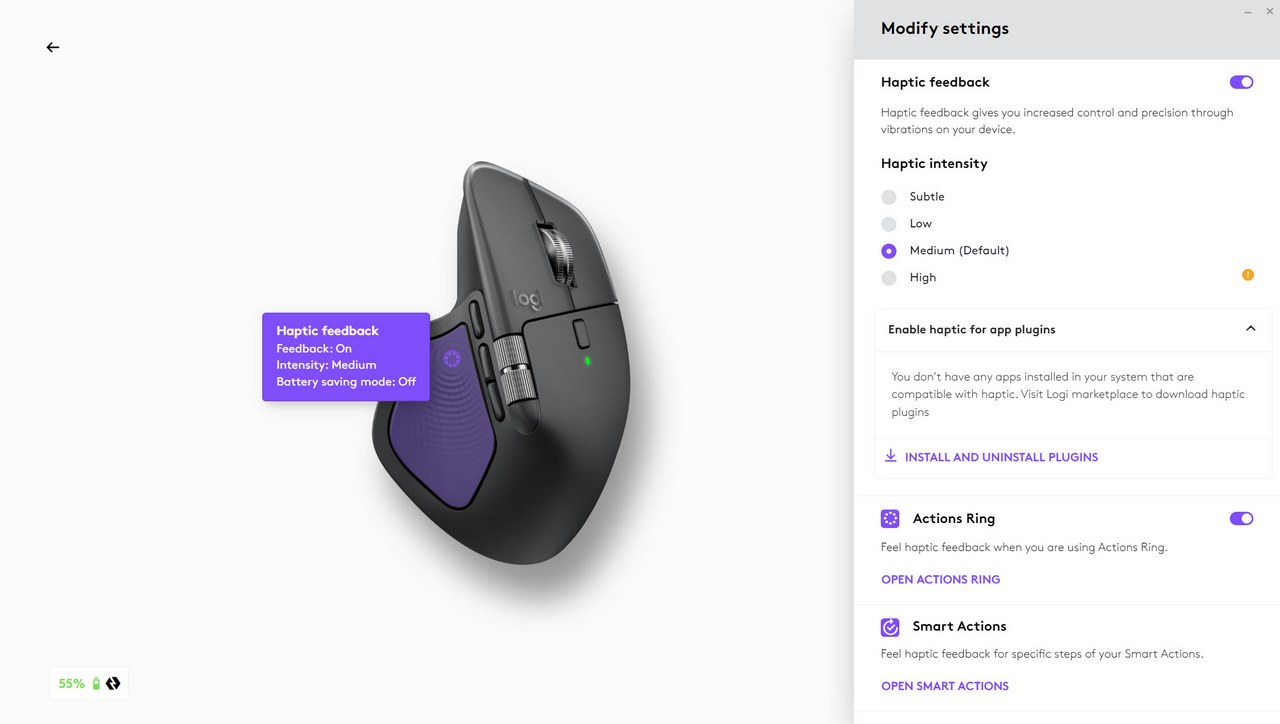
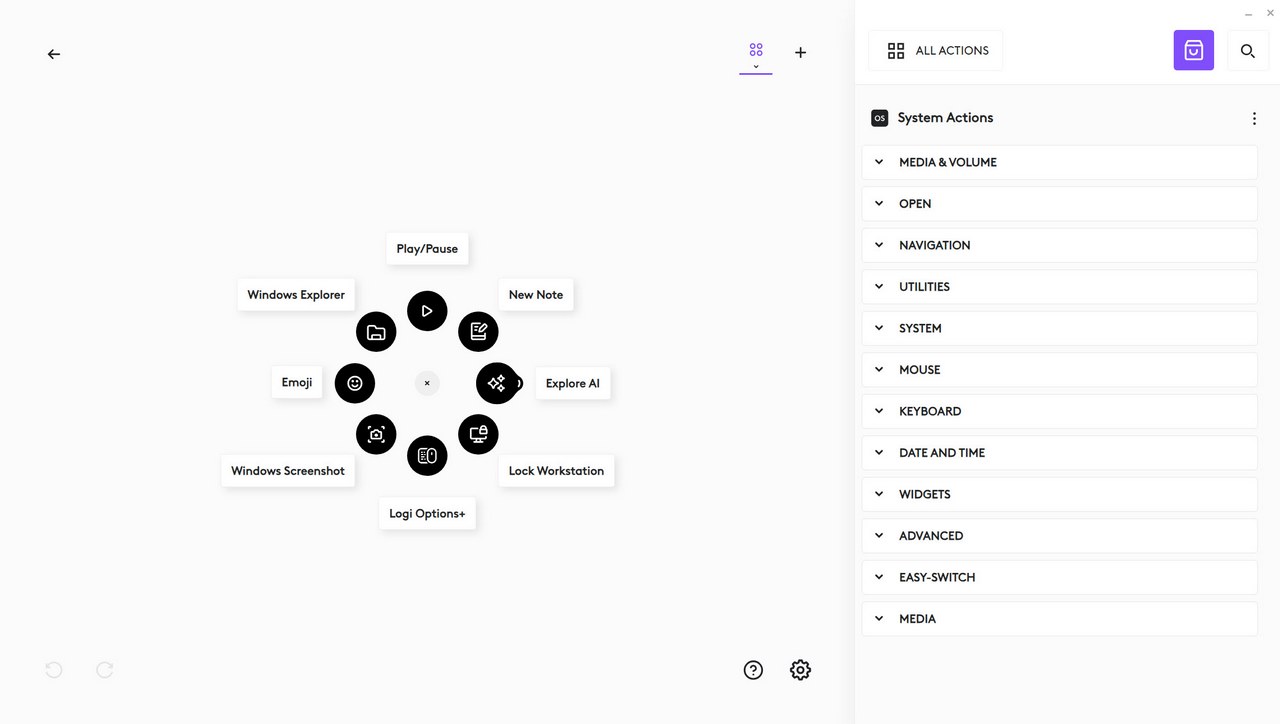
The haptic feedback and actions ring settings are available inside the haptic feedback tab.
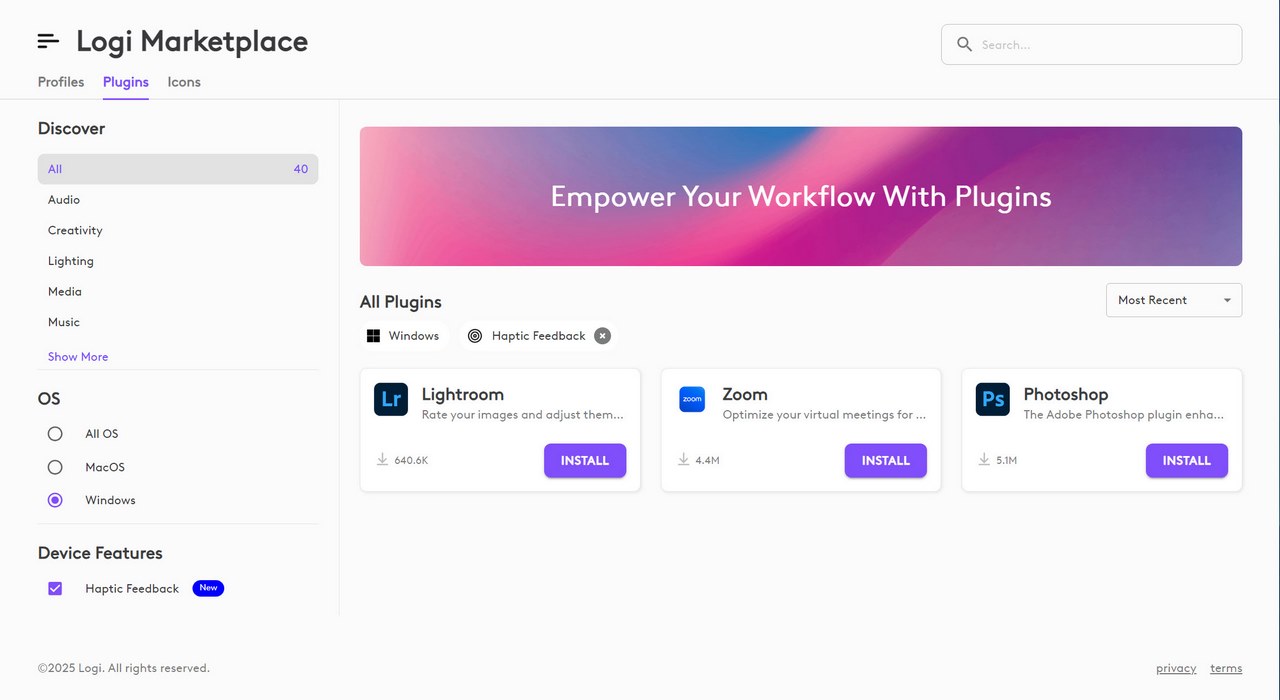
As you can see from the above screenshot the haptic feedback feature is also compatible with 3 programs, Lightroom, Zoom and Photoshop via plugins.
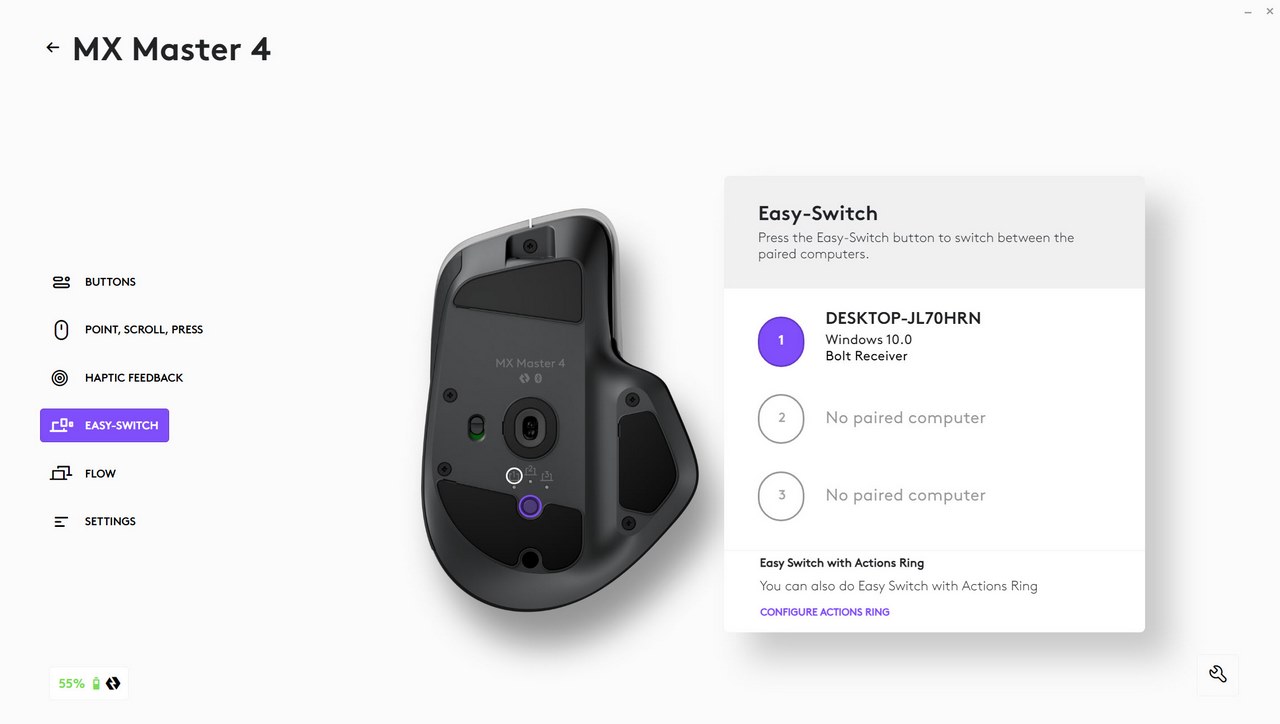
You can also access the easy-switch feature from the corresponding tab.
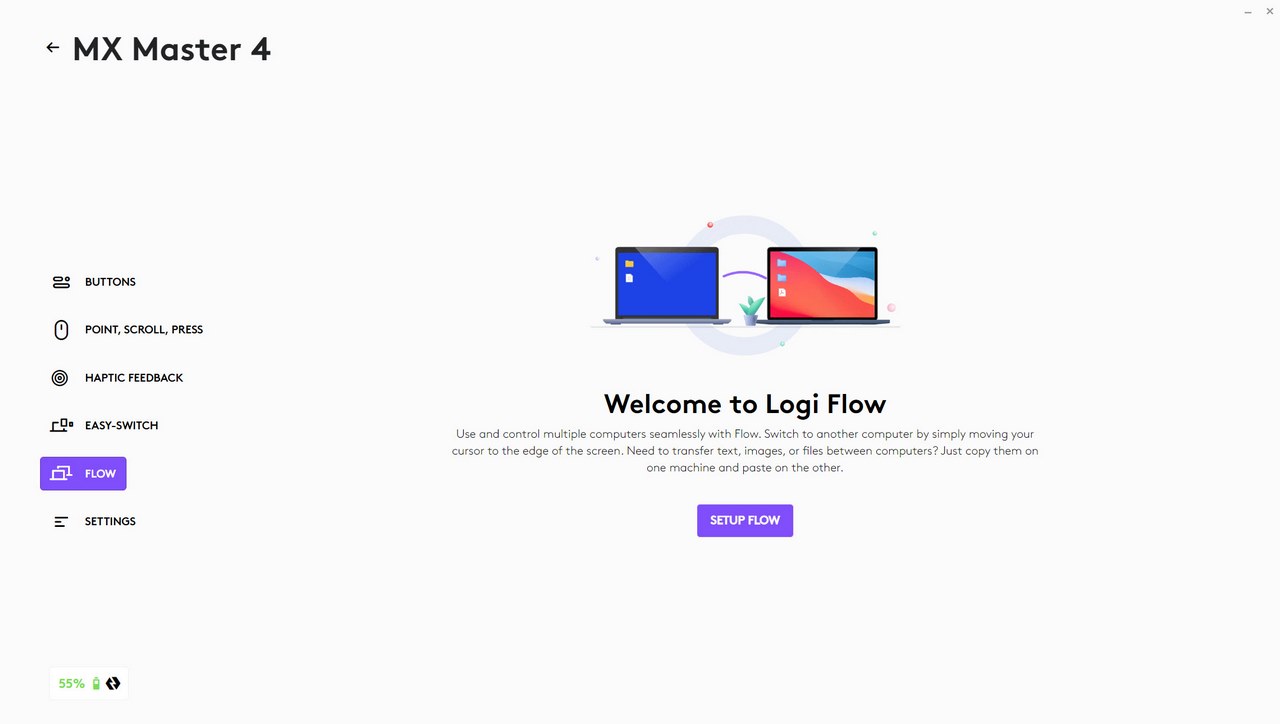
From the Logi Flow tab you can use the MX Master 4 to control multiple computers.
CONCLUSION
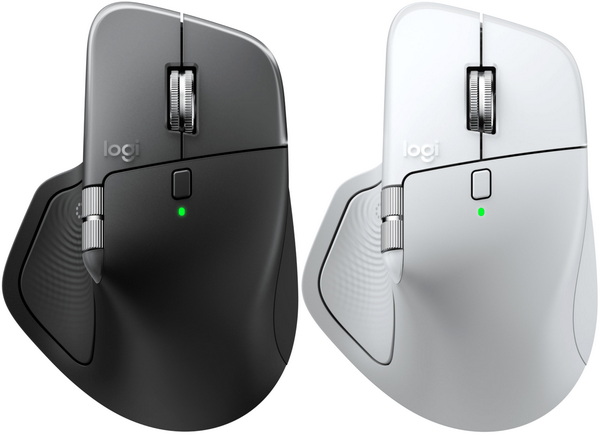
The MX Master line of mice by Logitech has always targeted casual users and professionals and well, there aren’t that many wireless mice out there than can compete, especially with the MX Master 4. Tracking accuracy is excellent, at 8000 DPI I personally have no problems with its speed (even on one of my 4K screens), gliding is flawless and in terms of grip well, it may be large and somewhat heavy, but it feels nice when you hold it. Yes, the MX Master 4 is not a gaming mouse so it’s not quite ideal for fast passed games but for more “generic” titles (for example No Mans Sky, World Of Warships, Star Citizen, Days Gone) it actually does a very good job. Wireless performance is also flawless (only used the bundled Logi Bolt dongle for my review) and as for battery life even though I received it over 30 days ago on the 29th of September when I took the Logi Options+ screenshots battery life was still at 55%. The haptic feedback system is also interesting, it may not be that important for casual users, but it adds to the over experience and as for the actions ring it works well if you have some specific commands you use a lot (so mostly for professionals). The gestures button is a bit further forward than what I’d like but it wasn’t a huge issue during testing (long fingers). The Magspeed clickable scroll wheel also works well although I do prefer the one used with the MX Master 2S a bit more due to its partial rubber coating and as for the primary buttons yes, they are almost inaudible. The lack of rubber/silicon coating needs getting used to but to be completely honest that shouldn’t be a problem for most people (wasn’t for me, could be for others). My sole issue is with the Logi Options+ software since I don’t find it very easy to navigate and use but that could be just me.
Logitech released the MX Master 4 officially on the 30th of September and so it currently retails for USD119.99 inside the USA (Amazon.com) and for 135.46Euros inside the EU (Amazon.de) a price tag which is on par with how much its predecessors cost at launch. At the end of the day the brand new MX Master 4 may be primarily aimed towards professionals/office workers, but it should be more than enough for most users (gamers aside) and since it delivers as advertised it gets the Golden Award.

PROS
- Build Quality
- Excellent Tracking Accuracy & Speed (8K DPI Darkfield Sensor)
- Ergonomic Design
- User Replaceable 650mAh Lithium Ion Battery (Up To 70 Days)
- Wireless Performance (Bluetooth & Logi Bolt BLE Dongle)
- Features (Haptic Feedback, Gestures & Actions Ring)
- Inaudible Primary Buttons
- Available In Graphite & Pale Gray Colors
CONS
- Price (For Some)
- No Coating (For Some)
- Gestures Button Location (For Some)





