





LOGI OPTIONS+
To have complete control over the MX Master 4 you will need to install the Logi Options+ software.
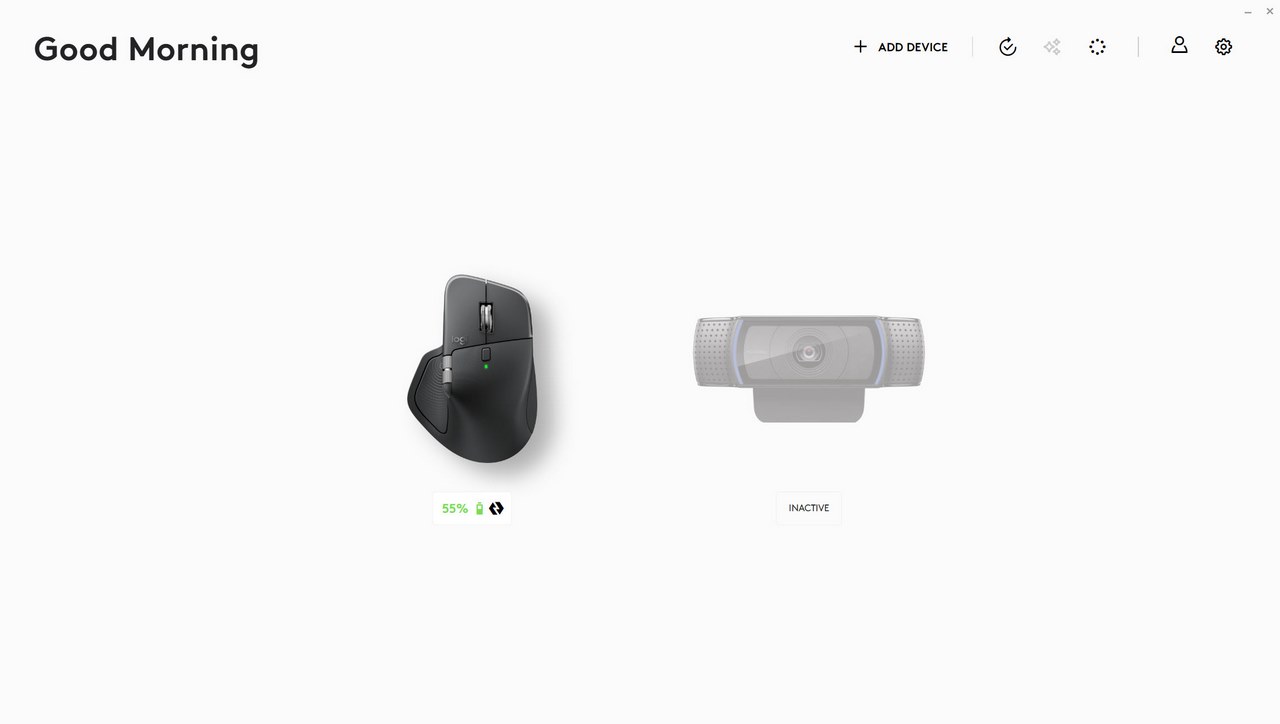
The initial screen of the Logi Options+ displays Logitech connected devices.
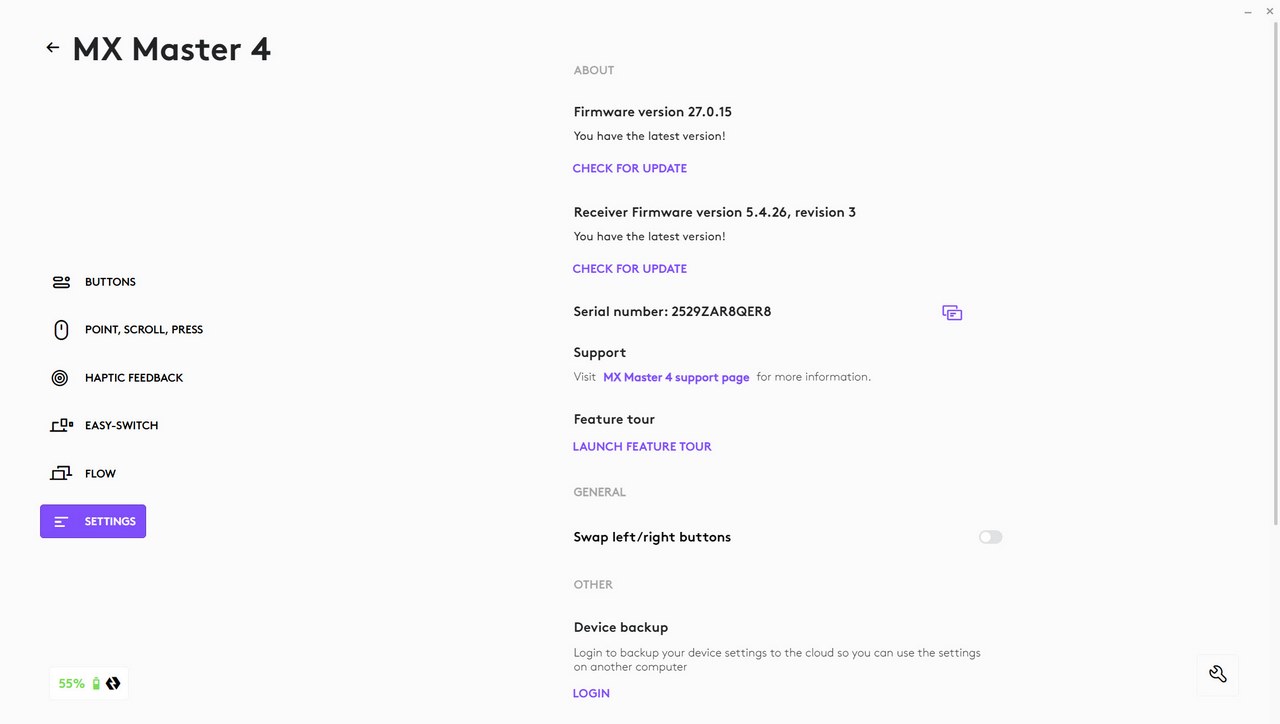
As always, I suggest heading into the settings page first to check for any firmware/software updates.
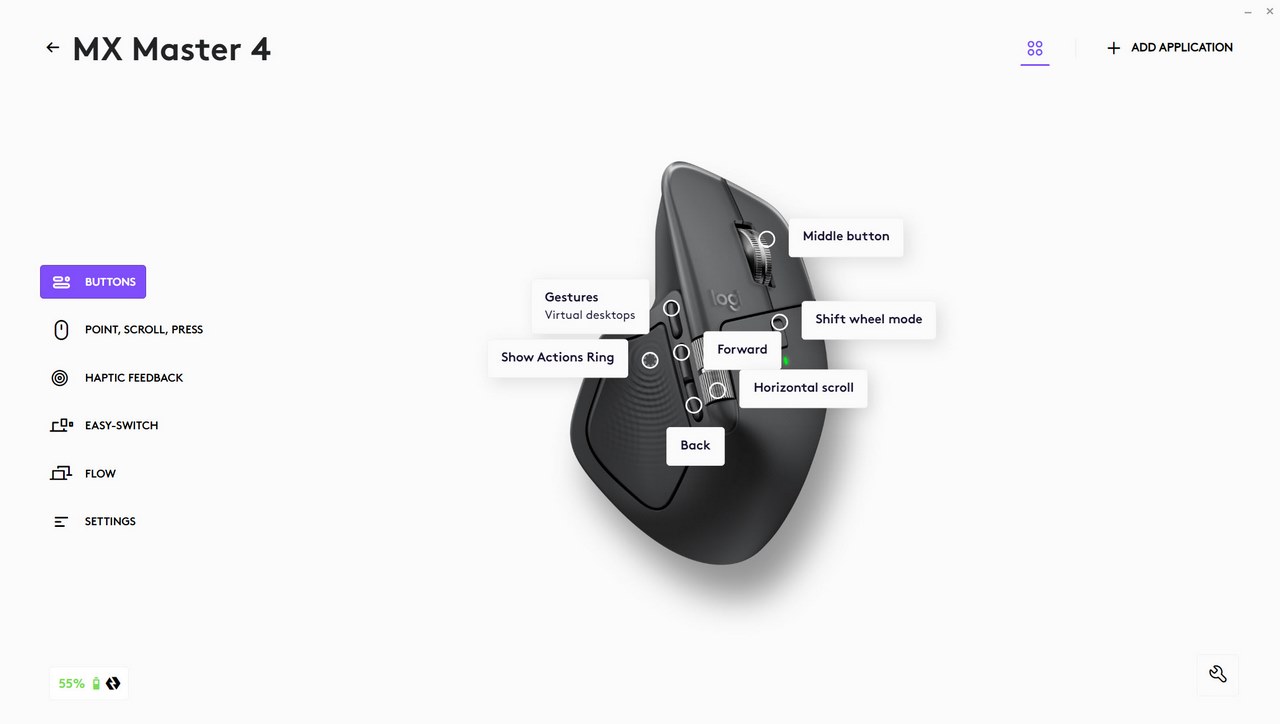
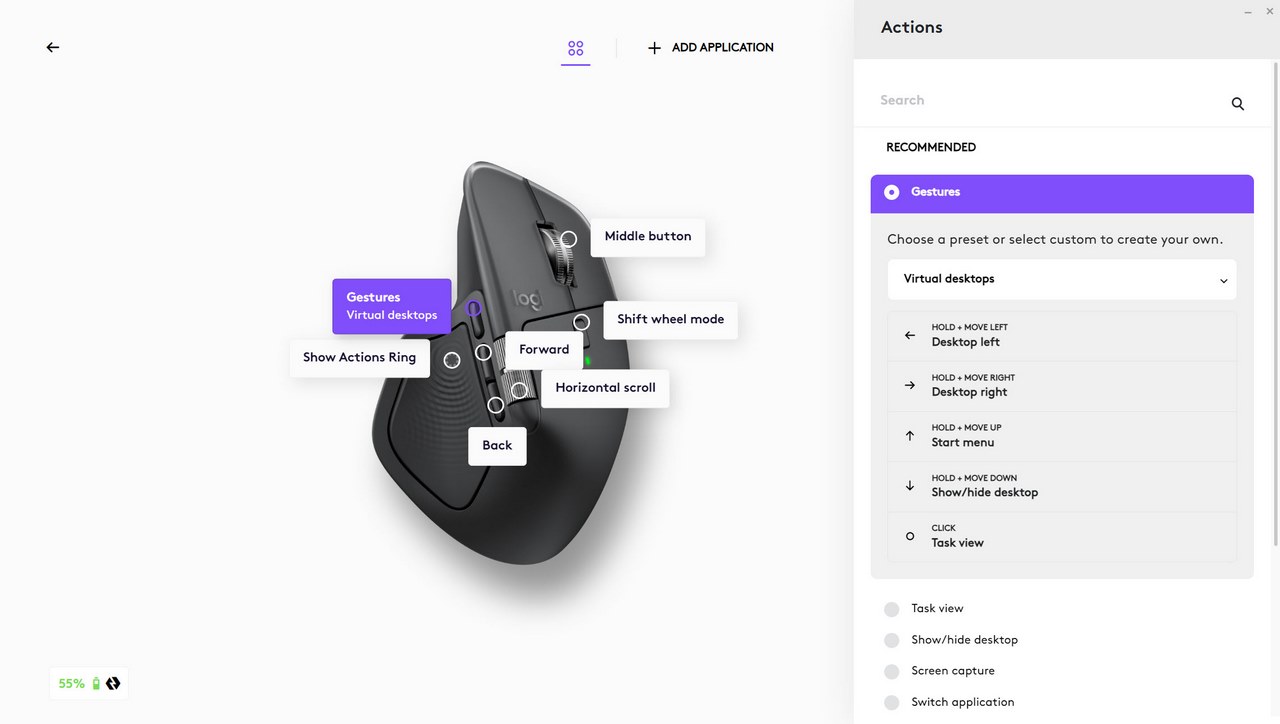
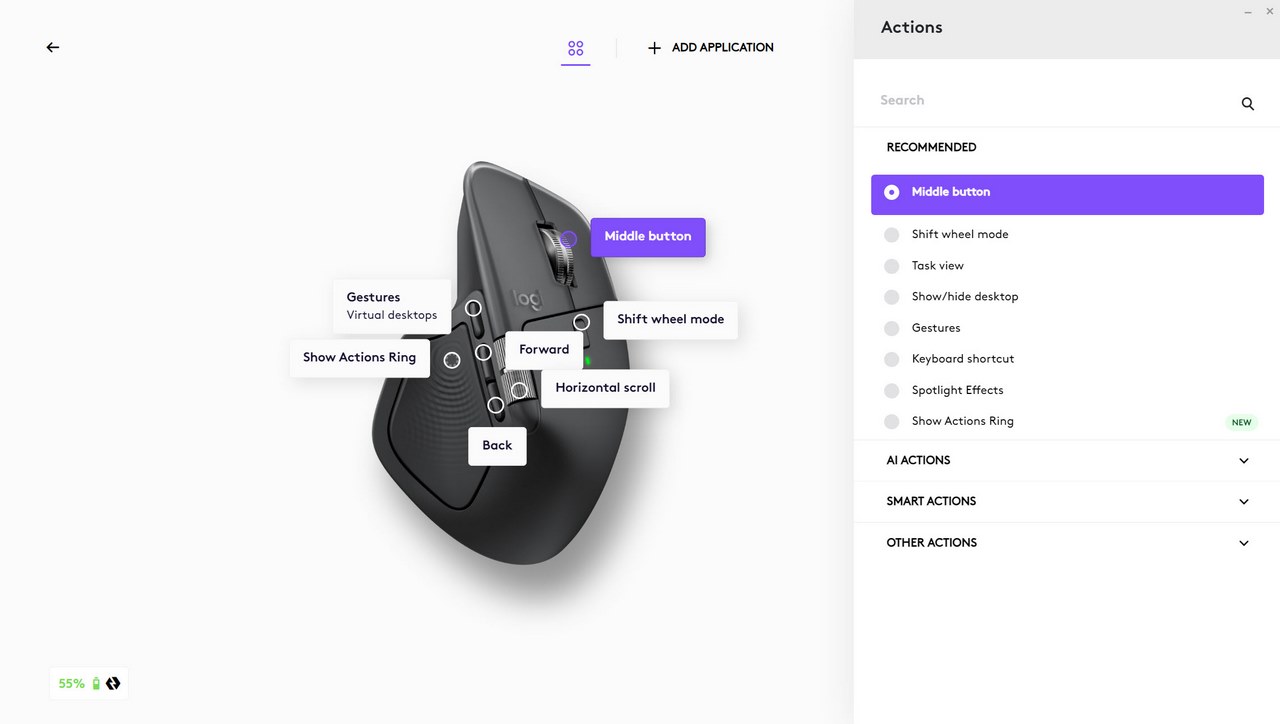
The buttons tab allows you to remap all buttons on the MX Master 4 with various actions as seen above.
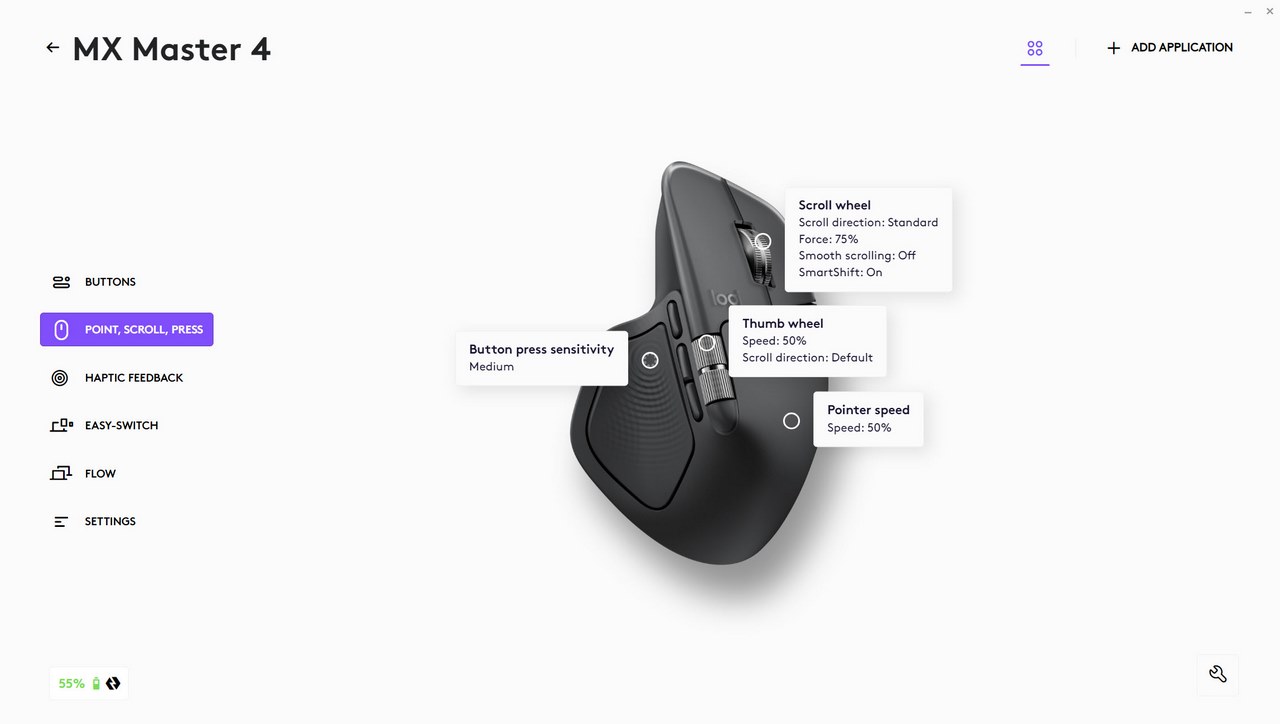
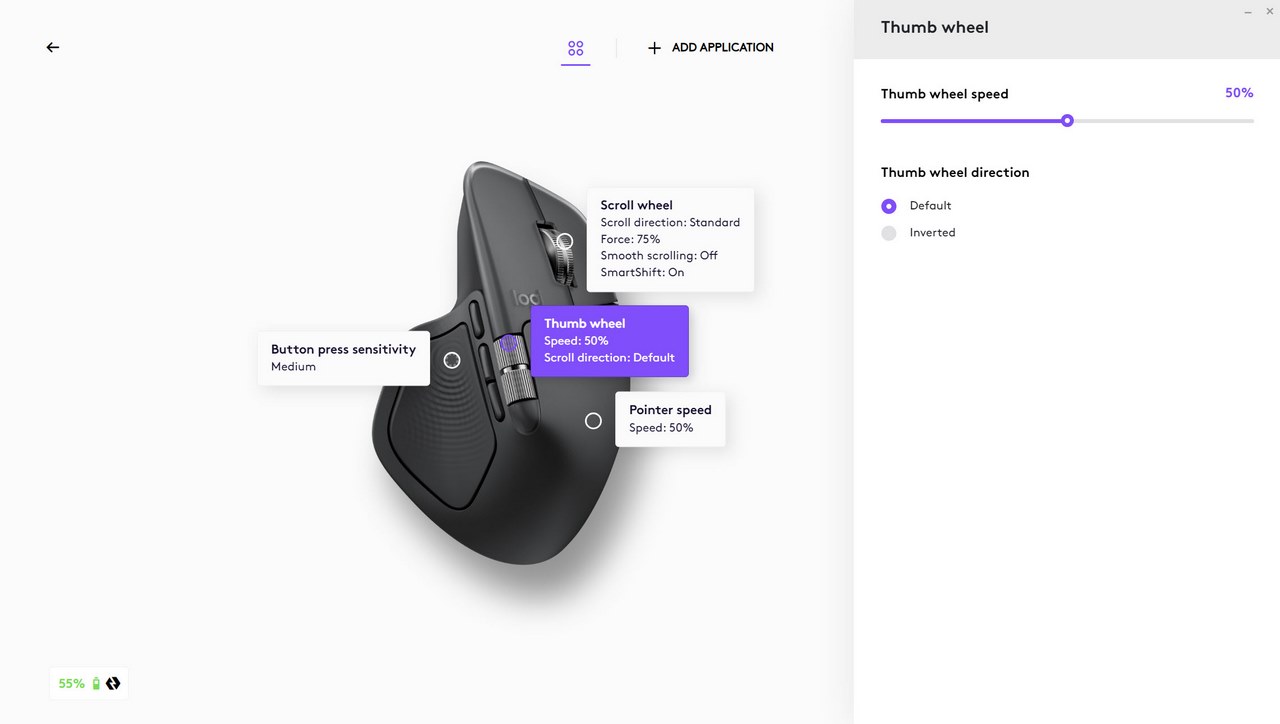
Scrolling speed and button sensitivity can be adjusted from the point, scroll press tab.
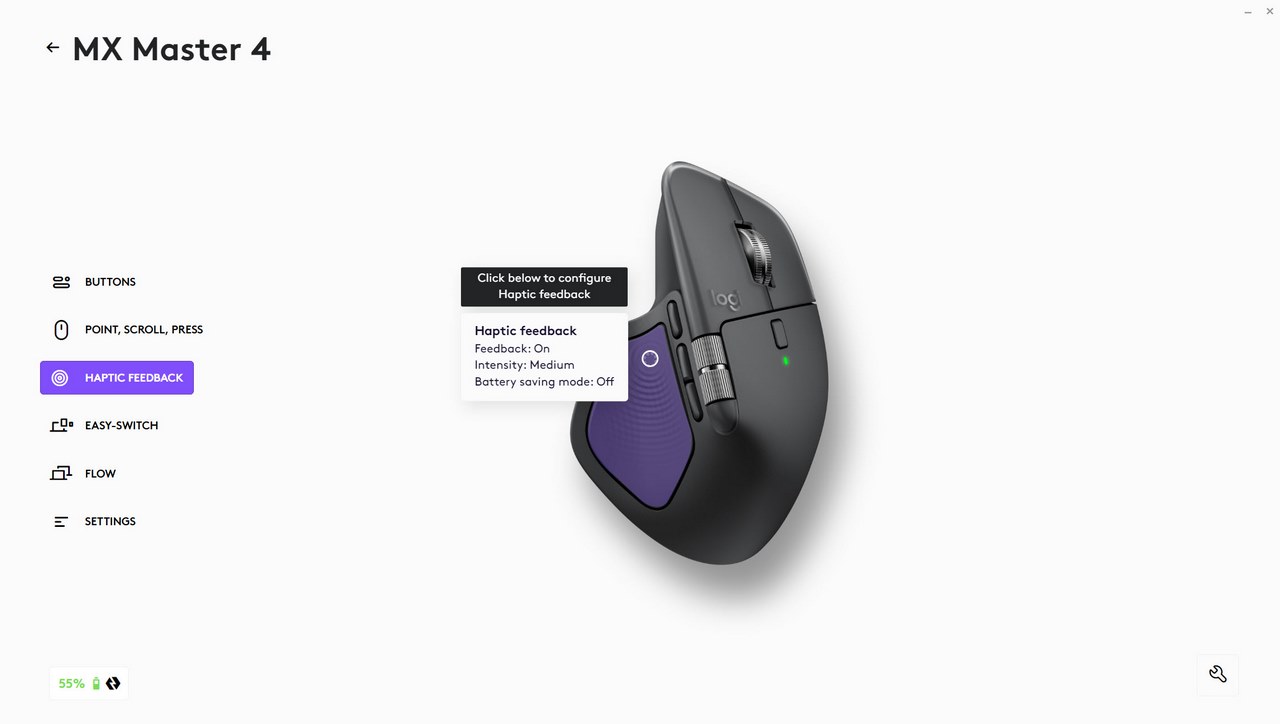
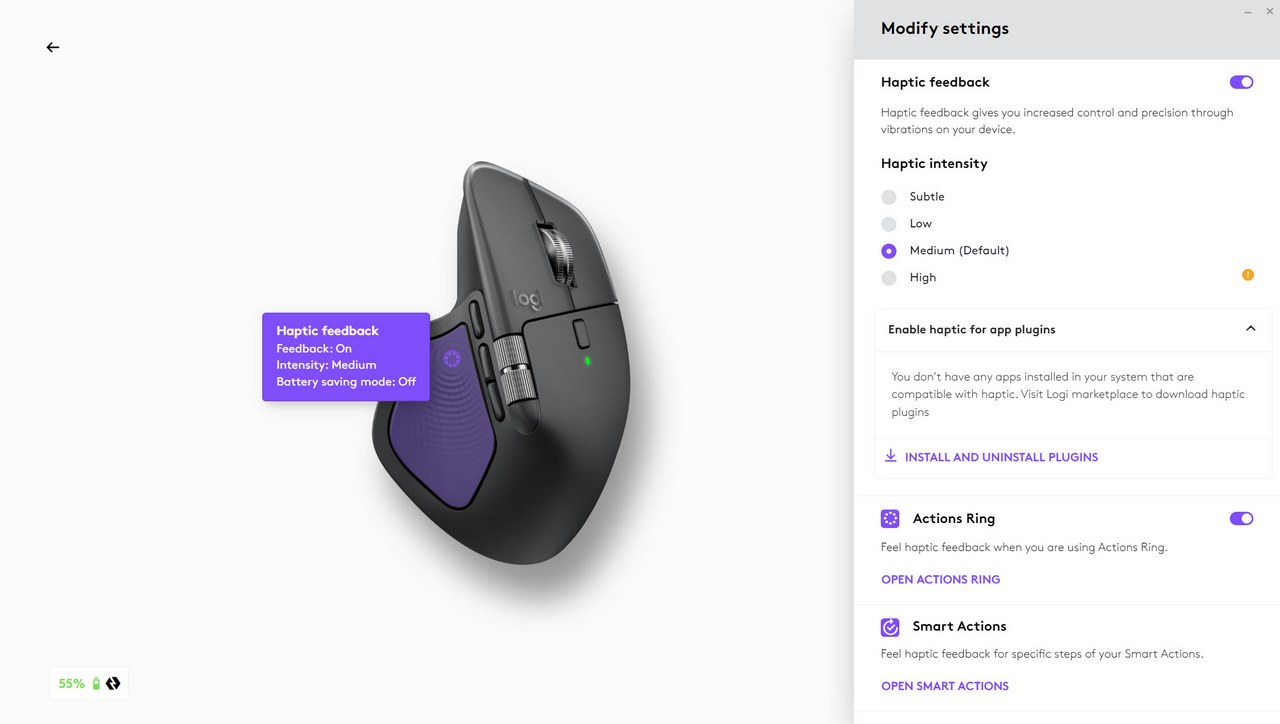
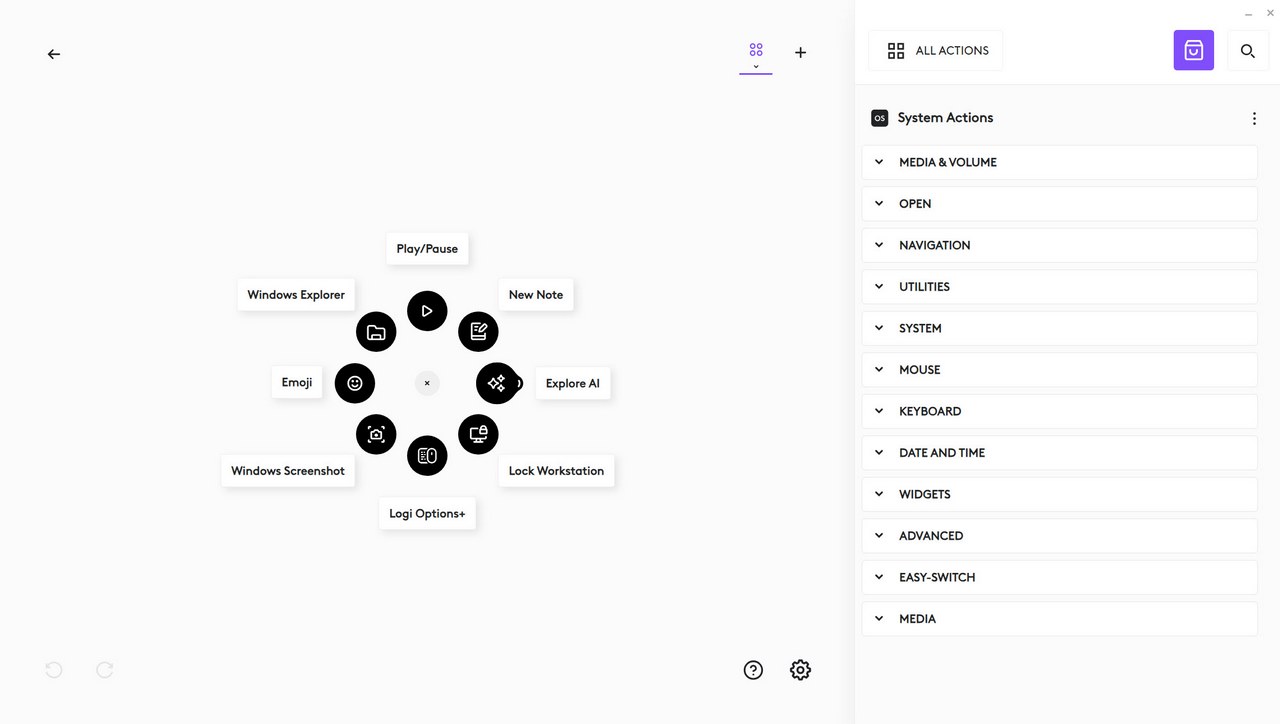
The haptic feedback and actions ring settings are available inside the haptic feedback tab.
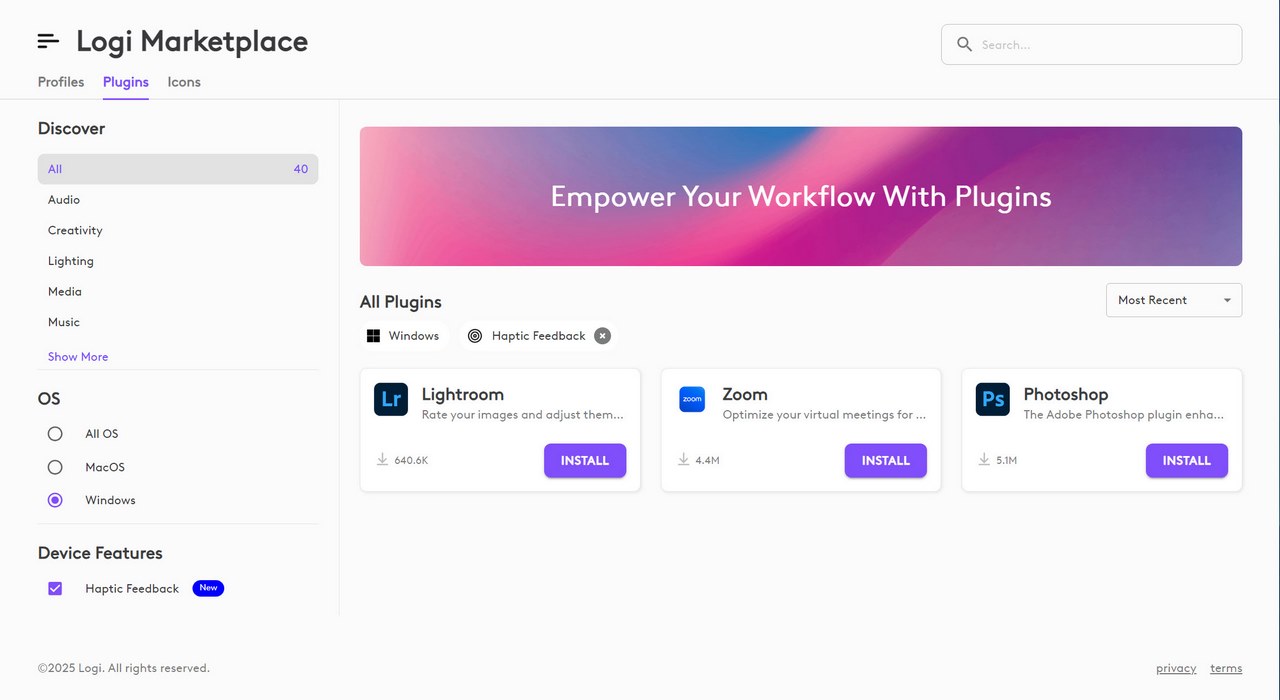
As you can see from the above screenshot the haptic feedback feature is also compatible with 3 programs, Lightroom, Zoom and Photoshop via plugins.
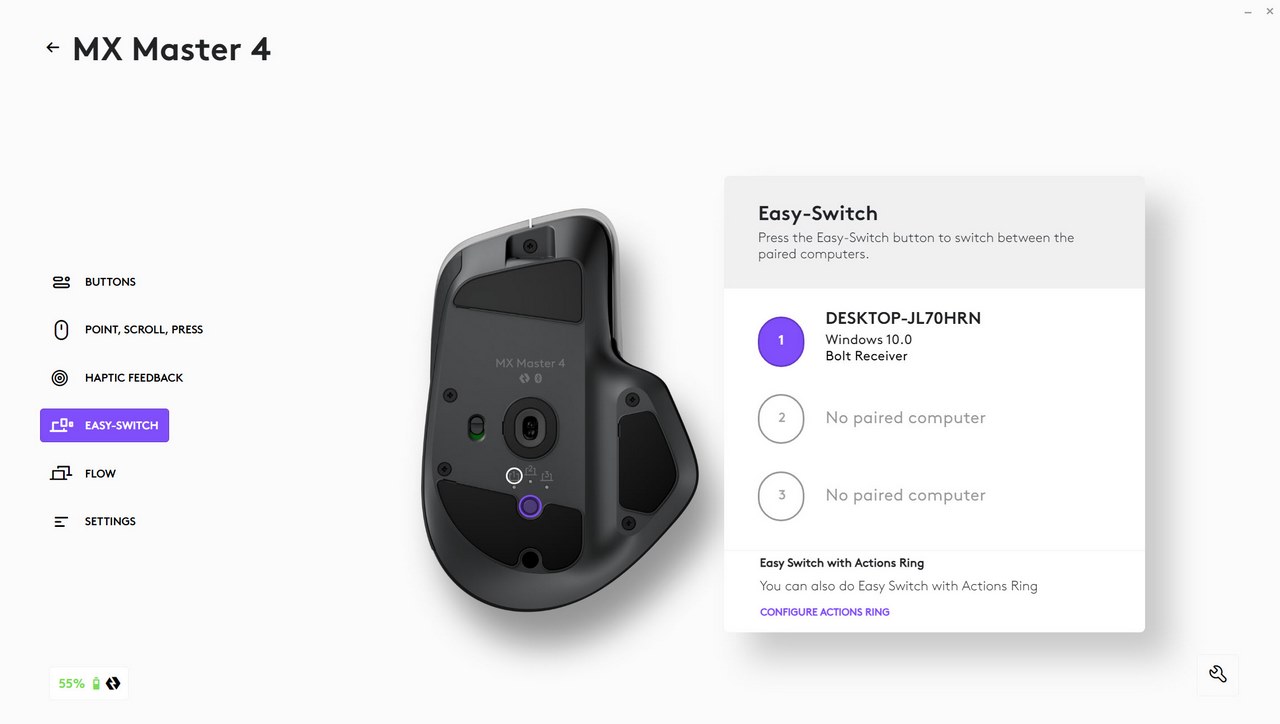
You can also access the easy-switch feature from the corresponding tab.
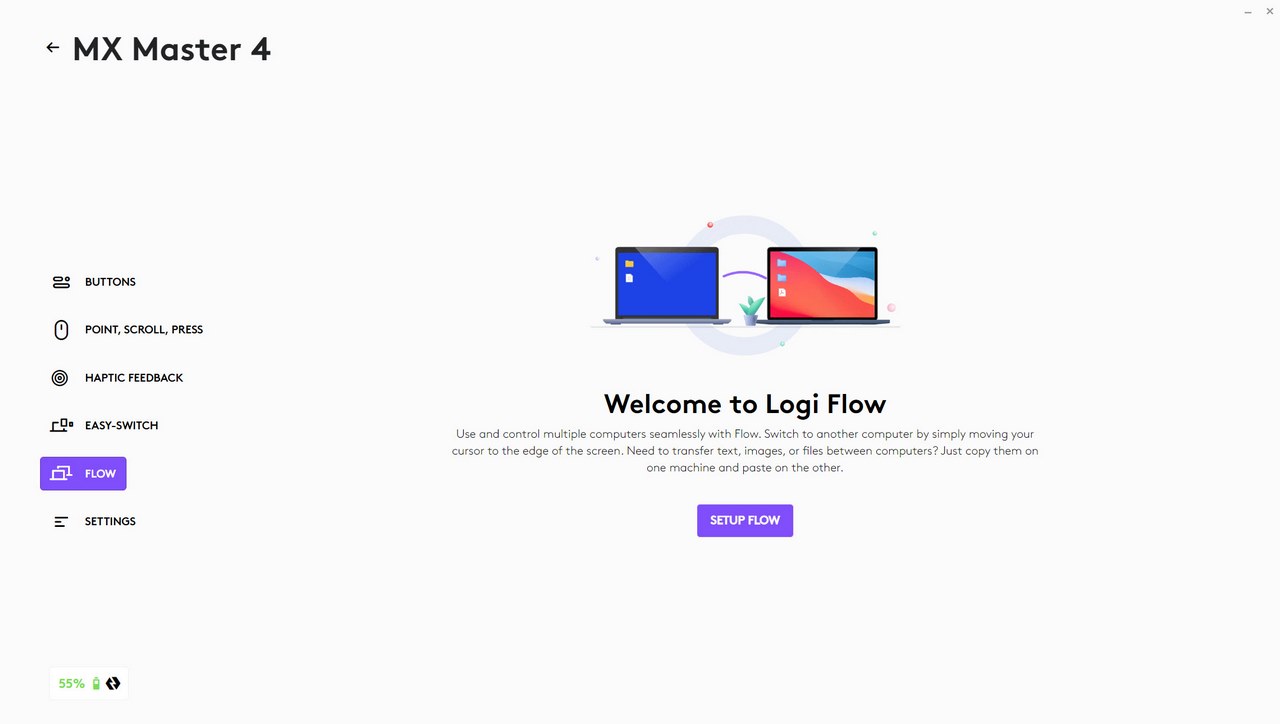
From the Logi Flow tab you can use the MX Master 4 to control multiple computers.





