





OBSBOT CENTER
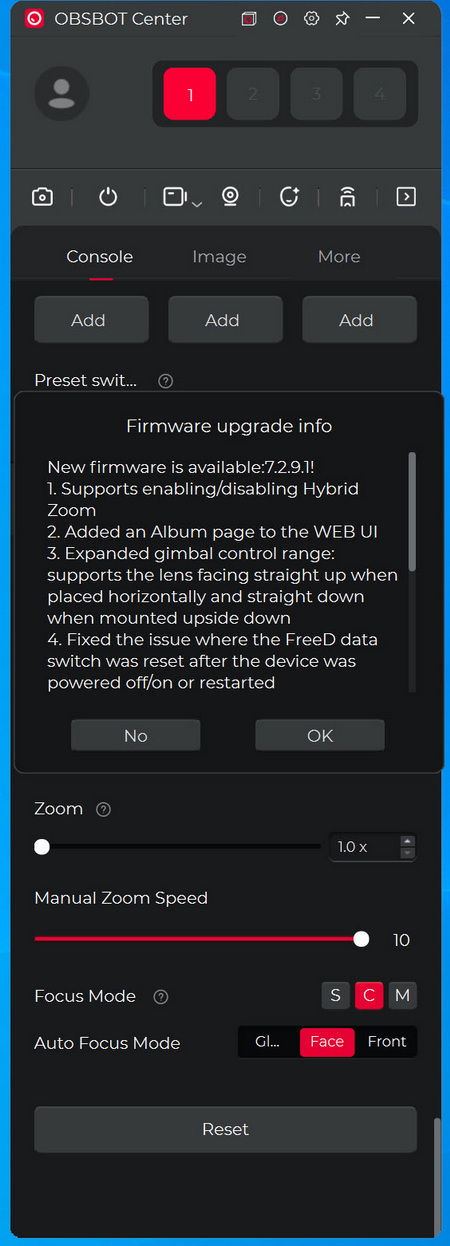
The moment you complete connecting the camera to your PC the Center software will detect for new firmware versions and inform you.

From the control tab you can see the Tail 2 remaining battery life, start recording, take pictures, playback recordings, set the tracking speed and mode, set the AI mode (animal tracking is very useful if you have pets), save your settings to different presets and use the PTZR and digital zoom functions.
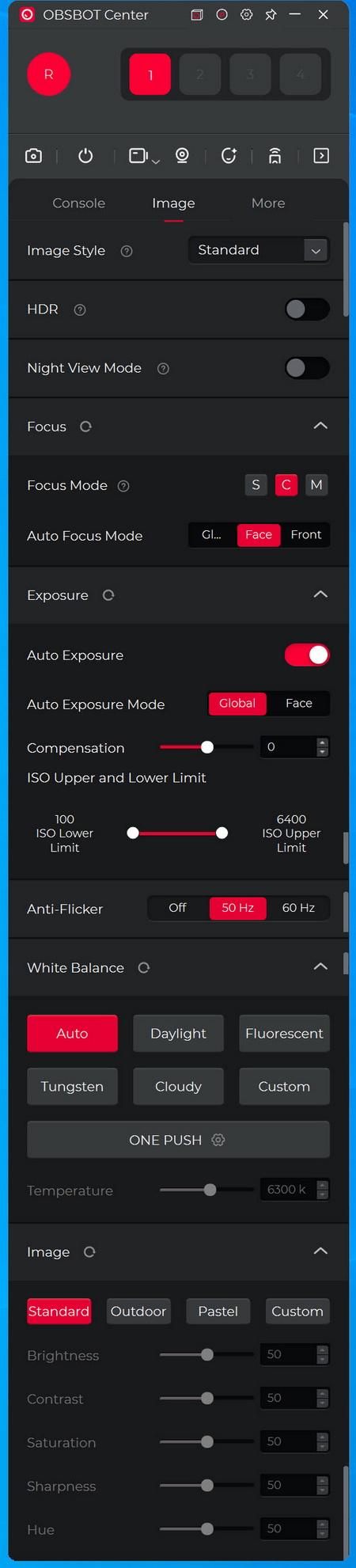
Under the image tab you can enable/disable HDR, enable night view mode, adjust focus, exposure, ISO range, anti-flicker, white balance and adjust image settings.

Settings like auto and timed power on/off, UVC/RTSP modes, recording settings (frame rate, codec, bitrate and resolution), 3G-SDI mode, HDMI output, gesture control, audio settings (volume, noise reduction and automatic gain), mirror image, pan-tilt controls, LED control, micro SD card management (format and video segmentation), feedback, settings reset and firmware updates are placed inside the more tab.
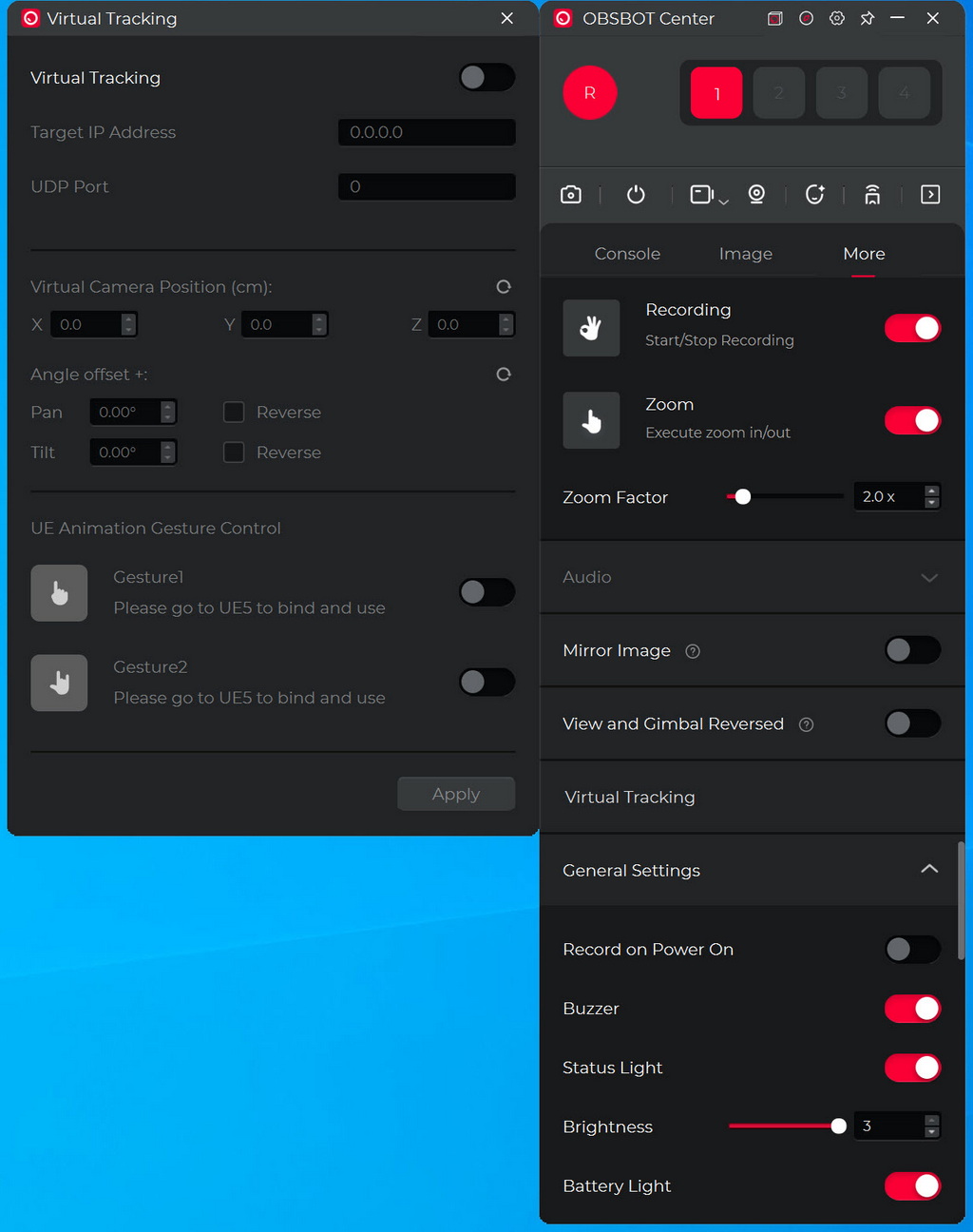
You can also set virtual tracking from the more tab.
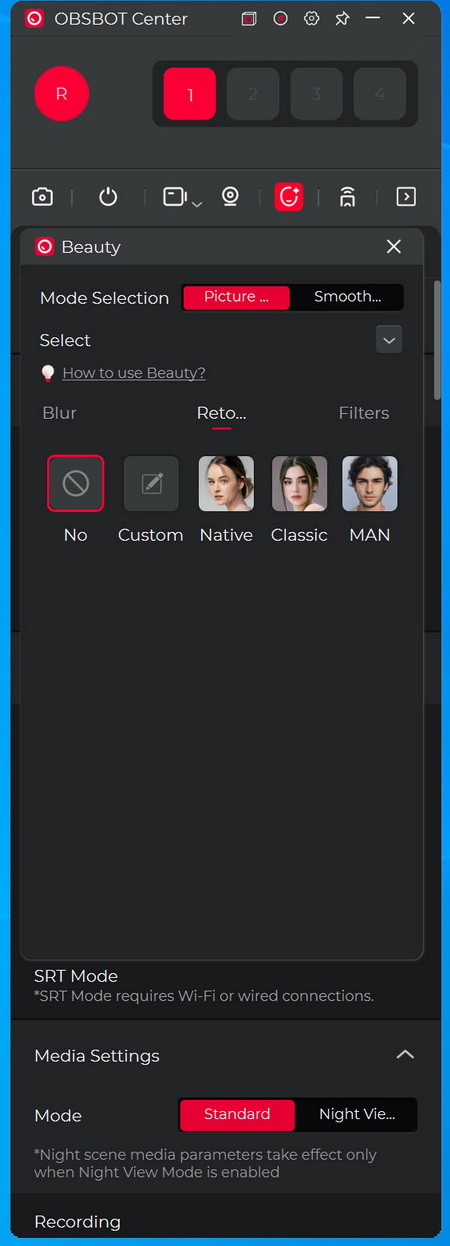
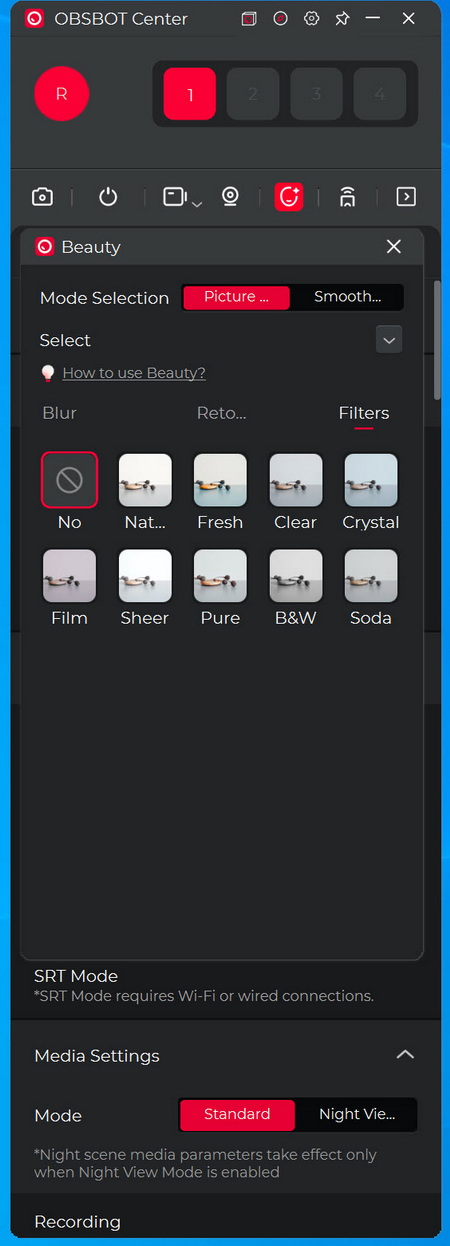
Beauty mode basically allows you to retouch your looks (via virtual mode) and use filters.
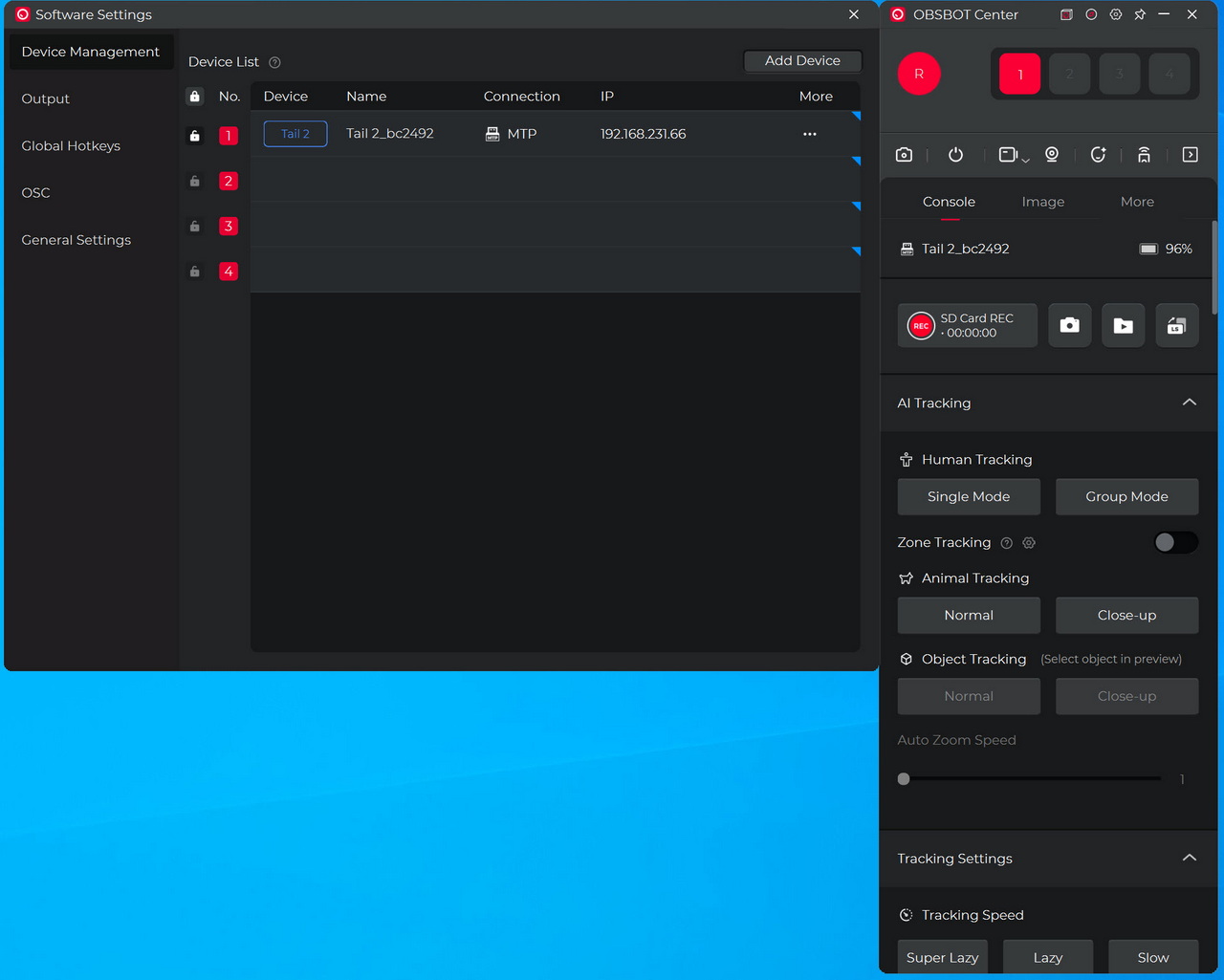
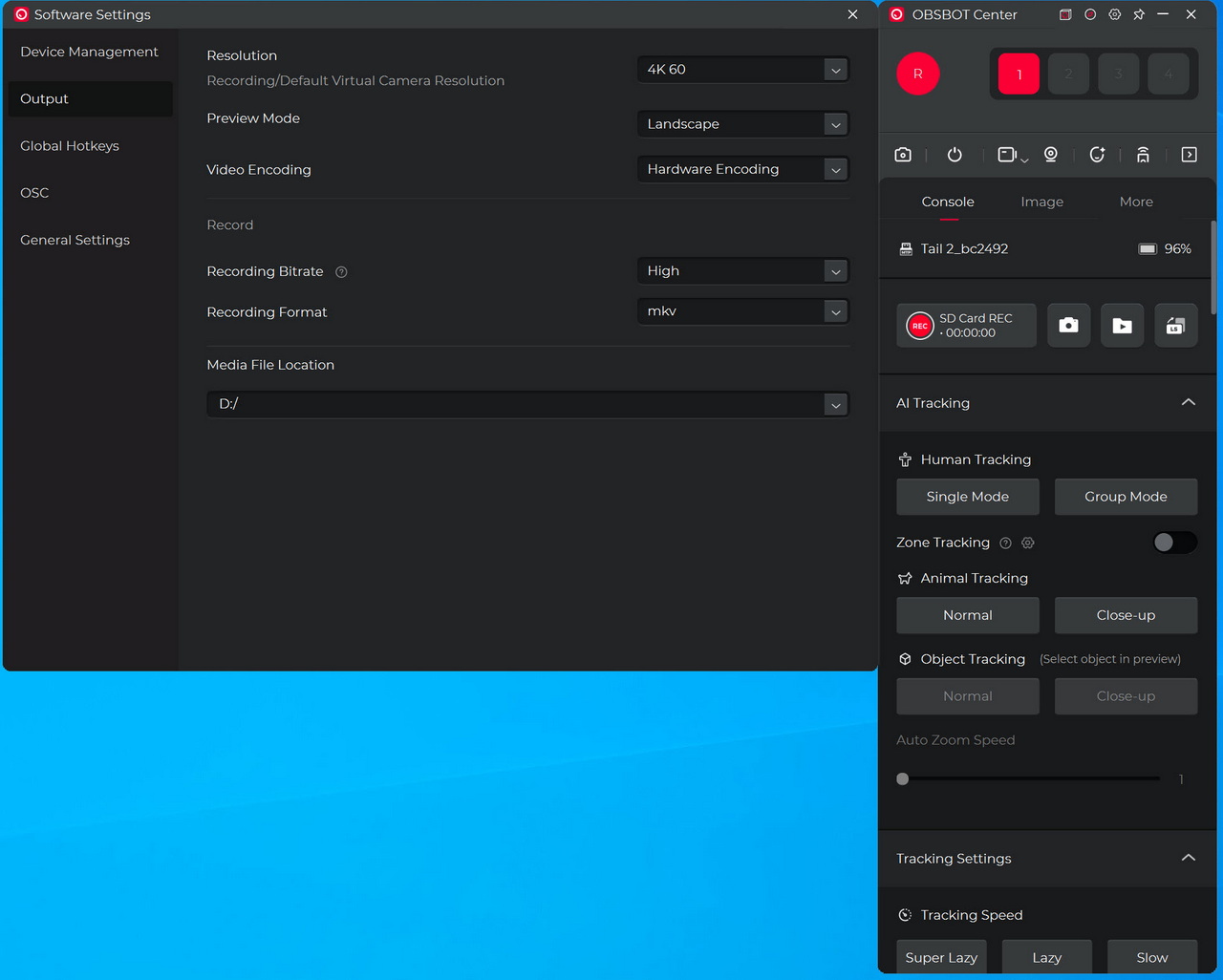
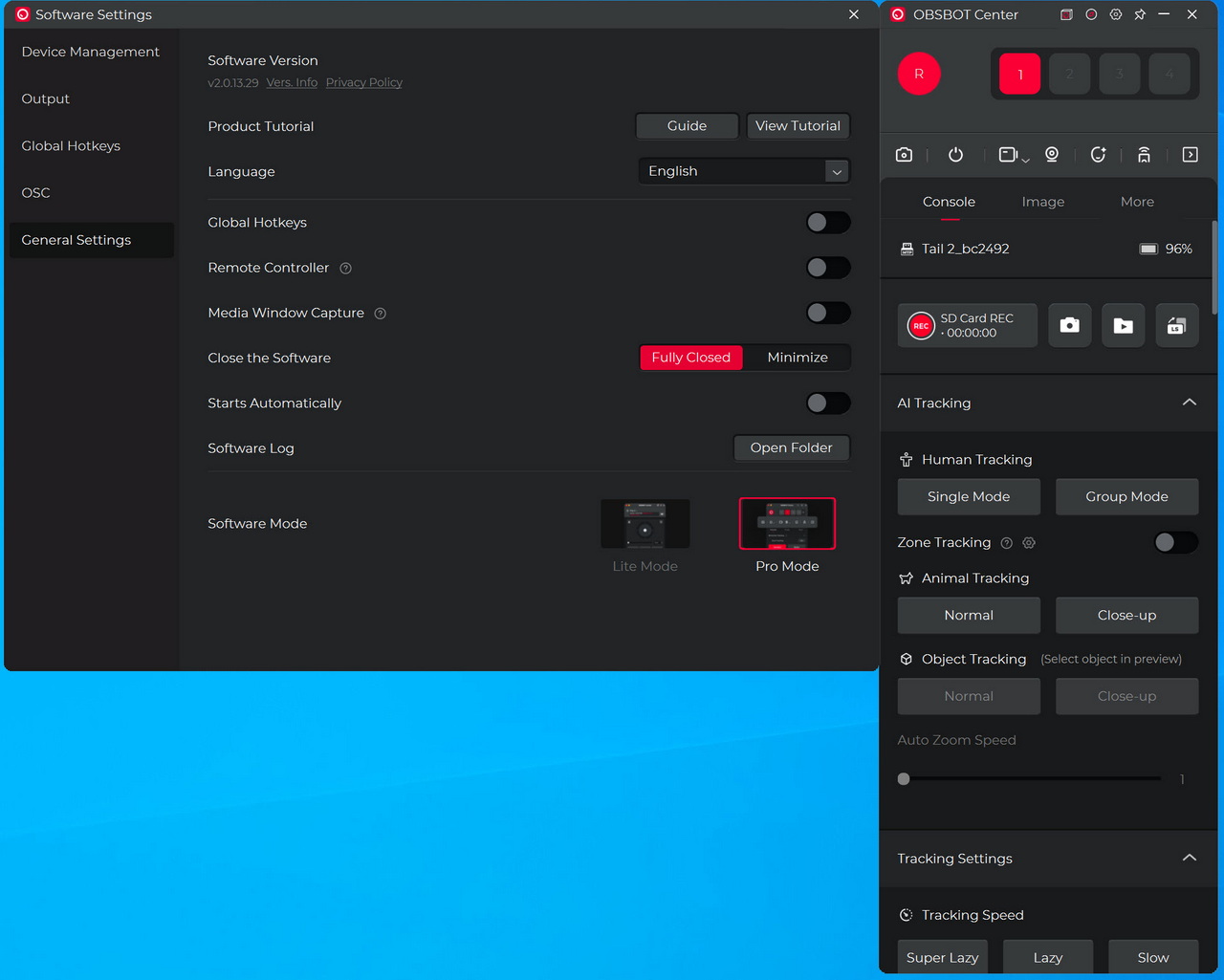
Inside the settings tab you can select the camera you’d like to control, adjust the output, set the global hotkeys, adjust the OSC and access the main settings as seen above.





