





INTRODUCTION
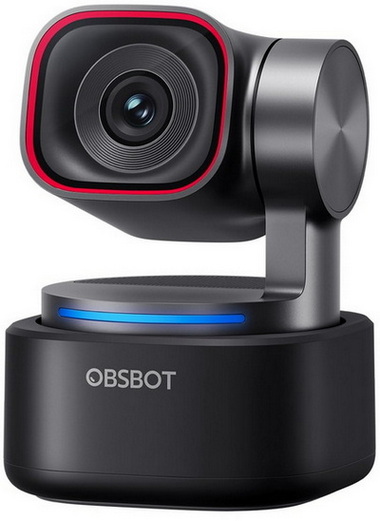
Webcams have come a long way from the grainy, fixed‑focus modules we once tolerated. As more people create content, stream, teach, and collaborate online, the demand has shifted toward cameras that behave less like simple peripherals and more like miniature production tools. Larger sensors, smarter autofocus, and AI‑driven framing have become the new baseline for anyone who wants consistent, professional‑looking video without building a full studio. A handful of companies have embraced this shift, blending PTZ mechanics, real‑time tracking, and computational imaging into compact devices that sit quietly on a monitor yet perform far above typical webcam expectations. OBSBOT has been one of the most active players in that space, and their latest entry, the Tiny 3, continues that push.
Founded in 2016, OBSBOT is an innovative imaging technology and hardware brand dedicated to using new technologies such as AI to inject new vitality into the videography market. With the artificial intelligence as the core, OBSBOT focuses on the application research of new technologies in the field of videography. It hopes to use revolutionary technology and innovative products to innovate the way of public records and image creation, and to change people's social way.
The Tiny 3 is an AI‑Powered 4K Webcam which OBSBOT has equipped with a 1/1.28" CMOS sensor (50M effective pixels, ƒ/1.8 aperture, 82.4°/74° FOV depending on aspect ratio, 70° horizontal FOV and 1–4x digital zoom), built‑in intelligent directional microphone system (1 omnidirectional + 2 directional mics) with multiple audio modes and automatic gain control, and a body featuring a non‑removable 2‑axis gimbal (±130° pan / 32° down to –60° up tilt controllable range, ±150° pan / ±90° tilt mechanical range) complete with auto‑tracking, voice tracking, voice locator, gesture control, and voice control. The Tiny 3 is capable of recording 4K video at up to 3840x2160@30 in MJPEG (with additional MJPEG modes at 1920x1080 up to 120fps, 1280x720 up to 120fps, and several 4:3 resolutions), as well as YUV output at lower resolutions. Thanks to its upgraded imaging pipeline it supports HDR, All‑Pixel PDAF autofocus, manual focus, a 100–12800 ISO range, ±3EV exposure compensation, and a minimum focus distance of 14cm. All AI‑assisted functions, including tracking, framing, exposure logic, and audio mode selection, are accessible through the OBSBOT Center software.
SPECIFICATIONS AND FEATURES

PACKAGING AND CONTENTS
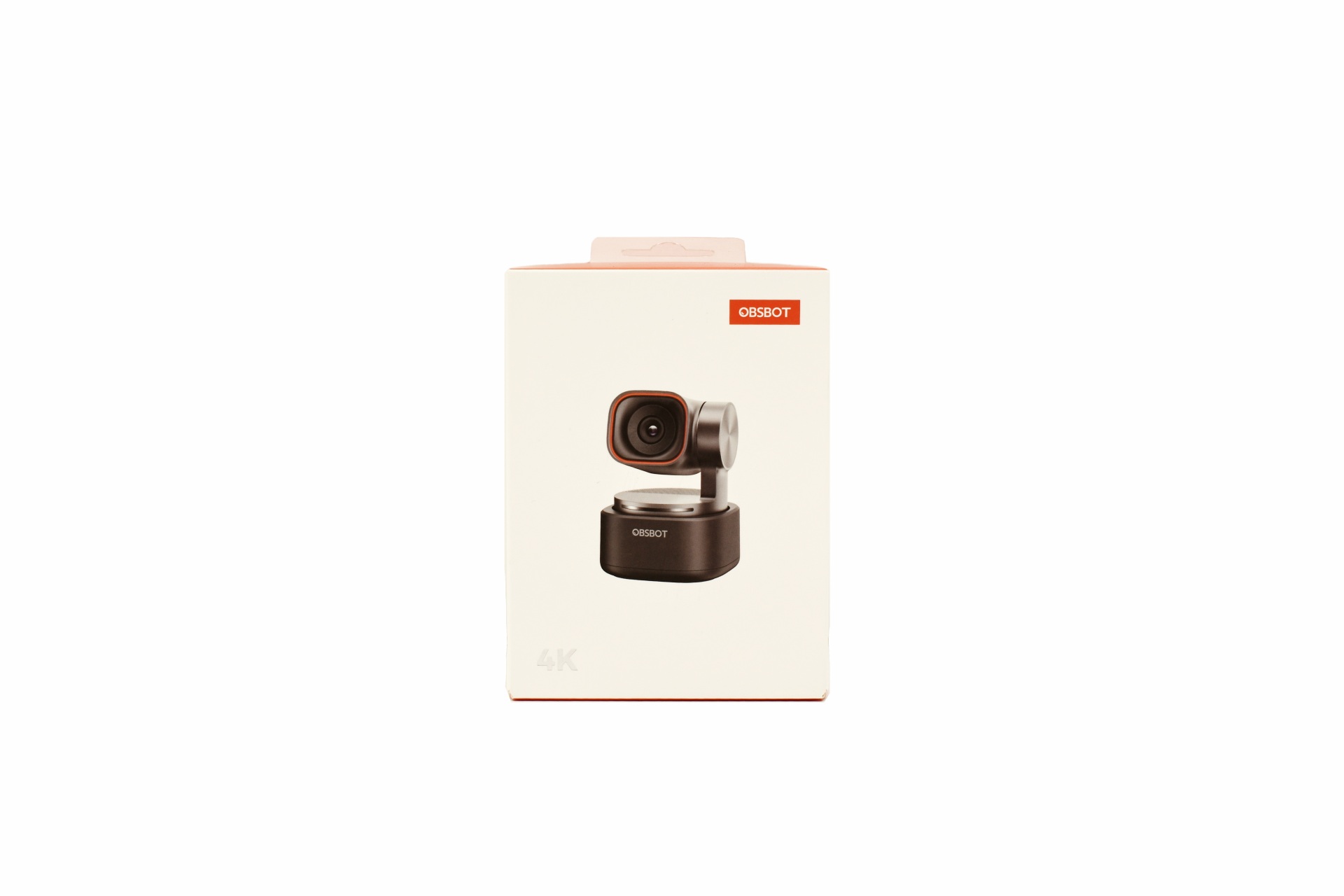
OBSBOT has once again used the same small white and red box the front of which is taken by a product picture and the company logo.
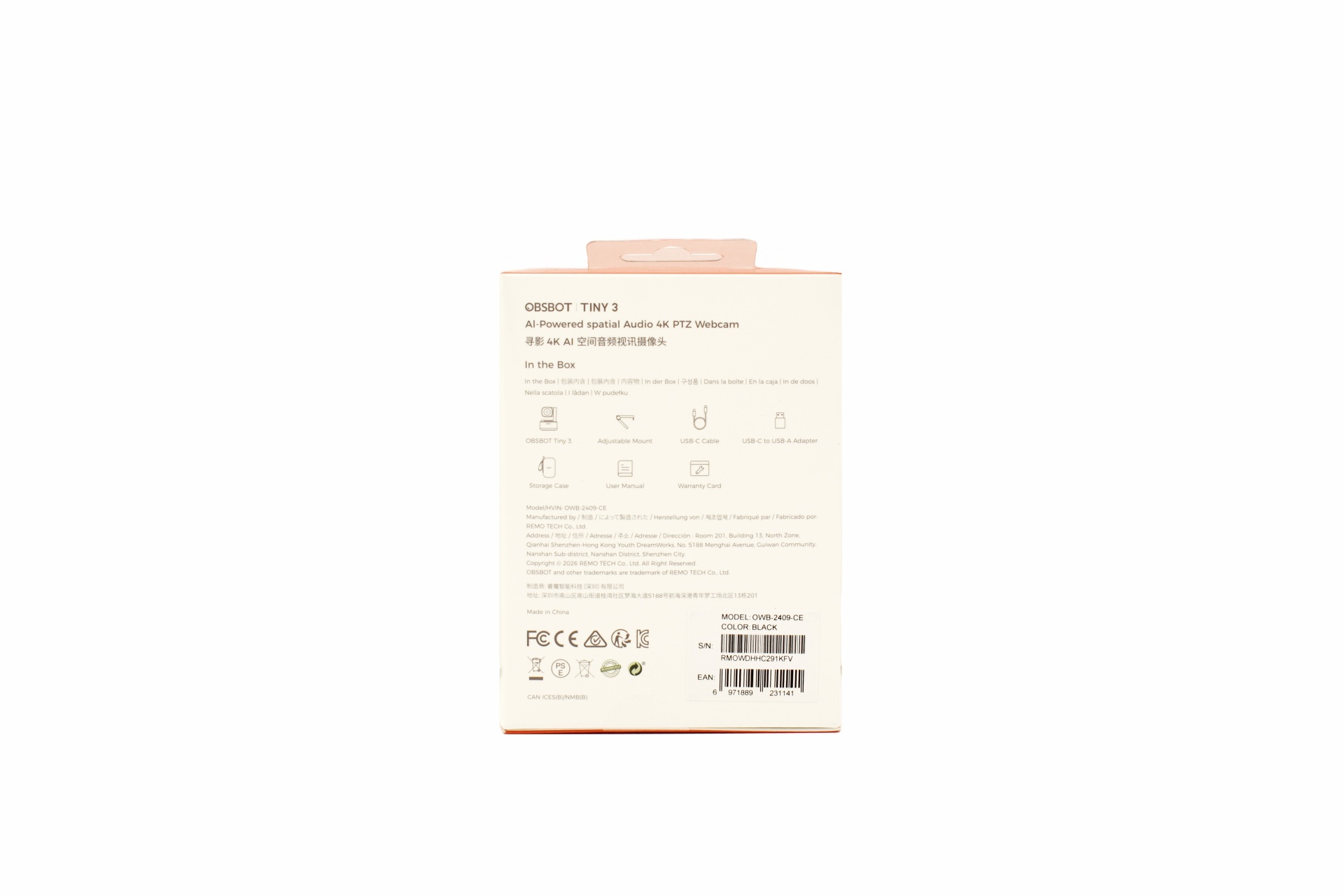
At the rear OBSBOT lists the bundle contents, company contact information and numerous certifications.
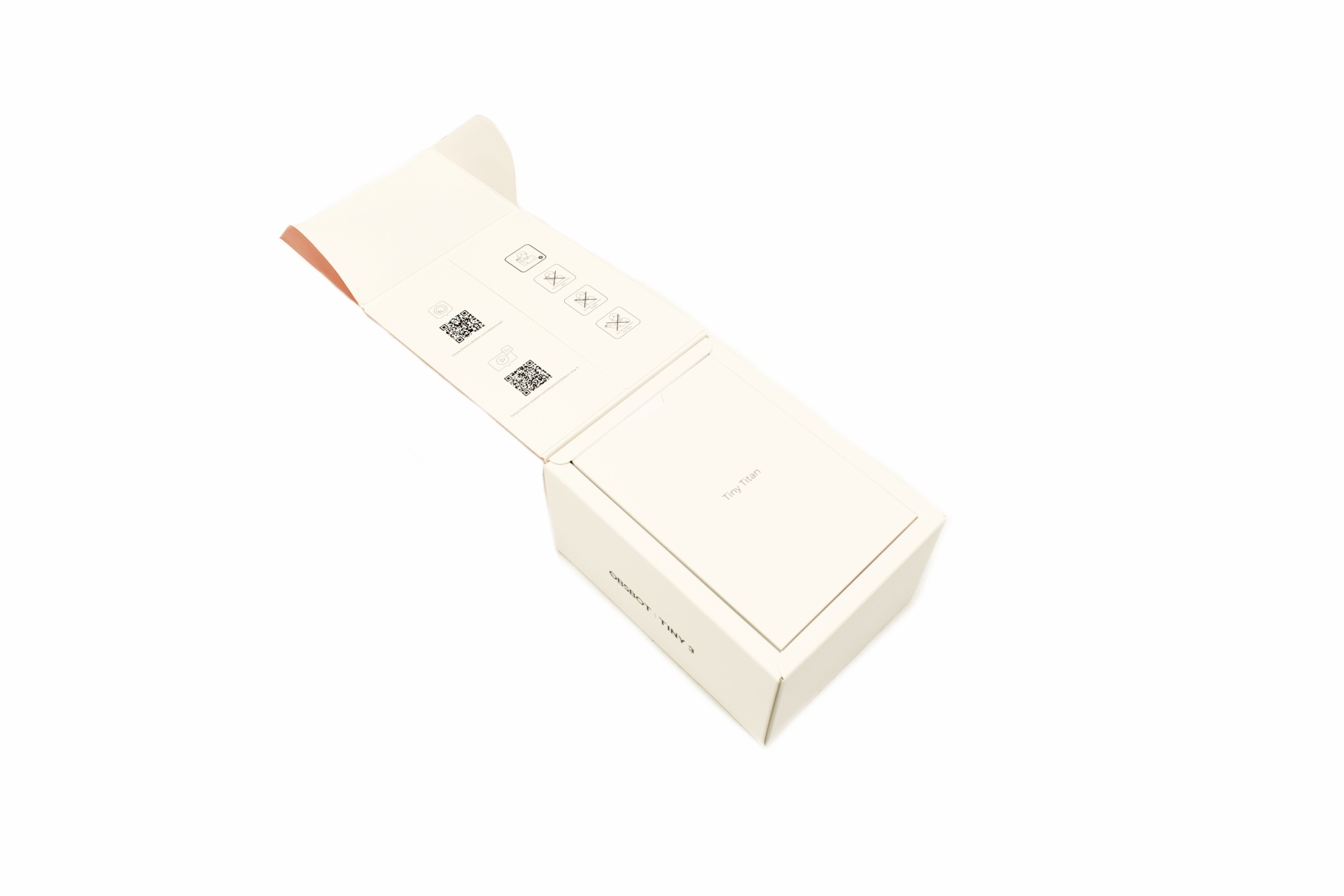
Once you open the box, you'll see several warning icons and 2D barcodes for the OBSBOT center app.
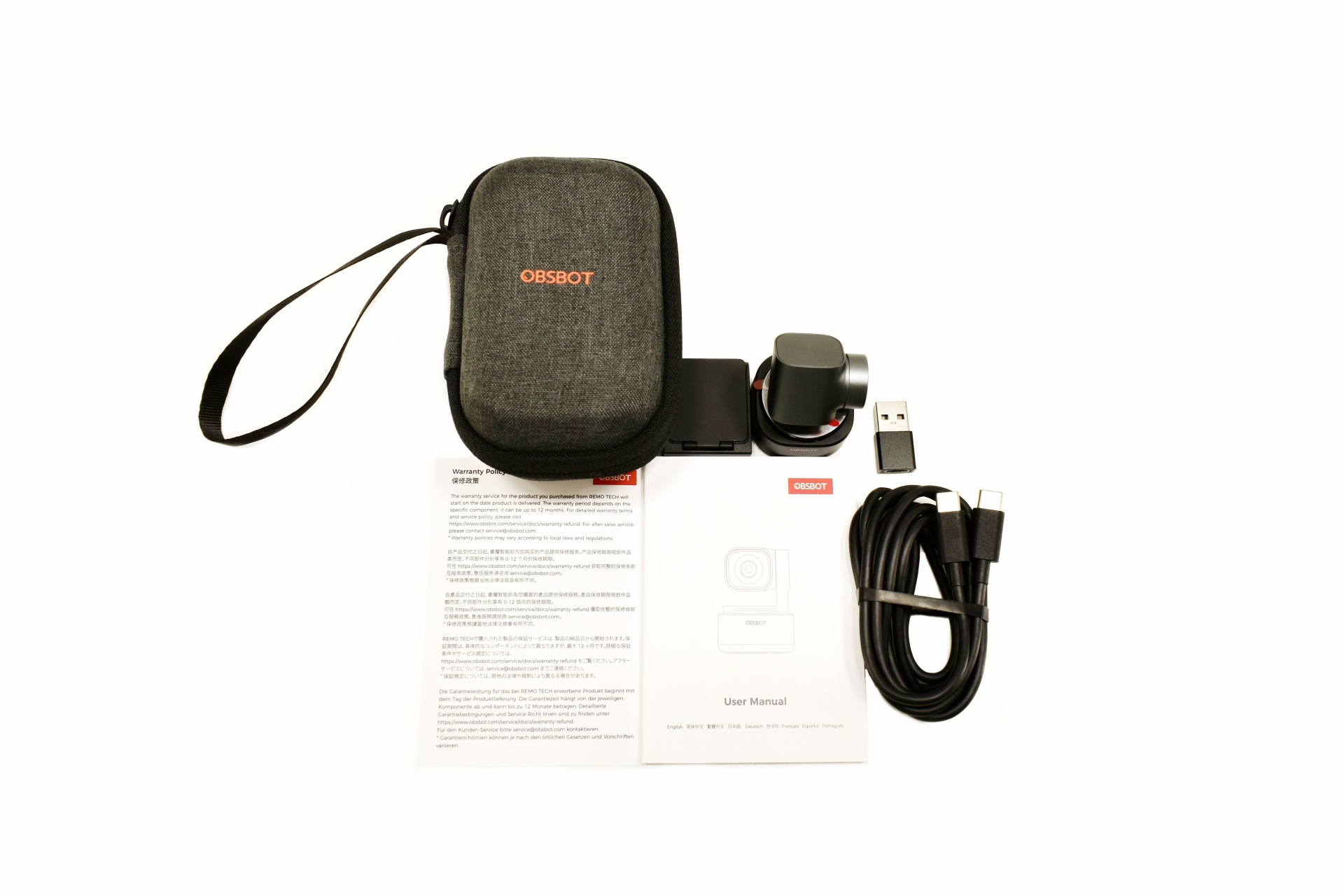
Along with the Tiny 3 inside the box, you'll find a carrying/storage case, magnetic mount, USB-C cable, USB-C to USB-A adapter, warranty card and the user manual.
THE TINY 3
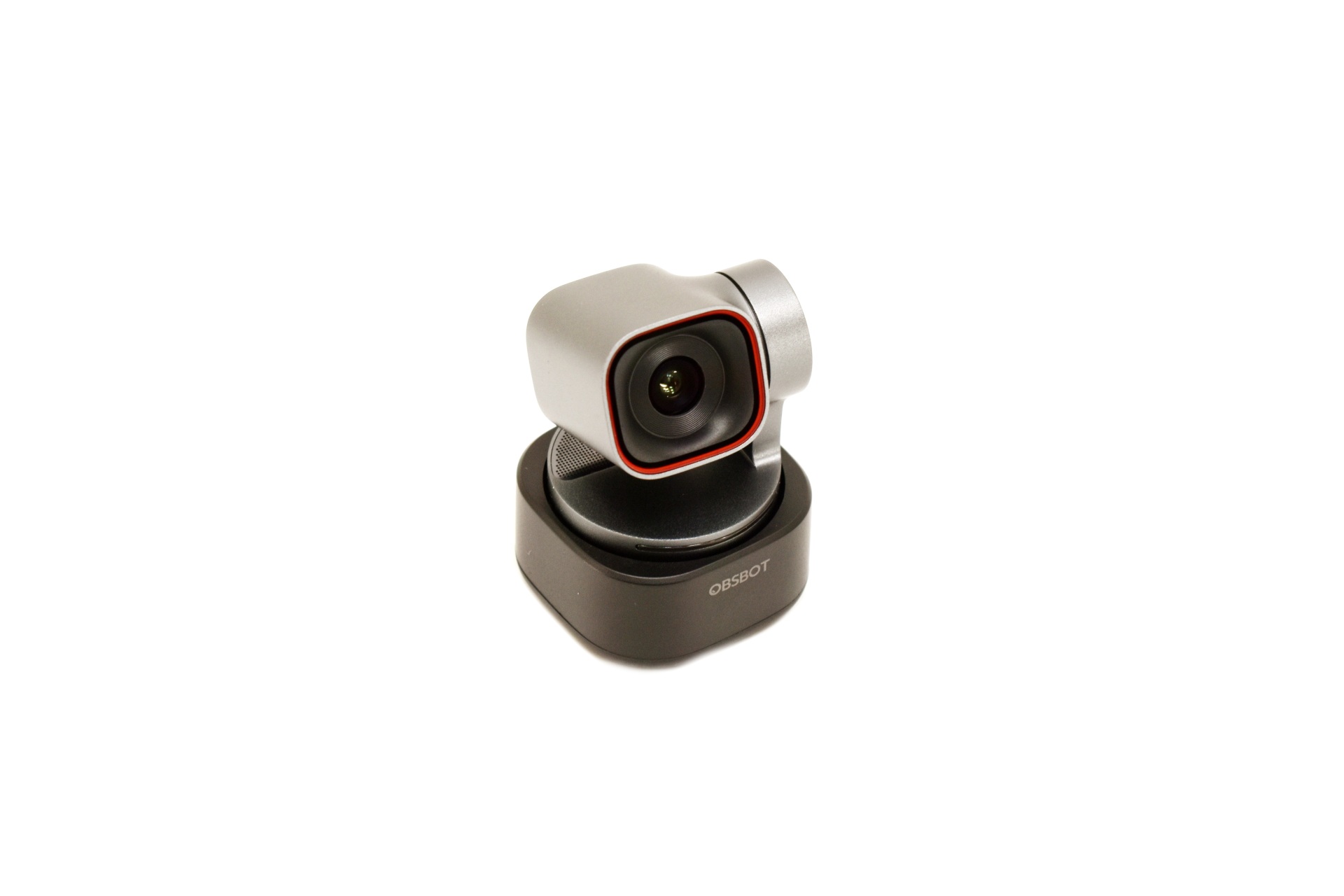
The Tiny 3 weighs just 63g and measures 49mm in height, 37mm in length and 37mm in width.
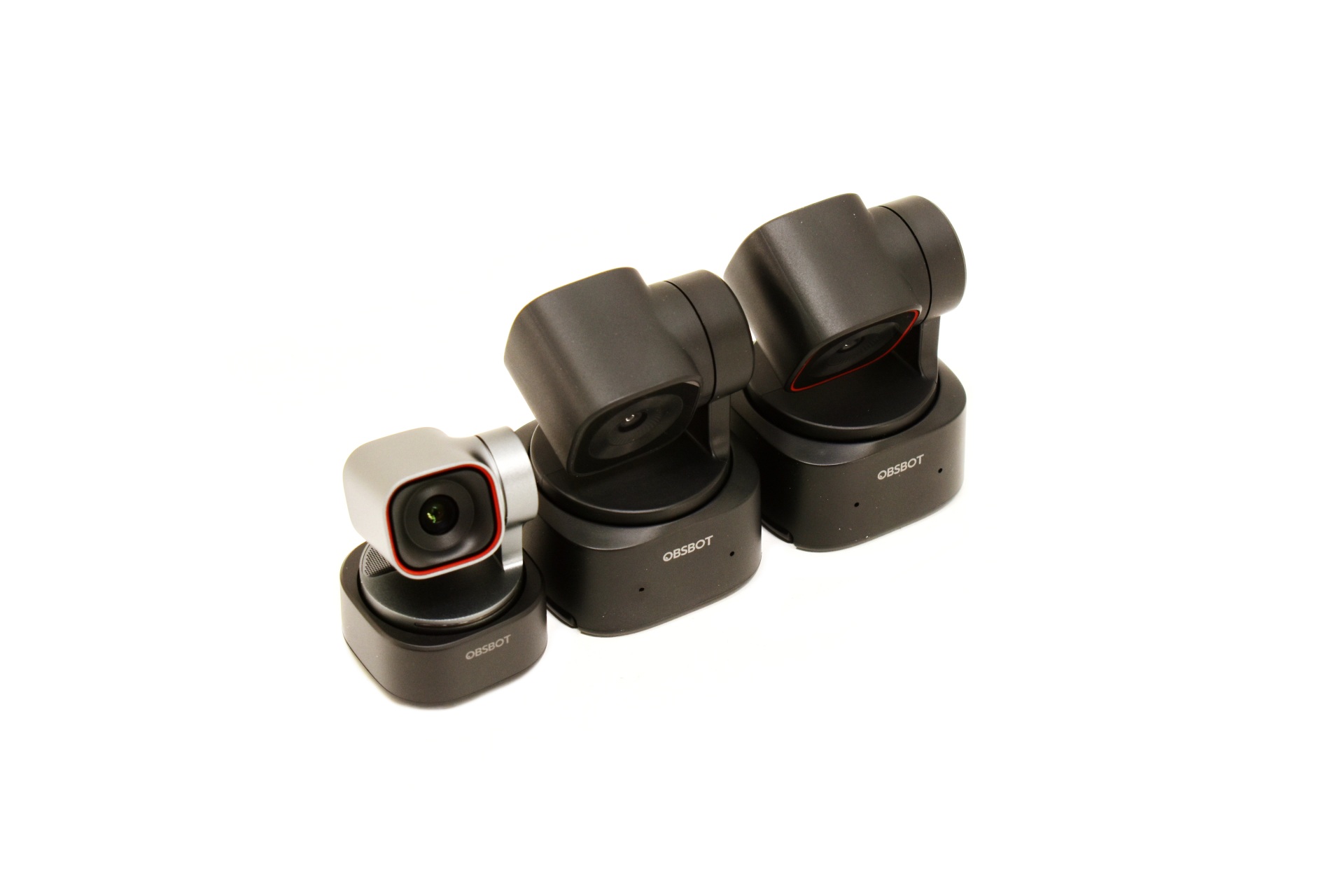
Compared to the previous SE and 2 lines the Tiny 3 is indeed much more compact.
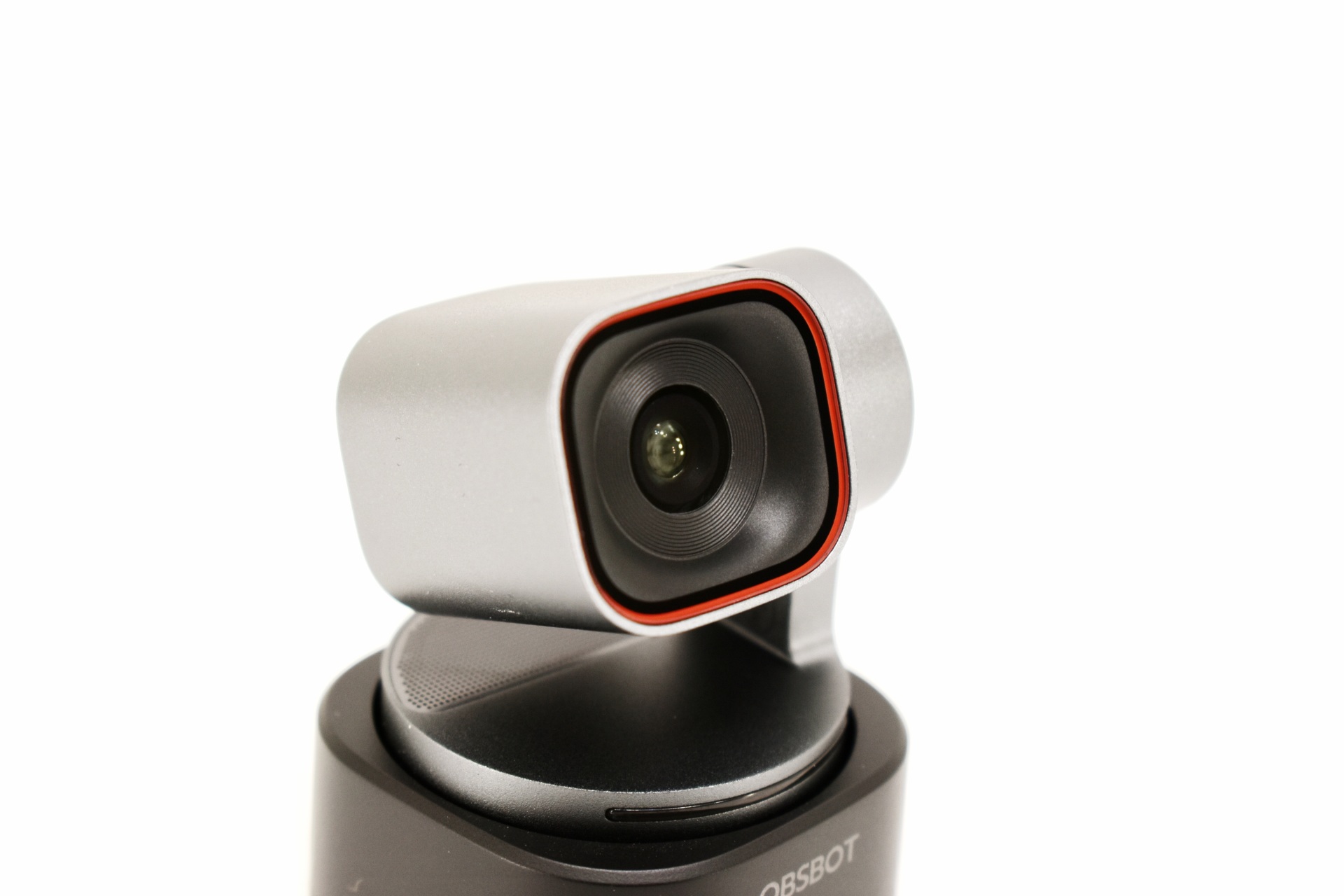
The 1/1.28" CMOS sensor sports a total of 50M pixels and features a f/1.8 aperture with 82.4 degrees diagonal FOV when in 4:3 format and 74 degrees diagonal FOV when in 16:9 format.
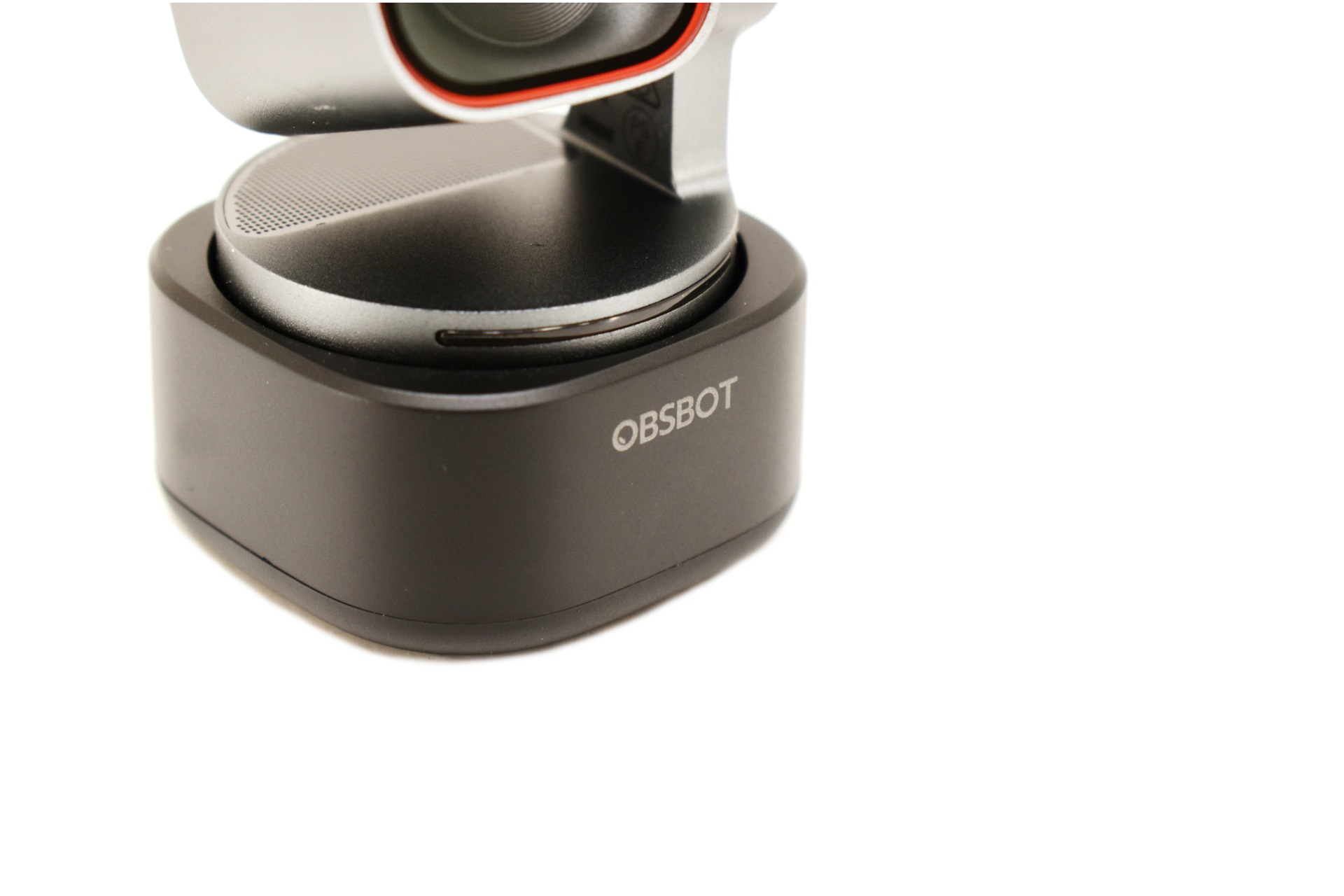
Both the activity LED (half ring) and the company logo are placed at the front.
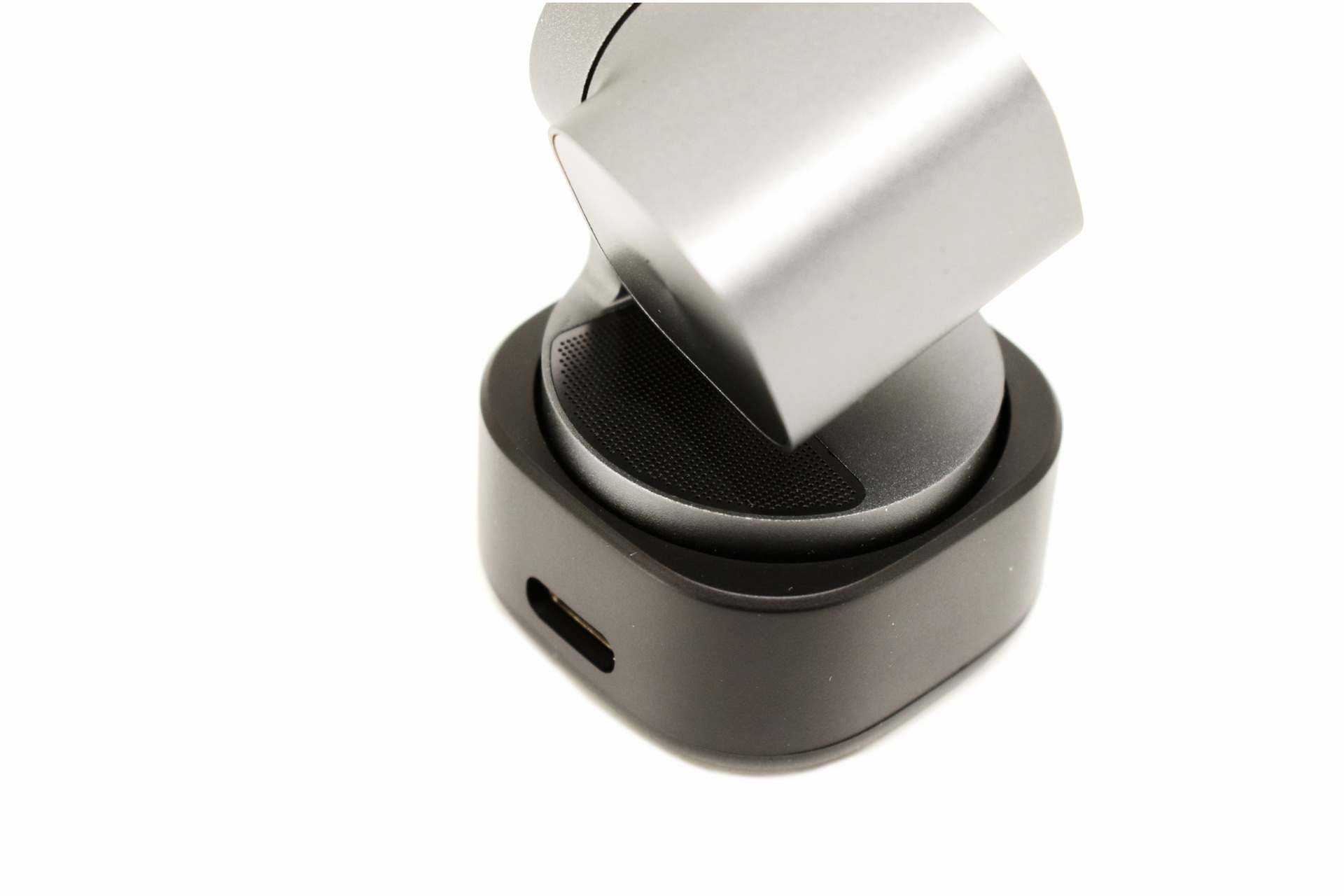
This time over OBSBOT has placed 1 omni-directional and 2 directional noise reduction microphones with automatic gain control all of which are placed at the top rear as seen above (perforated area).
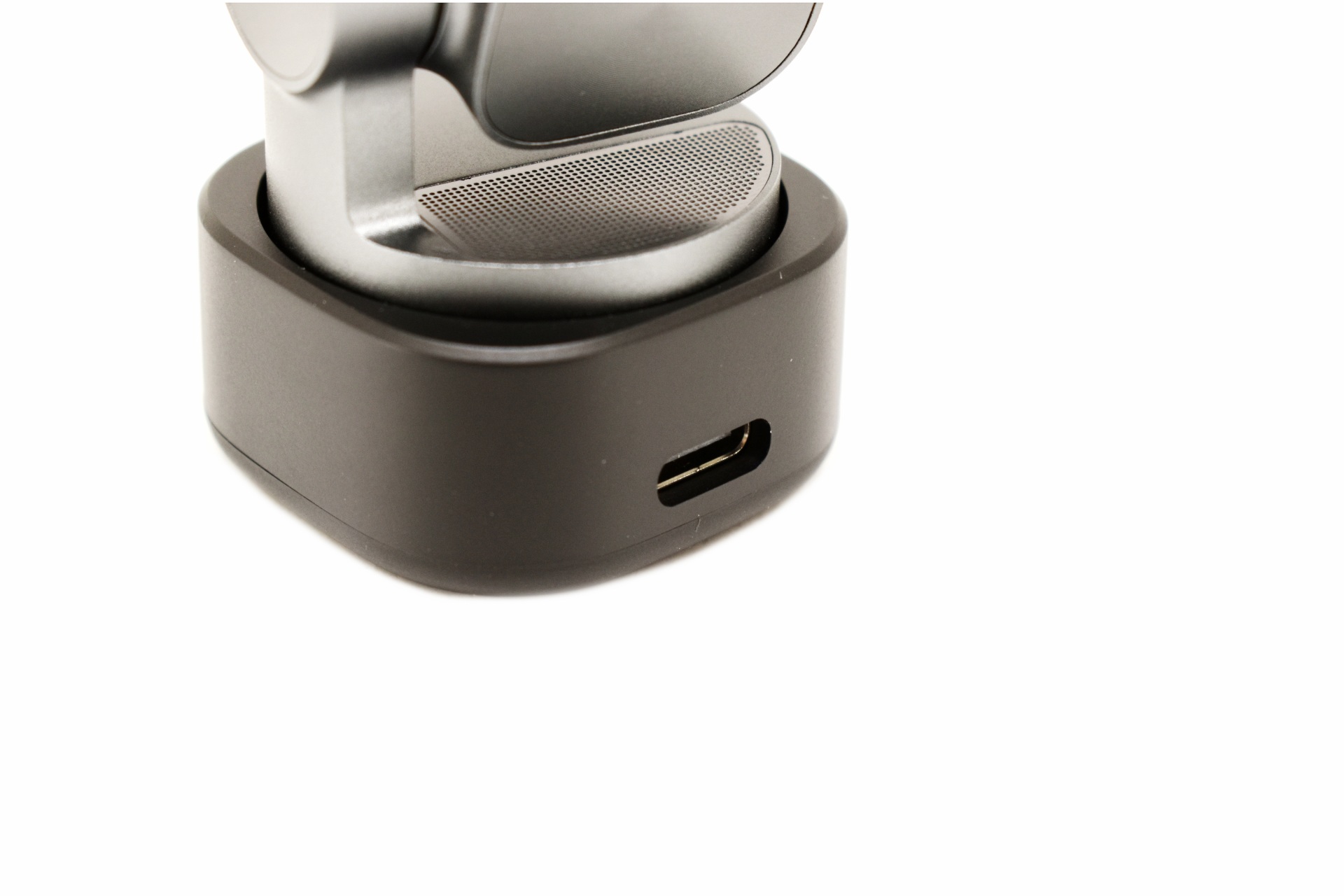
Typically, the USB-C port is located at the rear of the Tiny 3.
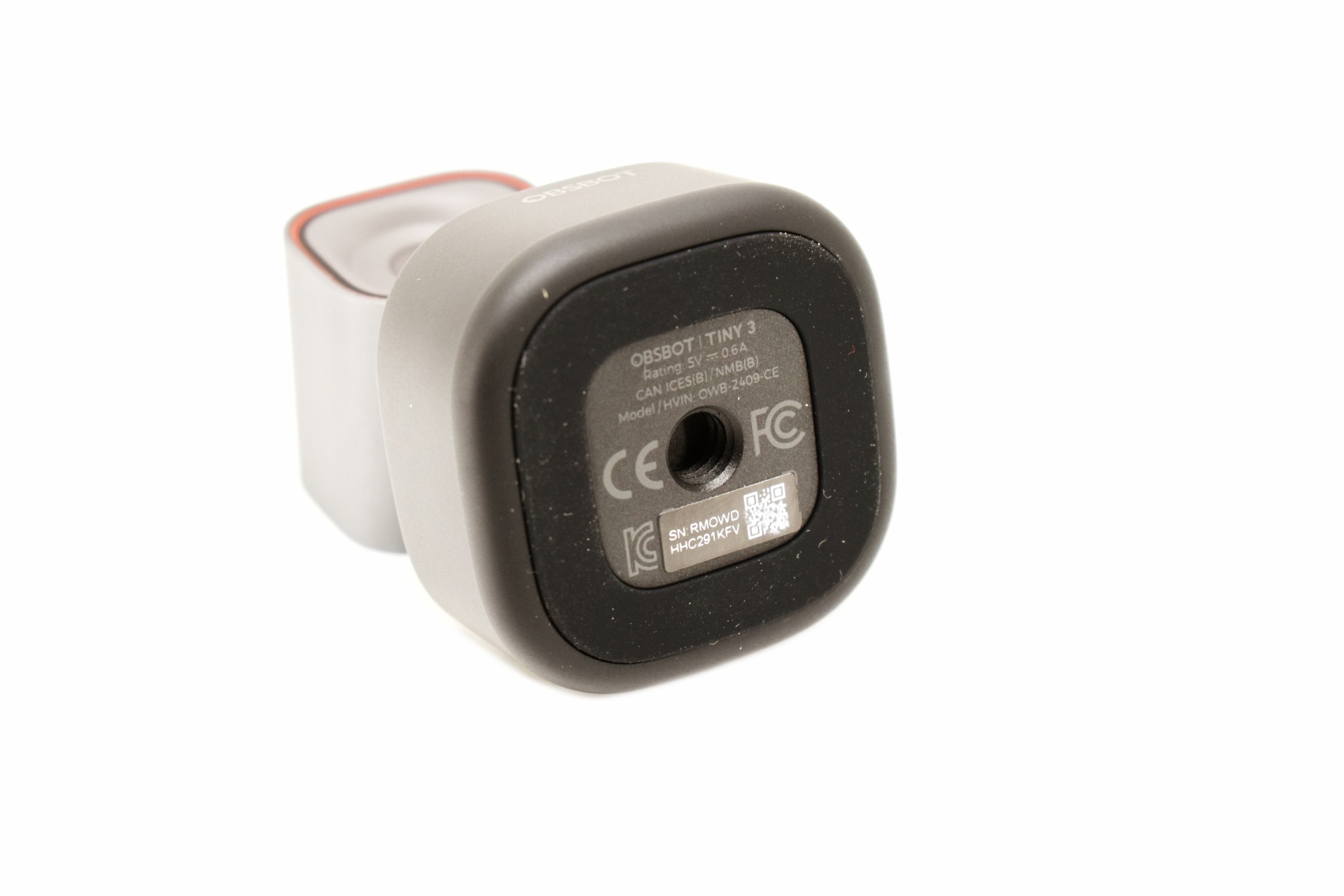
The base of the Tiny 3 doesn’t only feature a magnet but also a rubber ring and a universal 1/4" mounting port.
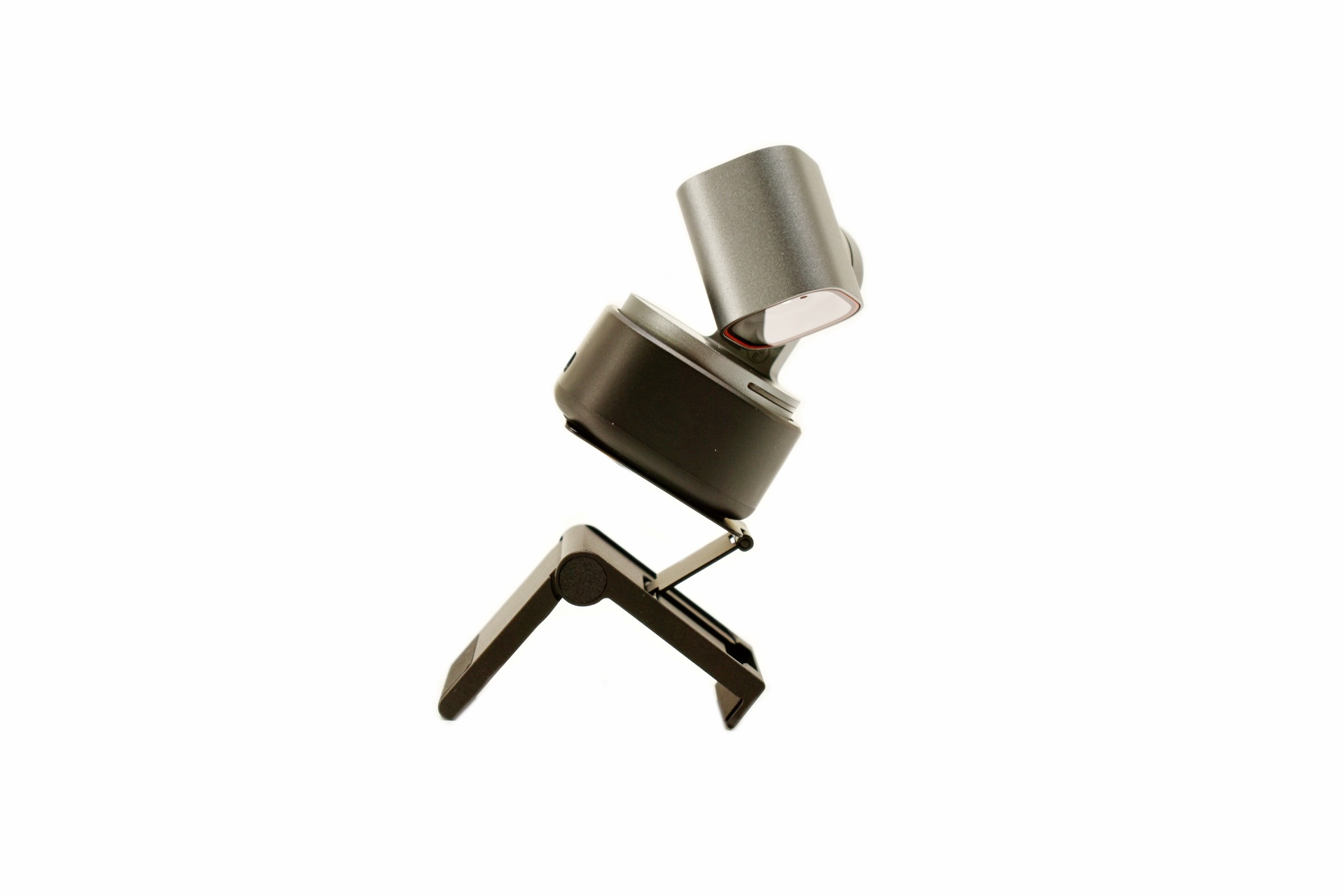
The bundled base is so versatile that you can use it virtually on anything.
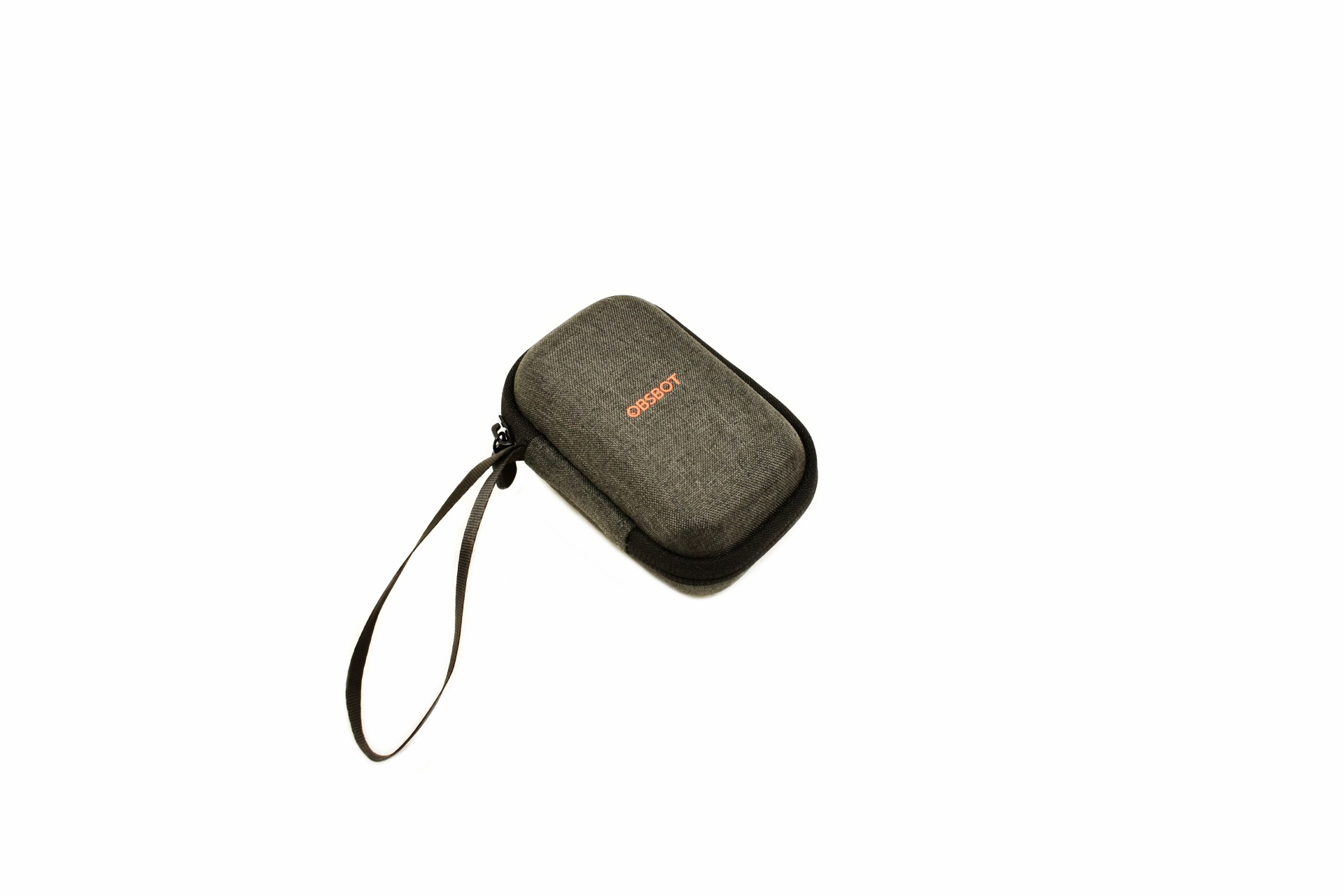
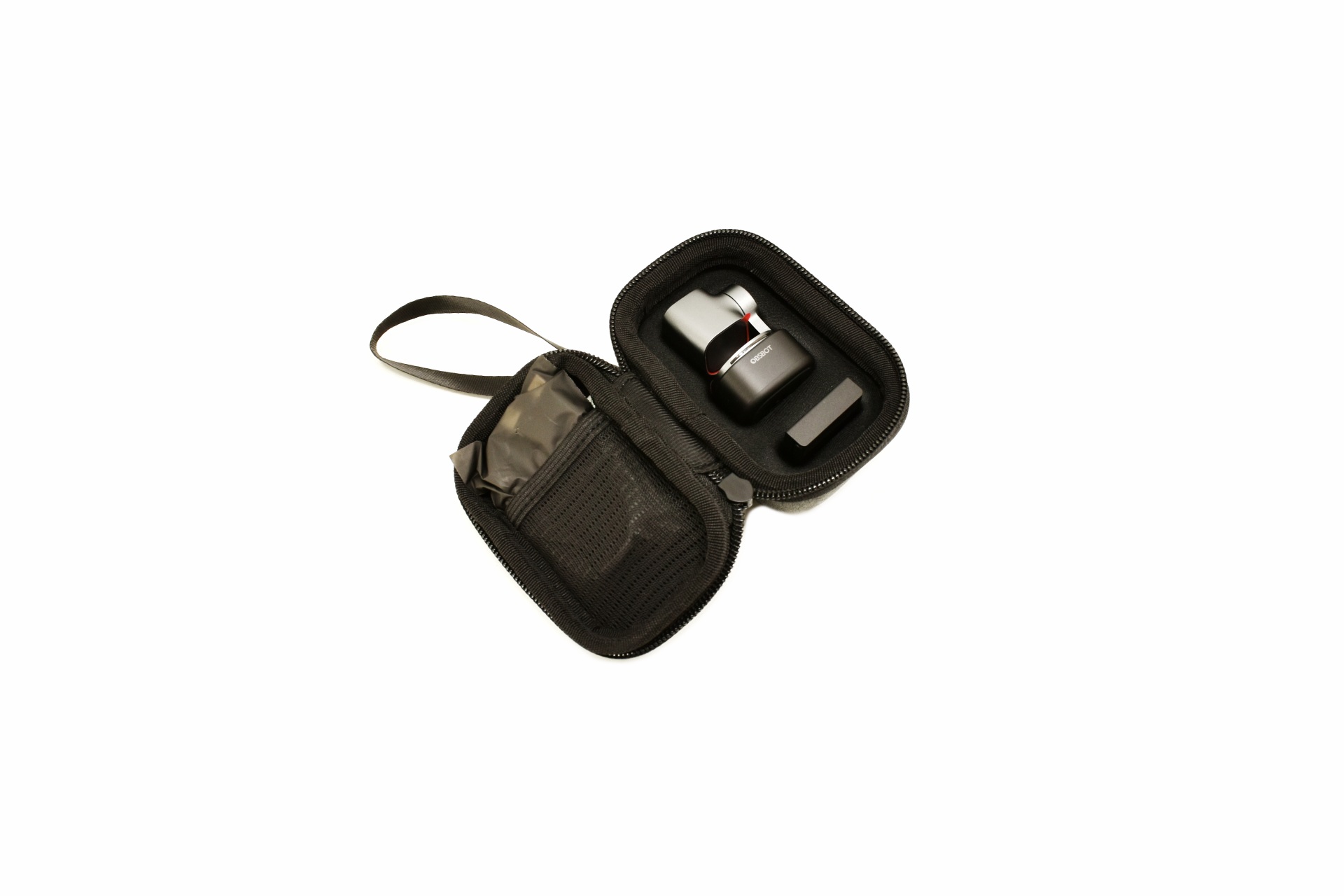 Packing a hard storage/carrying case was a pleasant surprise and yes, it’s big enough for the entire bundle.
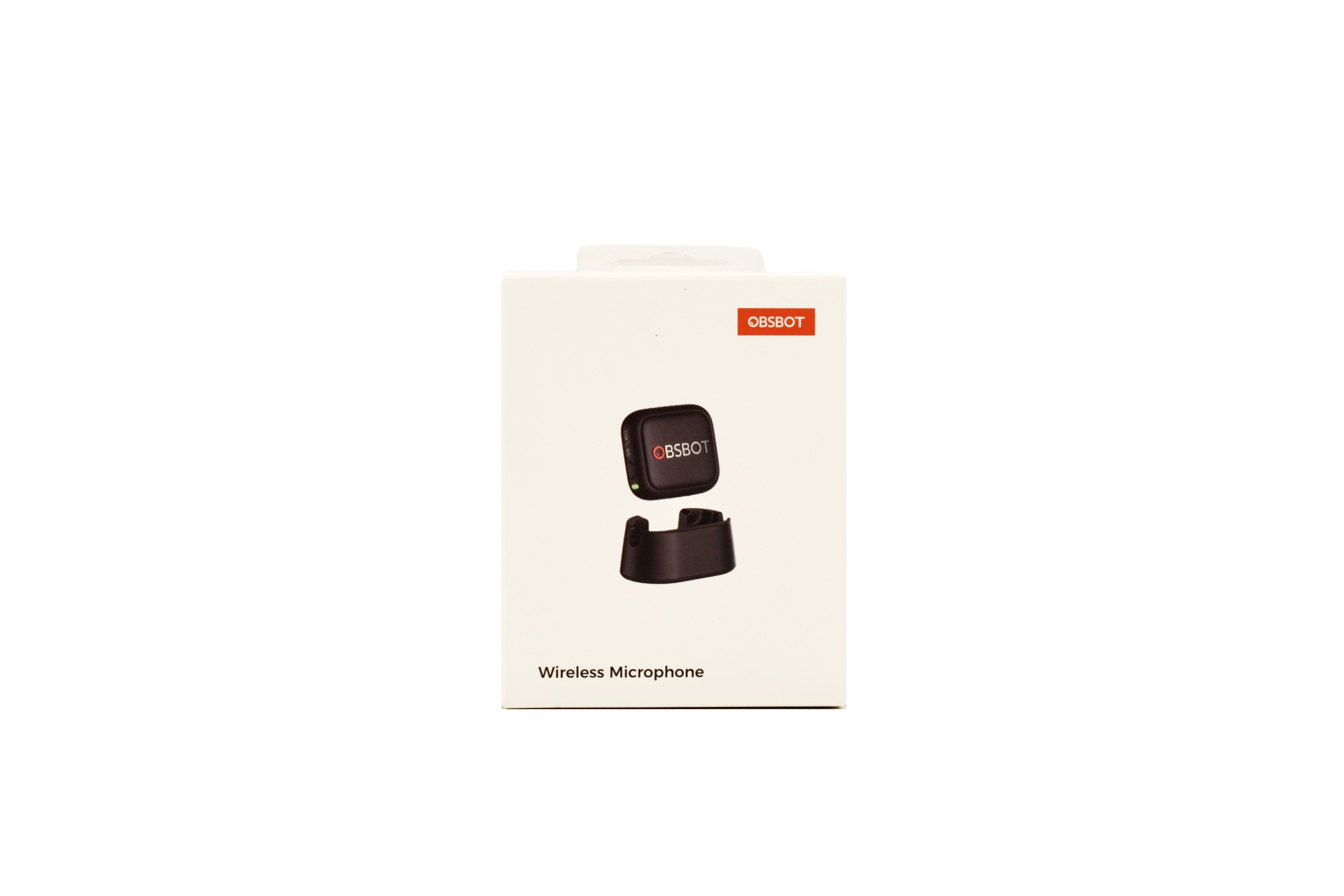
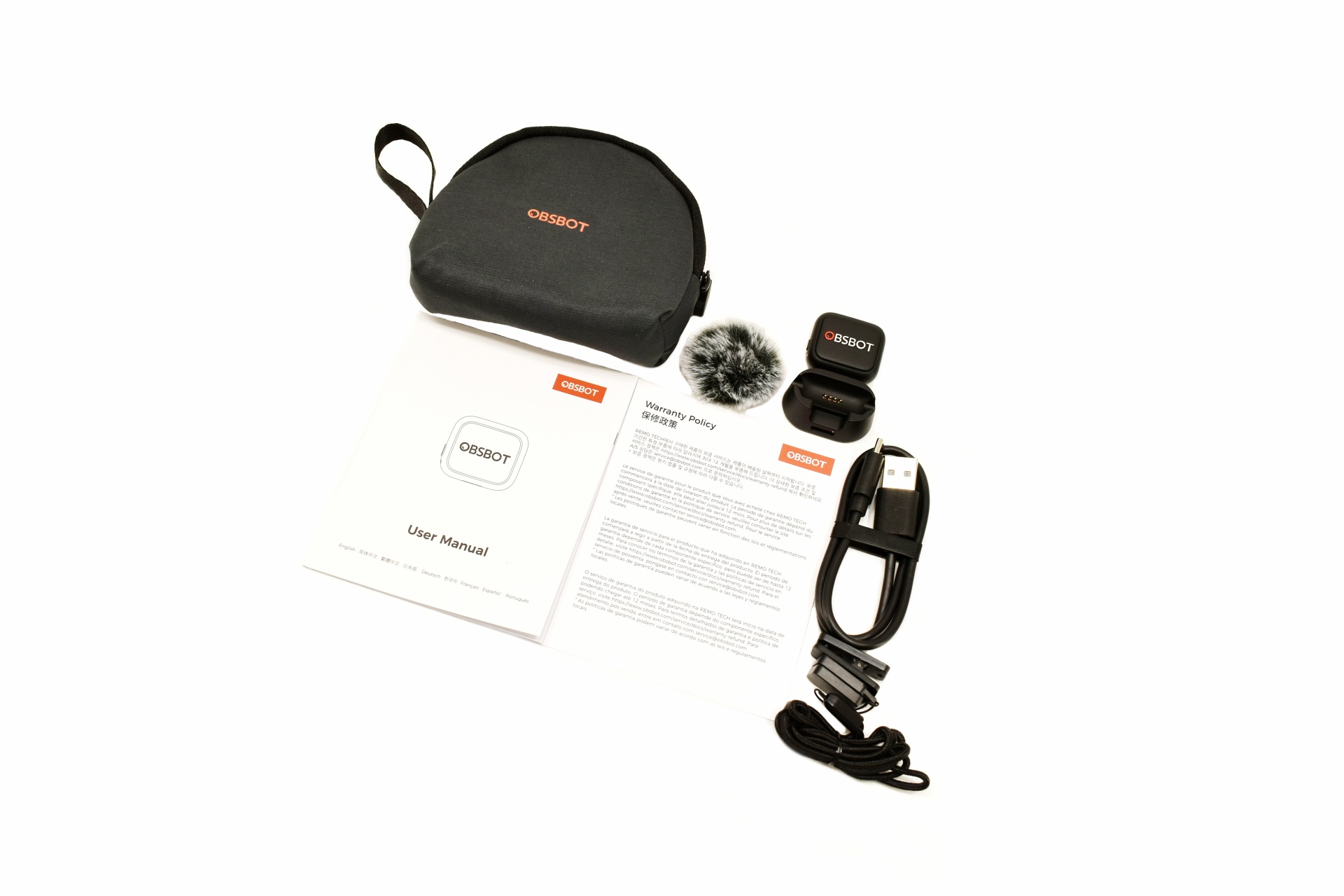
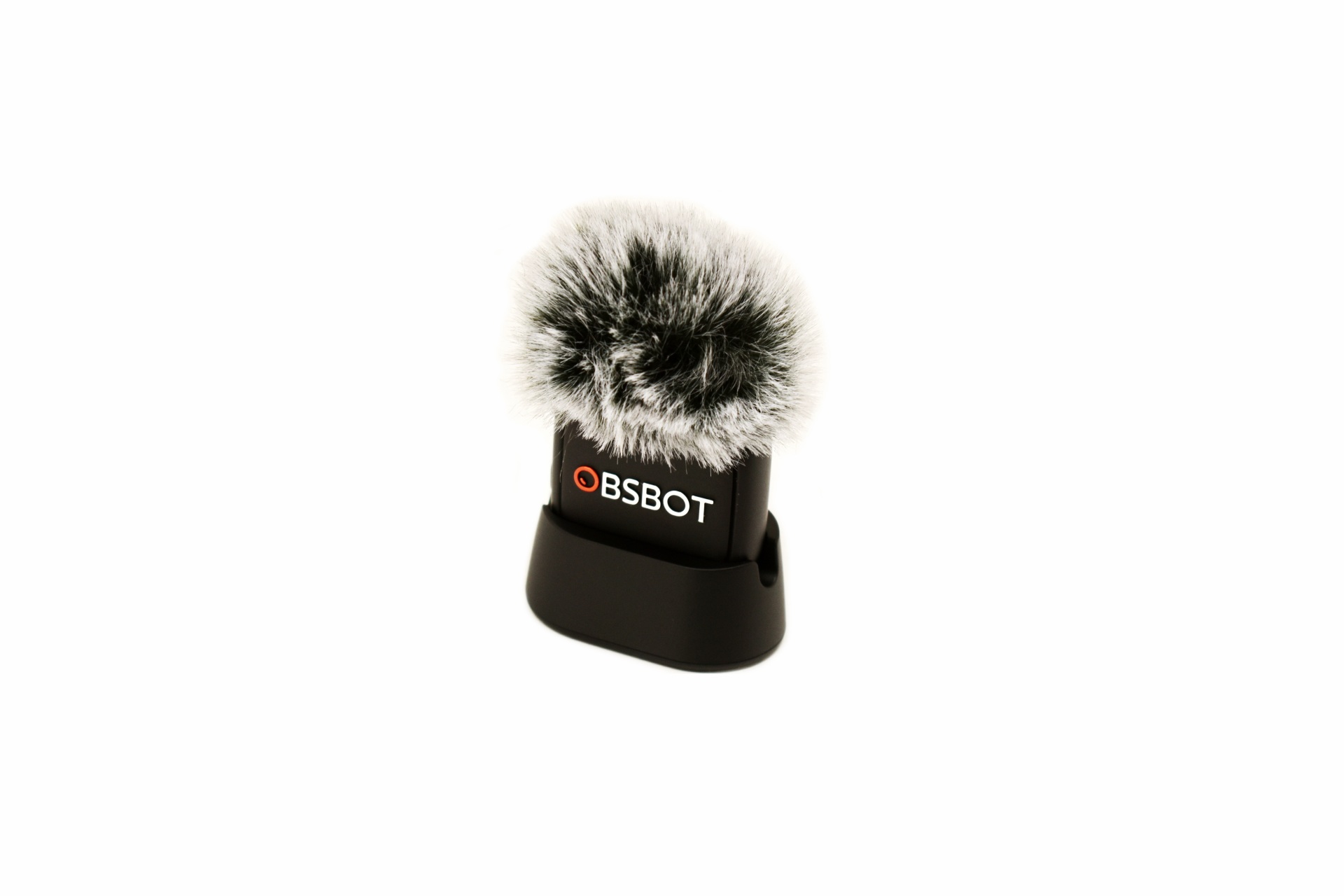 OBSBOT also shipped their wireless microphone with the Tiny 3 so this was also used quite a bit during this review.
OBSBOT CENTER
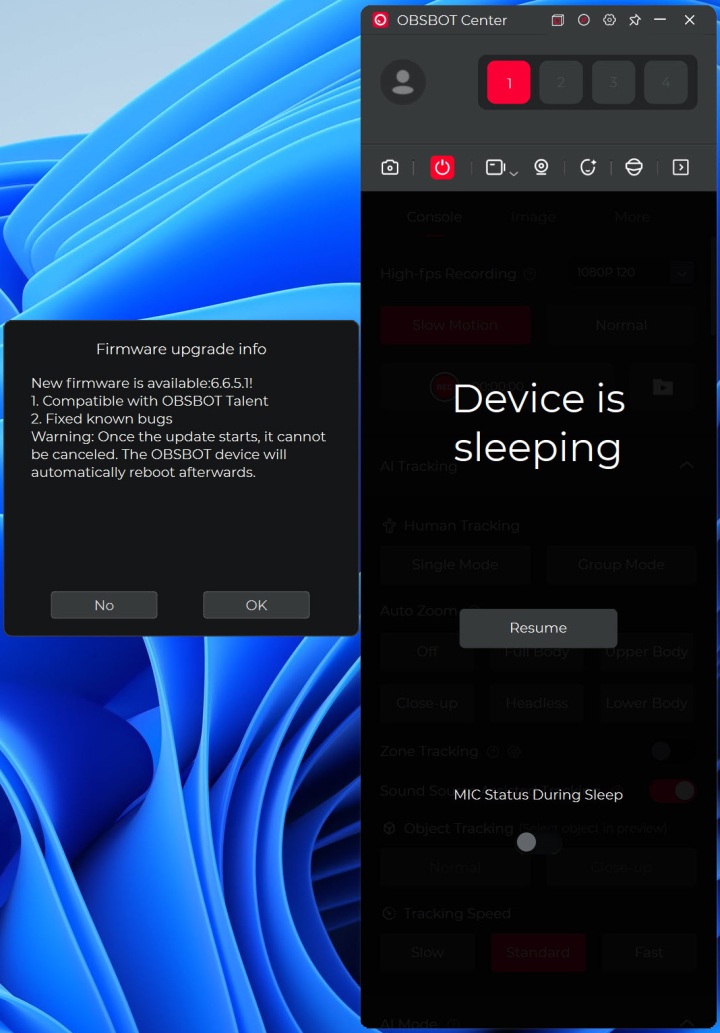
As with past reviews the first thing I checked when I launched the OBSBOT center software was for a firmware from within the settings tab.
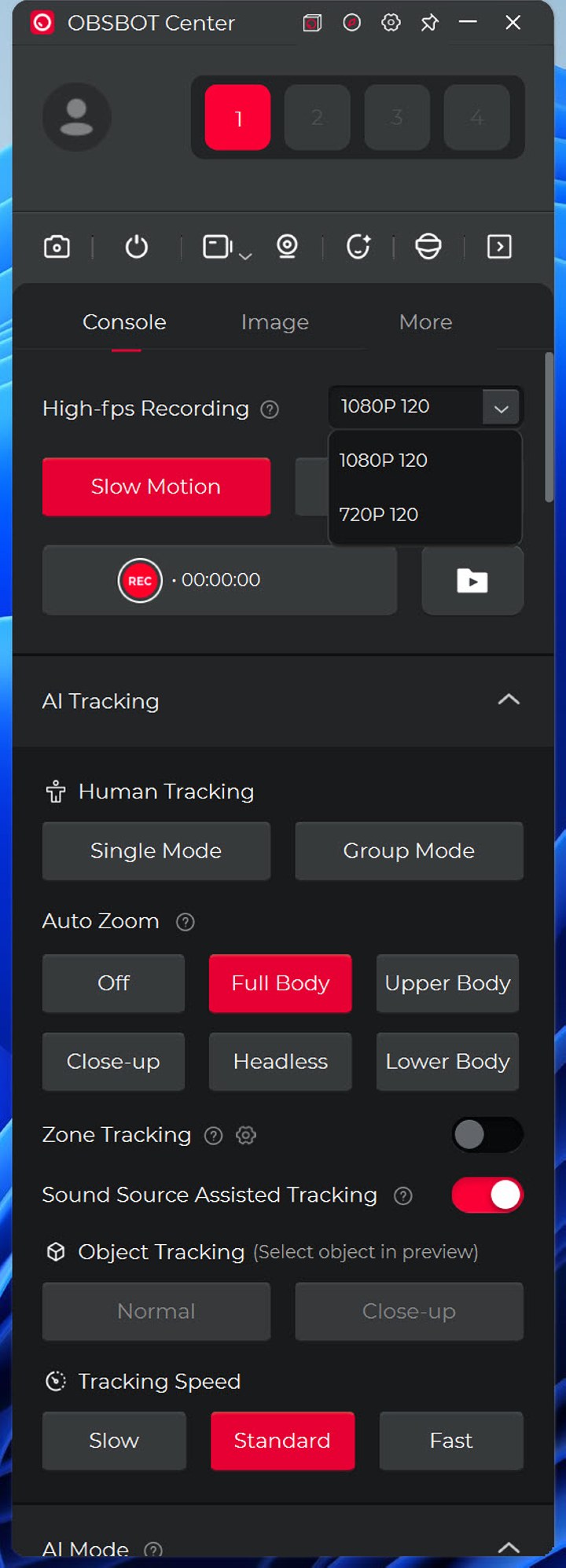
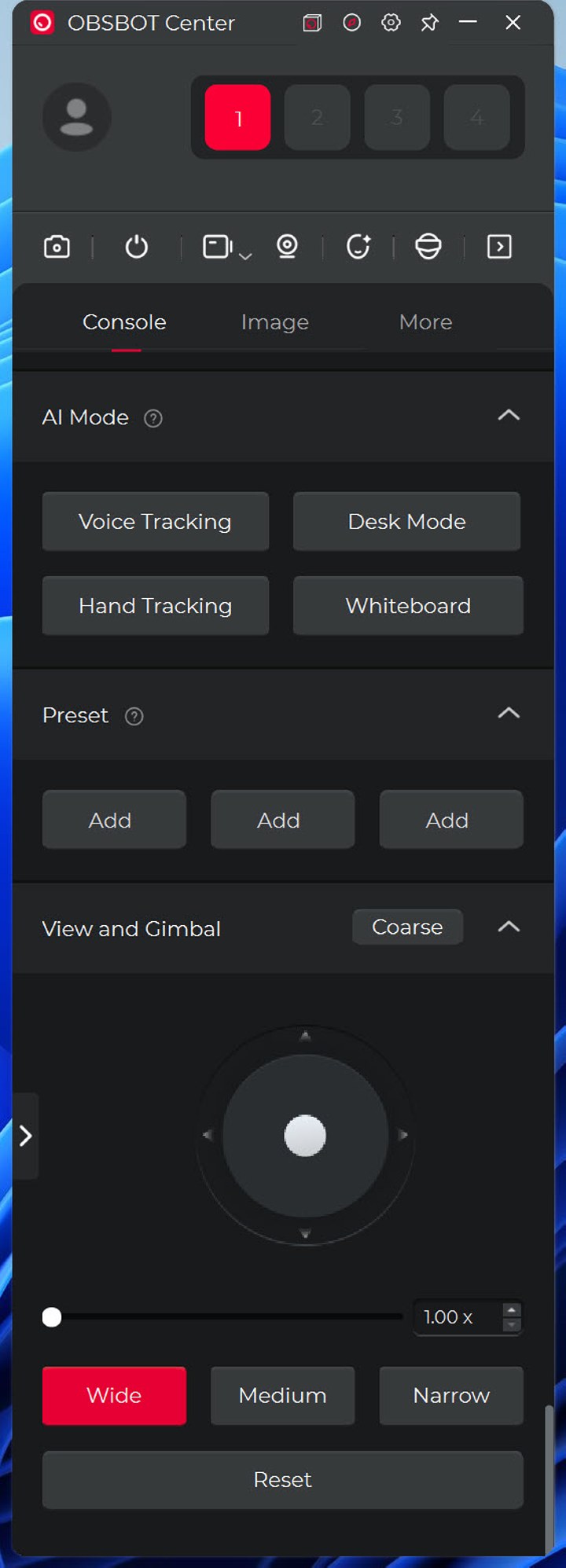
The main software tab includes settings like high-fps recording, AI tracking, AI mode and manual PTZ use (also zoom and aspect ratio).
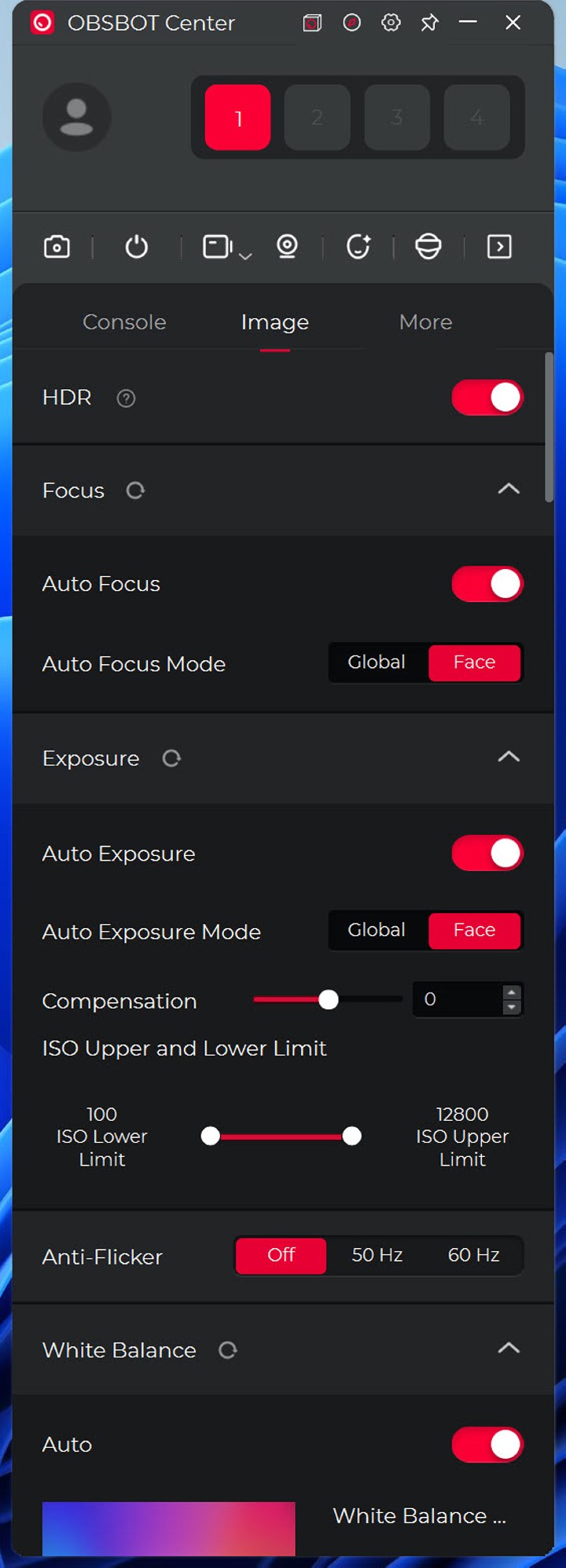
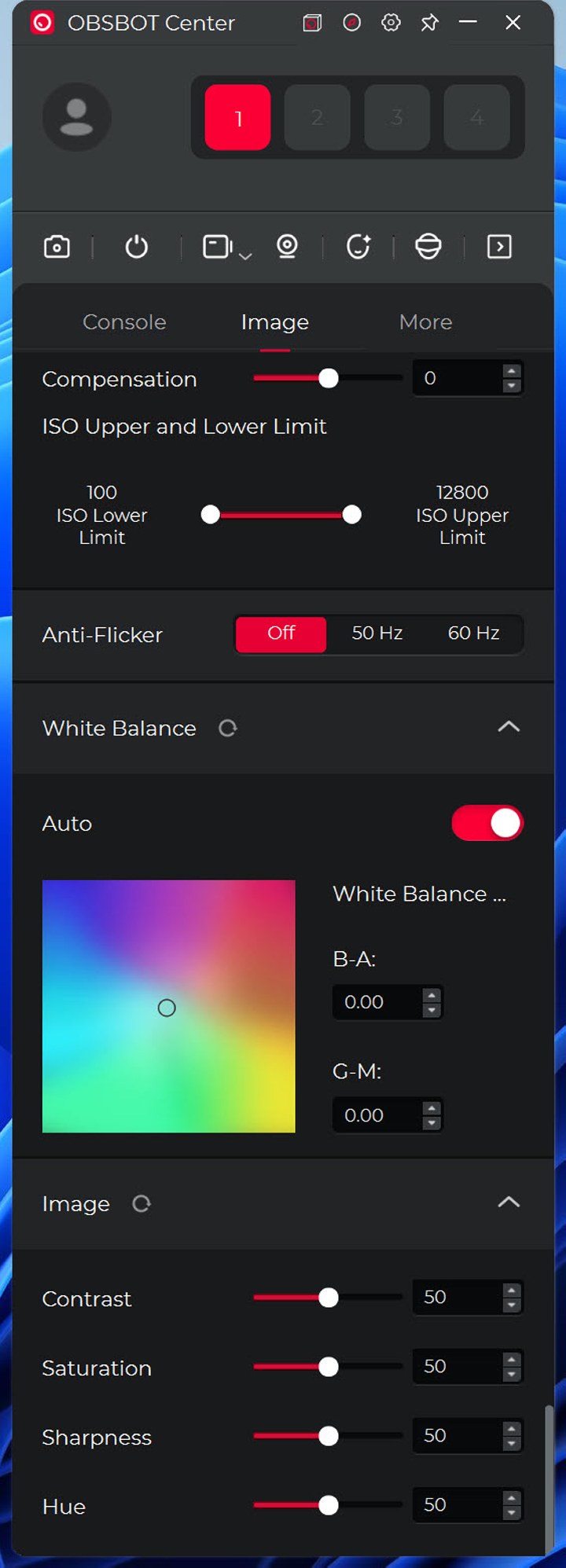
From inside the image tab, you can enable/disable HDR and adjust the focus, exposure, anti-flicker, white balance and image settings.
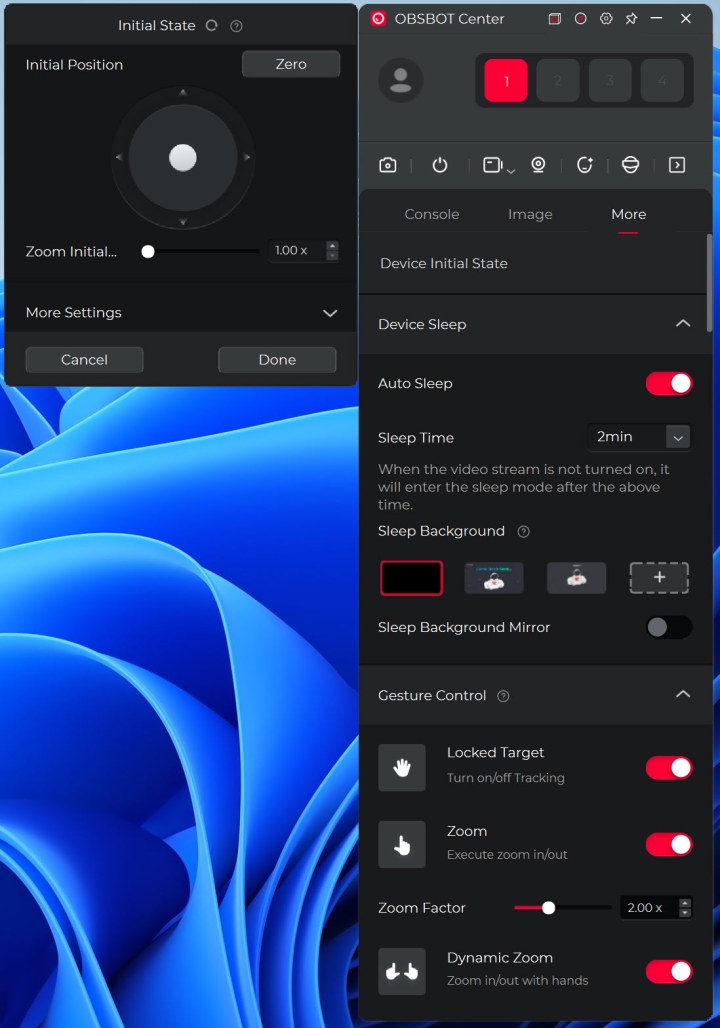
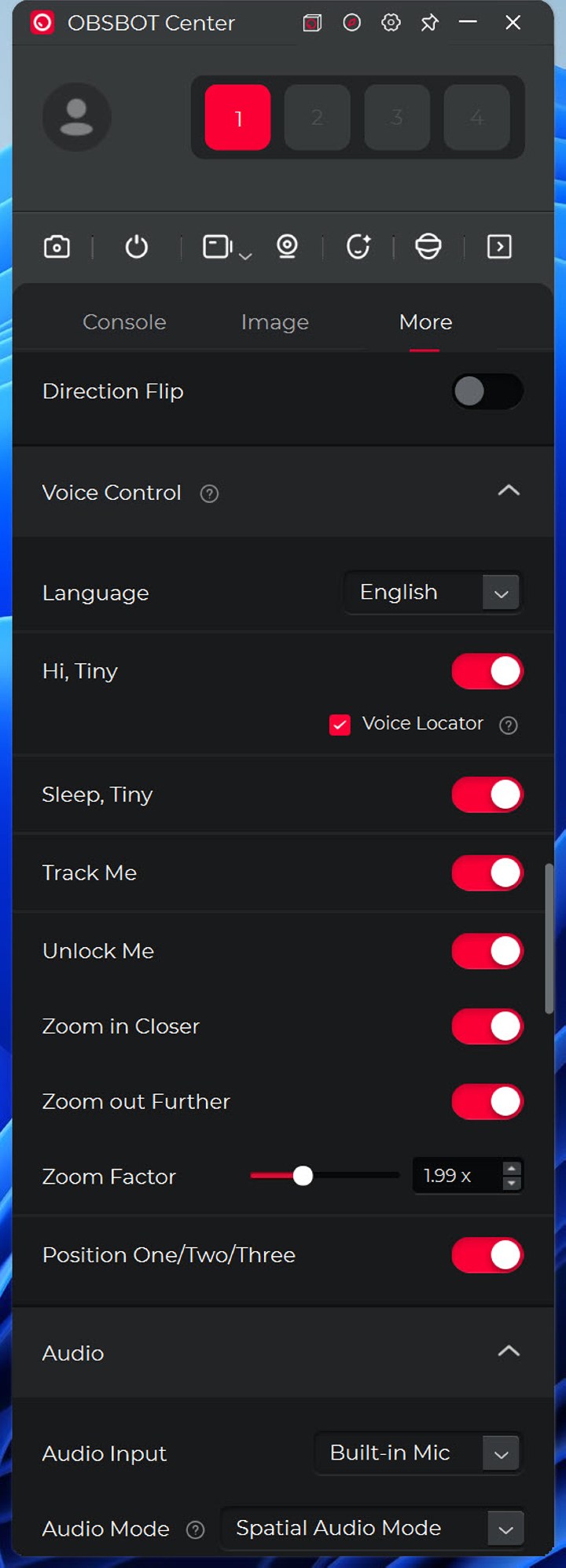
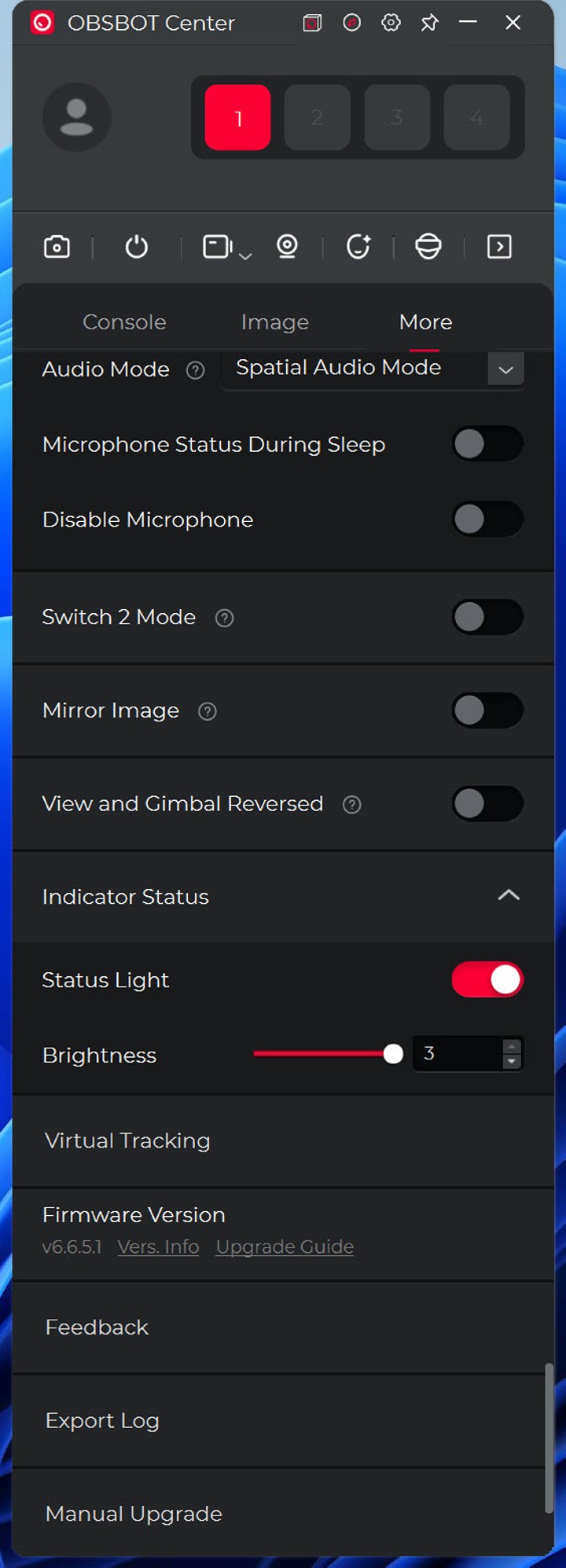
Settings like device initial state (orientation), device sleep, gestures, zoom, direction flip, voice controls, microphone noise reduction and automatic gain, indicator settings, image flip and reverse view and gimbal are all inside the more tab (firmware upgrades and factory restore as well).
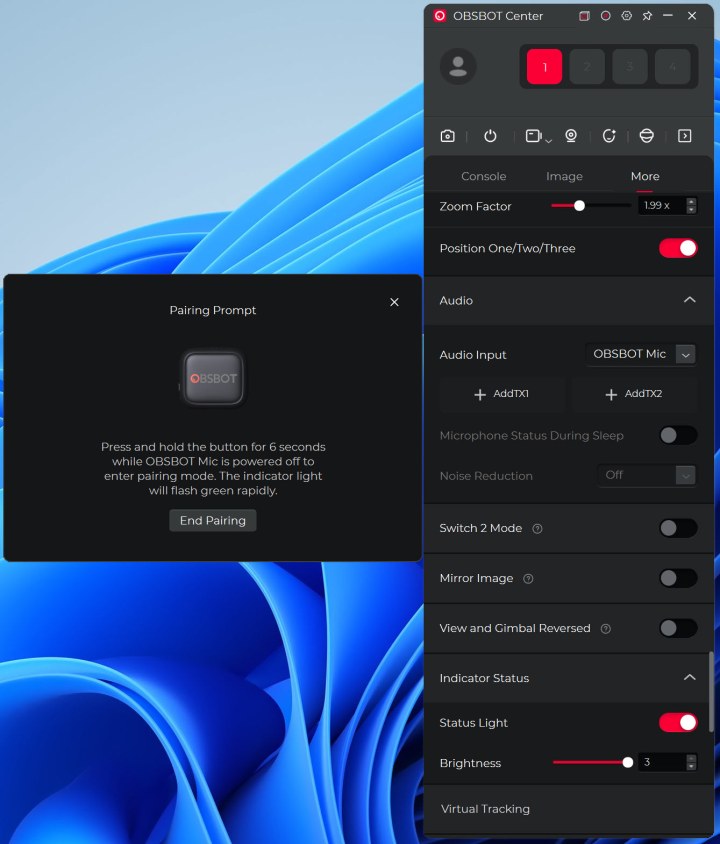
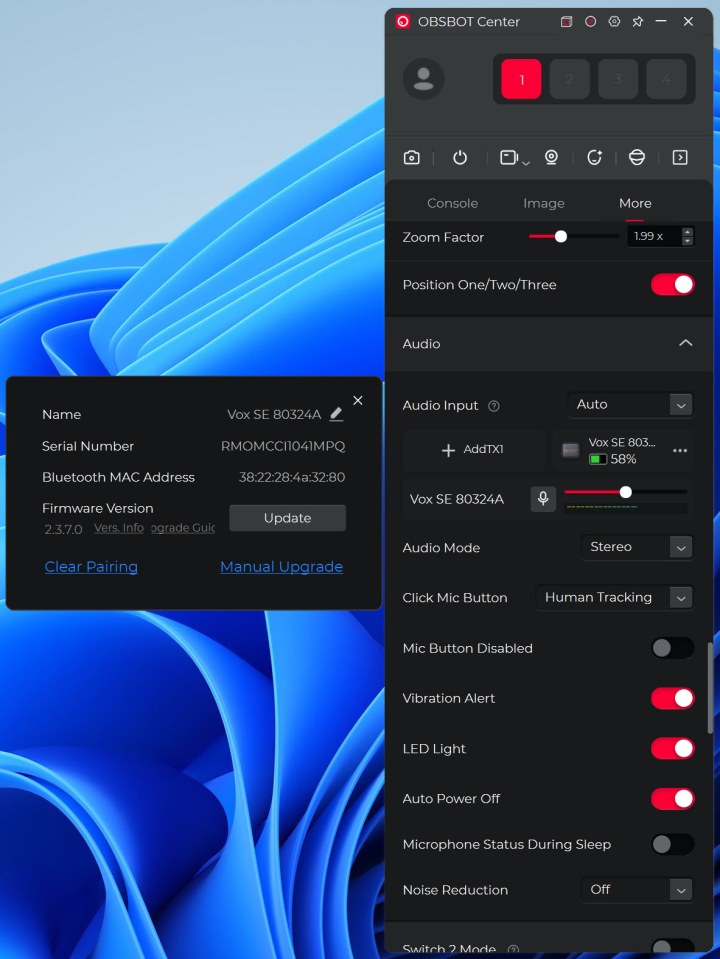
From here you can also switch between the onboard microphones and the wireless one as seen above (the wireless microphone also gets firmware updates).
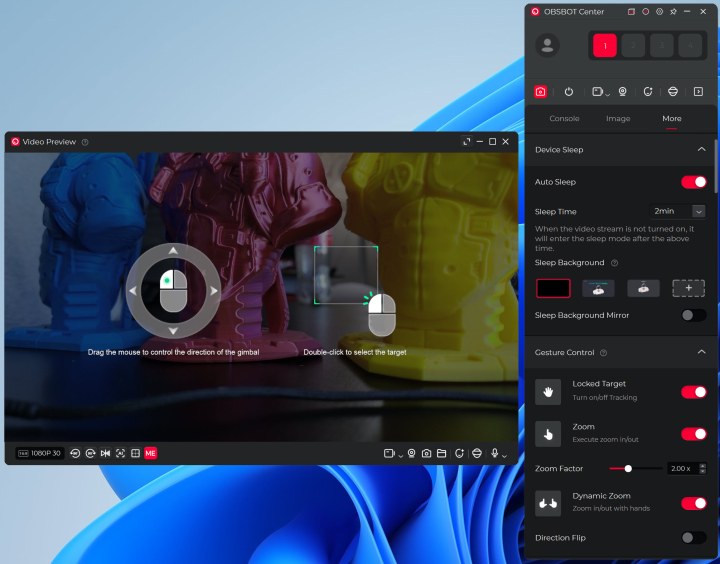
Another great feature is that you can use the gimbal function with your mouse, you just need to click and pull where you want it to go on the live feed.
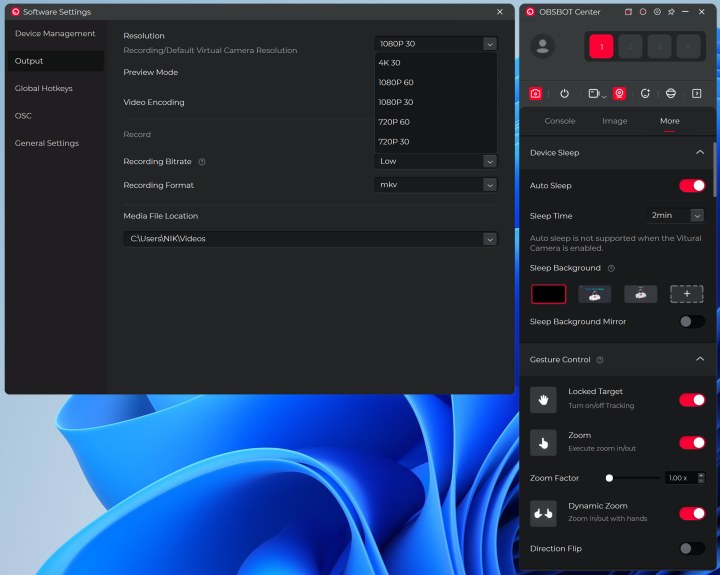
As usual you can change the resolution and video encoding format from within the settings menu.
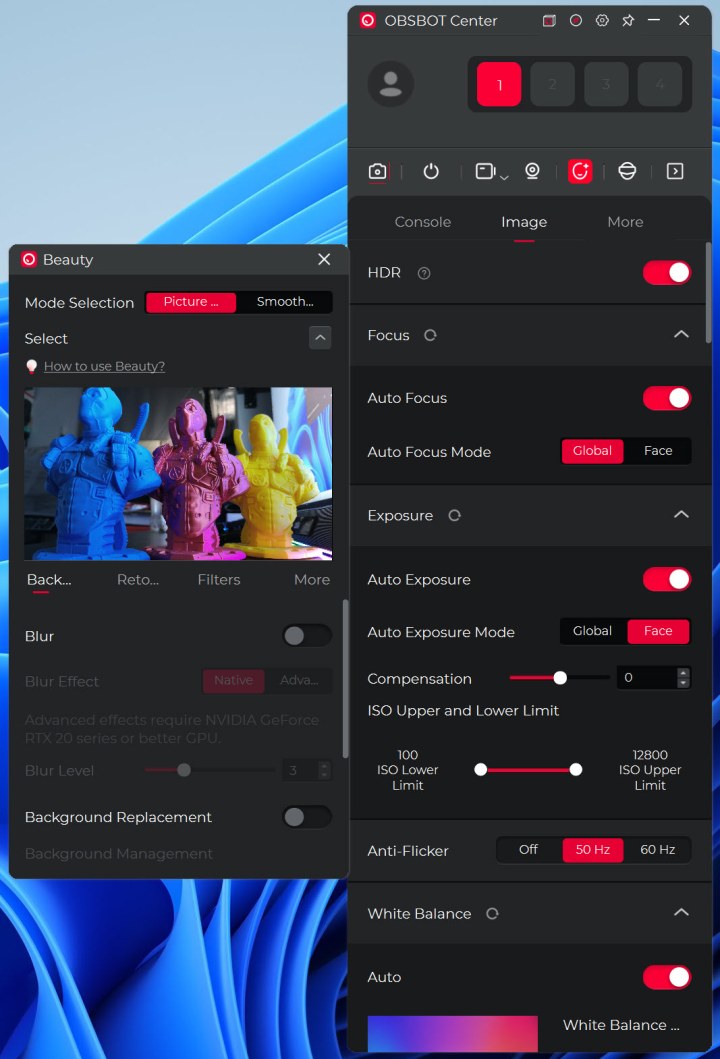
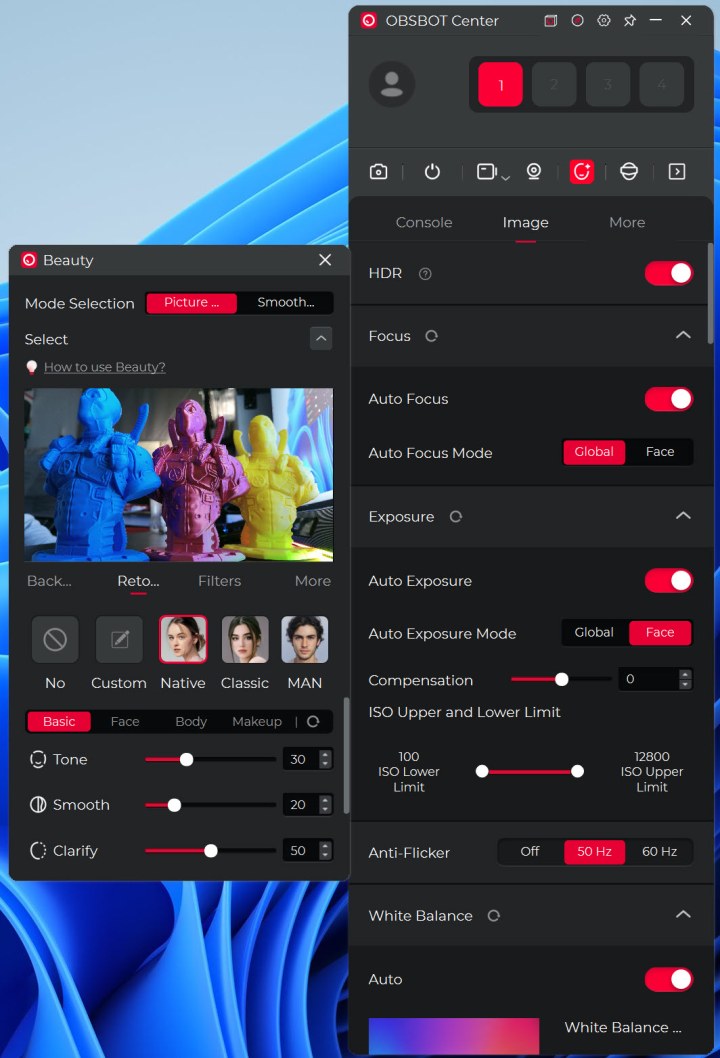
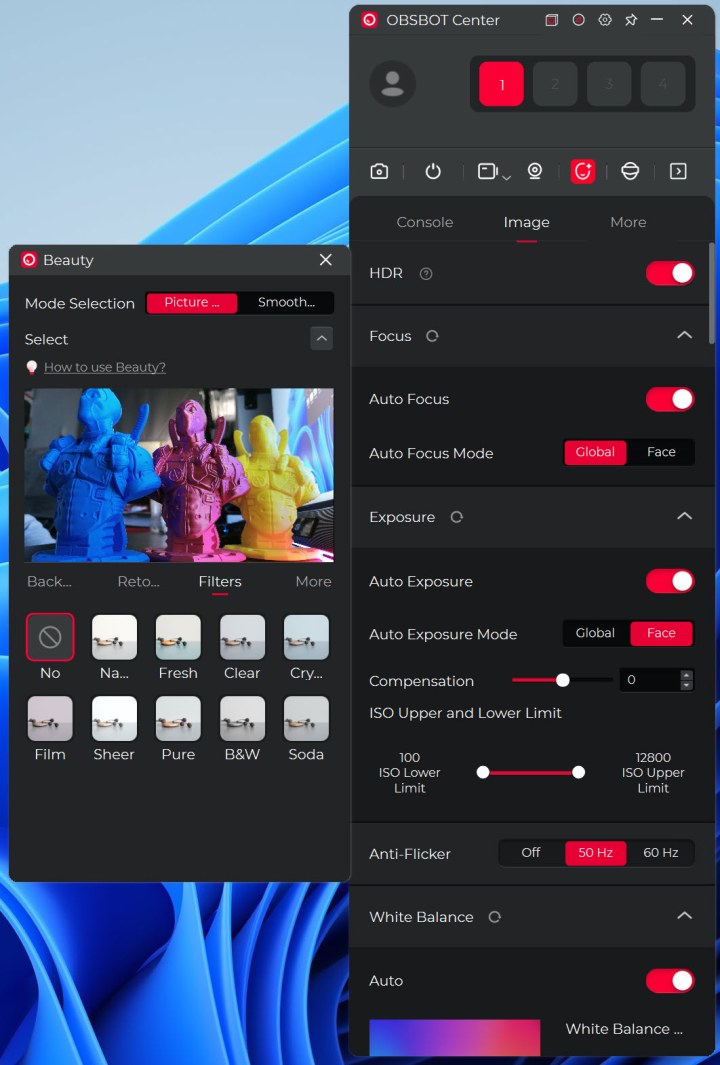
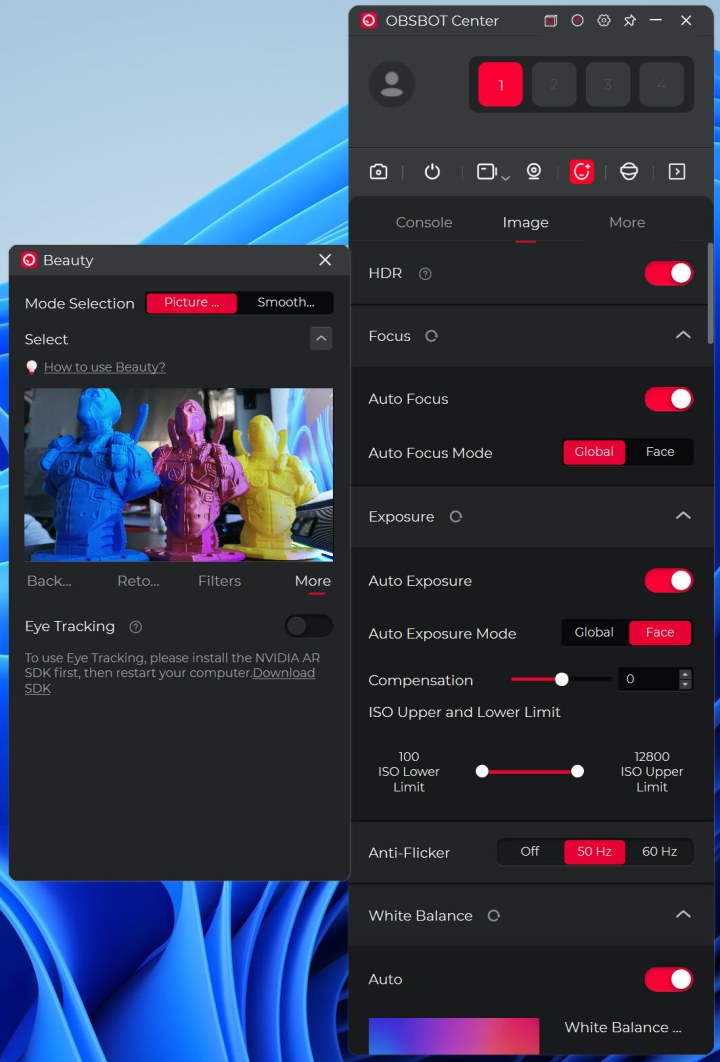
Finally, we have the beauty mode which has been slightly expanded compared to previous software versions.
SCORE
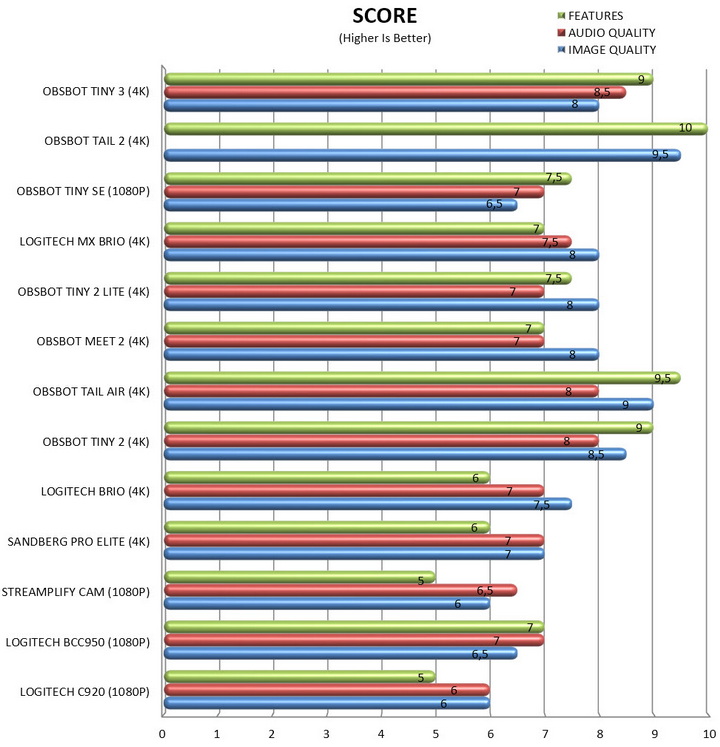
I haven't really tested and/or used that many web cameras over the years but the ones that I have are still in the lab so it wasn't hard for me to test all of them with numerous Viber and skype calls and make a chart based on my opinion (again, just like with all charts based on my opinion and/or findings you should take this with a grain of salt).
CONCLUSION
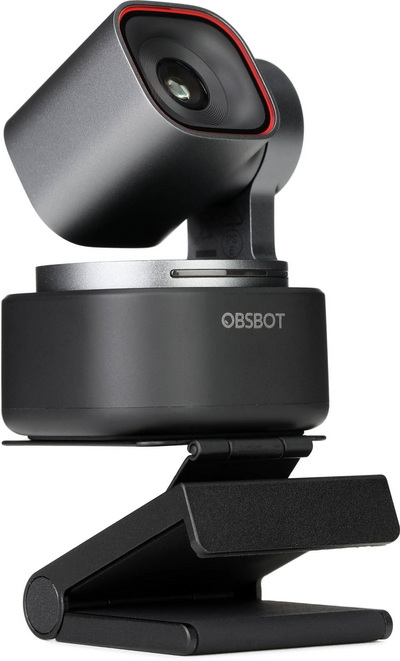
The OBSBOT Tiny 3 continues the company’s push toward compact, creator‑focused PTZ webcams, and in daily use it proves to be one of the most capable small‑form cameras in its class. Its tiny footprint makes it easy to place anywhere, the upgraded microphone system delivers surprisingly clean and full audio, and the overall video quality remains strong across most lighting conditions. Tracking performance, gesture control, and the broader AI feature set are all fast and reliable, giving the Tiny 3 a level of flexibility that standard webcams simply can’t match. Add to that the option to pair it with OBSBOT’s wireless microphone accessory, and you end up with a setup that covers far more scenarios than its size suggests. Not all is perfect however and so image quality feels like a small step down from the Tiny 2, especially in situations where that model’s sensor and processing pipeline had a clear edge. It’s not a deal‑breaker, but it’s noticeable if you’re coming from the previous generation. Even so, the Tiny 3 remains a highly capable, feature‑rich webcam that stands well above typical offerings and continues OBSBOT’s reputation for pushing the category forward.
Right now, the Tiny 3 by OBSBOT retails for USD349 inside the USA (Amazon.com) and for 394.93Euros inside the EU (Amazon.de) and so its target audience are demanding users and content creators. Overall, I don’t really have any complaints about the Tiny 3 by OBSBOT. Yes, it’s not quite perfect but it gets high scores on most things and for that it gets the Golden Award.

PROS
- Build Quality
- Tiny Size
- Image/Video Quality (4K @ 30fps / HDR)
- Audio Quality (Three Noise Cancelling Microphones)
- 2 Axis Gimbal (AI Tracking)
- Voice & Gestures Control
- Available Bundles
- Beauty Mode
CONS
- Price (For Some)





