




AJAX SYSTEMS APP
The easiest way to access your NVR is via the smartphone app by Ajax Systems.
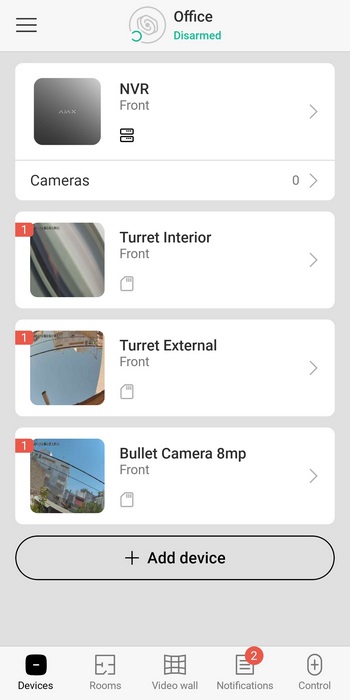
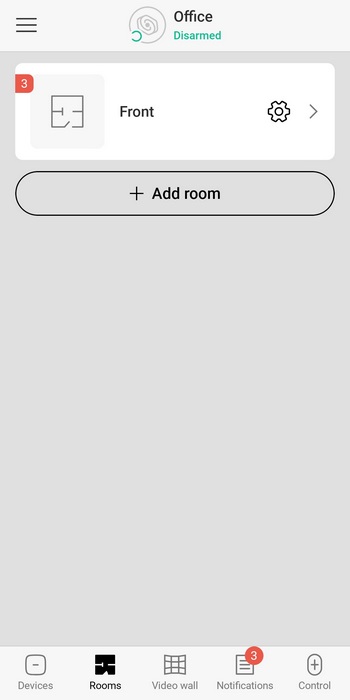
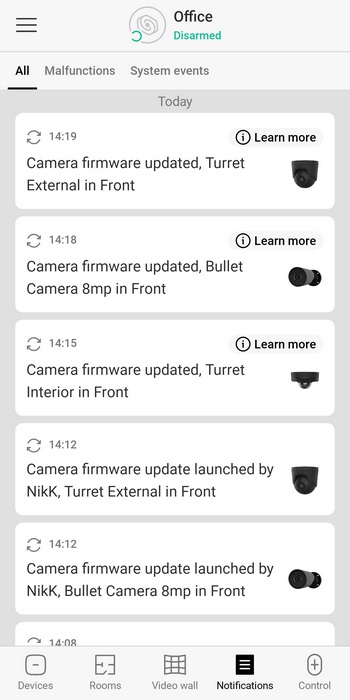
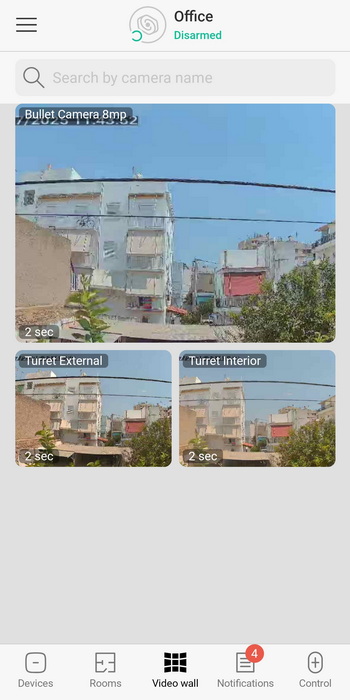
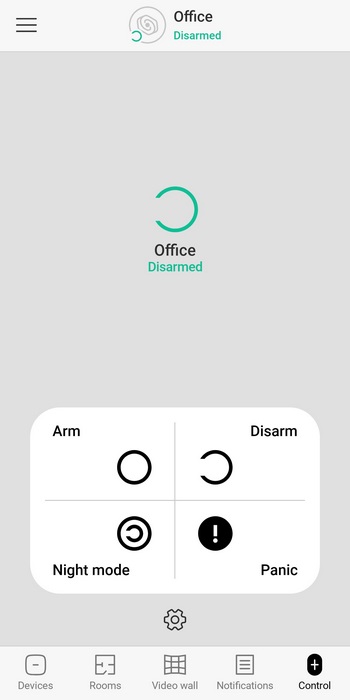
The app has 5 main tabs, the devices tab which lists all connected cameras, the rooms tabs which you can use to assign the cameras to different rooms, videowall (low quality live feed), notifications tab and the control tab from where you can set the various NVR modes (arm/disarm/night/panic).
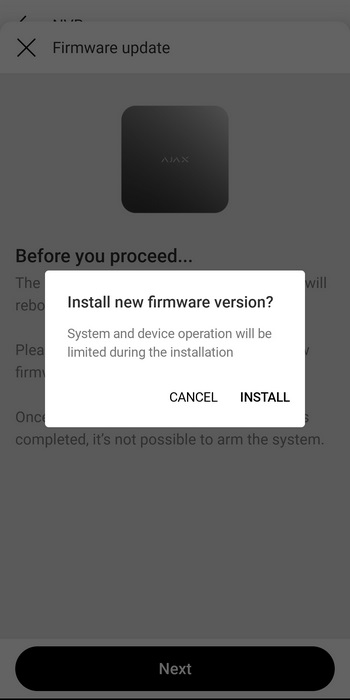
One thing you'll notice a lot is that Ajax Systems is releasing firmware updates non-stop and so during the 2 months I ended up testing the kit I had to update both the NVR and the cameras 3 times.
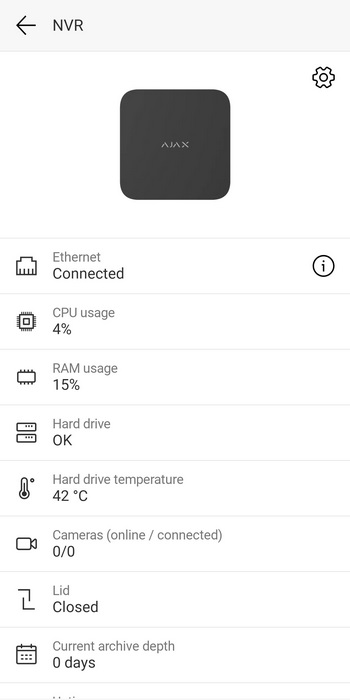
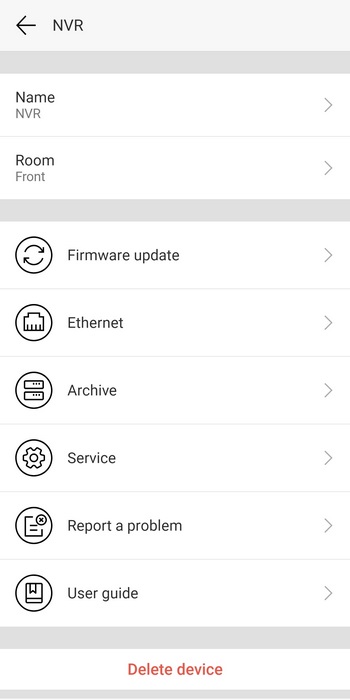
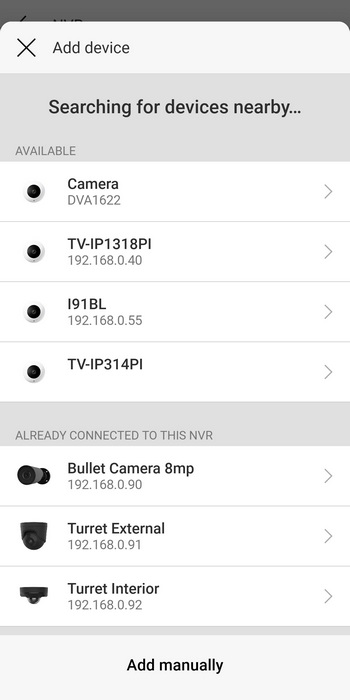
From the NVR tab you can check the status of the device, check for firmware updates, check video archives, report problems and check for solutions, read the user guide and add cameras (either Ajax Systems ones or ONVIF compliant).
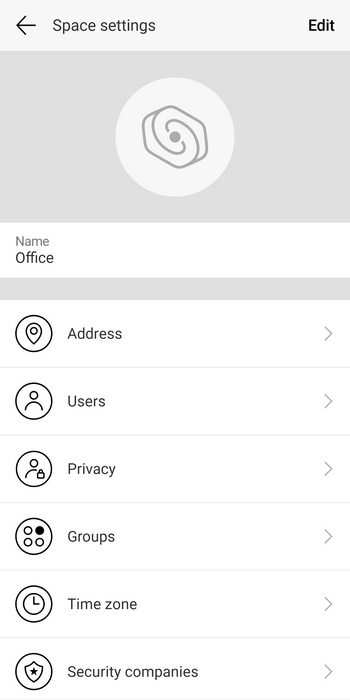
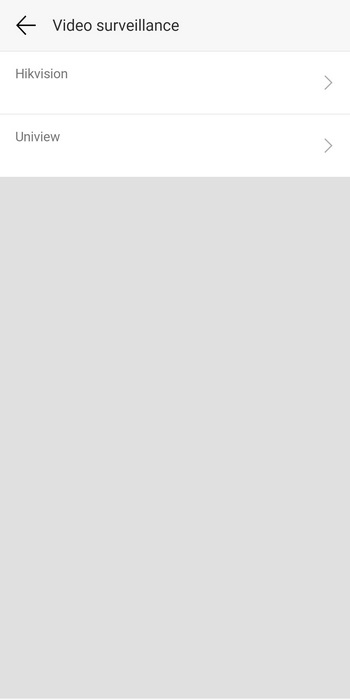
The app also allows you to fill out your personal details and pair it with HikVision and Uniview security systems.
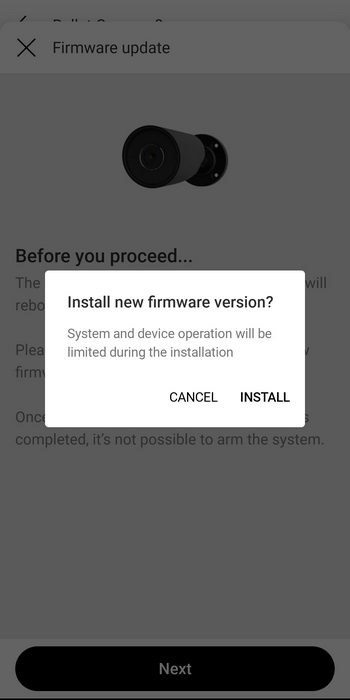
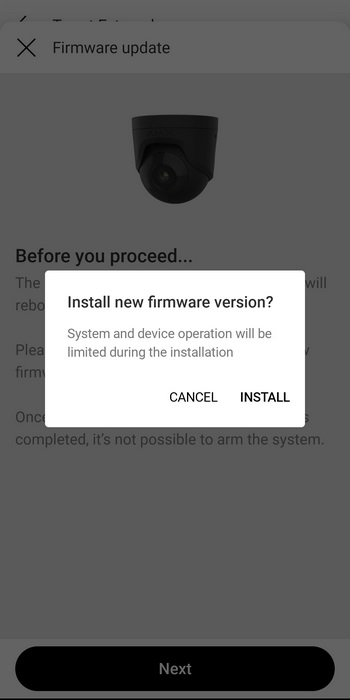
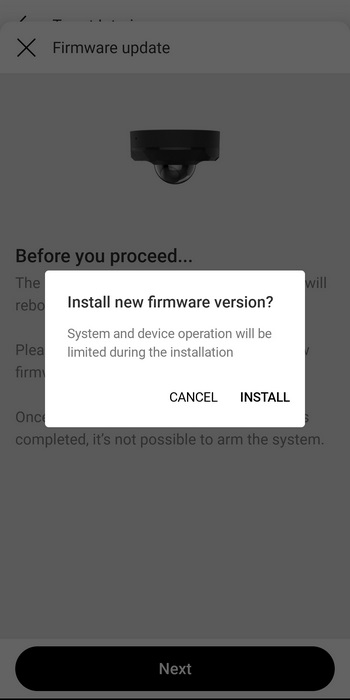
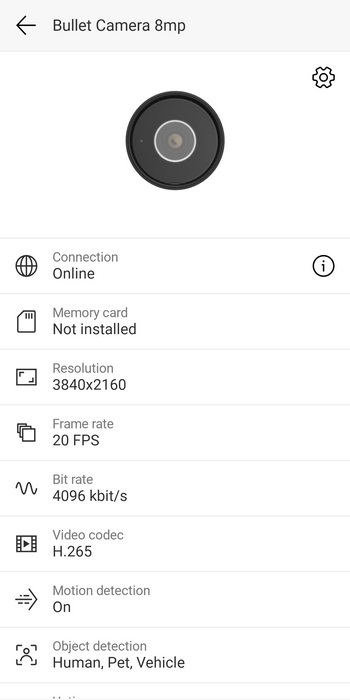
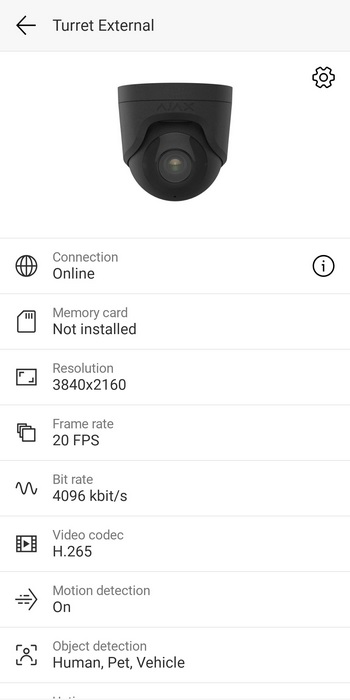
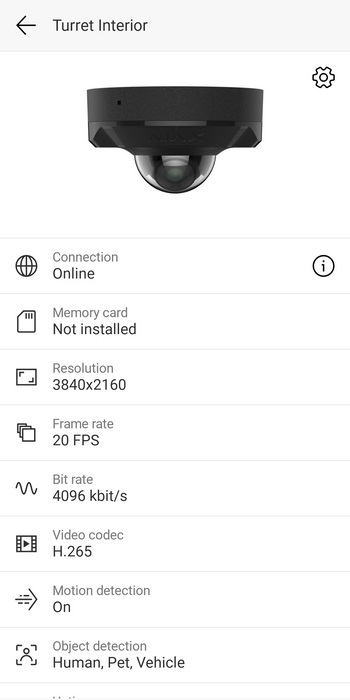
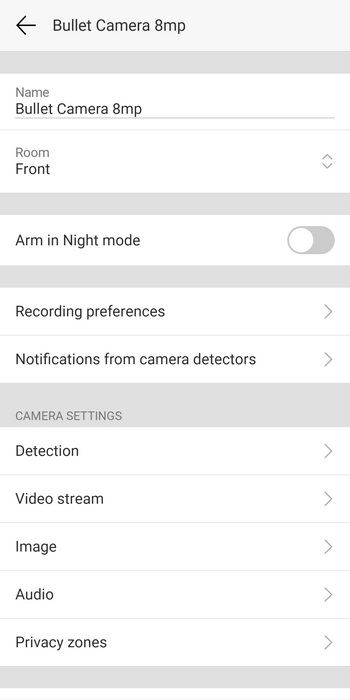
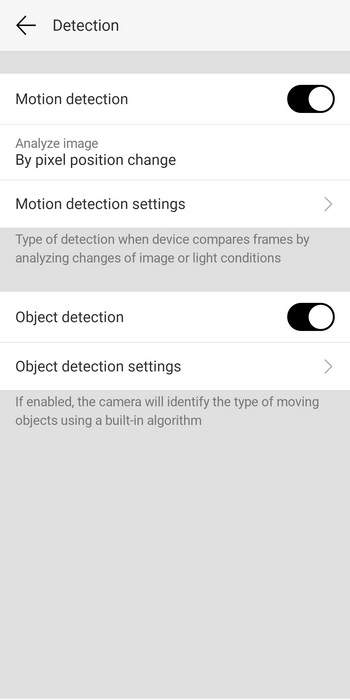
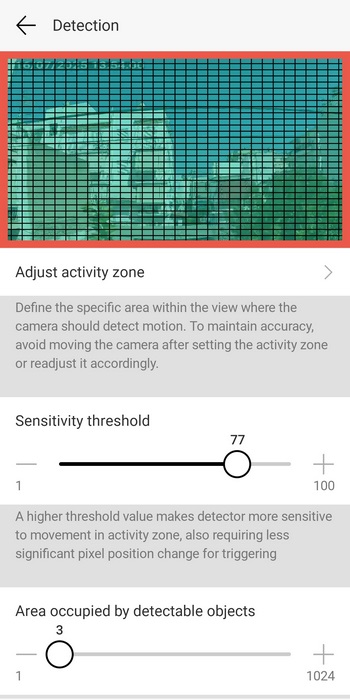
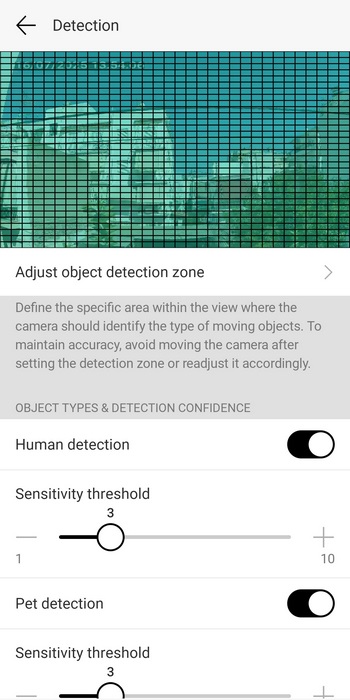
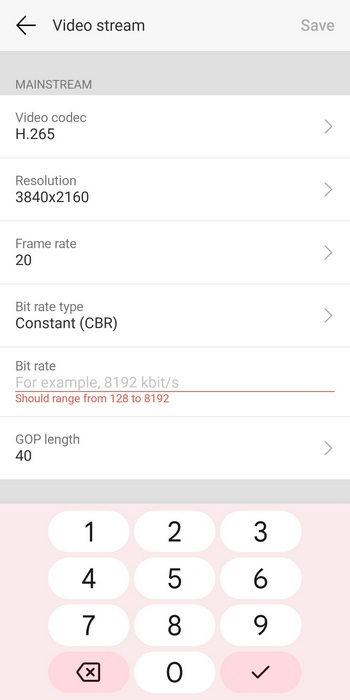
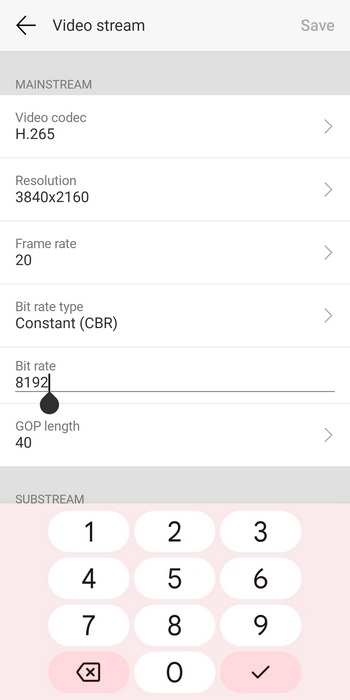
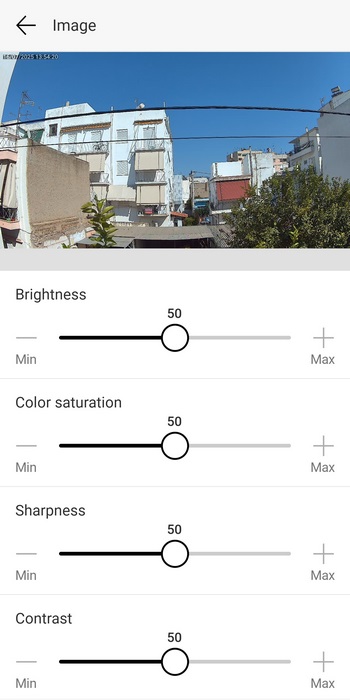
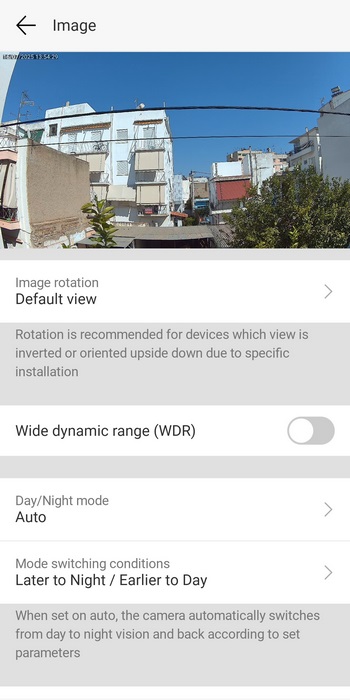
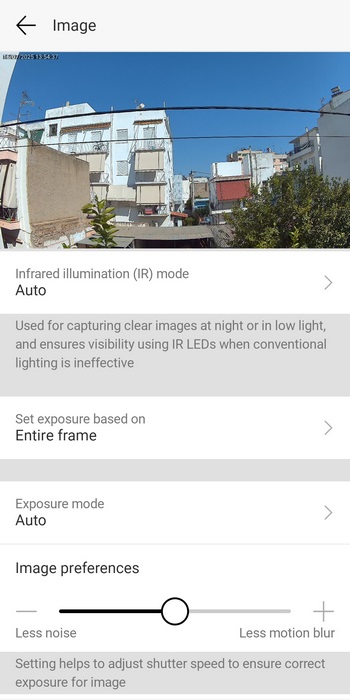
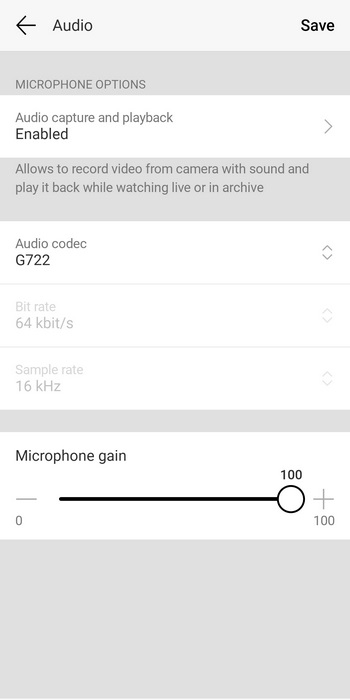
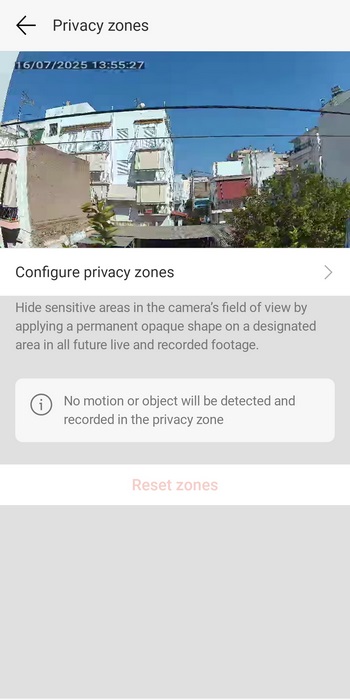
Aside the firmware updates for all 3 cameras everything else remains the same so again you can check their state from the initial tab and from the settings you can enable arm in night mode (alerts), set recording preferences when the microSD card is installed, enable/disable notifications, adjust motion detection details, adjust video recording details (max bitrate is set at 8192kbps for all 8MP cameras), adjust image details, enable/disable audio recording and set privacy zones.





