





TESTING METHODOLOGY
Once again to test this printer by Creality I used their latest print software (Creality Print 6.2) by manually entering the same settings I’ve used to date with all FDM printers (quality of 0.16mm, 20% infill density and cubic infill pattern).
Nothing else has changed of course so again I’ll be using 2 different sized models (downloaded from Cults3D / member Eastman) to record completion time at 100% speed. Second thing to test are noise levels and so once again I’ll be using my ExTech HD600 decibel meter placed roughly 30cm away to record the maximum noise coming from the 3D printer while printing. As for the 3rd test with the help of an UPS and two power meters I decided to also record not only the lowest and highest but also the average instant power consumption of the 3D printer in my hands.
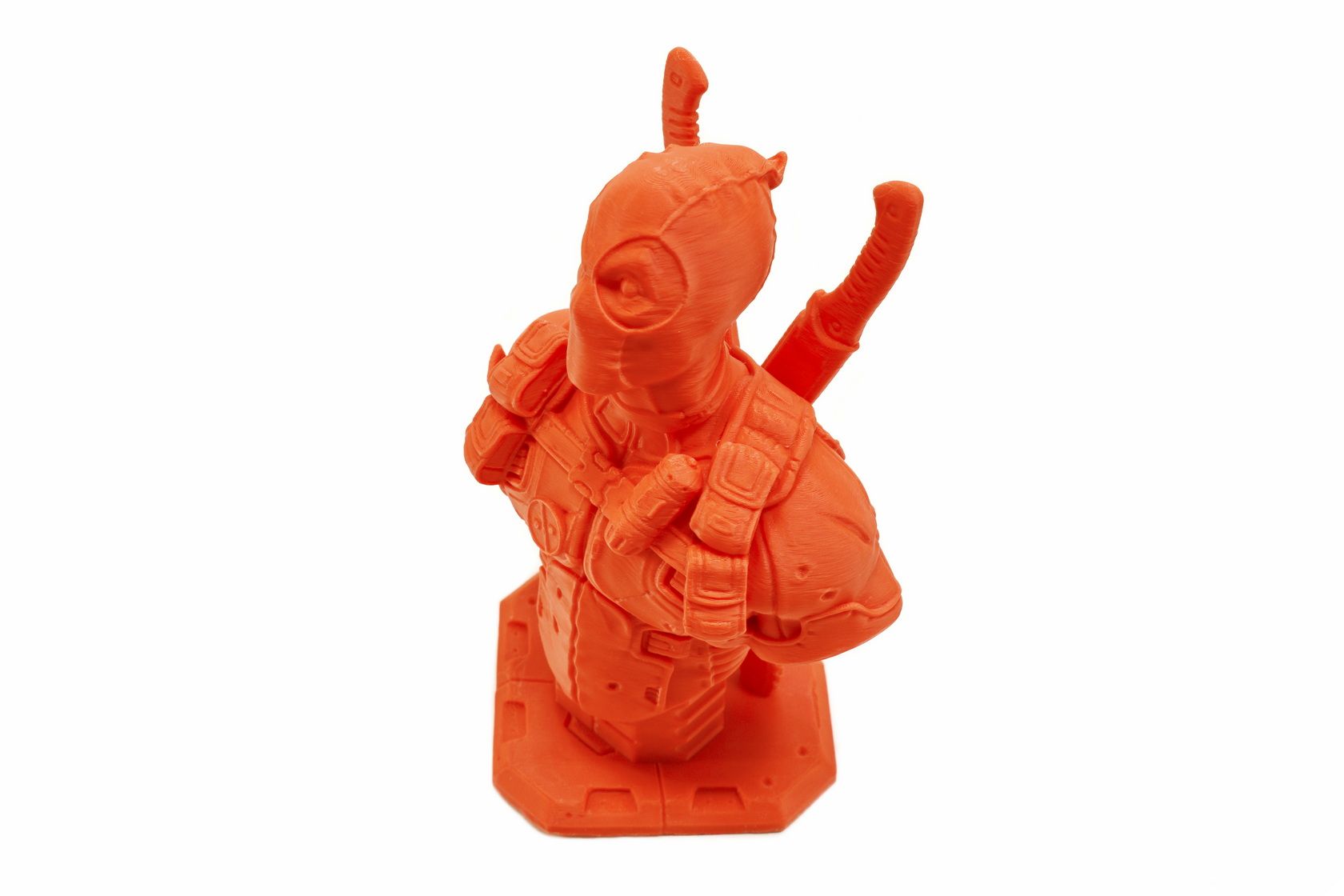
Quality wise I have no complaints from the Hi 3D printer (also worth pointing out is that the epoxy print plate worked as intended, hope every print plate out there was like that). The only strange thing was that the 3D models changed color slightly when seen from a different angle but that was probably due to the filaments used (short clip is available on YouTube and TikTok - not timelapse since the end result was subpar).
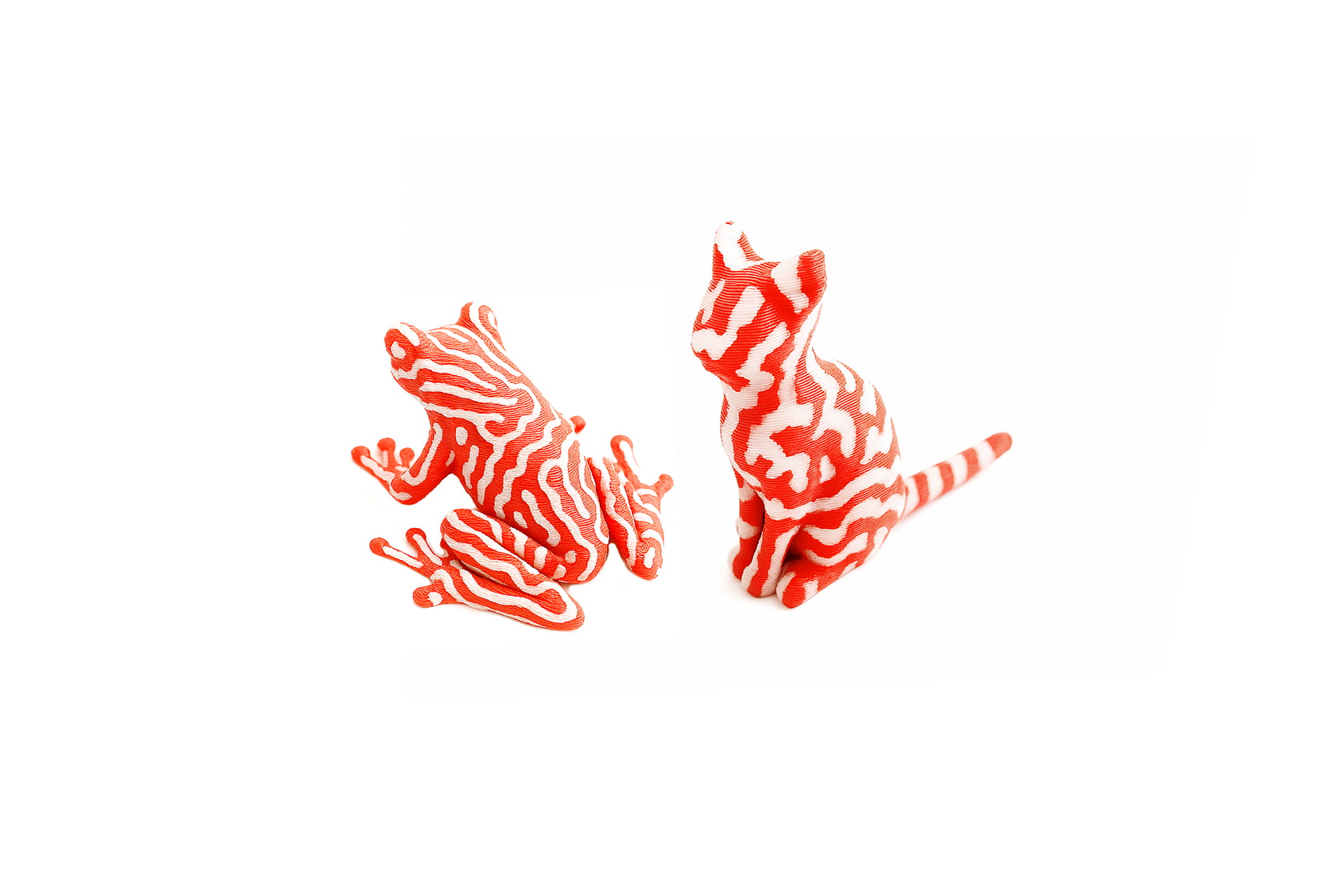
Depending on how complex a dual-color (or more) 3D model is you may end up wasting as much filament whenever the CFS changes colors (and discards whatever is in the extruder) as the 3D model itself (for each of these two models I had to use around 85 meters of filament - always according to the Creality Cloud app). So my obvious recommendation is to avoid printing anything complex.





