





QIDI LINK APP
The QIDI Link app has two modes, normal and expert.
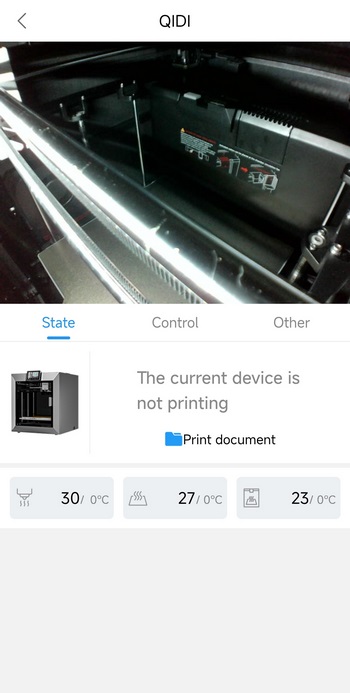
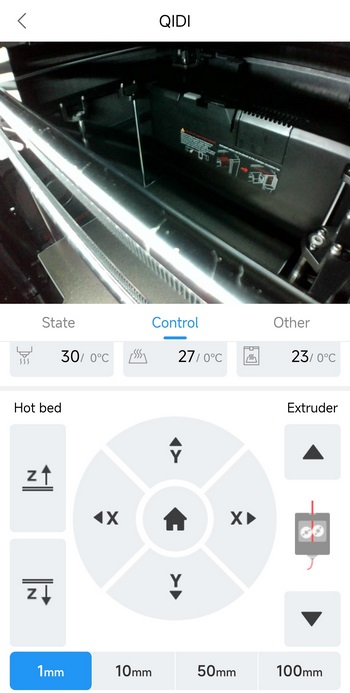
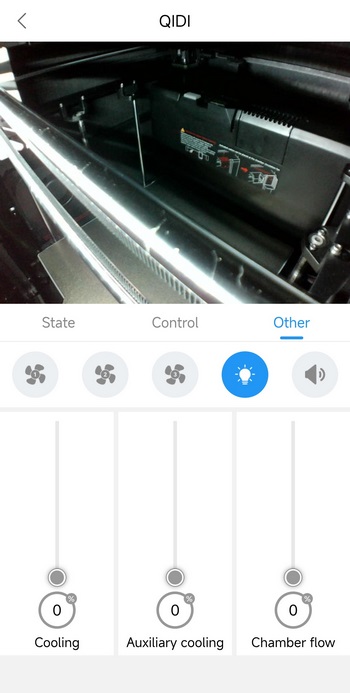
Normal mode allows you to see what the camera sees, check and adjust temperatures, move the axis and the extruder, retract and extrude filament, adjust the cooling fans, turn on/off the LED strip and enable/disable sounds.
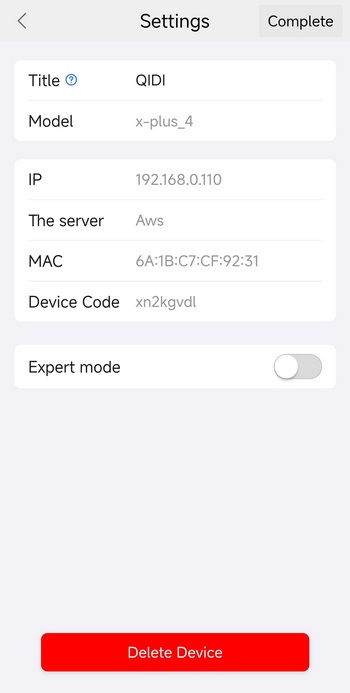
You can switch to expert mode from the settings tab as seen above.

Expert mode basically has two extensive tabs, first includes everything in the normal mode plus thermal readings and a temperature graph track chamber stability over time, console logs, data panel lists, converts captured layers into images and more.

Second tab is where you set the project’s name, location, and global behavior for how the printer interprets and previews toolpaths. It also controls how movement, lanes, guides, and visual elements are displayed during planning, so the print environment is organized and consistent before slicing or sending to the machine.





