





TESTING METHODOLOGY
Unlike previous QIDI models this time over I used the QIDI Studio software with the same settings I use for all my 3D FDM printer reviews (PLA, quality of 0.16mm, 20% infill density and cubic infill pattern). Everything else also remains the same so I’ll be using 2 different sized models (downloaded from Cults3D / member Eastman) to record completion time at 100% speed. Second thing to test are noise levels and so once again I’ll be using my ExTech HD600 decibel meter placed roughly 30cm away to record the maximum noise coming from the 3D printer while printing. As for the 3rd test with the help of an UPS and two power meters I decided to also record not only the lowest and highest but also the average instant power consumption.
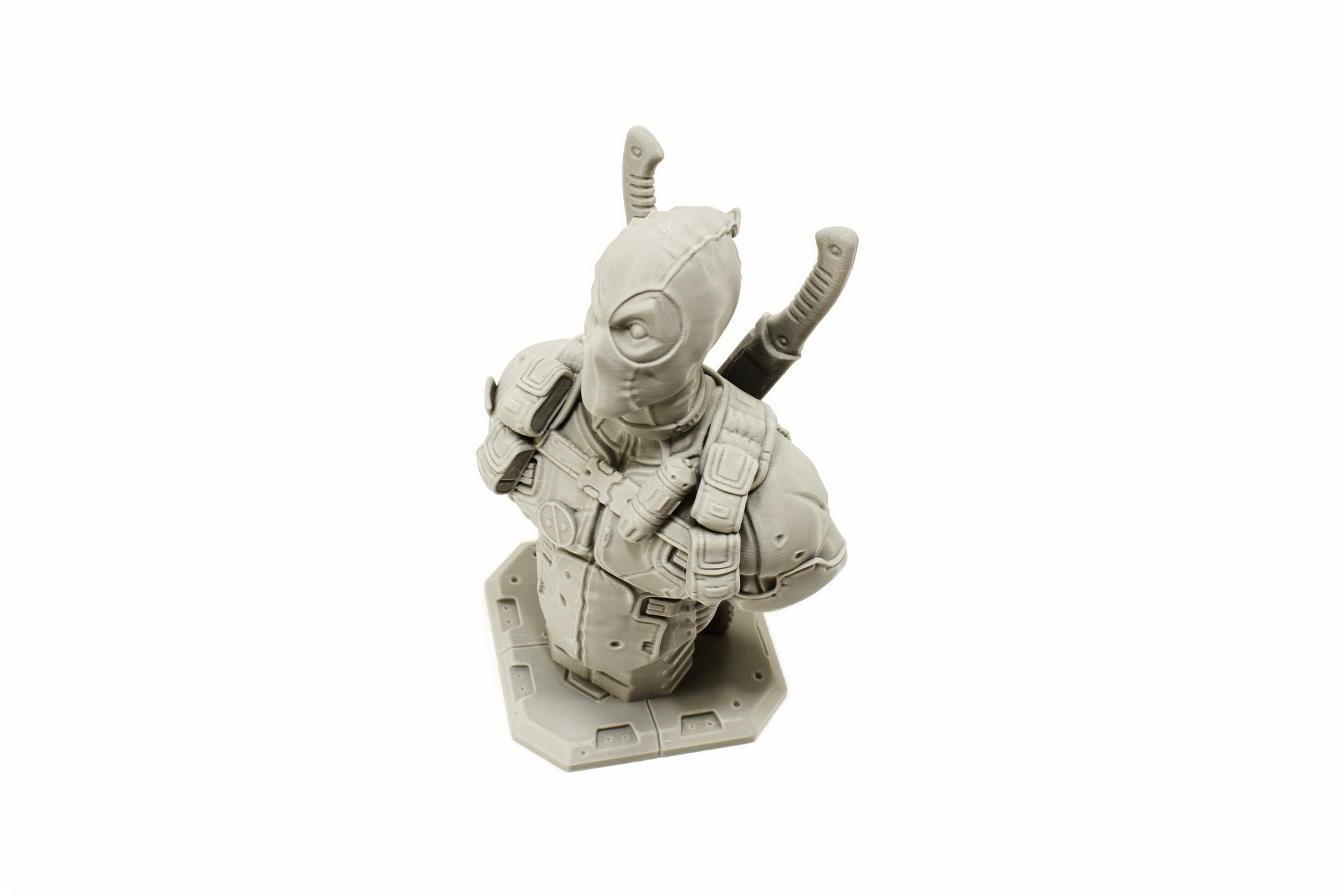
Printing quality is exactly what you’d expect from a high-end 3D printer. Yes, there are some tiny artifacts because of its high speed but nothing I haven’t seen by equally fast models. Also as mentioned before the timelapse camera records 480p video by default (timelapse video available on both YouTube and TikTok) so to change that you will need to place this line in the webcam.txt file via the app “camera_usb_options="-r 1920x1080 -f 10 -d /dev/v4l/webcam0".





